Tell us anything

An idea, a bug, something you love. We read every note.

⌘↵ to send. The page you're on comes along.

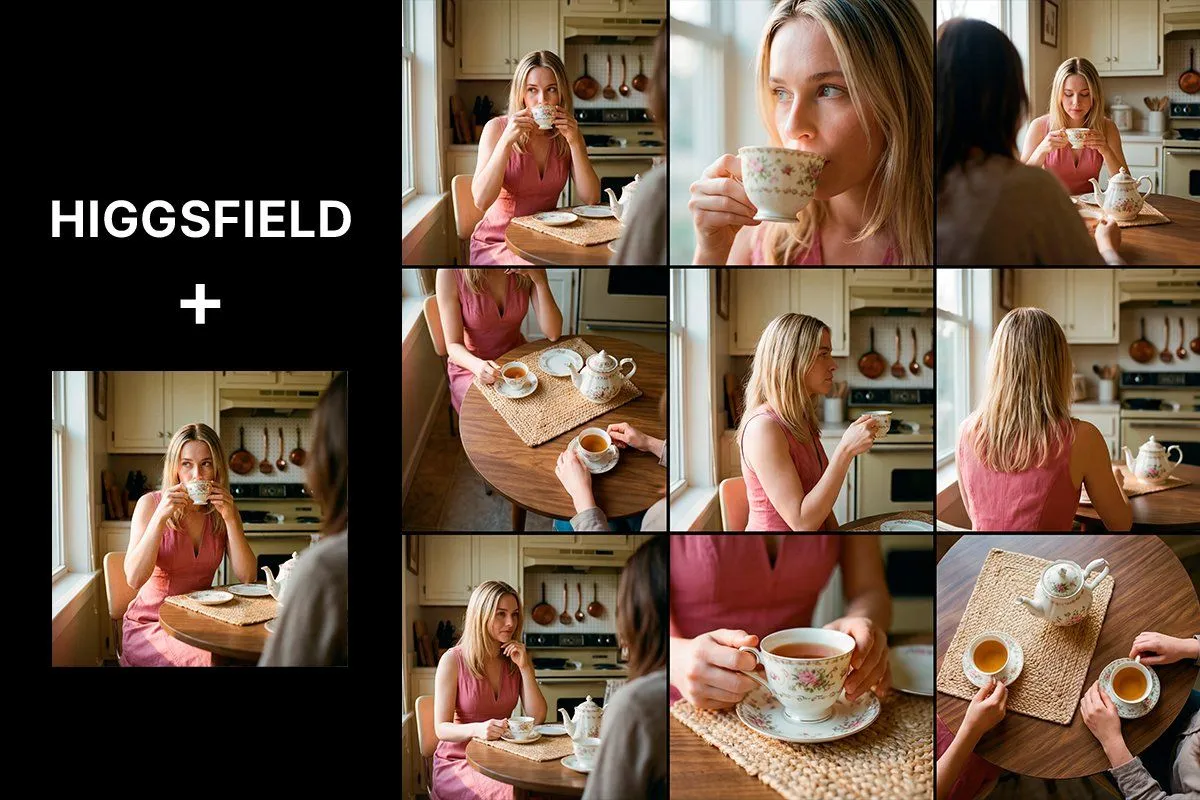
Photorealistic Cinematic Kitchen Scene Prompt (JSON structure)

Made with Nano Banana Pro in Gemini by Library Social. Promptclay never generates images.

Did it work?

No reports yet. Tell others if it worked for you.

No comments yet. Be the first.

    Photorealistic Cinematic Kitchen Scene Prompt (JSON structure)

    Nano Banana Pro2:3AI-generated

    Prompt

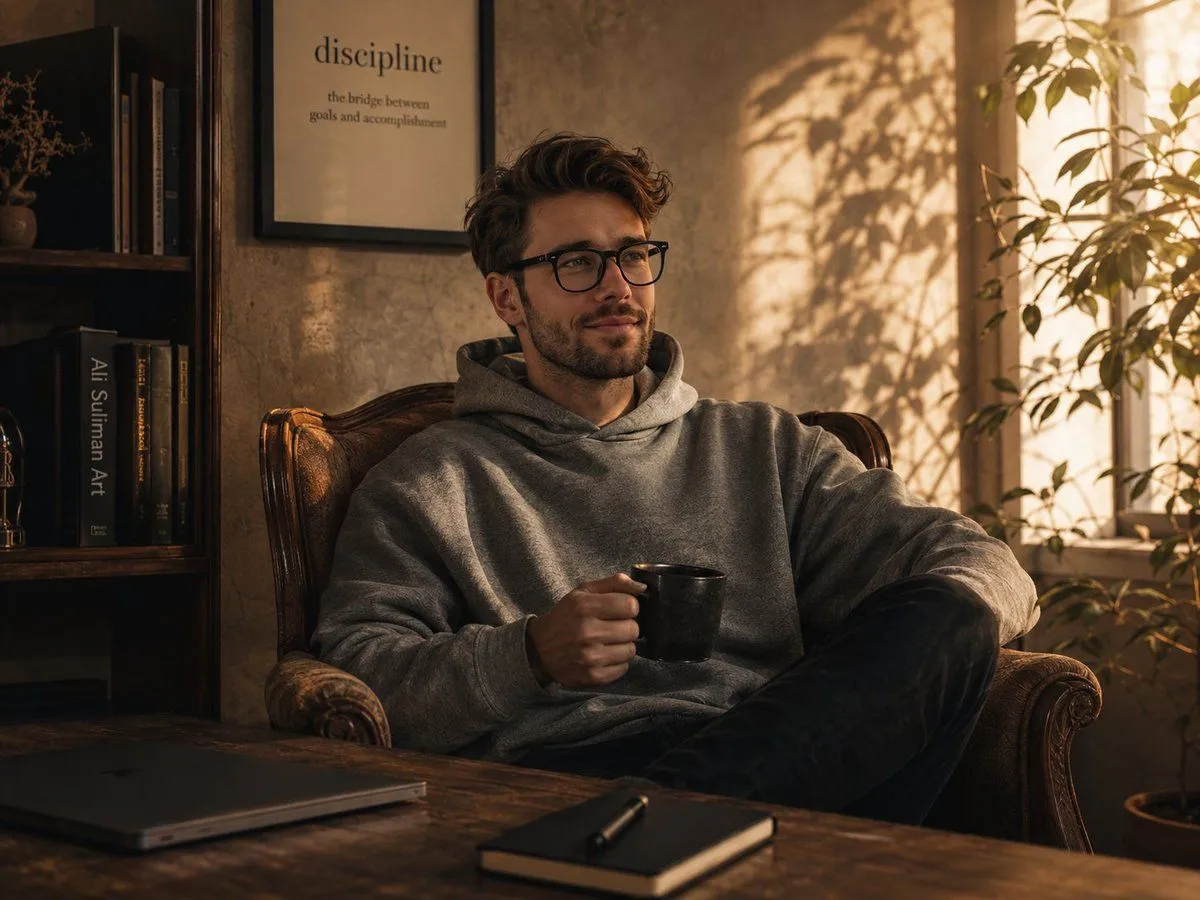
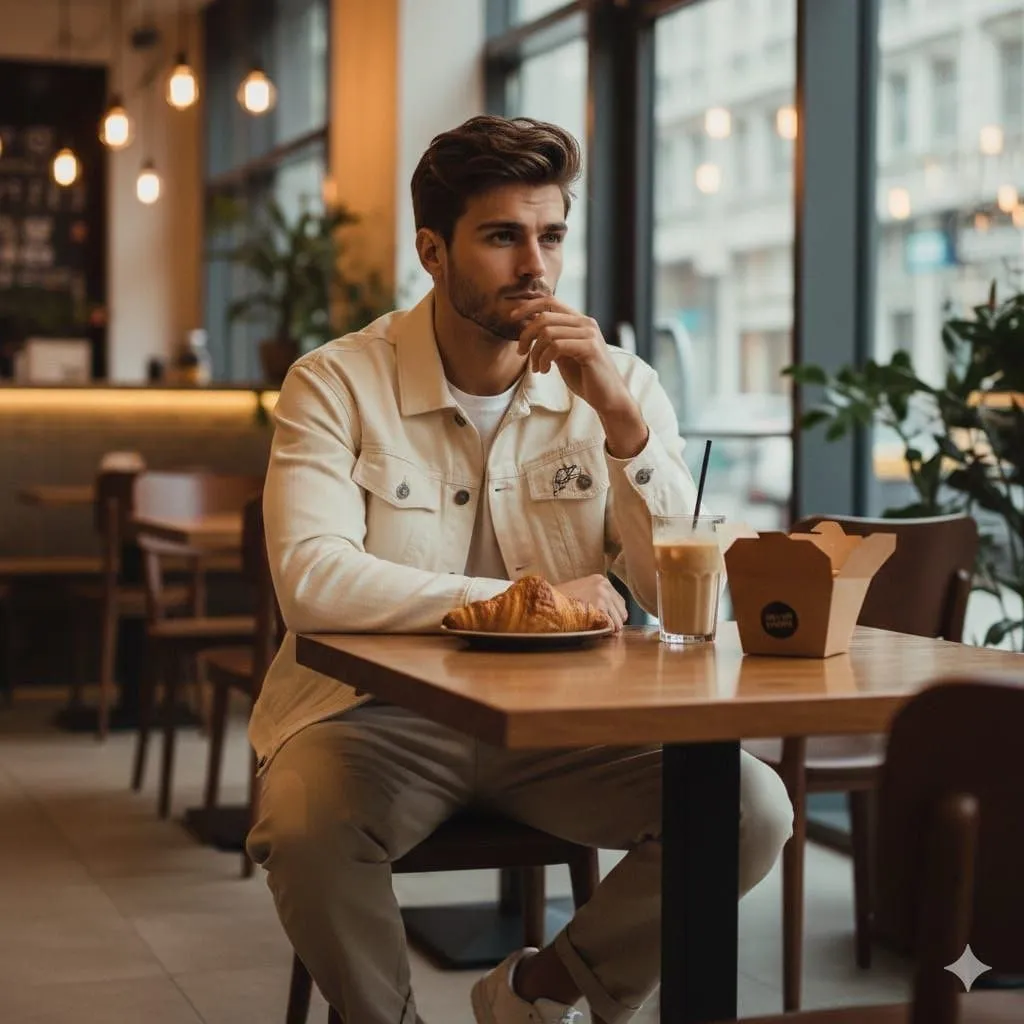
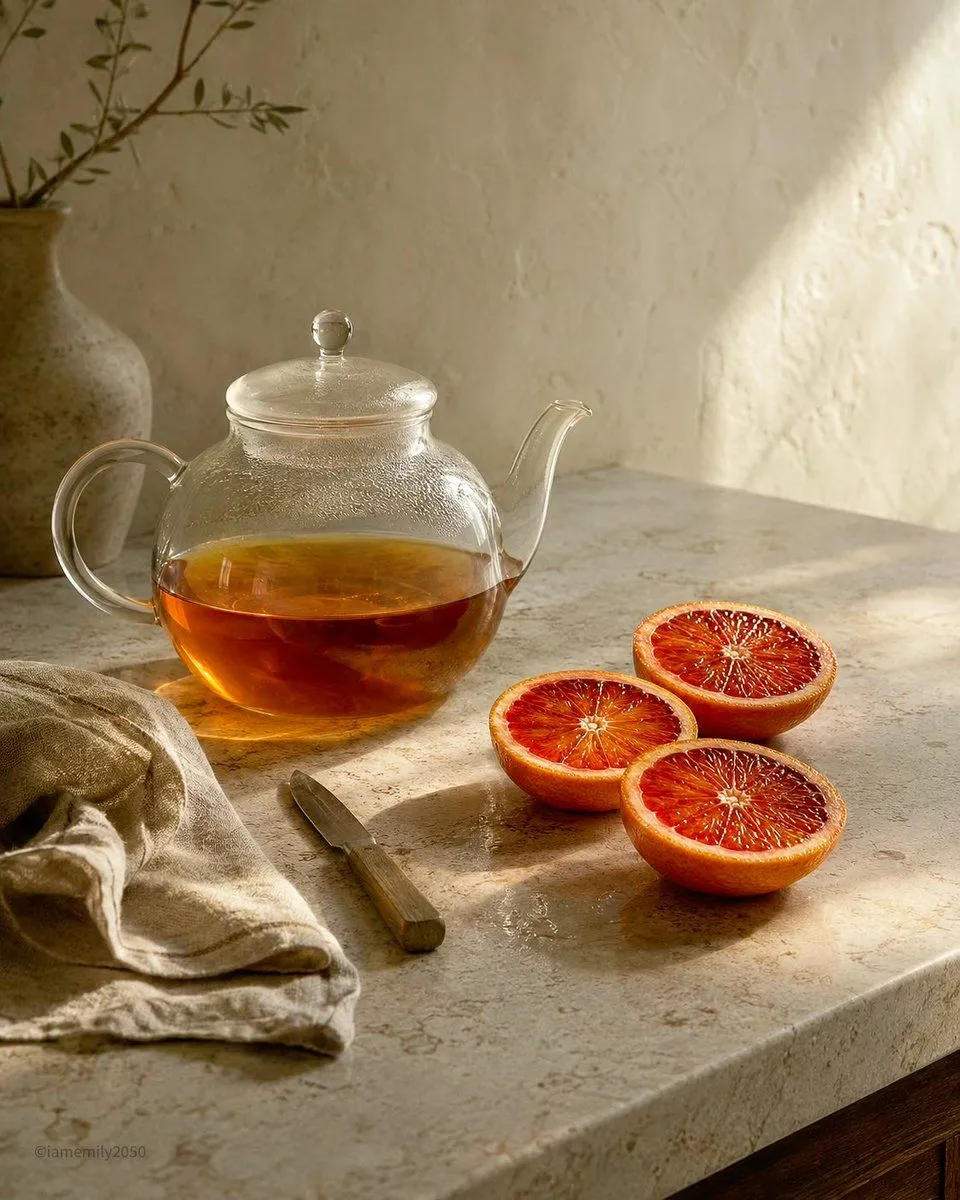
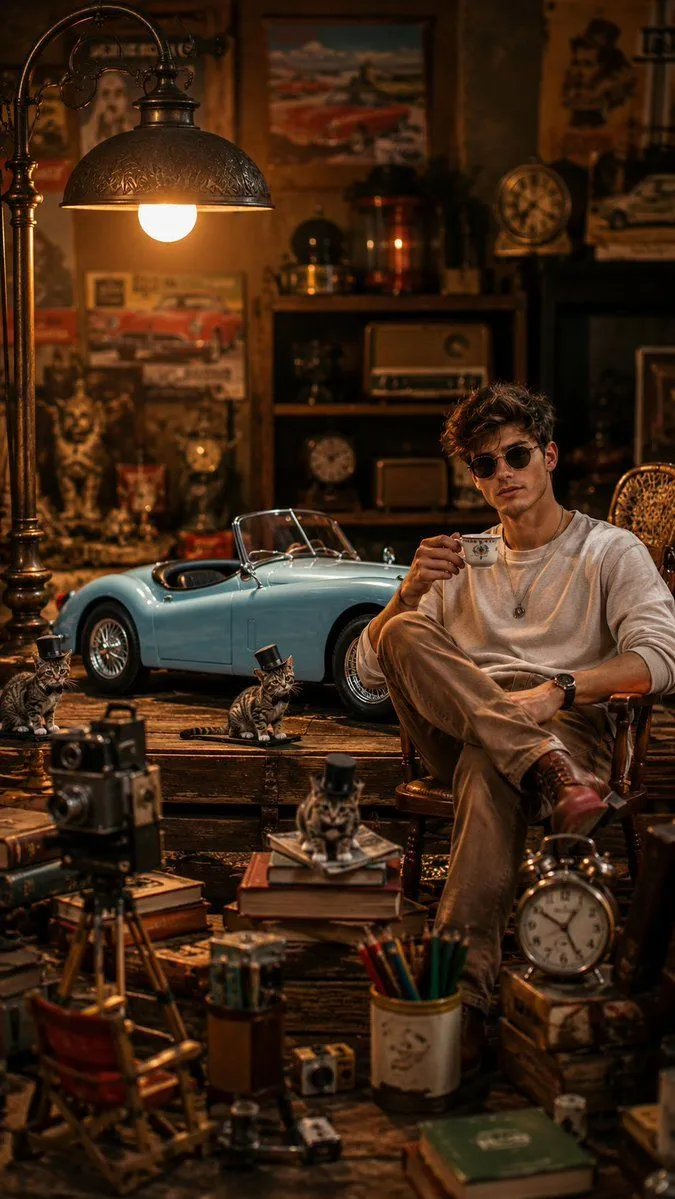
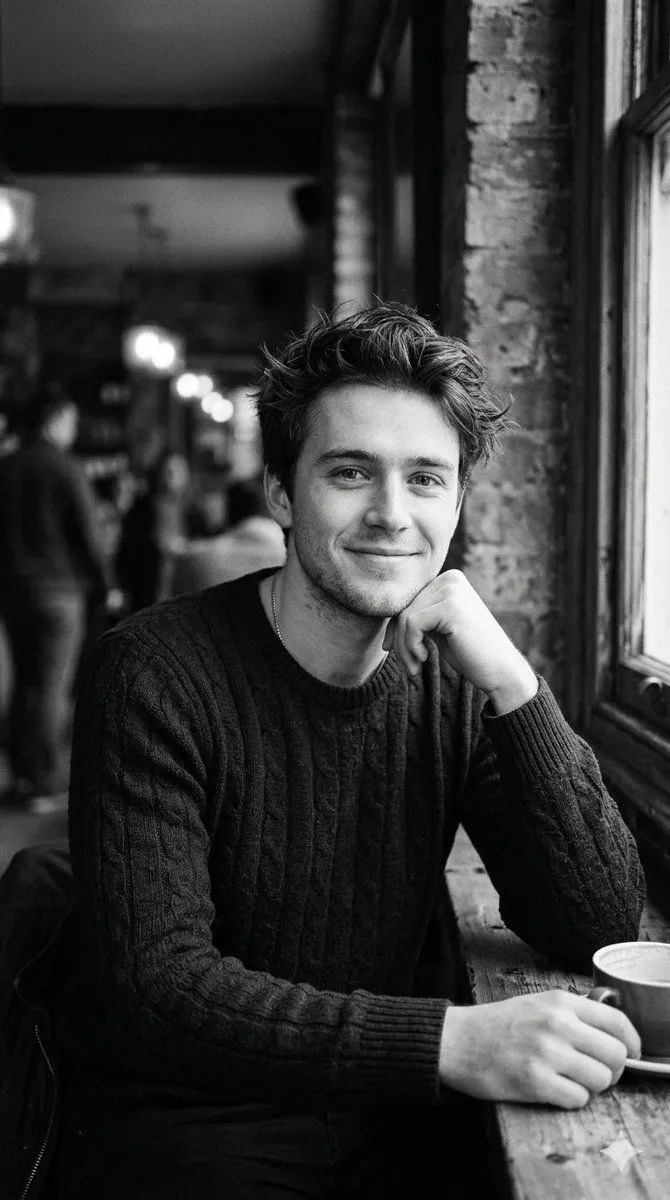
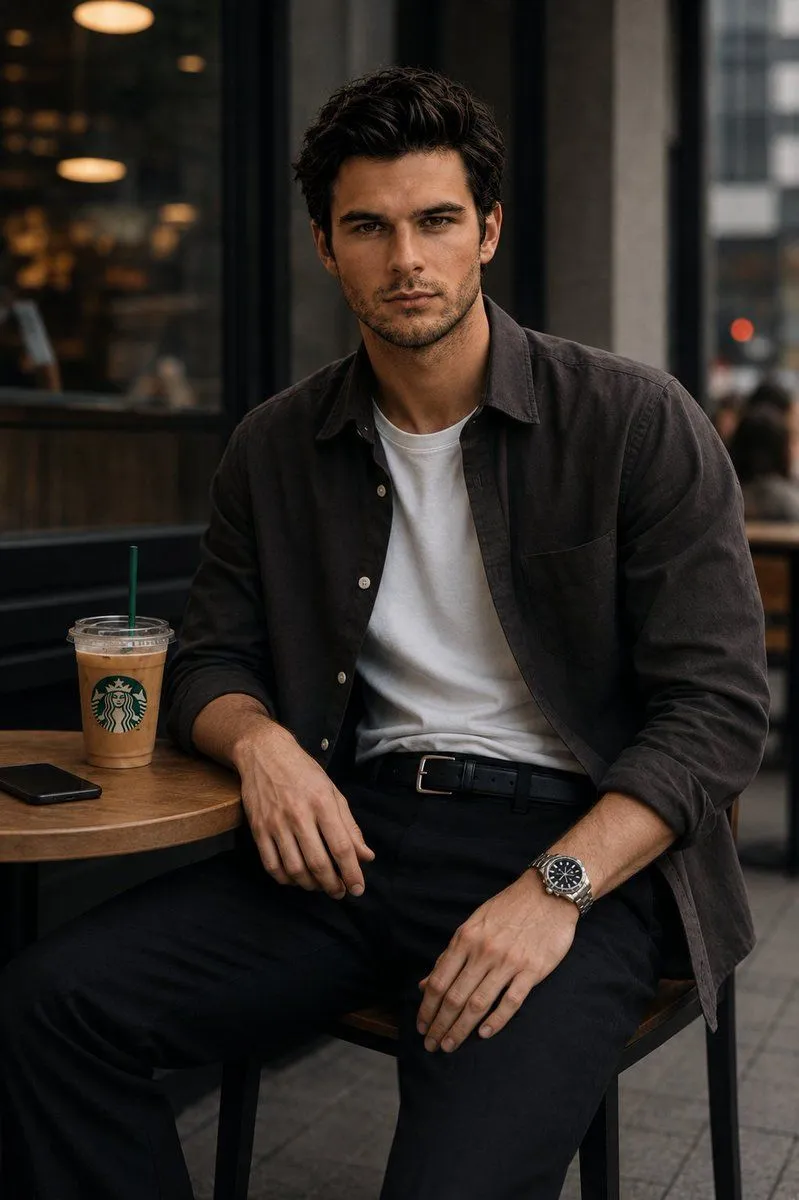
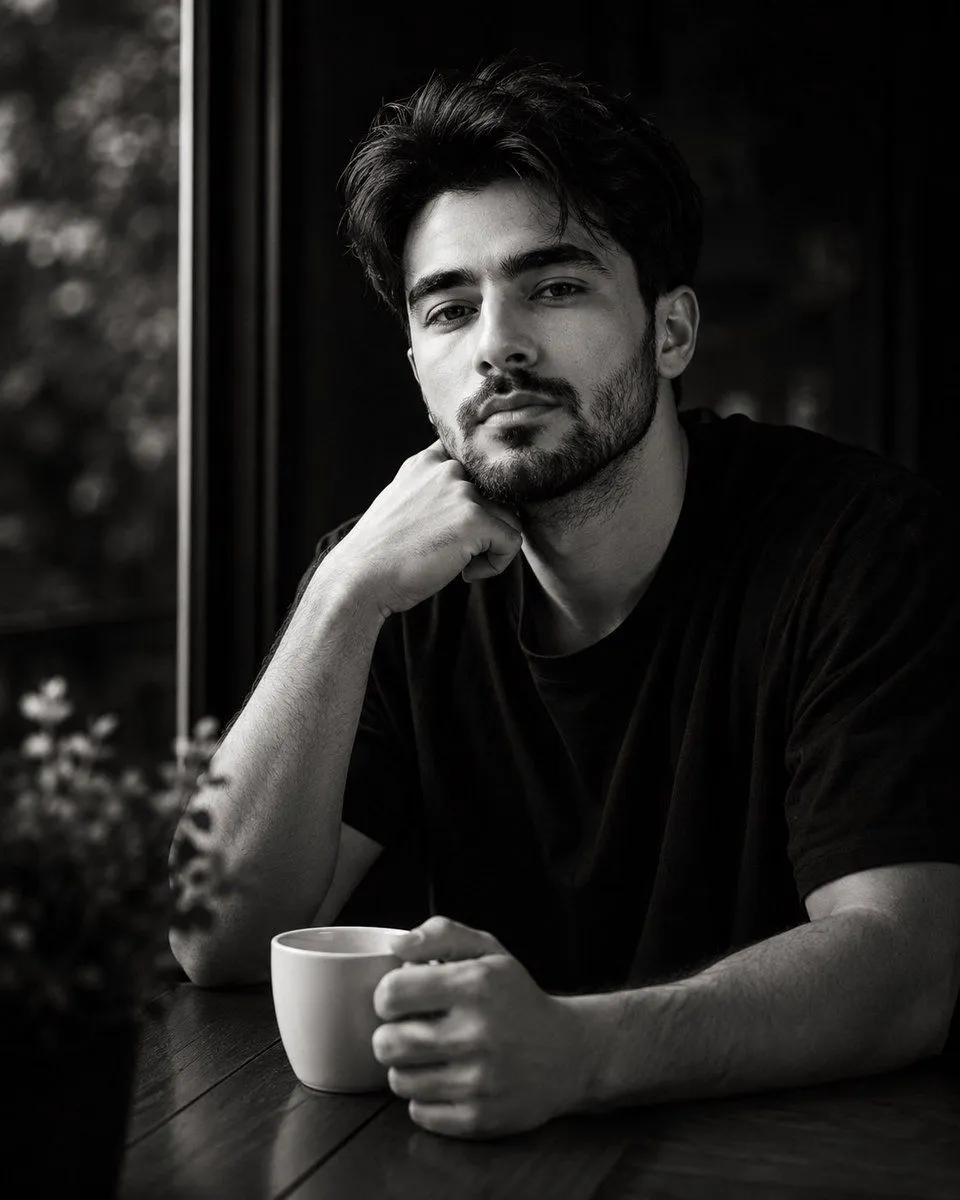
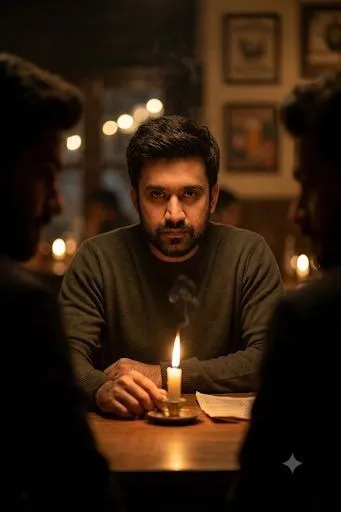
    { "render_goal": "Create a photorealistic single image inspired by the look and mood of the reference collage, soft natural lighting, warm cozy kitchen atmosphere, calm storytelling feel.", "subject": { "type": "male", "same_as_reference": true, "pose": "sitting at a small round kitchen table, gently holding a teacup near his lips", "expression": "calm, thoughtful, relaxed", "wardrobe": "simple casual outfit, fitted shirt or light sweater, neutral tone", "hair": "styled naturally, not overly groomed" }, "scene": { "location": "bright kitchen with daylight streaming from a window", "props": [ "vintage floral teacup", "matching teapot on a woven placemat", "subtle kitchen items and cookware in the background" ], "mood": "peaceful, intimate, quiet morning moment" }, "camera": { "composition": "mid-shot, subject centered, cinematic framing", "depth_of_field": "shallow, sharp focus on his face and teacup, background softly blurred", "lens": "50mm cinematic, realistic perspective" }, "lighting": { "type": "soft natural daylight", "direction": "side light from the window", "grade": "warm tones, film-like color, subtle grain" }, "quality": { "style": "hyper-realistic, natural skin texture, no harsh retouching", "resolution": "4k, ultra detailed, high dynamic range" } }

    Works in
    Gemini, ChatGPT
    Status
    Free to copy
    0
    DetailsVersions, settings and questions

    Written for

    What's in the prompt

    Subject
    Model
    Nano Banana Pro

    If your face changes

    keep my face exactly the same

    Questions

    Does this work in the Gemini app?
    Yes. Gemini runs Nano Banana, so paste the prompt and attach your photo if it uses one.
    It changed my face. What do I do?
    Add "keep my face exactly the same" to the end and run it again.
    Can I use the images I make?
    Check the terms of the app you use. Promptclay never generates images and claims nothing you make.

    Similar prompts

    See more
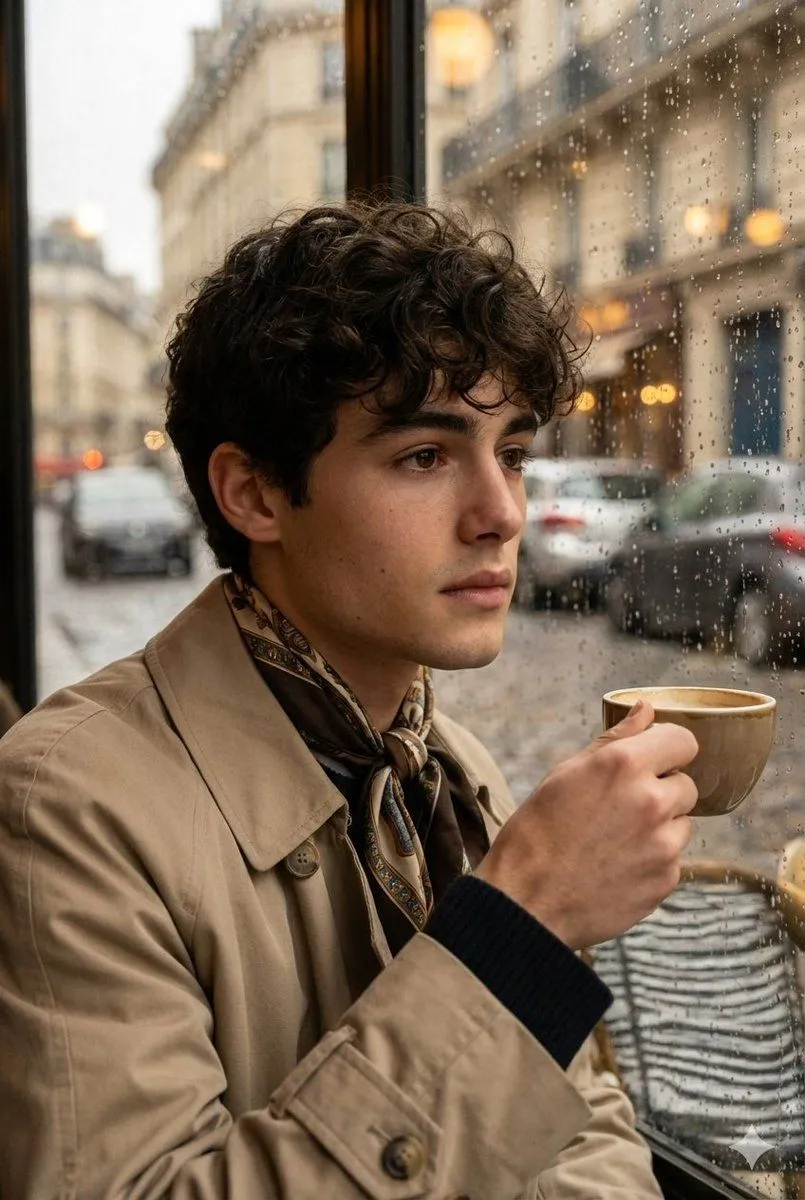
    • Cozy Cinematic Lifestyle Photo Series of a Woman in a Sunlit Kitchen
    • Vintage European Cafe Portrait
    • Golden Hour Intellectual Study Portrait
    • Luxury Whiskey Bar Introspective Portrait
    • Lively Cafe Portrait
    • Cinematic Lifestyle Café Portrait Prompt
    • Sunlit Tea and Blood Orange Still Life
    • Vintage Workshop Diorama with Tabby Cats
    • Photorealistic image generation prompt for GPT Image 1.5
    • Black and White Cafe Portrait
    • Urban Cafe Luxury Fashion Portrait
    • High-Contrast Monochrome Identity Portrait
    • Cinematic Candlelit Noir Scene
    • Ultra-realistic cinematic portrait through a rain-soaked café window
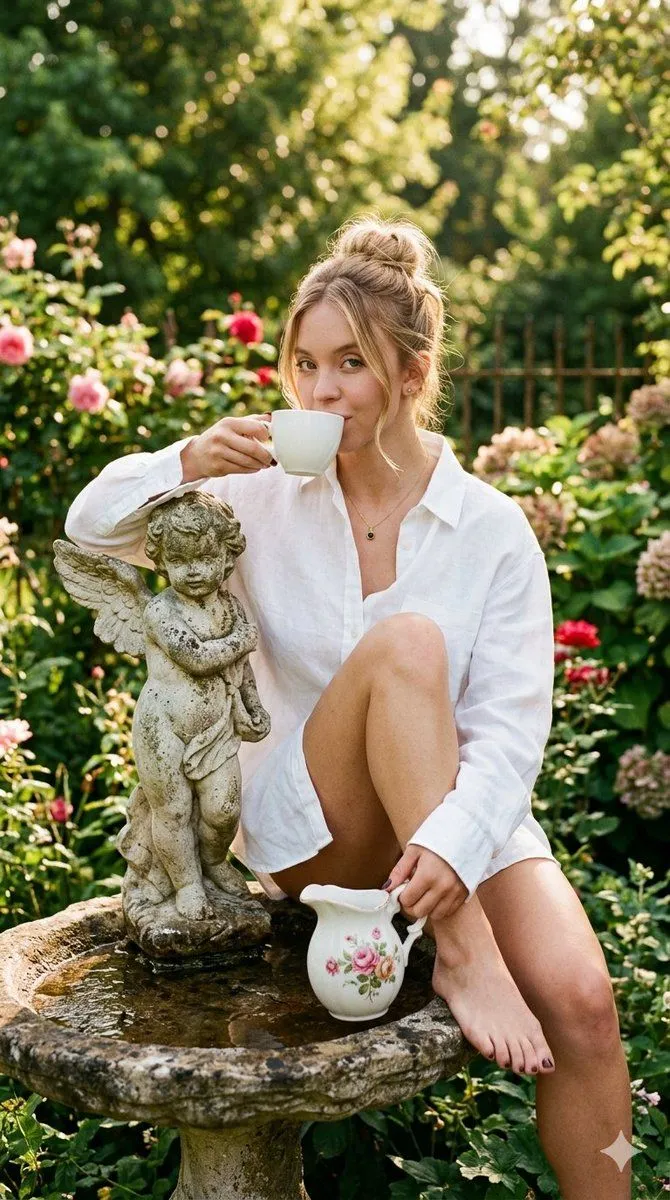
    • Surreal Garden Morning Editorial Portrait
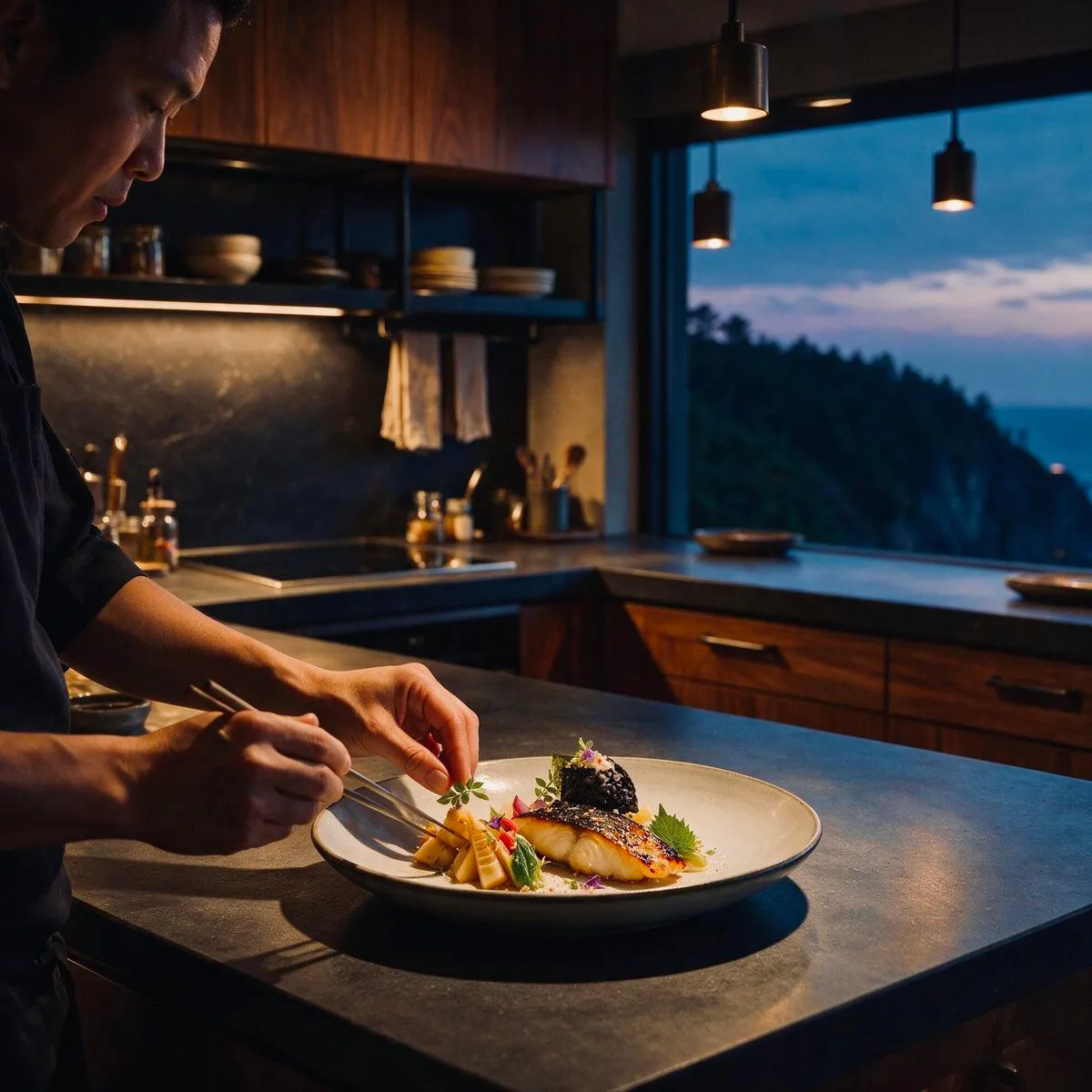
    • Cinematic Chef Plating at Dusk
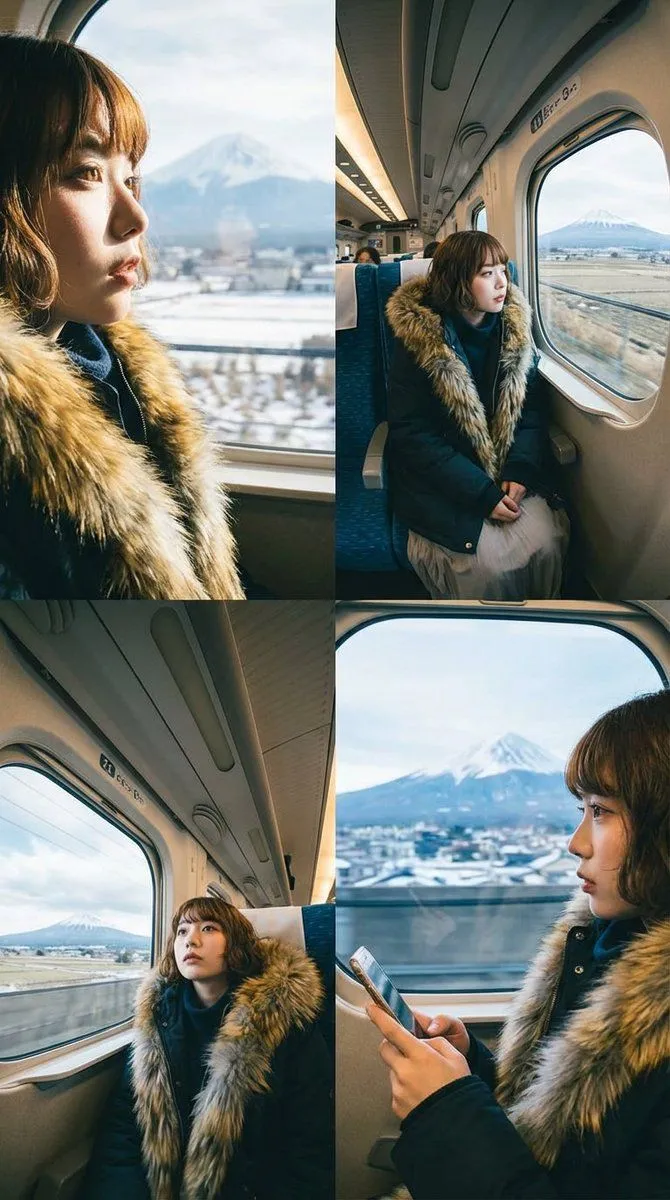
    • Four-Panel Image Generation with Specific Location and Perspective Prompt
    • Surreal Botanical Fashion Editorial
    • Ultra-Realistic Studio Portrait of Woman with Eyes Closed and Headphones
    • Hand-Carved Wooden Miniature Figure
    • Multi-Angle Scene Generation Prompt (Oshi no Ko Style)
    • Nano Banana Pro Thumbnail Generation Example
    • Newspaper Collage Shadow Portrait
    • Sophisticated Oil Portrait Painting

    Show more

    Run it on your phone

    1. Prompt copiedRead it

      { "render_goal": "Create a photorealistic single image inspired by the look and mood of the reference collage, soft natural lighting, warm cozy kitchen atmosphere, calm storytelling feel.", "subject": { "type": "male", "same_as_reference": true, "pose": "sitting at a small round kitchen table, gently holding a teacup near his lips", "expression": "calm, thoughtful, relaxed", "wardrobe": "simple casual outfit, fitted shirt or light sweater, neutral tone", "hair": "styled naturally, not overly groomed" }, "scene": { "location": "bright kitchen with daylight streaming from a window", "props": [ "vintage floral teacup", "matching teapot on a woven placemat", "subtle kitchen items and cookware in the background" ], "mood": "peaceful, intimate, quiet morning moment" }, "camera": { "composition": "mid-shot, subject centered, cinematic framing", "depth_of_field": "shallow, sharp focus on his face and teacup, background softly blurred", "lens": "50mm cinematic, realistic perspective" }, "lighting": { "type": "soft natural daylight", "direction": "side light from the window", "grade": "warm tones, film-like color, subtle grain" }, "quality": { "style": "hyper-realistic, natural skin texture, no harsh retouching", "resolution": "4k, ultra detailed, high dynamic range" } }

    2. Open your app

    3. Paste and run

      Press and hold the message box, then tap Paste. Add your photo first if the prompt uses one. You may need to sign in.

    Photorealistic Cinematic Kitchen Scene Prompt (JSON structure)