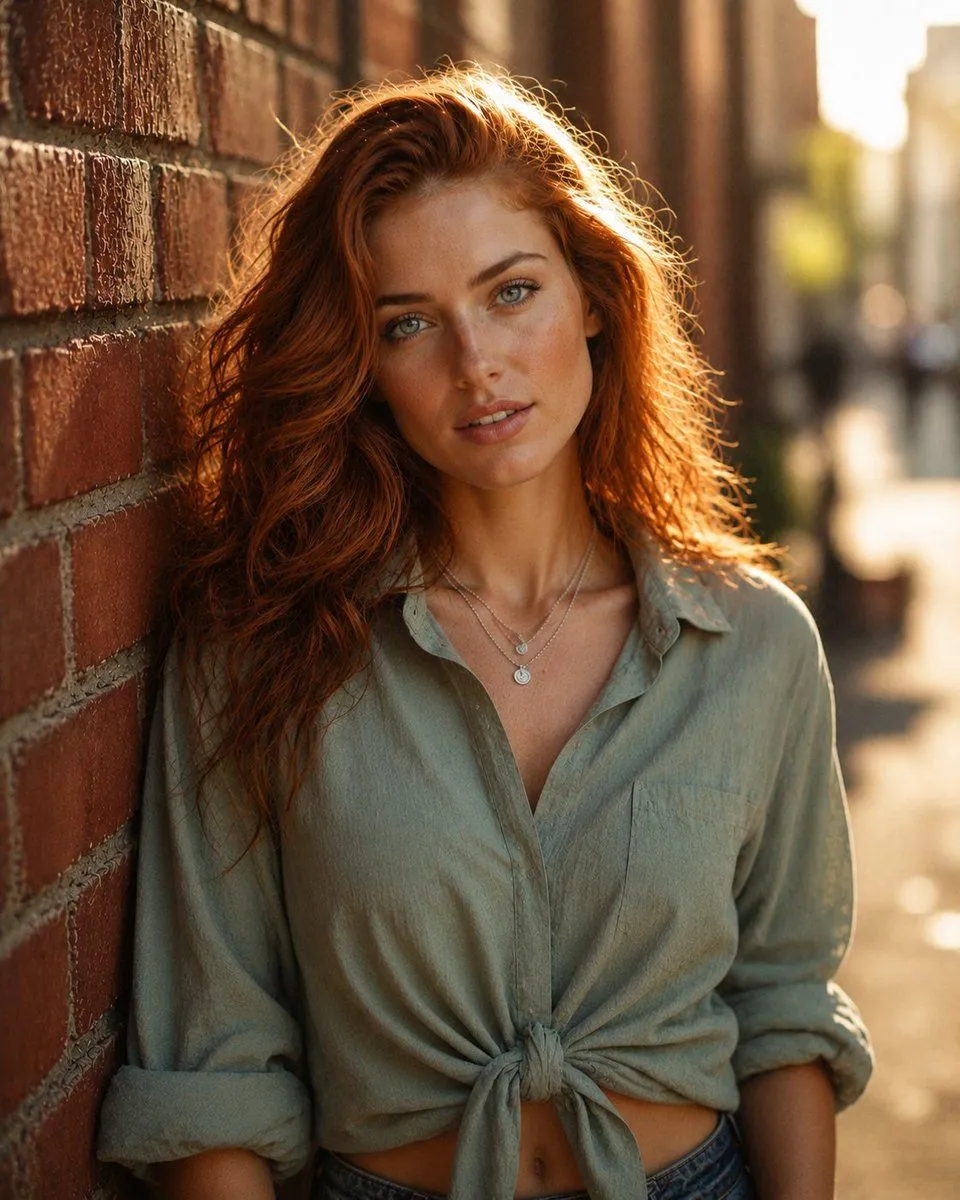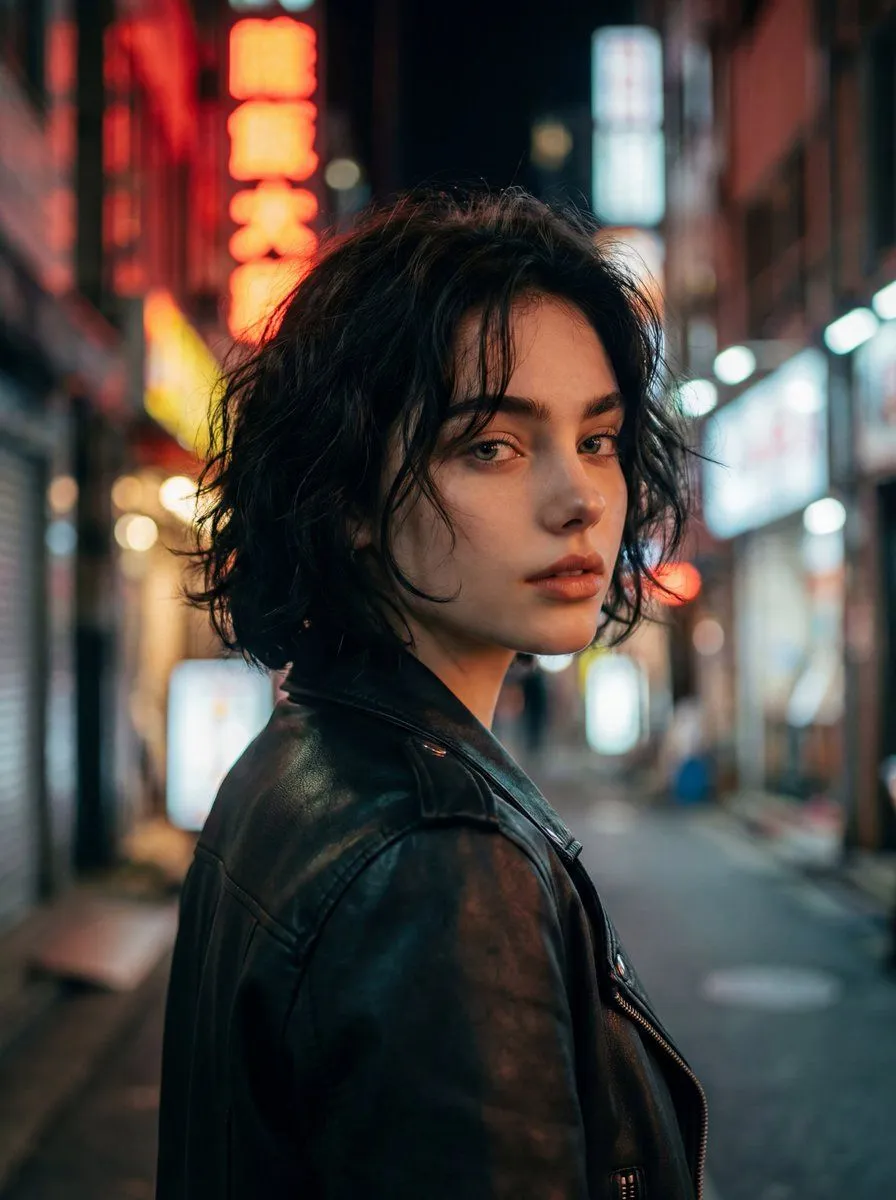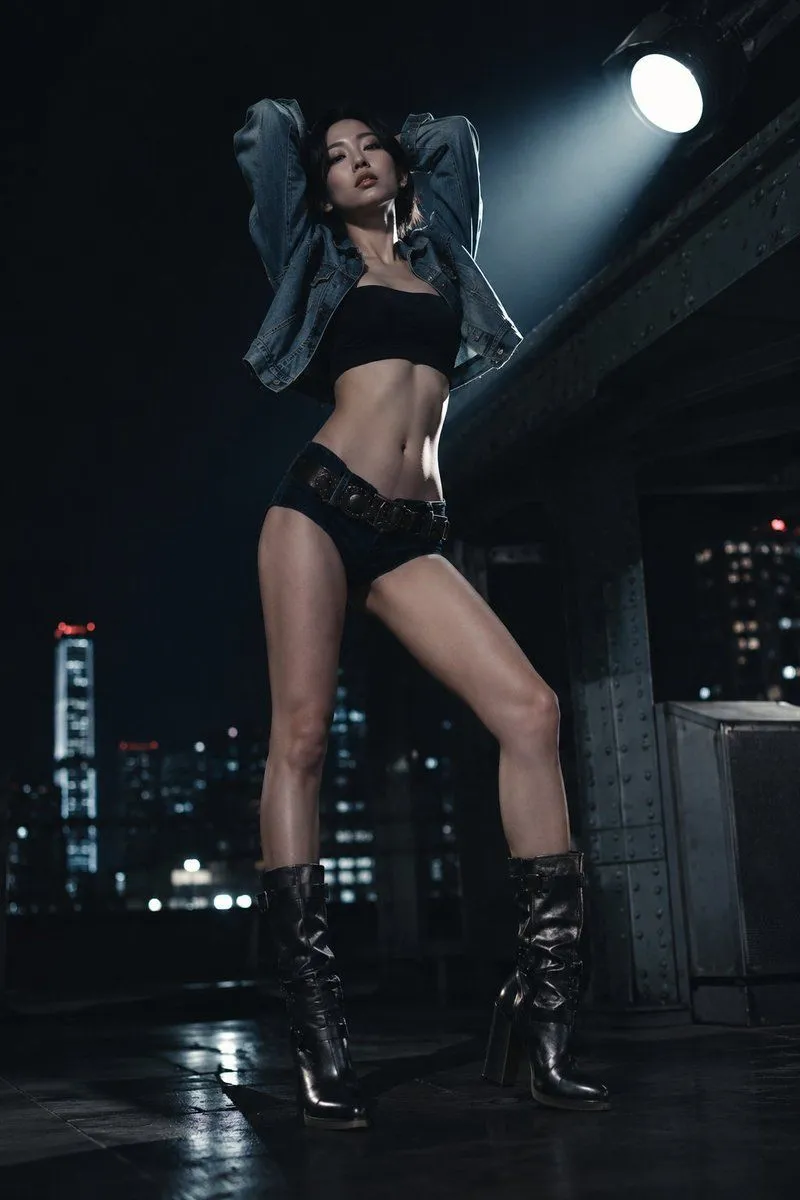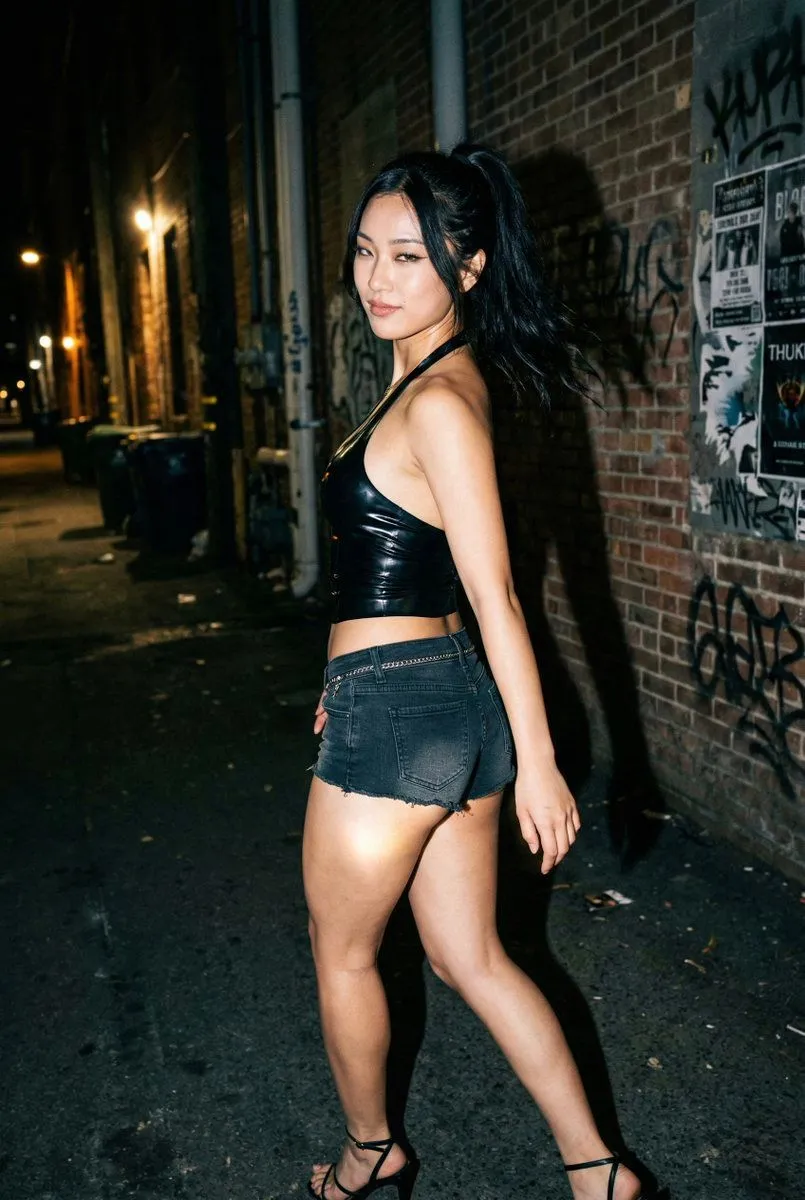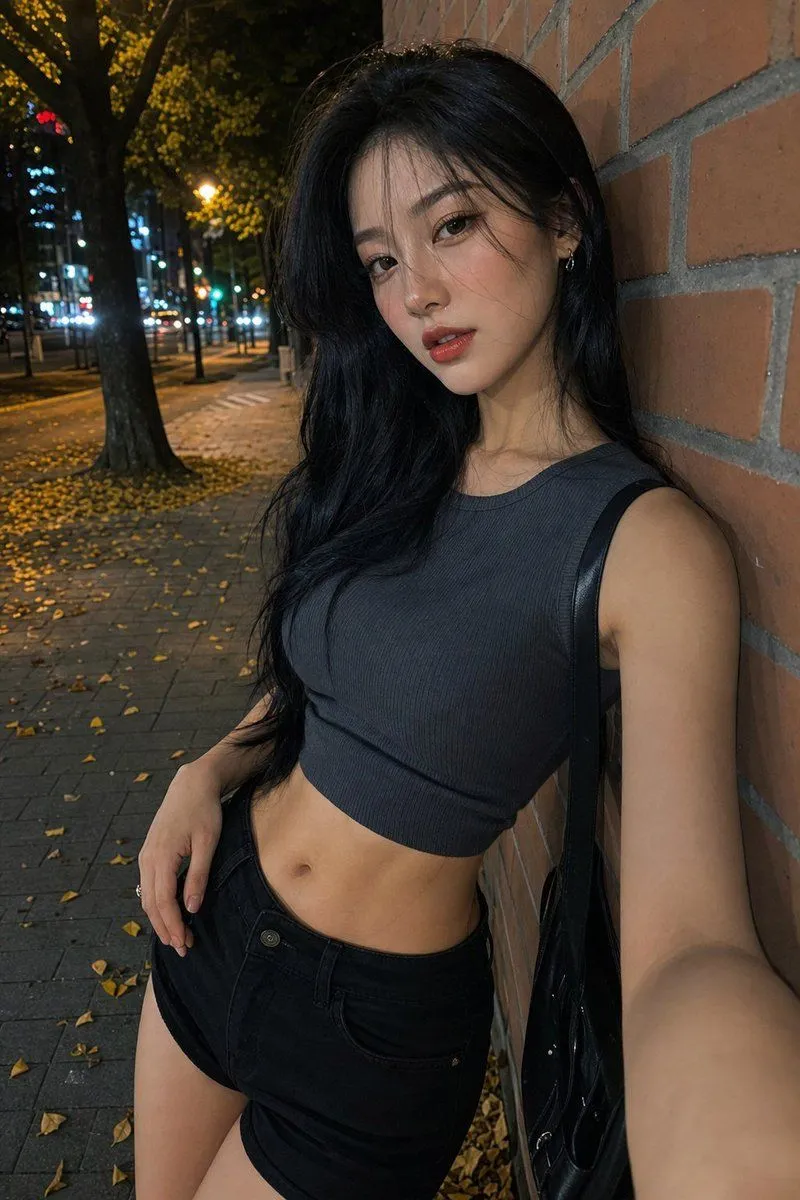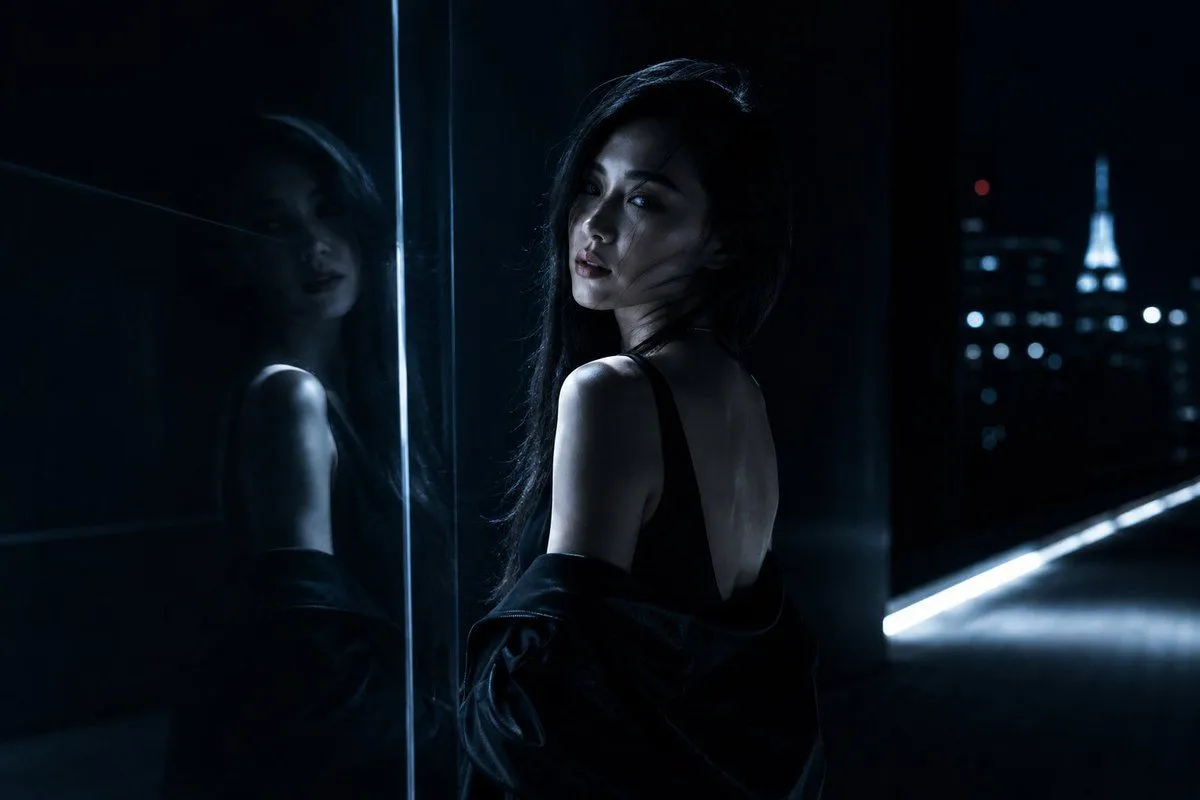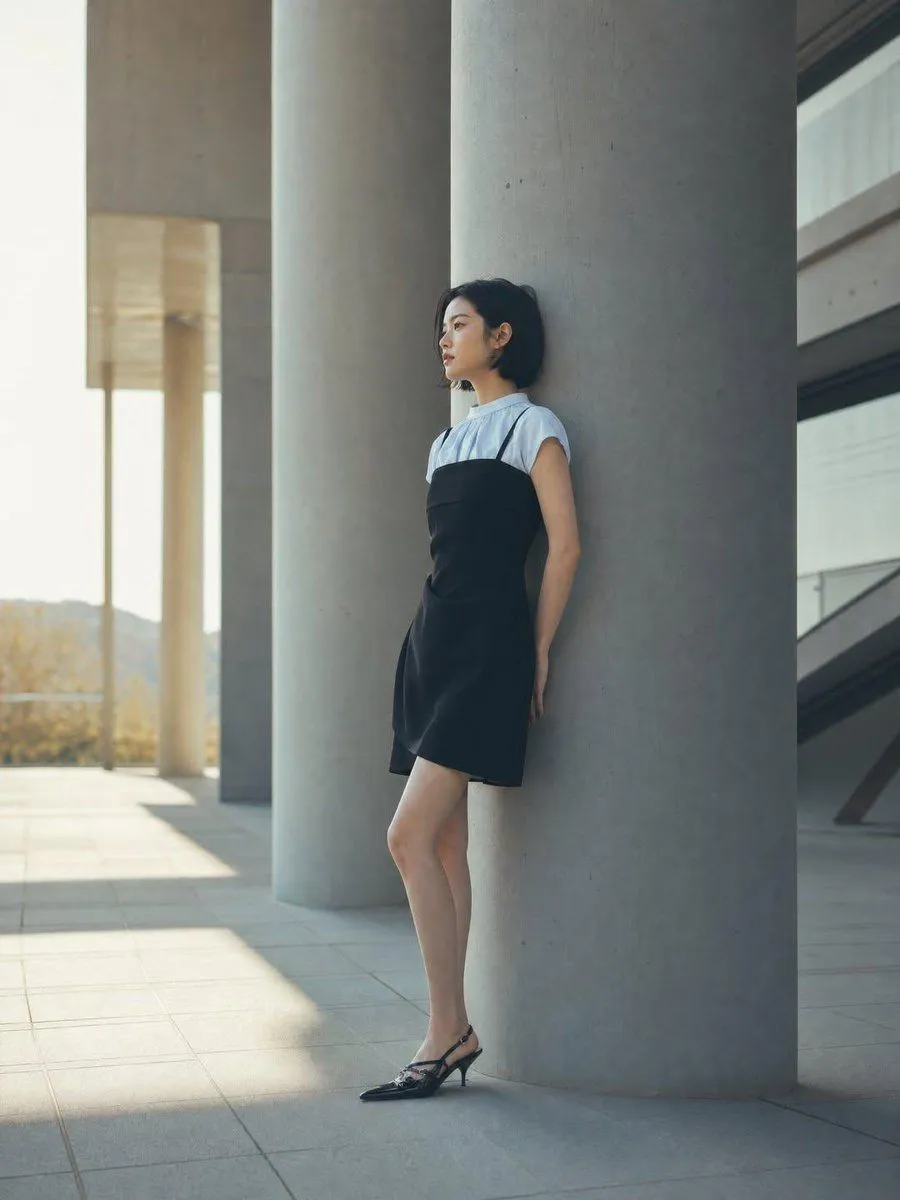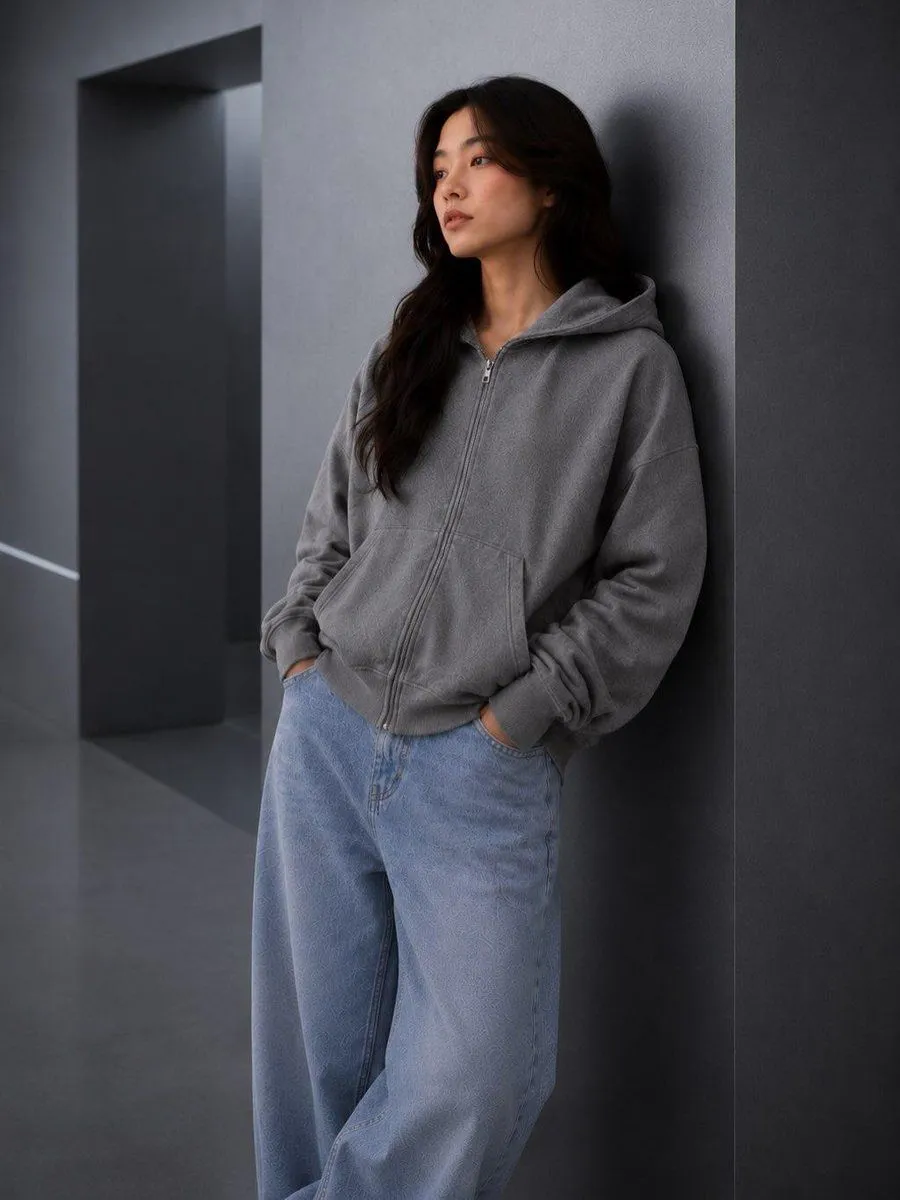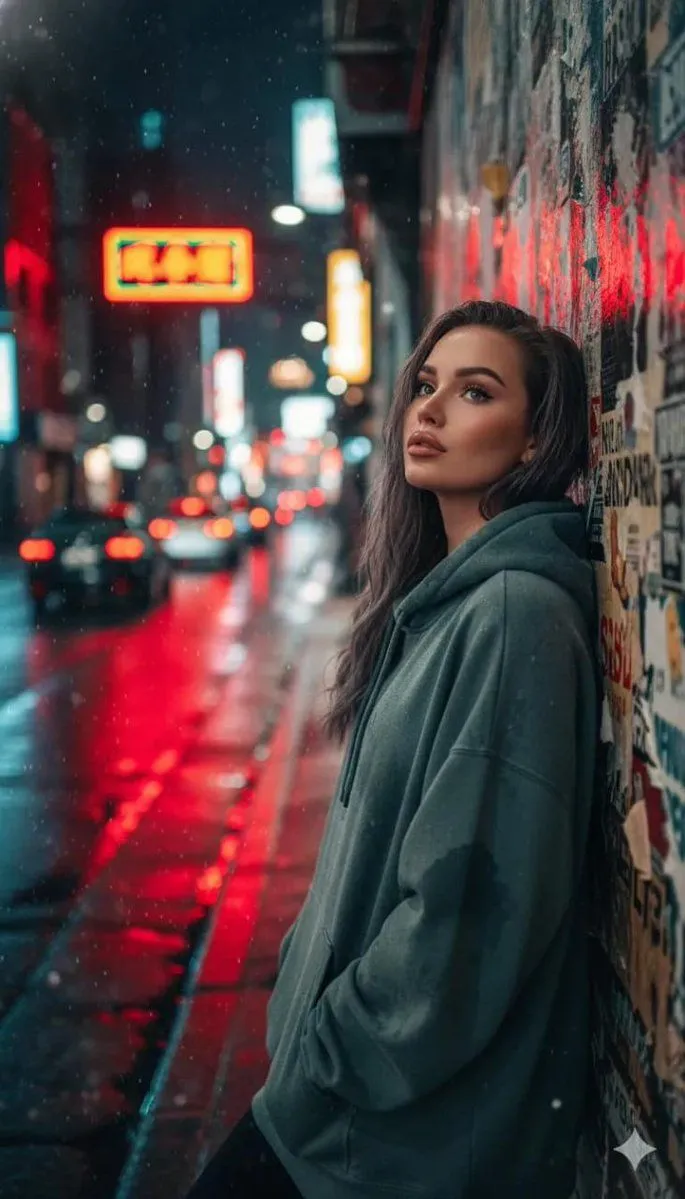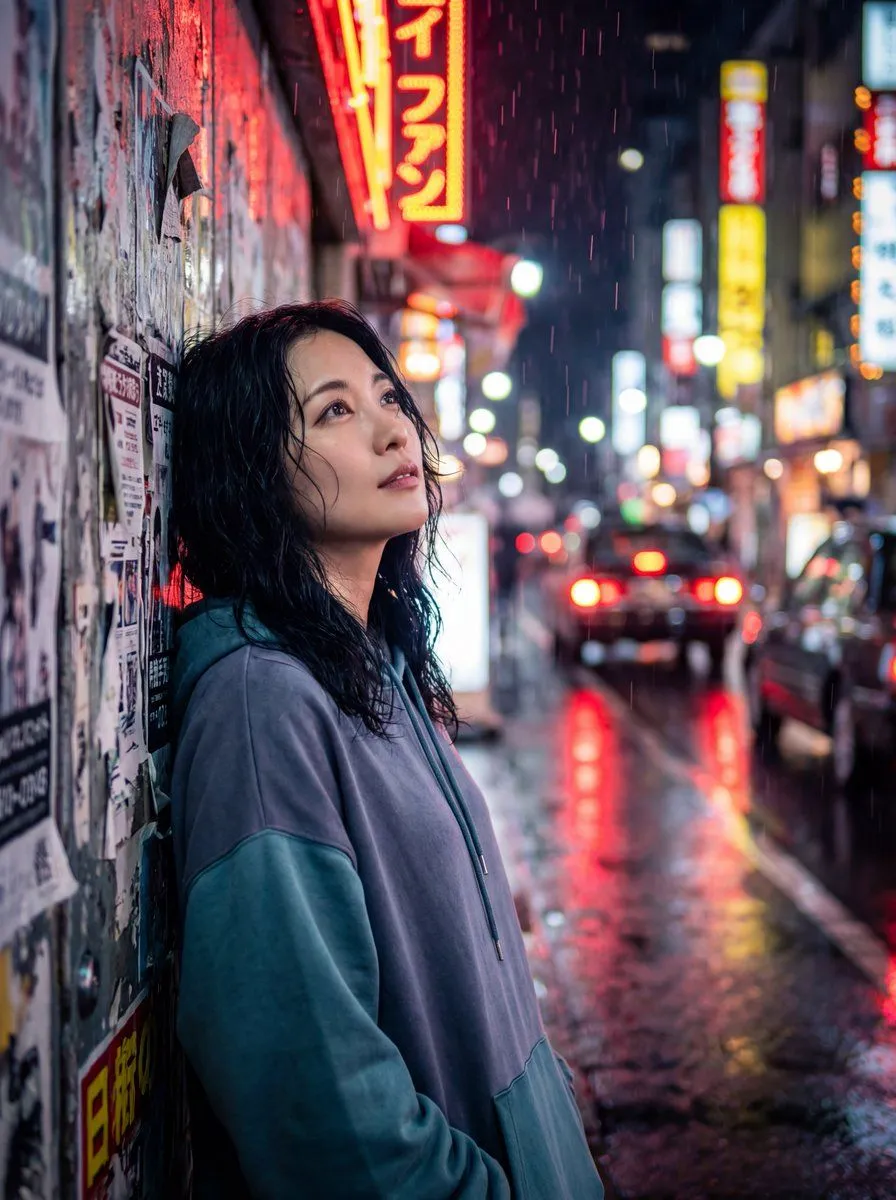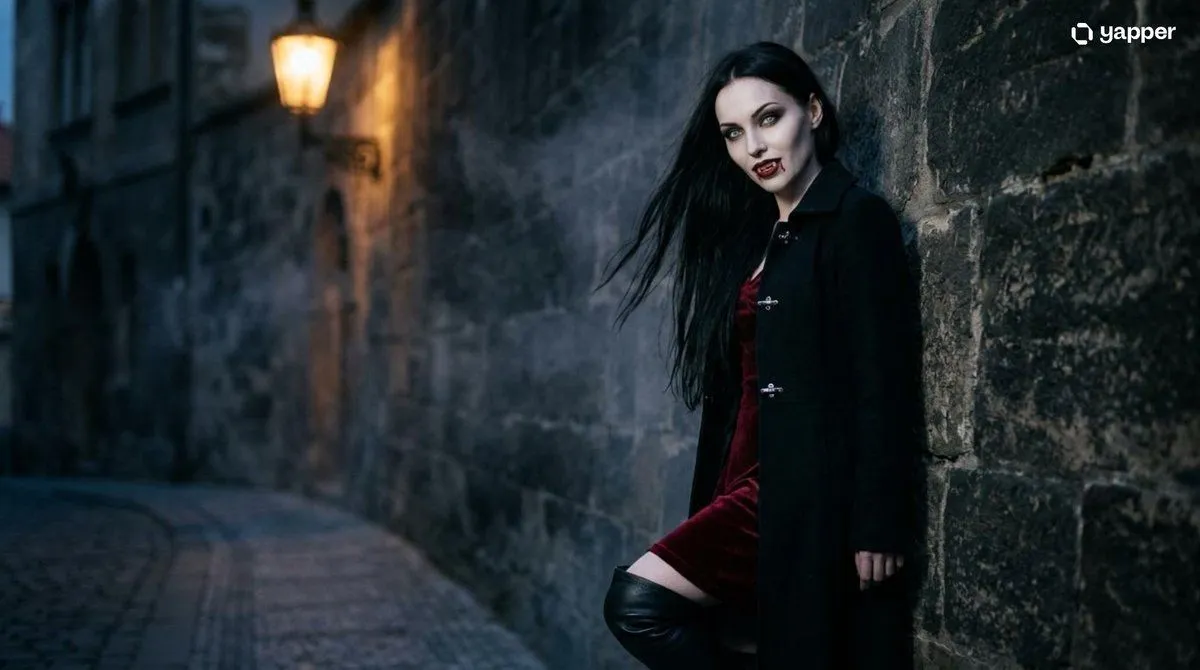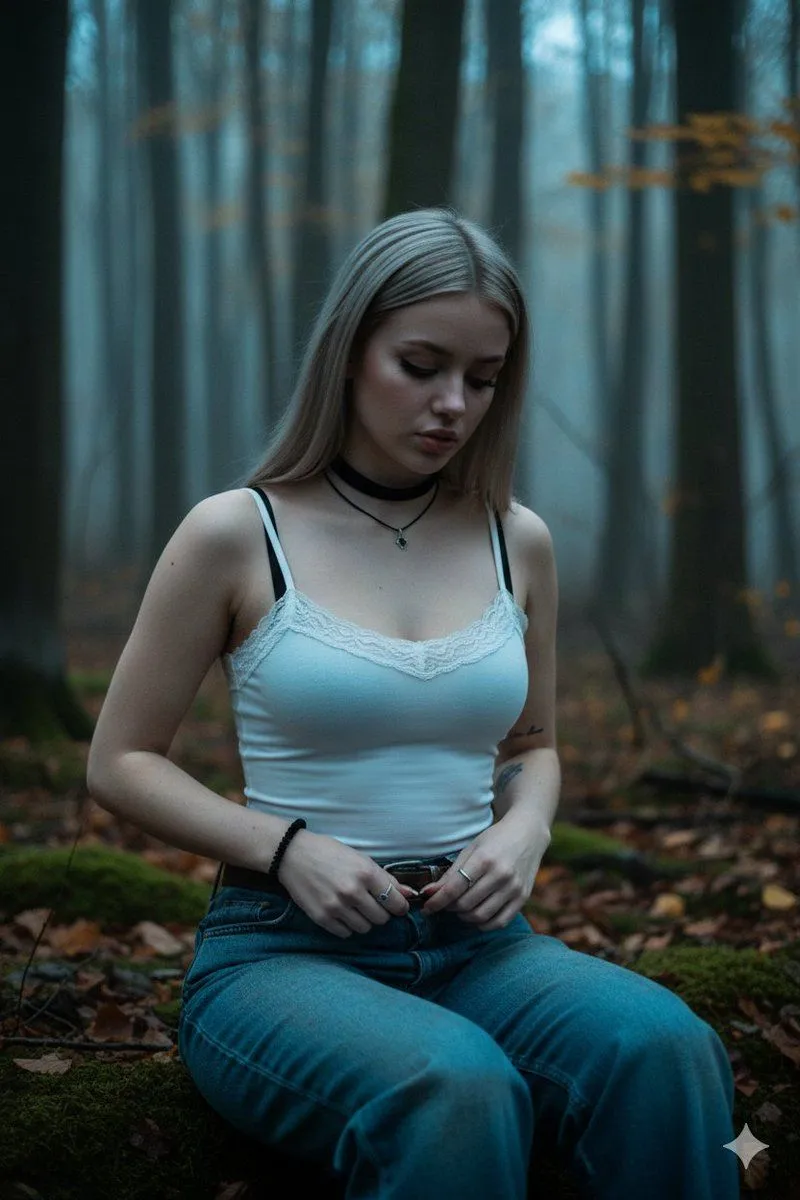
Made with GPT Image 2 in ChatGPT by Library Lifestyle. Promptclay never generates images.
Did it work?
No reports yet. Tell others if it worked for you.
Photorealistic Alley Fashion Editorial
Prompt
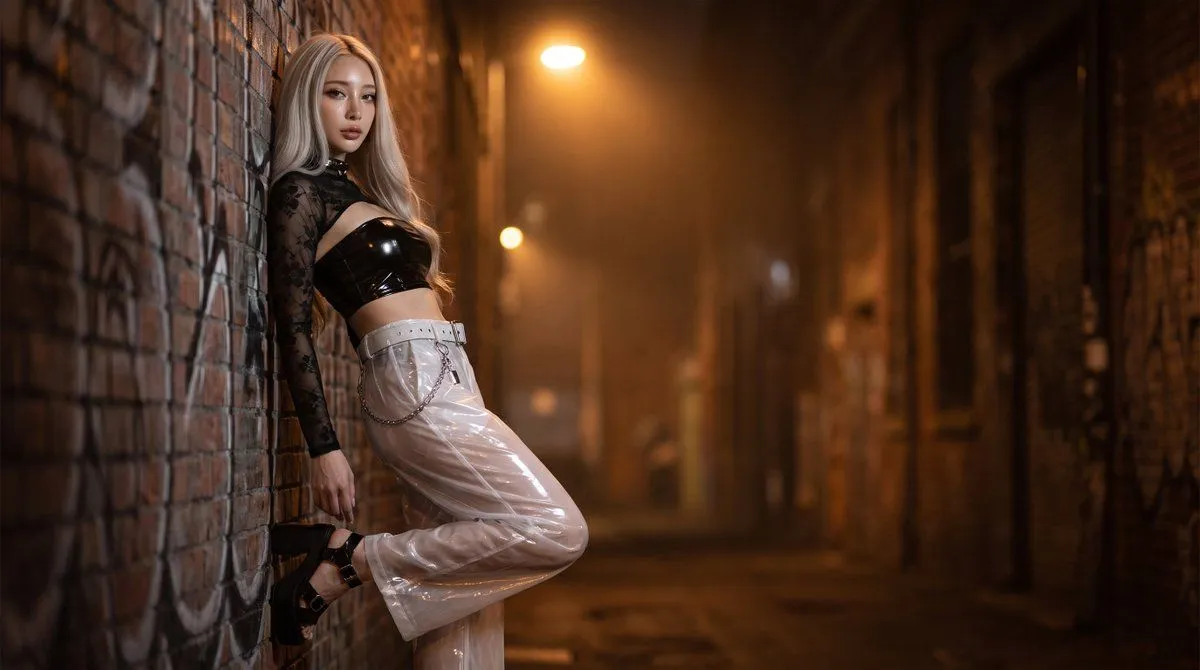
1 blank to fillUsing the provided outfit reference image, convert the illustrated/mannequin outfit into a photorealistic fashion editorial scene worn by a real {model_description}. Keep the outfit design faithful to the reference: black floral sheer long-sleeve mesh top, glossy black bandeau crop top, translucent white glossy wide-leg pants, white belt with chain details, and black platform heels. Change the presentation from front/back catalog reference to a single cinematic three-quarter full-body photo: the model leans against a brick wall in a narrow nighttime alley, one knee bent with the foot resting against the wall, looking toward the camera. Add a moody urban background with brick walls, graffiti, wet pavement, warm overhead streetlights, haze, and strong depth of field/bokeh. Style it as high-end realistic photography with dramatic warm lighting, glossy material reflections, natural skin, realistic fabric transparency, and shallow depth of field. No text, no split-screen, no mannequin, no green background.
Preview of your prompt
Using the provided outfit reference image, convert the illustrated/mannequin outfit into a photorealistic fashion editorial scene worn by a real young woman with long platinum-blonde hair. Keep the outfit design faithful to the reference: black floral sheer long-sleeve mesh top, glossy black bandeau crop top, translucent white glossy wide-leg pants, white belt with chain details, and black platform heels. Change the presentation from front/back catalog reference to a single cinematic three-quarter full-body photo: the model leans against a brick wall in a narrow nighttime alley, one knee bent with the foot resting against the wall, looking toward the camera. Add a moody urban background with brick walls, graffiti, wet pavement, warm overhead streetlights, haze, and strong depth of field/bokeh. Style it as high-end realistic photography with dramatic warm lighting, glossy material reflections, natural skin, realistic fabric transparency, and shallow depth of field. No text, no split-screen, no mannequin, no green background.
DetailsVersions, settings and questions
Written for
What's in the prompt
- Subject
- Model
- GPT Image 2
If your face changes
keep my face exactly the sameQuestions
- Does this work in the ChatGPT app?
- Yes. Paste the prompt and attach your photo if it uses one.
- It changed my face. What do I do?
- Add "keep my face exactly the same" to the end and run it again.
- Can I use the images I make?
- Check the terms of the app you use. Promptclay never generates images and claims nothing you make.