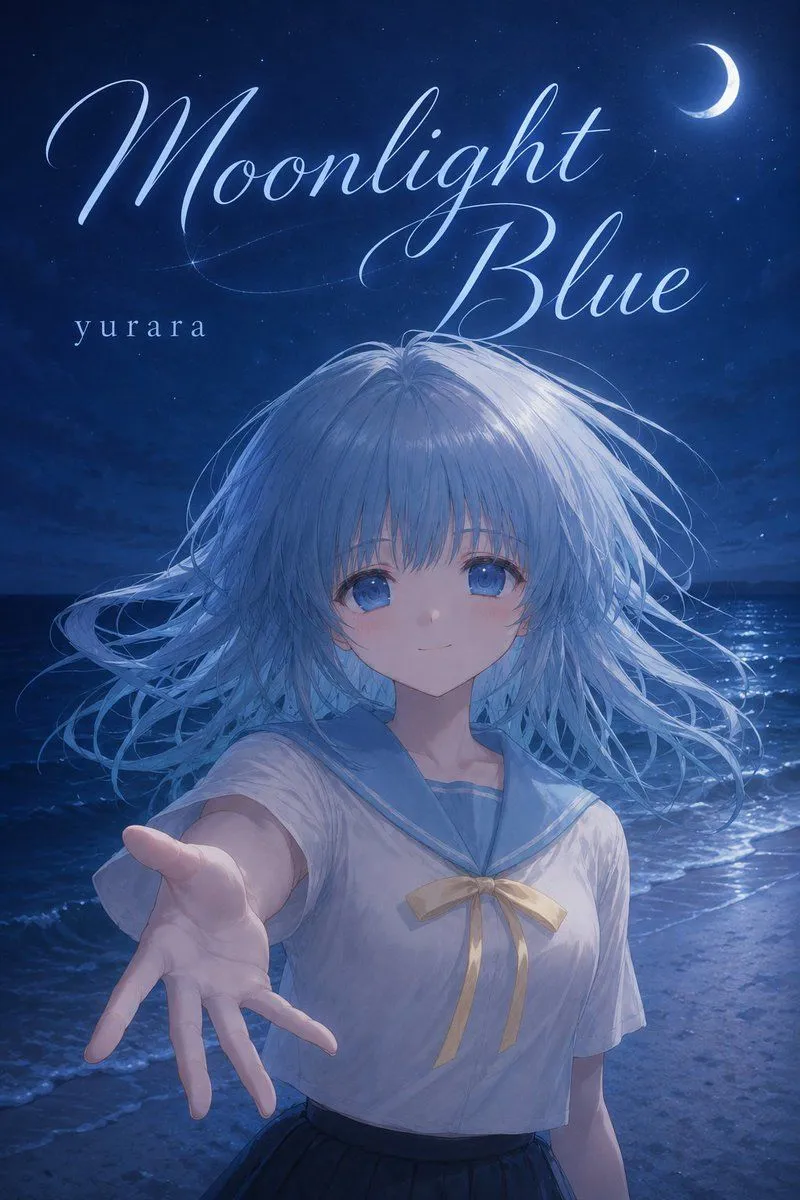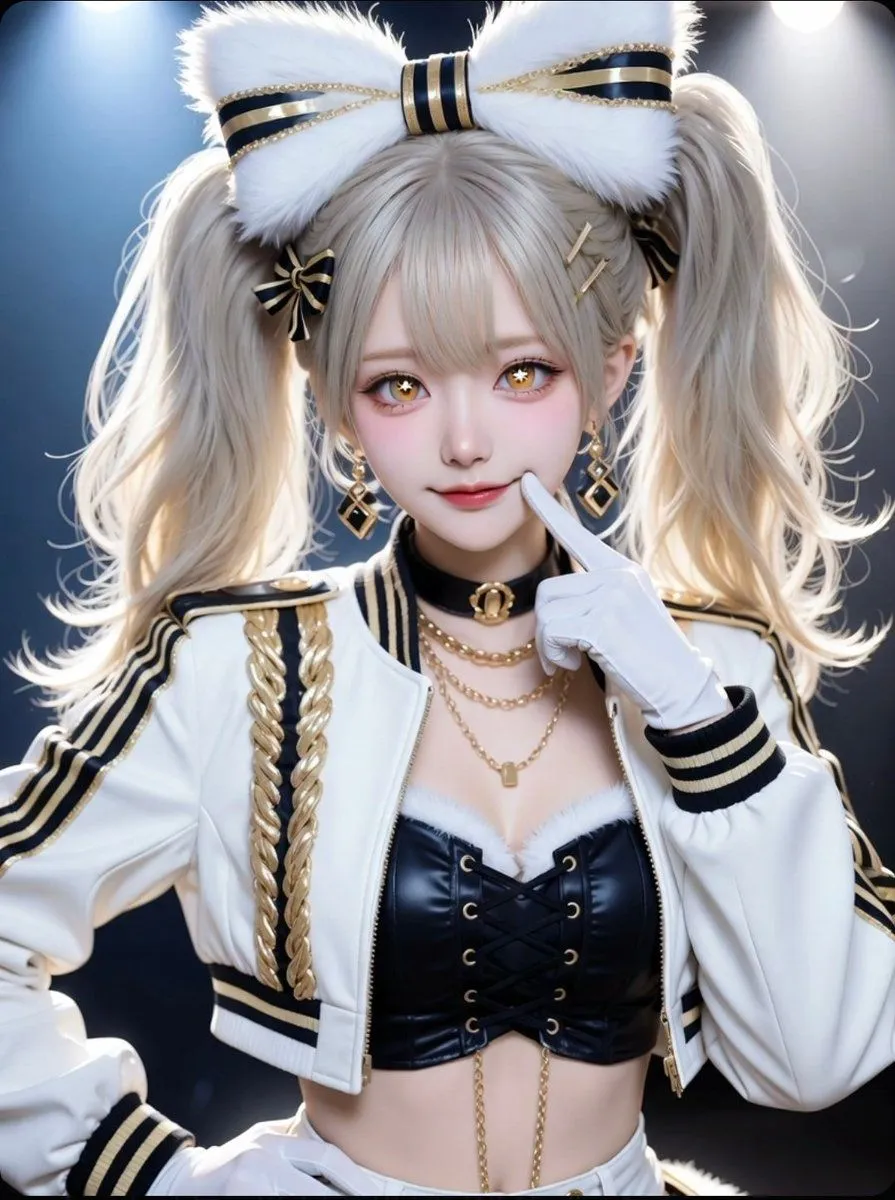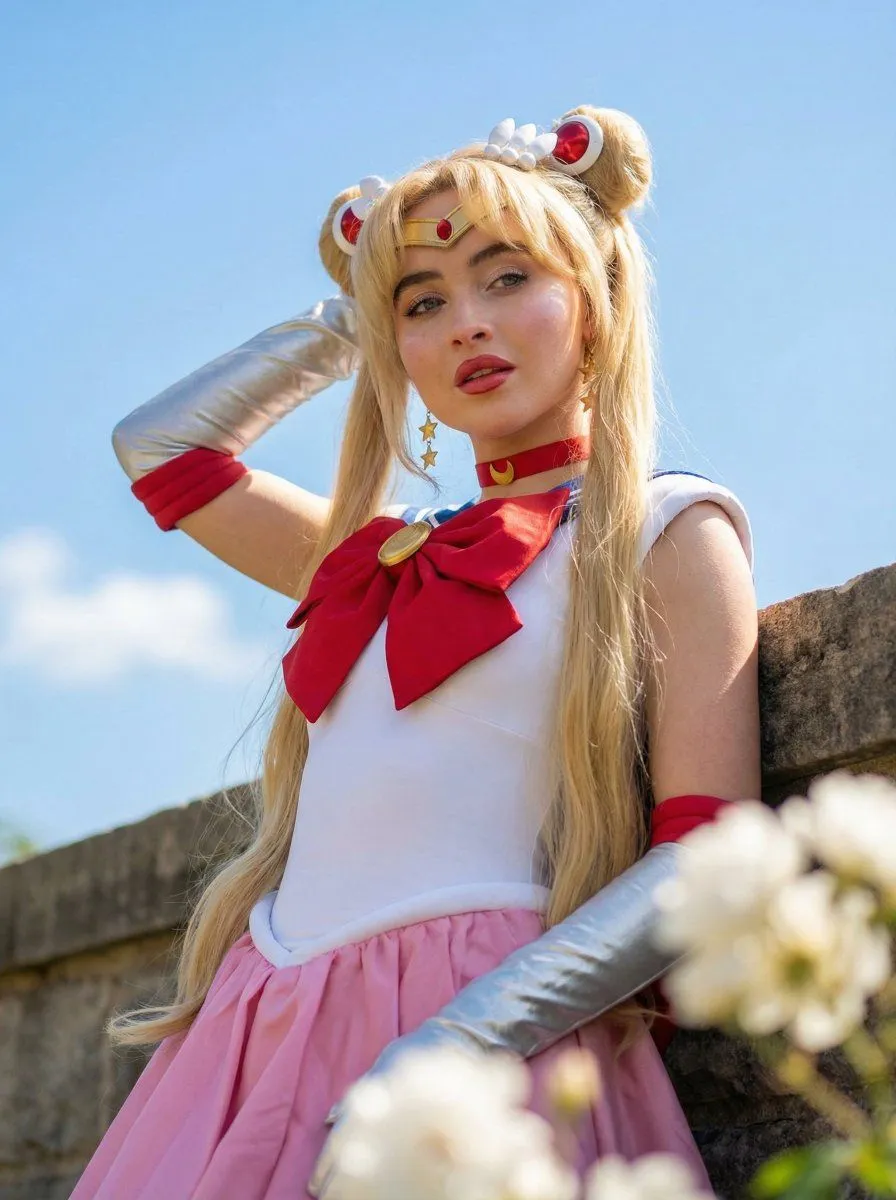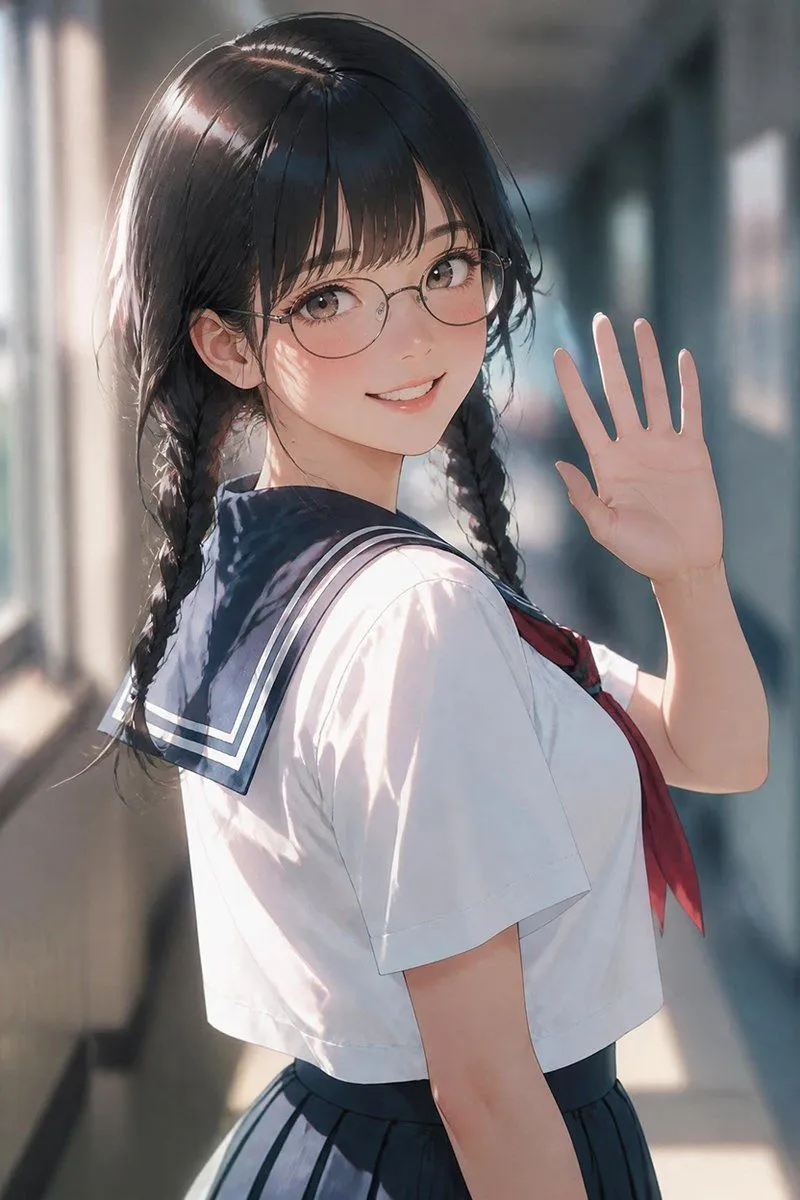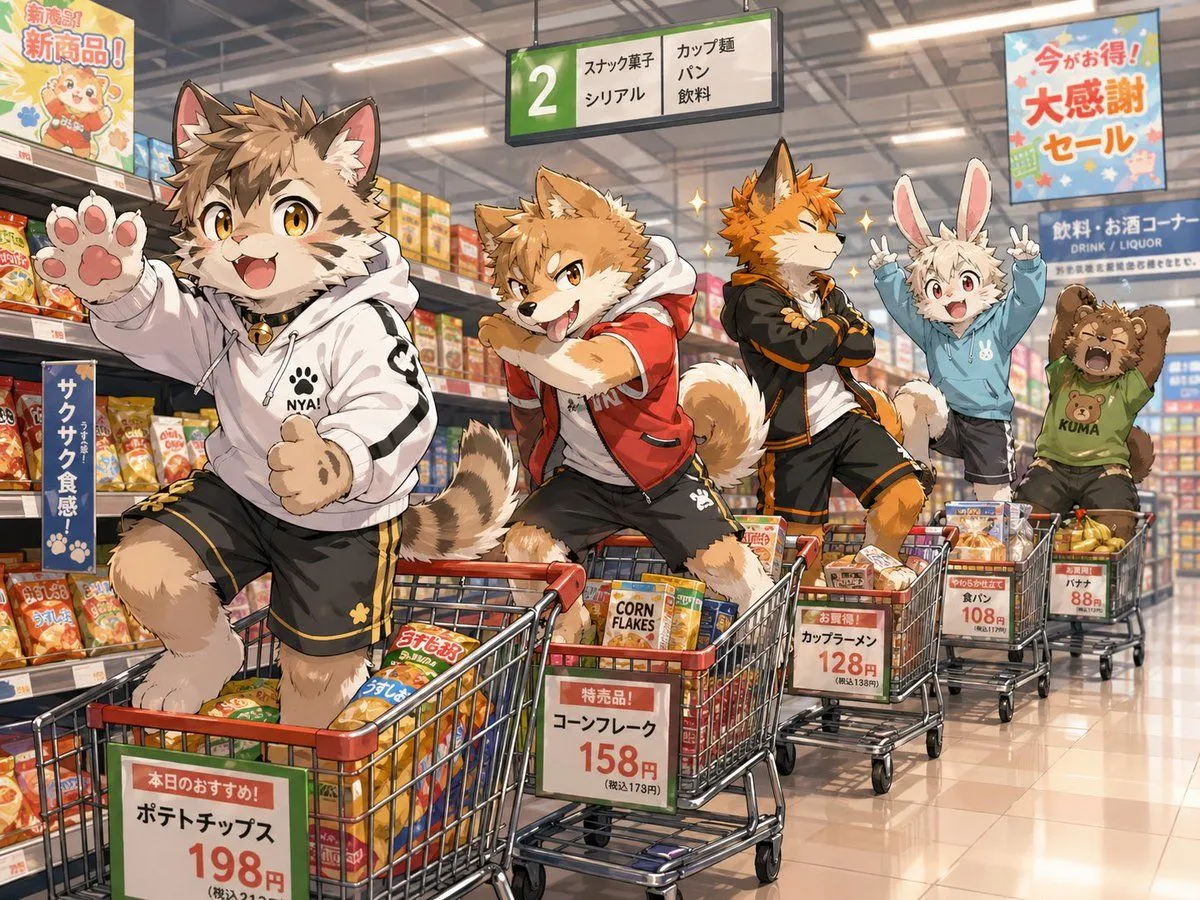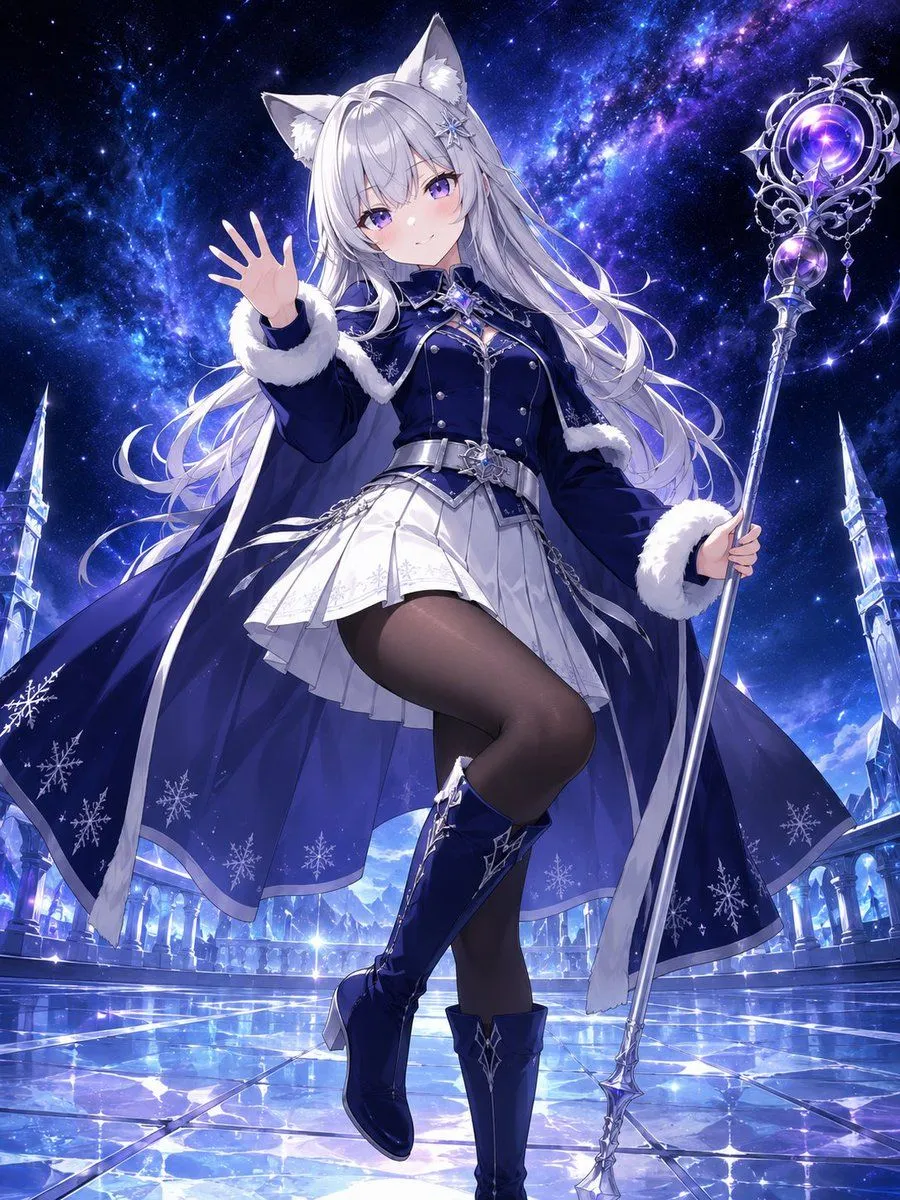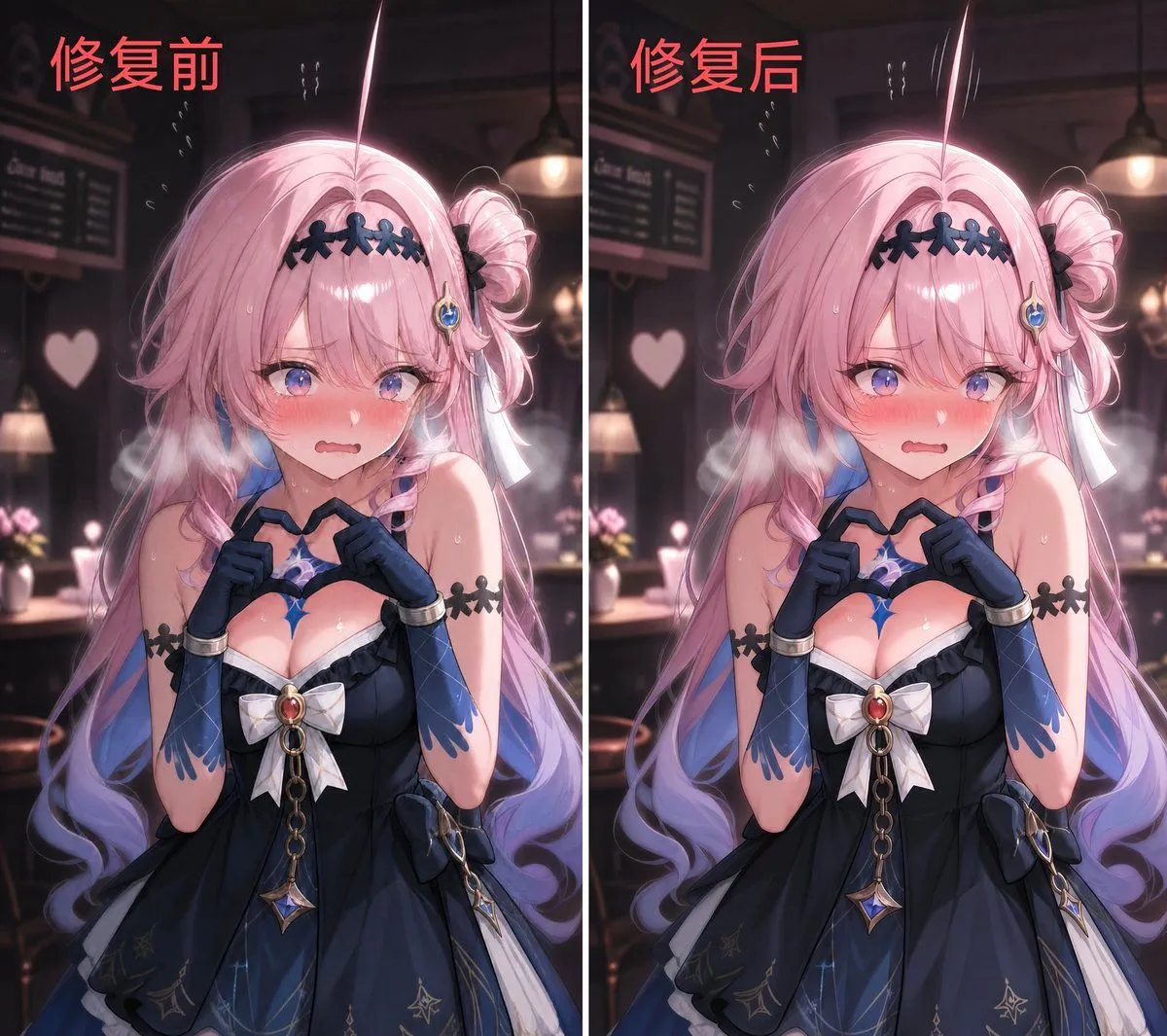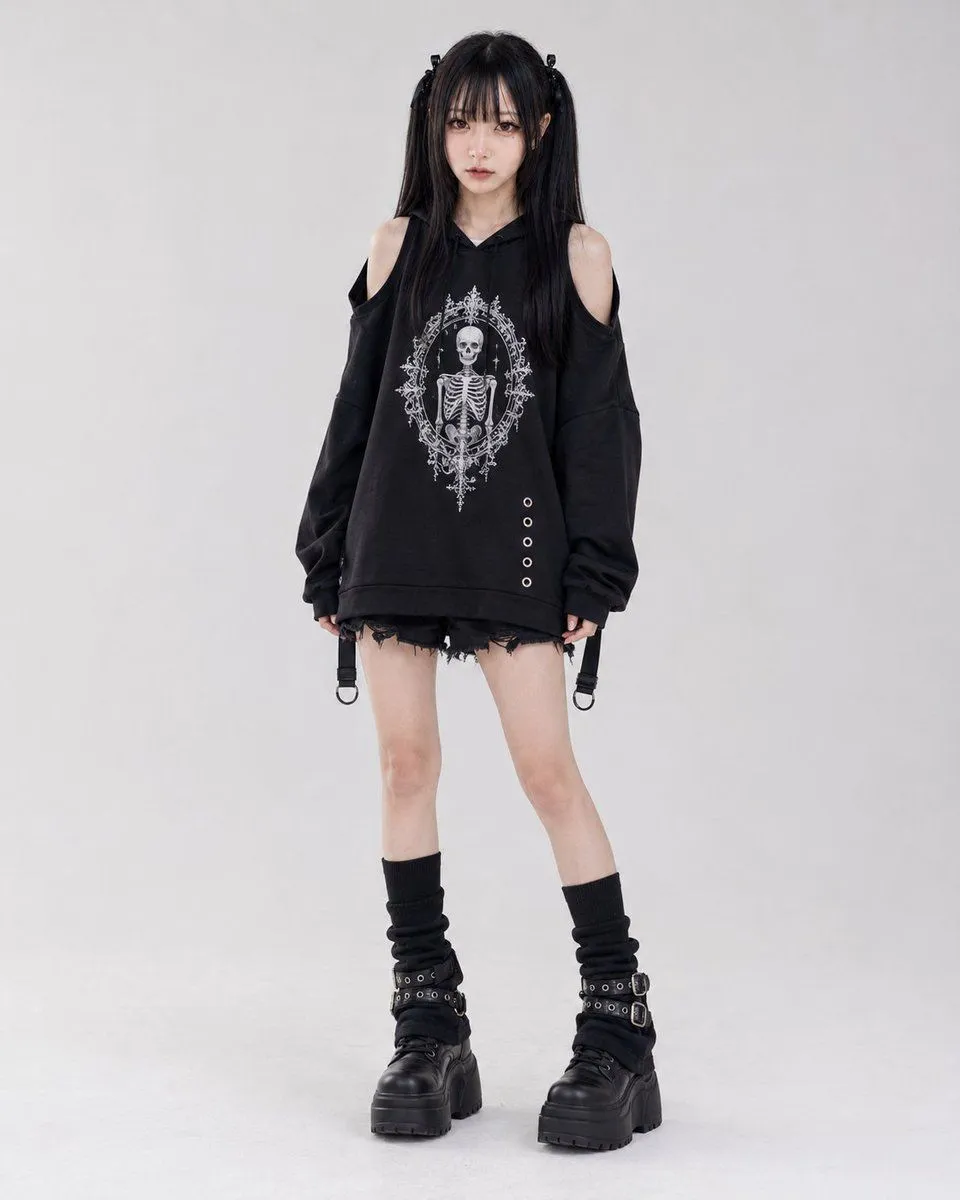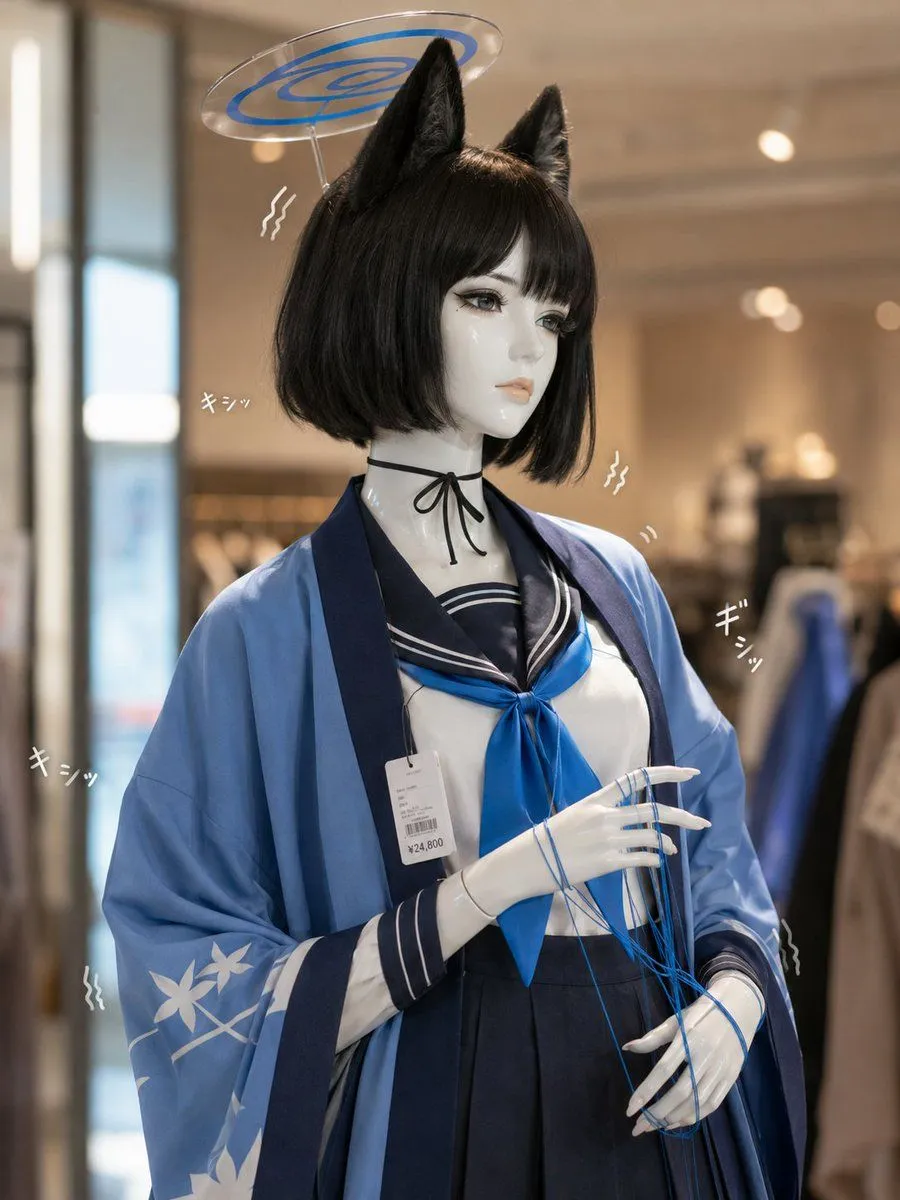
Made with GPT Image 2 in ChatGPT by Library Brand. Promptclay never generates images.
Did it work?
No reports yet. Tell others if it worked for you.
Photoreal Anime Mannequin Display
Prompt
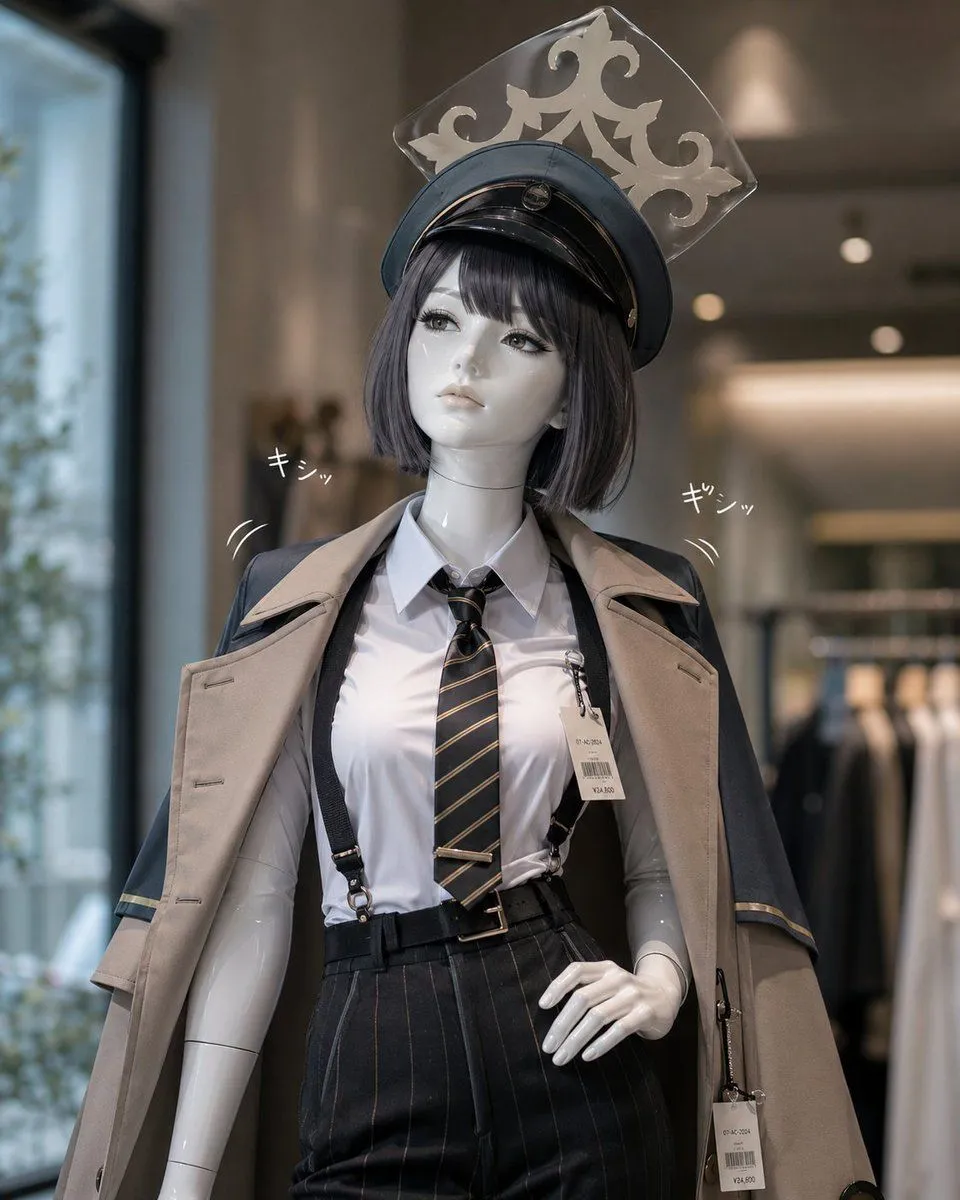
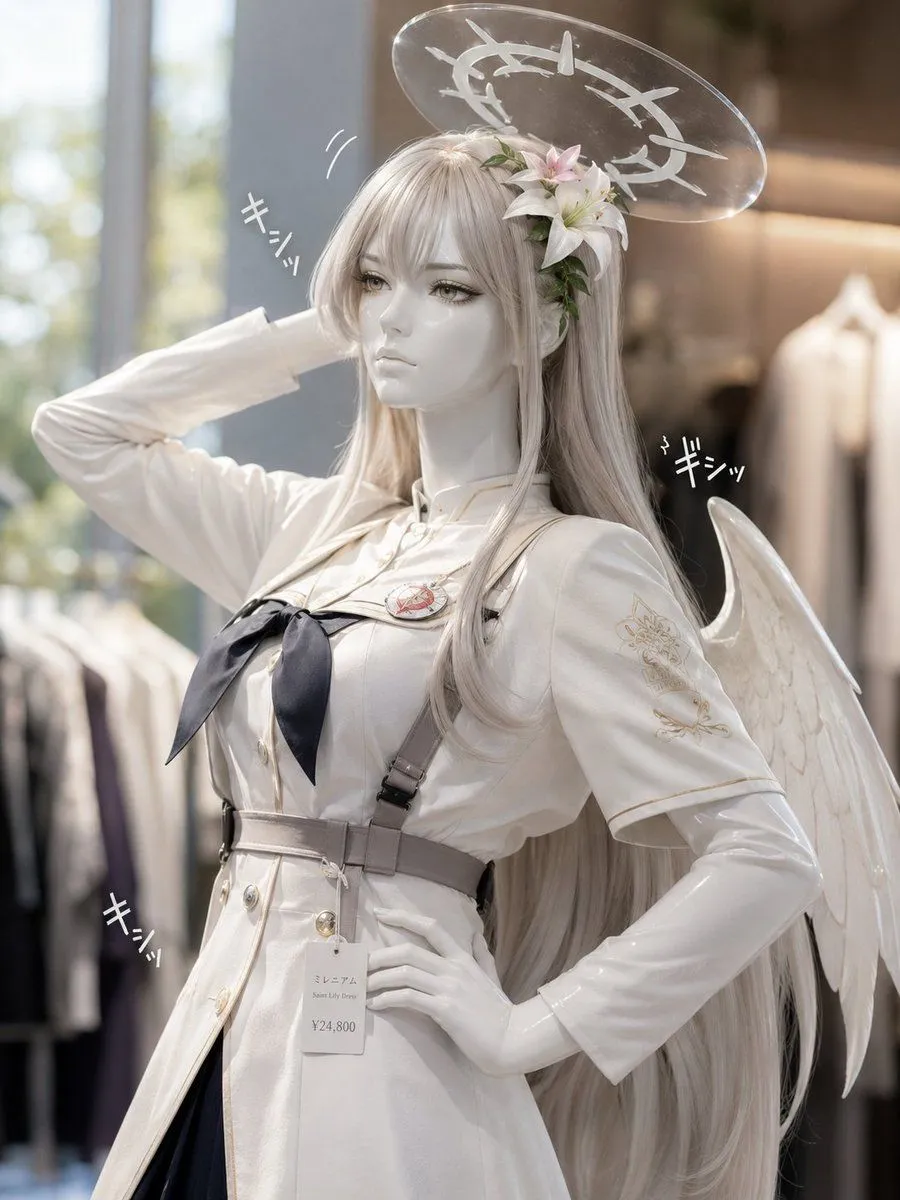
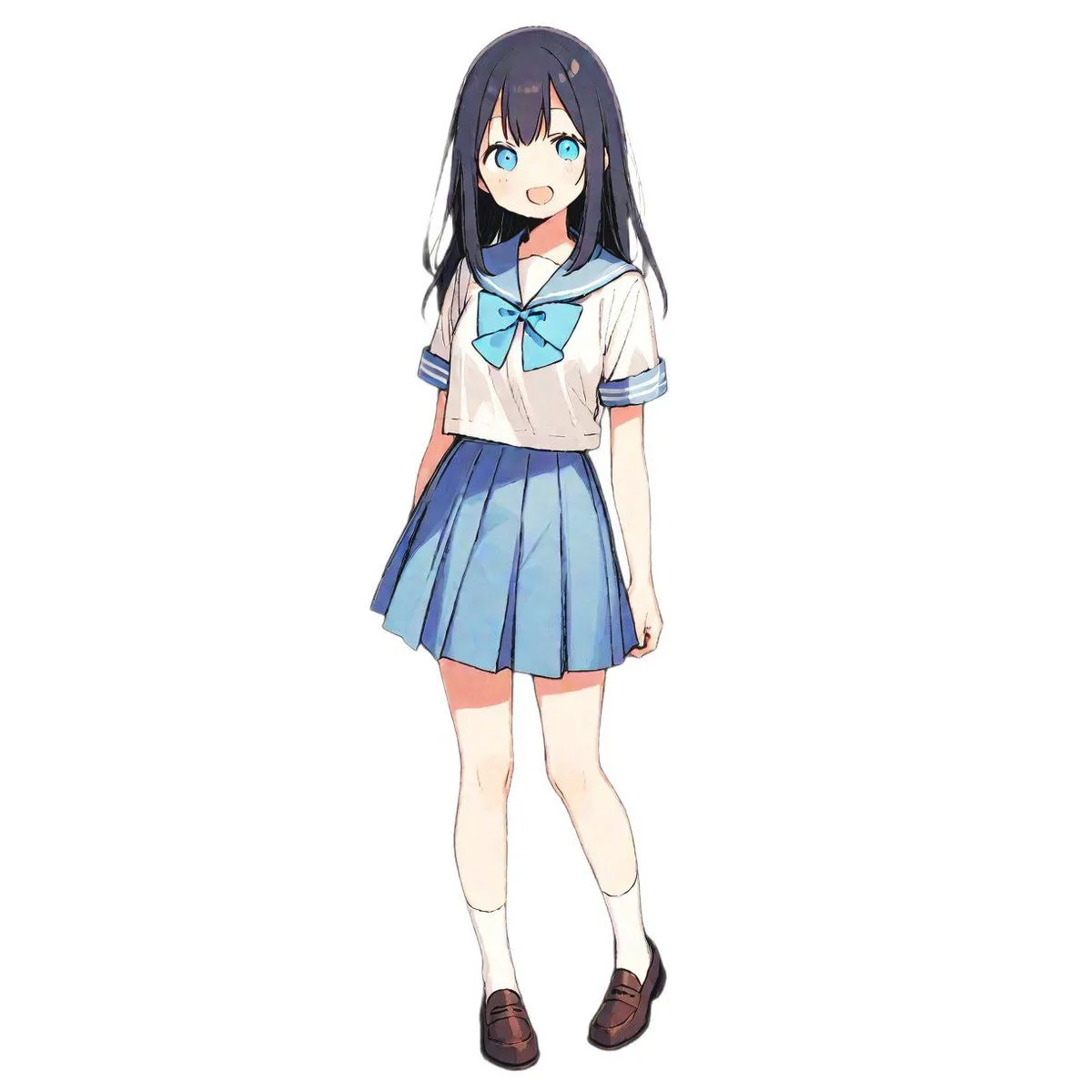
5 blanks to fillCreate a photorealistic vertical fashion-store mannequin display of an adult-sized glossy white female mannequin wearing an anime-inspired school-uniform cosplay, shot like a realistic retail product photo with shallow depth of field. The mannequin has a smooth blank face obscured by a soft gray rectangular blur, a short black bob haircut with bangs, and exactly 2 tall black furry animal ears on top of the head. Above the head is exactly 1 transparent acrylic halo panel on a thin clear support rod, with blue concentric ring graphics printed on it, like a prop accessory. Outfit: a navy sailor-style school uniform with white stripe trim, a bright blue neckerchief tied at the chest, a dark pleated skirt, and a loose light-blue kimono-style haori with dark navy lapels and cuffs; the left sleeve shows white floral motifs. Add a thin black ribbon choker tied in a bow around the neck. The mannequin has exactly 2 glossy white hands: the raised right hand delicately holds several thin blue cords or strings, while the lower left hand gathers the dangling cords near the waist. Include exactly 1 hanging white retail price tag on the chest area reading small product text and the price “¥24,800”. Add manga-style white sound effects around the mannequin: exactly 4 instances of the Japanese text “キシッ” and exactly 4 small wavy squeak-mark clusters, positioned around the head, shoulders, and lower sides. Background: softly blurred upscale clothing shop interior with warm beige lighting, bokeh ceiling lights, racks of clothing, a tall bright window or light panel on the left, and muted garments on the right. Use realistic camera optics, natural reflections on the glossy mannequin and acrylic halo, warm indoor color grading, high detail fabric textures, and a slightly premium showroom atmosphere. Customize the character concept as {character_name}, the main outfit color as {main_outfit_color}, the hair color as {hair_color}, the price tag text as {price_tag_text}, and the sound effect text as {sound_effect_text}.
Preview of your prompt
Create a photorealistic vertical fashion-store mannequin display of an adult-sized glossy white female mannequin wearing an anime-inspired school-uniform cosplay, shot like a realistic retail product photo with shallow depth of field. The mannequin has a smooth blank face obscured by a soft gray rectangular blur, a short black bob haircut with bangs, and exactly 2 tall black furry animal ears on top of the head. Above the head is exactly 1 transparent acrylic halo panel on a thin clear support rod, with blue concentric ring graphics printed on it, like a prop accessory. Outfit: a navy sailor-style school uniform with white stripe trim, a bright blue neckerchief tied at the chest, a dark pleated skirt, and a loose light-blue kimono-style haori with dark navy lapels and cuffs; the left sleeve shows white floral motifs. Add a thin black ribbon choker tied in a bow around the neck. The mannequin has exactly 2 glossy white hands: the raised right hand delicately holds several thin blue cords or strings, while the lower left hand gathers the dangling cords near the waist. Include exactly 1 hanging white retail price tag on the chest area reading small product text and the price “¥24,800”. Add manga-style white sound effects around the mannequin: exactly 4 instances of the Japanese text “キシッ” and exactly 4 small wavy squeak-mark clusters, positioned around the head, shoulders, and lower sides. Background: softly blurred upscale clothing shop interior with warm beige lighting, bokeh ceiling lights, racks of clothing, a tall bright window or light panel on the left, and muted garments on the right. Use realistic camera optics, natural reflections on the glossy mannequin and acrylic halo, warm indoor color grading, high detail fabric textures, and a slightly premium showroom atmosphere. Customize the character concept as anime halo cat-eared schoolgirl mannequin, the main outfit color as light blue and navy, the hair color as black, the price tag text as ¥24,800, and the sound effect text as キシッ.
DetailsVersions, settings and questions
Written for
What's in the prompt
- Subject
- Model
- GPT Image 2
If your face changes
keep my face exactly the sameQuestions
- Does this work in the ChatGPT app?
- Yes. Paste the prompt and attach your photo if it uses one.
- It changed my face. What do I do?
- Add "keep my face exactly the same" to the end and run it again.
- Can I use the images I make?
- Check the terms of the app you use. Promptclay never generates images and claims nothing you make.