Tell us anything

An idea, a bug, something you love. We read every note.

⌘↵ to send. The page you're on comes along.

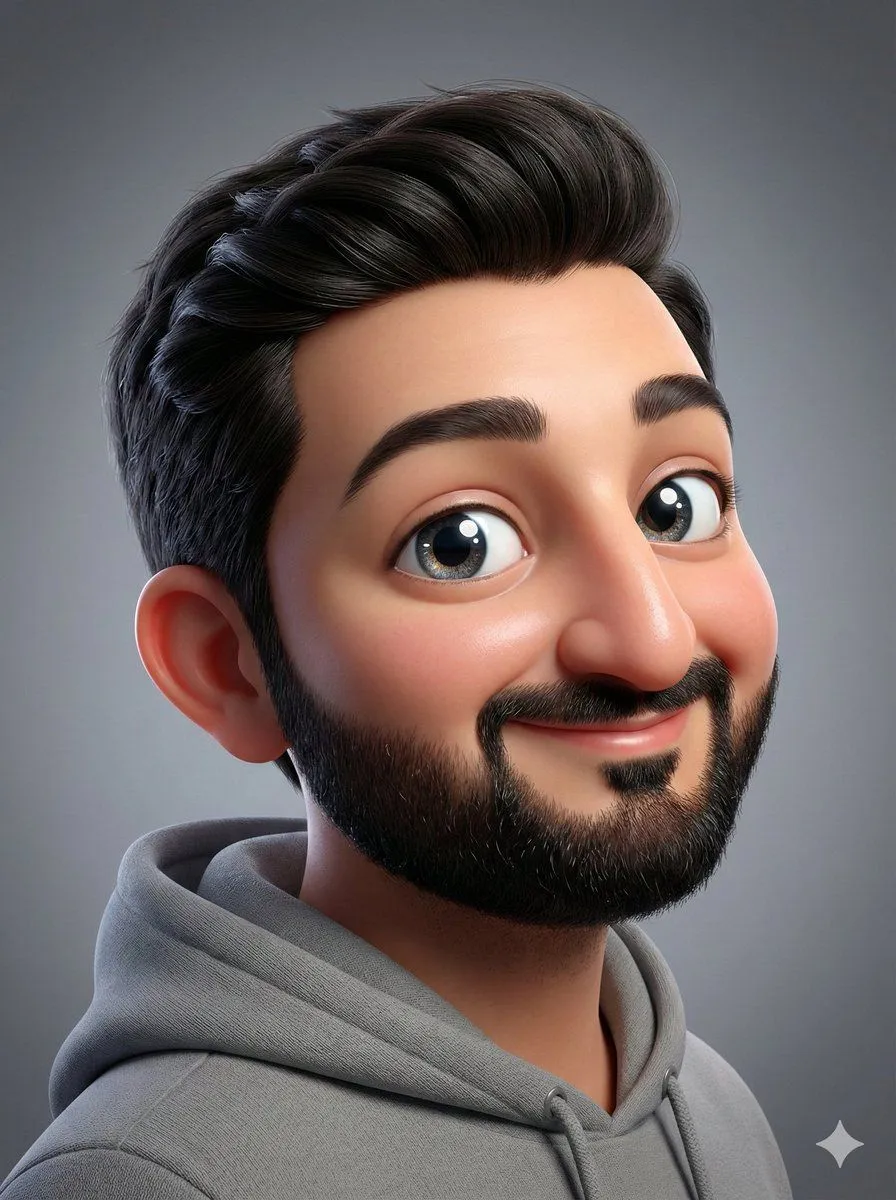
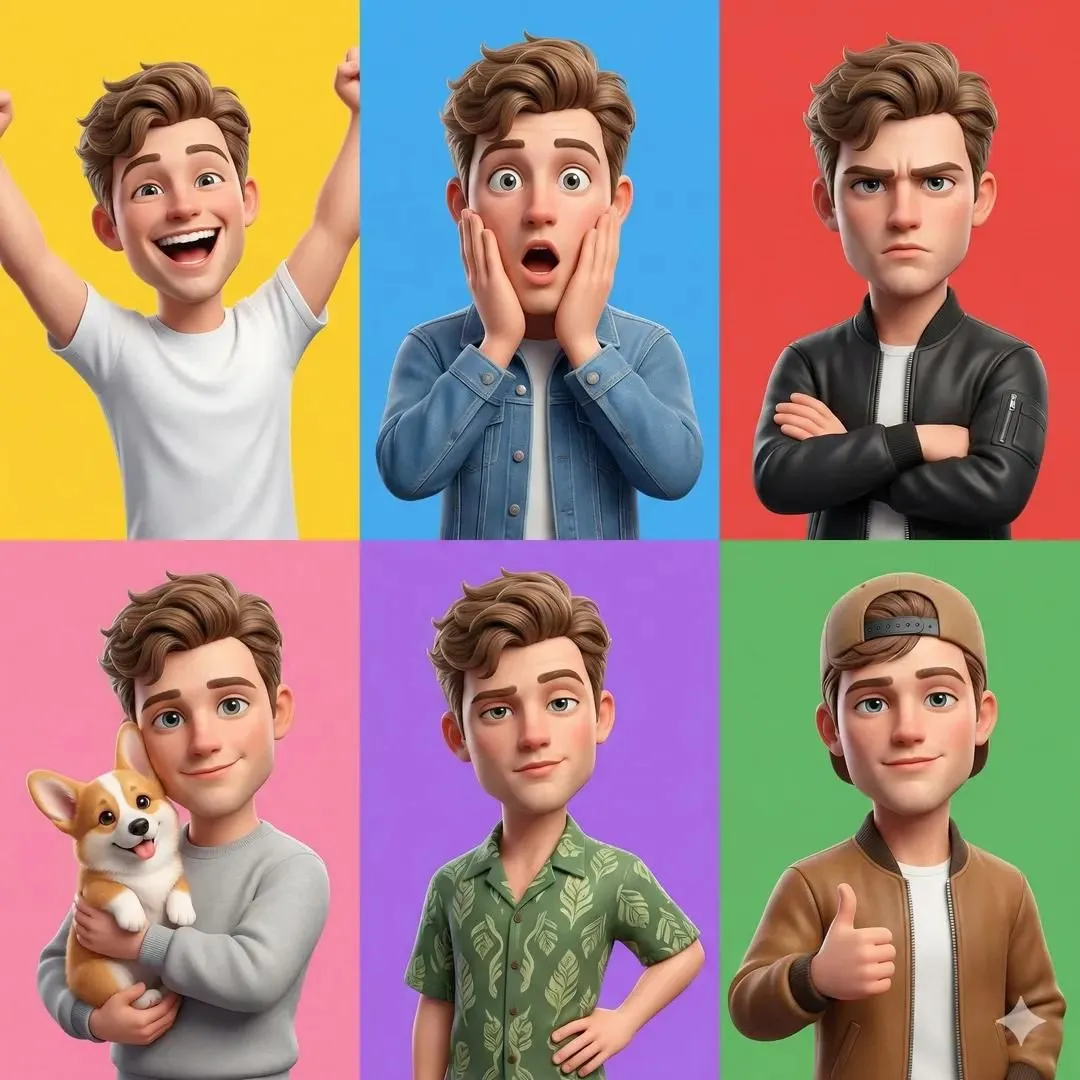
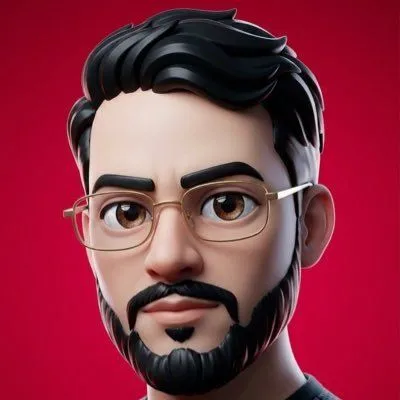
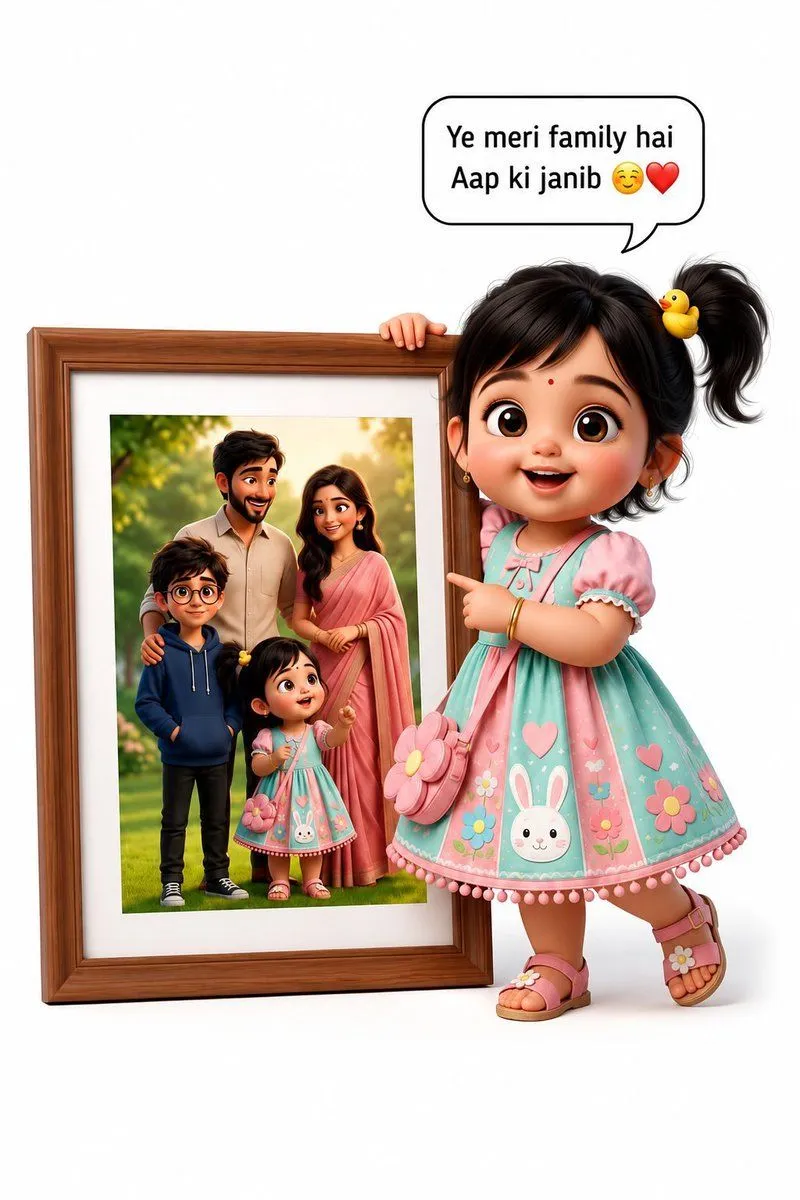
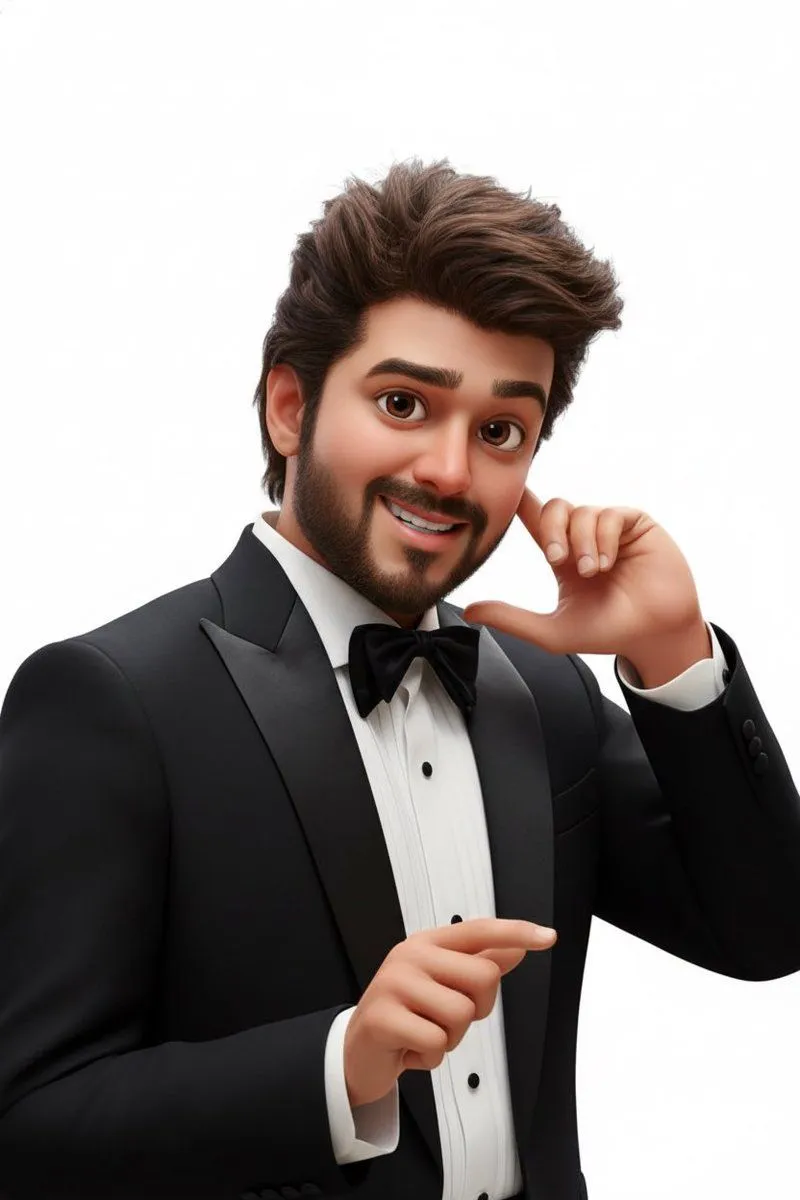
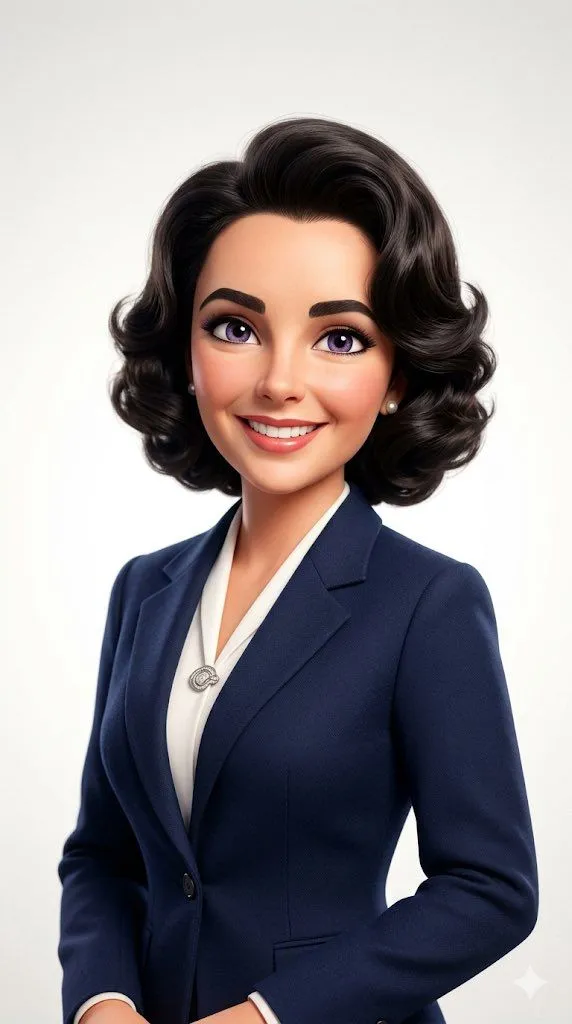
Photo-to-Pixar 3D Animated Portrait Conversion

Made with Nano Banana Pro in Gemini by Library Portraits. Promptclay never generates images.

Did it work?

No reports yet. Tell others if it worked for you.

No comments yet. Be the first.

    Photo-to-Pixar 3D Animated Portrait Conversion

    Nano Banana Pro2:3Needs your photoAI-generated

    Prompt

    Convert the uploaded photo into a cheerful and cute 3D Pixar-style animated portrait. Keep the person’s facial features, hairstyle, and unique expression so the character clearly resembles the real person. Use a smooth and clean cartoon style. Apply soft skin shading, expressive eyes, and a polished animated look while preserving the original identity. Place the character against a plain white studio background with clean, even lighting. Keep the outfit the same as in the reference

    Use only photos you have the right to usePhoto tips
    • Your photo stays with your app. You upload it to Gemini, ChatGPT or the app you use. Promptclay never sees or stores it.
    • Crop to what the prompt needs. Your face for a portrait. Leave out other people, house numbers, cards and screens.
    • Check the result before you post. Apps sometimes add things that were not in your photo, like a mole, a tattoo or bare shoulders. Run it again or ask the app to remove them.
    Works in
    Gemini, ChatGPT
    Status
    Free to copy
    0
    DetailsVersions, settings and questions

    Written for

    What's in the prompt

    Subject
    Model
    Nano Banana Pro

    If your face changes

    keep my face exactly the same

    Questions

    Does this work in the Gemini app?
    Yes. Gemini runs Nano Banana, so paste the prompt and attach your photo if it uses one.
    It changed my face. What do I do?
    Add "keep my face exactly the same" to the end and run it again.
    Can I use the images I make?
    Check the terms of the app you use. Promptclay never generates images and claims nothing you make.
    Similar prompts

    See more
    • Pixar-Style 3D Avatar Prompt for Nano Banana
    • 3D Pixar-Style Male Avatar
    • Base Prompt with Uploaded Image
    • 3D Claymation Character Transformation
    • Pixar Style 3D Businessman
    • Pixar-Style 3D Caricature Transformation
    • 3D Pixar-Style Character Grid
    • Stylized 3D Cartoon Male Portrait
    • 3D Male Avatar on Red
    • Modern Flat Illustration Avatar
    • Pixar-Style Miniature Interaction Portrait
    • Red Studio Fashion Editorial with Motion Echo Effect
    • Rotoscoping animation style conversion
    • Cinematic 2D Anime Illustration
    • 3D Pixar Style Girl Family Portrait
    • Hyper-Realistic Photo of Person and Pixar Double
    • 3D Caricature Companion Effect
    • Human and Mini-Me Studio Portrait
    • Clean Whiteboard Animation Illustration
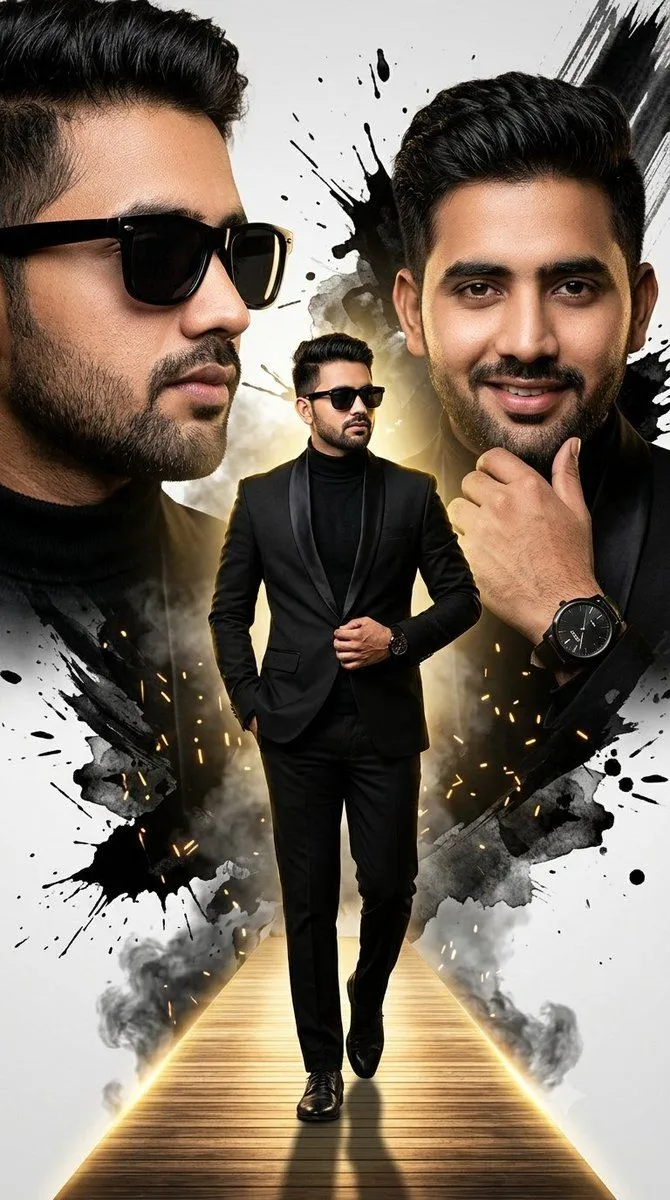
    • South Asian Male Cinematic Fashion Poster
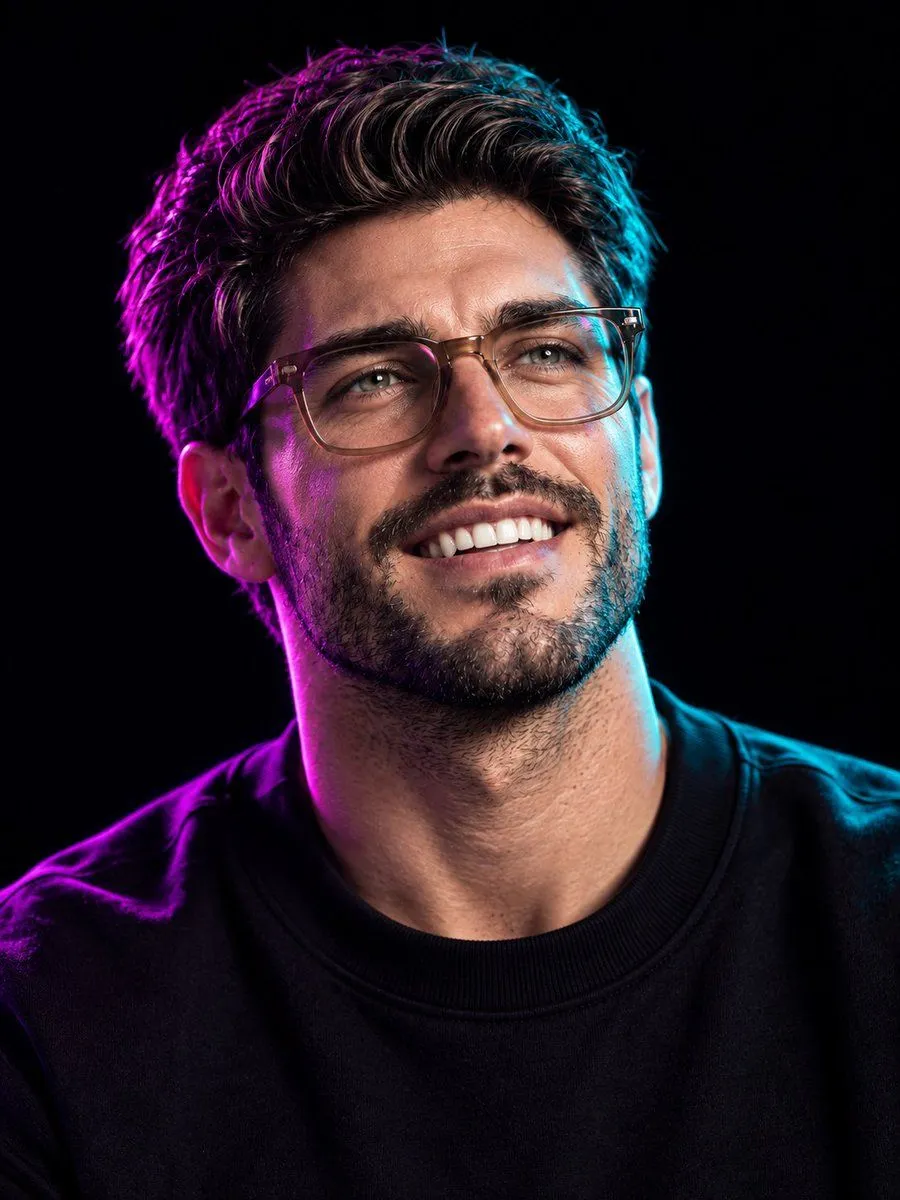
    • Ultra-Realistic Neon Portrait
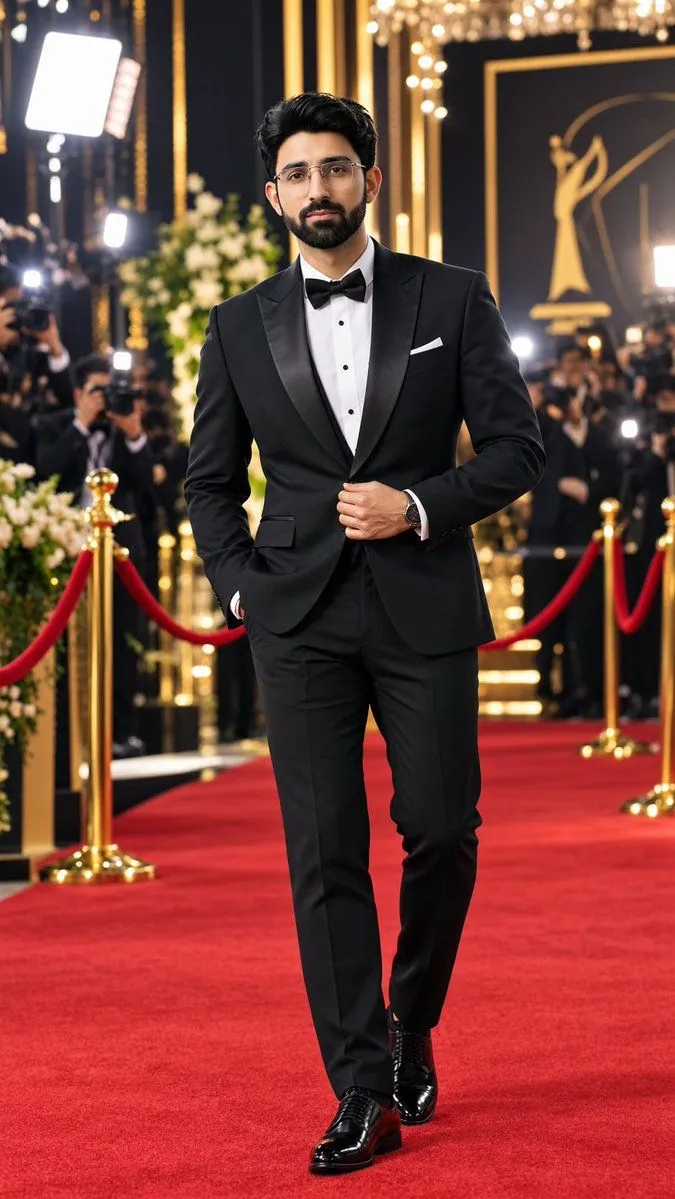
    • Red Carpet Tuxedo Portrait Prompt
    • Editorial Caricature Illustration of a Man
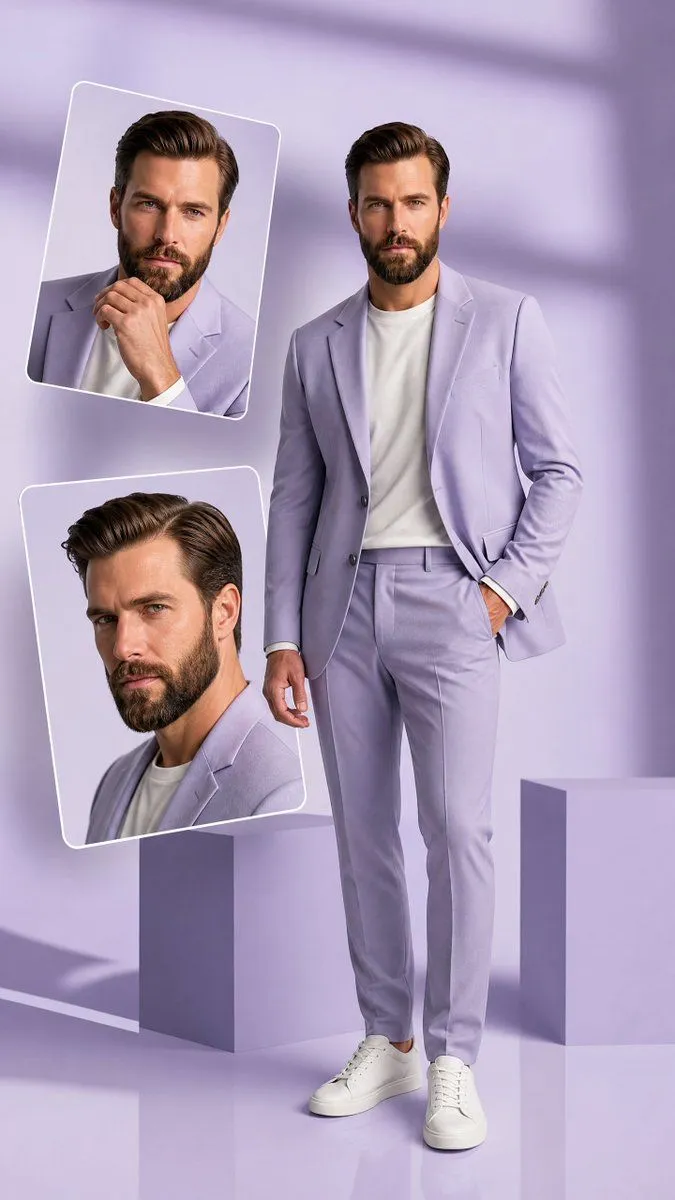
    • Premium Hollywood Fashion Editorial Poster

    Show more

    Run it on your phone

    1. Prompt copiedRead it

      Convert the uploaded photo into a cheerful and cute 3D Pixar-style animated portrait. Keep the person’s facial features, hairstyle, and unique expression so the character clearly resembles the real person. Use a smooth and clean cartoon style. Apply soft skin shading, expressive eyes, and a polished animated look while preserving the original identity. Place the character against a plain white studio background with clean, even lighting. Keep the outfit the same as in the reference

    2. Open your app

    3. Paste and run

      Press and hold the message box, then tap Paste. Add your photo first if the prompt uses one. You may need to sign in.

    Photo-to-Pixar 3D Animated Portrait Conversion