Tell us anything

An idea, a bug, something you love. We read every note.

⌘↵ to send. The page you're on comes along.

Photo to Illustration Poster GPT Image 2

Made with GPT Image 2 in ChatGPT by Library Typography. Promptclay never generates images.

Did it work?

No reports yet. Tell others if it worked for you.

No comments yet. Be the first.

    Photo to Illustration Poster GPT Image 2

    GPT Image 23:4AI-generated

    Prompt

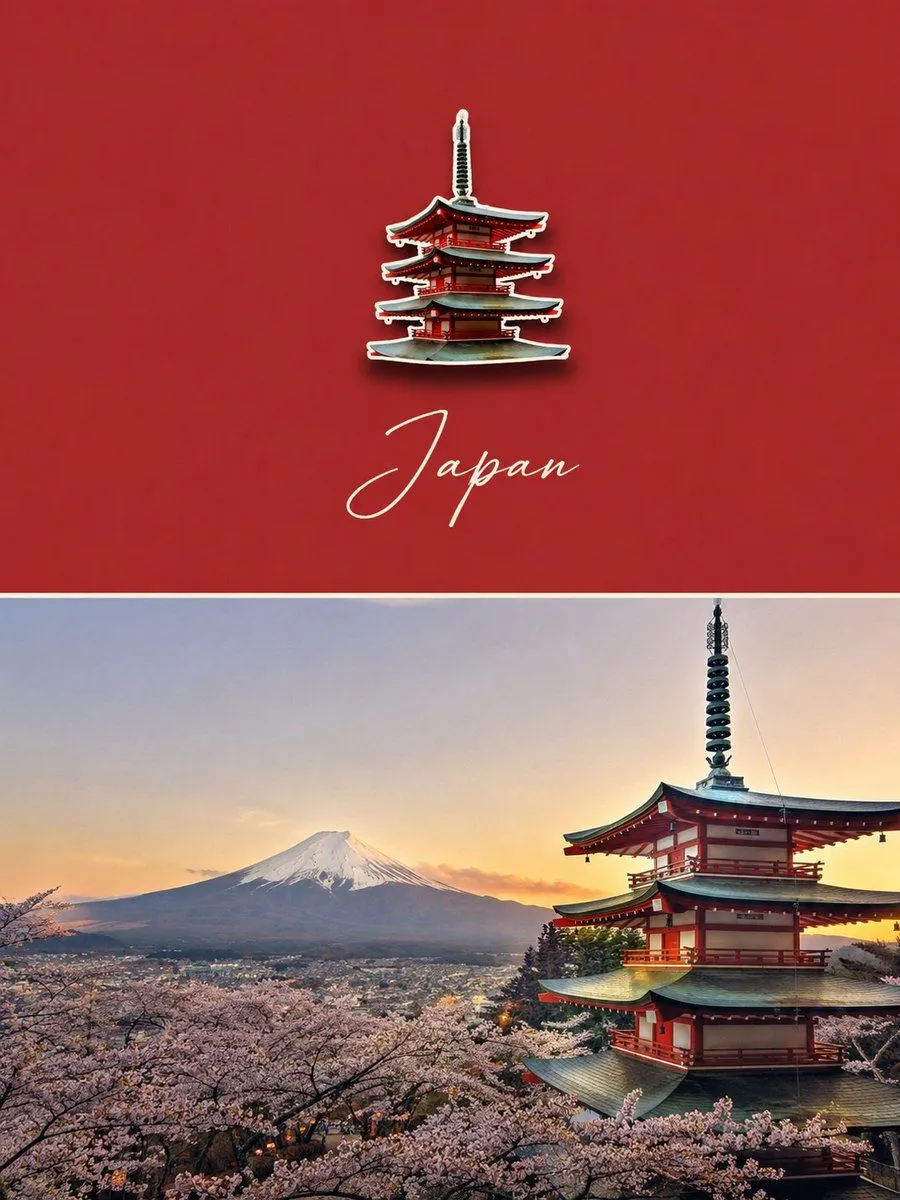
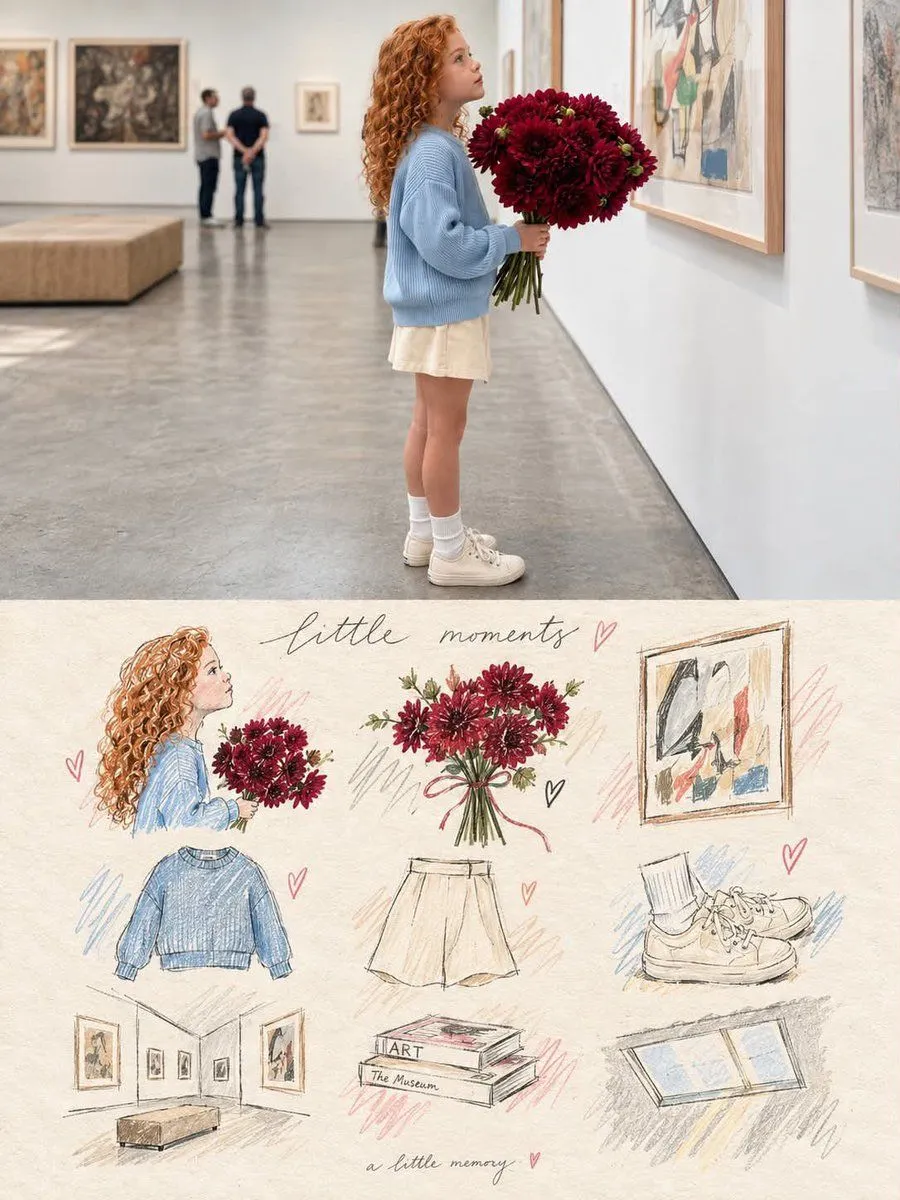
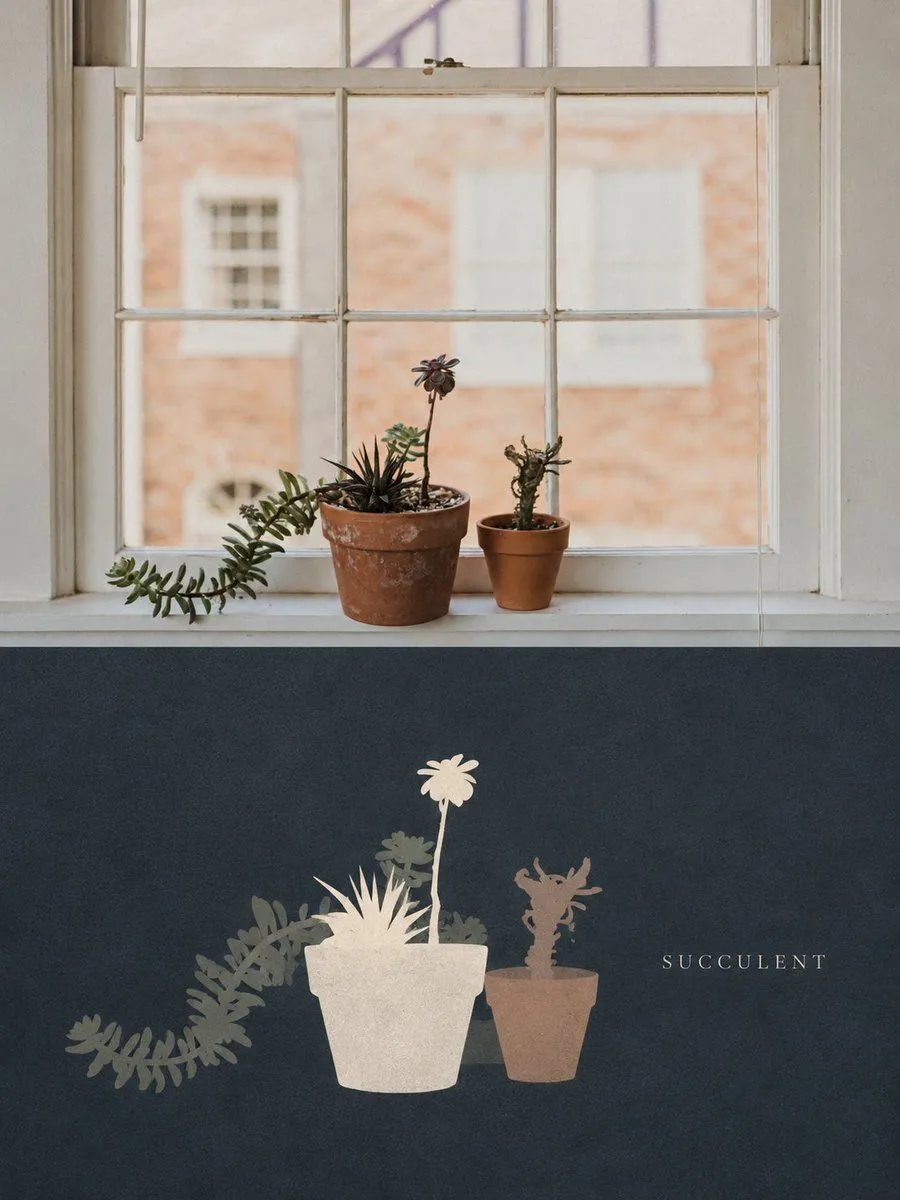
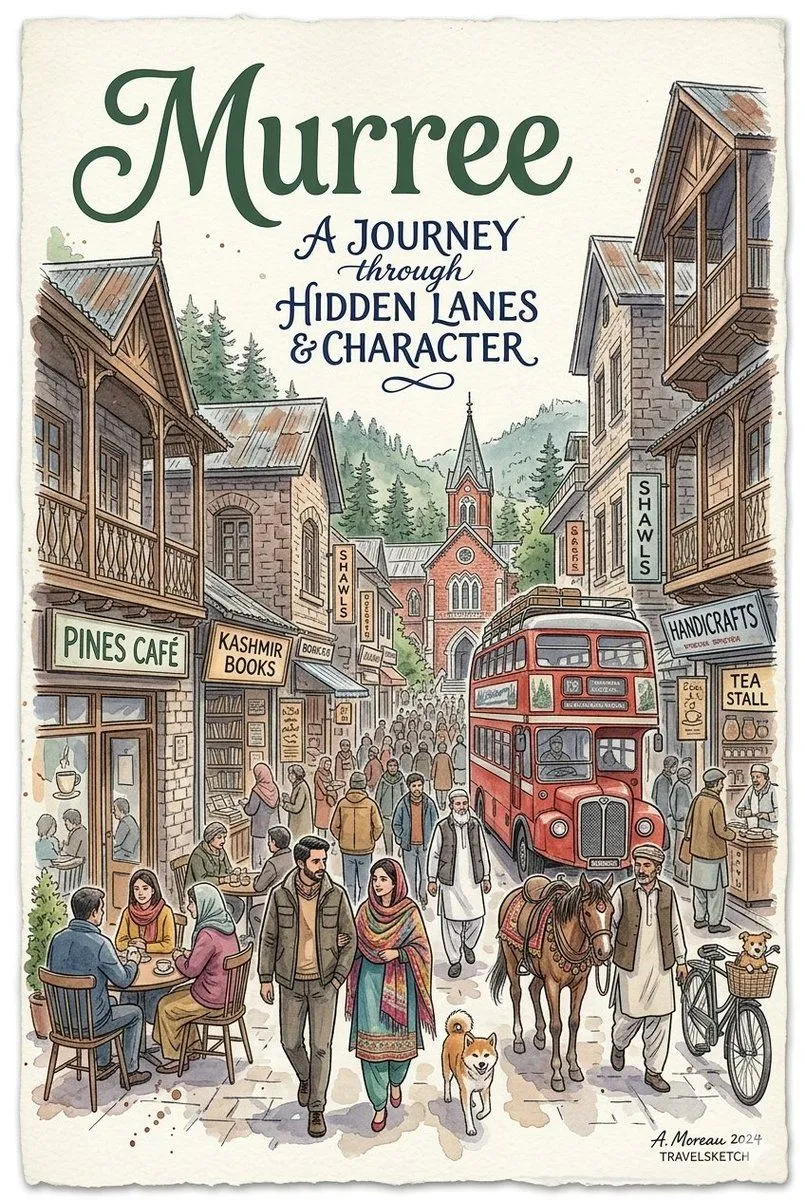
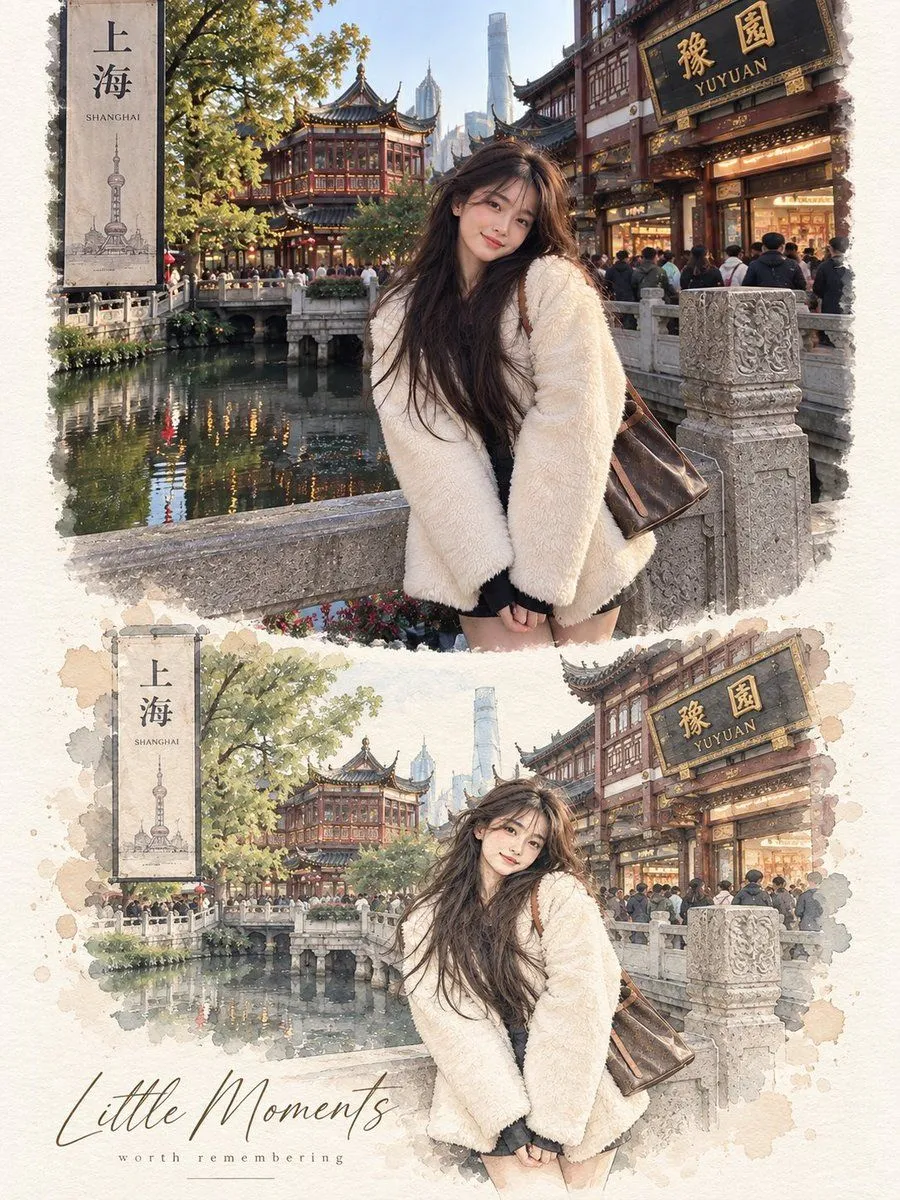
    Use the uploaded image as the primary reference. Preserve the original scene, composition, subjects, poses, proportions, colors, and important details accurately. Do not replace or rearrange the main elements. Create a vertical 3:4 editorial poster with a refined photograph-to-hand-drawn-illustration transformation. TOP SECTION — ORIGINAL PHOTO •Keep the uploaded photograph essentially unchanged. •Preserve the exact environment, people/animals, objects, architecture, lighting, colors, and composition. •Make it look natural, sharp, and photographic. •The photo should occupy approximately the upper 50% of the poster. BOTTOM SECTION — ILLUSTRATED VERSION •Recreate the same scene from the photograph as a delicate hand-drawn illustration. •Keep the same subjects, positions, poses, perspective, and recognizable details. •Use a soft watercolor + colored pencil + ink sketch aesthetic. •Fine expressive outlines, subtle pencil texture, gentle watercolor washes, slightly imperfect hand-drawn edges. •Simplify the background while retaining the most recognizable environmental elements. •Use soft pastel tones, natural paper colors, subtle grain, and an elegant editorial/art-book feeling. •The illustration should feel like a premium travel/lifestyle postcard, not a cartoon or generic digital painting. •Maintain visual continuity between the photograph and illustration. LAYOUT & DESIGN •Vertical 3:4 composition. •Upper half = original photograph. •Lower half = warm off-white textured paper/canvas background. •Create a soft, seamless transition between the two sections. •Place the illustrated recreation centrally in the lower section with generous negative space around it. •Add a few subtle hand-drawn decorative elements such as tiny petals, leaves, hearts, or sketch marks only if they naturally fit the scene. •Minimal, elegant typography beneath or around the illustration. •Use a sophisticated handwritten/script font for the main title and a small minimalist serif/sans-serif font for the subtitle. •Keep typography understated and balanced. TEXT Replace the title and subtitle with context-appropriate wording, or use: “A Brighter Day” “A Slower Life” For pet/family images, use: “Good Friends” “Brighter Days” “Happier Tails ♡” IMPORTANT •Do not alter the identity or appearance of people or animals. •Do not add extra people, animals, buildings, structures, etc.

    Works in
    ChatGPT, Gemini
    Status
    Free to copy
    0
    DetailsVersions, settings and questions

    Written for

    What's in the prompt

    Subject
    Model
    GPT Image 2

    If your face changes

    keep my face exactly the same

    Questions

    Does this work in the ChatGPT app?
    Yes. Paste the prompt and attach your photo if it uses one.
    It changed my face. What do I do?
    Add "keep my face exactly the same" to the end and run it again.
    Can I use the images I make?
    Check the terms of the app you use. Promptclay never generates images and claims nothing you make.
    Similar prompts

    See more
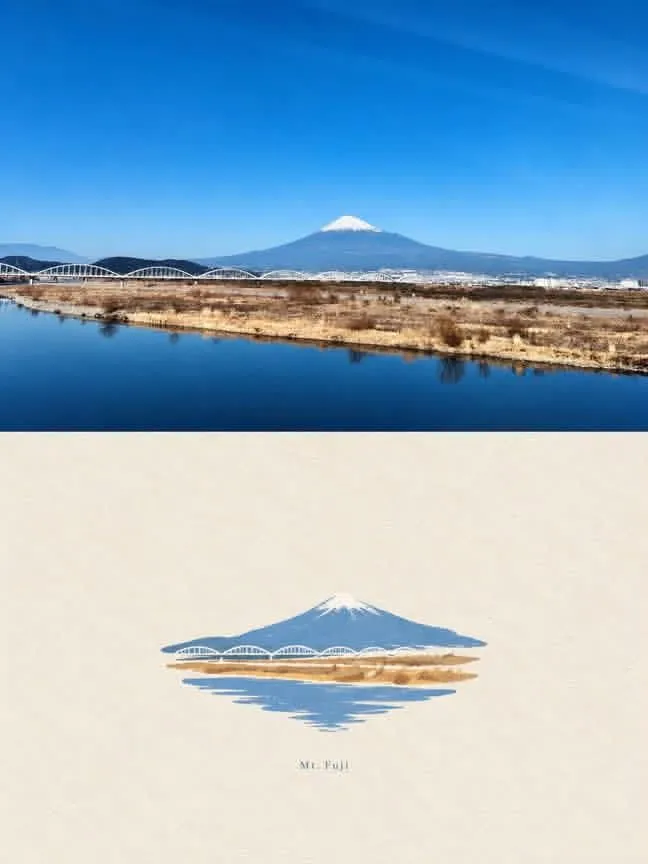
    • Mount Fuji Watercolor Transformation
    • Scandinavian Watercolor Vignette Artwork
    • Watercolor Mount Fuji Travel Poster
    • Luxury Travel Poster with Souvenir Magnet
    • Real Photo to Illustrated Memory Board Poster
    • Dark Silhouette Poster Design from Photo
    • Dreamy Japanese Floral Art Festival Poster
    • Anime Floral Personality Poster
    • Anime Double-Exposure Poster
    • Watercolor Travel Poster Fusion
    • Watercolor Double-Exposure Fantasy Silhouette
    • Anime Spy School Movie Poster
    • Japanese Visual Novel Promo Poster
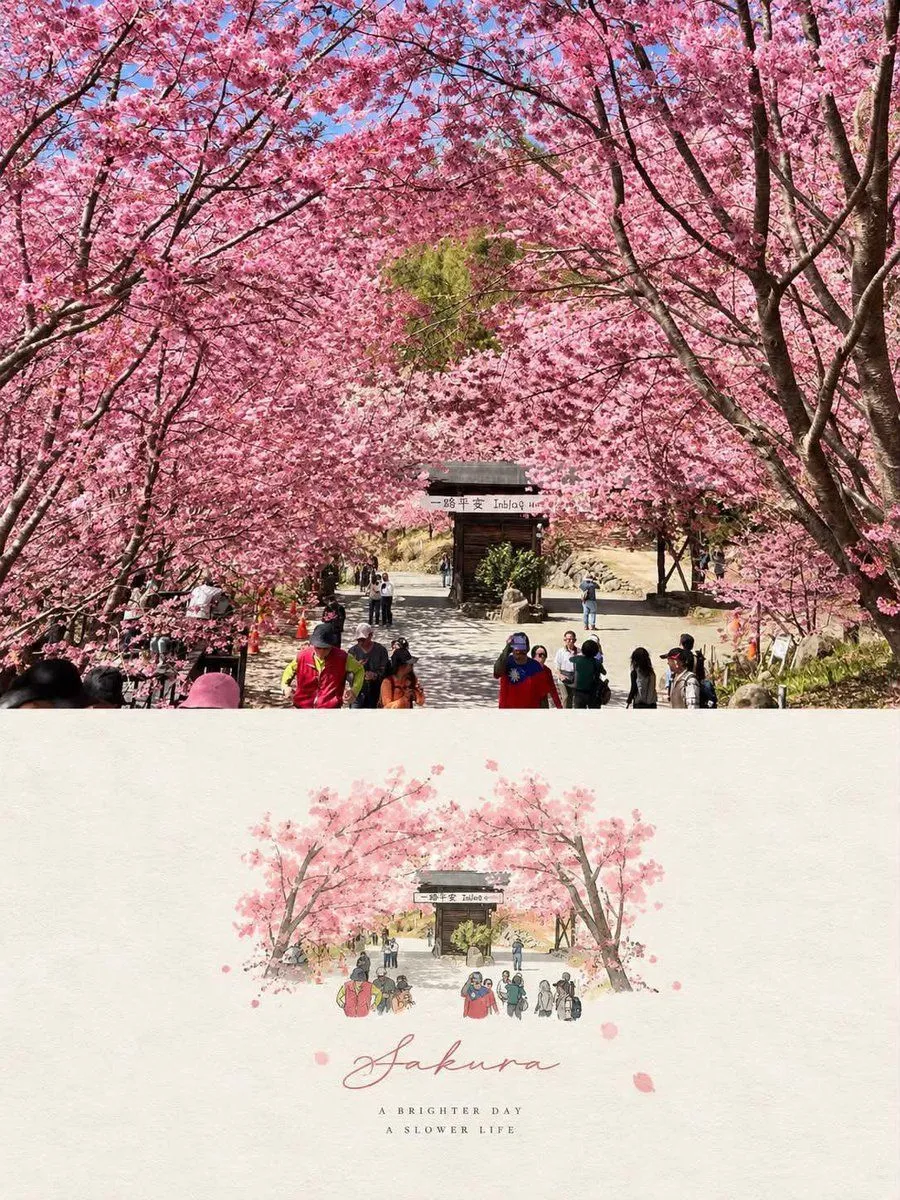
    • Sakura Travel Cinema Title Card
    • Cherry Blossom Yukata Idol Portrait
    • Vintage Brush Flag City Posters
    • Sakura School Dating Sim Thumbnail
    • Anatomy Correction Prompt for Nano Banana 2
    • Kyoto Geisha Moment
    • Pastel Anime Cherry Blossom Portrait
    • Snowy Himeji Castle in Kyouka Suigetsu Style
    • Cherry Blossoms in Nakameguro
    • Four-Model Earbud Product Comparison
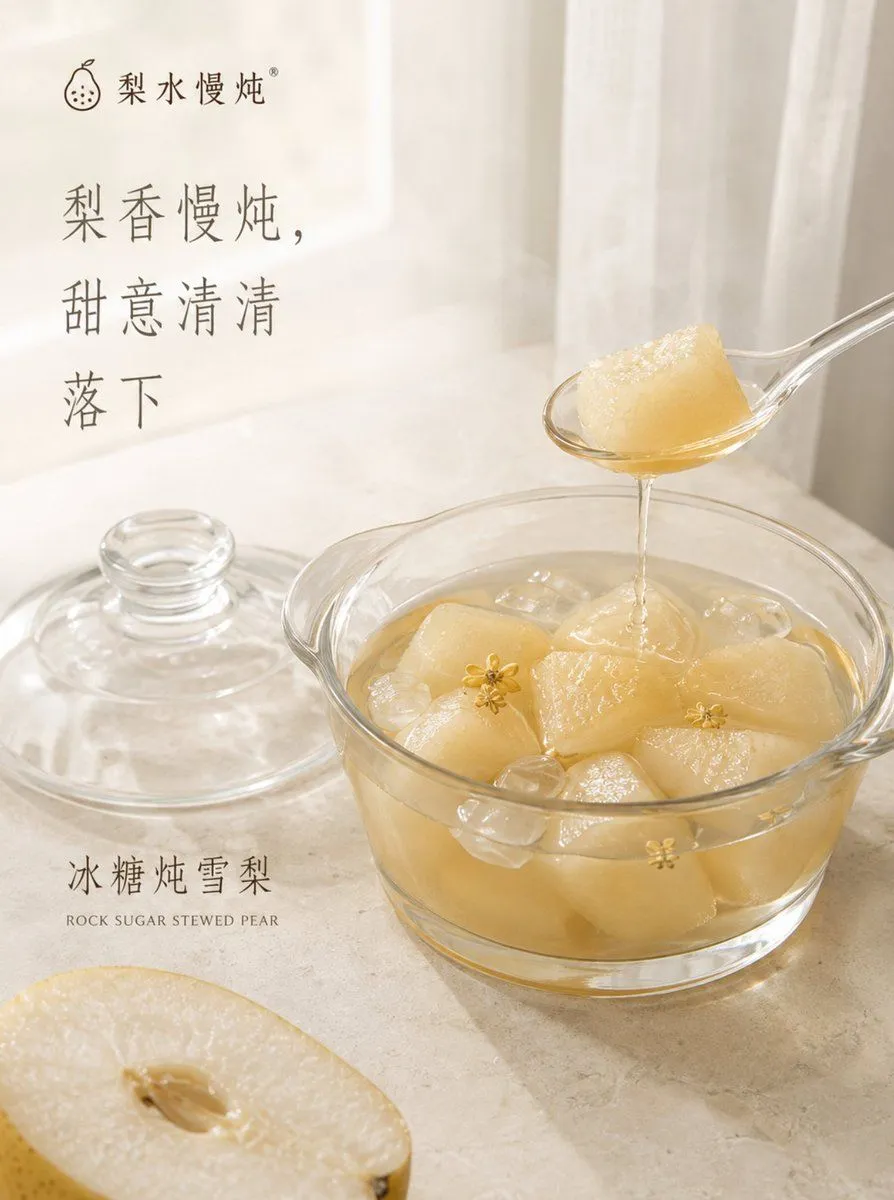
    • Traditional Stewed Pear Dessert Poster

    Show more

    Run it on your phone

    1. Prompt copiedRead it

      Use the uploaded image as the primary reference. Preserve the original scene, composition, subjects, poses, proportions, colors, and important details accurately. Do not replace or rearrange the main elements. Create a vertical 3:4 editorial poster with a refined photograph-to-hand-drawn-illustration transformation. TOP SECTION — ORIGINAL PHOTO •Keep the uploaded photograph essentially unchanged. •Preserve the exact environment, people/animals, objects, architecture, lighting, colors, and composition. •Make it look natural, sharp, and photographic. •The photo should occupy approximately the upper 50% of the poster. BOTTOM SECTION — ILLUSTRATED VERSION •Recreate the same scene from the photograph as a delicate hand-drawn illustration. •Keep the same subjects, positions, poses, perspective, and recognizable details. •Use a soft watercolor + colored pencil + ink sketch aesthetic. •Fine expressive outlines, subtle pencil texture, gentle watercolor washes, slightly imperfect hand-drawn edges. •Simplify the background while retaining the most recognizable environmental elements. •Use soft pastel tones, natural paper colors, subtle grain, and an elegant editorial/art-book feeling. •The illustration should feel like a premium travel/lifestyle postcard, not a cartoon or generic digital painting. •Maintain visual continuity between the photograph and illustration. LAYOUT & DESIGN •Vertical 3:4 composition. •Upper half = original photograph. •Lower half = warm off-white textured paper/canvas background. •Create a soft, seamless transition between the two sections. •Place the illustrated recreation centrally in the lower section with generous negative space around it. •Add a few subtle hand-drawn decorative elements such as tiny petals, leaves, hearts, or sketch marks only if they naturally fit the scene. •Minimal, elegant typography beneath or around the illustration. •Use a sophisticated handwritten/script font for the main title and a small minimalist serif/sans-serif font for the subtitle. •Keep typography understated and balanced. TEXT Replace the title and subtitle with context-appropriate wording, or use: “A Brighter Day” “A Slower Life” For pet/family images, use: “Good Friends” “Brighter Days” “Happier Tails ♡” IMPORTANT •Do not alter the identity or appearance of people or animals. •Do not add extra people, animals, buildings, structures, etc.

    2. Open your app

      This prompt is long, so it is copied instead of sent in the link. Paste it in the app.

    3. Paste and run

      Press and hold the message box, then tap Paste. Add your photo first if the prompt uses one. You may need to sign in.

    Photo to Illustration Poster GPT Image 2