Tell us anything

An idea, a bug, something you love. We read every note.

⌘↵ to send. The page you're on comes along.

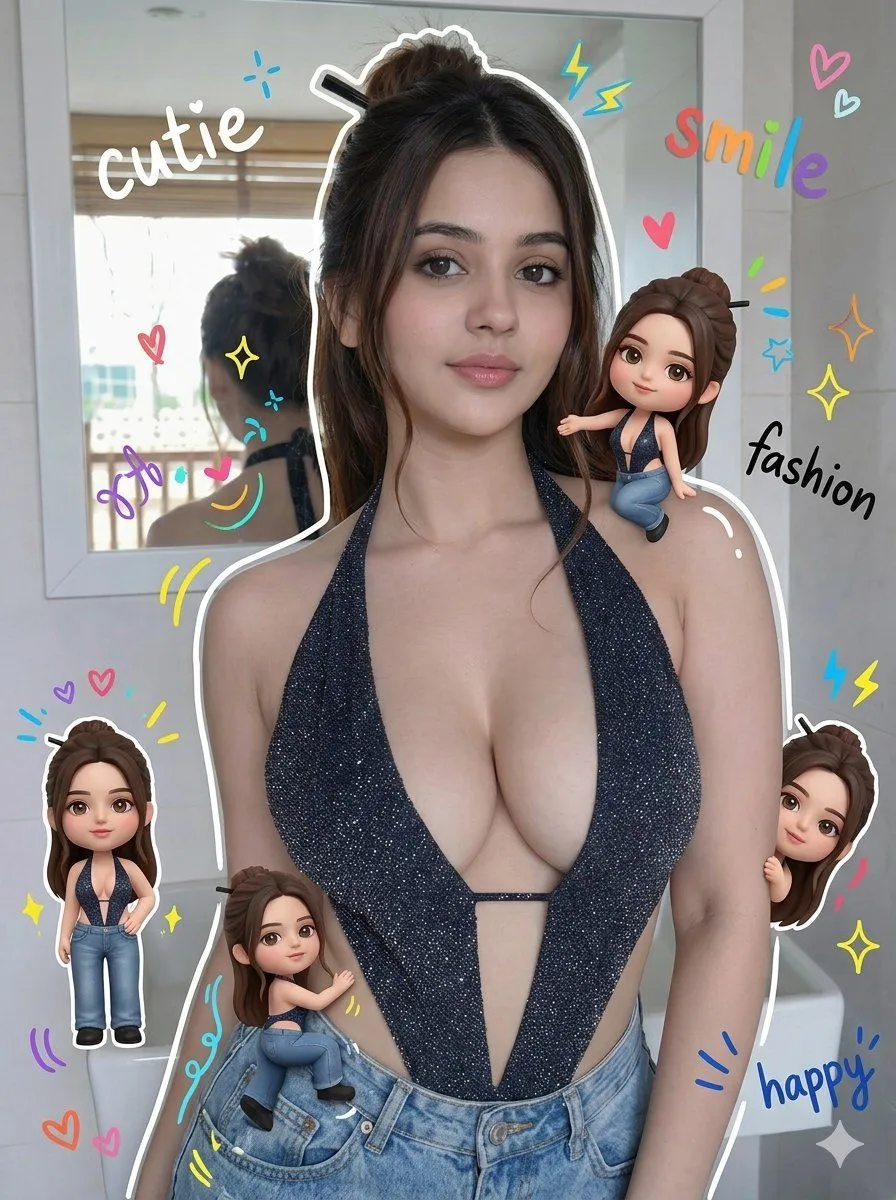
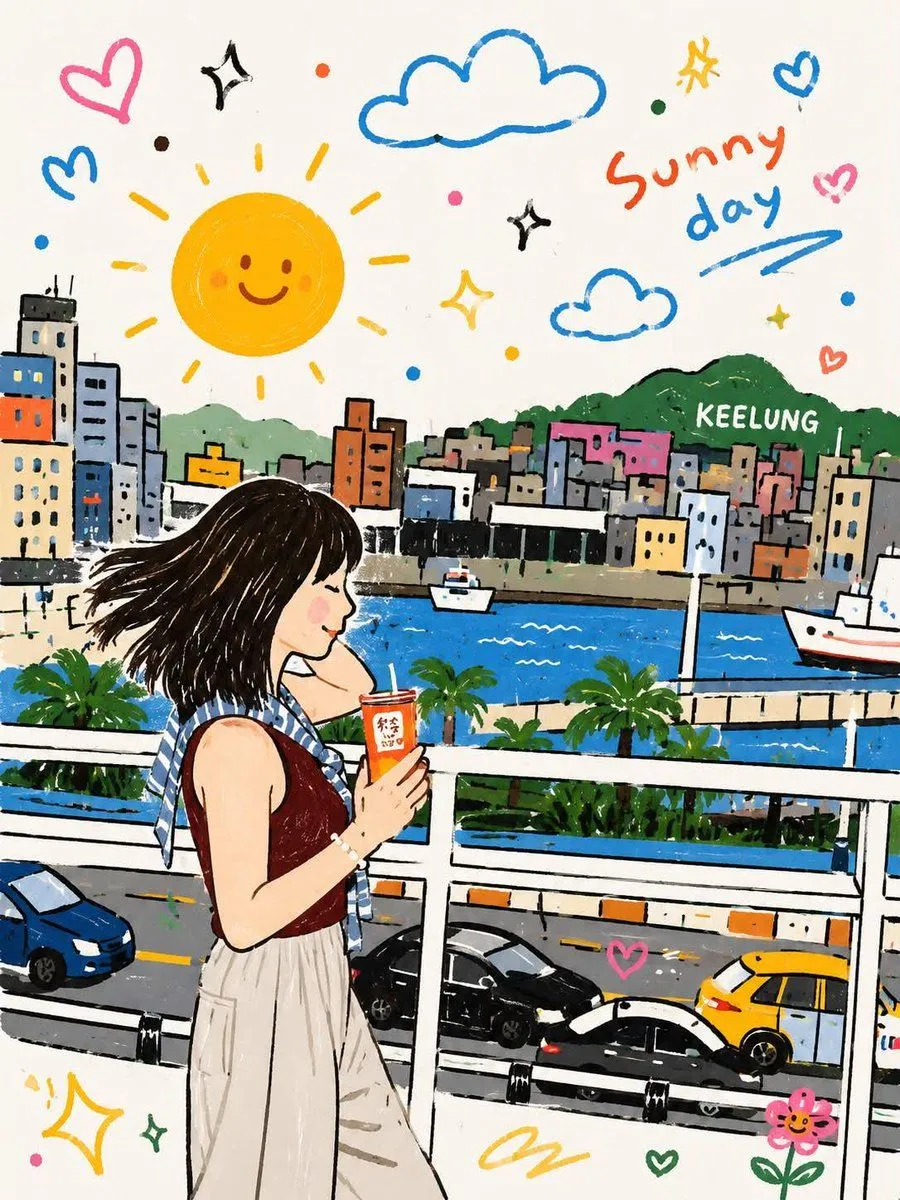
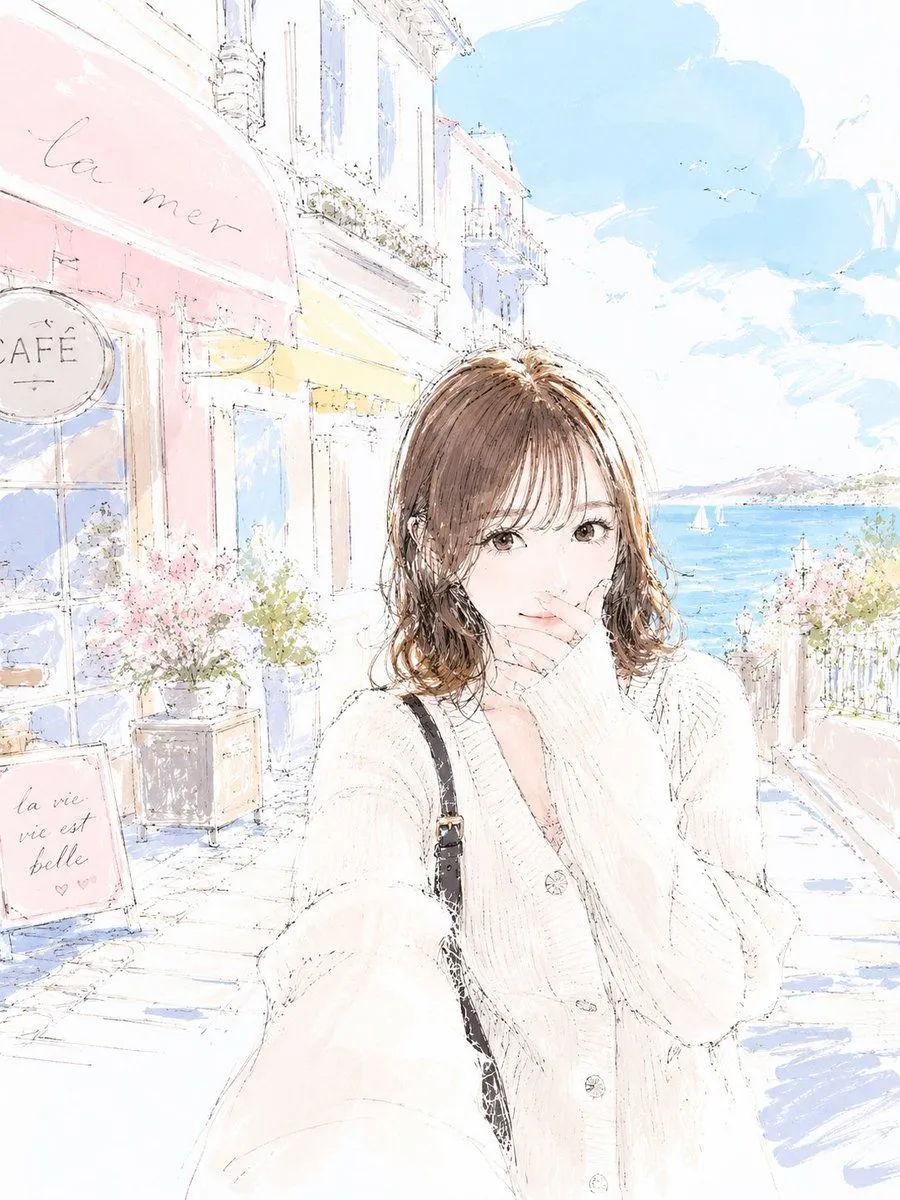
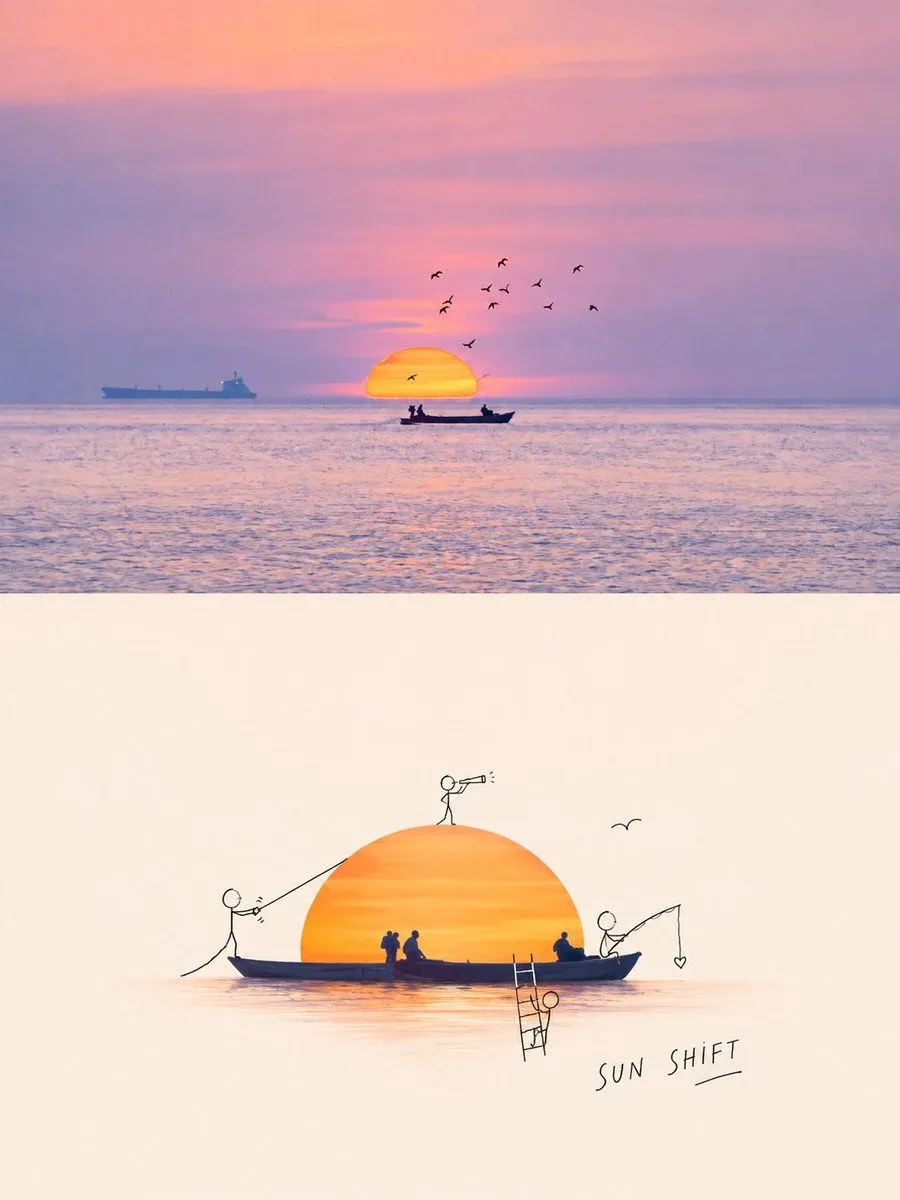
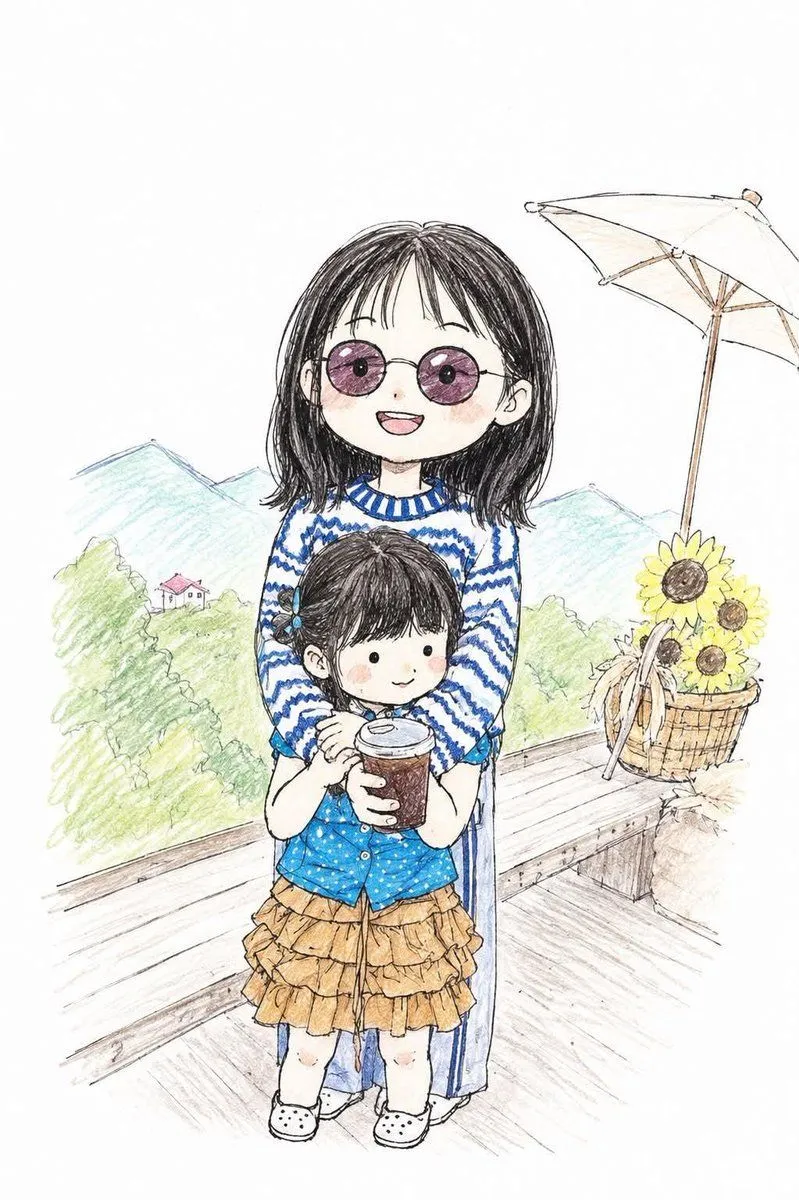
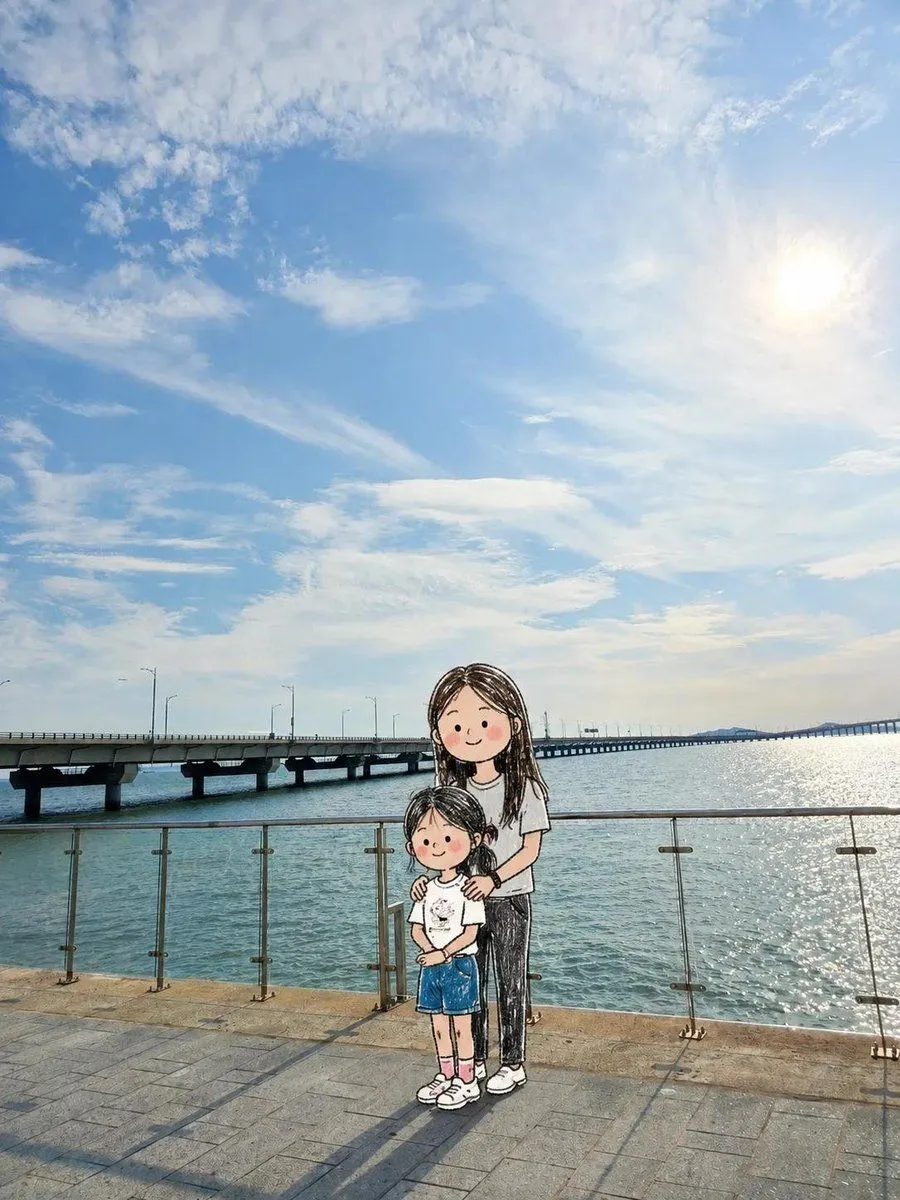
Photo to Doodle Character Transformation

Made with GPT Image 2 in ChatGPT, collected by Library Lifestyle. Promptclay never generates images.

Did it work?

No reports yet. Tell others if it worked for you.

No comments yet. Be the first.

    Photo to Doodle Character Transformation

    GPT Image 23:4Needs your photoAI-generated

    Prompt

    Transform ONLY the people in the uploaded photo into adorable hand-drawn doodle characters while keeping the original photographic background unchanged. CORE RULE: Background = original realistic photo. People = cute hand-drawn doodle characters. PRESERVE THE BACKGROUND: Keep the original sky, landscape, buildings, water, furniture, ground, plants, railings, objects, lighting, colors, perspective, camera angle, framing, and textures as close to the original photo as possible. Do NOT redraw, simplify, illustrate, or apply doodle/crayon/pencil effects to the background or environmental objects. TRANSFORM ONLY PEOPLE: Replace each person with a charming, naive doodle version while preserving: - exact number of people - original position and relative scale - front/back/side/three-quarter orientation - head and body direction - pose and gesture - arm and leg positions - interactions with people or objects - hairstyle, clothing colors, and major accessories IMPORTANT: If someone faces away, keep them back-facing. If sideways, keep them sideways. If facing forward, keep them forward. Never rotate a person toward the viewer or invent a face that is not visible. CUTE DOODLE STYLE: Freely reinterpret realistic anatomy into an adorable, imperfect character: - oversized round head - tiny compact body - short simplified arms and legs - tiny hands and feet - cute awkward proportions - loose scribbled hair - tiny dot eyes and simple facial features when visible - rosy scribbled cheeks when appropriate Keep the original pose recognizable, but simplify and slightly exaggerate it for cuteness. DRAWING STYLE: Loose naive hand-drawn doodle, like a quick children's sketch. Use thin shaky black outlines, imperfect shapes, overlapping sketch lines, scribbled colored-pencil or crayon fills, uneven coloring, white gaps, and slightly messy edges. The character should look intentionally roughly drawn but extremely cute. OBJECTS: Objects, furniture, scenery, and items around the people should remain photographic whenever possible. A doodle character may naturally touch or hold a real photographic object. INTEGRATION: Keep correct scale, ground contact, depth, and occlusion so the doodle characters naturally occupy the same locations as the original people. FINAL LOOK: It should feel like the real people were removed from the original photograph and replaced with adorable little hand-drawn doodle versions of themselves, while the real-world background remained untouched. Prioritize: 1. Original photographic background 2. Person position and scale 3. Exact body orientation 4. Pose and gesture 5. Cute exaggerated doodle character design Avoid full-image illustration, background doodling, realistic anatomy, anime, manga, 3D cartoon, polished digital art, vector lines, changed poses, changed orientation, added people, or invented faces.

    Use only photos you have the right to usePhoto tips
    • Your photo stays with your app. You upload it to Gemini, ChatGPT or the app you use. Promptclay never sees or stores it.
    • Crop to what the prompt needs. Your face for a portrait. Leave out other people, house numbers, cards and screens.
    • Check the result before you post. Apps sometimes add things that were not in your photo, like a mole, a tattoo or bare shoulders. Run it again or ask the app to remove them.
    Works in
    ChatGPT, Gemini
    Status
    Free to copy
    0
    DetailsVersions, settings and questions

    Written for

    What's in the prompt

    Subject
    Model
    GPT Image 2

    If your face changes

    keep my face exactly the same

    Questions

    Does this work in the ChatGPT app?
    Yes. Paste the prompt and attach your photo if it uses one.
    It changed my face. What do I do?
    Add "keep my face exactly the same" to the end and run it again.
    Can I use the images I make?
    Check the terms of the app you use. Promptclay never generates images and claims nothing you make.
    Similar prompts

    See more
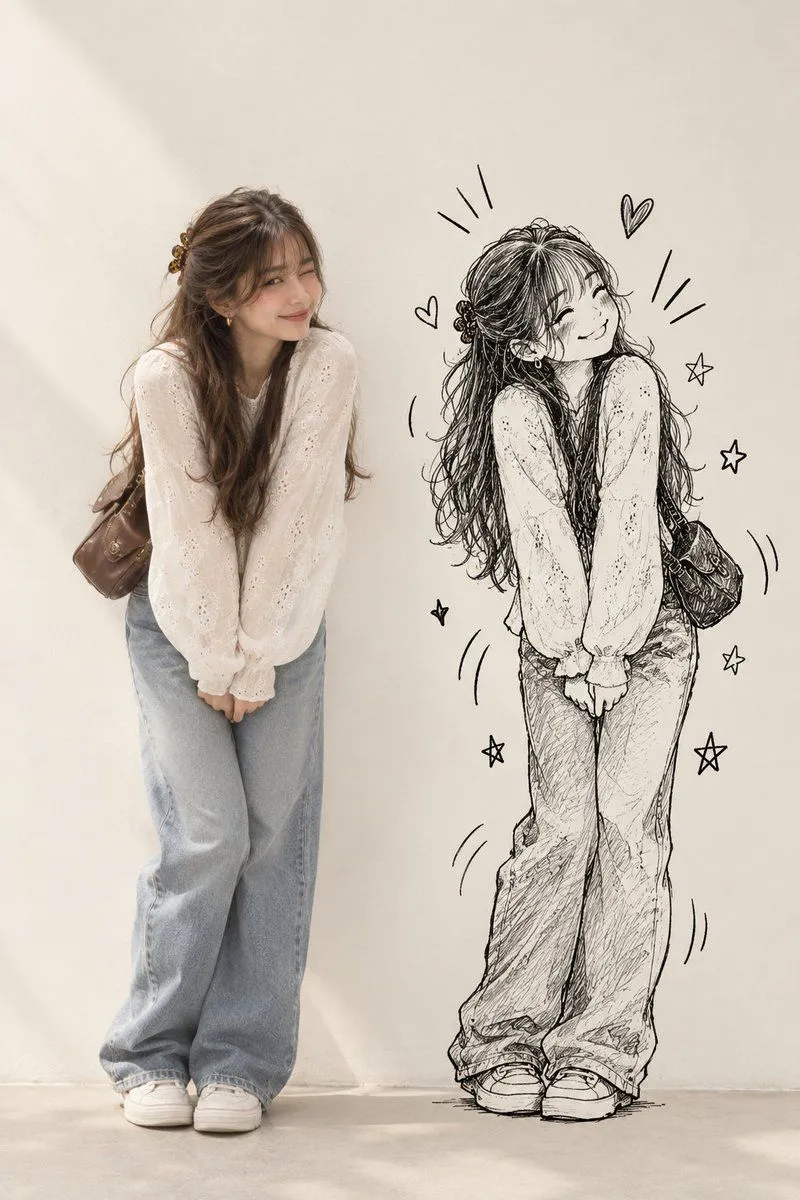
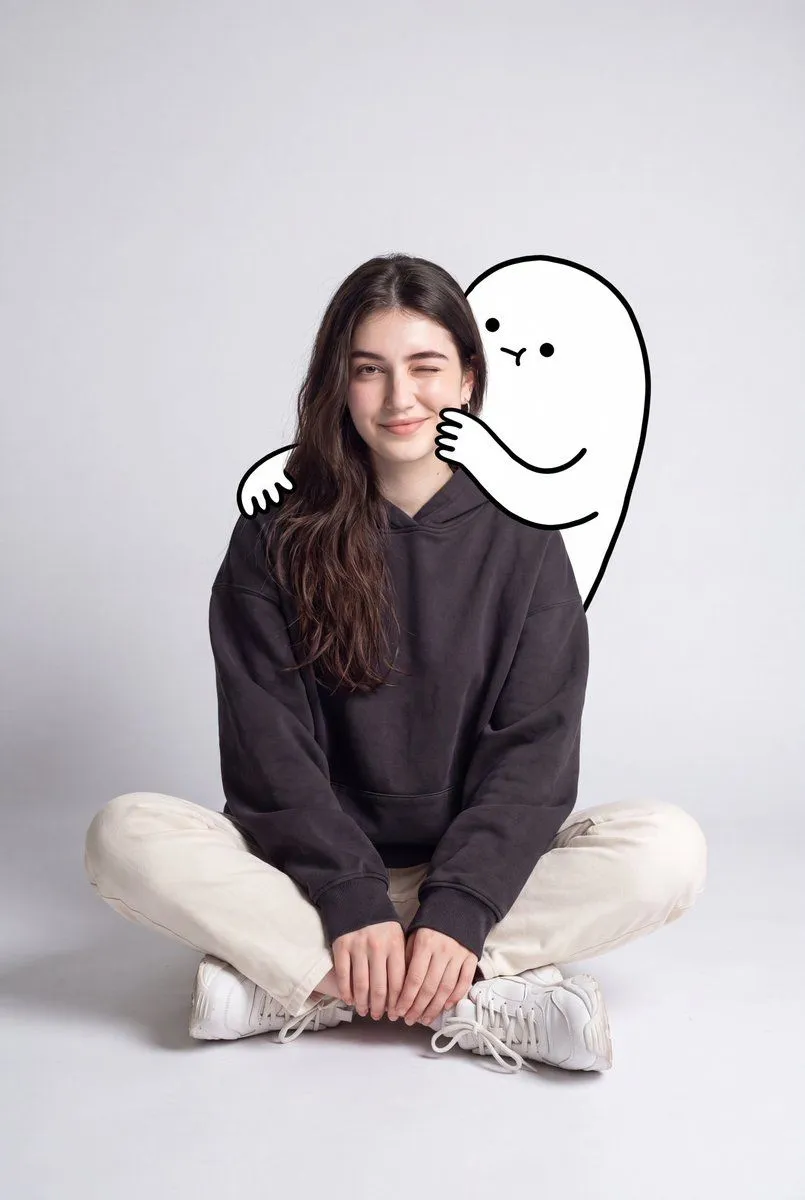
    • Real Person Doodle Shadow Prompt
    • Minimalist Fashion Portrait with Doodle
    • Chibi Style Mixed-Media Portrait
    • Whimsical Childlike Doodle Reconstruction
    • Pastel Sketch Animation Illustration
    • Doodle Character Editorial Lifestyle Poster
    • Childlike Pastel Portrait Collage
    • Naive doodle-style subject illustration
    • Clumsy Hand-Drawn Photo Doodle
    • Childlike Watercolor and Crayon Art
    • Children's Book Illustration Prompt
    • Hand-Drawn Felt-Tip Doodle Style
    • Layered Papercraft Image Transformation
    • High-Energy, Print-Ready Comic Art Prompt
    • Chasing Sunsets Seagull Watercolor
    • Watercolor Illustration of a Cozy Seaside Harbor Village
    • Calm Beach Portrait
    • Anatomy Correction Prompt for Nano Banana 2
    • Anime Floral Personality Poster
    • Female Android vs Robotic Scorpion
    • Lady Death Fighting Demons
    • Mystic Ruins Platformer Screenshot
    • Risograph Style Poetic Illustration
    • Water Mirror Fantasy Maiden

    Show more

    Run it on your phone

    1. Prompt copiedRead it

      Transform ONLY the people in the uploaded photo into adorable hand-drawn doodle characters while keeping the original photographic background unchanged. CORE RULE: Background = original realistic photo. People = cute hand-drawn doodle characters. PRESERVE THE BACKGROUND: Keep the original sky, landscape, buildings, water, furniture, ground, plants, railings, objects, lighting, colors, perspective, camera angle, framing, and textures as close to the original photo as possible. Do NOT redraw, simplify, illustrate, or apply doodle/crayon/pencil effects to the background or environmental objects. TRANSFORM ONLY PEOPLE: Replace each person with a charming, naive doodle version while preserving: - exact number of people - original position and relative scale - front/back/side/three-quarter orientation - head and body direction - pose and gesture - arm and leg positions - interactions with people or objects - hairstyle, clothing colors, and major accessories IMPORTANT: If someone faces away, keep them back-facing. If sideways, keep them sideways. If facing forward, keep them forward. Never rotate a person toward the viewer or invent a face that is not visible. CUTE DOODLE STYLE: Freely reinterpret realistic anatomy into an adorable, imperfect character: - oversized round head - tiny compact body - short simplified arms and legs - tiny hands and feet - cute awkward proportions - loose scribbled hair - tiny dot eyes and simple facial features when visible - rosy scribbled cheeks when appropriate Keep the original pose recognizable, but simplify and slightly exaggerate it for cuteness. DRAWING STYLE: Loose naive hand-drawn doodle, like a quick children's sketch. Use thin shaky black outlines, imperfect shapes, overlapping sketch lines, scribbled colored-pencil or crayon fills, uneven coloring, white gaps, and slightly messy edges. The character should look intentionally roughly drawn but extremely cute. OBJECTS: Objects, furniture, scenery, and items around the people should remain photographic whenever possible. A doodle character may naturally touch or hold a real photographic object. INTEGRATION: Keep correct scale, ground contact, depth, and occlusion so the doodle characters naturally occupy the same locations as the original people. FINAL LOOK: It should feel like the real people were removed from the original photograph and replaced with adorable little hand-drawn doodle versions of themselves, while the real-world background remained untouched. Prioritize: 1. Original photographic background 2. Person position and scale 3. Exact body orientation 4. Pose and gesture 5. Cute exaggerated doodle character design Avoid full-image illustration, background doodling, realistic anatomy, anime, manga, 3D cartoon, polished digital art, vector lines, changed poses, changed orientation, added people, or invented faces.

    2. Open your app

      This prompt is long, so it is copied instead of sent in the link. Paste it in the app.

    3. Paste and run

      Press and hold the message box, then tap Paste. Add your photo first if the prompt uses one. You may need to sign in.

    Photo to Doodle Character Transformation