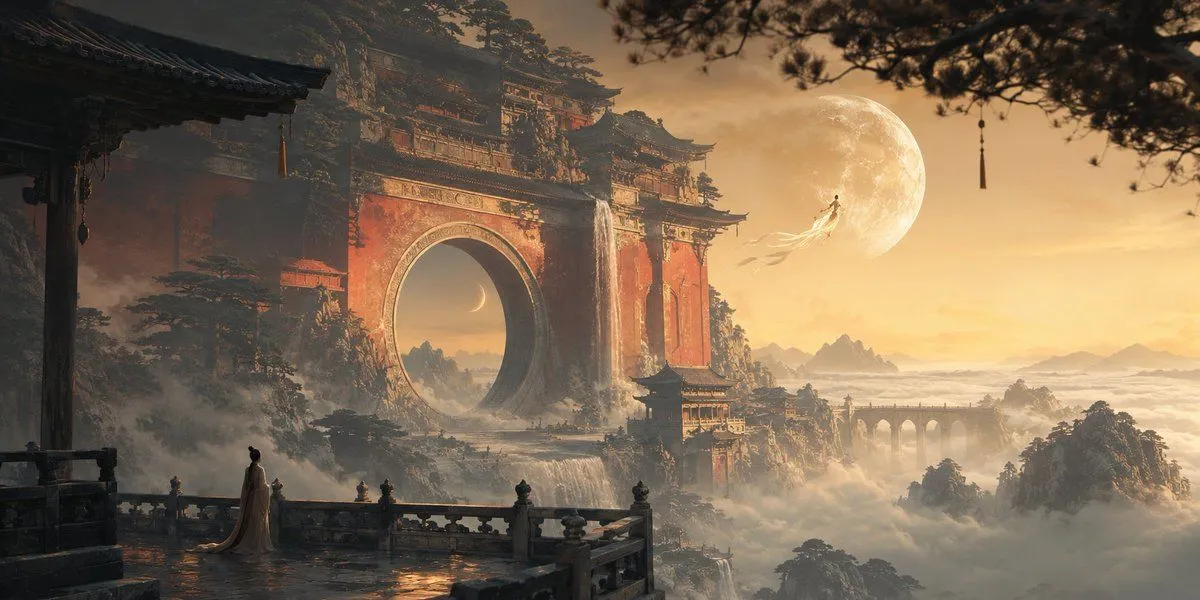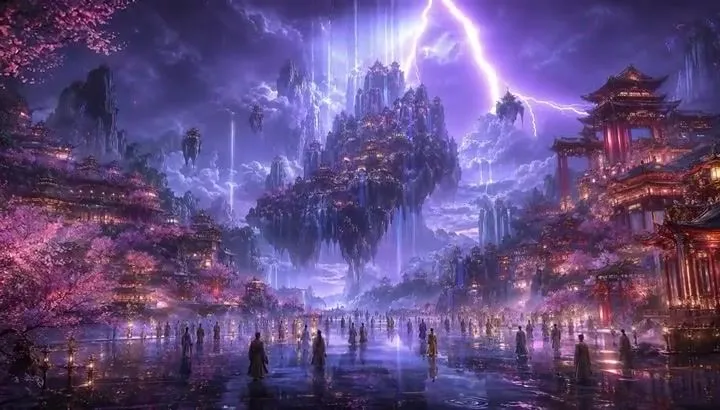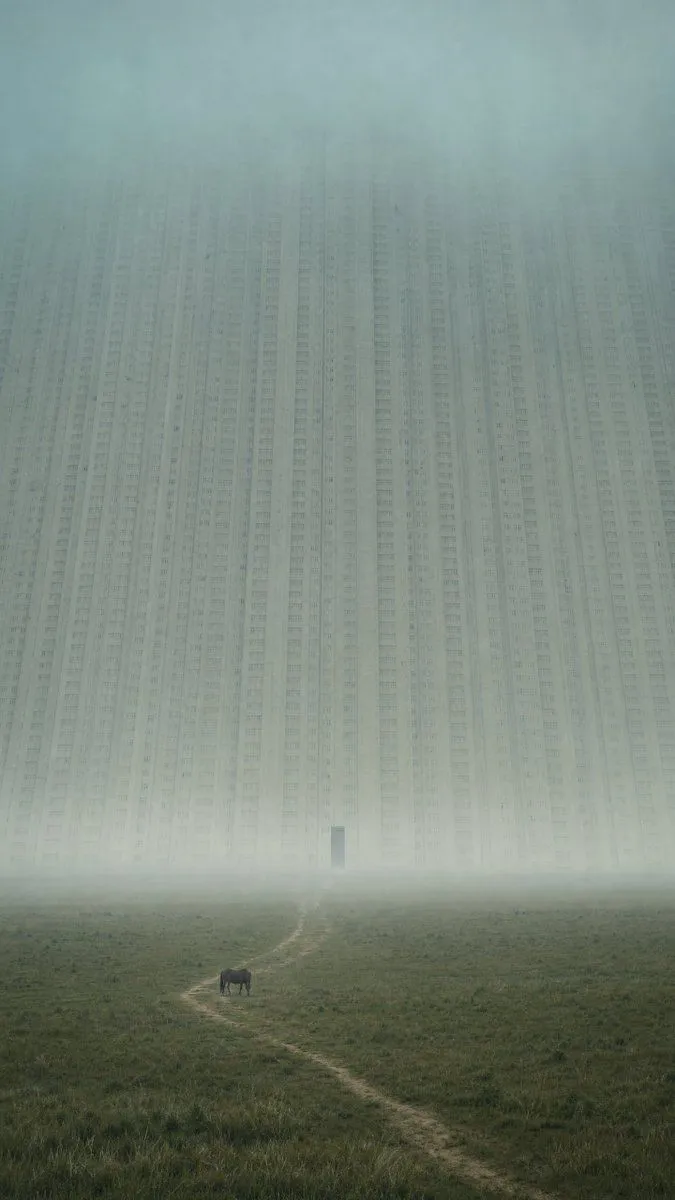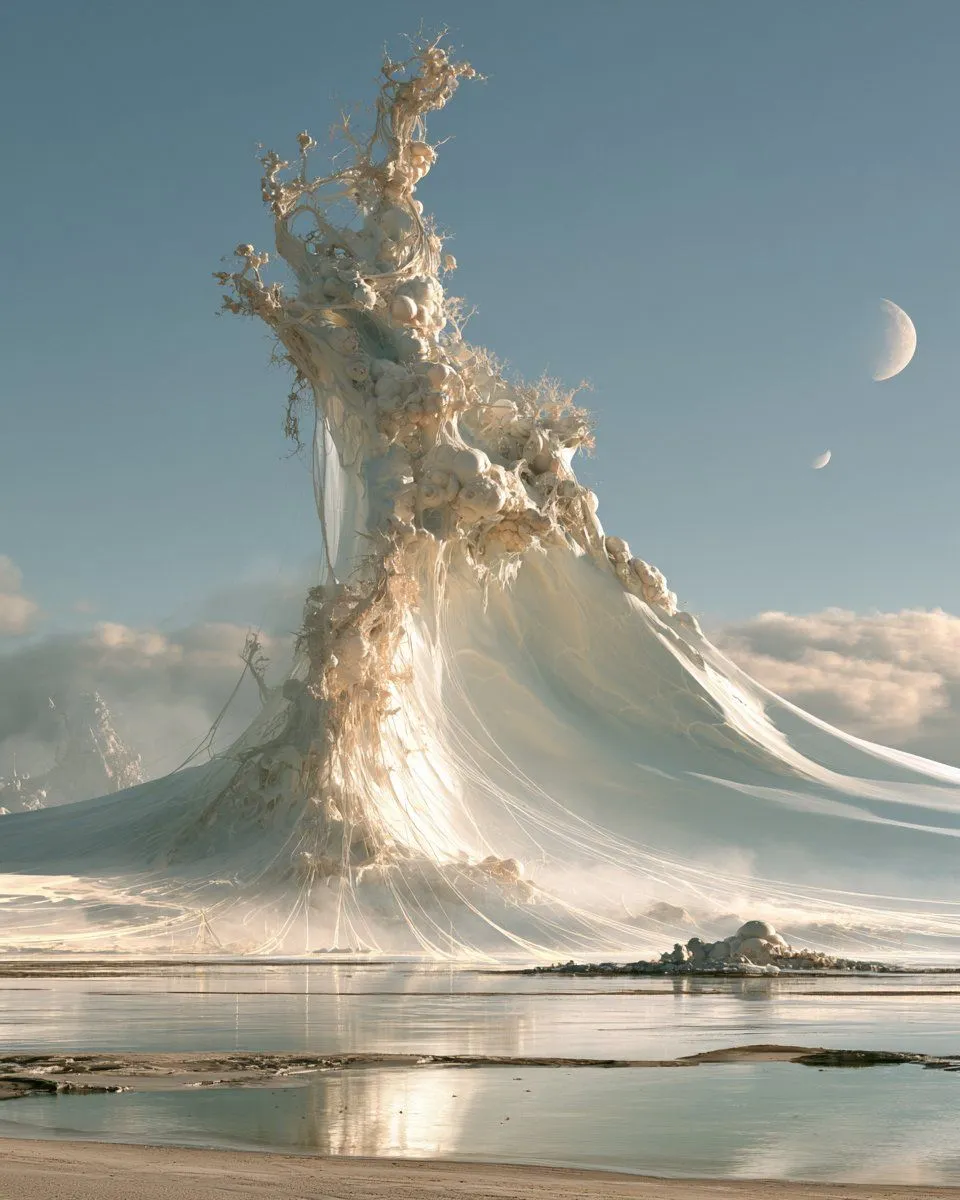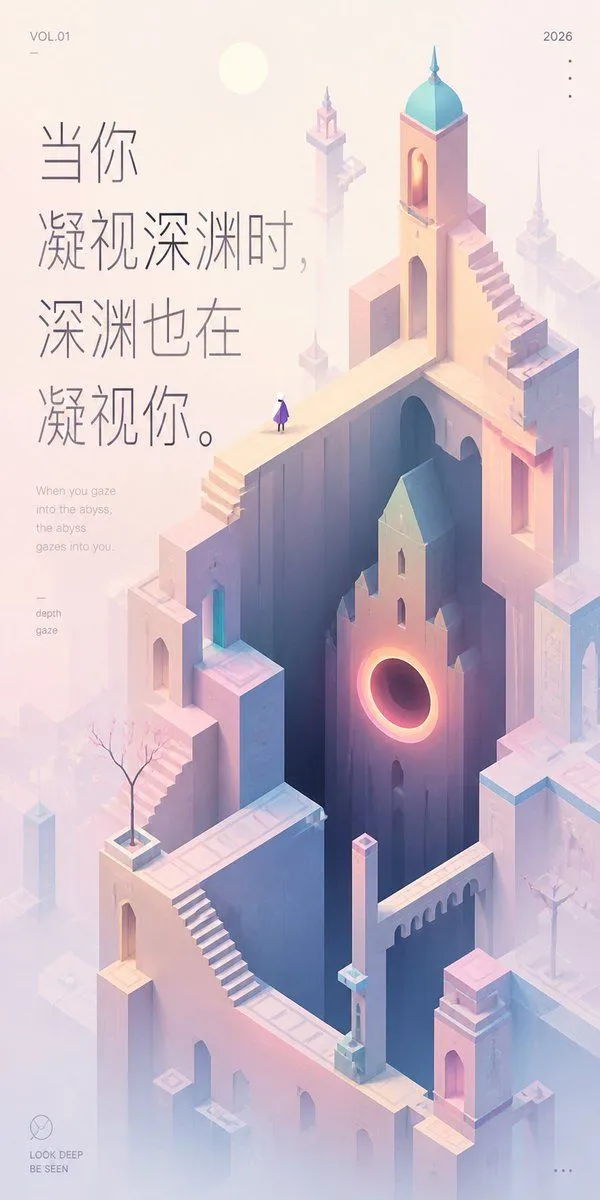
Made with GPT Image 2 in ChatGPT by Library Lifestyle. Promptclay never generates images.
Did it work?
No reports yet. Tell others if it worked for you.
Pastel Abyss Quote Wallpaper
Prompt
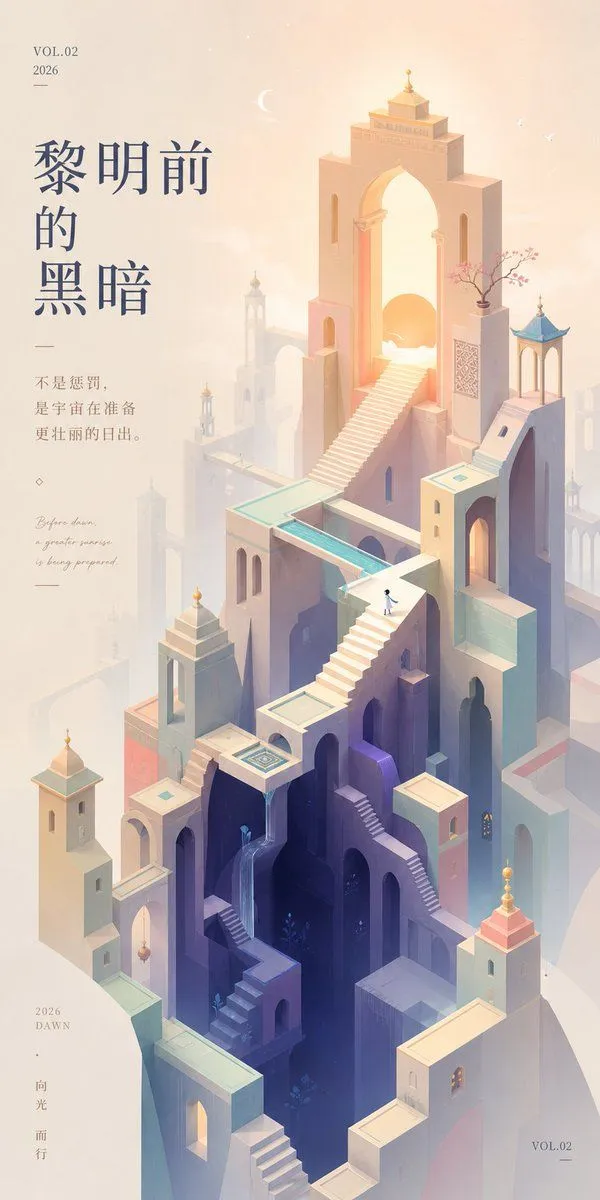
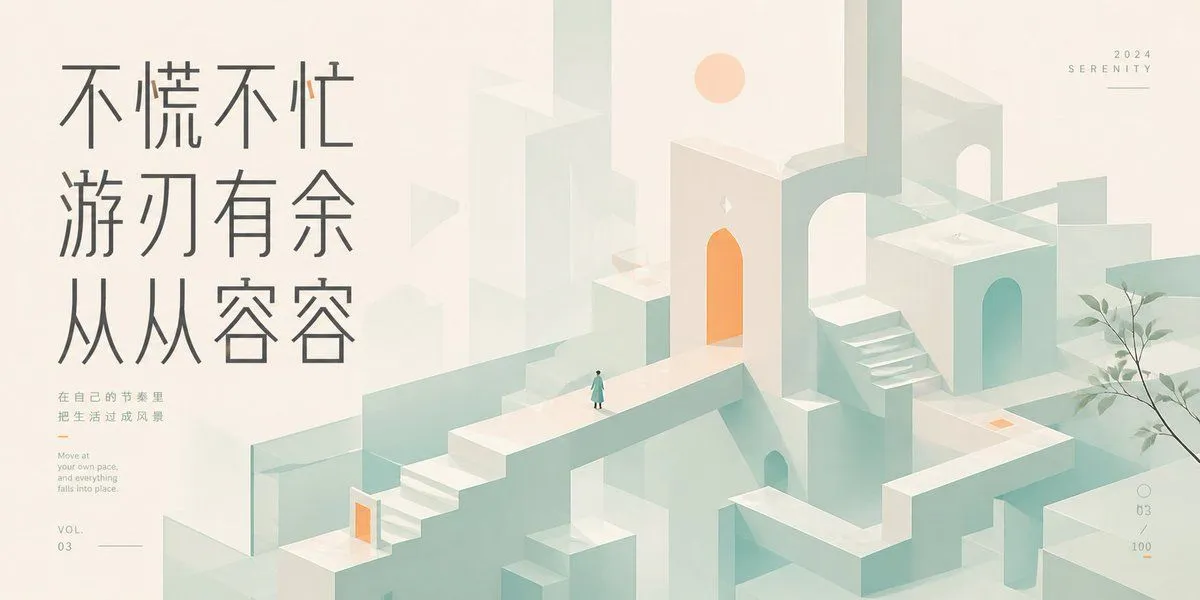
4 blanks to fillCreate a tall vertical inspirational art wallpaper in a quiet Monument Valley–inspired isometric style, soft healing pastel palette, and lots of misty negative space. The scene is an impossible architectural city made of pale peach, lavender, cream, and powder-blue stone: high narrow towers, arched doorways, bridges, staircases, parapets, and floating platforms arranged around a deep dark vertical abyss in the center. Include exactly one tiny lone human figure standing on an upper bridge, wearing a purple cloak or dress and white head, looking into the abyss. Add one prominent building face near the middle-right with a glowing circular portal like a warm orange-pink eclipse, casting light into the deep shaft. Add exactly two small bare ornamental trees in square planters, one on the lower-left terrace and one on the right terrace. The architecture should include multiple surreal stairways, including one long diagonal staircase in the lower center-left and one stepped staircase climbing the upper-right tower; the tallest tower has a turquoise domed roof and a small spire. Use a pale sun disk near the upper left, atmospheric fog, soft bloom, delicate shadows, and minimal linework. Place large vertical Chinese quote typography on the upper-left in thin elegant gray strokes: {quote_text}. Beneath it, add a small English translation in light gray: {english_translation}. Add small editorial poster details: top-left text {volume_label} with a tiny horizontal line below it, top-right text {year} with exactly four small vertical dots below, a small left-side keyword block reading “depth” and “gaze,” a bottom-left minimalist circle logo above the words “LOOK DEEP” and “BE SEEN,” and exactly three small horizontal dots at the bottom-right. Keep the overall composition airy, refined, contemplative, and premium, with the quote occupying the left third and the surreal city rising through the center and right.
Preview of your prompt
Create a tall vertical inspirational art wallpaper in a quiet Monument Valley–inspired isometric style, soft healing pastel palette, and lots of misty negative space. The scene is an impossible architectural city made of pale peach, lavender, cream, and powder-blue stone: high narrow towers, arched doorways, bridges, staircases, parapets, and floating platforms arranged around a deep dark vertical abyss in the center. Include exactly one tiny lone human figure standing on an upper bridge, wearing a purple cloak or dress and white head, looking into the abyss. Add one prominent building face near the middle-right with a glowing circular portal like a warm orange-pink eclipse, casting light into the deep shaft. Add exactly two small bare ornamental trees in square planters, one on the lower-left terrace and one on the right terrace. The architecture should include multiple surreal stairways, including one long diagonal staircase in the lower center-left and one stepped staircase climbing the upper-right tower; the tallest tower has a turquoise domed roof and a small spire. Use a pale sun disk near the upper left, atmospheric fog, soft bloom, delicate shadows, and minimal linework. Place large vertical Chinese quote typography on the upper-left in thin elegant gray strokes: 当你凝视深渊时,深渊也在凝视你。. Beneath it, add a small English translation in light gray: When you gaze into the abyss, the abyss gazes into you.. Add small editorial poster details: top-left text VOL.01 with a tiny horizontal line below it, top-right text 2026 with exactly four small vertical dots below, a small left-side keyword block reading “depth” and “gaze,” a bottom-left minimalist circle logo above the words “LOOK DEEP” and “BE SEEN,” and exactly three small horizontal dots at the bottom-right. Keep the overall composition airy, refined, contemplative, and premium, with the quote occupying the left third and the surreal city rising through the center and right.
DetailsVersions, settings and questions
Written for
What's in the prompt
- Subject
- Model
- GPT Image 2
If your face changes
keep my face exactly the sameQuestions
- Does this work in the ChatGPT app?
- Yes. Paste the prompt and attach your photo if it uses one.
- It changed my face. What do I do?
- Add "keep my face exactly the same" to the end and run it again.
- Can I use the images I make?
- Check the terms of the app you use. Promptclay never generates images and claims nothing you make.