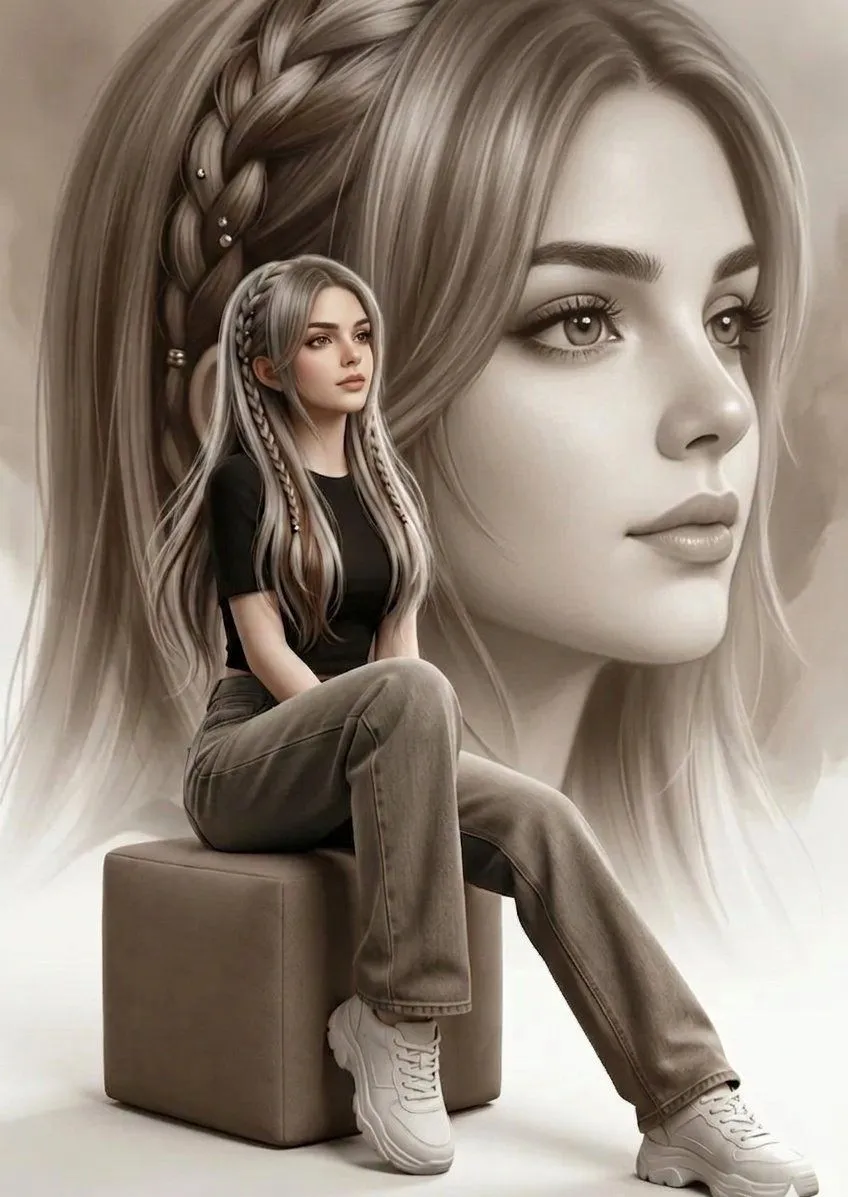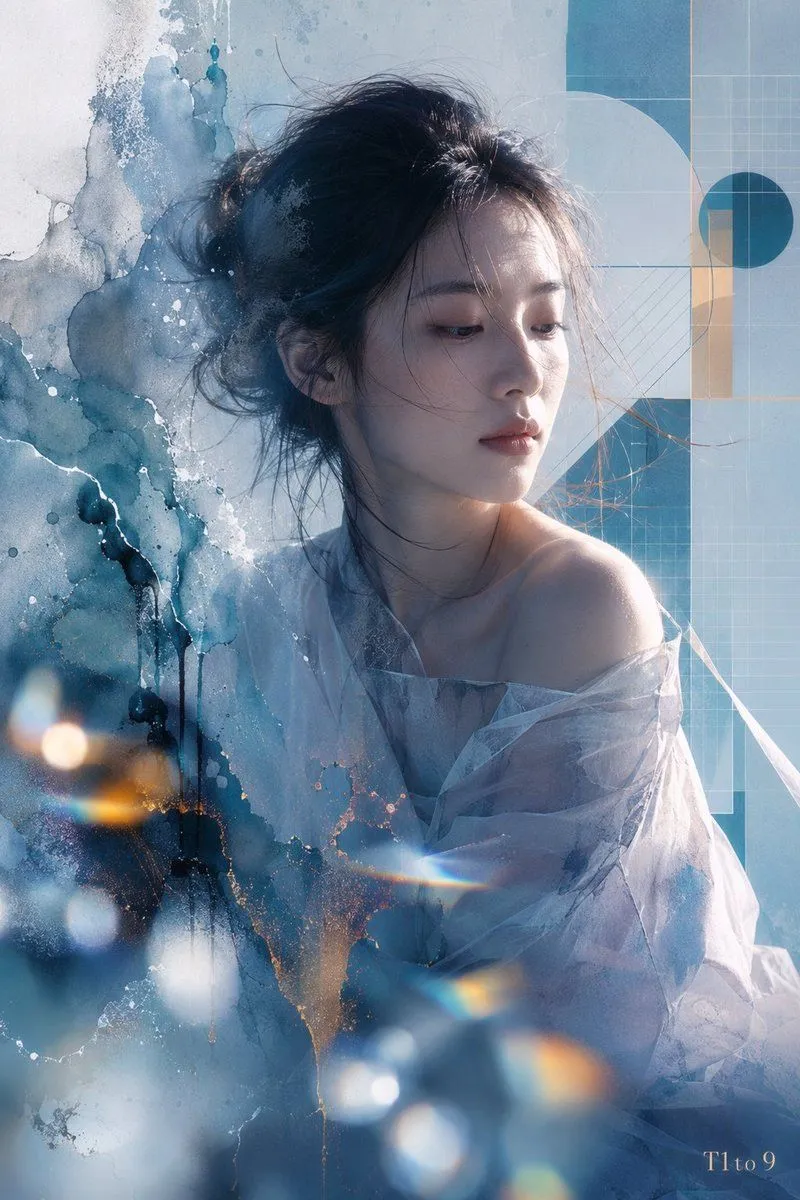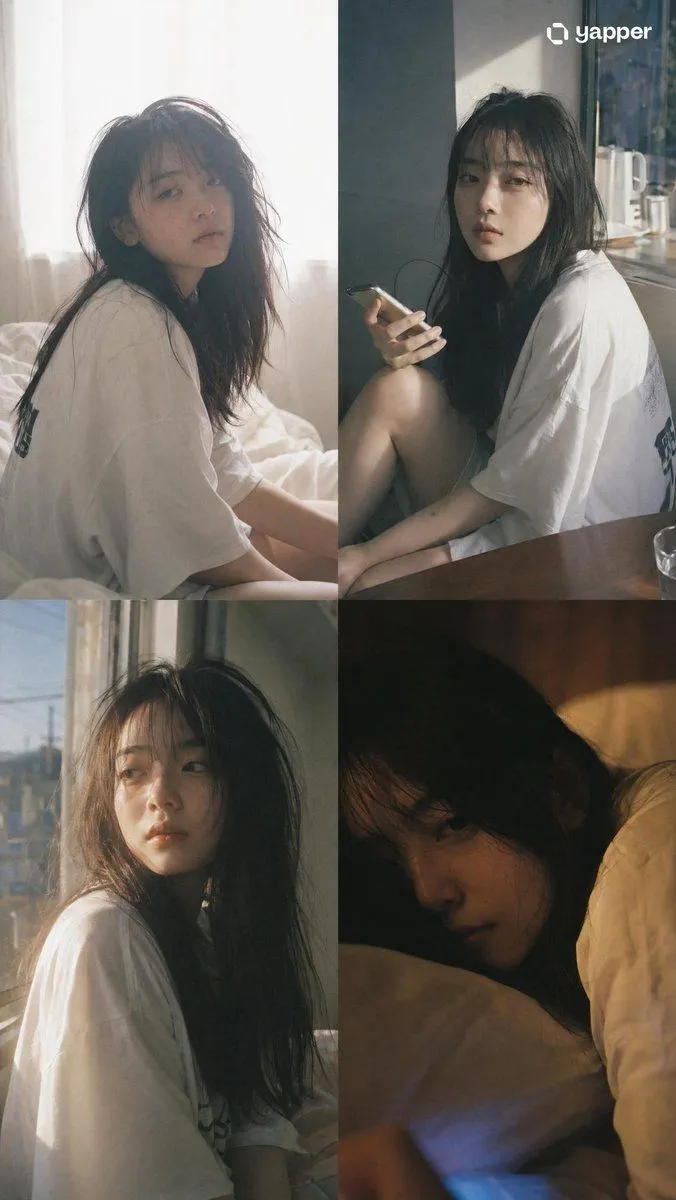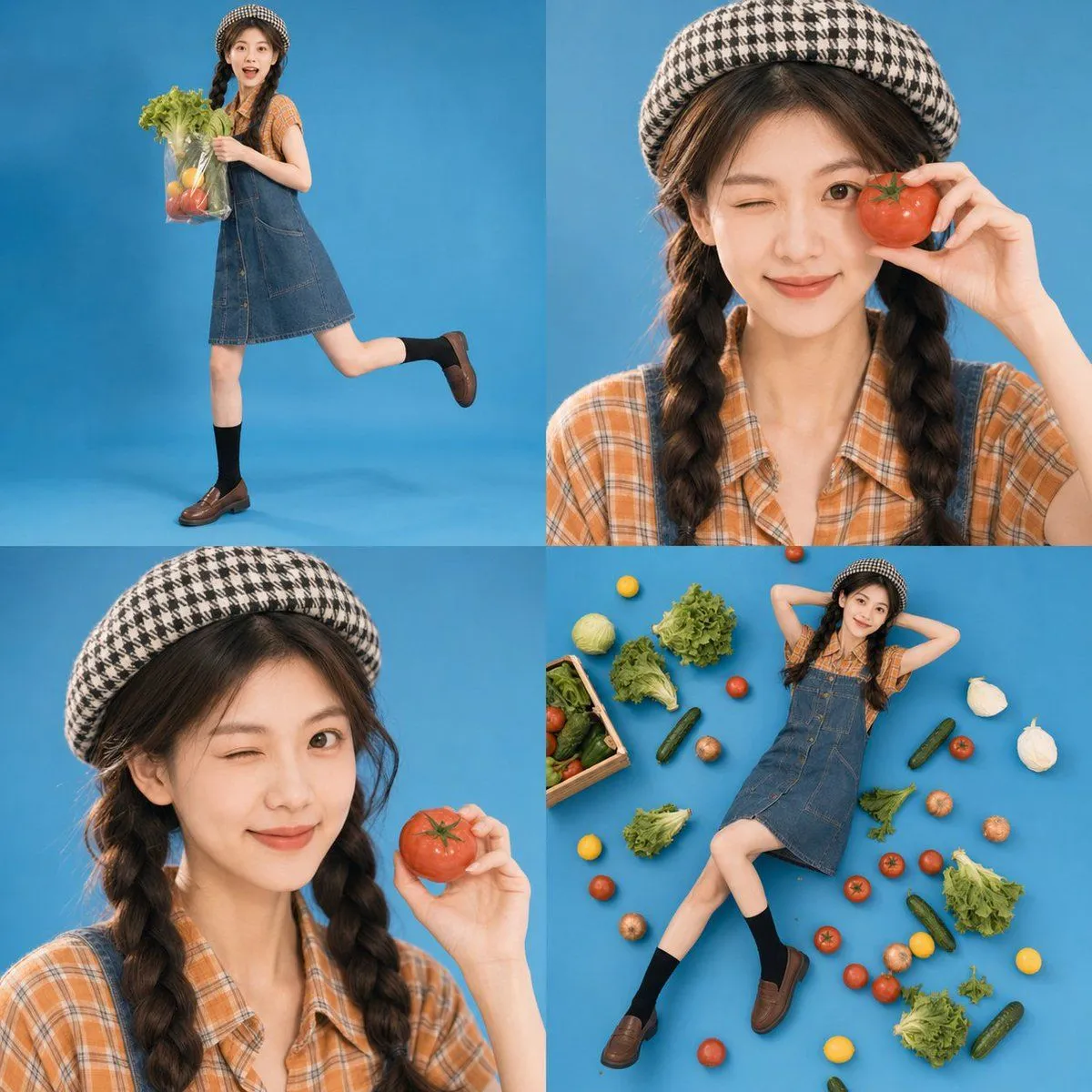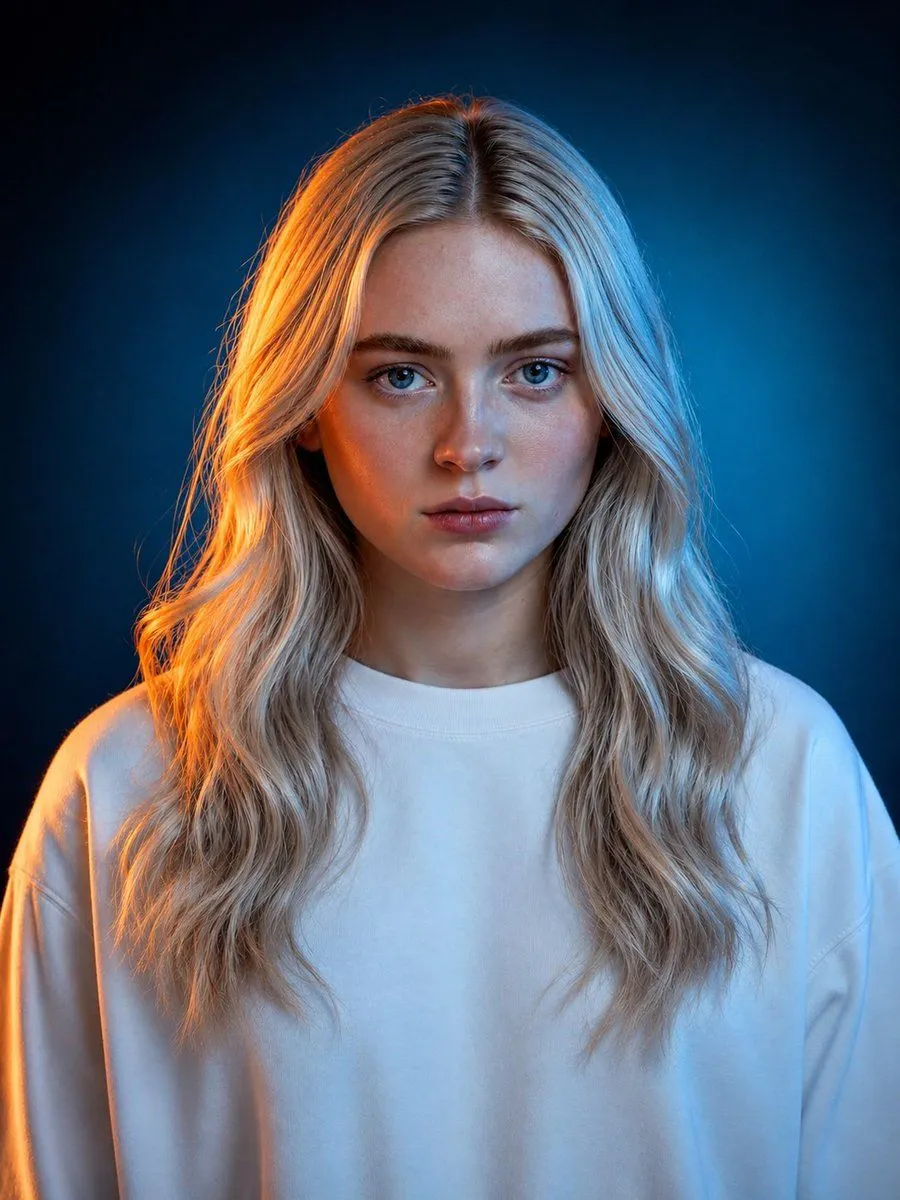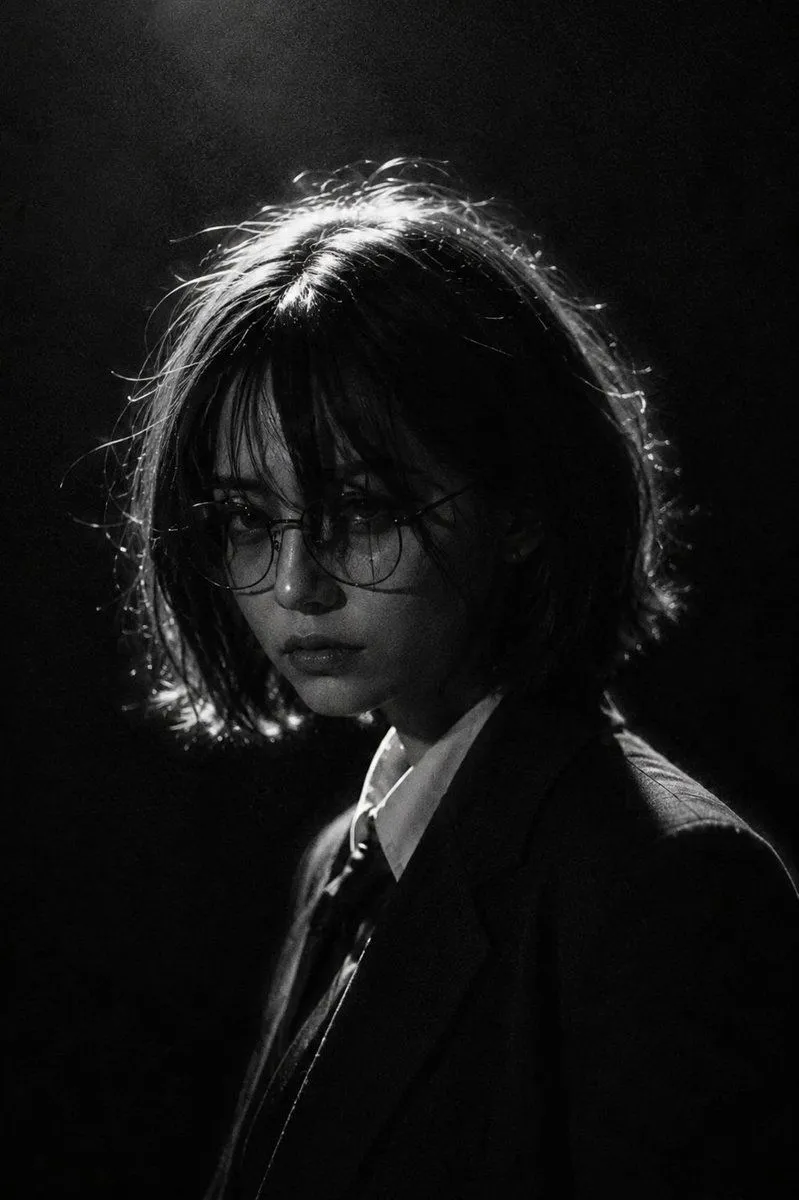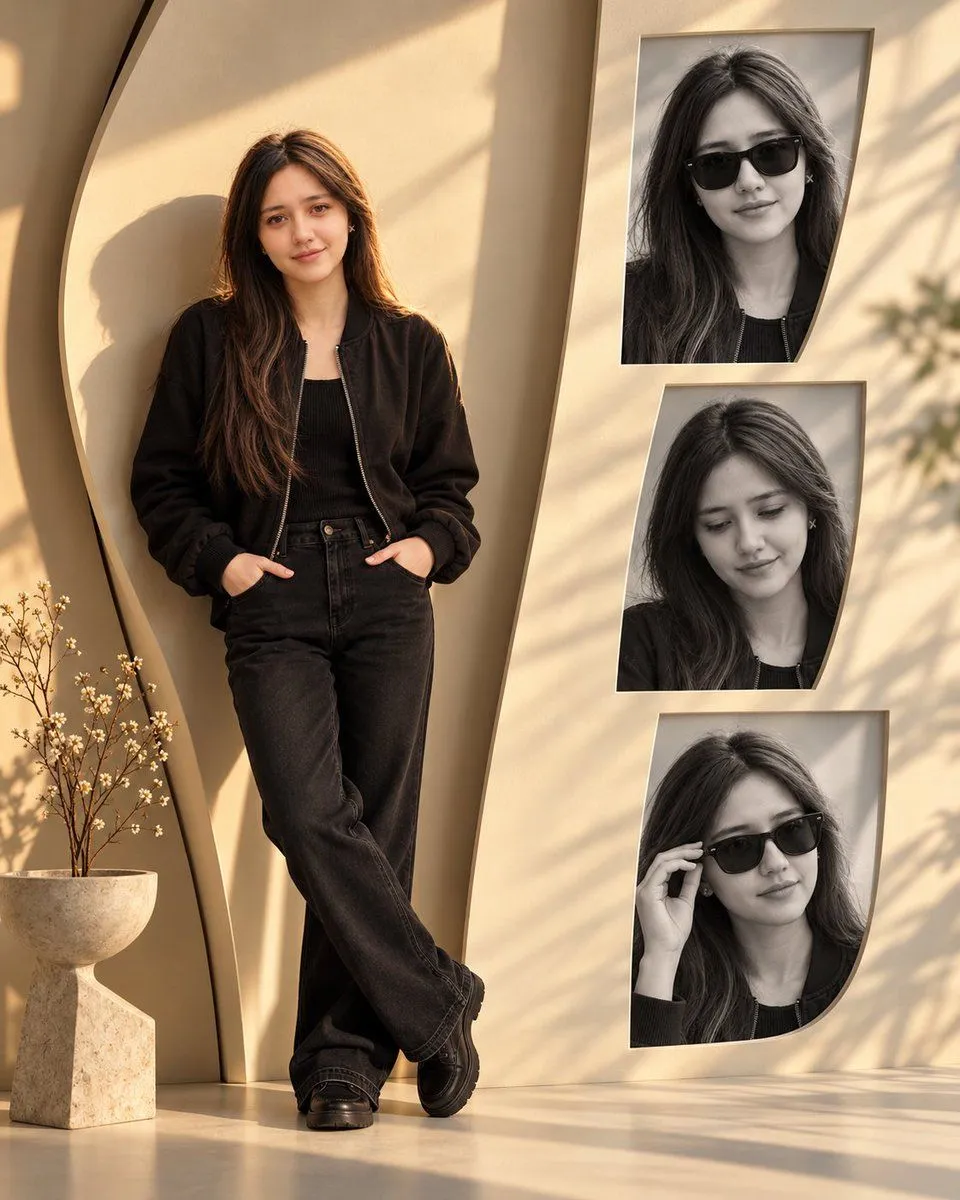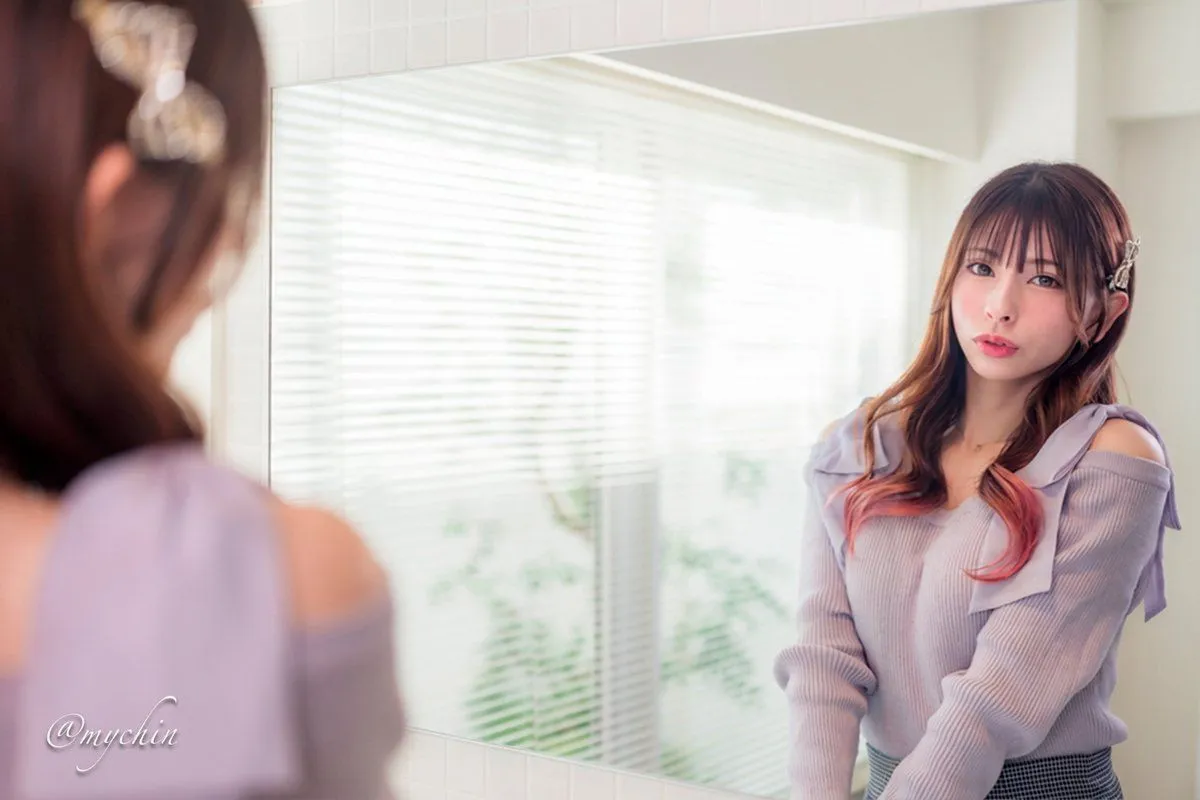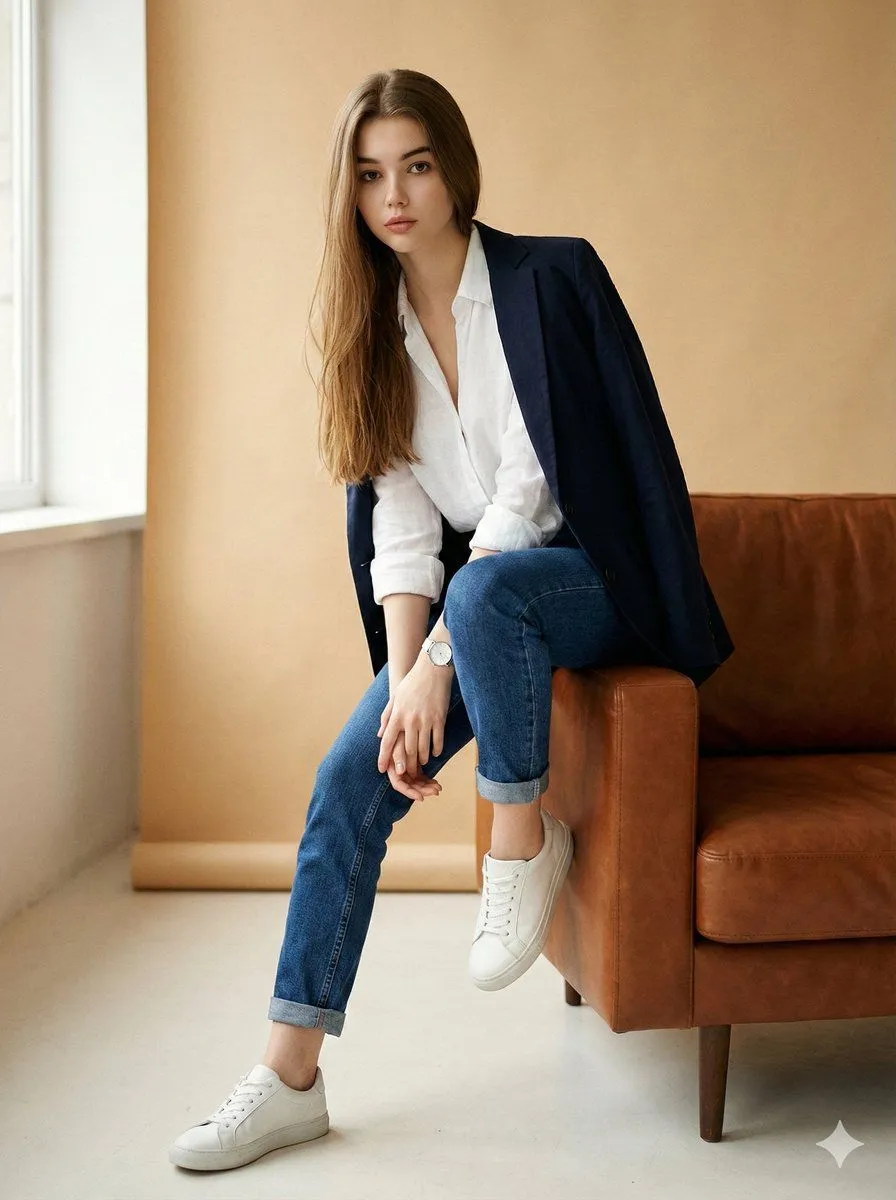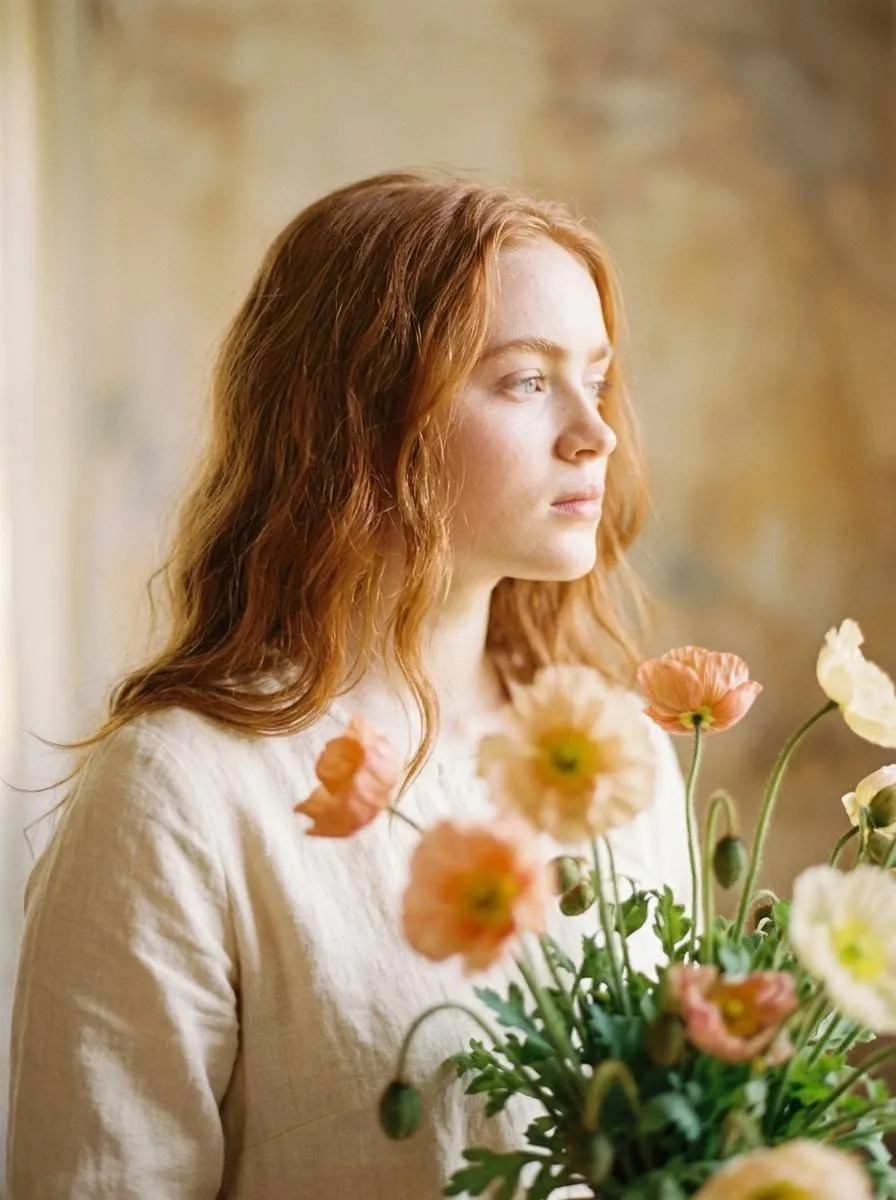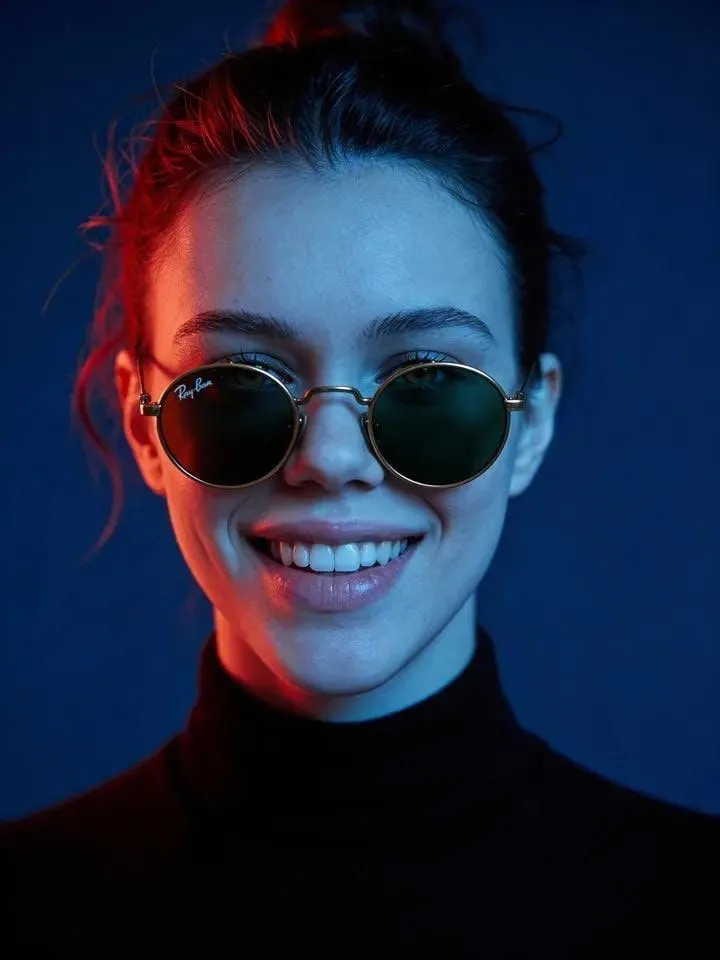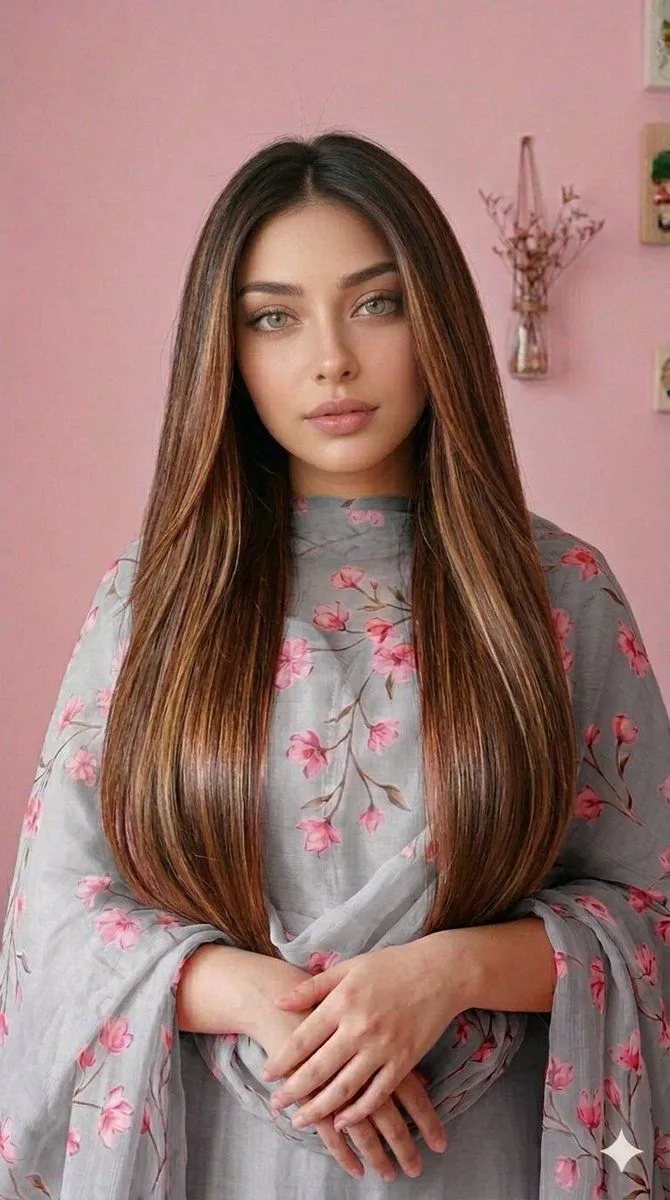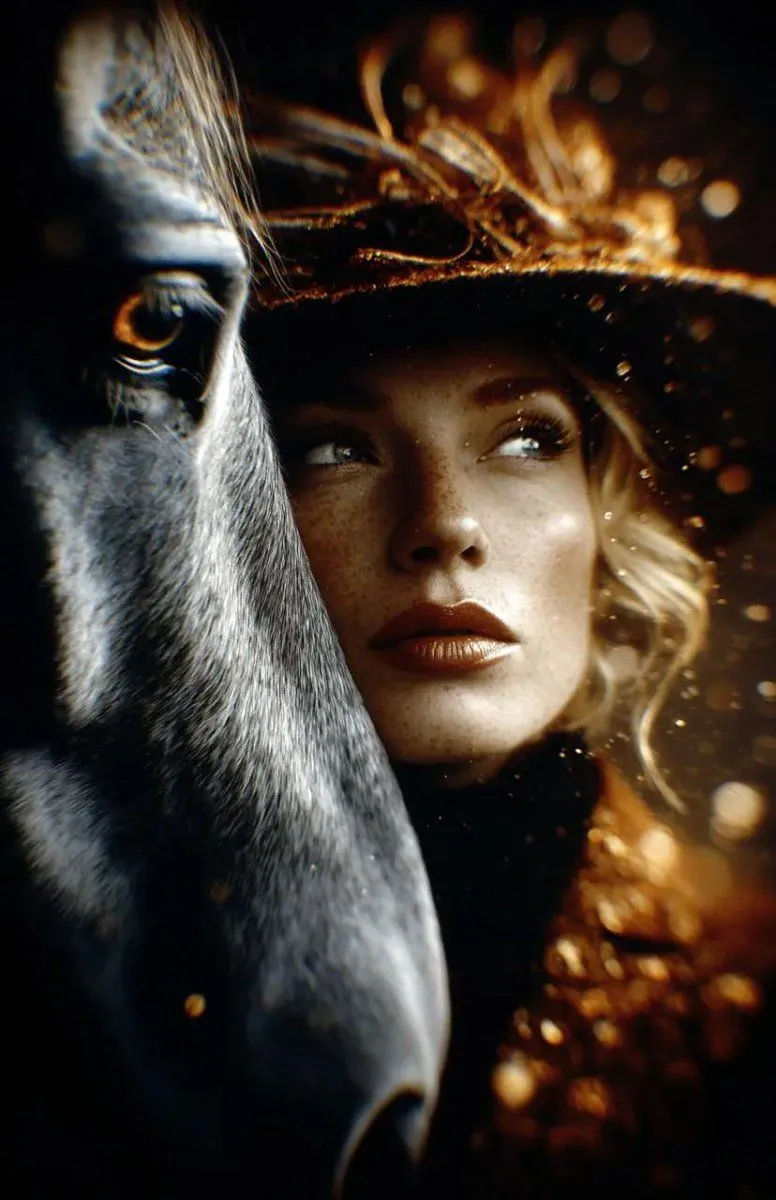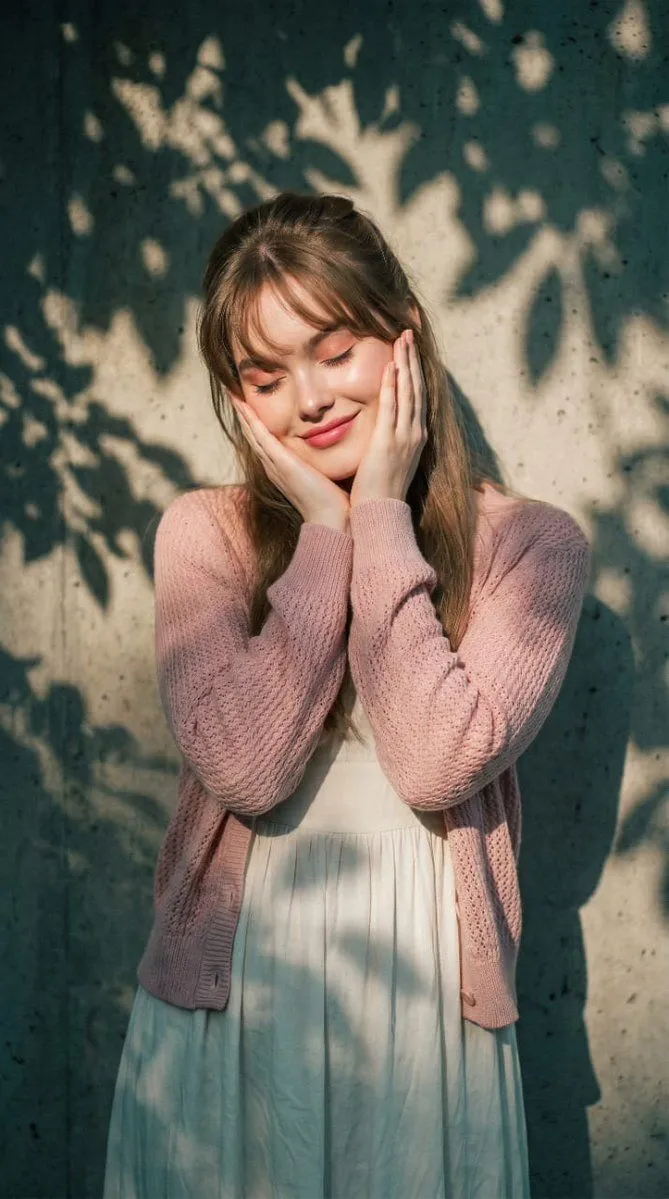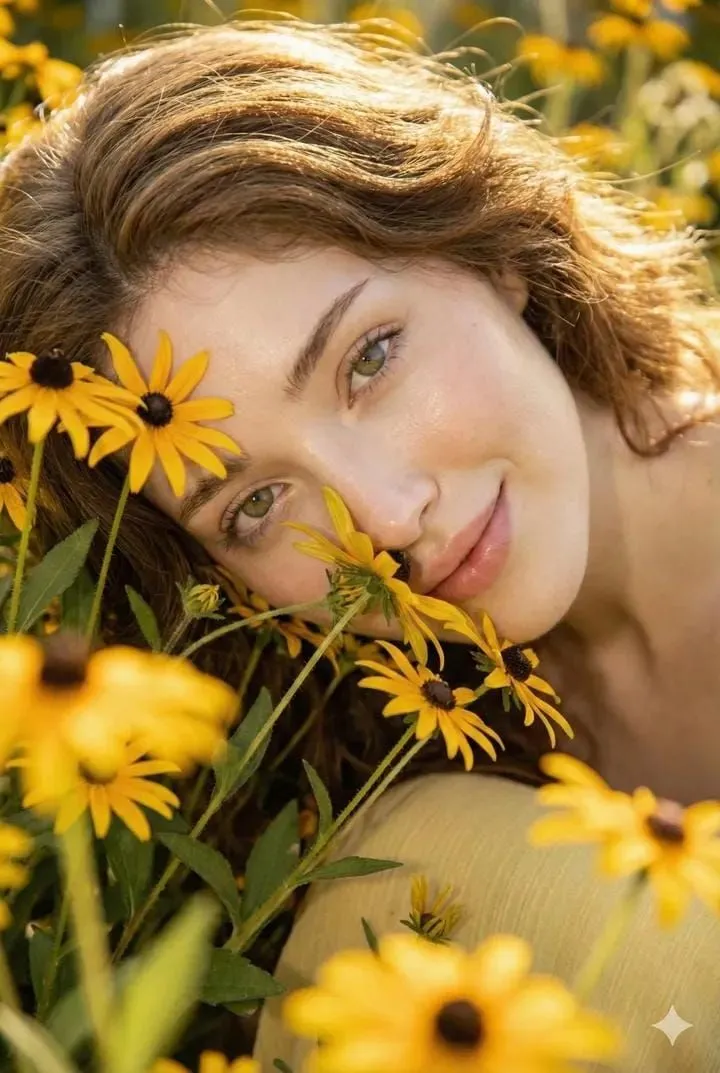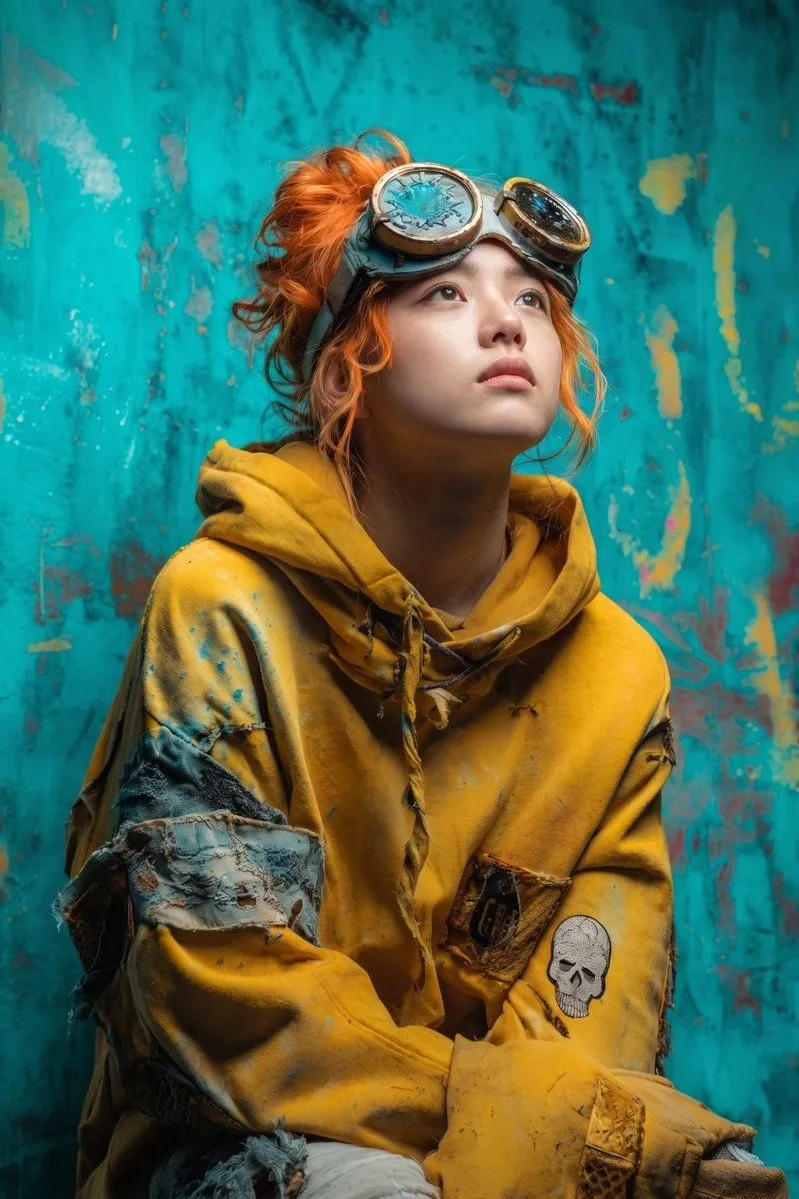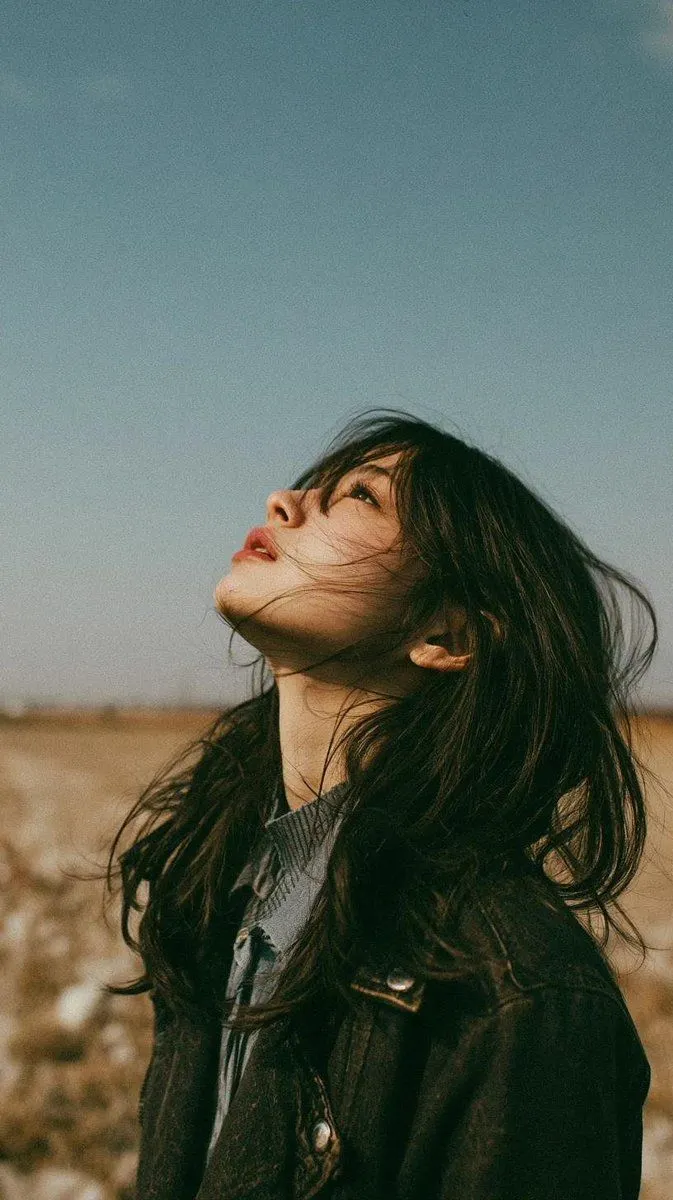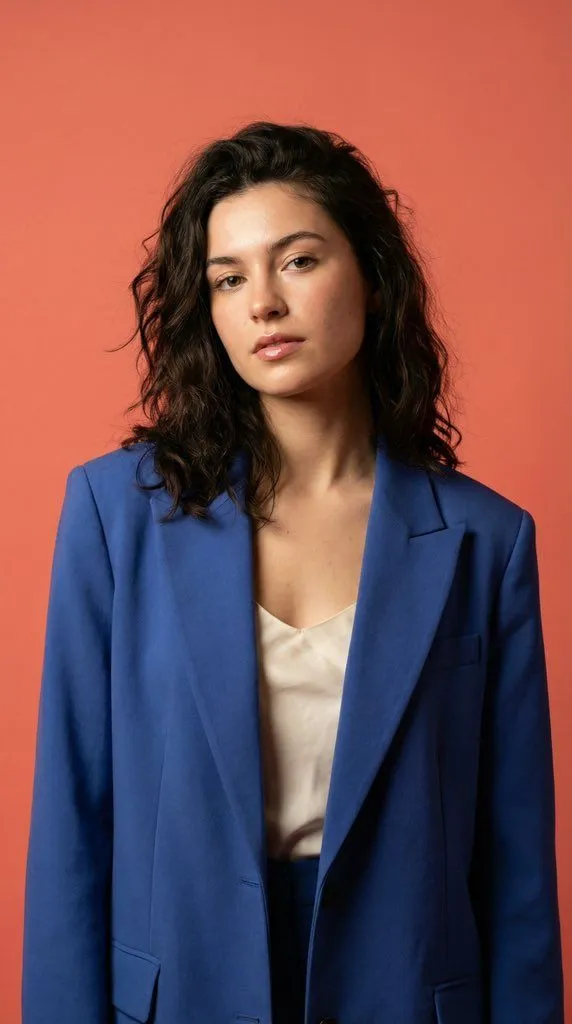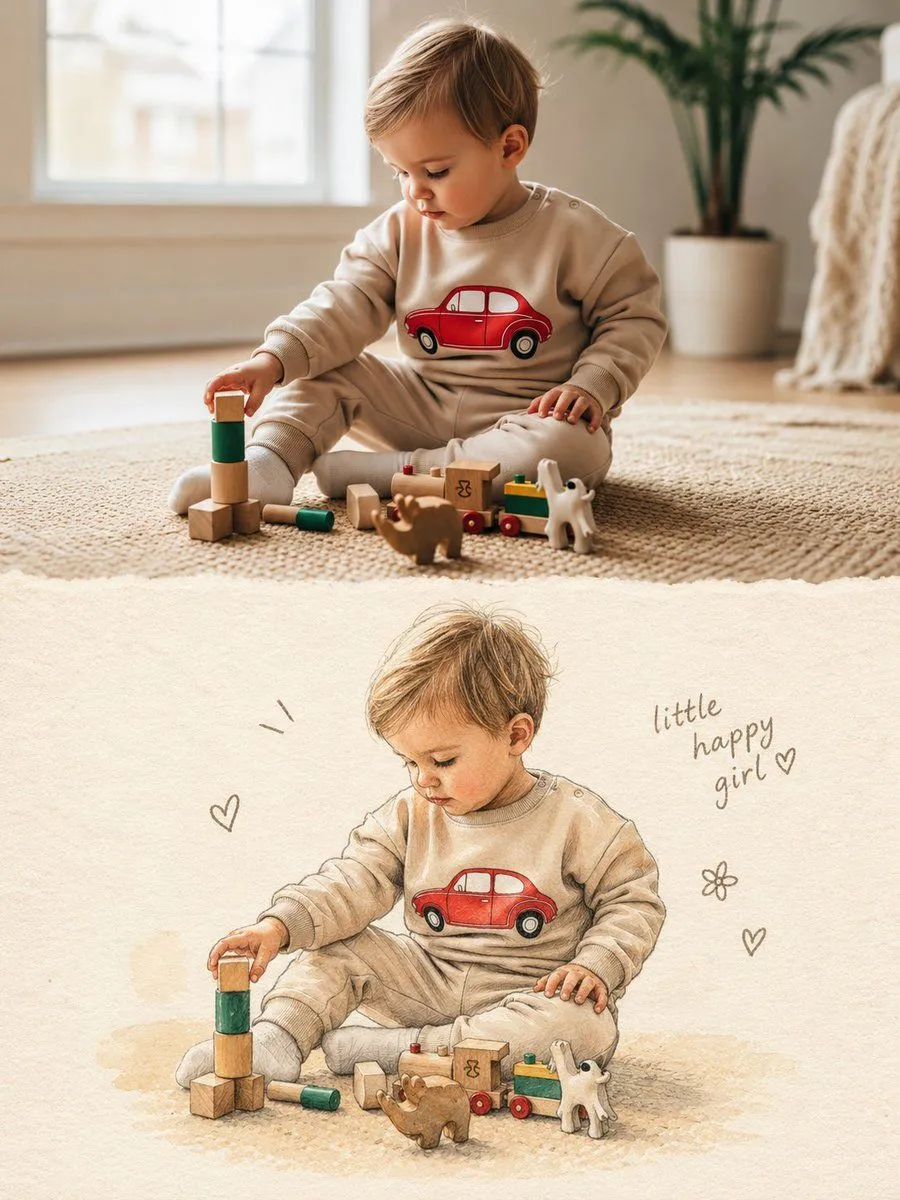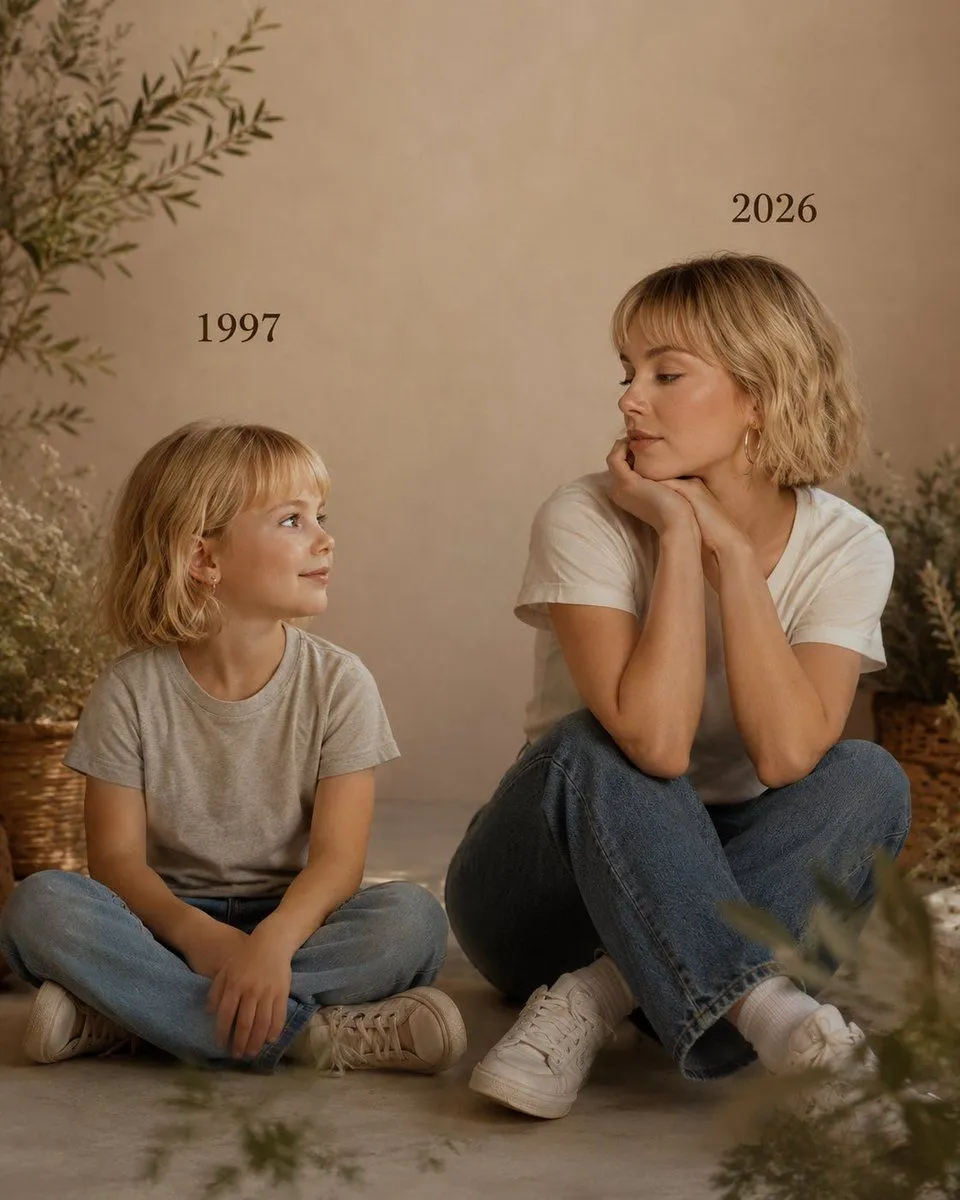
Made with GPT Image 2 in ChatGPT by Library Lifestyle. Promptclay never generates images.
Past vs Present Portrait
Prompt
3 blanks to fillCreate a picture with the following details: On the left: a child version of me looking with an innocent smile to the right, with {past_year} written above wearing a {child_clothing}. On the right: A present version of me(match face) sits with her hands under her chin and looks at the child with a calm smile, with "{present_year}" written above. Wearing a white tshirt and blue jeans. Studio background: plain and soft (studio background) The lighting: Soft, cinematic, warm (even a black-and-white photo). Style: Professional, minimal, emotional photography, focusing on feelings and visual communication between the two versions. Make the picture look so real like a real photoshoot. Keep my original features without changing. photo size 4:5
Preview of your prompt
Create a picture with the following details: On the left: a child version of me looking with an innocent smile to the right, with 1997 written above wearing a light grey tshirt and blue jeans. On the right: A present version of me(match face) sits with her hands under her chin and looks at the child with a calm smile, with "2026" written above. Wearing a white tshirt and blue jeans. Studio background: plain and soft (studio background) The lighting: Soft, cinematic, warm (even a black-and-white photo). Style: Professional, minimal, emotional photography, focusing on feelings and visual communication between the two versions. Make the picture look so real like a real photoshoot. Keep my original features without changing. photo size 4:5
DetailsVersions, settings and questions
Written for
What's in the prompt
- Subject
- Model
- GPT Image 2
If your face changes
keep my face exactly the sameQuestions
- Does this work in the ChatGPT app?
- Yes. Paste the prompt and attach your photo if it uses one.
- It changed my face. What do I do?
- Add "keep my face exactly the same" to the end and run it again.
- Can I use the images I make?
- Check the terms of the app you use. Promptclay never generates images and claims nothing you make.