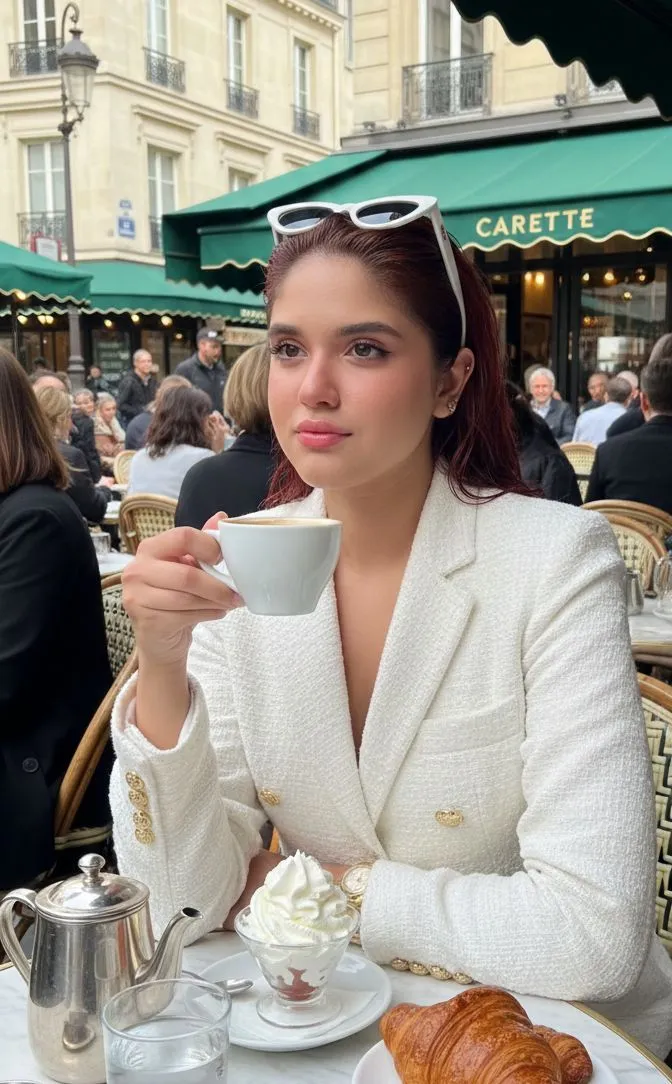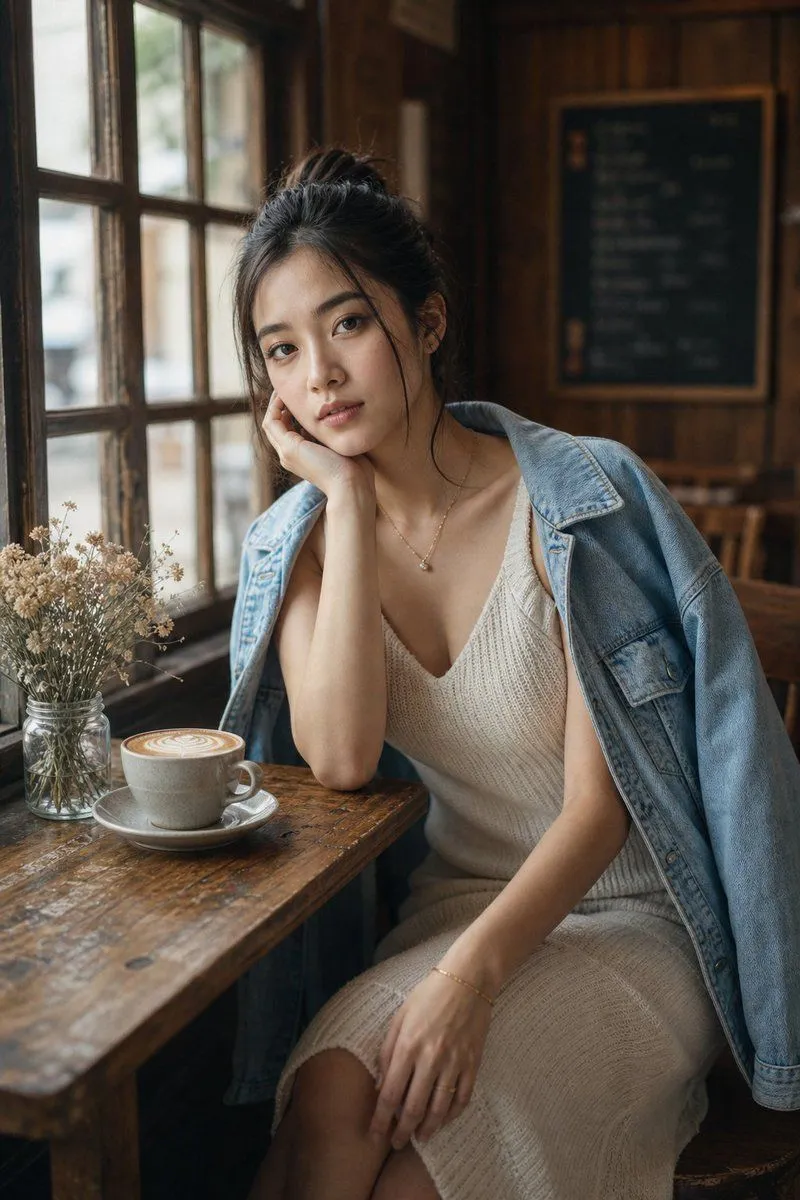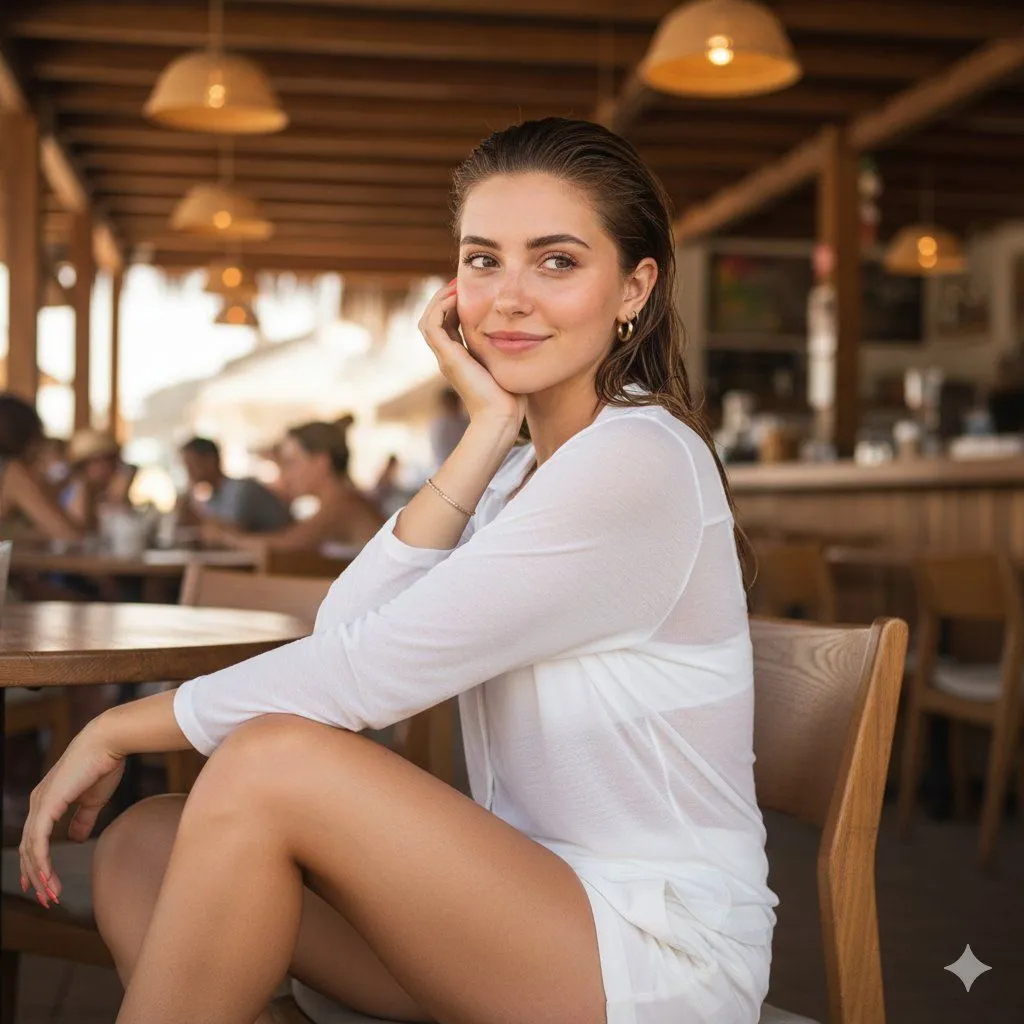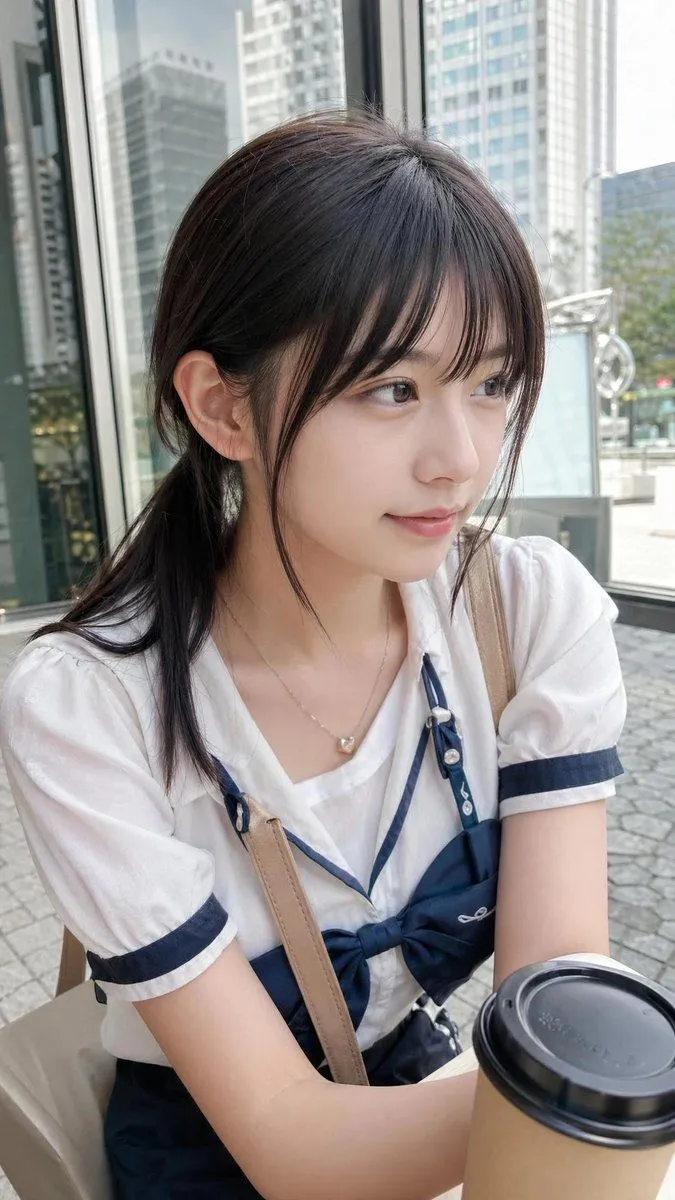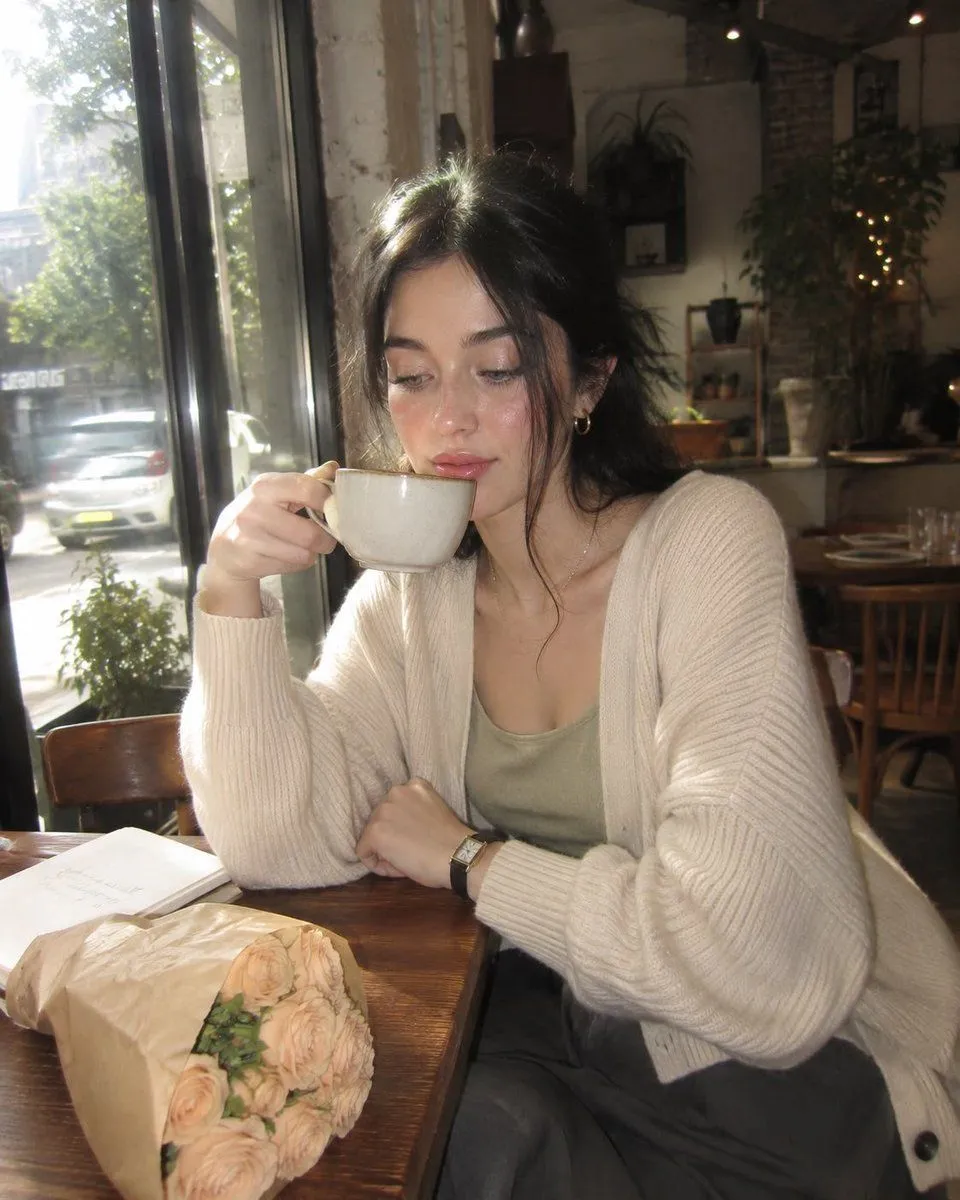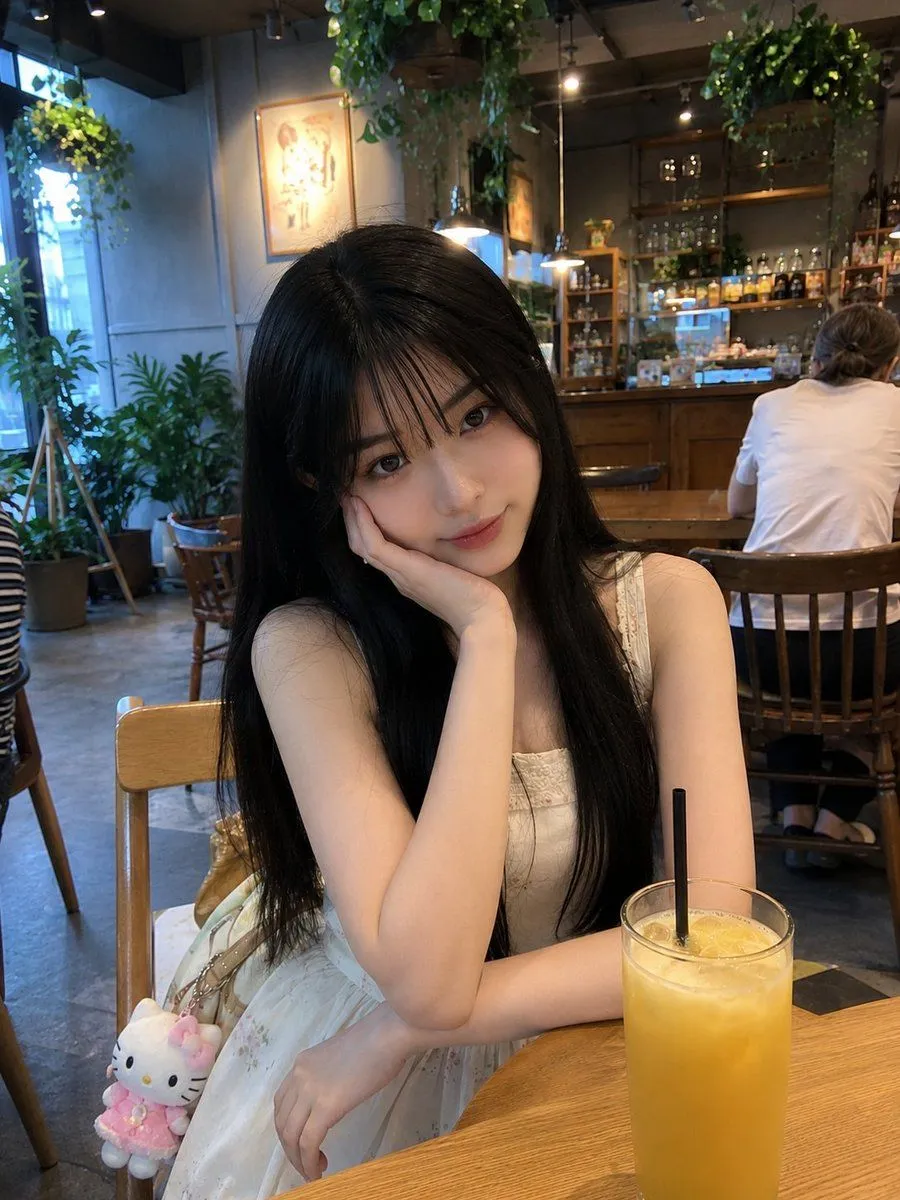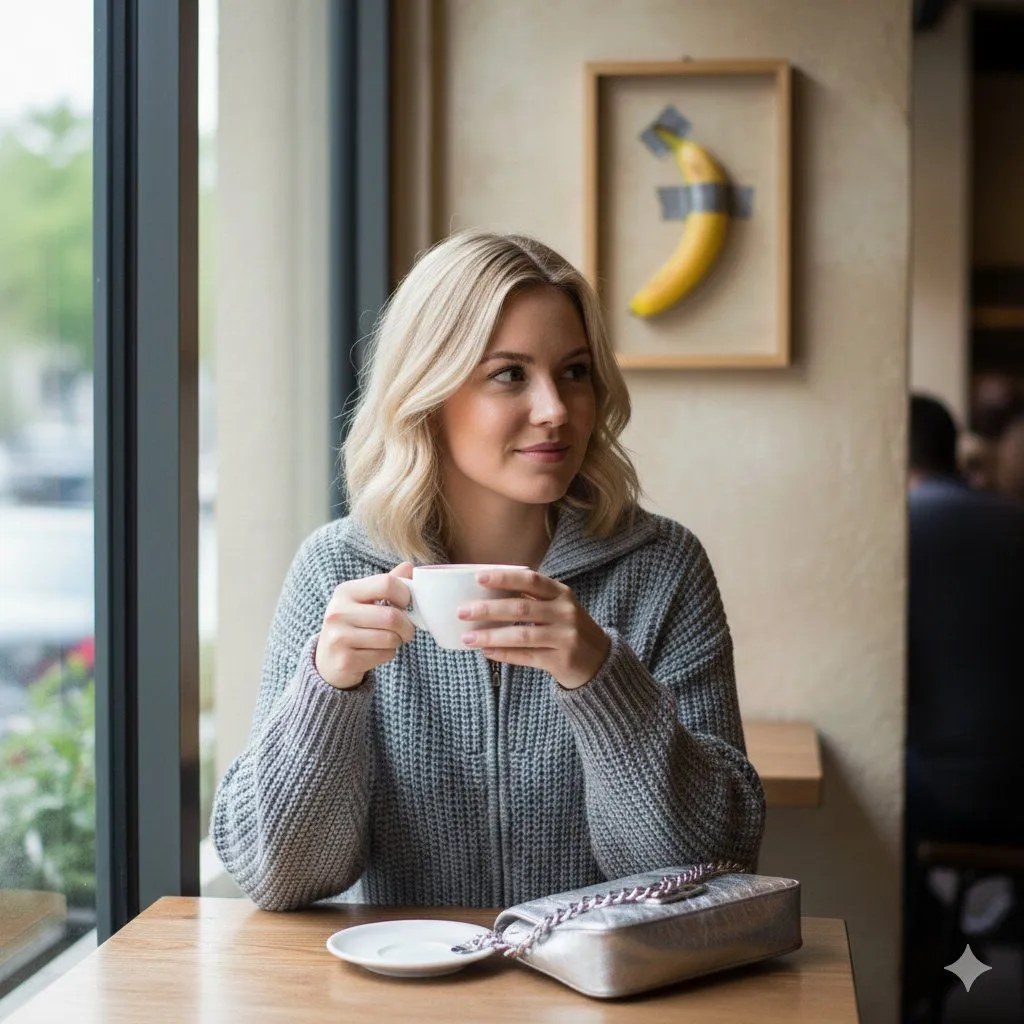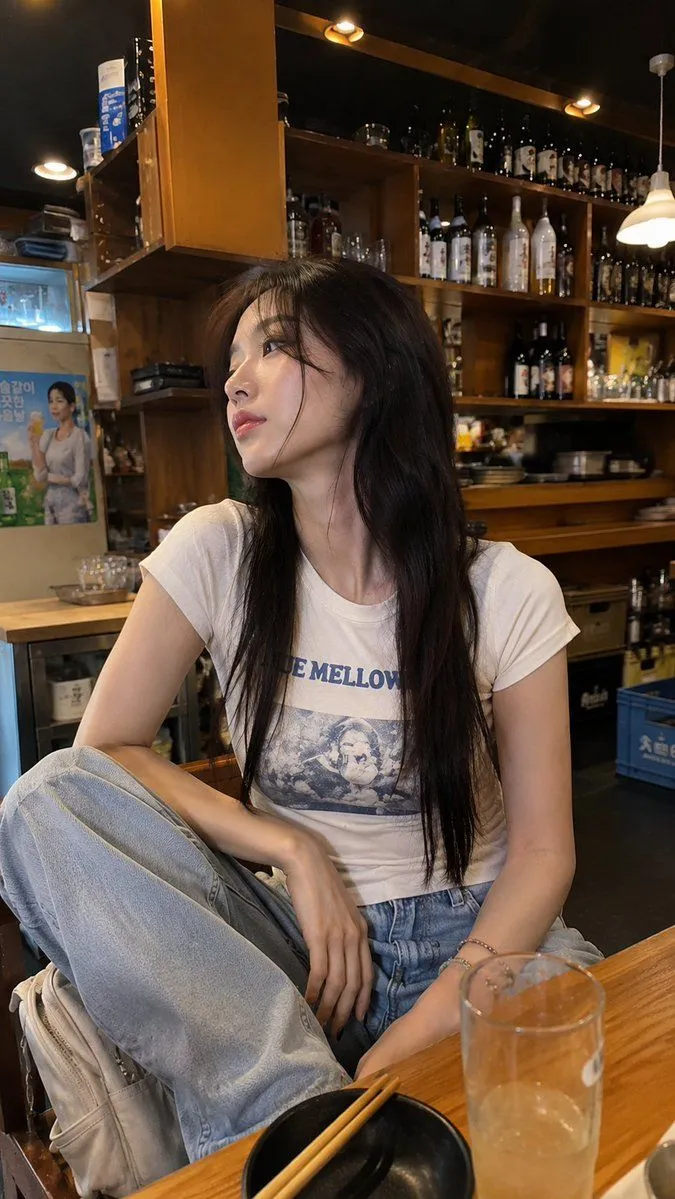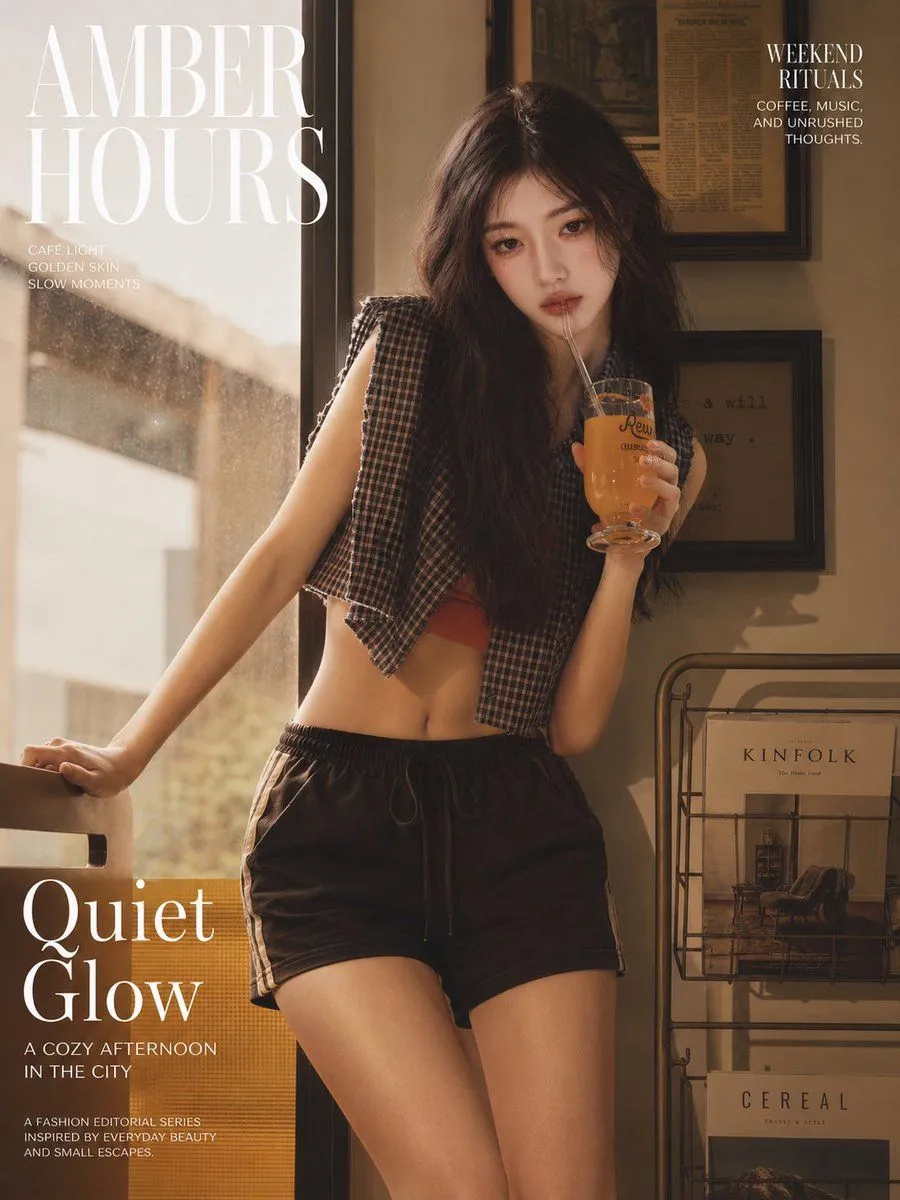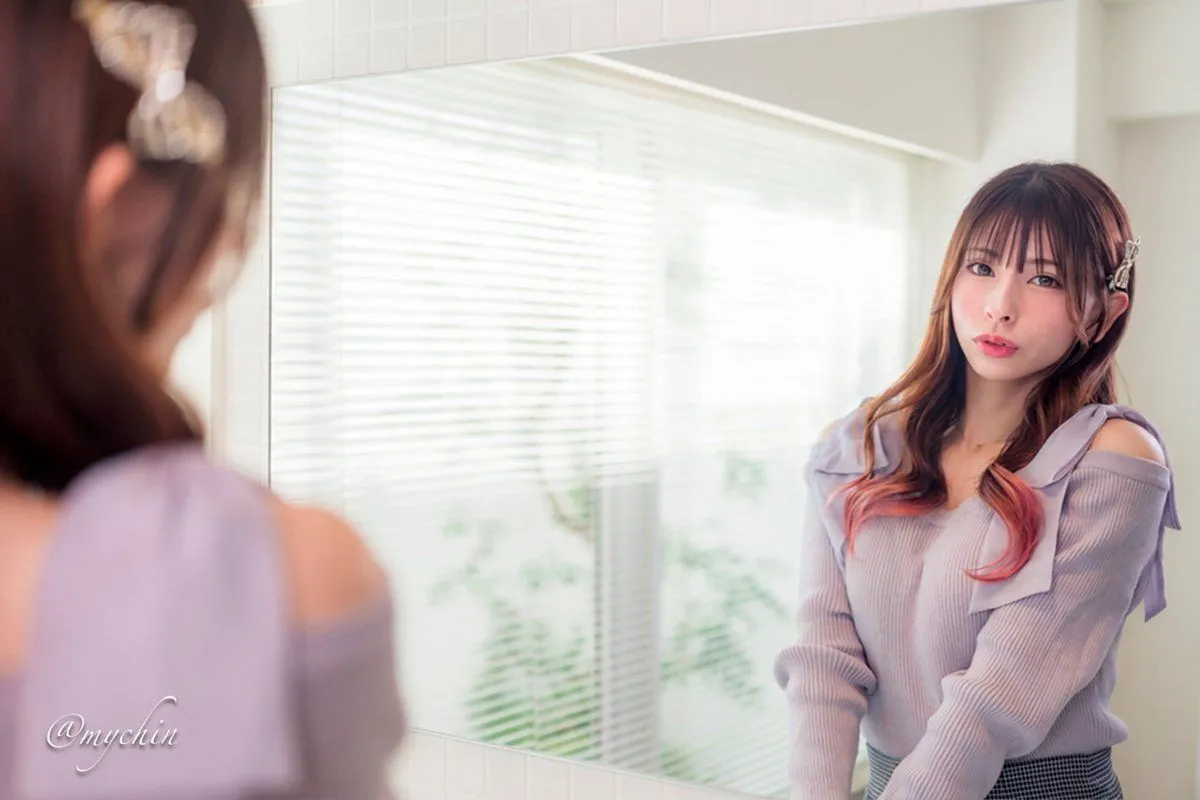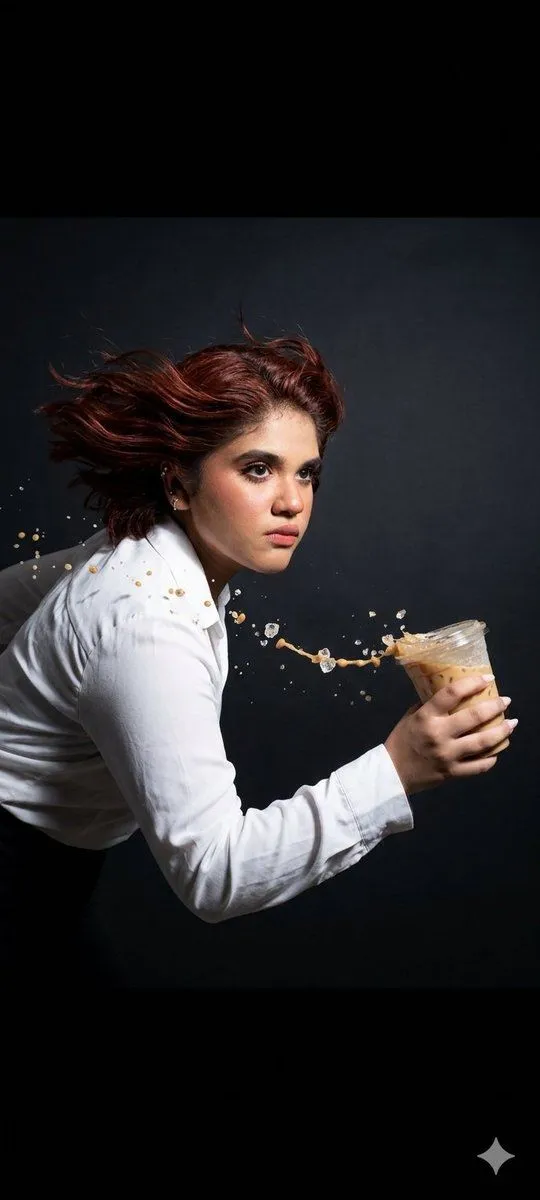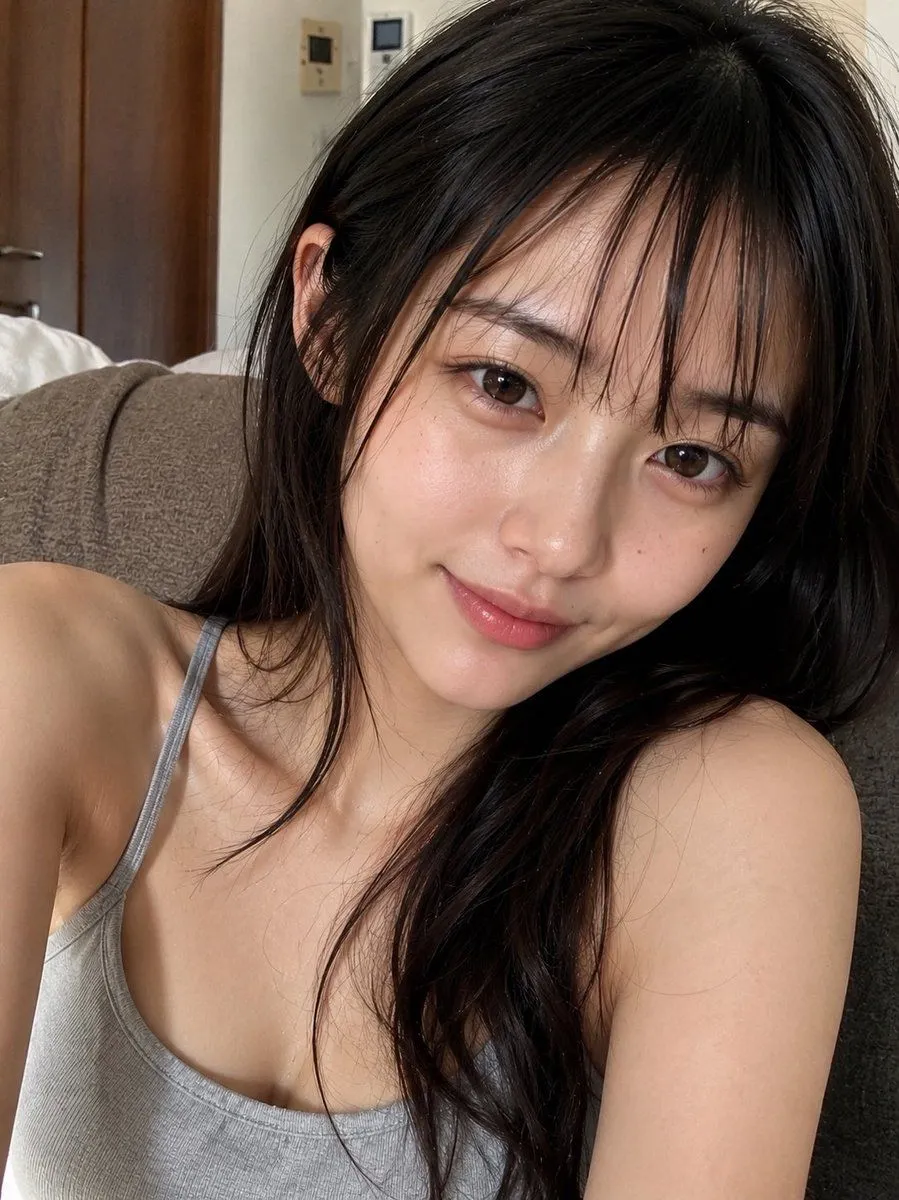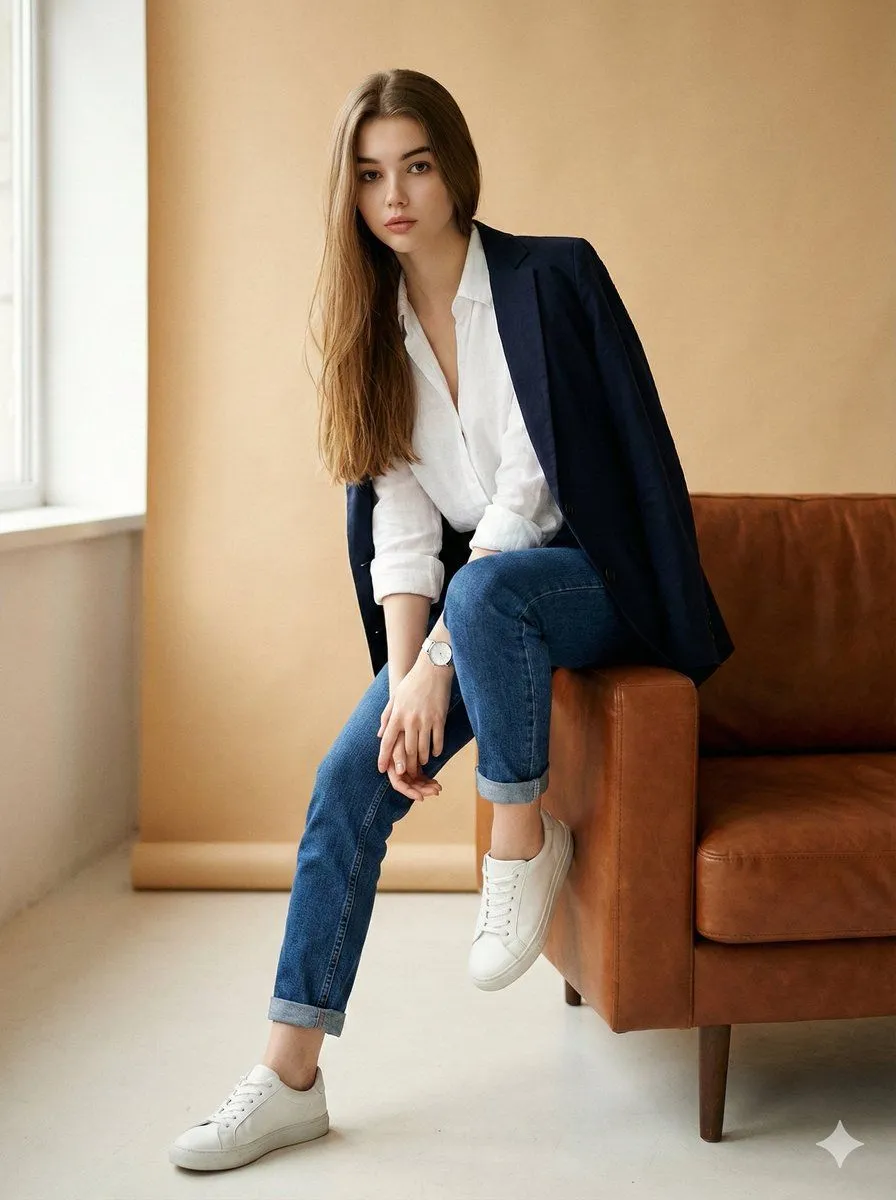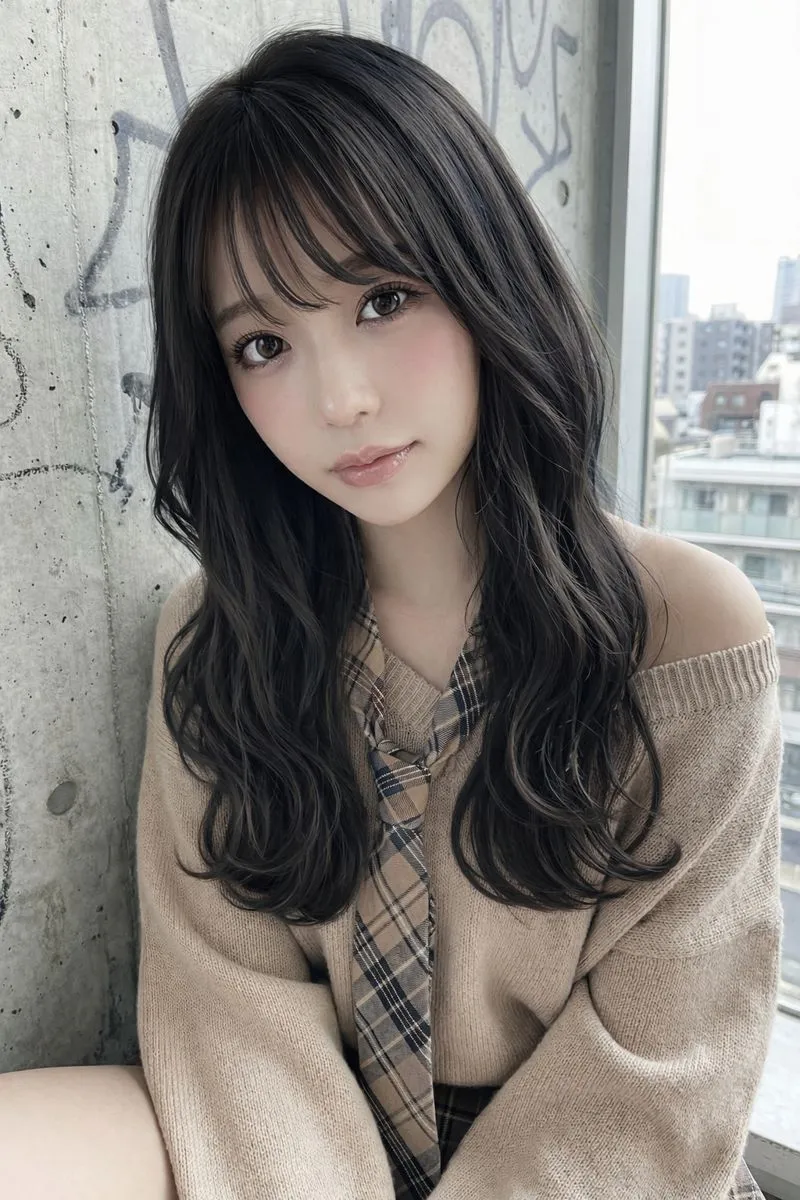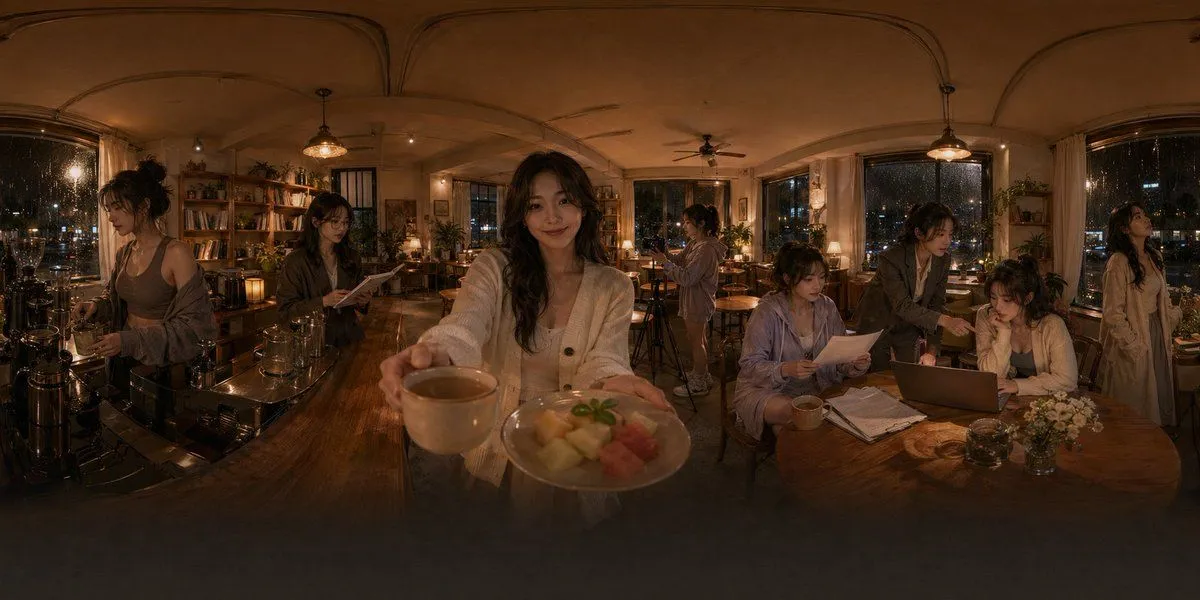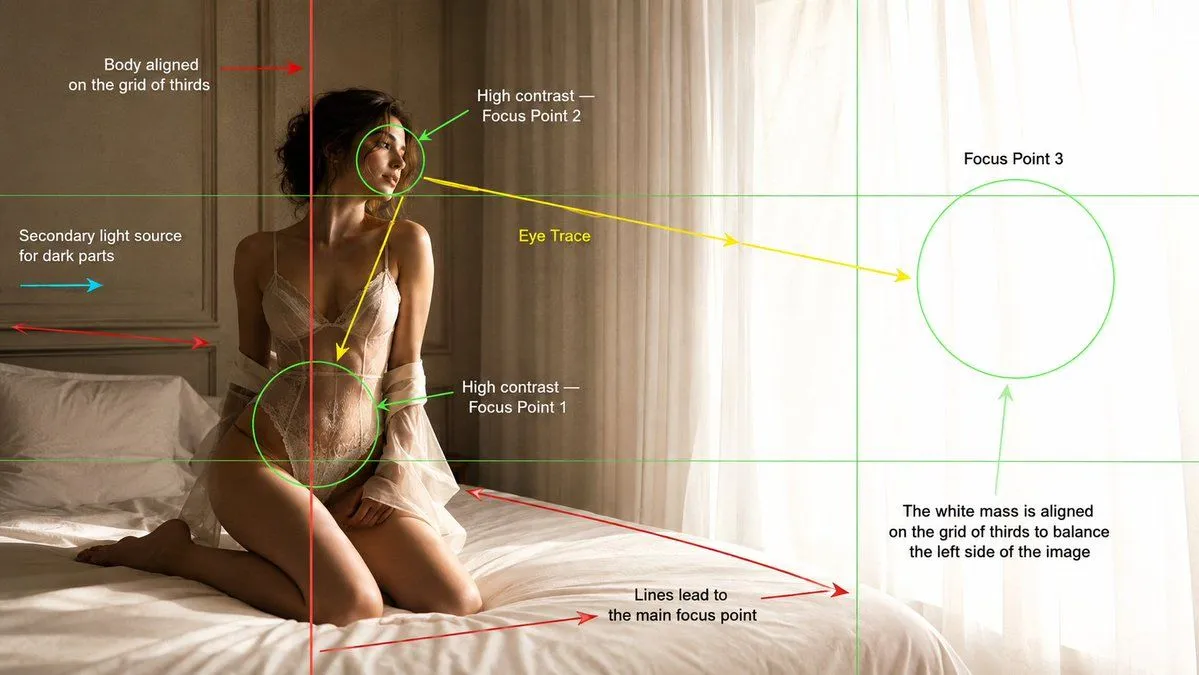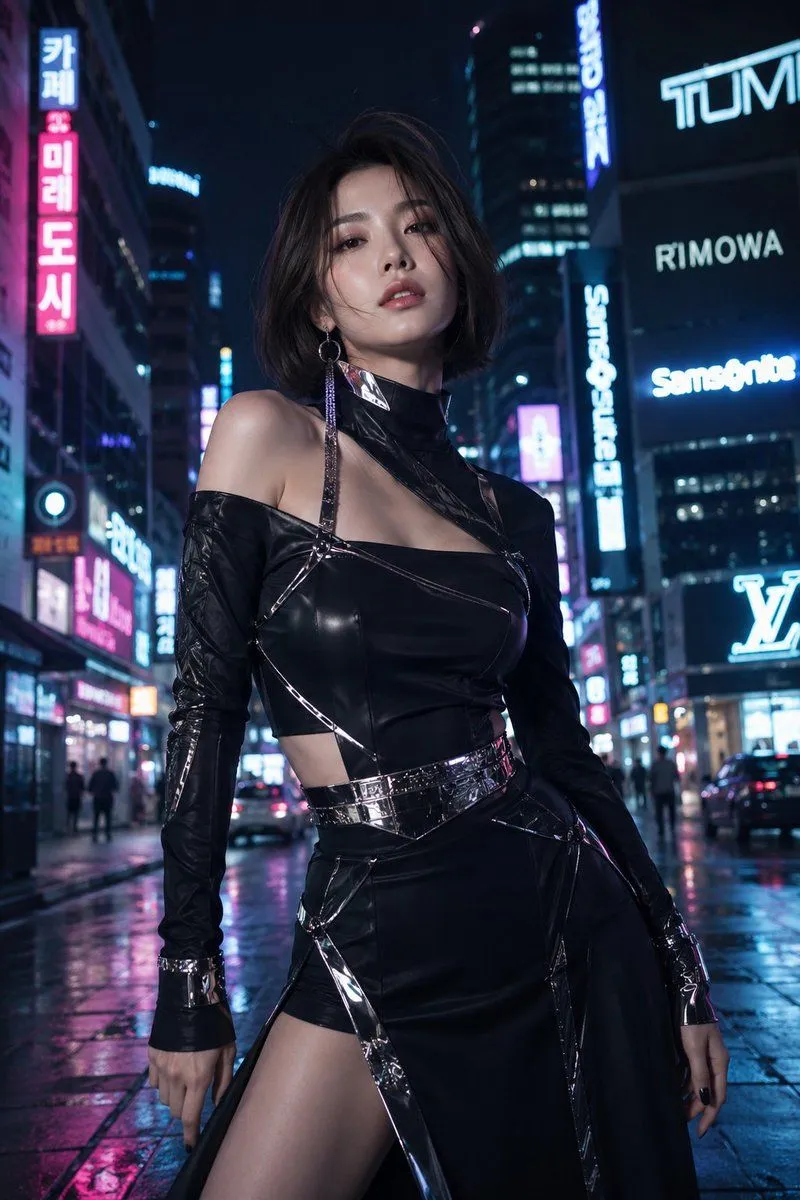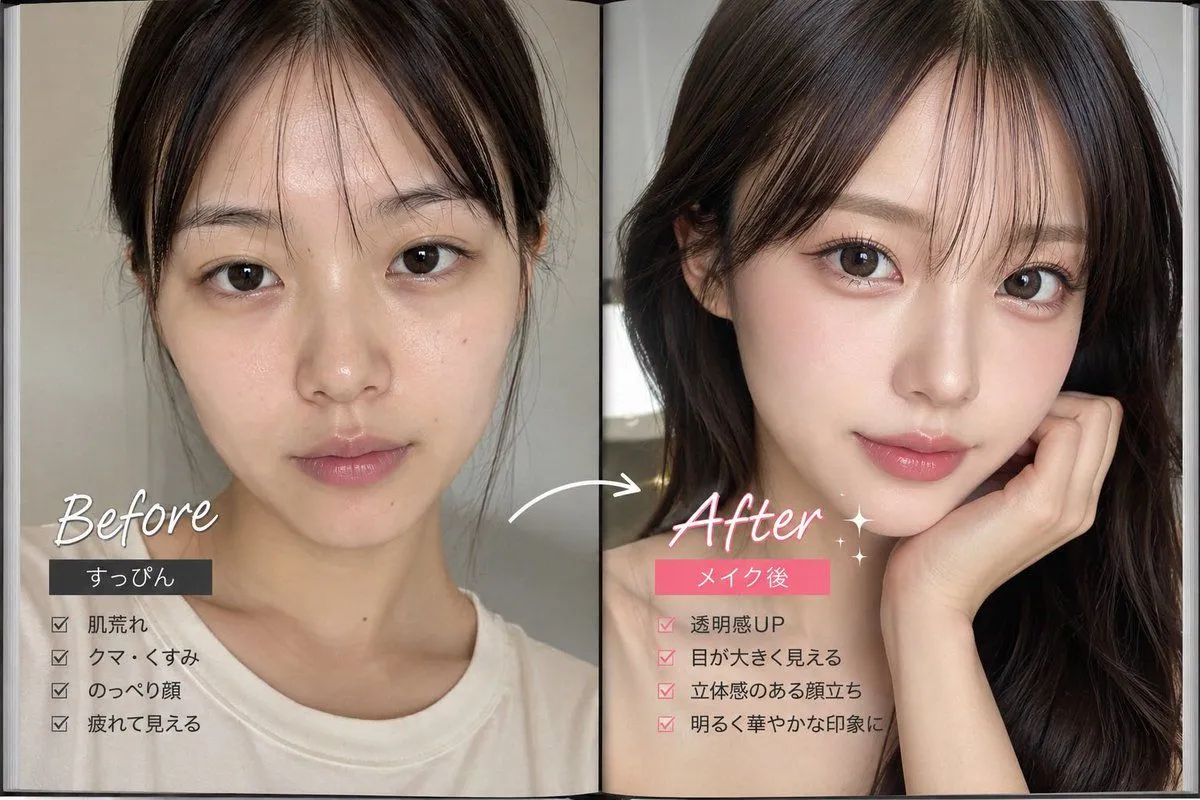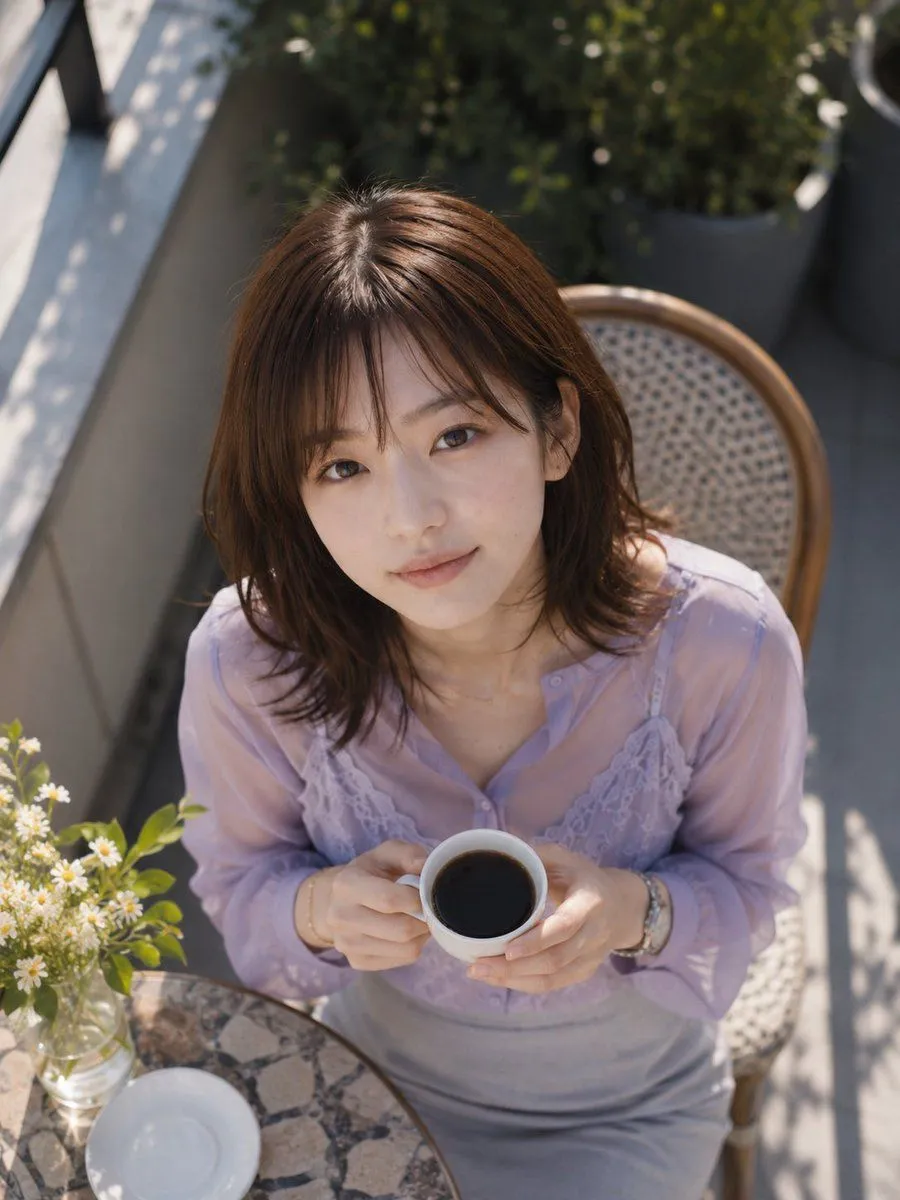
Made with GPT Image 2 in ChatGPT, collected by Library Avatars. Promptclay never generates images.
Did it work?
No reports yet. Tell others if it worked for you.
Overhead Café Pose Transformation
Prompt
2 blanks to fillUsing the provided reference image as the base, regenerate the same subject in the same outfit and outdoor café terrace setting, but change the composition to a close, high-angle overhead shot looking down from above. Repose her seated on the wicker café chair, leaning slightly forward and holding {drink} with both hands near her chest. Keep the lavender sheer blouse, lace camisole detail, gray skirt, jewelry, hair, wicker chair, round stone café table, vase of small white flowers, balcony greenery, and sunny dappled shadows consistent with the reference. Crop tighter around the upper body and table edge, with exactly 1 cup in her hands, 1 empty white saucer on the table, and 1 small glass vase of white flowers visible. Preserve the anonymized face treatment as {face_covering}. Use realistic natural daylight photography, shallow depth of field, soft highlights, and no added text or watermark.
Preview of your prompt
Using the provided reference image as the base, regenerate the same subject in the same outfit and outdoor café terrace setting, but change the composition to a close, high-angle overhead shot looking down from above. Repose her seated on the wicker café chair, leaning slightly forward and holding a white coffee cup filled with black coffee with both hands near her chest. Keep the lavender sheer blouse, lace camisole detail, gray skirt, jewelry, hair, wicker chair, round stone café table, vase of small white flowers, balcony greenery, and sunny dappled shadows consistent with the reference. Crop tighter around the upper body and table edge, with exactly 1 cup in her hands, 1 empty white saucer on the table, and 1 small glass vase of white flowers visible. Preserve the anonymized face treatment as a solid rectangular blur block over the face. Use realistic natural daylight photography, shallow depth of field, soft highlights, and no added text or watermark.
DetailsVersions, settings and questions
Written for
What's in the prompt
- Subject
- Model
- GPT Image 2
If your face changes
keep my face exactly the sameQuestions
- Does this work in the ChatGPT app?
- Yes. Paste the prompt and attach your photo if it uses one.
- It changed my face. What do I do?
- Add "keep my face exactly the same" to the end and run it again.
- Can I use the images I make?
- Check the terms of the app you use. Promptclay never generates images and claims nothing you make.