Tell us anything

An idea, a bug, something you love. We read every note.

⌘↵ to send. The page you're on comes along.

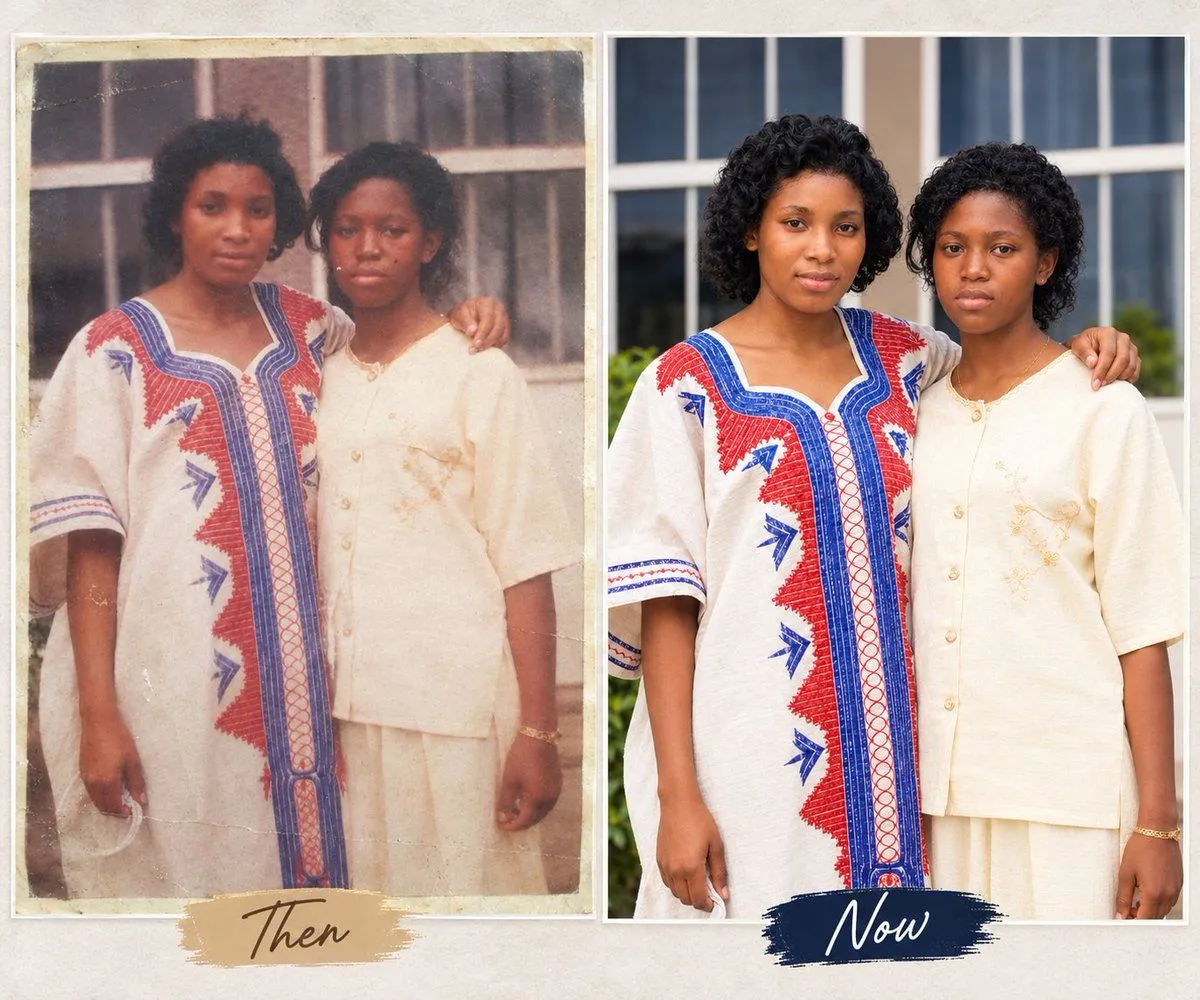
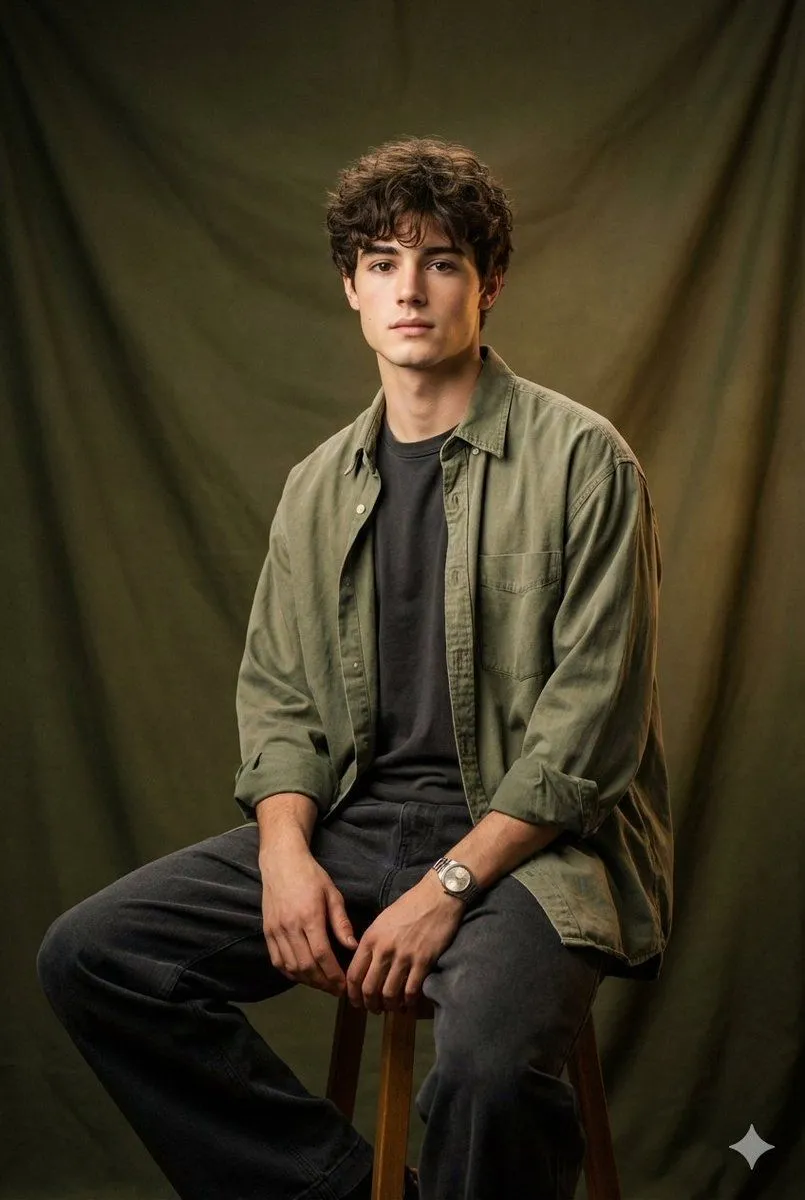
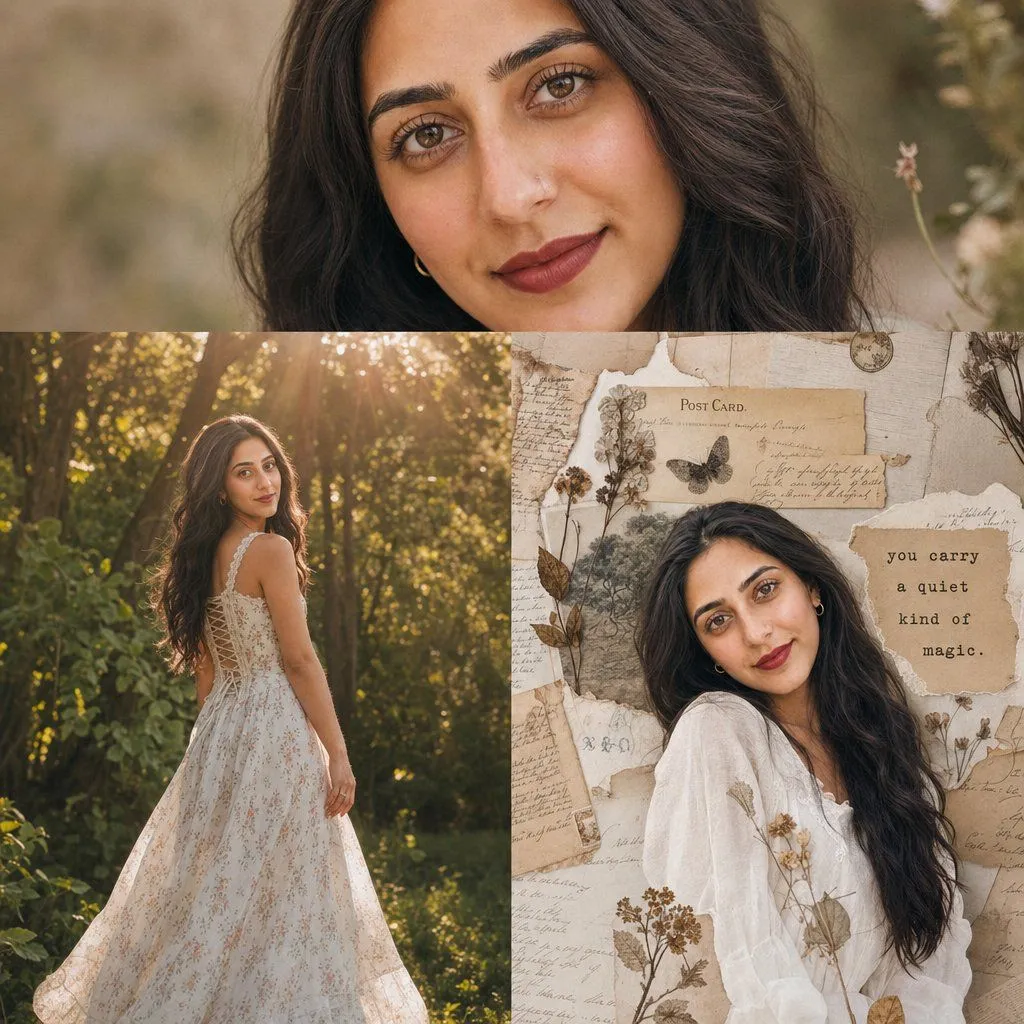
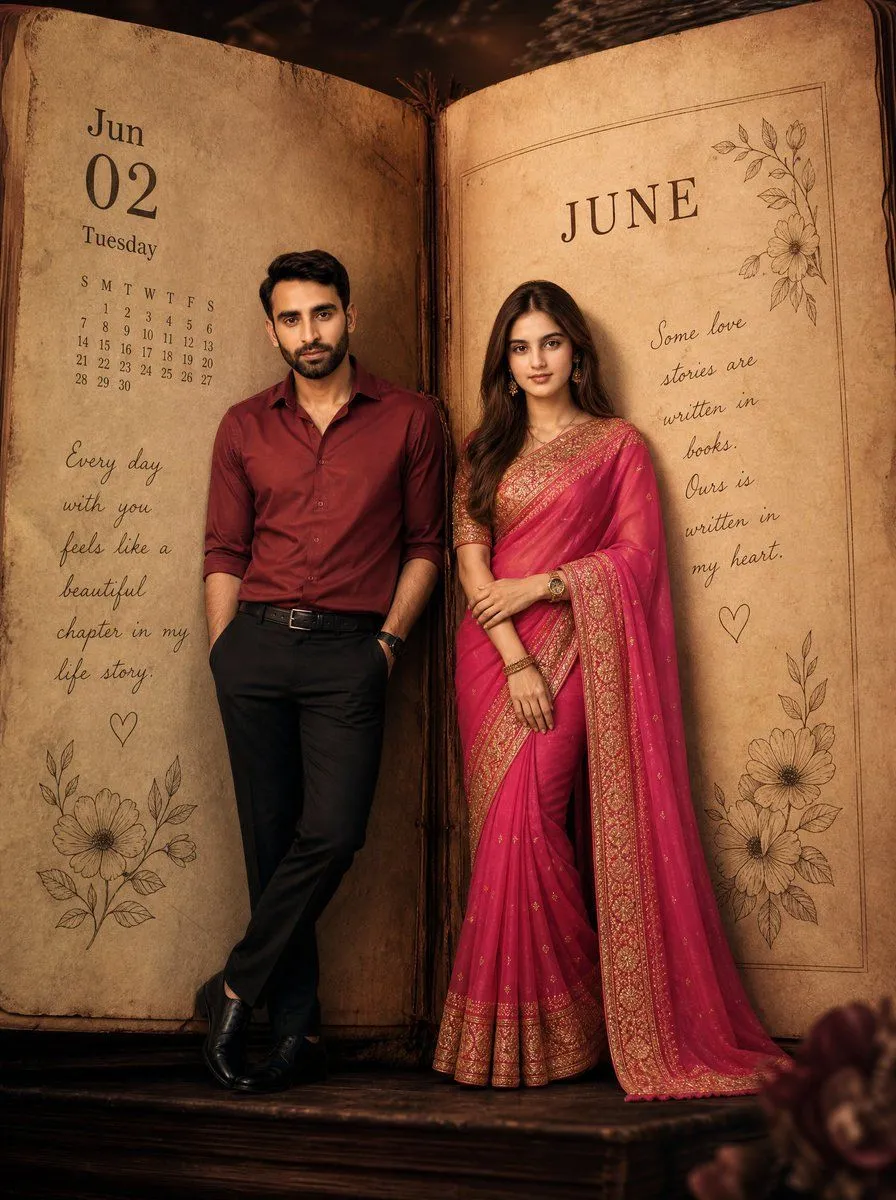
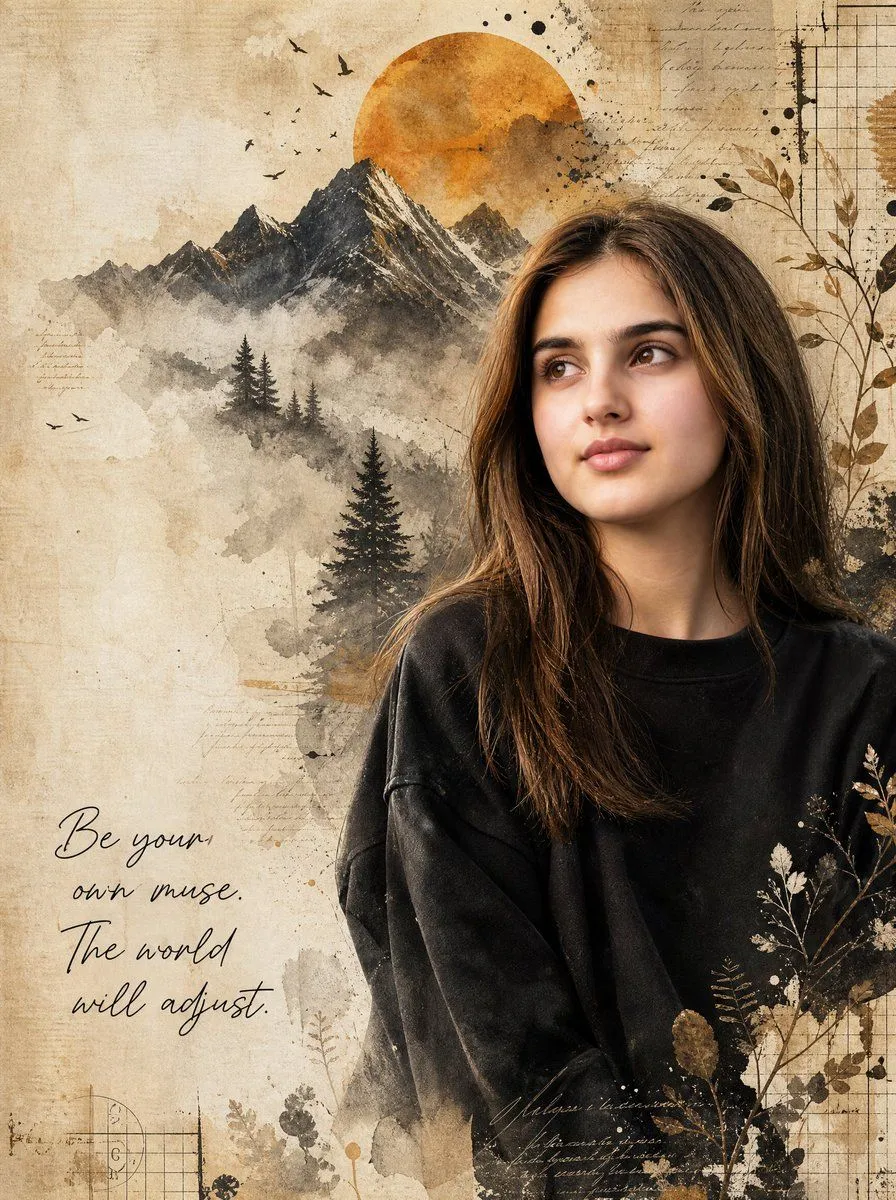
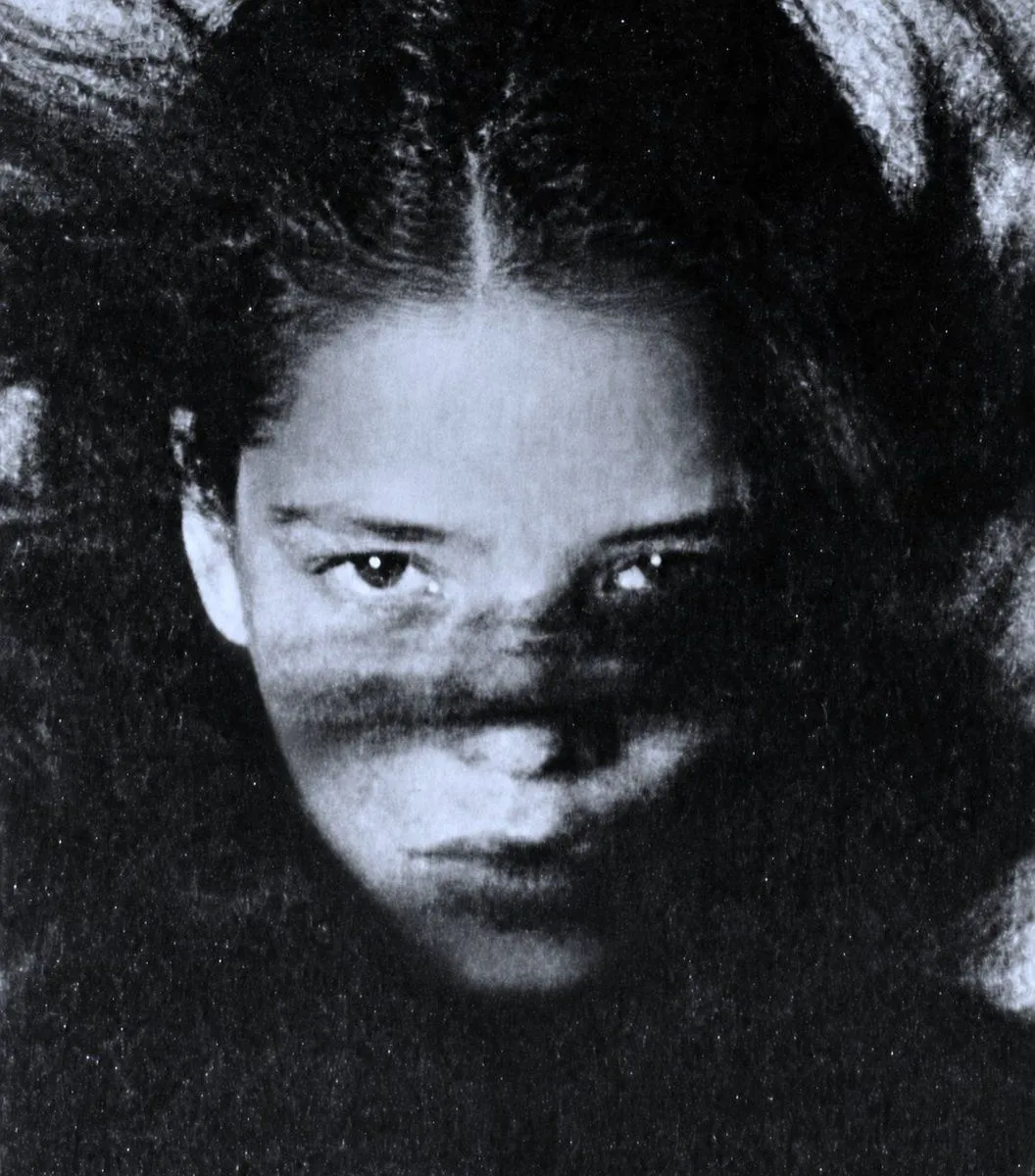
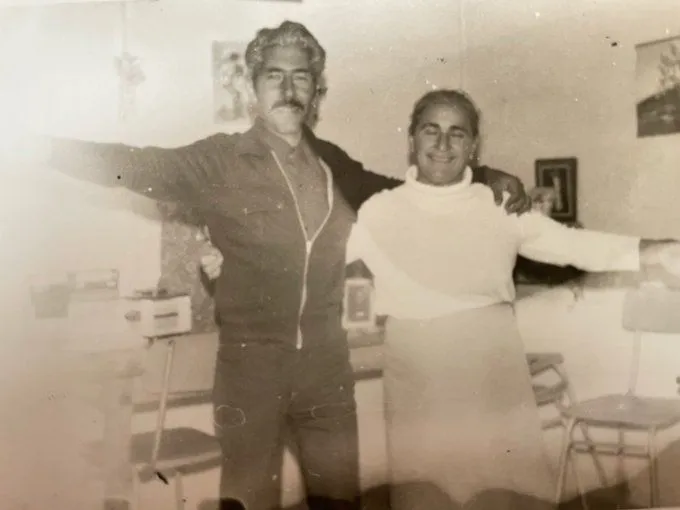
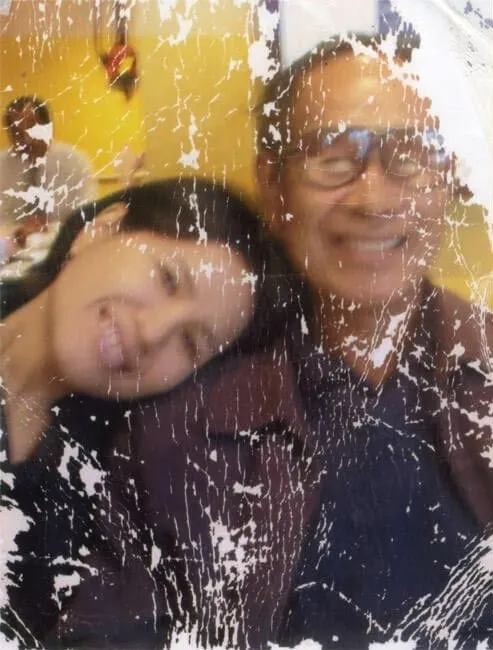
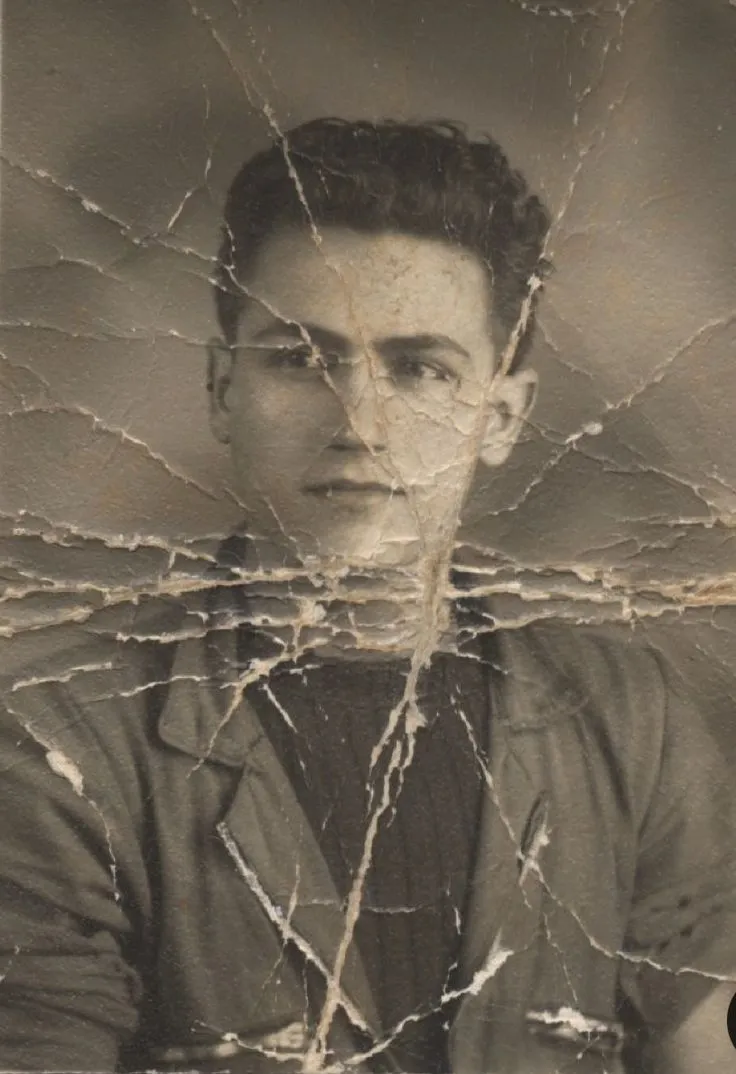
Old photo restoration to modern digital portrait

Made with Nano Banana Pro in Gemini by Library Portraits. Promptclay never generates images.

Did it work?

No reports yet. Tell others if it worked for you.

No comments yet. Be the first.

    Old photo restoration to modern digital portrait

    Nano Banana Pro4:3AI-generated

    Prompt

    Transform the input into a modern, high-quality digital portrait with vibrant updated colors, smooth and realistic skin textures, and natural lighting. Upgrade the outfit and background into a clean, modern aesthetic while preserving the authenticity of the original pose and expression. Convert it into a modern high-quality digital portrait with vivid colors, delicate and realistic skin textures, and natural lighting. The clothing and background should be upgraded to a simple, modern style while preserving the authenticity of the pose and expression from the original photo.

    Works in
    Gemini, ChatGPT
    Status
    Free to copy
    0
    DetailsVersions, settings and questions

    Written for

    What's in the prompt

    Subject
    Model
    Nano Banana Pro

    If your face changes

    keep my face exactly the same

    Questions

    Does this work in the Gemini app?
    Yes. Gemini runs Nano Banana, so paste the prompt and attach your photo if it uses one.
    It changed my face. What do I do?
    Add "keep my face exactly the same" to the end and run it again.
    Can I use the images I make?
    Check the terms of the app you use. Promptclay never generates images and claims nothing you make.
    Similar prompts

    See more
    • Old photo restoration prompt
    • Image Restoration and Enhancement Prompt
    • Old Photo Restoration Prompt for Nano Banana Pro 2.0
    • Old Photo Restoration 4K
    • Vintage 1870 Damaged Photograph
    • Vintage Portrait Photo Restoration
    • Vintage Studio Portrait with Identity Preservation Prompt
    • Nostalgic Vintage Collage Portrait
    • Giant Vintage Diary Couple Poster
    • Vintage Mixed-Media Muse Portrait
    • Timeless human-centered street photography
    • Vintage Black and White Portrait
    • Photo-to-Canvas Artwork Transformation Prompt
    • Moody Censored Elderly Man Portrait
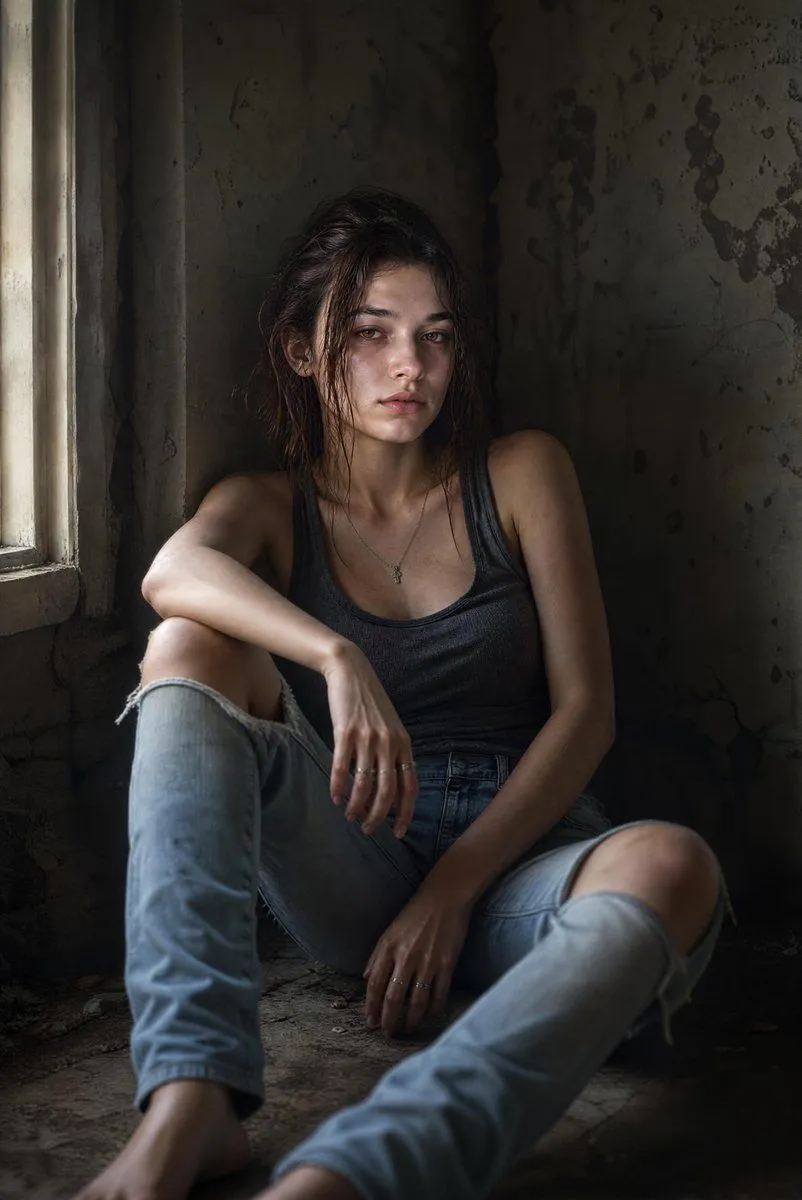
    • Cinematic Abandoned Room Portrait
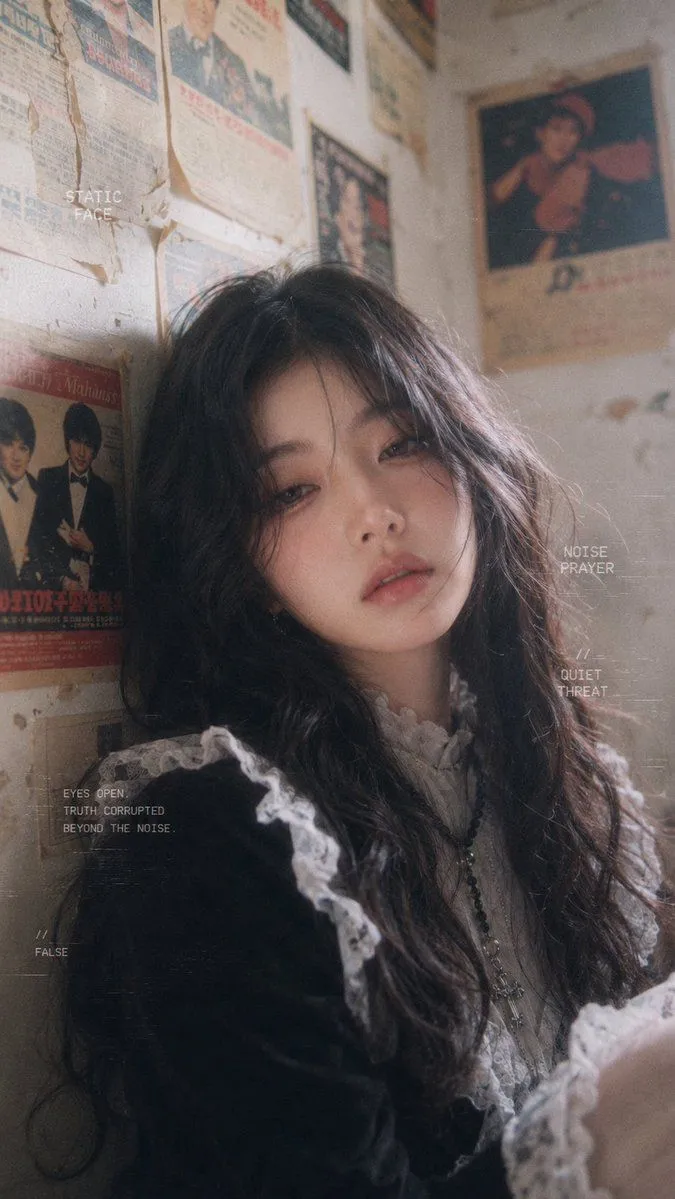
    • Retro Gothic Film Portrait
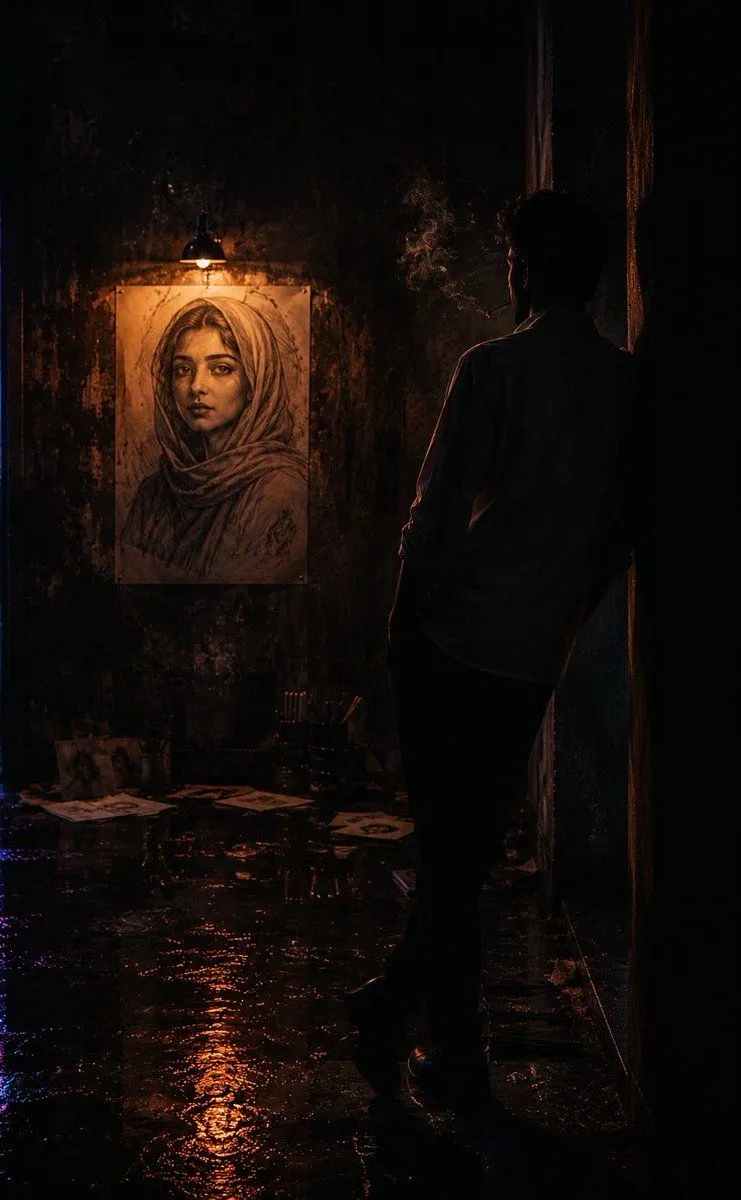
    • Cinematic Neo-Noir Identity Reference
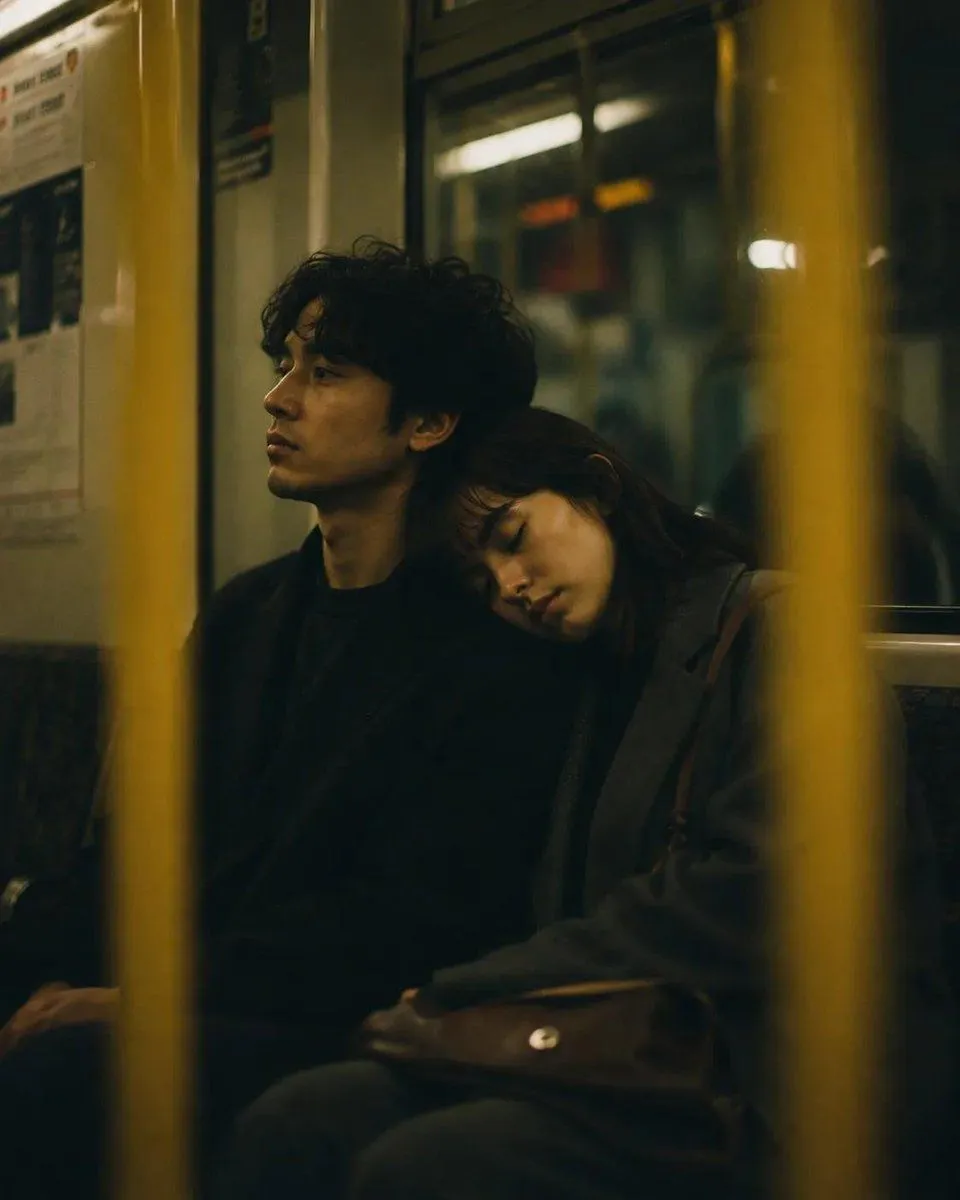
    • Cinematic Night Subway Couple Portrait
    • Image Style Transfer Prompt: Viking to Dragon Quest X 'Sage's Breath of God'
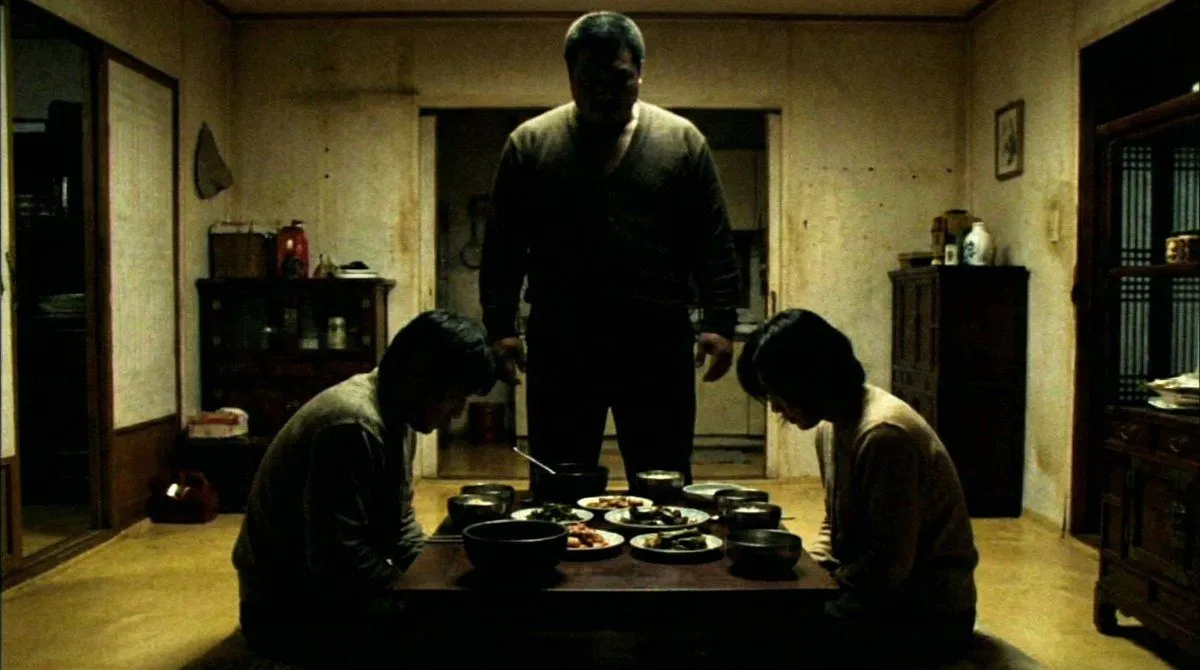
    • DVD Screengrab of Ominous Korean Horror Movie
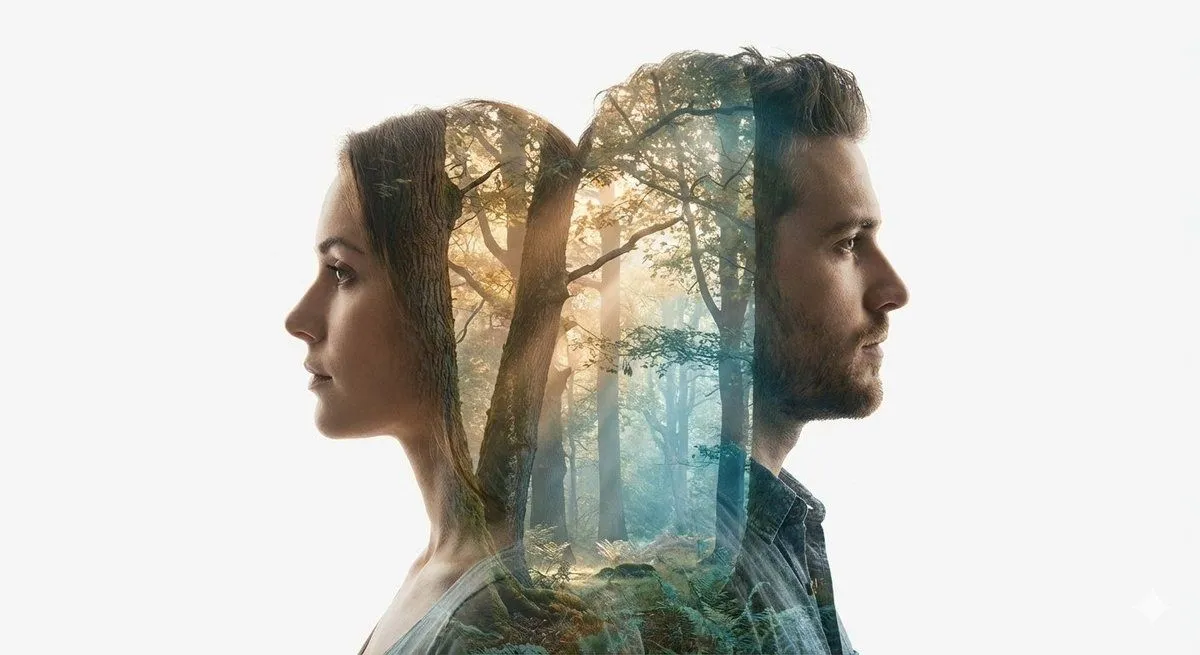
    • Cinematic Double-Exposure Portrait of Contrast and Connection
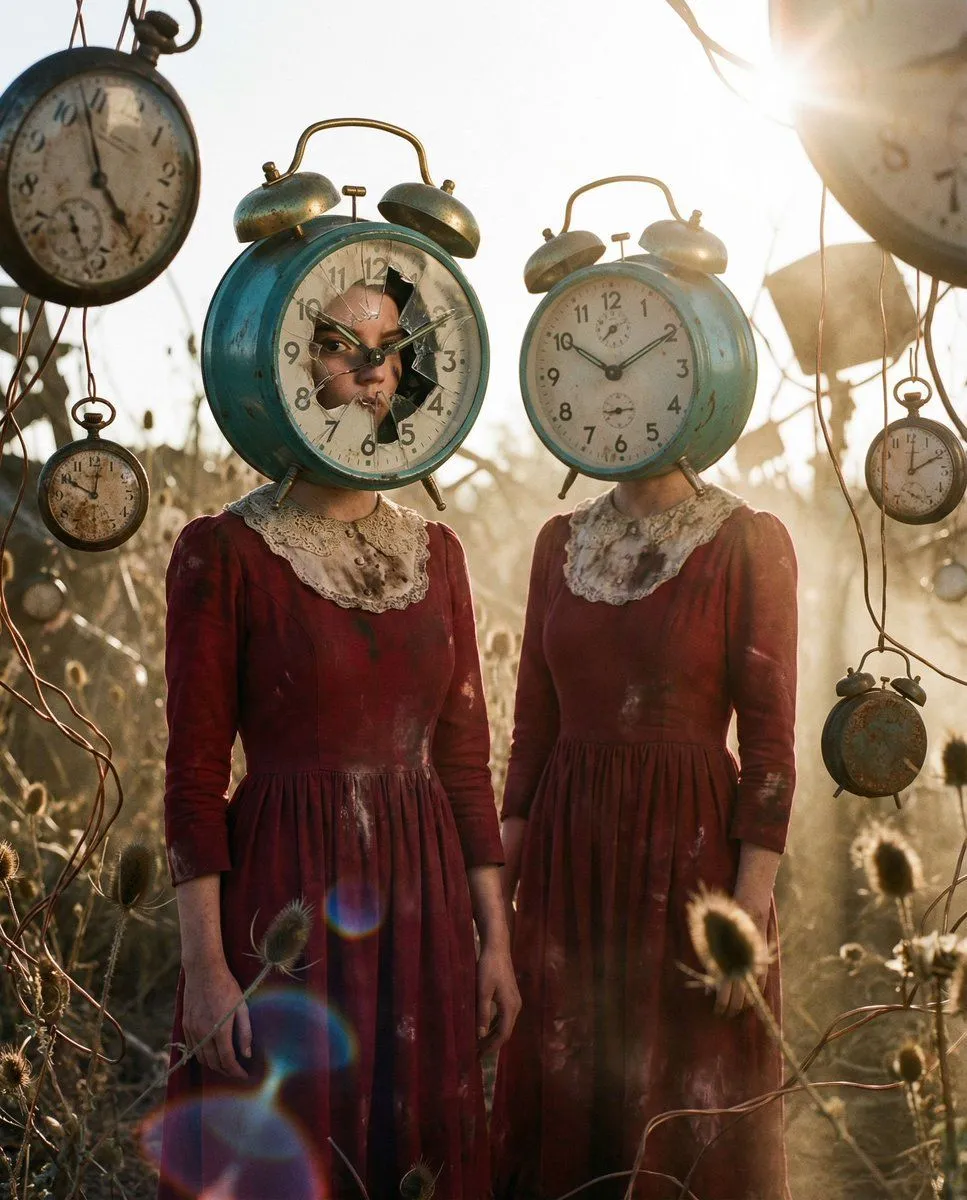
    • Fractured Chronology Editorial
    • Clean Whiteboard Animation Illustration
    • Monochrome Mountain Warrior Portrait

    Show more

    Run it on your phone

    1. Prompt copiedRead it

      Transform the input into a modern, high-quality digital portrait with vibrant updated colors, smooth and realistic skin textures, and natural lighting. Upgrade the outfit and background into a clean, modern aesthetic while preserving the authenticity of the original pose and expression. Convert it into a modern high-quality digital portrait with vivid colors, delicate and realistic skin textures, and natural lighting. The clothing and background should be upgraded to a simple, modern style while preserving the authenticity of the pose and expression from the original photo.

    2. Open your app

    3. Paste and run

      Press and hold the message box, then tap Paste. Add your photo first if the prompt uses one. You may need to sign in.

    Old photo restoration to modern digital portrait