Tell us anything

An idea, a bug, something you love. We read every note.

⌘↵ to send. The page you're on comes along.

Old Photo Restoration

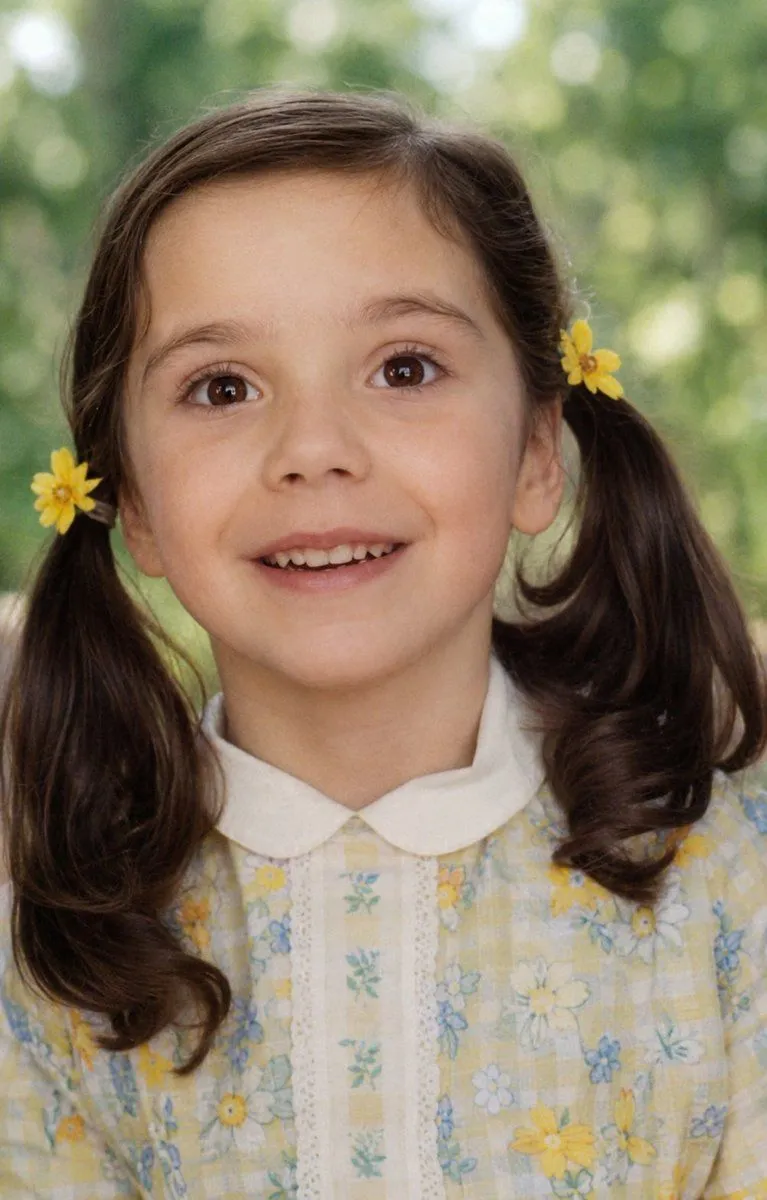
Made with GPT Image 2 in ChatGPT by Library Avatars. Promptclay never generates images.

Did it work?

No reports yet. Tell others if it worked for you.

No comments yet. Be the first.

    Old Photo Restoration

    GPT Image 2AI-generated

    Prompt

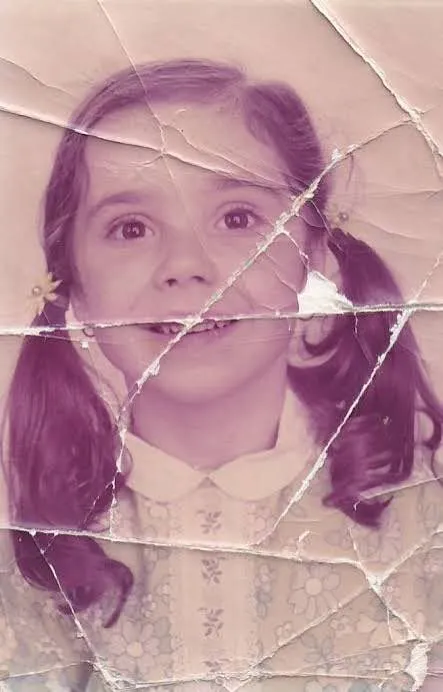
    Using the provided reference image, refine and restore the old damaged photo into a clean, realistic original snapshot. Remove all cracks, creases, scratches, faded discoloration, stains, and paper damage, and reconstruct any missing or obscured areas naturally. Preserve the same child, facial identity, joyful laughing expression, hairstyle with pigtails, yellow flowers beside both ears, checkered floral dress with white collar, pose, close portrait framing, and outdoor background. Convert the aged pinkish tint into natural color, sharpen details, improve lighting and contrast, and make the result look like an authentic modern film photograph rather than an illustration. Do not change the subject’s age, clothing design, composition, or expression; do not add extra people, text, borders, or watermark.

    Works in
    ChatGPT, Gemini
    Status
    Free to copy
    0
    DetailsVersions, settings and questions

    Written for

    What's in the prompt

    Subject
    Model
    GPT Image 2

    If your face changes

    keep my face exactly the same

    Questions

    Does this work in the ChatGPT app?
    Yes. Paste the prompt and attach your photo if it uses one.
    It changed my face. What do I do?
    Add "keep my face exactly the same" to the end and run it again.
    Can I use the images I make?
    Check the terms of the app you use. Promptclay never generates images and claims nothing you make.
    Similar prompts

    See more
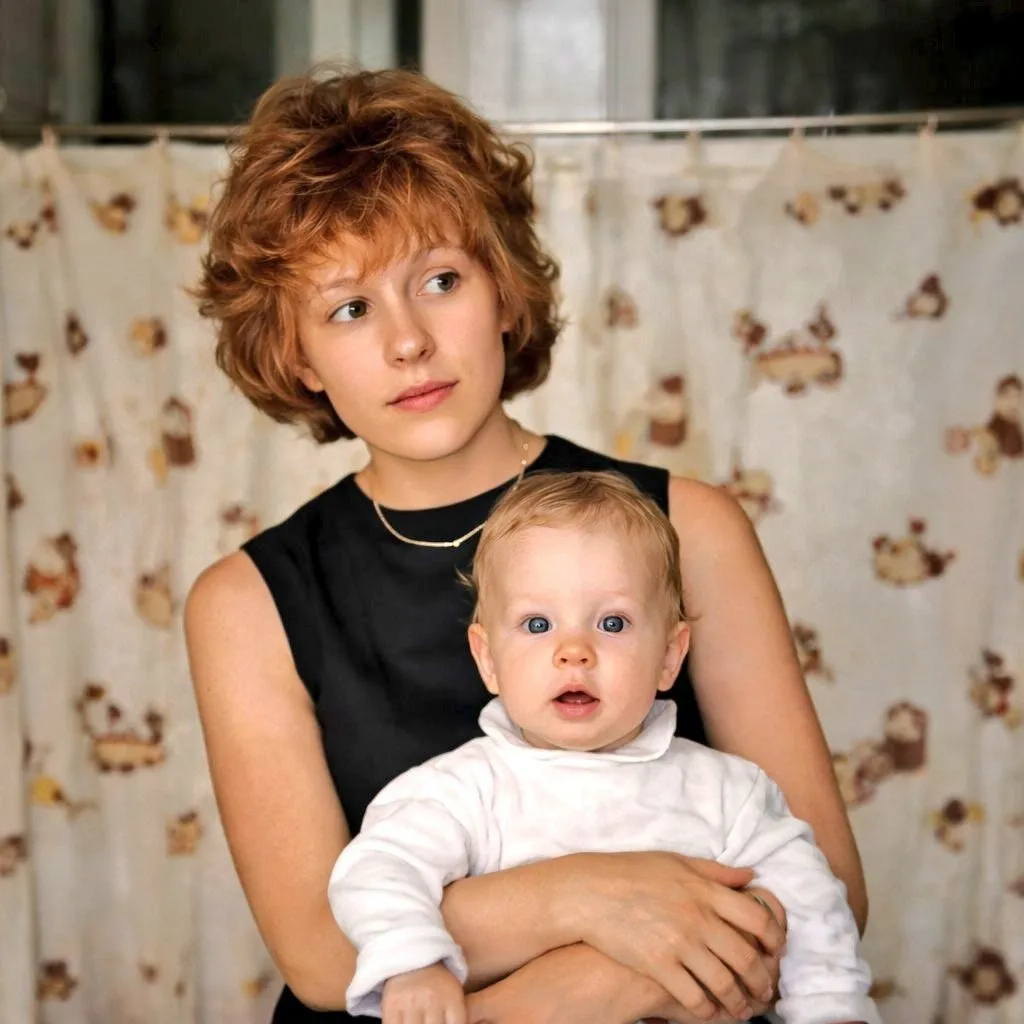
    • Vintage Photo Restoration to Modern Portrait Prompt
    • Restore and Colorize Damaged Vintage Photo
    • Classical Realism Oil Painting Portrait Prompt
    • Dreamy Garden Princess Portrait
    • Anonymous Floral Crimson Portrait
    • Cinematic Pink Blossom Couture Portrait
    • Watercolor Floral Portrait of a Girl
    • Pigtails Portrait Close-up
    • Cinematic Portrait with Harsh Flash and Floral Background (Duplicate)
    • Natural Face Realism Modifier
    • Cozy Studio Portrait Photography
    • Photorealistic Dark-Haired Woman Portrait
    • Mysterious Portrait with Butterflies
    • East Asian Woman Cinematic Portrait
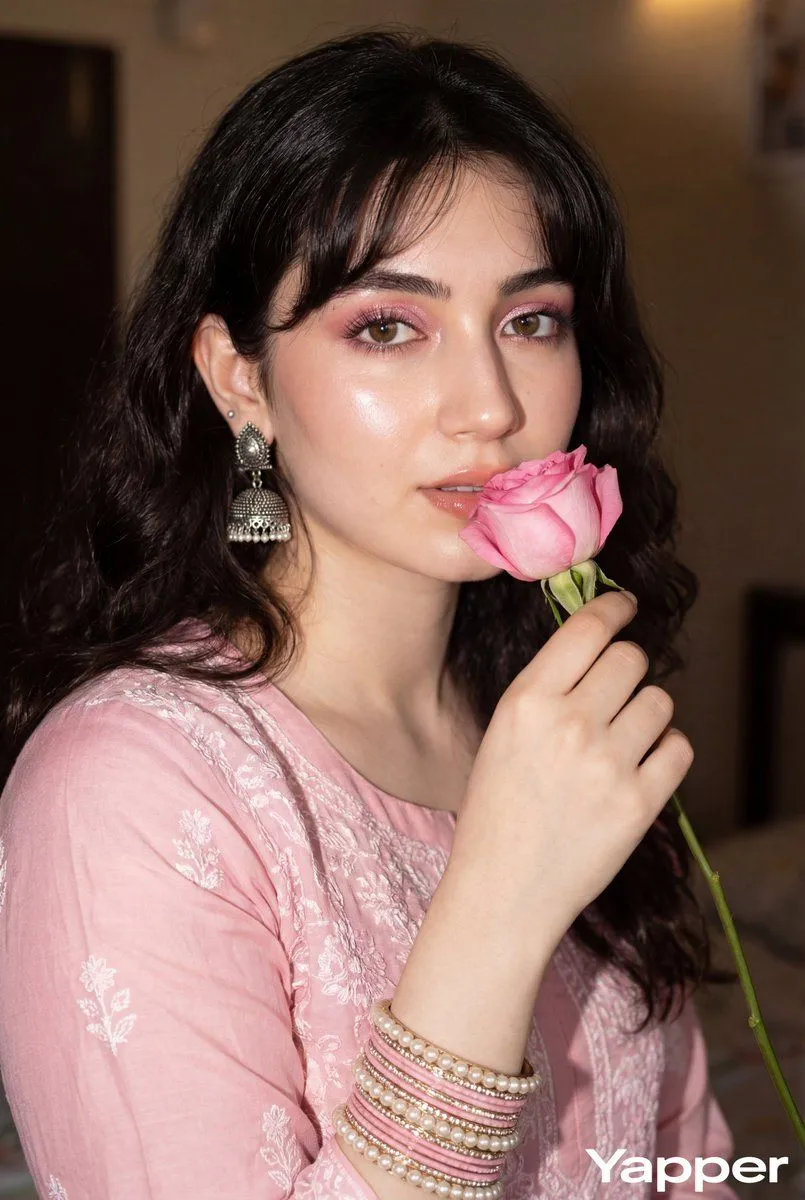
    • Glamorous Close-up Portrait with Traditional Outfit and Rose
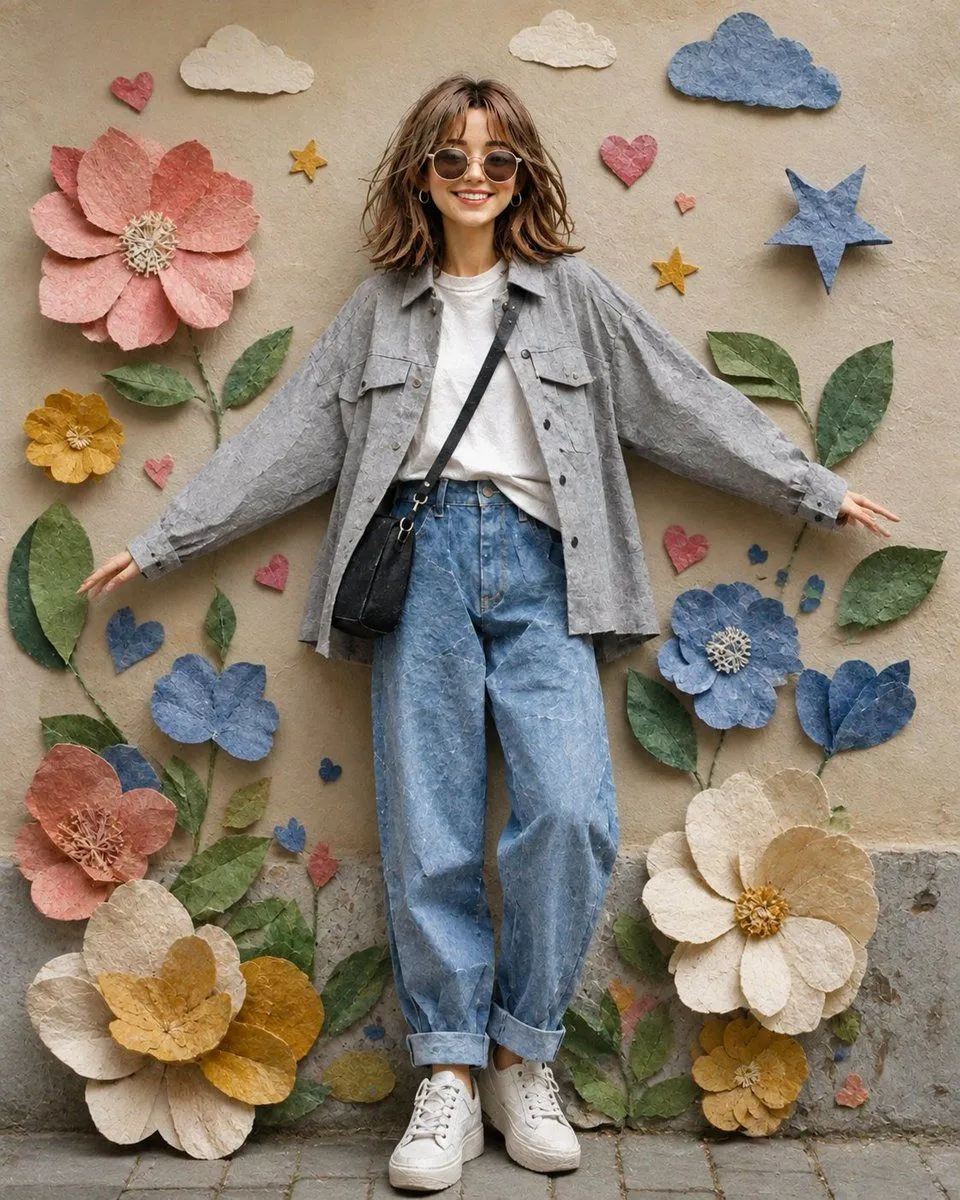
    • Paper Collage Portrait of a Young Woman
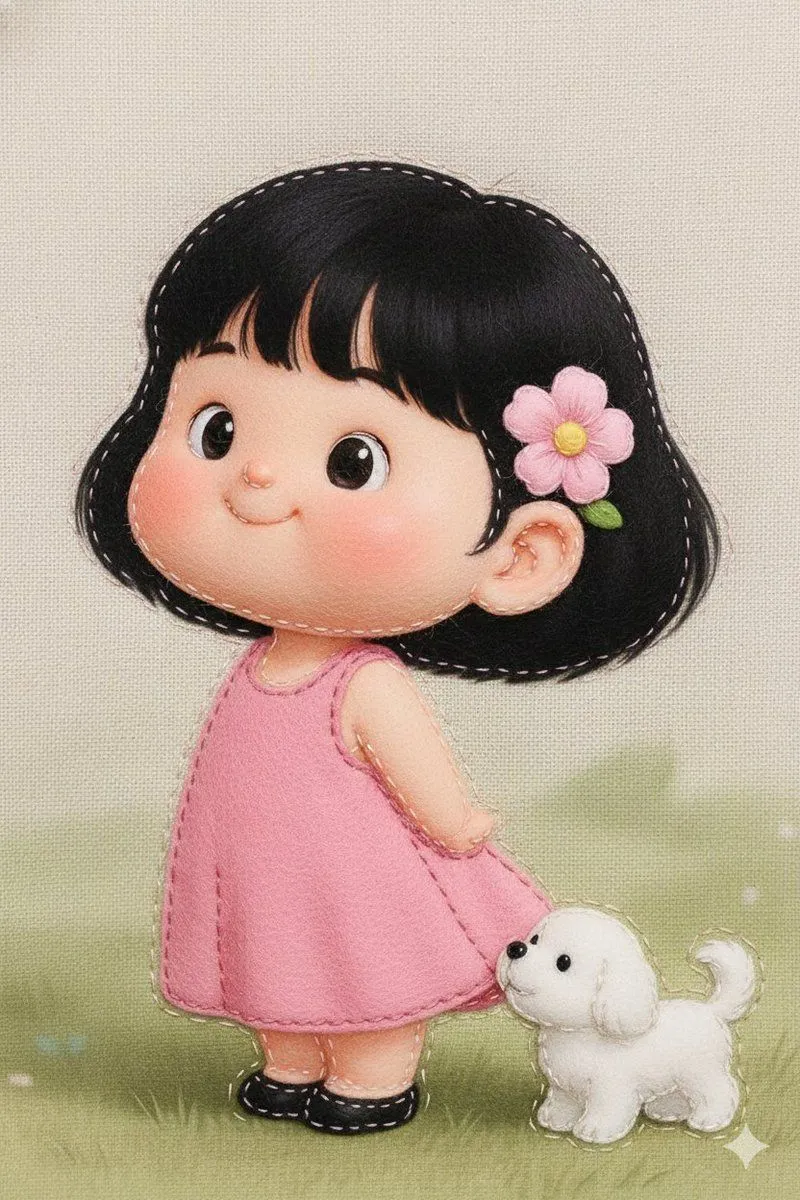
    • Felt Fabric Applique Art Style Transfer Prompt
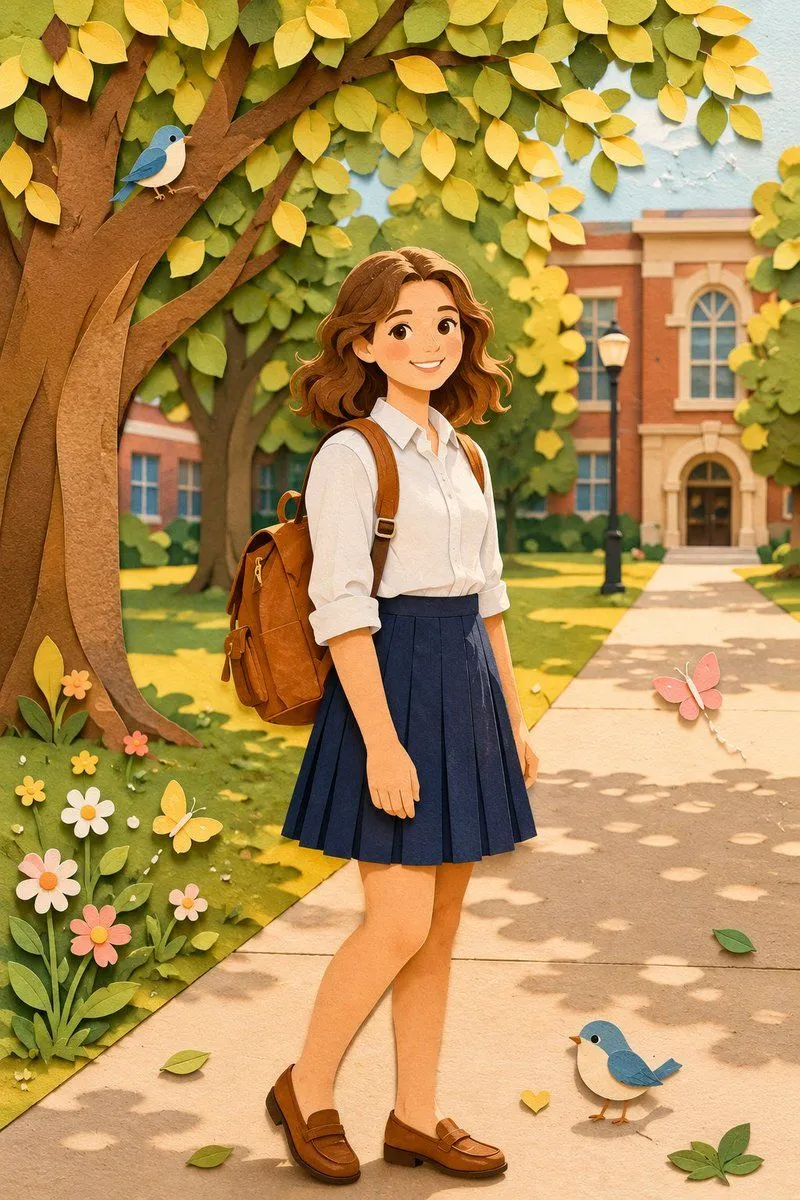
    • Paper Craft Style Redesign
    • Creative Director Claw Machine Editorial
    • Gyaru Style Instruction Manual Edit
    • Luxury Toddler Fashion Portrait
    • Retro 1960s Four-Panel Fashion Editorial
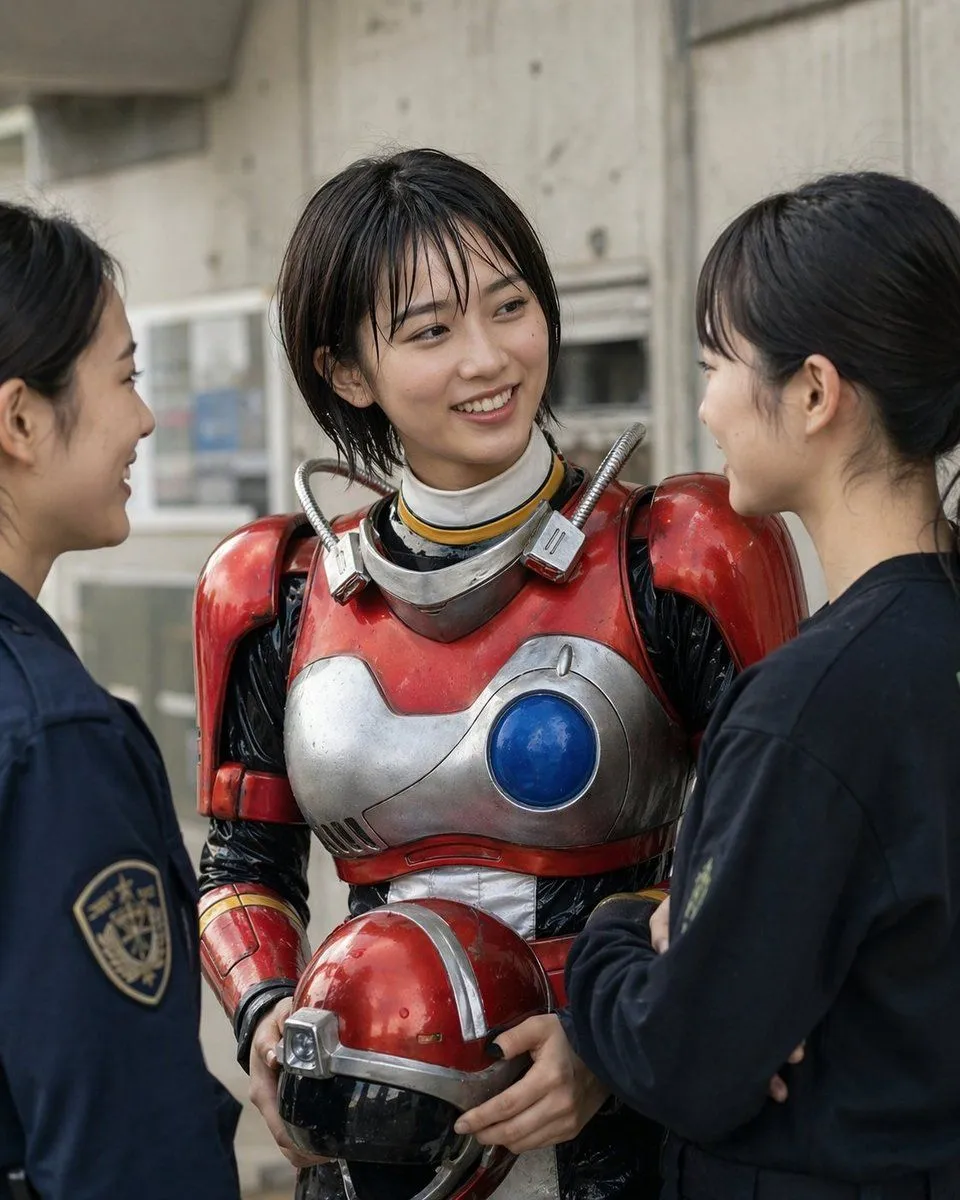
    • Retro Sci-Fi Heroine With Police
    • Tech Keynote Presentation Slide

    Show more

    Run it on your phone

    1. Prompt copiedRead it

      Using the provided reference image, refine and restore the old damaged photo into a clean, realistic original snapshot. Remove all cracks, creases, scratches, faded discoloration, stains, and paper damage, and reconstruct any missing or obscured areas naturally. Preserve the same child, facial identity, joyful laughing expression, hairstyle with pigtails, yellow flowers beside both ears, checkered floral dress with white collar, pose, close portrait framing, and outdoor background. Convert the aged pinkish tint into natural color, sharpen details, improve lighting and contrast, and make the result look like an authentic modern film photograph rather than an illustration. Do not change the subject’s age, clothing design, composition, or expression; do not add extra people, text, borders, or watermark.

    2. Open your app

    3. Paste and run

      Press and hold the message box, then tap Paste. Add your photo first if the prompt uses one. You may need to sign in.

    Old Photo Restoration