Tell us anything

An idea, a bug, something you love. We read every note.

⌘↵ to send. The page you're on comes along.

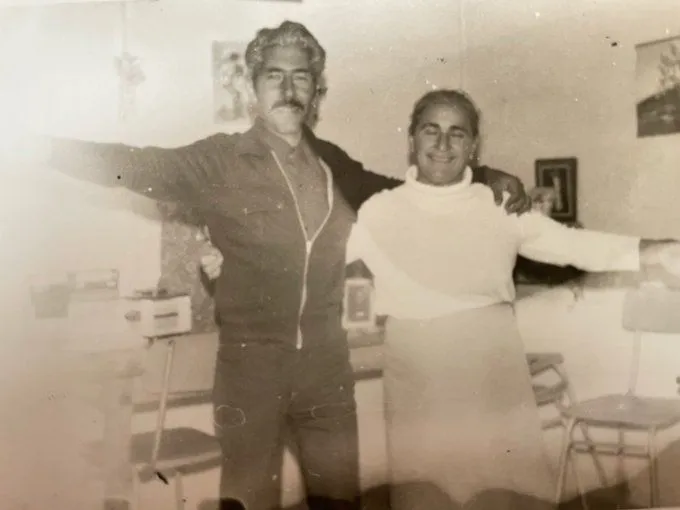
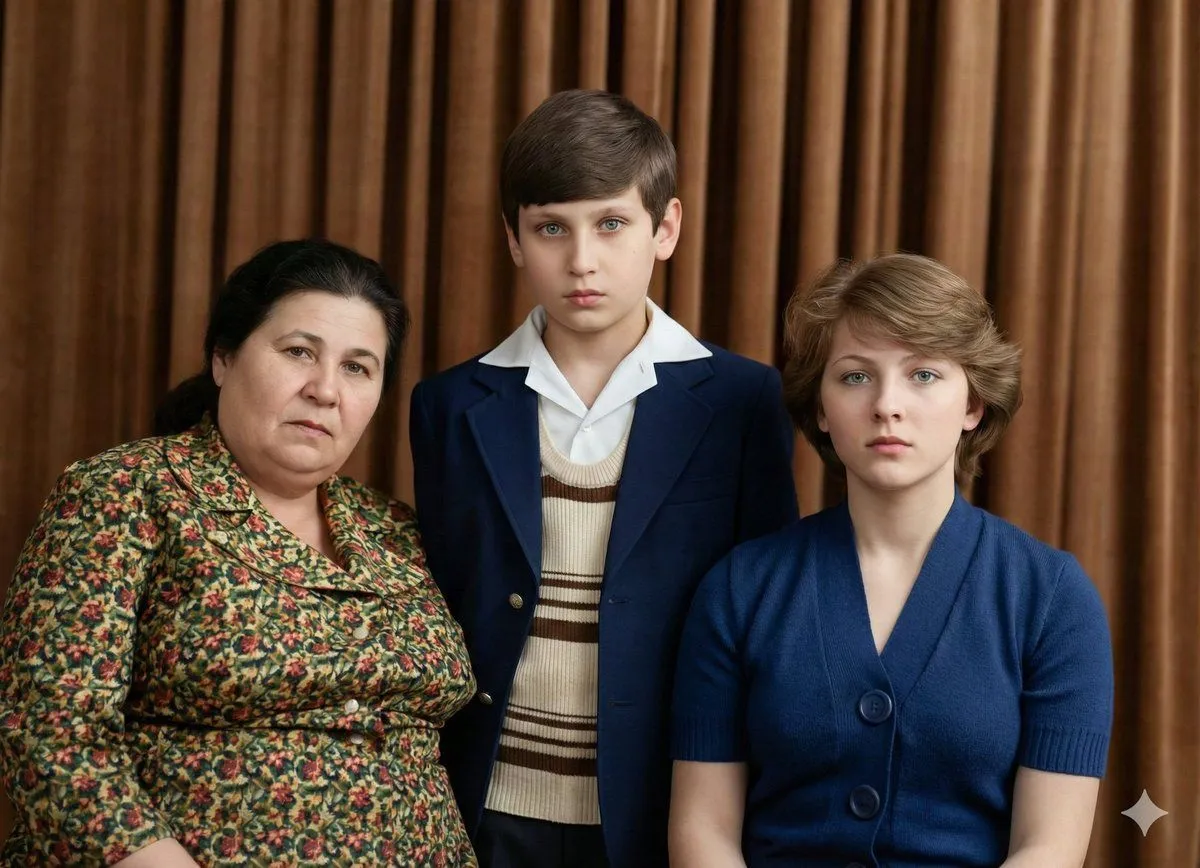
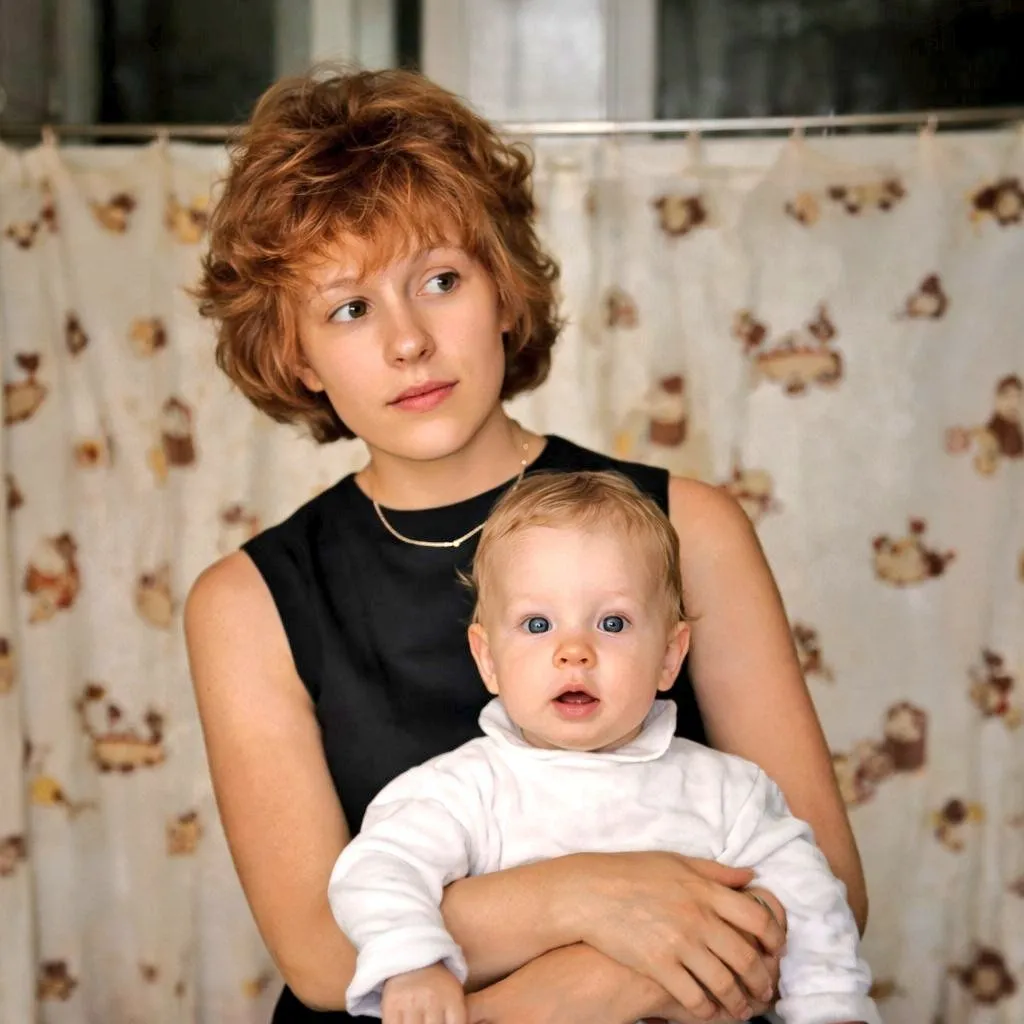
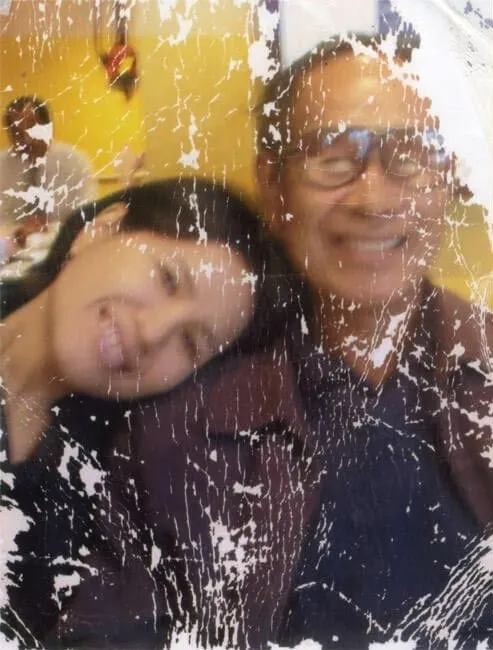
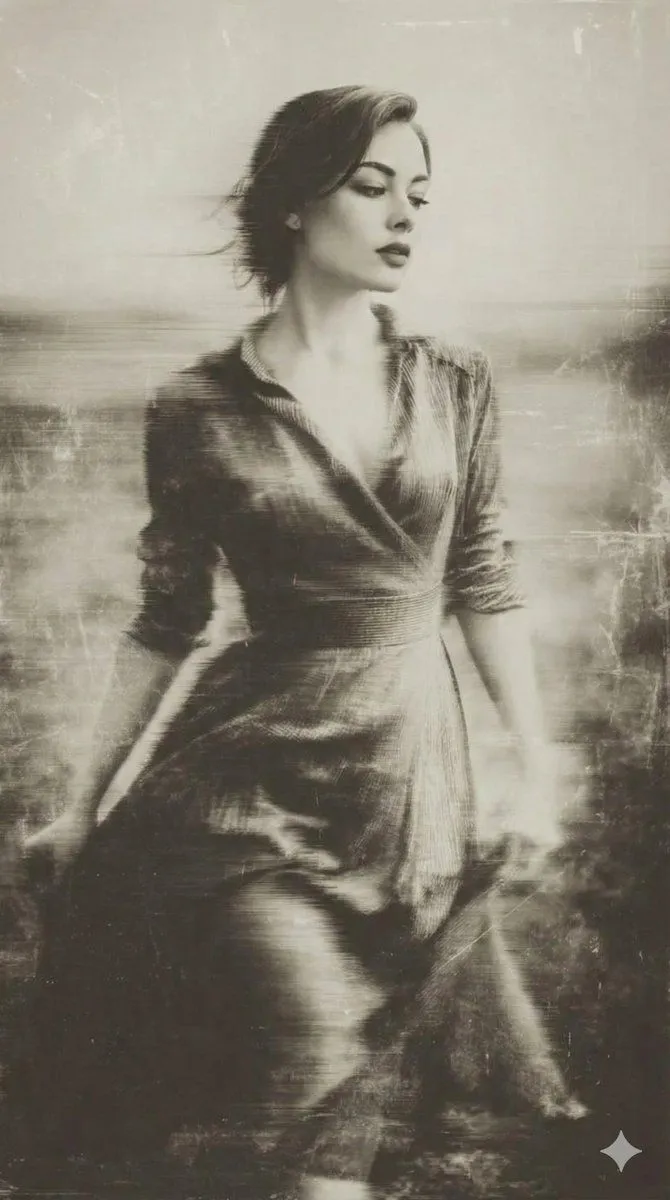
Old Photo Restoration and Enhancement

Made with Nano Banana Pro in Gemini, collected by Library Art. Promptclay never generates images.

Did it work?

No reports yet. Tell others if it worked for you.

No comments yet. Be the first.

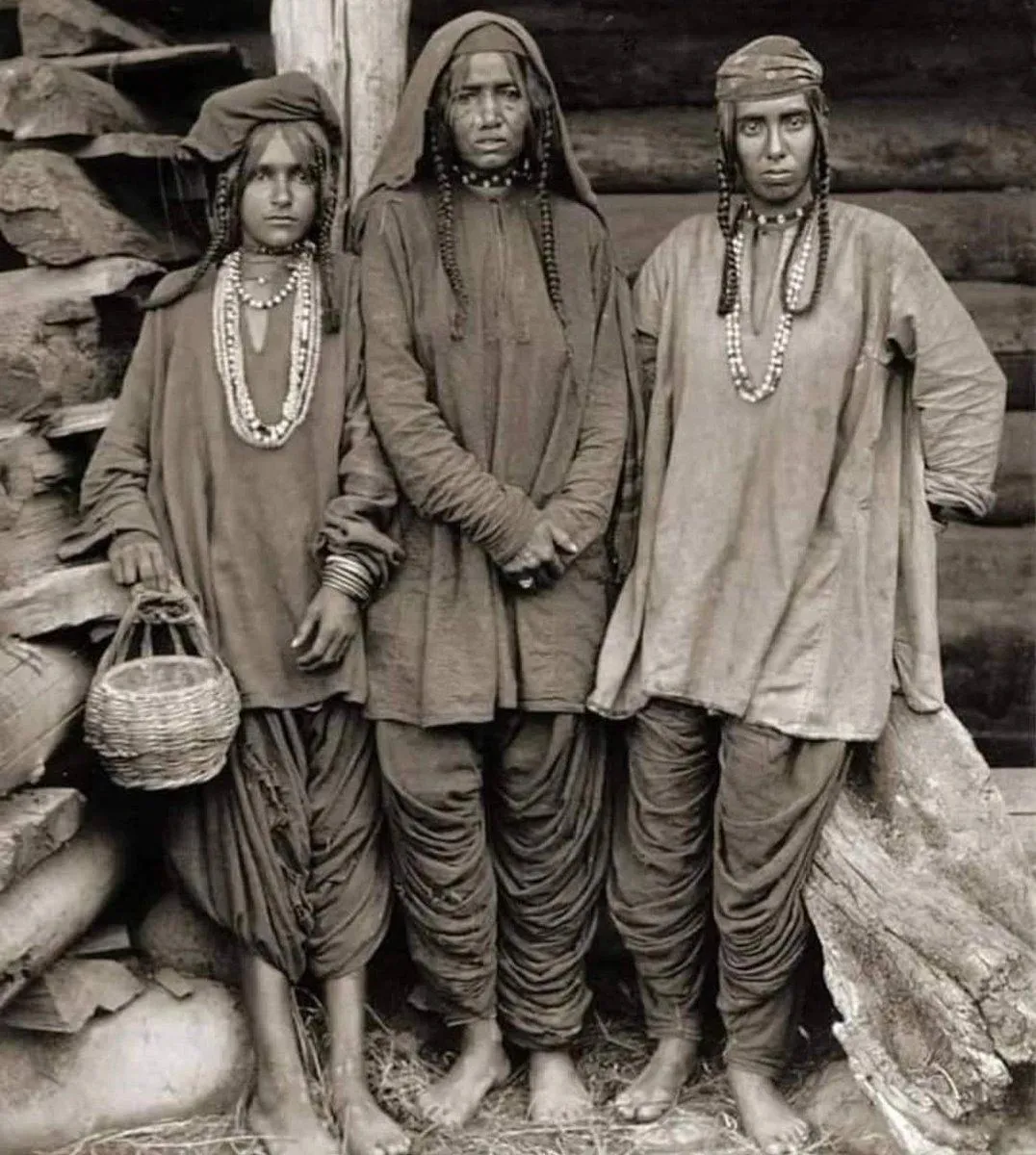
    Old Photo Restoration and Enhancement

    Nano Banana ProAI-generated

    Prompt

    Restore this old photo and enhance it with modern, high-quality color tones similar to today's professional cameras. Add natural, vibrant, balanced colors with realistic skin tones and clean highlights. Improve lighting, contrast, and depth to match modern DSLR/mirrorless camera output. Remove all scratches, noise, blur, and fading. Preserve the person's identity, facial features, expression, and historical clothing while giving the photo a fresh, newly-captured look. Increase resolution to 4K..

    Works in
    Gemini, ChatGPT
    Status
    Free to copy
    0
    DetailsVersions, settings and questions

    Written for

    What's in the prompt

    Subject
    Model
    Nano Banana Pro

    If your face changes

    keep my face exactly the same

    Questions

    Does this work in the Gemini app?
    Yes. Gemini runs Nano Banana, so paste the prompt and attach your photo if it uses one.
    It changed my face. What do I do?
    Add "keep my face exactly the same" to the end and run it again.
    Can I use the images I make?
    Check the terms of the app you use. Promptclay never generates images and claims nothing you make.
    Similar prompts

    See more
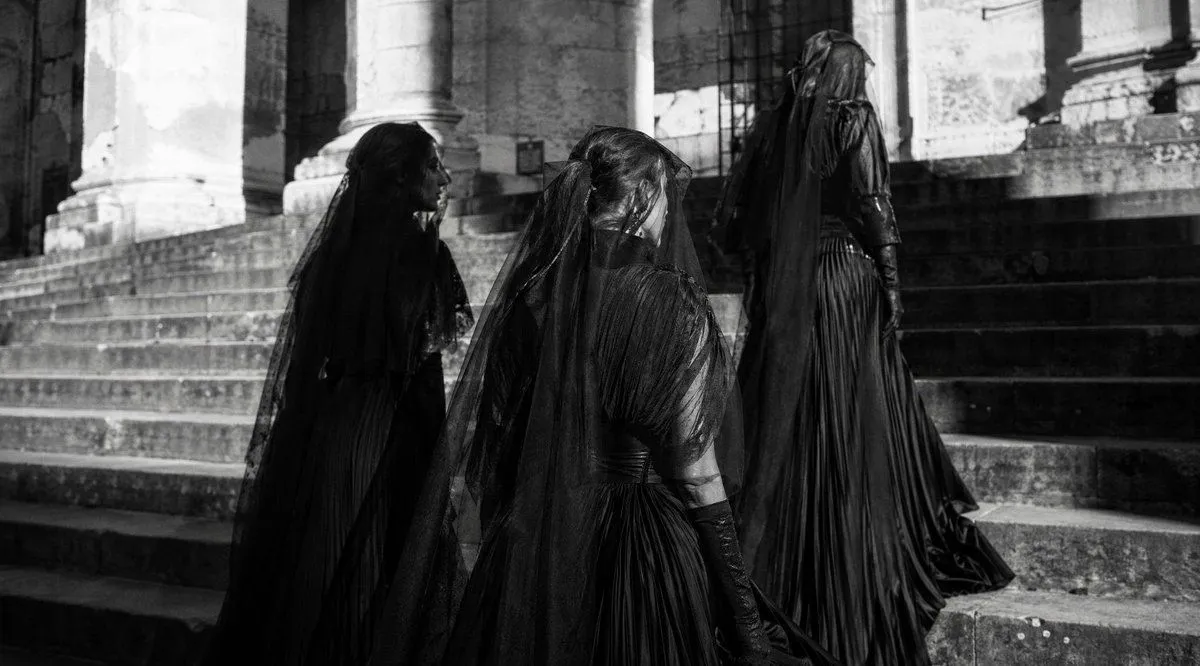
    • Gothic Mourning Procession
    • Vintage Wet-Plate Photograph Portrait
    • Old photo restoration to modern digital portrait
    • Vintage Photo Restoration and Enhancement
    • Restore and Colorize Damaged Vintage Photo
    • Indonesian Woman Newspaper Collage Portrait
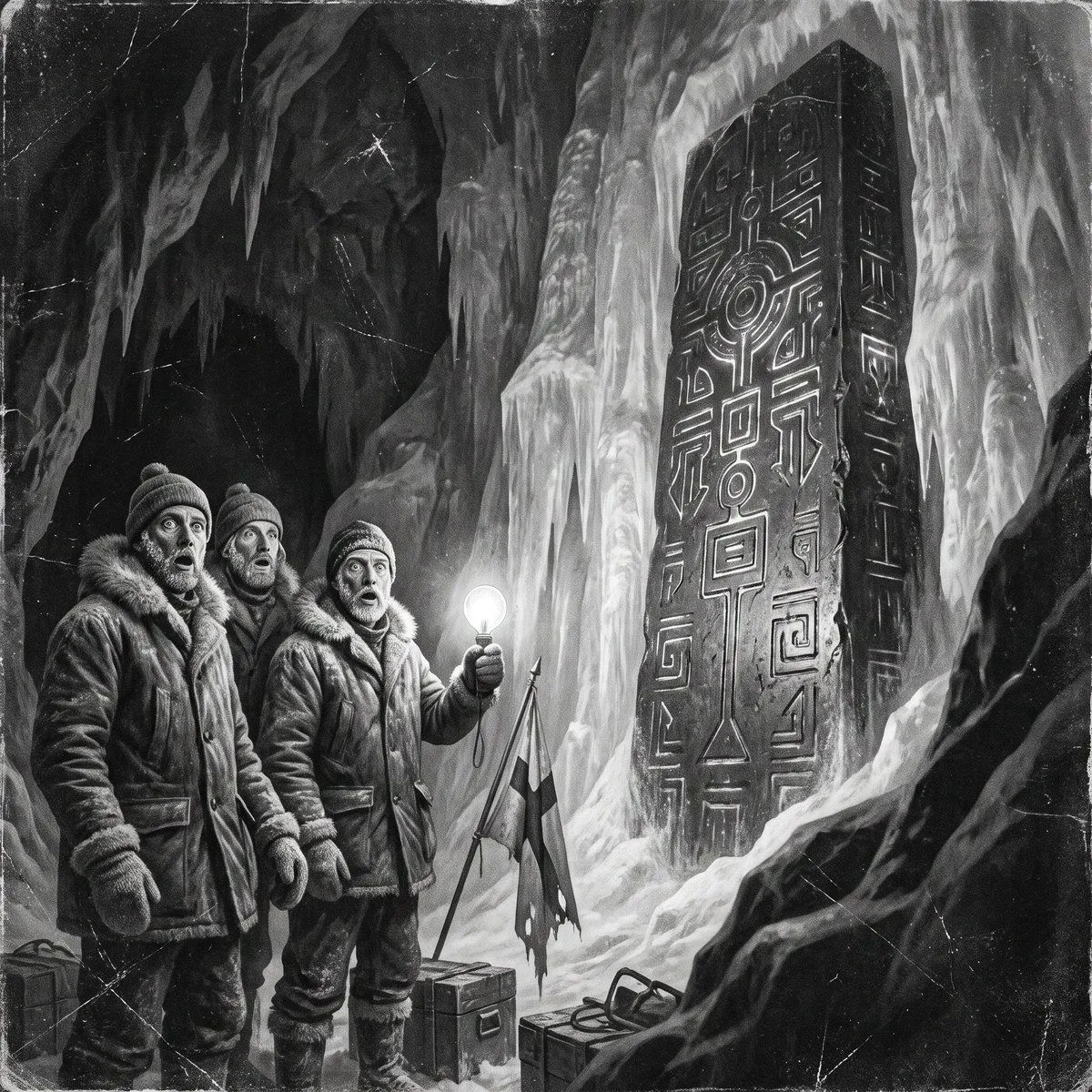
    • Antarctic Expedition Historical Realism Comparison
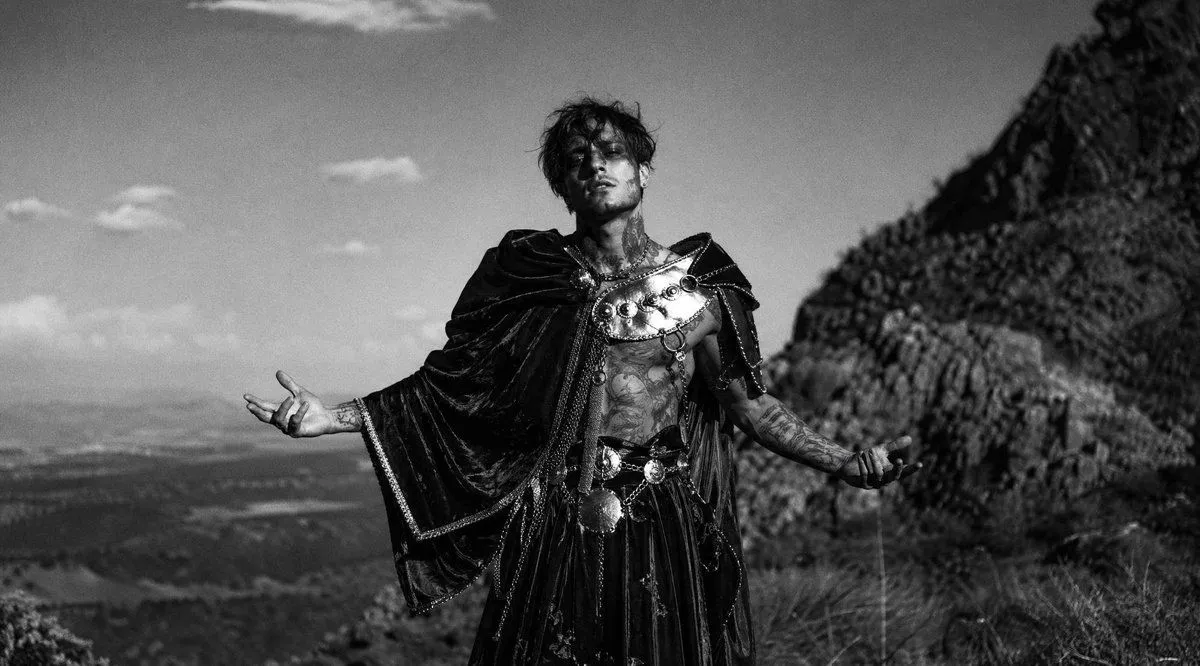
    • Monochrome Mountain Warrior Portrait
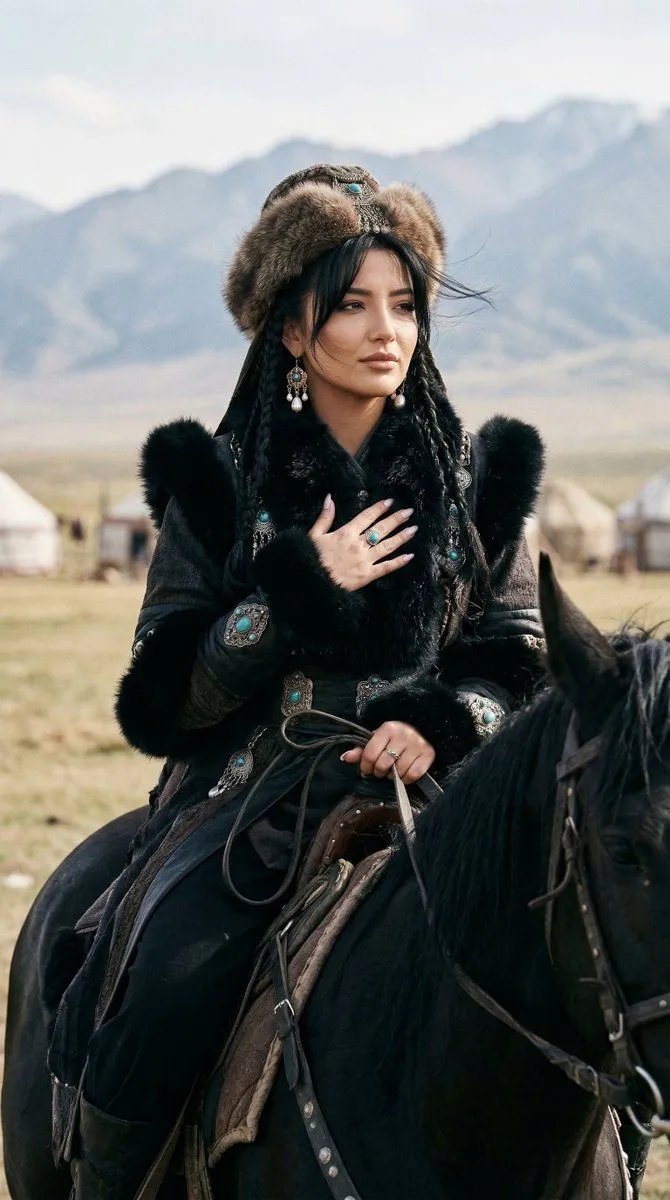
    • Cinematic Portrait of Old Turkic Noblewoman on Black Horse (Image-to-Image)
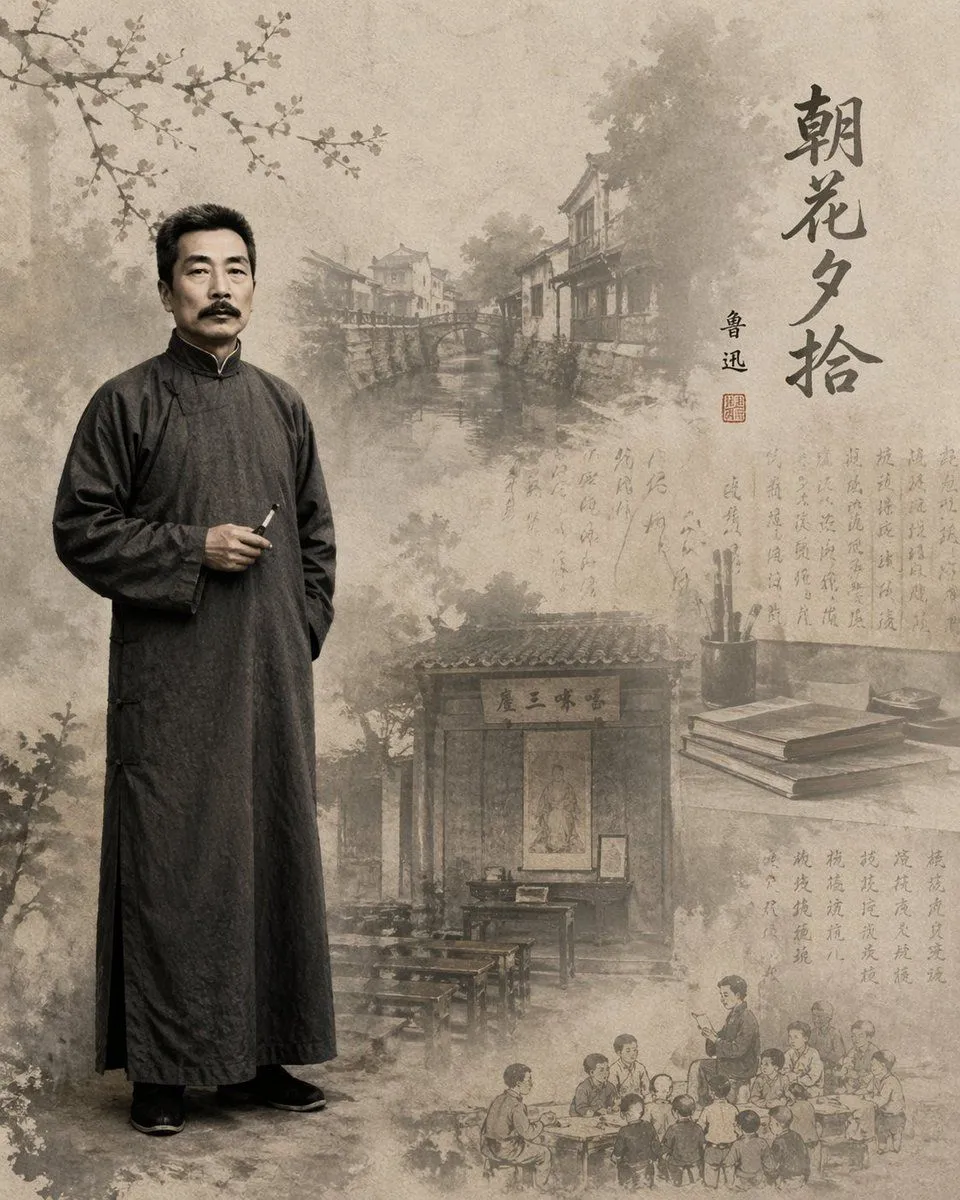
    • Literary Illustration Portrait
    • Old photo restoration prompt
    • Vintage Studio Portrait with Picture-in-Picture Effect
    • Traditional Chinese Beauty Portrait
    • Ancient Beauty Character Creator Game
    • Natural Portrait at Sunrise
    • High-Angle Photorealistic Selfie Portrait
    • Rococo Revival Sydney Sweeney Prompt for Nano Banana Pro
    • Ancient Painting to Real Scene Photo
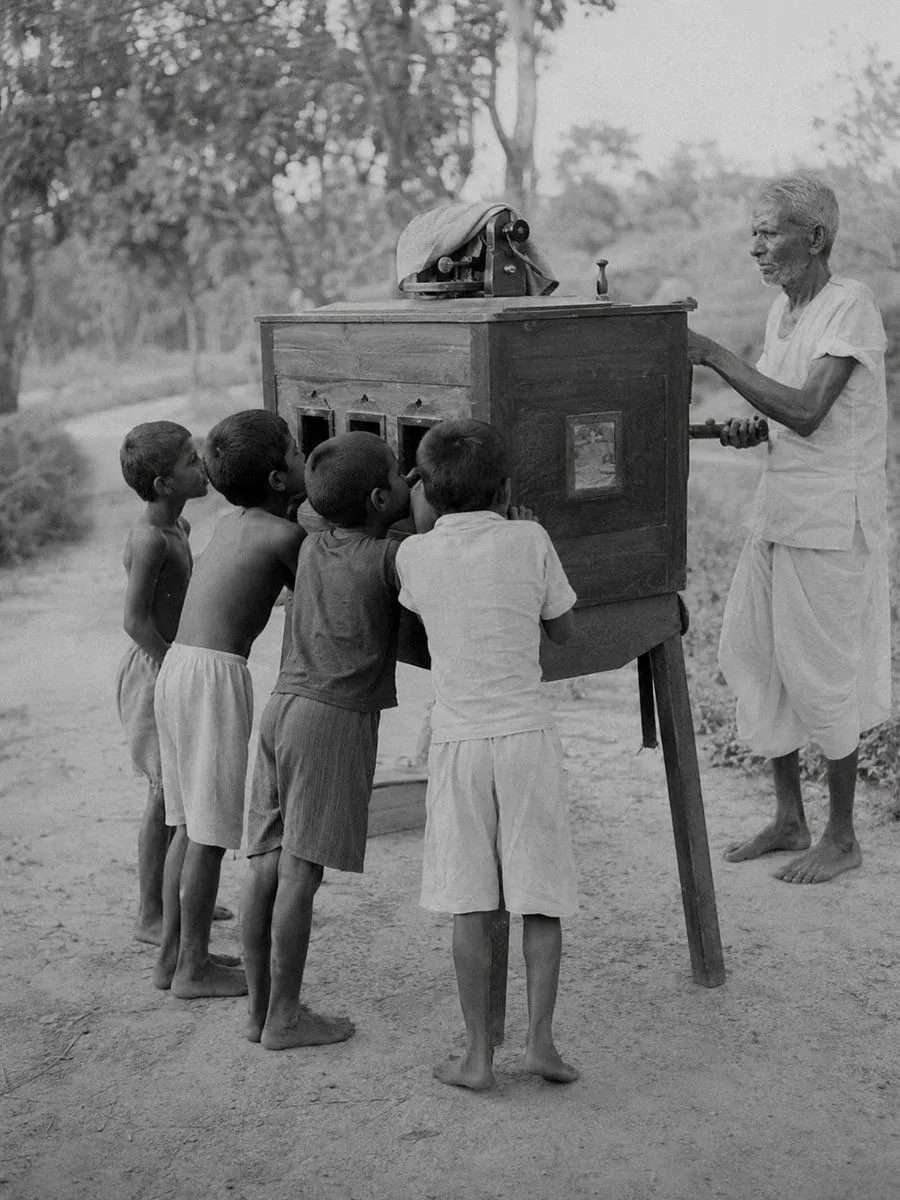
    • South Asian Rural Bioscope Documentary
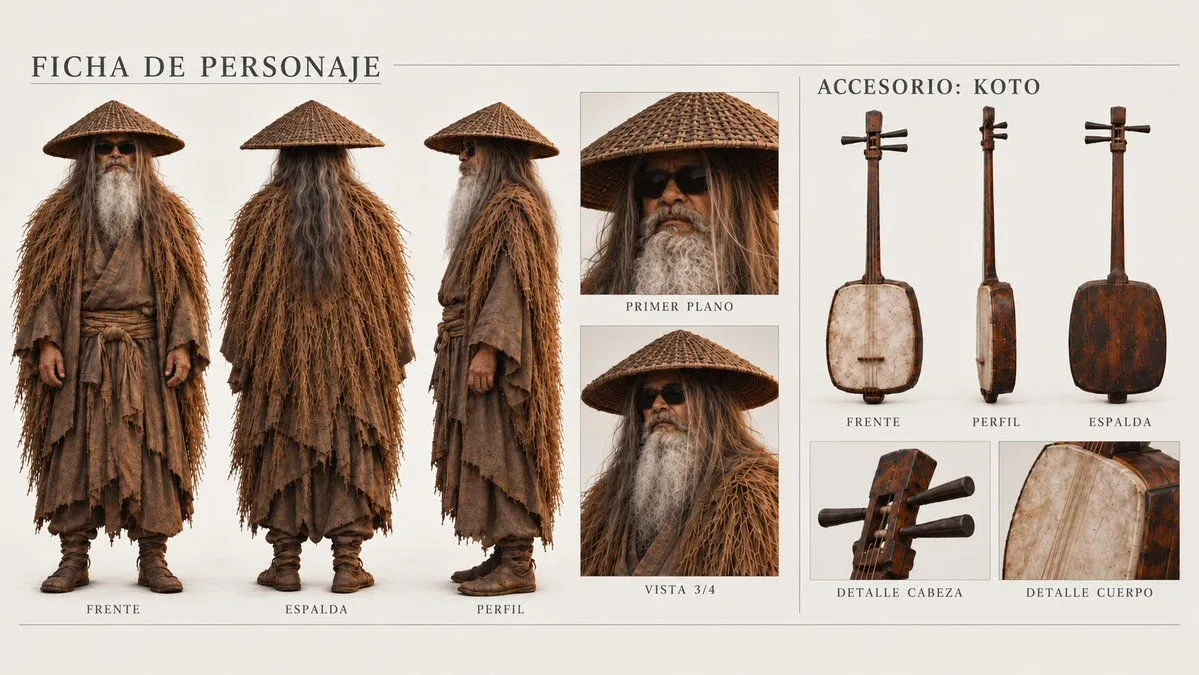
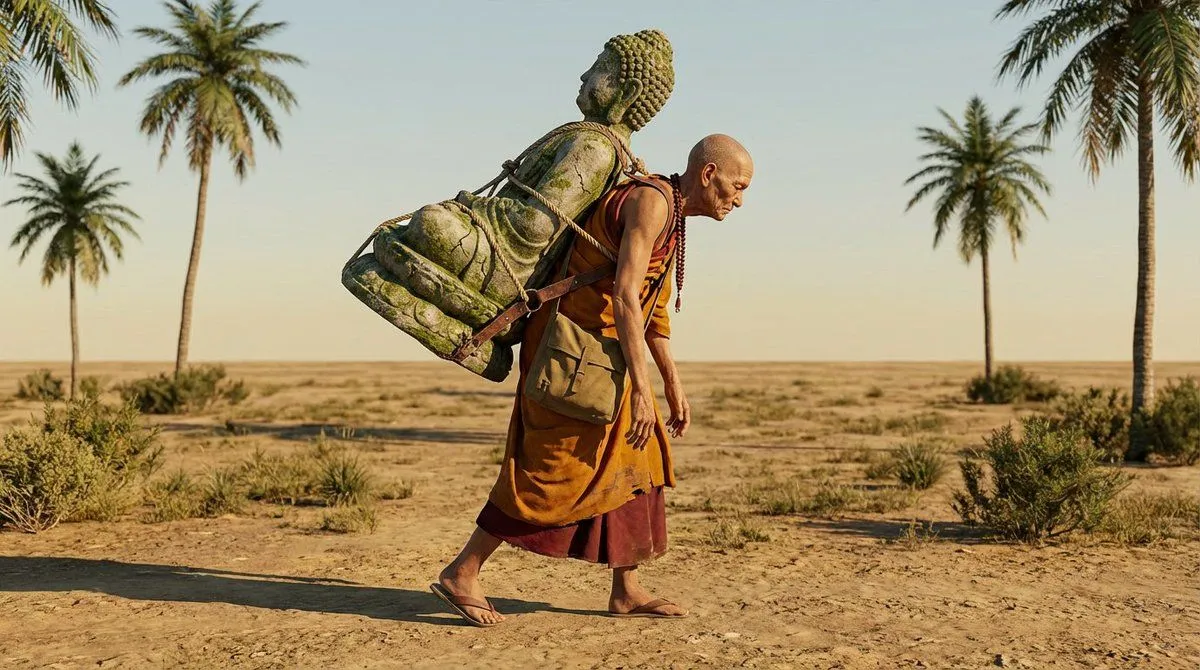
    • Elder Hermit Character Sheet
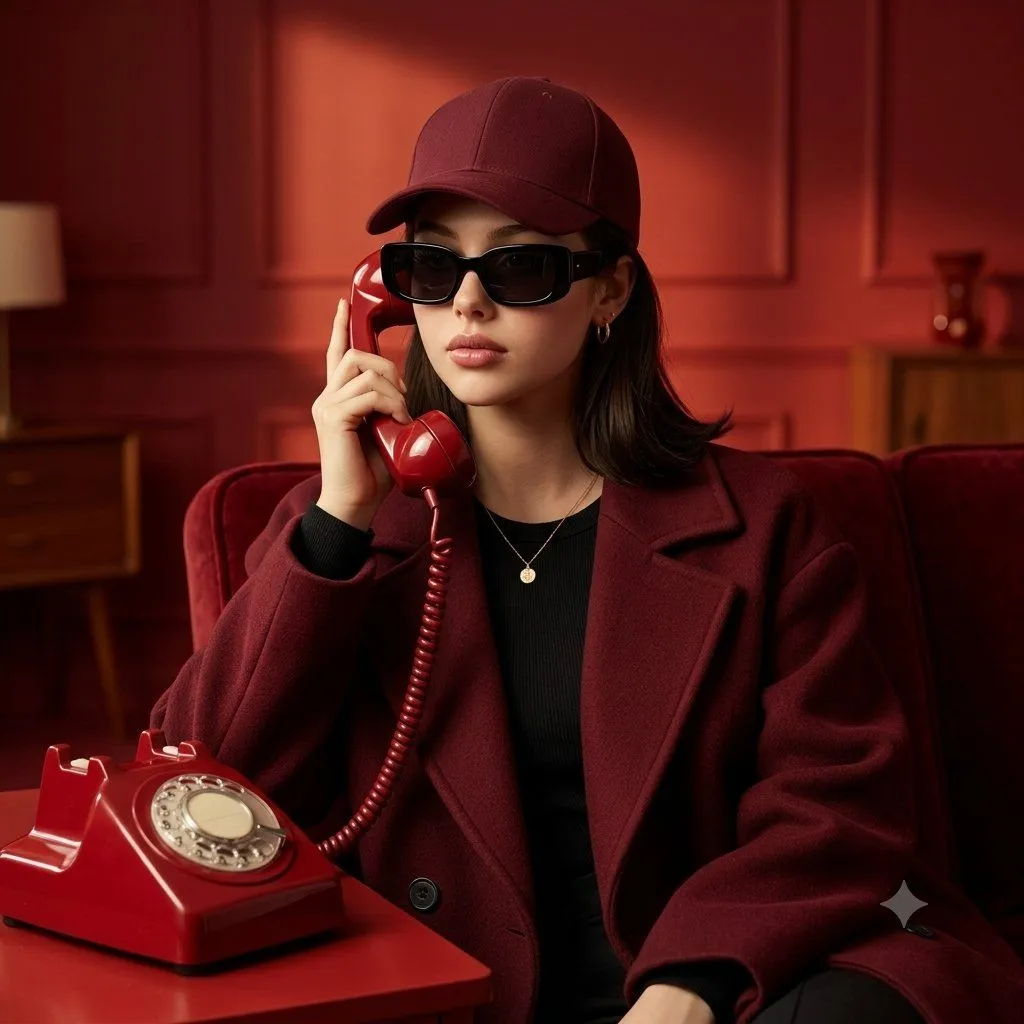
    • Retro Red Telephone Portrait
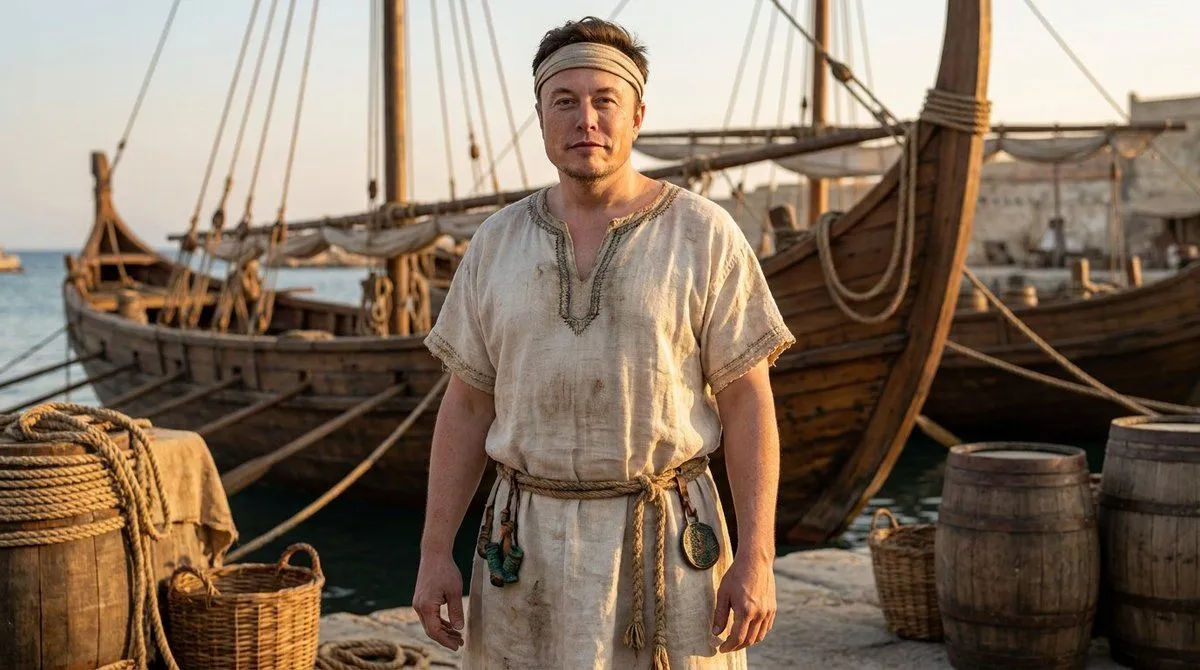
    • Phoenician Sailor Portrait
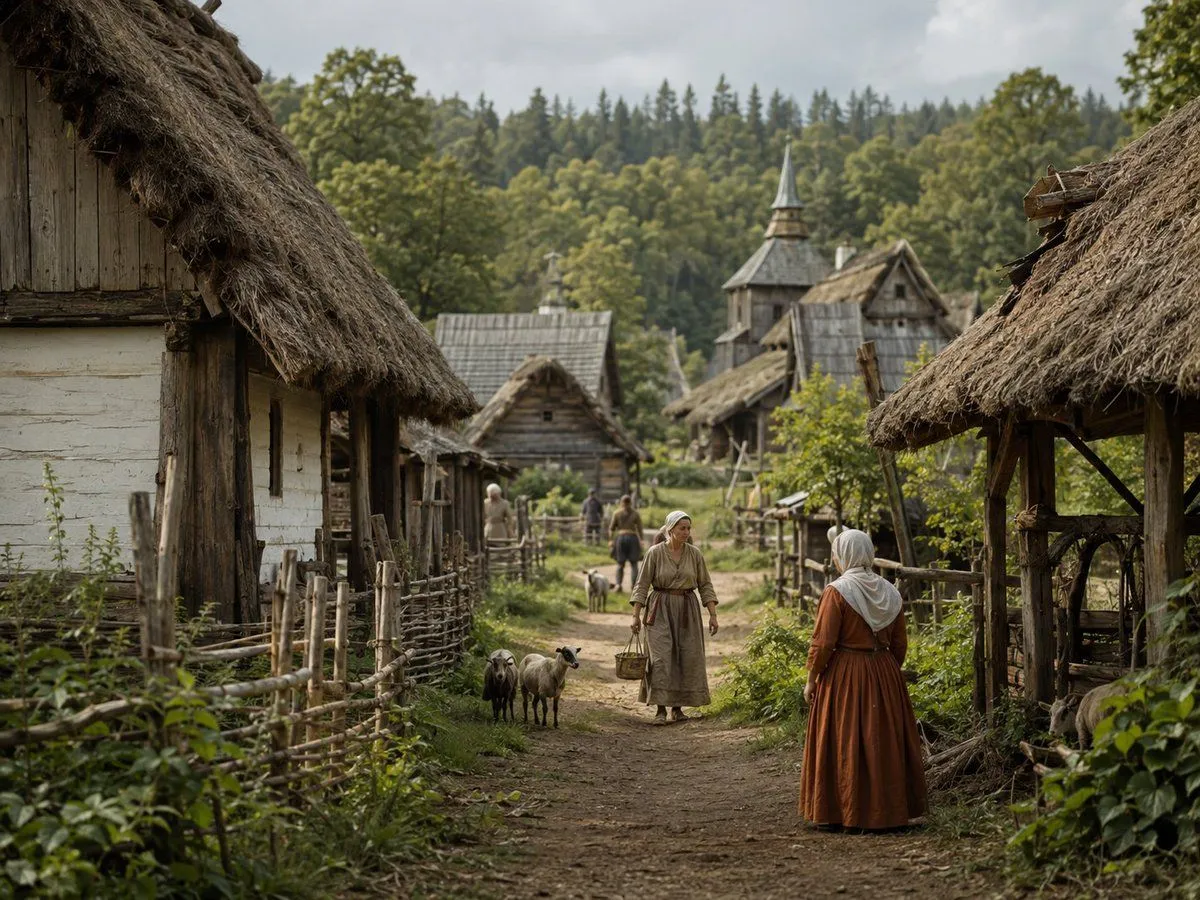
    • Photorealistic Medieval Village Lane
    • 3D Gaming Character Composition

    Show more

    Run it on your phone

    1. Prompt copiedRead it

      Restore this old photo and enhance it with modern, high-quality color tones similar to today's professional cameras. Add natural, vibrant, balanced colors with realistic skin tones and clean highlights. Improve lighting, contrast, and depth to match modern DSLR/mirrorless camera output. Remove all scratches, noise, blur, and fading. Preserve the person's identity, facial features, expression, and historical clothing while giving the photo a fresh, newly-captured look. Increase resolution to 4K..

    2. Open your app

    3. Paste and run

      Press and hold the message box, then tap Paste. Add your photo first if the prompt uses one. You may need to sign in.

    Old Photo Restoration and Enhancement