Tell us anything

An idea, a bug, something you love. We read every note.

⌘↵ to send. The page you're on comes along.

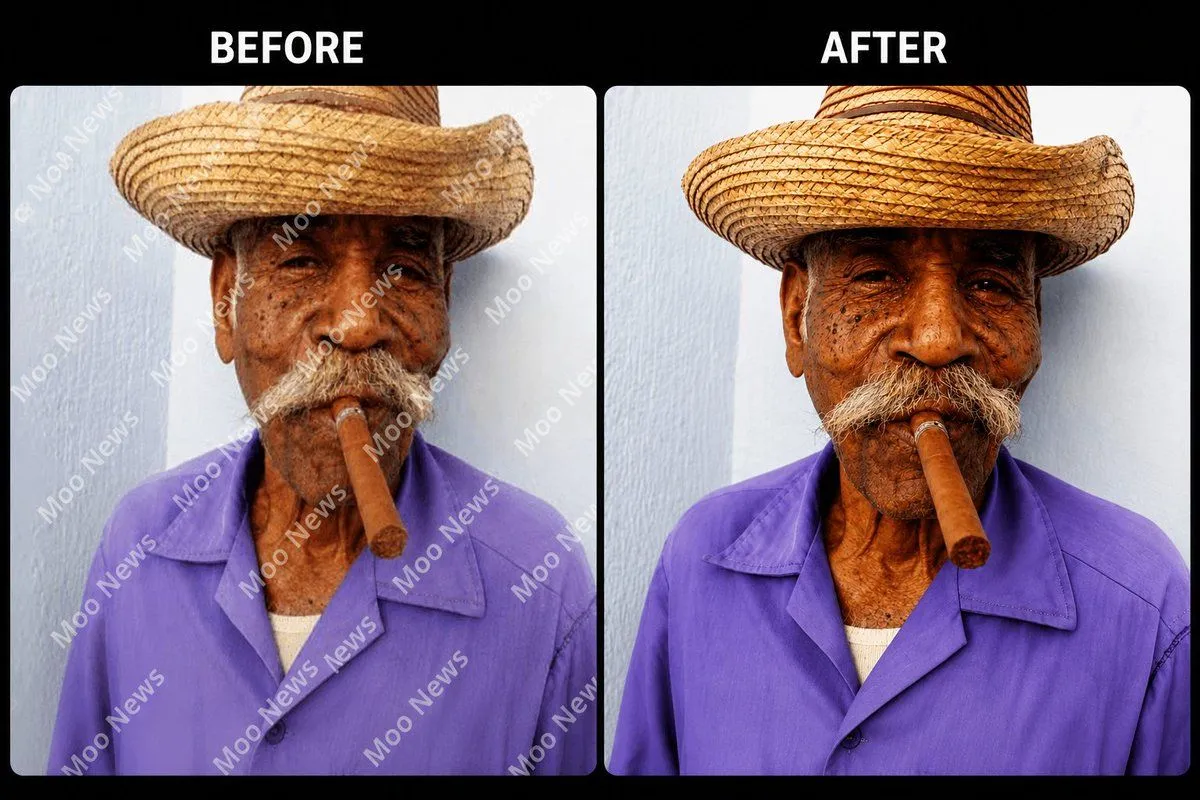
Object and Watermark Removal Instruction

Made with GPT Image 2 in ChatGPT by Library Brand. Promptclay never generates images.

Did it work?

No reports yet. Tell others if it worked for you.

No comments yet. Be the first.

    Object and Watermark Removal Instruction

    GPT Image 23:2AI-generated

    Prompt

    1 blank to fill

    Remove all {removals} from this image while preserving the original photo quality, details, textures, lighting, colors, and composition. Reconstruct hidden areas naturally so the image looks clean, realistic, and untouched.

    Works in
    ChatGPT, Gemini
    Status
    Free to copy
    0
    DetailsVersions, settings and questions

    Written for

    What's in the prompt

    Subject
    Model
    GPT Image 2

    If your face changes

    keep my face exactly the same

    Questions

    Does this work in the ChatGPT app?
    Yes. Paste the prompt and attach your photo if it uses one.
    It changed my face. What do I do?
    Add "keep my face exactly the same" to the end and run it again.
    Can I use the images I make?
    Check the terms of the app you use. Promptclay never generates images and claims nothing you make.

    Similar prompts

    See more
    • Cafe Portrait Glare Removal Comparison
    • Vintage Portrait Photo Restoration
    • Ultra High-Res Photo Restoration
    • Detailed prompt for old photo restoration using GPT Image 1.5
    • Childhood Photo Recolorization and Restoration Prompt
    • Nostalgic Photo Restoration Prompt
    • High Definition Portrait Transformation
    • One-Prompt Object Recolor Transformation
    • Nano Banana Pro Edit Tutorial
    • Product Shot Enhancement Prompt
    • Moody Censored Elderly Man Portrait
    • Split Screen Aging Effect
    • Before and After Makeup Comparison
    • Monochrome Portrait of Elderly Man in Heavy Rain
    • Three-Panel GPT Image Model Comparison
    • Cinematic Monochrome Male Portrait
    • High-Contrast Black and White Editorial Portrait Prompt for Nano Banana 2
    • Stormy Icelandic Fisherman Portrait
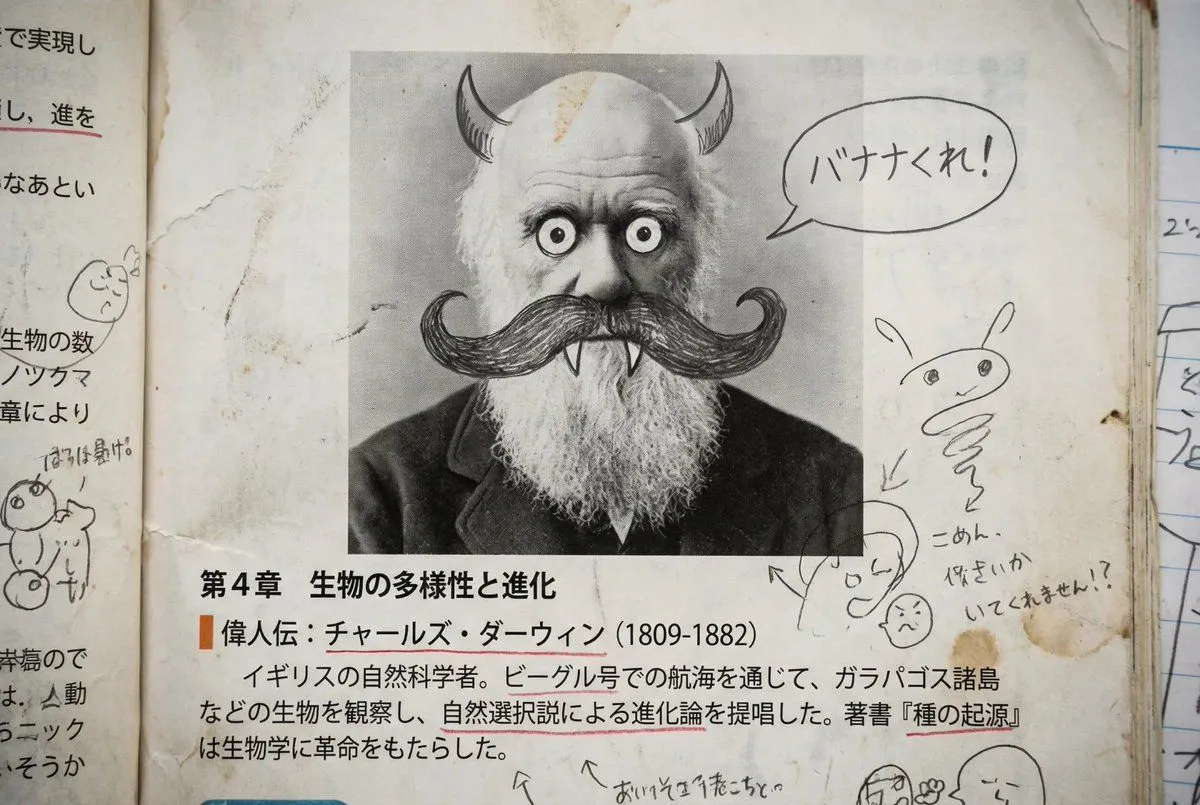
    • Middle schooler doodles on history textbook pages
    • Moody Censored Film Still
    • Dramatic High-Contrast Portrait with Window Lighting
    • Stylized Character Illustration Template
    • Watercolor Summer Fashion Portrait
    • Watercolor Mixed-Media Male Portrait

    Show more

    Run it on your phone

    1. Prompt copiedRead it

      Remove all {removals} from this image while preserving the original photo quality, details, textures, lighting, colors, and composition. Reconstruct hidden areas naturally so the image looks clean, realistic, and untouched.

    2. Open your app

    3. Paste and run

      Press and hold the message box, then tap Paste. Add your photo first if the prompt uses one. You may need to sign in.

    Object and Watermark Removal Instruction