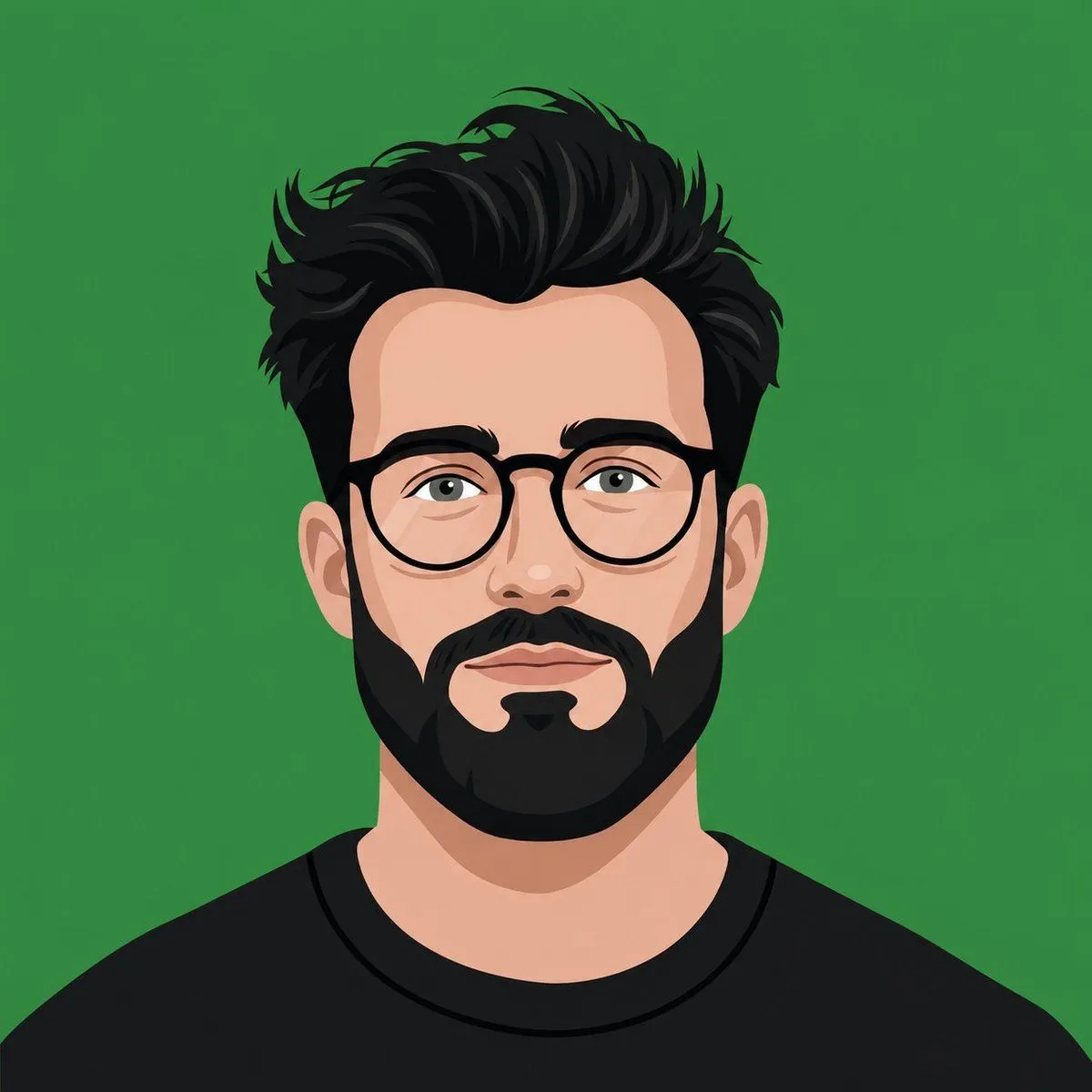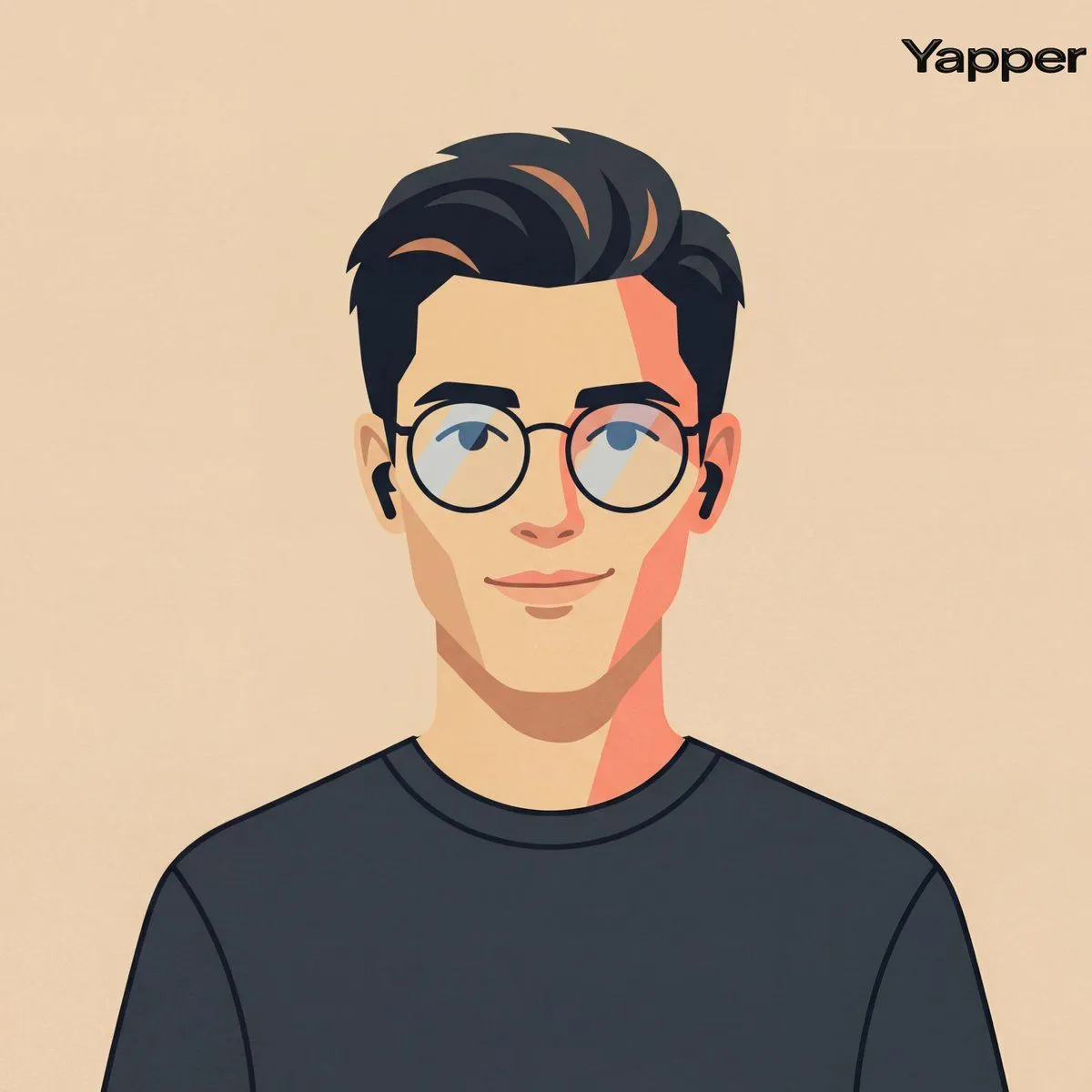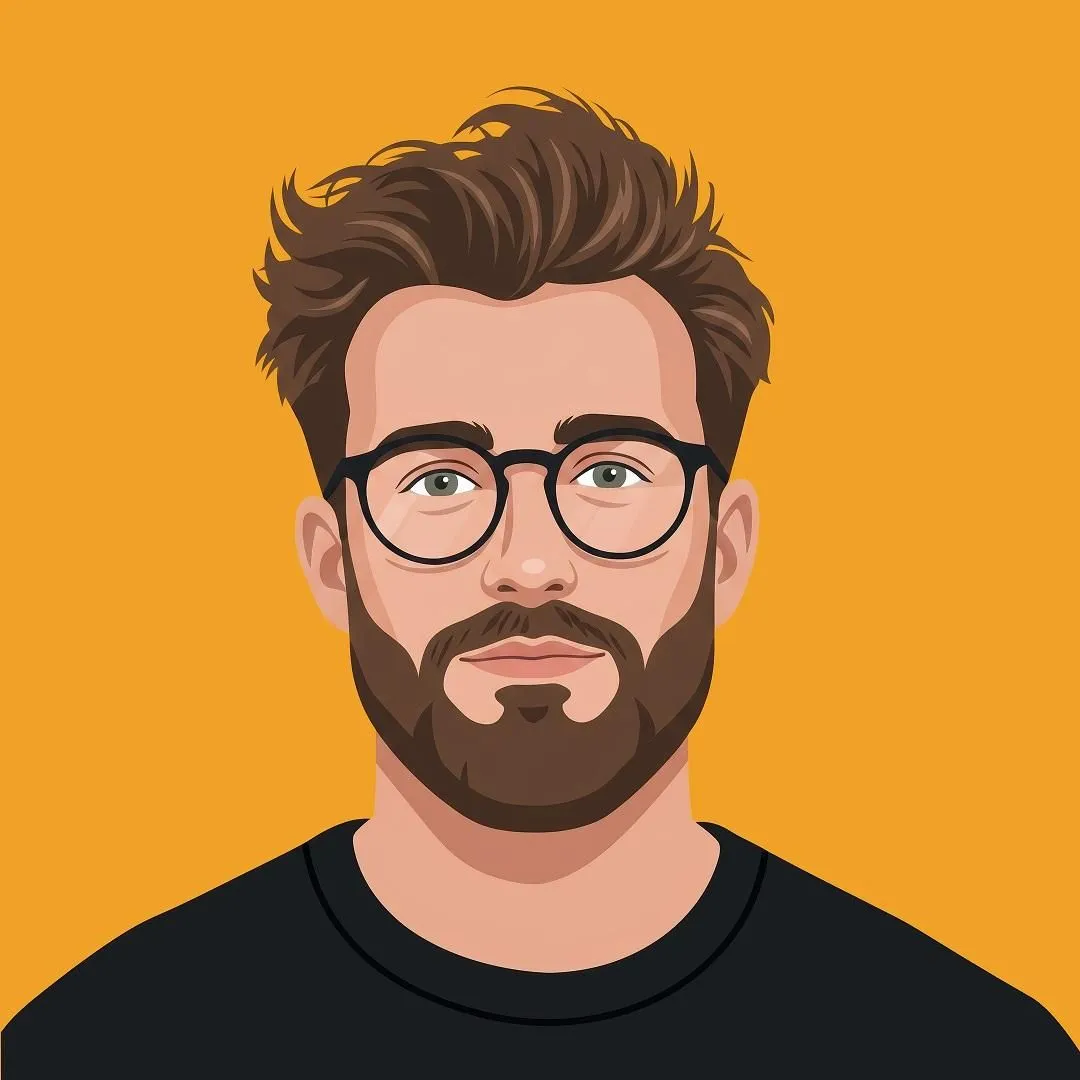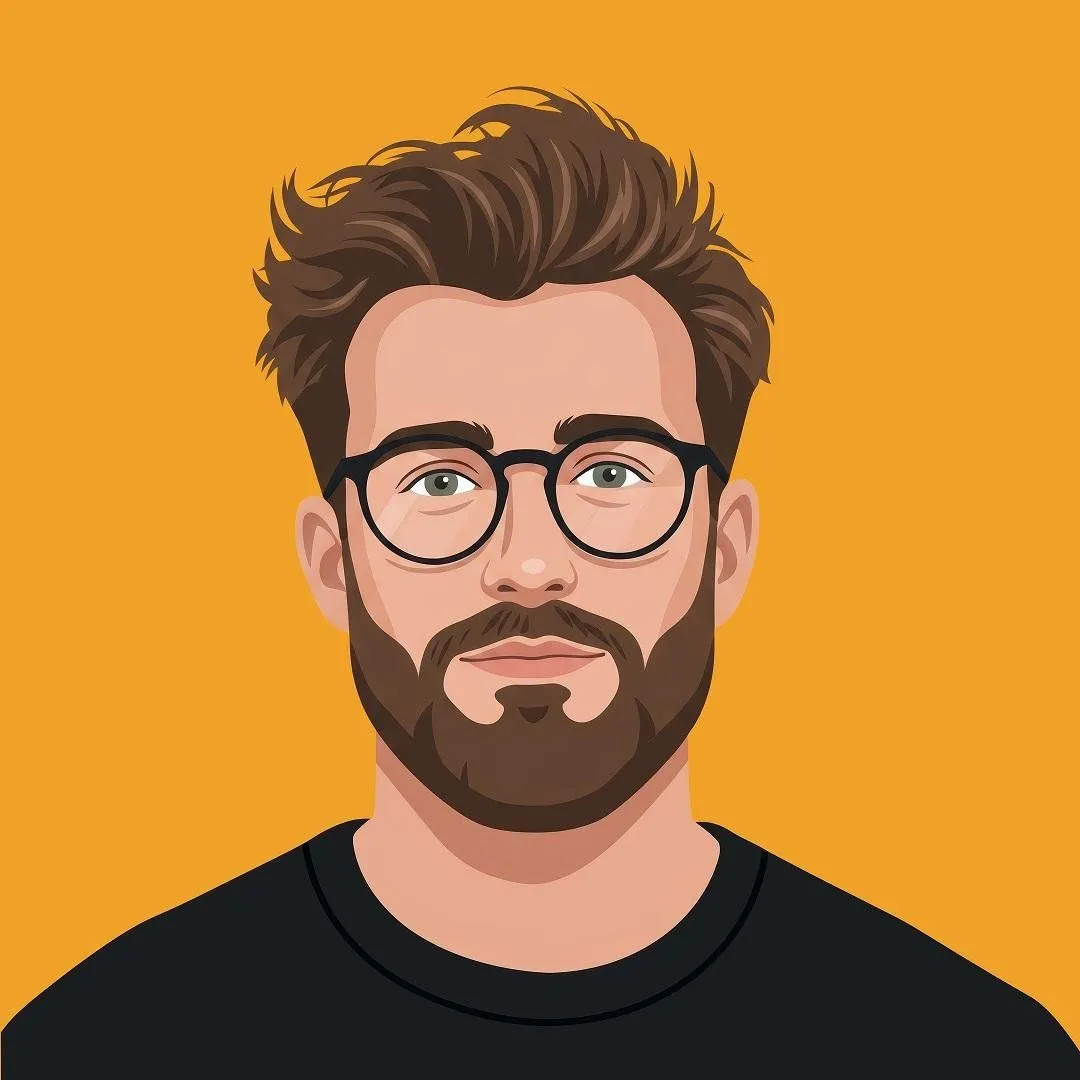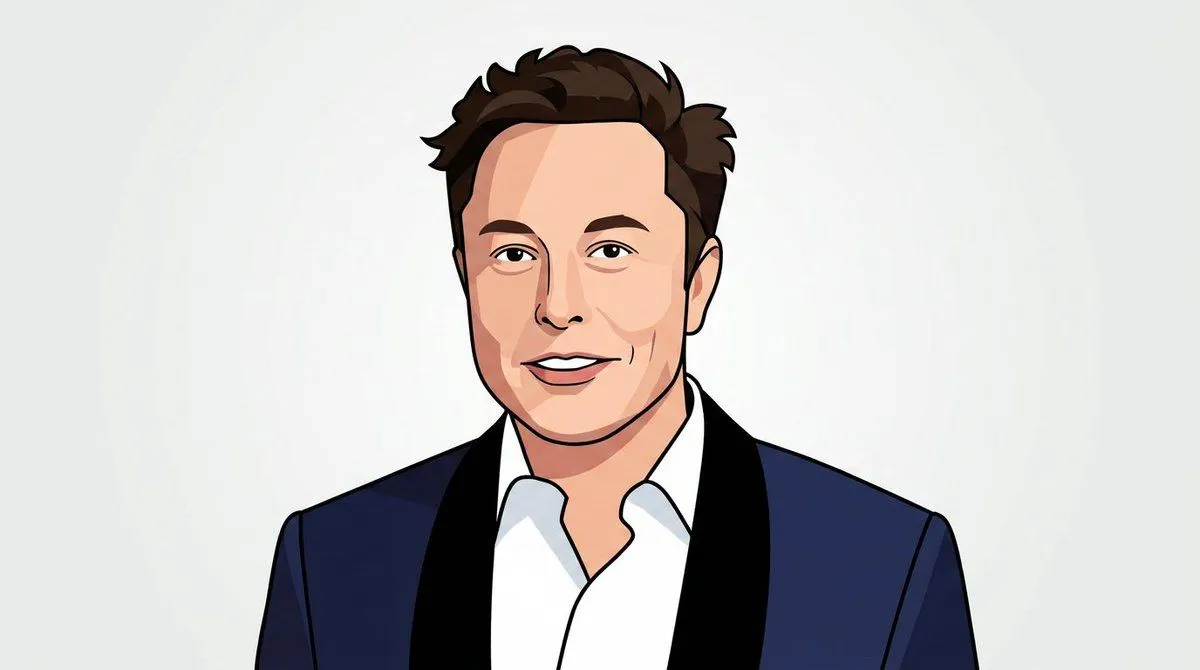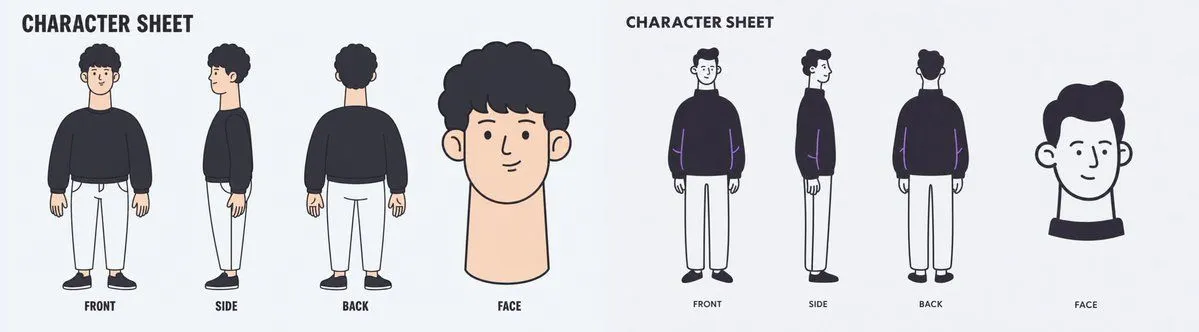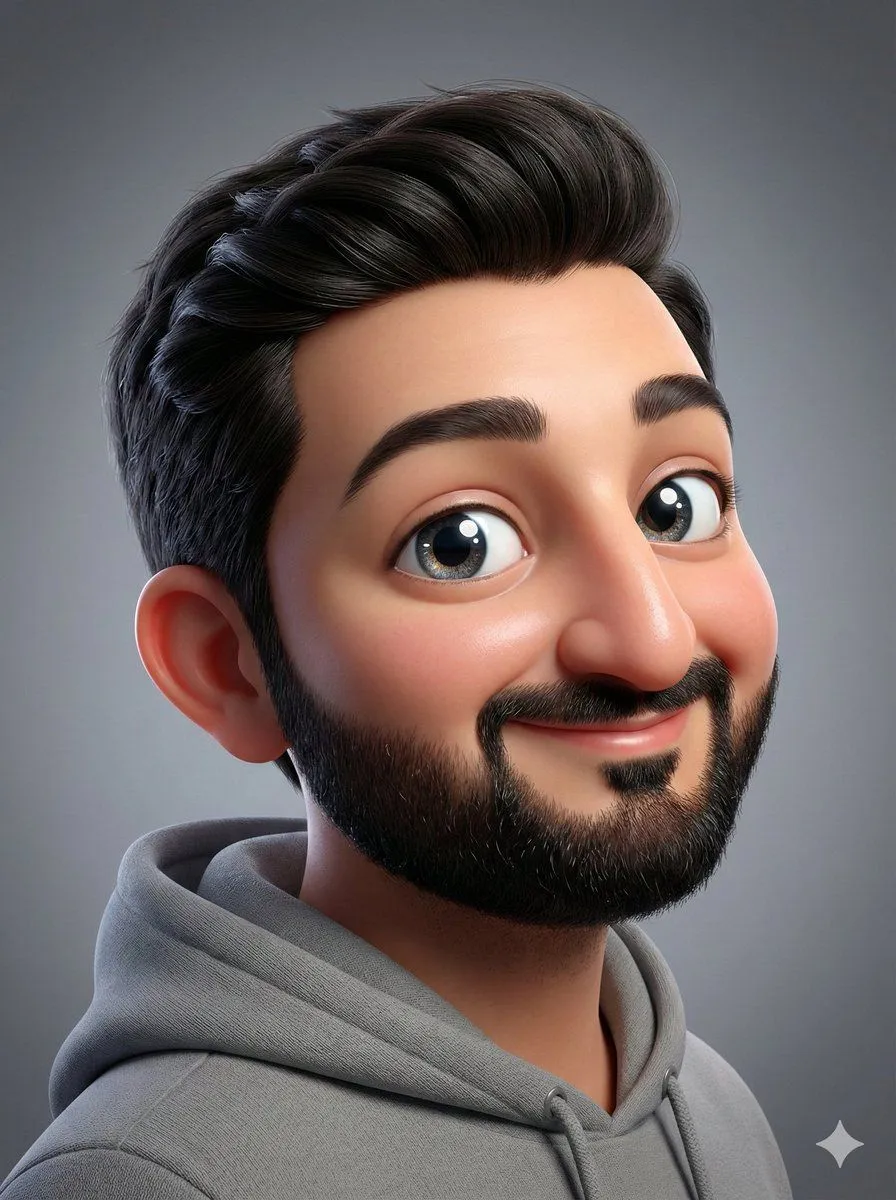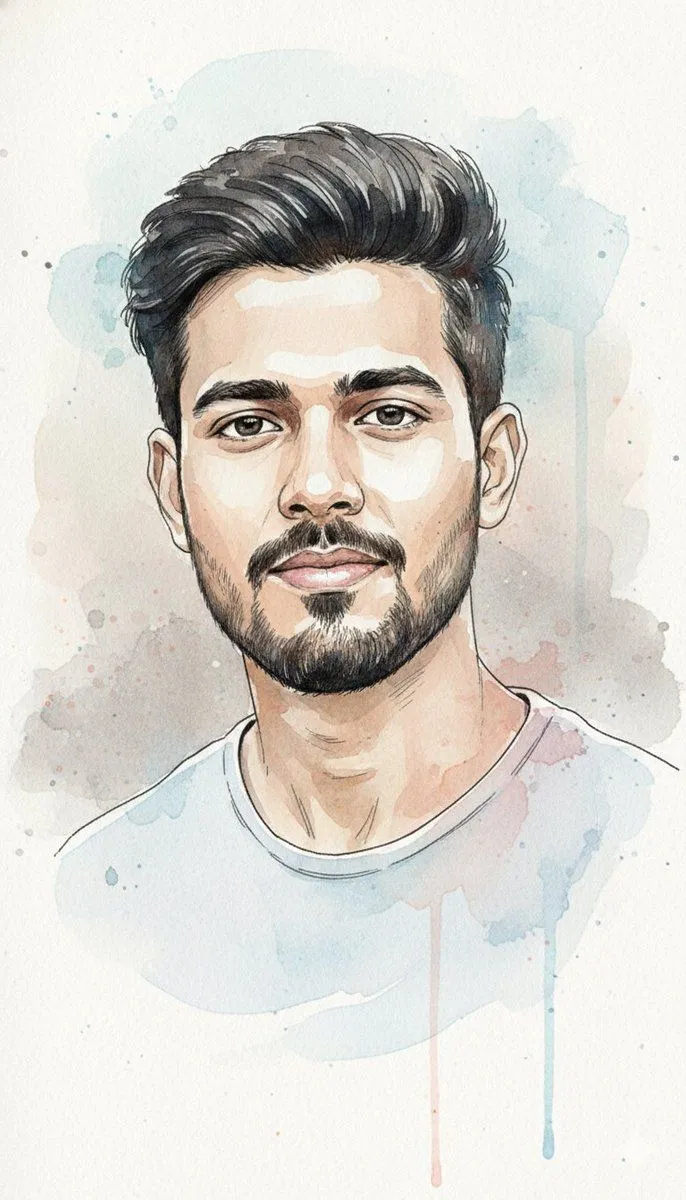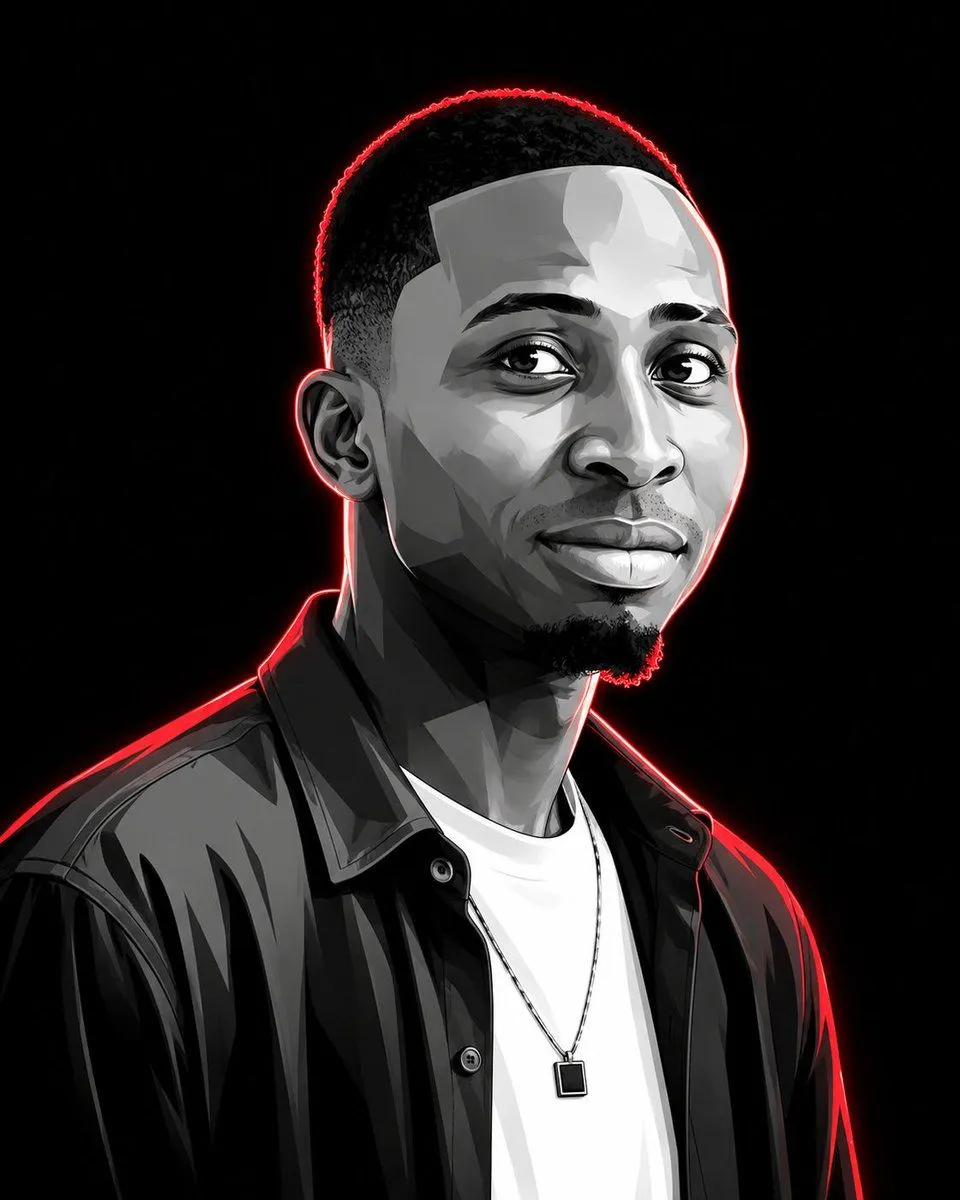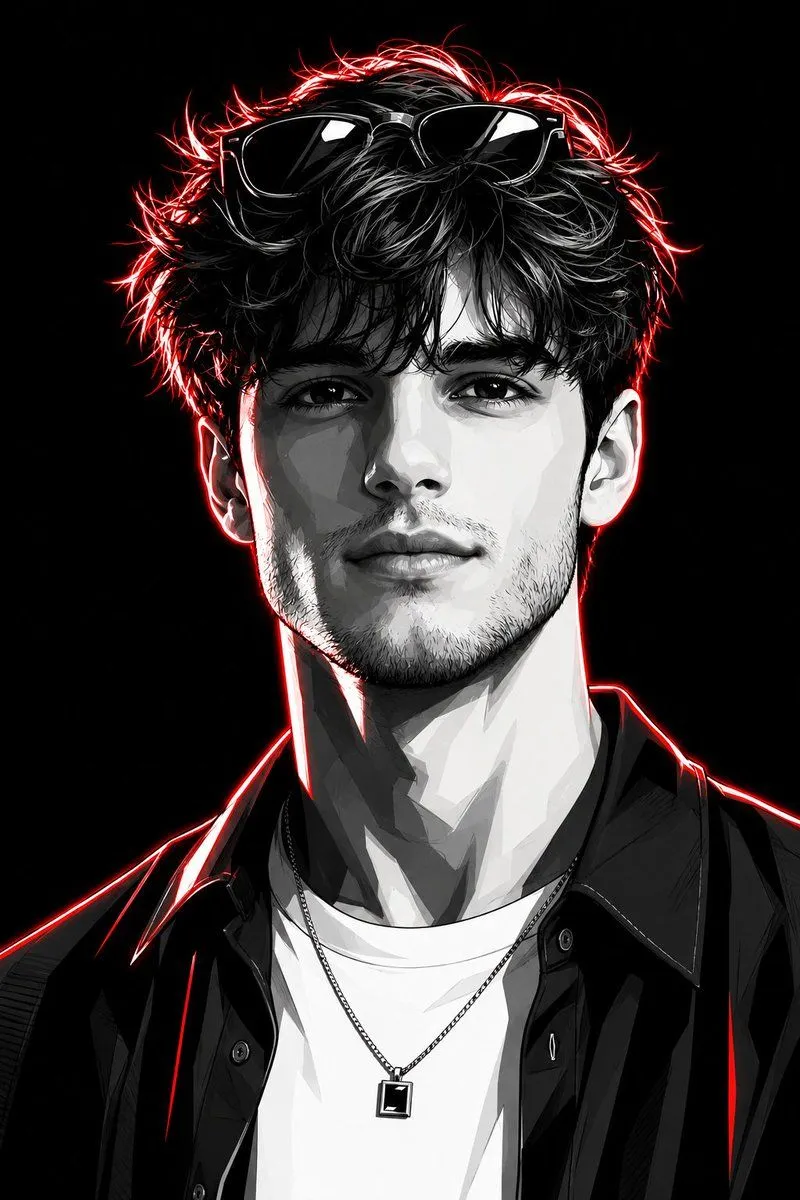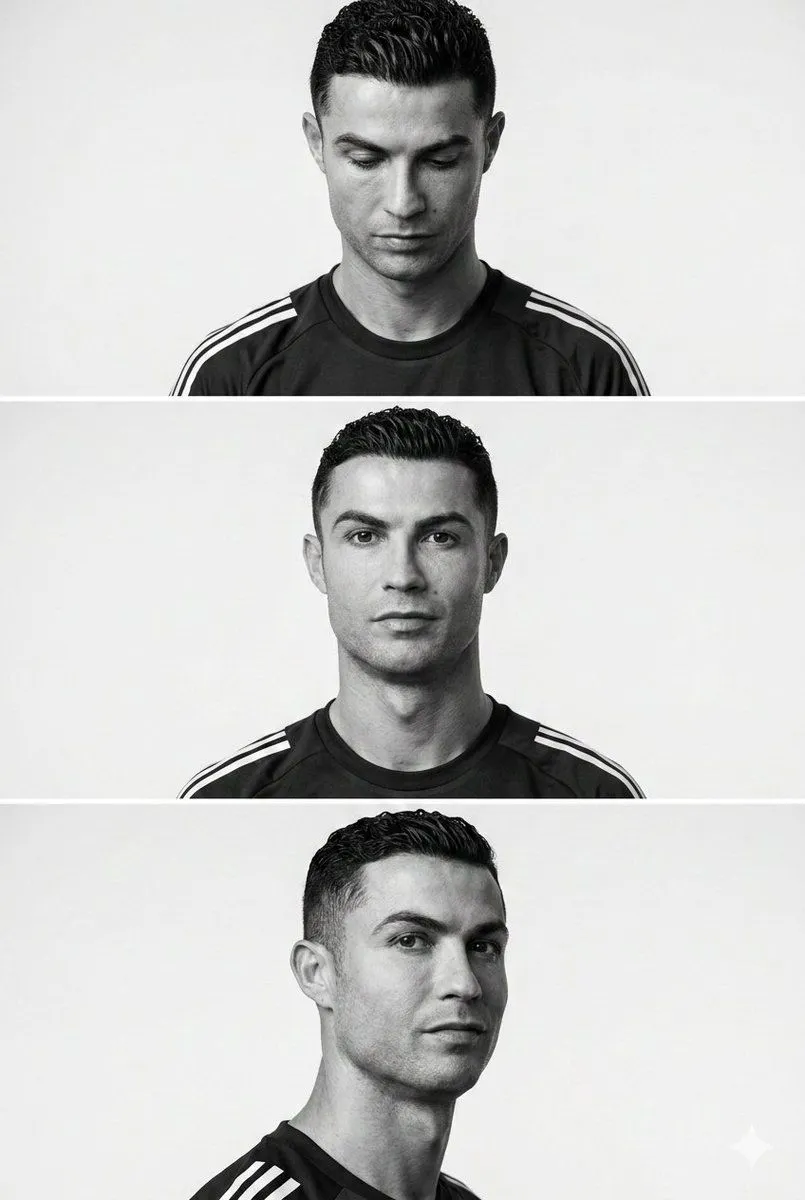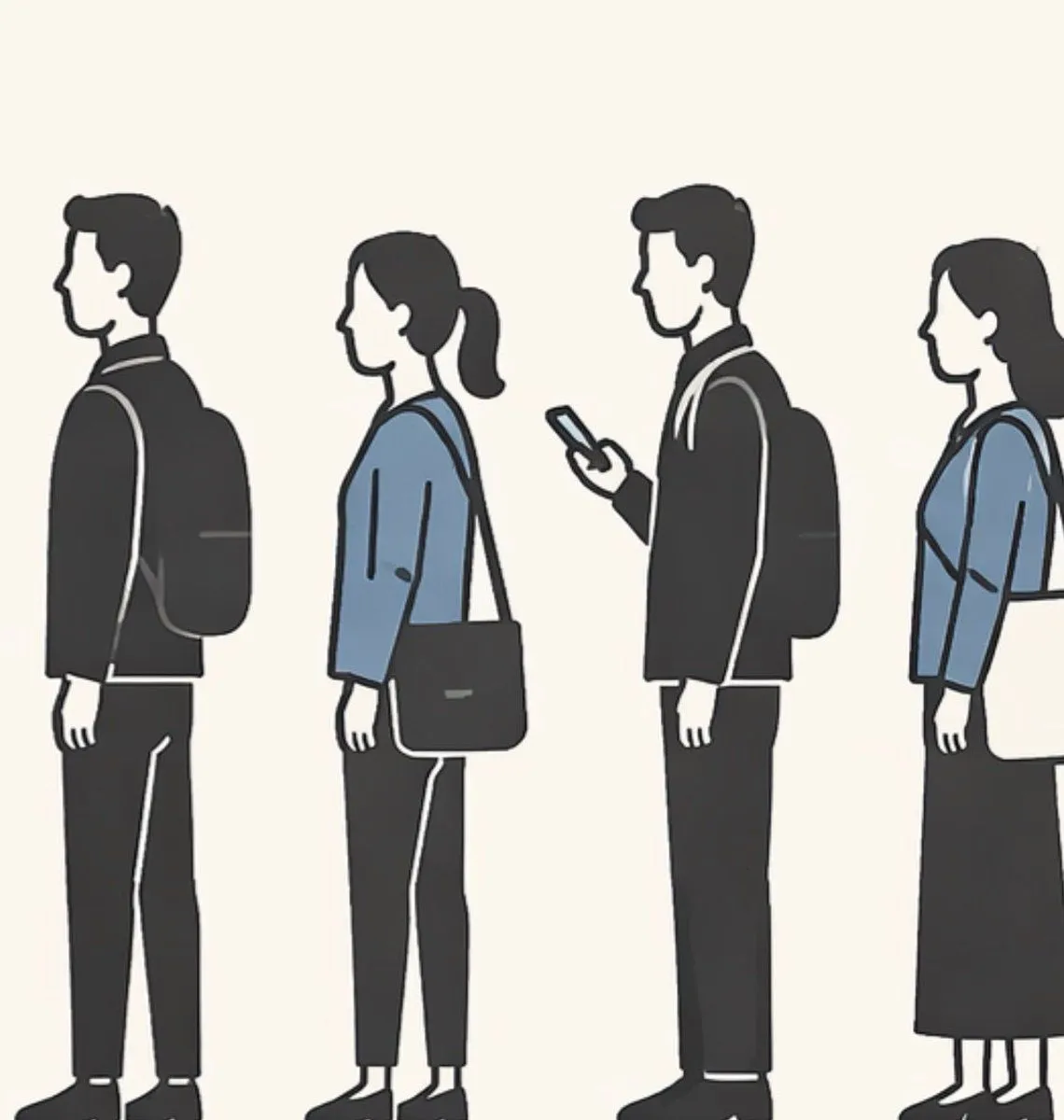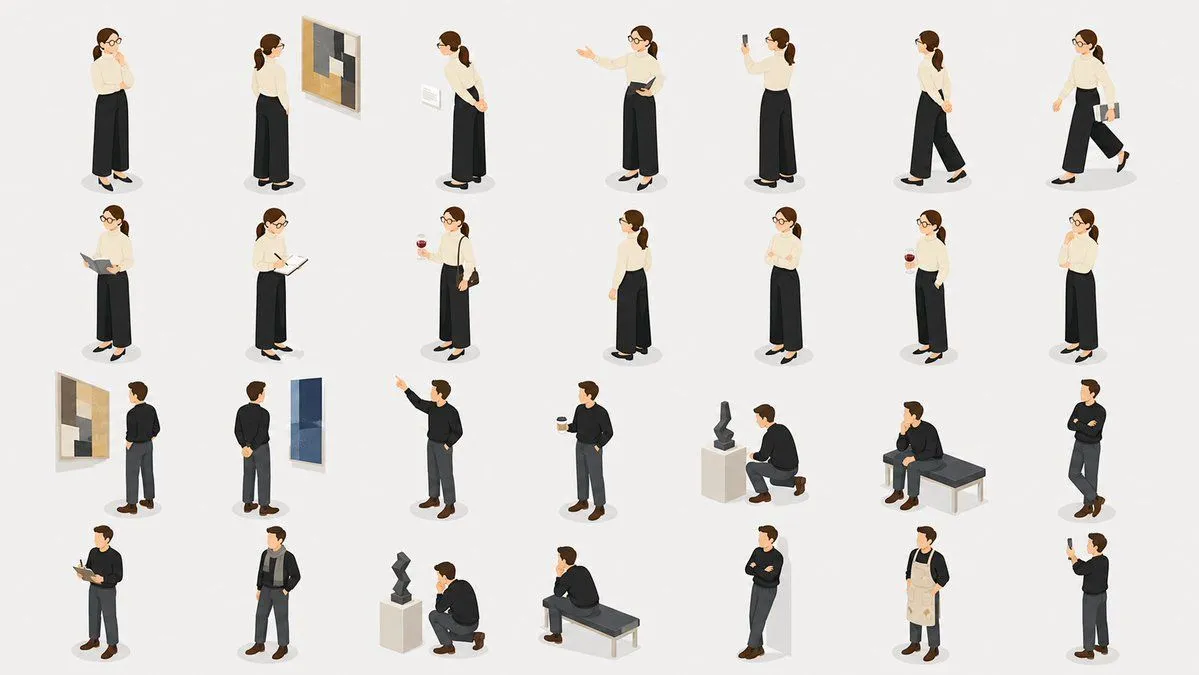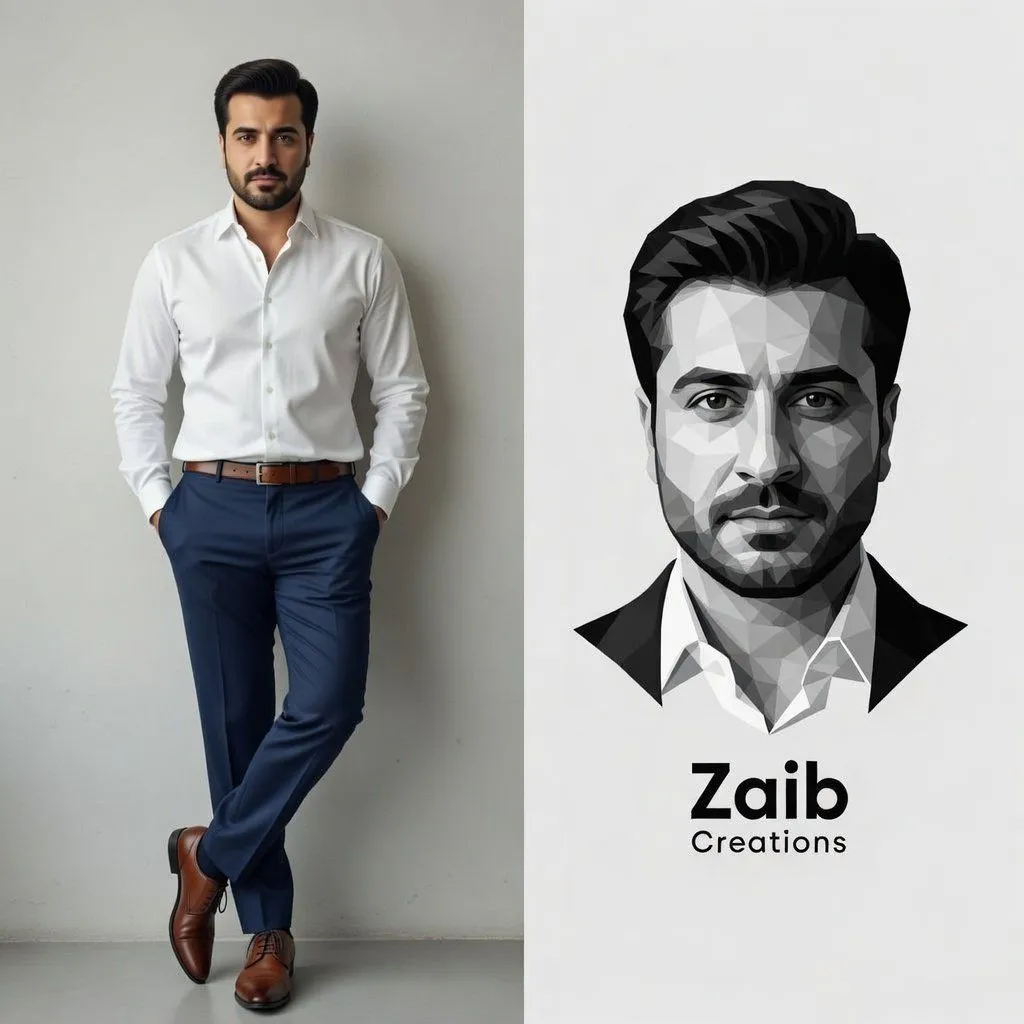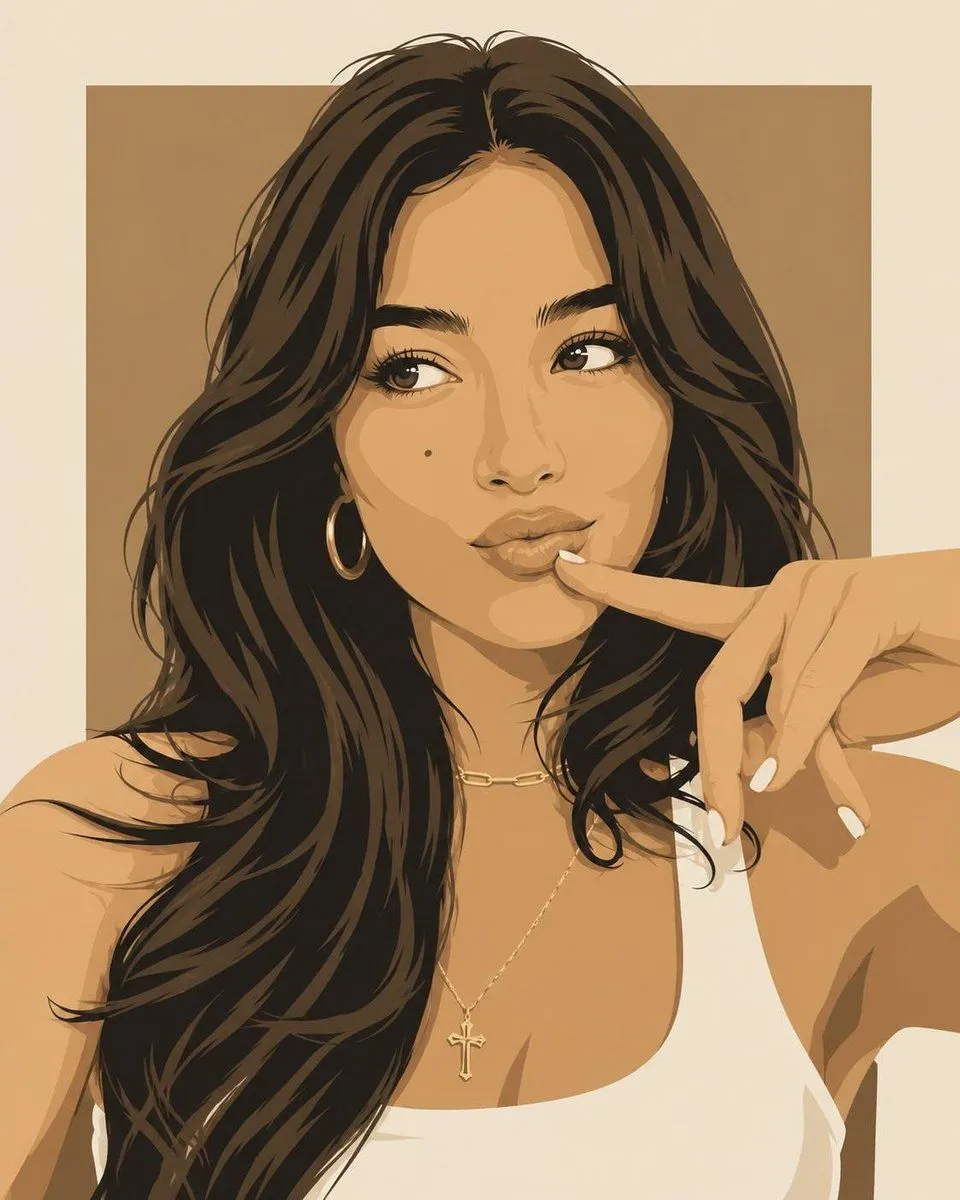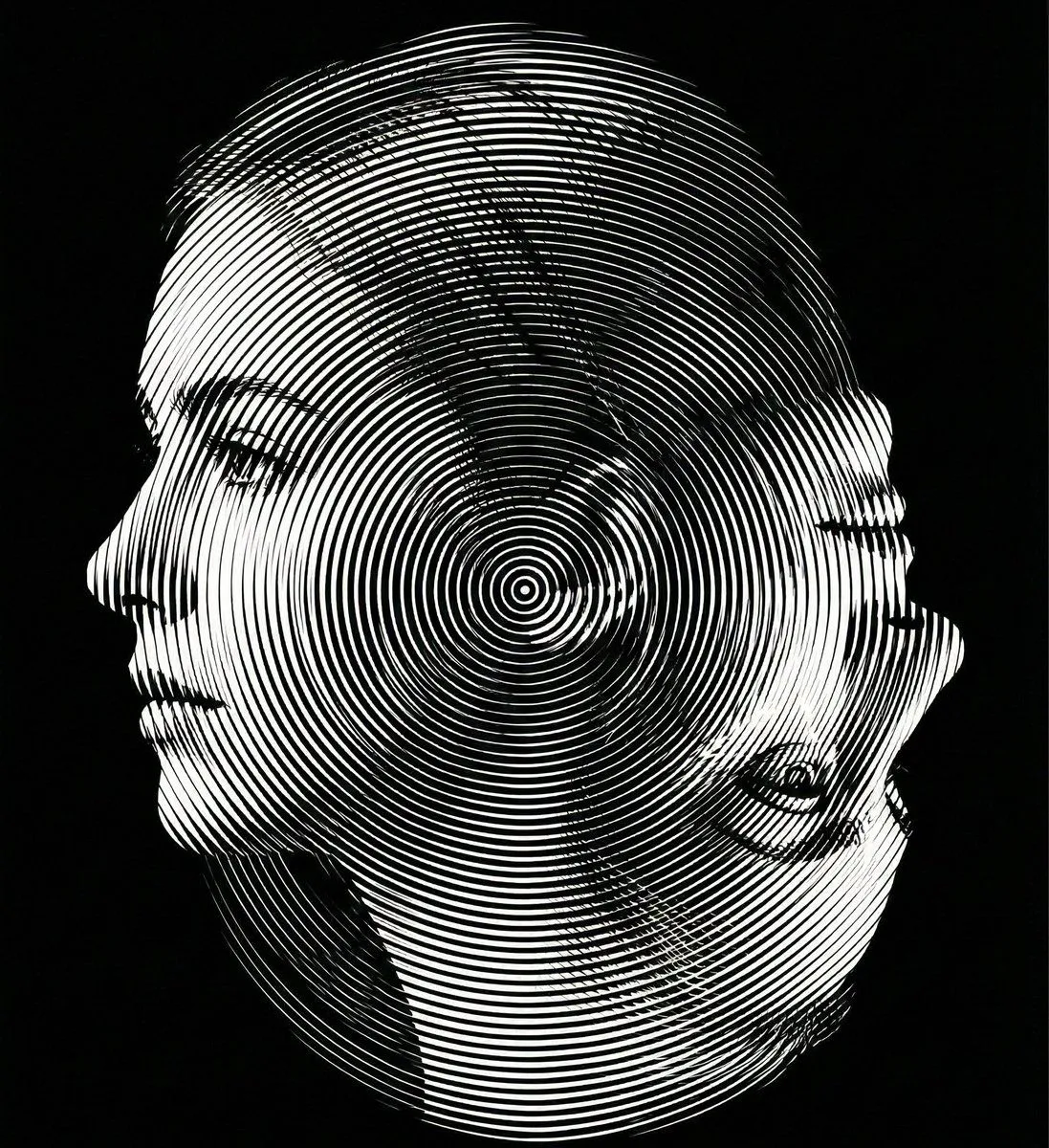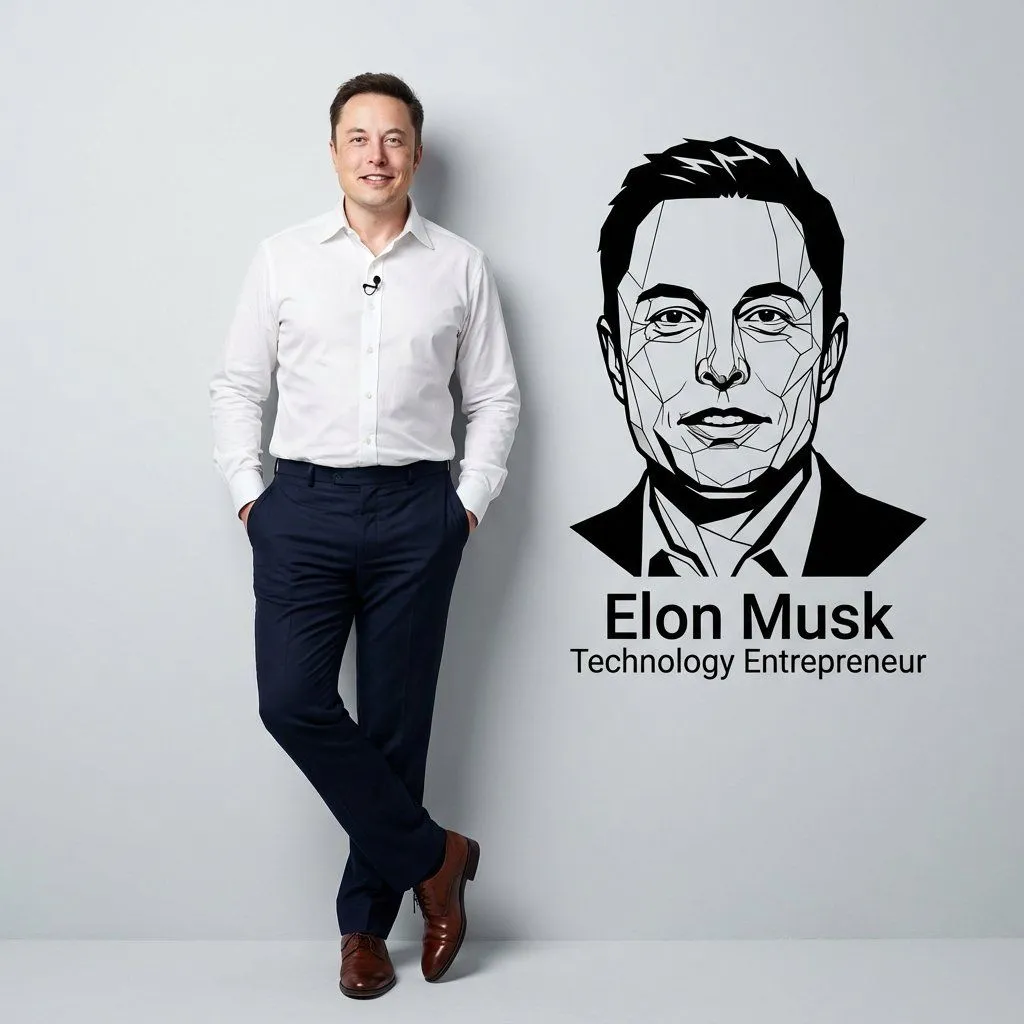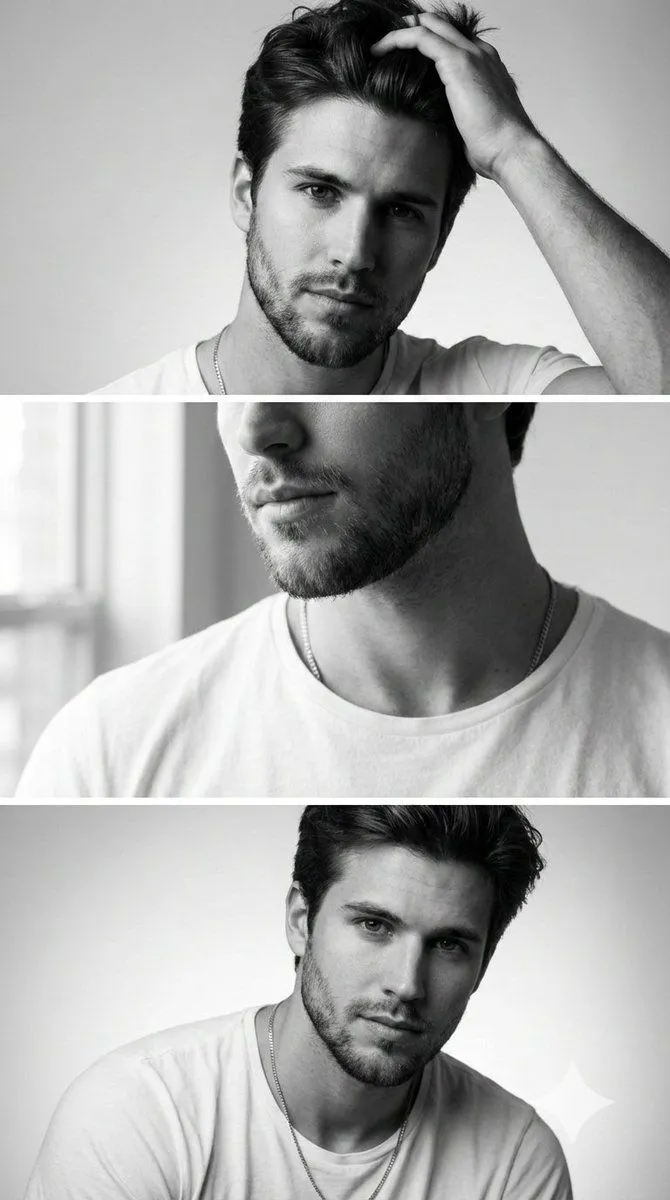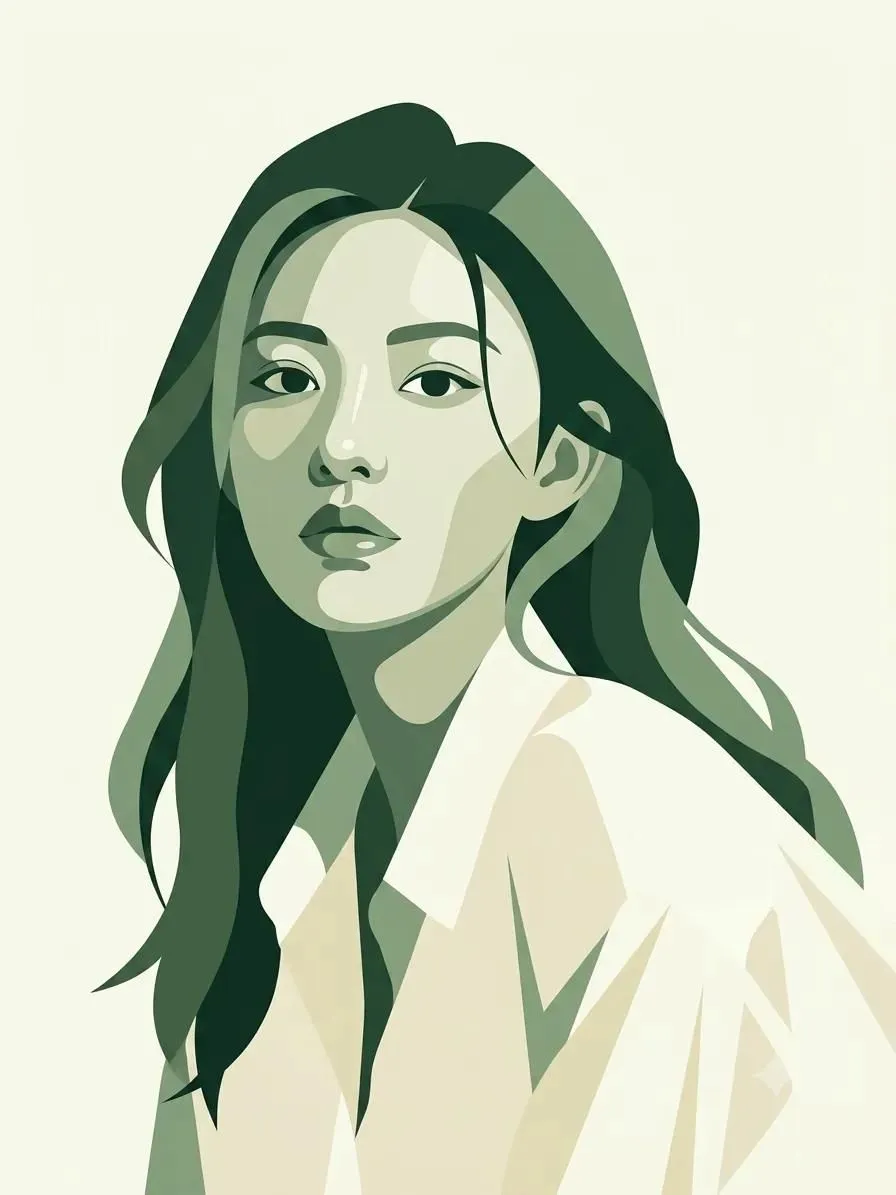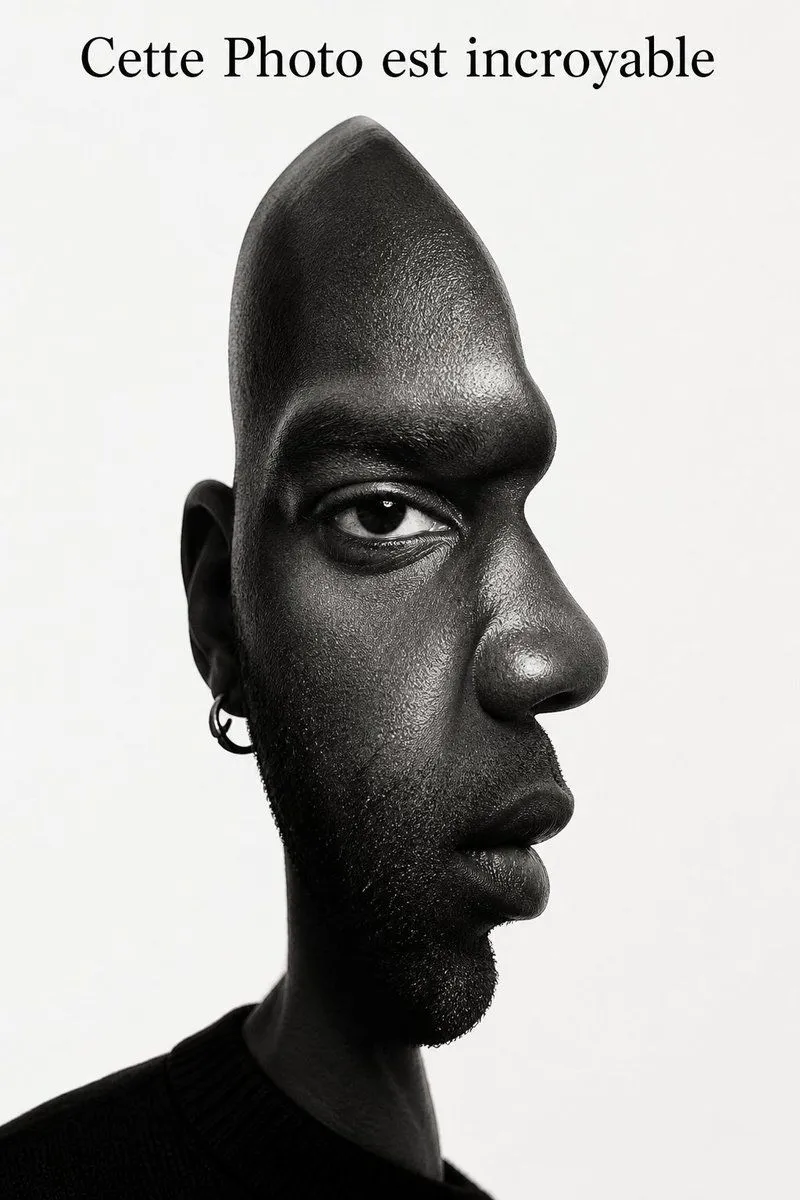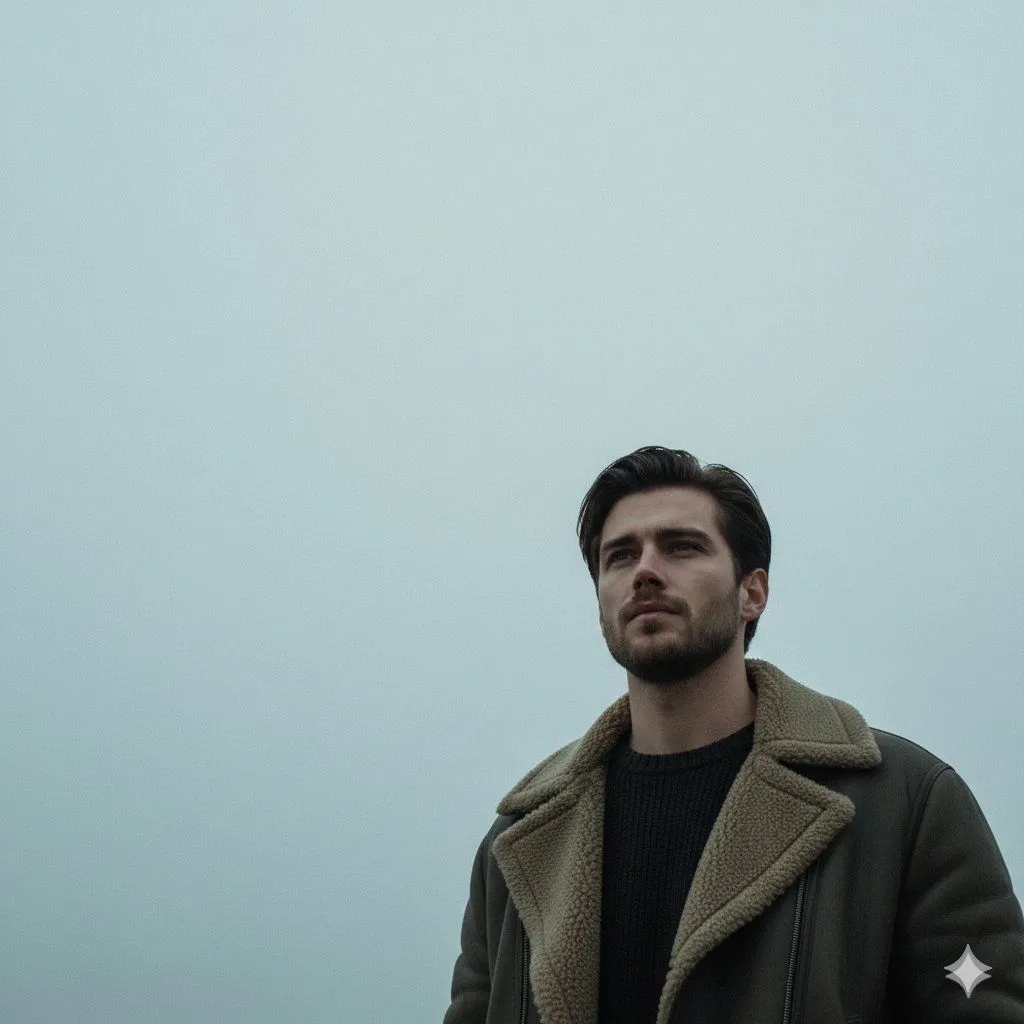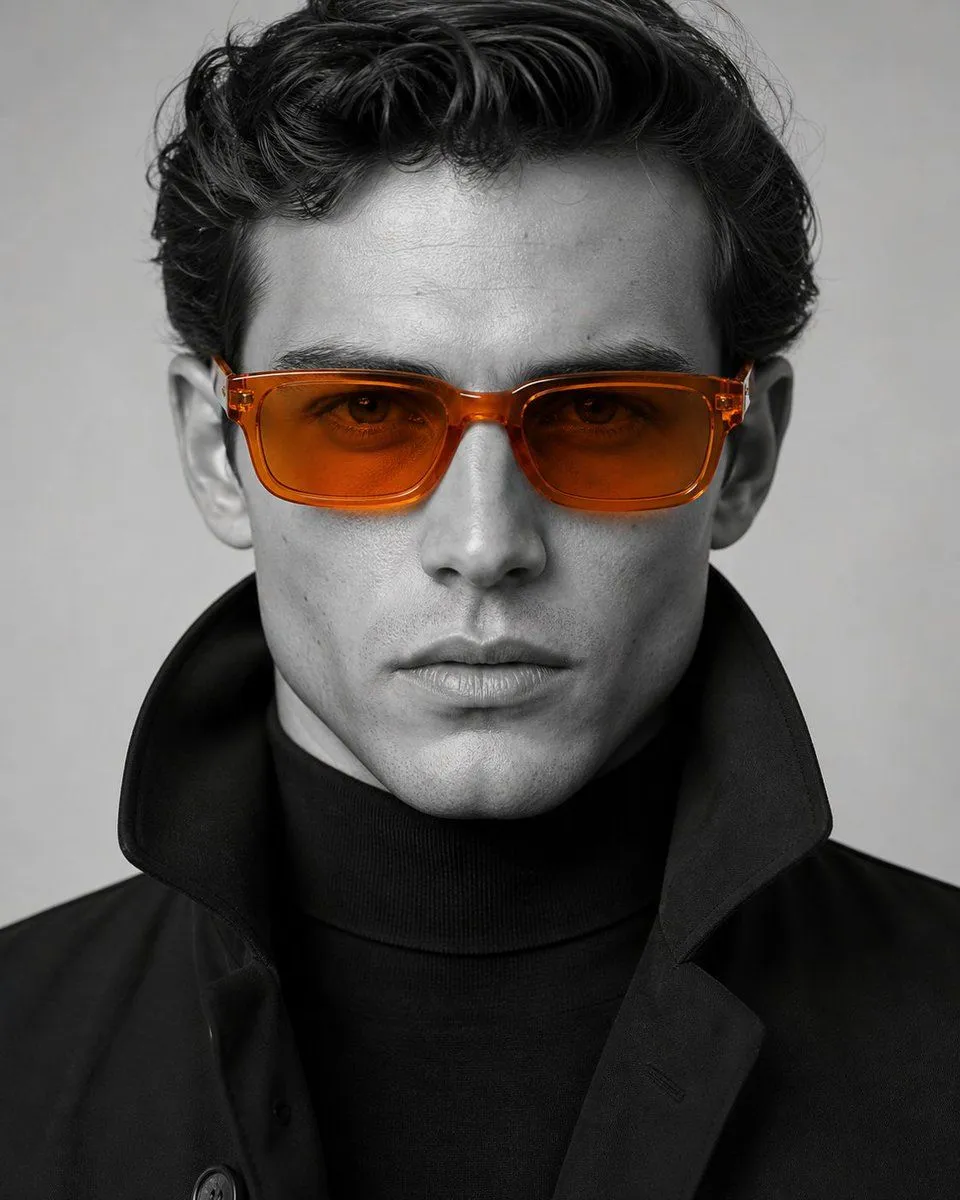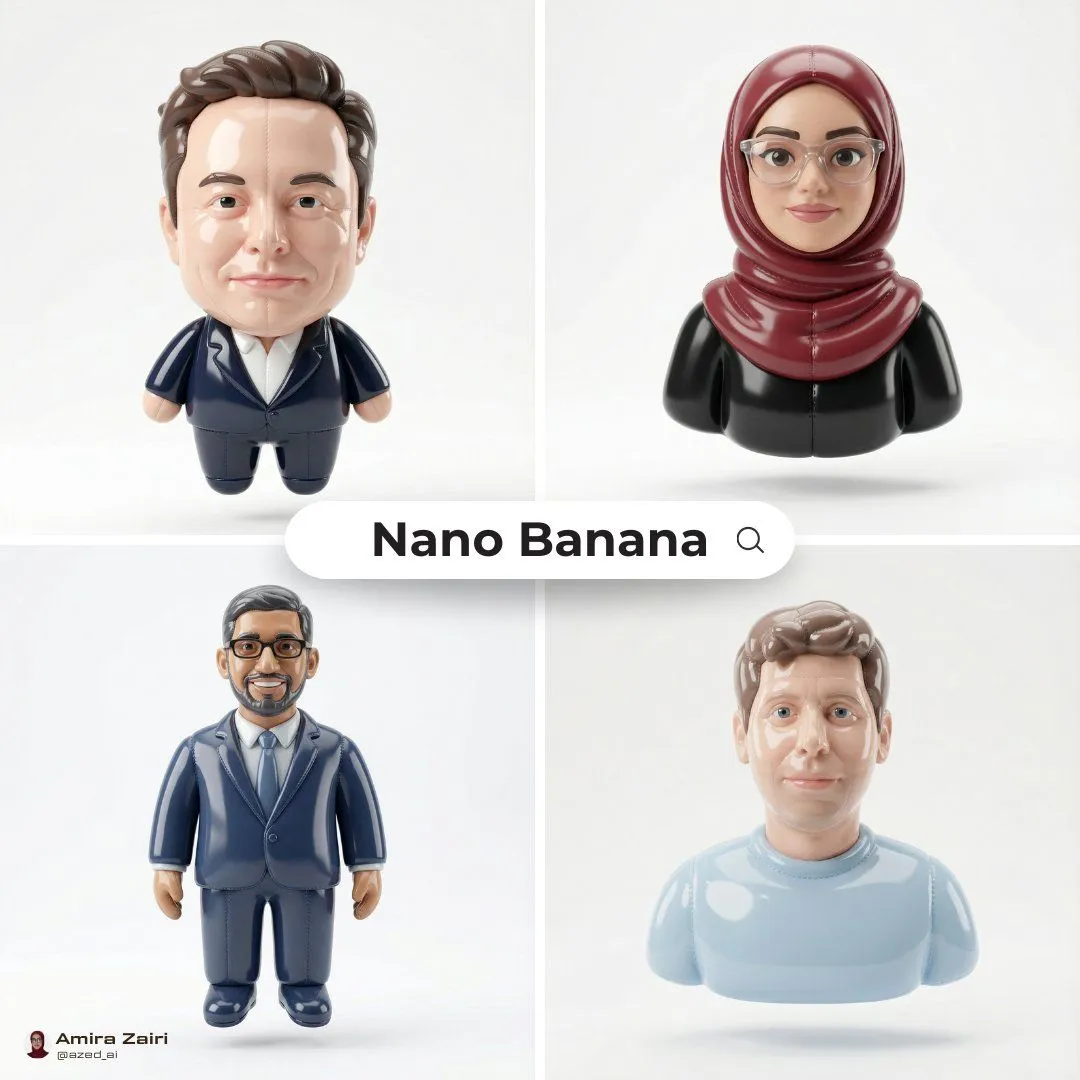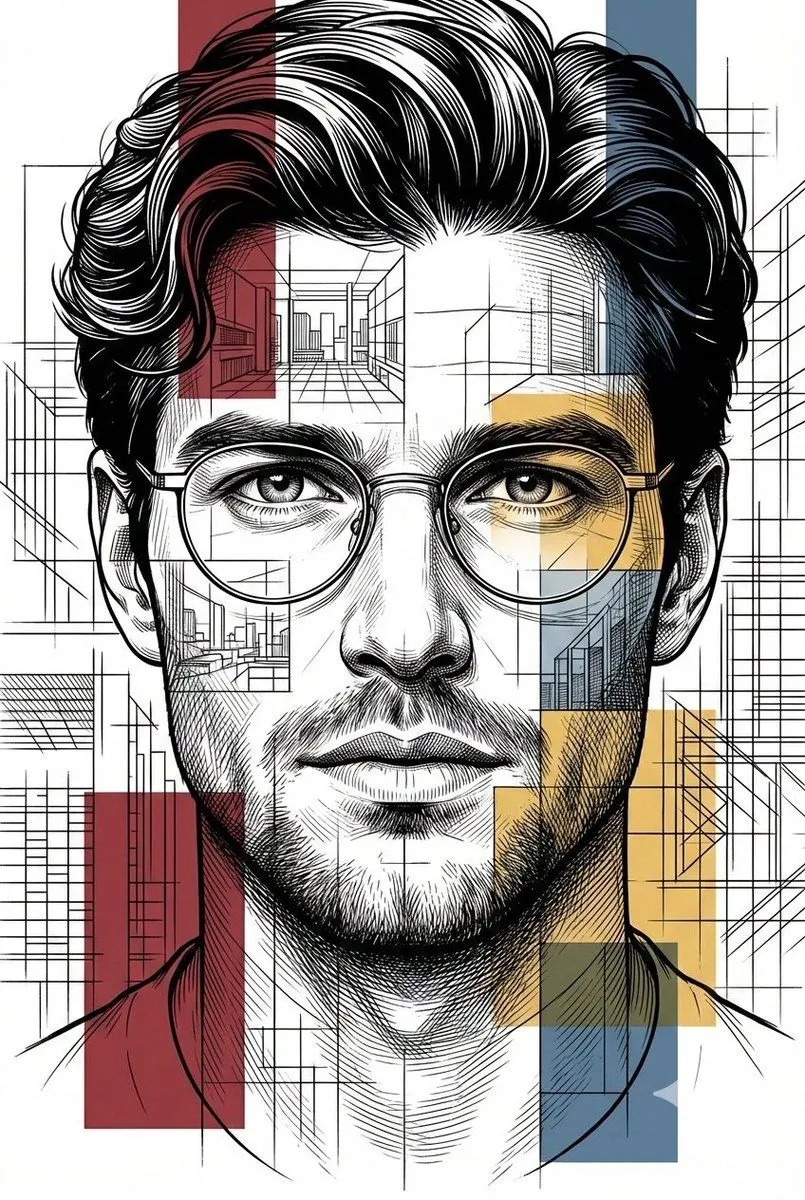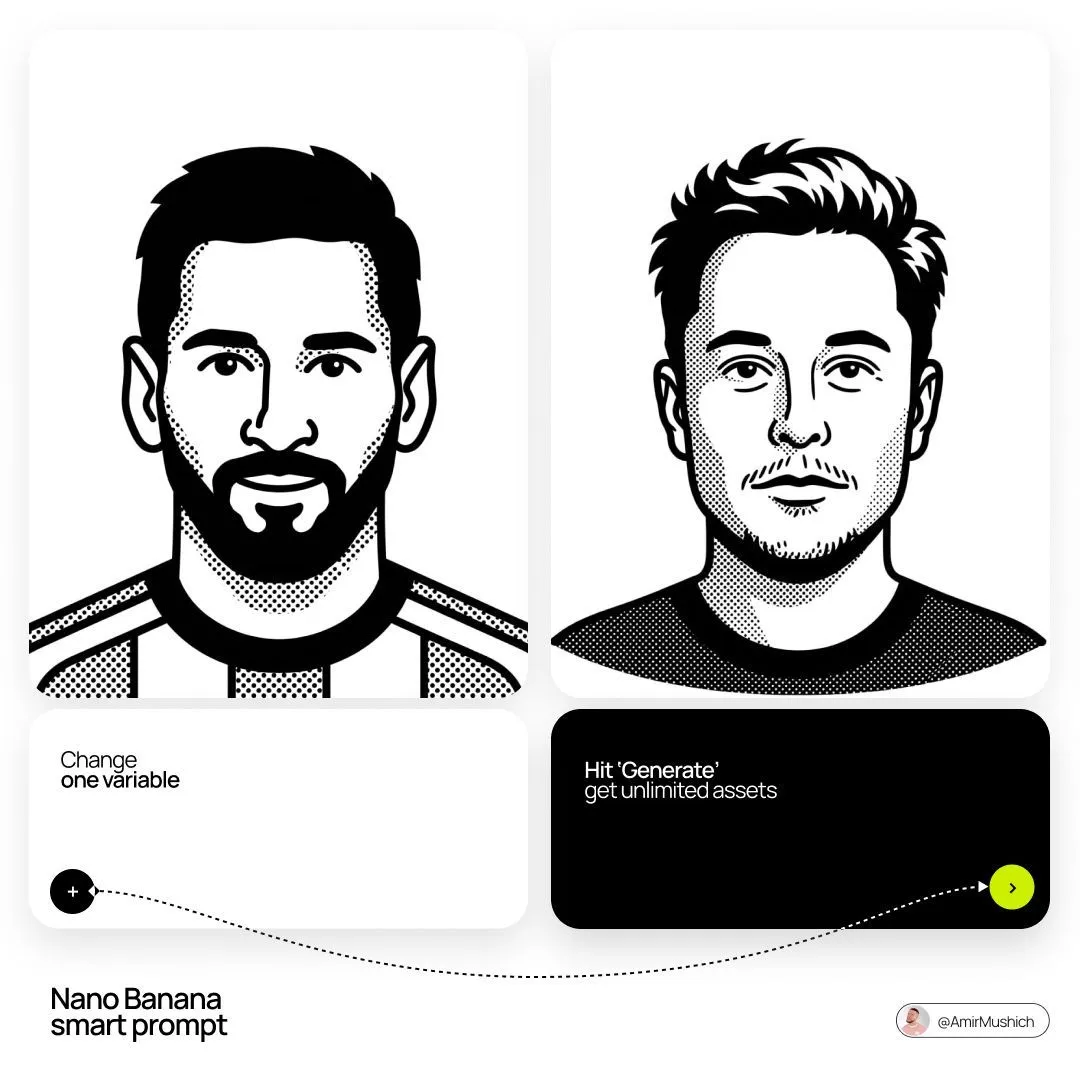
Made with GPT Image 2 in ChatGPT by Library Avatars. Promptclay never generates images.
Did it work?
No reports yet. Tell others if it worked for you.
Notion Style Flat Vector Portrait
Prompt
1 blank to fillCreate a minimalist black and white flat vector portrait of {name} in an expressive Notion-avatar style. Line work and mood: Use thick, consistent monoline black outlines. The drawing should feel smooth, organic, confident, and hand-designed rather than stiff, robotic, or generic. Give the character a clear personality with a relaxed, cool, or friendly expression. Emphasize distinctive facial features, hairstyle, facial hair, accessories, and other identity details. Selective black fills: Keep the style mostly outline-based, but use solid black areas deliberately. Fill major dark shapes such as hair masses, beards, eyebrows, sunglasses, or dark clothing. Leave skin, the main face area, and lighter details as pure flat white inside the bold outlines. Composition and technical style: Center the character as a clean bust or headshot on a white background. Use only pure black and pure white. No gray, no shading, no gradients, no soft lighting. The final image should read as high-contrast, crisp 2D vector graphics with a polished avatar-system feel.
Preview of your prompt
Create a minimalist black and white flat vector portrait of [NAME] in an expressive Notion-avatar style. Line work and mood: Use thick, consistent monoline black outlines. The drawing should feel smooth, organic, confident, and hand-designed rather than stiff, robotic, or generic. Give the character a clear personality with a relaxed, cool, or friendly expression. Emphasize distinctive facial features, hairstyle, facial hair, accessories, and other identity details. Selective black fills: Keep the style mostly outline-based, but use solid black areas deliberately. Fill major dark shapes such as hair masses, beards, eyebrows, sunglasses, or dark clothing. Leave skin, the main face area, and lighter details as pure flat white inside the bold outlines. Composition and technical style: Center the character as a clean bust or headshot on a white background. Use only pure black and pure white. No gray, no shading, no gradients, no soft lighting. The final image should read as high-contrast, crisp 2D vector graphics with a polished avatar-system feel.
DetailsVersions, settings and questions
Written for
What's in the prompt
- Subject
- Model
- GPT Image 2
If your face changes
keep my face exactly the sameQuestions
- Does this work in the ChatGPT app?
- Yes. Paste the prompt and attach your photo if it uses one.
- It changed my face. What do I do?
- Add "keep my face exactly the same" to the end and run it again.
- Can I use the images I make?
- Check the terms of the app you use. Promptclay never generates images and claims nothing you make.