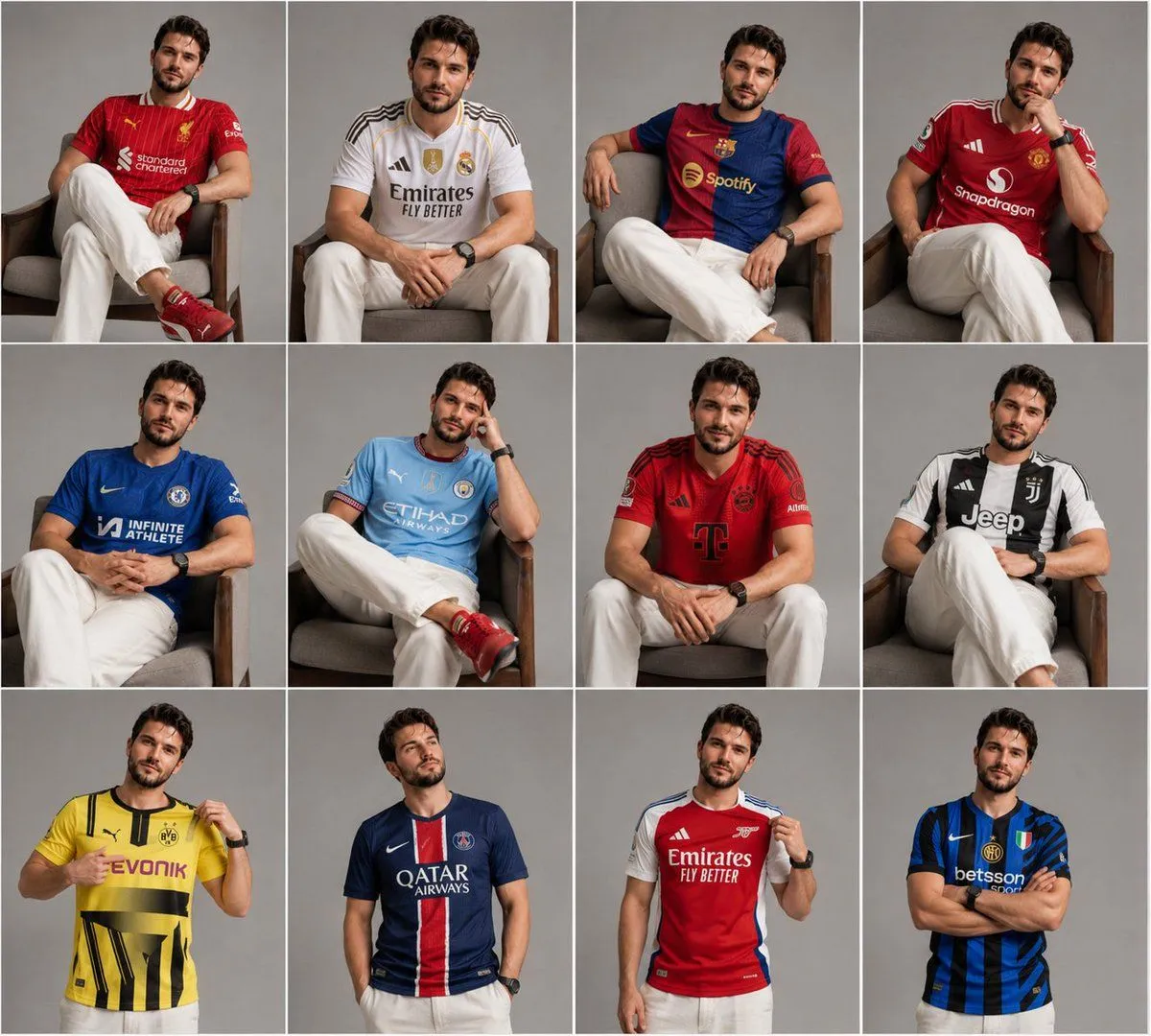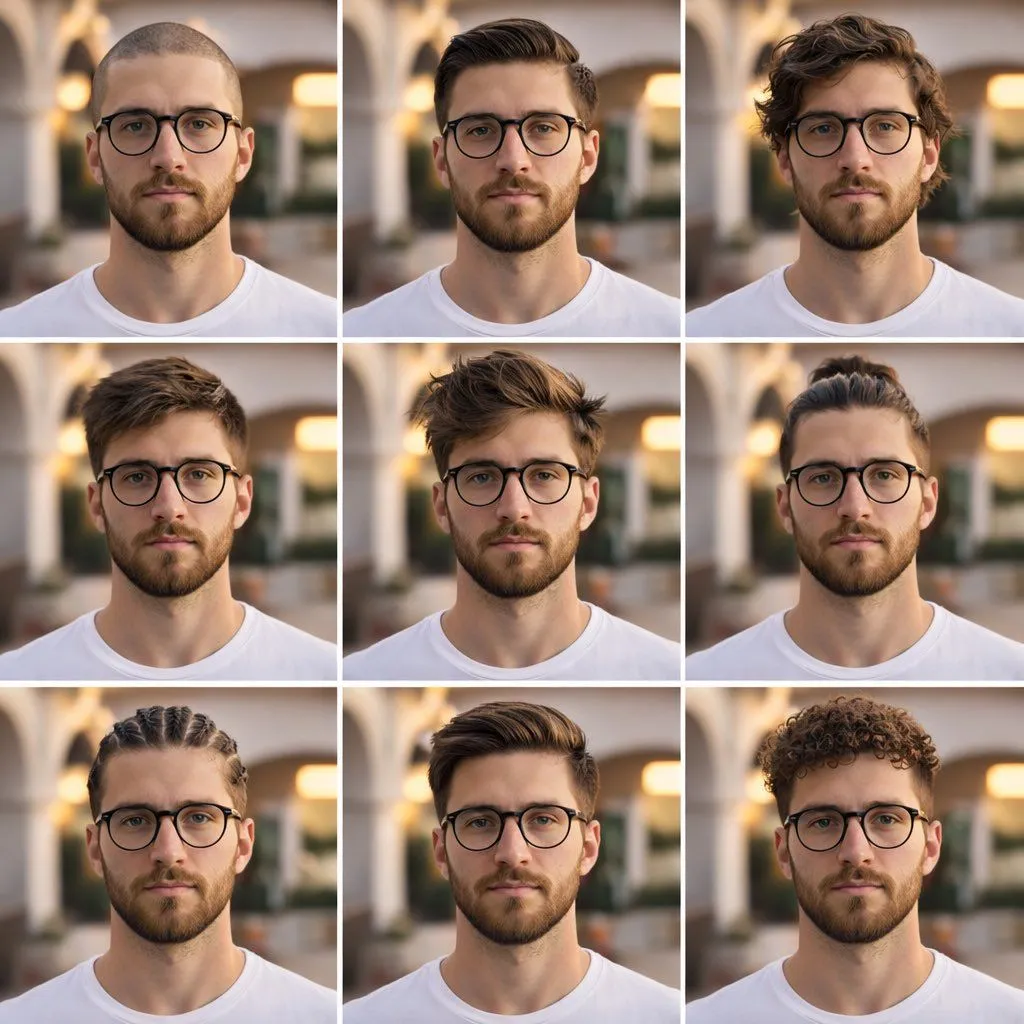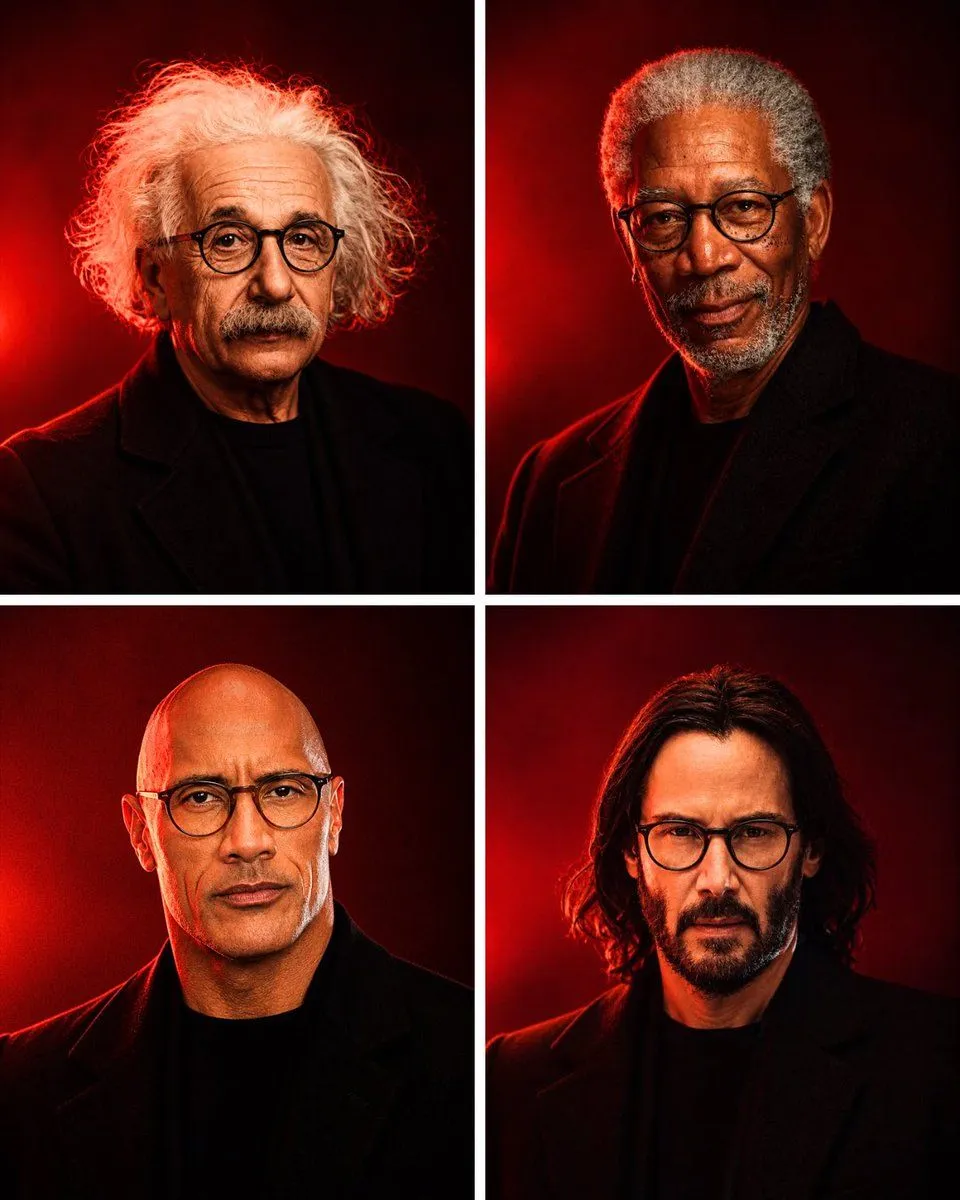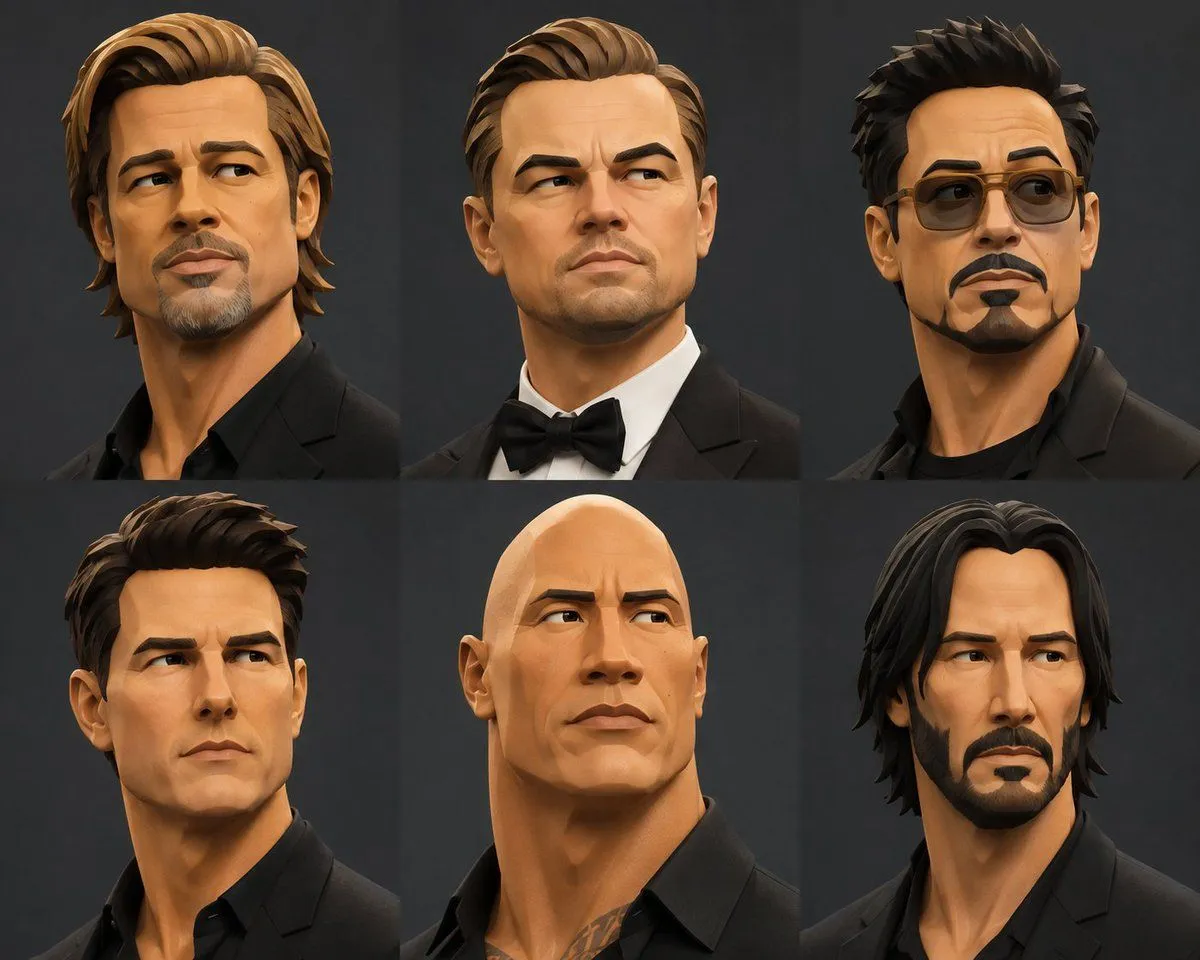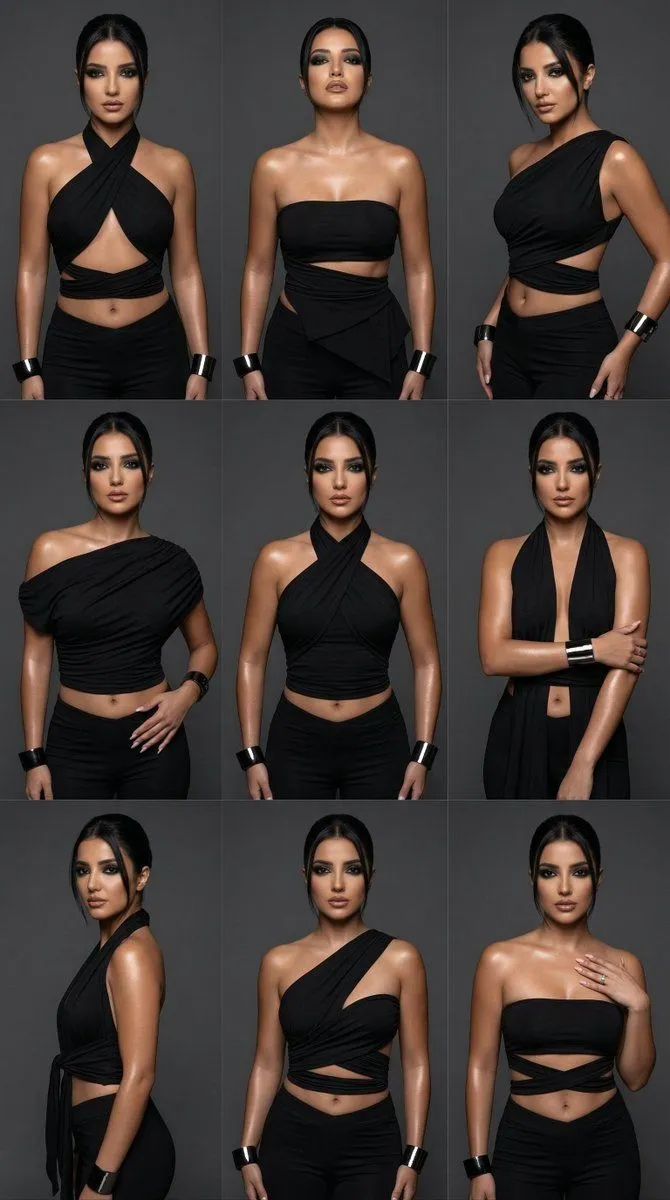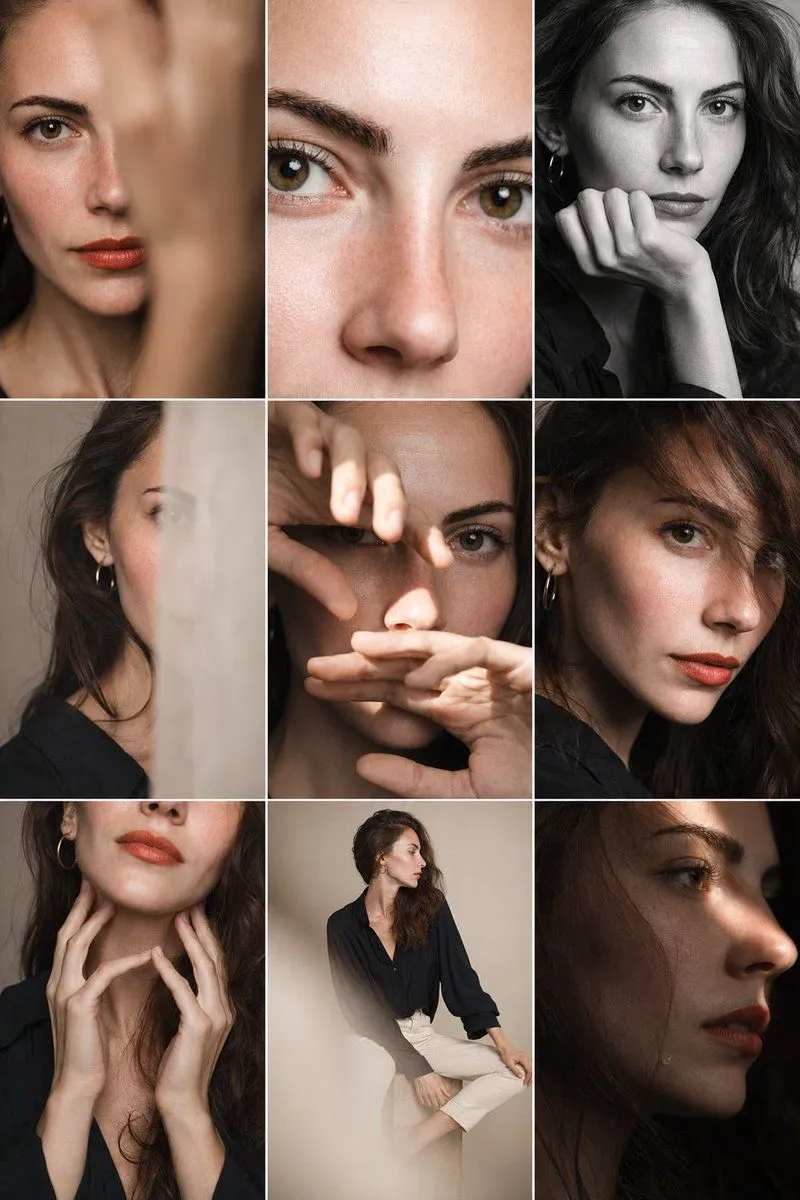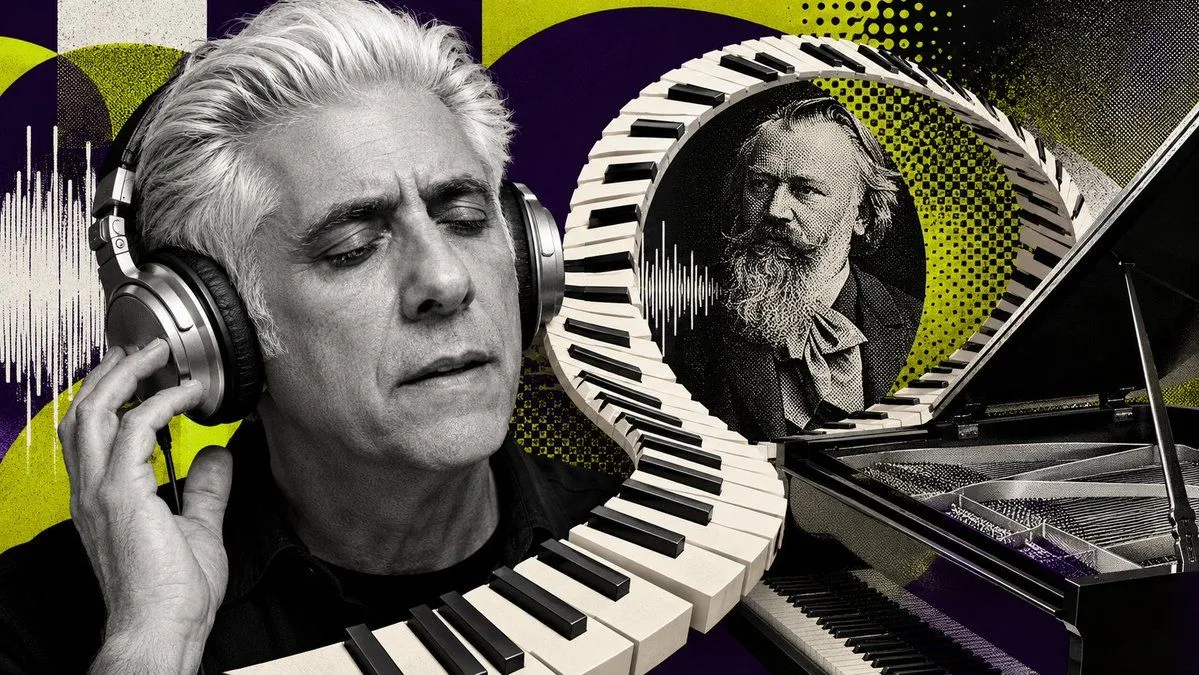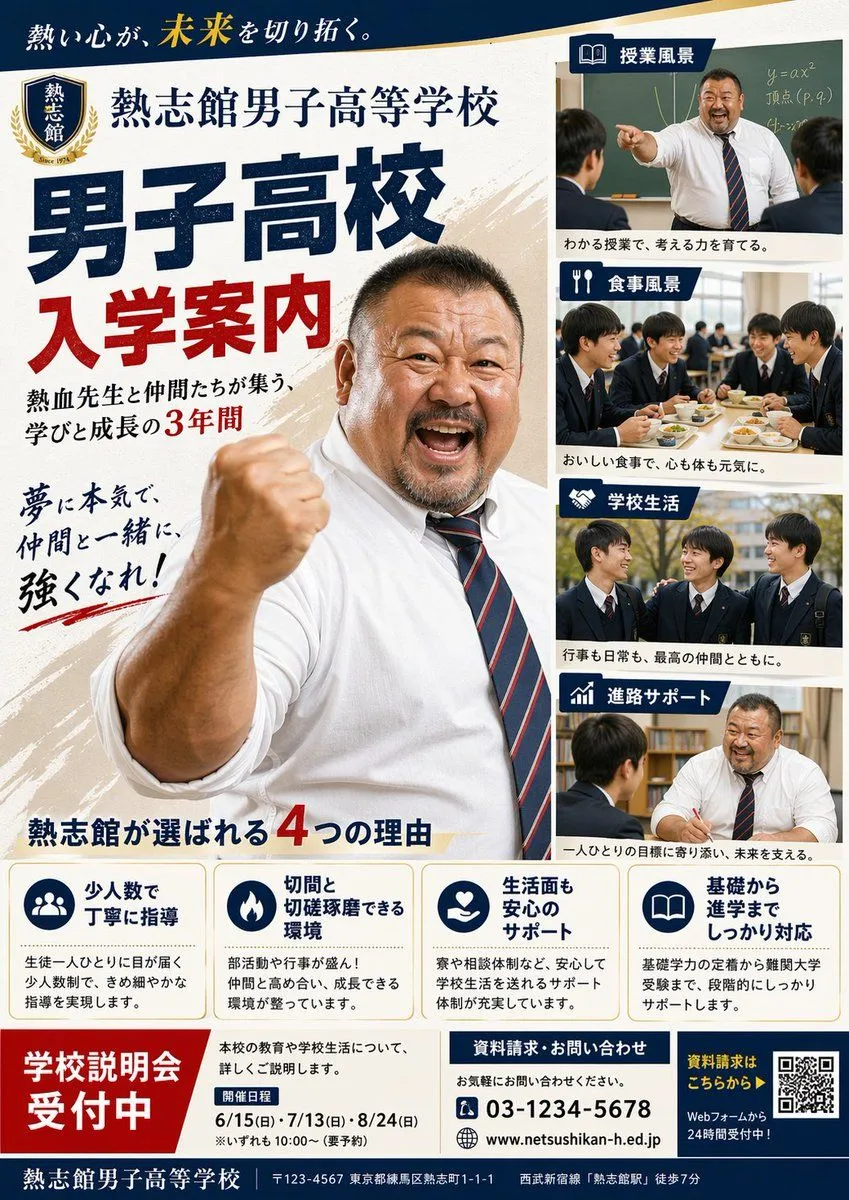
Made with GPT Image 2 in ChatGPT, collected by Library Avatars. Promptclay never generates images.
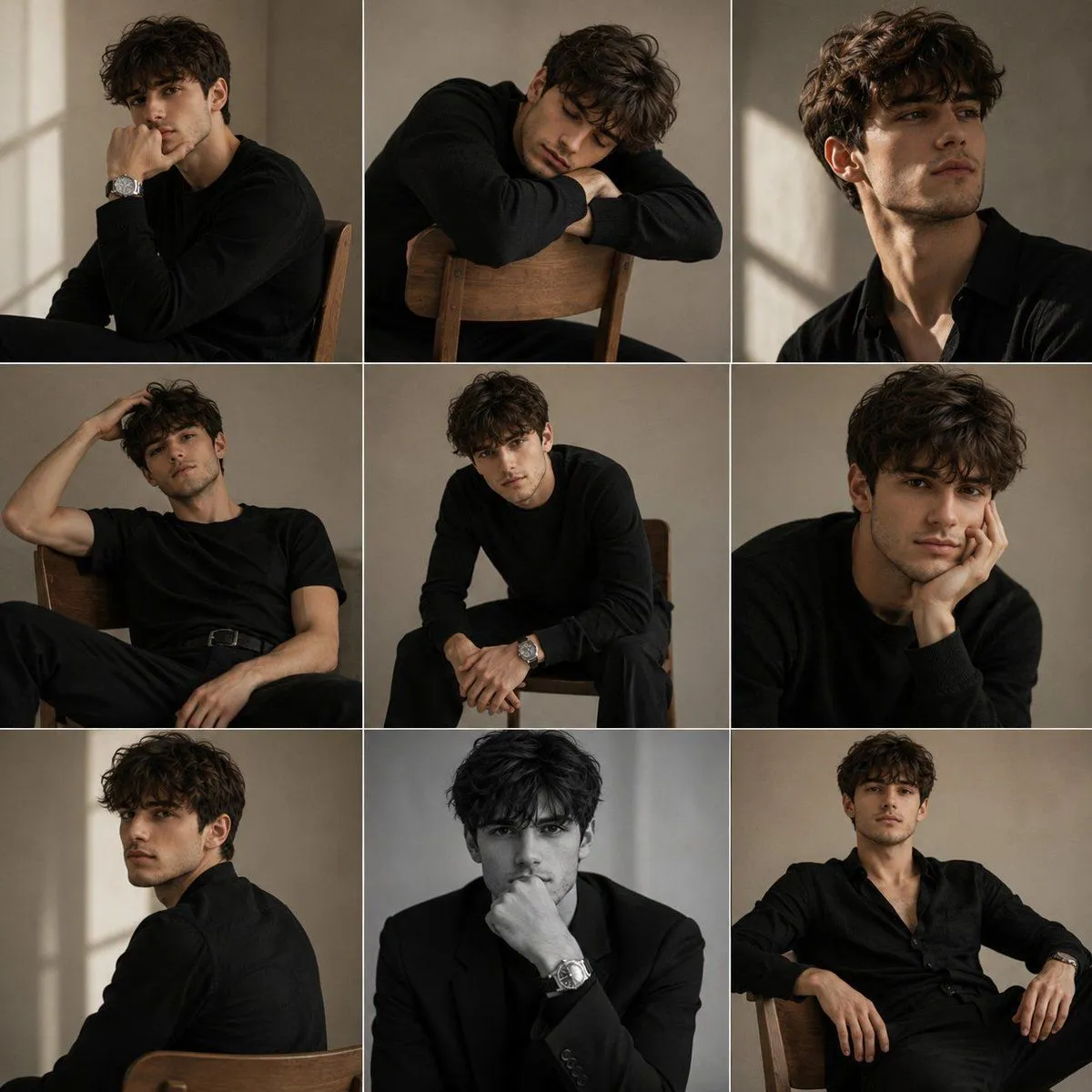
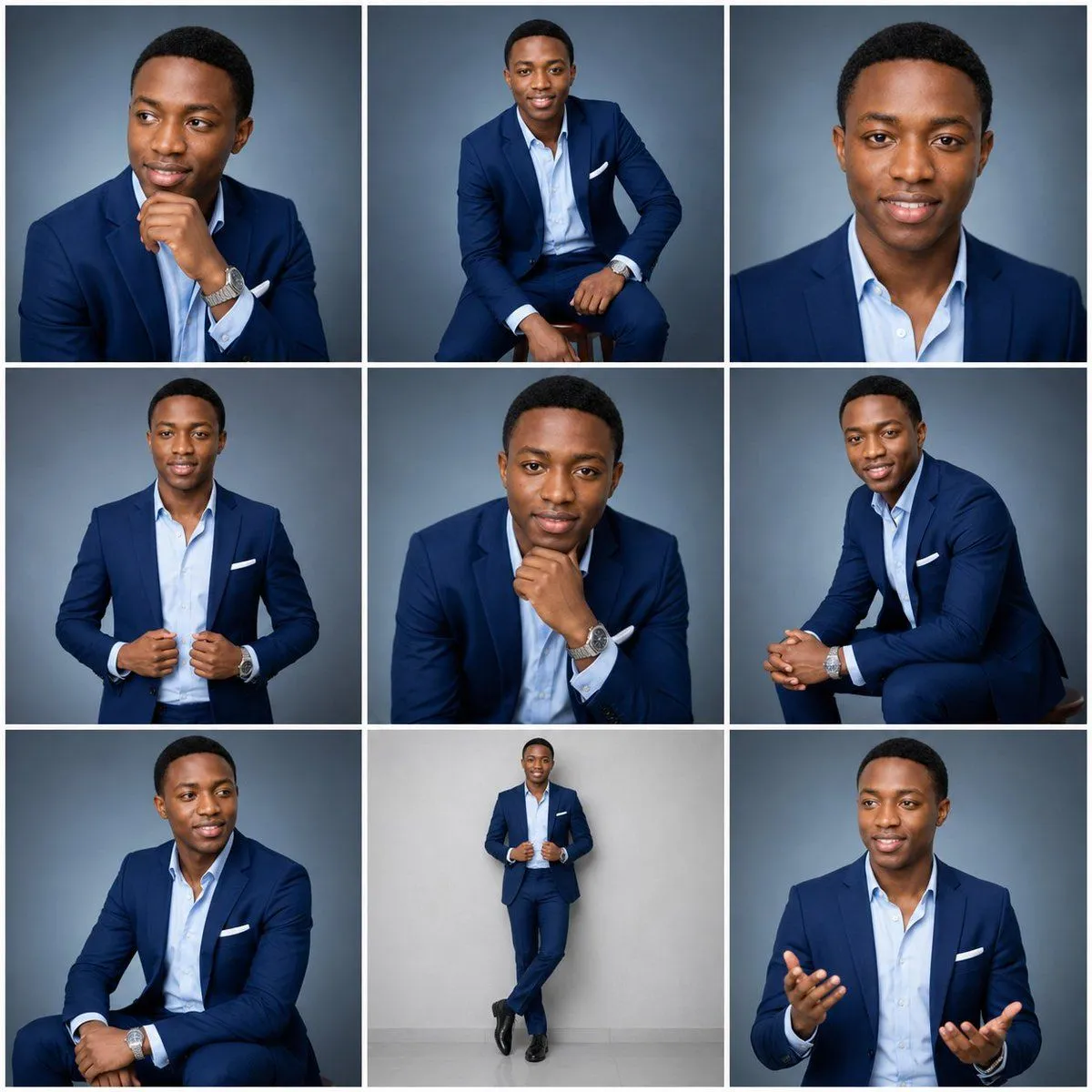
Nine-Frame Corporate Portrait Collage
Prompt
2 blanks to fillCreate an ultra-realistic 3×3 professional studio portrait collage featuring the same adult man, approximately {age_range}, with consistent identity across all nine frames. He is a clean-shaven Black man with medium-brown skin, short neat black hair, warm brown eyes, a confident approachable expression, and polished corporate styling. Outfit remains consistent in every panel: tailored {suit_color} suit, light blue open-collar dress shirt with no tie, white pocket square, silver wristwatch, black dress shoes where visible. Use soft professional studio lighting, sharp realistic skin texture, natural facial proportions, and a smooth cool gray-blue gradient studio backdrop, except the full-body standing frame may use a lighter gray wall and floor. Canvas and layout: square image, divided into exactly 9 equal portrait panels in a clean 3×3 grid with thick white gutters between frames and no text, logos, watermarks, or labels. Each panel should look like a different selection from the same executive headshot session while preserving the same face, grooming, outfit, lighting quality, and color palette. Frame count and poses, exactly 9 portraits: 1. Top-left: close three-quarter portrait, seated or cropped at chest, looking off to the viewer’s left, right hand resting under chin in a thoughtful pose, wristwatch visible. 2. Top-center: wider seated portrait on a stool, body angled slightly, smiling toward camera, one hand resting near knee, full suit visible from head to knees. 3. Top-right: tight front-facing head-and-shoulders headshot, direct eye contact, gentle smile, symmetrical corporate profile-photo style. 4. Middle-left: half-body standing portrait, facing camera, both hands adjusting or holding the suit jacket near the waist, confident slight smile. 5. Middle-center: medium close-up leaning forward, chin resting on fist, direct gaze, wristwatch prominent, composed executive expression. 6. Middle-right: seated side-angle portrait, leaning forward with hands clasped, looking toward camera, friendly smile, suit sleeve and watch visible. 7. Bottom-left: seated three-quarter portrait, looking off to the viewer’s right, one arm resting across lap, relaxed smile, watch visible. 8. Bottom-center: full-body standing portrait against a light gray wall, hands holding jacket lapels, legs crossed at the ankles, black dress shoes visible, centered with more negative space. 9. Bottom-right: medium portrait of the man speaking or presenting, looking slightly off-camera, both hands raised open in a conversational gesture, friendly professional smile. Visual style: premium LinkedIn/executive branding photography, photorealistic, high-resolution, crisp focus, flattering softbox lighting, subtle rim light, realistic fabric folds, consistent color grading, balanced contrast, clean corporate aesthetic. Avoid caricature, illustration, inconsistent faces, extra people, duplicated limbs, distorted hands, text, or overly dramatic lighting.
Preview of your prompt
Create an ultra-realistic 3×3 professional studio portrait collage featuring the same adult man, approximately 25–35 years old, with consistent identity across all nine frames. He is a clean-shaven Black man with medium-brown skin, short neat black hair, warm brown eyes, a confident approachable expression, and polished corporate styling. Outfit remains consistent in every panel: tailored navy blue suit, light blue open-collar dress shirt with no tie, white pocket square, silver wristwatch, black dress shoes where visible. Use soft professional studio lighting, sharp realistic skin texture, natural facial proportions, and a smooth cool gray-blue gradient studio backdrop, except the full-body standing frame may use a lighter gray wall and floor. Canvas and layout: square image, divided into exactly 9 equal portrait panels in a clean 3×3 grid with thick white gutters between frames and no text, logos, watermarks, or labels. Each panel should look like a different selection from the same executive headshot session while preserving the same face, grooming, outfit, lighting quality, and color palette. Frame count and poses, exactly 9 portraits: 1. Top-left: close three-quarter portrait, seated or cropped at chest, looking off to the viewer’s left, right hand resting under chin in a thoughtful pose, wristwatch visible. 2. Top-center: wider seated portrait on a stool, body angled slightly, smiling toward camera, one hand resting near knee, full suit visible from head to knees. 3. Top-right: tight front-facing head-and-shoulders headshot, direct eye contact, gentle smile, symmetrical corporate profile-photo style. 4. Middle-left: half-body standing portrait, facing camera, both hands adjusting or holding the suit jacket near the waist, confident slight smile. 5. Middle-center: medium close-up leaning forward, chin resting on fist, direct gaze, wristwatch prominent, composed executive expression. 6. Middle-right: seated side-angle portrait, leaning forward with hands clasped, looking toward camera, friendly smile, suit sleeve and watch visible. 7. Bottom-left: seated three-quarter portrait, looking off to the viewer’s right, one arm resting across lap, relaxed smile, watch visible. 8. Bottom-center: full-body standing portrait against a light gray wall, hands holding jacket lapels, legs crossed at the ankles, black dress shoes visible, centered with more negative space. 9. Bottom-right: medium portrait of the man speaking or presenting, looking slightly off-camera, both hands raised open in a conversational gesture, friendly professional smile. Visual style: premium LinkedIn/executive branding photography, photorealistic, high-resolution, crisp focus, flattering softbox lighting, subtle rim light, realistic fabric folds, consistent color grading, balanced contrast, clean corporate aesthetic. Avoid caricature, illustration, inconsistent faces, extra people, duplicated limbs, distorted hands, text, or overly dramatic lighting.
DetailsVersions, settings and questions
Written for
What's in the prompt
- Subject
- Model
- GPT Image 2
If your face changes
keep my face exactly the sameQuestions
- Does this work in the ChatGPT app?
- Yes. Paste the prompt and attach your photo if it uses one.
- It changed my face. What do I do?
- Add "keep my face exactly the same" to the end and run it again.
- Can I use the images I make?
- Check the terms of the app you use. Promptclay never generates images and claims nothing you make.