Tell us anything

An idea, a bug, something you love. We read every note.

⌘↵ to send. The page you're on comes along.

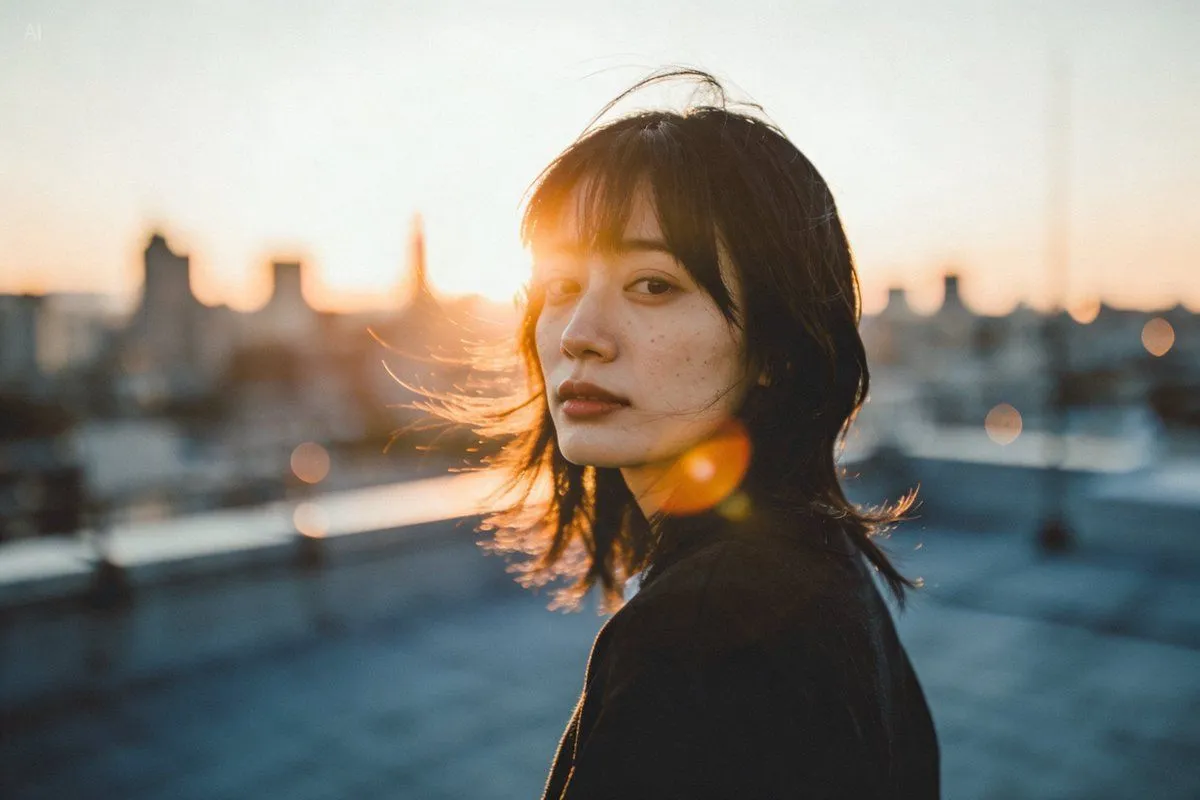
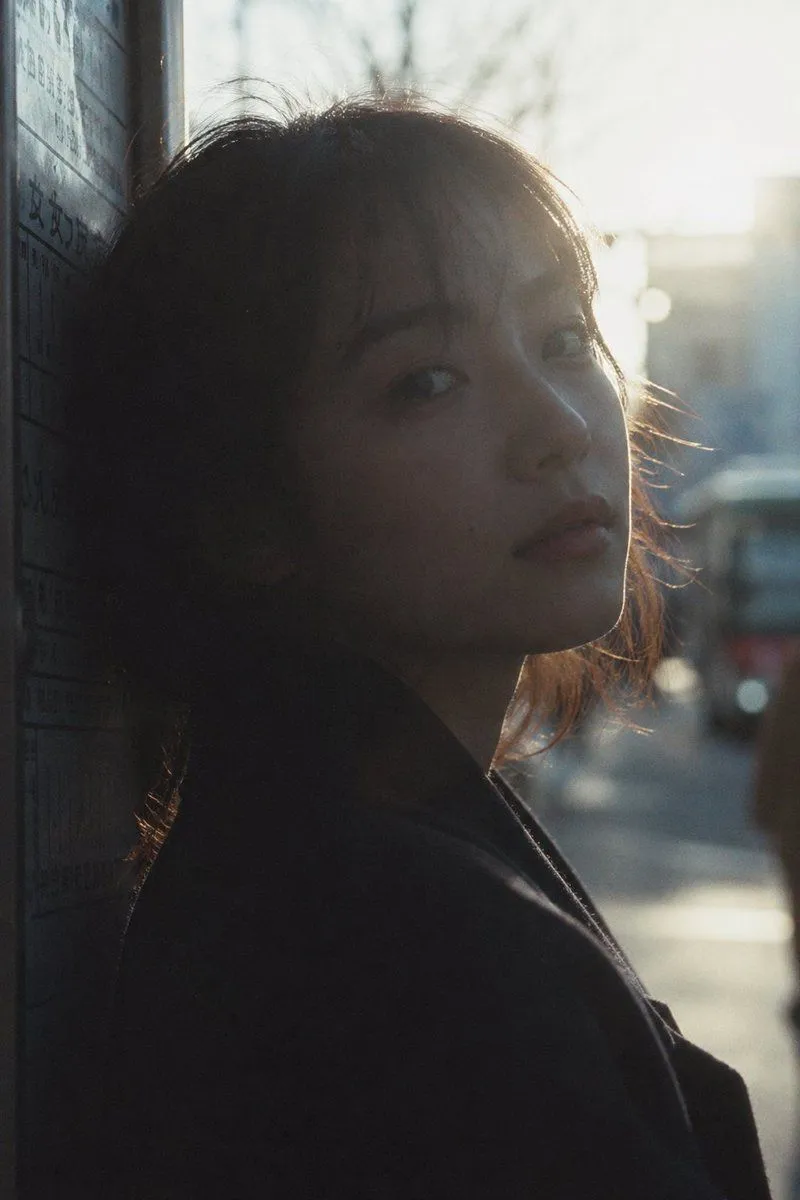
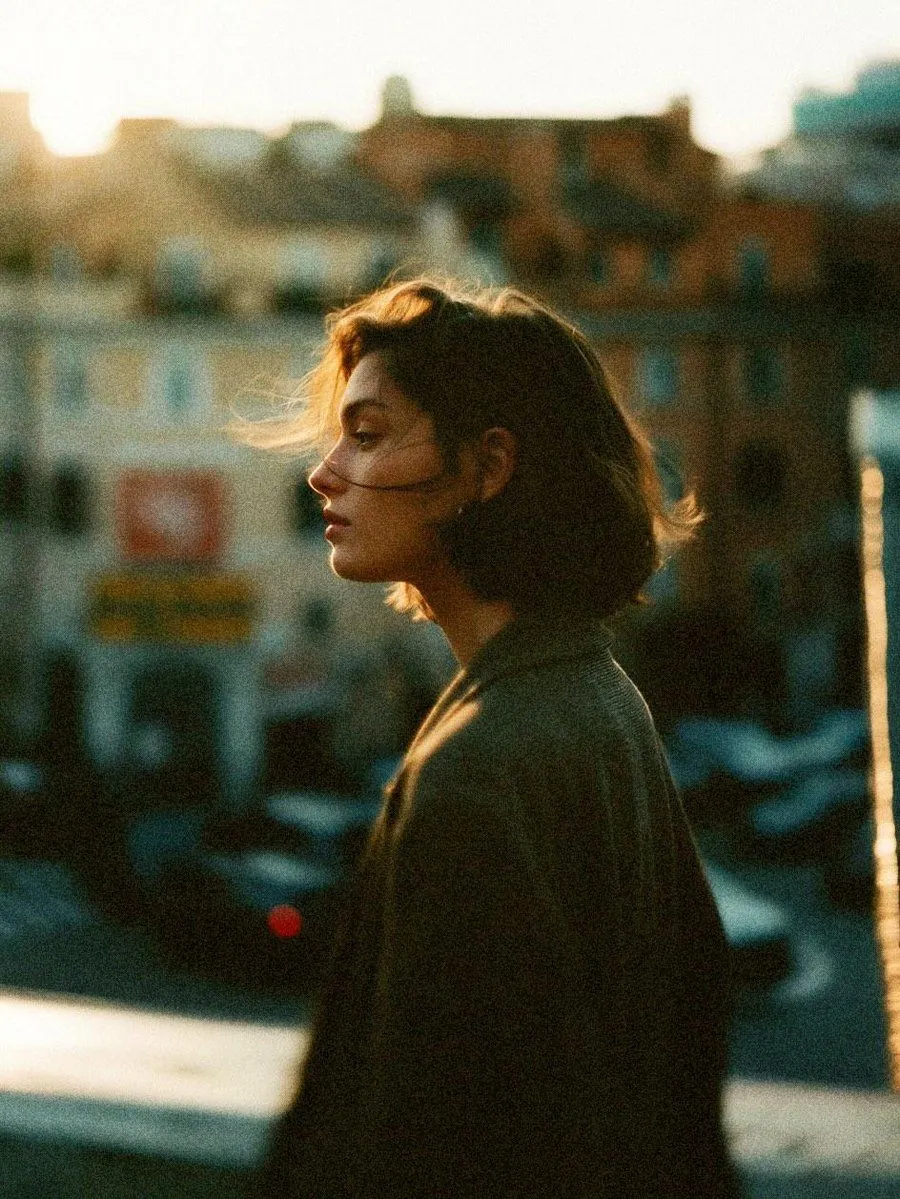
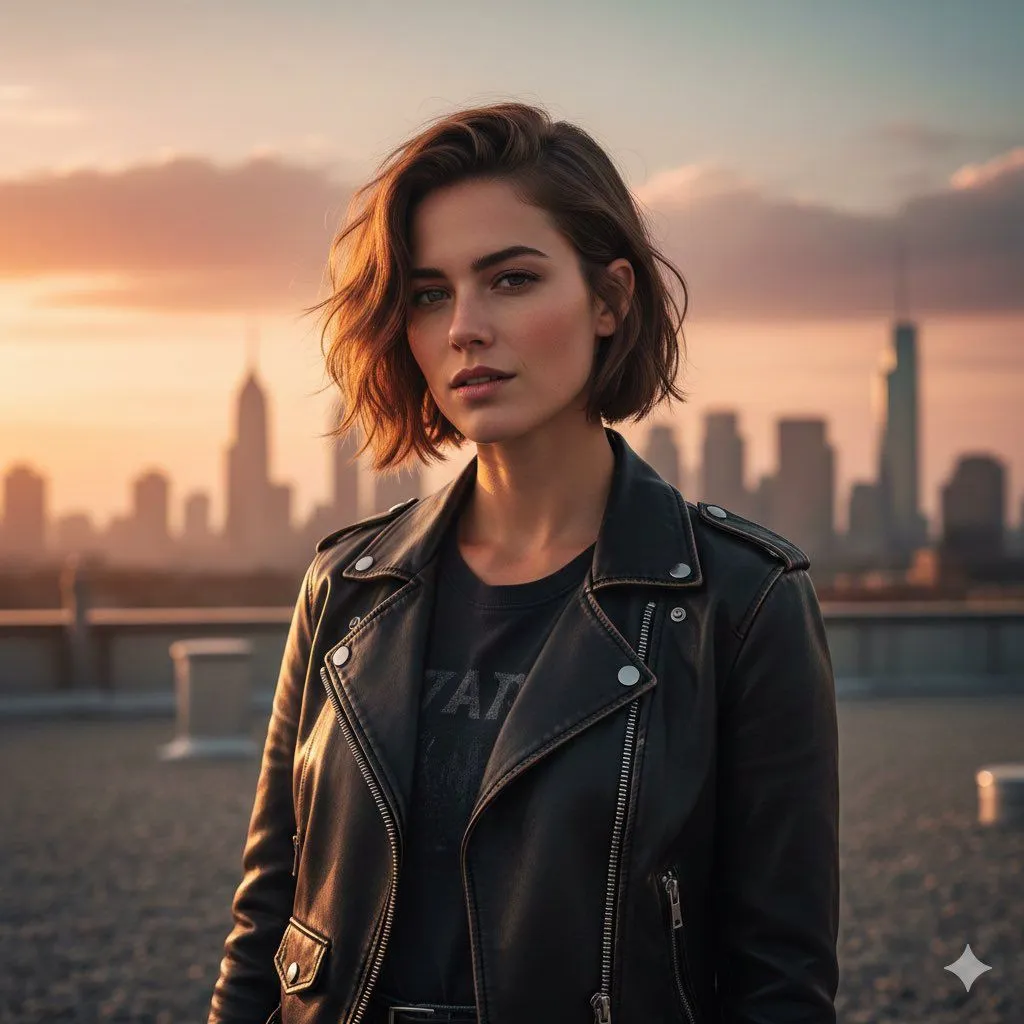
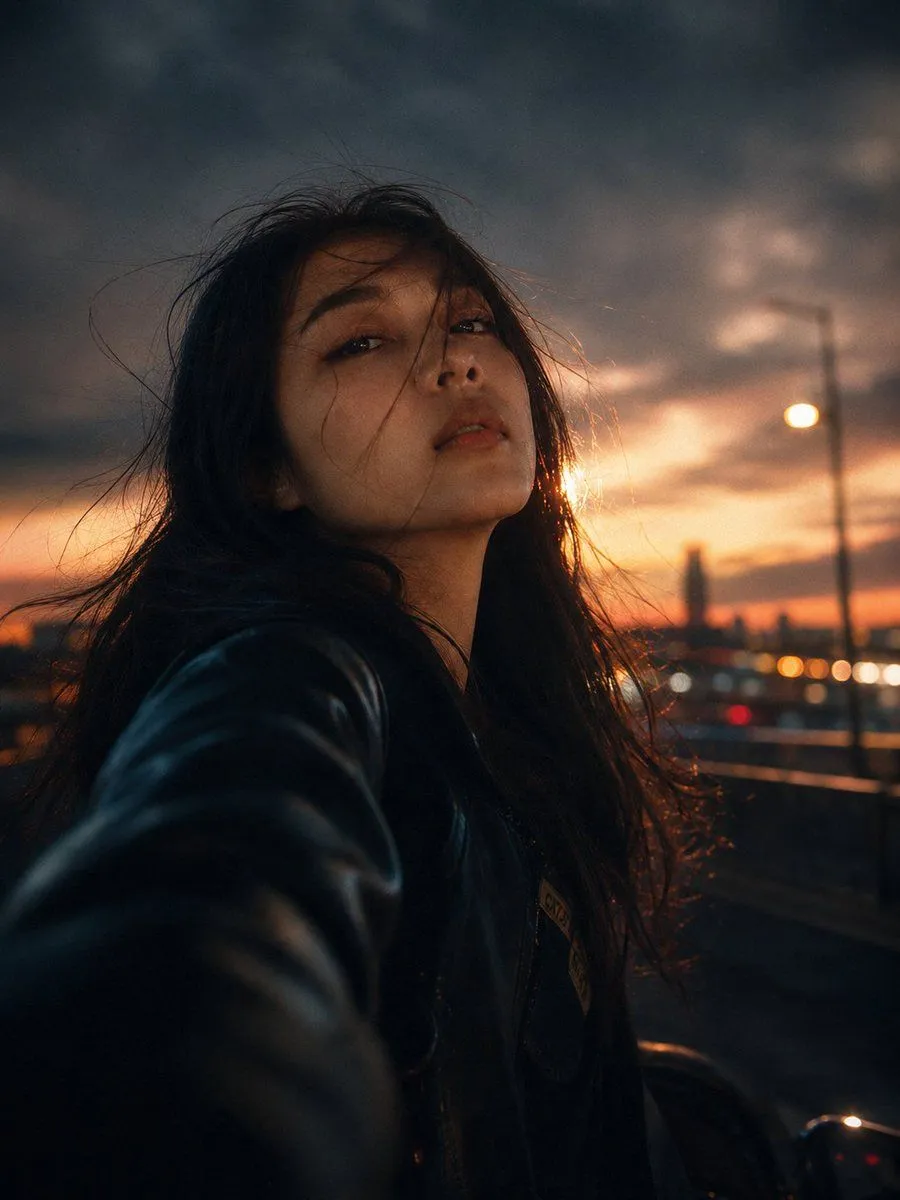
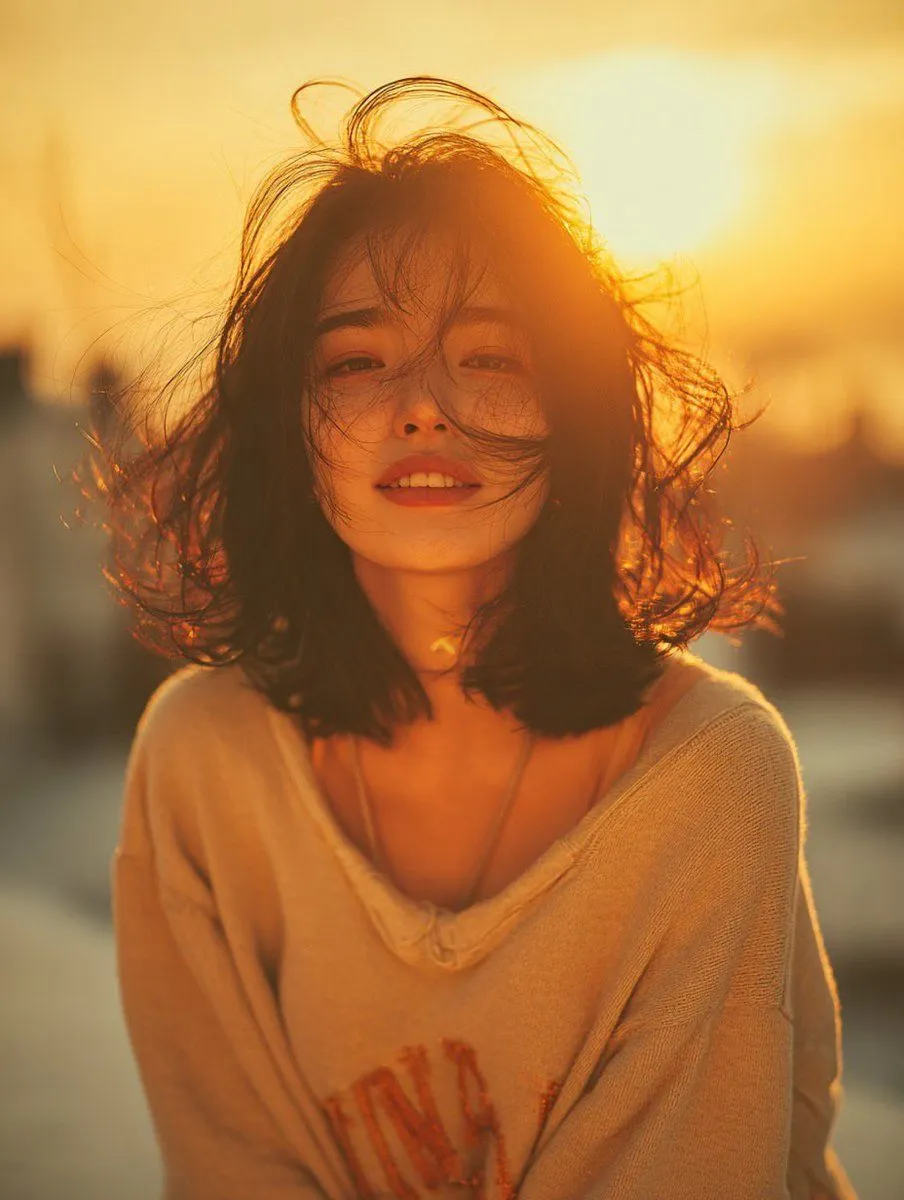
Night City Motion Blur Selfie

Made with GPT Image 2 in ChatGPT by Library Lifestyle. Promptclay never generates images.

Did it work?

No reports yet. Tell others if it worked for you.

No comments yet. Be the first.

    Night City Motion Blur Selfie

    GPT Image 23:4AI-generated

    Prompt

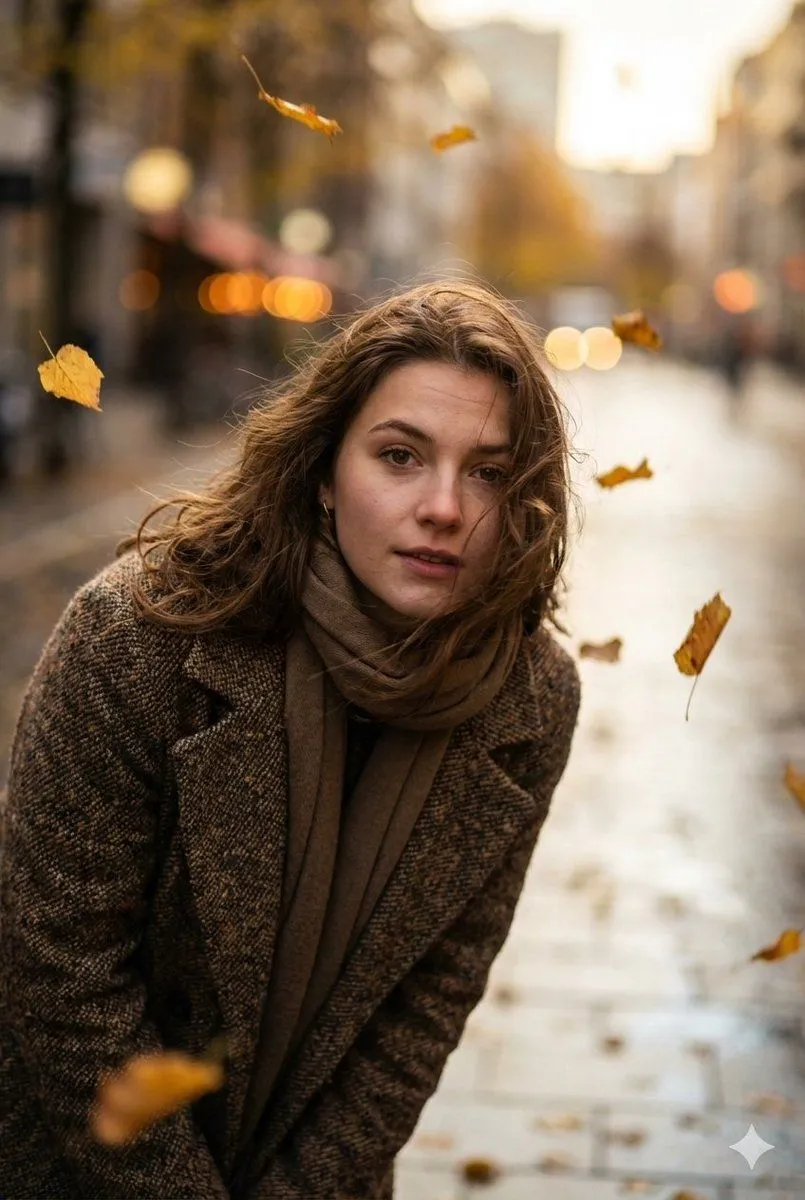
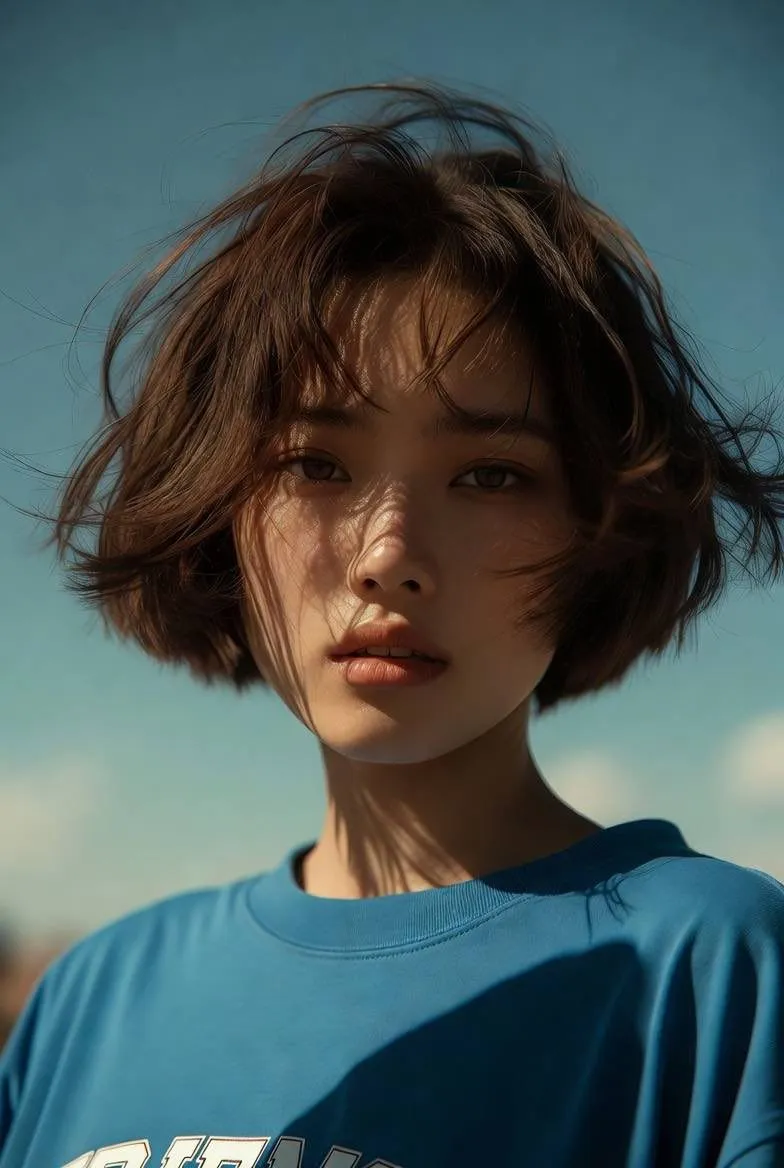
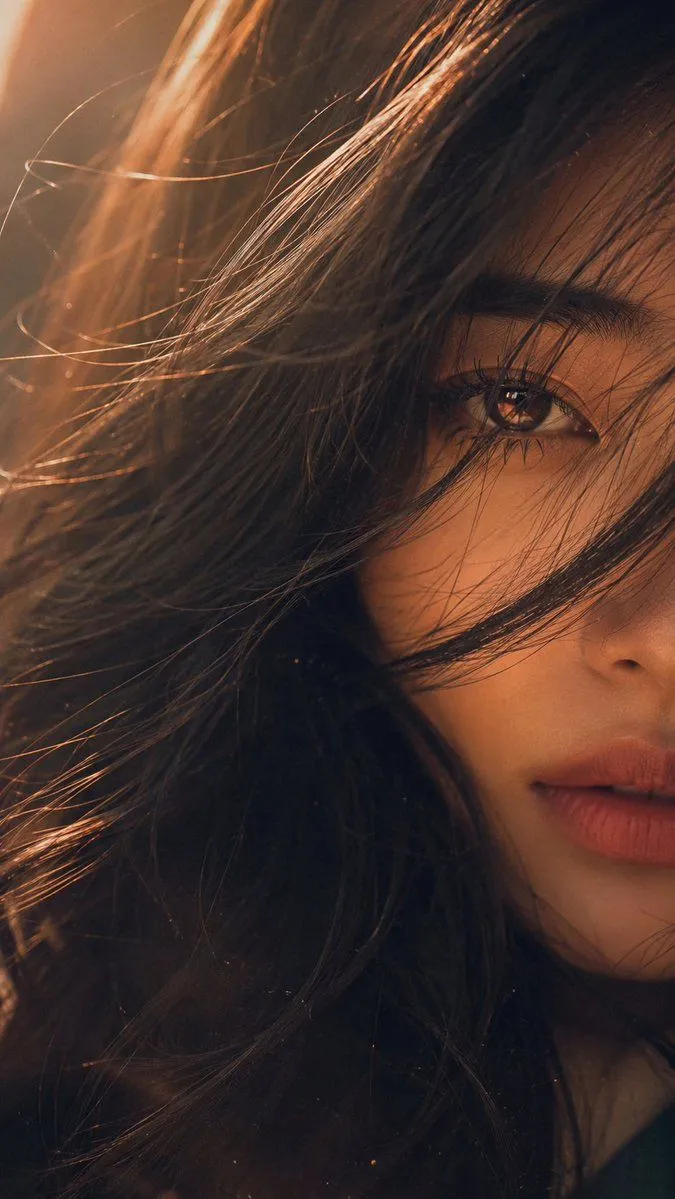
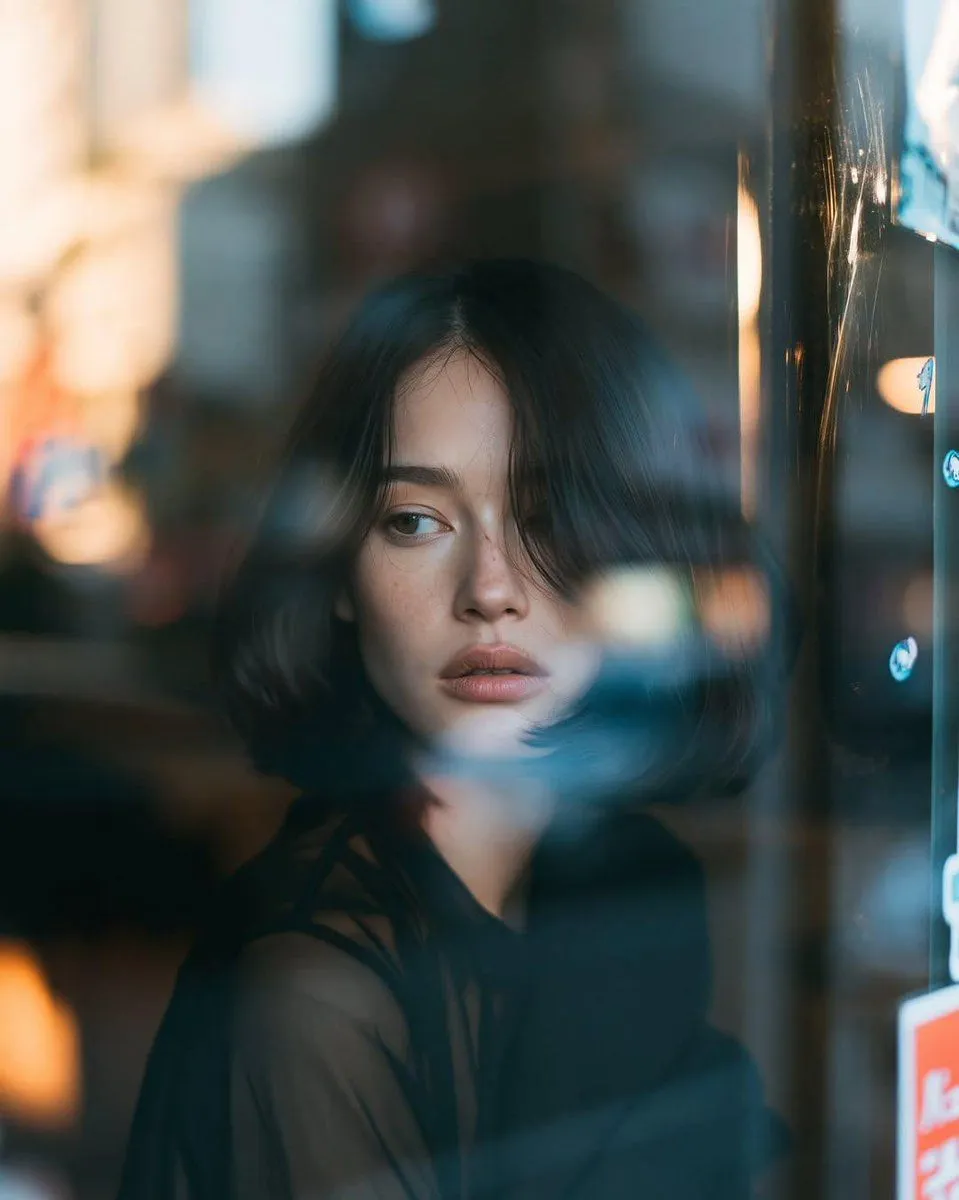
    Cinematic portrait of a young woman leaning from a moving car at night, captured with a wide-angle selfie perspective, wind-blown hair, confident gaze, urban city lights streaking into motion blur, neon reflections, natural twilight transitioning into blue hour, subtle fill light on the face, realistic skin texture, shallow depth of field, soft bokeh, desaturated teal and blue color grading, muted greens, strong contrast, deep shadows, warm orange highlights, atmospheric city background, film grain, Kodak Vision3 cinematic look, slightly textured analog film aesthetic, volumetric light, ultra-detailed eyes, realistic lighting, photorealistic, moody, emotional storytelling, dynamic motion, 8K, masterpiece photography, professional color grading\n\nCamera: Sony A7R V, 35mm lens, f/1.8, ISO 1600, 1/30s shutter, cinematic motion blur\n\nColor grading: teal-orange, desaturated blues and greens, warm highlights, rich blacks, high dynamic range\n\n--ar 3:4 --stylize 250 --quality 2 --chaos 8

    Works in
    ChatGPT, Gemini
    Status
    Free to copy
    0
    DetailsVersions, settings and questions

    Written for

    What's in the prompt

    Subject
    Model
    GPT Image 2

    If your face changes

    keep my face exactly the same

    Questions

    Does this work in the ChatGPT app?
    Yes. Paste the prompt and attach your photo if it uses one.
    It changed my face. What do I do?
    Add "keep my face exactly the same" to the end and run it again.
    Can I use the images I make?
    Check the terms of the app you use. Promptclay never generates images and claims nothing you make.
    Similar prompts

    See more
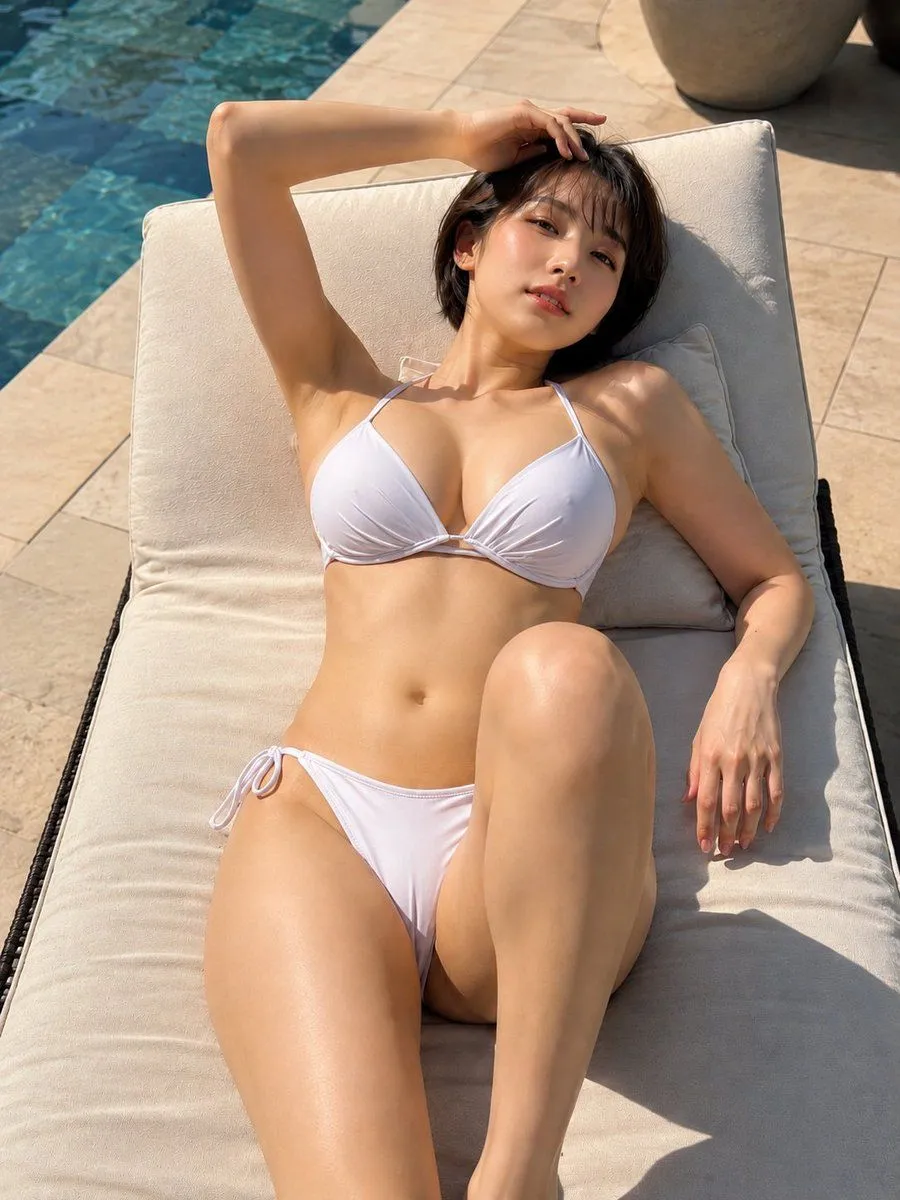
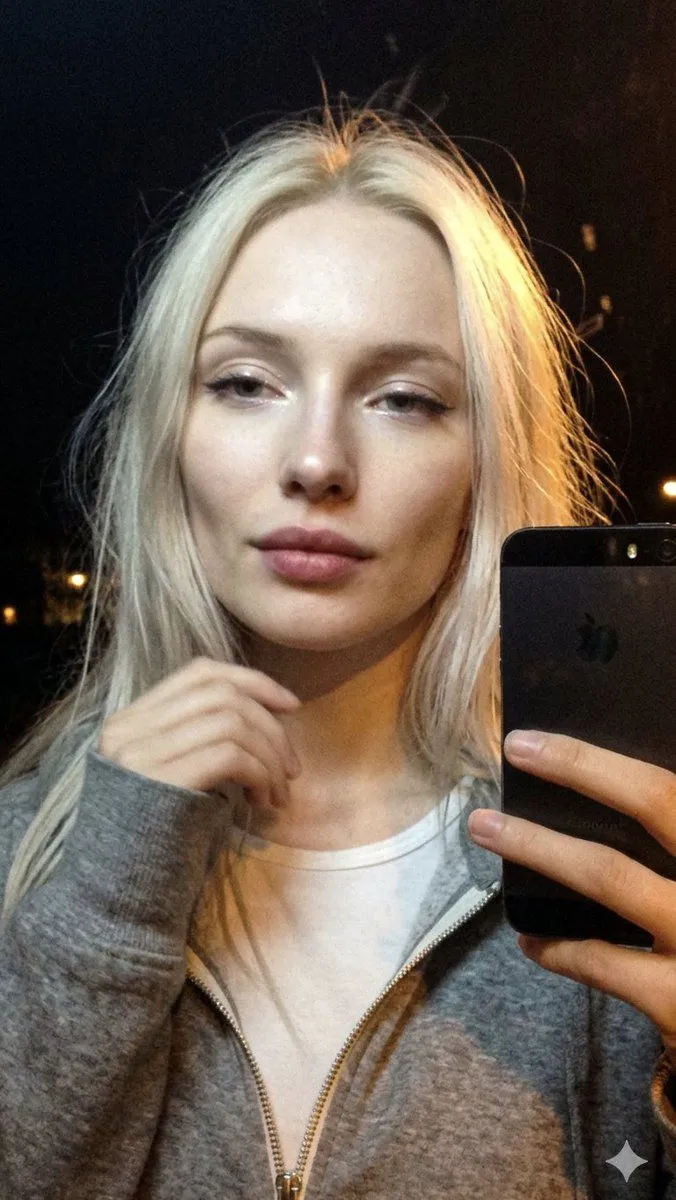
    • Cinematic Late Night City Selfie
    • Golden Hour Rooftop Portrait
    • Golden hour rooftop portrait photography prompt
    • Cinematic Urban Silhouette Portrait
    • Cinematic 35mm Analog Film Photo Series
    • Hyper-realistic Cinematic Portrait Prompt
    • Cinematic Low-Angle Street Portrait Prompt
    • Golden Hour Cinematic Portrait
    • Nostalgic Cinematic Hair-Peeking Portrait
    • Reflective Urban Cafe Window Portrait
    • Cinematic Retro Diner Portrait
    • Minimalist Meadow Portrait
    • Cinematic Close-up of Woman with Neon Beanie
    • All-Black Urban Reading Portrait
    • Blue Gothic Lolita Victorian Portrait
    • Candid Street Fashion Snapshot
    • Candid Street Style Fashion
    • Cinematic Studio Portrait Prompt
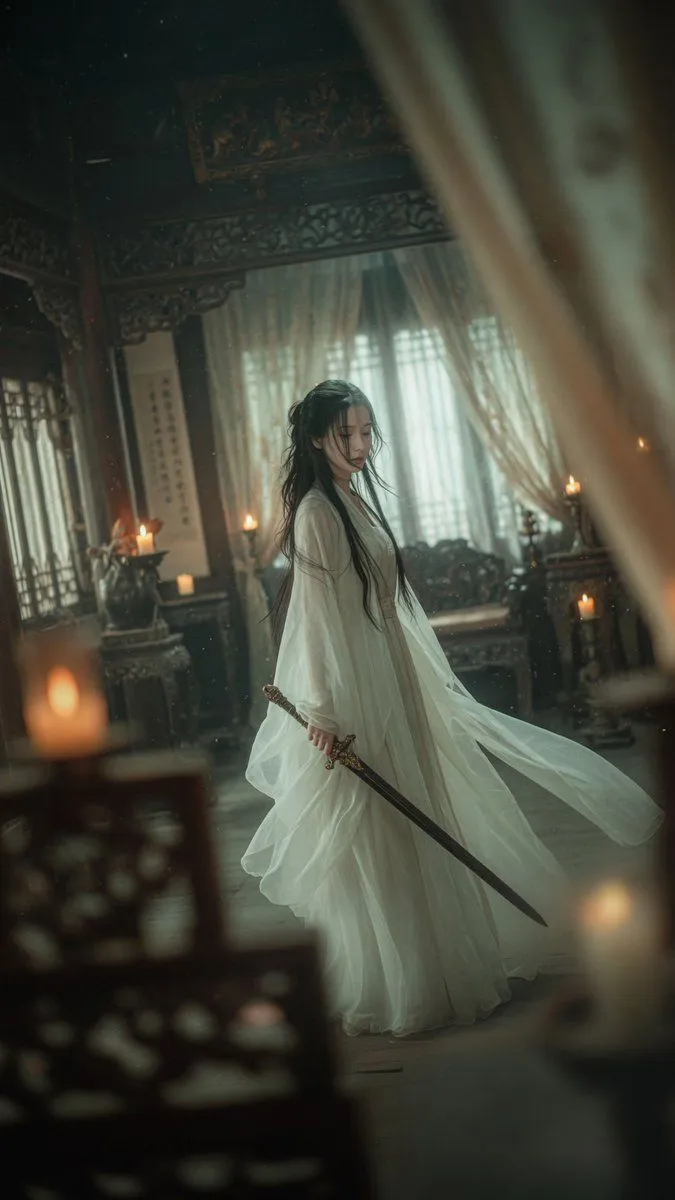
    • Cinematic Wuxia Swordswoman in Candlelit Chamber
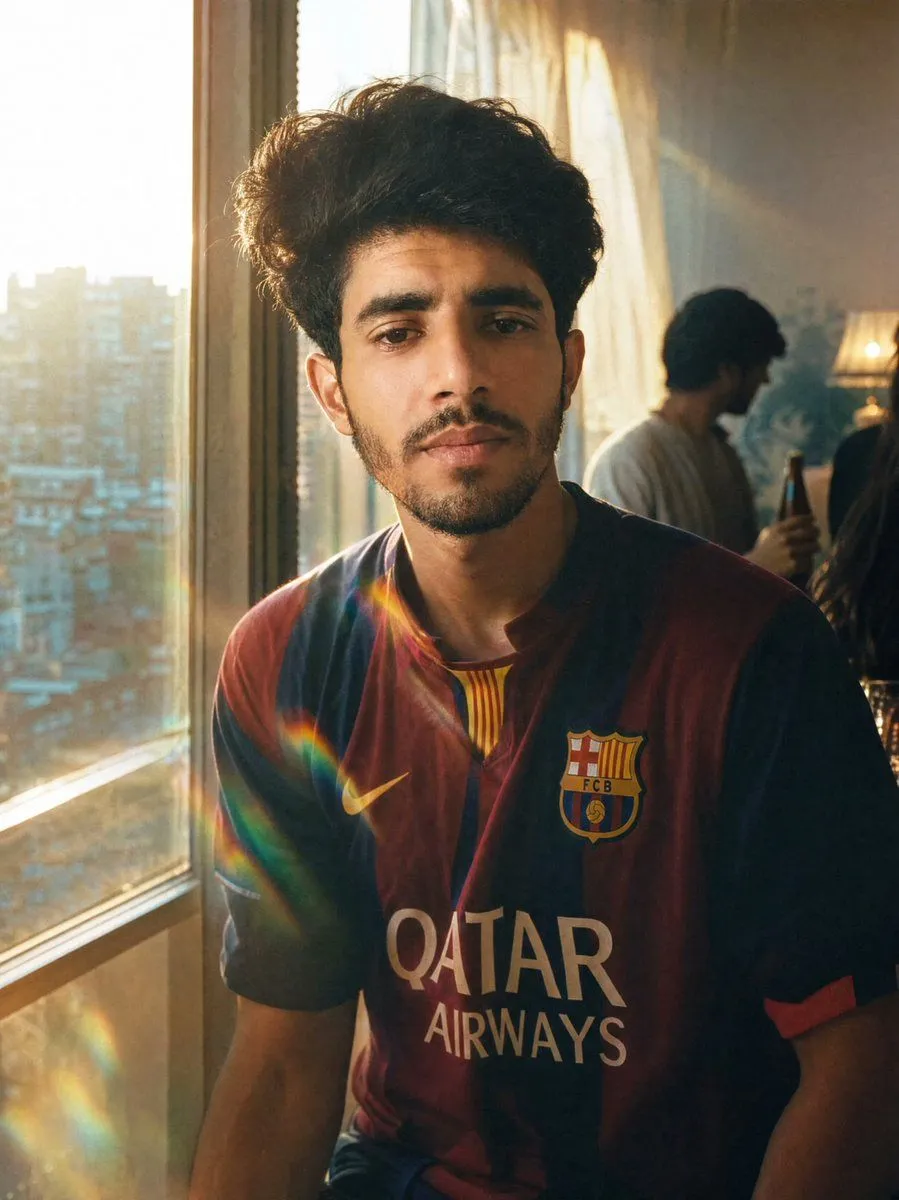
    • Golden Hour Football Jersey Portrait
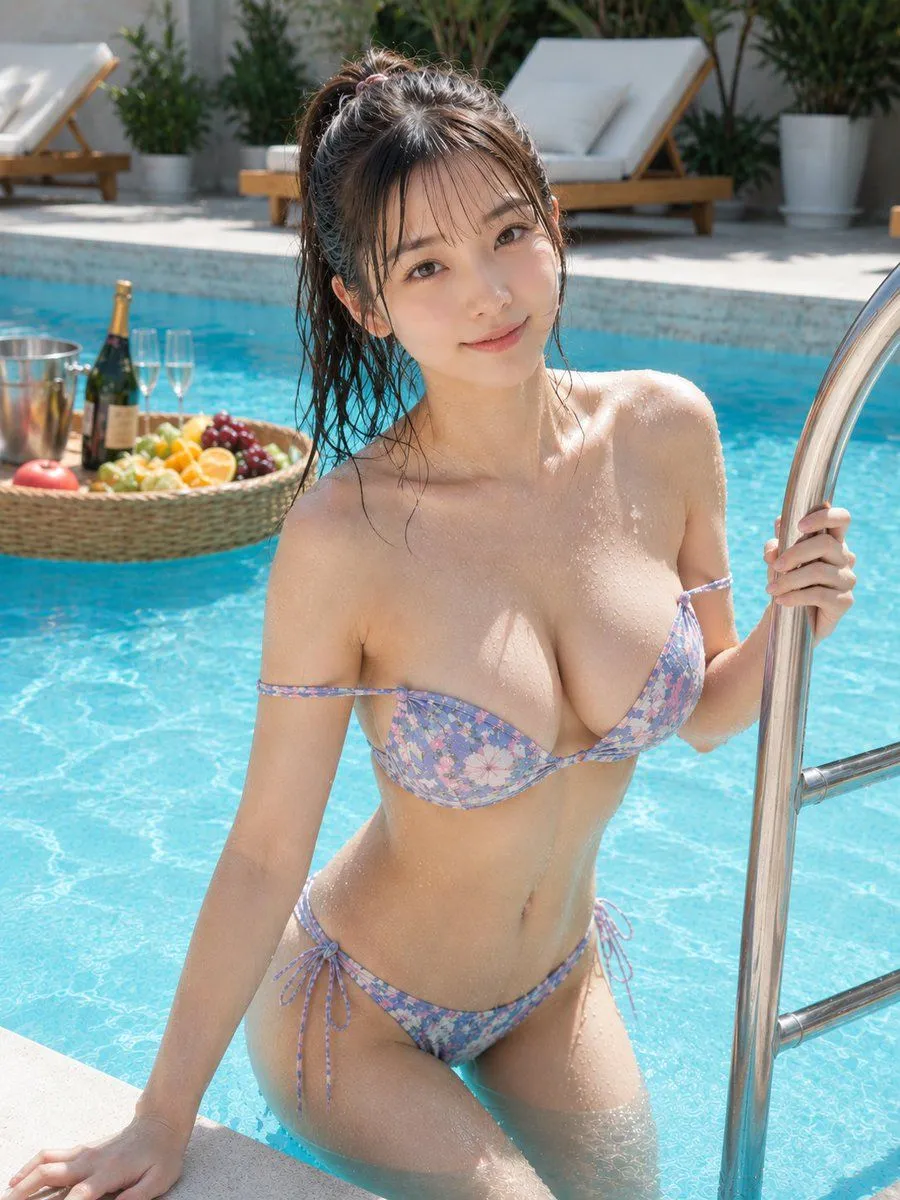
    • Photorealistic Summer Poolside Portrait
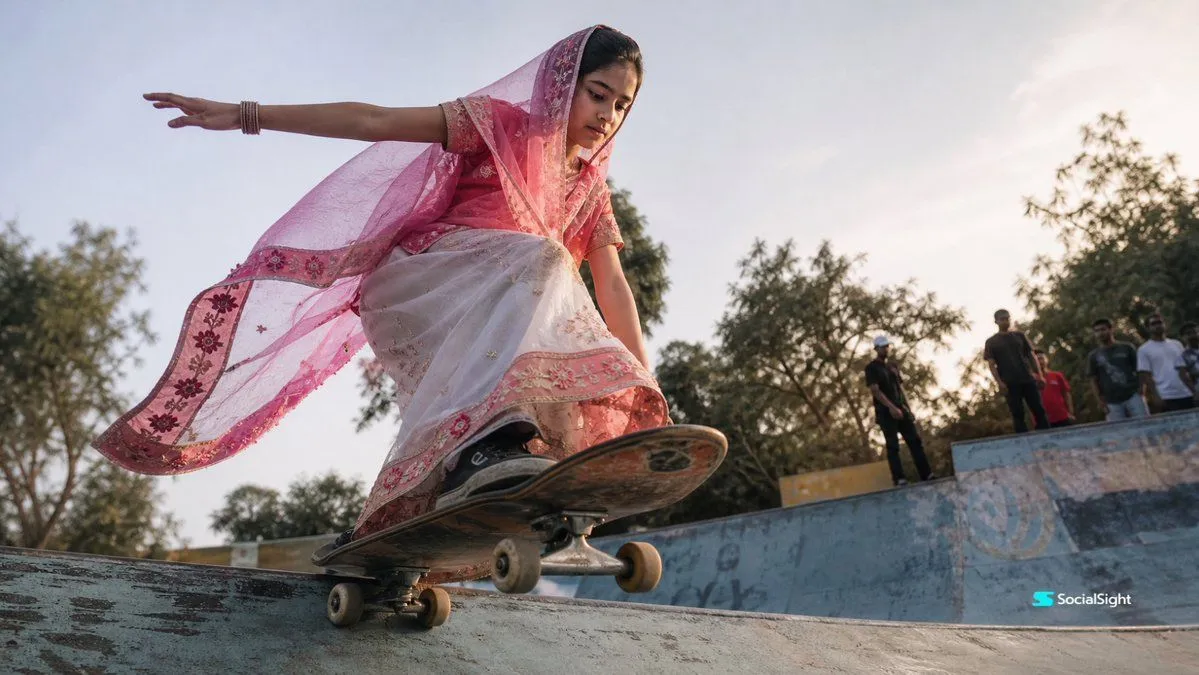
    • Skateboarding Girl in Traditional Sari
    • Summer Poolside Daybed Relaxation
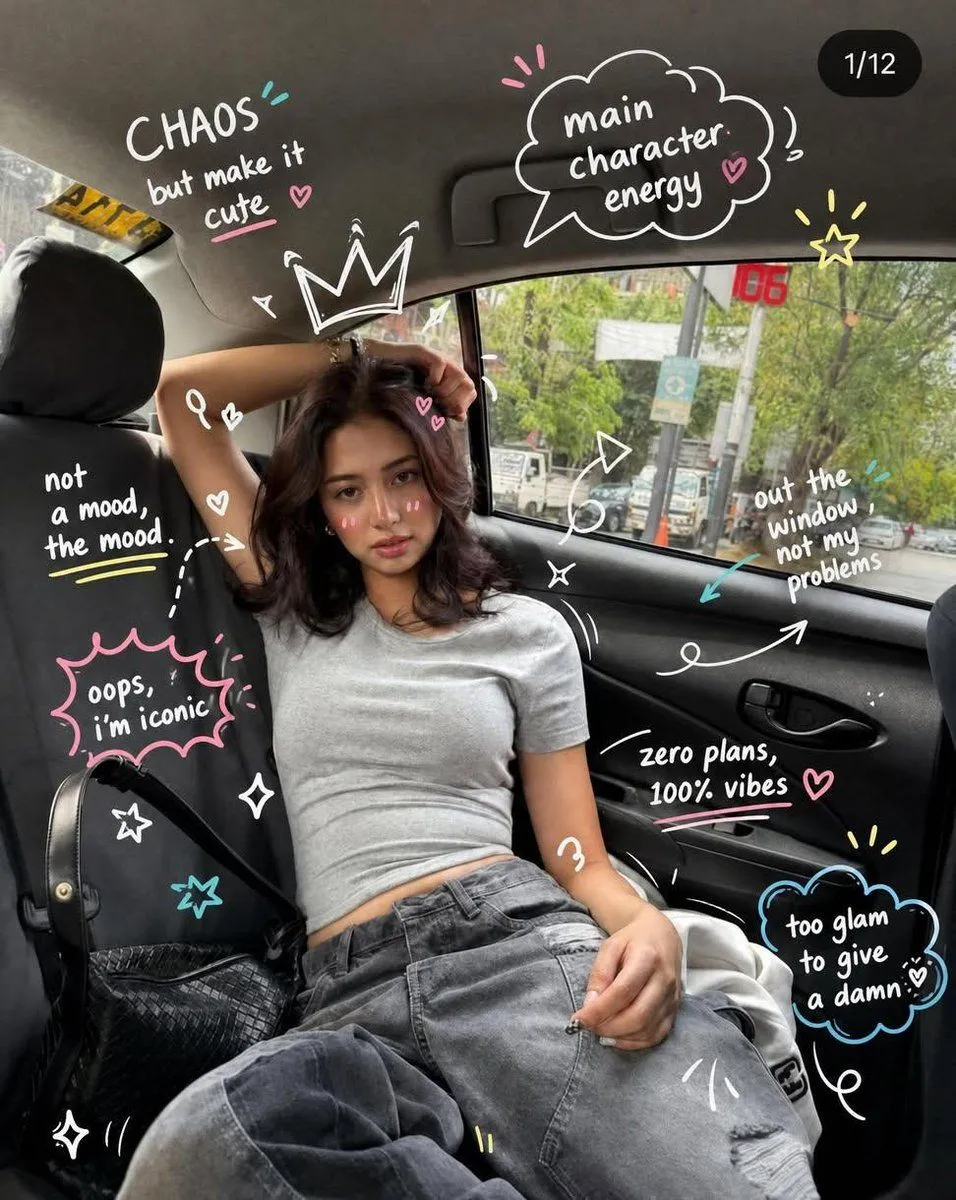
    • Trendy Car Interior Portrait

    Show more

    Run it on your phone

    1. Prompt copiedRead it

      Cinematic portrait of a young woman leaning from a moving car at night, captured with a wide-angle selfie perspective, wind-blown hair, confident gaze, urban city lights streaking into motion blur, neon reflections, natural twilight transitioning into blue hour, subtle fill light on the face, realistic skin texture, shallow depth of field, soft bokeh, desaturated teal and blue color grading, muted greens, strong contrast, deep shadows, warm orange highlights, atmospheric city background, film grain, Kodak Vision3 cinematic look, slightly textured analog film aesthetic, volumetric light, ultra-detailed eyes, realistic lighting, photorealistic, moody, emotional storytelling, dynamic motion, 8K, masterpiece photography, professional color grading\n\nCamera: Sony A7R V, 35mm lens, f/1.8, ISO 1600, 1/30s shutter, cinematic motion blur\n\nColor grading: teal-orange, desaturated blues and greens, warm highlights, rich blacks, high dynamic range\n\n--ar 3:4 --stylize 250 --quality 2 --chaos 8

    2. Open your app

    3. Paste and run

      Press and hold the message box, then tap Paste. Add your photo first if the prompt uses one. You may need to sign in.

    Night City Motion Blur Selfie