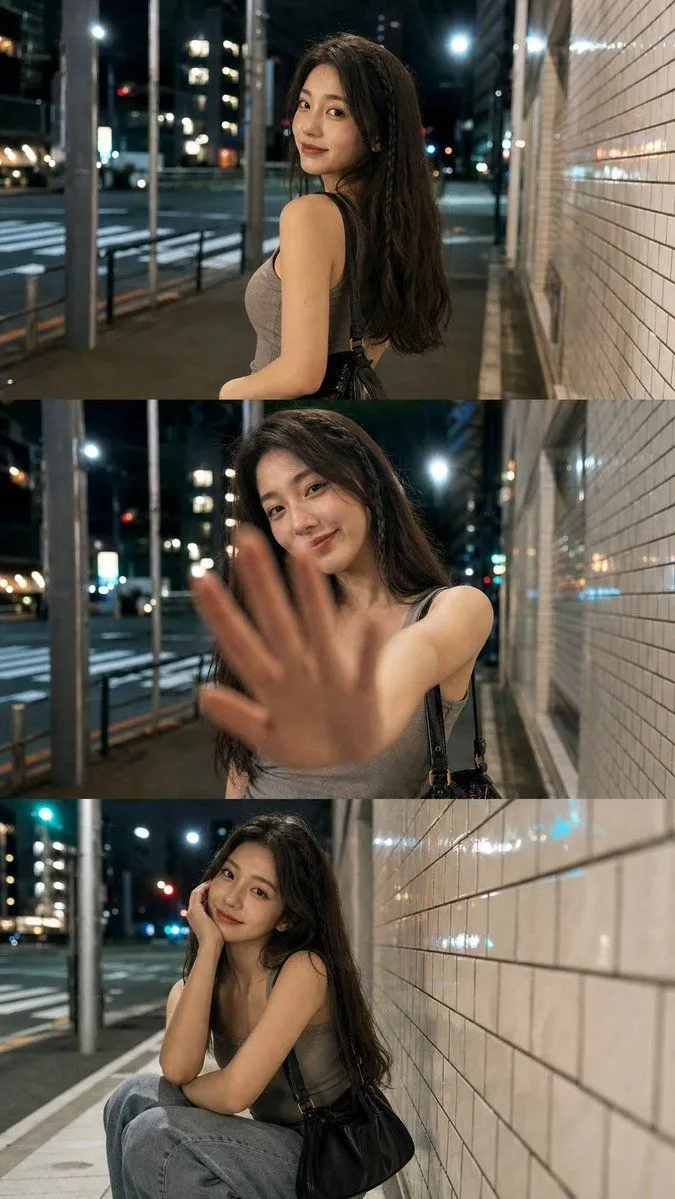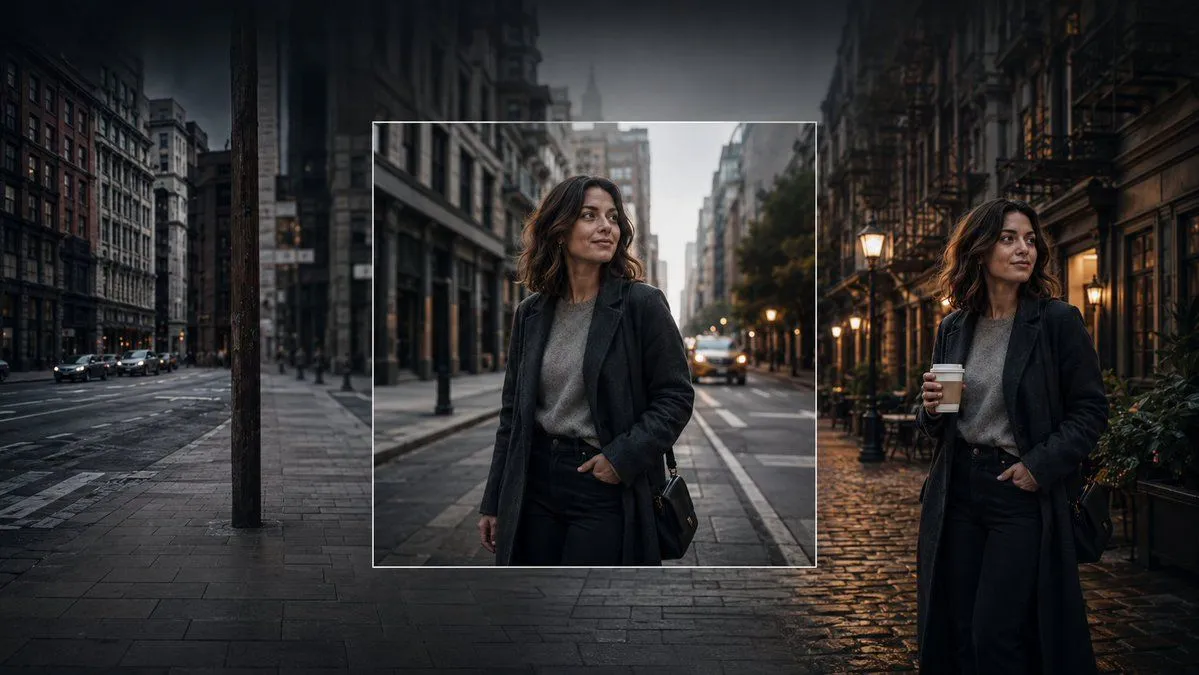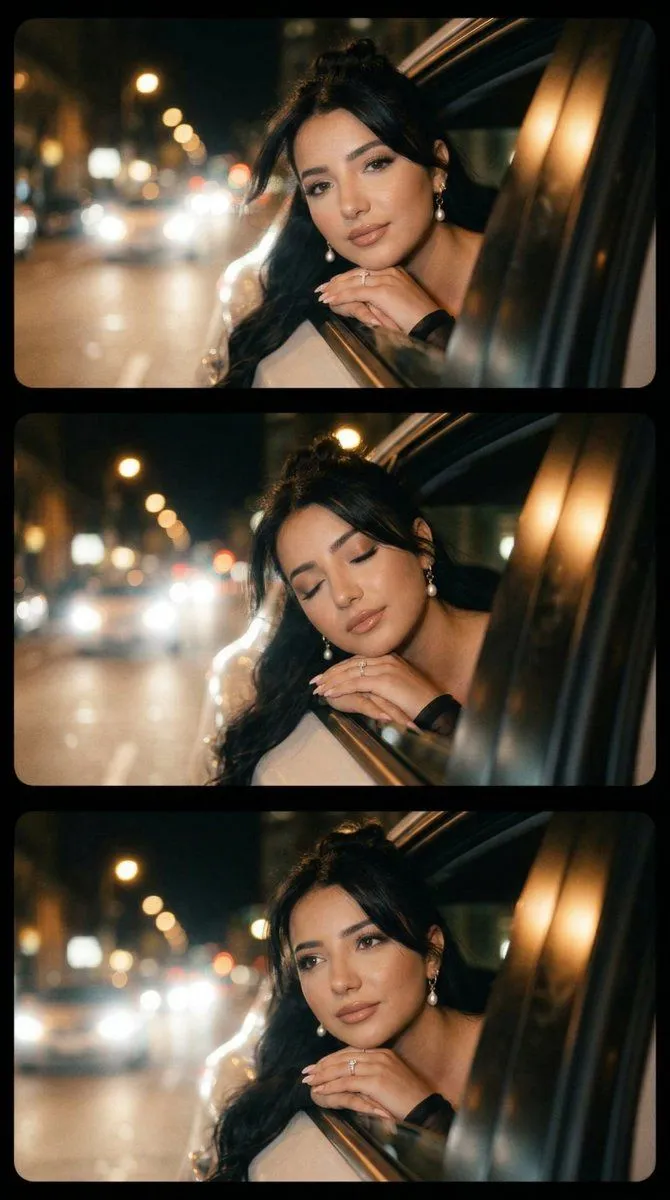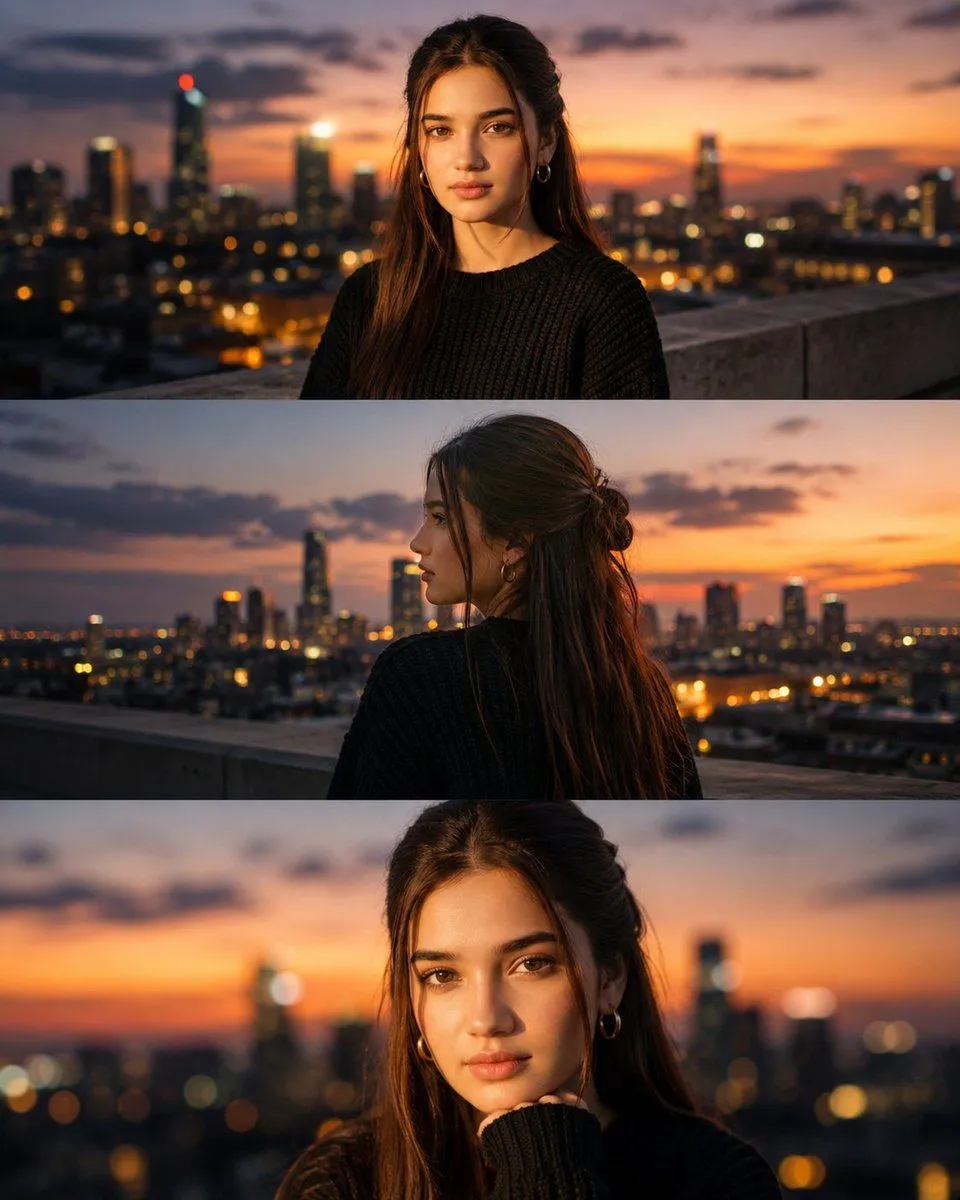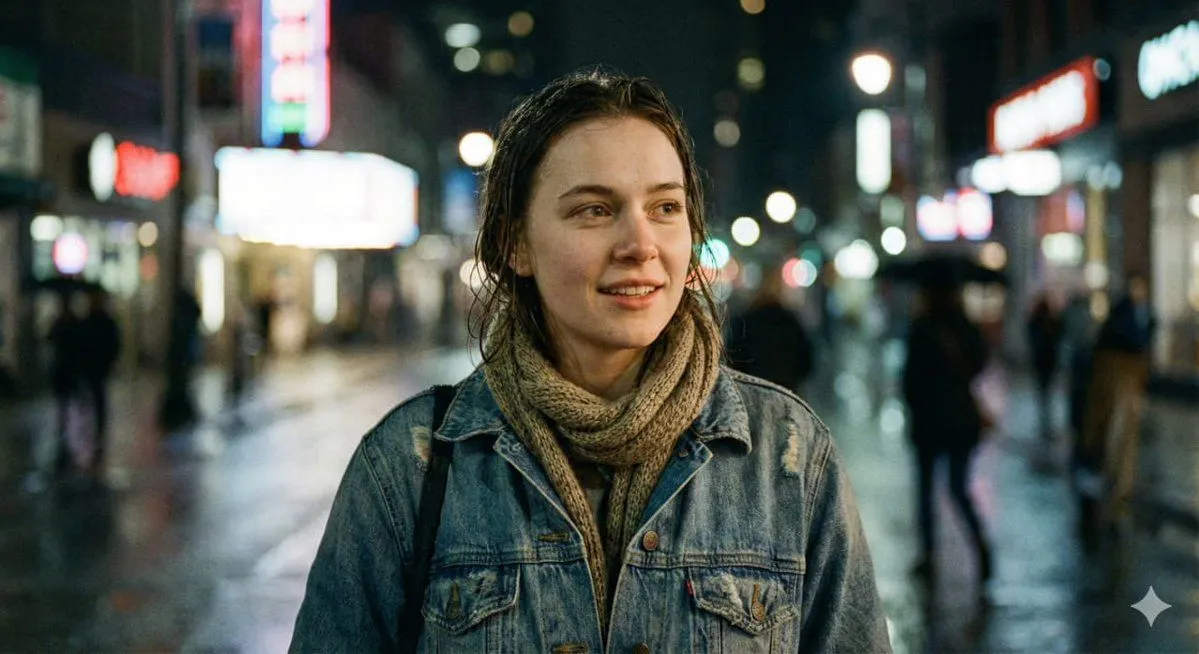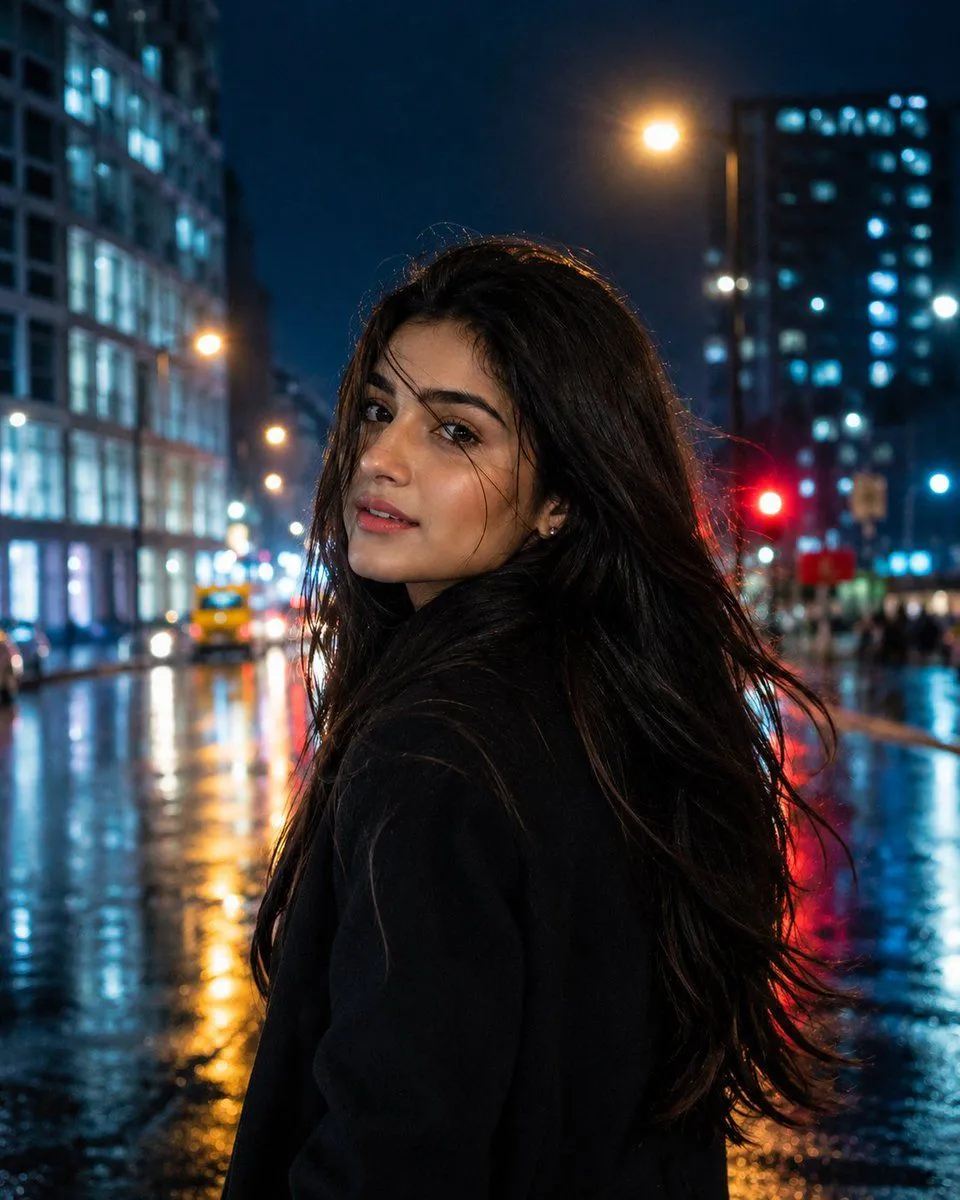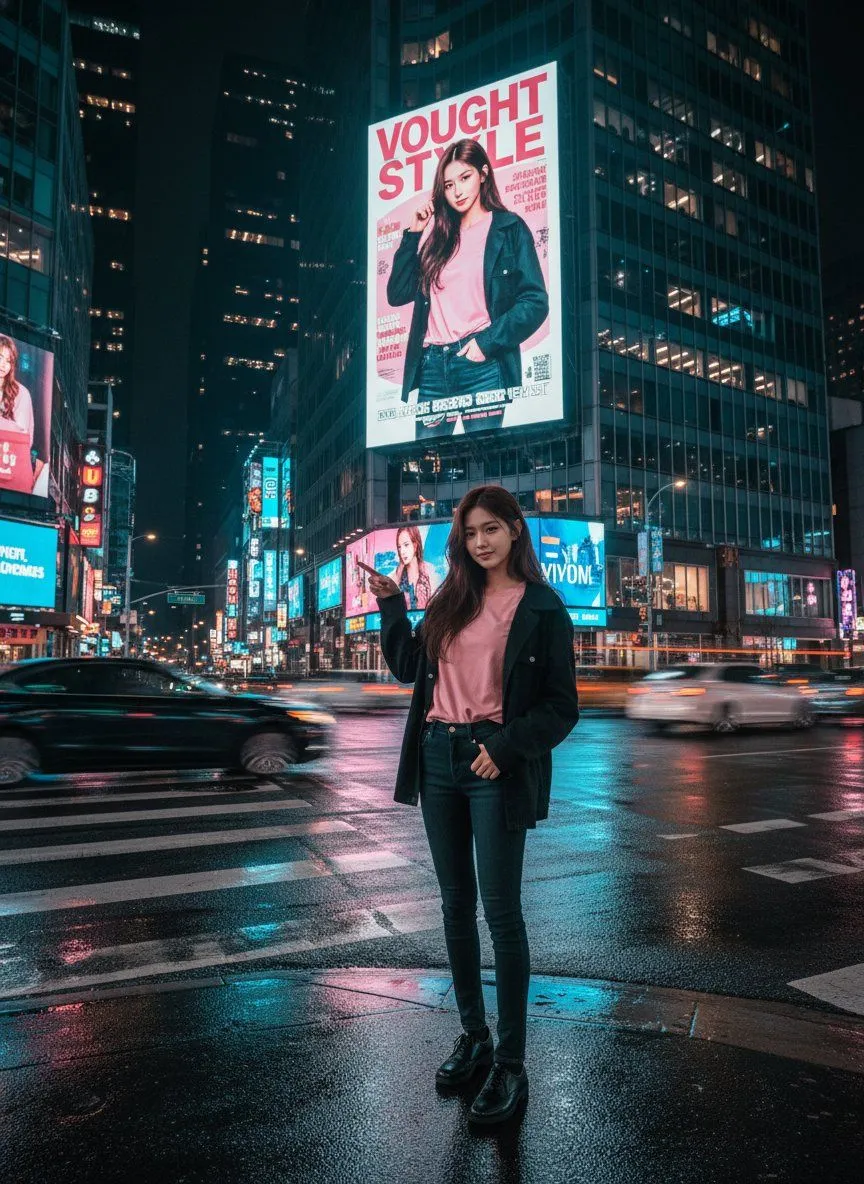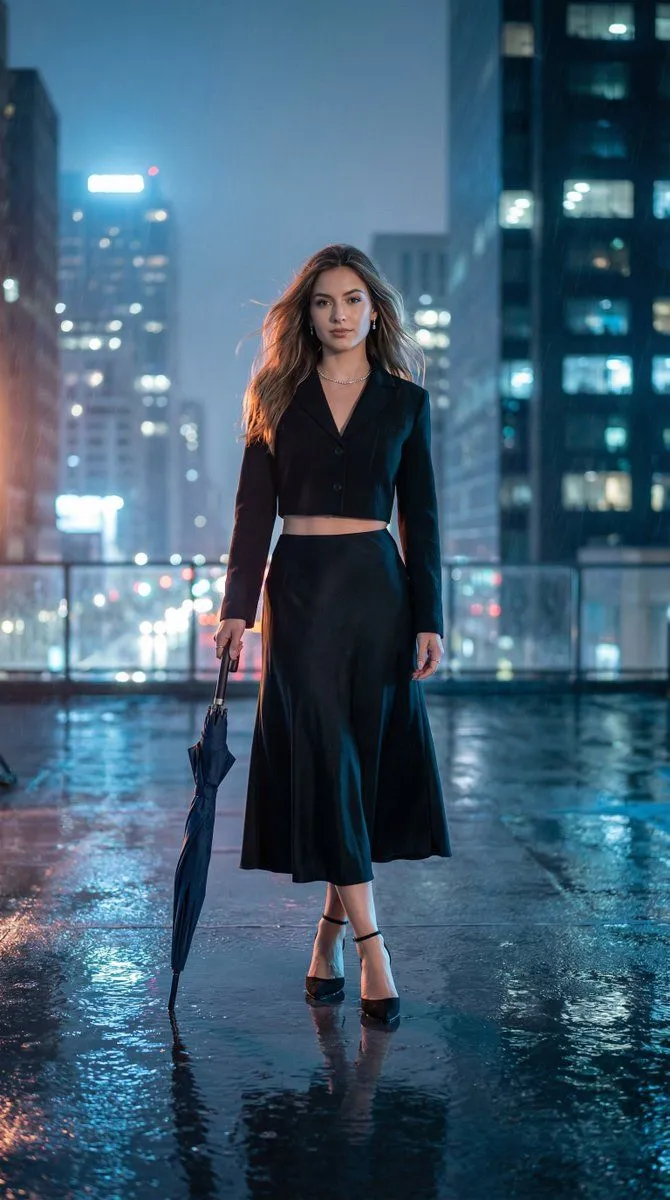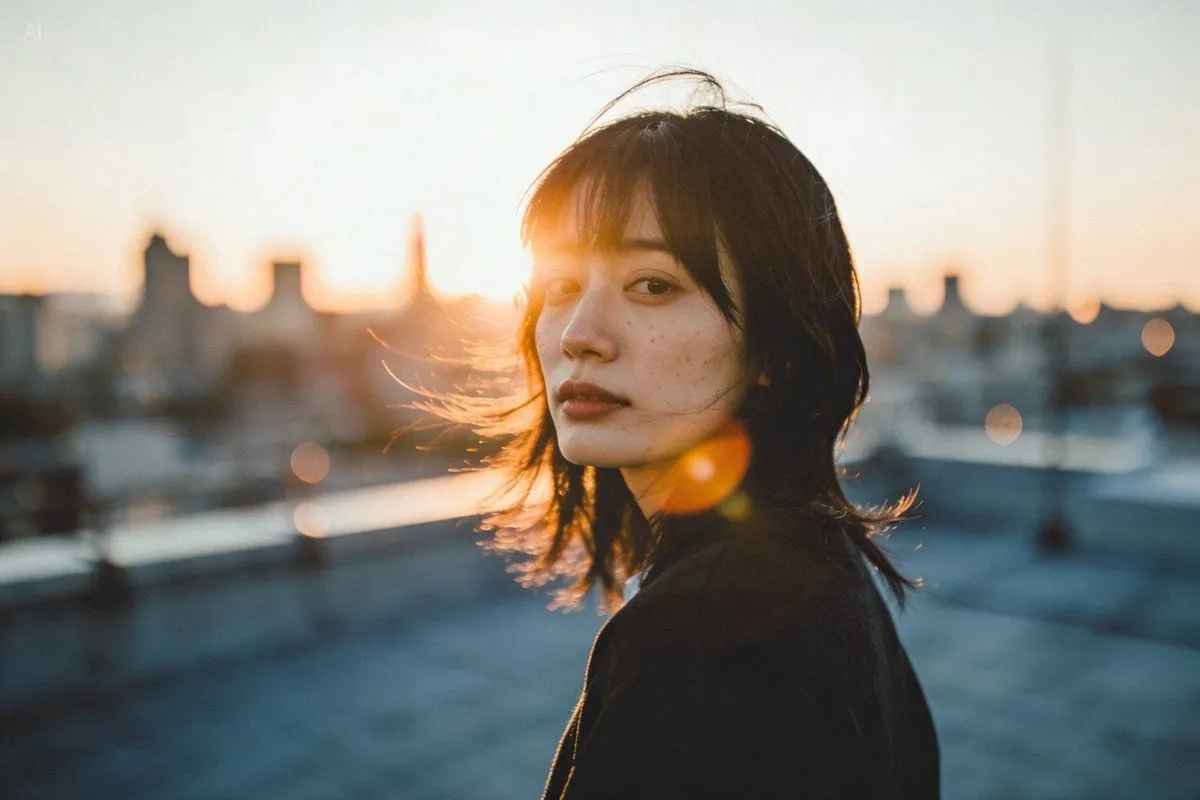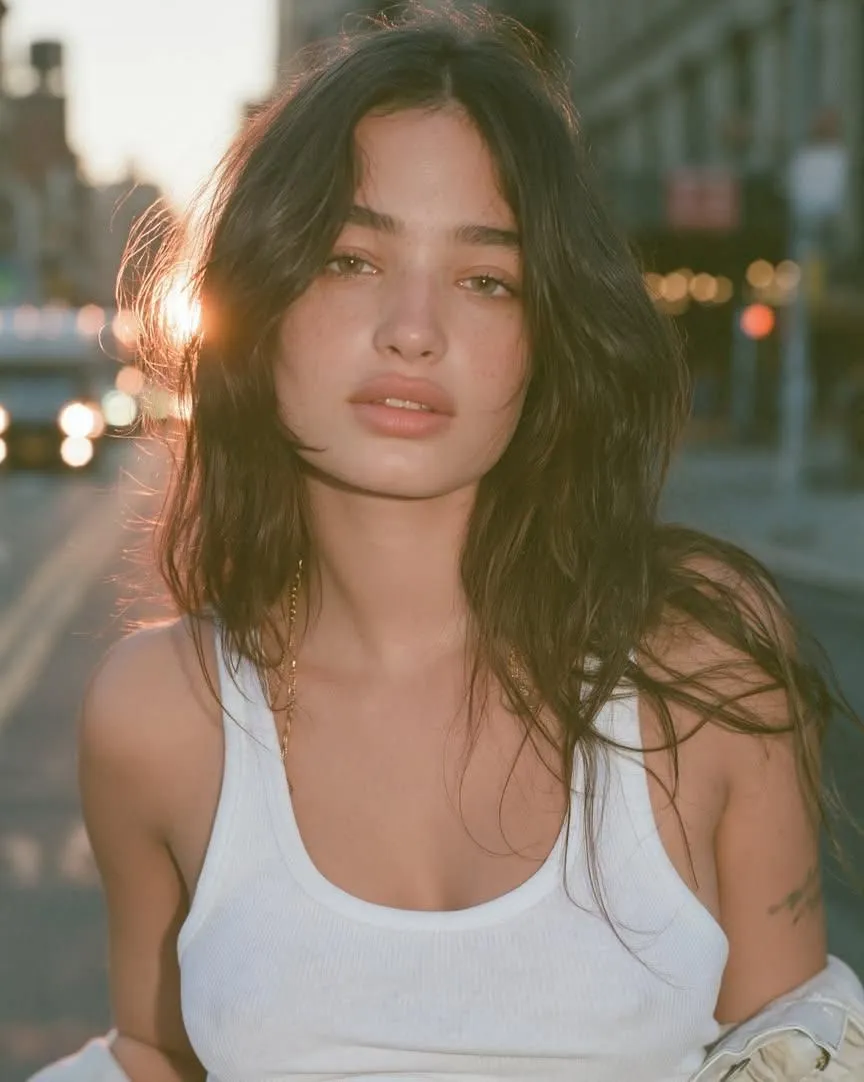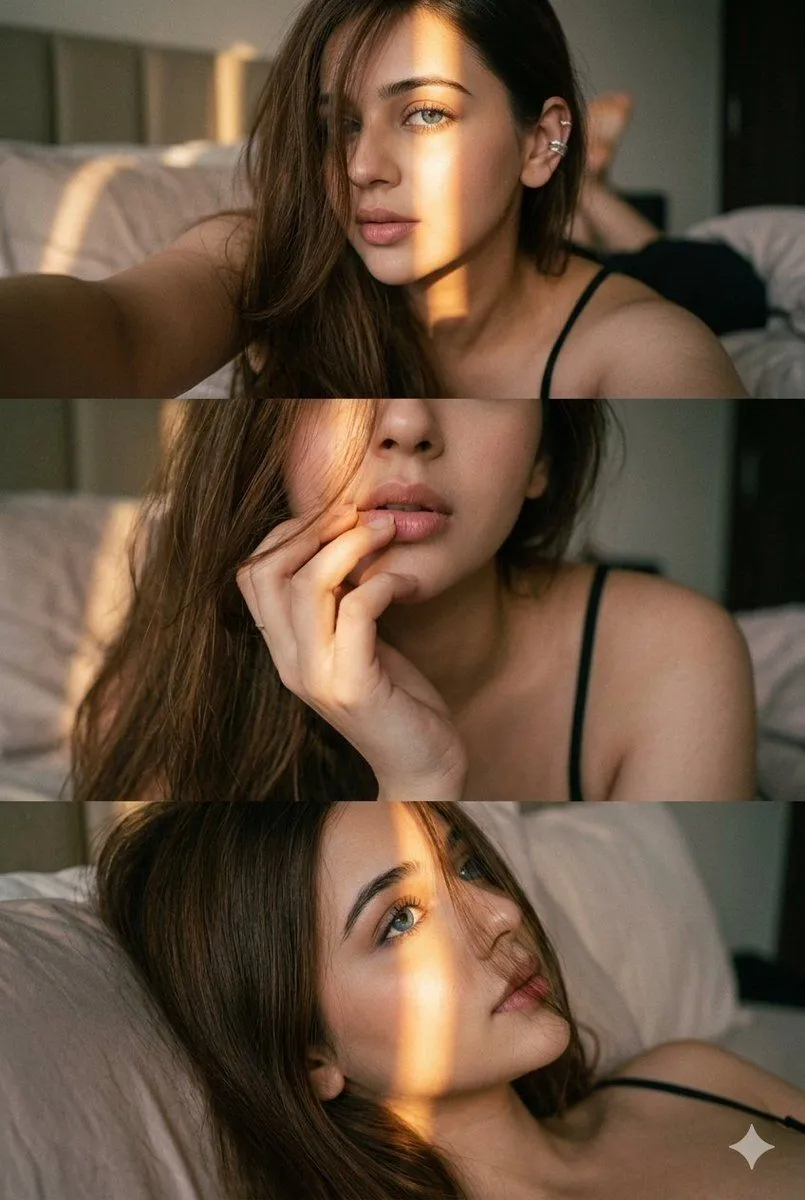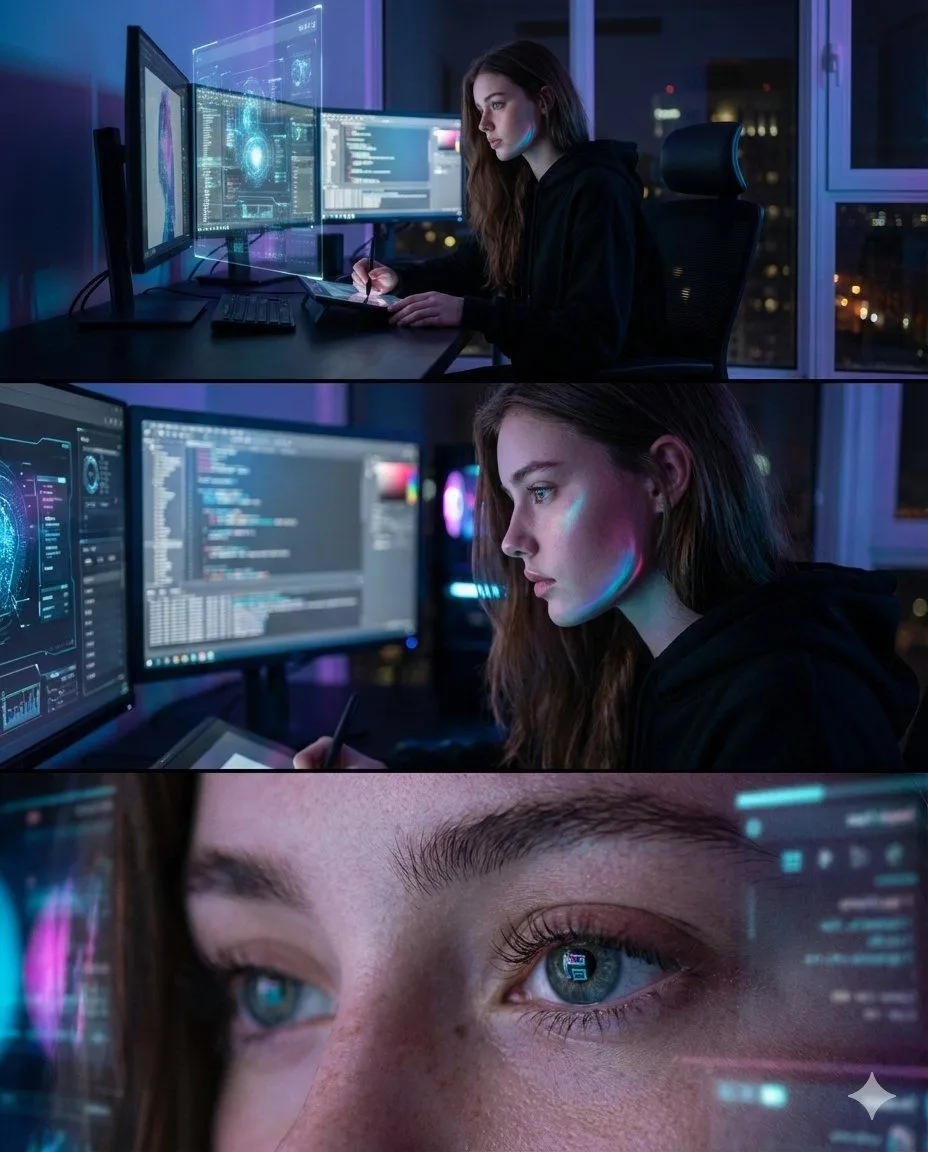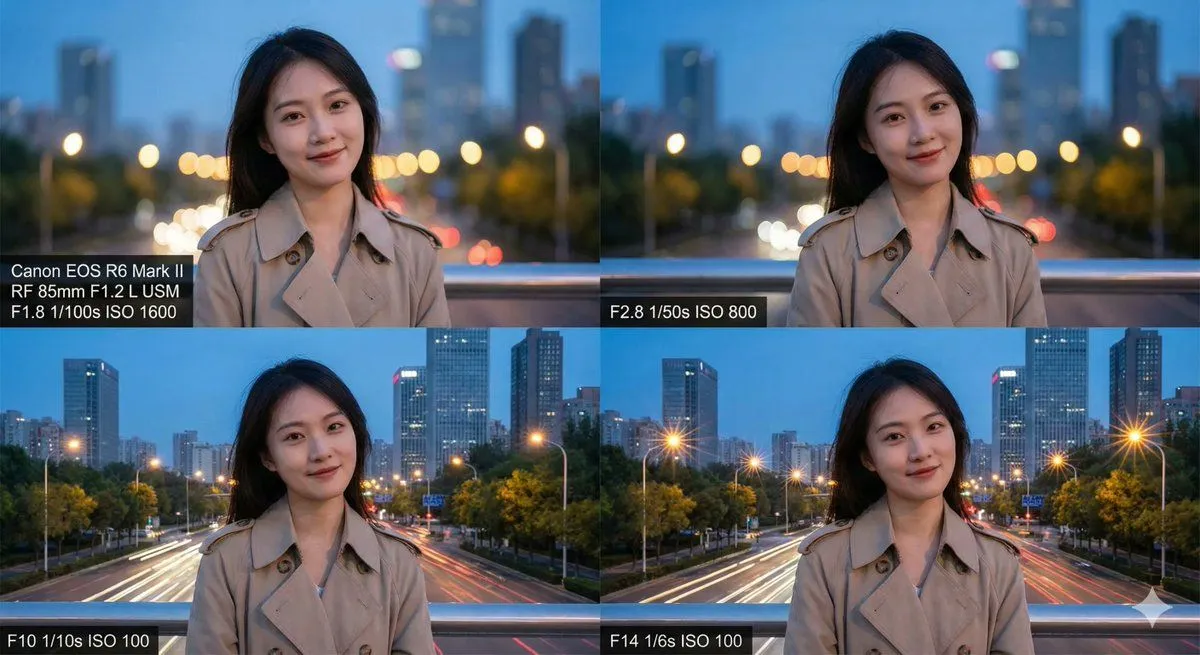
Made with Nano Banana Pro in Gemini by Library Social. Promptclay never generates images.
Did it work?
No reports yet. Tell others if it worked for you.
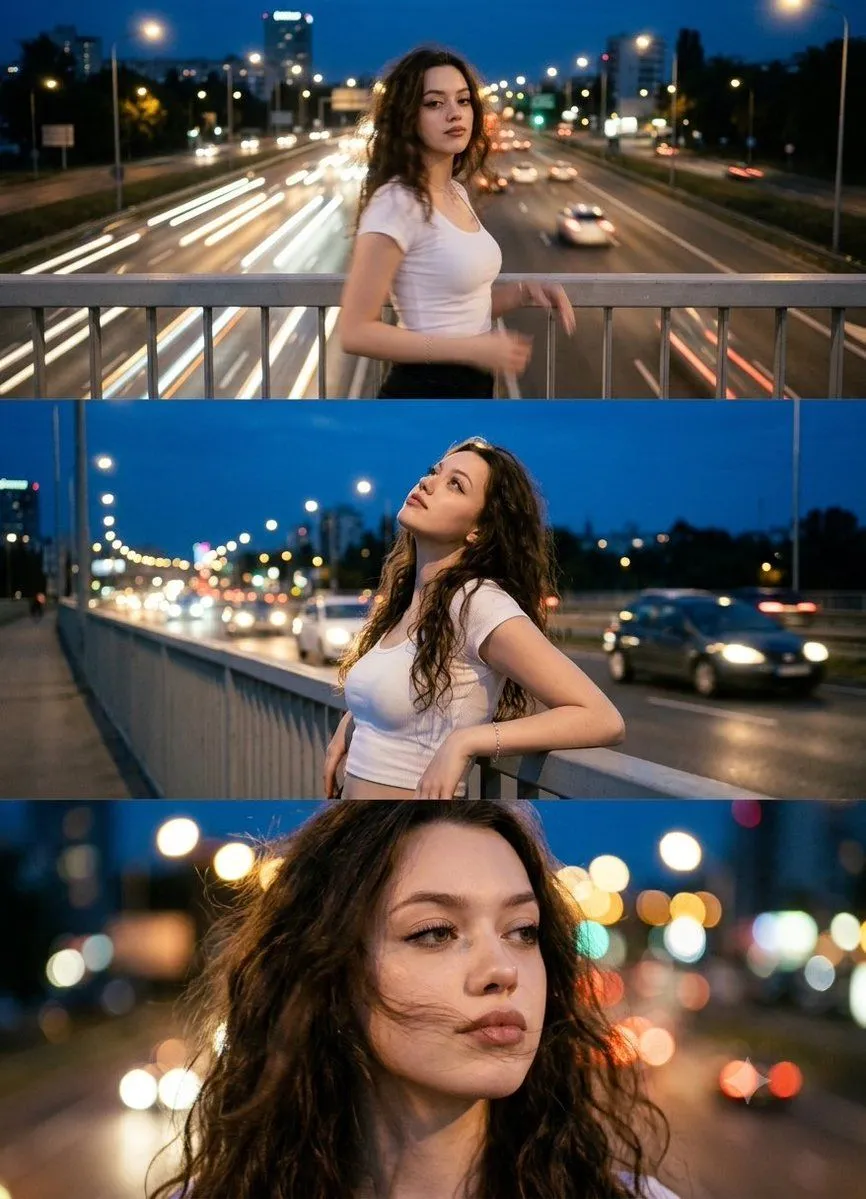
Night City Cinematic Triptych
Prompt
2 blanks to fillUse the uploaded photo as the exact identity reference. Keep the same person, same face, same facial features, same proportions, skin tone, and natural expression — do not alter identity. Preserve the subject's actual gender presentation, body type, and outfit from the reference photo unless otherwise specified. Create a photorealistic cinematic triptych portrait (three-frame composition in one image). Scene: {setting}. Atmosphere: {mood}. Frame 1 (top) — Wide cinematic shot: The person standing on a bridge above a busy road, slight motion blur from head/body movement, city lights and cars below, strong urban night mood. Frame 2 (middle) — Medium shot: Person leaning on the bridge railing, looking up at the sky, relaxed and confident pose, cars and headlights glowing behind them. Frame 3 (bottom) — Close-up emotional portrait: Wind in hair, city lights in bokeh behind, thoughtful and dreamy expression. Style: Real photography, cinematic lifestyle portrait, urban fashion photography. Lighting: Natural city night lighting, street lamps, car headlights, soft glow on skin. Camera: Full-frame DSLR, 85mm lens look, shallow depth of field. Color grading: Warm city lights mixed with cool blue night tones, film-style mood. Outfit: Preserve exact outfit from the reference photo — do not change clothing, accessories, or styling. Quality constraints: Ultra photorealistic, natural skin texture, real candid moment. No illustration, no CGI, no plastic skin, no text, no logos, no watermark.
Use only photos you have the right to usePhoto tips
- Your photo stays with your app. You upload it to Gemini, ChatGPT or the app you use. Promptclay never sees or stores it.
- Crop to what the prompt needs. Your face for a portrait. Leave out other people, house numbers, cards and screens.
- Check the result before you post. Apps sometimes add things that were not in your photo, like a mole, a tattoo or bare shoulders. Run it again or ask the app to remove them.
Preview of your prompt
Use the uploaded photo as the exact identity reference. Keep the same person, same face, same facial features, same proportions, skin tone, and natural expression — do not alter identity. Preserve the subject's actual gender presentation, body type, and outfit from the reference photo unless otherwise specified. Create a photorealistic cinematic triptych portrait (three-frame composition in one image). Scene: Night city, bridge over a busy road, moving cars, glowing street lights, evening sky, city skyline in the background. Atmosphere: freedom, motion, youth, urban romance, feeling of wind and road. Frame 1 (top) — Wide cinematic shot: The person standing on a bridge above a busy road, slight motion blur from head/body movement, city lights and cars below, strong urban night mood. Frame 2 (middle) — Medium shot: Person leaning on the bridge railing, looking up at the sky, relaxed and confident pose, cars and headlights glowing behind them. Frame 3 (bottom) — Close-up emotional portrait: Wind in hair, city lights in bokeh behind, thoughtful and dreamy expression. Style: Real photography, cinematic lifestyle portrait, urban fashion photography. Lighting: Natural city night lighting, street lamps, car headlights, soft glow on skin. Camera: Full-frame DSLR, 85mm lens look, shallow depth of field. Color grading: Warm city lights mixed with cool blue night tones, film-style mood. Outfit: Preserve exact outfit from the reference photo — do not change clothing, accessories, or styling. Quality constraints: Ultra photorealistic, natural skin texture, real candid moment. No illustration, no CGI, no plastic skin, no text, no logos, no watermark.
DetailsVersions, settings and questions
Written for
What's in the prompt
- Subject
- Model
- Nano Banana Pro
If your face changes
keep my face exactly the sameQuestions
- Does this work in the Gemini app?
- Yes. Gemini runs Nano Banana, so paste the prompt and attach your photo if it uses one.
- It changed my face. What do I do?
- Add "keep my face exactly the same" to the end and run it again.
- Can I use the images I make?
- Check the terms of the app you use. Promptclay never generates images and claims nothing you make.