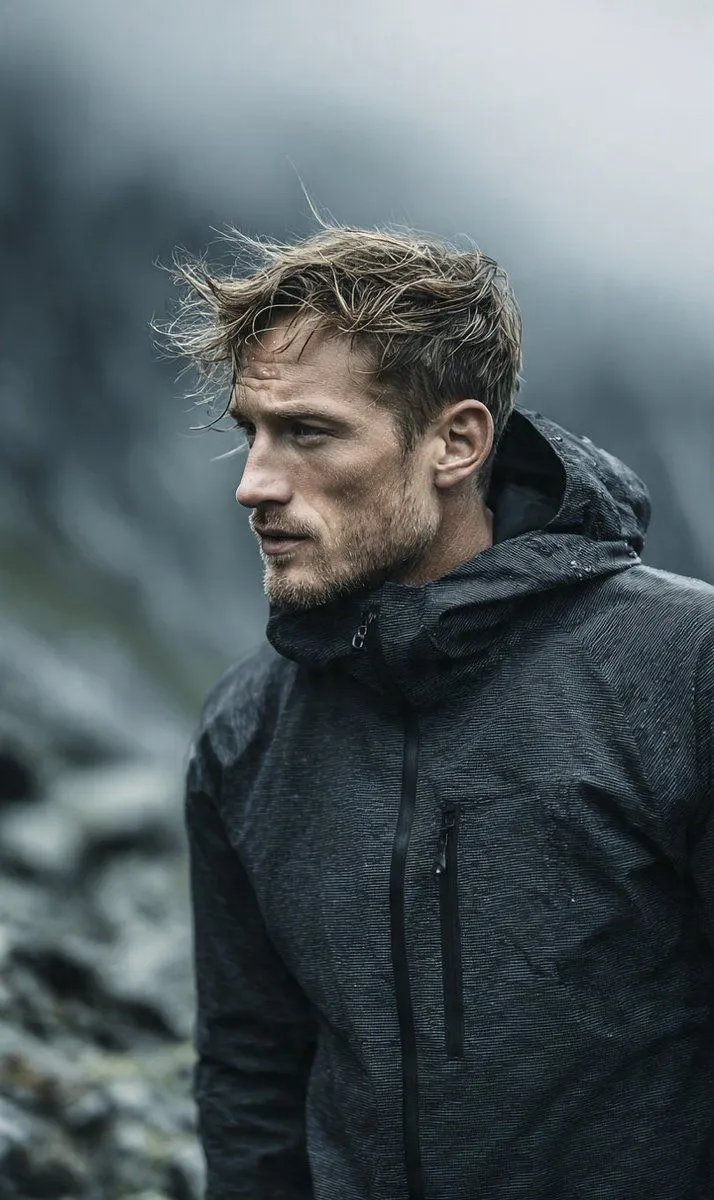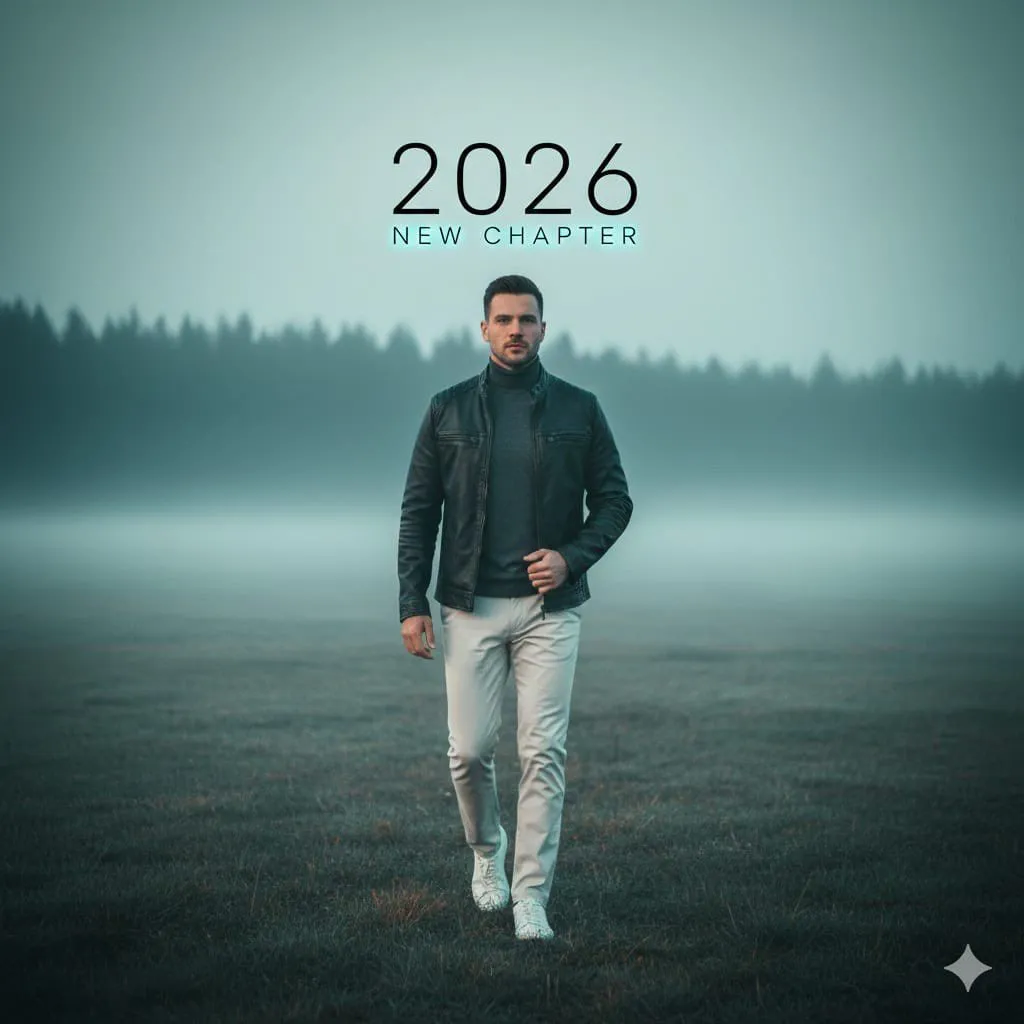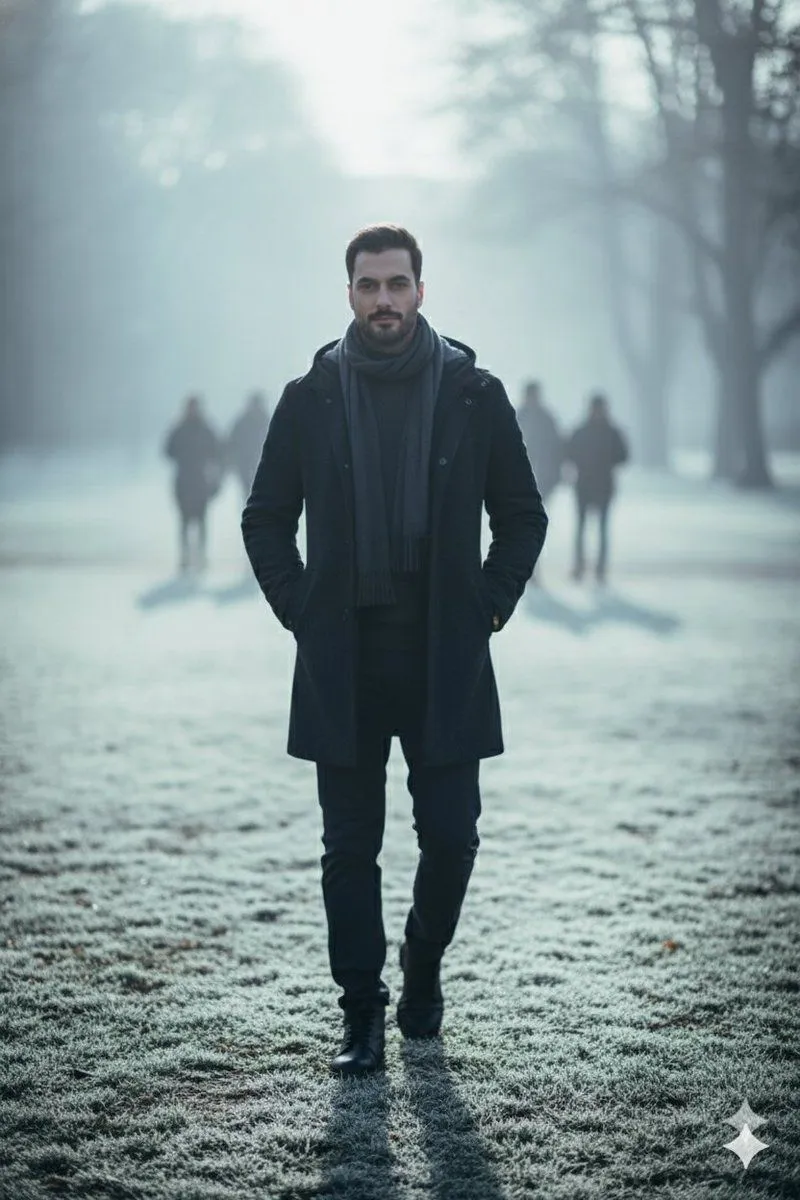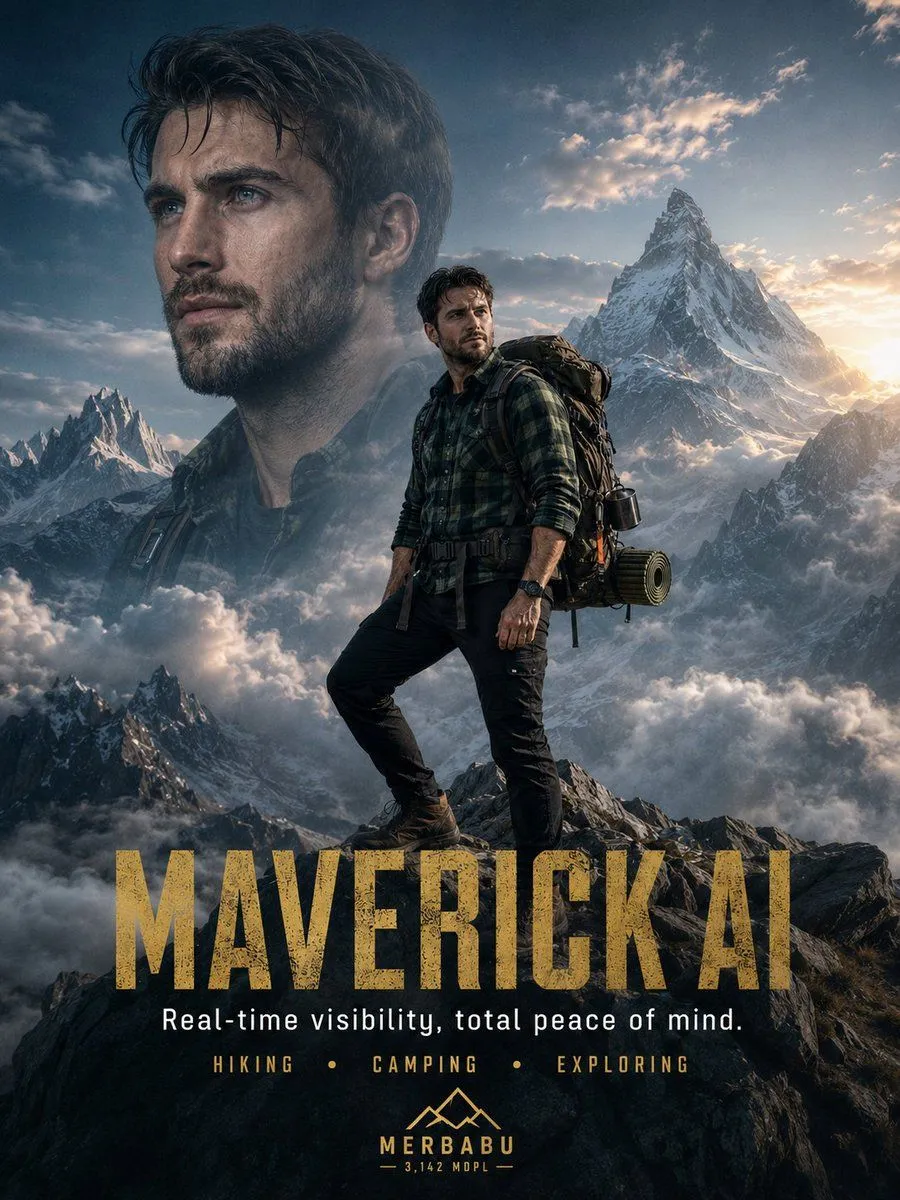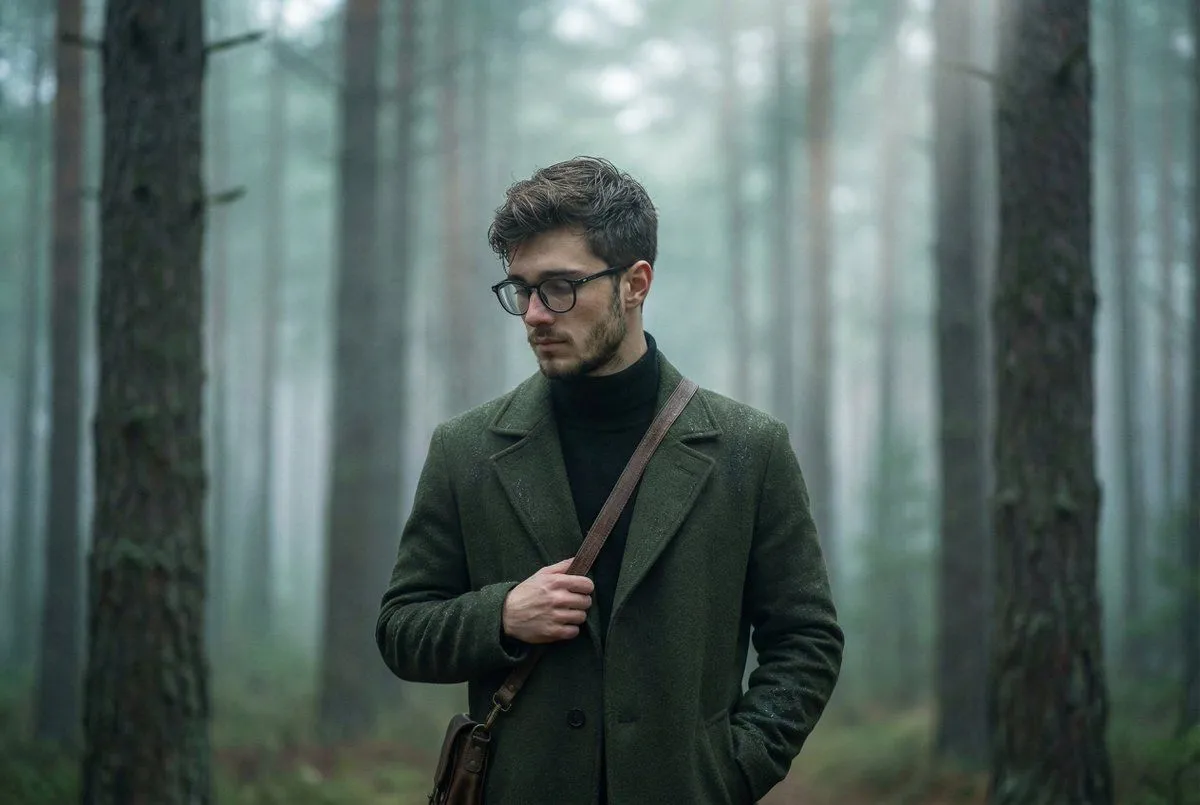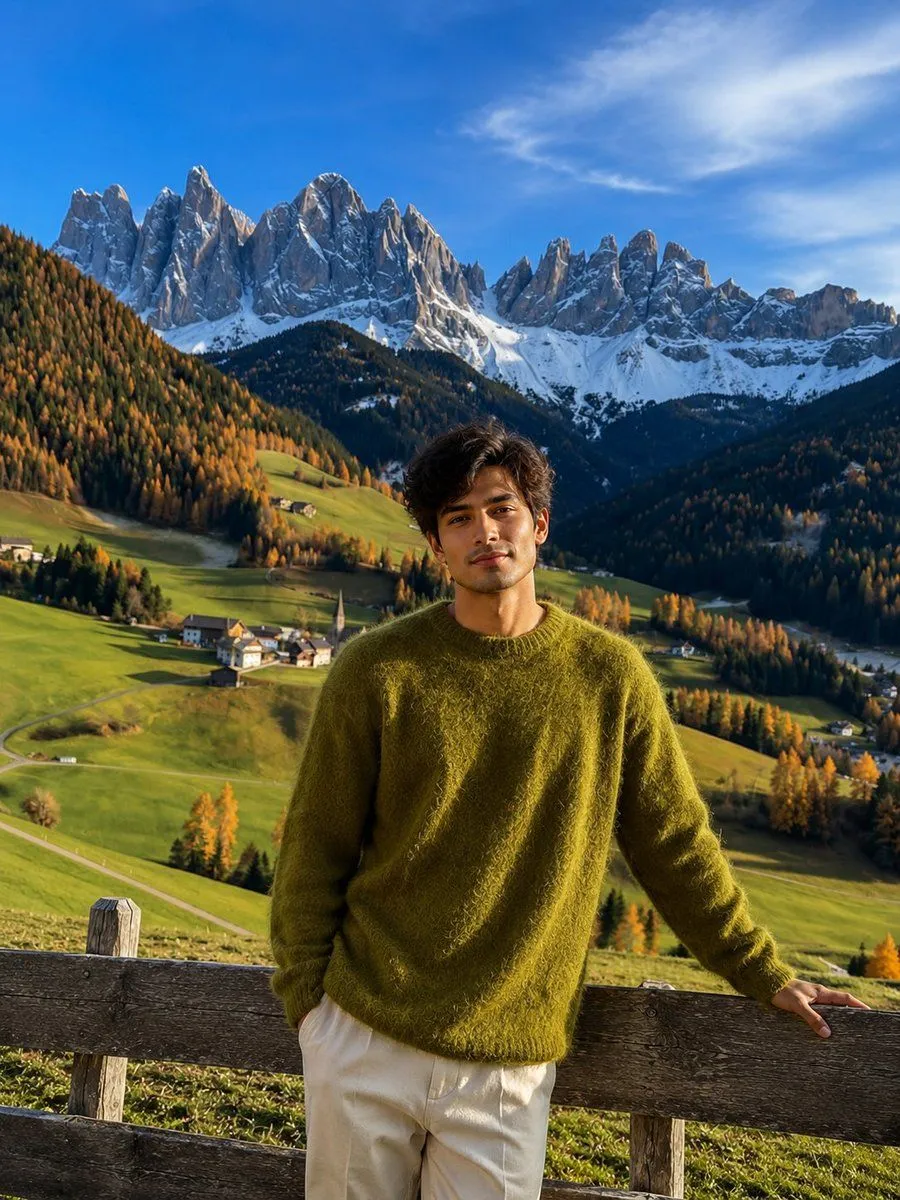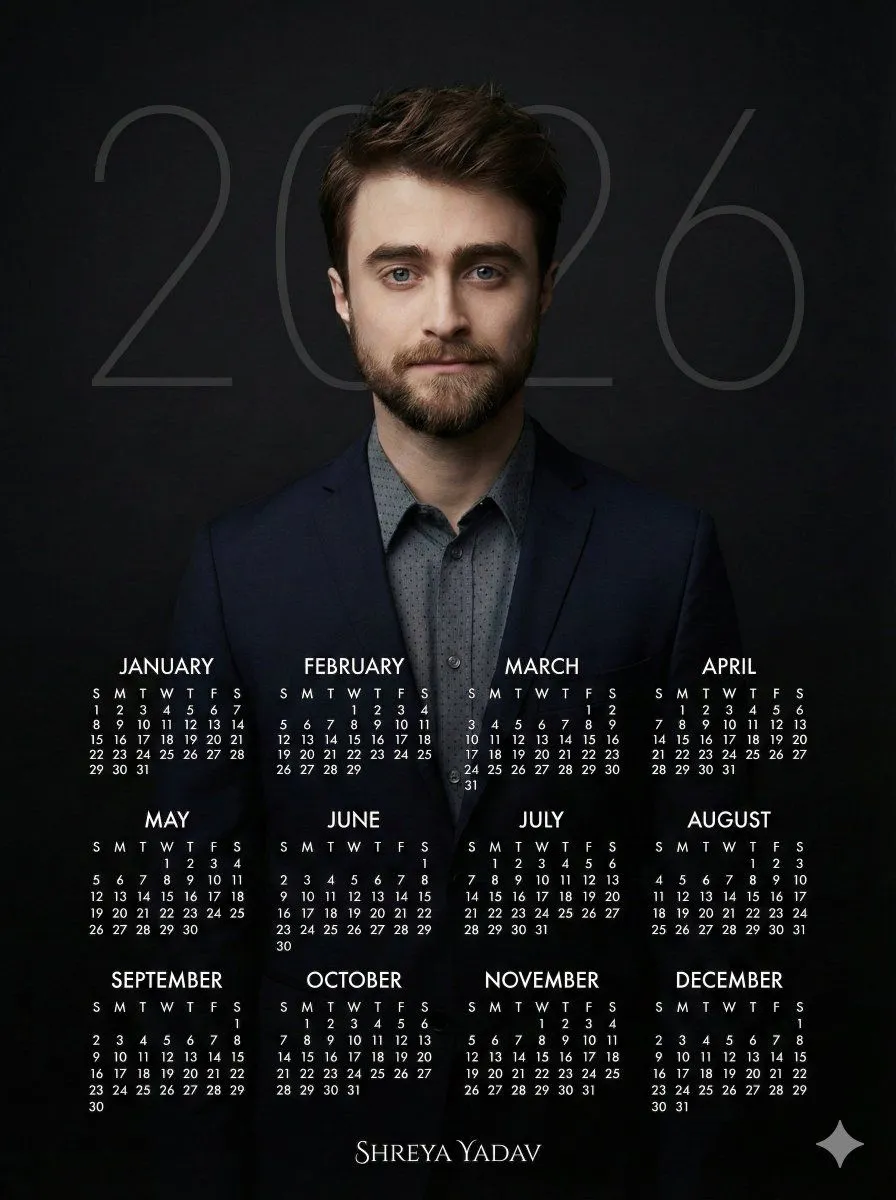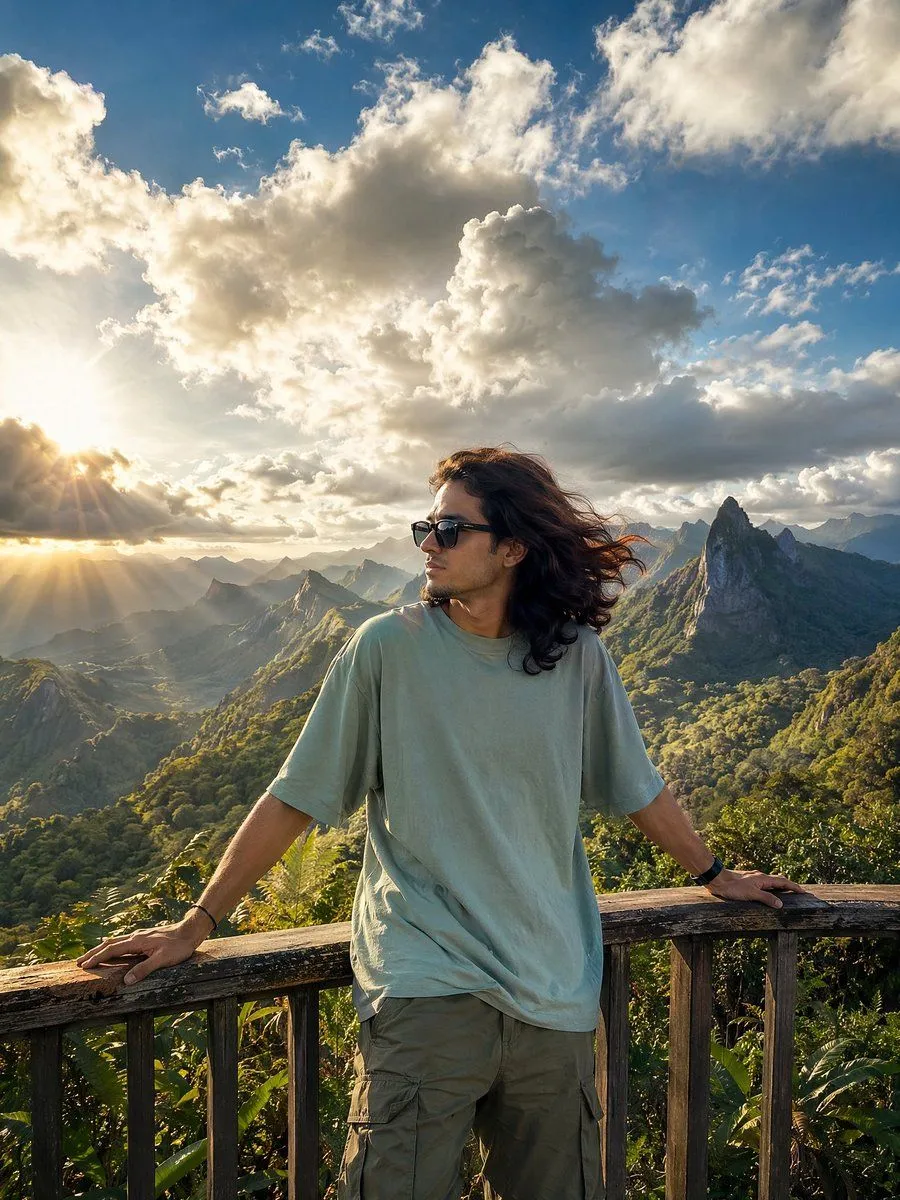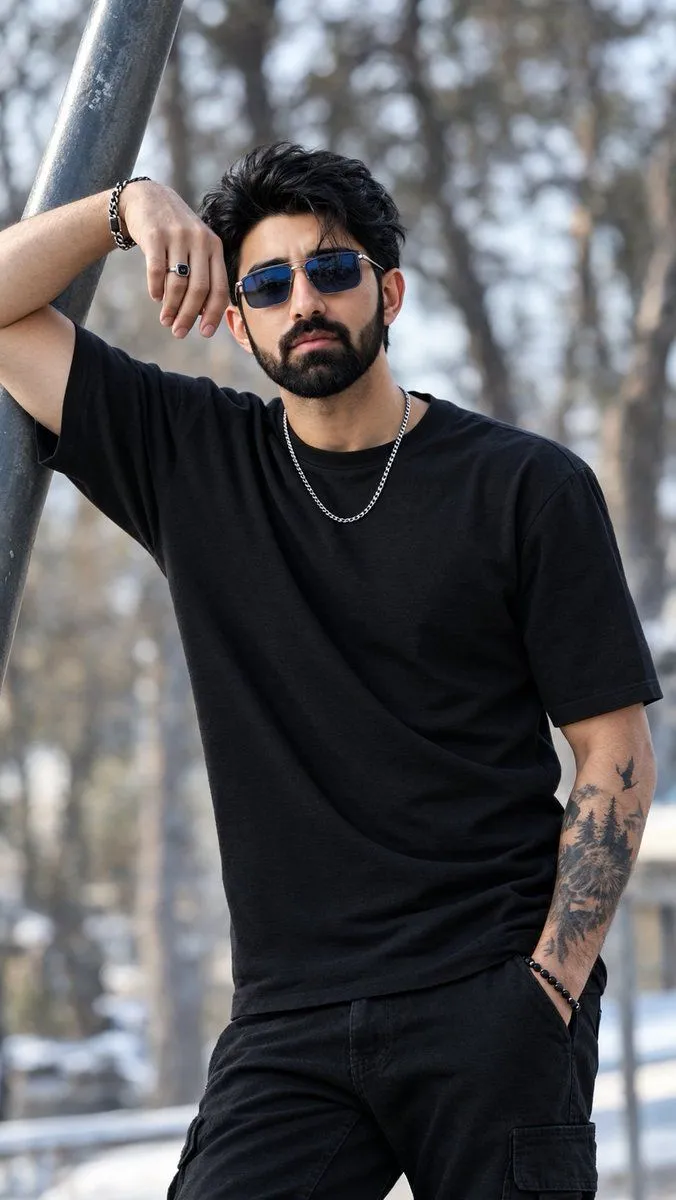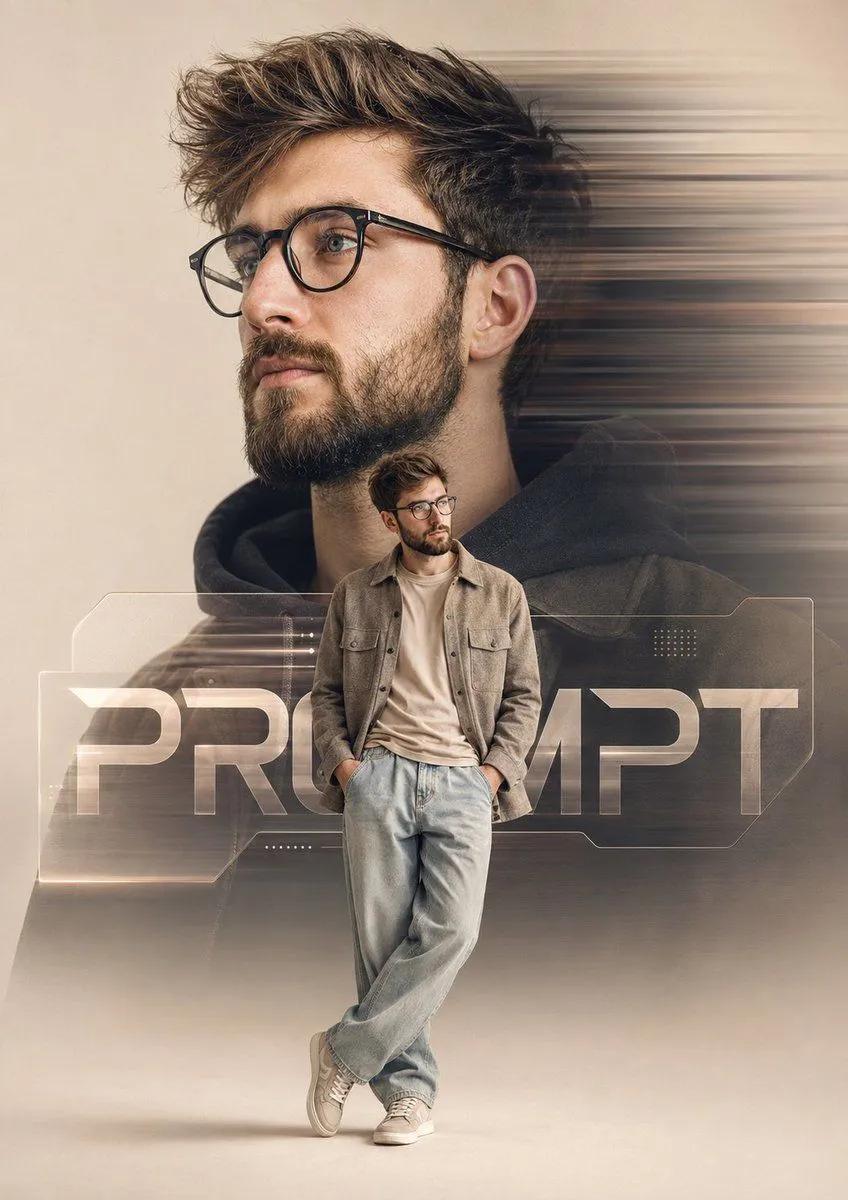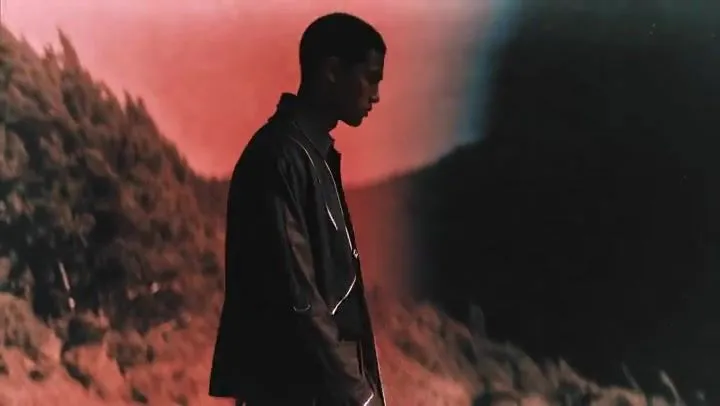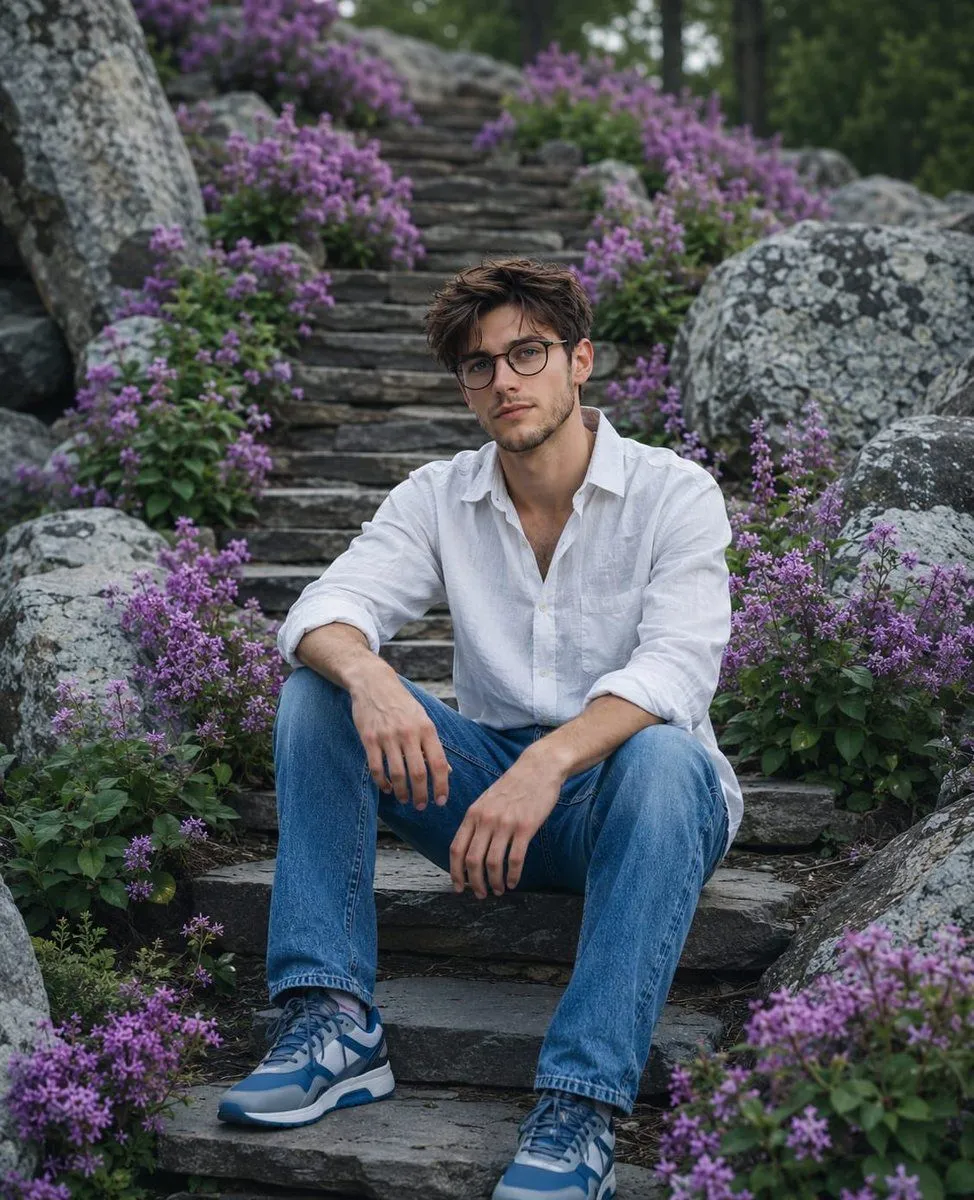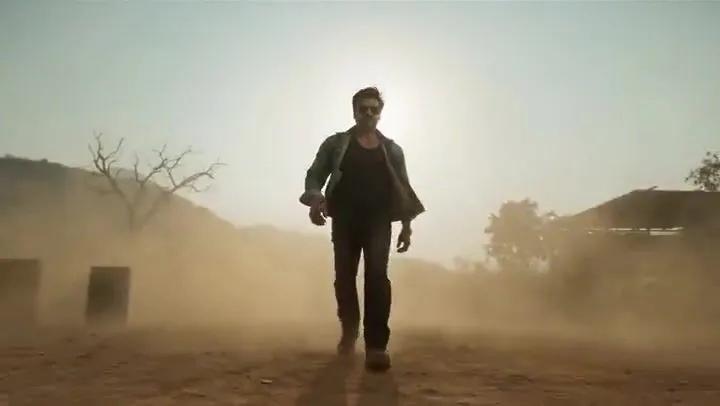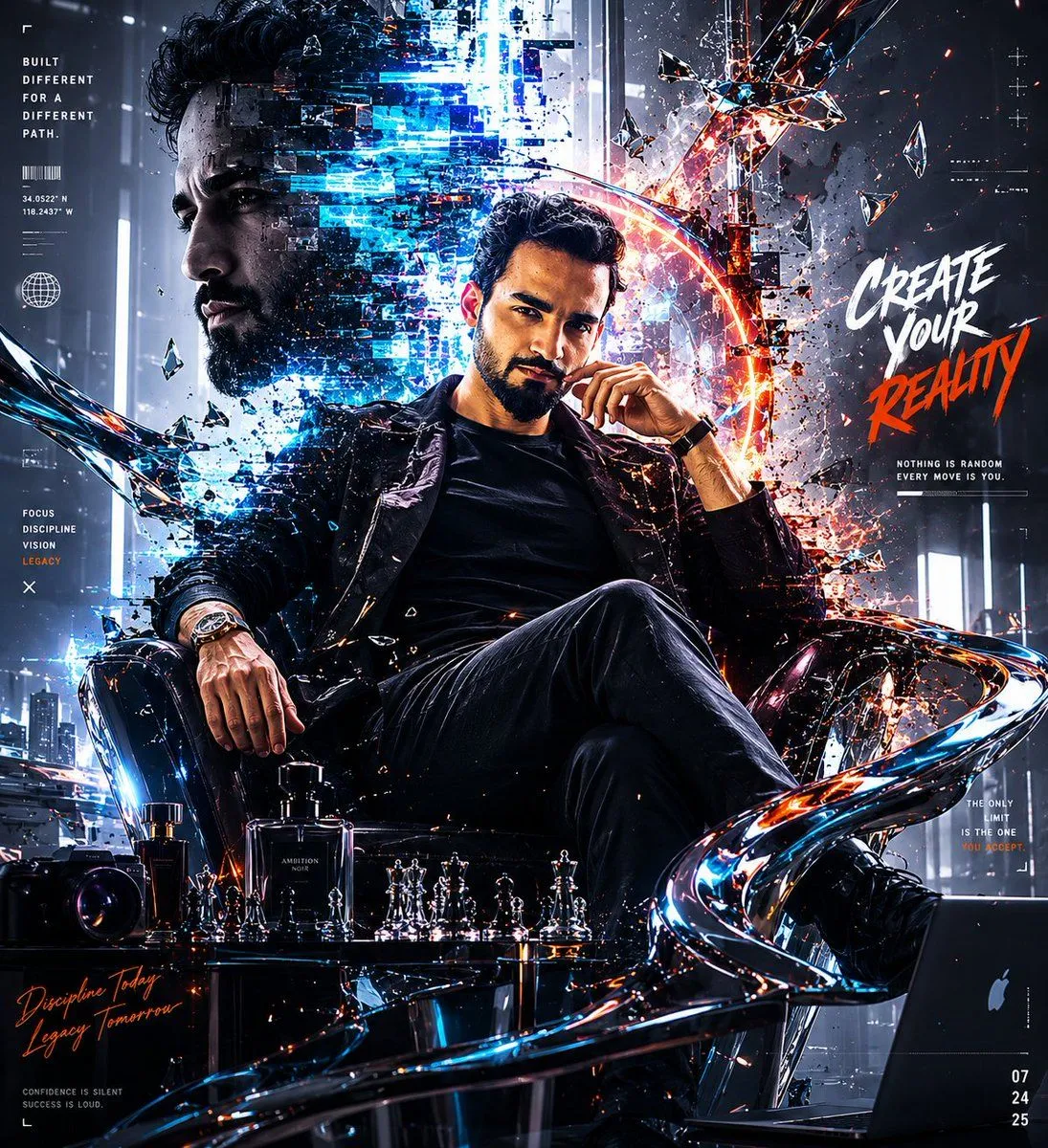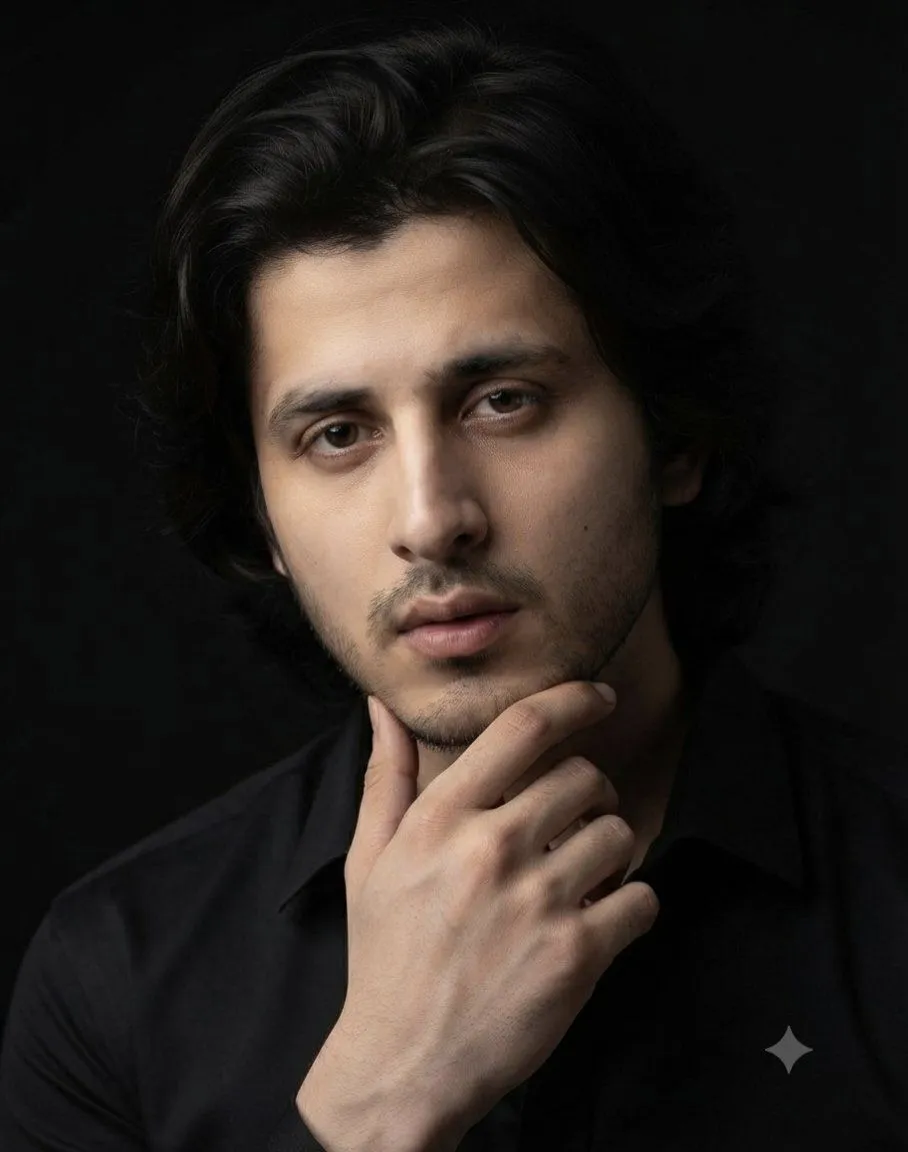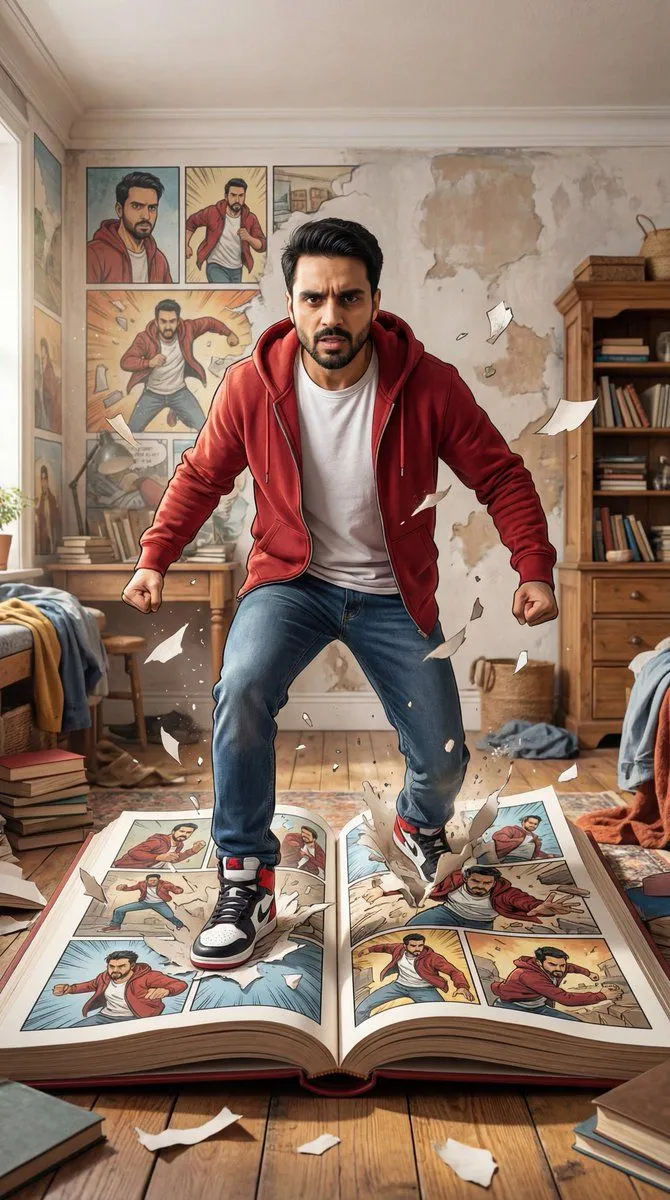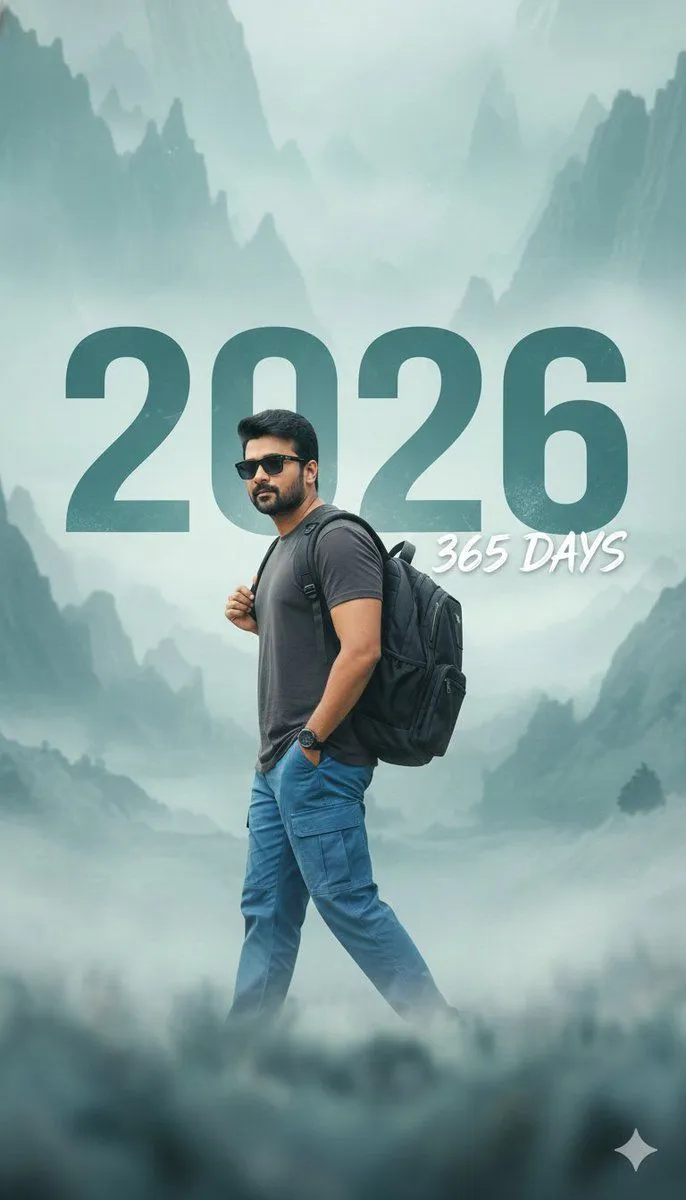
Made with Nano Banana Pro in Gemini by Library Social. Promptclay never generates images.
Did it work?
No reports yet. Tell others if it worked for you.
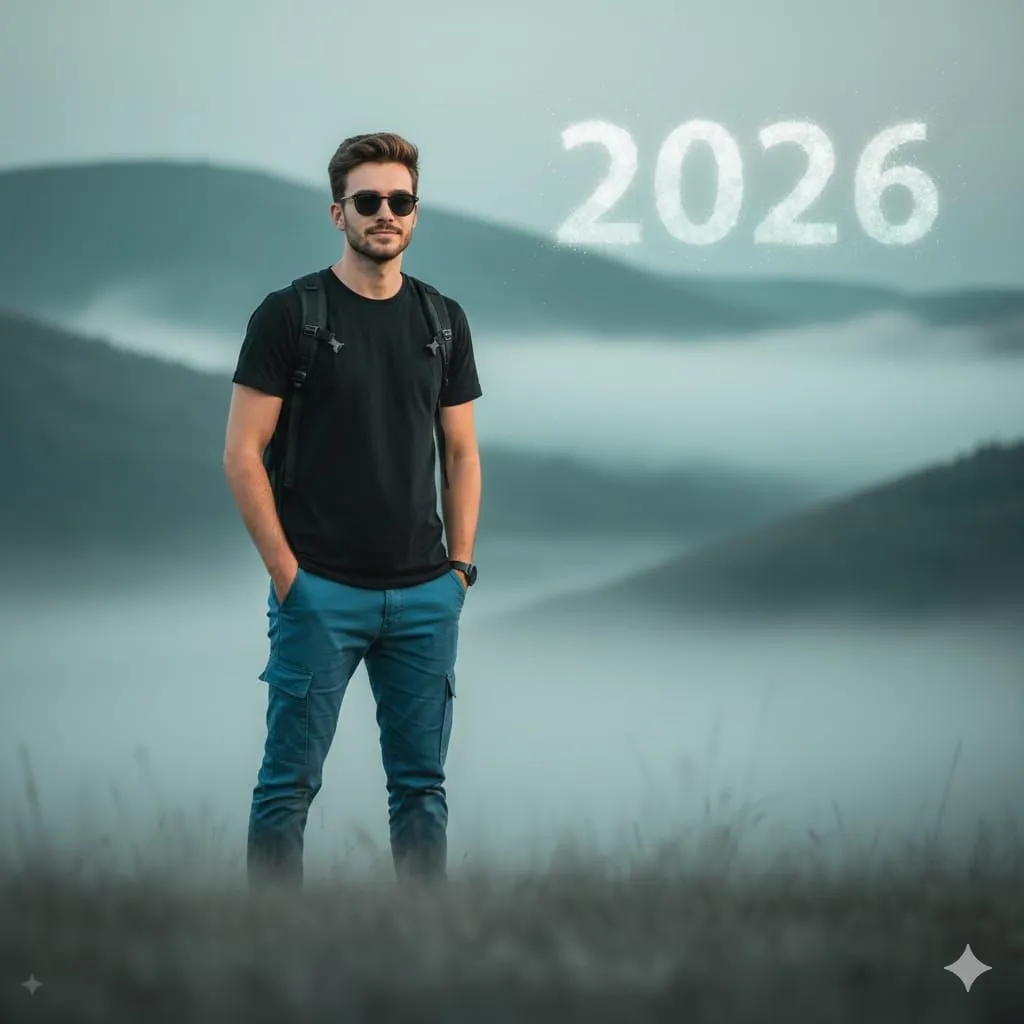
New Year 2026 Cinematic Photo with Text Overlay
Prompt
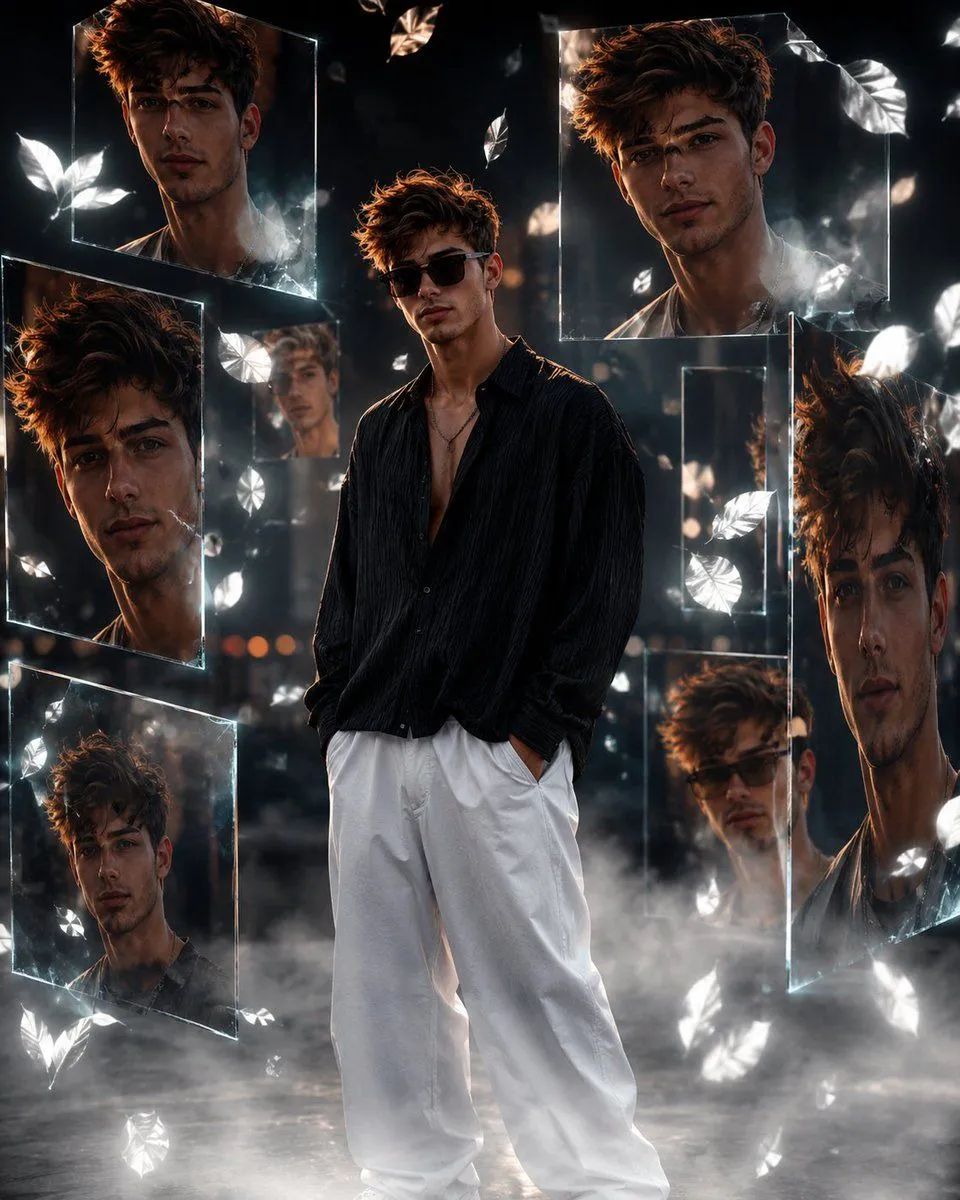
2 blanks to fill{ "prompt": "HD photo of a stylish beautiful young person wearing sunglasses, a solid black or dark charcoal shirt (replacing the white and blue batan shirt for better contrast), paired with blue cargo pants, and carrying a black backpack in the left hand while walking confidently across a soft blurred foreground. Background is a misty ethereal landscape with muted teal, blue, and light gray tones. Large bold slightly distressed teal text overlay reads '{year}', with smaller text below saying '{days}'. Cinematic, highly detailed, soft lighting, New Year aesthetic. Camera angle: left side. Keep the face same as the uploaded photo — don't change face." }
Use only photos you have the right to usePhoto tips
- Your photo stays with your app. You upload it to Gemini, ChatGPT or the app you use. Promptclay never sees or stores it.
- Crop to what the prompt needs. Your face for a portrait. Leave out other people, house numbers, cards and screens.
- Check the result before you post. Apps sometimes add things that were not in your photo, like a mole, a tattoo or bare shoulders. Run it again or ask the app to remove them.
Preview of your prompt
{ "prompt": "HD photo of a stylish beautiful young person wearing sunglasses, a solid black or dark charcoal shirt (replacing the white and blue batan shirt for better contrast), paired with blue cargo pants, and carrying a black backpack in the left hand while walking confidently across a soft blurred foreground. Background is a misty ethereal landscape with muted teal, blue, and light gray tones. Large bold slightly distressed teal text overlay reads '2026', with smaller text below saying '365 DAYS'. Cinematic, highly detailed, soft lighting, New Year aesthetic. Camera angle: left side. Keep the face same as the uploaded photo — don't change face." }
DetailsVersions, settings and questions
Written for
What's in the prompt
- Subject
- Model
- Nano Banana Pro
If your face changes
keep my face exactly the sameQuestions
- Does this work in the Gemini app?
- Yes. Gemini runs Nano Banana, so paste the prompt and attach your photo if it uses one.
- It changed my face. What do I do?
- Add "keep my face exactly the same" to the end and run it again.
- Can I use the images I make?
- Check the terms of the app you use. Promptclay never generates images and claims nothing you make.