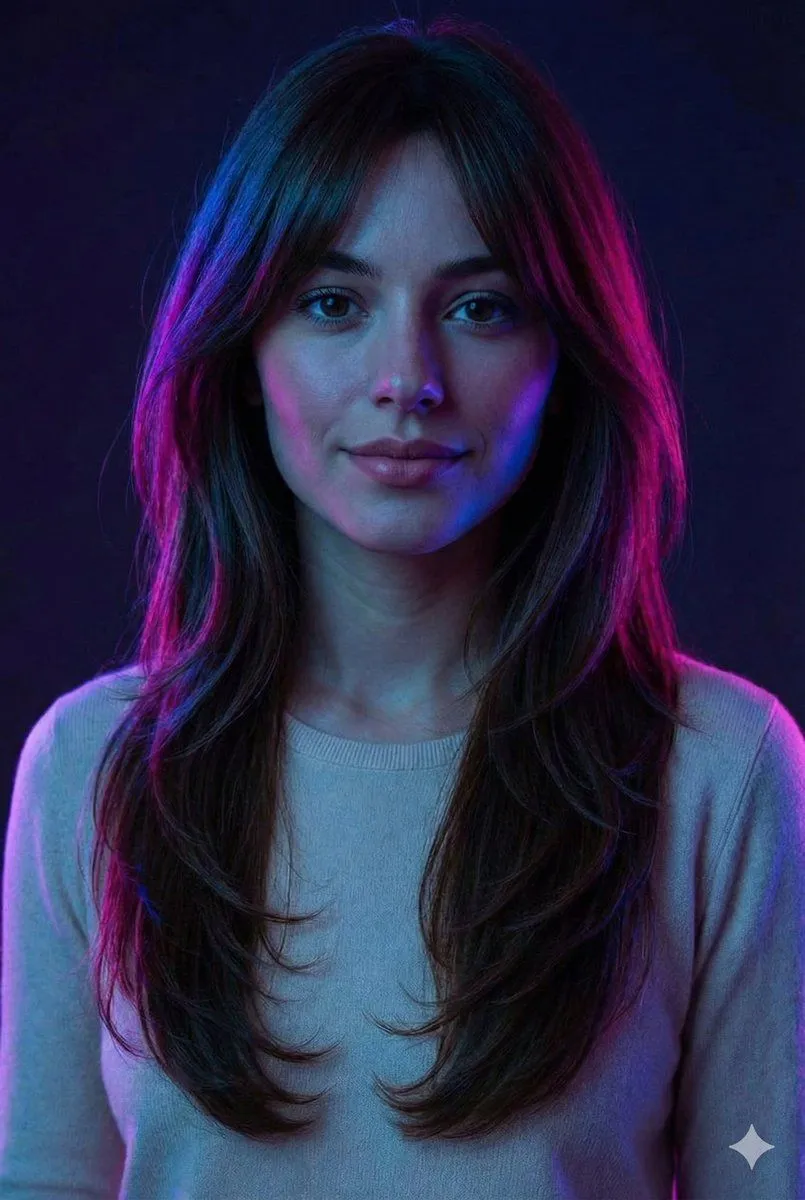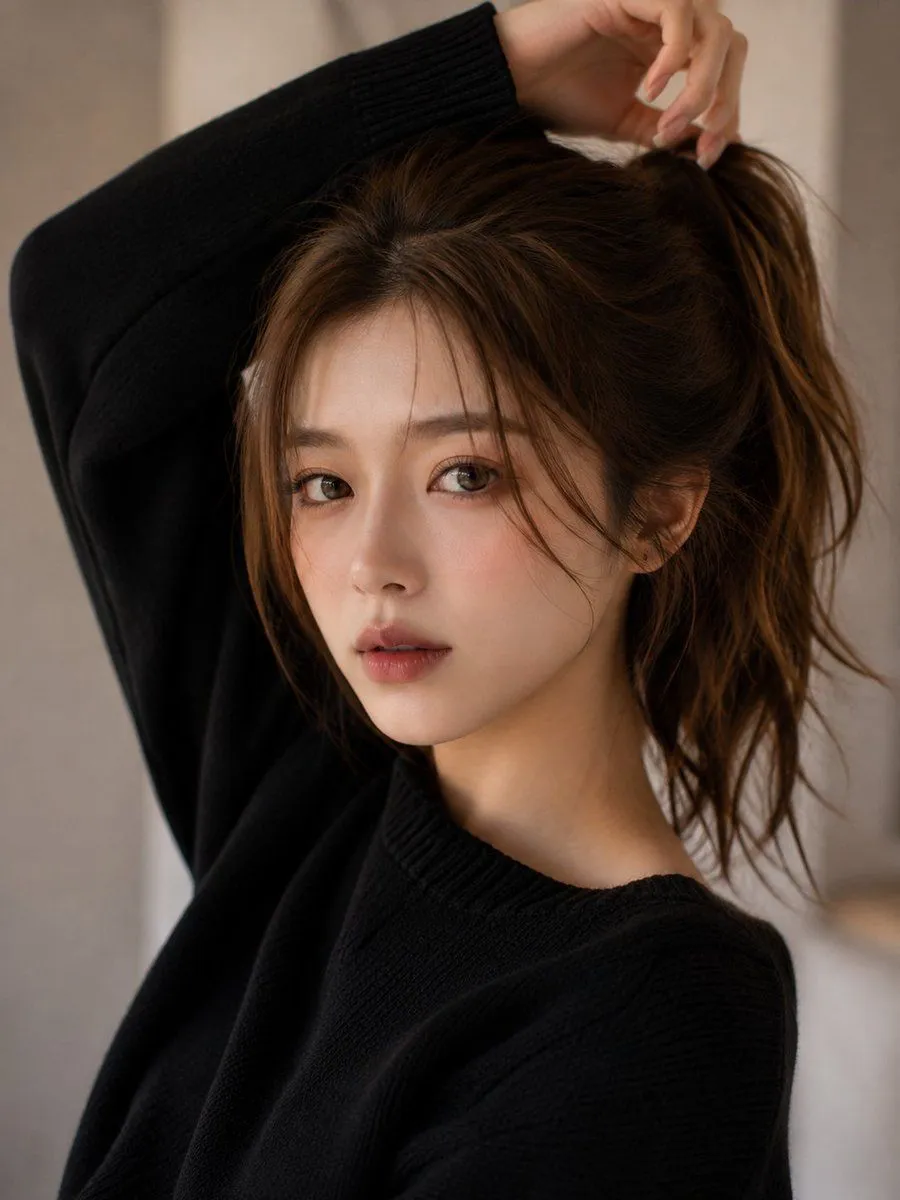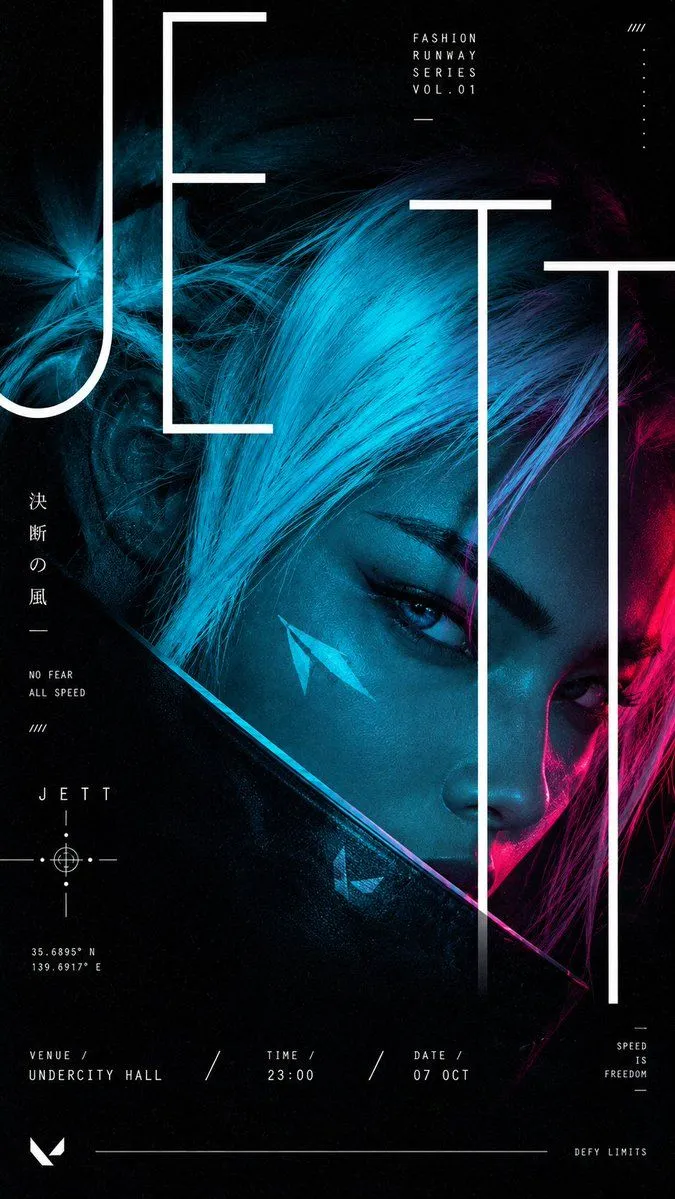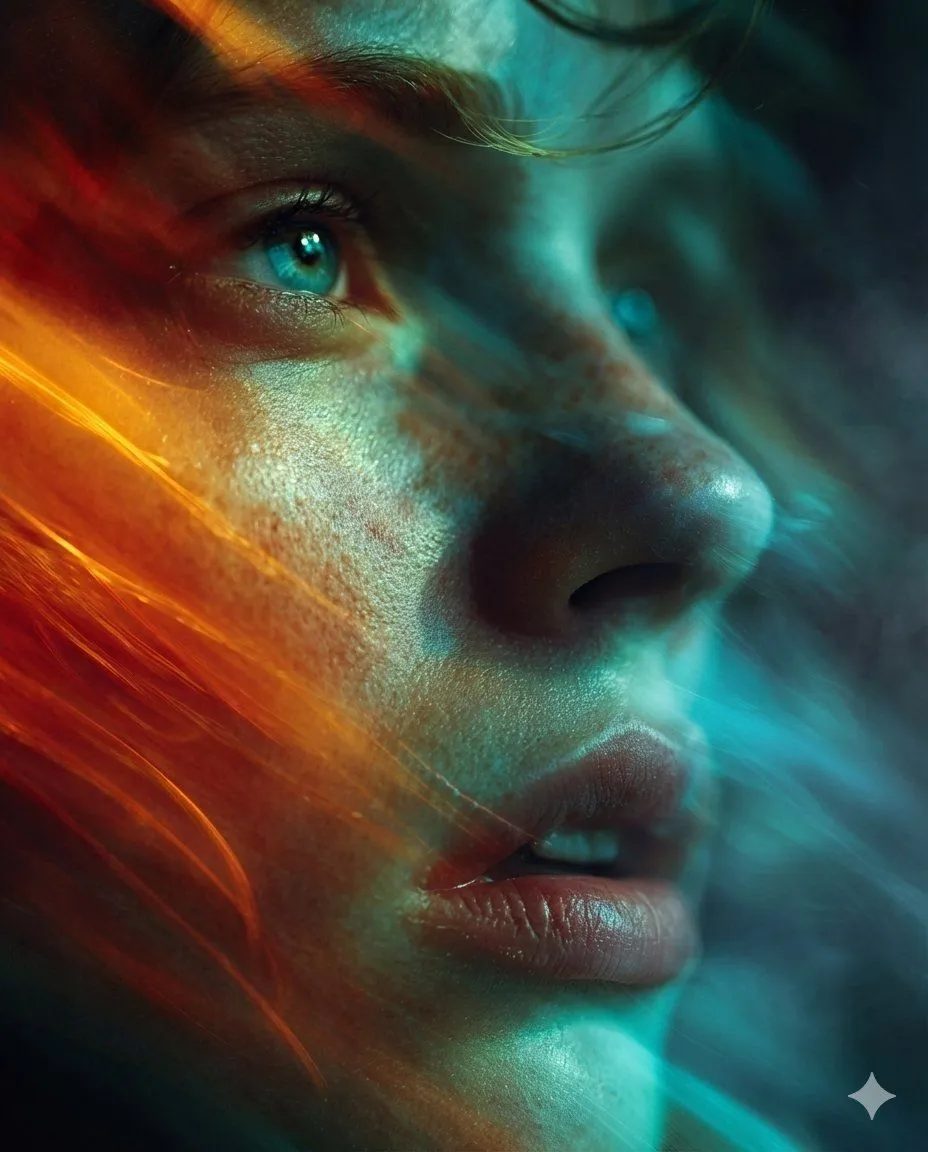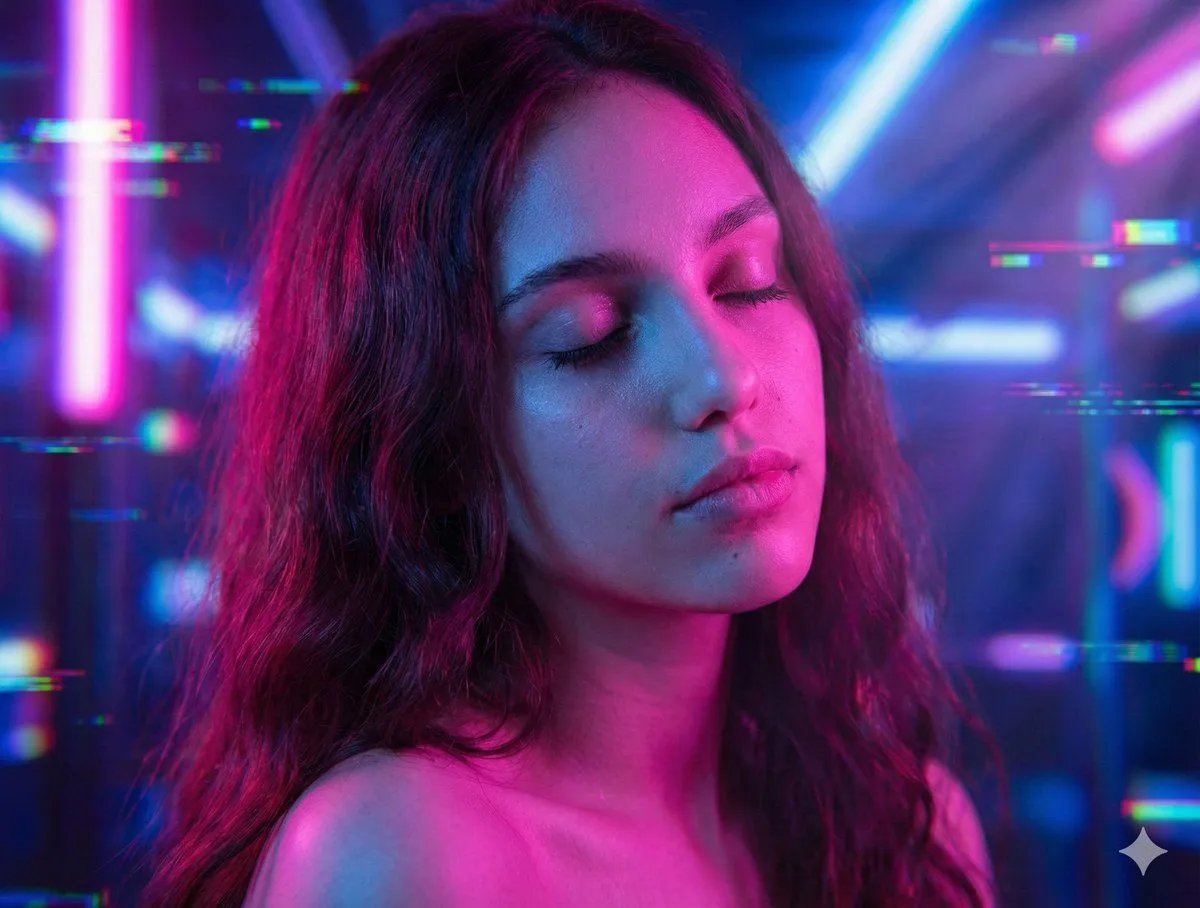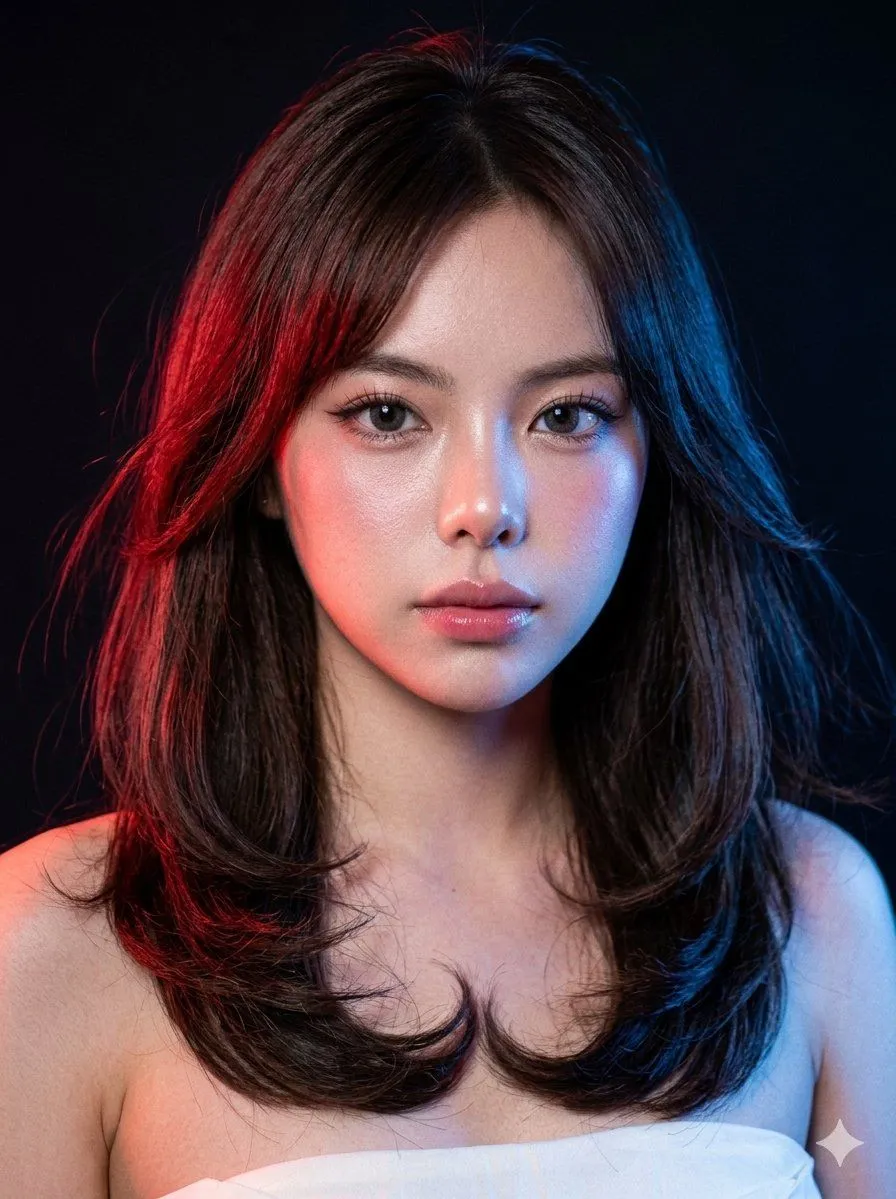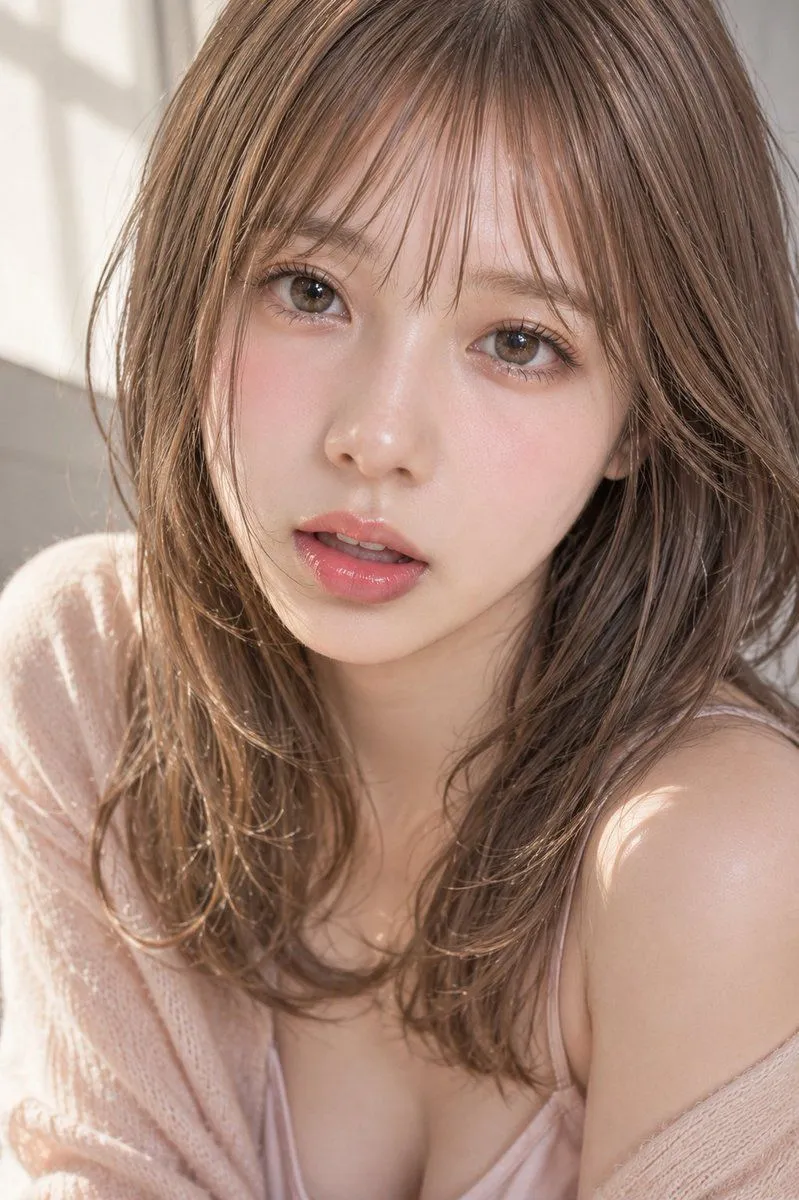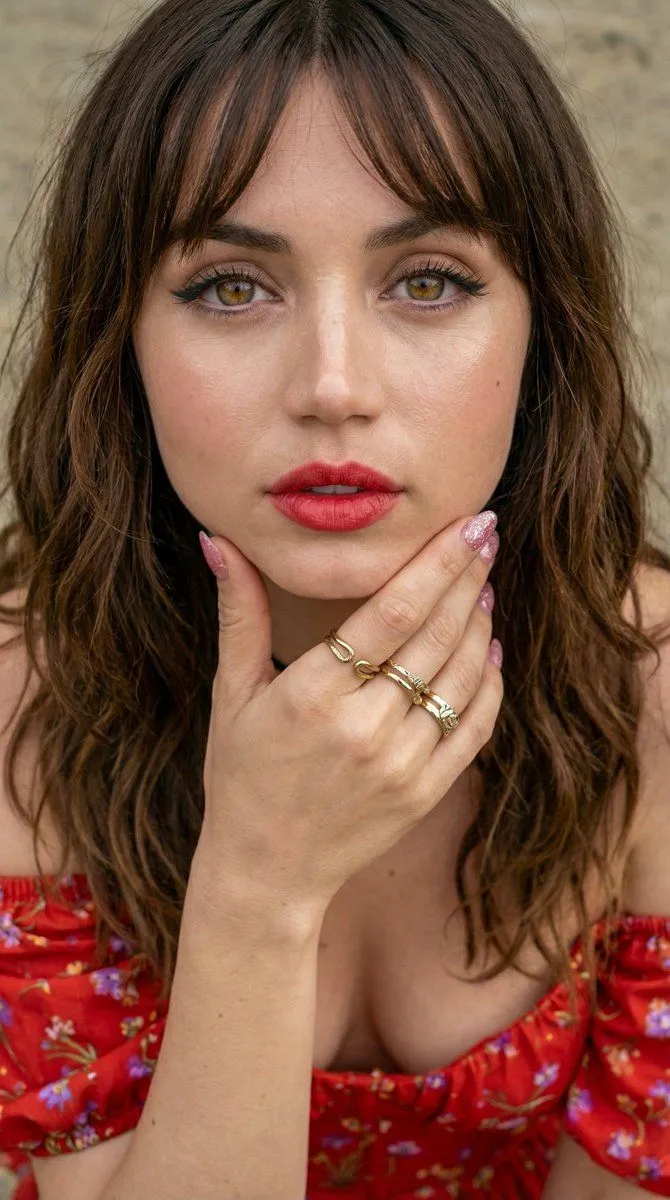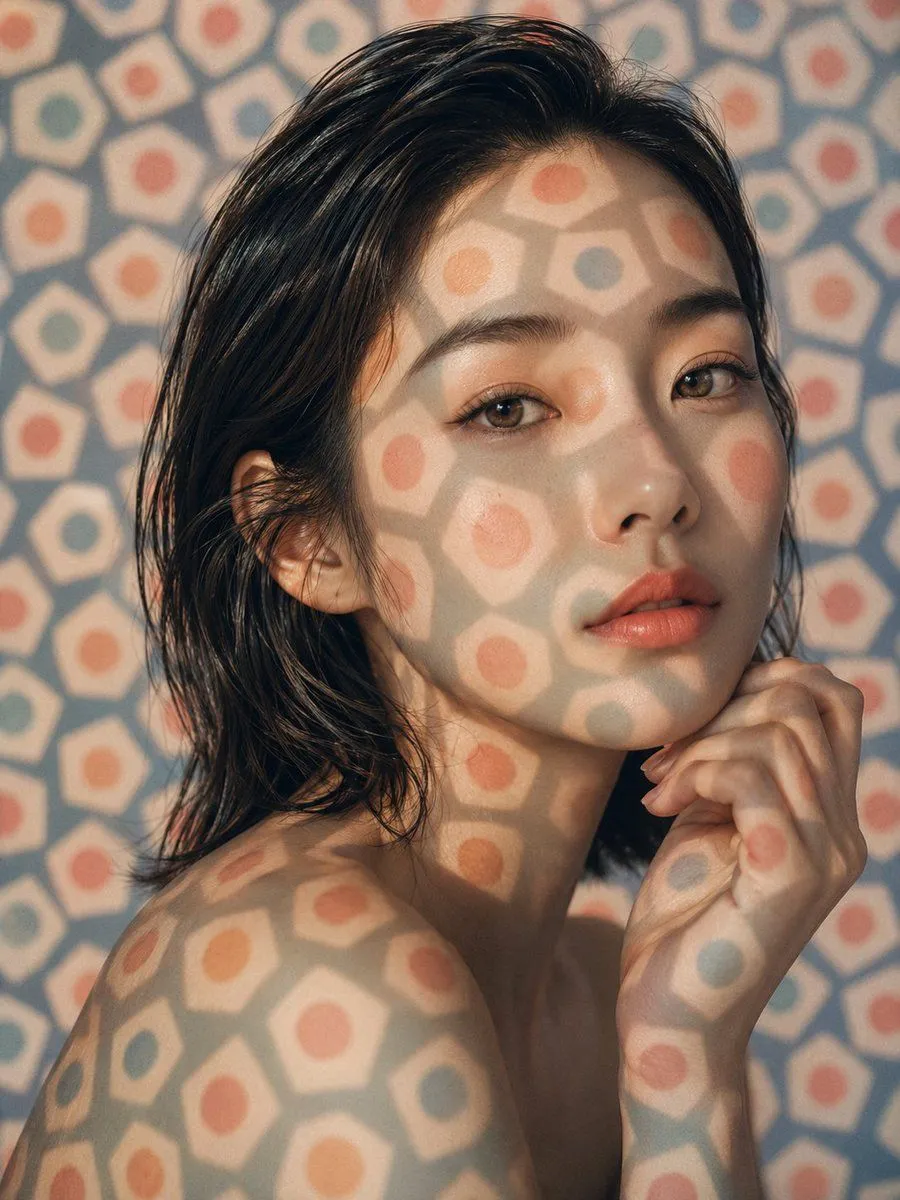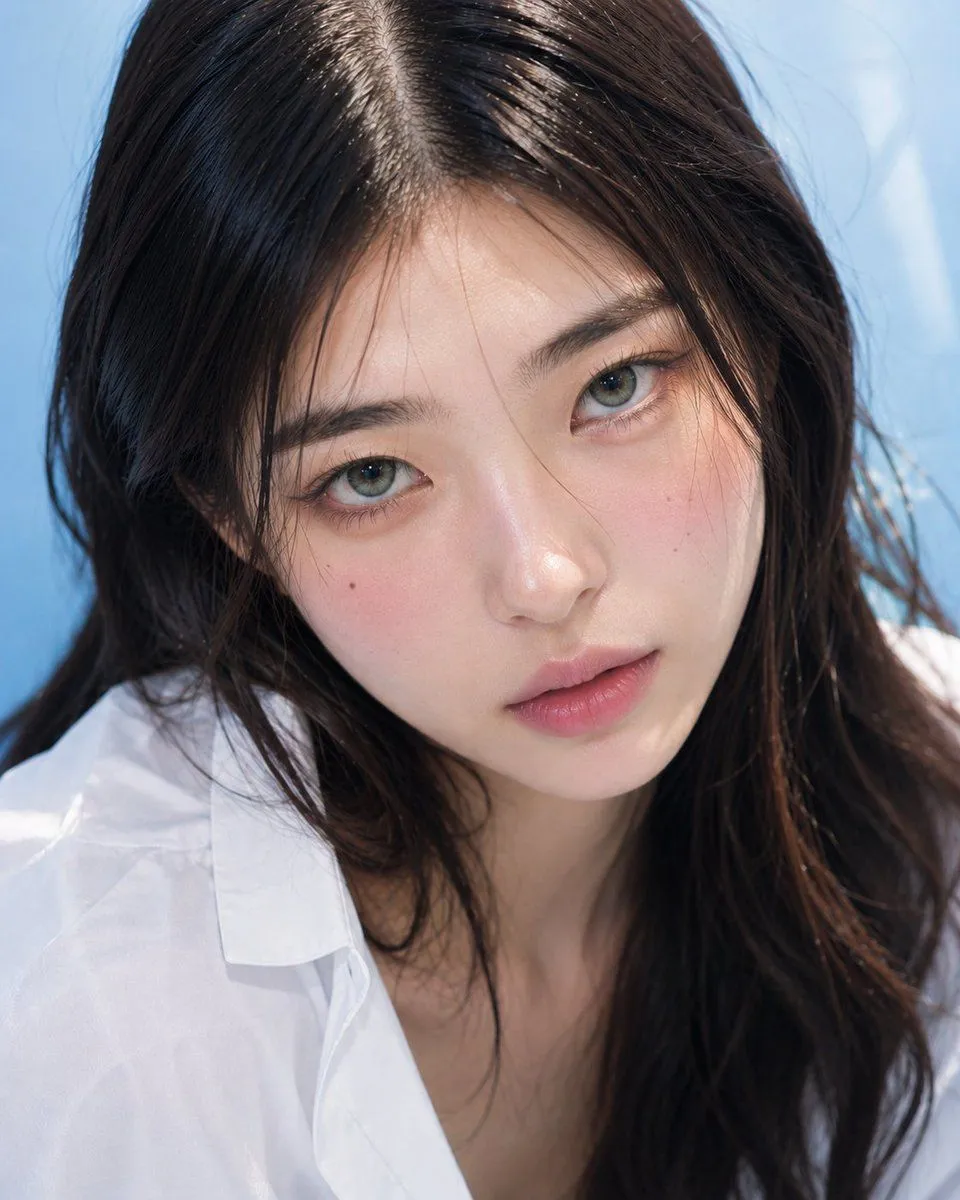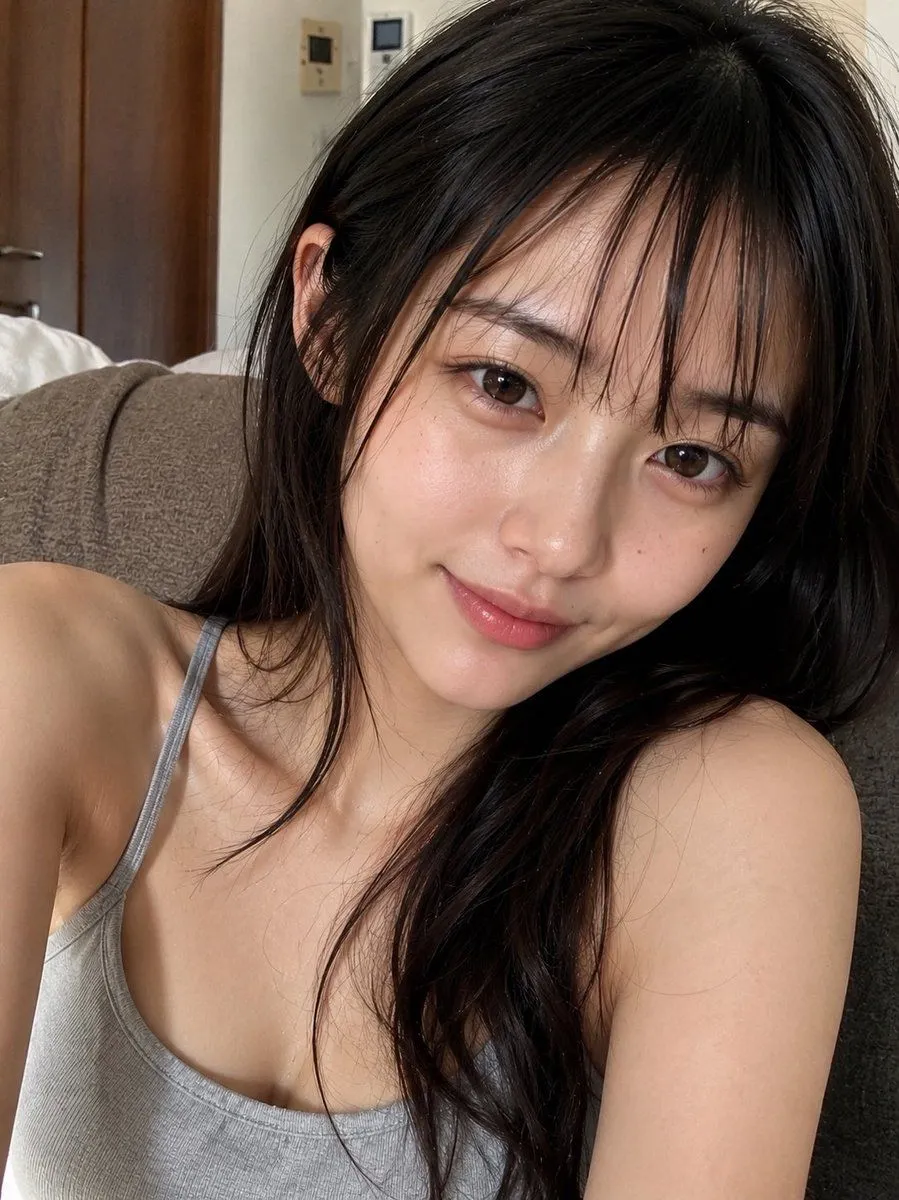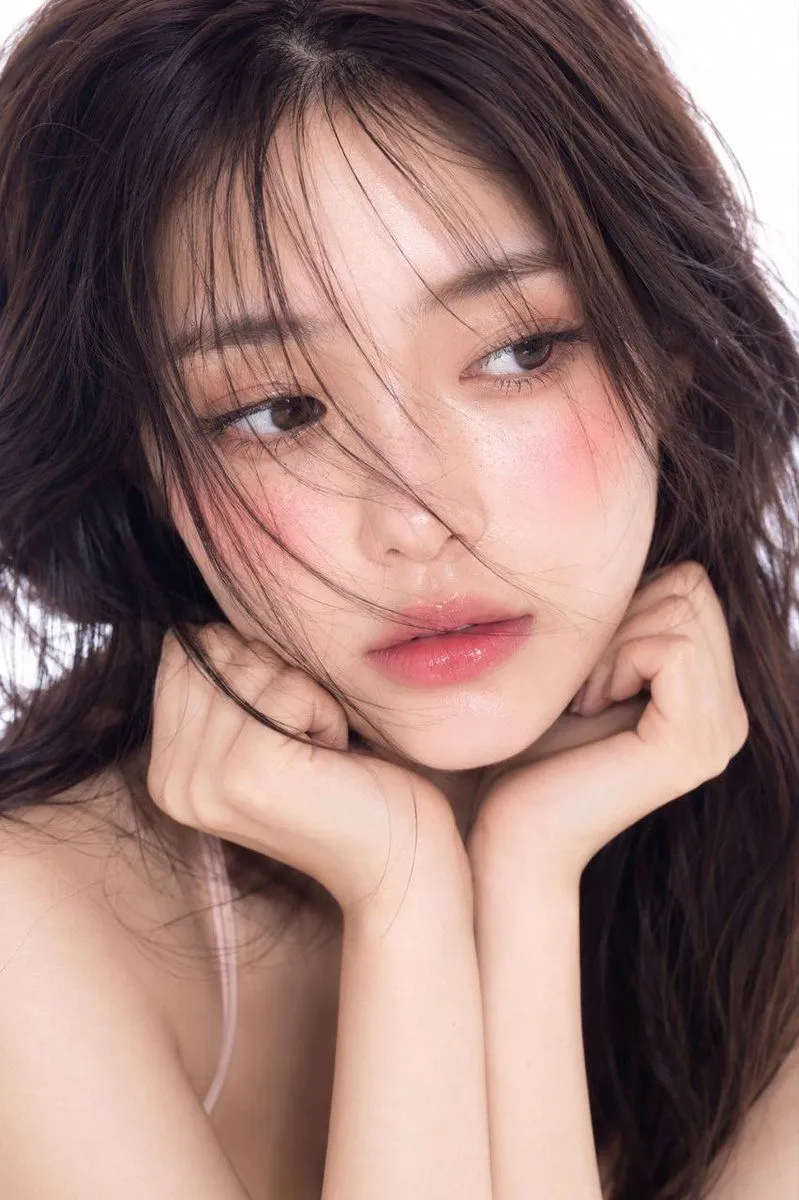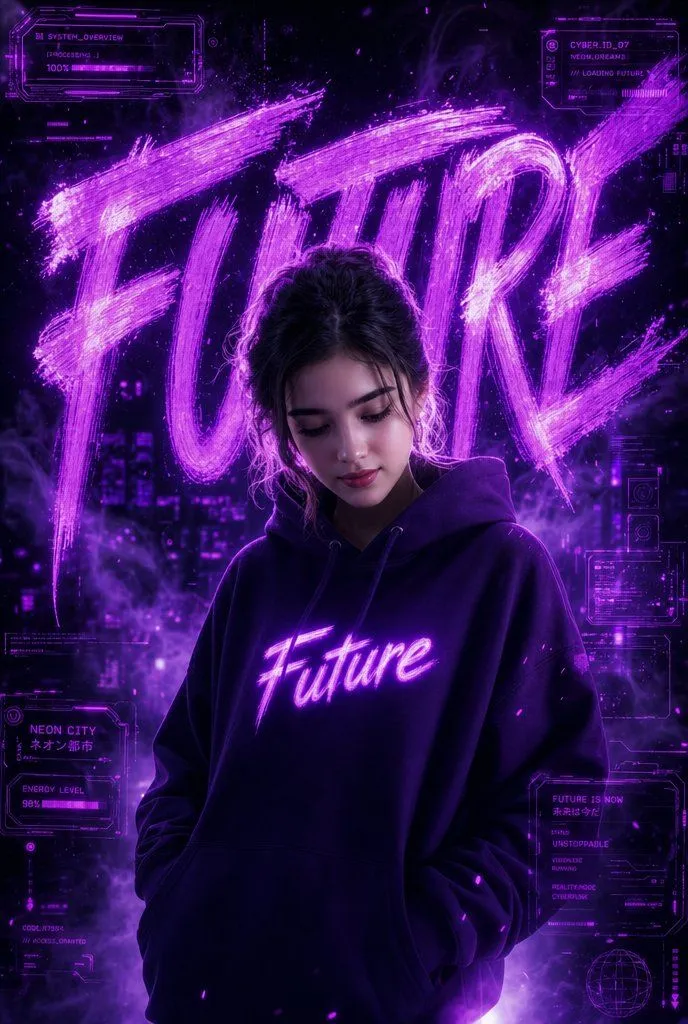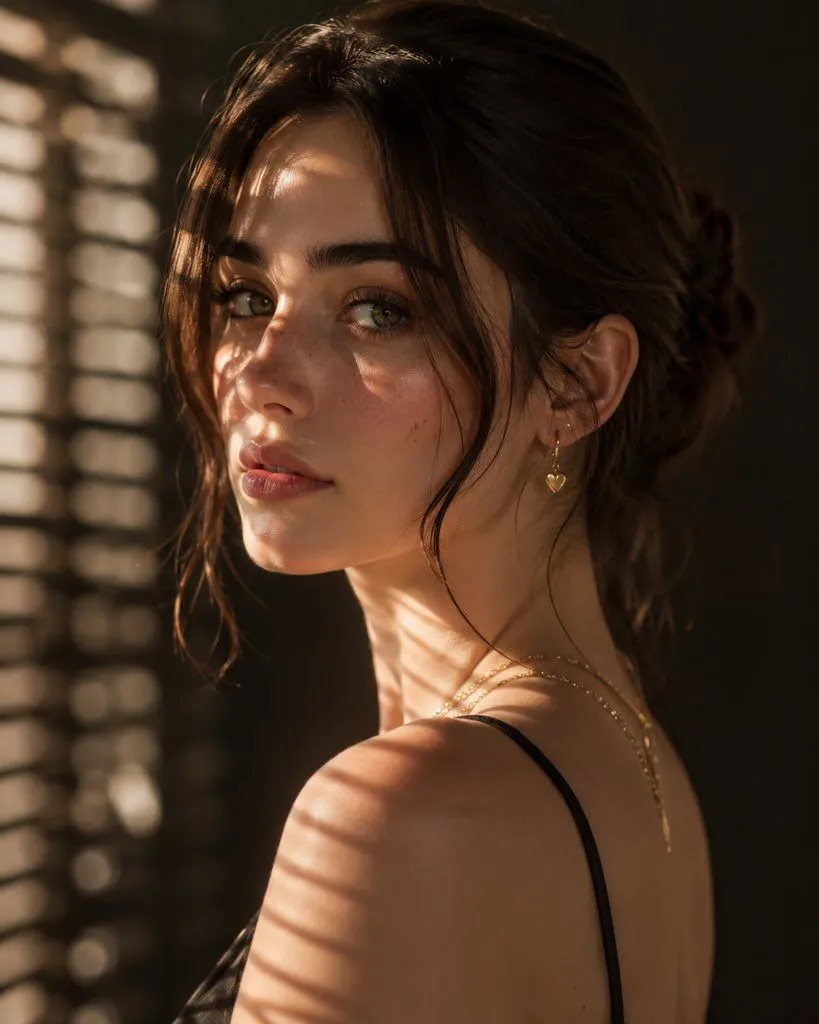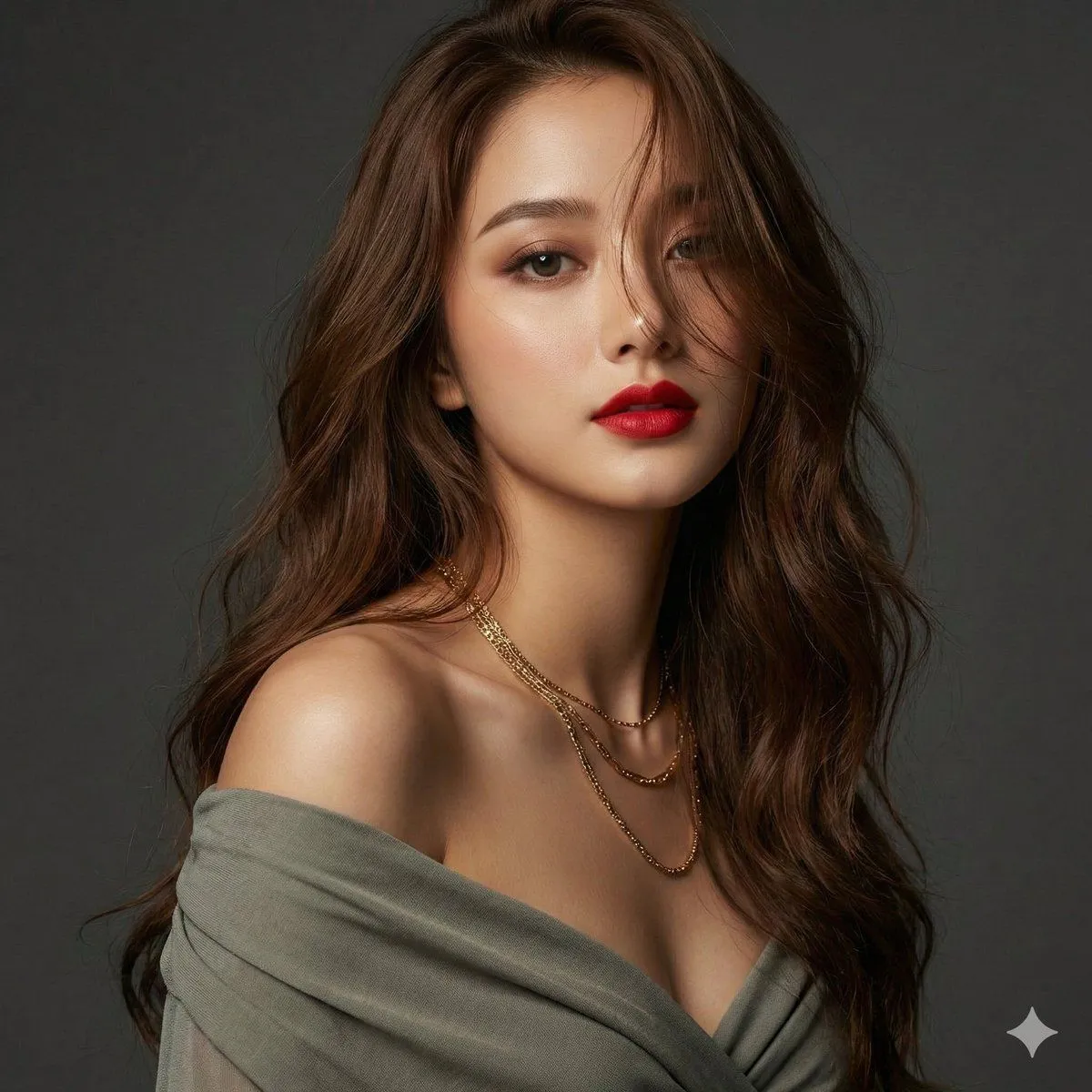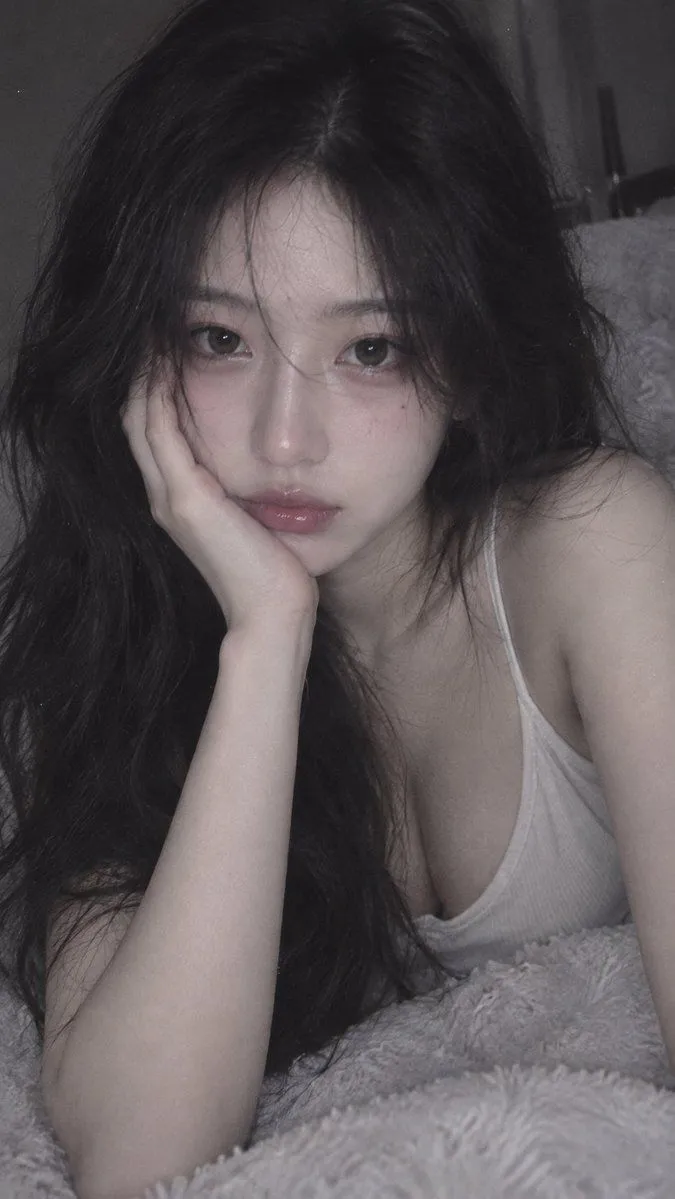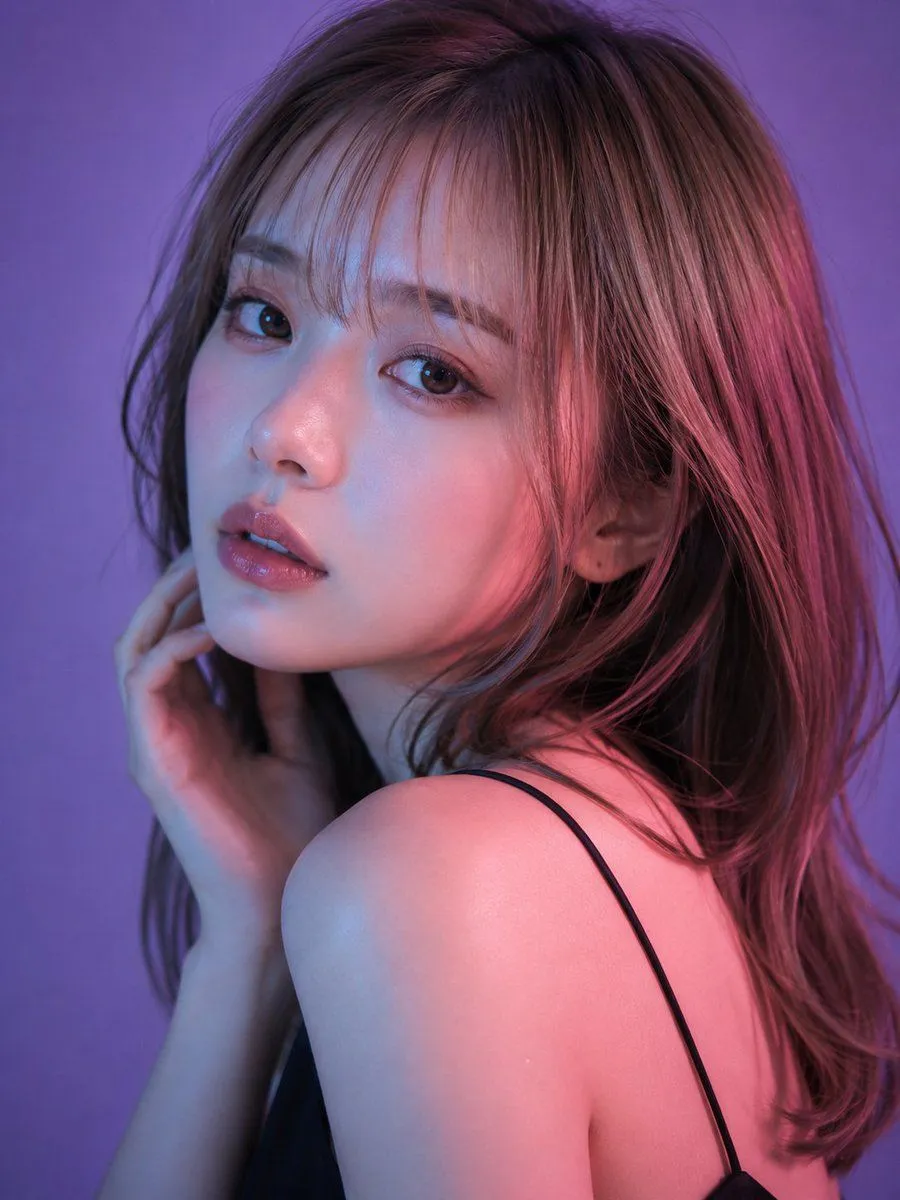
Made with GPT Image 2 in ChatGPT by Library Avatars. Promptclay never generates images.
Neon Dual-Lighting Beauty Portrait
Prompt
3 blanks to fillSubject: Turning in Purple Light Main Subject: Reproduce facial features, turning over the shoulder, camera eye contact, right hand on neck, ultra-thin black strap, brown hair, {left_light_color} on the left and {right_light_color} on the right. A photorealistic beauty portrait in vertical orientation of a woman in her 20s captured extremely close from shoulders to crown in a dark studio with a solid {background_color}. The person has her back to the right and turns her face over her left shoulder to the camera. Large rounded left shoulder in foreground. Character/Expression: Oval face, smooth chin, small nose, and rose-beige lips. Head turned roughly 40 degrees, looking straight at the lens with dark brown eyes. Quiet expression with lips slightly parted. Skin is bright neutral ivory with highlights on nose, cheekbones, and shoulder. Hair is medium brown with thin bangs. Clothing/Pose: Black satin or matte stretch camisole with a single ultra-thin strap. The person twists her upper body, bringing the left shoulder close to the camera. Her right hand touches the right side of her neck. Background/Light: Background transitions from lavender to medium purple to dark reddish-purple. Main light is soft pink to reddish-purple from the front right. Auxiliary light is cool cyan-blue to blue-violet from the front left. Magenta rim light on the hair. Composition/Camera: Vertical 3:4 tight close-up. Camera at eye level. Mid-telephoto lens perspective. Focus strictly on the foreground eye, nose, and lips. Texture/Style: High-resolution photorealistic studio beauty photography. Detailed pores, hair strands, and smooth light gradients. Catchlights in eyes are small and natural. Negative: Do not change dual lighting or purple background; avoid extra fingers/limbs; no text, logos, or watermarks.
Preview of your prompt
Subject: Turning in Purple Light Main Subject: Reproduce facial features, turning over the shoulder, camera eye contact, right hand on neck, ultra-thin black strap, brown hair, blue-violet light on the left and pink light on the right. A photorealistic beauty portrait in vertical orientation of a woman in her 20s captured extremely close from shoulders to crown in a dark studio with a solid purple background. The person has her back to the right and turns her face over her left shoulder to the camera. Large rounded left shoulder in foreground. Character/Expression: Oval face, smooth chin, small nose, and rose-beige lips. Head turned roughly 40 degrees, looking straight at the lens with dark brown eyes. Quiet expression with lips slightly parted. Skin is bright neutral ivory with highlights on nose, cheekbones, and shoulder. Hair is medium brown with thin bangs. Clothing/Pose: Black satin or matte stretch camisole with a single ultra-thin strap. The person twists her upper body, bringing the left shoulder close to the camera. Her right hand touches the right side of her neck. Background/Light: Background transitions from lavender to medium purple to dark reddish-purple. Main light is soft pink to reddish-purple from the front right. Auxiliary light is cool cyan-blue to blue-violet from the front left. Magenta rim light on the hair. Composition/Camera: Vertical 3:4 tight close-up. Camera at eye level. Mid-telephoto lens perspective. Focus strictly on the foreground eye, nose, and lips. Texture/Style: High-resolution photorealistic studio beauty photography. Detailed pores, hair strands, and smooth light gradients. Catchlights in eyes are small and natural. Negative: Do not change dual lighting or purple background; avoid extra fingers/limbs; no text, logos, or watermarks.
DetailsVersions, settings and questions
Written for
What's in the prompt
- Subject
- Model
- GPT Image 2
If your face changes
keep my face exactly the sameQuestions
- Does this work in the ChatGPT app?
- Yes. Paste the prompt and attach your photo if it uses one.
- It changed my face. What do I do?
- Add "keep my face exactly the same" to the end and run it again.
- Can I use the images I make?
- Check the terms of the app you use. Promptclay never generates images and claims nothing you make.