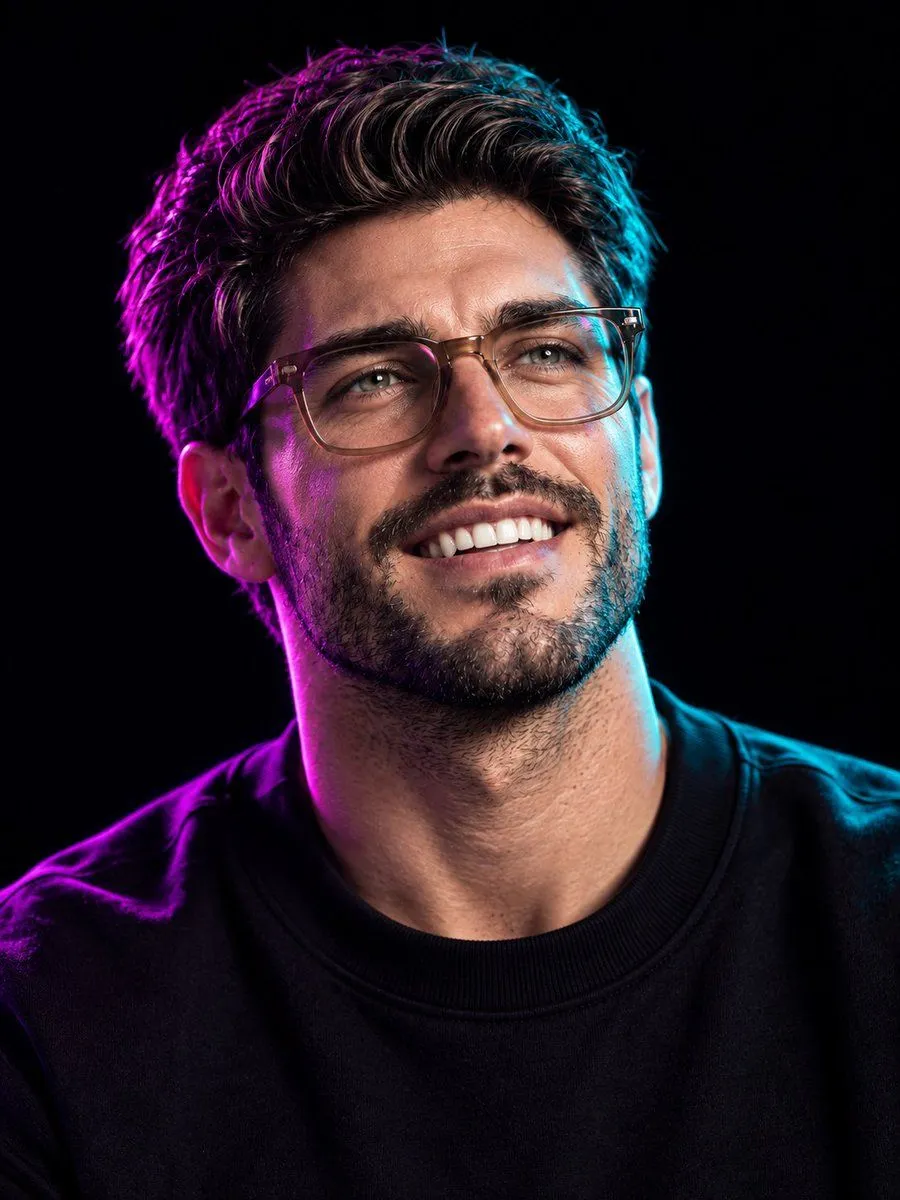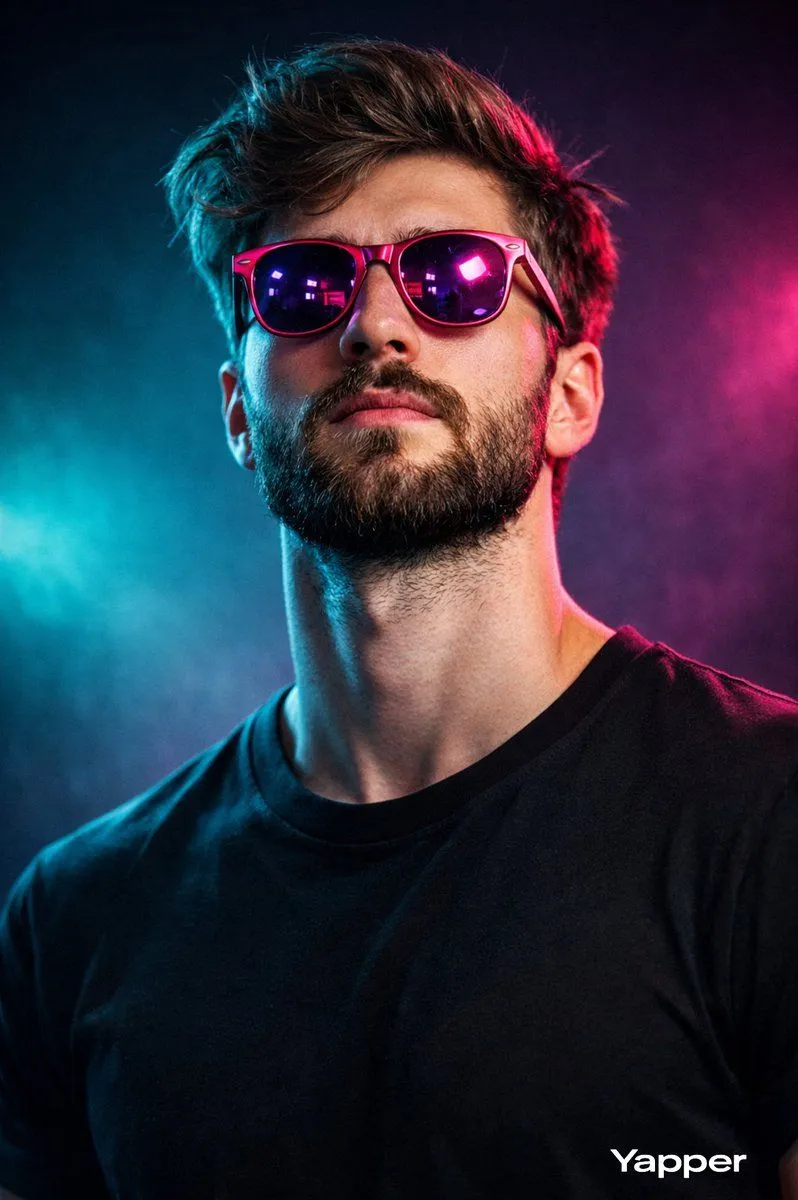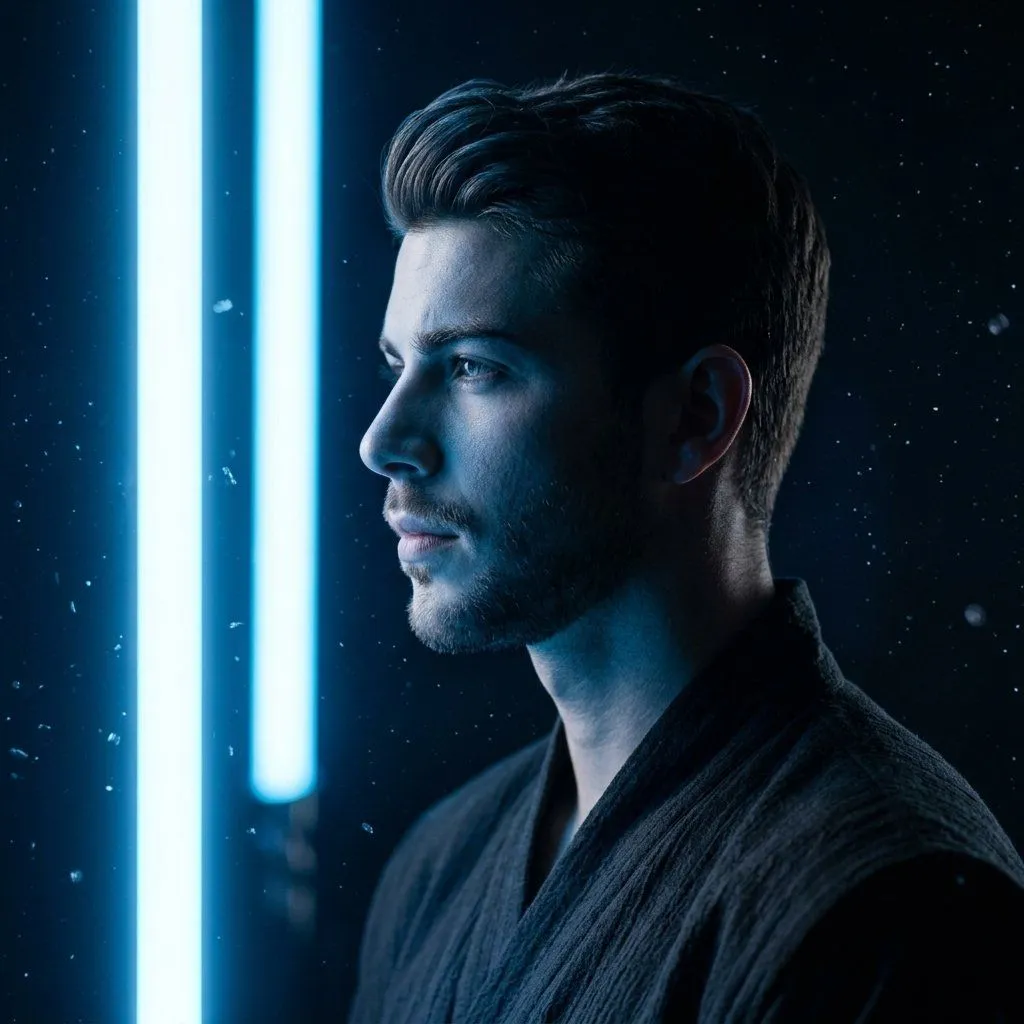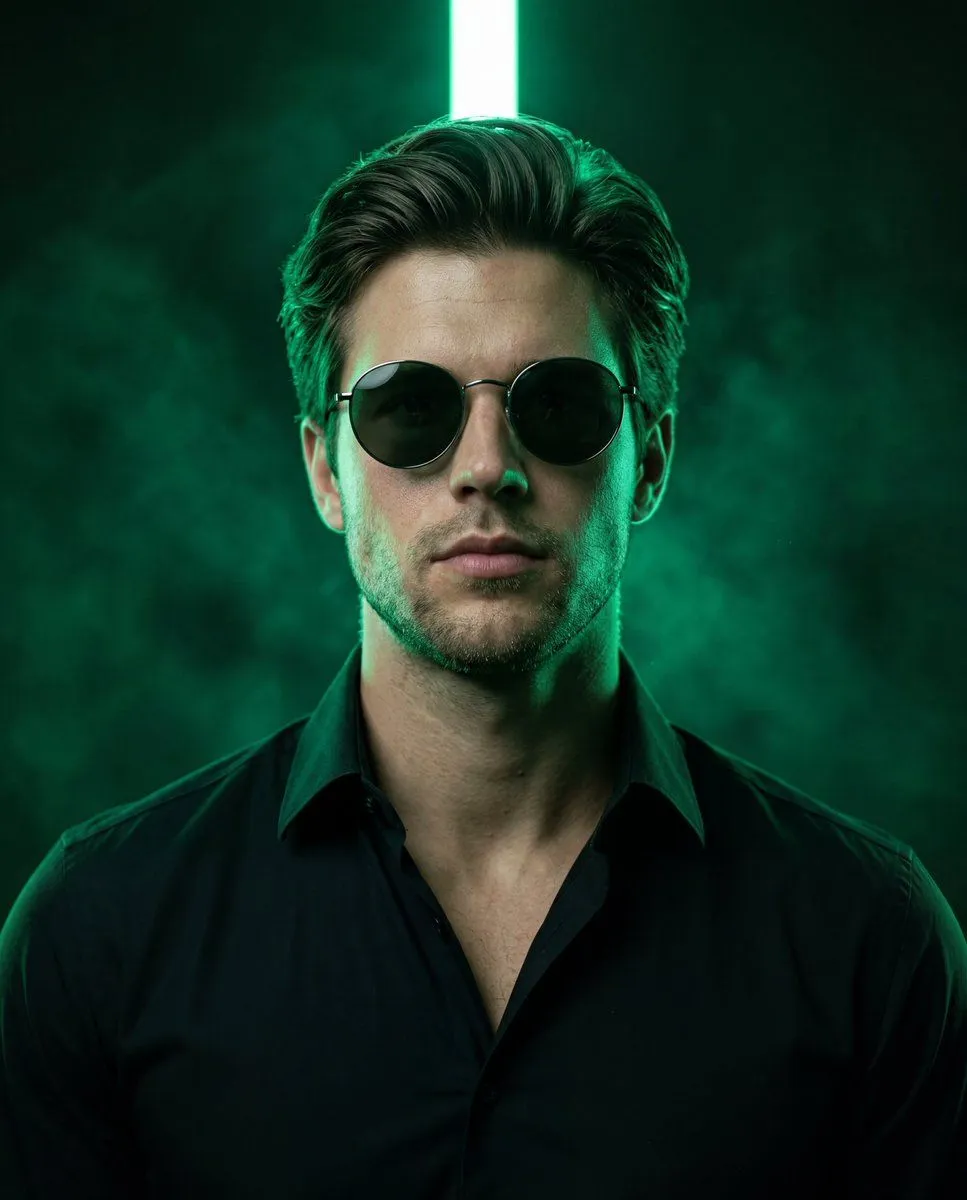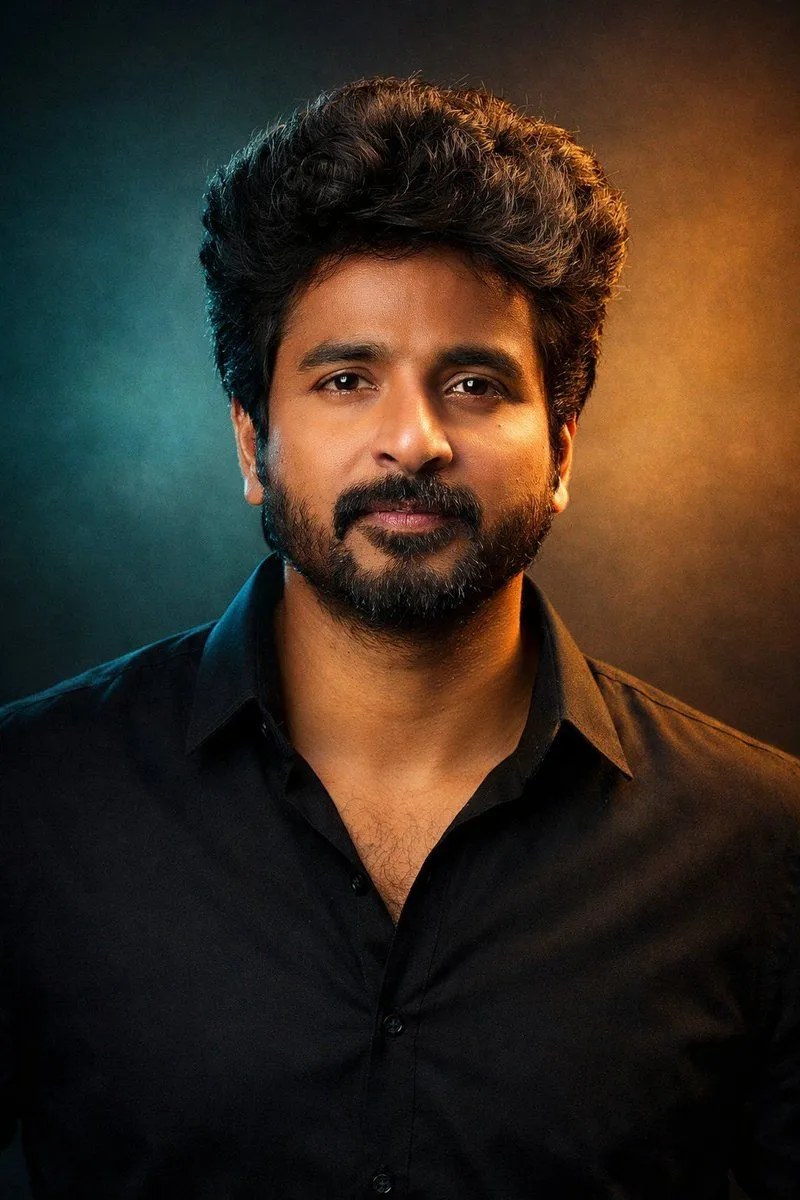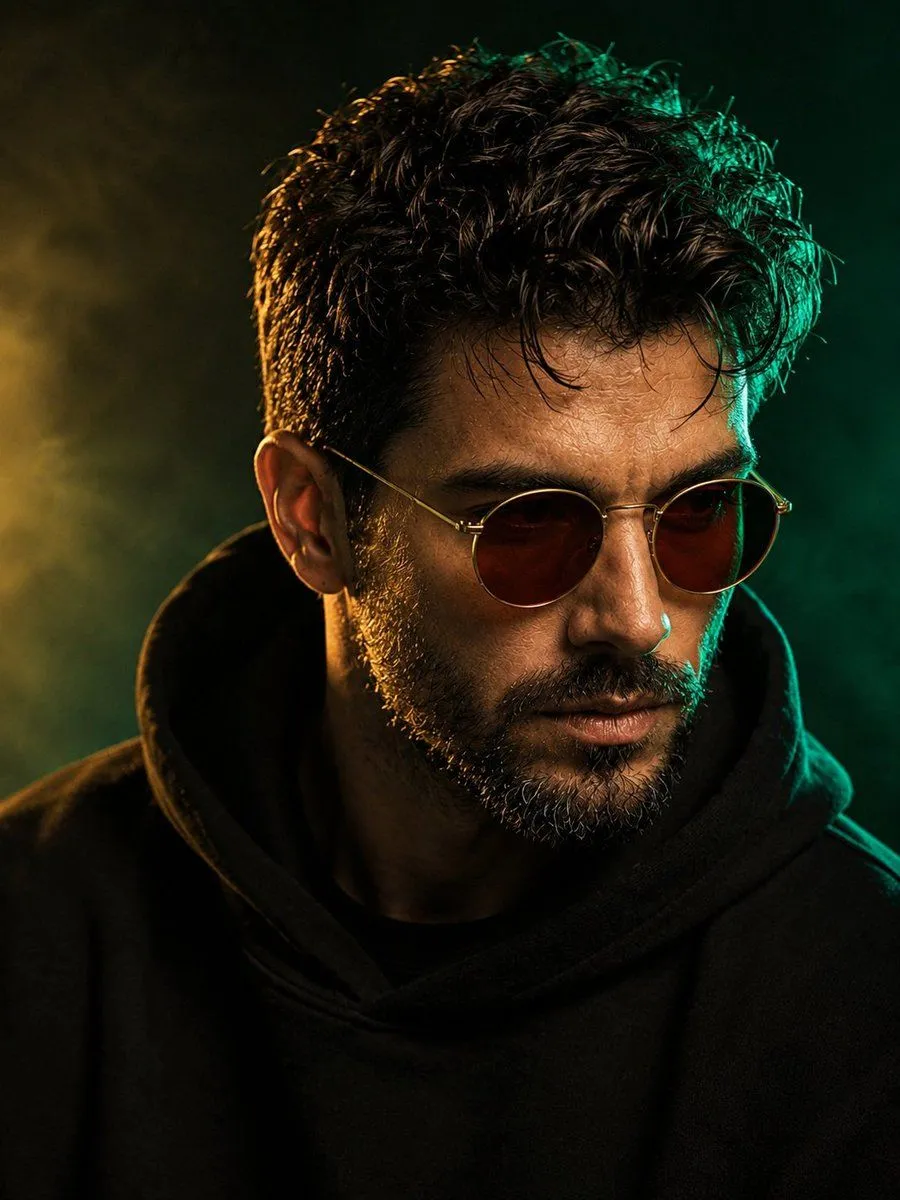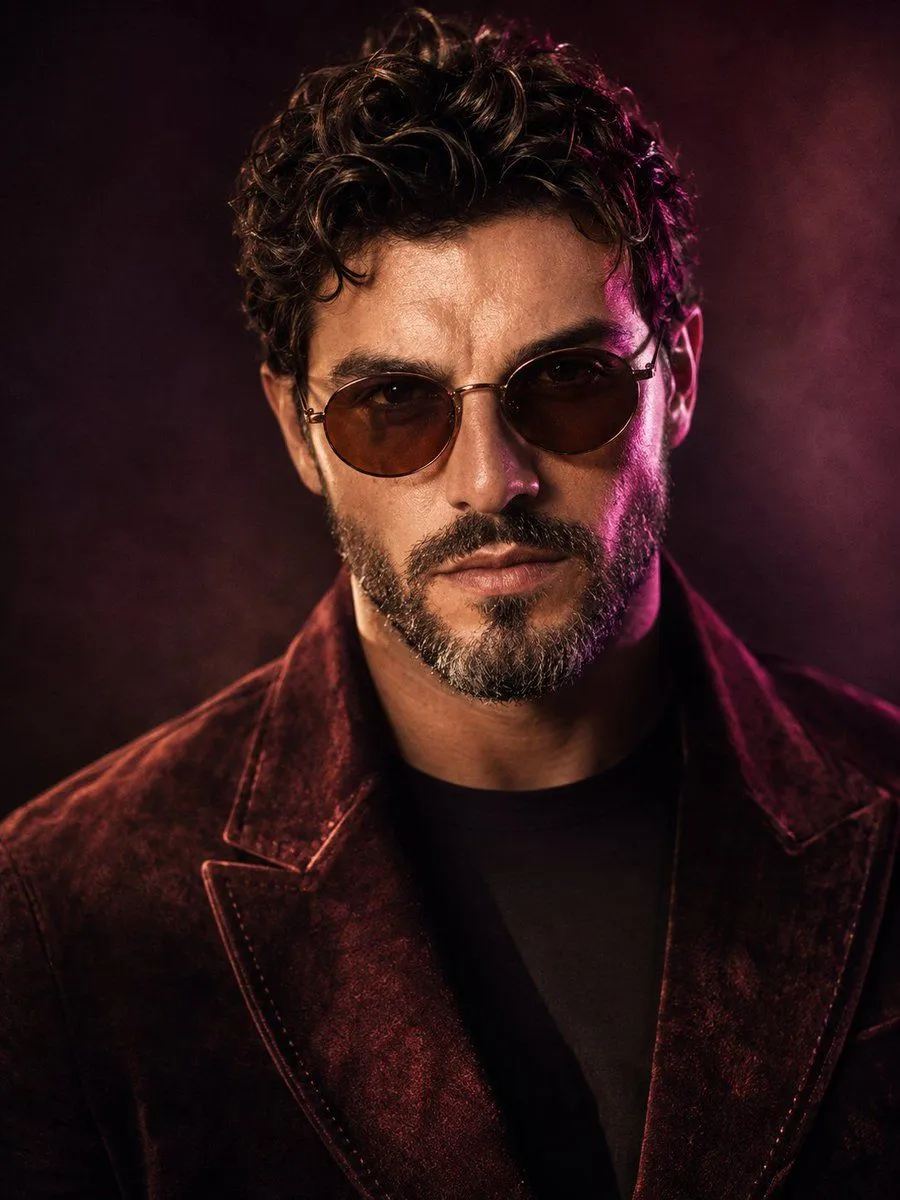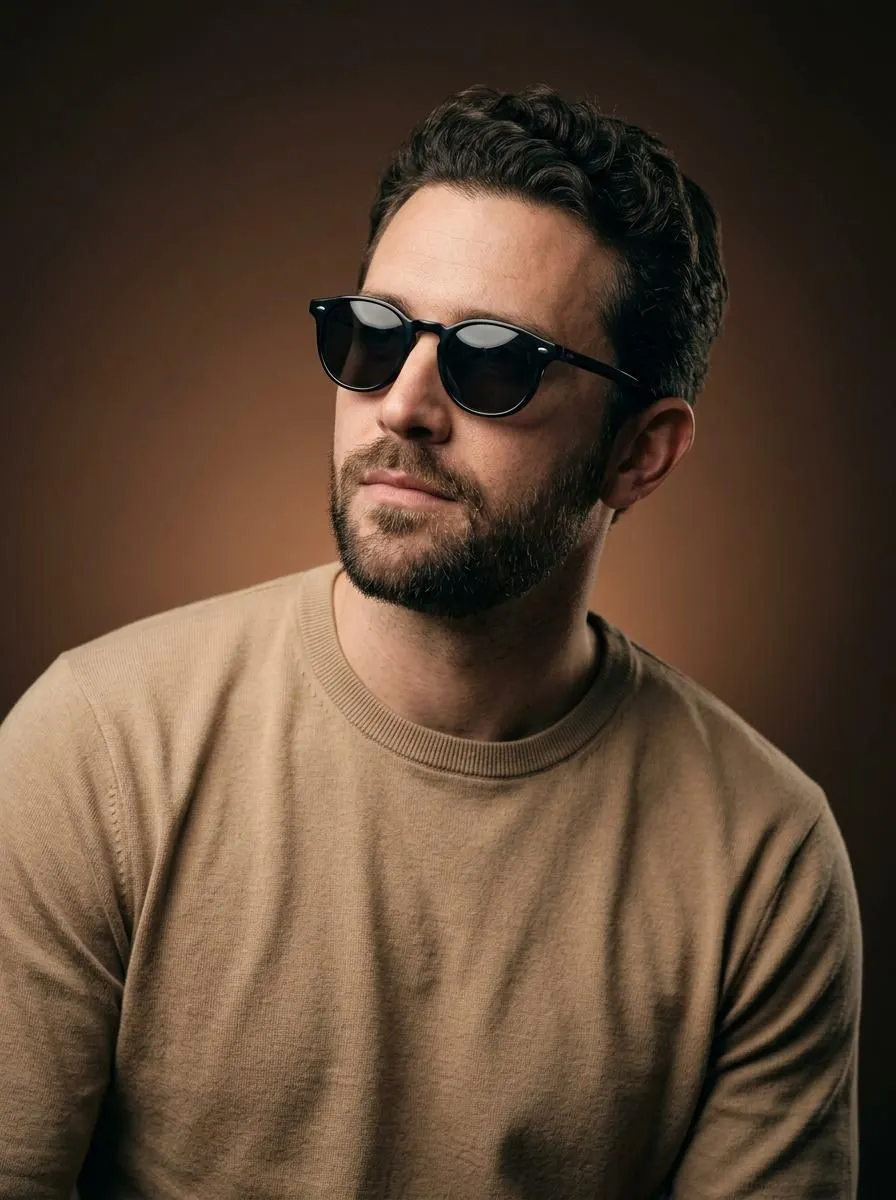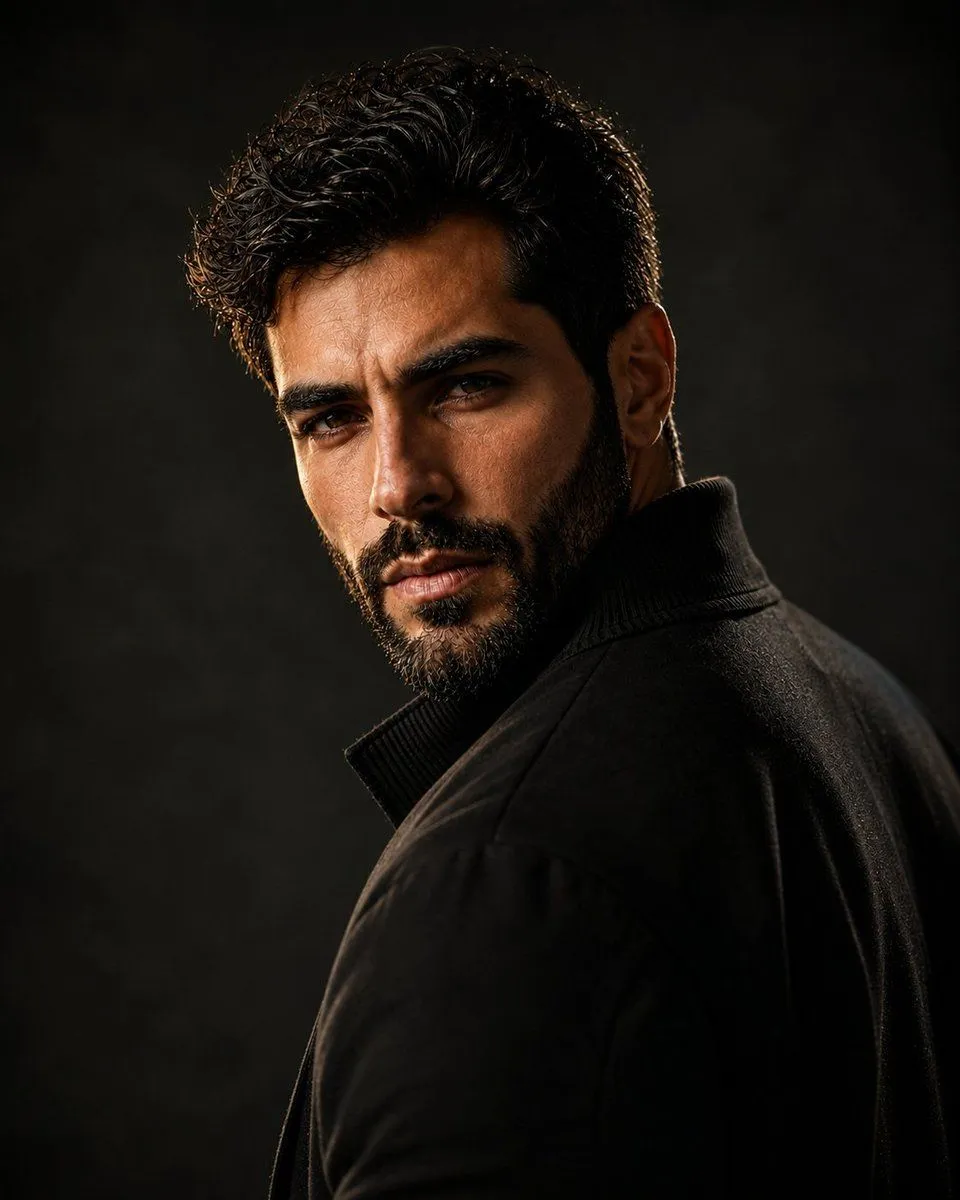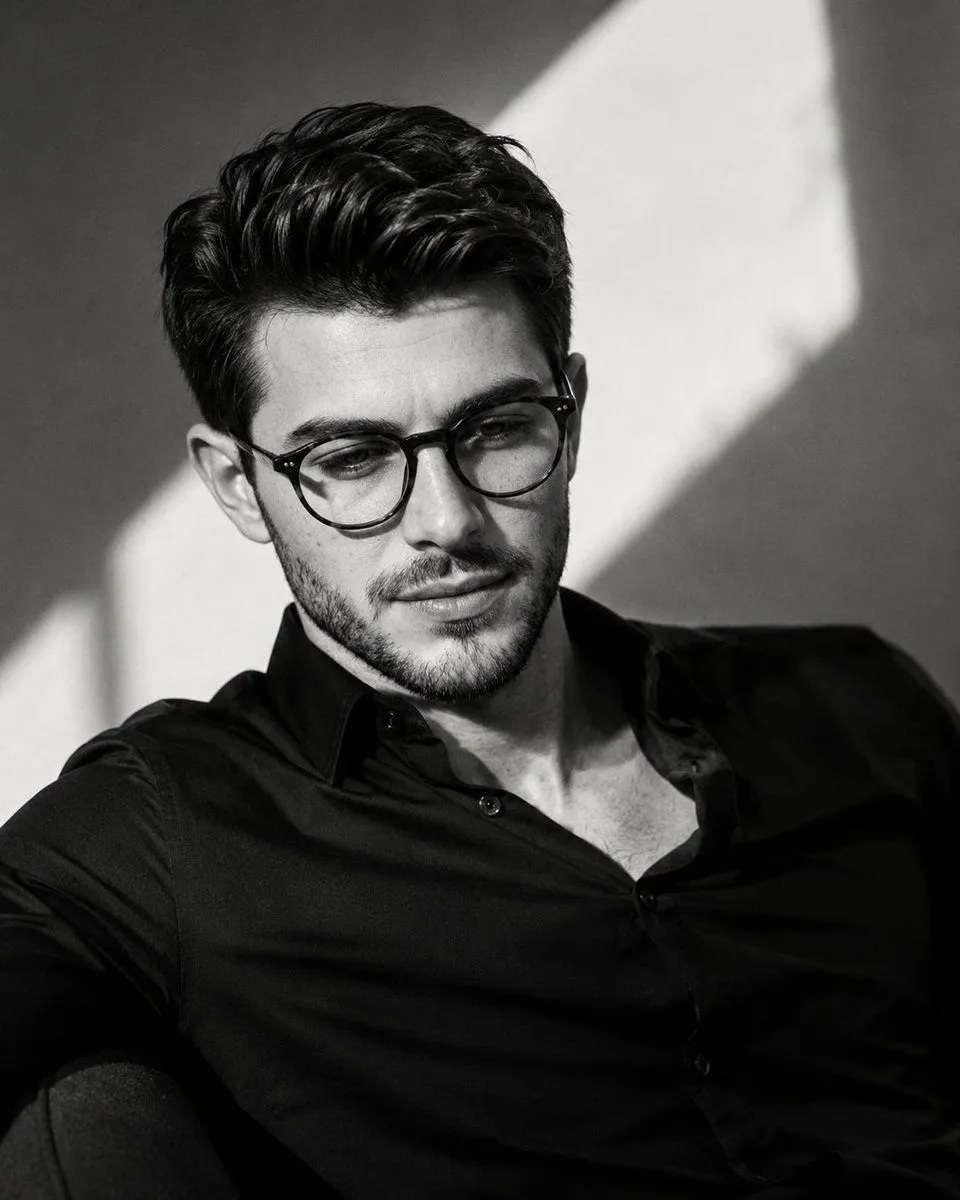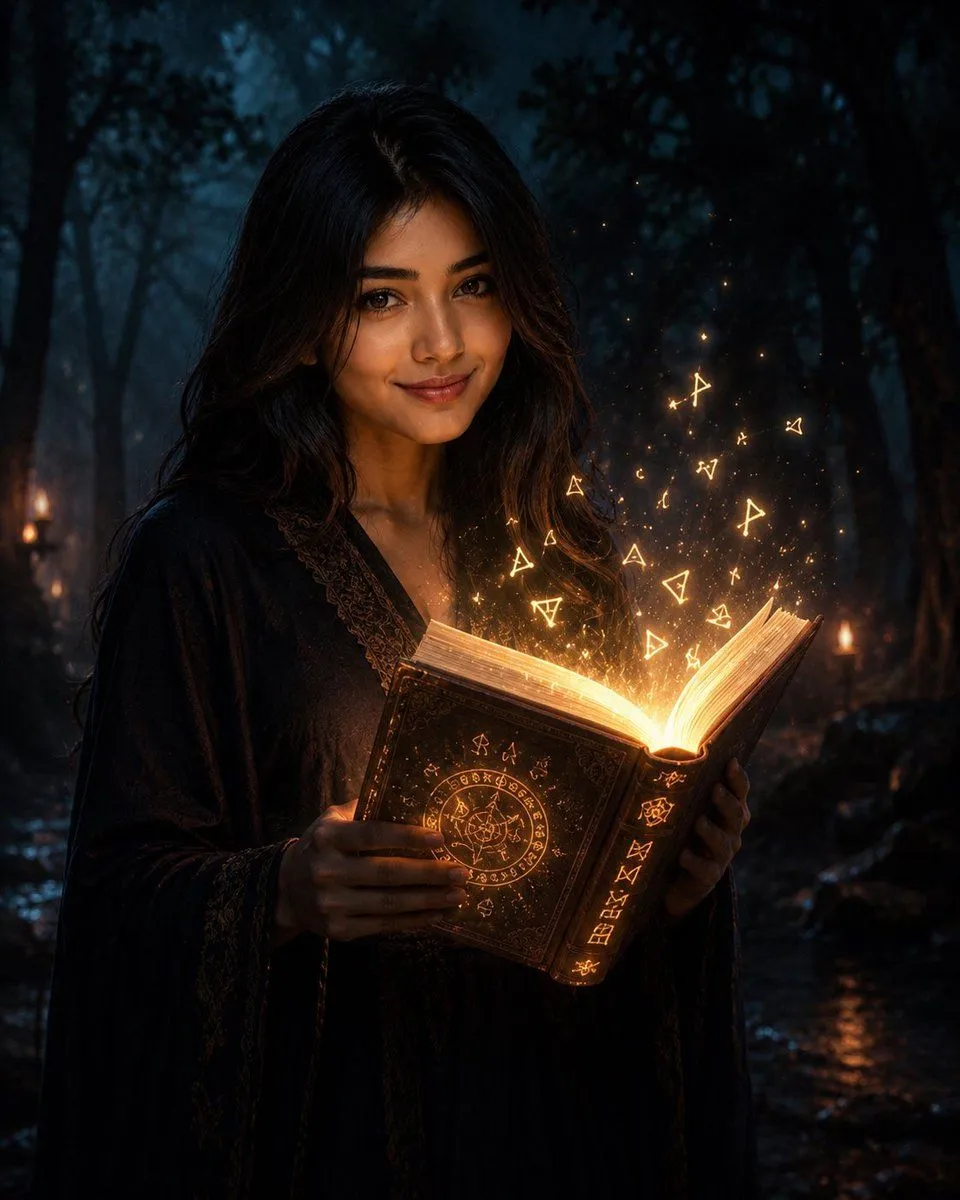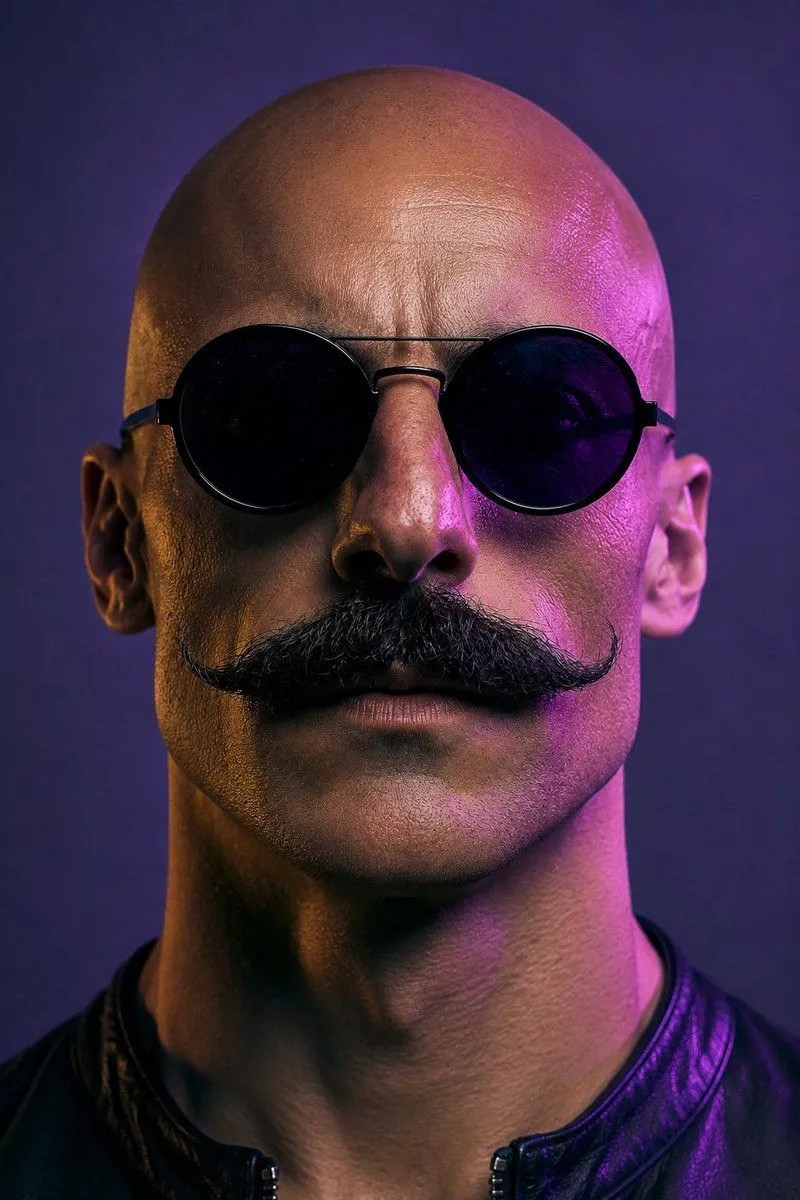
Made with GPT Image 2 in ChatGPT by Library Avatars. Promptclay never generates images.
Neon Censored Portrait Avatar
Prompt
5 blanks to fillCreate a square-crop profile-picture style cinematic portrait of a bald adult man viewed from the front, tightly framed from the top of the head to the upper chest. The subject has visible ears on both sides, a strong neck, and wears a black leather jacket with a short stand collar and a small front zipper. Cover the entire face with exactly 1 large centered opaque square censor block, aligned vertically and horizontally over the head, extending from just below the top of the skull down past the mouth/chin area; the block should be a muted dark plum-to-purple gradient with no text or symbols. Use dramatic neon studio lighting: warm amber/orange rim light on the left side of the head and neck, bright magenta/pink rim light on the right side, with a dark indigo-purple background and soft depth-of-field blur. The visible skin should have realistic texture and high-detail pores, while the overall look is photorealistic, moody, futuristic, and suitable as a mysterious social media avatar. Use {censor_block_color}, {jacket_color}, {left_rim_light_color}, {right_rim_light_color}, and {background_color}.
Preview of your prompt
Create a square-crop profile-picture style cinematic portrait of a bald adult man viewed from the front, tightly framed from the top of the head to the upper chest. The subject has visible ears on both sides, a strong neck, and wears a black leather jacket with a short stand collar and a small front zipper. Cover the entire face with exactly 1 large centered opaque square censor block, aligned vertically and horizontally over the head, extending from just below the top of the skull down past the mouth/chin area; the block should be a muted dark plum-to-purple gradient with no text or symbols. Use dramatic neon studio lighting: warm amber/orange rim light on the left side of the head and neck, bright magenta/pink rim light on the right side, with a dark indigo-purple background and soft depth-of-field blur. The visible skin should have realistic texture and high-detail pores, while the overall look is photorealistic, moody, futuristic, and suitable as a mysterious social media avatar. Use muted dark plum purple gradient, black leather, warm amber orange, magenta pink, and dark indigo purple.
DetailsVersions, settings and questions
Written for
What's in the prompt
- Subject
- Model
- GPT Image 2
If your face changes
keep my face exactly the sameQuestions
- Does this work in the ChatGPT app?
- Yes. Paste the prompt and attach your photo if it uses one.
- It changed my face. What do I do?
- Add "keep my face exactly the same" to the end and run it again.
- Can I use the images I make?
- Check the terms of the app you use. Promptclay never generates images and claims nothing you make.