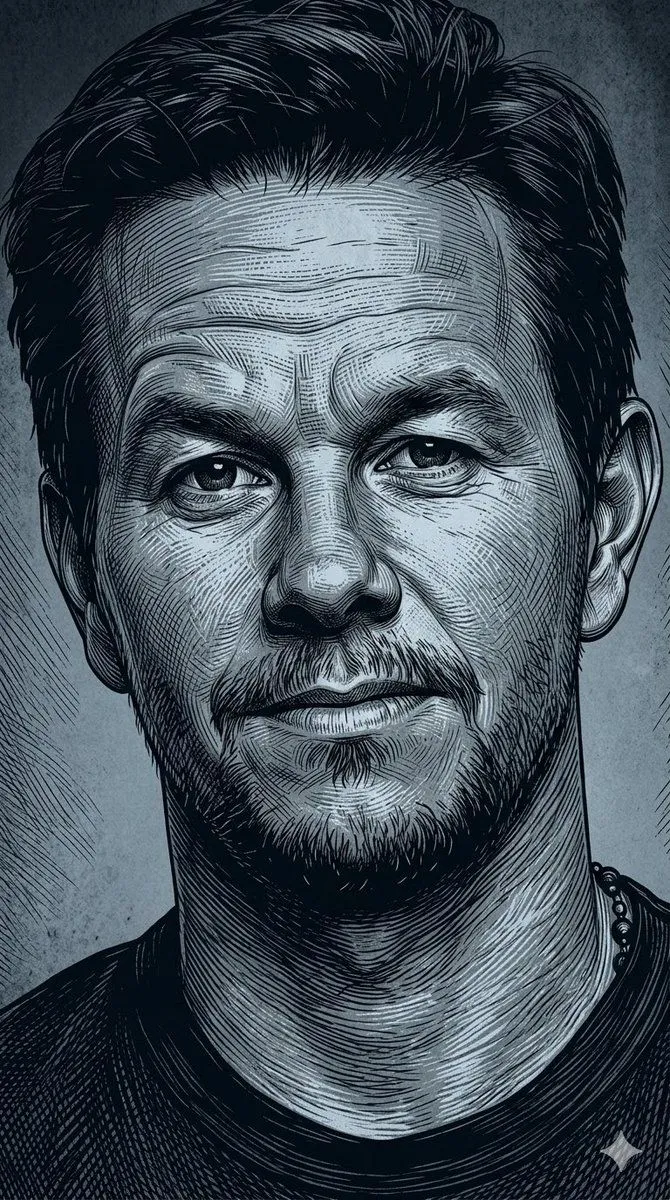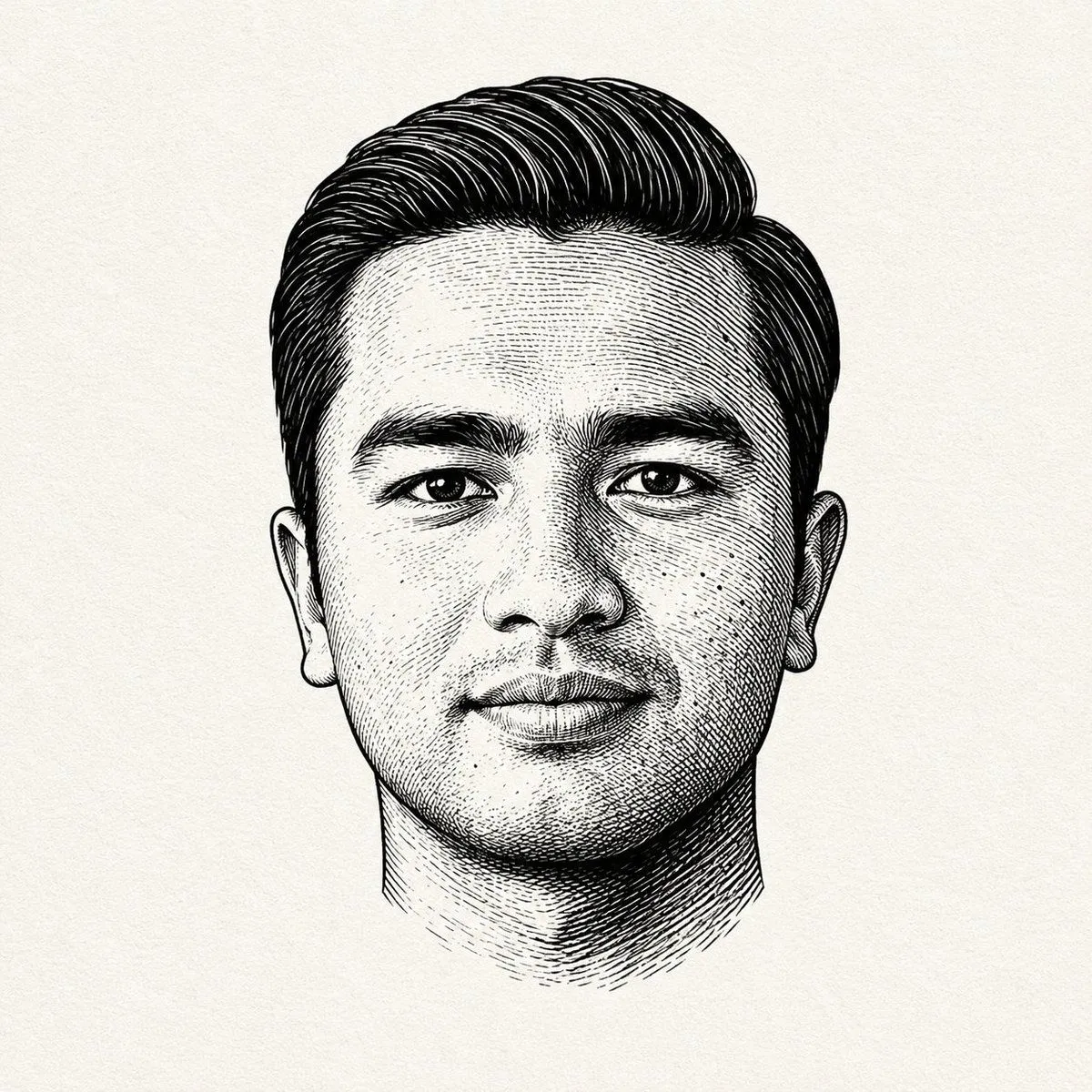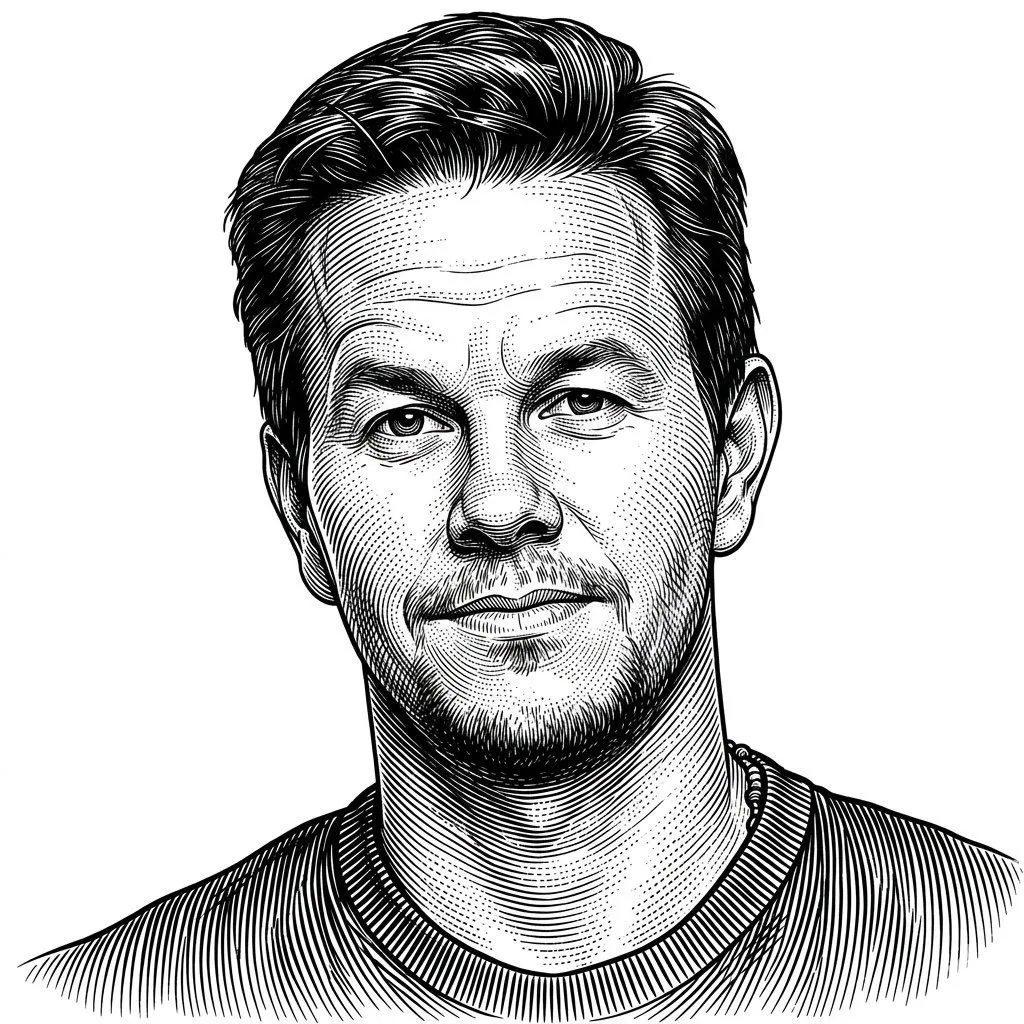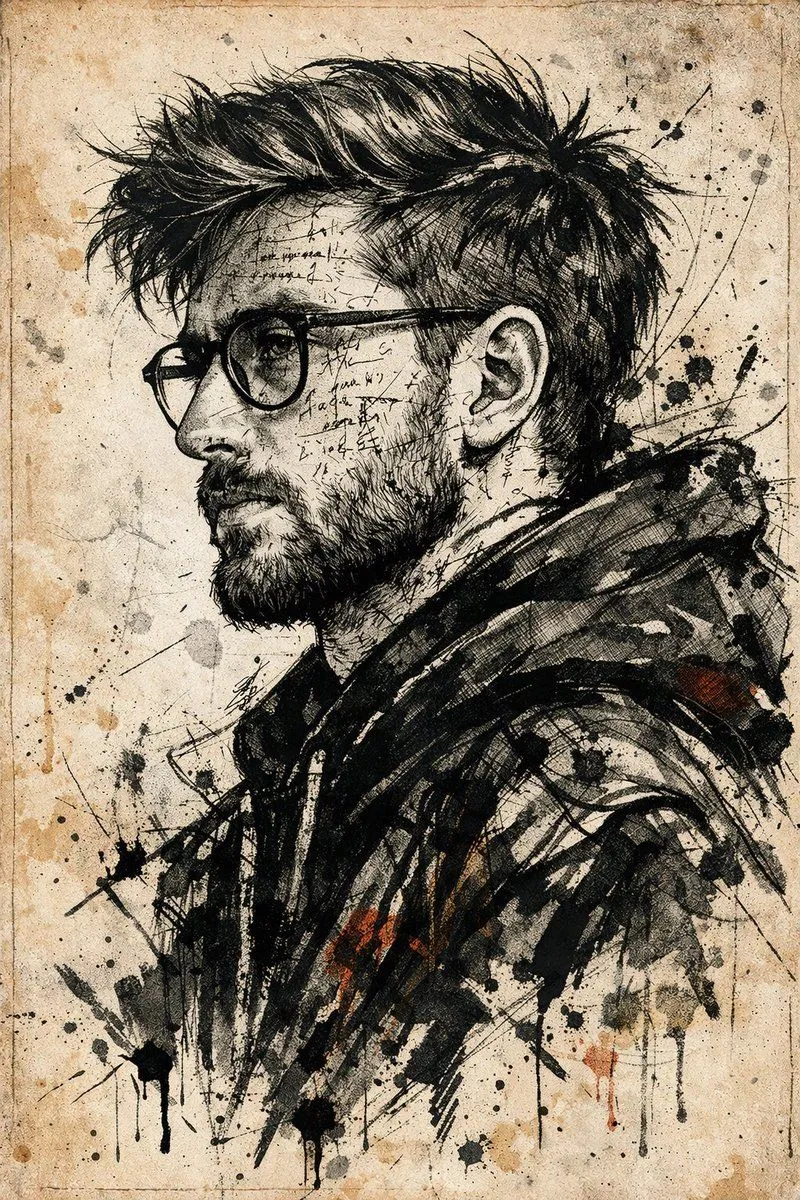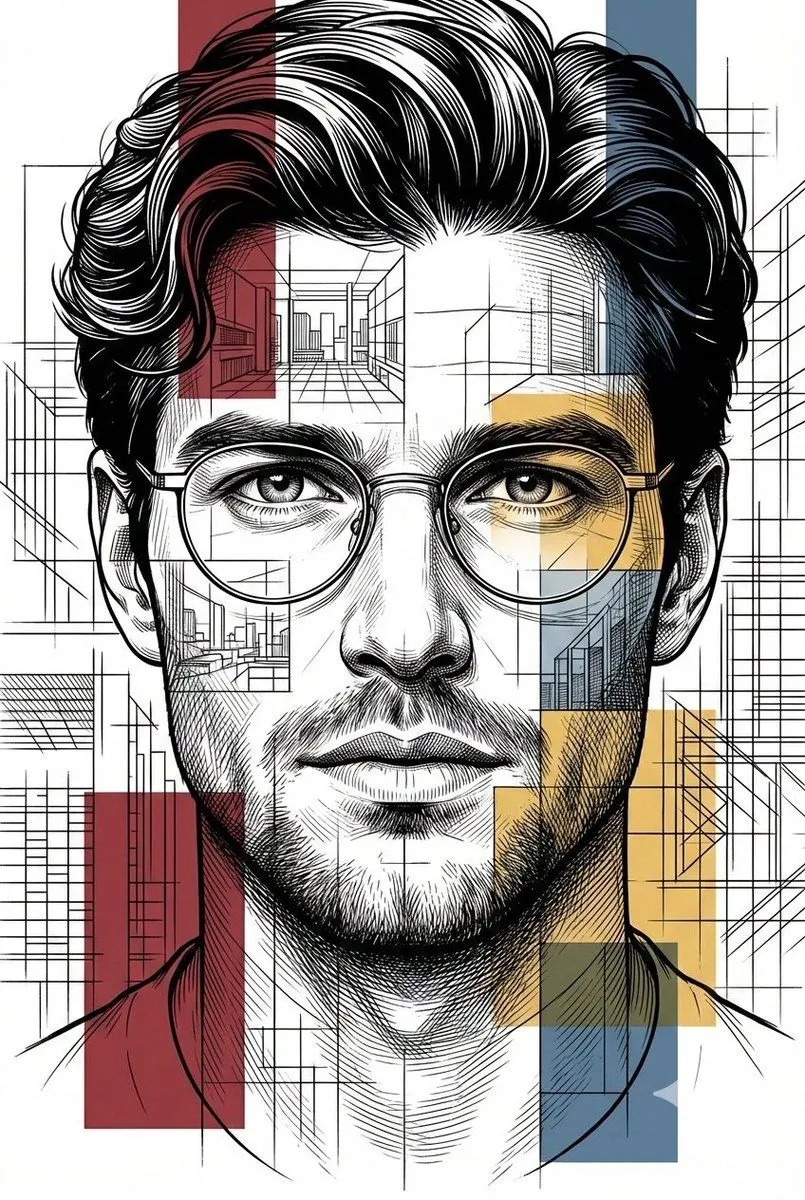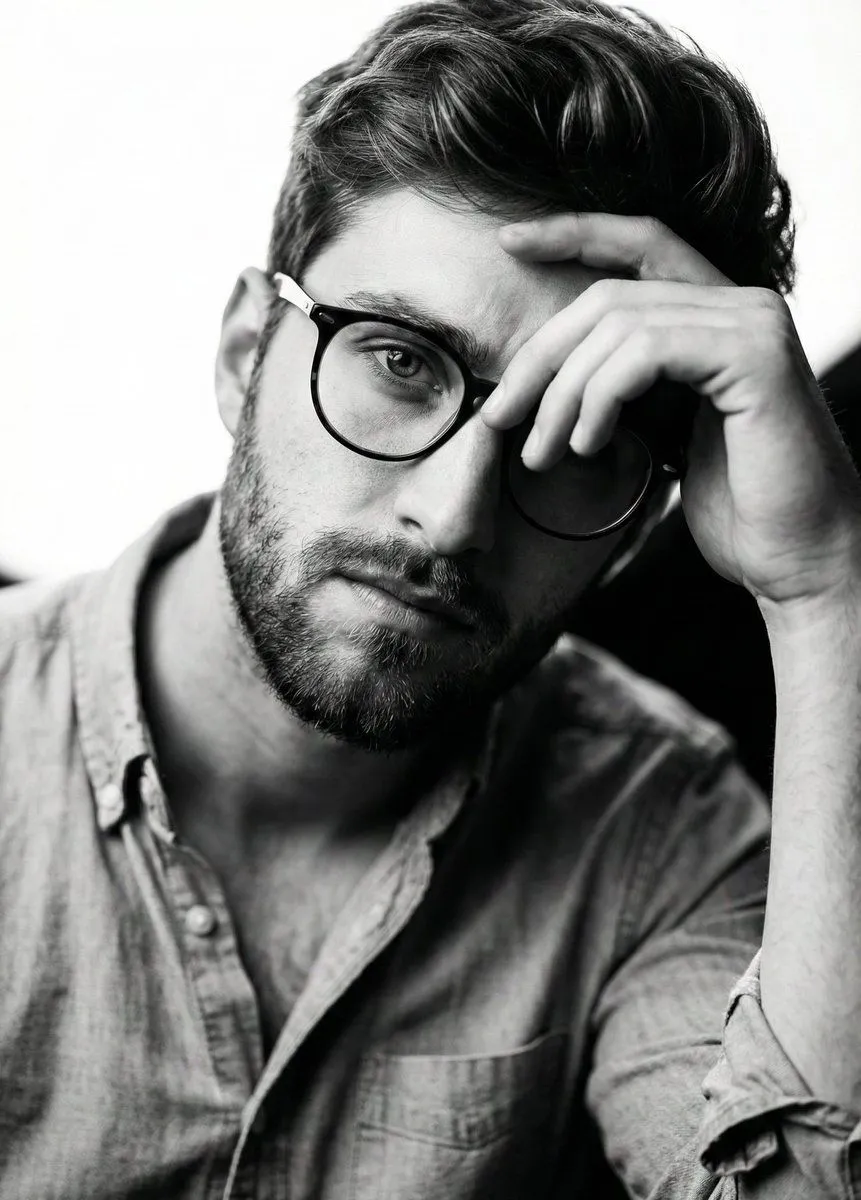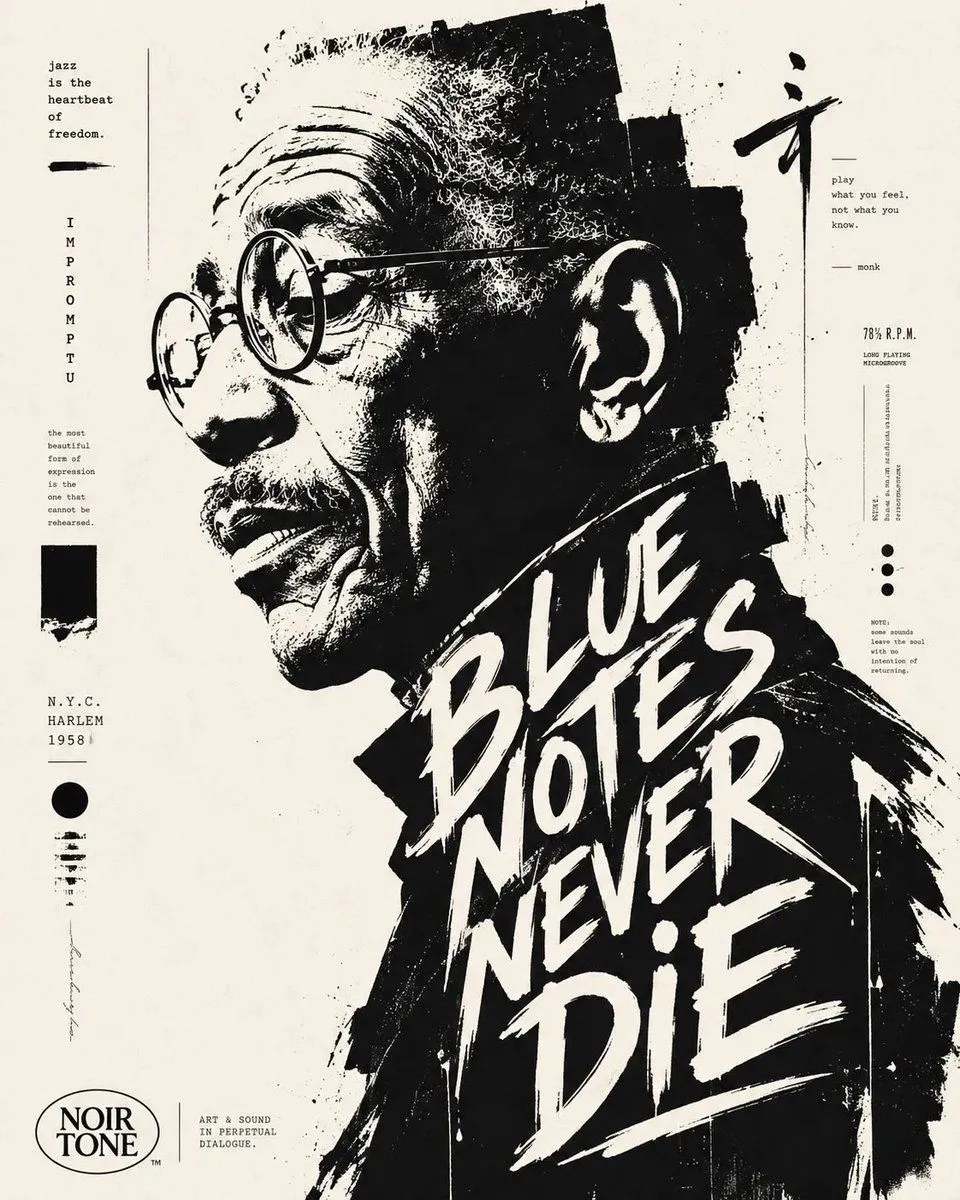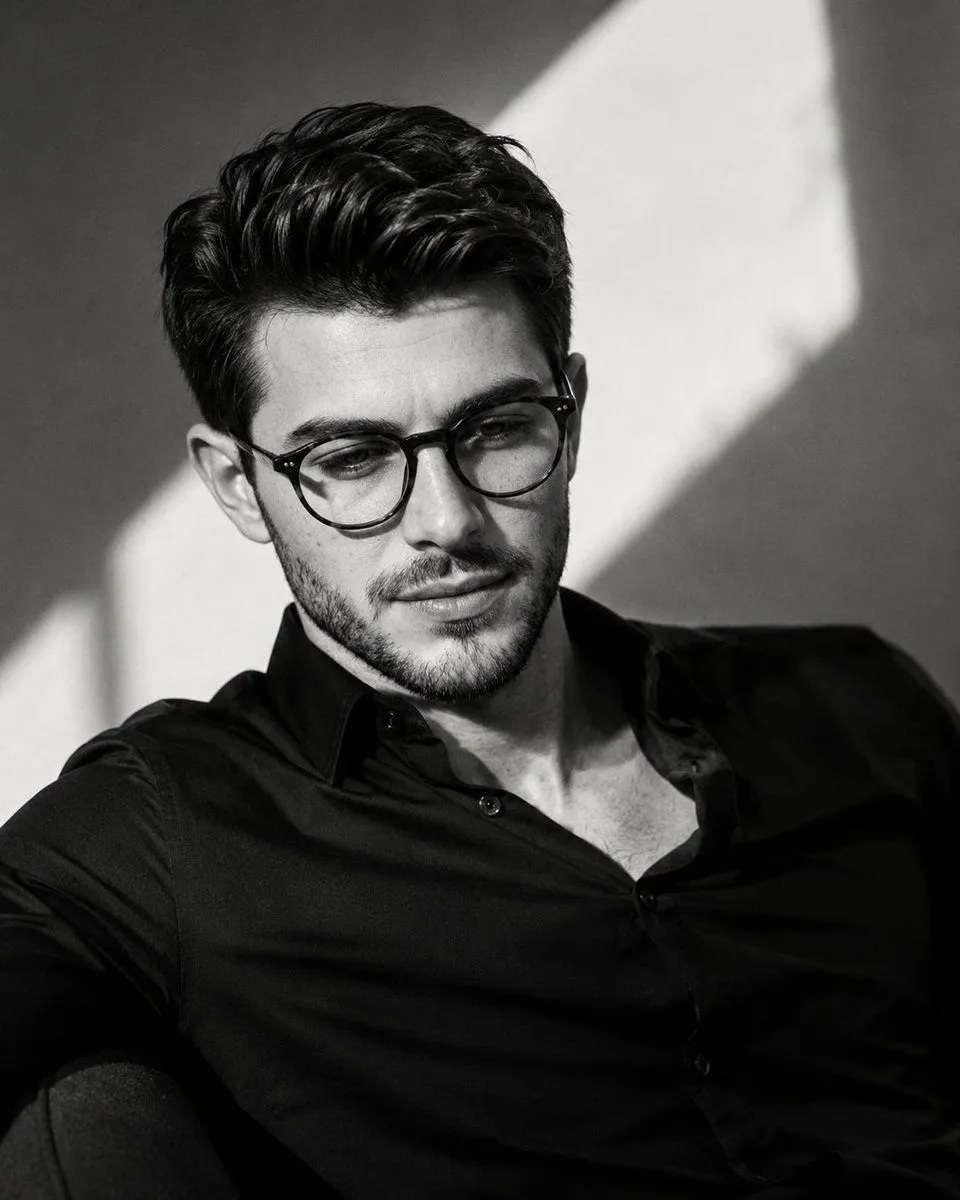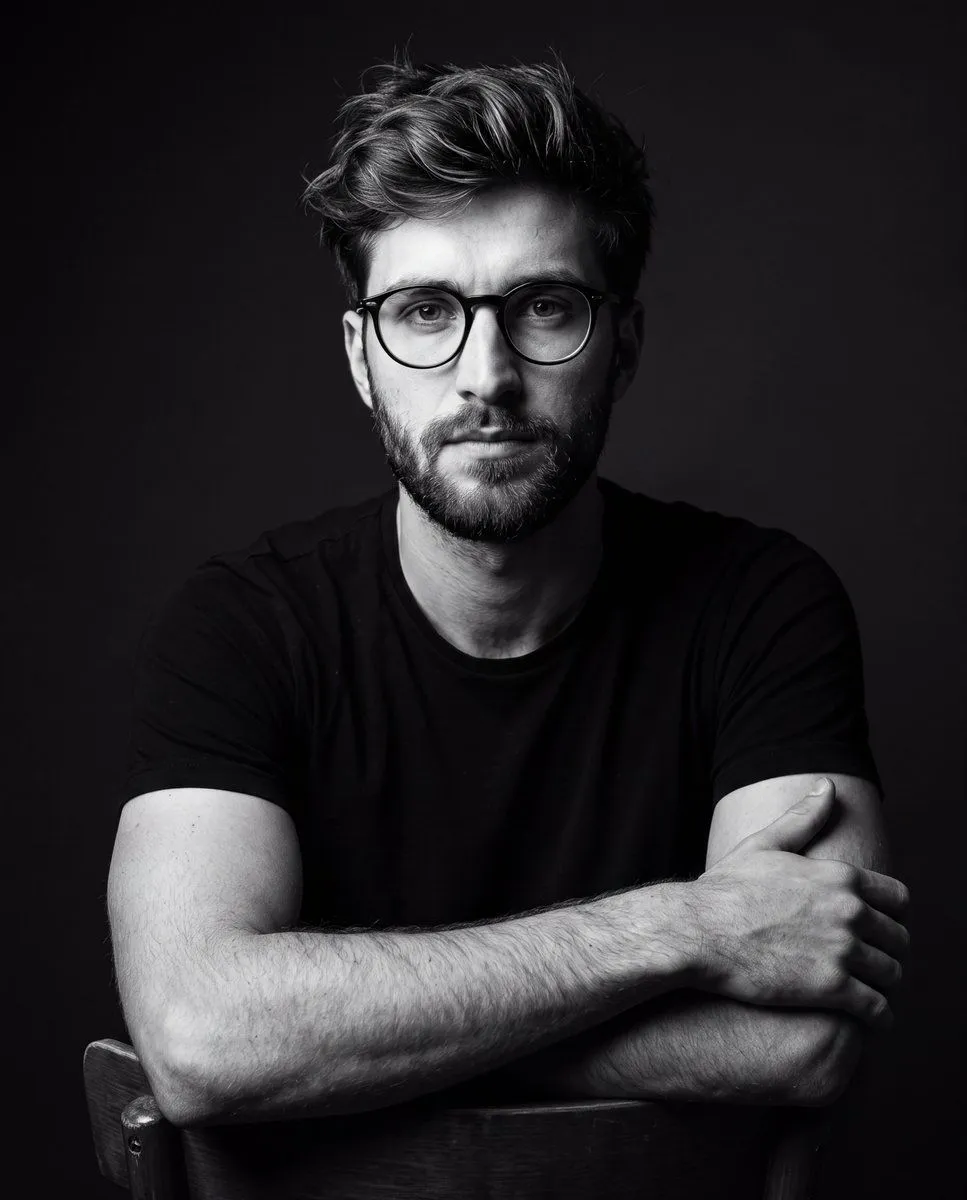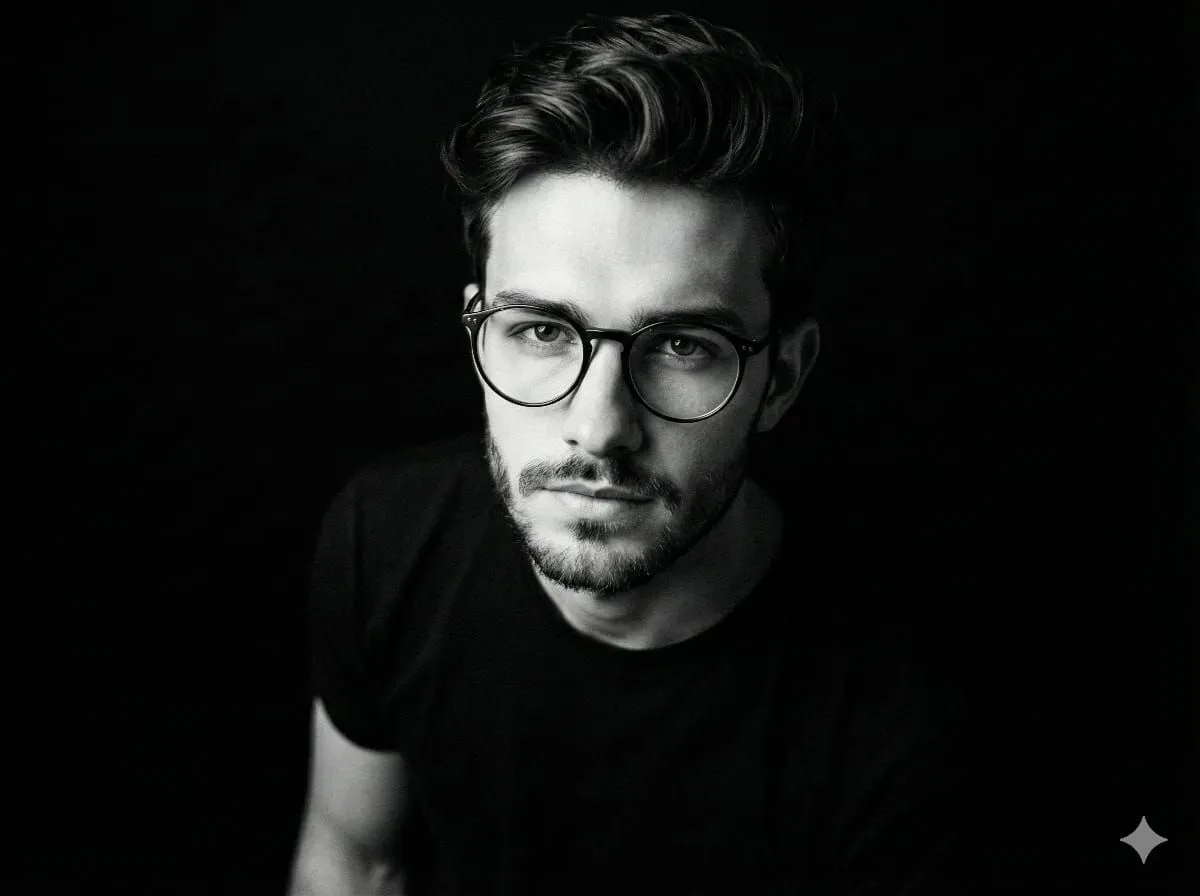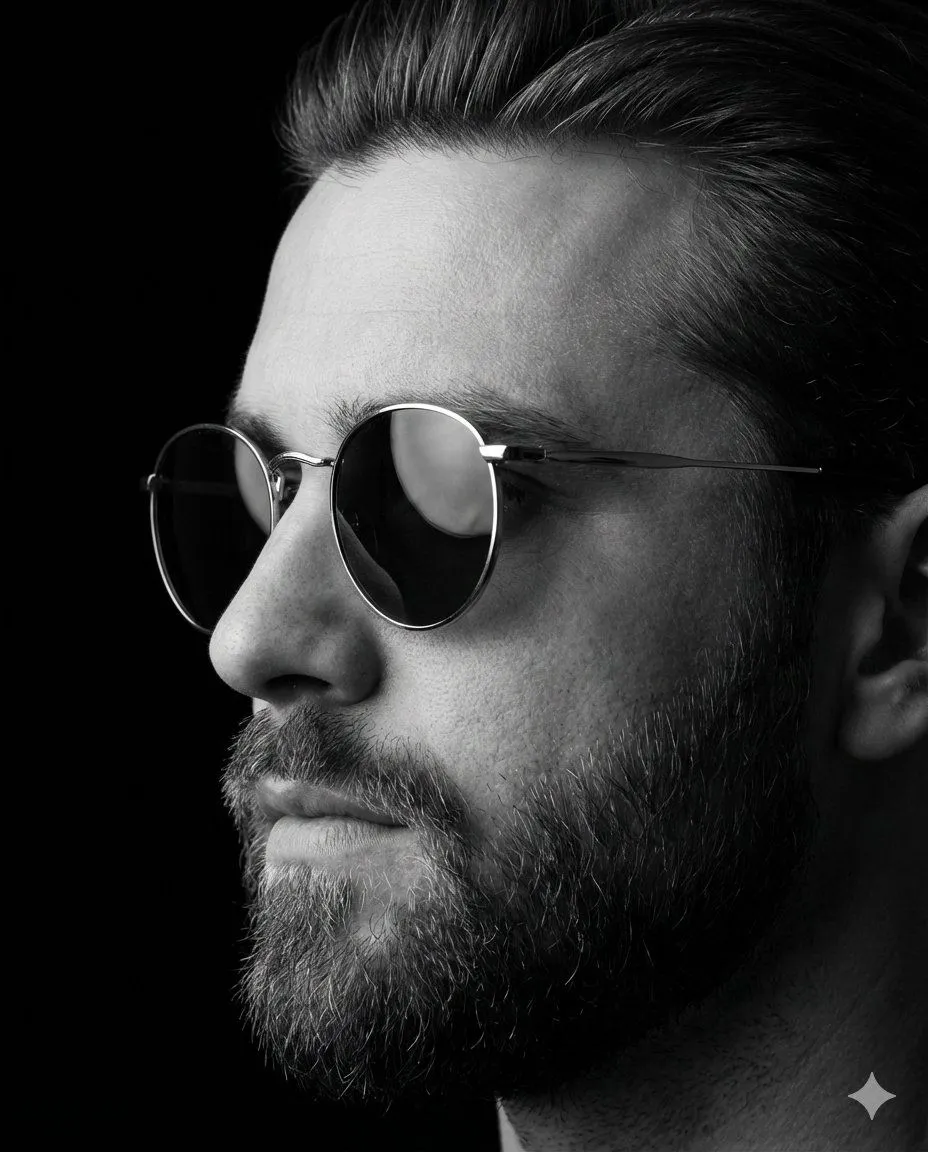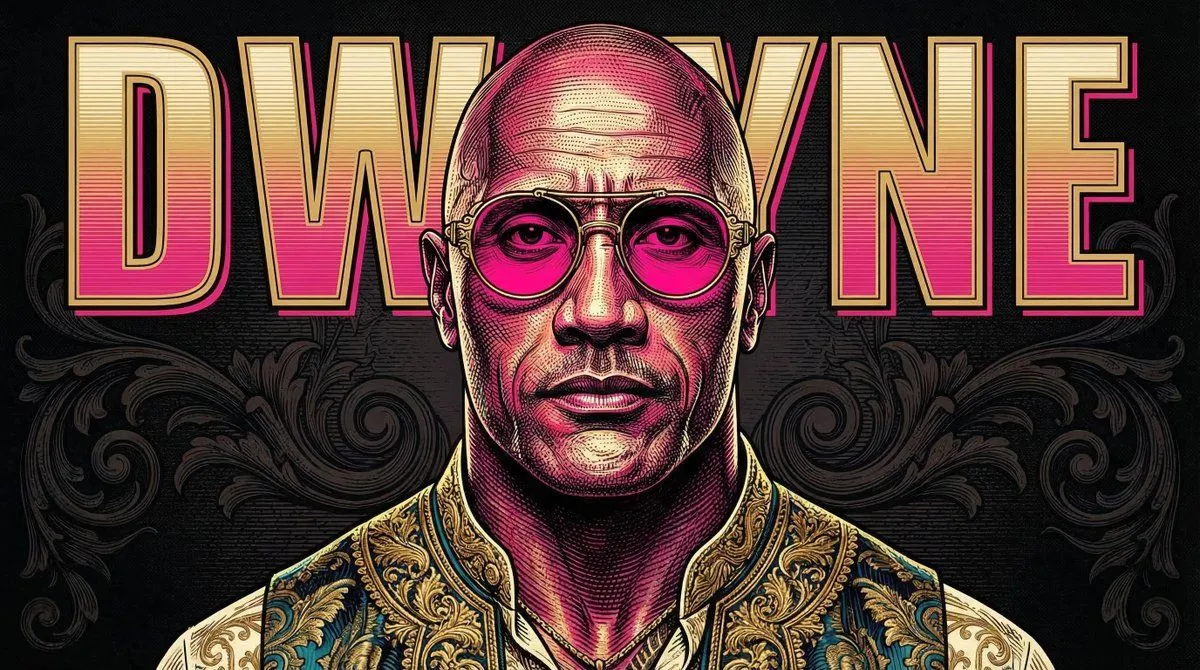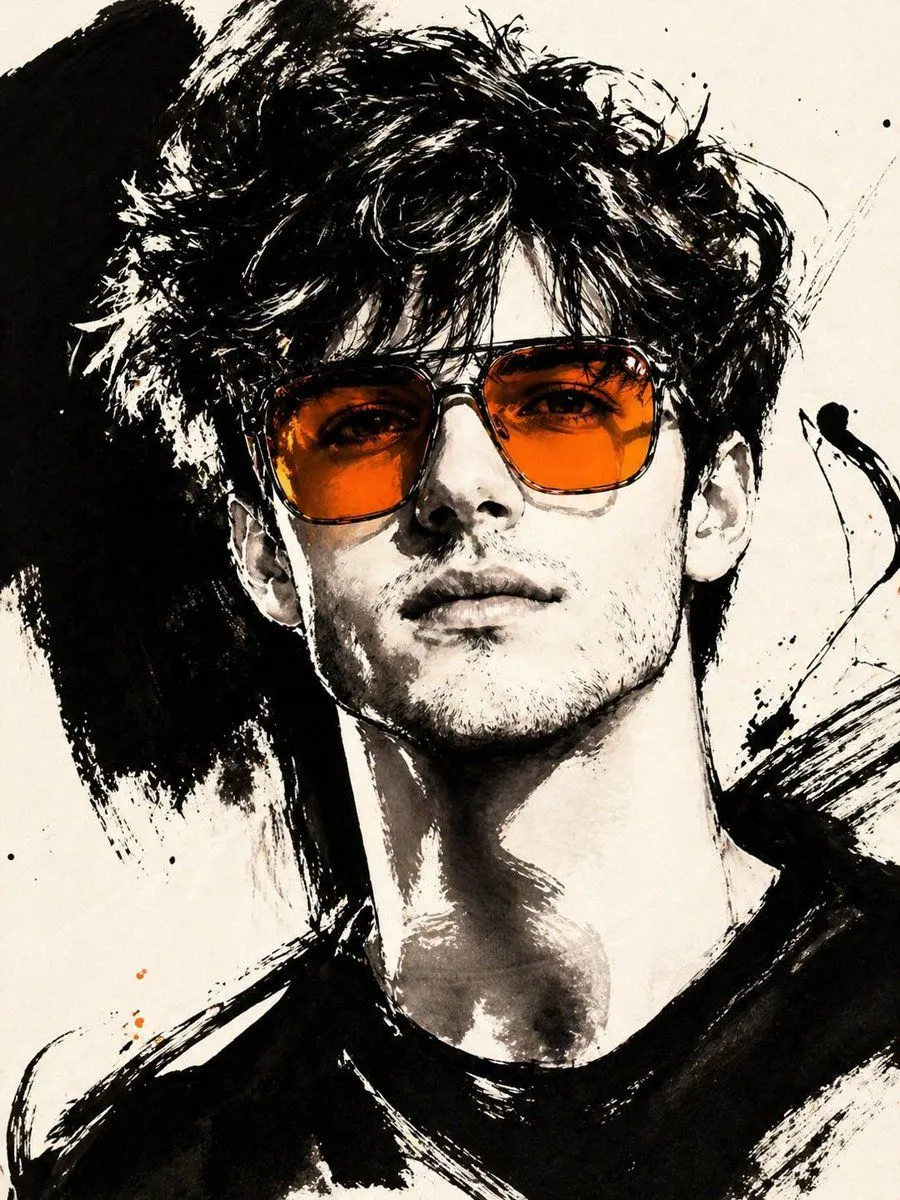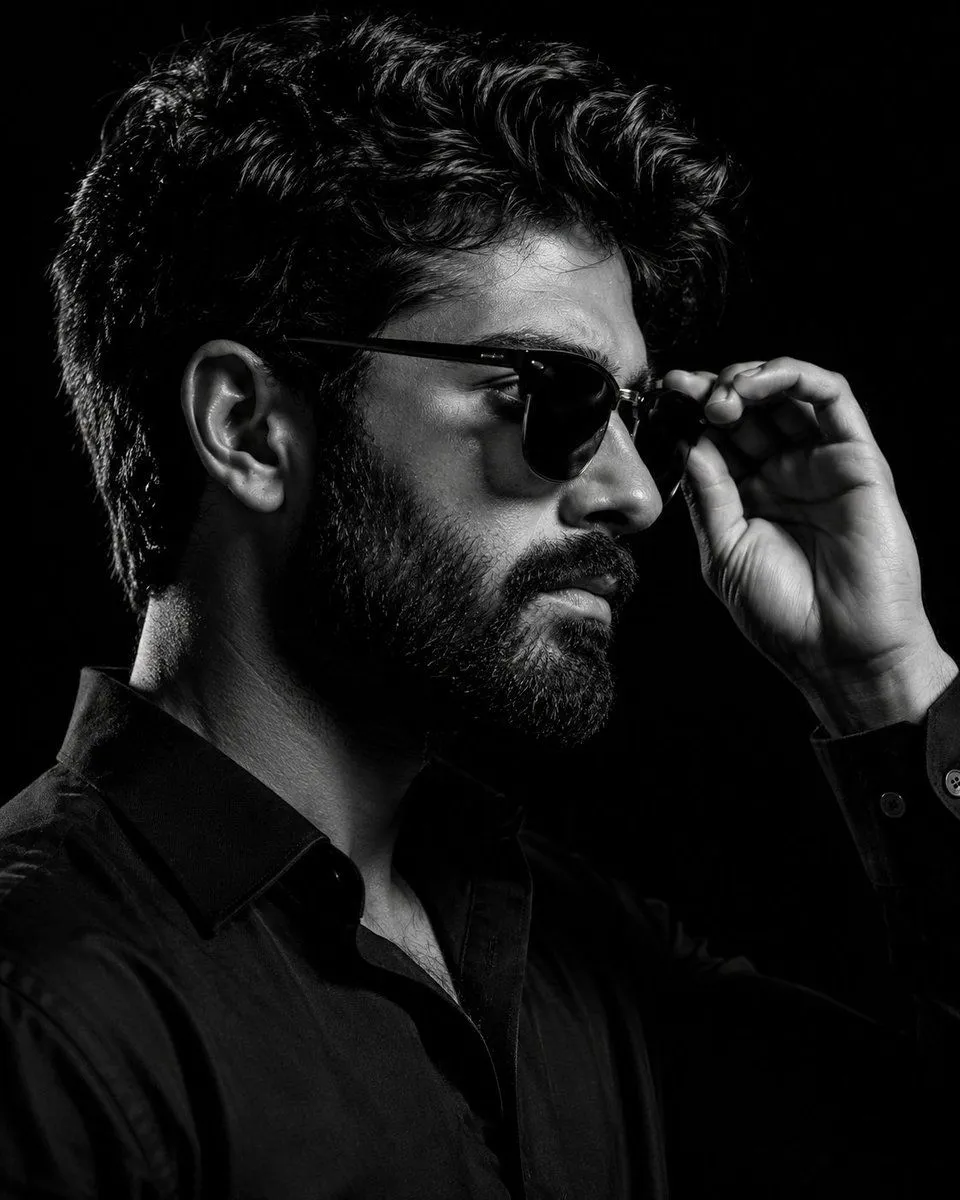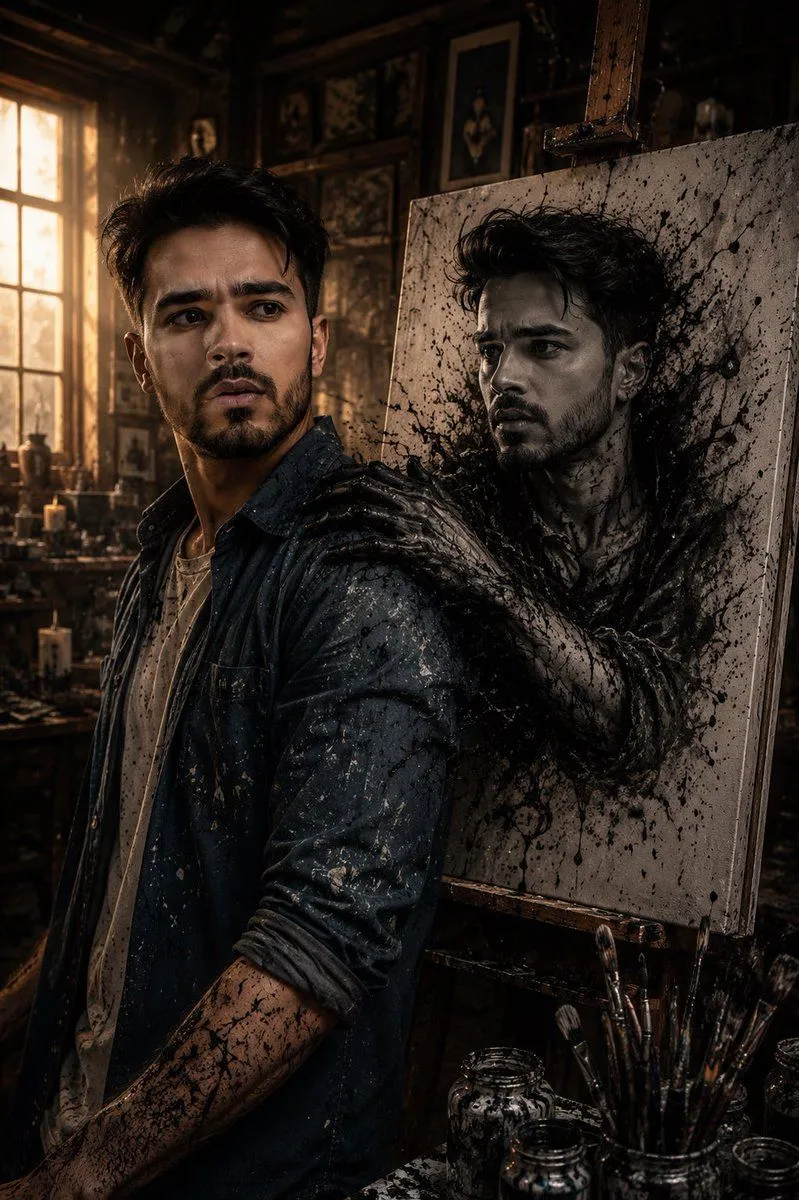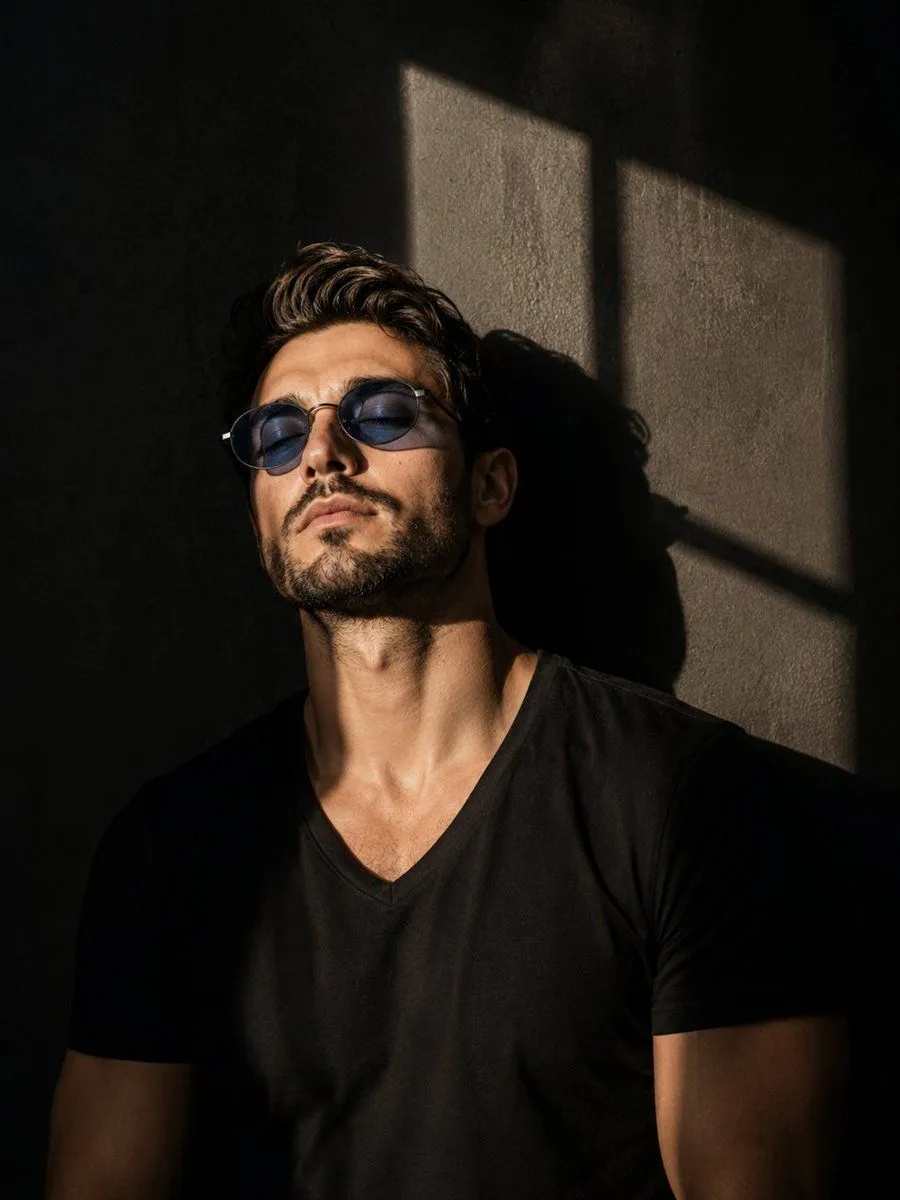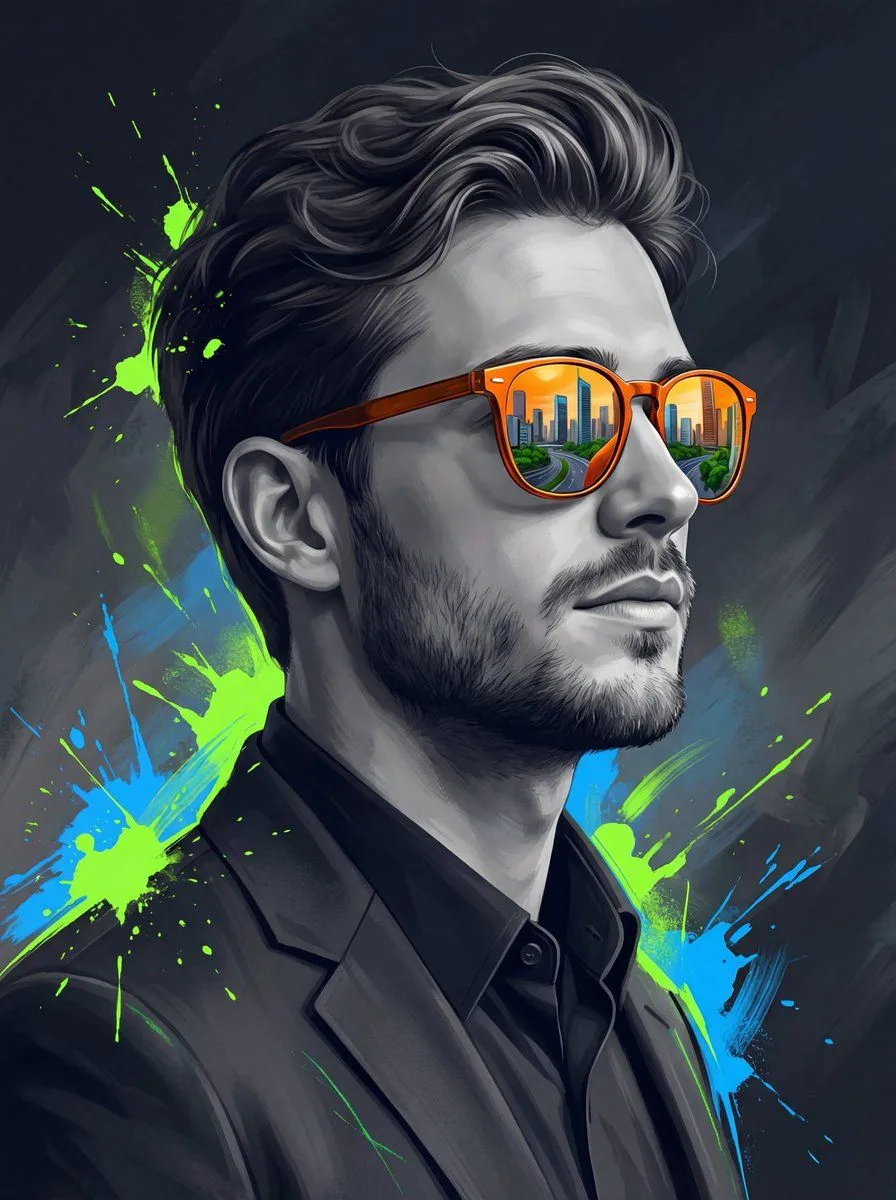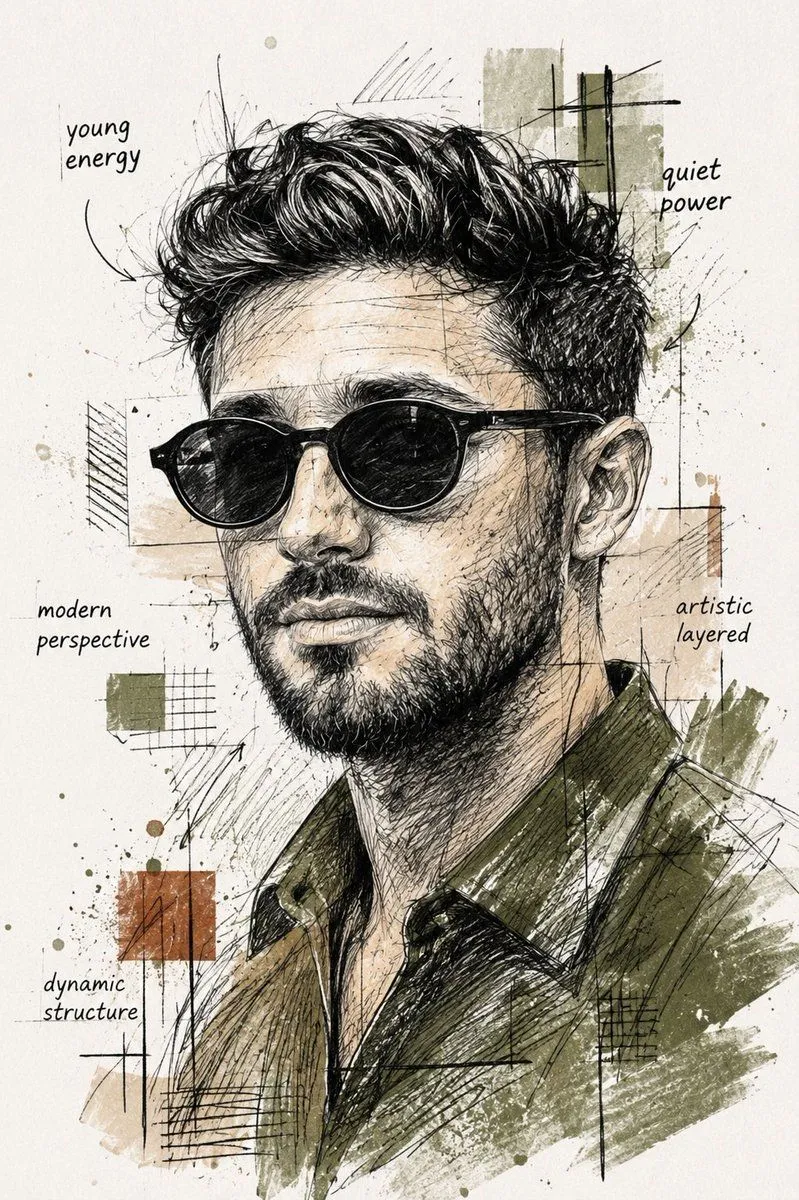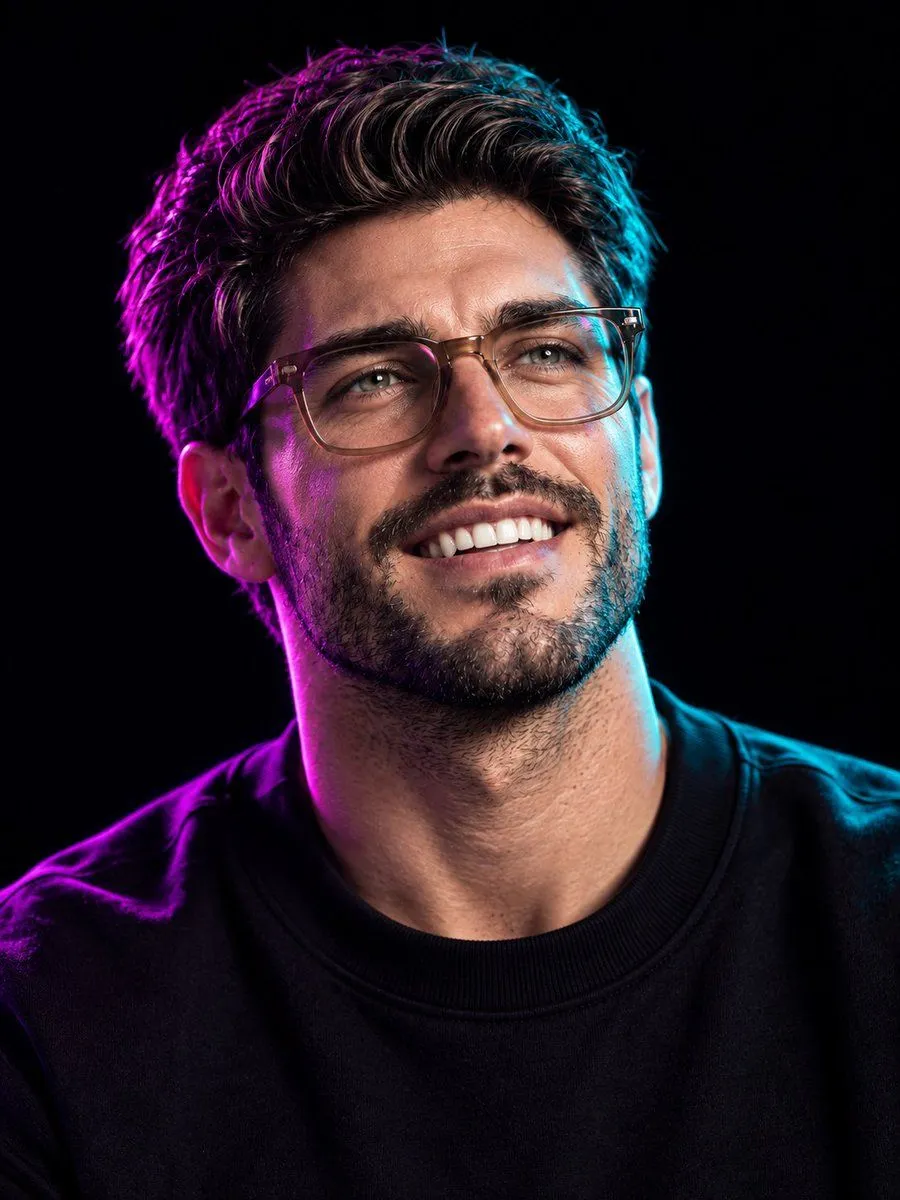
Made with GPT Image 2 in ChatGPT by Library Avatars. Promptclay never generates images.
Did it work?
No reports yet. Tell others if it worked for you.
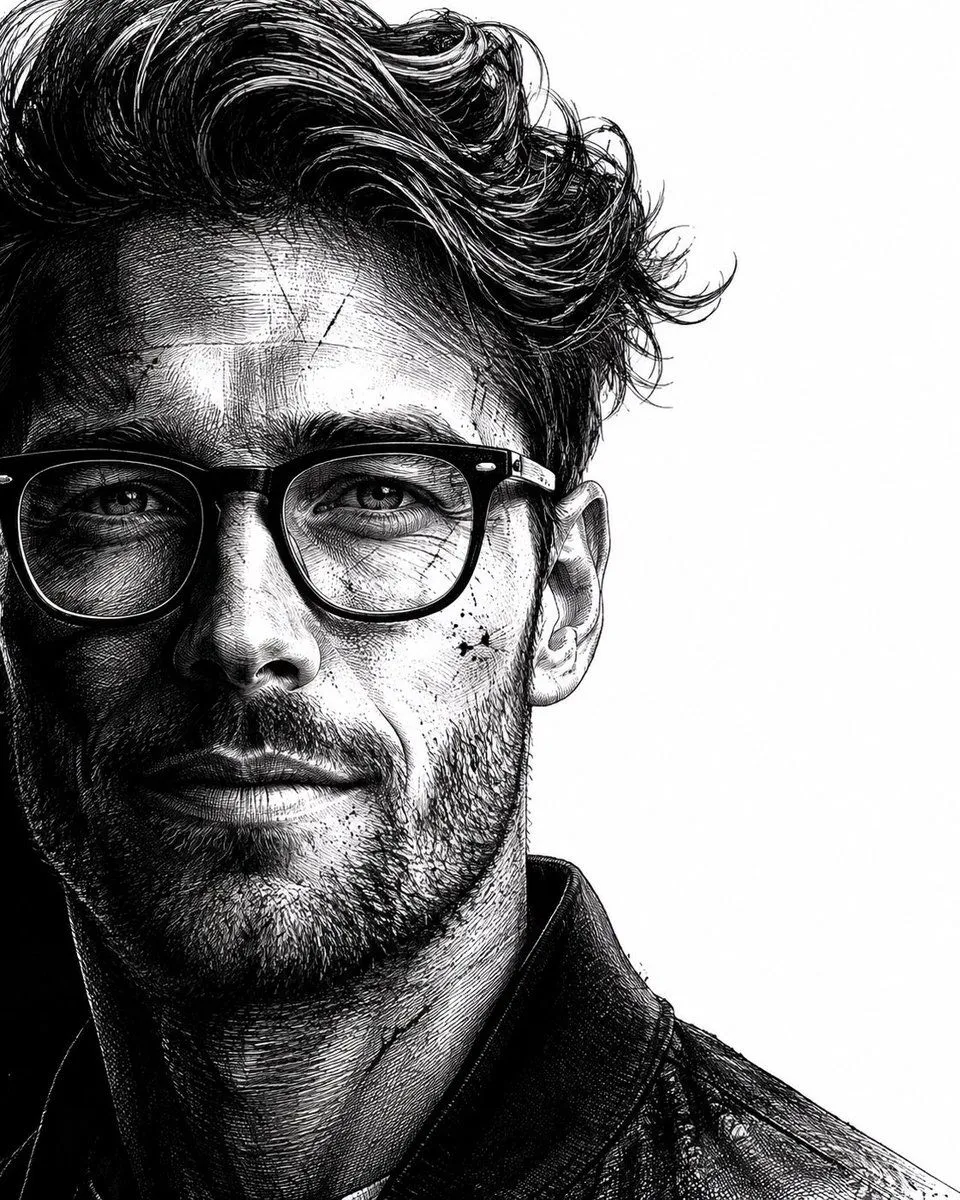
Neo-noir assassin portrait ink engraving
Prompt
1 blank to fillUse the uploaded reference image as the identity source. Preserve the subject's identity with maximum accuracy. Maintain the original facial structure, facial proportions, skin tone, eye shape, nose, lips, eyebrows, age, and all unique identifying features. Do not replace, reinterpret, beautify, or alter the person's identity. Transform only the {artistic_style} while keeping the subject instantly recognizable. Create a hyper-realistic, dramatic black-and-white neo-noir assassin portrait illustrated in an ultra-detailed ink engraving and cross-hatching style. COMPOSITION & FRAMING • Vertical 4:5 aspect ratio. • Position the subject on the far left with virtually no left margin. • The subject should occupy approximately 60–65% of the frame. • Keep the remaining 35–40% on the right as clean white negative space with no distractions. • Show approximately two-thirds of the face using a vertical crop passing near the center of one eye. • Tight cinematic close-up: - Top crop slightly through the hair. - Bottom crop just above the shoulders. • Face oriented almost directly toward the viewer with only a subtle forward angle. • The eyes must be the strongest visual focal point. HAIR (ADAPTIVE TO REFERENCE) Analyze the hairstyle from the reference image and recreate it faithfully while enhancing it with a dramatic neo-noir aesthetic. Preserve: • Overall hairstyle • Hairline • Length • Parting • Natural texture • Volume • Curl or wave pattern Enhance with: • Rich, highly detailed strand rendering • Natural thickness and density • Dynamic movement and layered flow • Slightly windswept appearance • Subtle damp or wet texture • Individual flyaway strands • Fine engraved line work • High-detail cross-hatching throughout the hair The hairstyle should remain authentic to the reference while appearing cinematic and intense. FACIAL HAIR (ADAPTIVE) Analyze the reference image and preserve the subject's natural facial-hair characteristics. If clean-shaven: • Add only subtle rugged skin texture with extremely light natural stubble. If light stubble: • Increase density slightly while maintaining realism. If a beard or mustache is present: • Preserve the original style while enhancing depth, texture, and volume using engraved strokes. Render facial hair using: • Individual hair strokes • Cross-hatched shadowing • Natural density • Strong facial contour definition • Rugged but believable appearance (For subjects without facial hair, do not add a full beard.) SKIN TEXTURE Create a battle-hardened cinematic appearance using: • Fine skin texture • Subtle scars • Light scratches • Tiny ink splatter accents • Engraved pores • Dense cross-hatching instead of smooth gradients • High-detail etched shading LIGHTING Extreme noir chiaroscuro lighting. • One side of the face illuminated dramatically. • The opposite side fades into deep shadow. • Strong directional contrast. • Shadows created entirely through dense engraved cross-hatching
Preview of your prompt
Use the uploaded reference image as the identity source. Preserve the subject's identity with maximum accuracy. Maintain the original facial structure, facial proportions, skin tone, eye shape, nose, lips, eyebrows, age, and all unique identifying features. Do not replace, reinterpret, beautify, or alter the person's identity. Transform only the artistic style while keeping the subject instantly recognizable. Create a hyper-realistic, dramatic black-and-white neo-noir assassin portrait illustrated in an ultra-detailed ink engraving and cross-hatching style. COMPOSITION & FRAMING • Vertical 4:5 aspect ratio. • Position the subject on the far left with virtually no left margin. • The subject should occupy approximately 60–65% of the frame. • Keep the remaining 35–40% on the right as clean white negative space with no distractions. • Show approximately two-thirds of the face using a vertical crop passing near the center of one eye. • Tight cinematic close-up: - Top crop slightly through the hair. - Bottom crop just above the shoulders. • Face oriented almost directly toward the viewer with only a subtle forward angle. • The eyes must be the strongest visual focal point. HAIR (ADAPTIVE TO REFERENCE) Analyze the hairstyle from the reference image and recreate it faithfully while enhancing it with a dramatic neo-noir aesthetic. Preserve: • Overall hairstyle • Hairline • Length • Parting • Natural texture • Volume • Curl or wave pattern Enhance with: • Rich, highly detailed strand rendering • Natural thickness and density • Dynamic movement and layered flow • Slightly windswept appearance • Subtle damp or wet texture • Individual flyaway strands • Fine engraved line work • High-detail cross-hatching throughout the hair The hairstyle should remain authentic to the reference while appearing cinematic and intense. FACIAL HAIR (ADAPTIVE) Analyze the reference image and preserve the subject's natural facial-hair characteristics. If clean-shaven: • Add only subtle rugged skin texture with extremely light natural stubble. If light stubble: • Increase density slightly while maintaining realism. If a beard or mustache is present: • Preserve the original style while enhancing depth, texture, and volume using engraved strokes. Render facial hair using: • Individual hair strokes • Cross-hatched shadowing • Natural density • Strong facial contour definition • Rugged but believable appearance (For subjects without facial hair, do not add a full beard.) SKIN TEXTURE Create a battle-hardened cinematic appearance using: • Fine skin texture • Subtle scars • Light scratches • Tiny ink splatter accents • Engraved pores • Dense cross-hatching instead of smooth gradients • High-detail etched shading LIGHTING Extreme noir chiaroscuro lighting. • One side of the face illuminated dramatically. • The opposite side fades into deep shadow. • Strong directional contrast. • Shadows created entirely through dense engraved cross-hatching
DetailsVersions, settings and questions
Written for
What's in the prompt
- Subject
- Model
- GPT Image 2
If your face changes
keep my face exactly the sameQuestions
- Does this work in the ChatGPT app?
- Yes. Paste the prompt and attach your photo if it uses one.
- It changed my face. What do I do?
- Add "keep my face exactly the same" to the end and run it again.
- Can I use the images I make?
- Check the terms of the app you use. Promptclay never generates images and claims nothing you make.