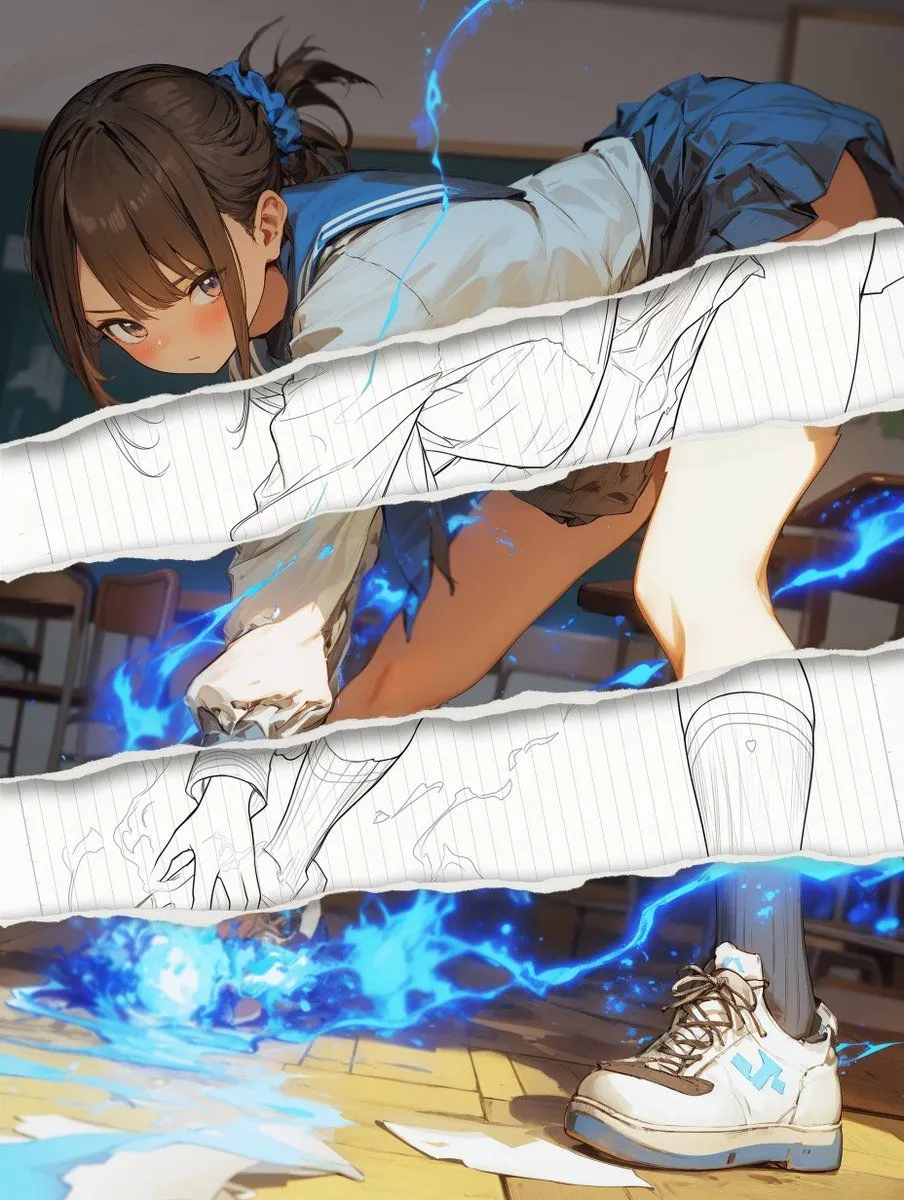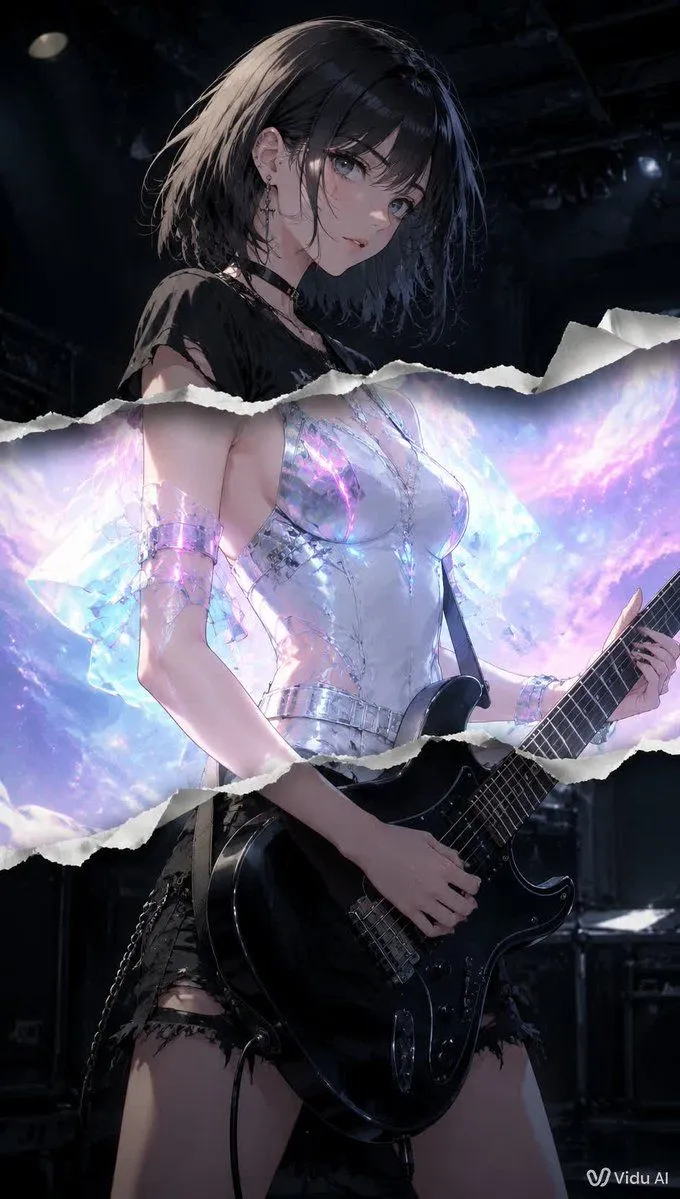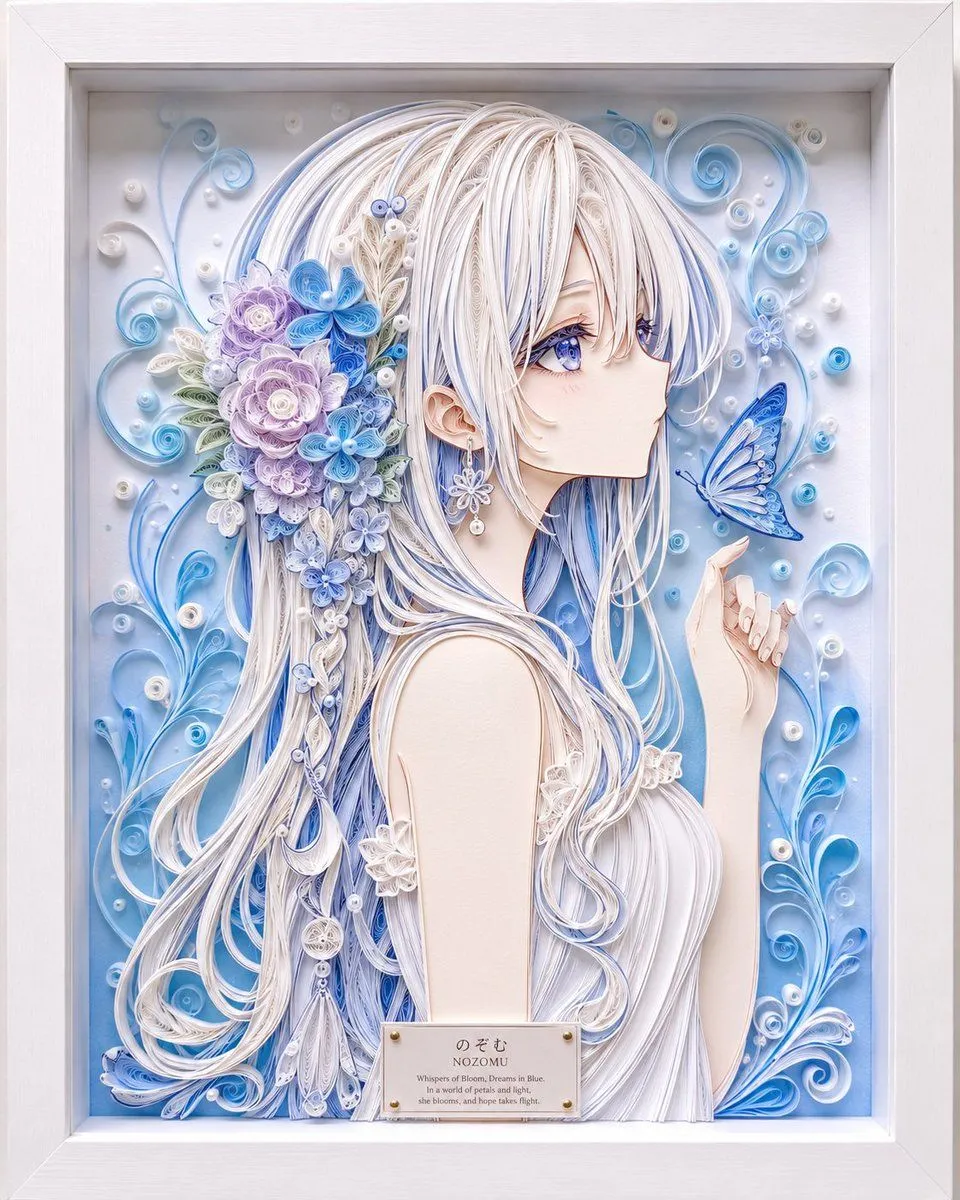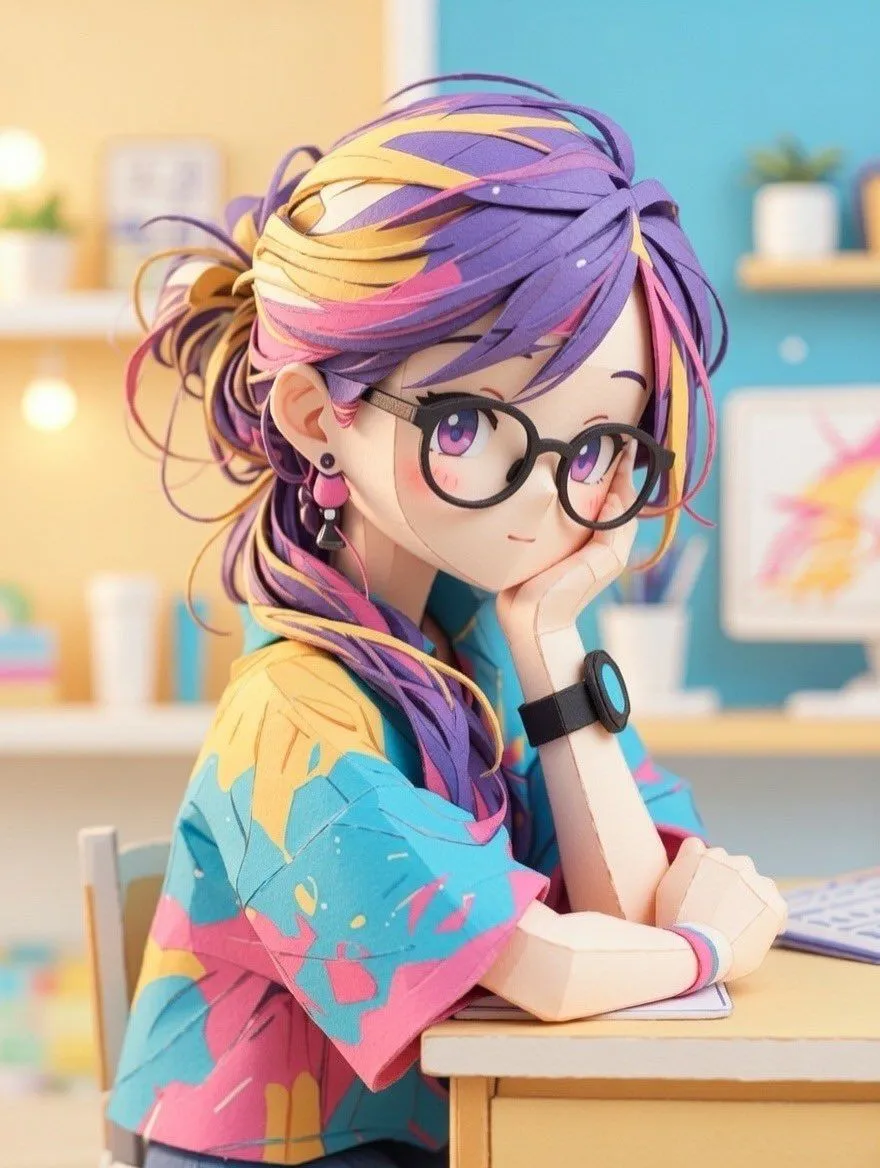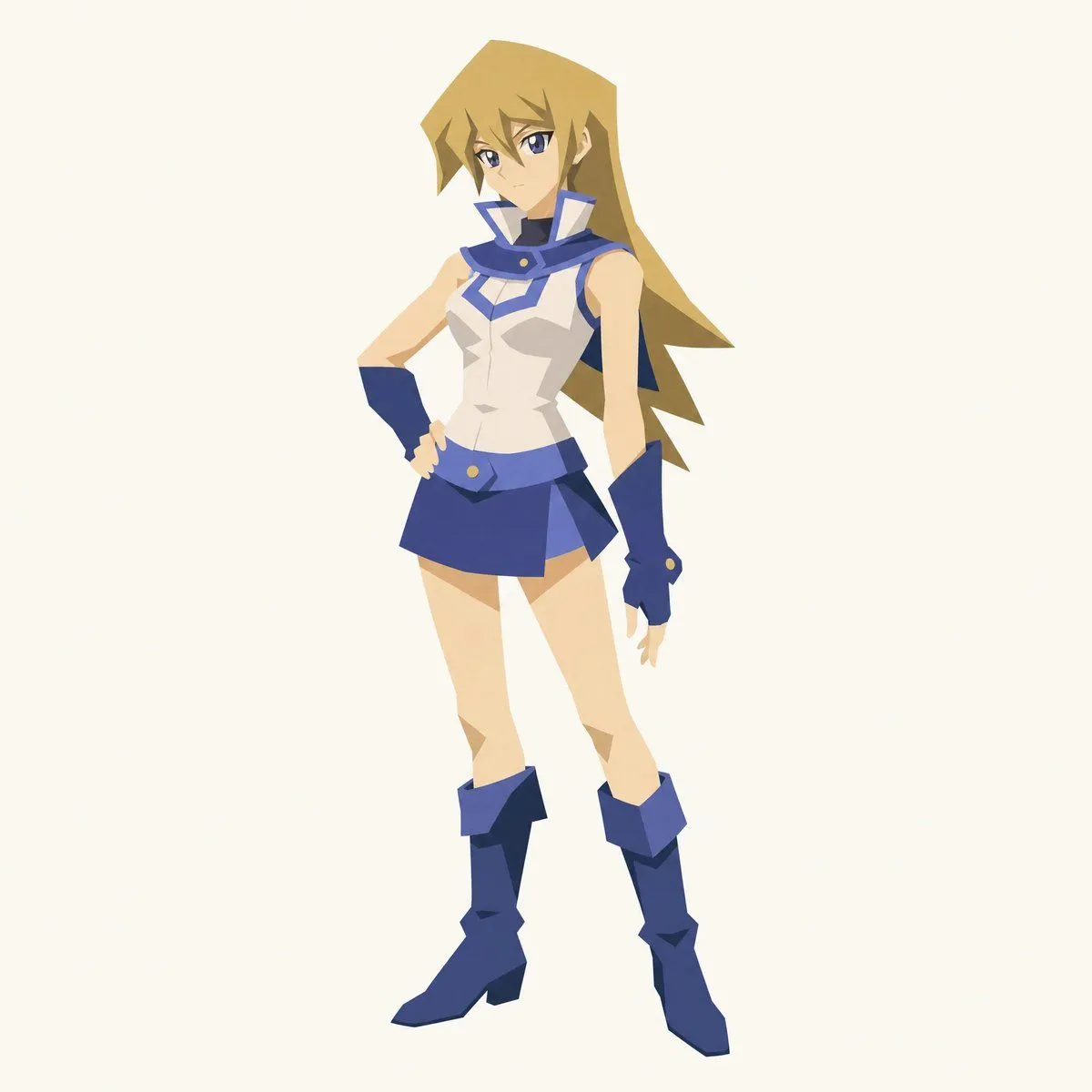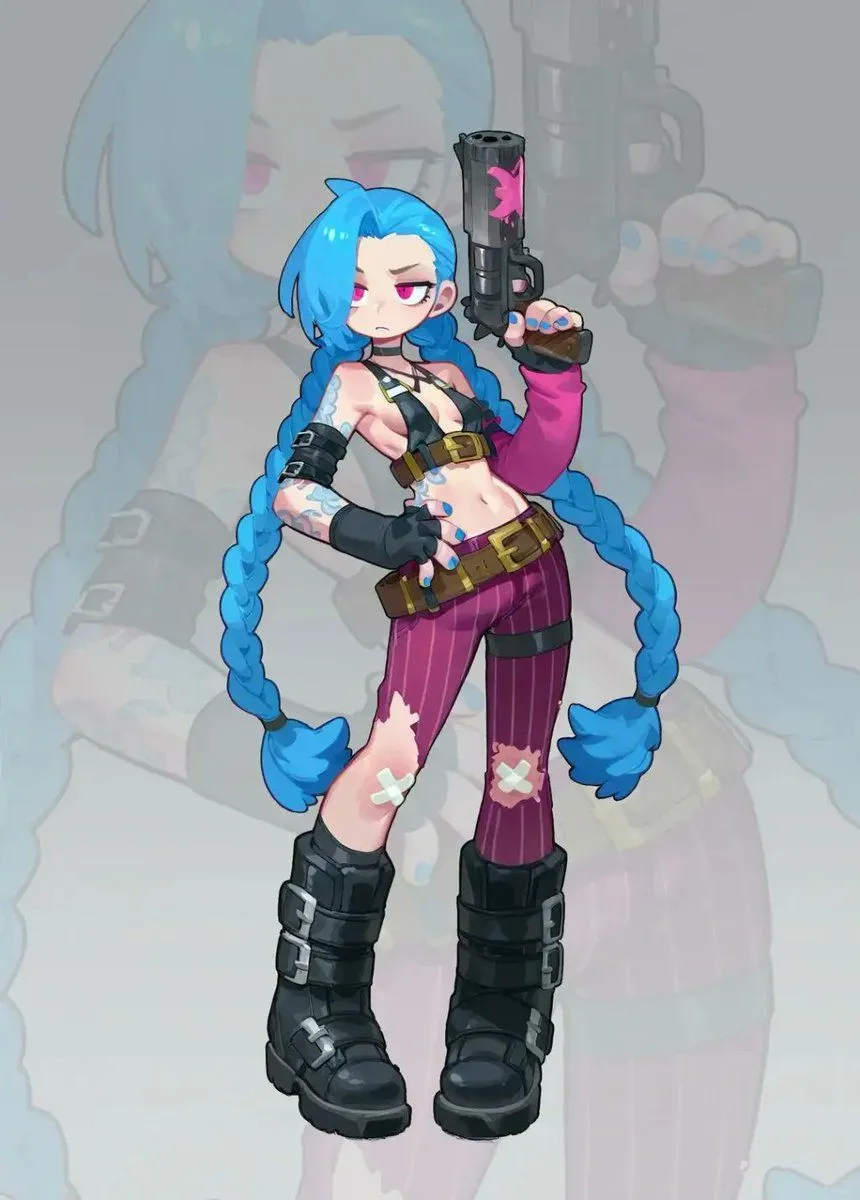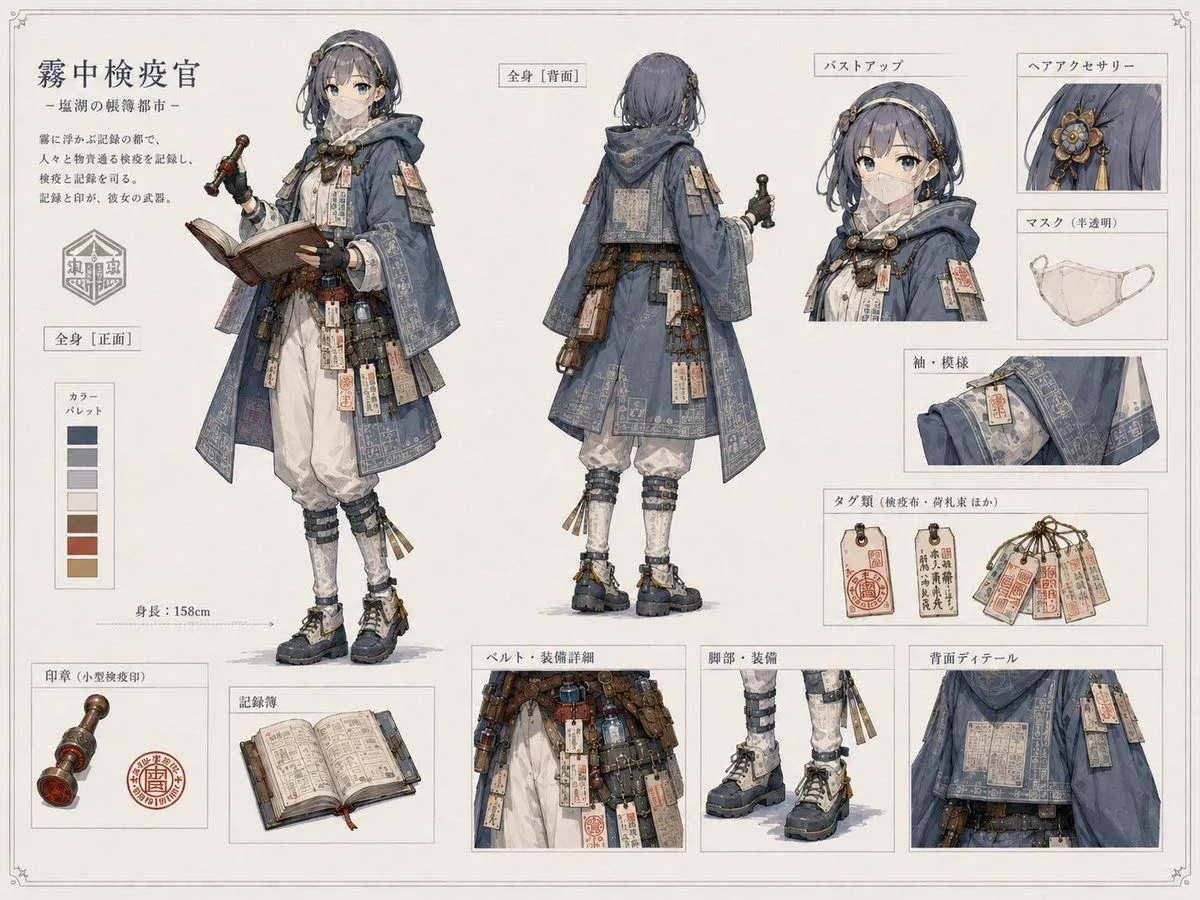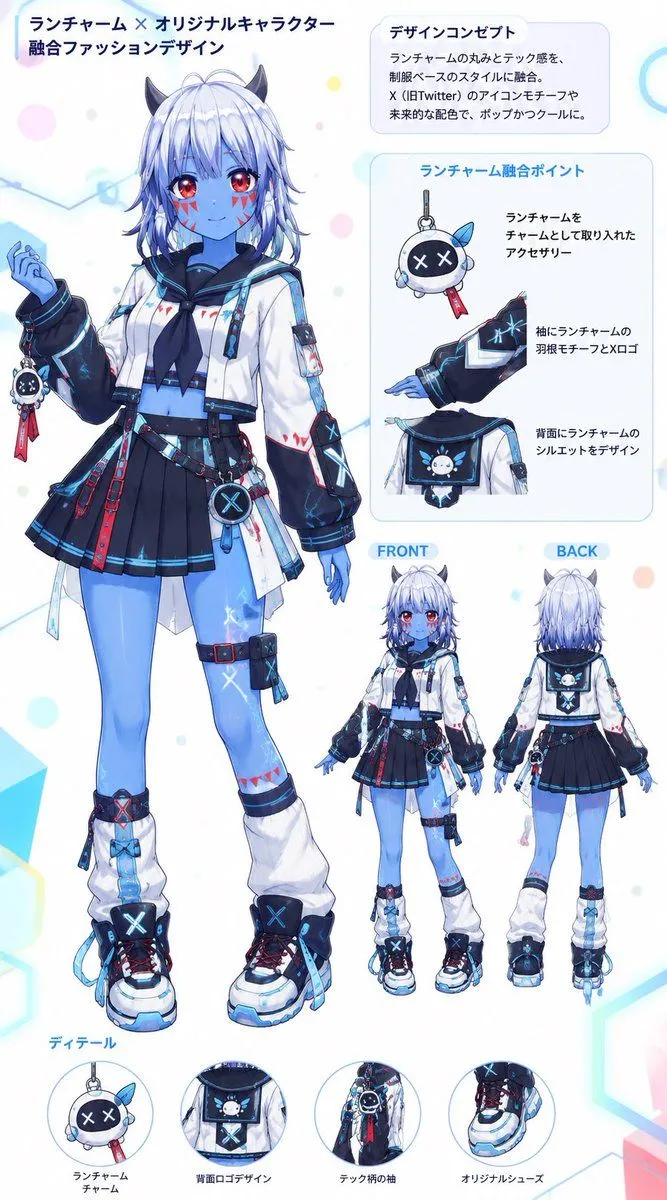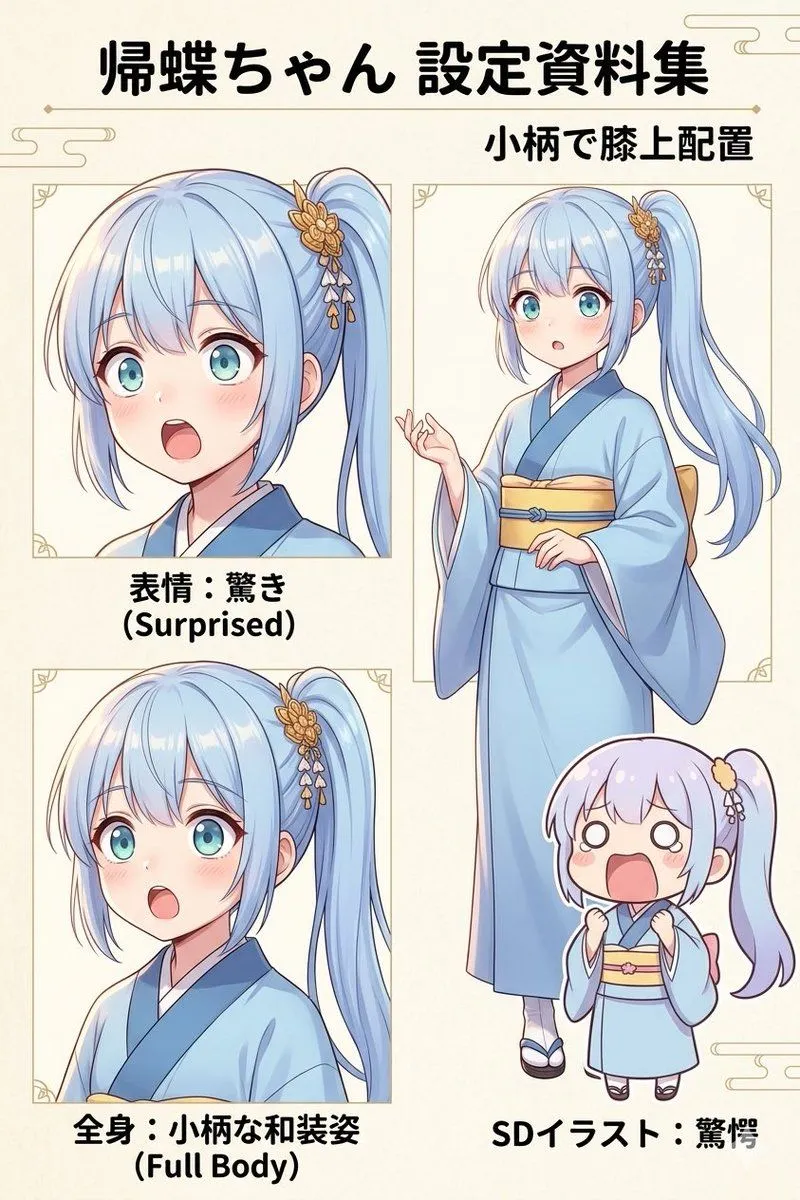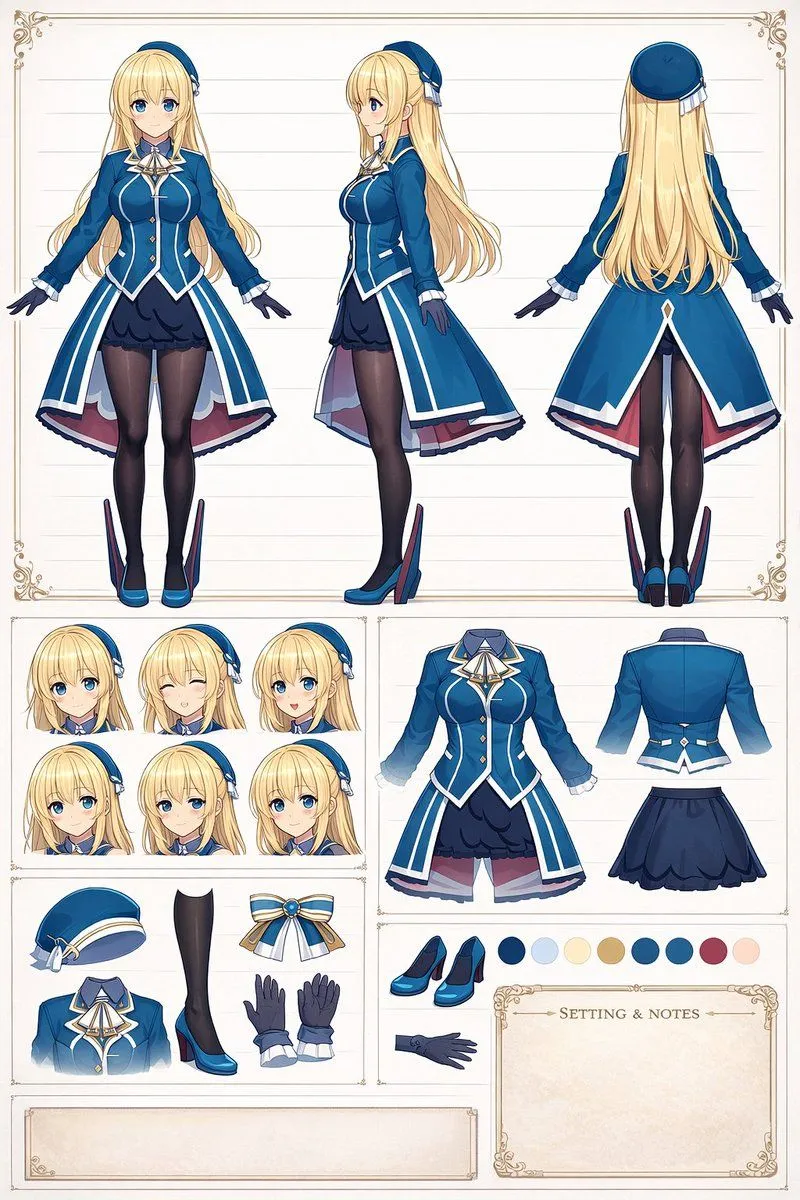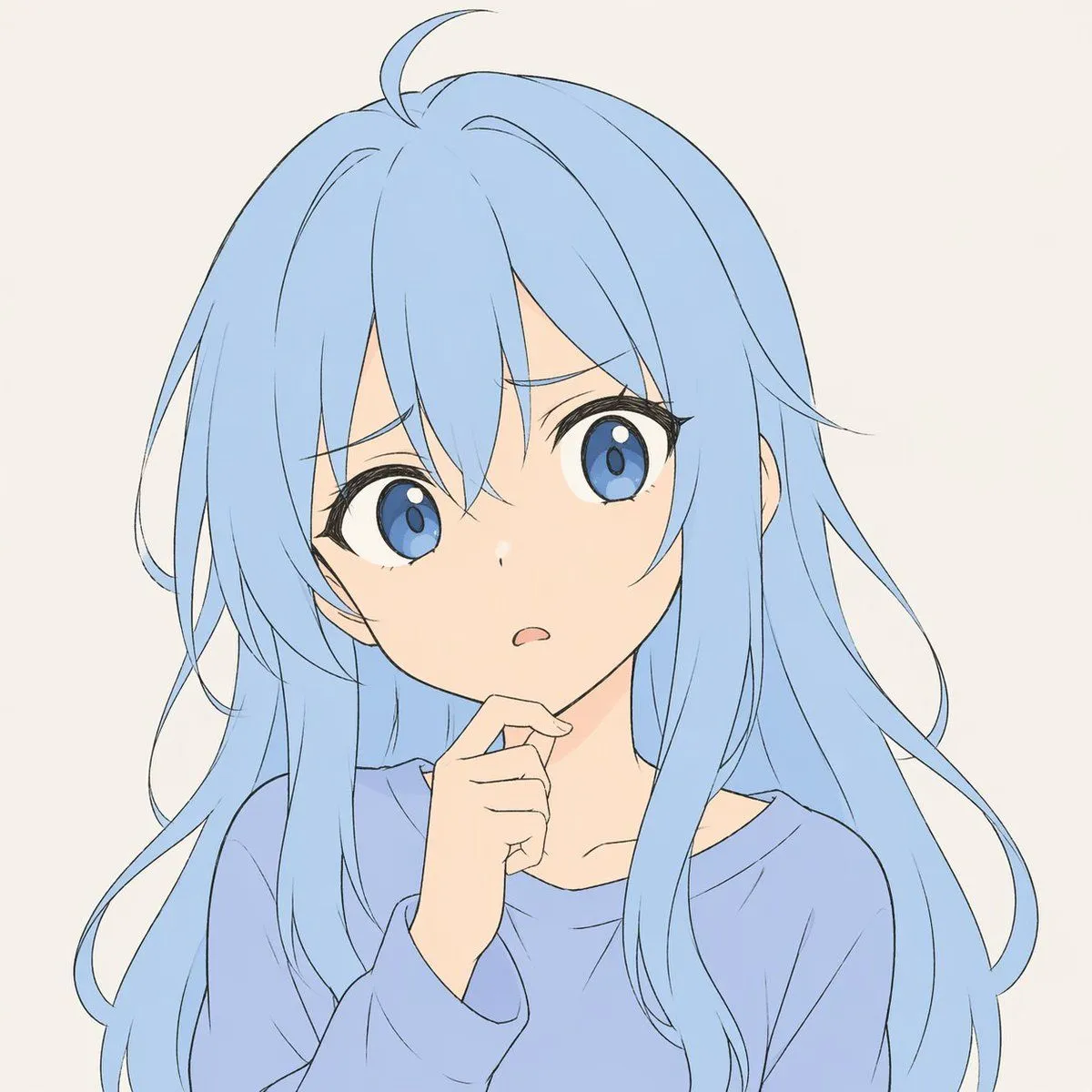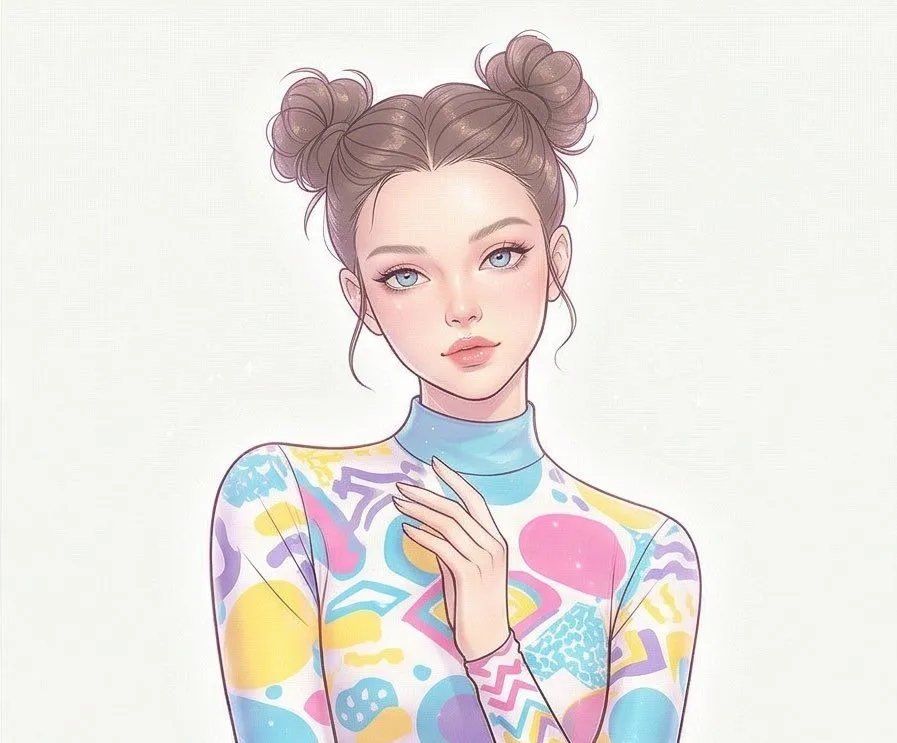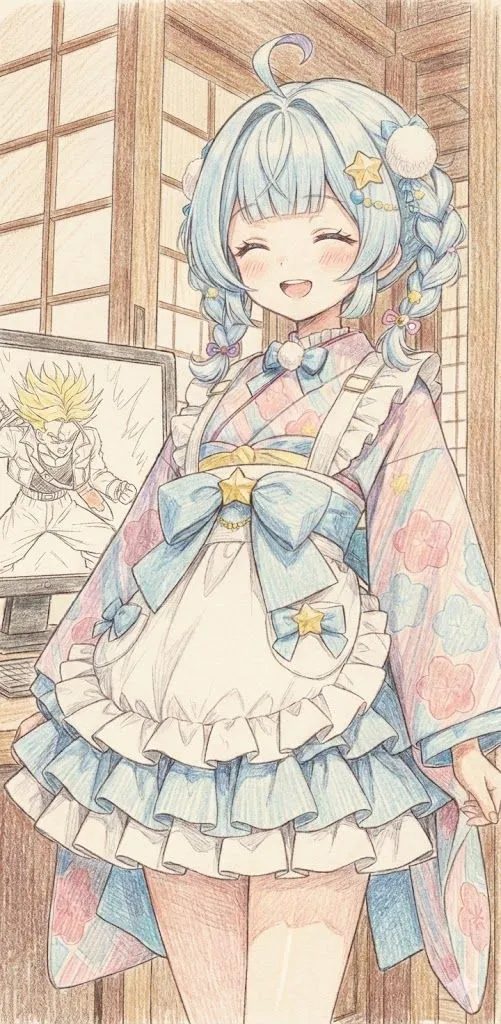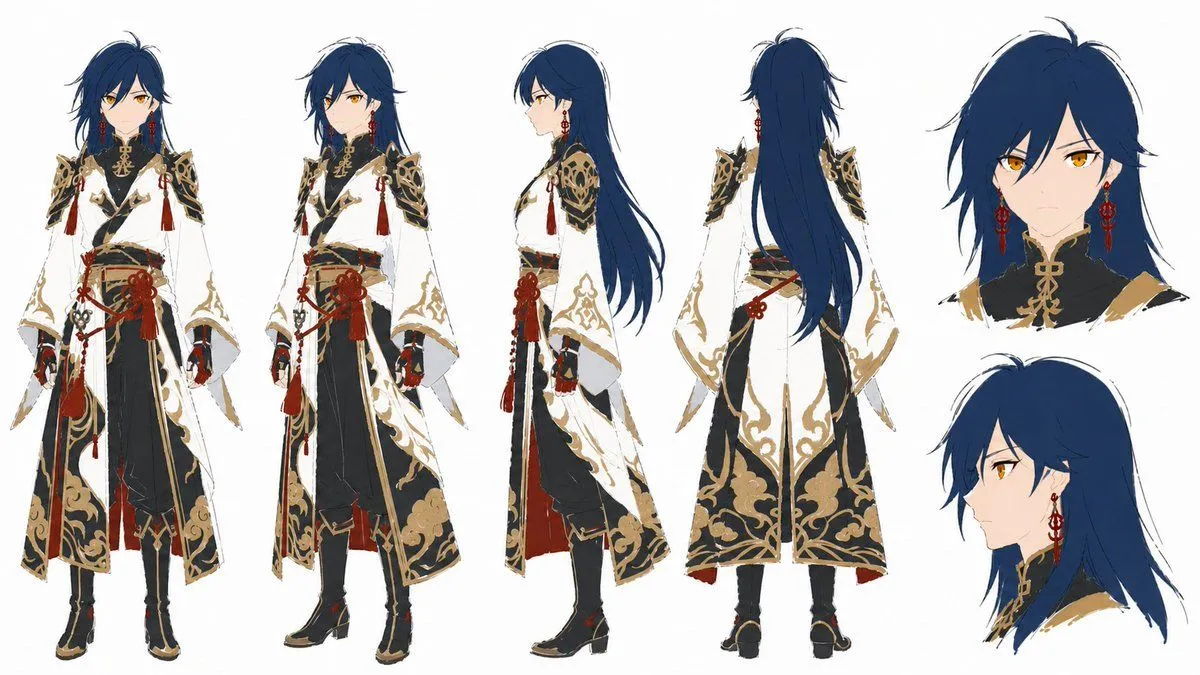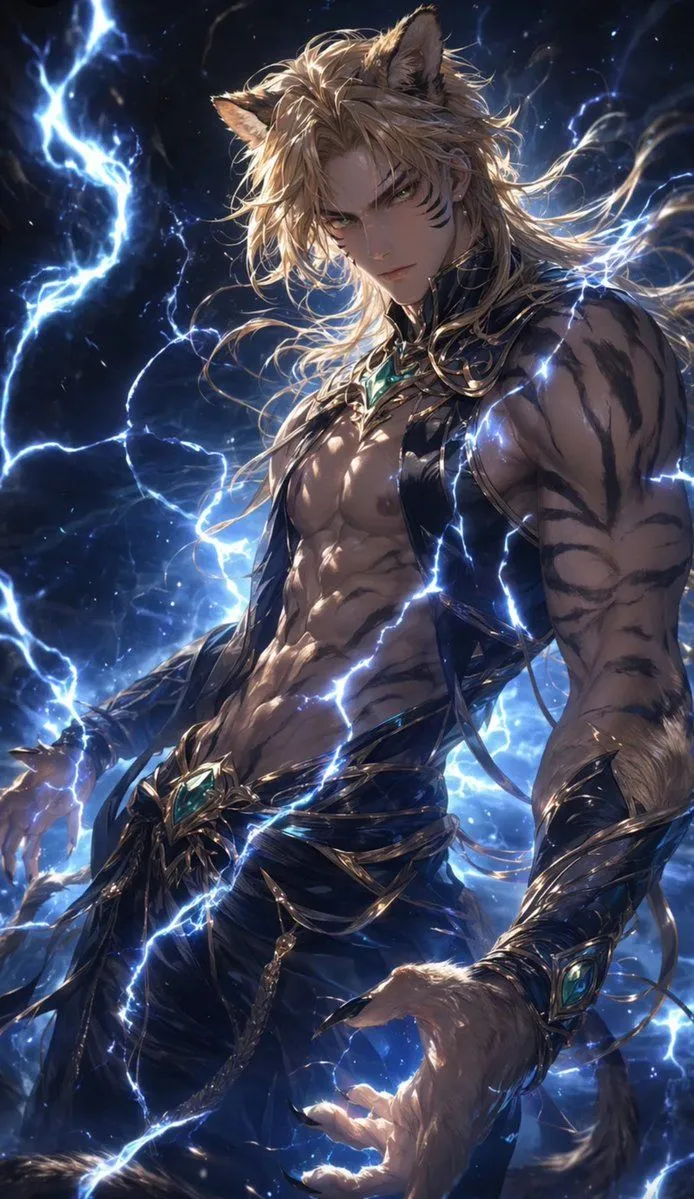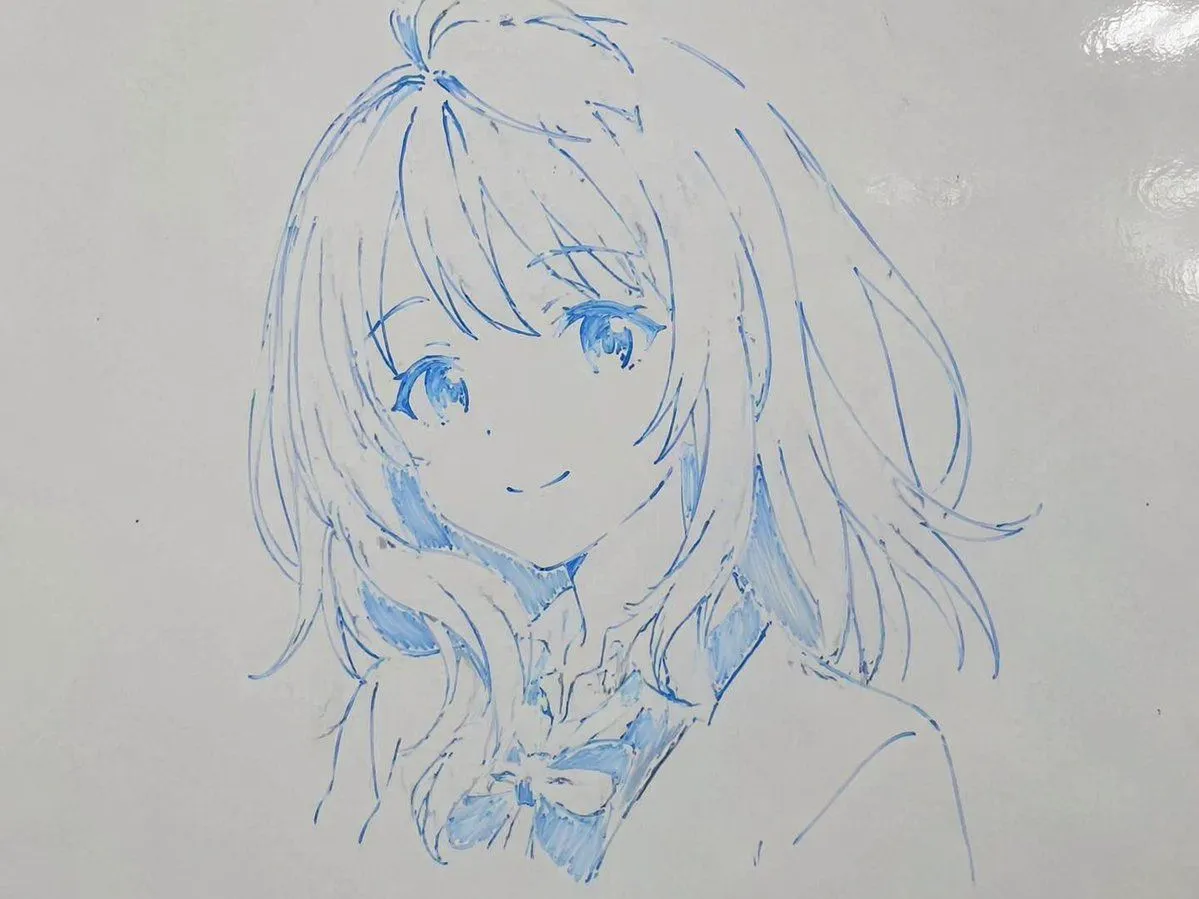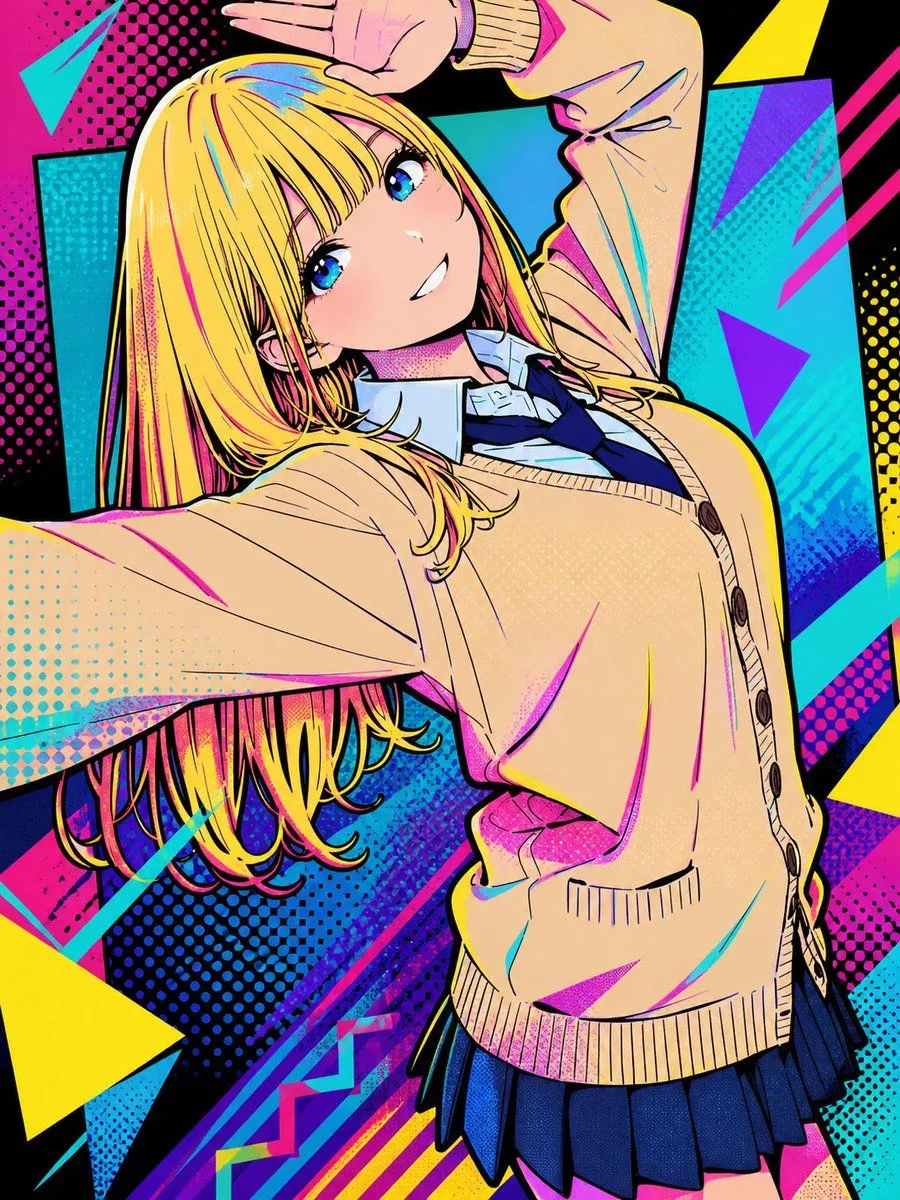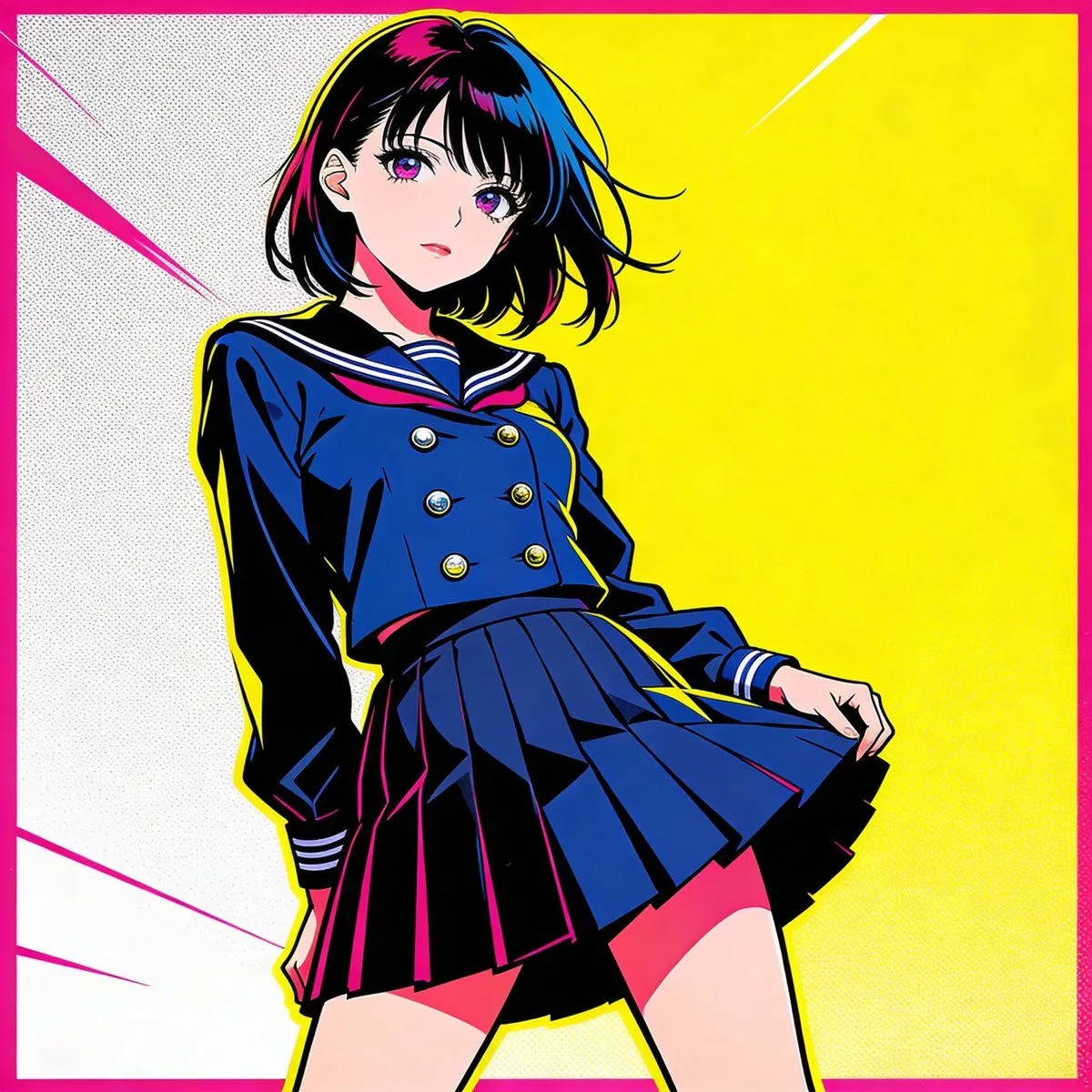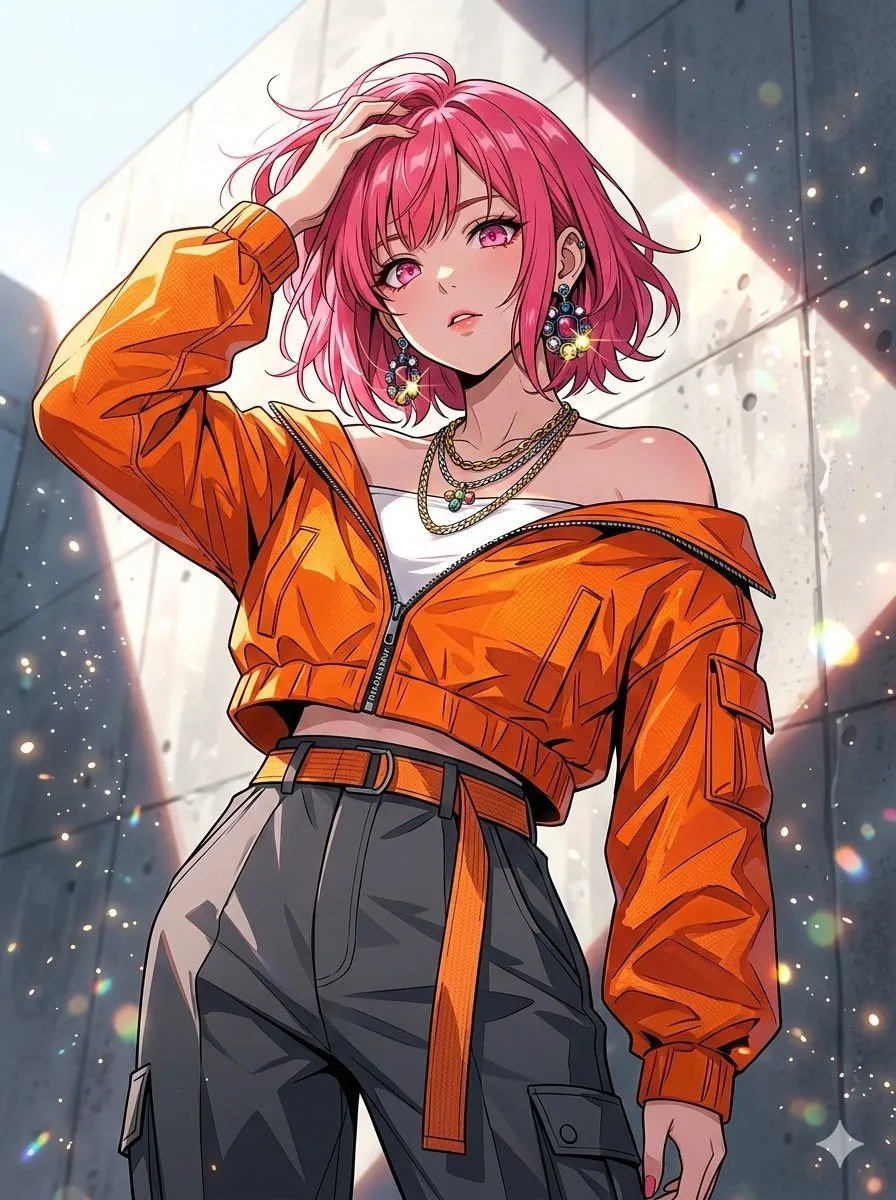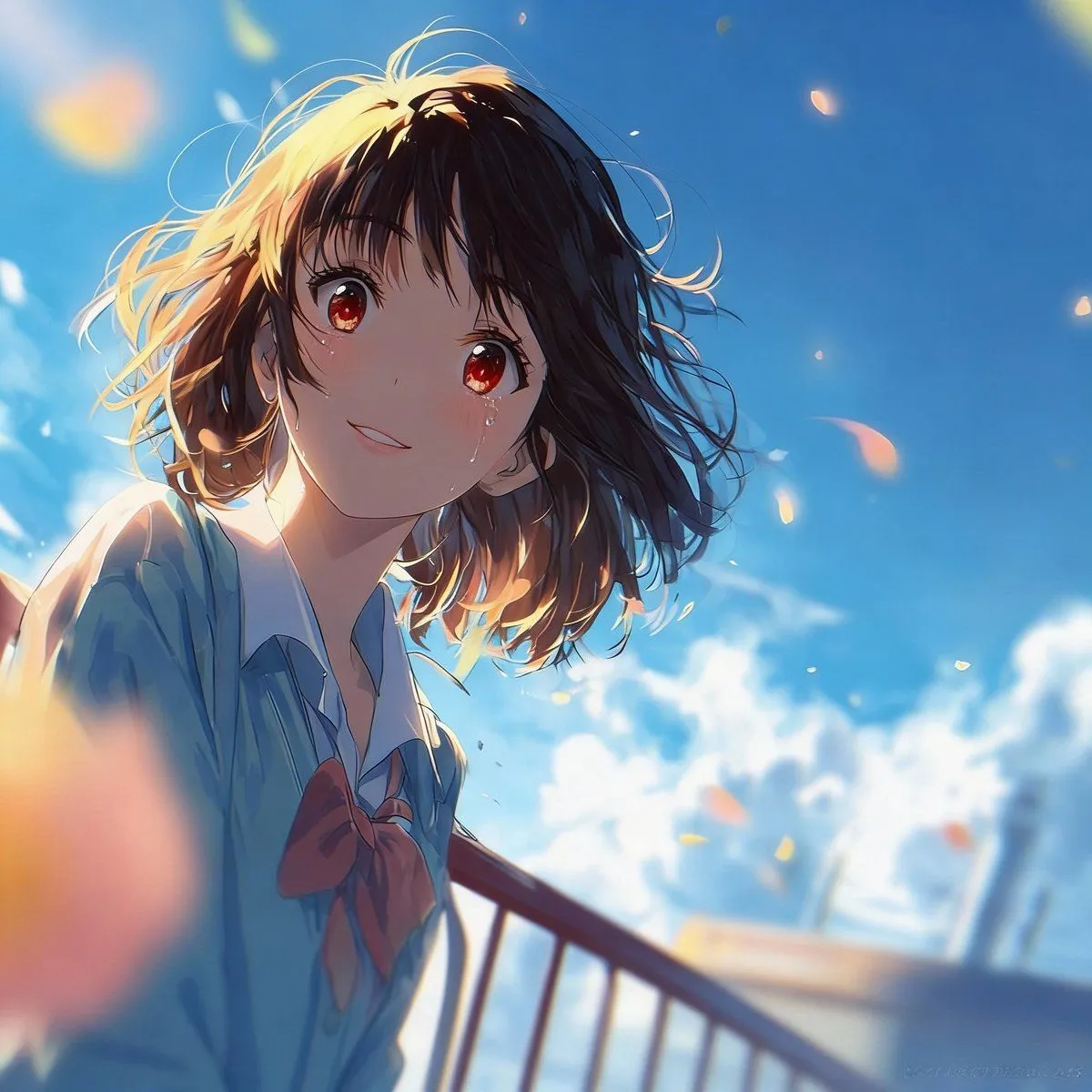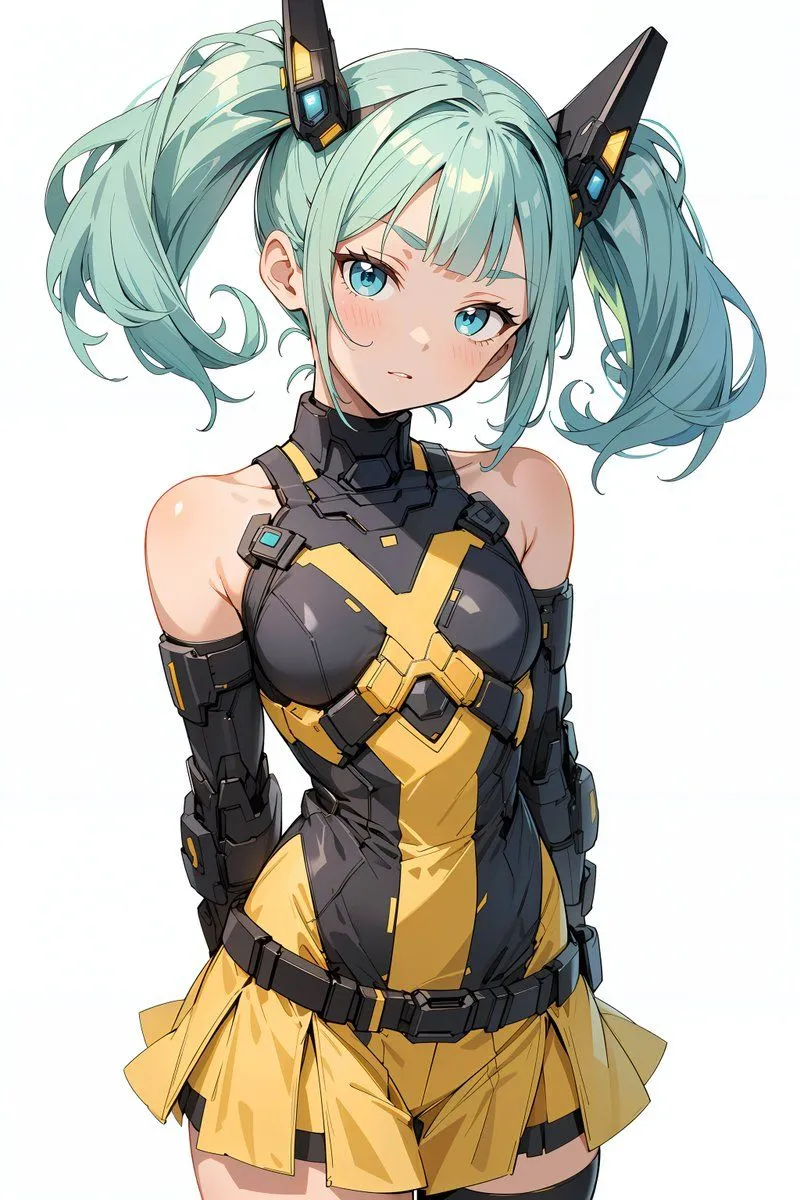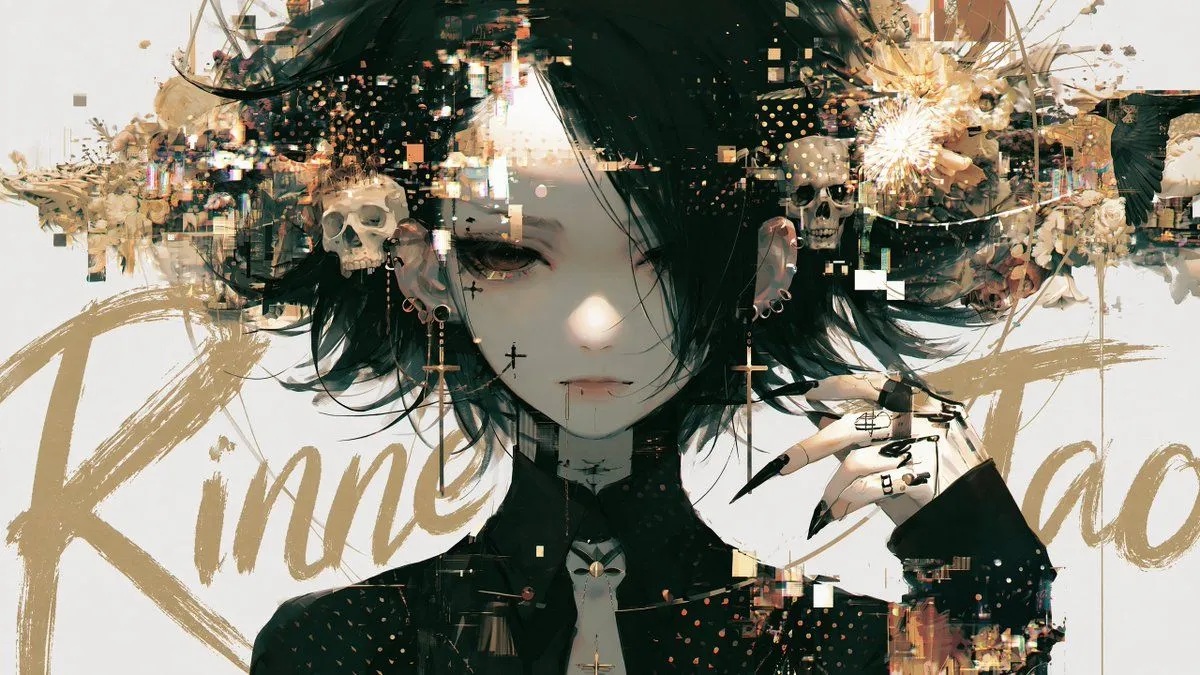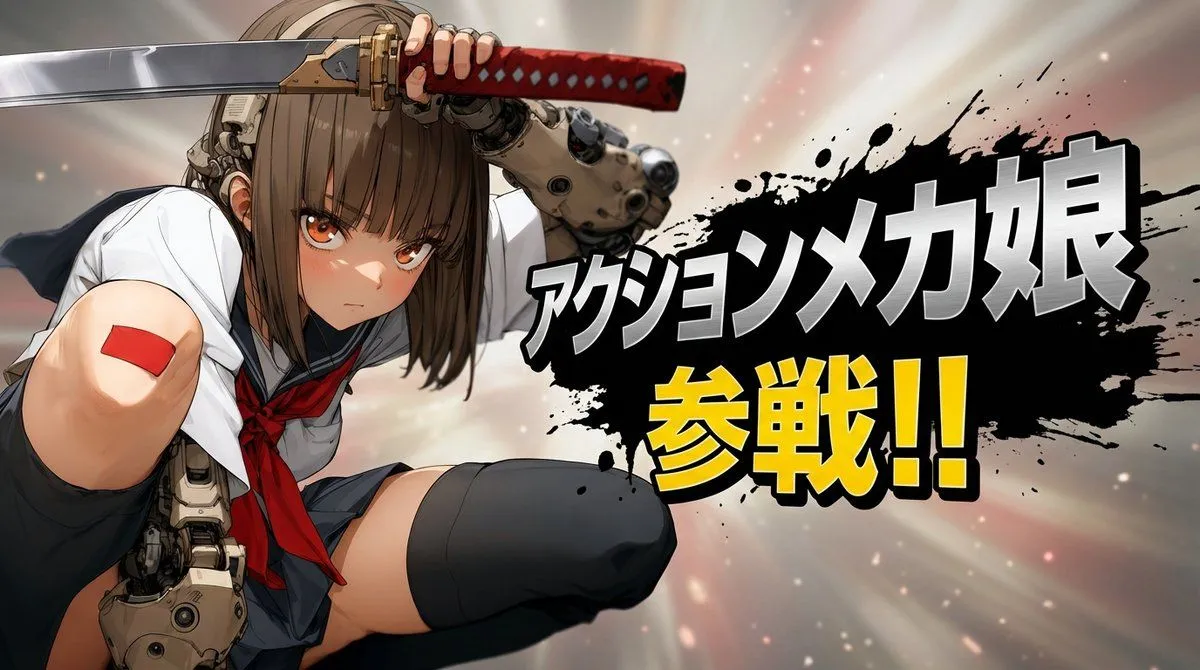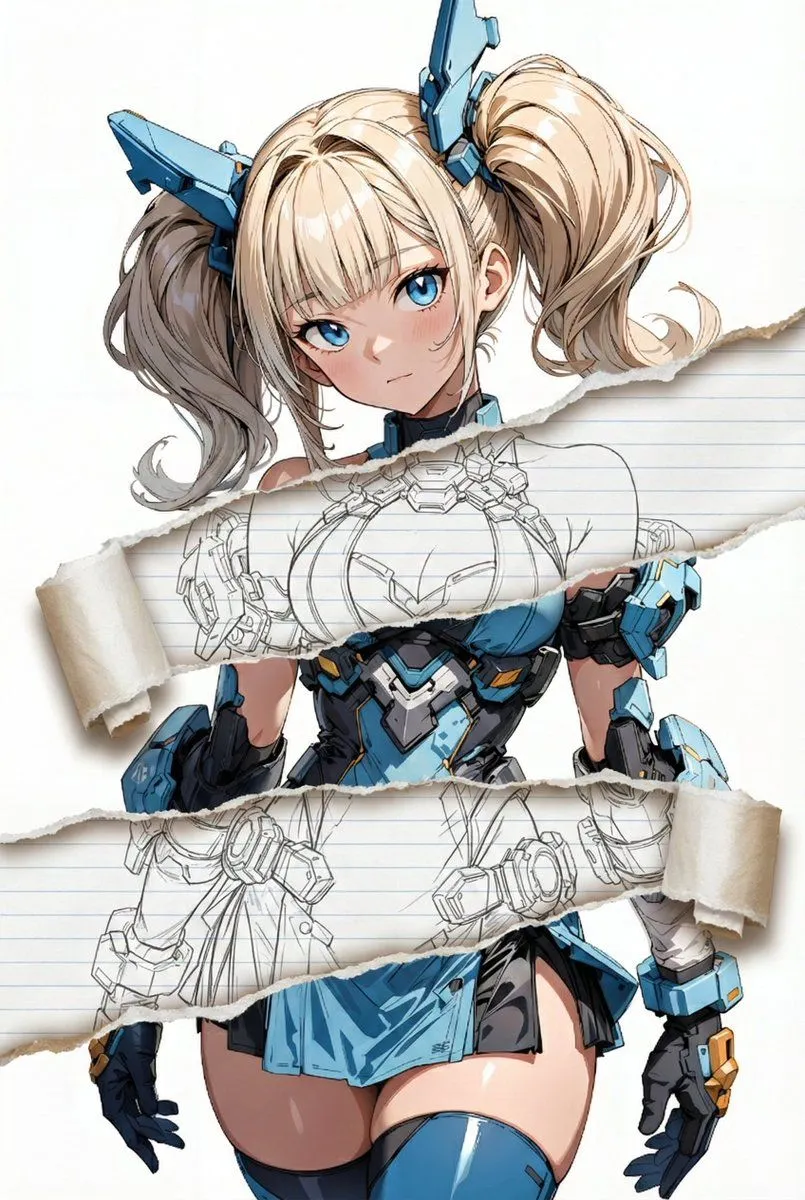
Made with Nano Banana Pro in Gemini by Library Social. Promptclay never generates images.
Did it work?
No reports yet. Tell others if it worked for you.
Nano Banana Pro torn paper style-switching edit prompt
Prompt
1 blank to filltask: "edit-image: add widened torn-paper layered effect" base_image: use_reference_image: true preserve_everything: - character identity - facial features and expression - hairstyle and anatomy - outfit design and colors - background, lighting, composition - overall art style rules: - Only modify the torn-paper interior areas. - Do not change pose, anatomy, proportions, clothing details, shading, or scene elements. effects: - effect: "torn-paper-reveal" placement: "across chest height" description: - Add a wide, natural horizontal tear across the chest area. - The torn interior uses the style defined in `interior_style`. - effect: "torn-paper-reveal" placement: "lower abdomen height" description: - Add a wide horizontal tear across the lower abdomen. - The torn interior uses the style defined in `interior_style`. interior_style: mode: {style_mode} style_settings: line-art: palette: "monochrome" line_quality: "clean, crisp" paper: "notebook paper with subtle ruled lines" sumi-e: palette: "black ink tones" brush_texture: "soft bleeding edges" paper: "plain textured paper" figure-render: material: "PVC-like" shading: "semi-realistic highlights" paper: "plain smooth surface" colored-pencil: stroke_texture: "visible pencil grain" palette: "soft layered hues" paper: "rough sketchbook paper" watercolor: palette: "soft transparent pigments" blending: "smooth bleeding" edges: "soft contours" paper: "watercolor paper texture" pencil-drawing: graphite_texture: "visible pencil grain" shading: "smooth gradients" line_quality: "mixed sharp and soft" tone: "gray-scale" paper: "notebook paper with faint ruled lines"
Preview of your prompt
task: "edit-image: add widened torn-paper layered effect" base_image: use_reference_image: true preserve_everything: - character identity - facial features and expression - hairstyle and anatomy - outfit design and colors - background, lighting, composition - overall art style rules: - Only modify the torn-paper interior areas. - Do not change pose, anatomy, proportions, clothing details, shading, or scene elements. effects: - effect: "torn-paper-reveal" placement: "across chest height" description: - Add a wide, natural horizontal tear across the chest area. - The torn interior uses the style defined in `interior_style`. - effect: "torn-paper-reveal" placement: "lower abdomen height" description: - Add a wide horizontal tear across the lower abdomen. - The torn interior uses the style defined in `interior_style`. interior_style: mode: line-art style_settings: line-art: palette: "monochrome" line_quality: "clean, crisp" paper: "notebook paper with subtle ruled lines" sumi-e: palette: "black ink tones" brush_texture: "soft bleeding edges" paper: "plain textured paper" figure-render: material: "PVC-like" shading: "semi-realistic highlights" paper: "plain smooth surface" colored-pencil: stroke_texture: "visible pencil grain" palette: "soft layered hues" paper: "rough sketchbook paper" watercolor: palette: "soft transparent pigments" blending: "smooth bleeding" edges: "soft contours" paper: "watercolor paper texture" pencil-drawing: graphite_texture: "visible pencil grain" shading: "smooth gradients" line_quality: "mixed sharp and soft" tone: "gray-scale" paper: "notebook paper with faint ruled lines"
DetailsVersions, settings and questions
Written for
What's in the prompt
- Subject
- Model
- Nano Banana Pro
If your face changes
keep my face exactly the sameQuestions
- Does this work in the Gemini app?
- Yes. Gemini runs Nano Banana, so paste the prompt and attach your photo if it uses one.
- It changed my face. What do I do?
- Add "keep my face exactly the same" to the end and run it again.
- Can I use the images I make?
- Check the terms of the app you use. Promptclay never generates images and claims nothing you make.