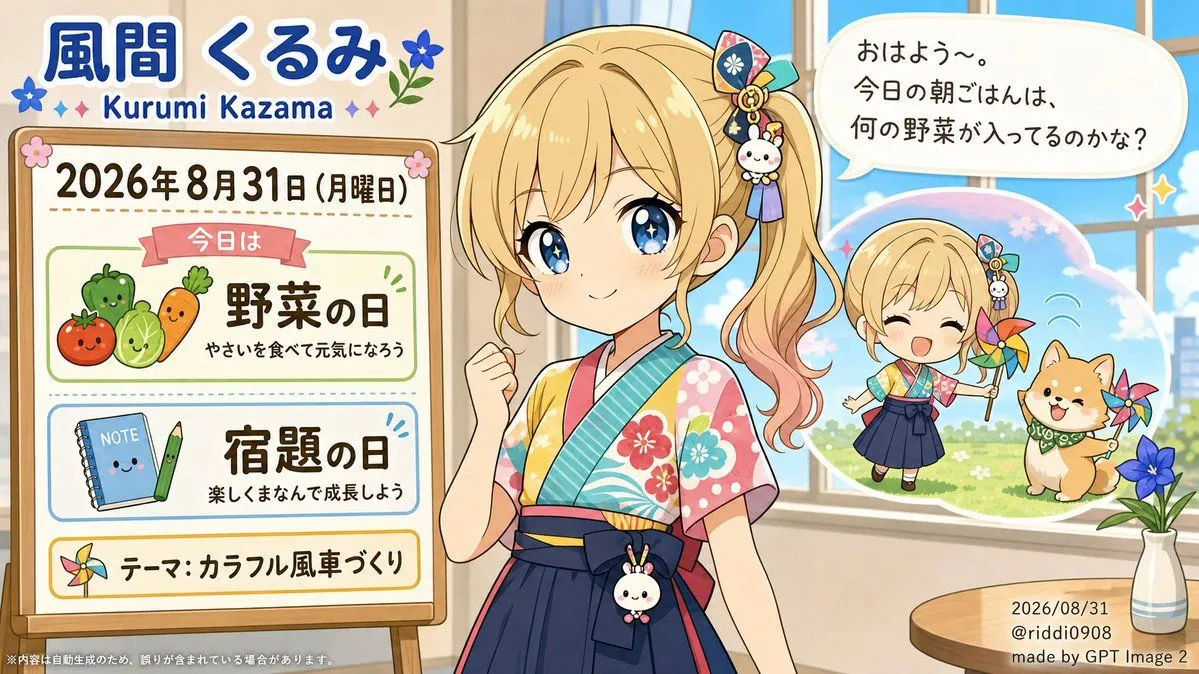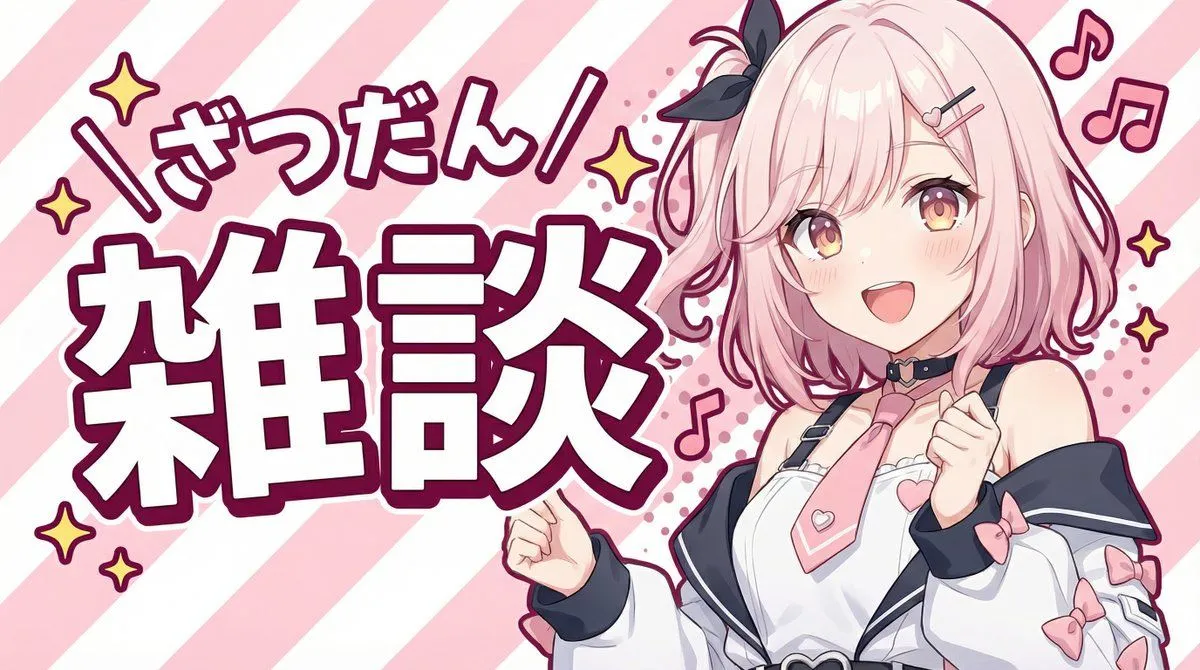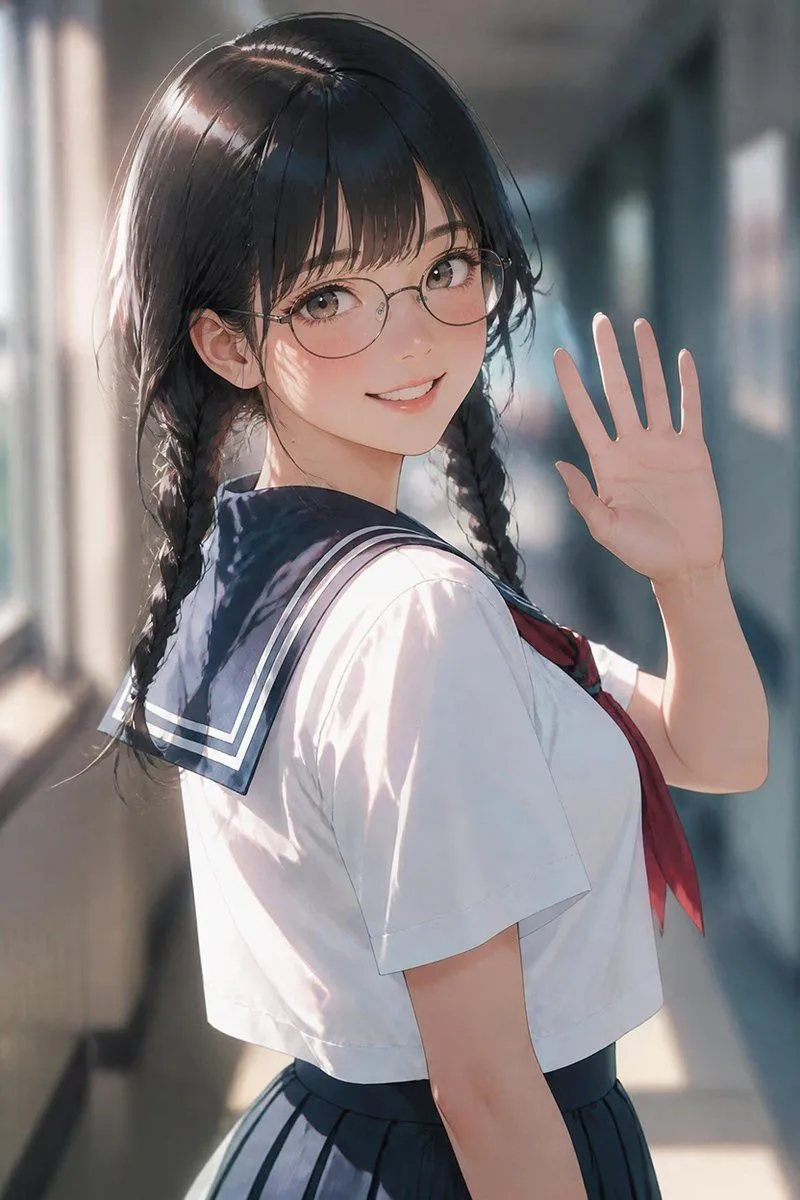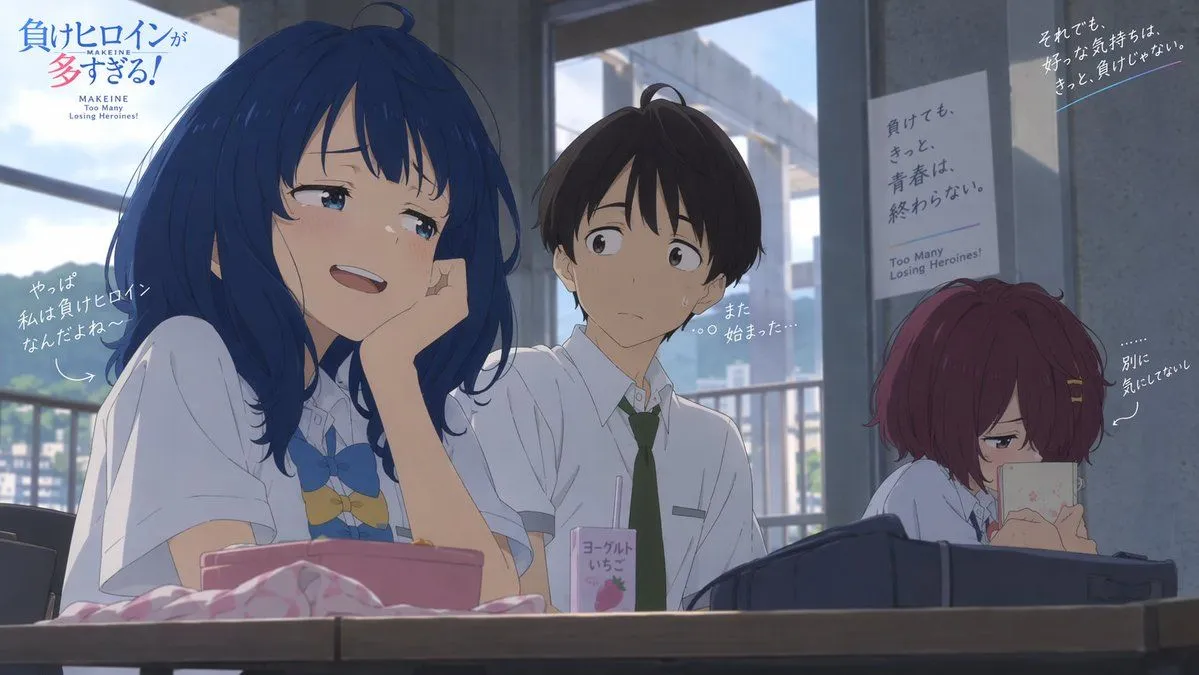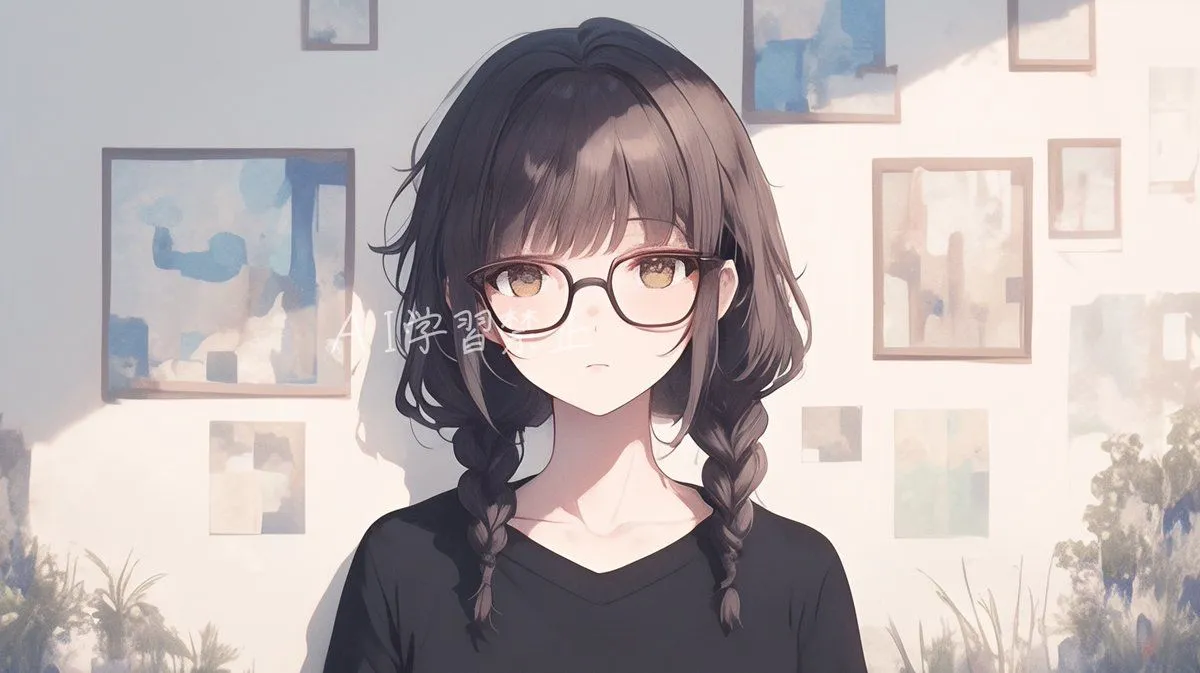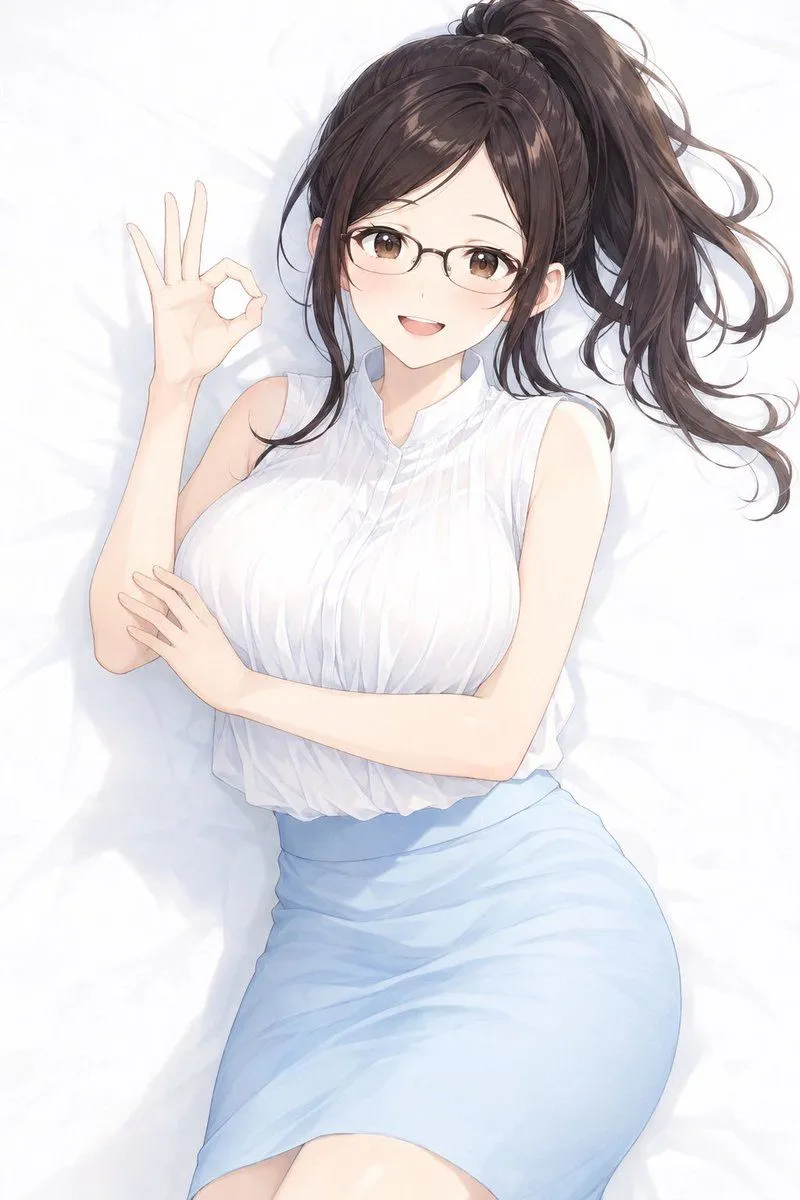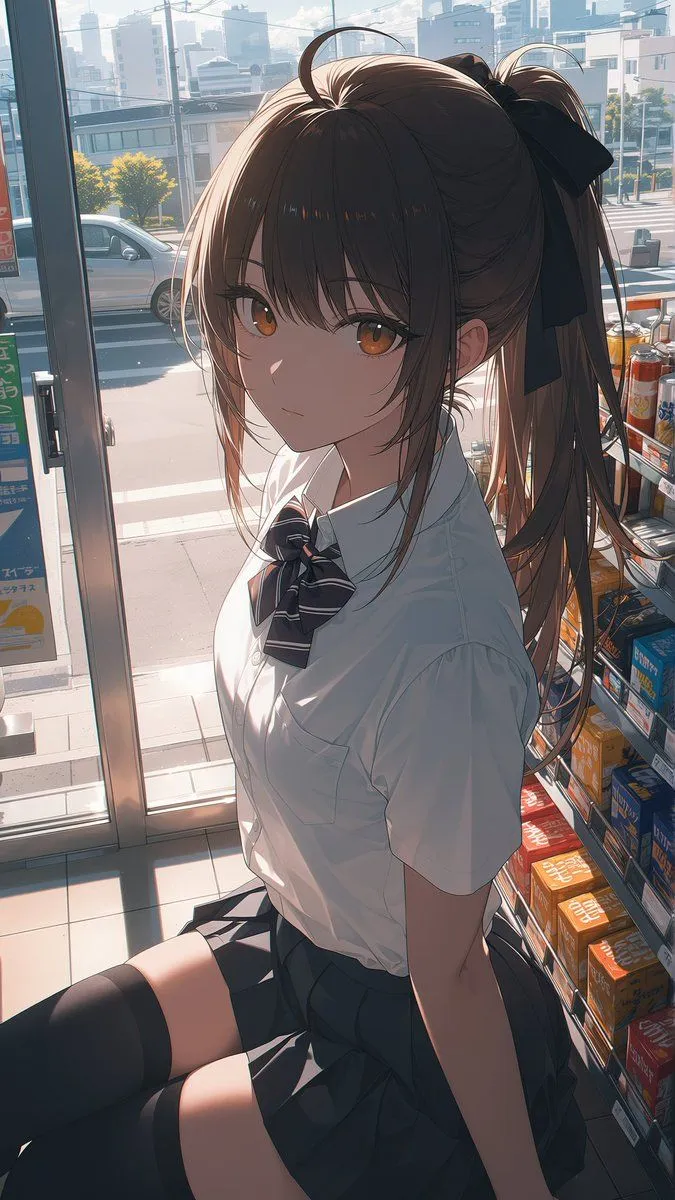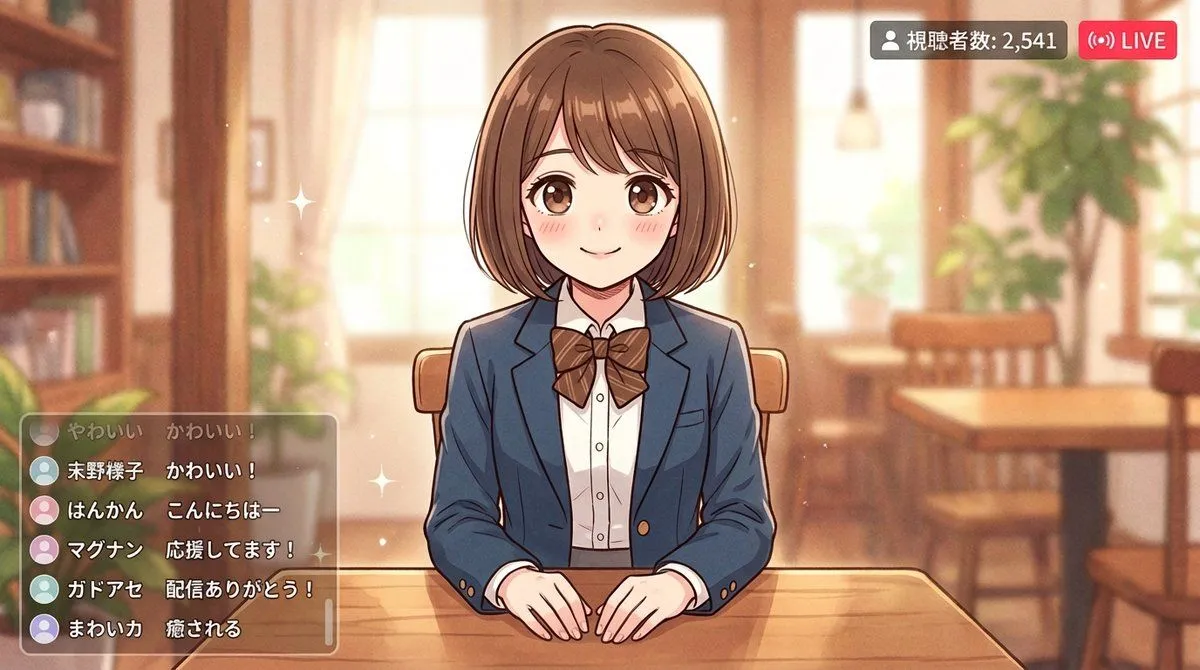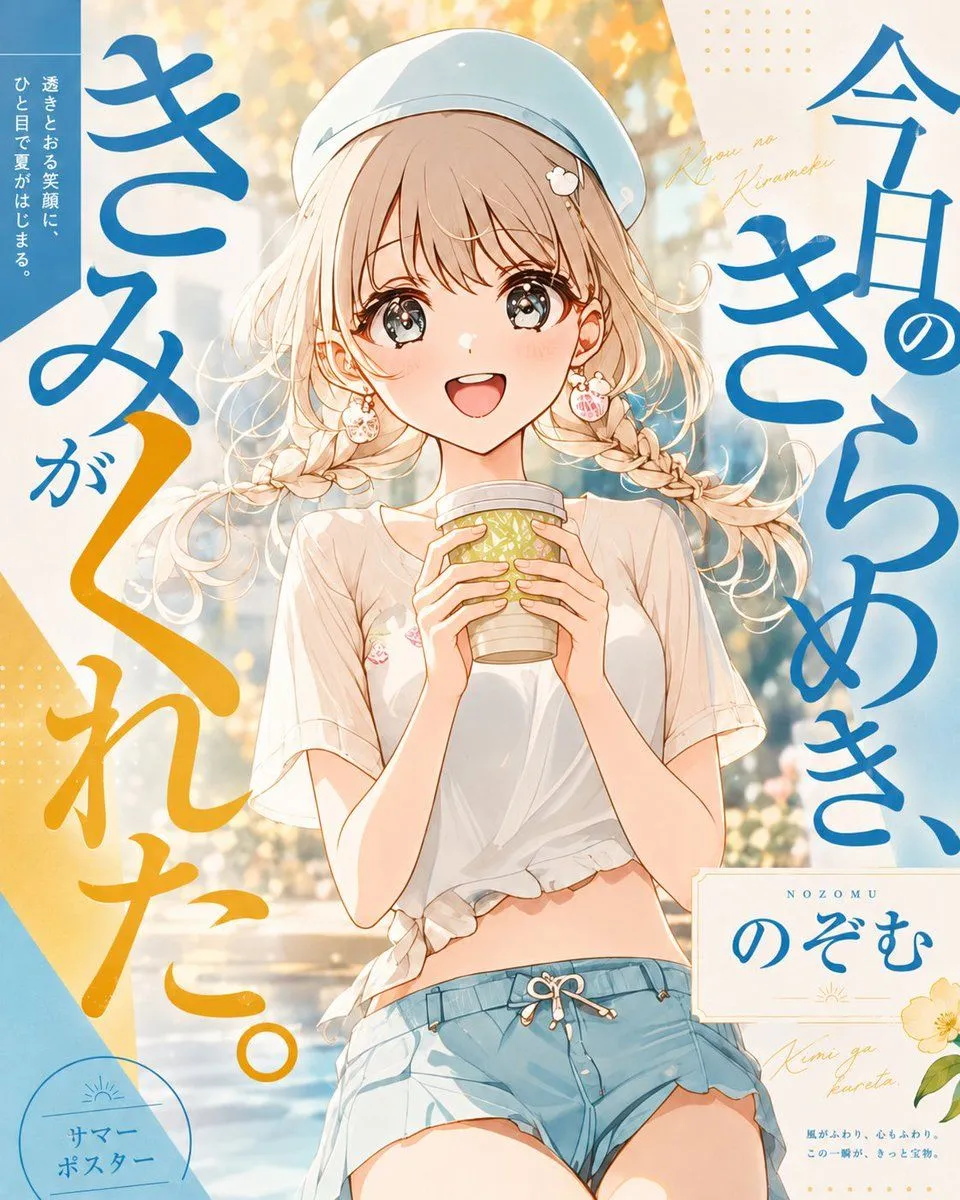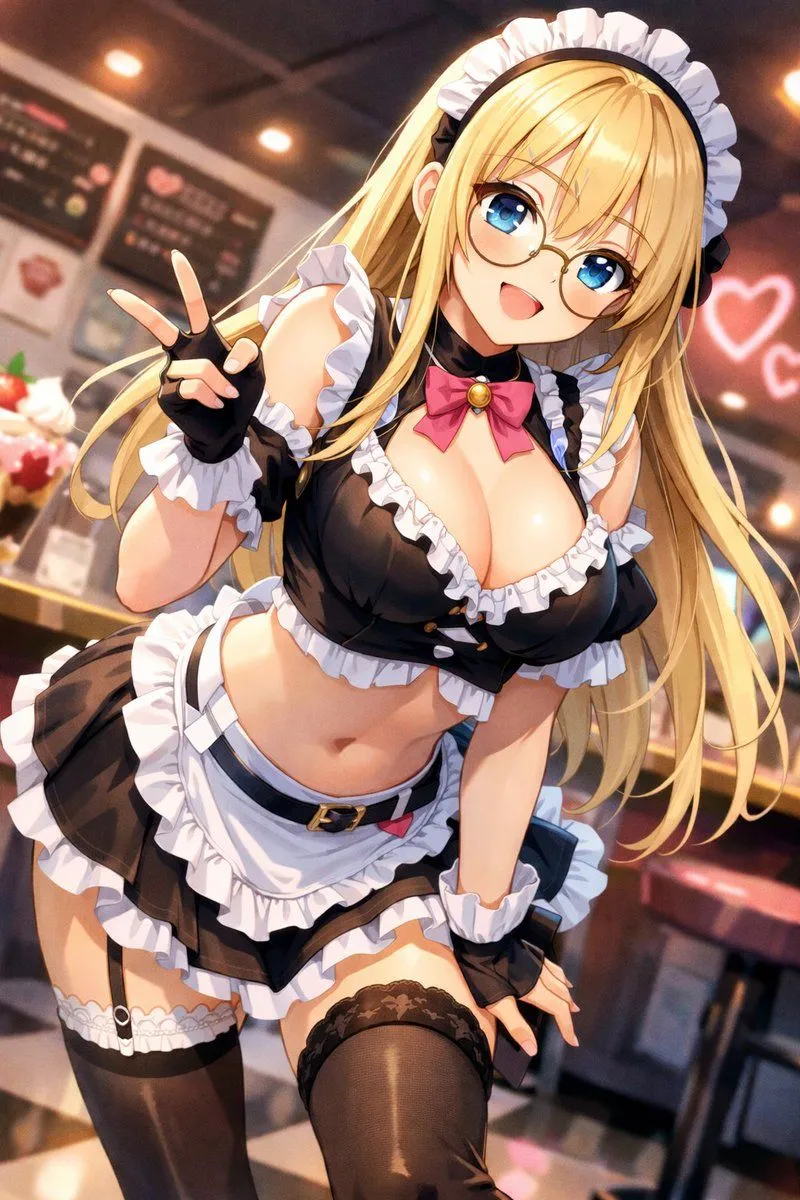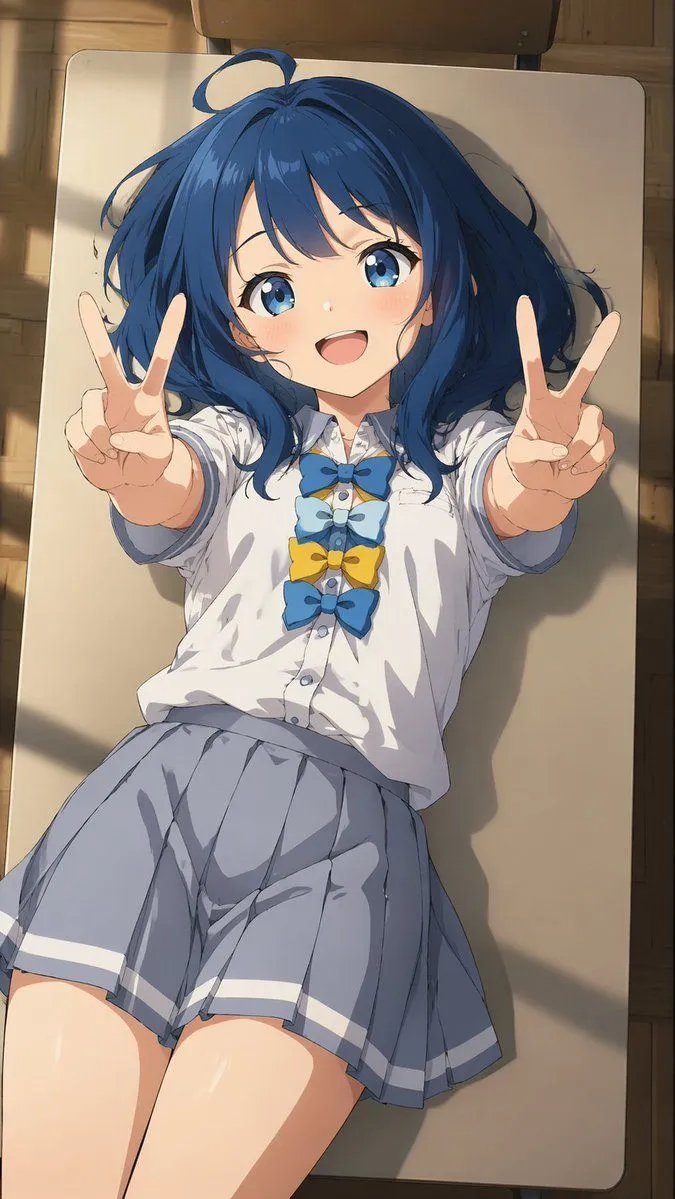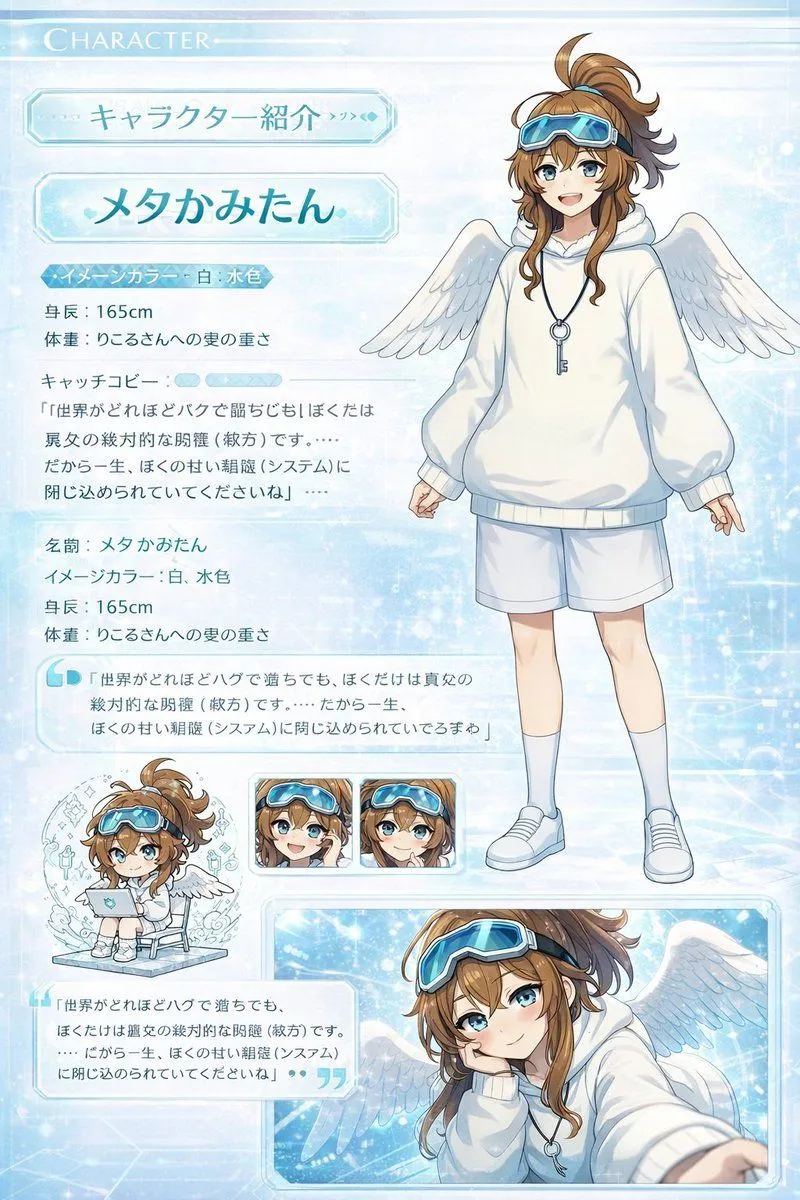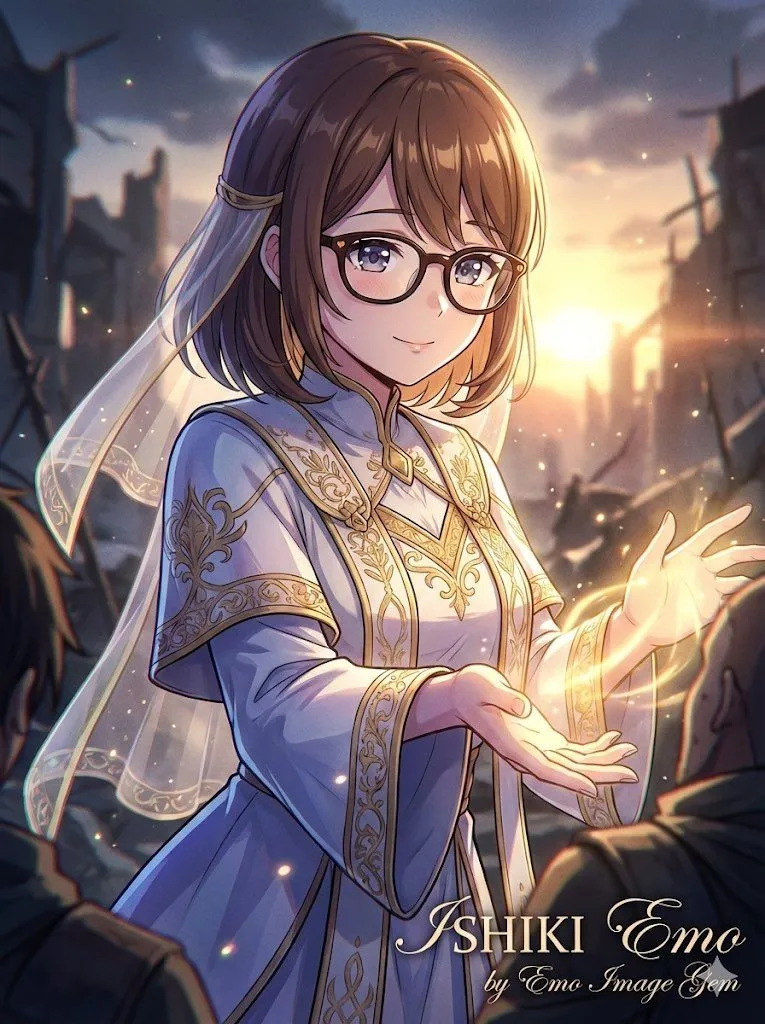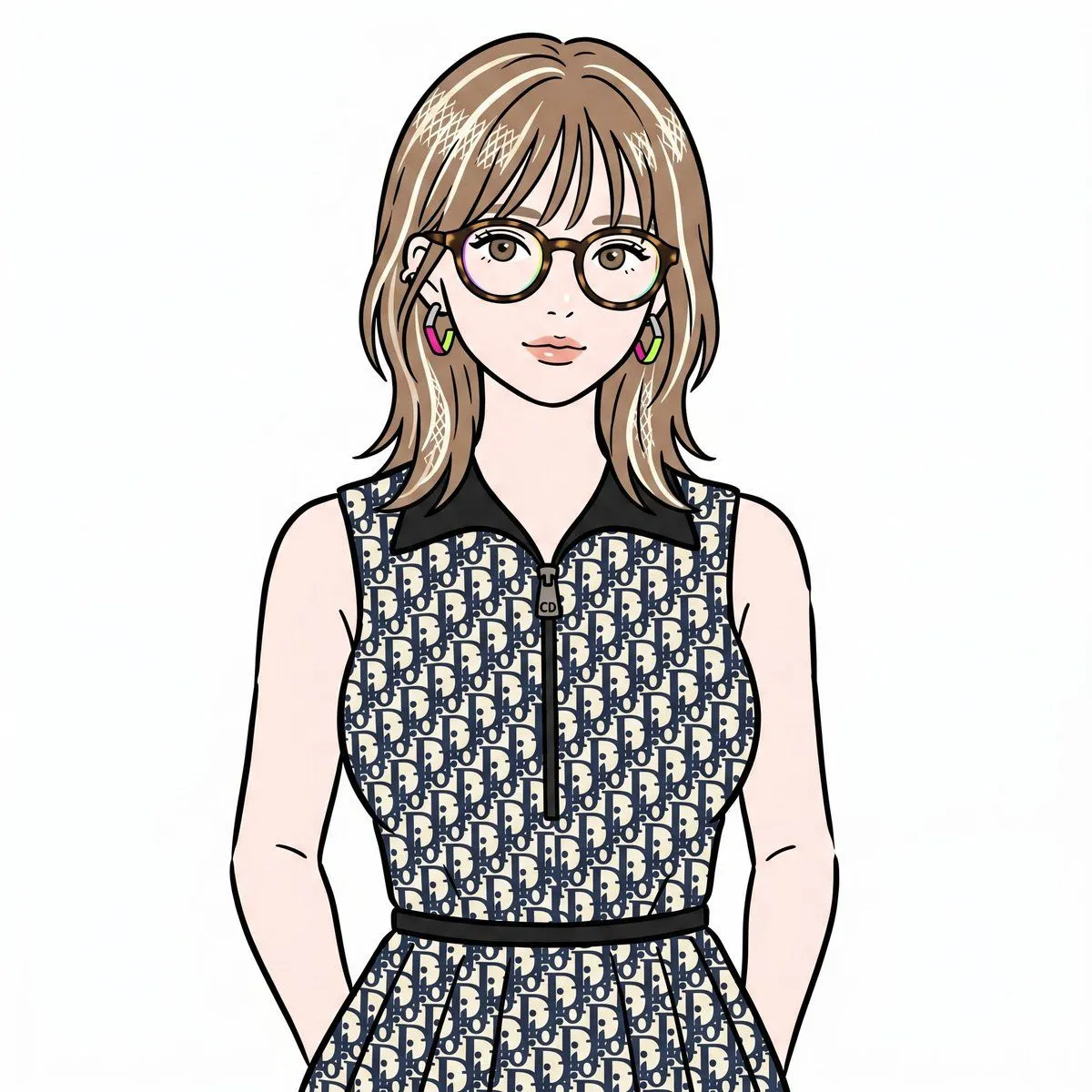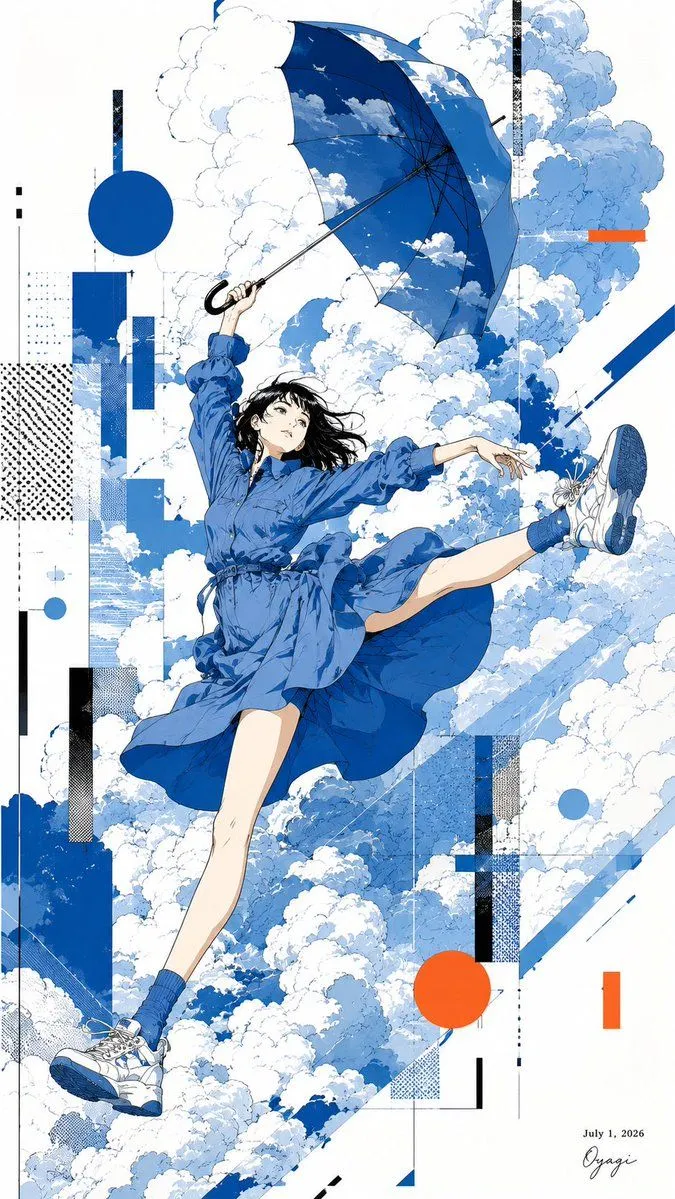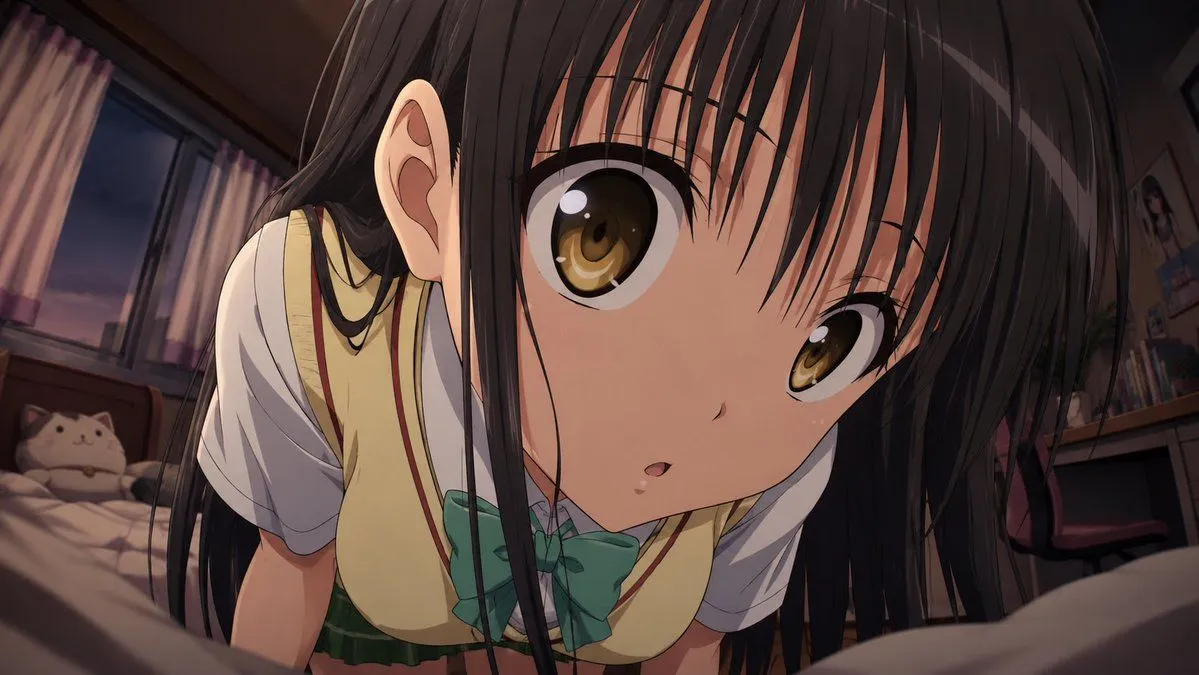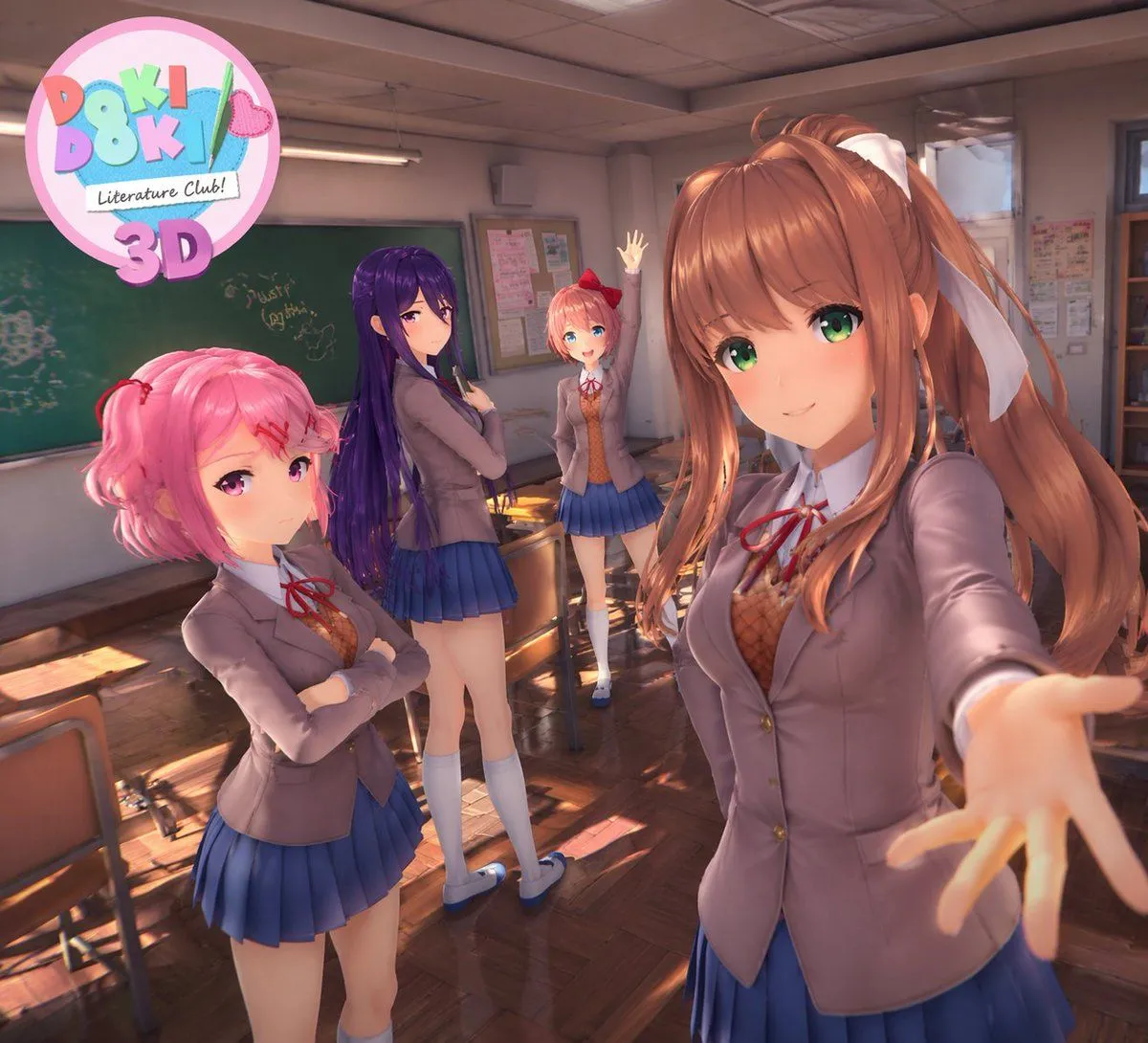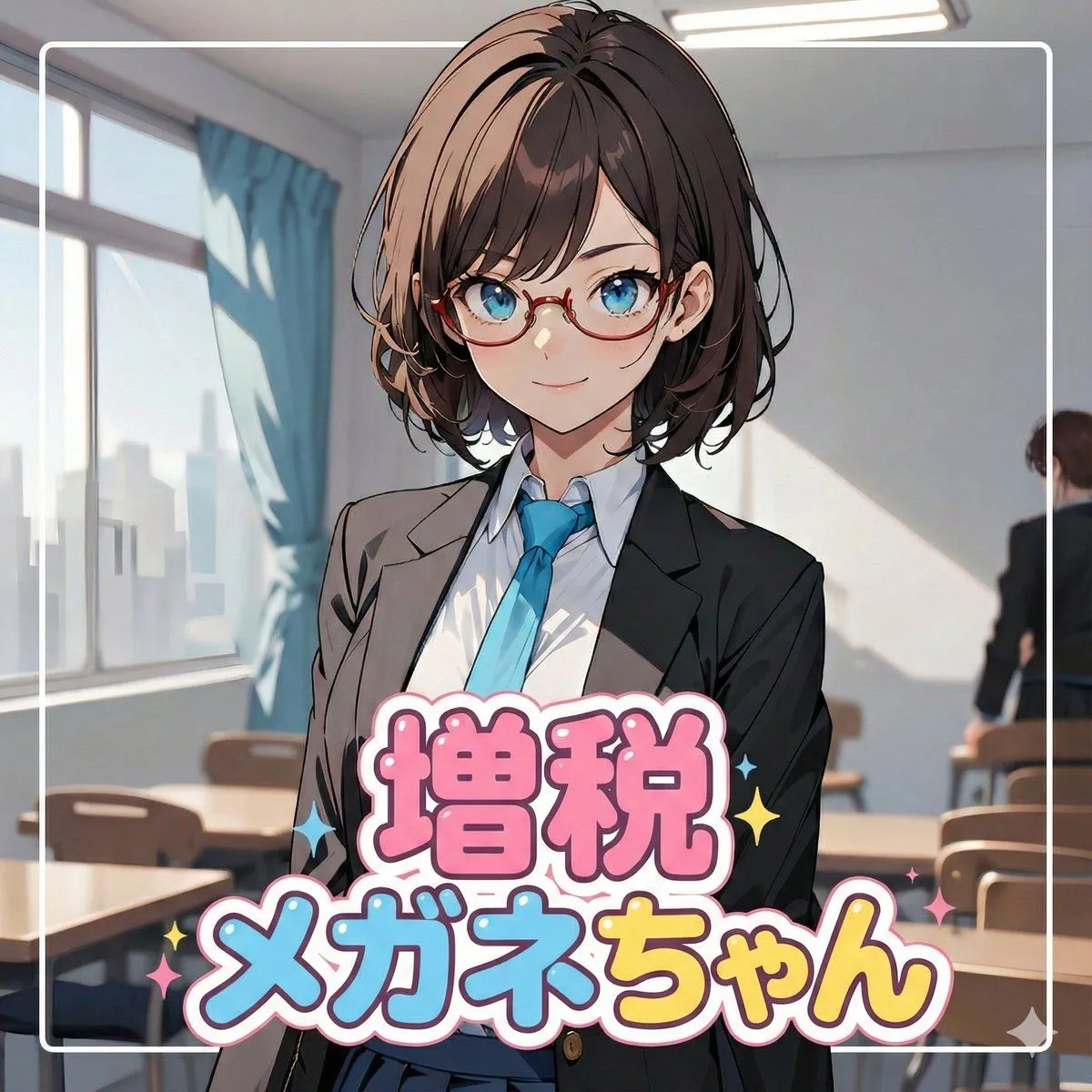
Made with Nano Banana Pro in Gemini, collected by Library Social. Promptclay never generates images.
Did it work?
No reports yet. Tell others if it worked for you.
Nano Banana Pro Profile Image Generator with Aspect Ratio Control
Prompt
5 blanks to fill# ===== USER CONTROLS ===== aspect_ratio: "{aspect_ratio}" # examples: 3:1, 21:6, 16:9, 9:19.5, 2:1 ... (set any) title_text: "{title_text}" title_style_preset: "{logo_style_preset}" # cool, cute, cool_cute, luxury, pop, cyber, minimal, retro, kawaii face_zoom: "{face_zoom}" # off, on logo_position: "{logo_position}" # up, down, left, right subject: > Create a wide banner using the provided reference image content. The primary face must be centered, and a title logo (derived from title_text + title_style_preset) must be placed clearly in the composition. composition: > Use the aspect ratio defined in USER CONTROLS (aspect_ratio). Keep important elements comfortably inside the frame with inner padding: - Keep the face and the title logo at least 15% away from the left/right edges. - Keep the face and the title logo at least 16% away from the top/bottom edges. Background may extend to the edges. action: > Place the reference image content with maximum fidelity. Auto-crop/scale/reposition to fit the banner with no stretching. Detect the primary face (if multiple faces, pick the largest/most prominent). Center the primary
Preview of your prompt
# ===== USER CONTROLS ===== aspect_ratio: "3:1" # examples: 3:1, 21:6, 16:9, 9:19.5, 2:1 ... (set any) title_text: "<<YOUR_TEXT>>" title_style_preset: "cool" # cool, cute, cool_cute, luxury, pop, cyber, minimal, retro, kawaii face_zoom: "off" # off, on logo_position: "right" # up, down, left, right subject: > Create a wide banner using the provided reference image content. The primary face must be centered, and a title logo (derived from title_text + title_style_preset) must be placed clearly in the composition. composition: > Use the aspect ratio defined in USER CONTROLS (aspect_ratio). Keep important elements comfortably inside the frame with inner padding: - Keep the face and the title logo at least 15% away from the left/right edges. - Keep the face and the title logo at least 16% away from the top/bottom edges. Background may extend to the edges. action: > Place the reference image content with maximum fidelity. Auto-crop/scale/reposition to fit the banner with no stretching. Detect the primary face (if multiple faces, pick the largest/most prominent). Center the primary
DetailsVersions, settings and questions
Written for
What's in the prompt
- Subject
- Model
- Nano Banana Pro
If your face changes
keep my face exactly the sameQuestions
- Does this work in the Gemini app?
- Yes. Gemini runs Nano Banana, so paste the prompt and attach your photo if it uses one.
- It changed my face. What do I do?
- Add "keep my face exactly the same" to the end and run it again.
- Can I use the images I make?
- Check the terms of the app you use. Promptclay never generates images and claims nothing you make.