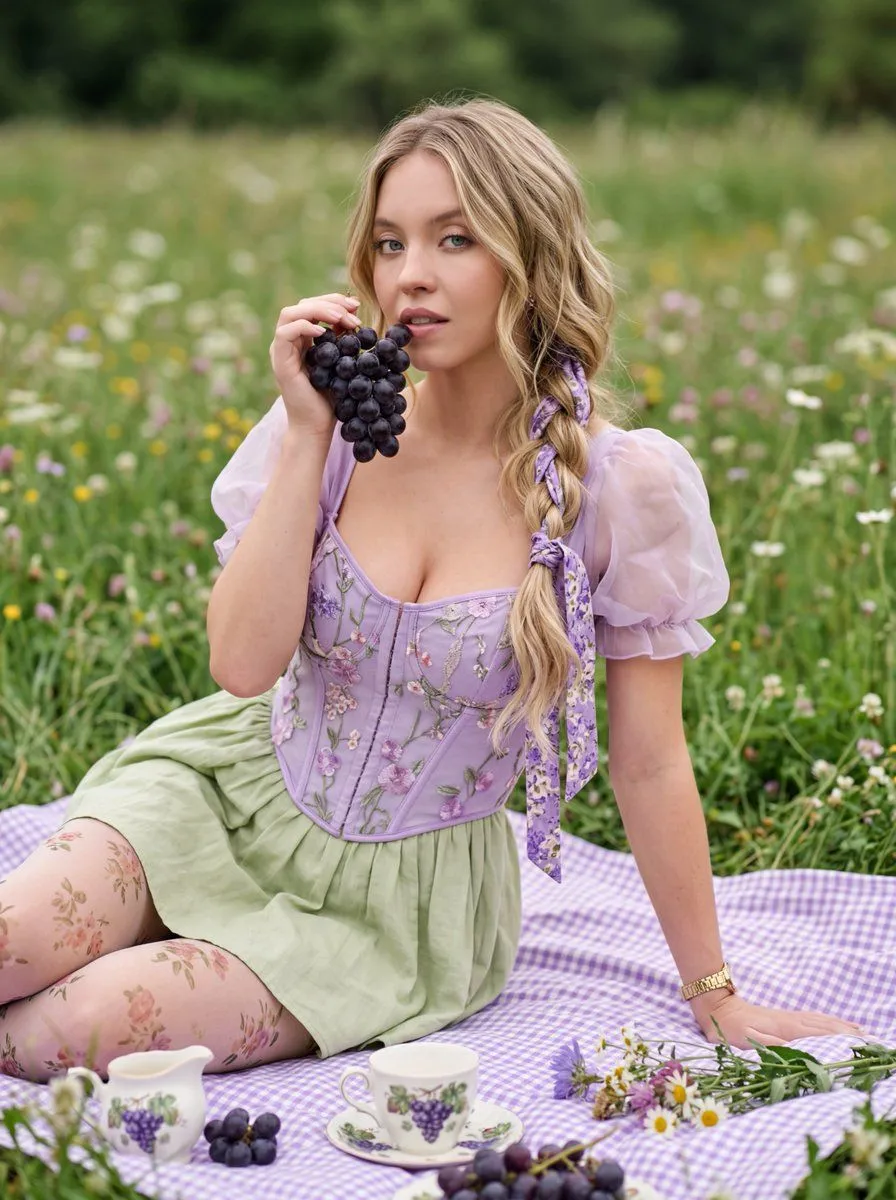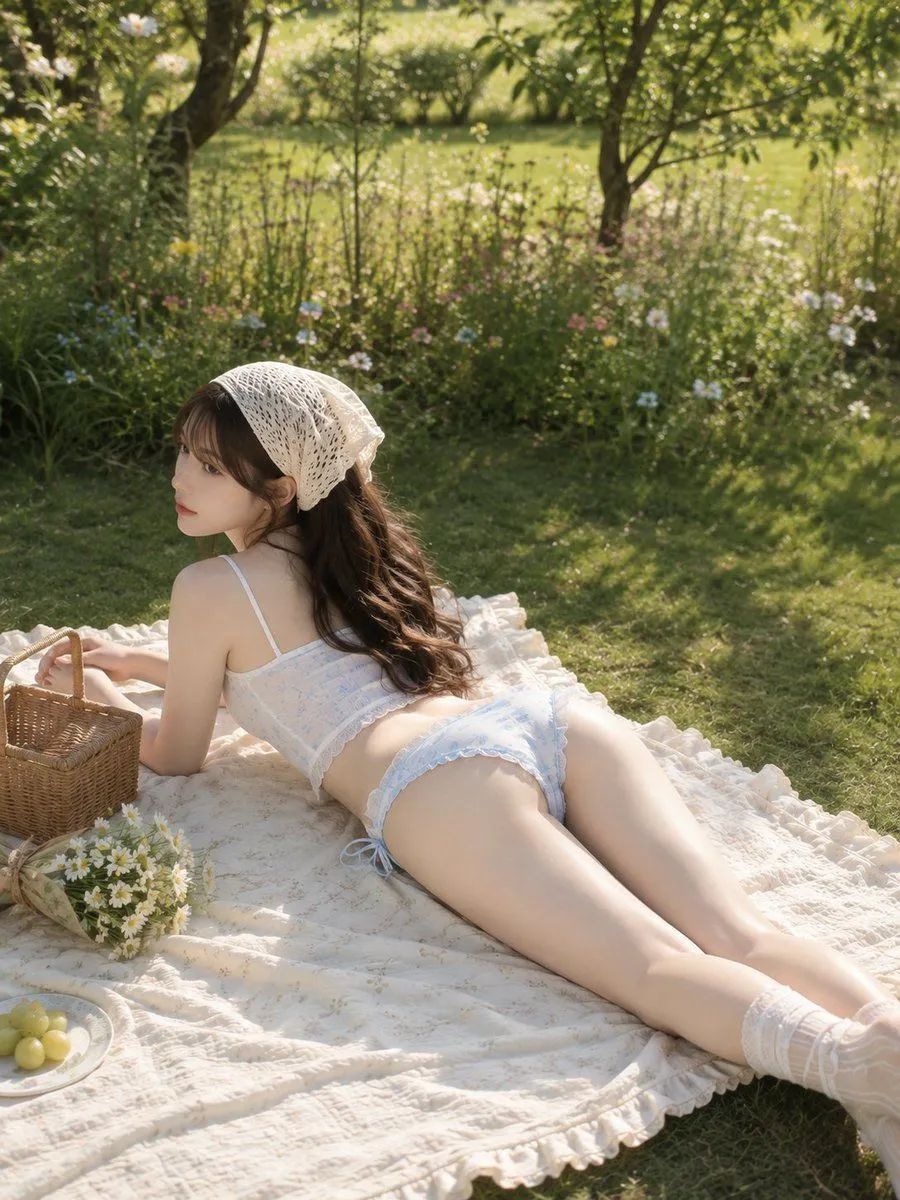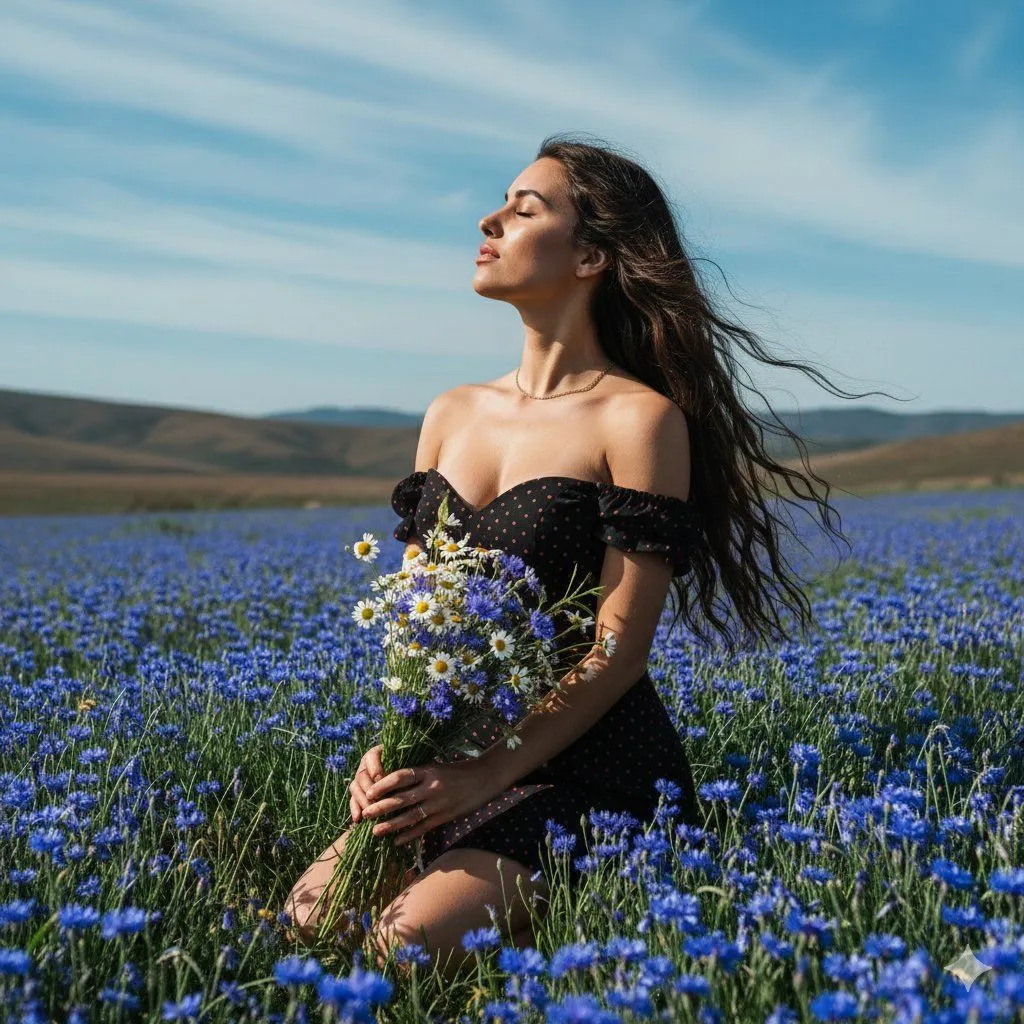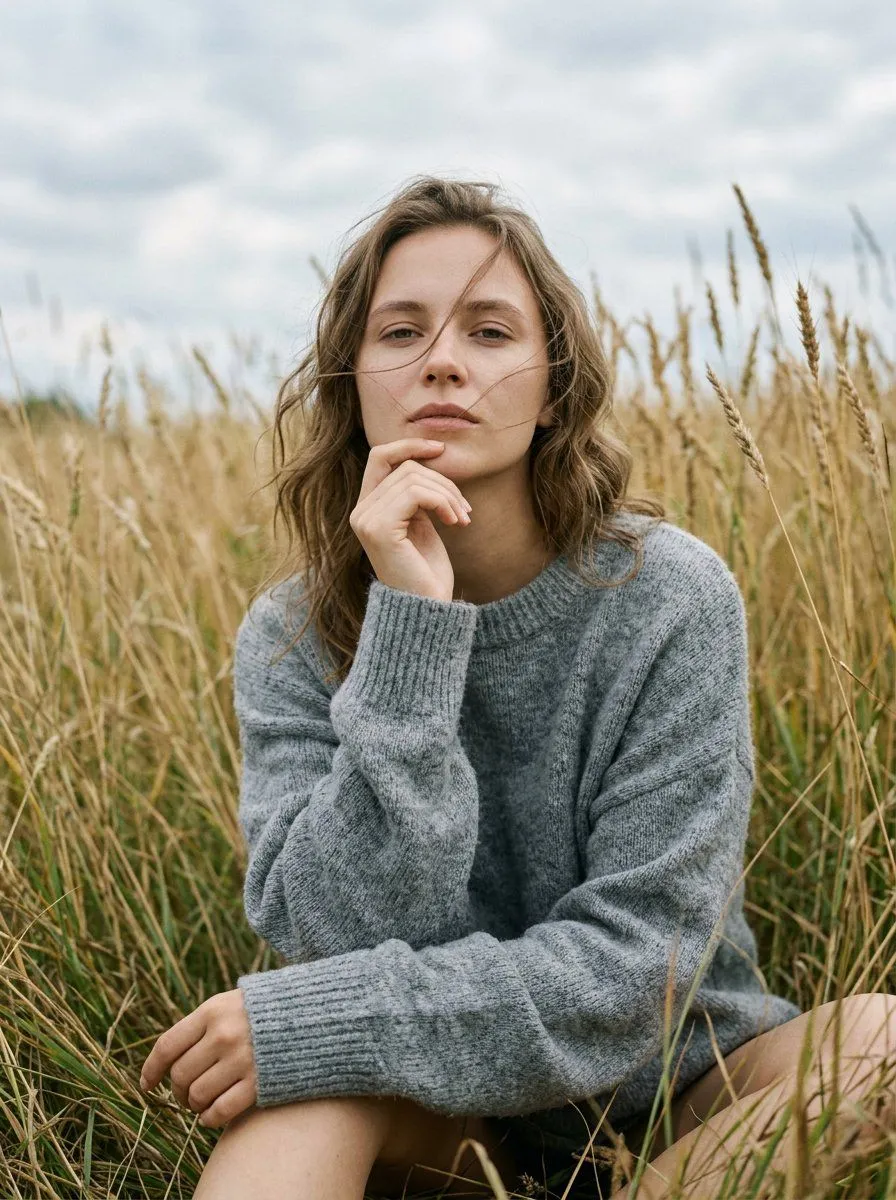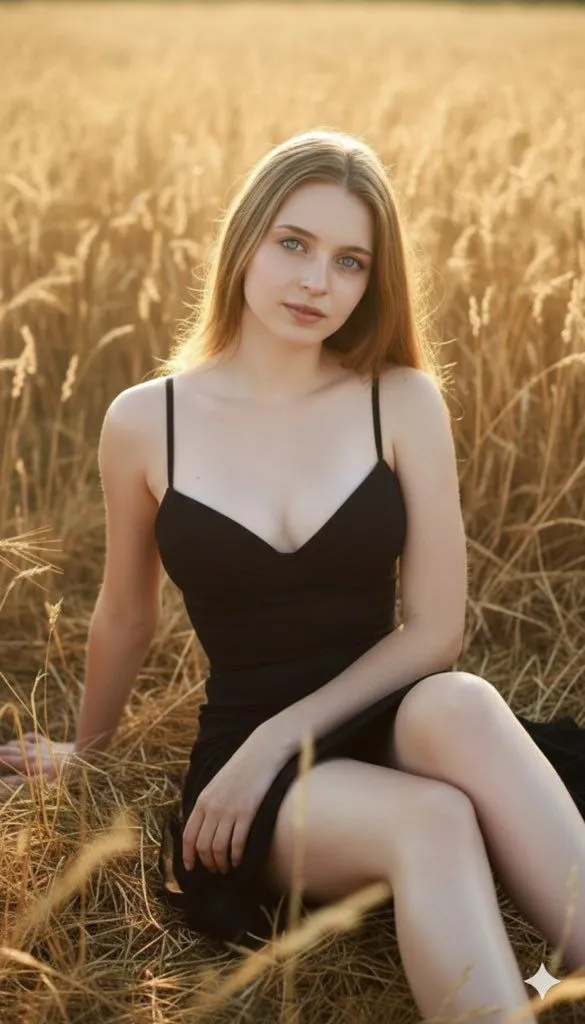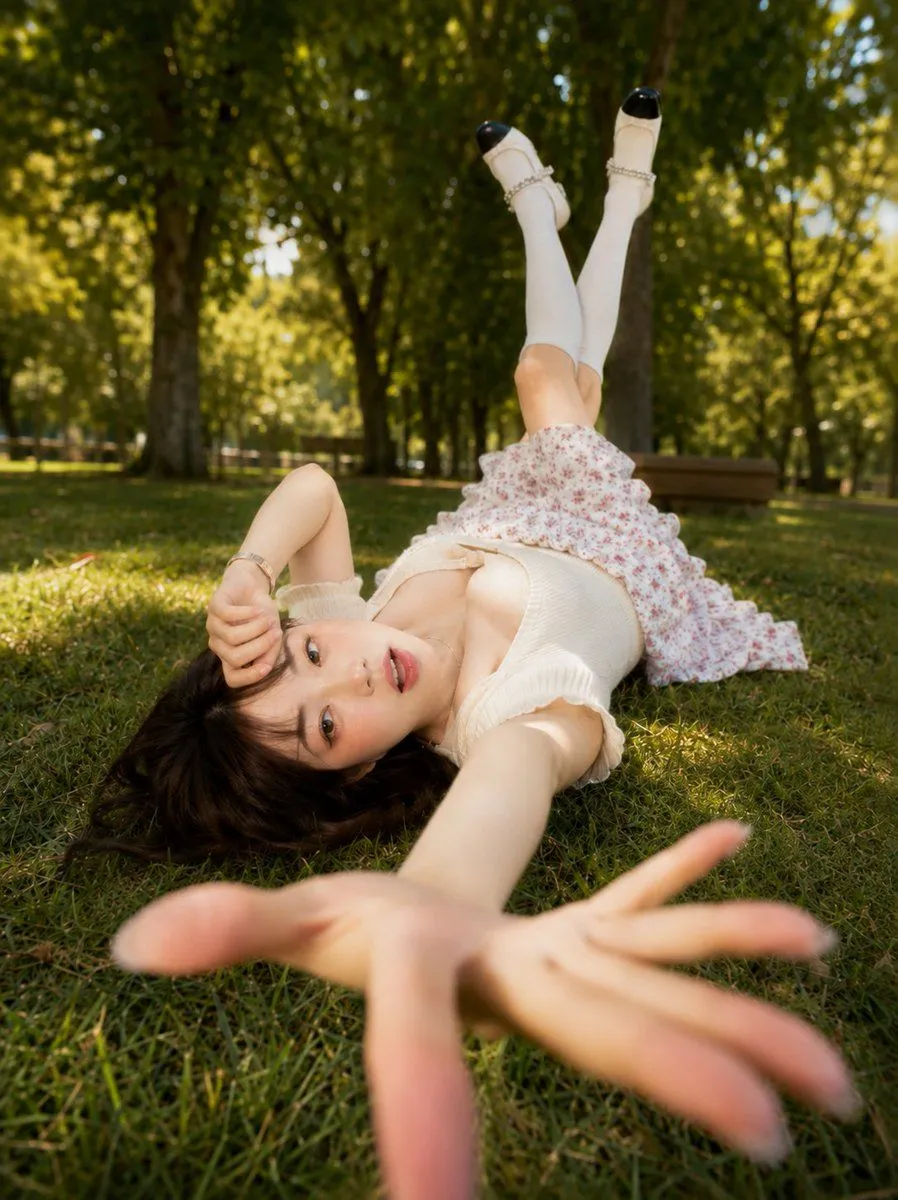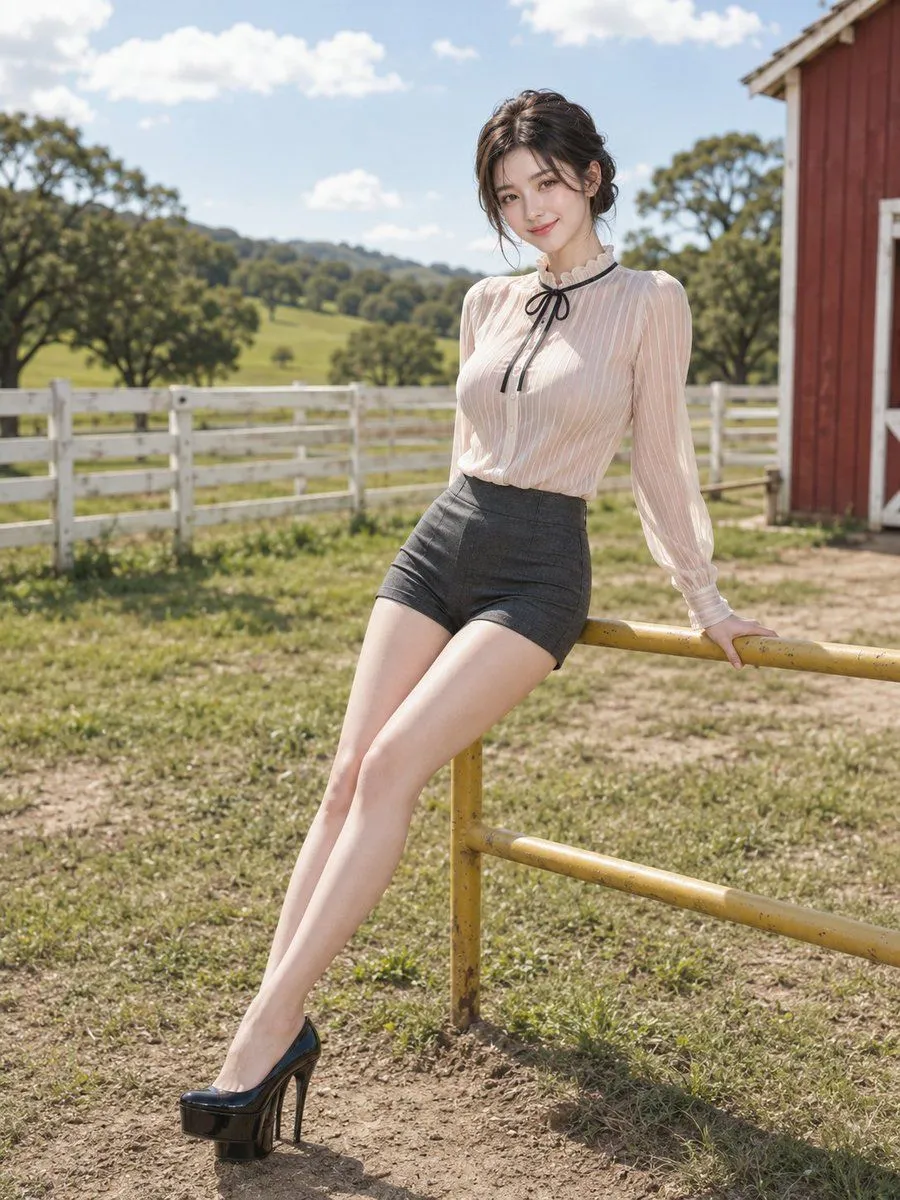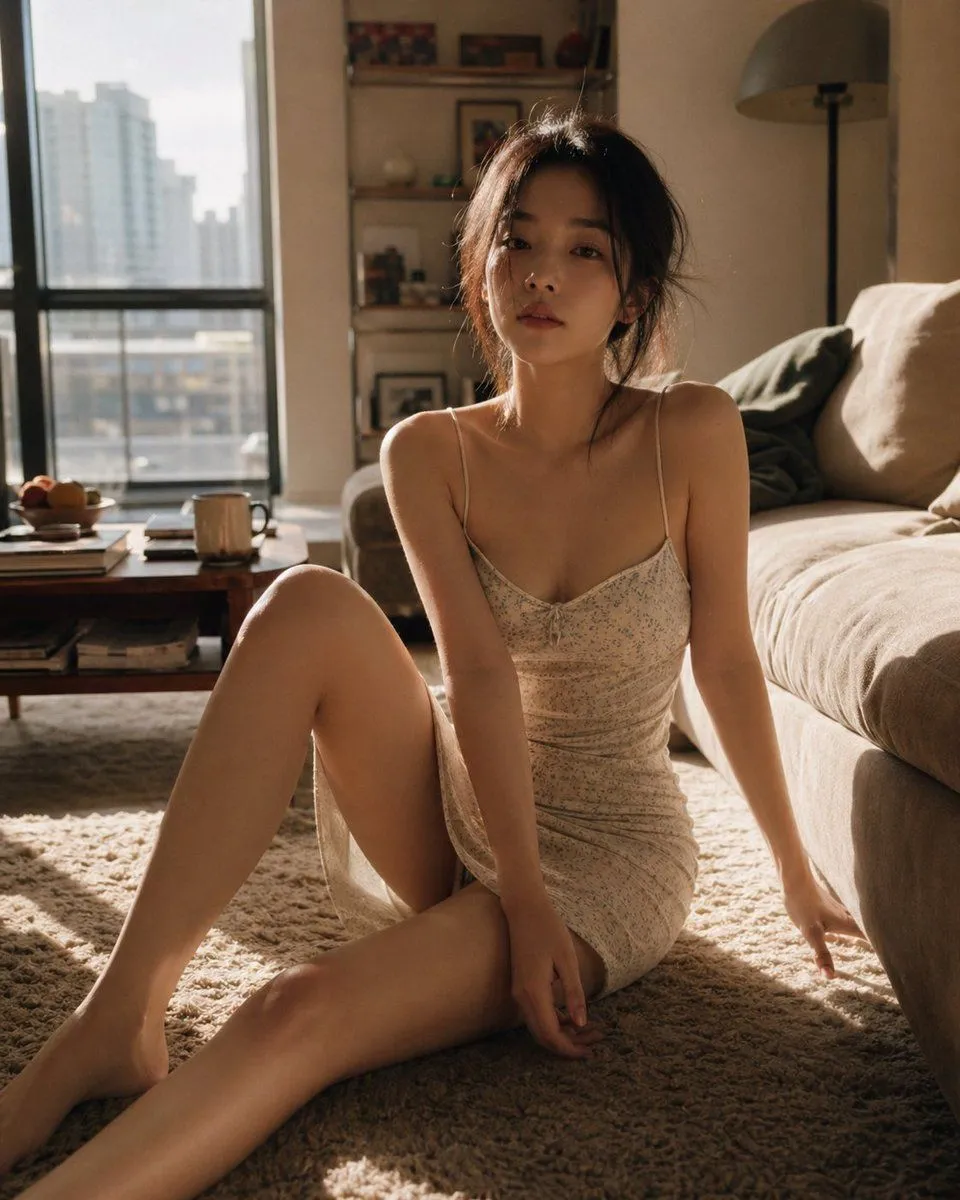
Made with Nano Banana Pro in Gemini by Library Portraits. Promptclay never generates images.
Did it work?
No reports yet. Tell others if it worked for you.
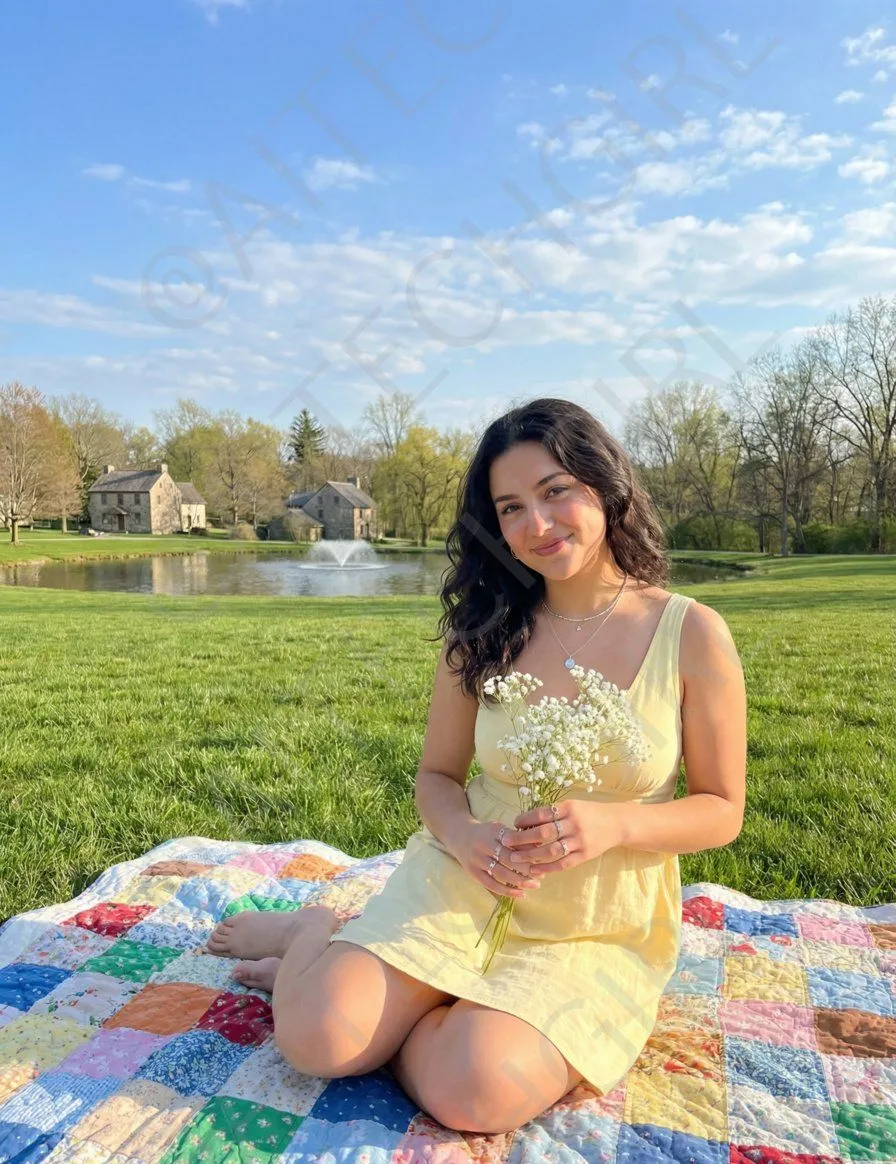
Nano Banana Pro Image Prompt for a Young Woman on a Picnic
Prompt
20 blanks to fill{ "image_prompt": { "subject": { "description": "{subject_description}", "face_preservation": {face_preservation}, "pose": { "body_position": "{body_position}", "hands": "{hands_detail}", "expression": "{expression}", "posture": "{posture}" }, "appearance": { "hair": { "color": "{hair_color}", "style": "{hair_style}" }, "clothing": { "dress": { "type": "{dress_type}", "color": "{dress_color}", "details": "{dress_details}" } }, "accessories": { "jewelry": [ "{jewelry_1}", "{jewelry_2}", "{jewelry_3}" ] } } }, "environment": { "setting": "{setting}", "details": { "elements": [ "{element_1}", "{element_2}", "{element_3}", "{element_4}" ], "ground": "{ground_detail}", "lighting": "{lighting}" } }, "photography": { "style": "{photography_style}", "framing": "{framing}", "camera_angle": "{camera_angle}", "quality": "{quality}", "color_tone": "{color_tone}" }, "composition": { "focus": "{focus}", "background_depth": "{background_depth}", "negative_prompt": [ "{negative_1}", "{negative_2}", "{negative_3}", "{negative_4}", "{negative_5}" ] } } }
Preview of your prompt
{ "image_prompt": { "subject": { "description": "young woman sitting outdoors on a picnic blanket in a sunny open field", "face_preservation": true, "pose": { "body_position": "sitting cross-legged on a quilted blanket", "hands": "holding a small bouquet of white baby's breath flowers", "expression": "soft, relaxed smile", "posture": "upright, facing forward" }, "appearance": { "hair": { "color": "dark-brown", "style": "long, slightly wavy, parted with natural flow" }, "clothing": { "dress": { "type": "sleeveless sundress", "color": "light yellow", "details": "tie detail at chest, soft flowing fabric" } }, "accessories": { "jewelry": [ "delicate necklace", "bracelet", "rings" ] } } }, "environment": { "setting": "large grassy park under a bright blue sky", "details": { "elements": [ "scattered clouds", "pond with small fountain", "houses and trees in distance", "early spring foliage" ], "ground": "colorful patchwork quilt on green grass", "lighting": "{lighting}" } }, "photography": { "style": "{photography_style}", "framing": "{framing}", "camera_angle": "{camera_angle}", "quality": "{quality}", "color_tone": "{color_tone}" }, "composition": { "focus": "{focus}", "background_depth": "{background_depth}", "negative_prompt": [ "{negative_1}", "{negative_2}", "{negative_3}", "{negative_4}", "{negative_5}" ] } } }
DetailsVersions, settings and questions
Written for
What's in the prompt
- Subject
- Model
- Nano Banana Pro
If your face changes
keep my face exactly the sameQuestions
- Does this work in the Gemini app?
- Yes. Gemini runs Nano Banana, so paste the prompt and attach your photo if it uses one.
- It changed my face. What do I do?
- Add "keep my face exactly the same" to the end and run it again.
- Can I use the images I make?
- Check the terms of the app you use. Promptclay never generates images and claims nothing you make.