Tell us anything

An idea, a bug, something you love. We read every note.

⌘↵ to send. The page you're on comes along.

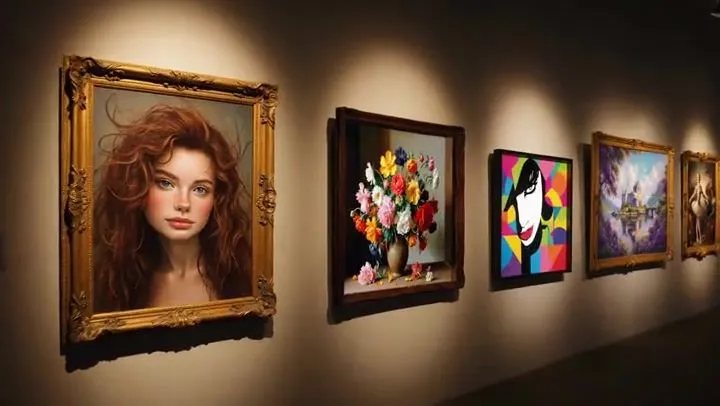
Multi-shot video prompt for a girl stealing earrings from an art museum at night

Made with Seedance 2.0 in Kling by Library Cinema. Promptclay never generates images.

Did it work?

No reports yet. Tell others if it worked for you.

No comments yet. Be the first.

    Multi-shot video prompt for a girl stealing earrings from an art museum at night

    Seedance 2.016:9AI-generated

    Prompt

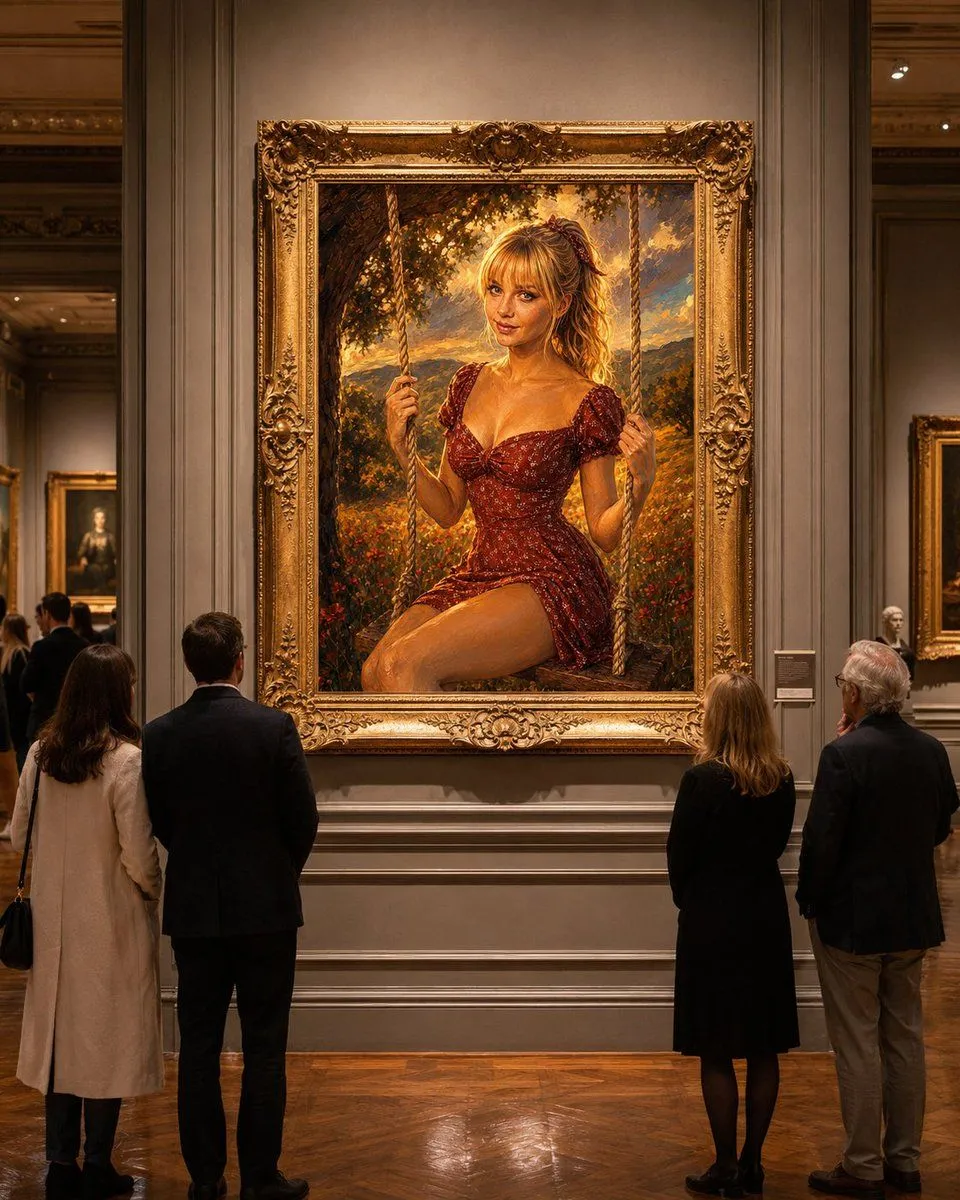
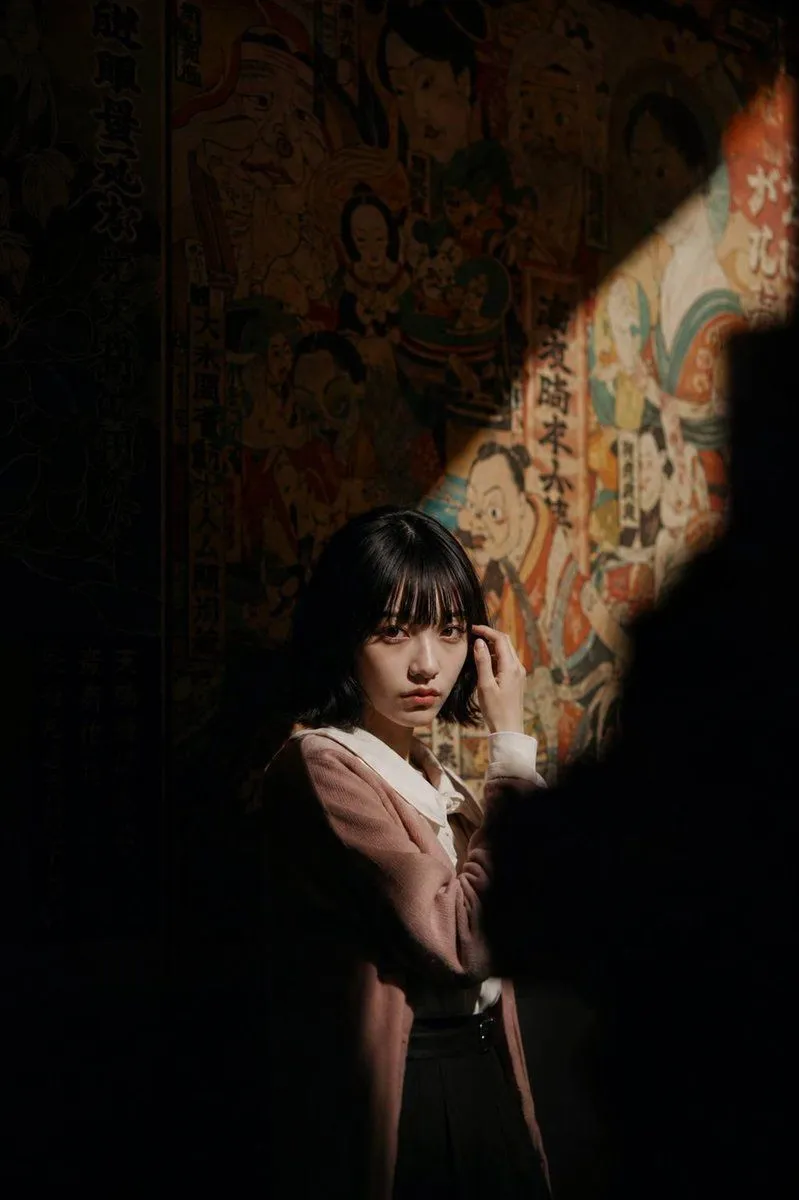
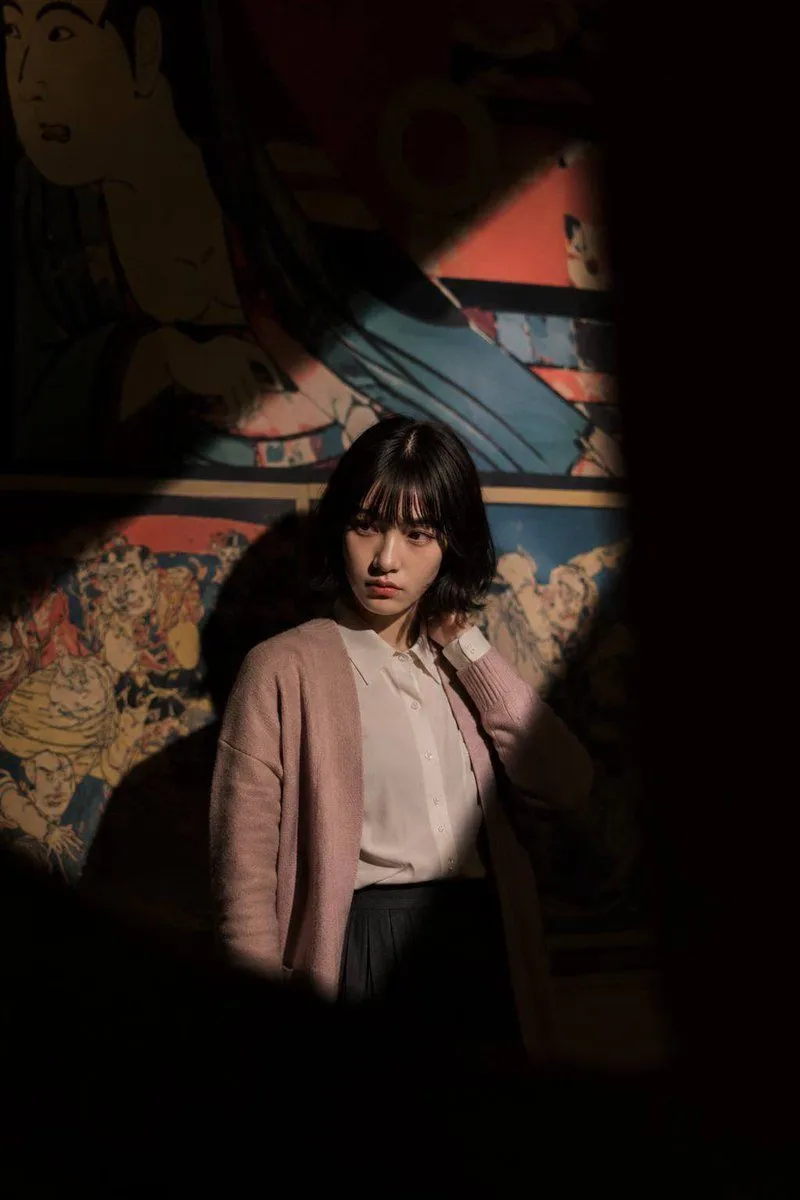
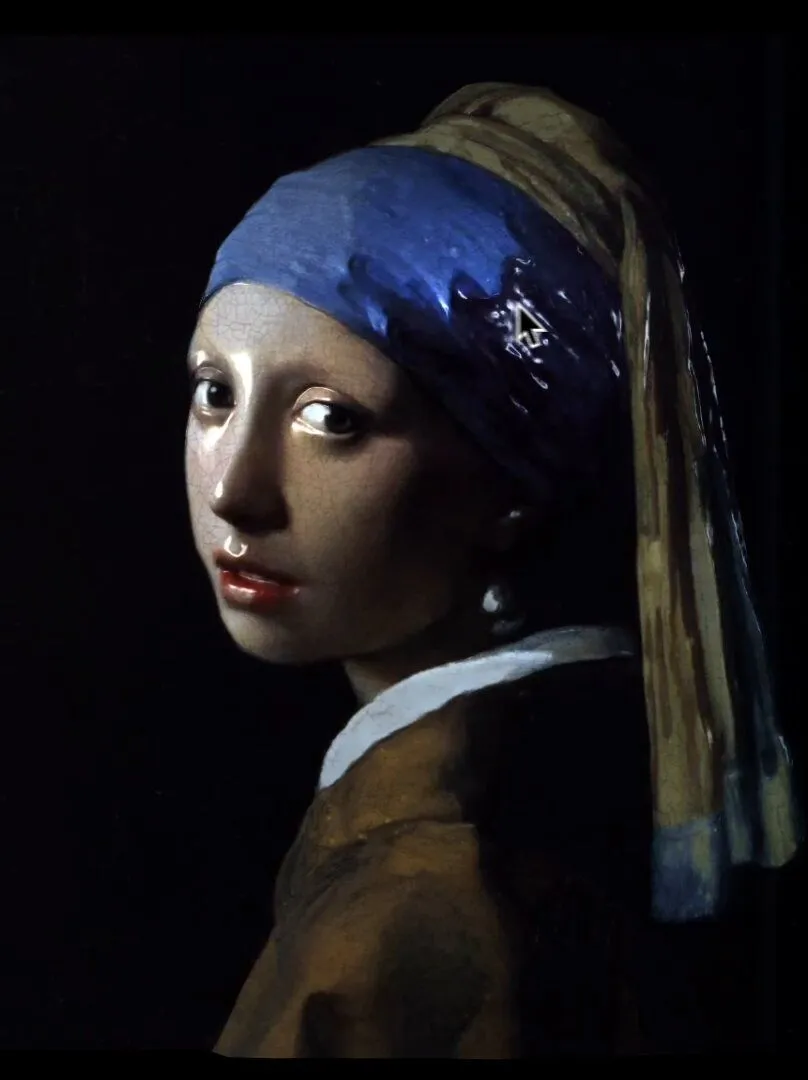
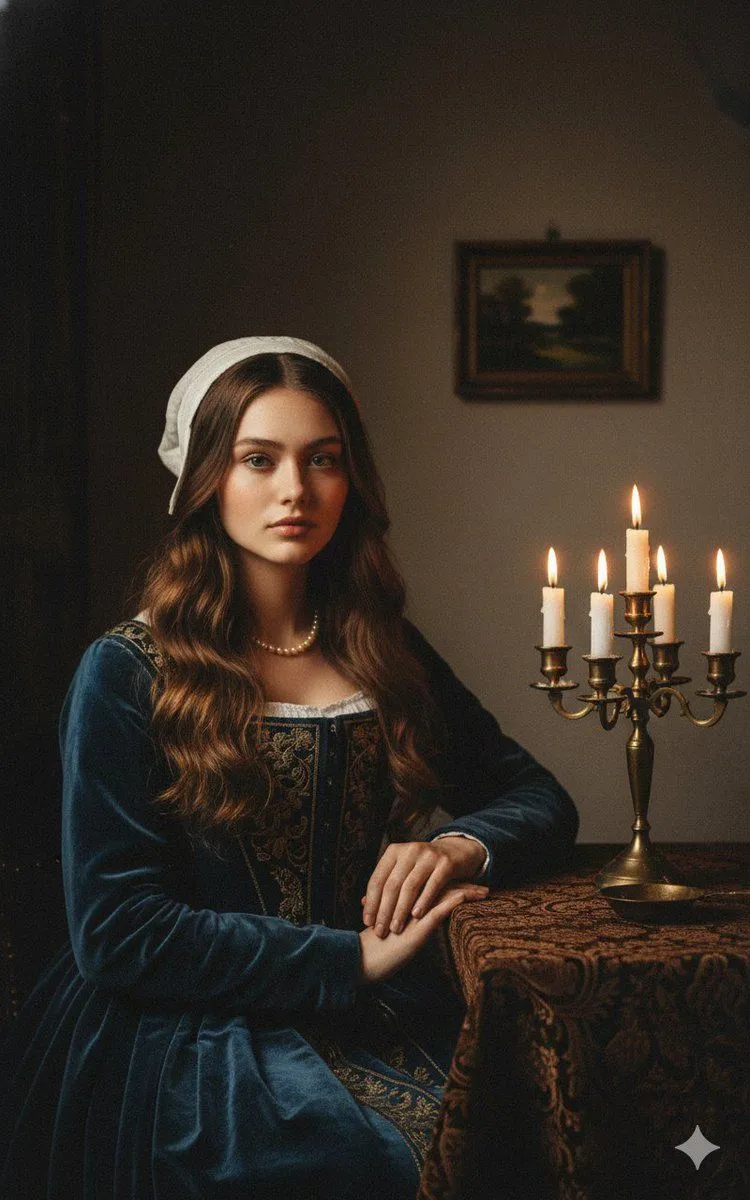
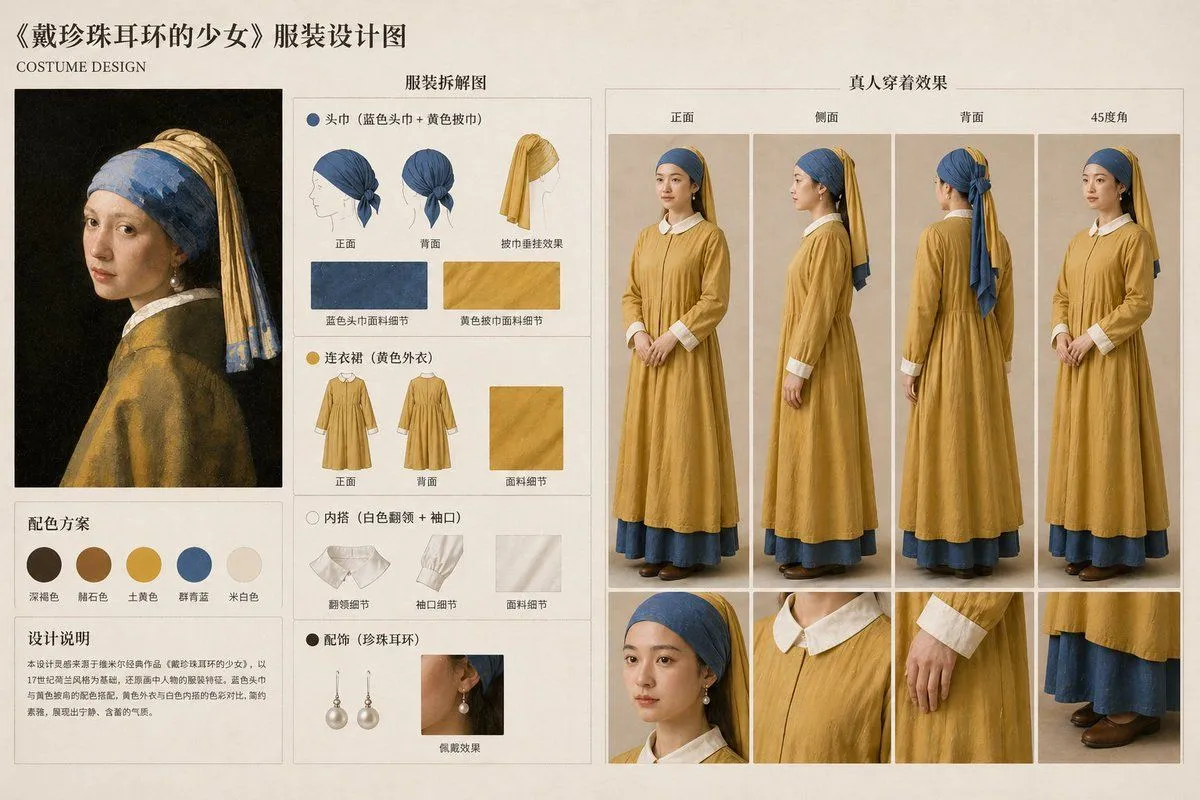
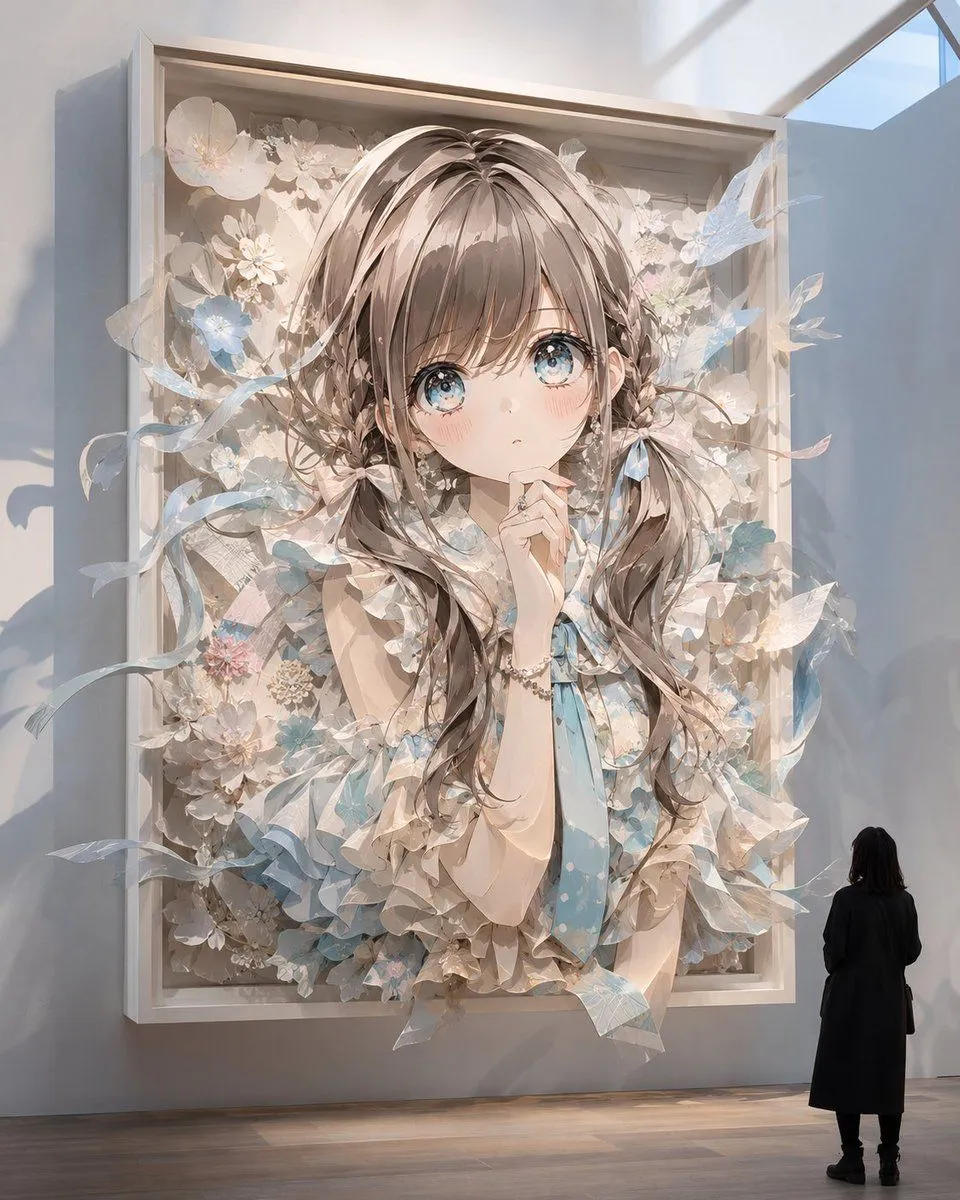
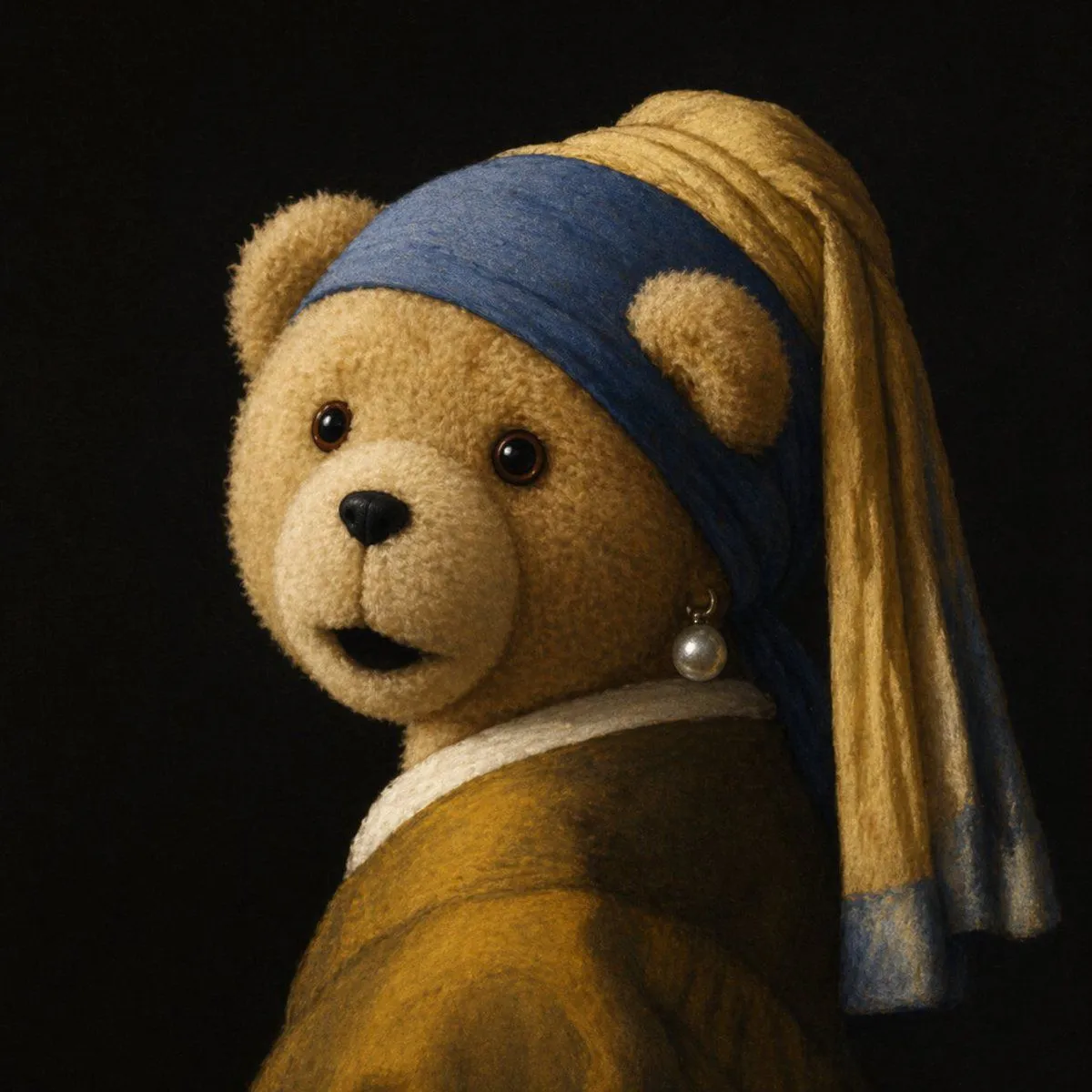
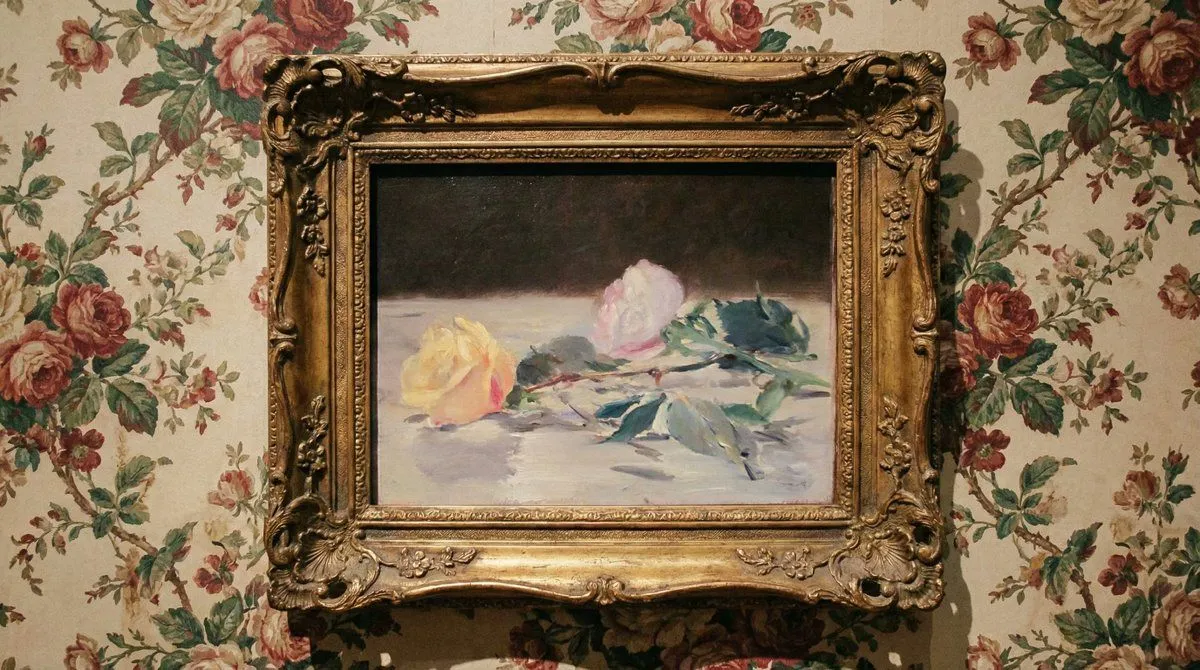
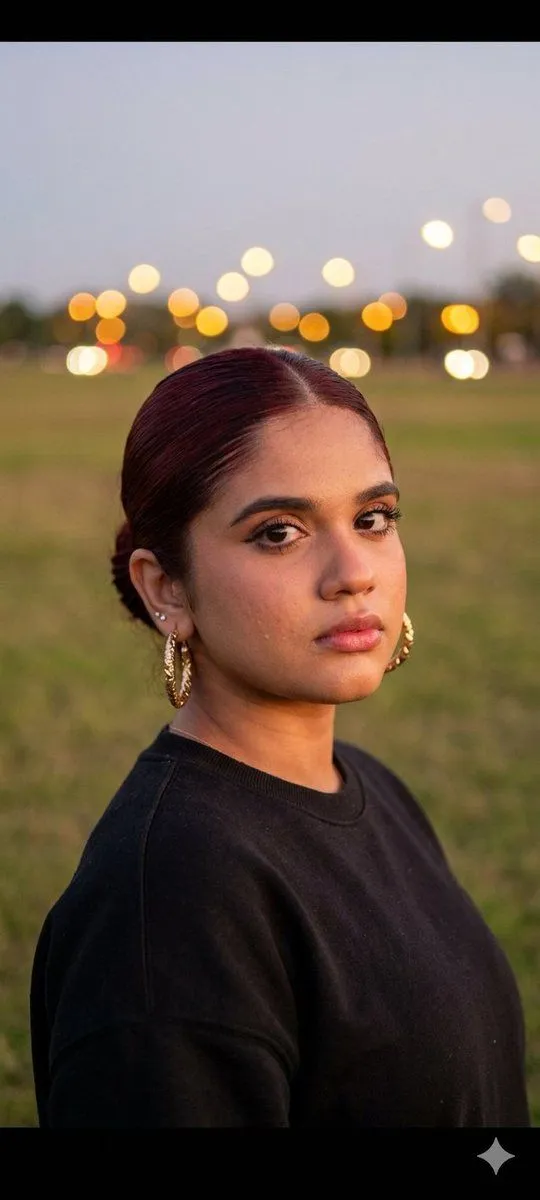
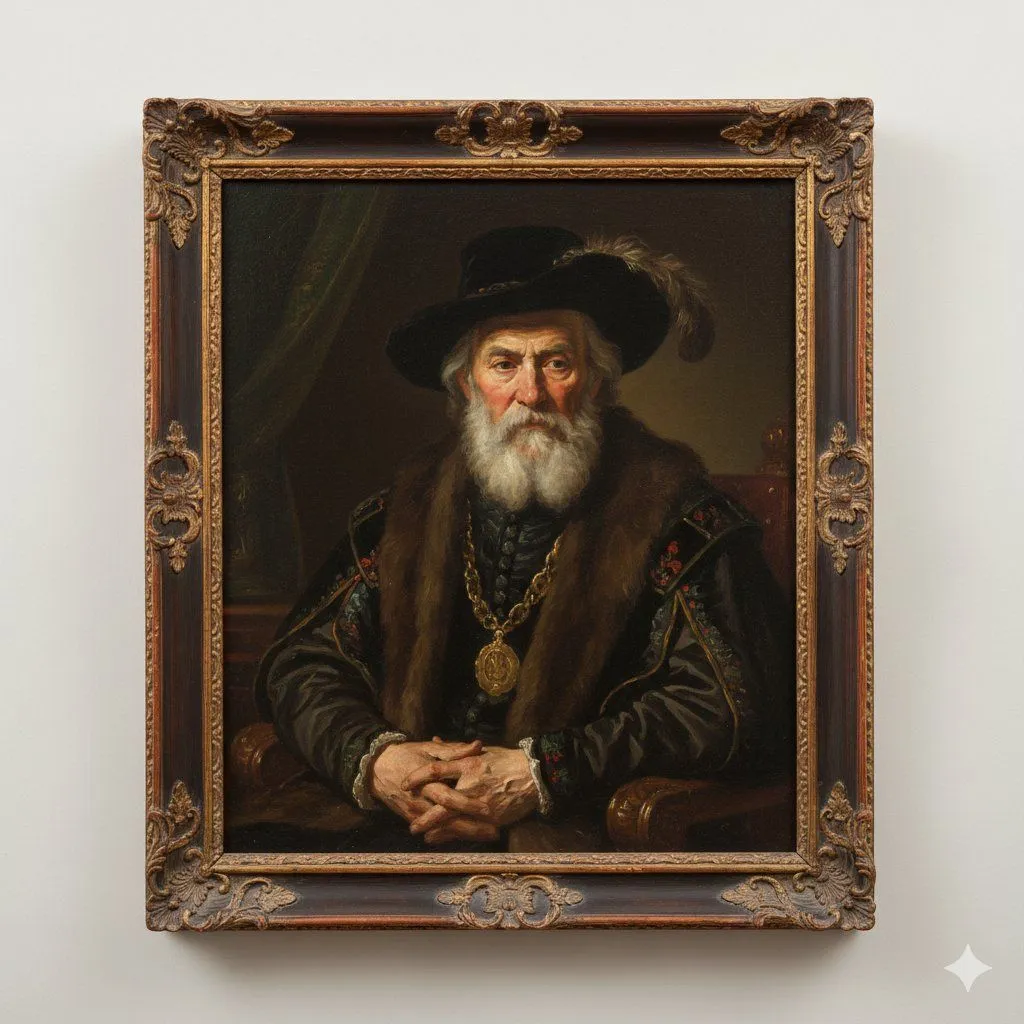
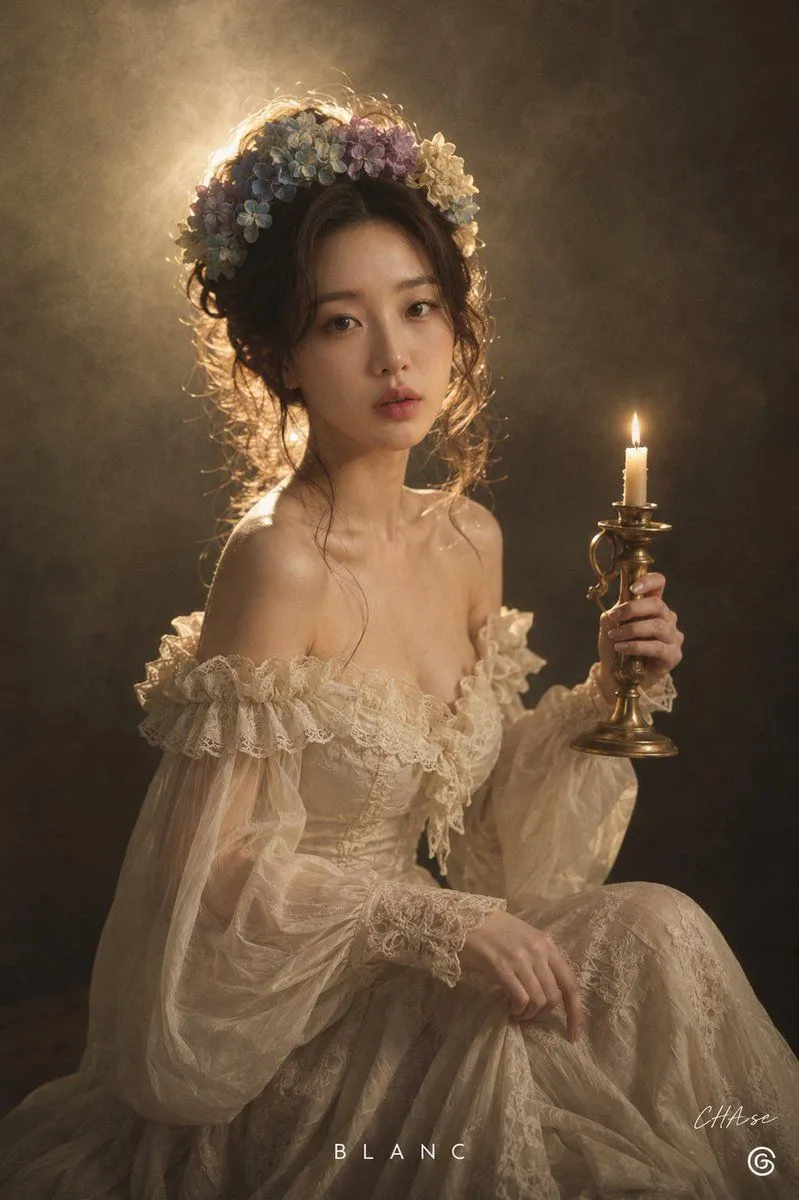
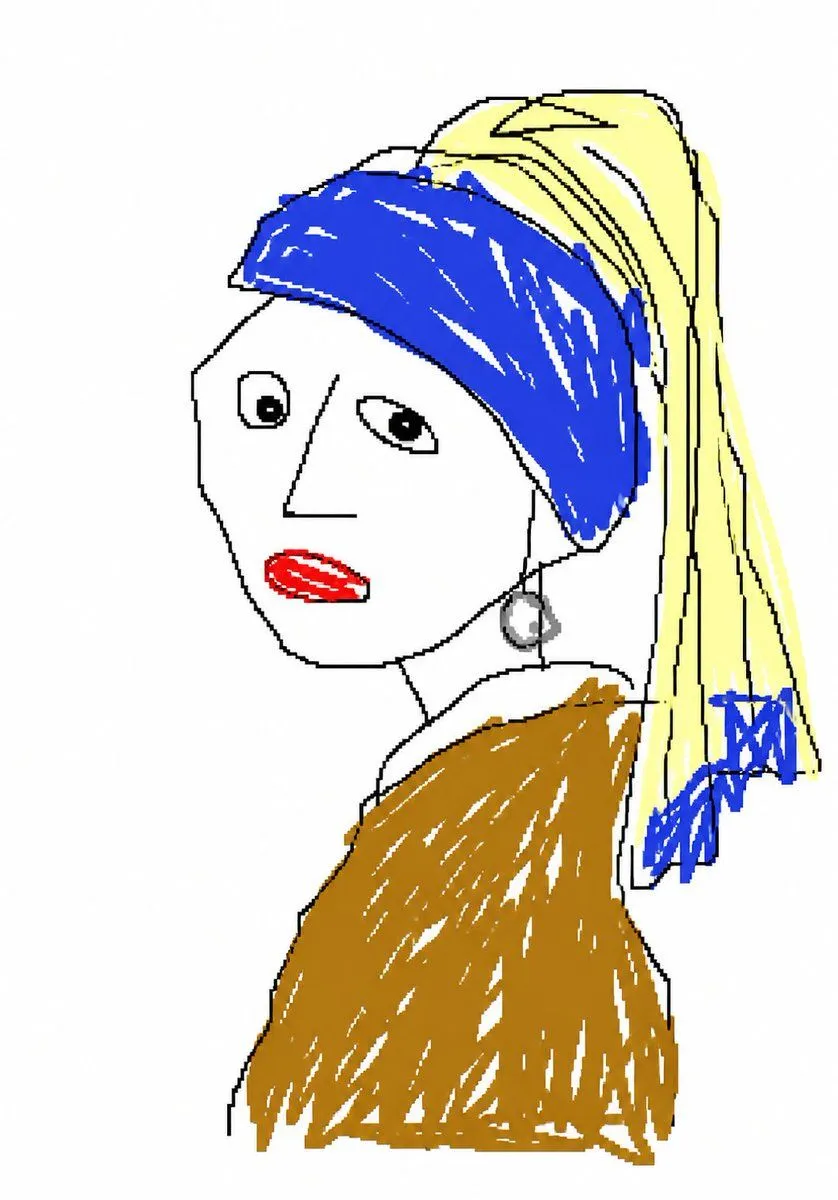
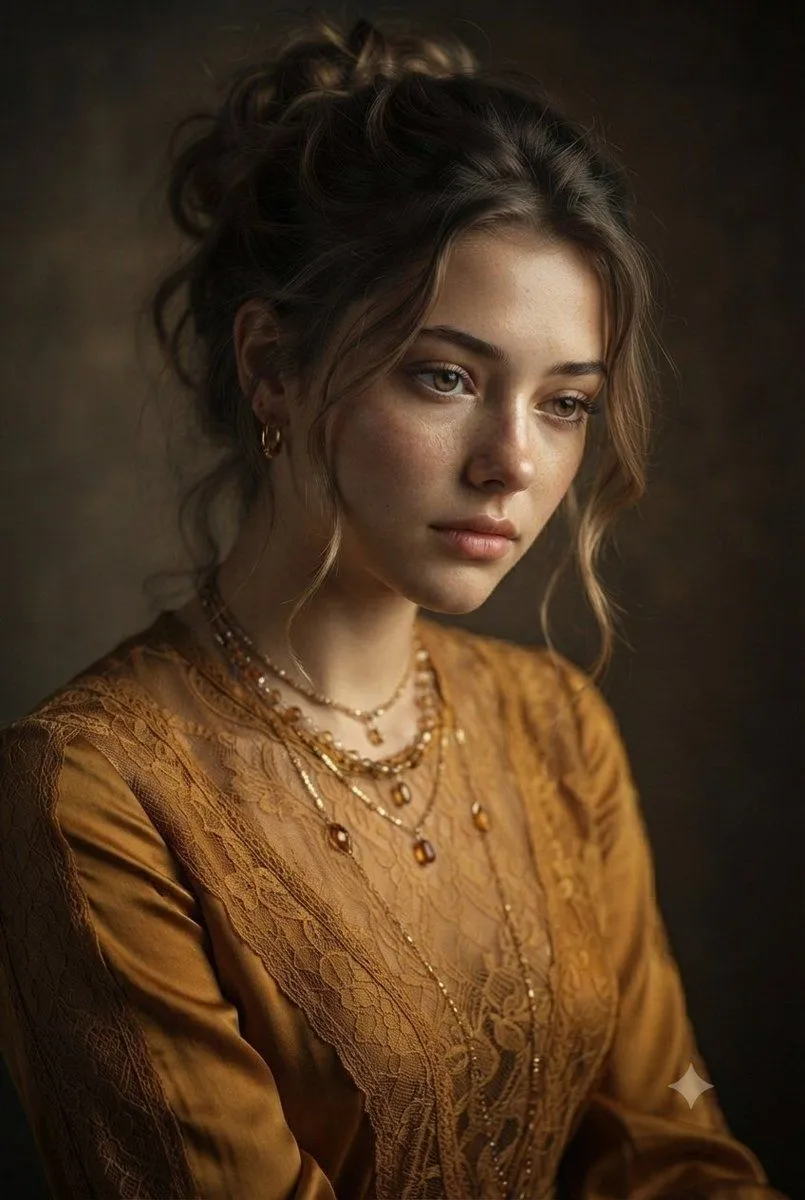
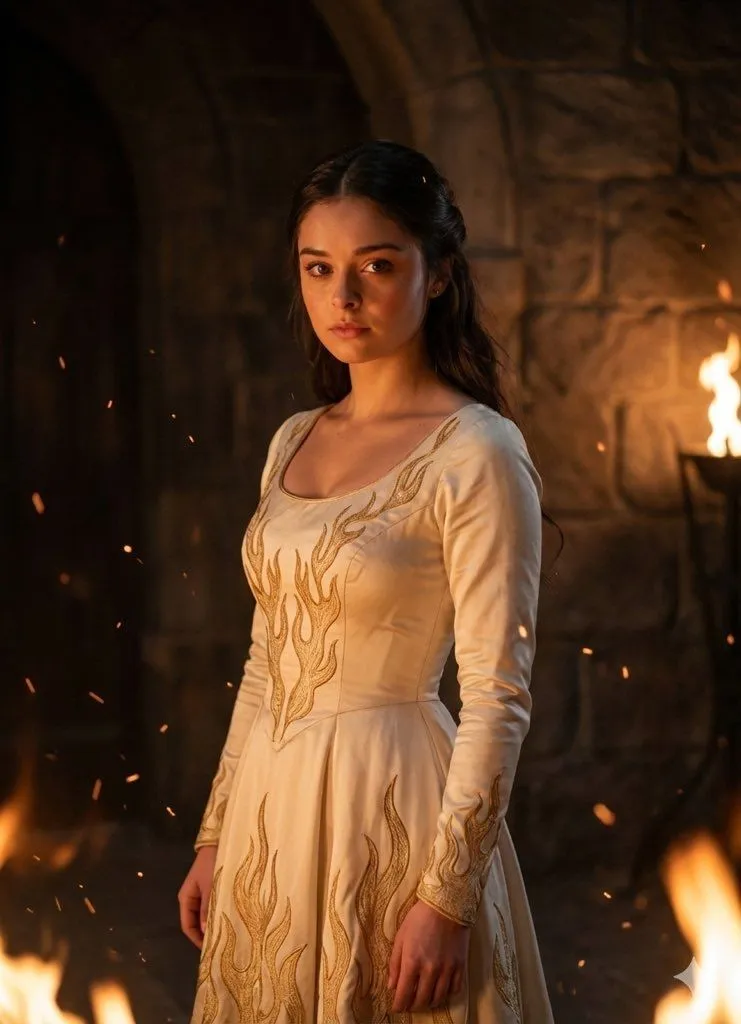
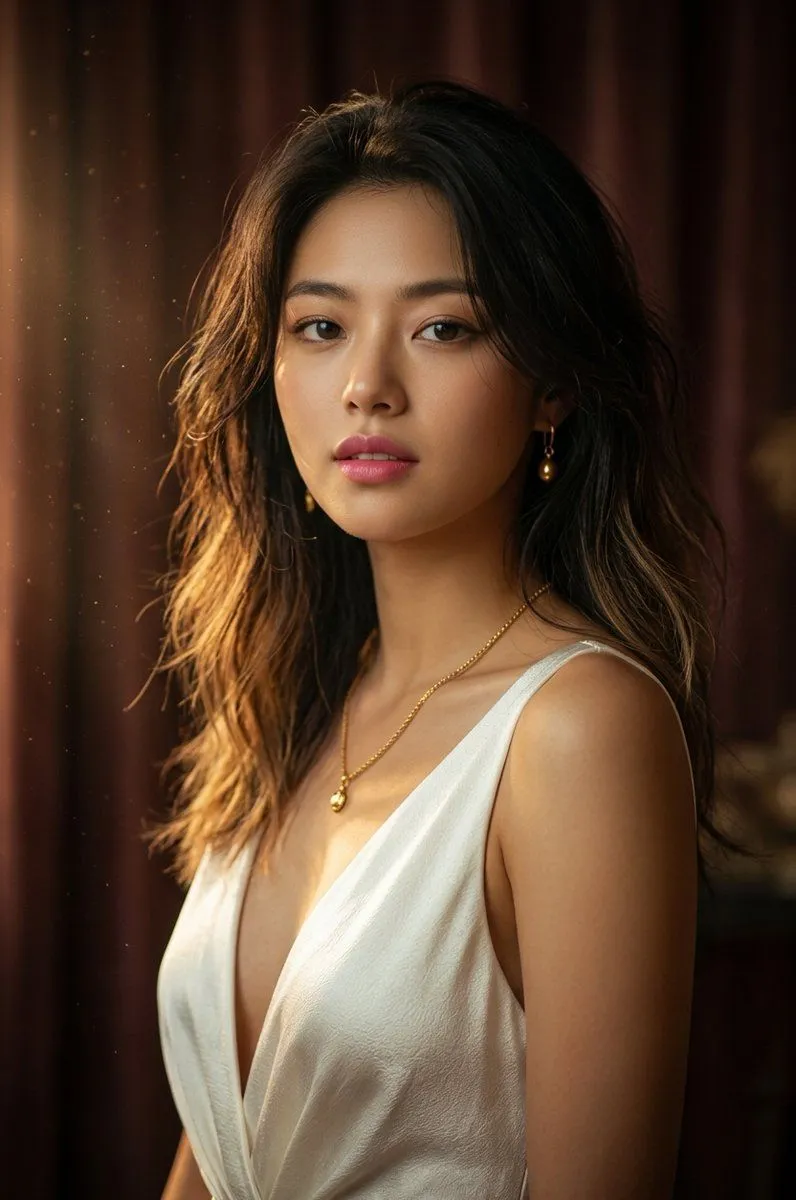
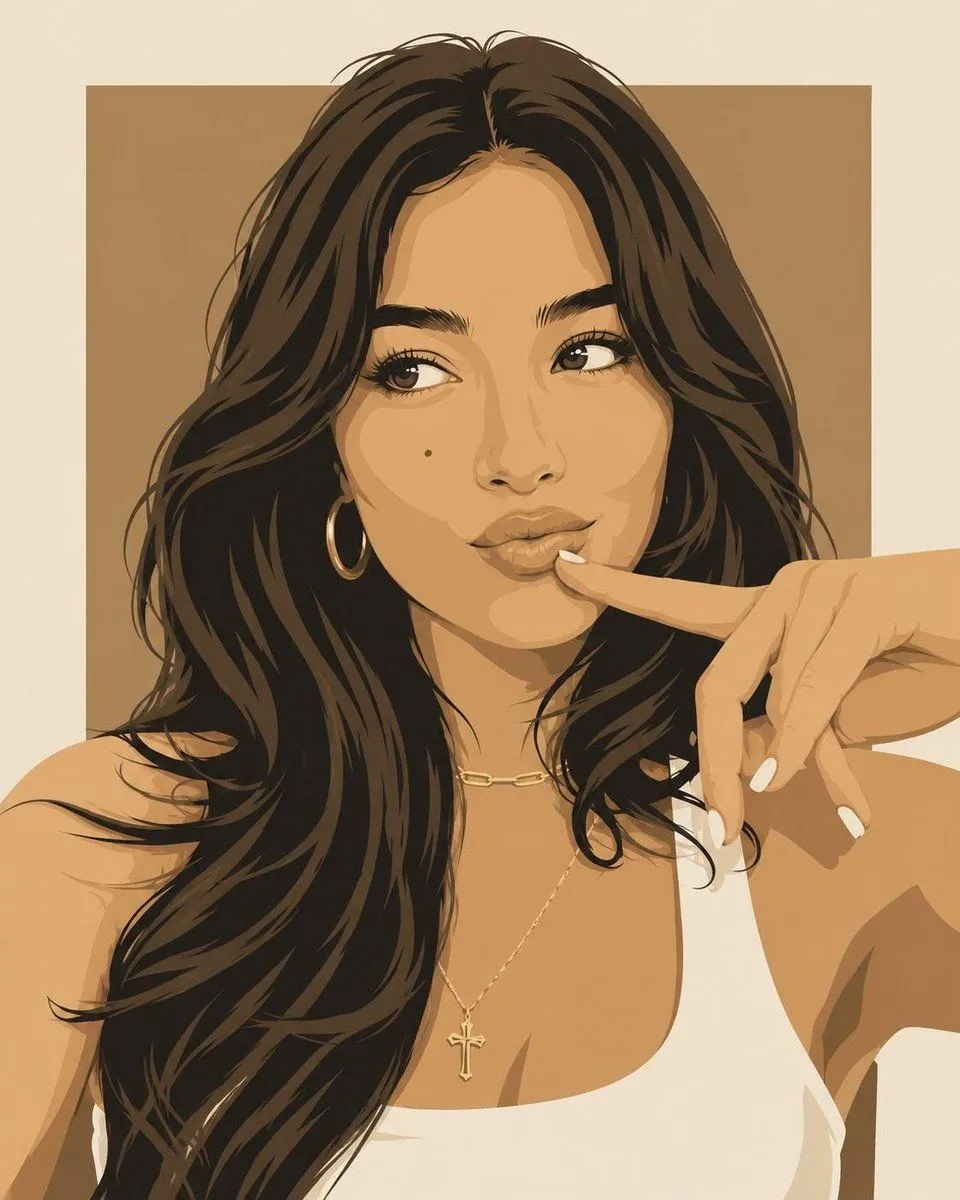
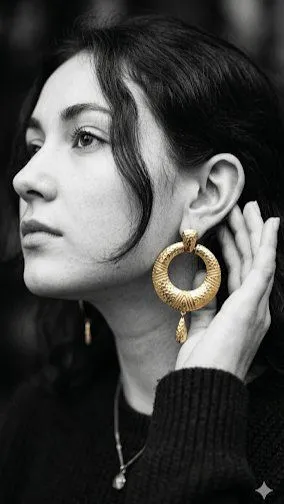
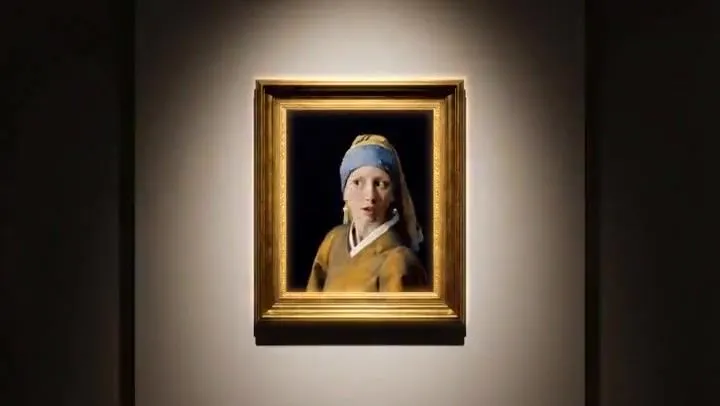
    Duration: 15s, Scene: Art museum at late night @Image1 Shot 1-Static shot: The girl looks around guiltily and climbs out of the picture frame @Image1 Shot 2-Tracking shot: The girl walks to the jewelry box Shot 3: The girl opens the jewelry box and puts on the earrings inside @Image3 Shot 4-Tracking shot: The girl runs quickly and climbs back into the picture frame @Image1 Shot 5: The girl smiles wearing the new earrings @Image1 showing herself Shot 6: Jewelry box on a pure black background with only top lighting @Image2 , slow zoom-in, artistic text and voiceover appear at the top of the screen: Elevate your look. Remember to add atmospheric BGM and sound effects.

    Works in
    Kling
    Status
    Free to copy
    0
    DetailsVersions, settings and questions

    Written for

    What's in the prompt

    Subject
    Model
    Seedance 2.0

    If your face changes

    keep my face exactly the same

    Questions

    Does this work in the Kling app?
    Yes. Paste the prompt and attach your photo if it uses one.
    It changed my face. What do I do?
    Add "keep my face exactly the same" to the end and run it again.
    Can I use the images I make?
    Check the terms of the app you use. Promptclay never generates images and claims nothing you make.
    Similar prompts

    See more
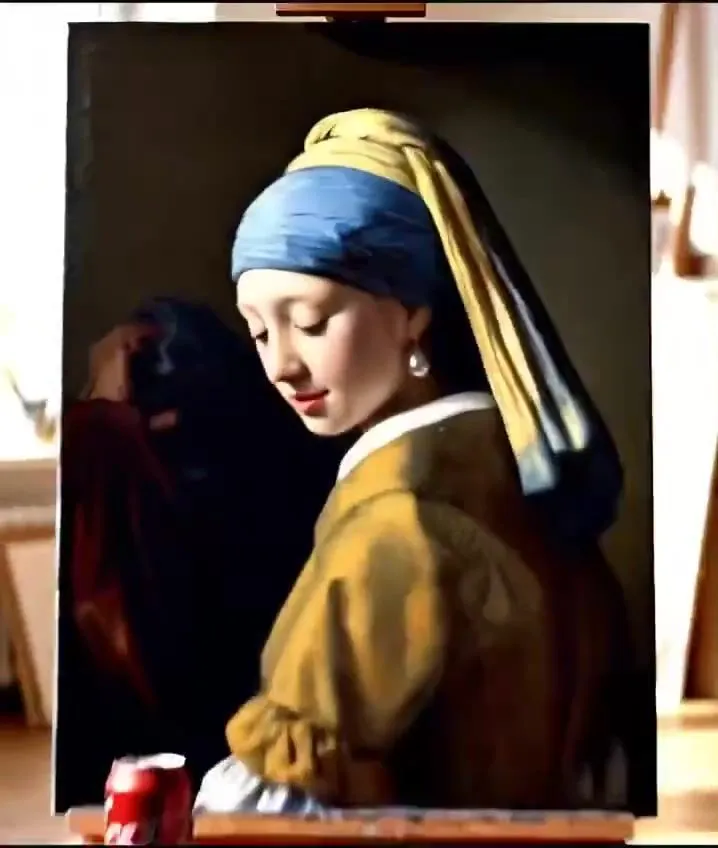
    • Storyboard Prompt for Vintage Art Studio SceneVideo, 0:08
    • Museum Gallery Tracking ShotVideo, 0:10
    • Museum Gallery Framing
    • Cinematic Exhibition Room Portrait
    • Cinematic Museum Spotlight Portrait
    • Normal and depth map generation prompts for Nano Banana Pro
    • Vermeer-Style Cinematic Portrait with Modern Twist
    • Painting-to-Fashion Design Prompt
    • Museum Papercraft Anime Portrait
    • Teddy Bear with a Pearl Earring
    • Immersive Transition Prompts for Painting Transformation
    • Contemplative Woman at Twilight
    • Image Generation Prompt: Rembrandt Style Painting
    • Vintage Candlelight Oil Painting Portrait
    • MS Paint Doodle Remake
    • Vintage Mustard Dress Portrait
    • Contrasting Fantasy Portrait with Golden Flames
    • Fine Art Model Portrait
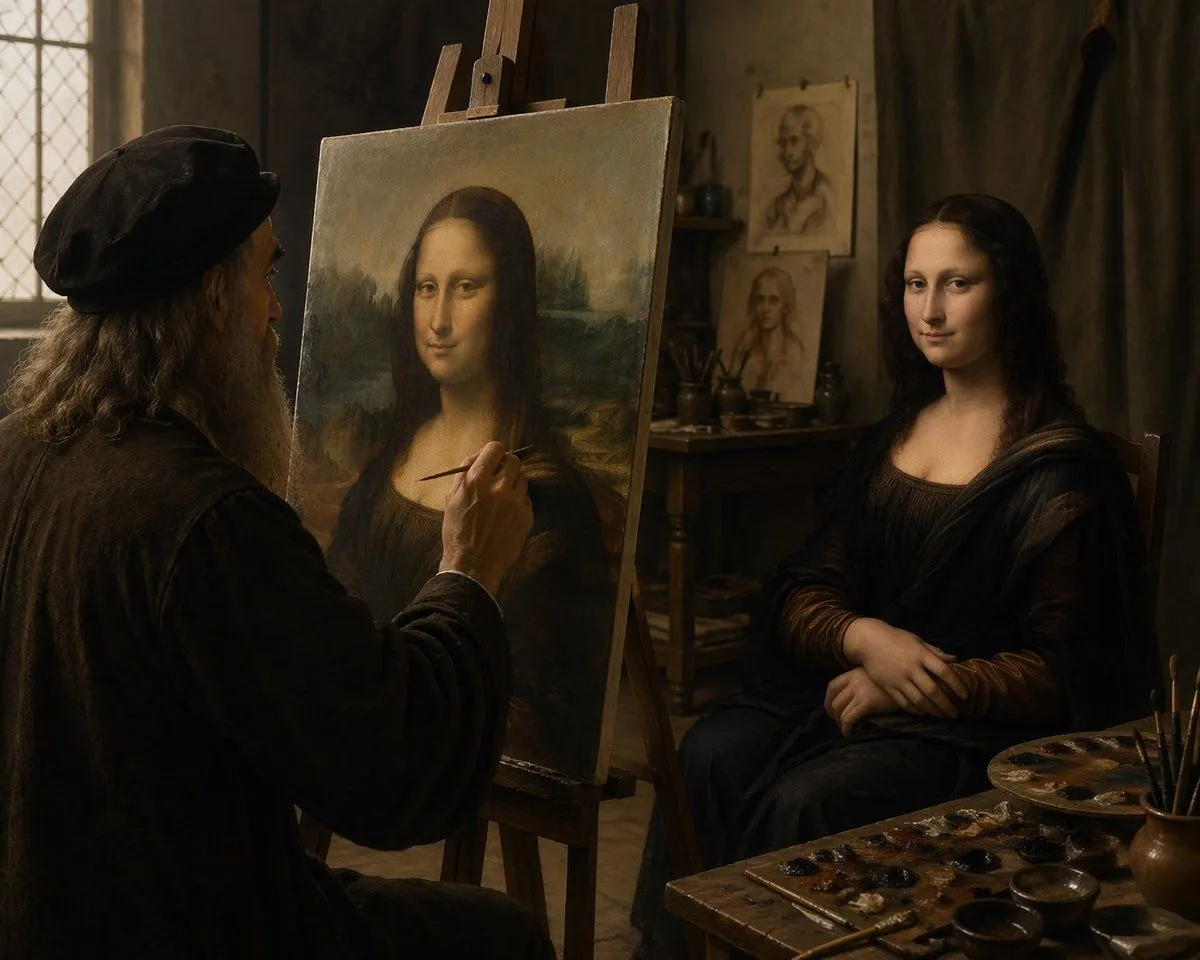
    • Leonardo Painting the Mona Lisa
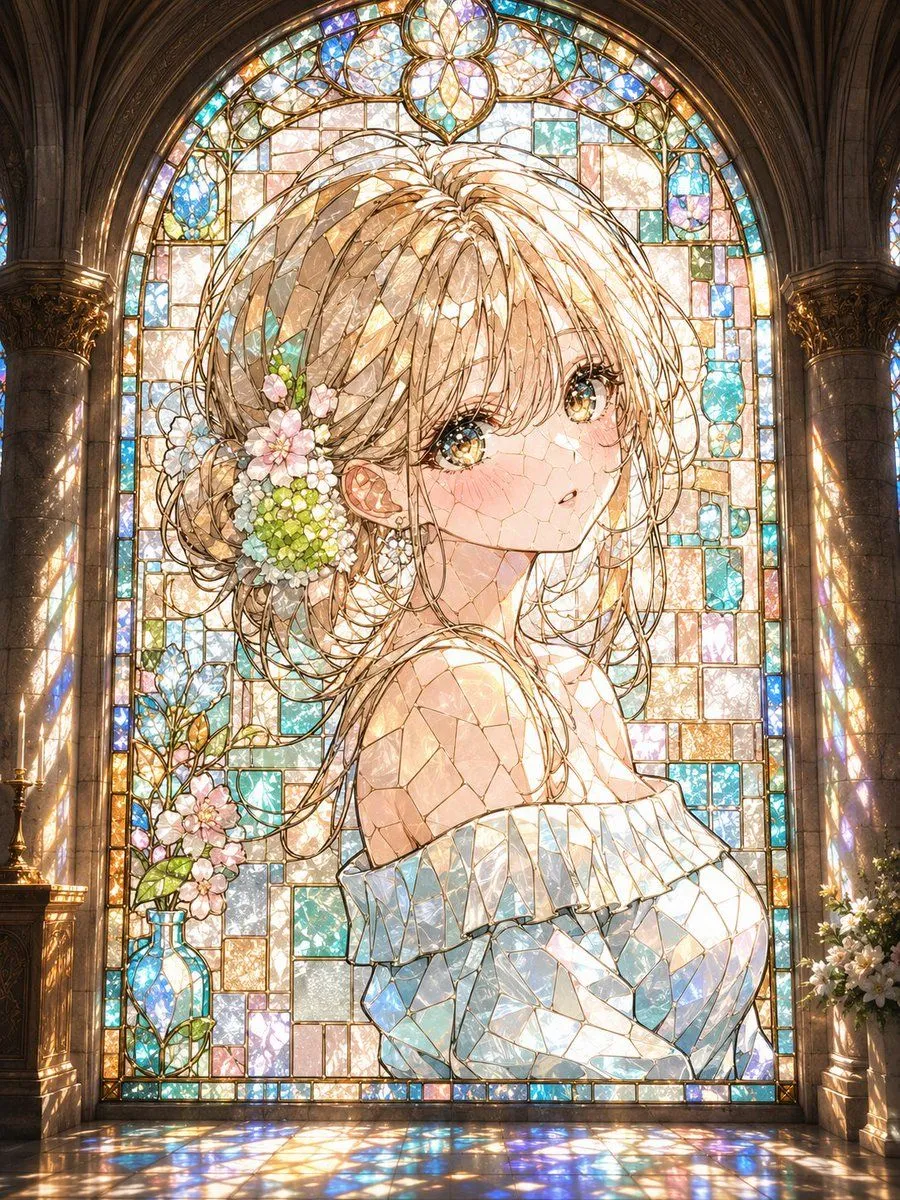
    • Anime Stained Glass Cathedral Portrait
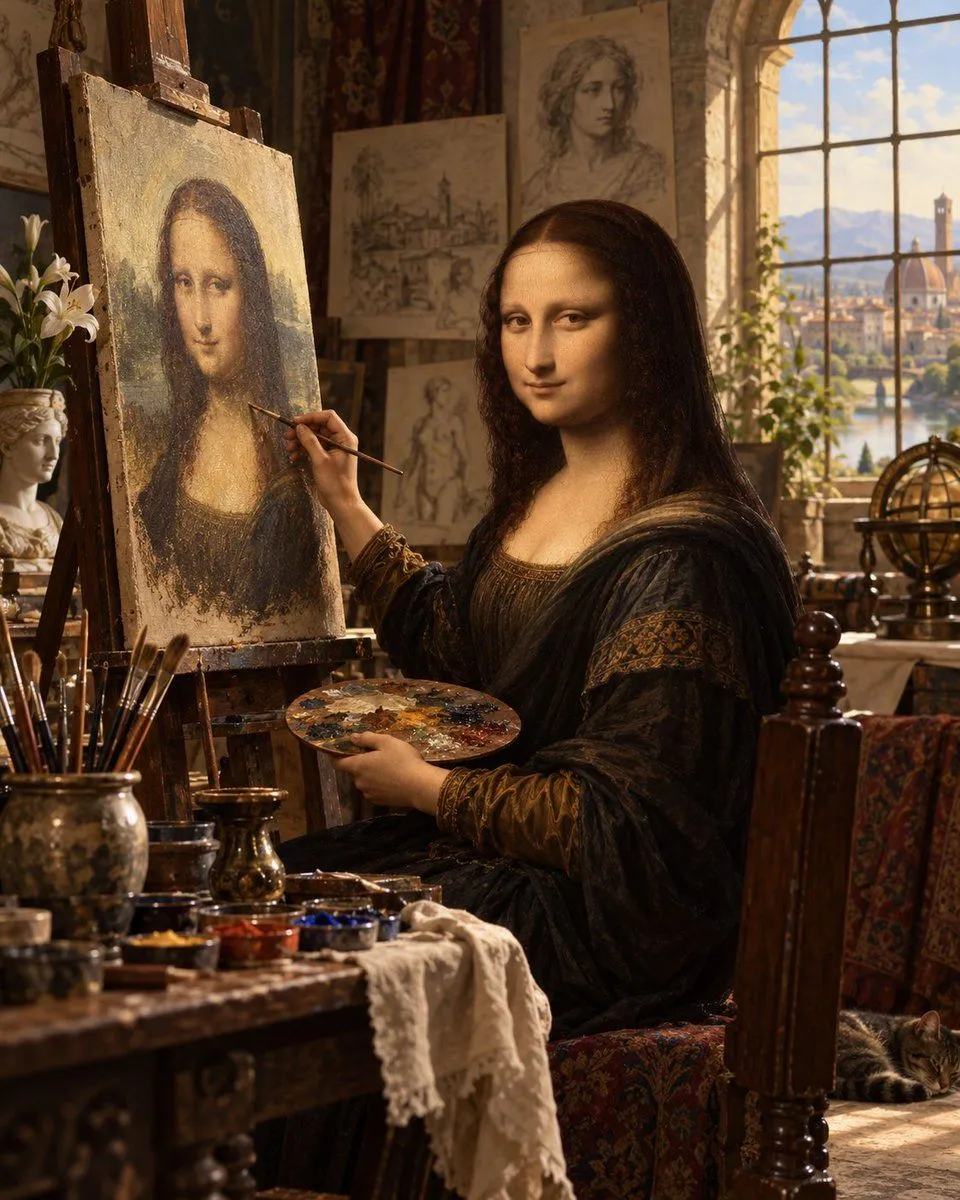
    • Mona Lisa Renaissance Studio Scene
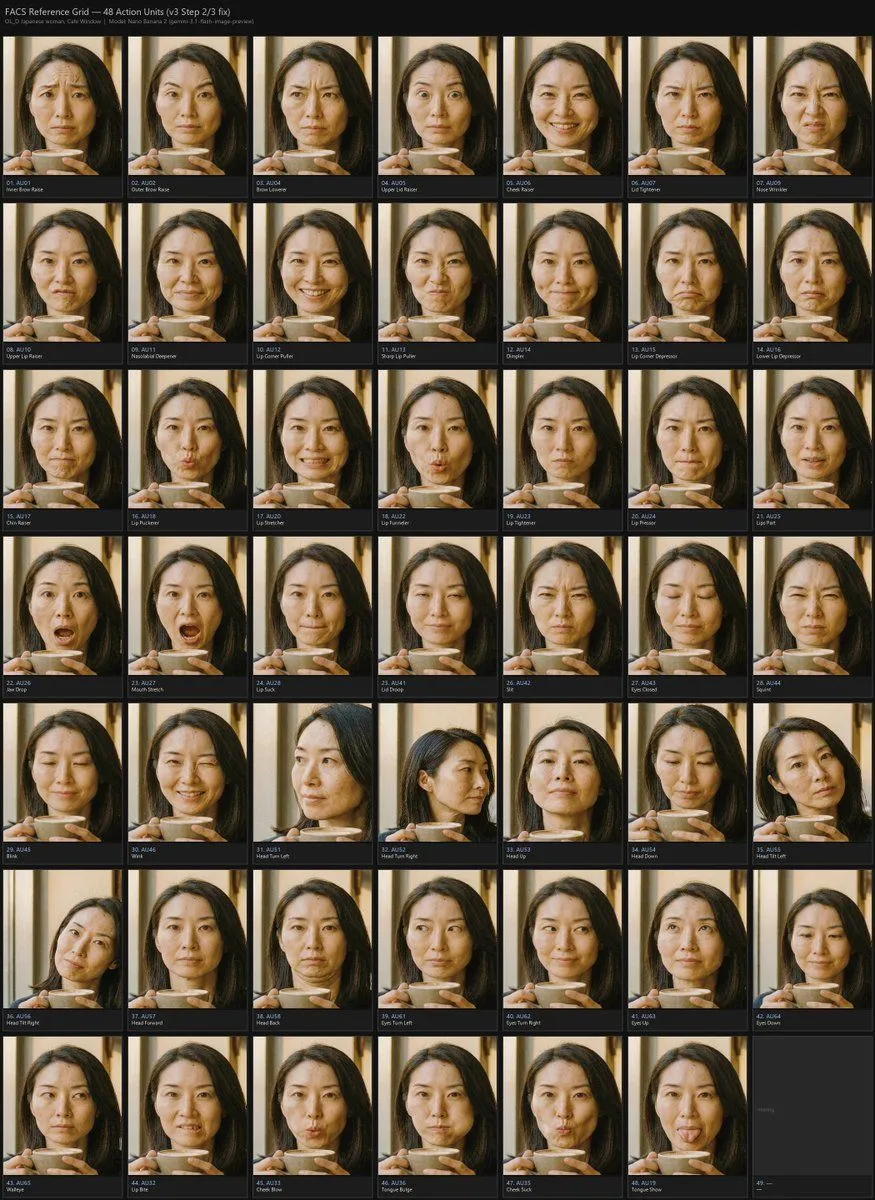
    • FACS Action Unit Reference Grid
    • Fashion Editorial Vector Diptych
    • Minimalist Profile Line Art

    Show more

    Run it on your phone

    1. Prompt copiedRead it

      Duration: 15s, Scene: Art museum at late night @Image1 Shot 1-Static shot: The girl looks around guiltily and climbs out of the picture frame @Image1 Shot 2-Tracking shot: The girl walks to the jewelry box Shot 3: The girl opens the jewelry box and puts on the earrings inside @Image3 Shot 4-Tracking shot: The girl runs quickly and climbs back into the picture frame @Image1 Shot 5: The girl smiles wearing the new earrings @Image1 showing herself Shot 6: Jewelry box on a pure black background with only top lighting @Image2 , slow zoom-in, artistic text and voiceover appear at the top of the screen: Elevate your look. Remember to add atmospheric BGM and sound effects.

    2. Open your app

    3. Paste and run

      Press and hold the message box, then tap Paste. Add your photo first if the prompt uses one. You may need to sign in.