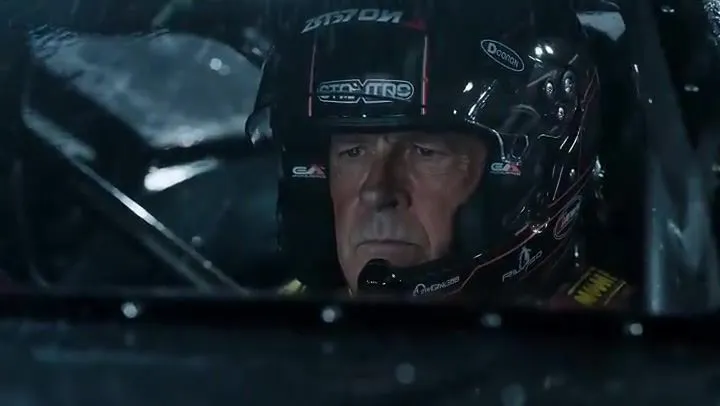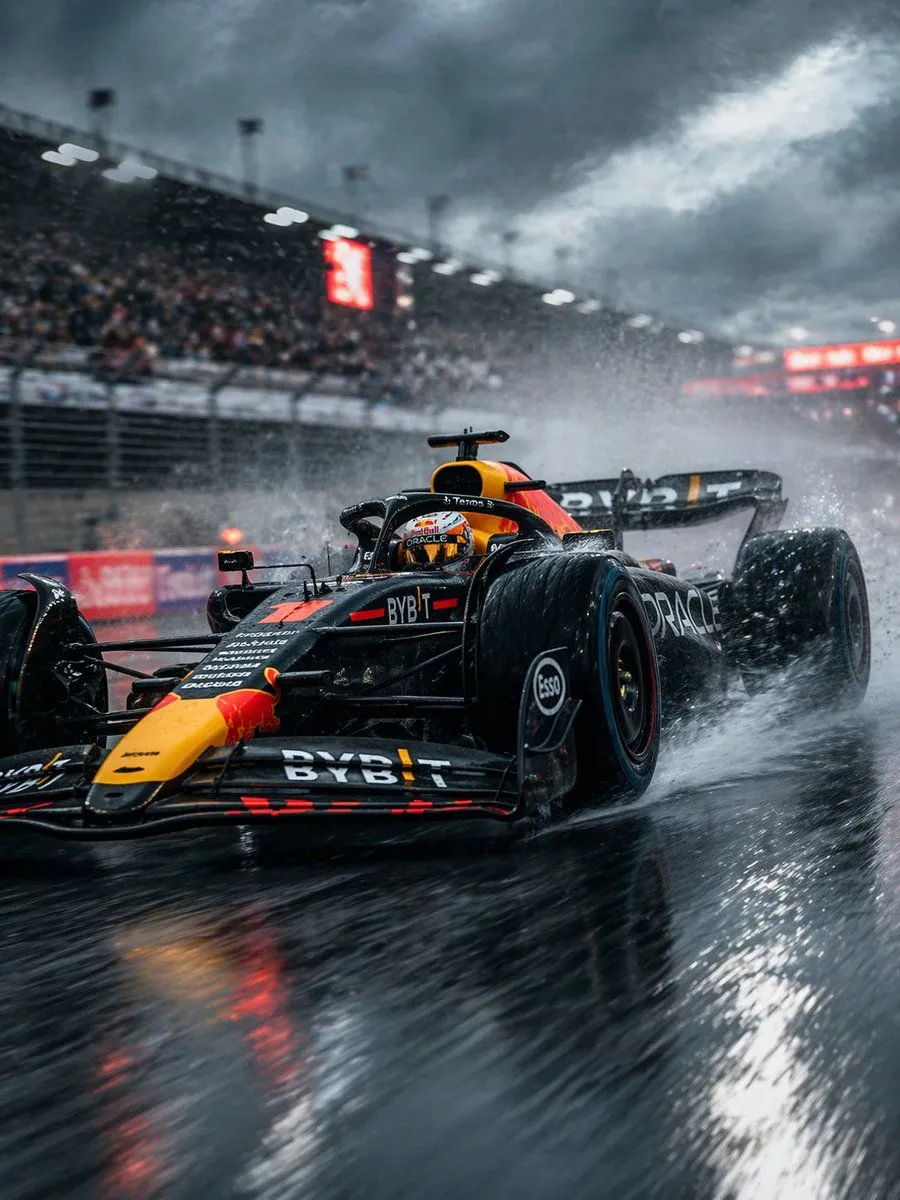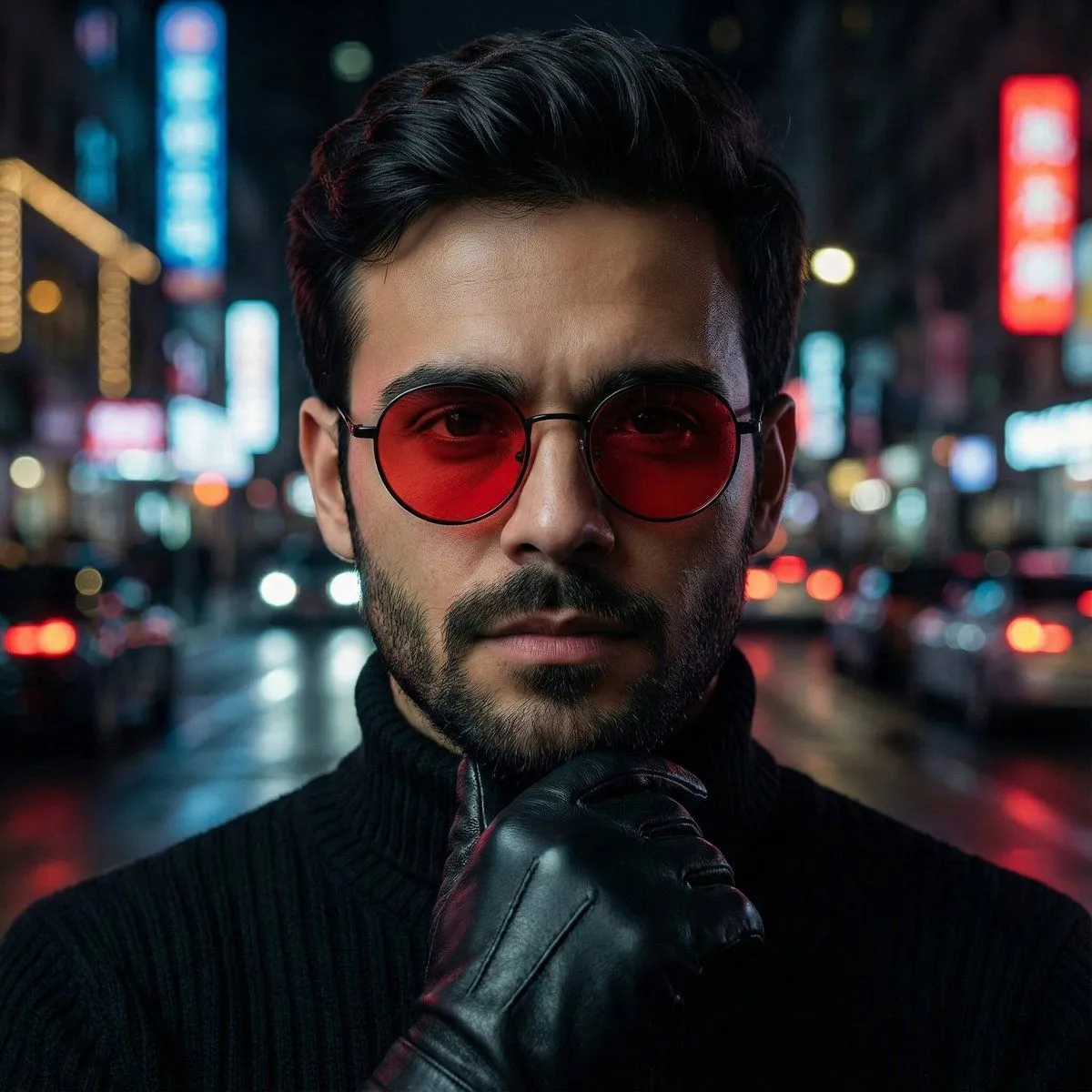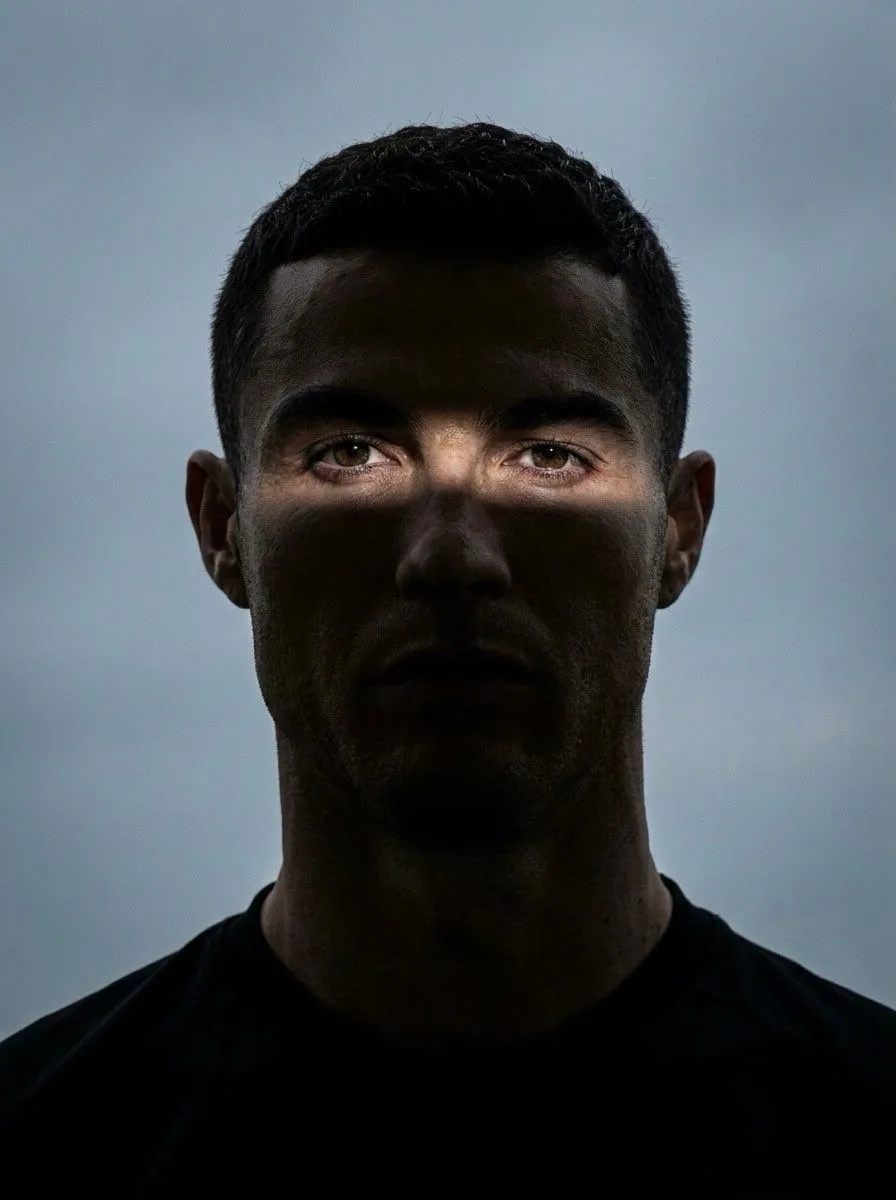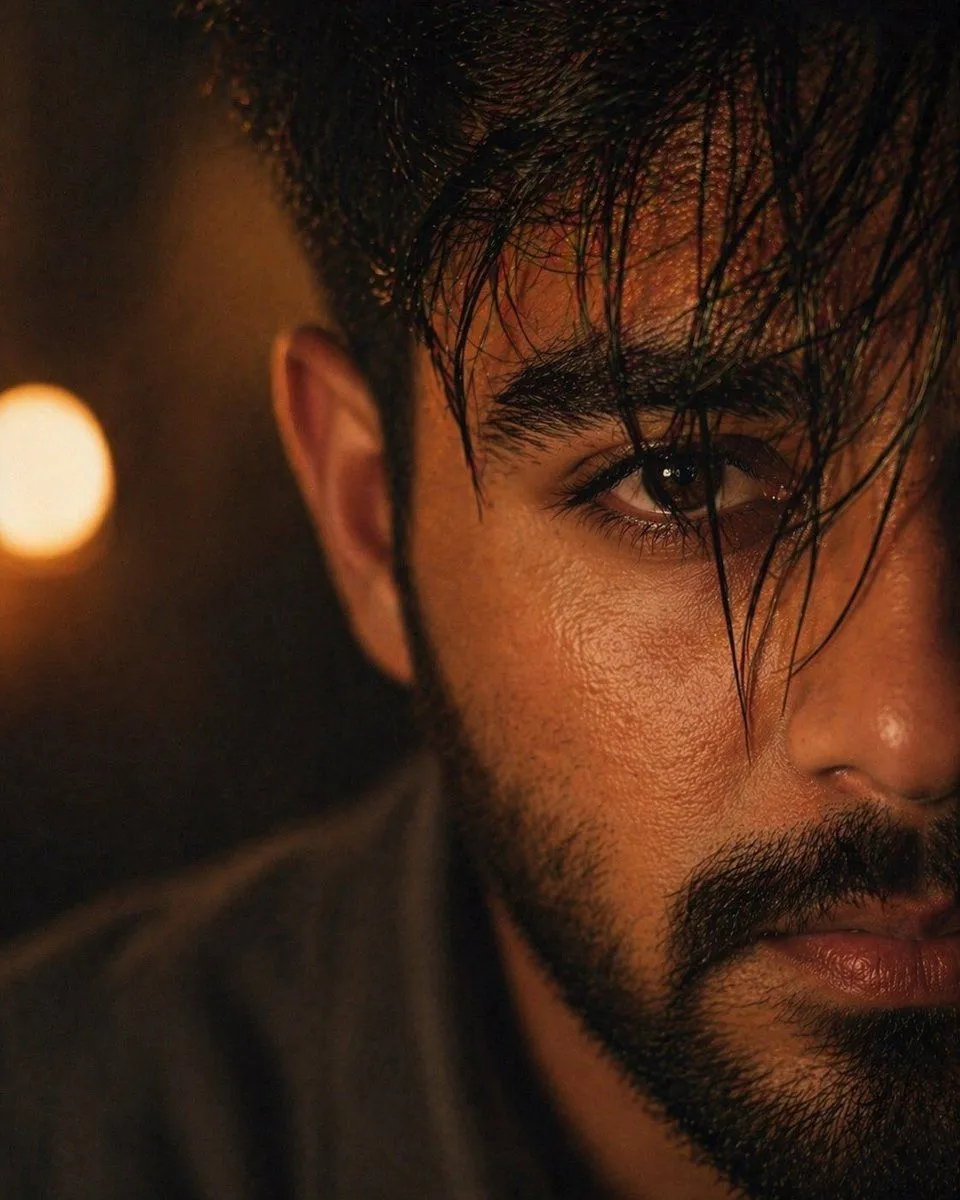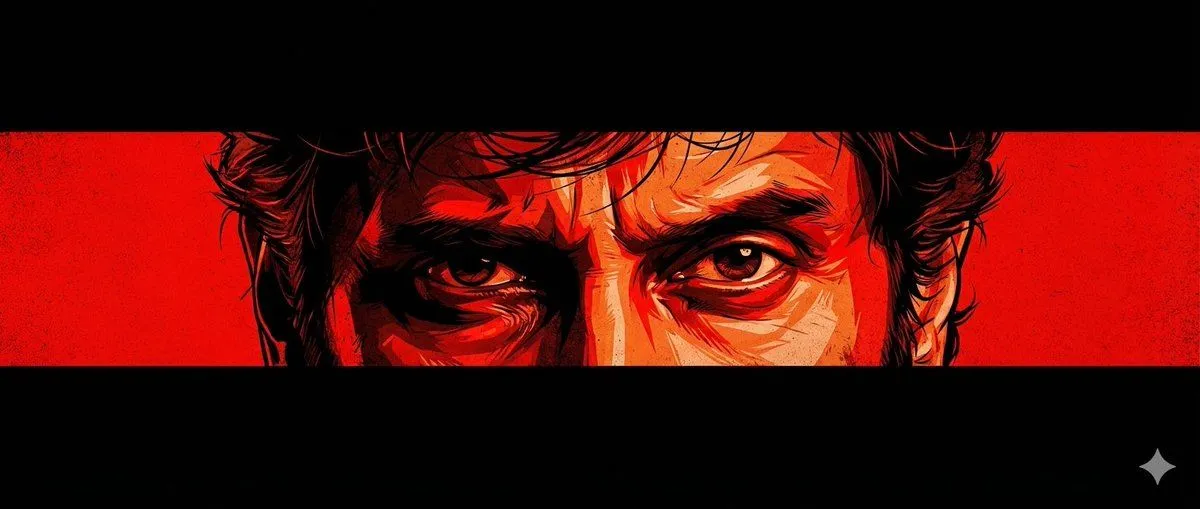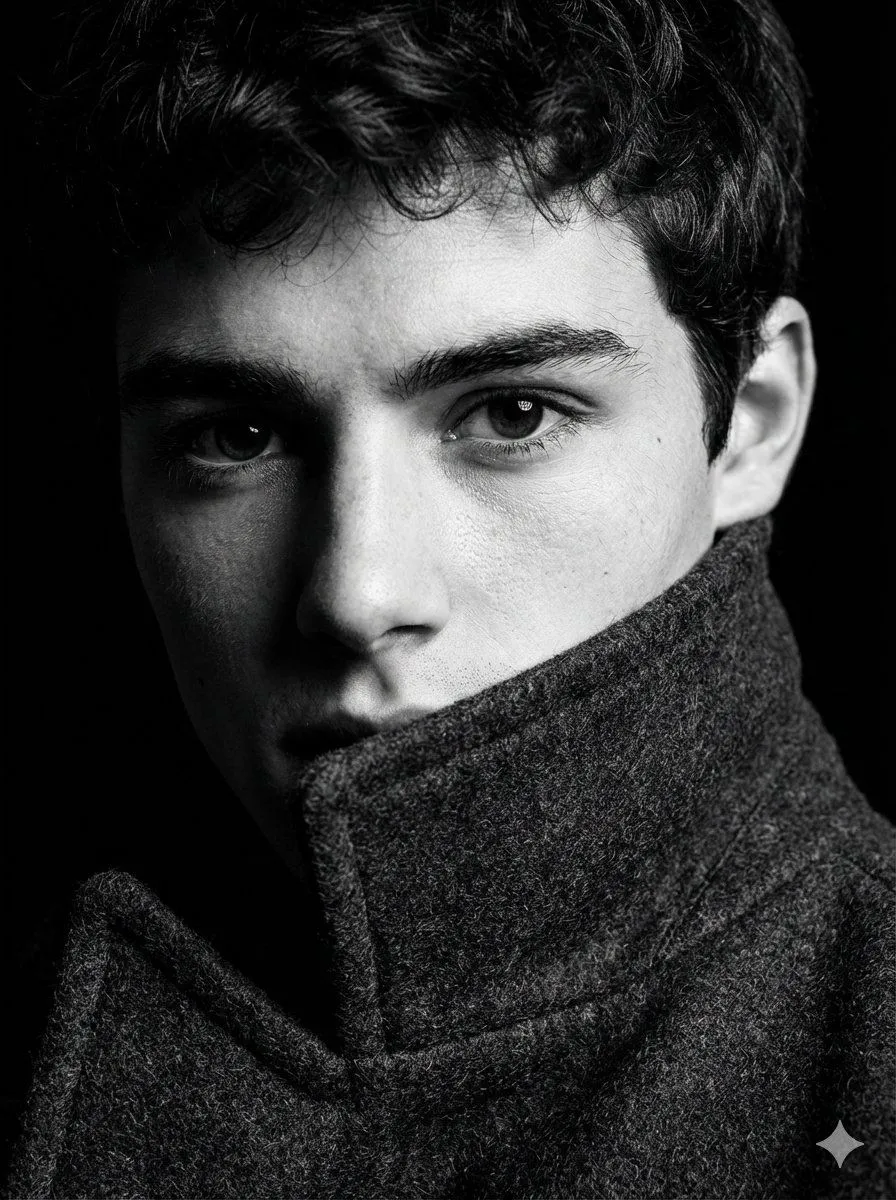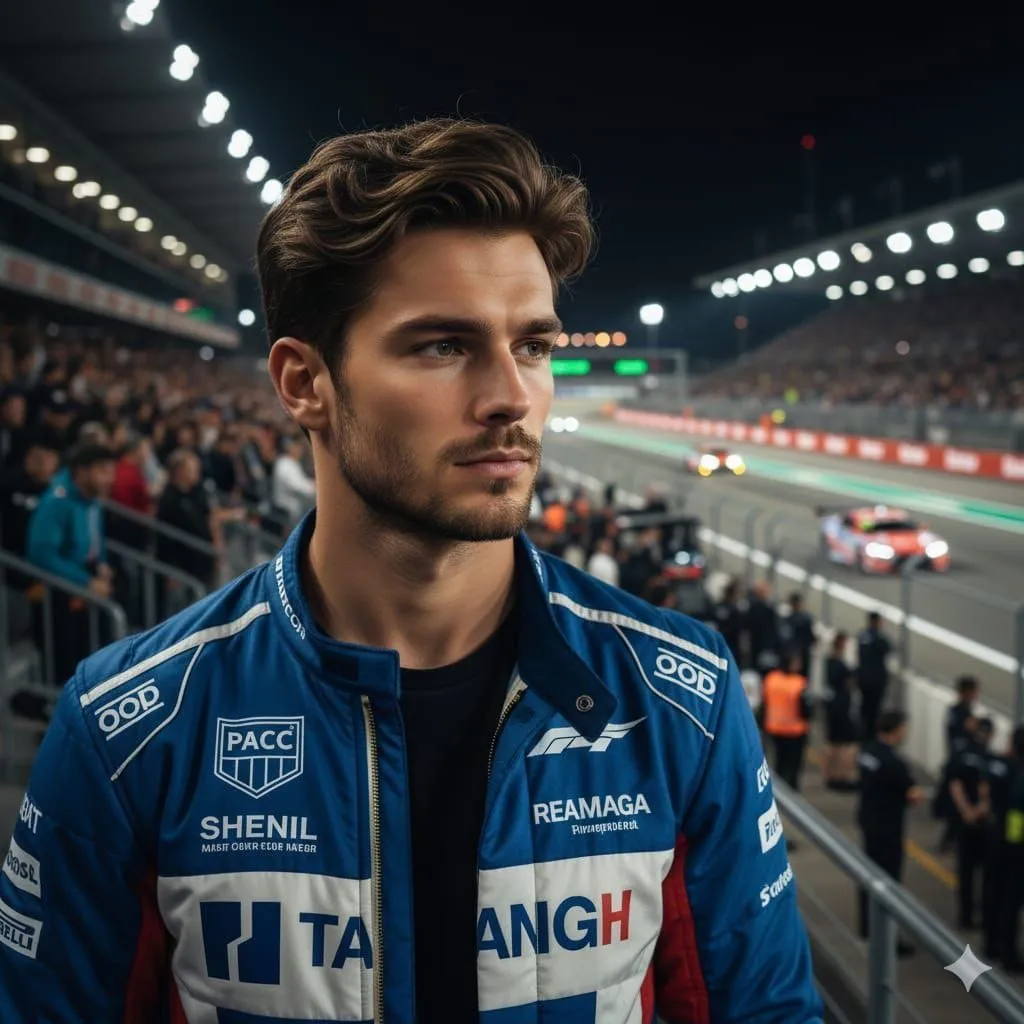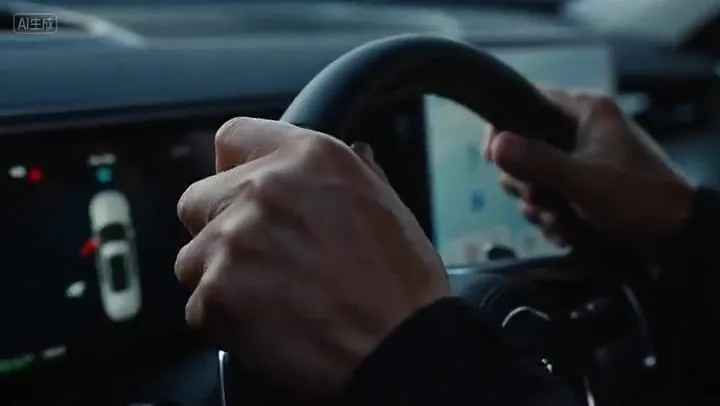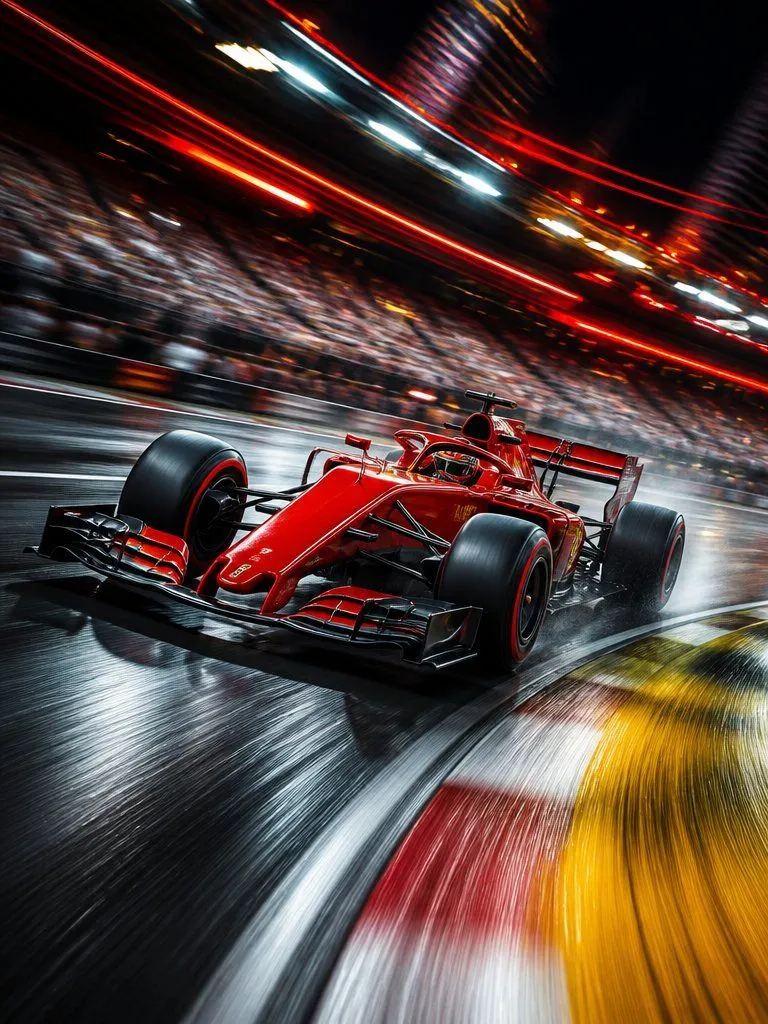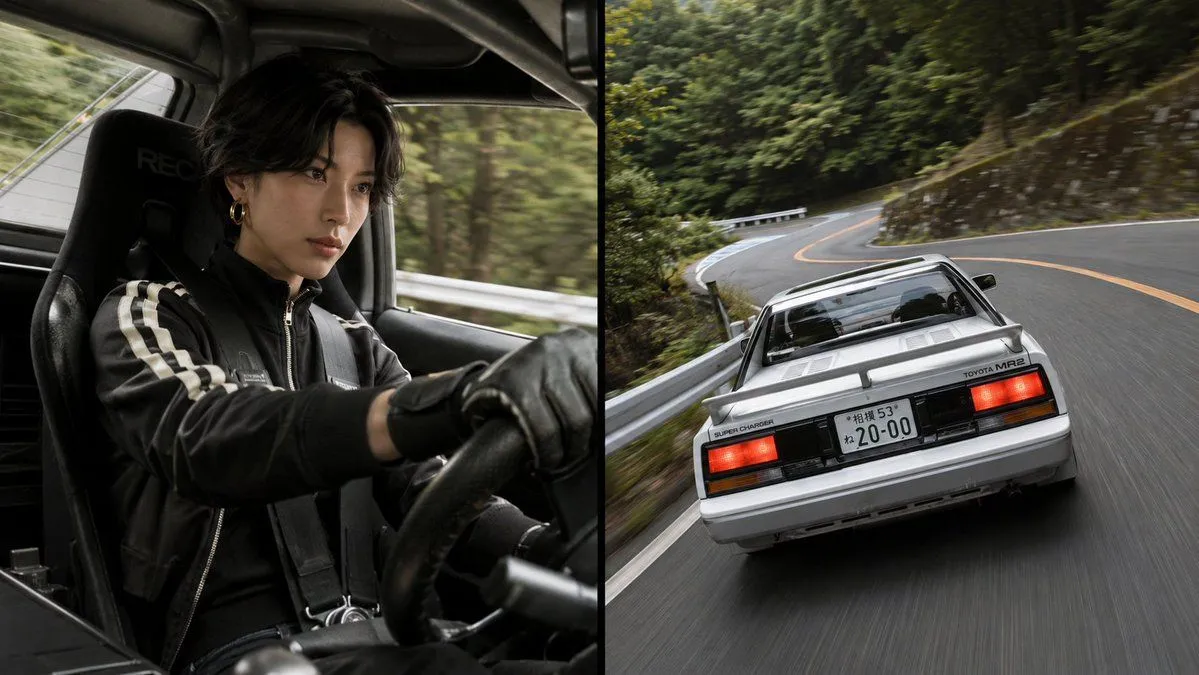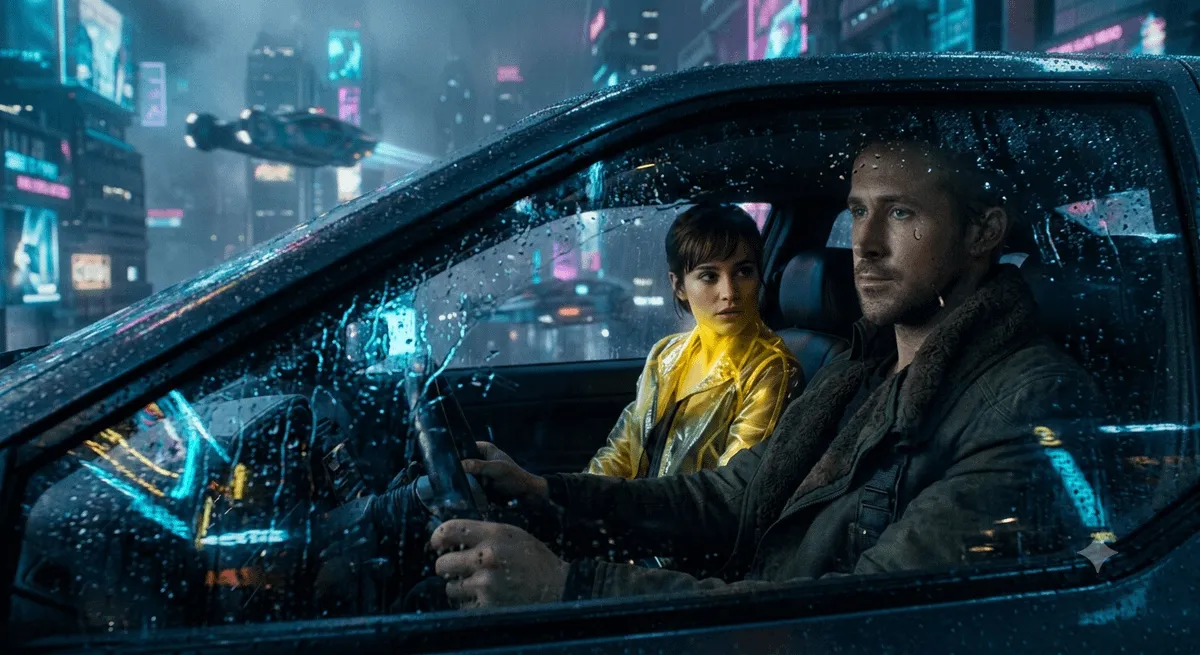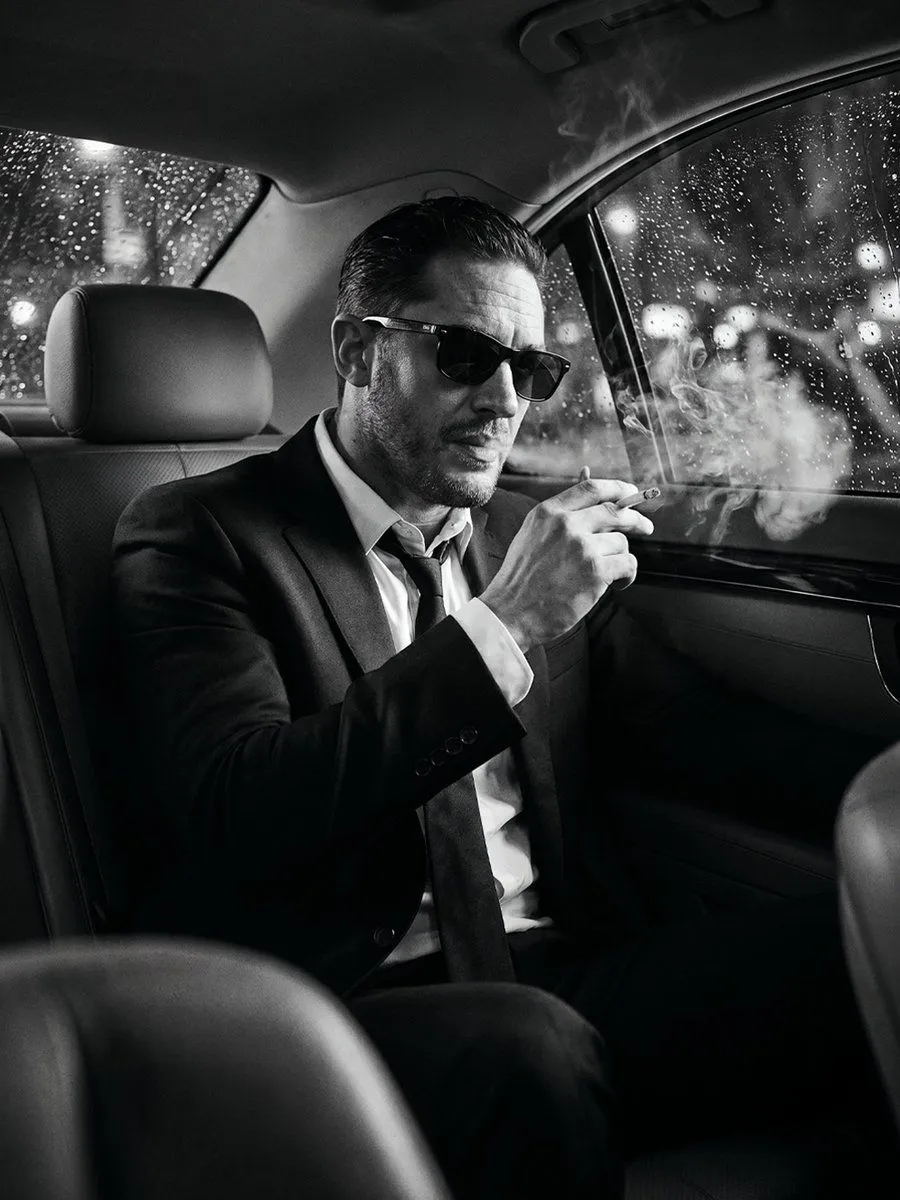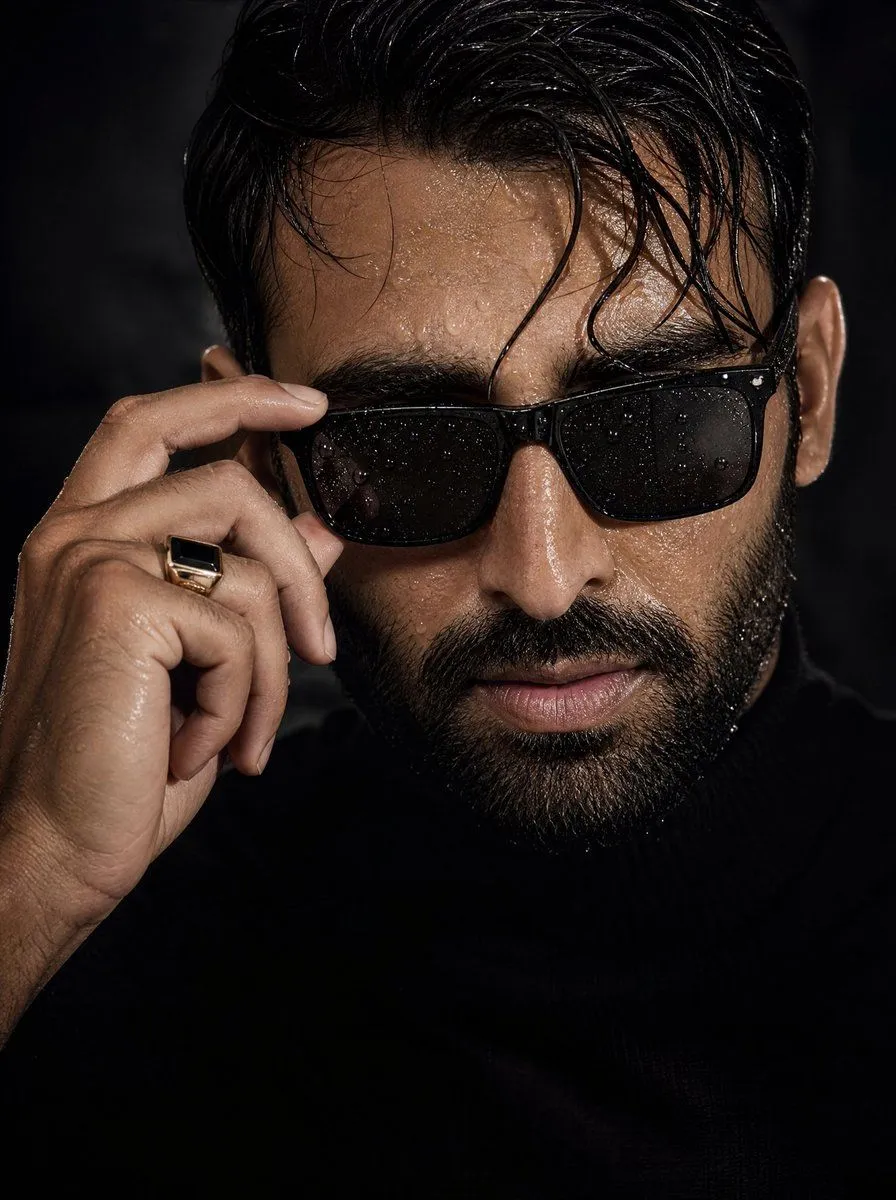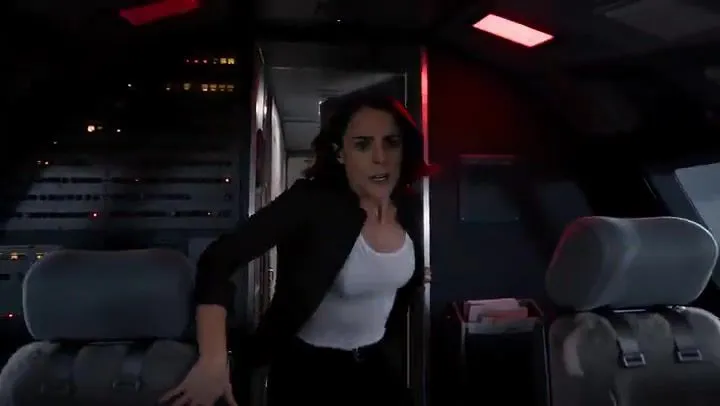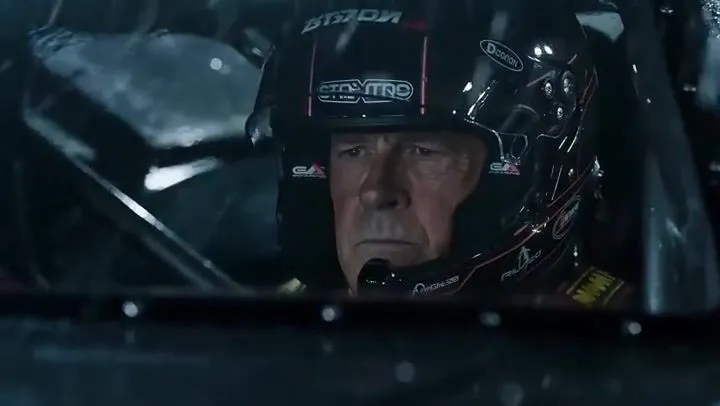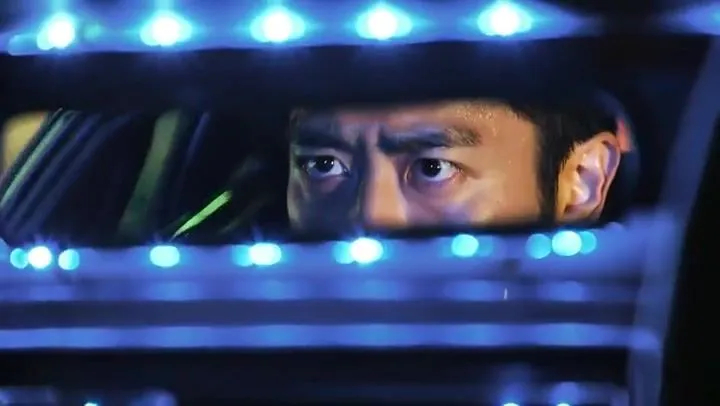
Made with Seedance 2.0 in Kling by Library Cinema. Promptclay never generates images.
Did it work?
No reports yet. Tell others if it worked for you.
Multi-Shot Text-to-Video Prompt for Tokyo Race Scene
Prompt
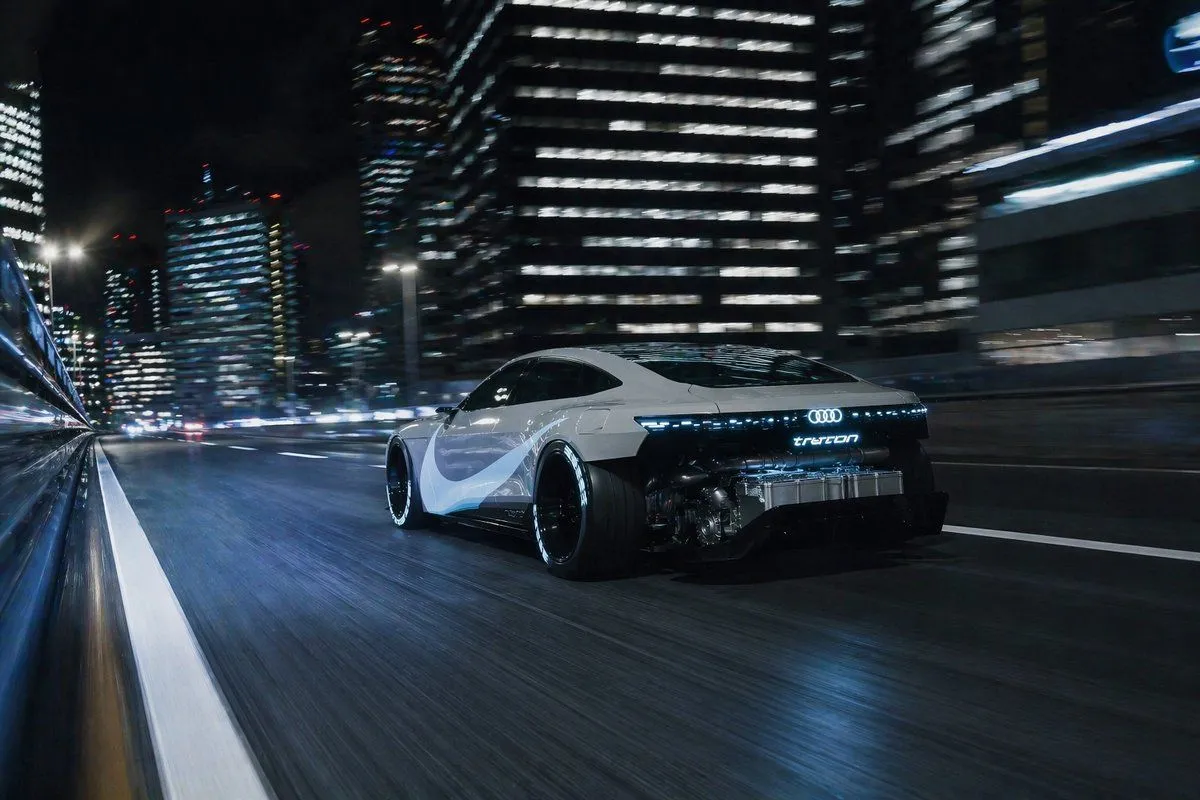
SHOT1 Close-up inside the cockpit, a male driver in his 30s grips the suede steering wheel of a low-slung race car. He’s focused, sweat on his temple, lit only by blue dashboard LEDs and passing neon reflections from outside. Tokyo’s city lights flicker across the windshield. Camera slowly pushes in, locked on his intense gaze through the rearview mirror. SHOT2 Side profile mid shot, from the passenger seat view. The driver shifts gears with a snap, neon signage from outside streaks across his face in sharp reflections. The city races by — puddles splash under the tires. Camera pans with him as he leans forward, eyes narrowing. SHOT3 Exterior low rear shot, the car’s tail lights flare as he slams the NOS button. Blue flames erupt from the exhaust. The car launches forward, disappearing into the glowing Tokyo streets. Camera tracks behind, lights blurring, engine scream echoing in the distance.
DetailsVersions, settings and questions
Written for
What's in the prompt
- Subject
- Model
- Seedance 2.0
If your face changes
keep my face exactly the sameQuestions
- Does this work in the Kling app?
- Yes. Paste the prompt and attach your photo if it uses one.
- It changed my face. What do I do?
- Add "keep my face exactly the same" to the end and run it again.
- Can I use the images I make?
- Check the terms of the app you use. Promptclay never generates images and claims nothing you make.