Tell us anything

An idea, a bug, something you love. We read every note.

⌘↵ to send. The page you're on comes along.

Multi-Character Cabin Seating Prompt

Made with Seedance 2.0 in Kling by Library Cinema. Promptclay never generates images.

Did it work?

No reports yet. Tell others if it worked for you.

No comments yet. Be the first.

    Multi-Character Cabin Seating Prompt

    Seedance 2.016:9AI-generated

    Prompt

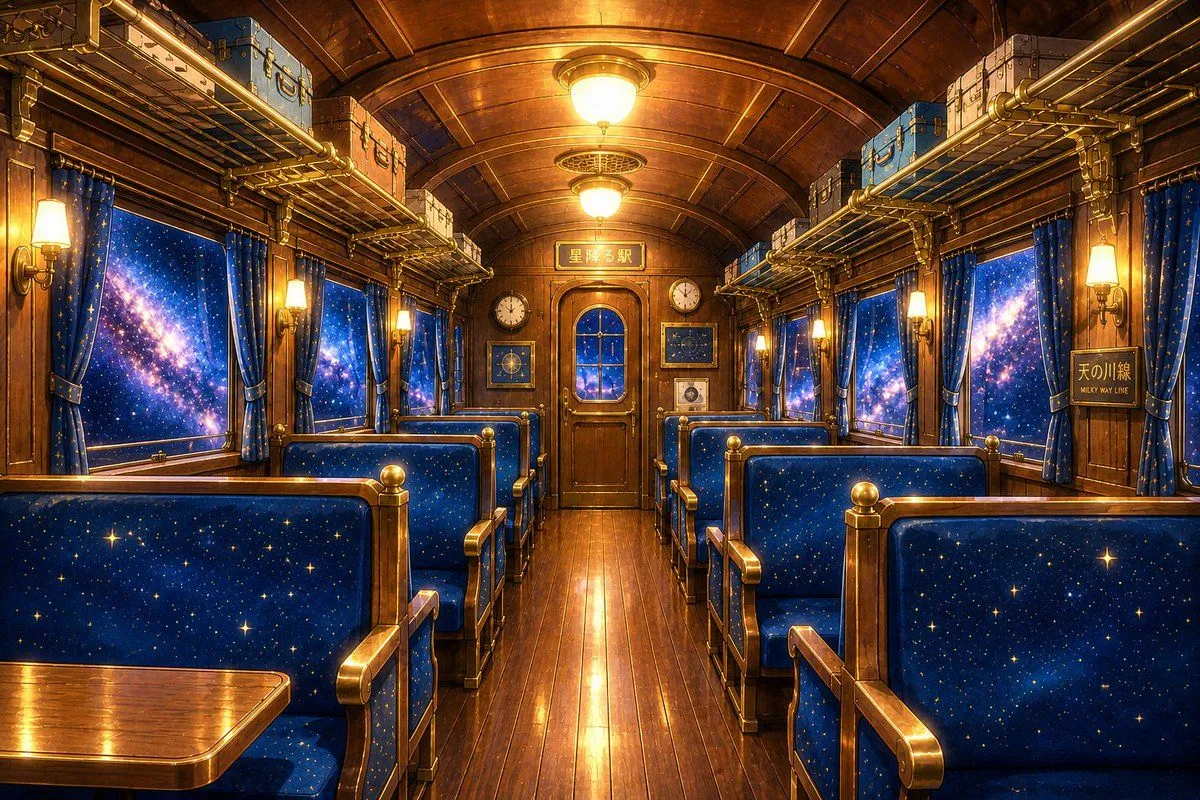
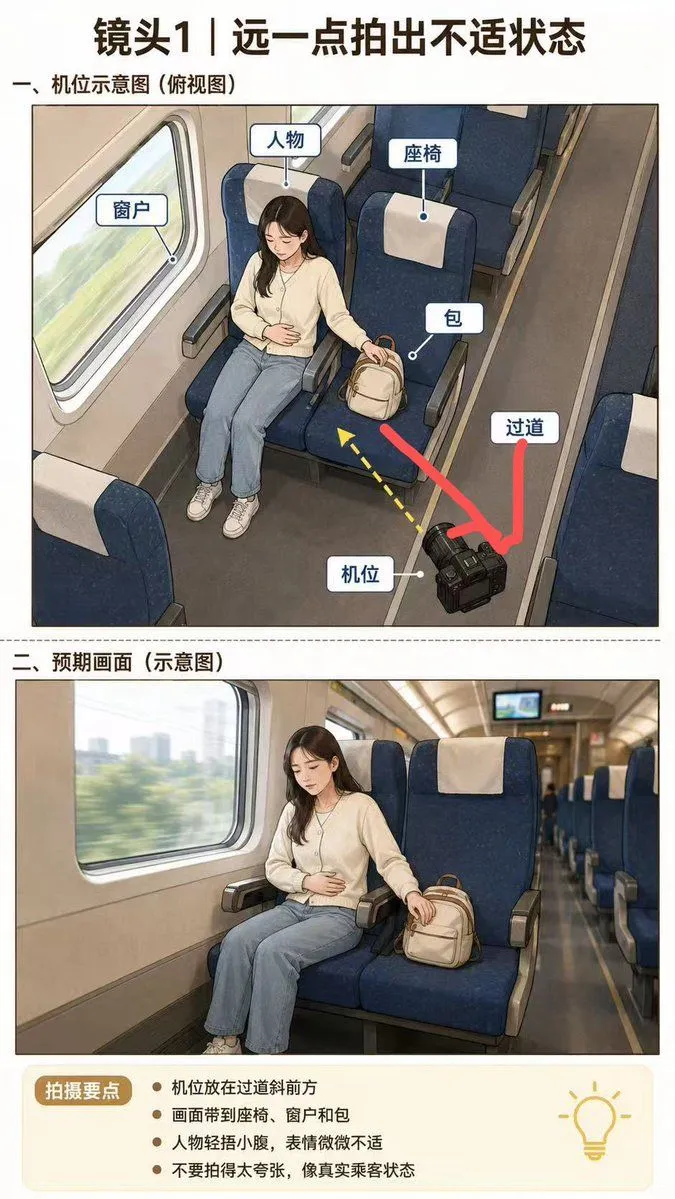
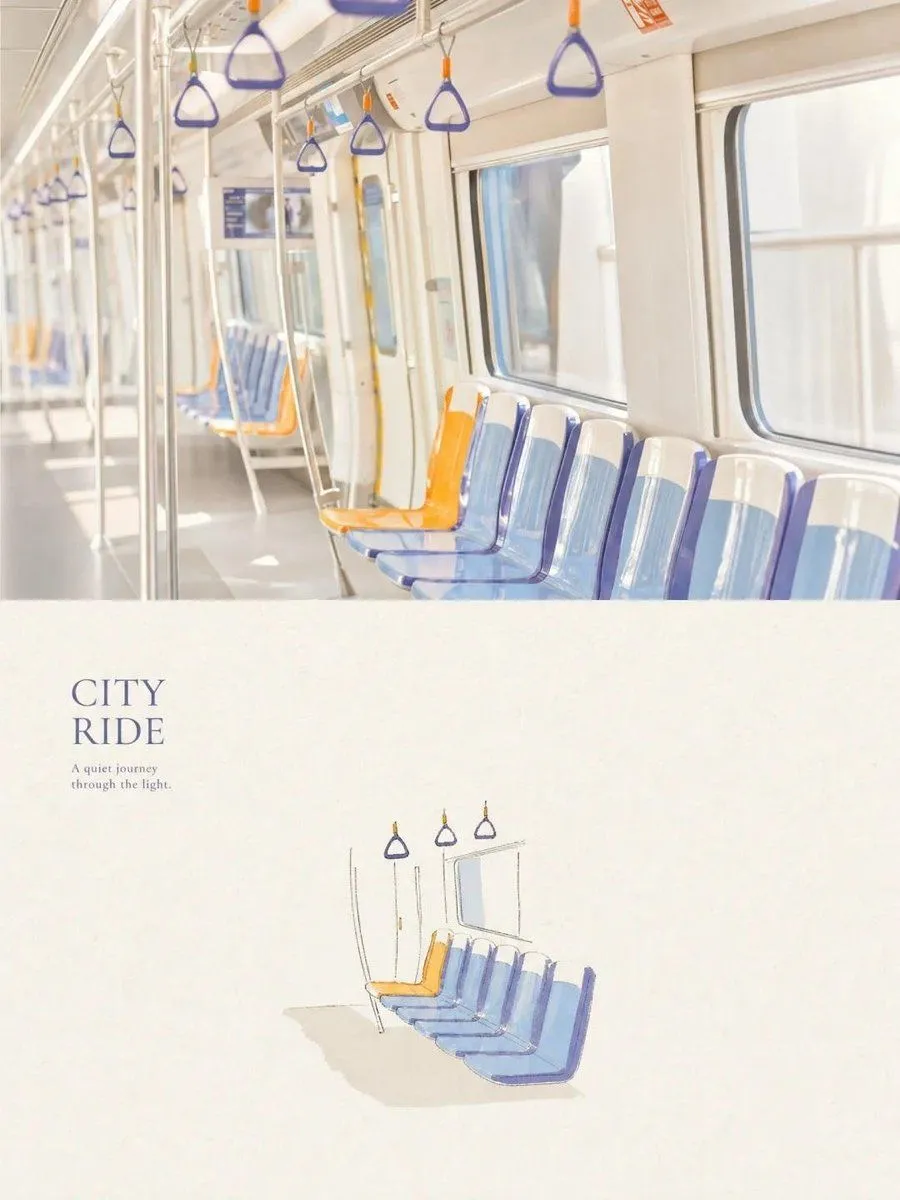
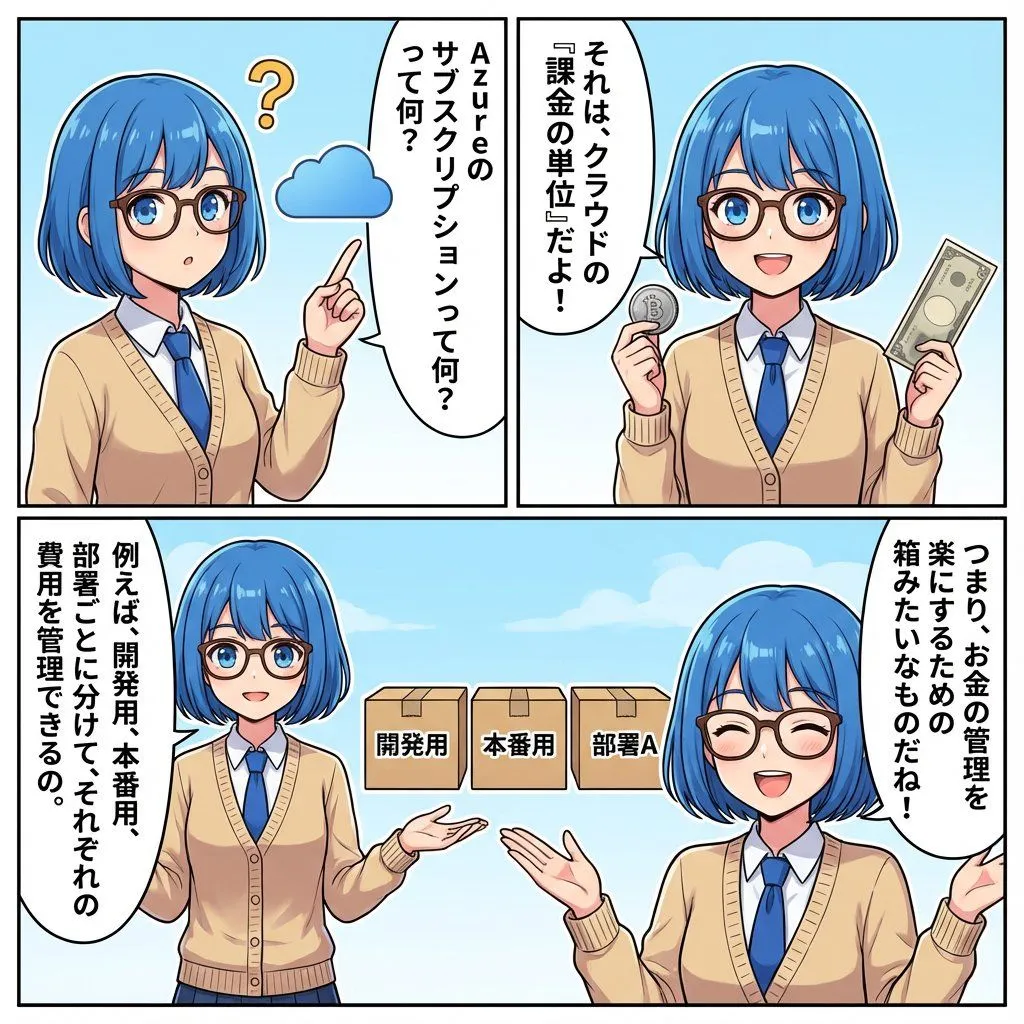
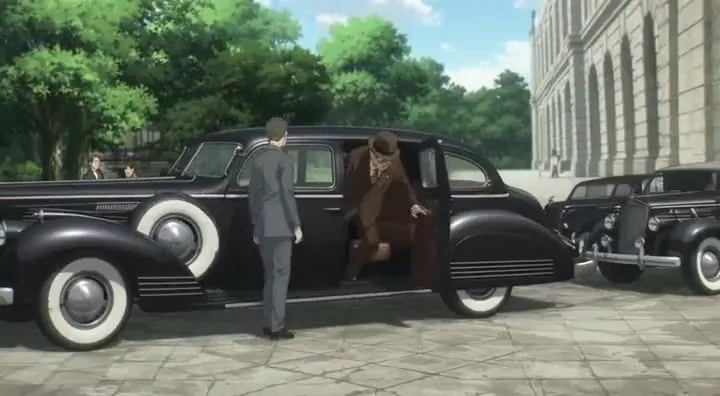
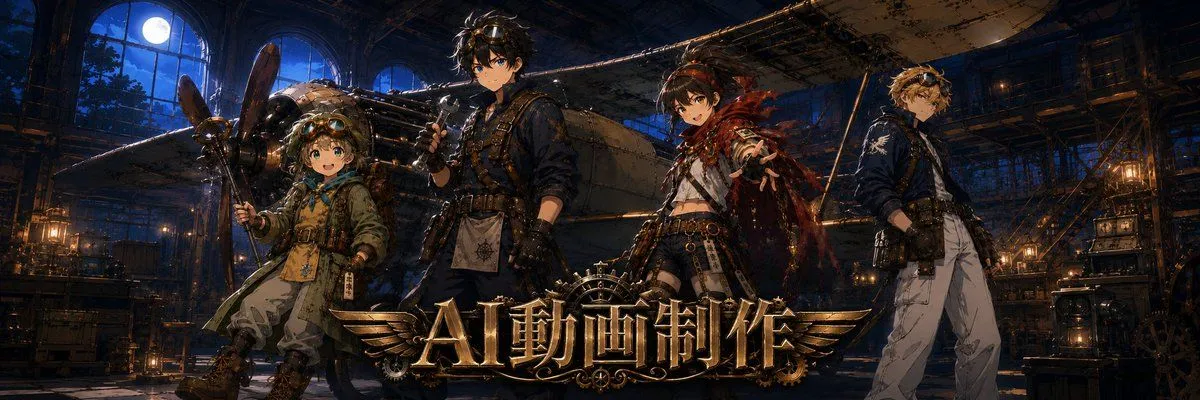
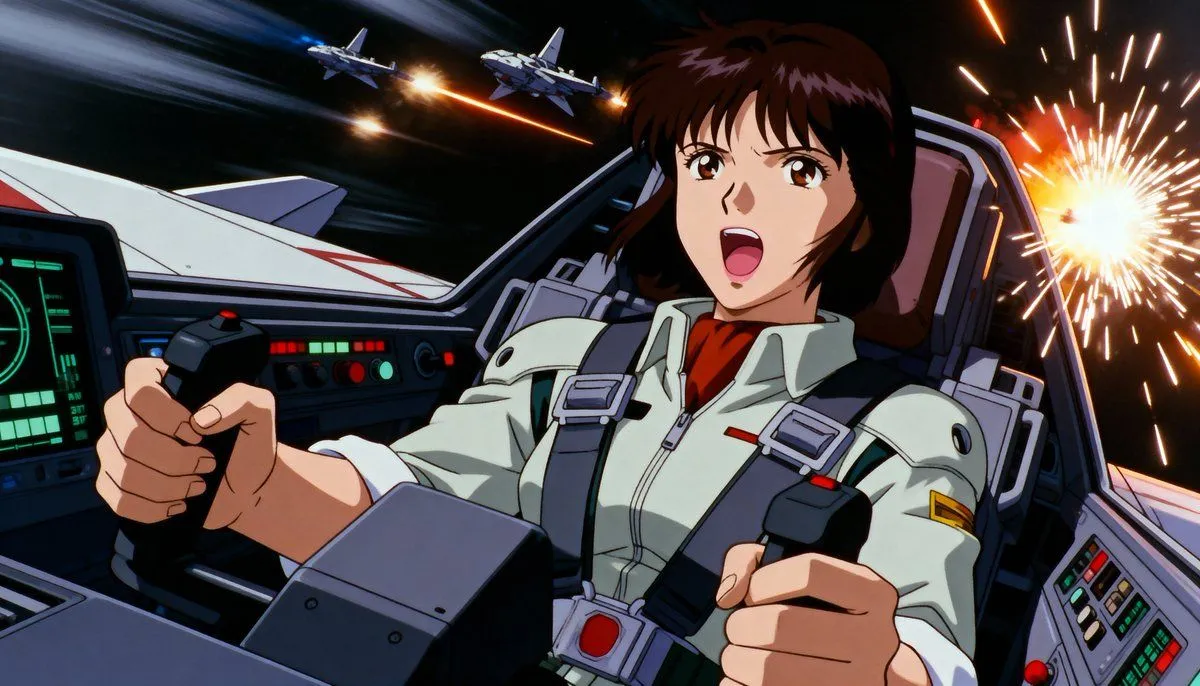
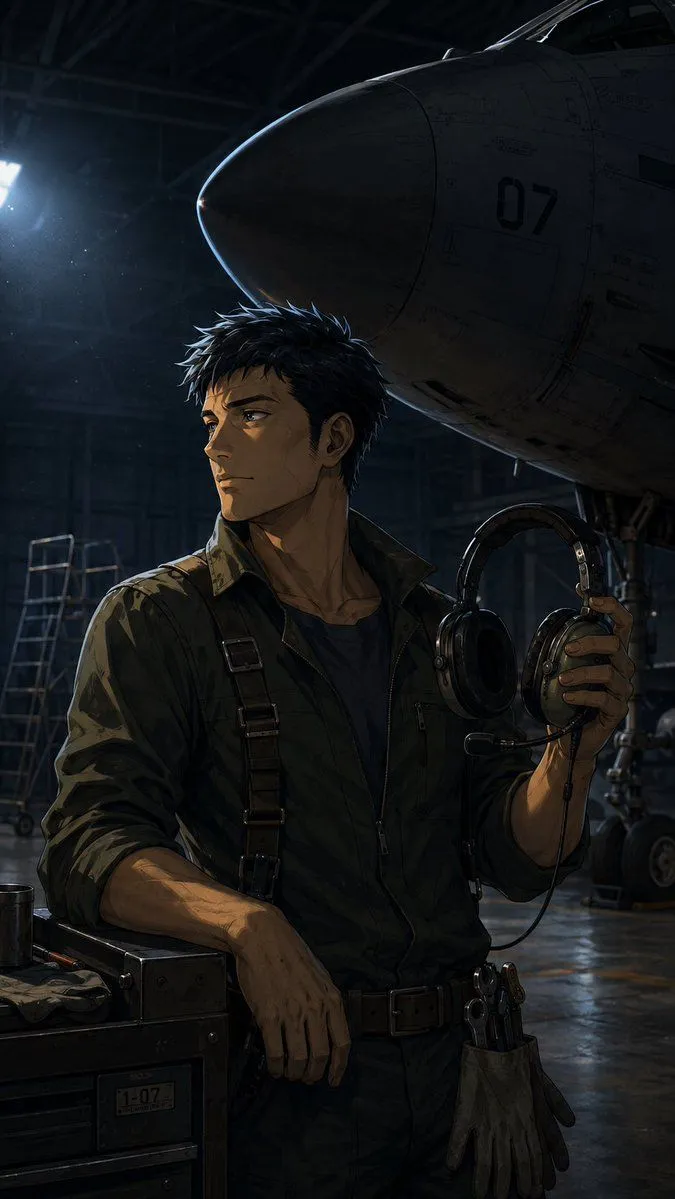
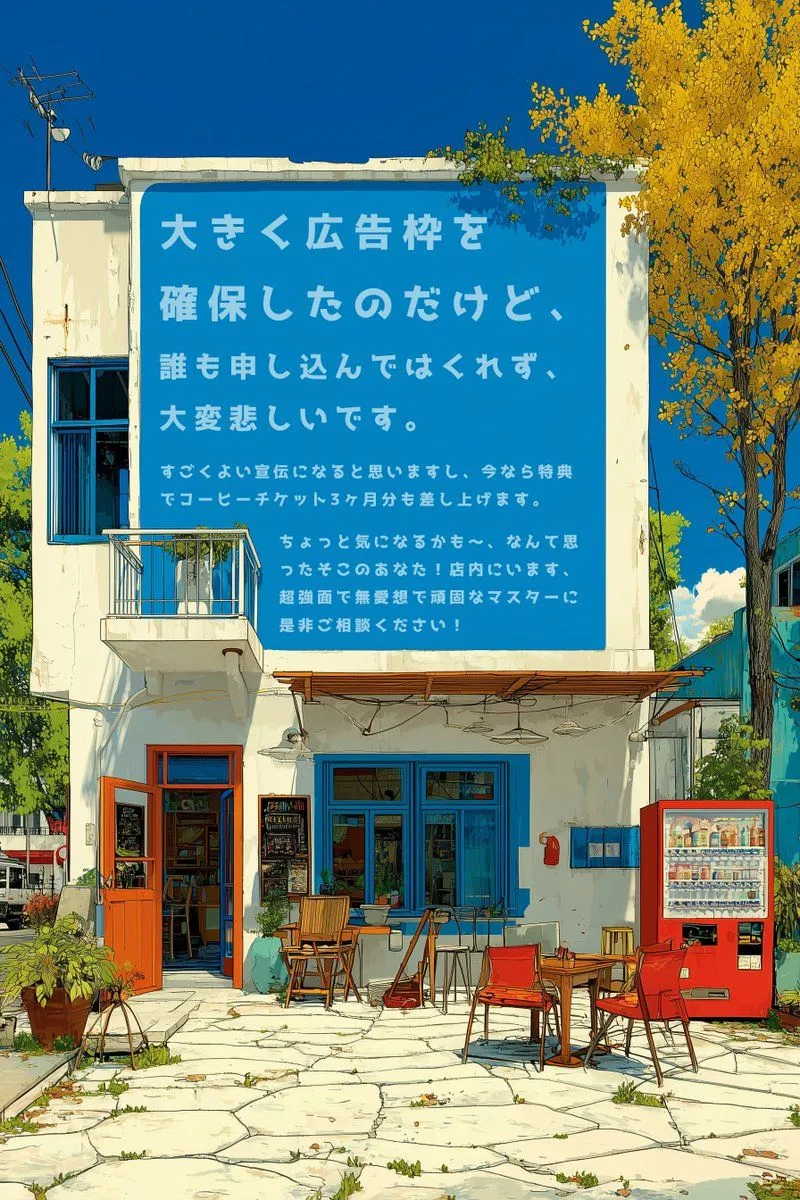
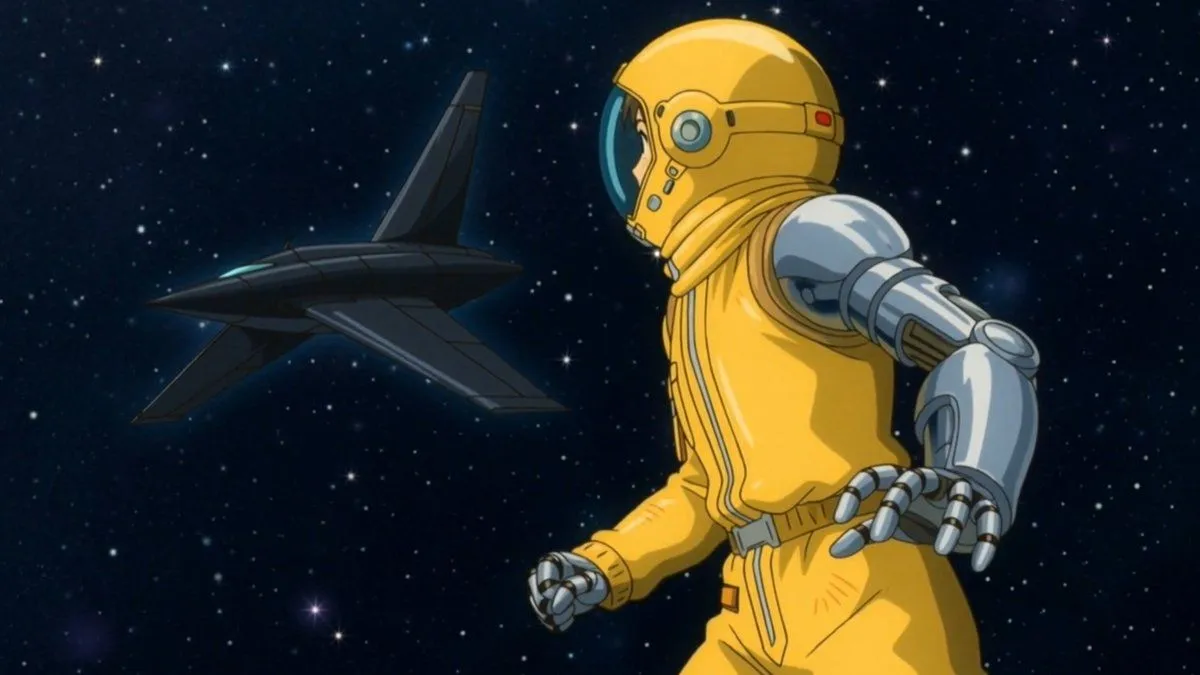
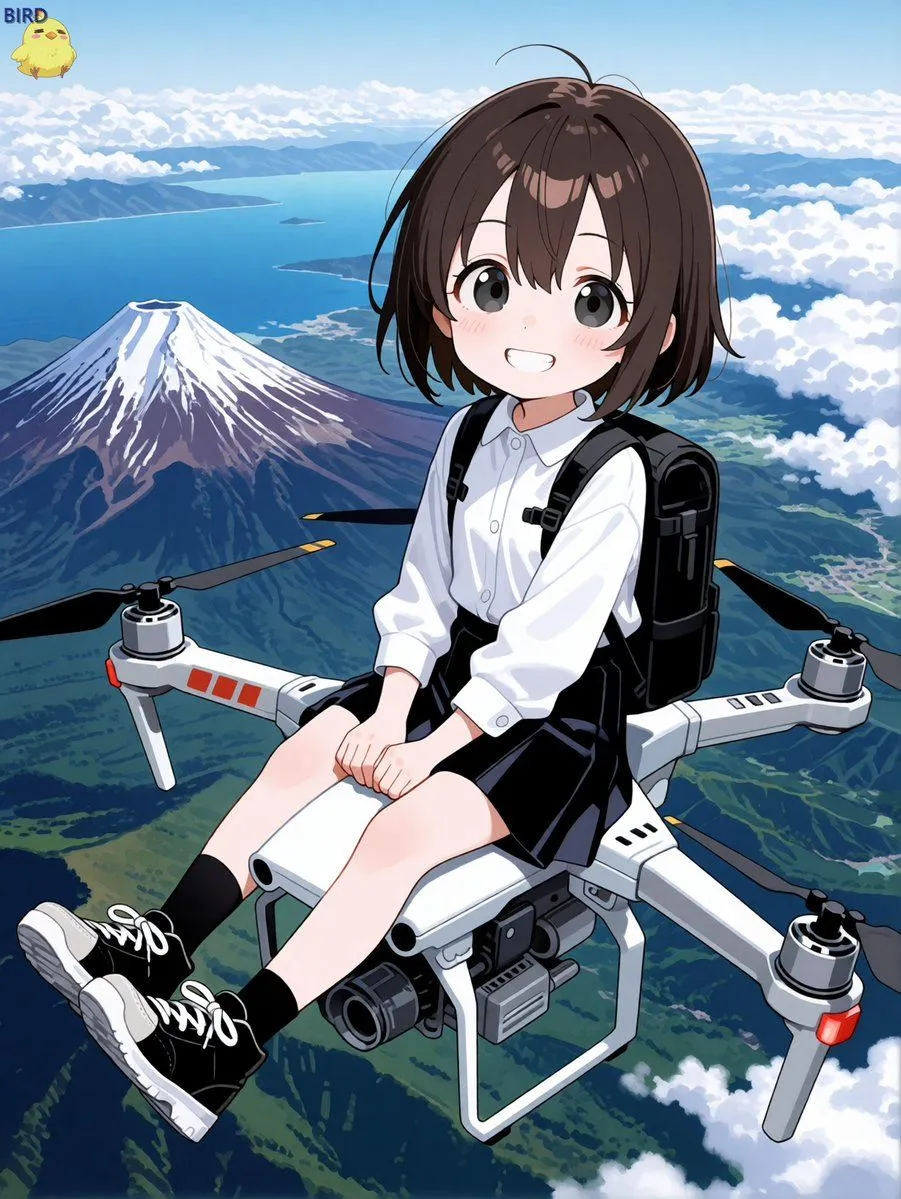
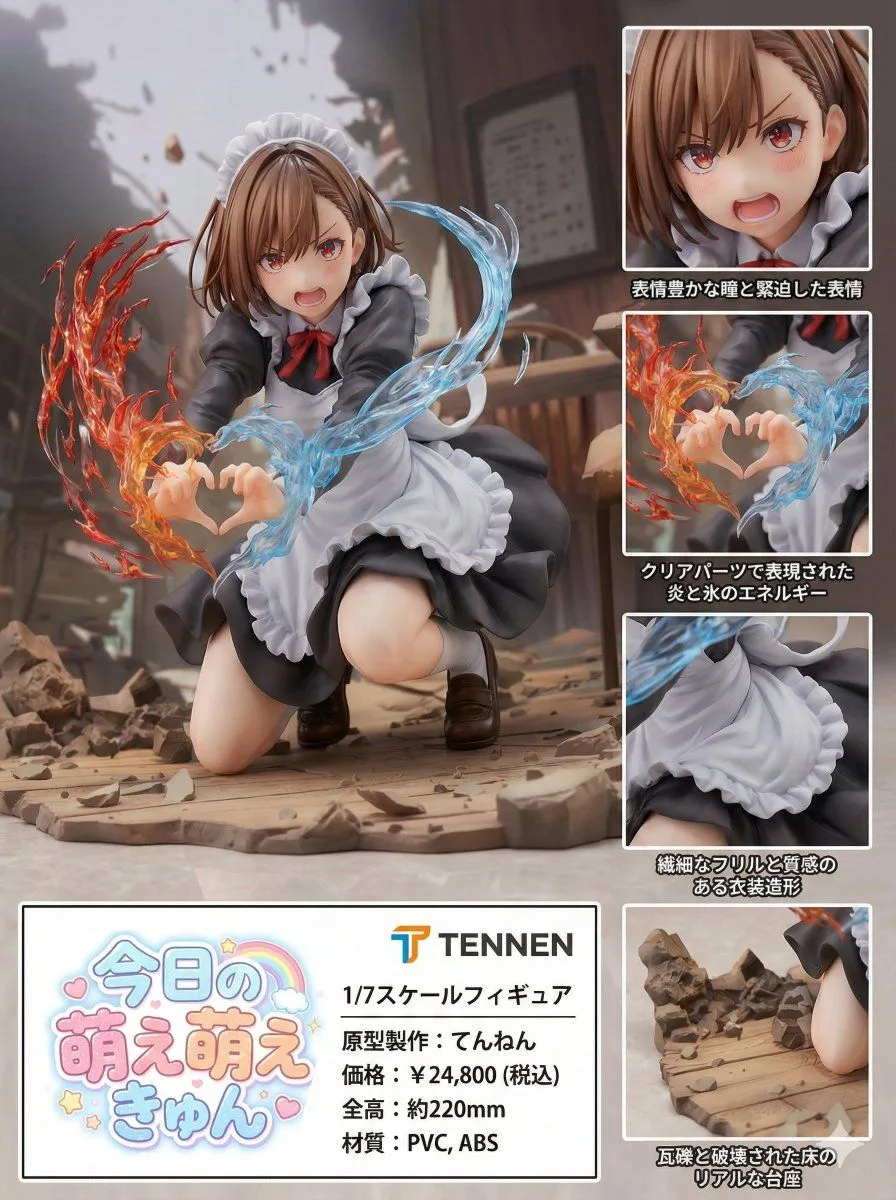
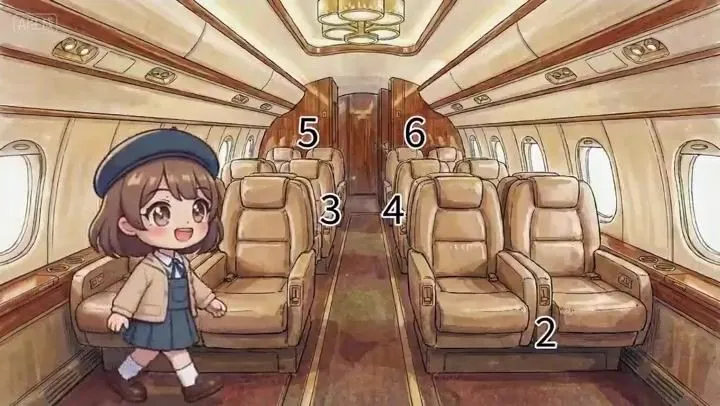
    The numbers in【@Image 1】represents row numbers. The numbers are for references only and should be removed in the video. All references must maintain 100% of its art style and character traits. Characters of differing art styles walk takes their seats in their respective seats in the cabin. 【@Image 2】sits on the left seat in row 1 as she says happily, "My seat is 1A." 【@Image 3】sits on the right seat in row 2 as she says sadly in Japanese, "My seat is 2C." 【 @Image 4】sits on the right seat in row 3 as she says fearfully in mandarin, "My seat is 3B." 【@Image 5】sits on the left seat in row 4 as she says angerly in Spanish, "My seat is 4D." 【@Image 6】sits on the left seat in row 5 as she says digusted in cantonese, "My seat is 5A." 【@Image 7】sits on the right seat in row 6 as she franticly yells in korean, "My seat is 6D." Stationary camera. One continuous shot as characters walk in and takes their seats one after another.

    Works in
    Kling
    Status
    Free to copy
    0
    DetailsVersions, settings and questions

    Written for

    What's in the prompt

    Subject
    Model
    Seedance 2.0

    If your face changes

    keep my face exactly the same

    Questions

    Does this work in the Kling app?
    Yes. Paste the prompt and attach your photo if it uses one.
    It changed my face. What do I do?
    Add "keep my face exactly the same" to the end and run it again.
    Can I use the images I make?
    Check the terms of the app you use. Promptclay never generates images and claims nothing you make.
    Similar prompts

    See more
    • Storyboard to Anime Conversion PromptVideo, 0:15
    • Research Notebook Art Book Template Prompt
    • Retro Galaxy Train Interior
    • High-Speed Train Filming Storyboard
    • Dual-Style Travel Magazine Page
    • IT Education Manga Generation Prompt
    • Harry S. Truman walking towards the cameraVideo, 0:14
    • Twitter Header Image Resizer
    • Live-action version of an existing image
    • Velvet Afterlight System Prompt
    • Retro American Pinup Background Prompt (Airport Cafe)
    • Semi-Real Anime Girl in Sketch Classroom
    • Desert Night Airplane Cafe Story
    • Character in a Red Room Scene Prompt
    • Star Cafe on a Crashed Airplane
    • Moon Airplane Starlight Café
    • Blonde Maid in Warm Cafe
    • Sharpening and Text Insertion Prompt
    • Image Manipulation Prompt for Advertising Placement
    • Sci-Fi Comic Poster Illustration JSON Prompt for Nano Banana Pro
    • Anime Girl Riding Drone Over Mount Fuji
    • Photorealistic PVC Figure Product Introduction Layout
    • Anime Chalkboard Character Formula
    • SNS x Character Prompt for Profile Visualization

    Show more

    Run it on your phone

    1. Prompt copiedRead it

      The numbers in【@Image 1】represents row numbers. The numbers are for references only and should be removed in the video. All references must maintain 100% of its art style and character traits. Characters of differing art styles walk takes their seats in their respective seats in the cabin. 【@Image 2】sits on the left seat in row 1 as she says happily, "My seat is 1A." 【@Image 3】sits on the right seat in row 2 as she says sadly in Japanese, "My seat is 2C." 【 @Image 4】sits on the right seat in row 3 as she says fearfully in mandarin, "My seat is 3B." 【@Image 5】sits on the left seat in row 4 as she says angerly in Spanish, "My seat is 4D." 【@Image 6】sits on the left seat in row 5 as she says digusted in cantonese, "My seat is 5A." 【@Image 7】sits on the right seat in row 6 as she franticly yells in korean, "My seat is 6D." Stationary camera. One continuous shot as characters walk in and takes their seats one after another.

    2. Open your app

    3. Paste and run

      Press and hold the message box, then tap Paste. Add your photo first if the prompt uses one. You may need to sign in.