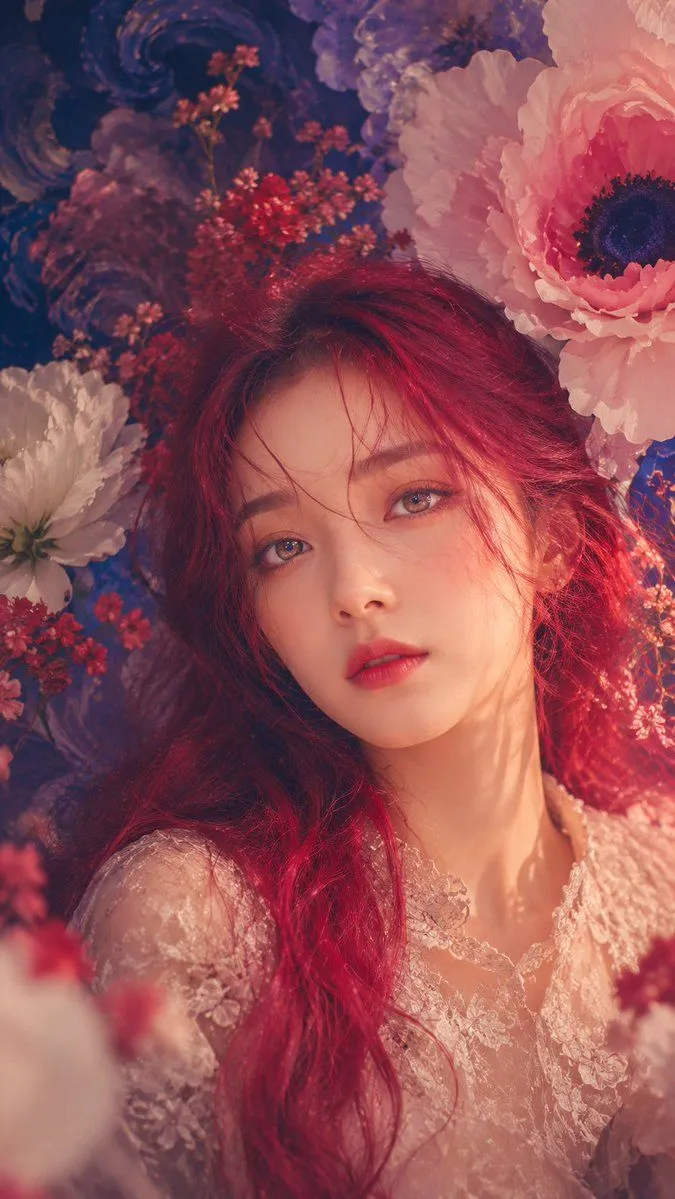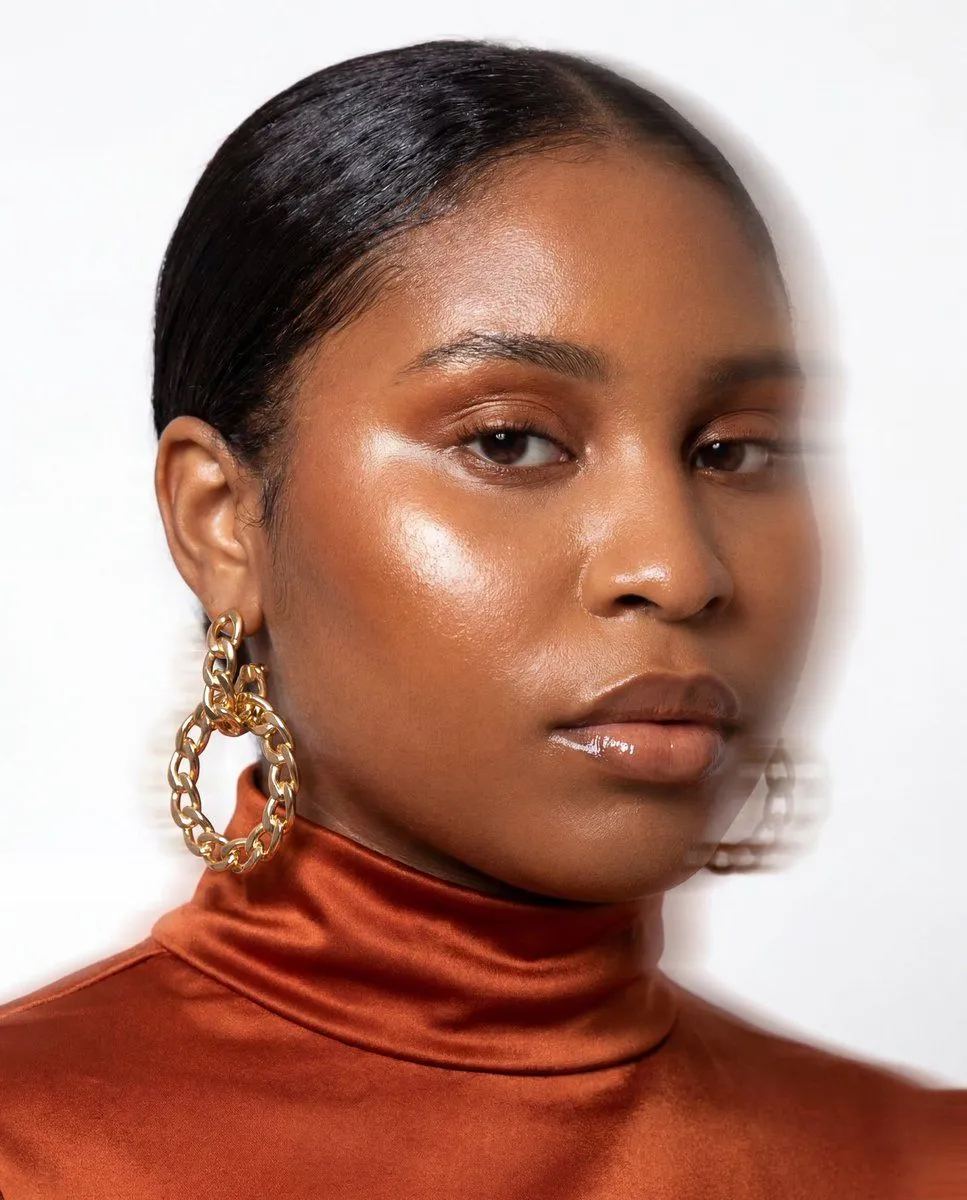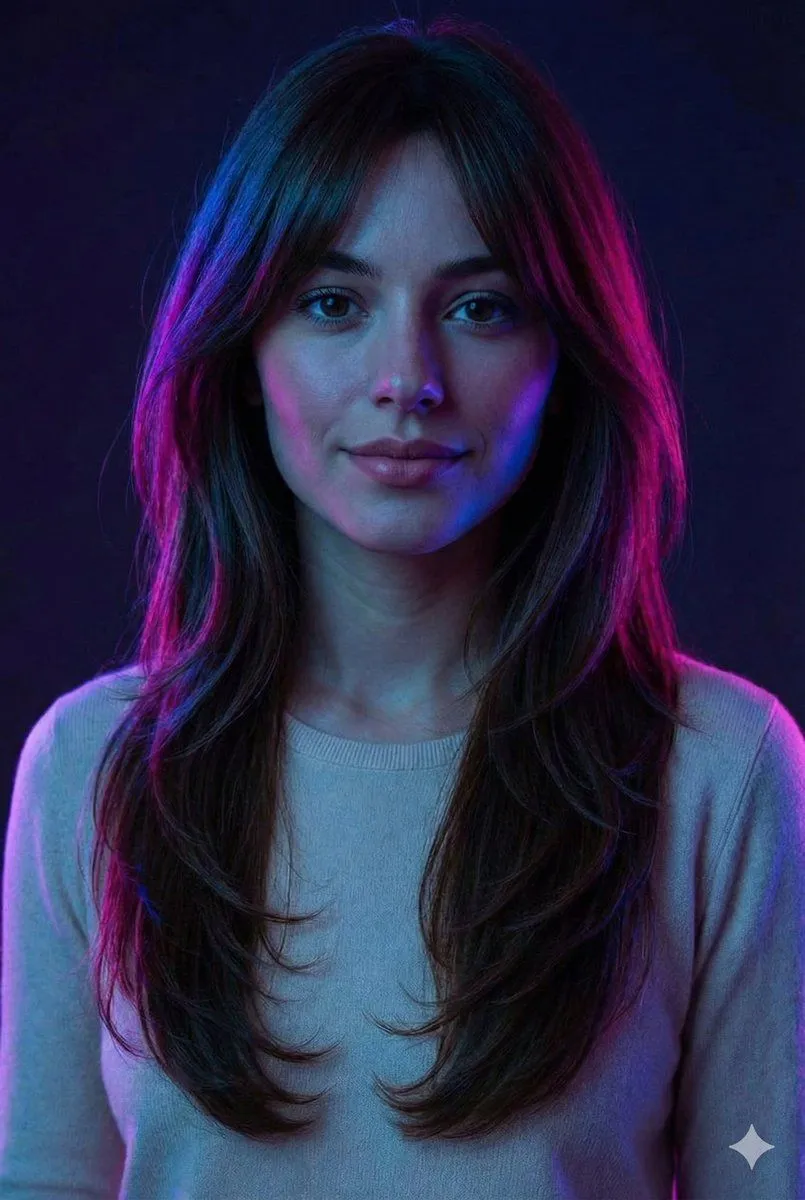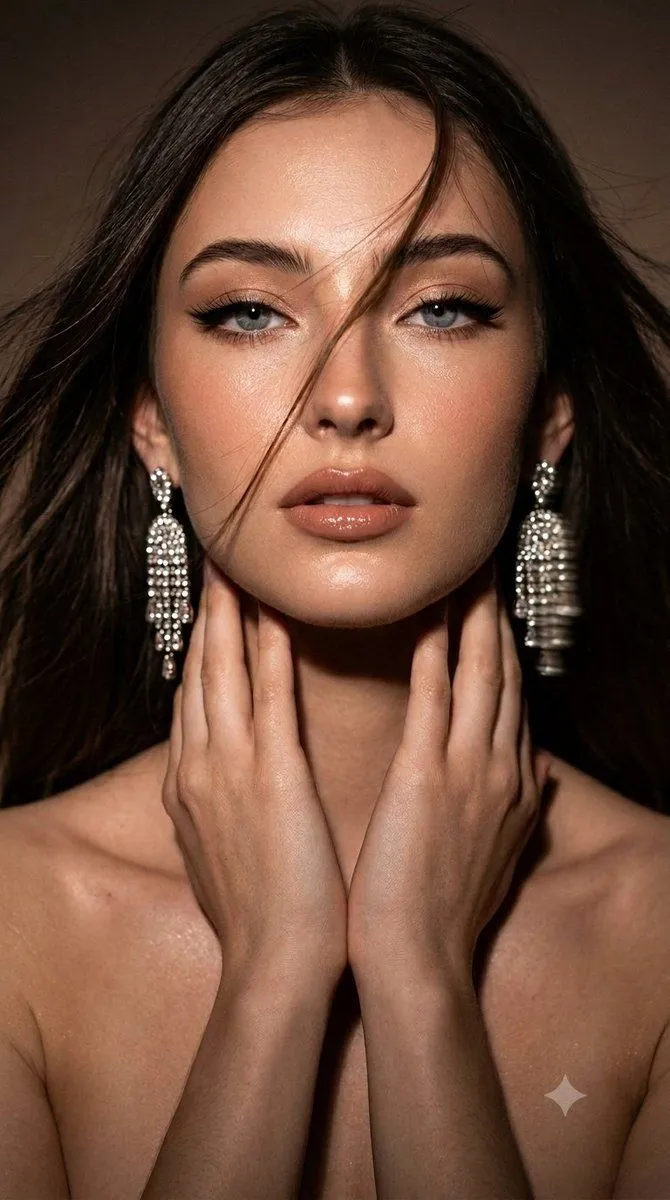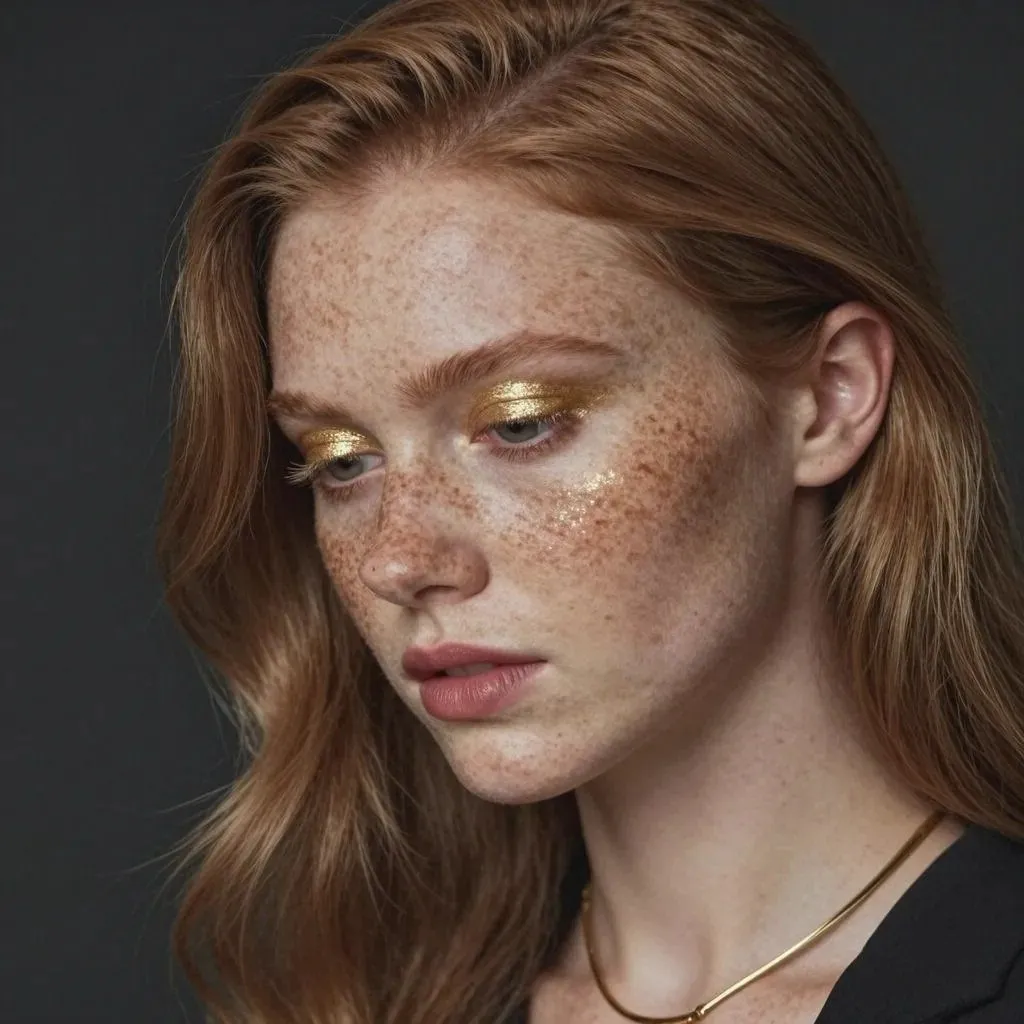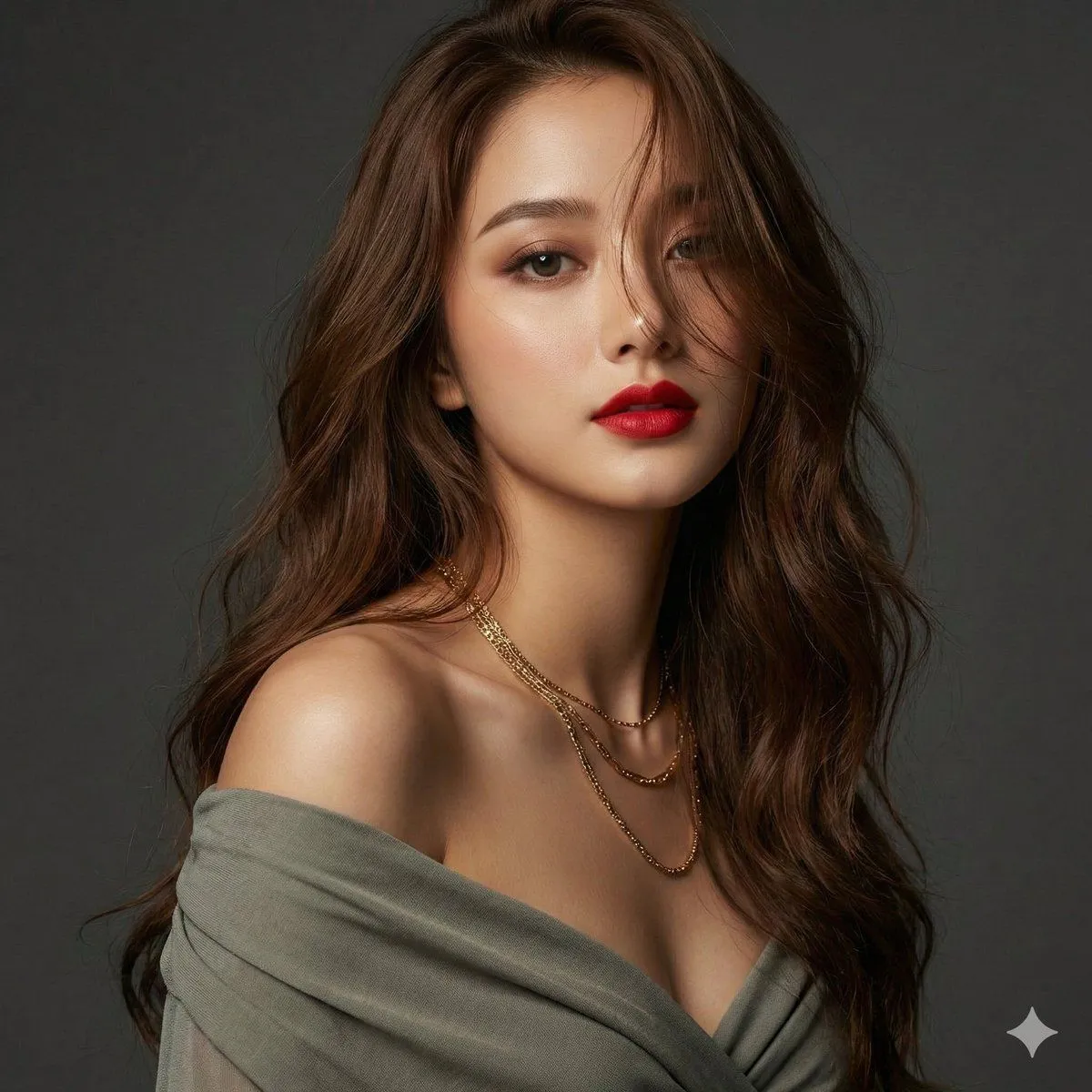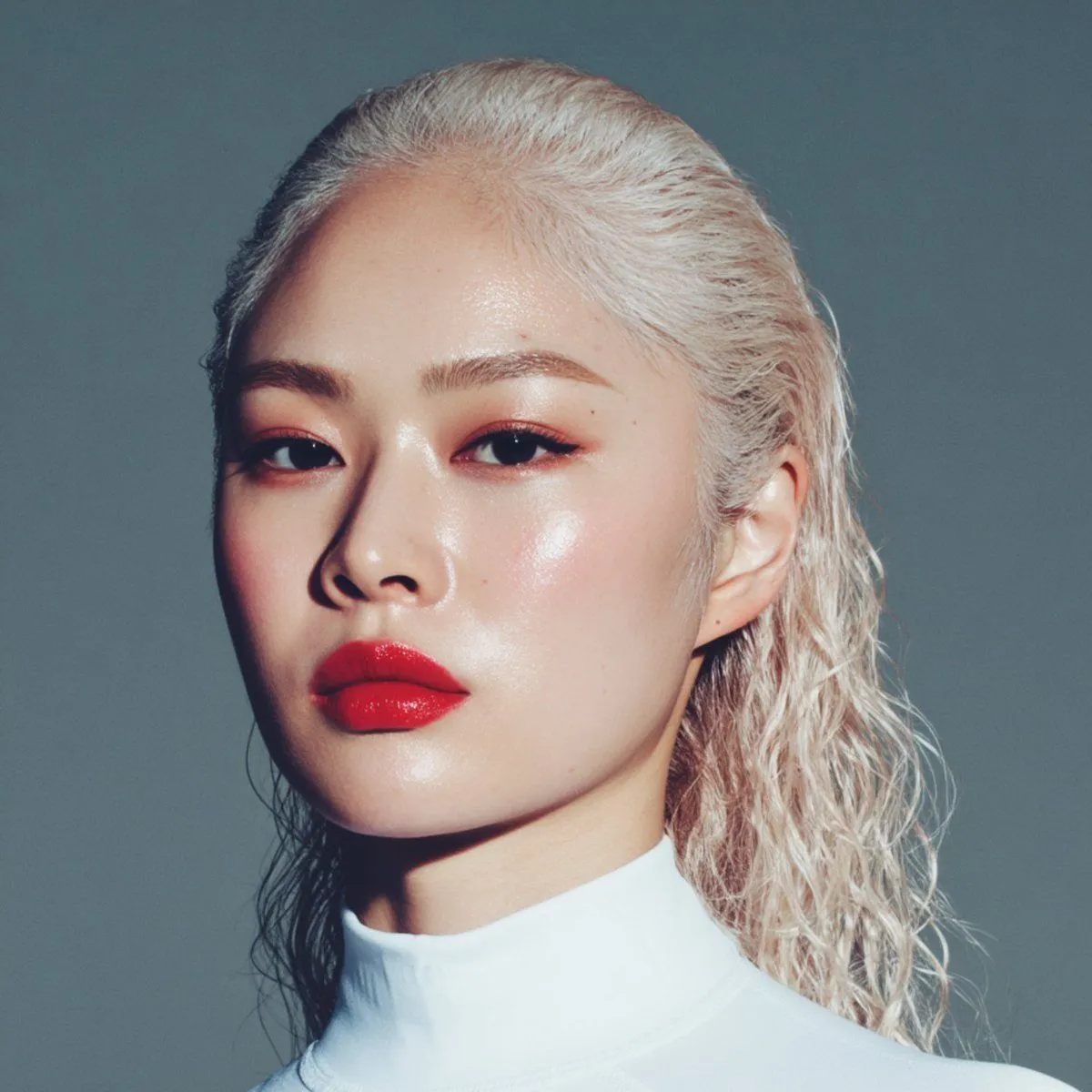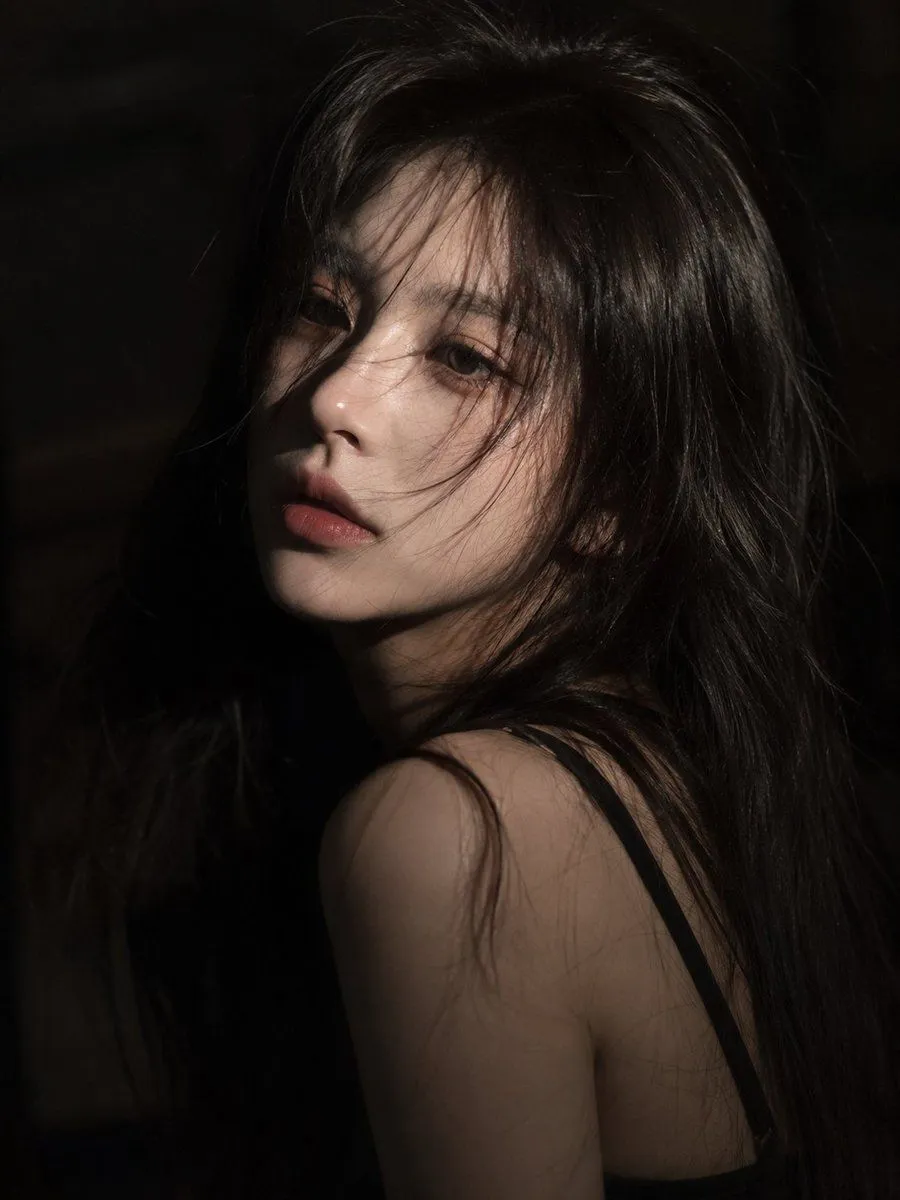
Made with GPT Image 2 in ChatGPT, collected by Library Brand. Promptclay never generates images.
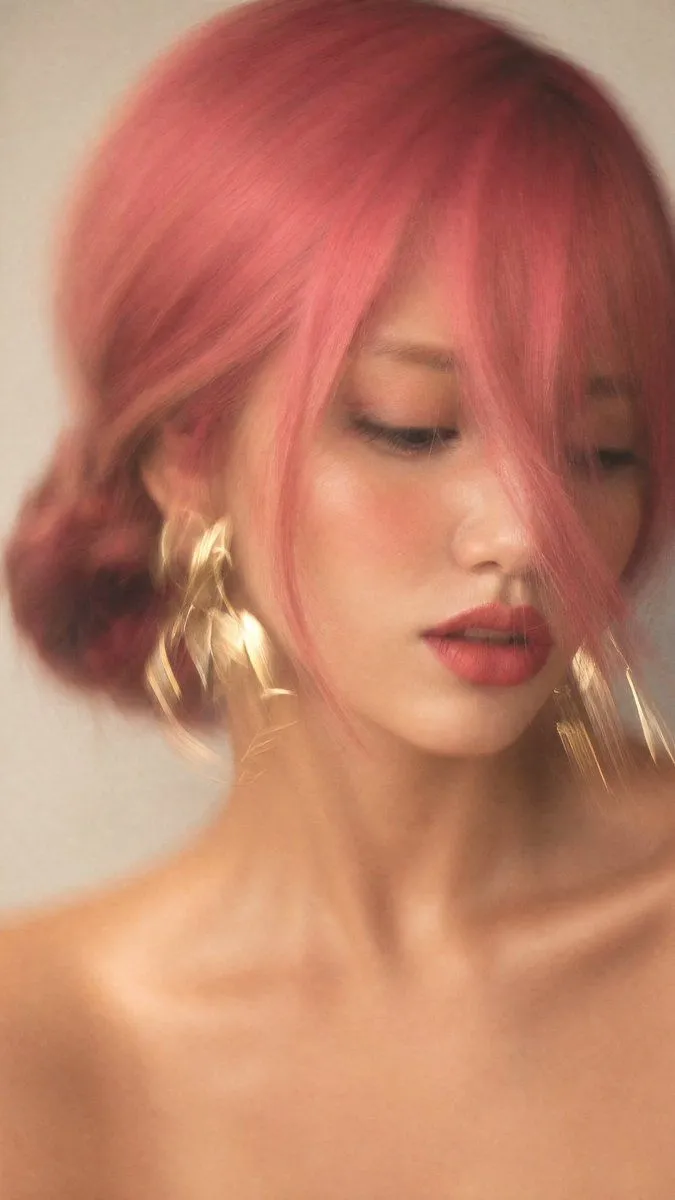
Motion Blur Fashion Portrait
Prompt
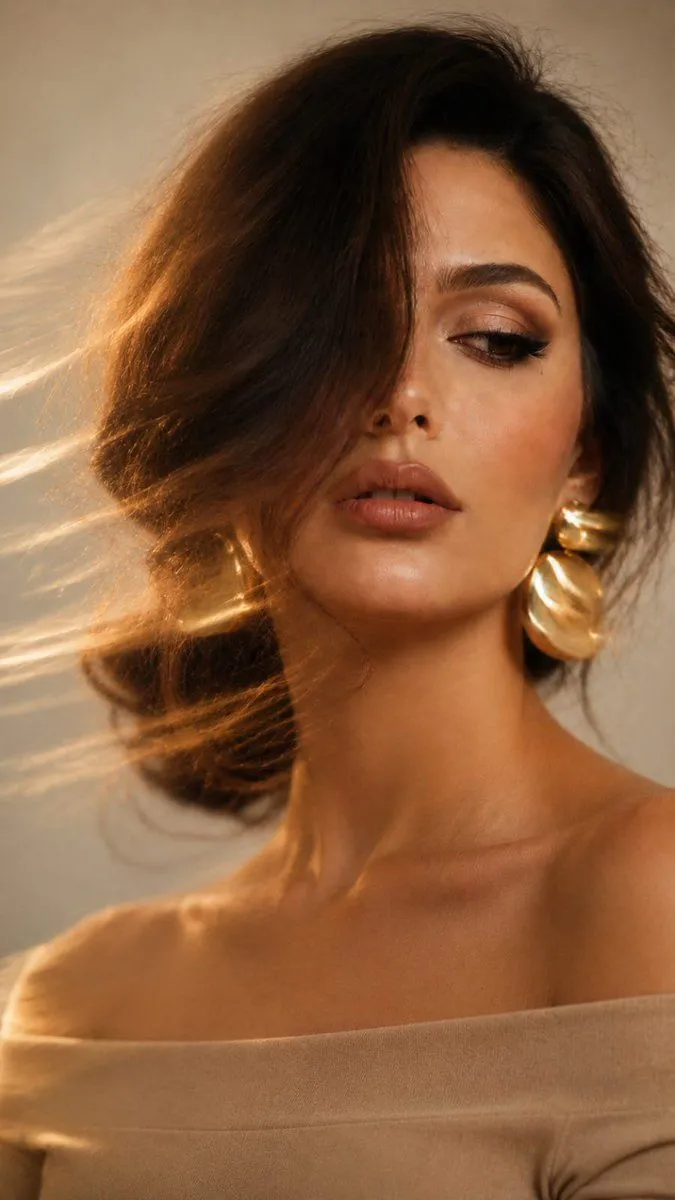
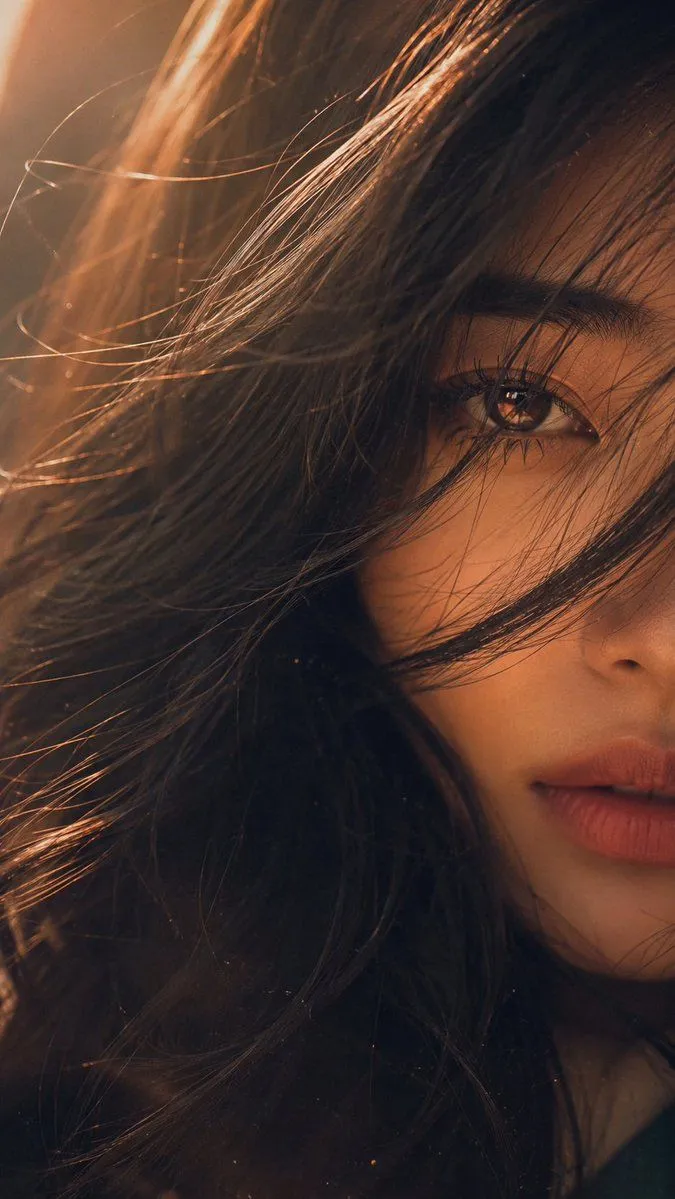
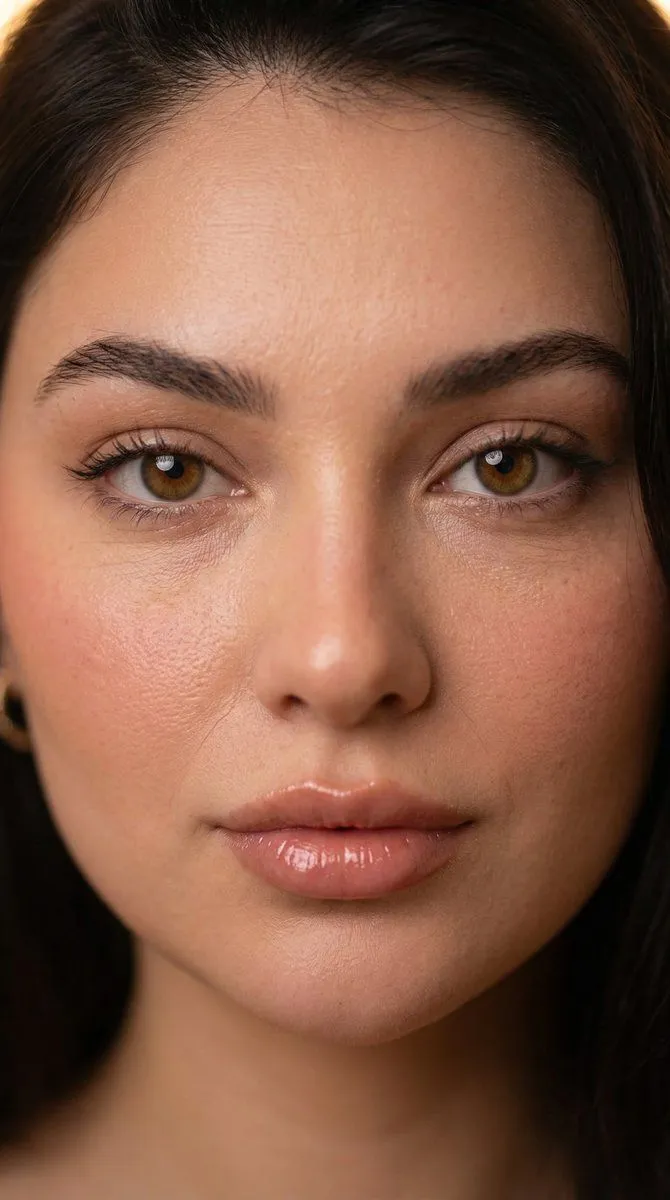
3 blanks to fillDo not change the face. Preserve 100% facial identity and resemblance. Create an artistic long-exposure fashion portrait of a {subject}, photographed on a smartphone or camera with intentional motion blur. She has a {hairstyle}, with a long strand of hair covering nearly half of her face. Her gaze is directed downward and to the side, one eye mostly hidden, lips slightly parted. She wears {accessories}, with bare shoulders visible. Skin is smooth and luminous with soft peach-rose blush, subtle highlighter, defined lashes, light eyeshadow, and matte dusty-rose lips outlined with a slightly darker lip liner. Extreme close-up vertical portrait (9:16), framed from upper chest to head, face filling most of the image and positioned slightly right of center. Neutral light-gray or off-white background. Soft natural window light creates warm, creamy golden tones and gentle facial modeling. Strong intentional motion blur affects the entire frame, especially the earrings and hair, creating elegant golden streaks, while the center of the face remains slightly sharper. Minimal noise, soft contrast, light editing. Mood: mysterious, cinematic, luxurious fashion editorial, atmospheric, elegant, and effortlessly sophisticated.
Preview of your prompt
Do not change the face. Preserve 100% facial identity and resemblance. Create an artistic long-exposure fashion portrait of a woman, photographed on a smartphone or camera with intentional motion blur. She has a loose low braided bun, with a long strand of hair covering nearly half of her face. Her gaze is directed downward and to the side, one eye mostly hidden, lips slightly parted. She wears large statement gold earrings, with bare shoulders visible. Skin is smooth and luminous with soft peach-rose blush, subtle highlighter, defined lashes, light eyeshadow, and matte dusty-rose lips outlined with a slightly darker lip liner. Extreme close-up vertical portrait (9:16), framed from upper chest to head, face filling most of the image and positioned slightly right of center. Neutral light-gray or off-white background. Soft natural window light creates warm, creamy golden tones and gentle facial modeling. Strong intentional motion blur affects the entire frame, especially the earrings and hair, creating elegant golden streaks, while the center of the face remains slightly sharper. Minimal noise, soft contrast, light editing. Mood: mysterious, cinematic, luxurious fashion editorial, atmospheric, elegant, and effortlessly sophisticated.
DetailsVersions, settings and questions
Written for
What's in the prompt
- Subject
- Model
- GPT Image 2
If your face changes
keep my face exactly the sameQuestions
- Does this work in the ChatGPT app?
- Yes. Paste the prompt and attach your photo if it uses one.
- It changed my face. What do I do?
- Add "keep my face exactly the same" to the end and run it again.
- Can I use the images I make?
- Check the terms of the app you use. Promptclay never generates images and claims nothing you make.