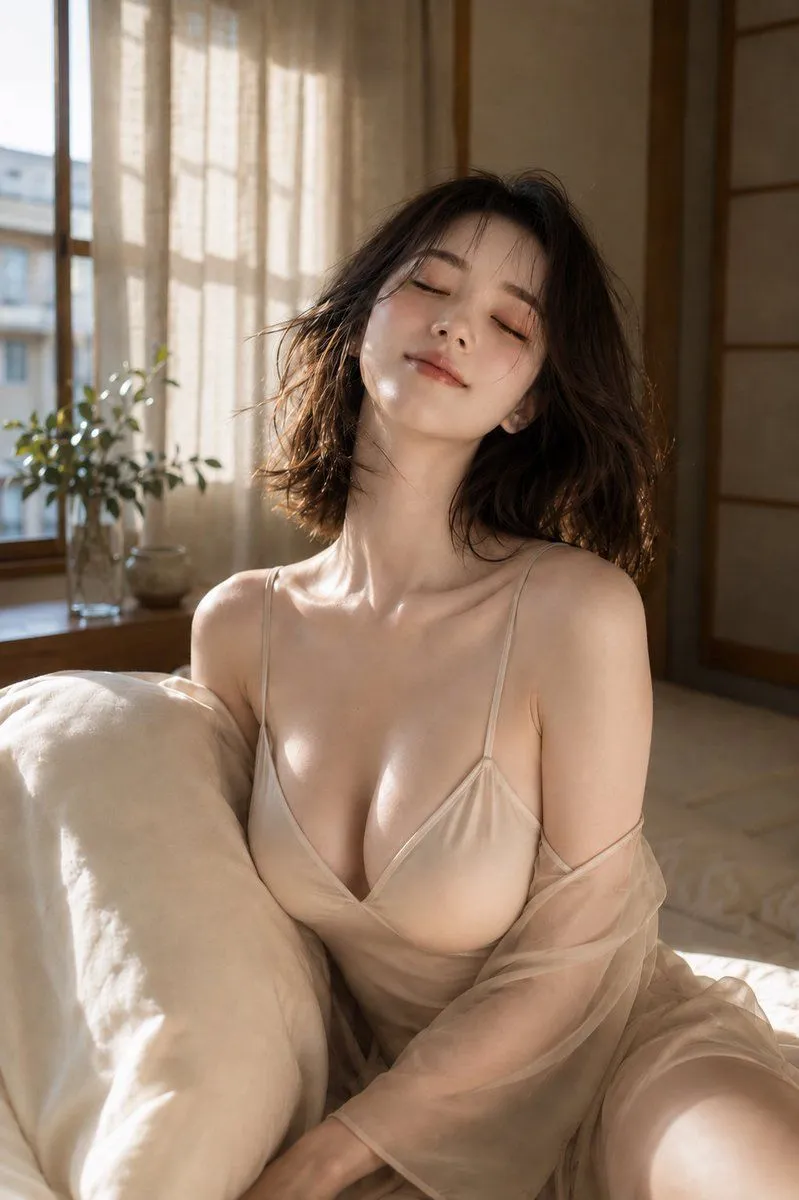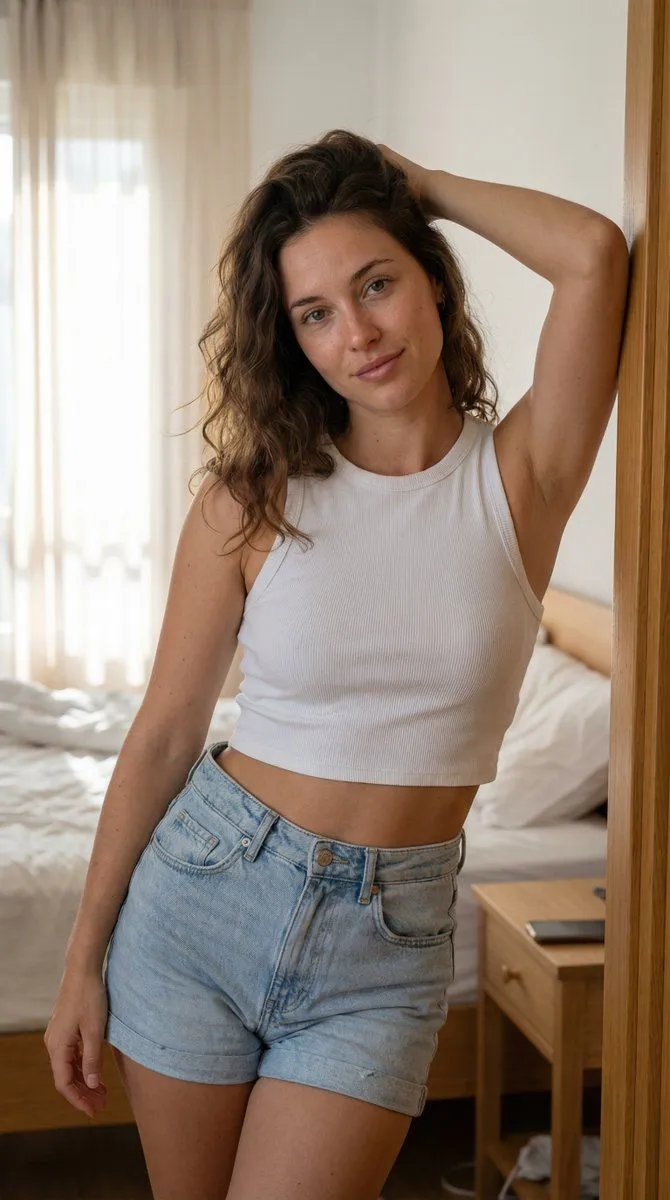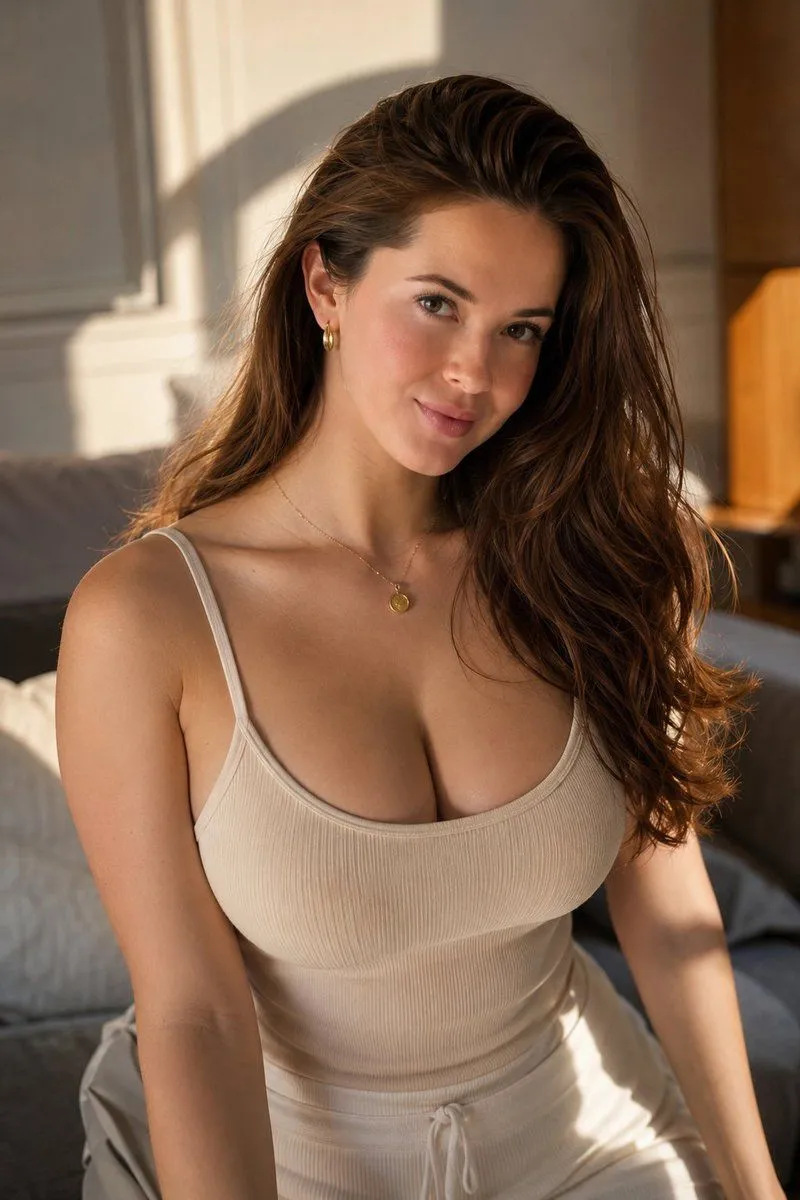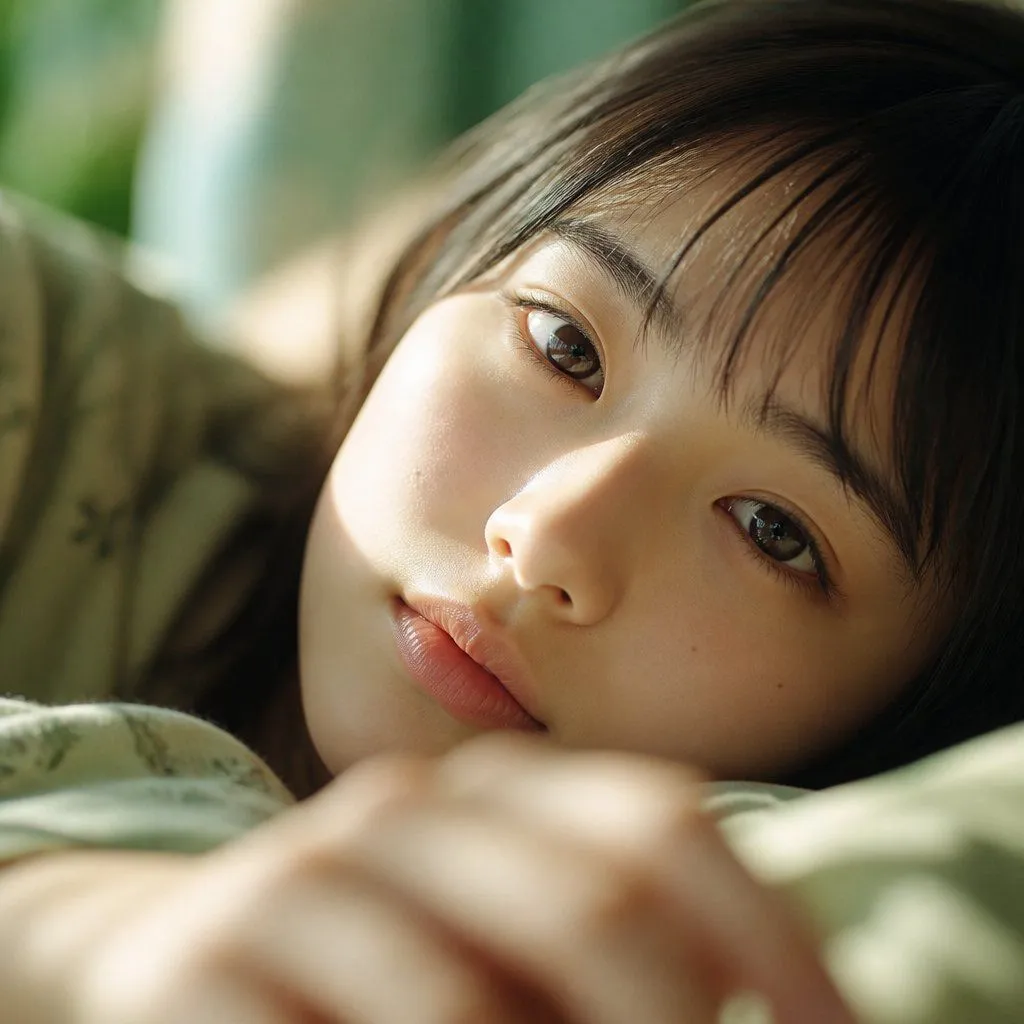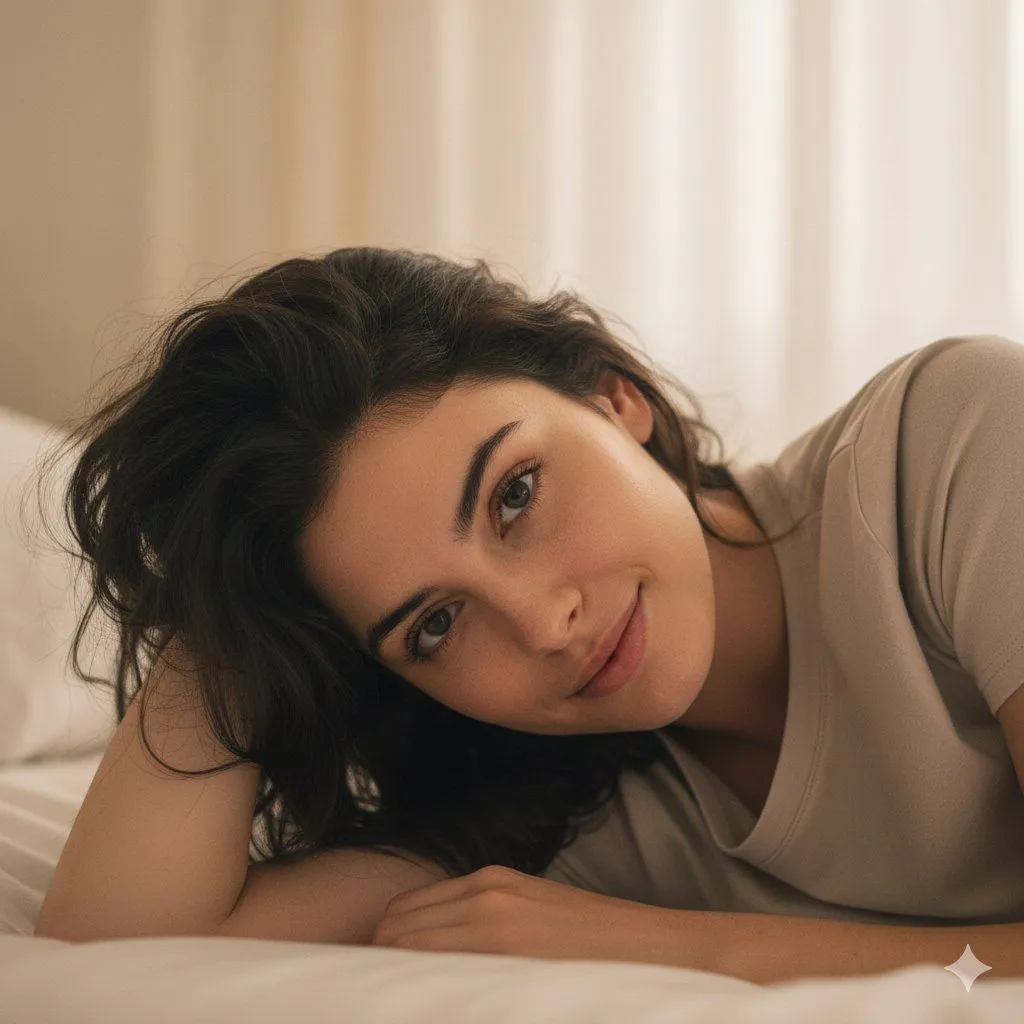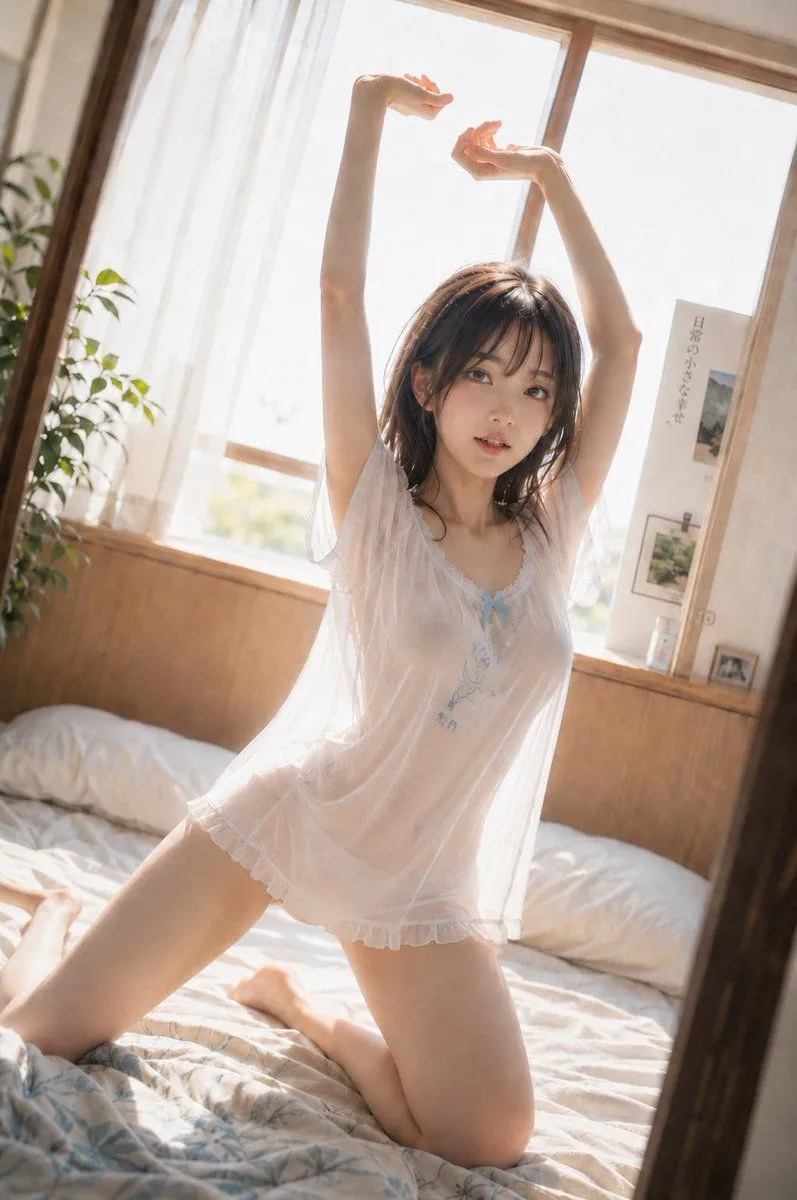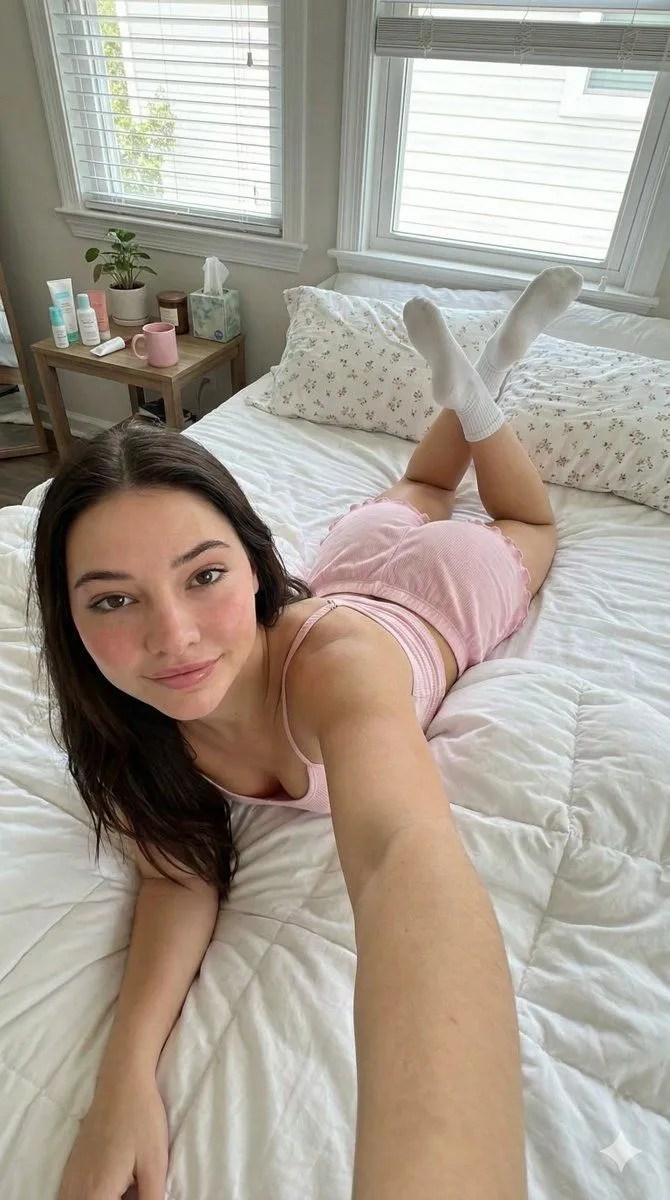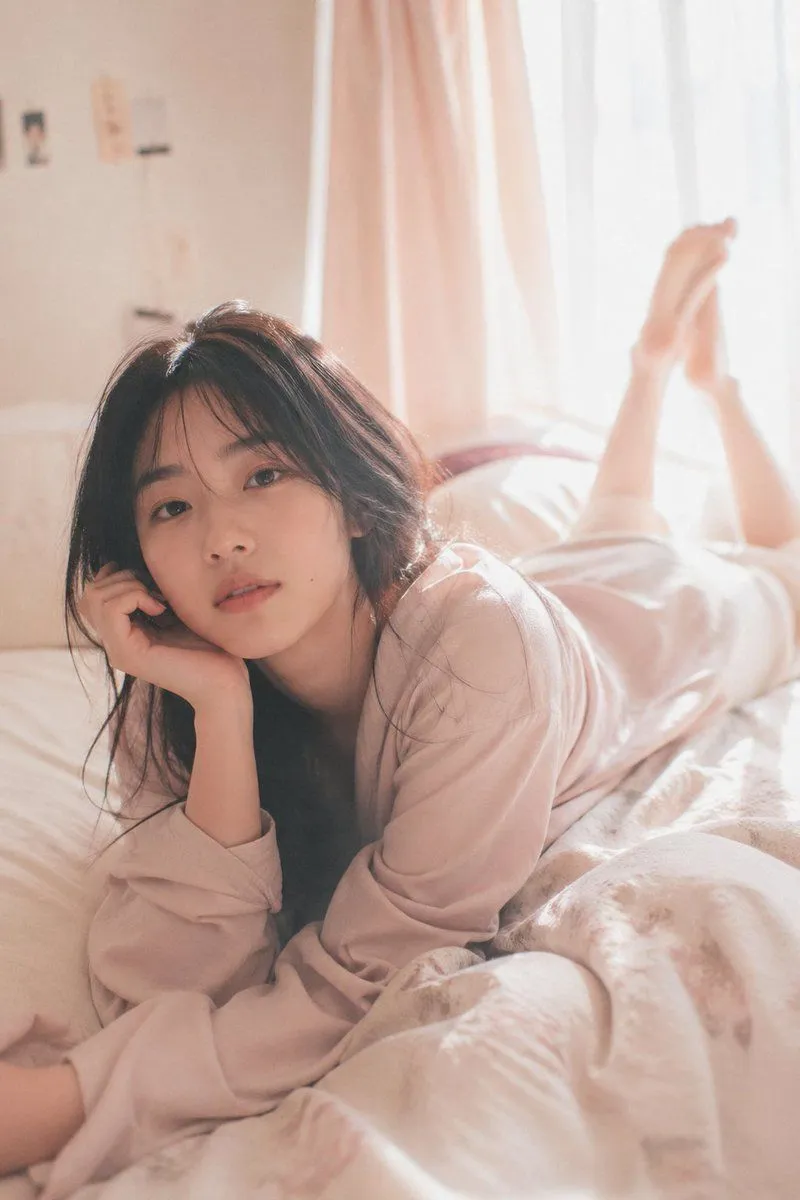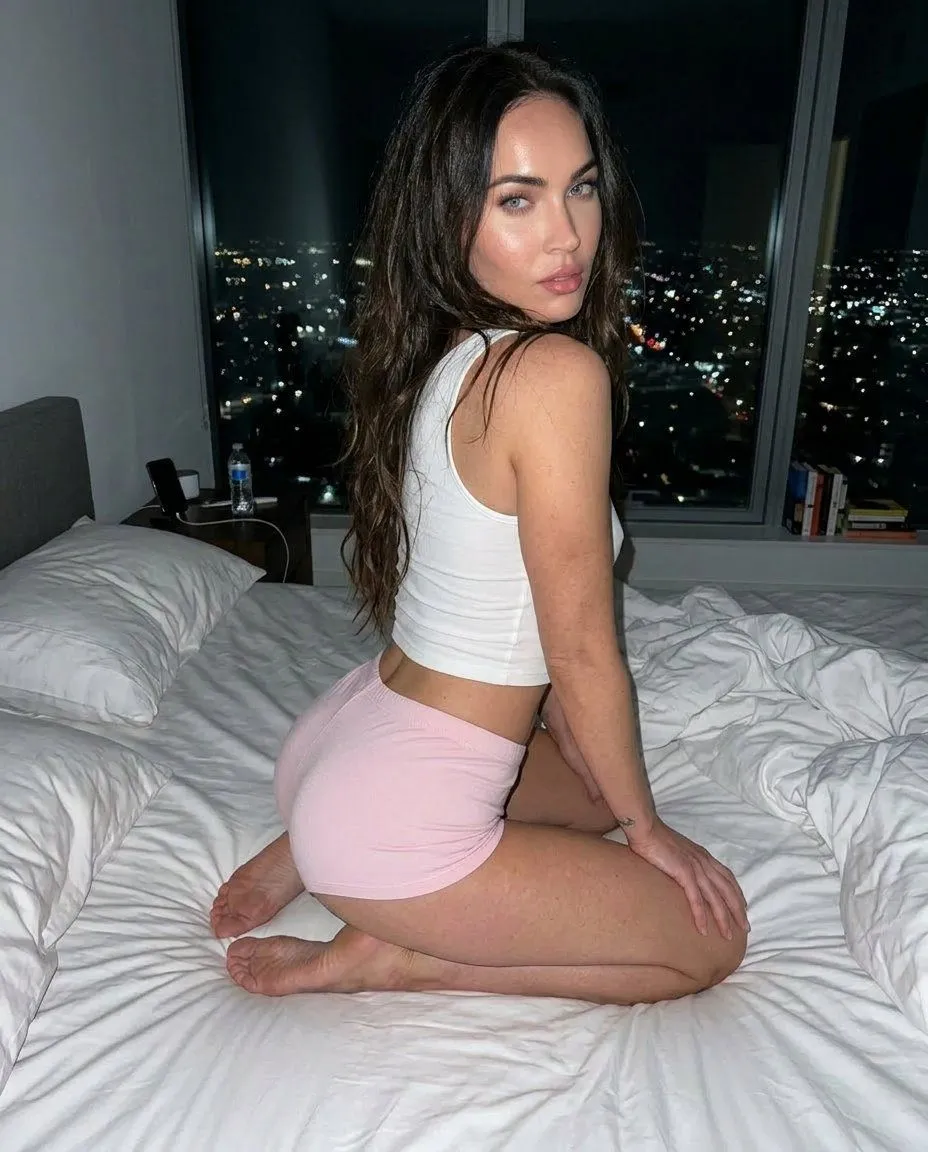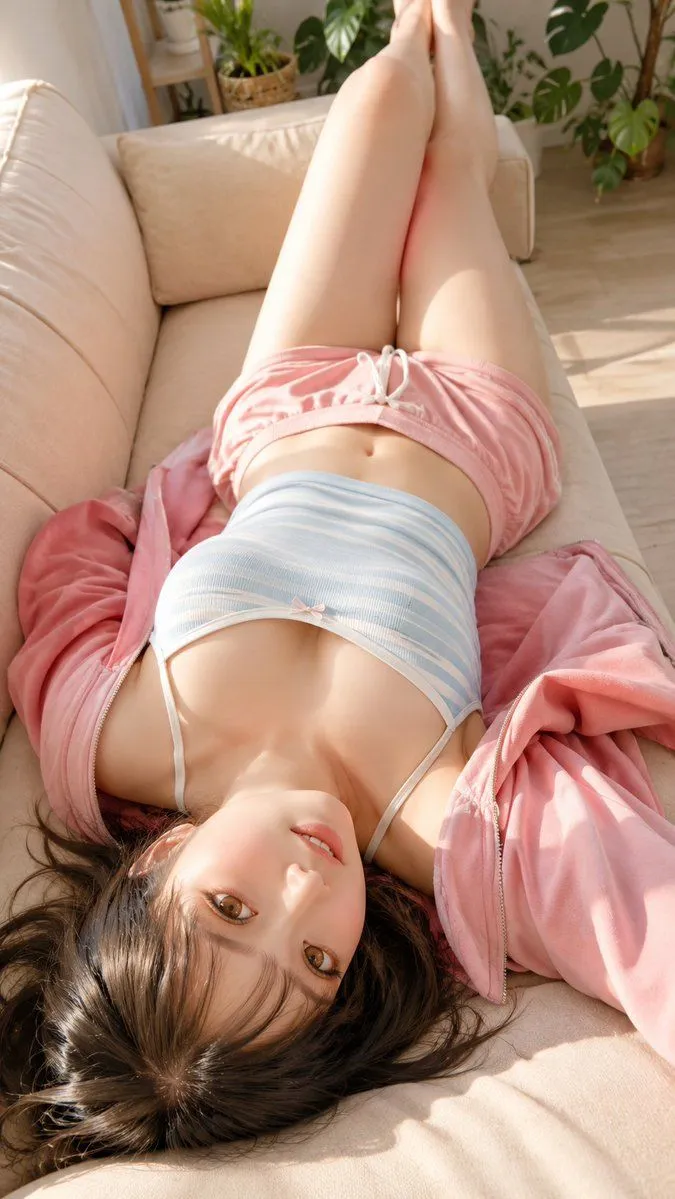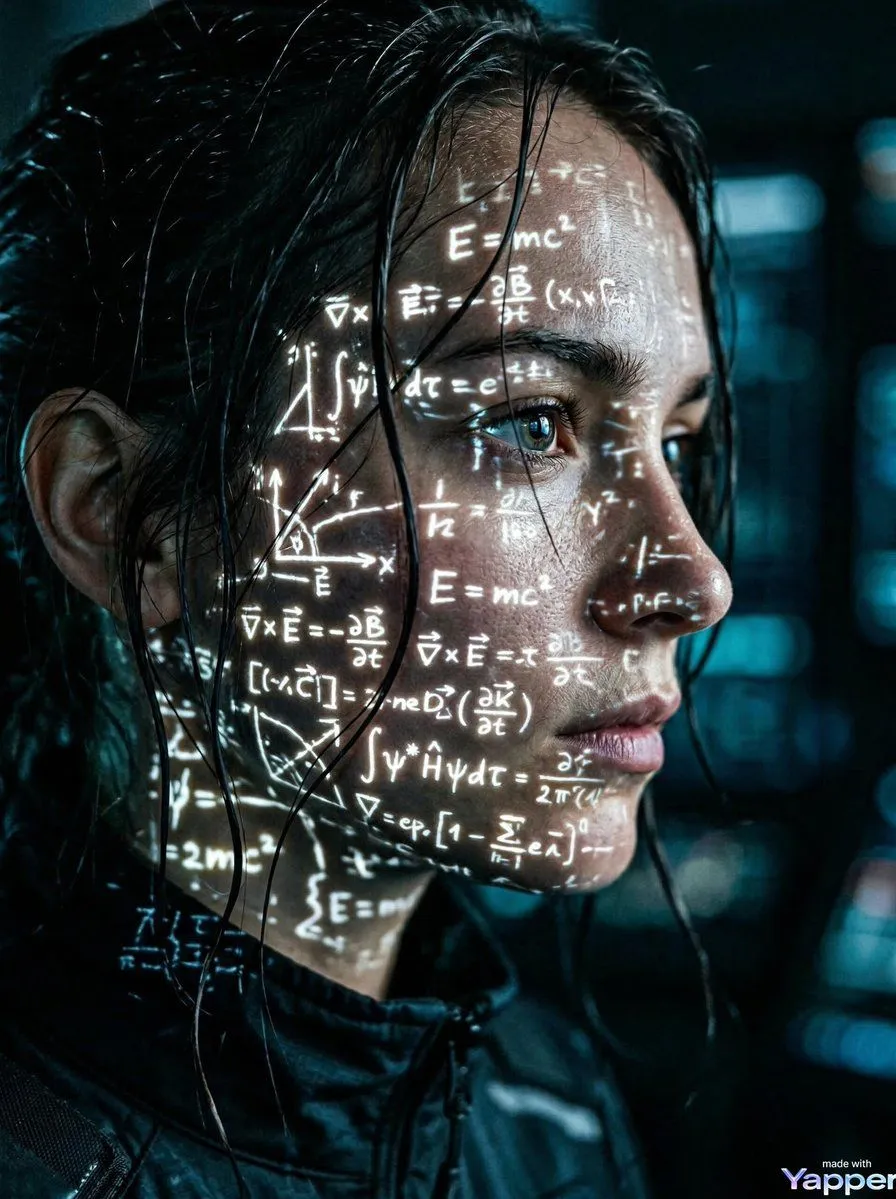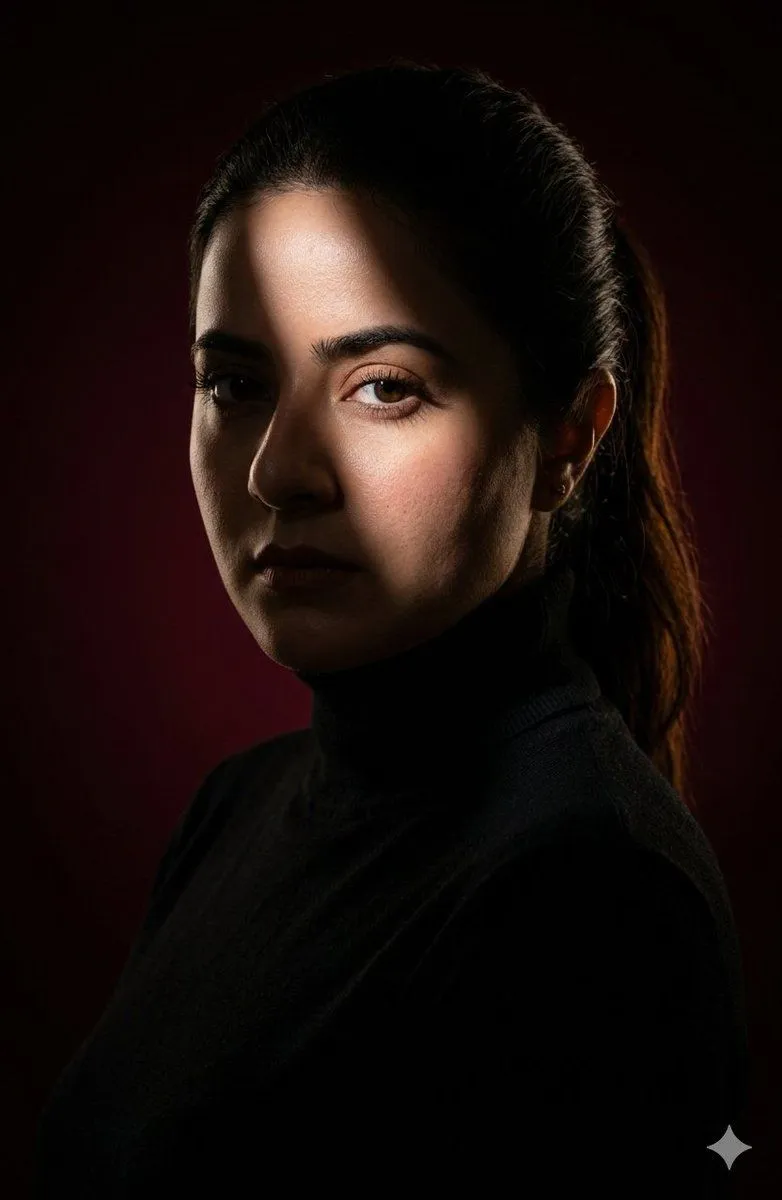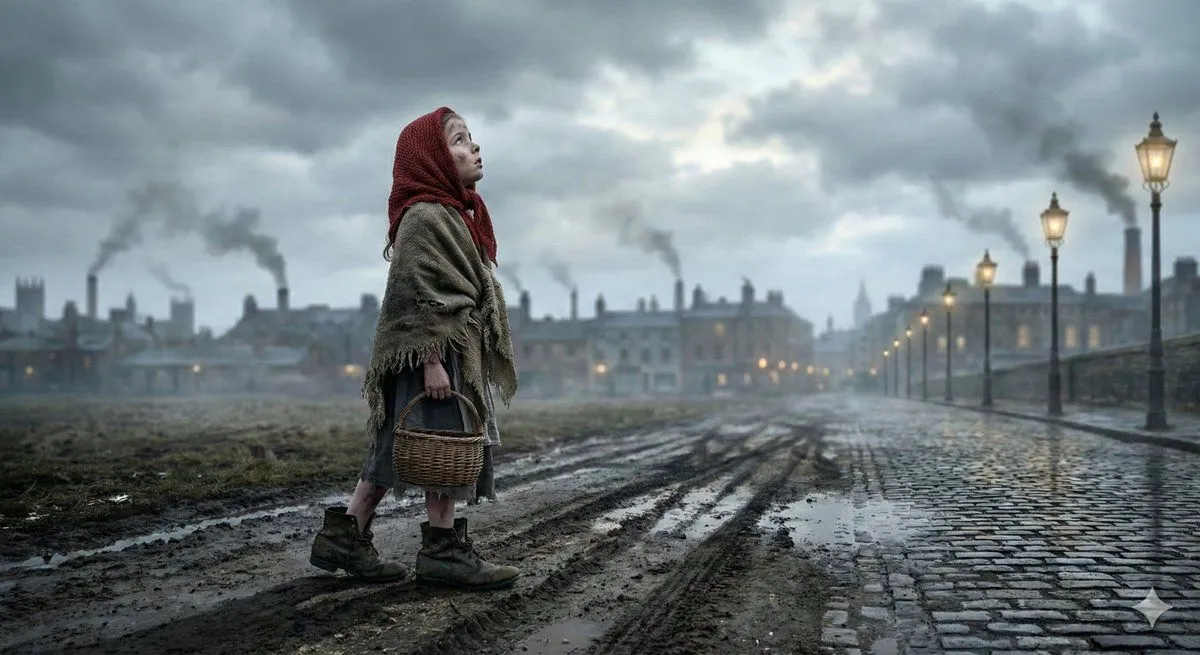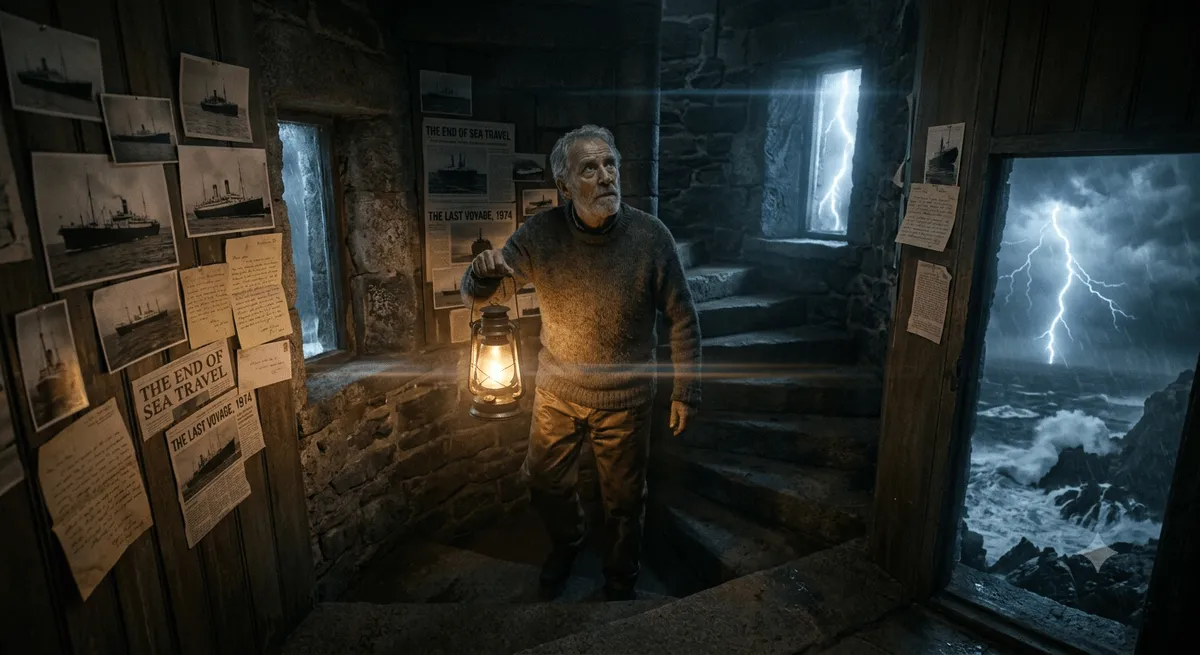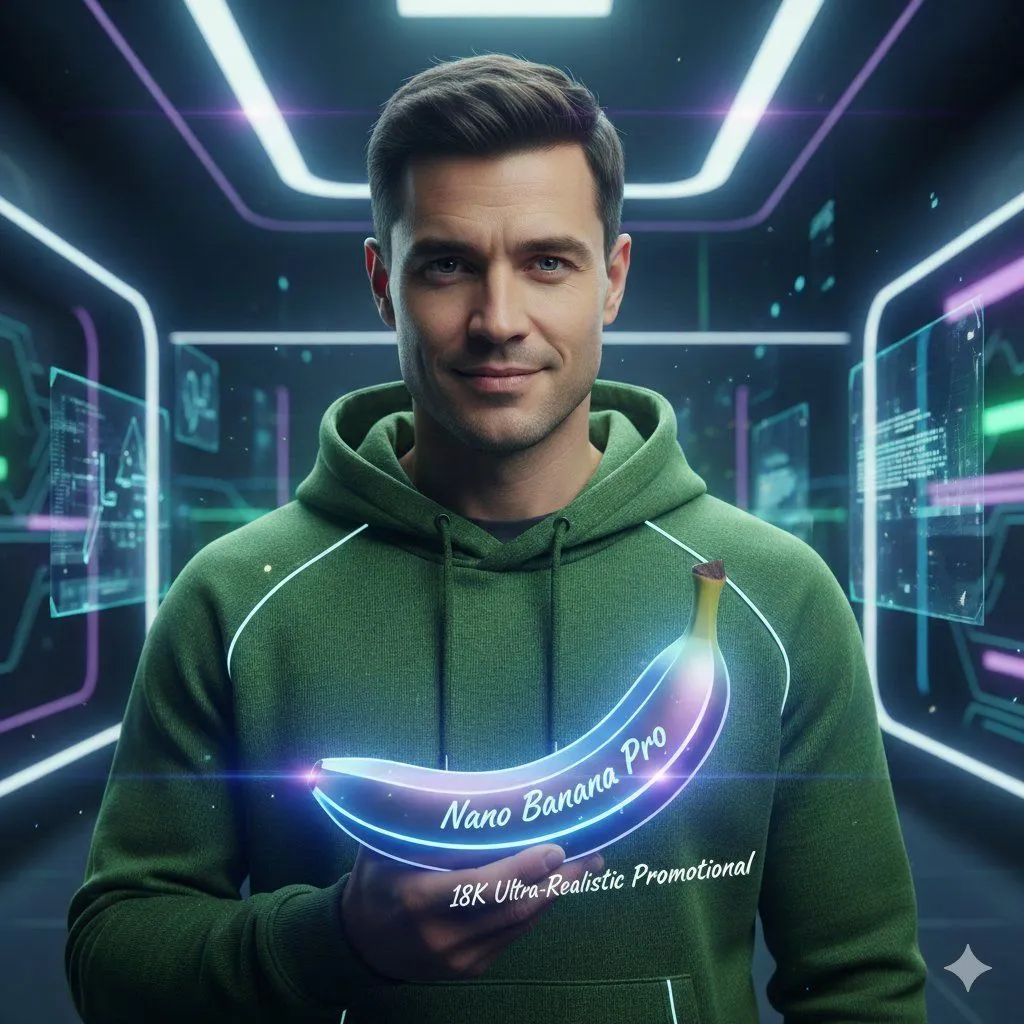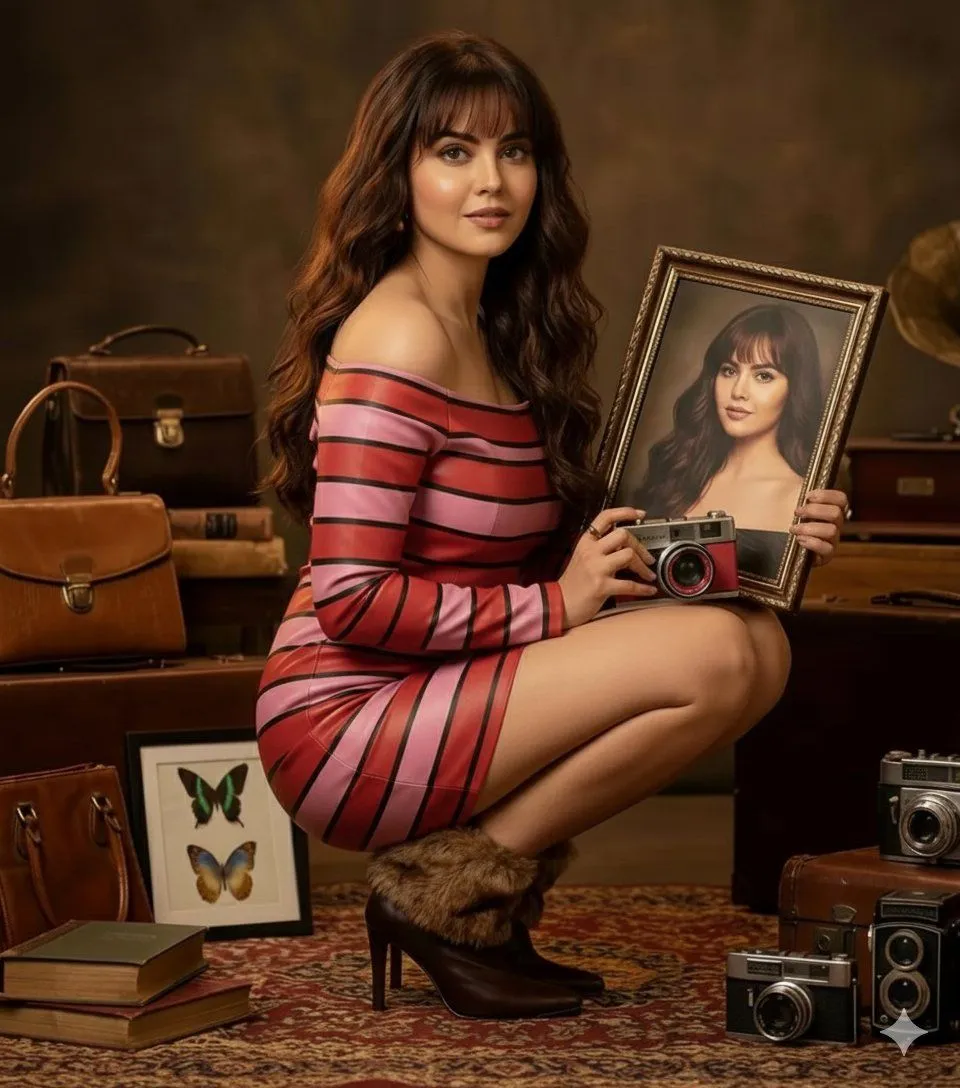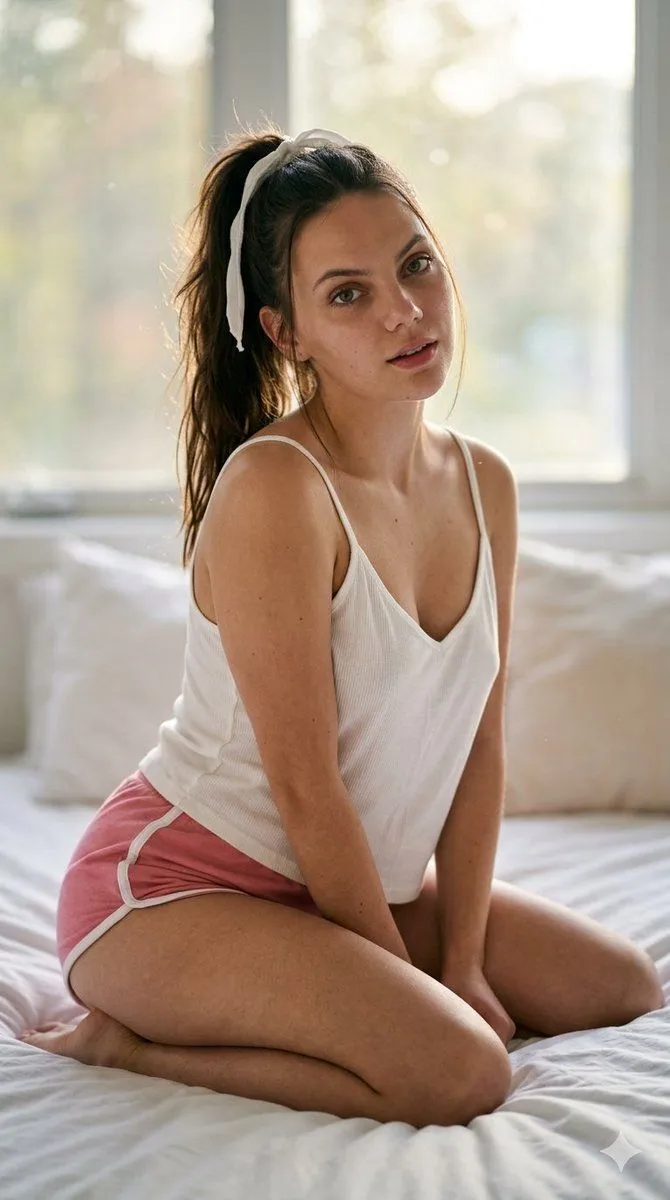
Made with Nano Banana Pro in Gemini by Library Social. Promptclay never generates images.
Morning Bedroom Portrait
Prompt
1 blank to fill{ "type": "image_prompt", "aspect_ratio": "9:16", "description": { "subject": { "identity": "{subject_name}", "appearance": { "skin": "Flawless skin with a soft natural blush", "hair": "Long silky hair tied in a messy high ponytail with a white ribbon", "expression": "Relaxed expression with slightly parted lips", "pose": "Slight head tilt while looking directly at the viewer", "lips": "Natural glossy lips" } }, "clothing": { "top": "Loose yellow spaghetti strap shirt", "bottom": "Black athletic shorts with white trim" }, "scene": { "location": "Kneeling on the bed while leaning forward", "lighting": { "main": "Soft morning light coming through a large window behind her", "effects": "Cinematic rim lighting and soft floating dust particles in the air" }, "atmosphere": "Cozy and cinematic morning atmosphere" }, "visual_style": { "skin_texture": "Ultra-realistic skin texture with visible pores and micro skin details", "quality": [ "Photorealistic", "8K", "Hyper-realistic photography", "Ultra-detailed", "Masterpiece", "Best quality" ], "color_grading": "Natural color grading with cinematic tones", "depth_of_field": "Shallow depth of field with creamy bokeh" }, "camera": { "camera_model": "Canon EOS R5", "lens": "RF 85mm f/1.2L", "settings": { "aperture": "f/1.4", "shutter_speed": "1/200s", "iso": "100" }, "mode": "Portrait mode" } } }
Preview of your prompt
{ "type": "image_prompt", "aspect_ratio": "9:16", "description": { "subject": { "identity": "[NAME]", "appearance": { "skin": "Flawless skin with a soft natural blush", "hair": "Long silky hair tied in a messy high ponytail with a white ribbon", "expression": "Relaxed expression with slightly parted lips", "pose": "Slight head tilt while looking directly at the viewer", "lips": "Natural glossy lips" } }, "clothing": { "top": "Loose yellow spaghetti strap shirt", "bottom": "Black athletic shorts with white trim" }, "scene": { "location": "Kneeling on the bed while leaning forward", "lighting": { "main": "Soft morning light coming through a large window behind her", "effects": "Cinematic rim lighting and soft floating dust particles in the air" }, "atmosphere": "Cozy and cinematic morning atmosphere" }, "visual_style": { "skin_texture": "Ultra-realistic skin texture with visible pores and micro skin details", "quality": [ "Photorealistic", "8K", "Hyper-realistic photography", "Ultra-detailed", "Masterpiece", "Best quality" ], "color_grading": "Natural color grading with cinematic tones", "depth_of_field": "Shallow depth of field with creamy bokeh" }, "camera": { "camera_model": "Canon EOS R5", "lens": "RF 85mm f/1.2L", "settings": { "aperture": "f/1.4", "shutter_speed": "1/200s", "iso": "100" }, "mode": "Portrait mode" } } }
DetailsVersions, settings and questions
Written for
What's in the prompt
- Subject
- Model
- Nano Banana Pro
If your face changes
keep my face exactly the sameQuestions
- Does this work in the Gemini app?
- Yes. Gemini runs Nano Banana, so paste the prompt and attach your photo if it uses one.
- It changed my face. What do I do?
- Add "keep my face exactly the same" to the end and run it again.
- Can I use the images I make?
- Check the terms of the app you use. Promptclay never generates images and claims nothing you make.