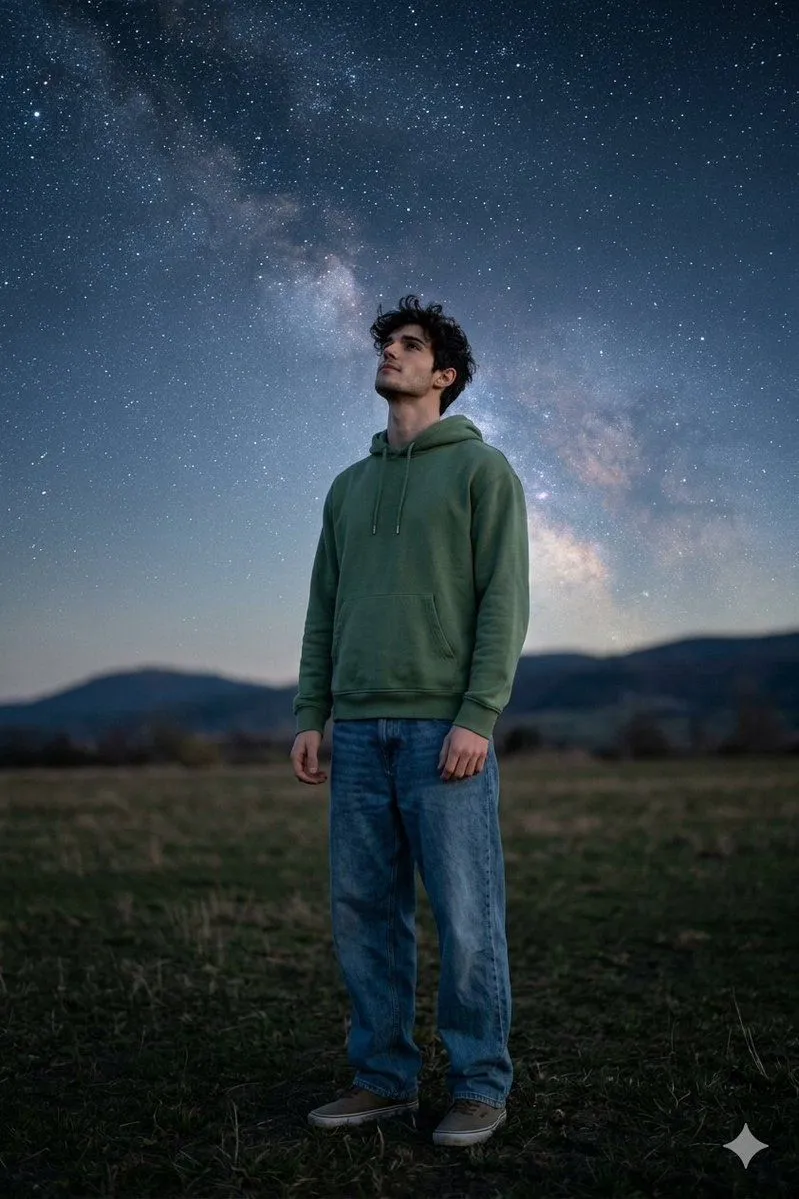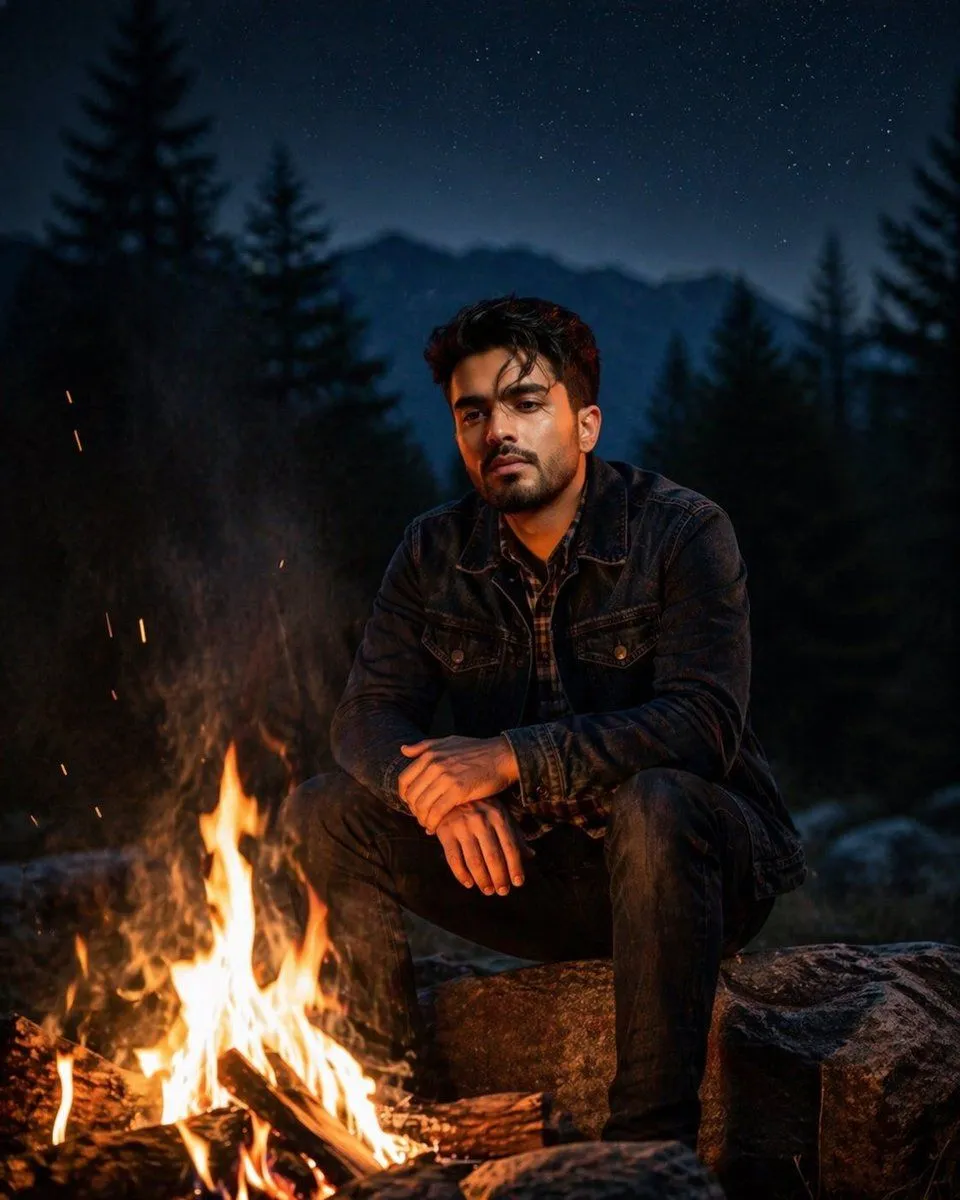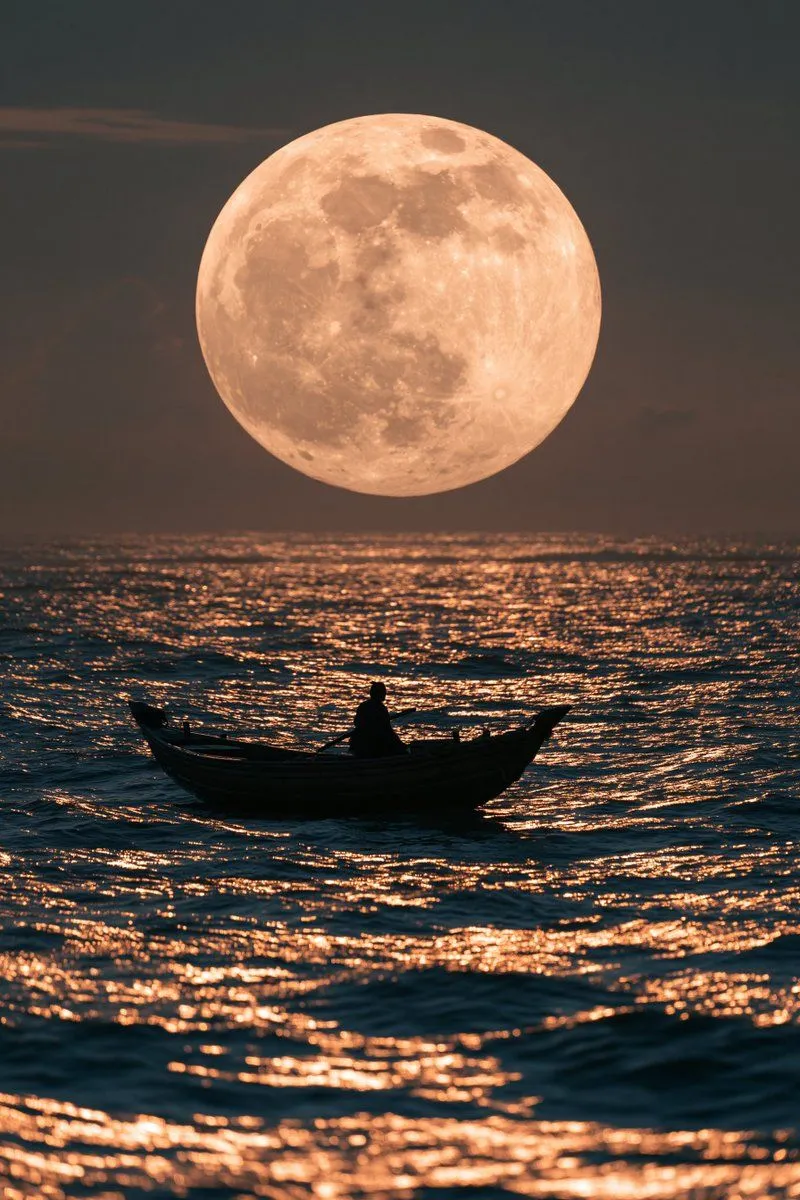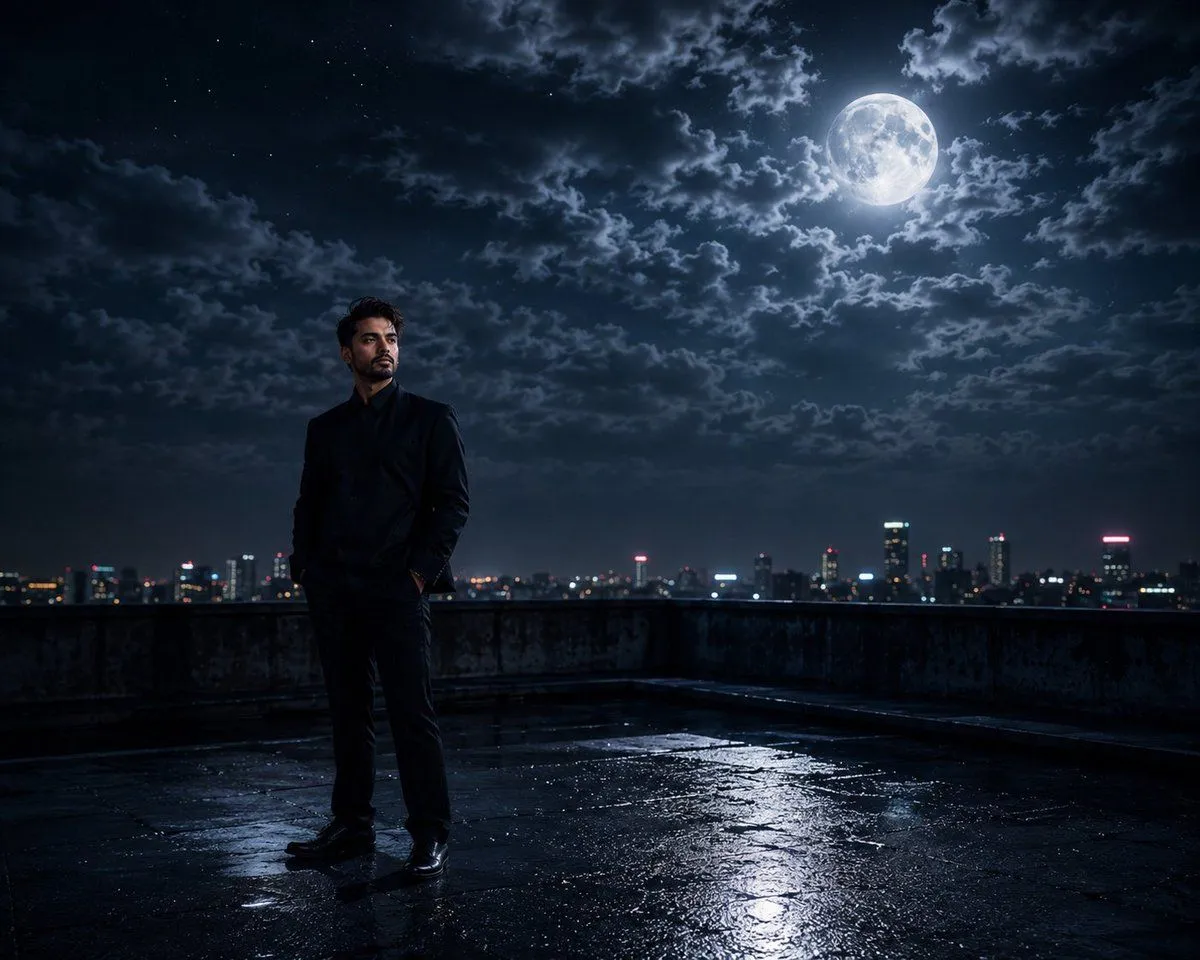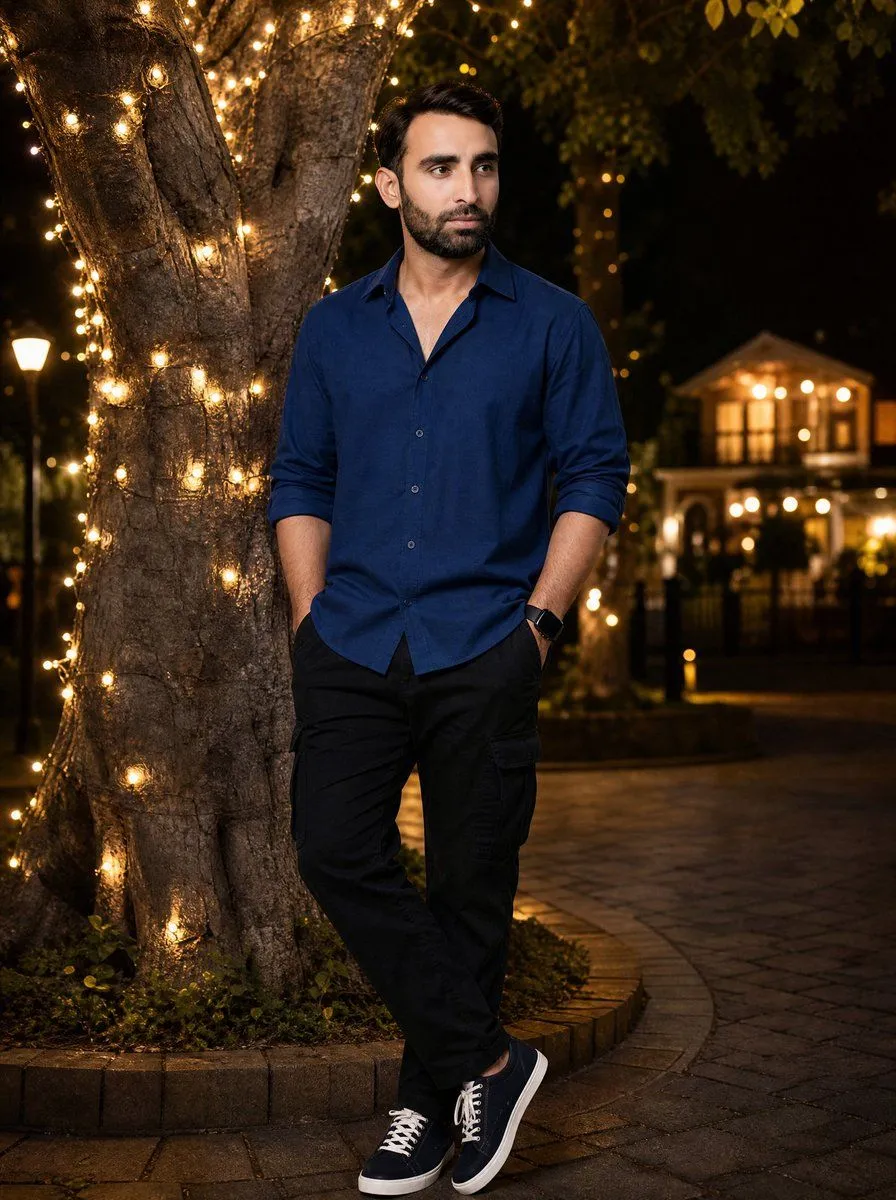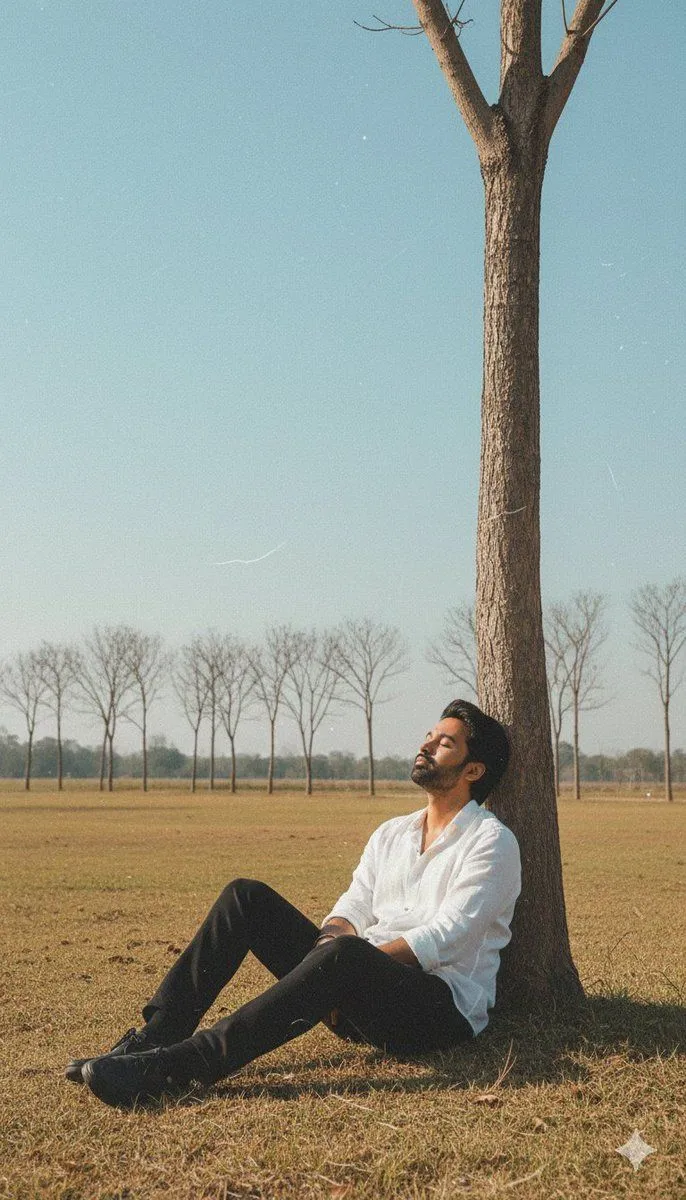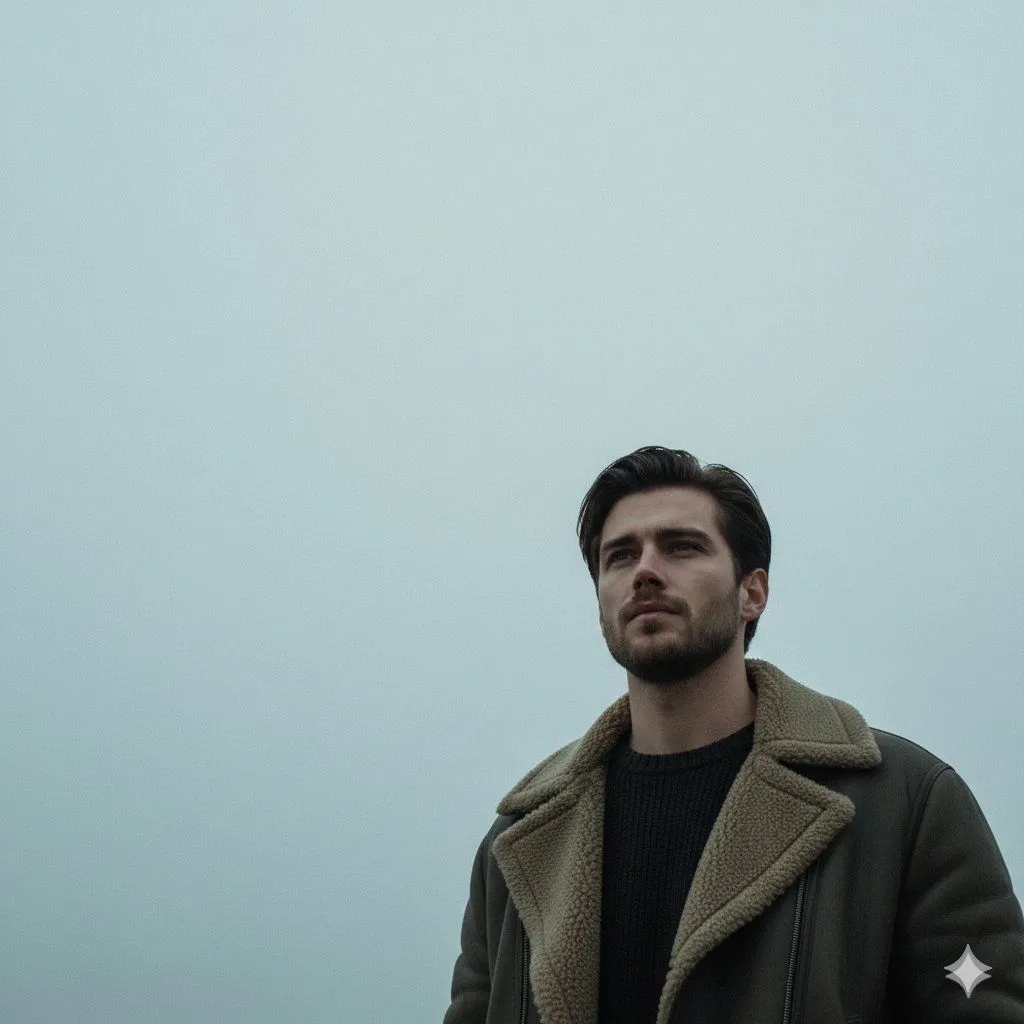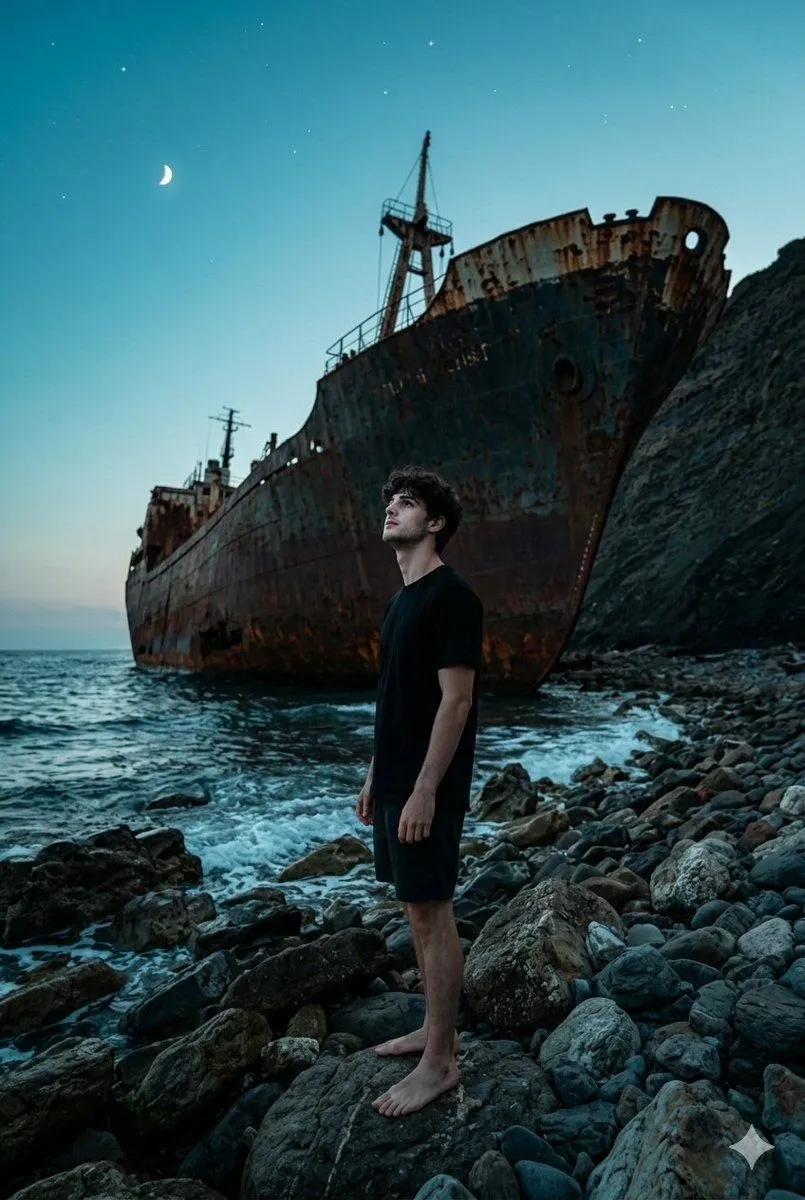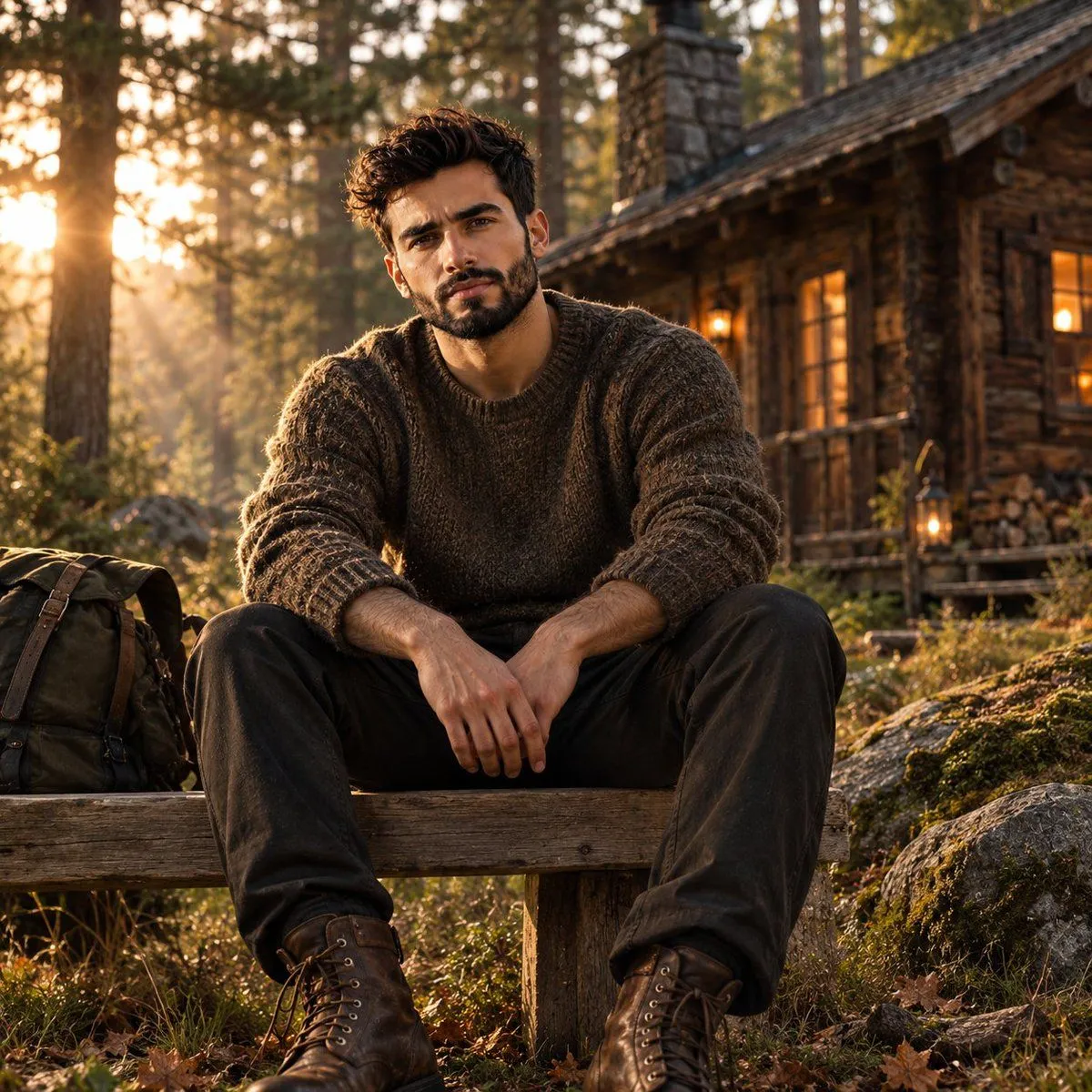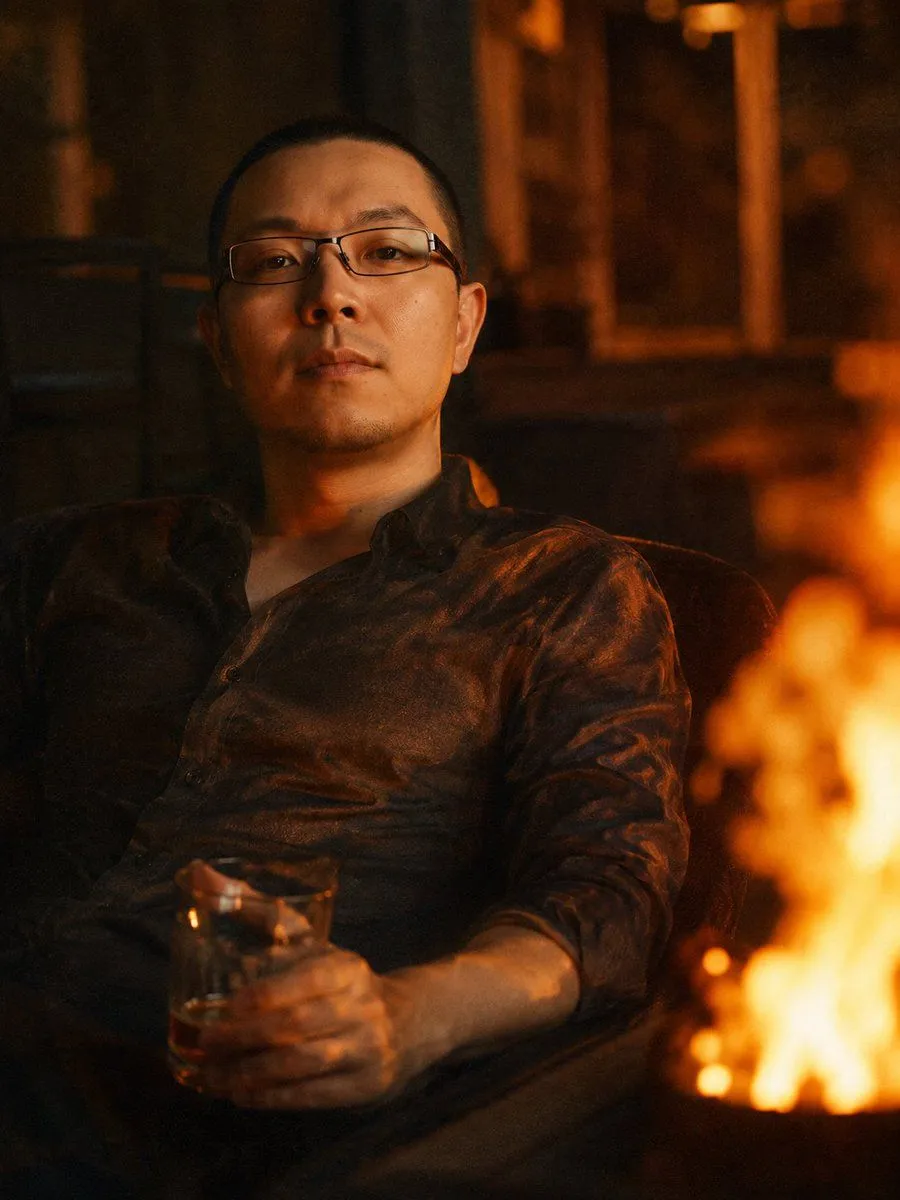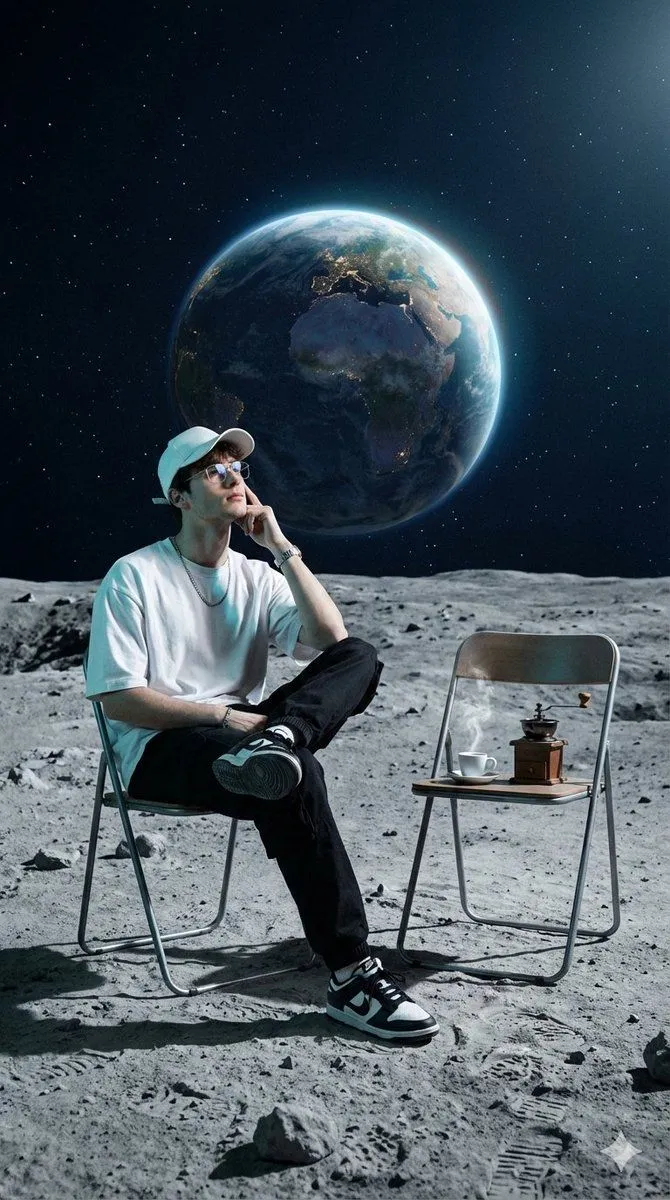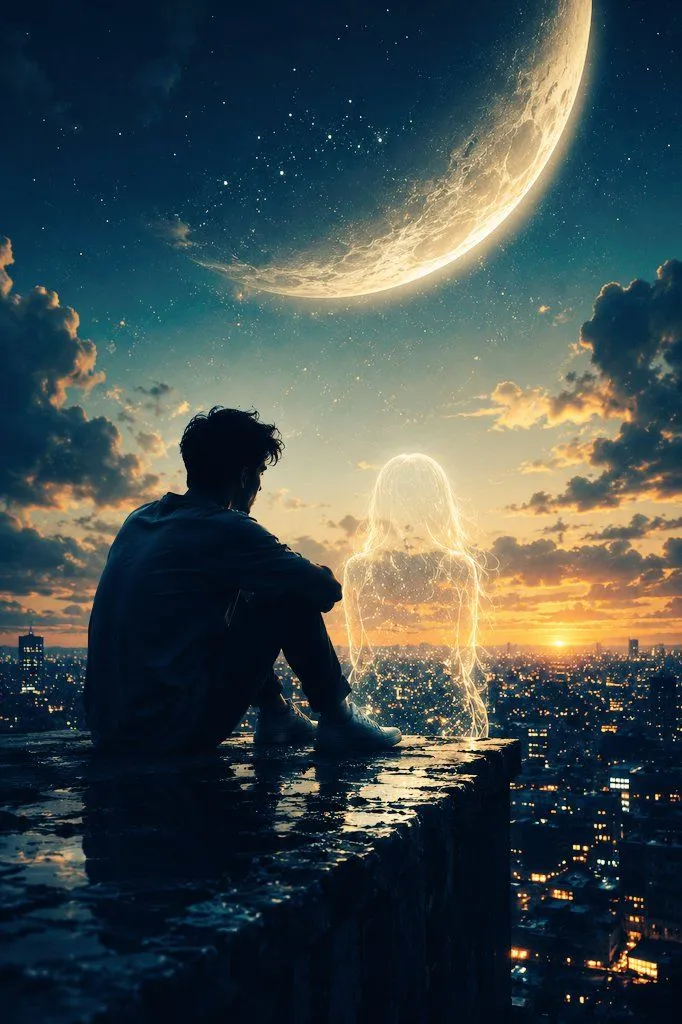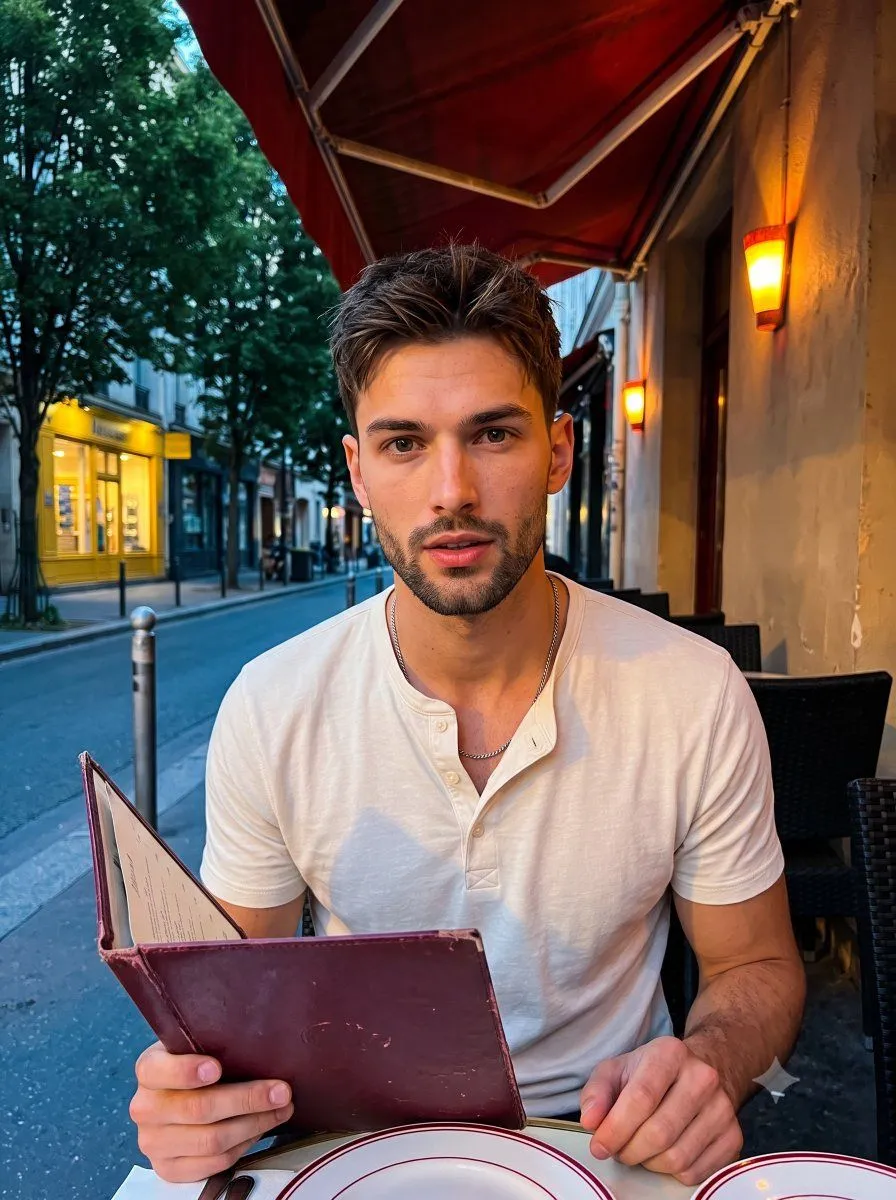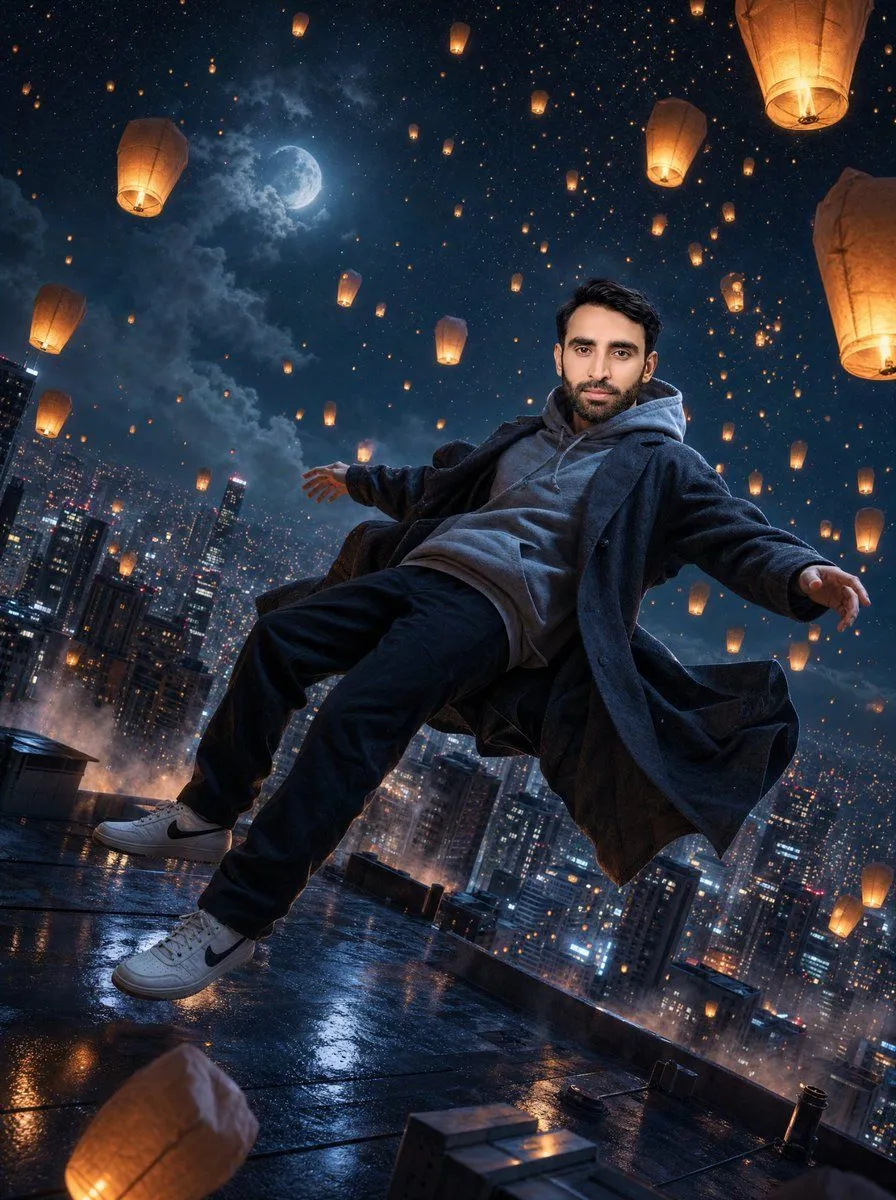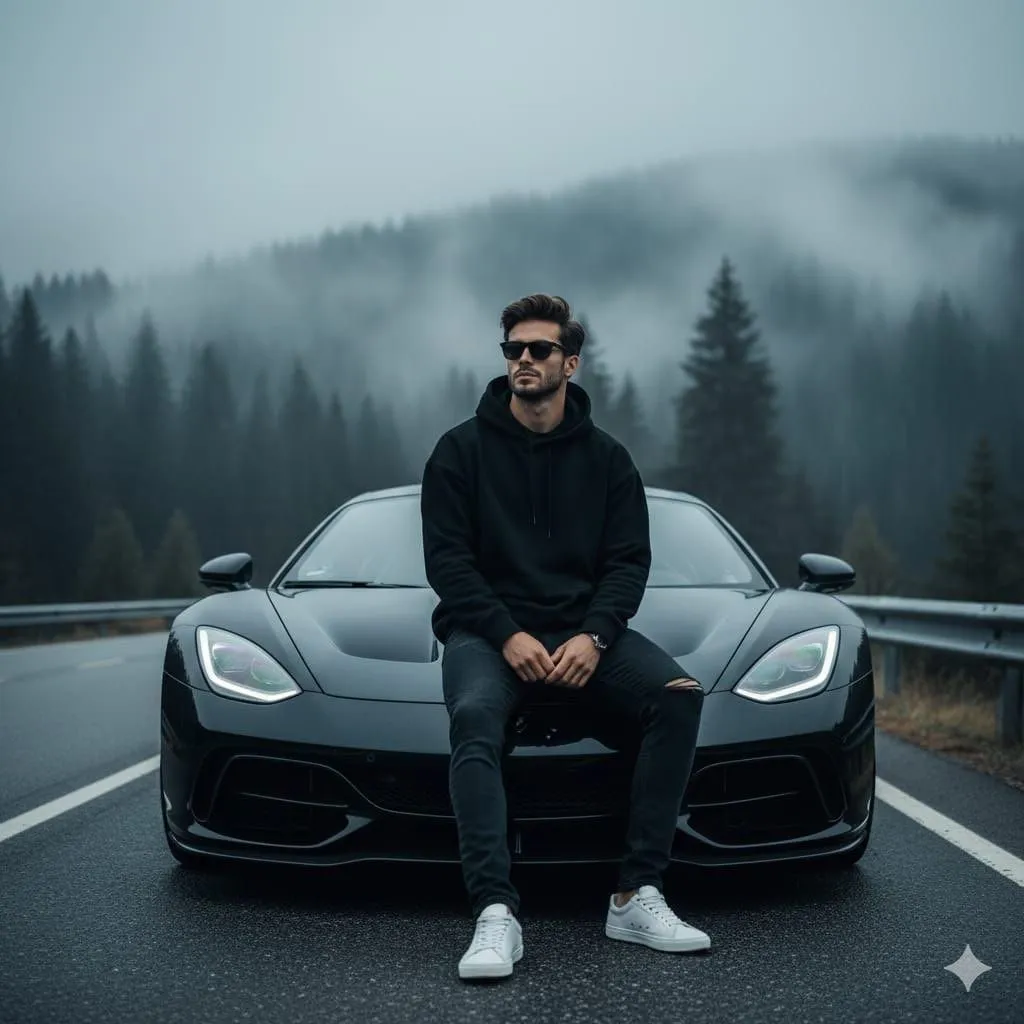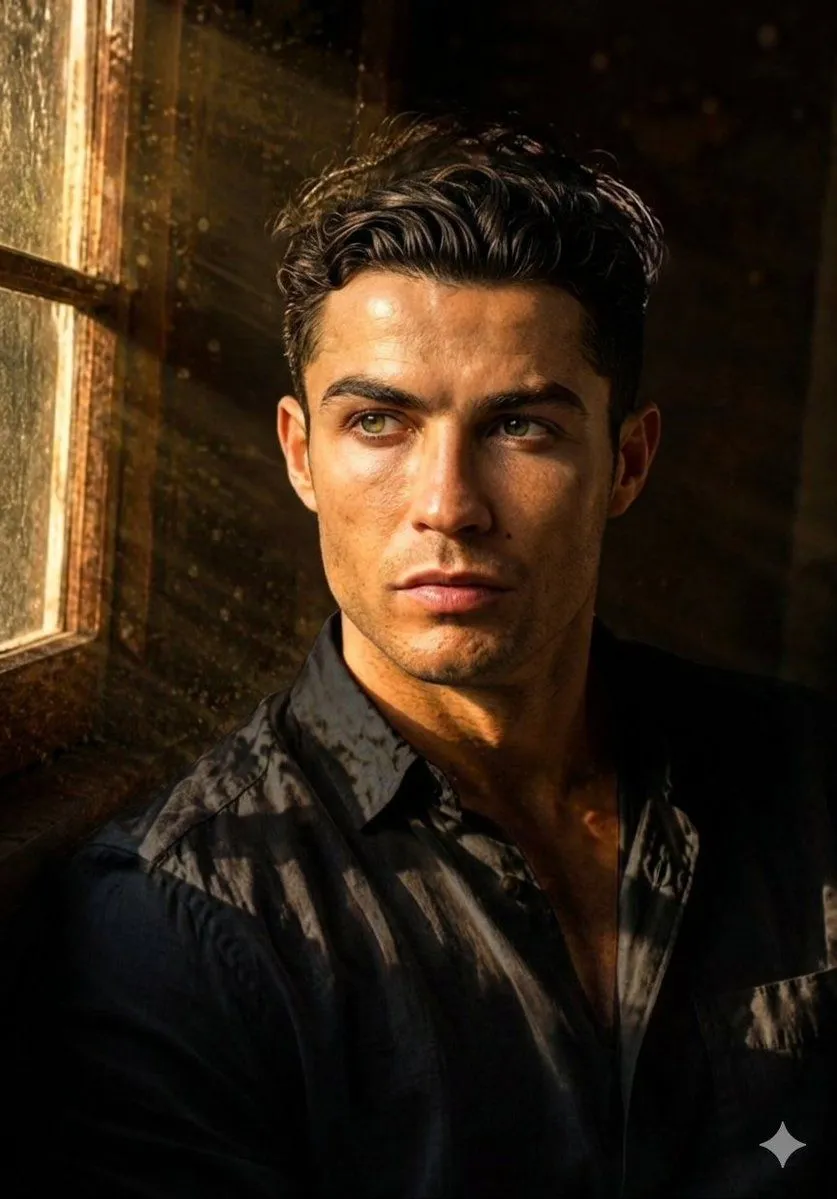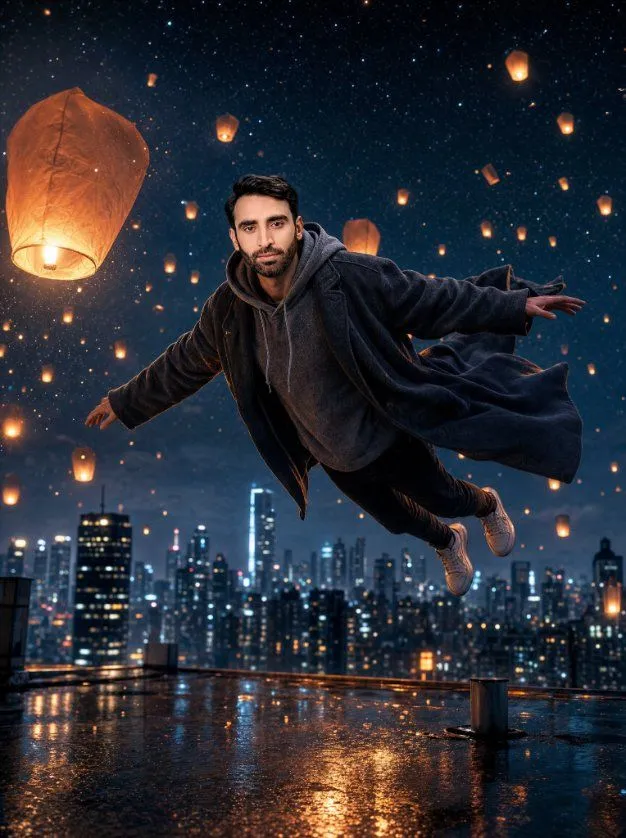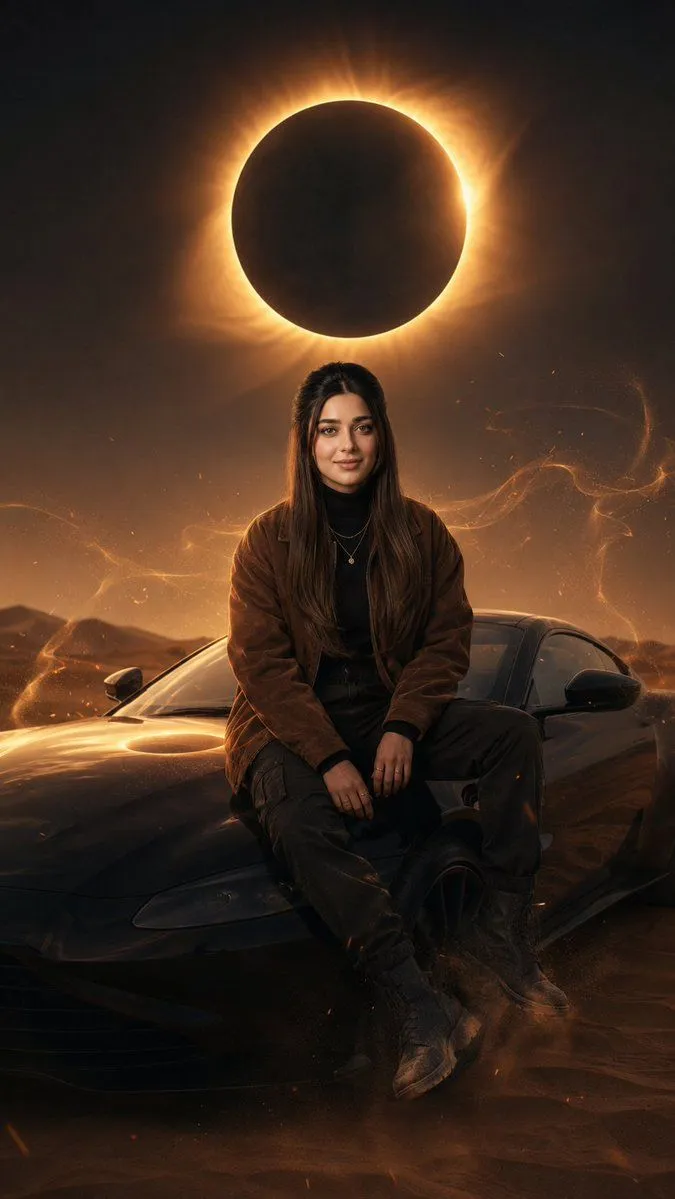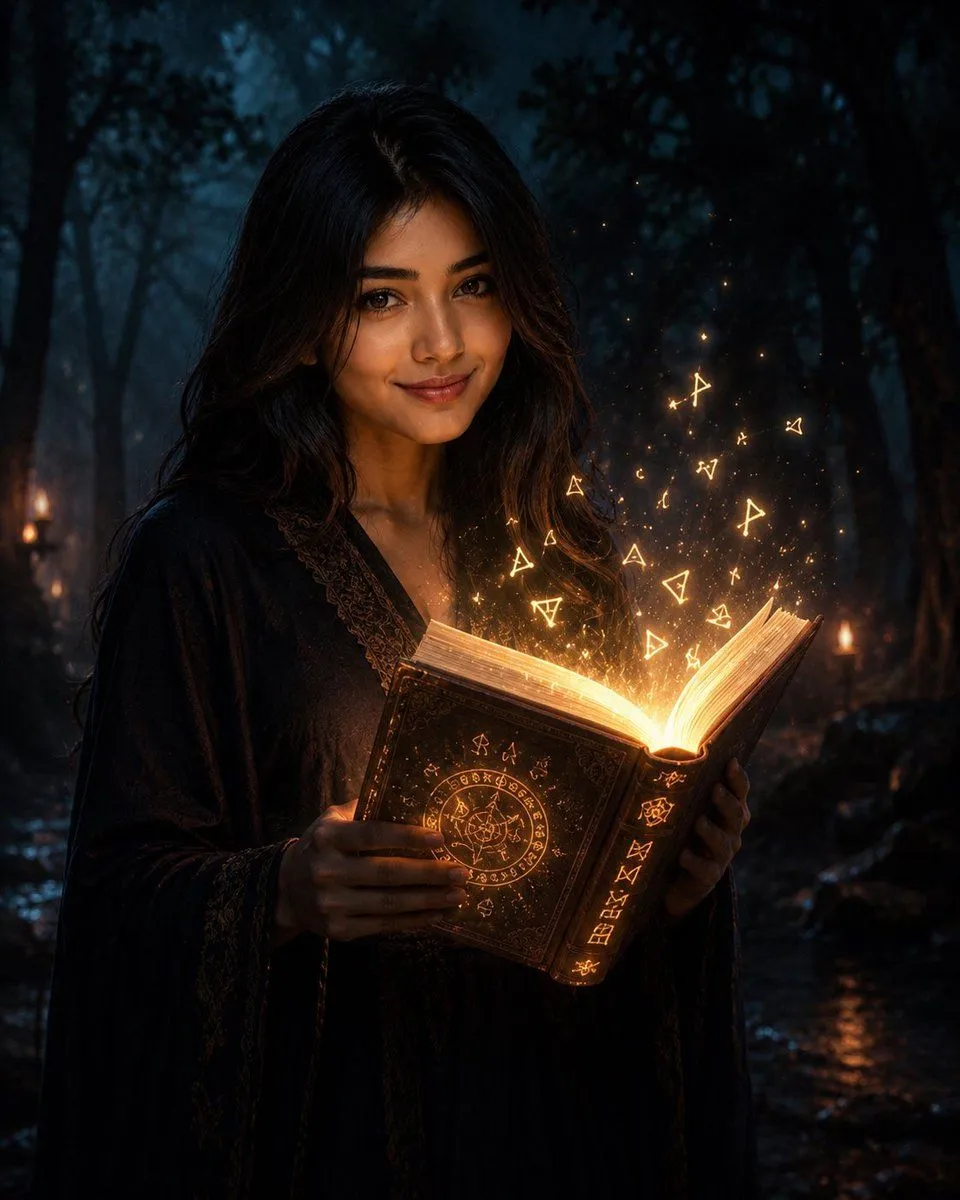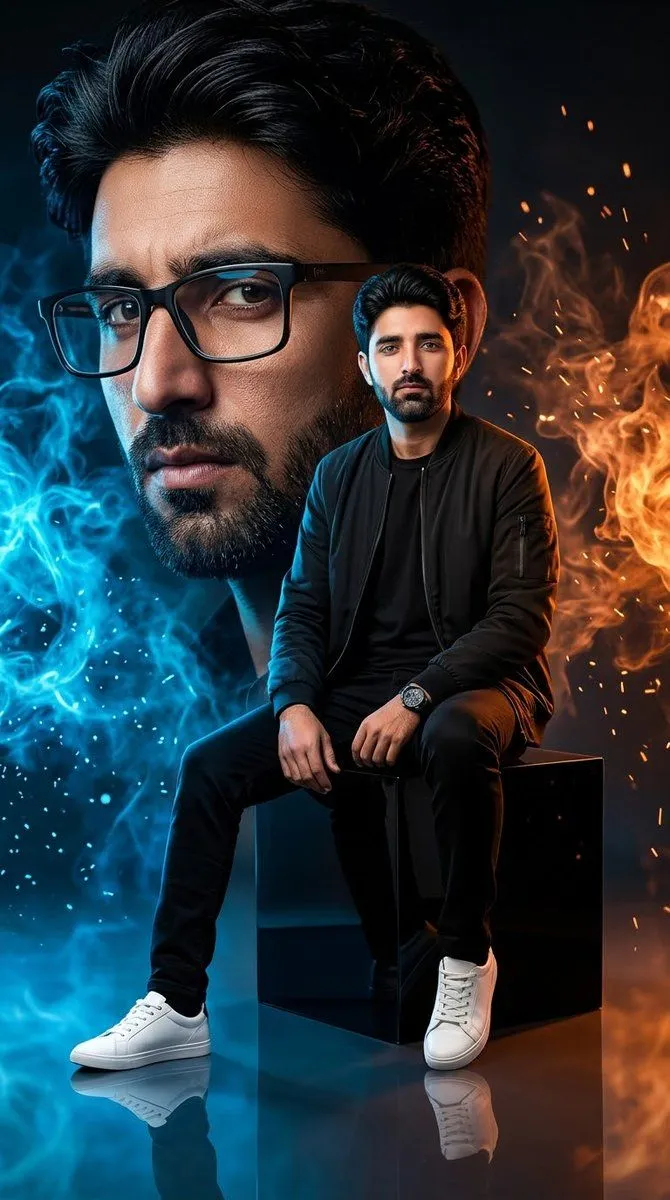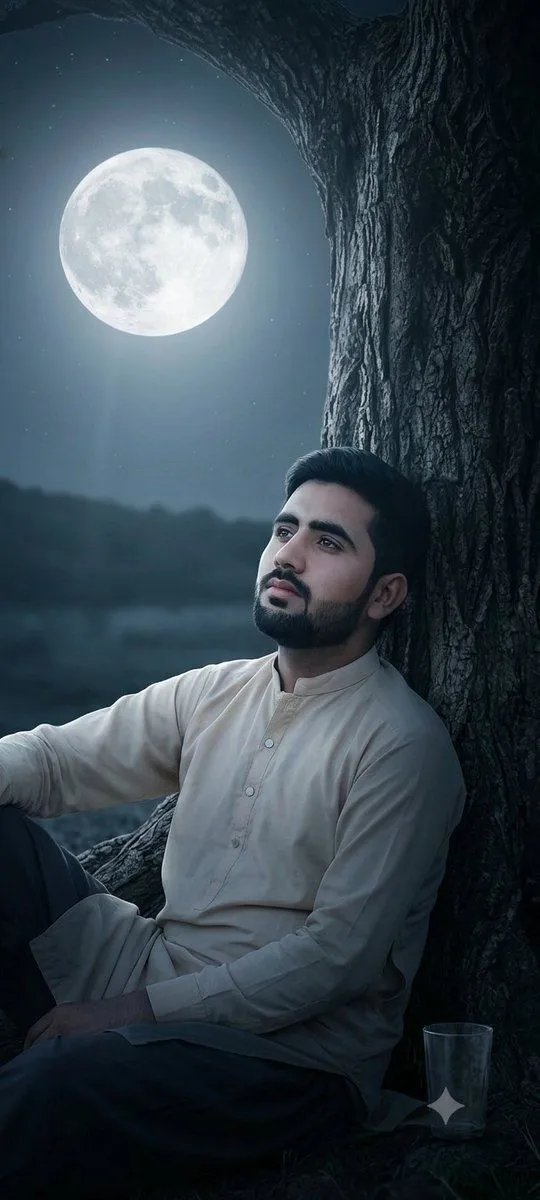
Made with GPT Image 2 in ChatGPT by Library Lifestyle. Promptclay never generates images.
Moonlit Ancient Tree Trunk Portrait
Prompt
3 blanks to fillA photograph, closely replicating the composition and visual elements of the image found in 44859_2.png. The photograph depicts a close-up of a large, gnarled, deeply textured {tree_type} rising on the right side of the frame, its branches forming an arching dark canopy. Under this canopy, a {person_description}, identical to the person shown in 44859_2.png, is seen in the bottom right, looking directly upwards. The large, clear, luminous {sky_element}, exactly as positioned and appearing in 44859_2.png, is the central focus of the night sky on the left. Soft, cool moonlight from the moon is the primary light source, creating deep shadows on the tree bark and a distinct light beam illuminating the man and the tree's contours. The scene maintains a wide night sky showing a few stars, the dark horizon below the moon, and the specific composition. This image focuses entirely on the photorealistic render and does not include any social media text, UI elements, user profiles, or captions.
Preview of your prompt
A photograph, closely replicating the composition and visual elements of the image found in 44859_2.png. The photograph depicts a close-up of a large, gnarled, deeply textured ancient tree trunk rising on the right side of the frame, its branches forming an arching dark canopy. Under this canopy, a solitary young man with dark, styled hair, identical to the person shown in 44859_2.png, is seen in the bottom right, looking directly upwards. The large, clear, luminous full moon, exactly as positioned and appearing in 44859_2.png, is the central focus of the night sky on the left. Soft, cool moonlight from the moon is the primary light source, creating deep shadows on the tree bark and a distinct light beam illuminating the man and the tree's contours. The scene maintains a wide night sky showing a few stars, the dark horizon below the moon, and the specific composition. This image focuses entirely on the photorealistic render and does not include any social media text, UI elements, user profiles, or captions.
DetailsVersions, settings and questions
Written for
What's in the prompt
- Subject
- Model
- GPT Image 2
If your face changes
keep my face exactly the sameQuestions
- Does this work in the ChatGPT app?
- Yes. Paste the prompt and attach your photo if it uses one.
- It changed my face. What do I do?
- Add "keep my face exactly the same" to the end and run it again.
- Can I use the images I make?
- Check the terms of the app you use. Promptclay never generates images and claims nothing you make.