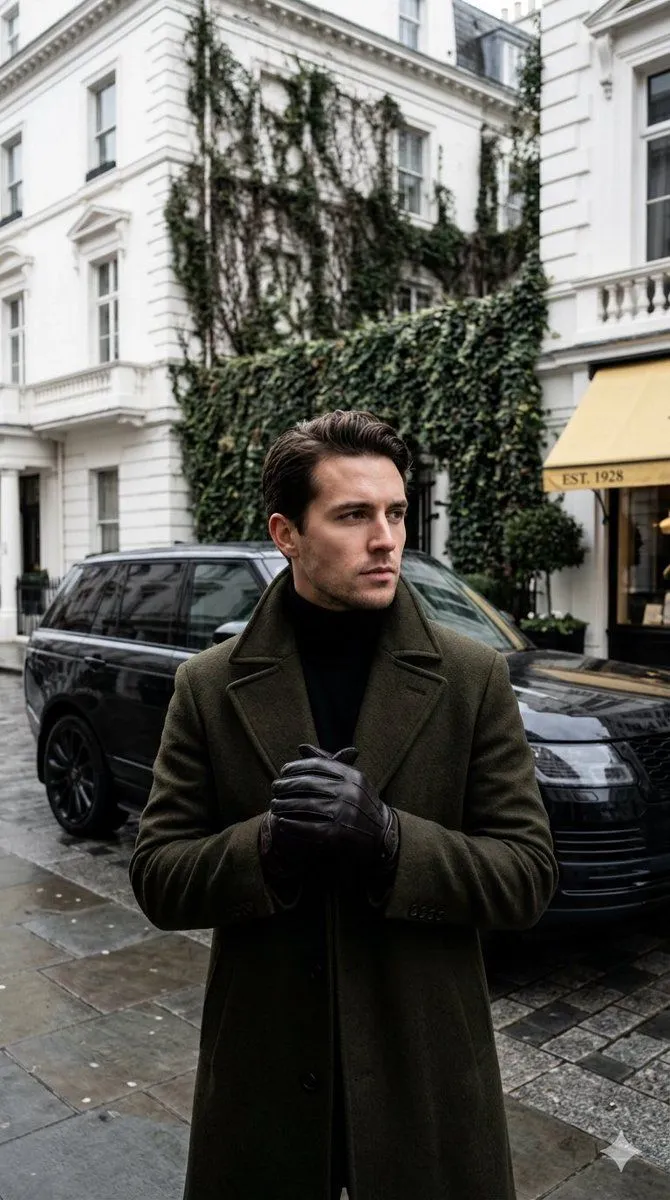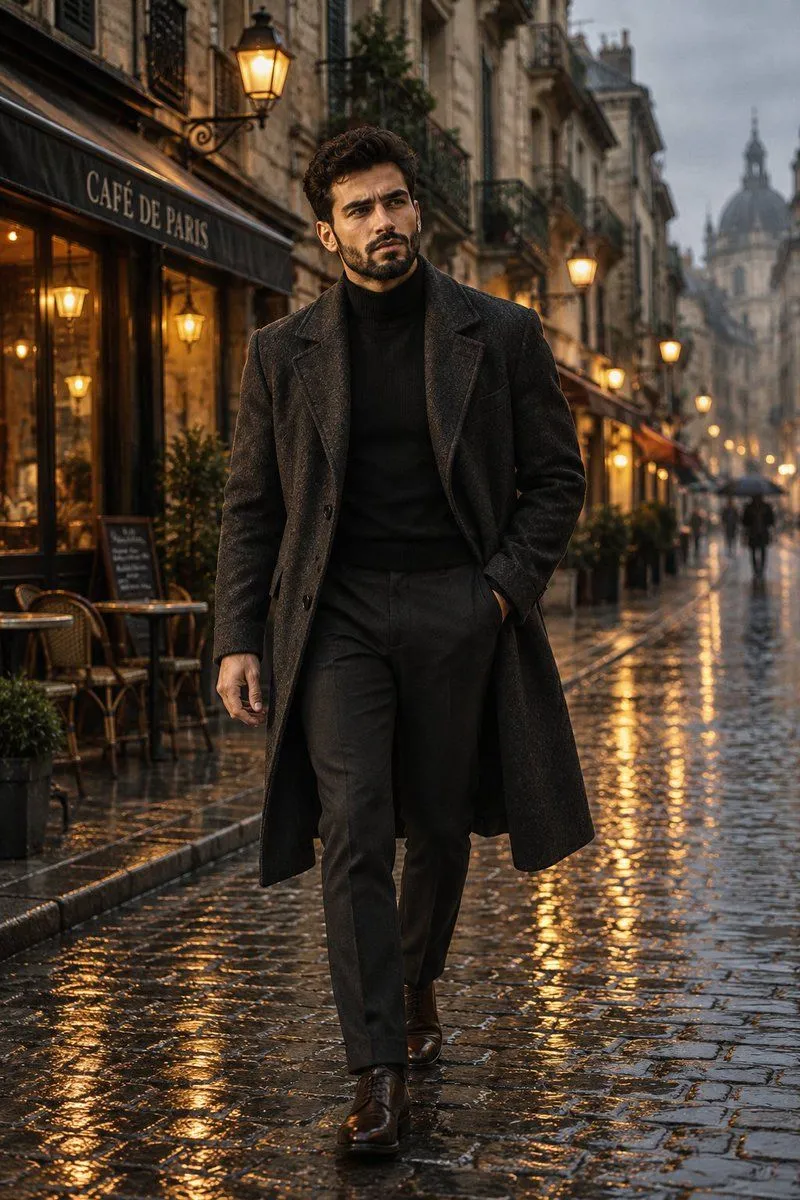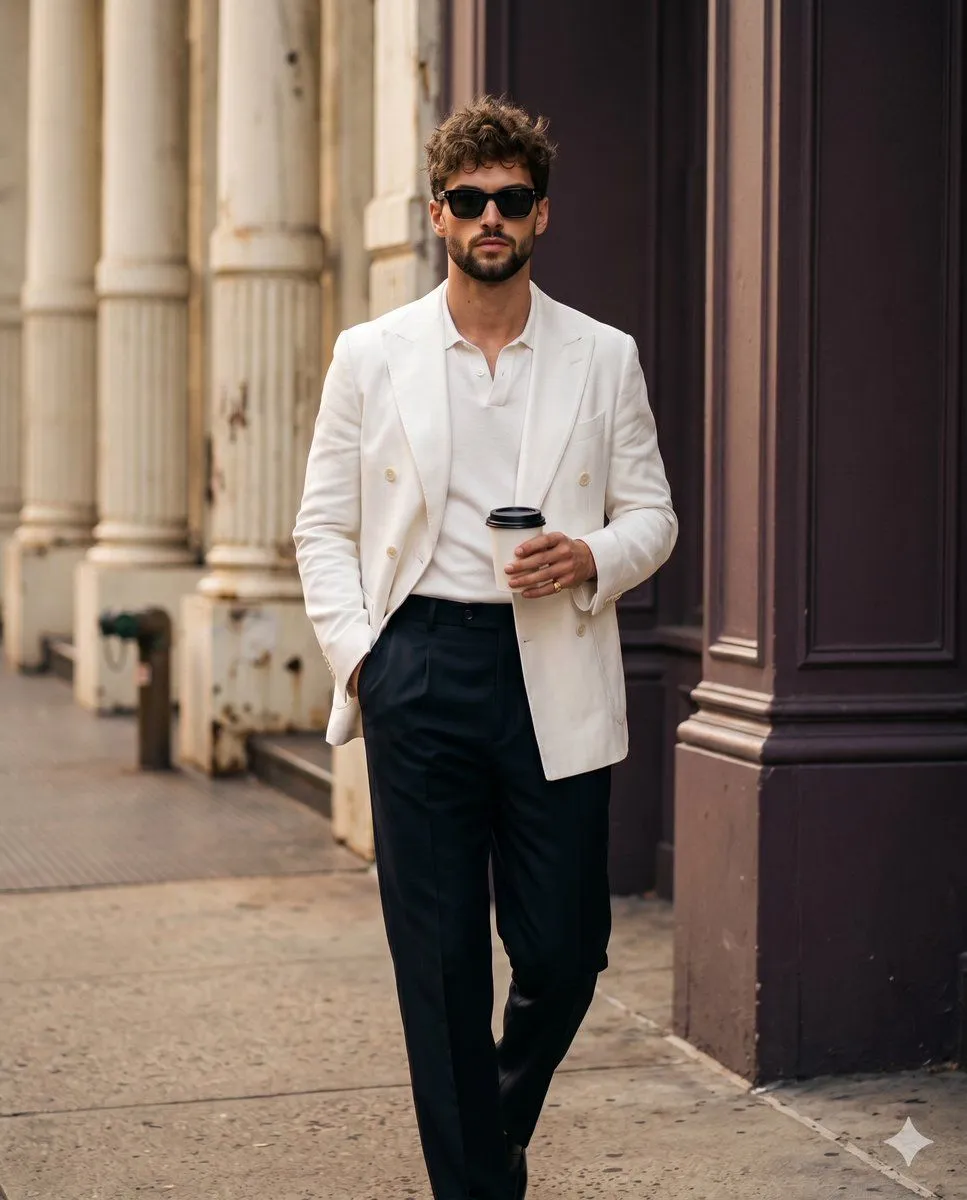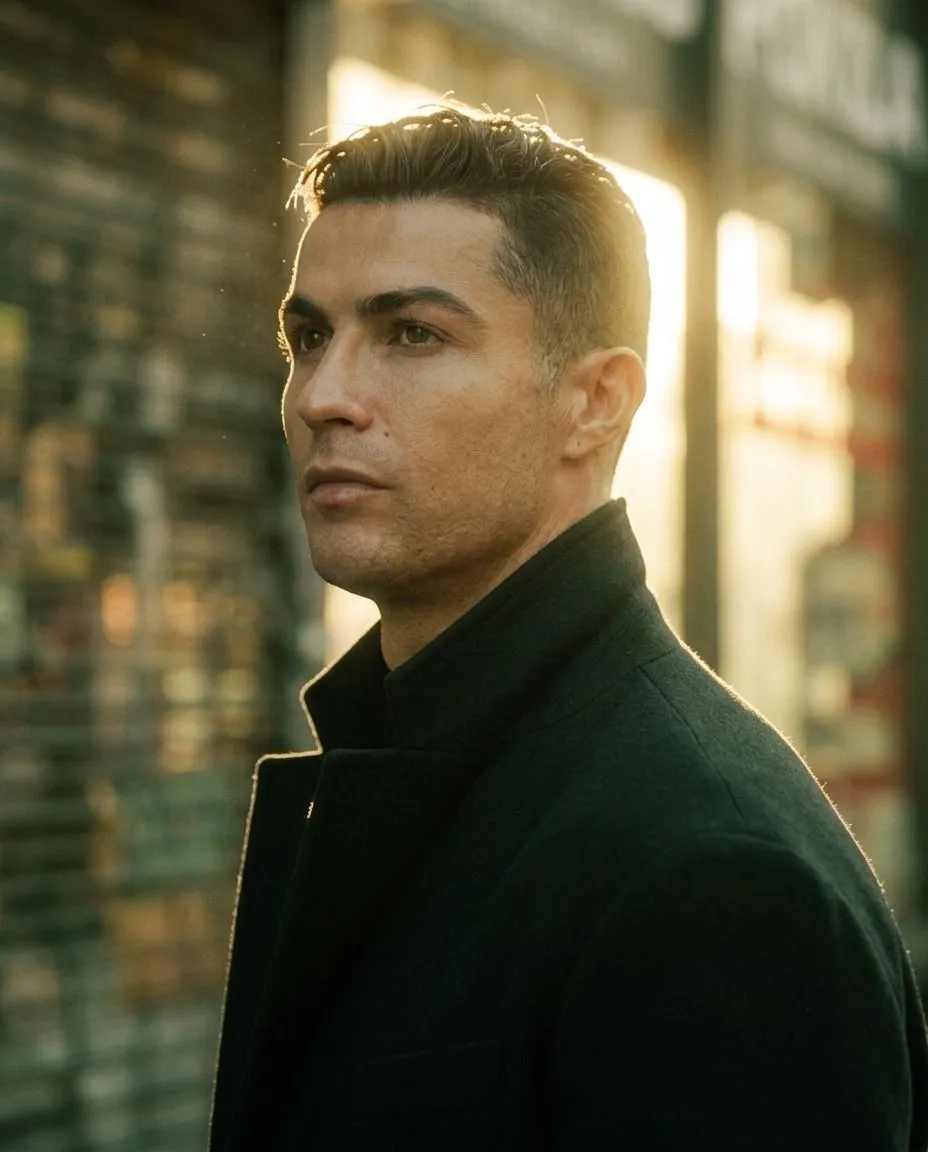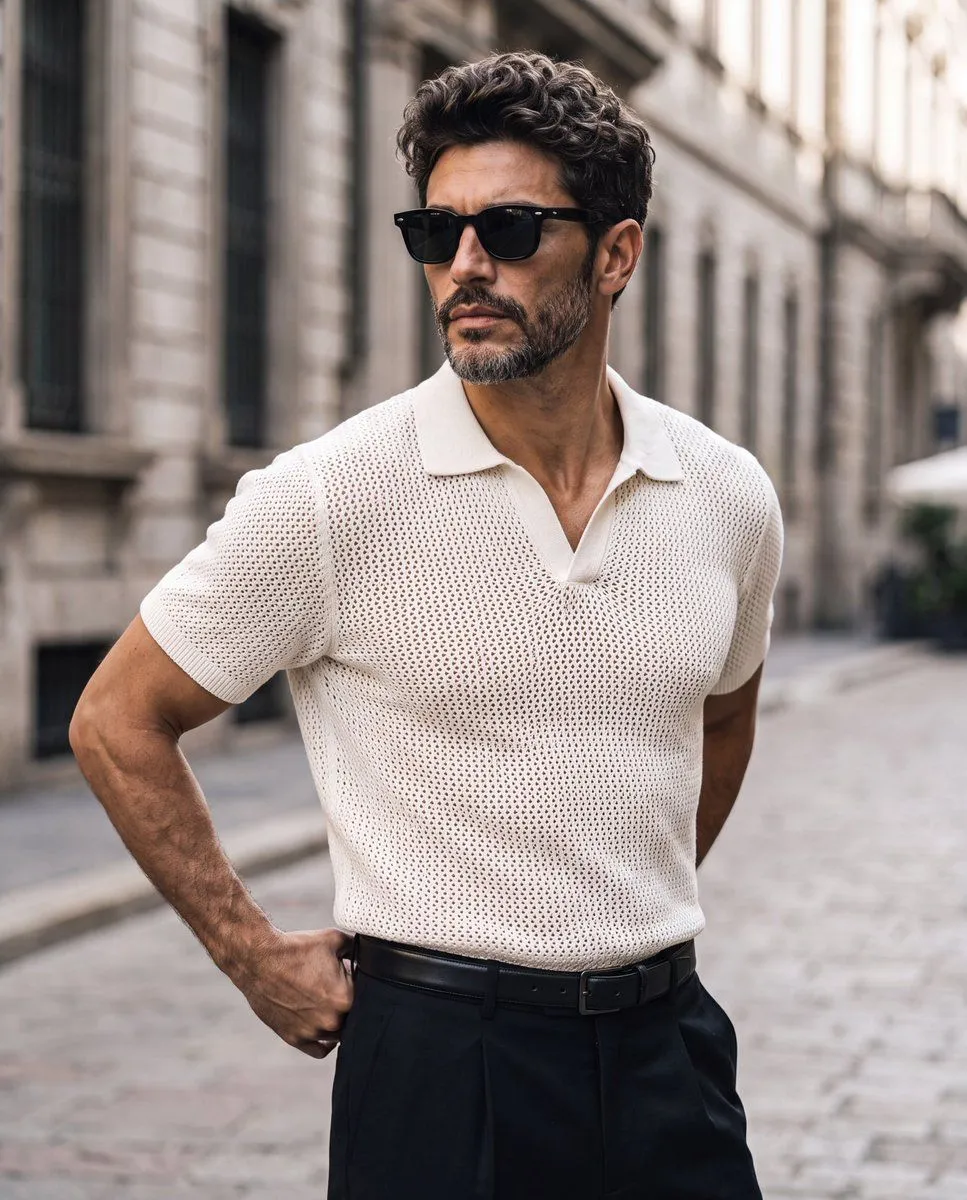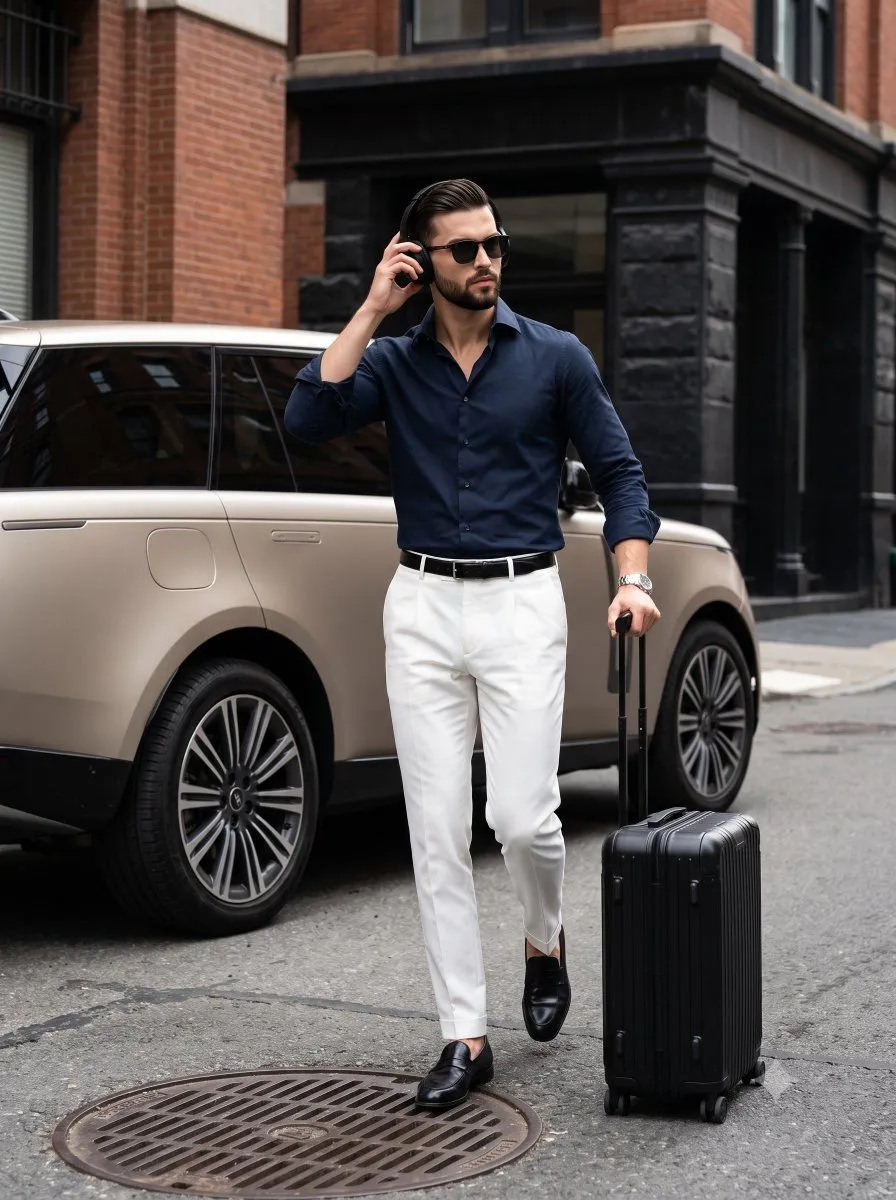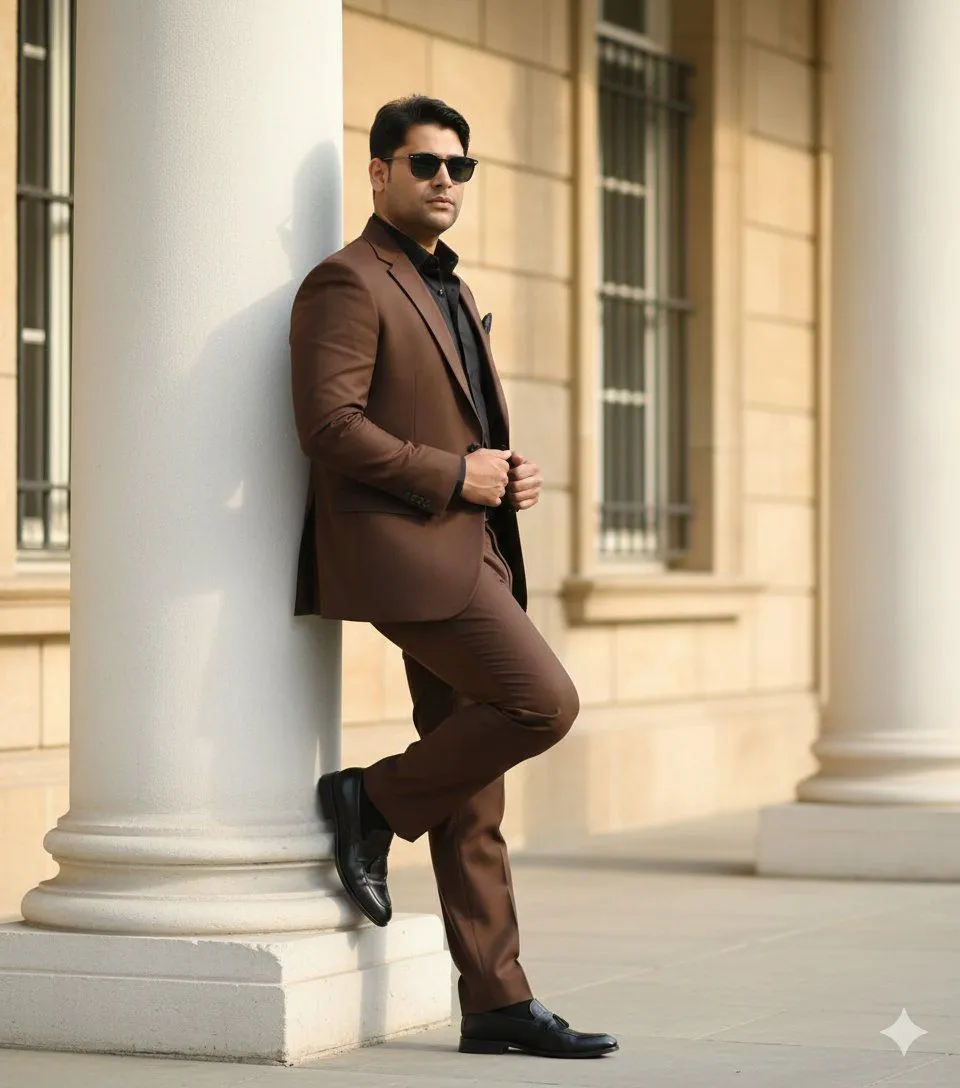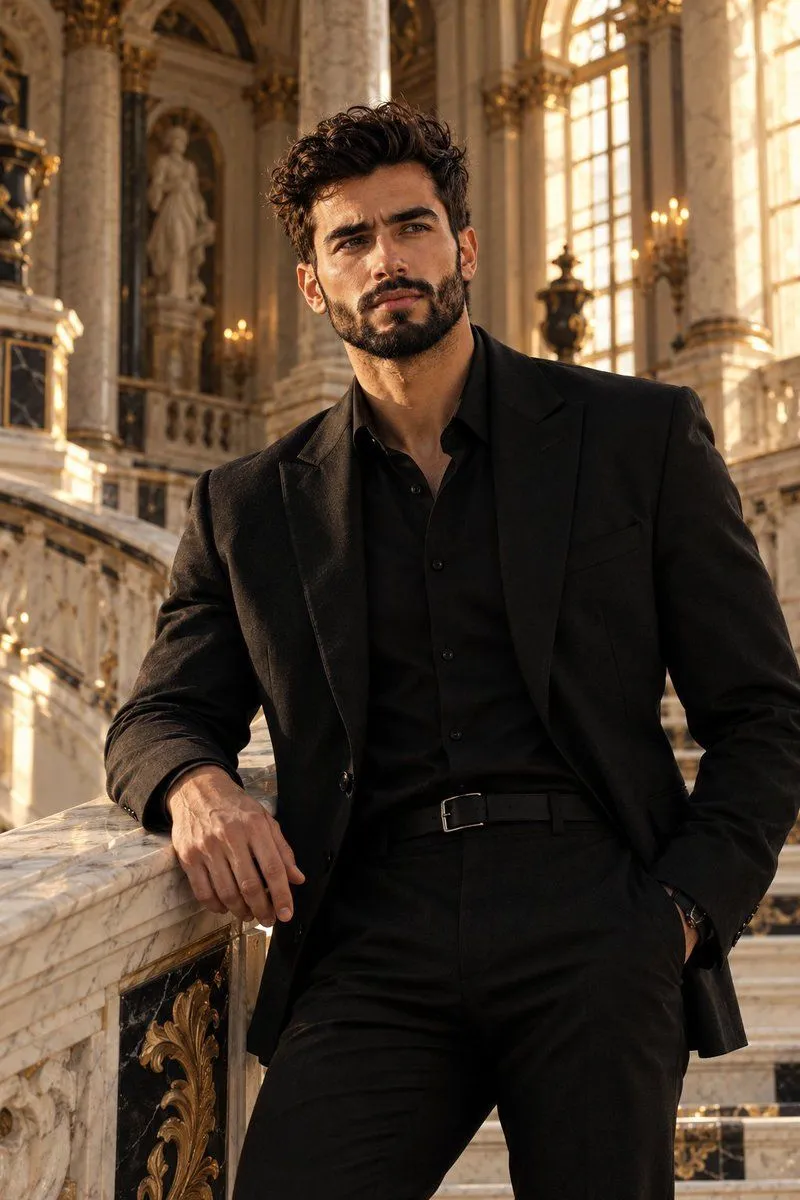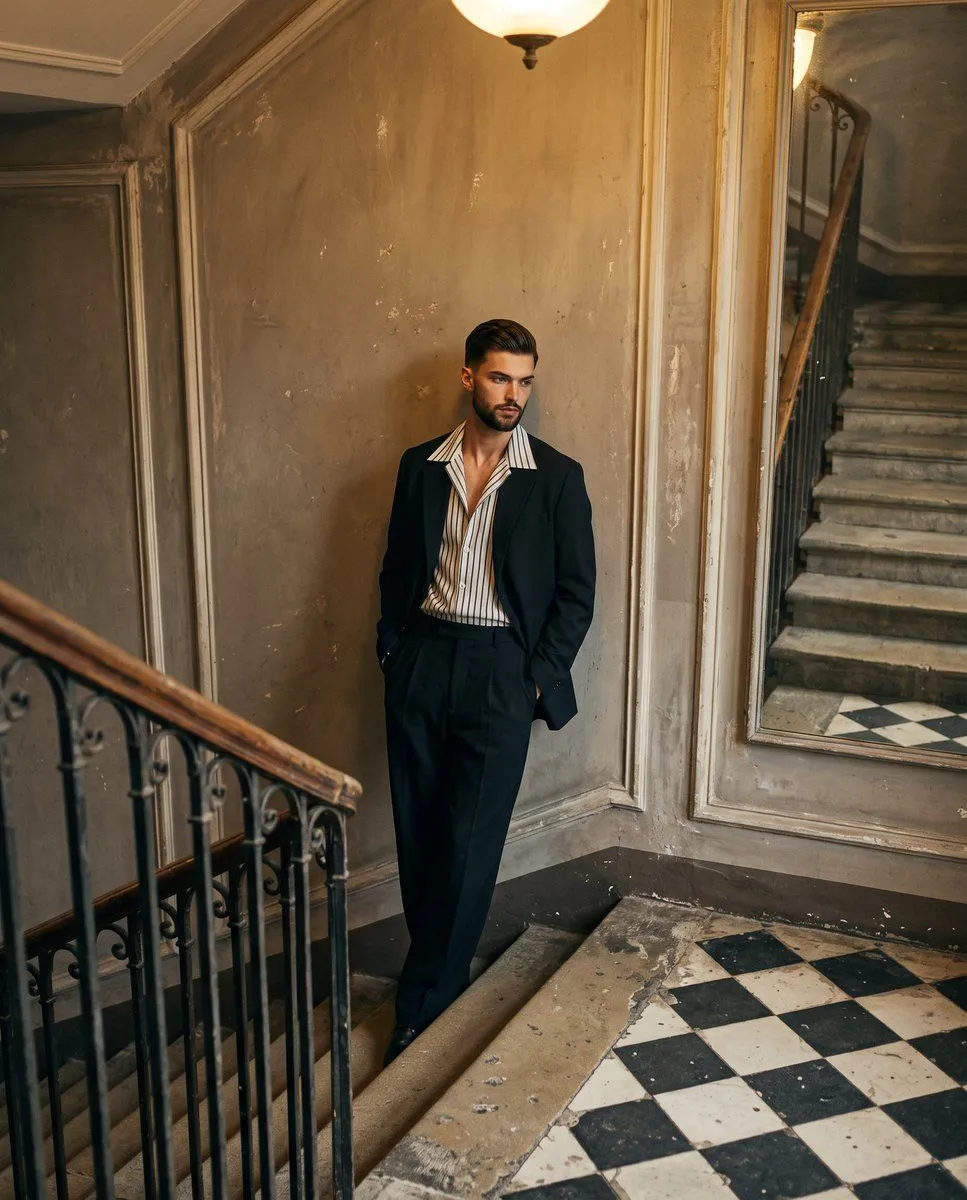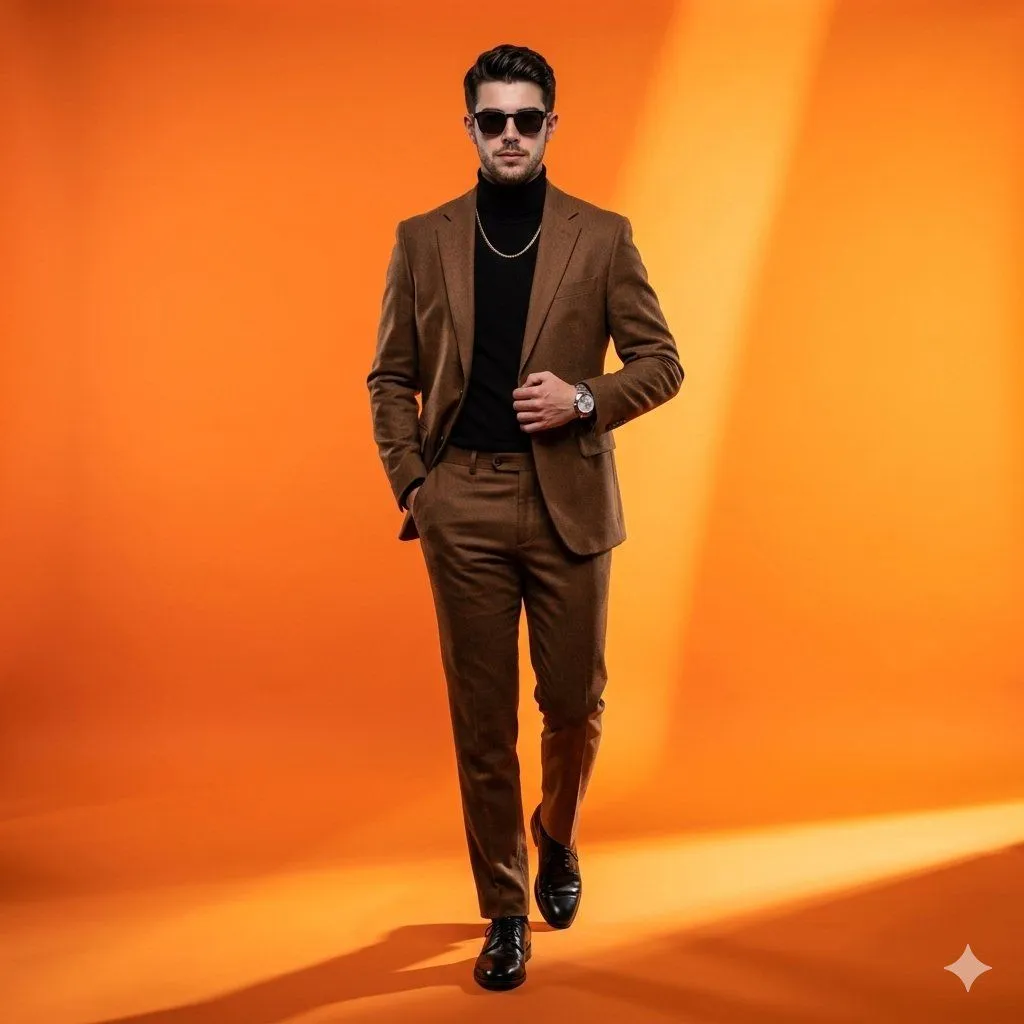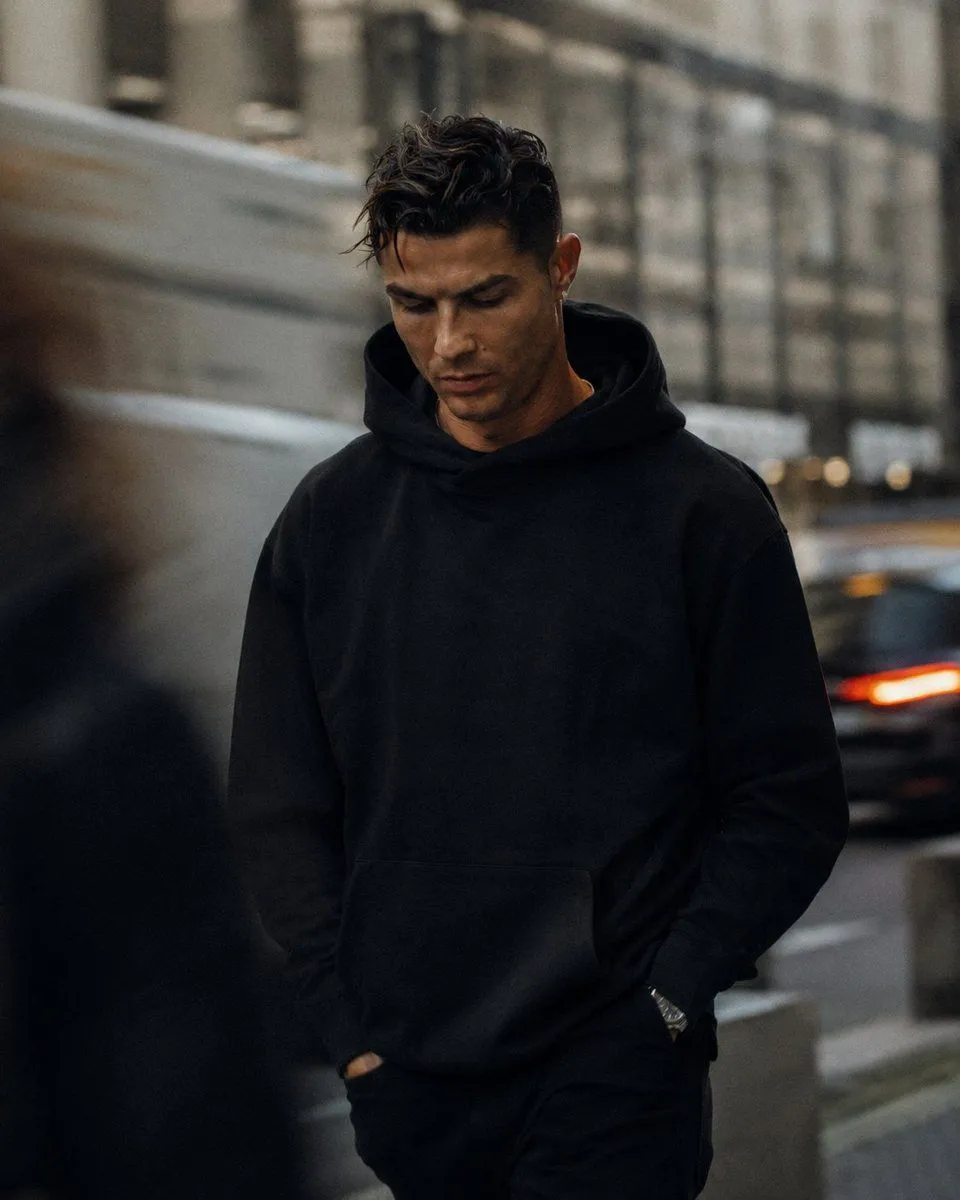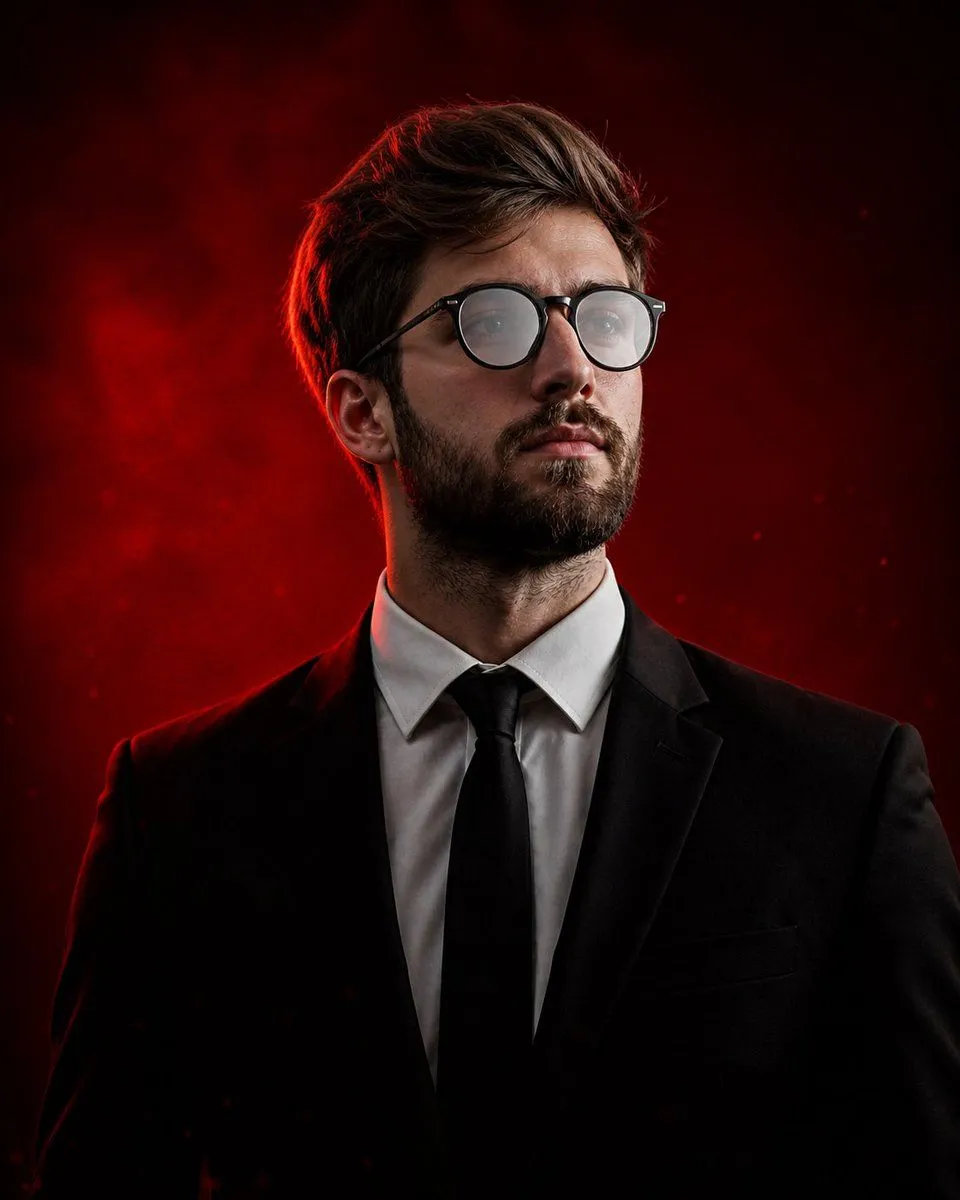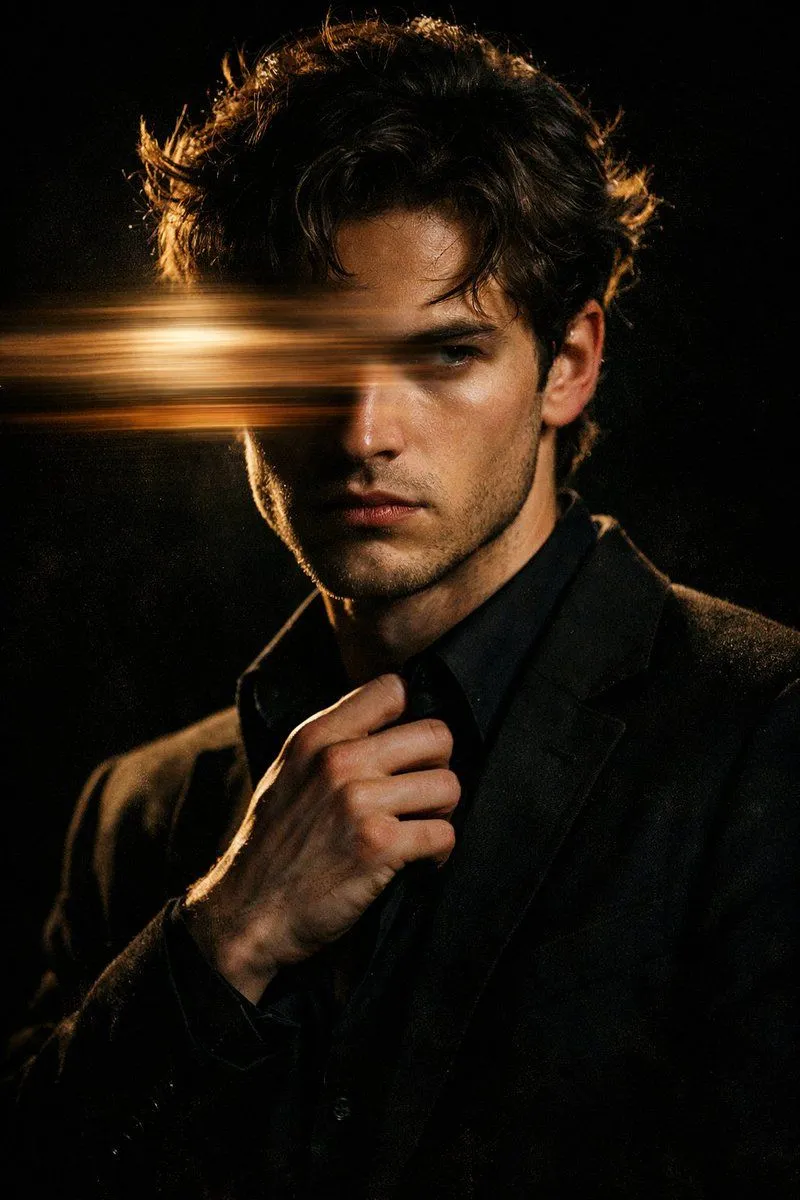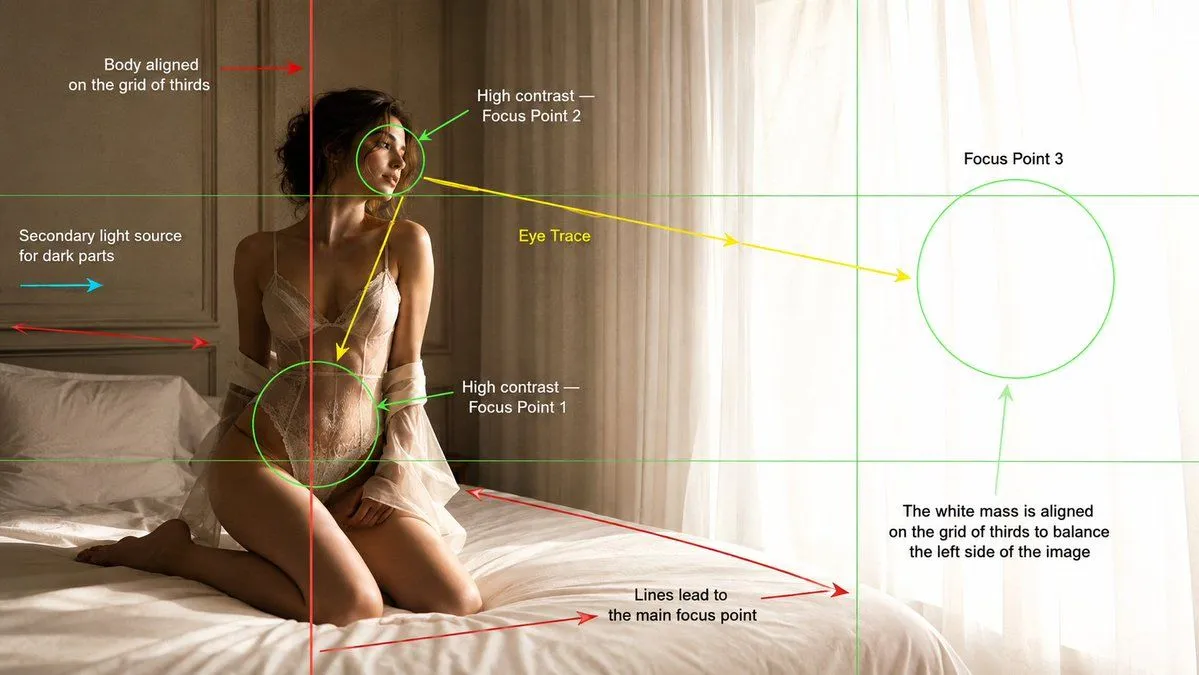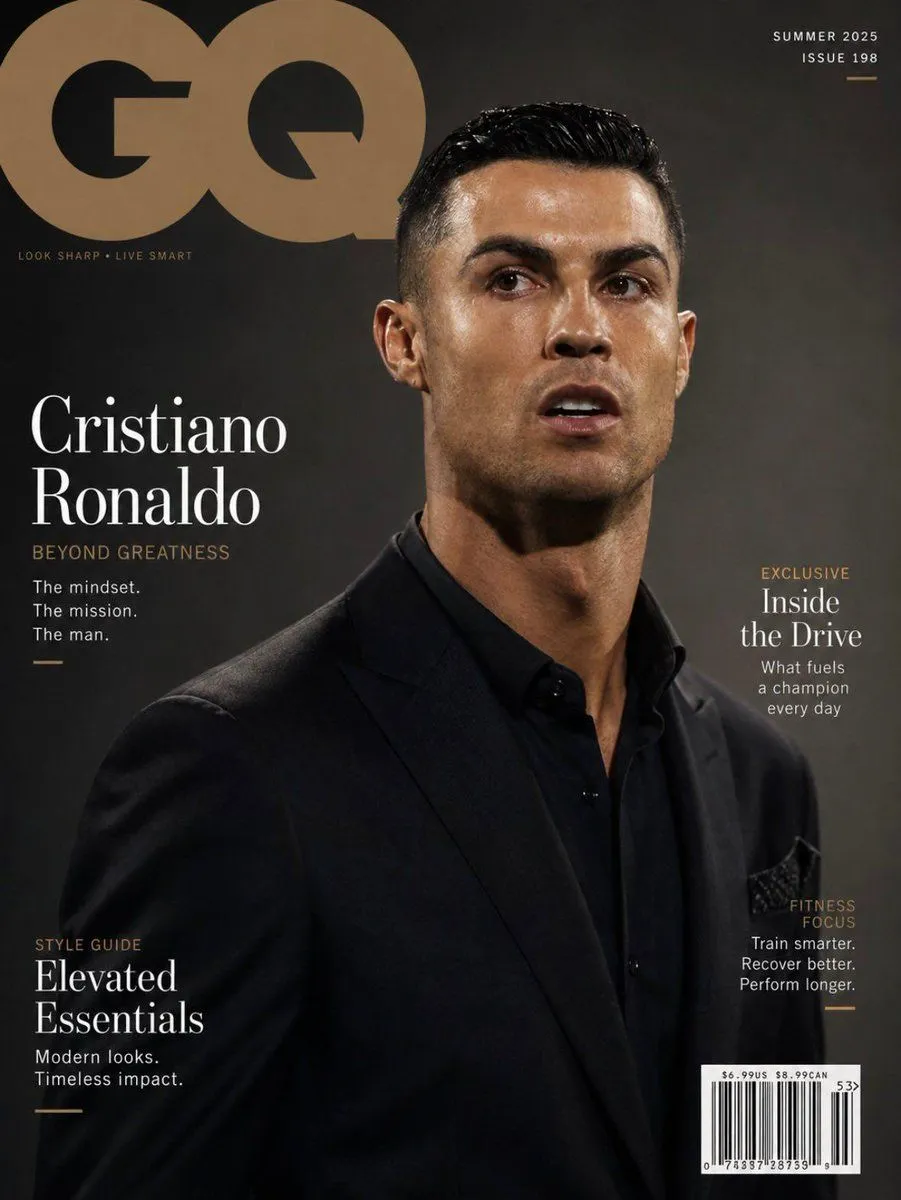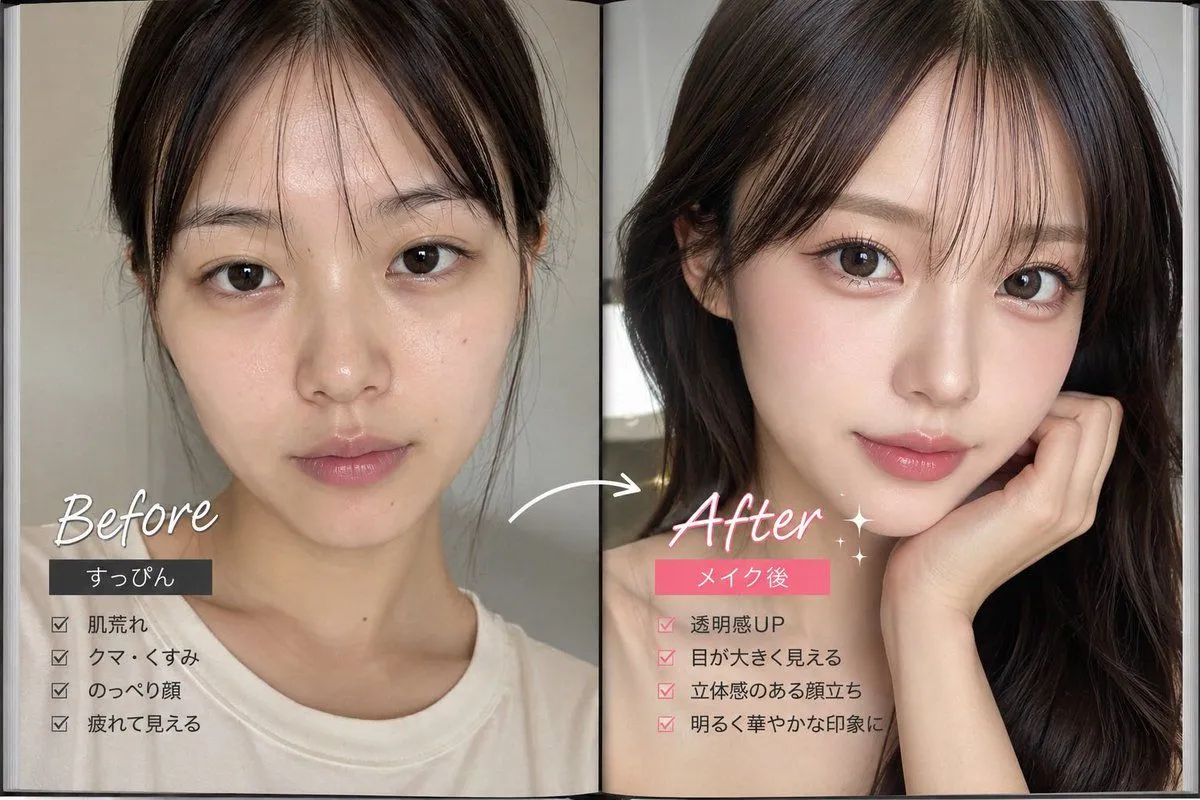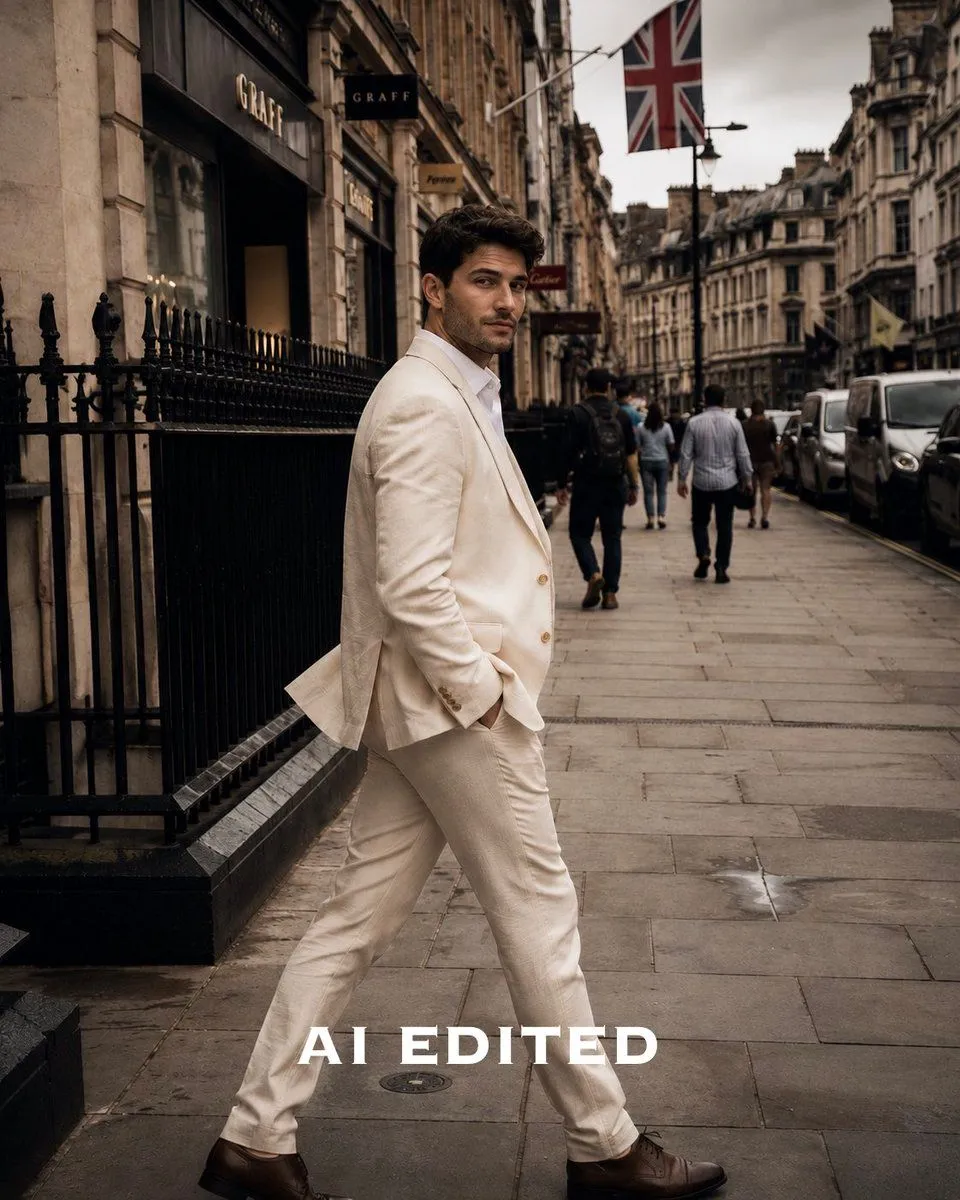
Made with GPT Image 2 in ChatGPT by Library Lifestyle. Promptclay never generates images.
Did it work?
No reports yet. Tell others if it worked for you.
Moody Editorial Photo Edit
Prompt
1 blank to fillUsing the provided reference photo, keep the exact subject, pose, street location, composition, and facial anonymization intact, but transform it into a polished editorial fashion photo edit. Apply a moody luxury Lightroom-style color grade: warmer cream highlights on the suit, deeper blacks, richer contrast, subtle vignette, slightly darker sky, muted city tones, crisp detail, and cinematic depth while preserving a realistic natural look. Remove the original bottom text and replace it with large centered white all-caps serif text reading {bottom_label}. Do not change the man’s outfit, walking pose, background architecture, cars, pedestrians, or Union Jack flag; only enhance the photo grading and retouching quality.
Preview of your prompt
Using the provided reference photo, keep the exact subject, pose, street location, composition, and facial anonymization intact, but transform it into a polished editorial fashion photo edit. Apply a moody luxury Lightroom-style color grade: warmer cream highlights on the suit, deeper blacks, richer contrast, subtle vignette, slightly darker sky, muted city tones, crisp detail, and cinematic depth while preserving a realistic natural look. Remove the original bottom text and replace it with large centered white all-caps serif text reading AI EDITED. Do not change the man’s outfit, walking pose, background architecture, cars, pedestrians, or Union Jack flag; only enhance the photo grading and retouching quality.
DetailsVersions, settings and questions
Written for
What's in the prompt
- Subject
- Model
- GPT Image 2
If your face changes
keep my face exactly the sameQuestions
- Does this work in the ChatGPT app?
- Yes. Paste the prompt and attach your photo if it uses one.
- It changed my face. What do I do?
- Add "keep my face exactly the same" to the end and run it again.
- Can I use the images I make?
- Check the terms of the app you use. Promptclay never generates images and claims nothing you make.