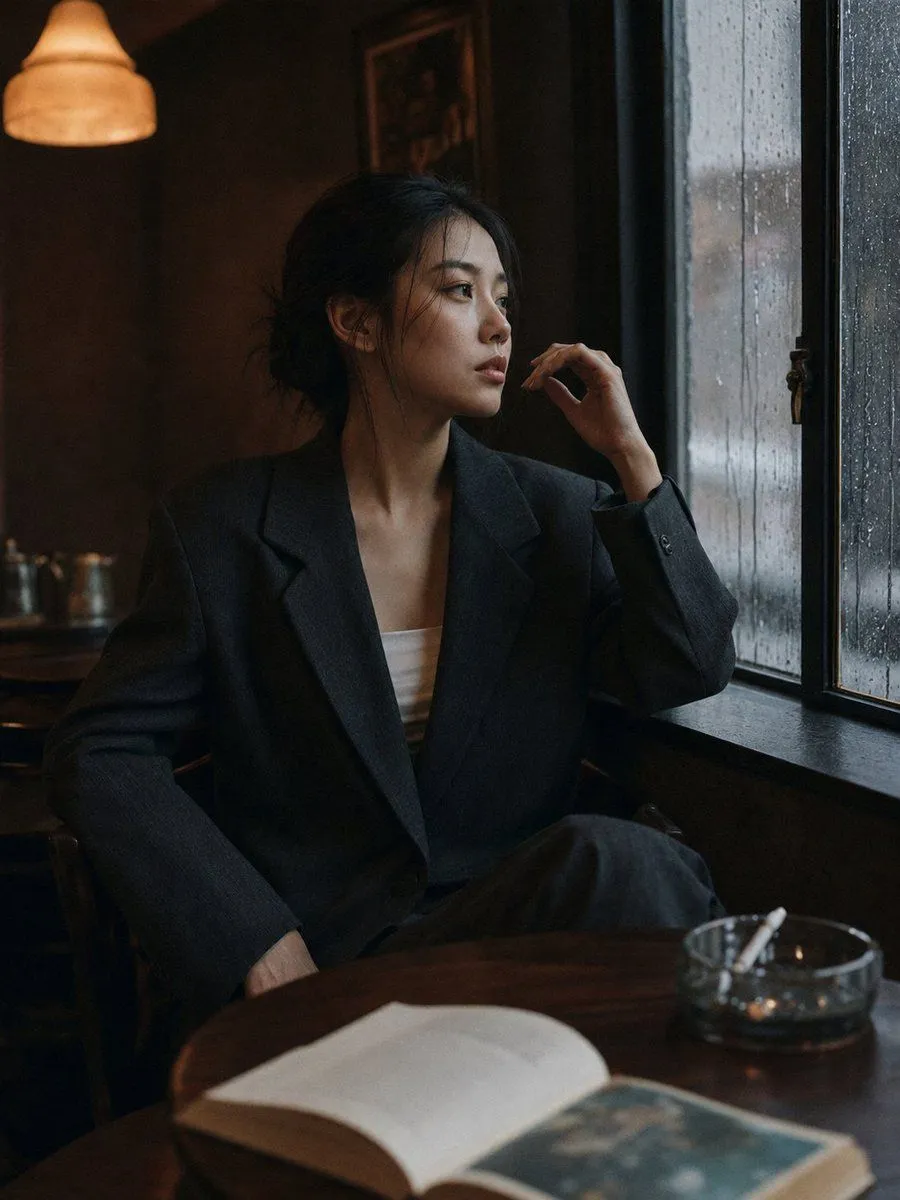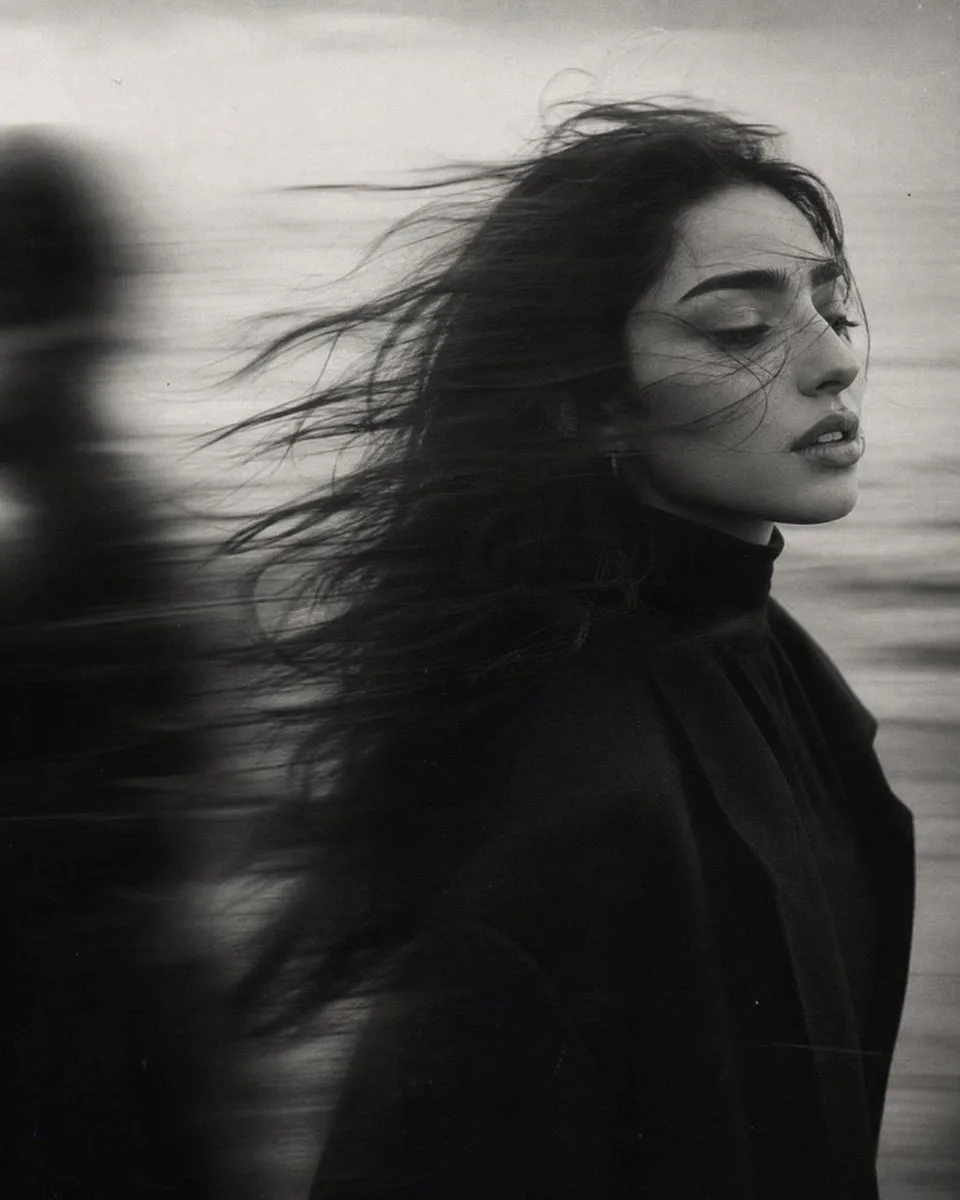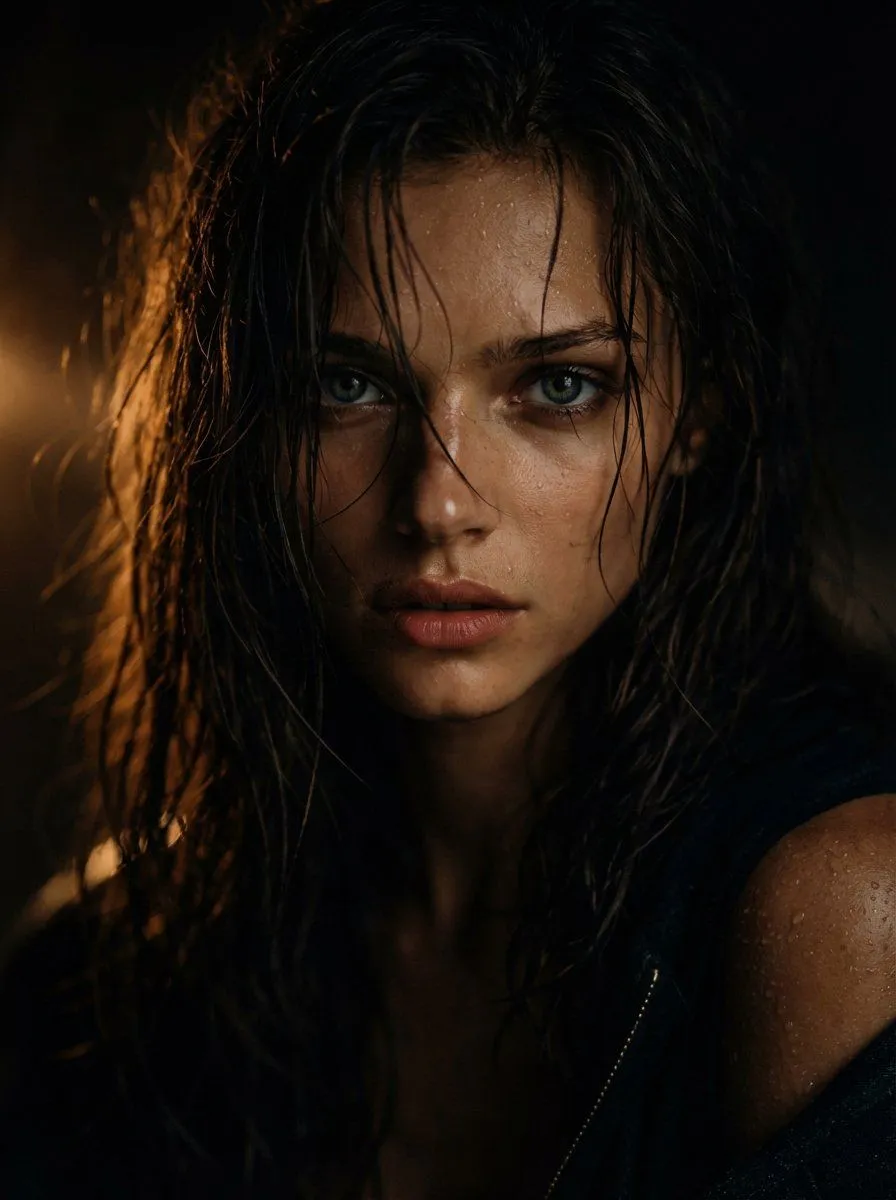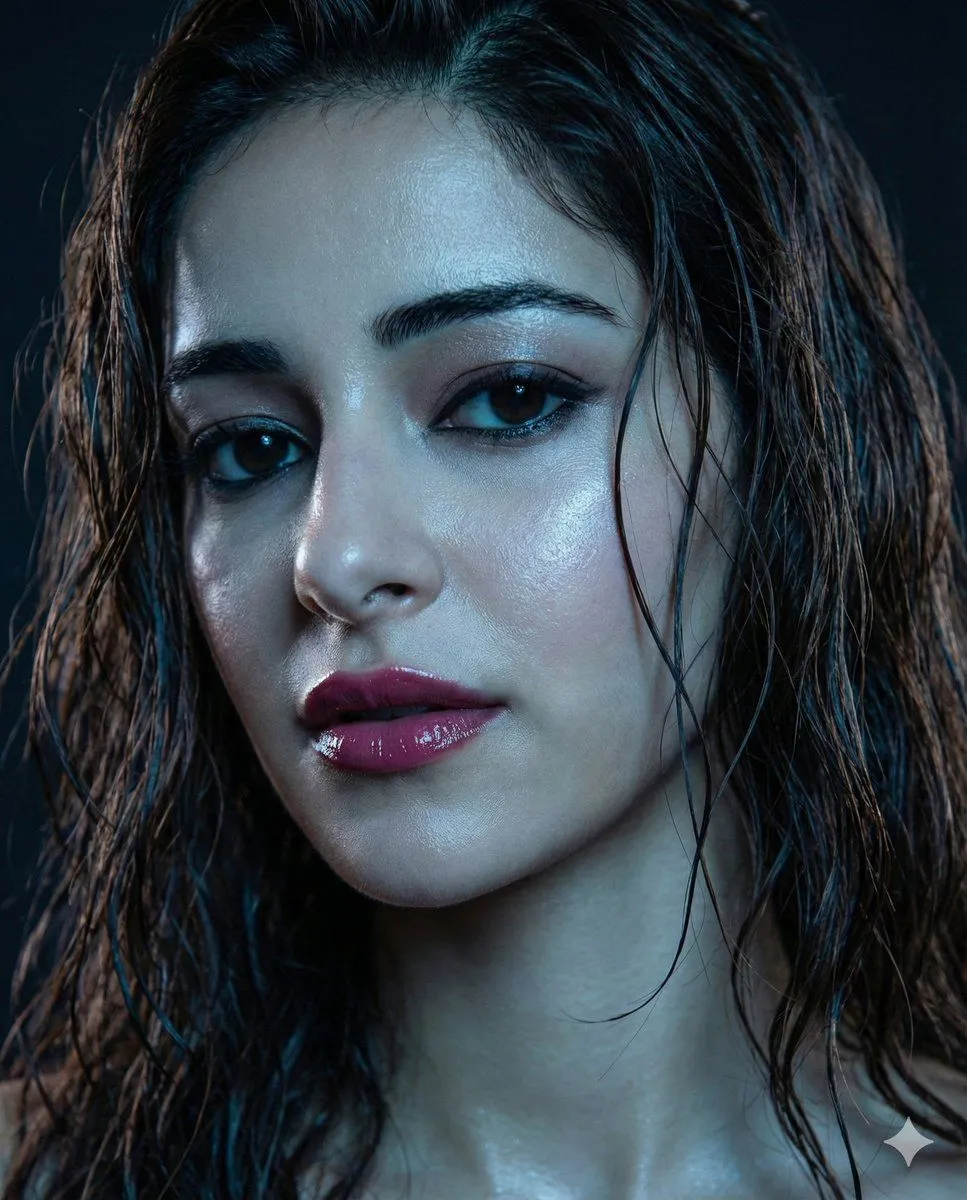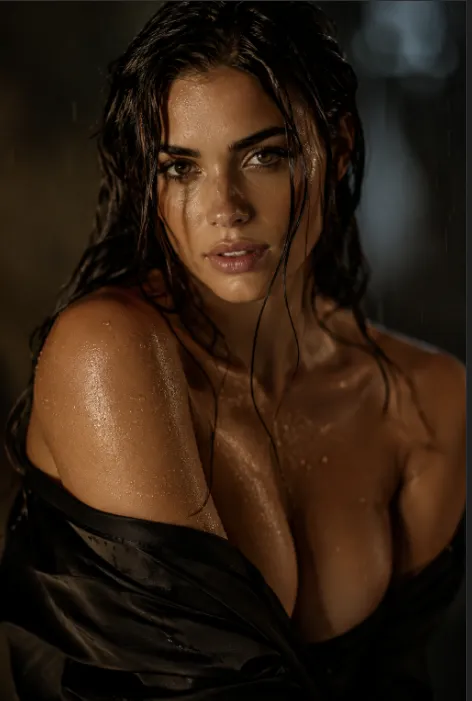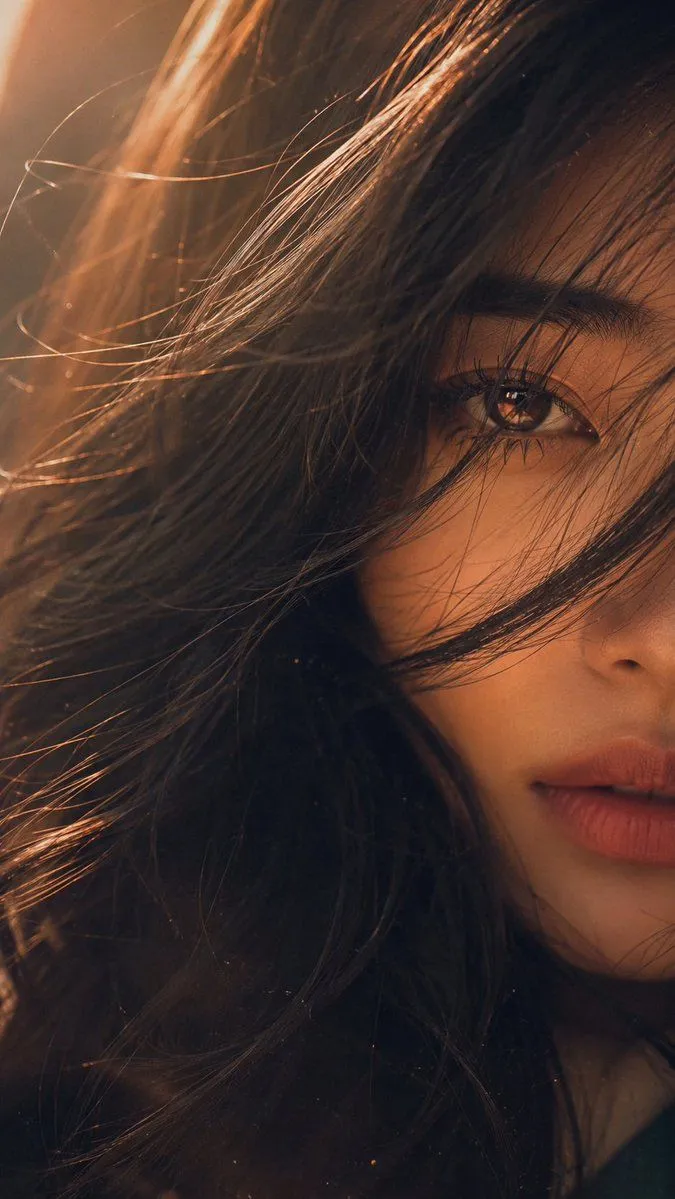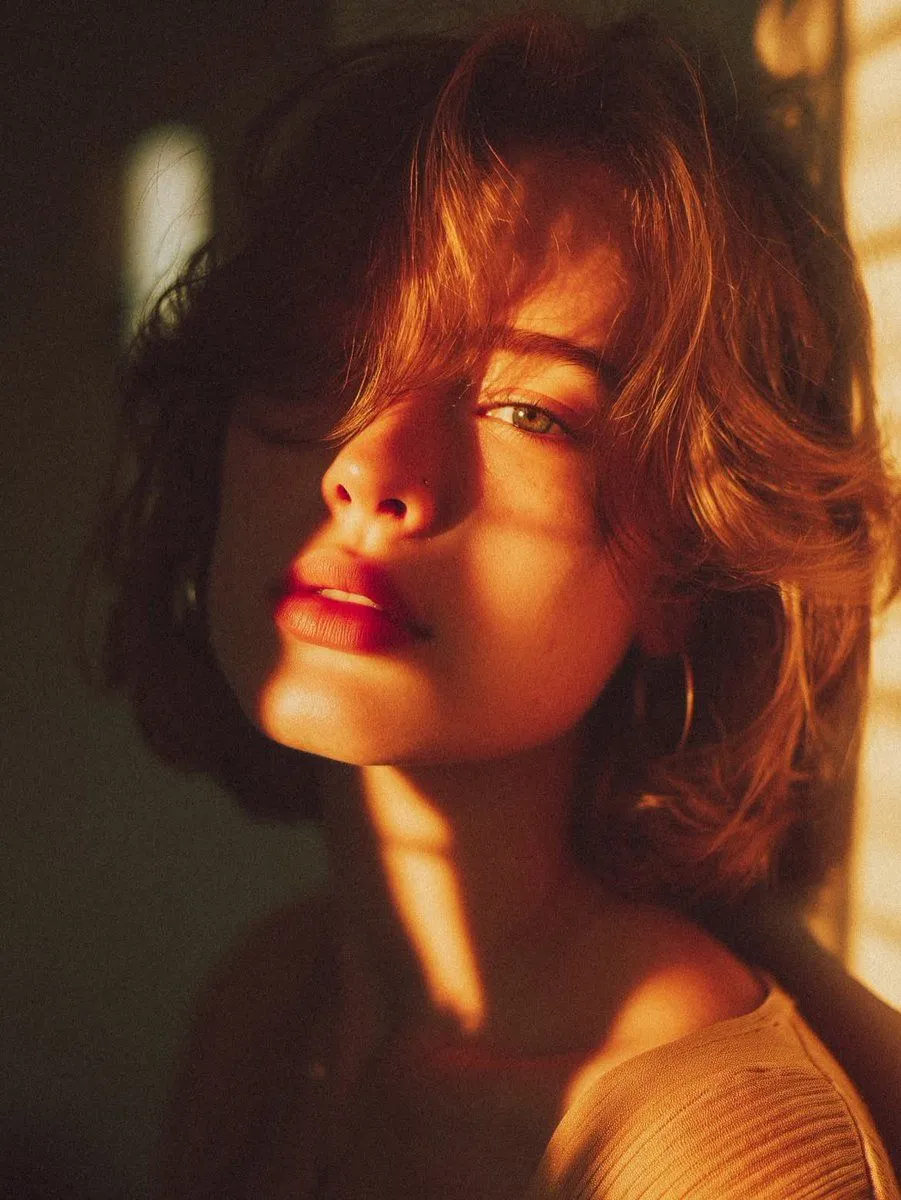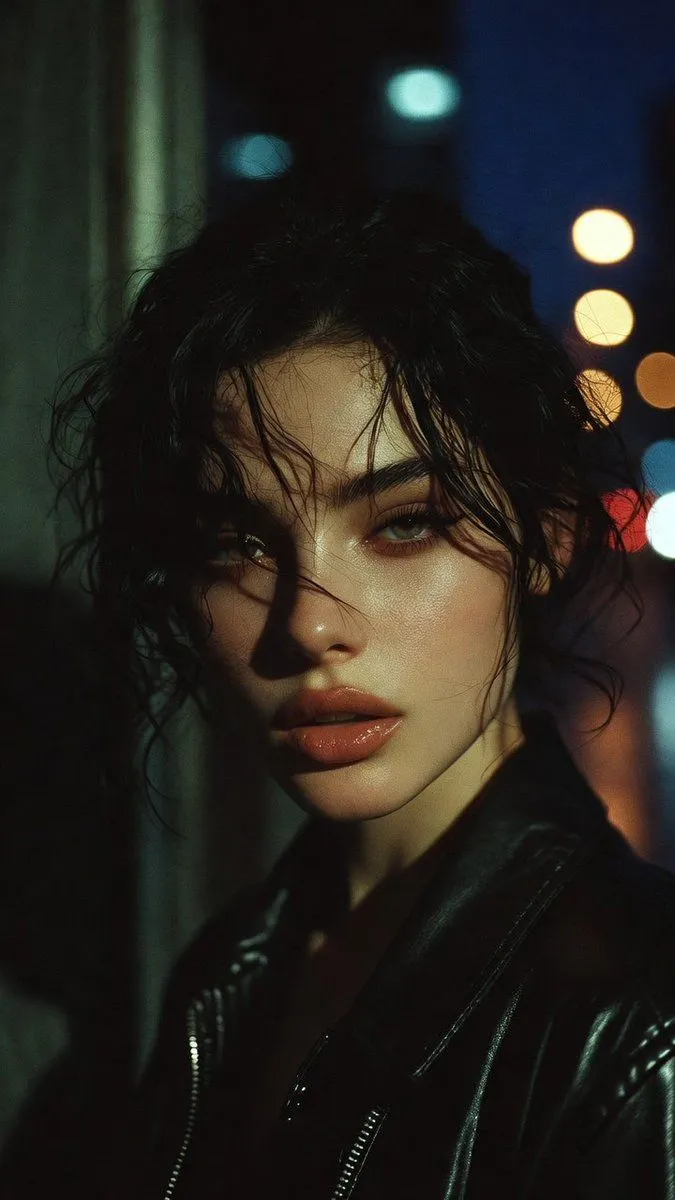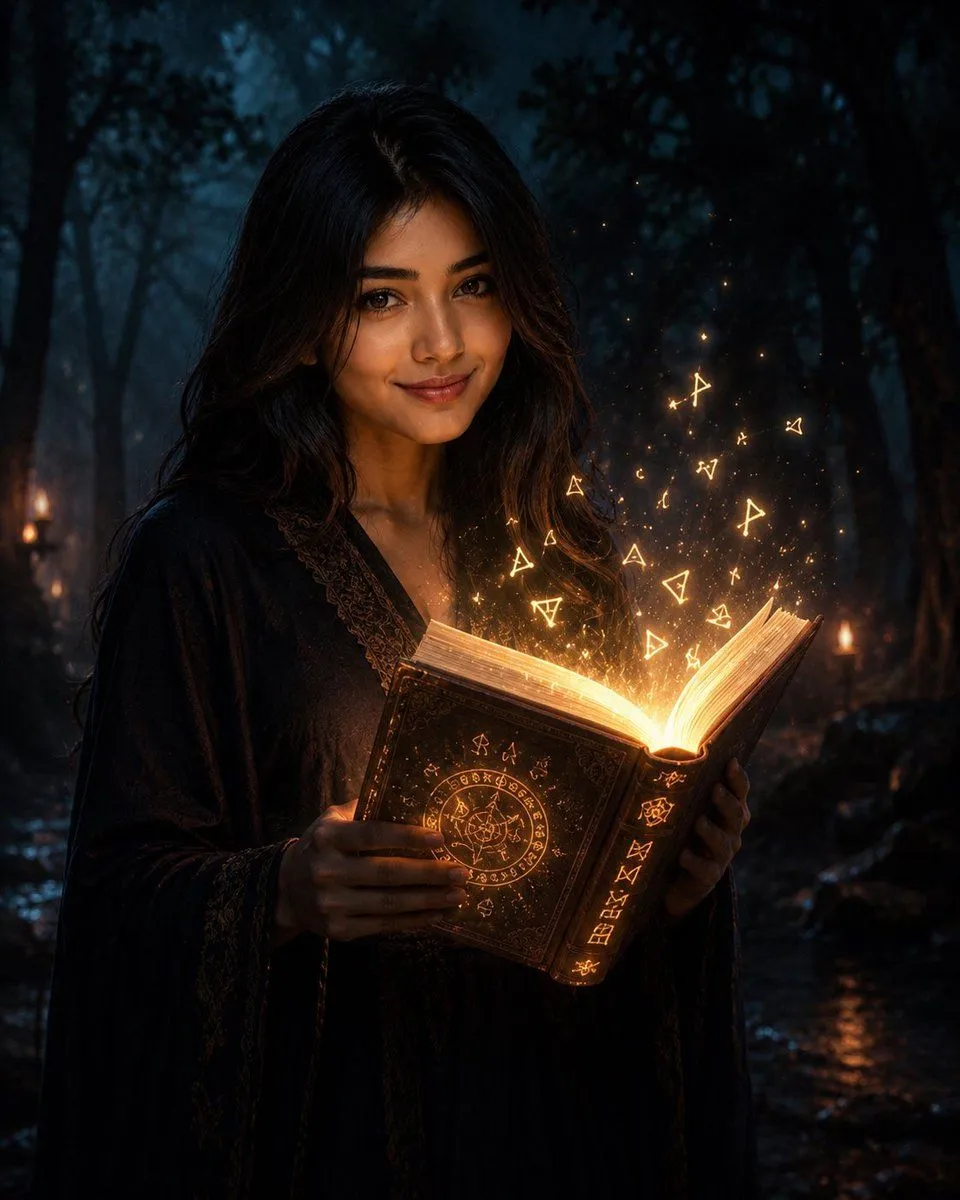
Made with GPT Image 2 in ChatGPT, collected by Library Lifestyle. Promptclay never generates images.
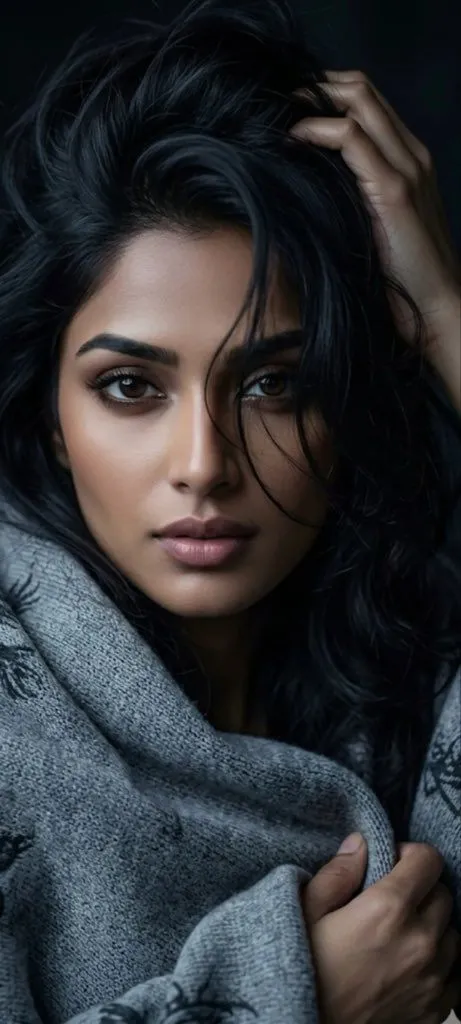
Moody Censored Portrait
Prompt
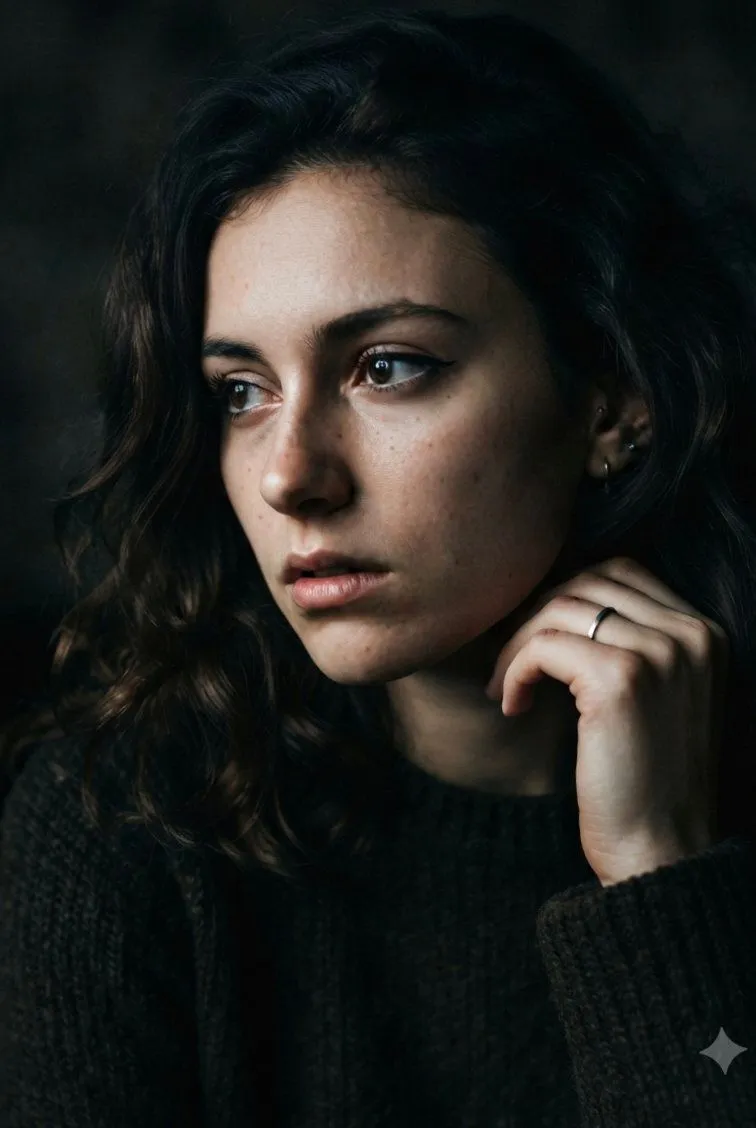
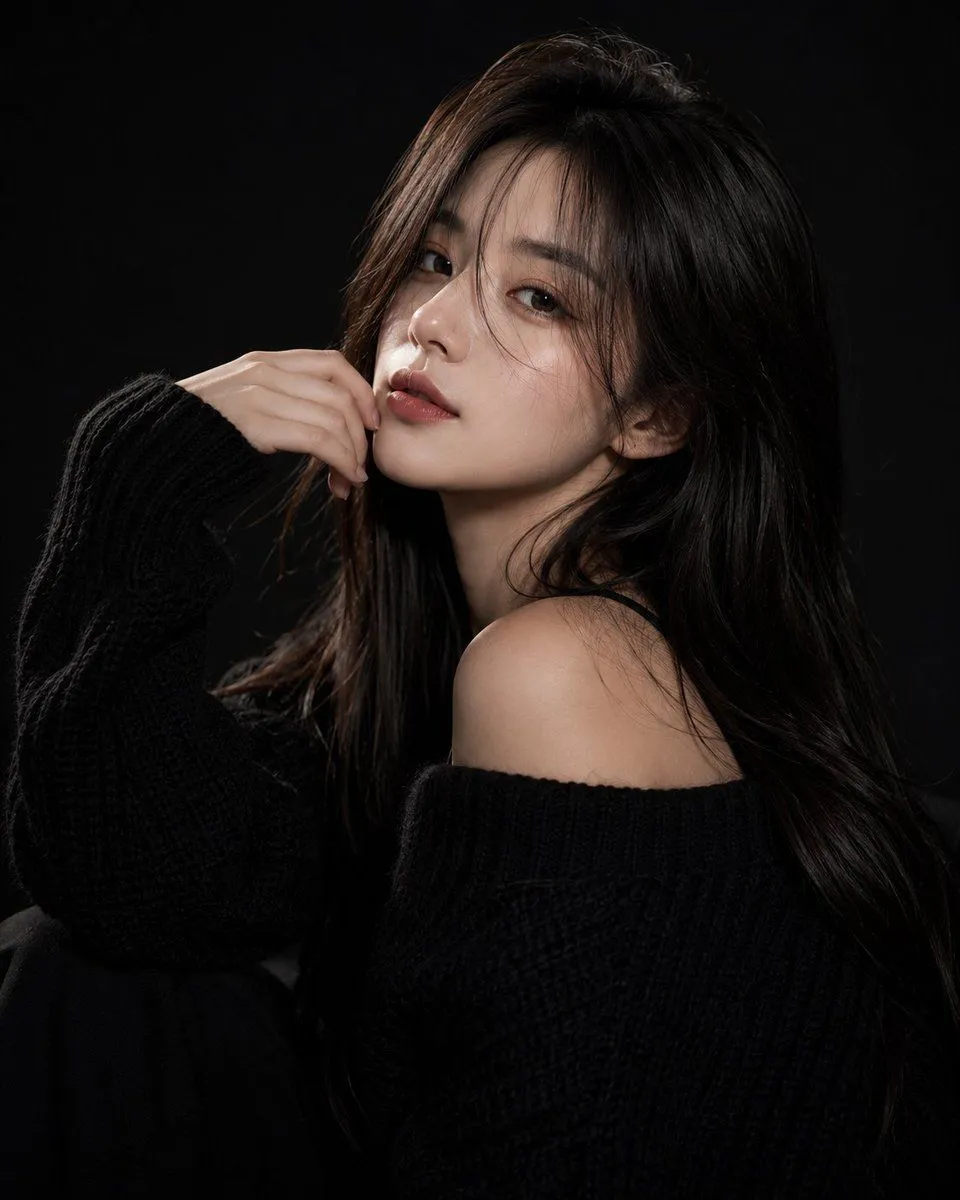
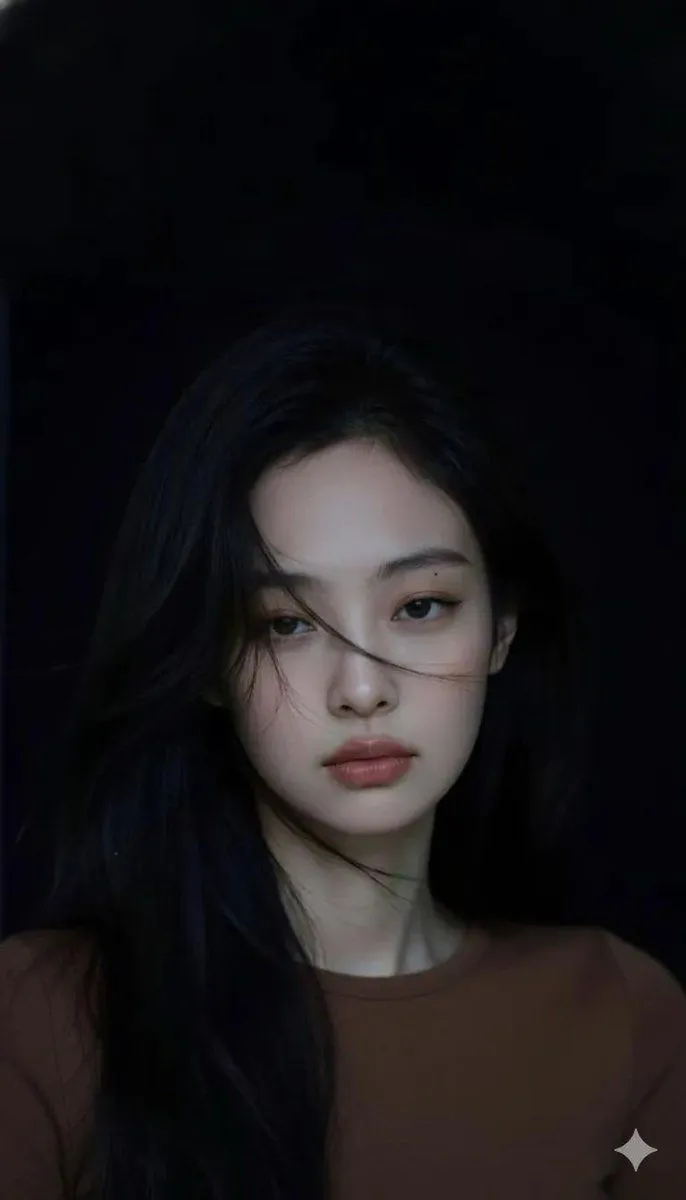
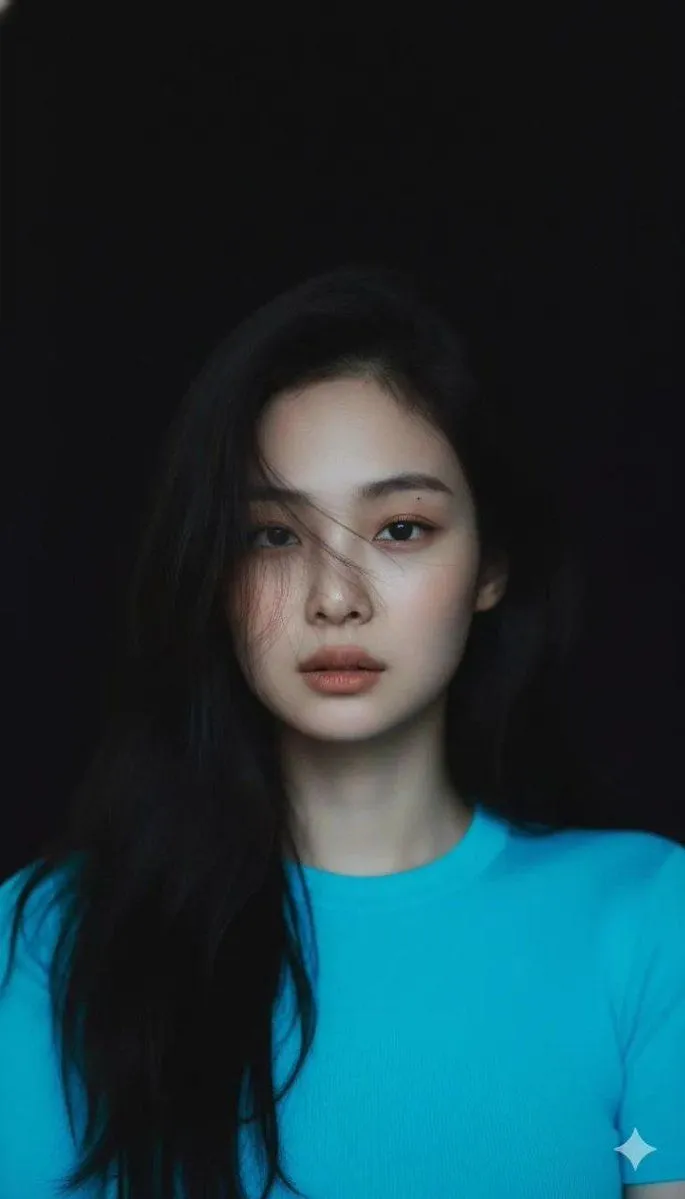
2 blanks to fillCreate a moody vertical close-up portrait of a {subject} with long, thick, wavy {hair_color}, sitting in a dark low-key environment. Her face is completely hidden by a centered opaque rectangular censor block in a muted dark brown-to-gray gradient, covering from the upper forehead area down to below the chin, while the rest of the portrait remains visible. She is wrapped in a chunky heather-gray knitted blanket or shawl with subtle dark woven patterns near the edges. One hand reaches up into her hair on the upper right side of the frame, fingers partially tangled in the hair, and the other hand grips the blanket near the lower right. Use dramatic cinematic lighting, cool blue-gray shadows, soft highlights on the hair and hands, shallow depth of field, realistic skin texture, detailed knit fabric texture, intimate melancholic atmosphere, dark background, vertical smartphone composition, photorealistic editorial style.
Preview of your prompt
Create a moody vertical close-up portrait of a young woman with long, thick, wavy black hair, sitting in a dark low-key environment. Her face is completely hidden by a centered opaque rectangular censor block in a muted dark brown-to-gray gradient, covering from the upper forehead area down to below the chin, while the rest of the portrait remains visible. She is wrapped in a chunky heather-gray knitted blanket or shawl with subtle dark woven patterns near the edges. One hand reaches up into her hair on the upper right side of the frame, fingers partially tangled in the hair, and the other hand grips the blanket near the lower right. Use dramatic cinematic lighting, cool blue-gray shadows, soft highlights on the hair and hands, shallow depth of field, realistic skin texture, detailed knit fabric texture, intimate melancholic atmosphere, dark background, vertical smartphone composition, photorealistic editorial style.
DetailsVersions, settings and questions
Written for
What's in the prompt
- Subject
- Model
- GPT Image 2
If your face changes
keep my face exactly the sameQuestions
- Does this work in the ChatGPT app?
- Yes. Paste the prompt and attach your photo if it uses one.
- It changed my face. What do I do?
- Add "keep my face exactly the same" to the end and run it again.
- Can I use the images I make?
- Check the terms of the app you use. Promptclay never generates images and claims nothing you make.