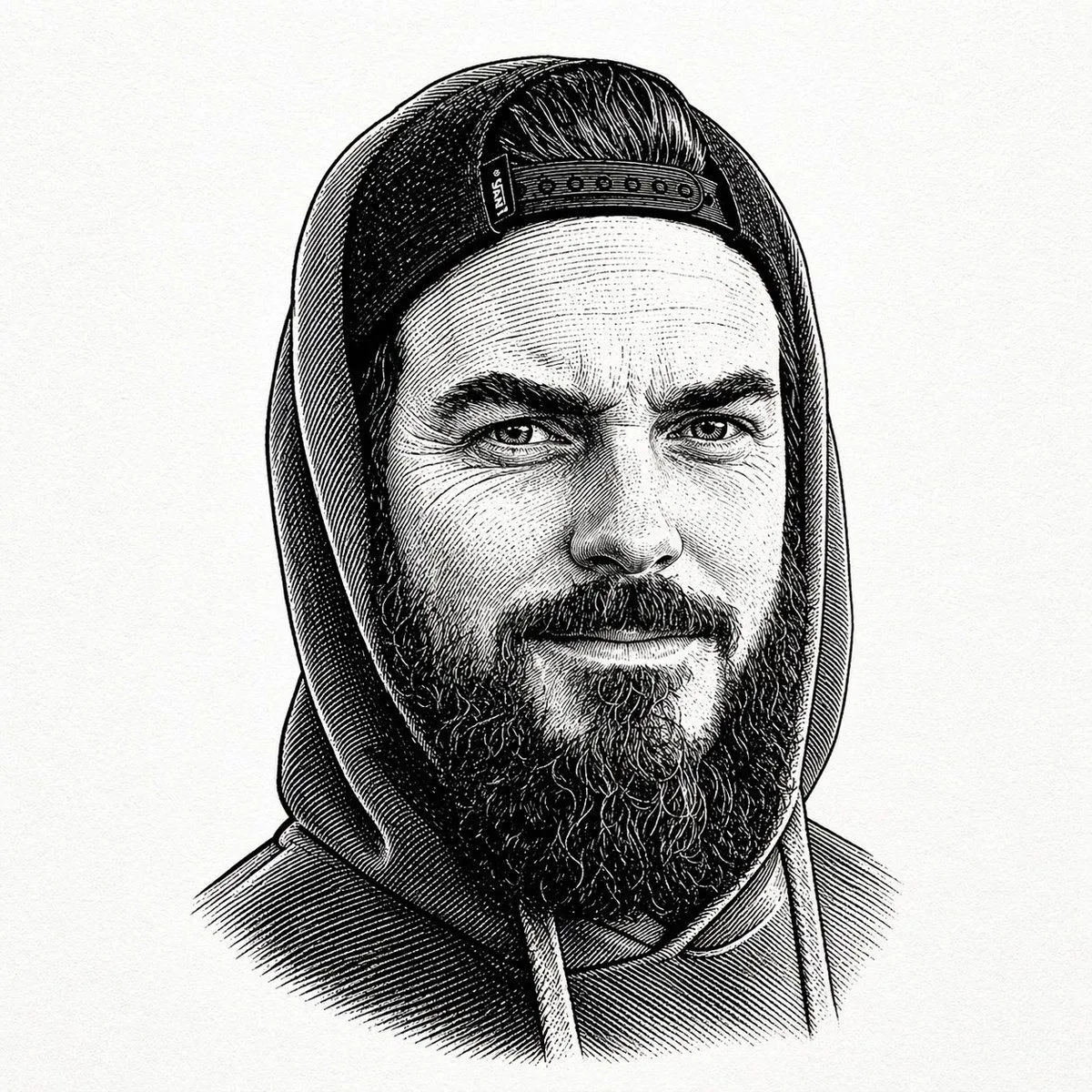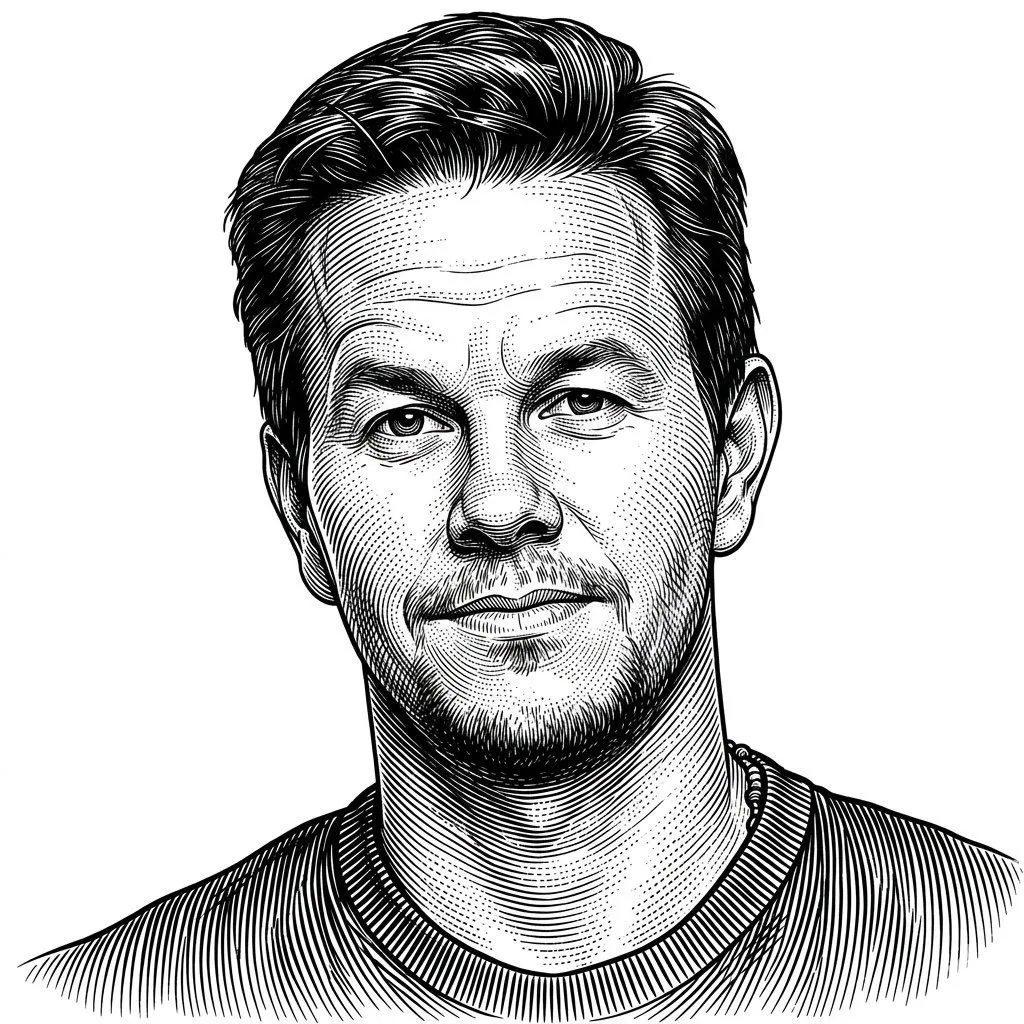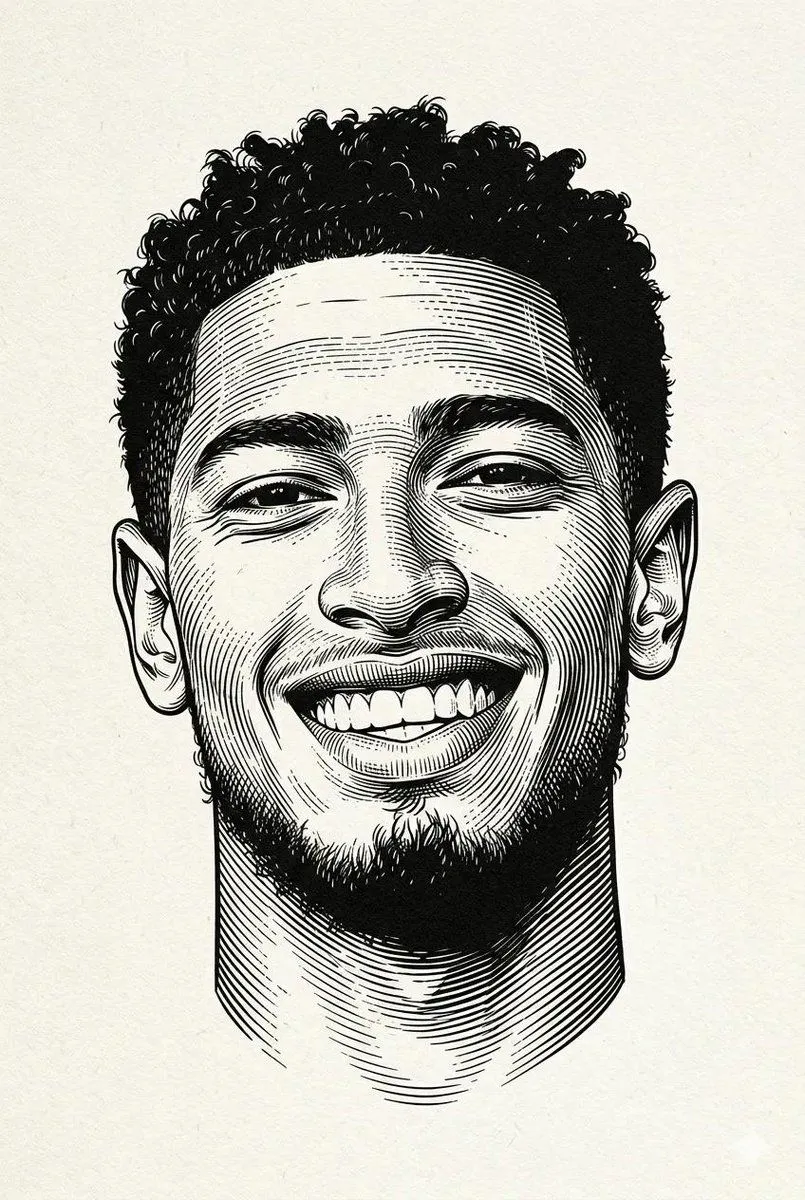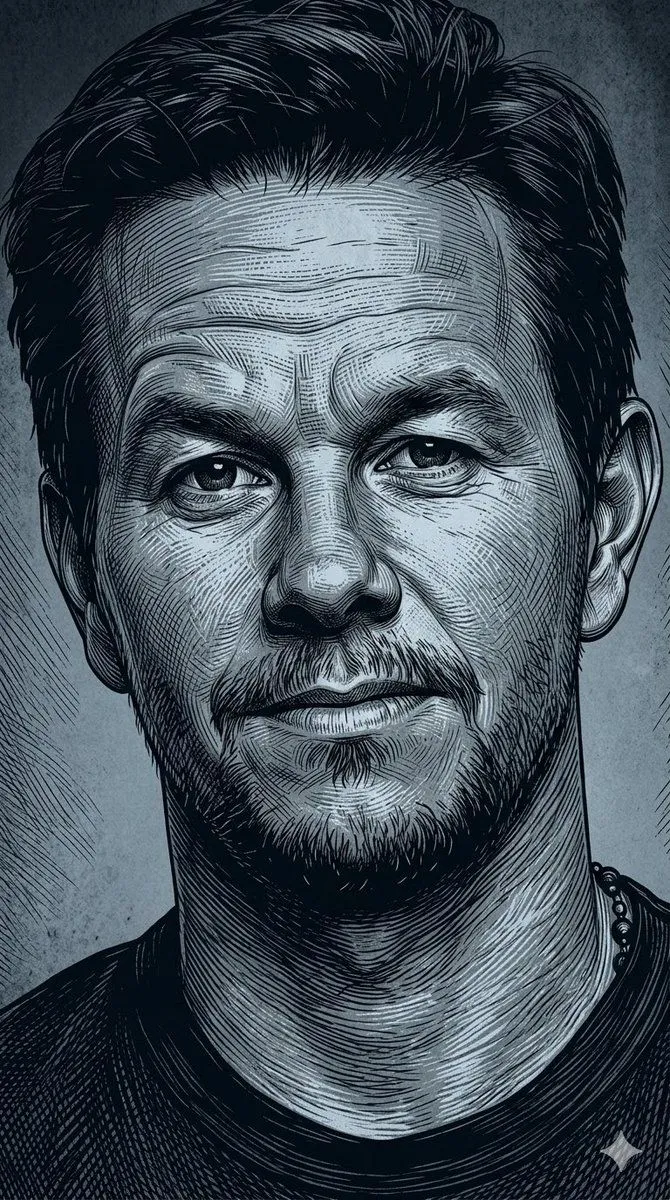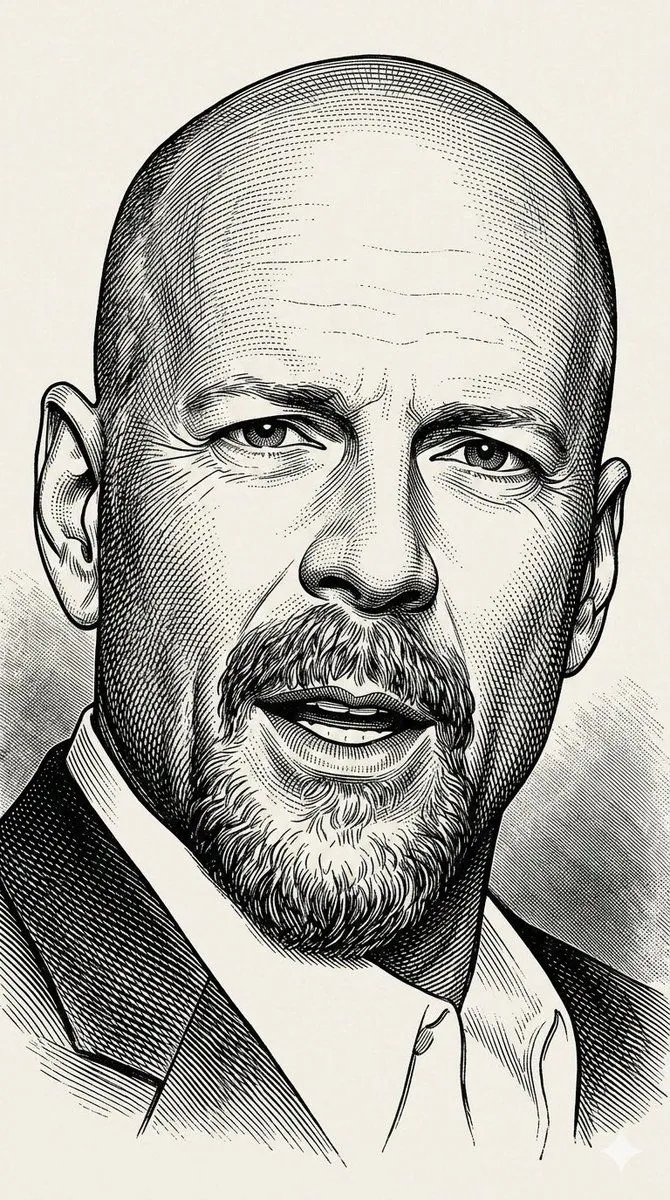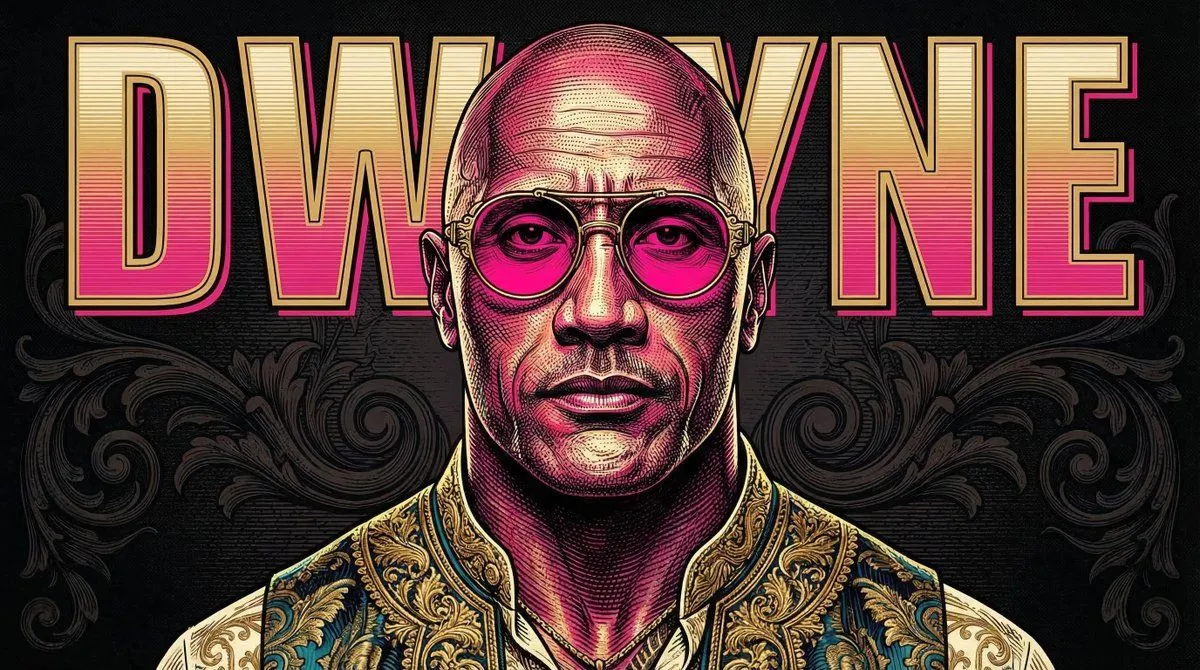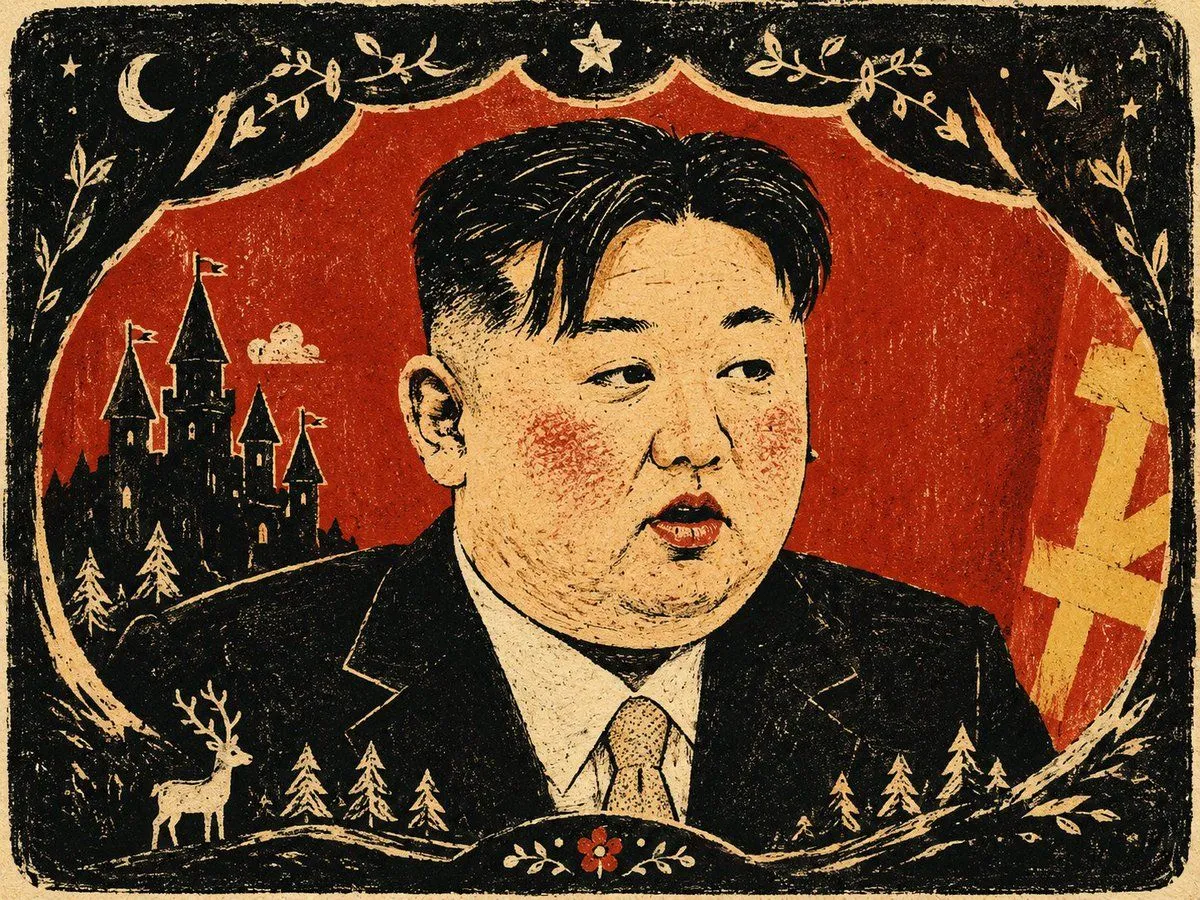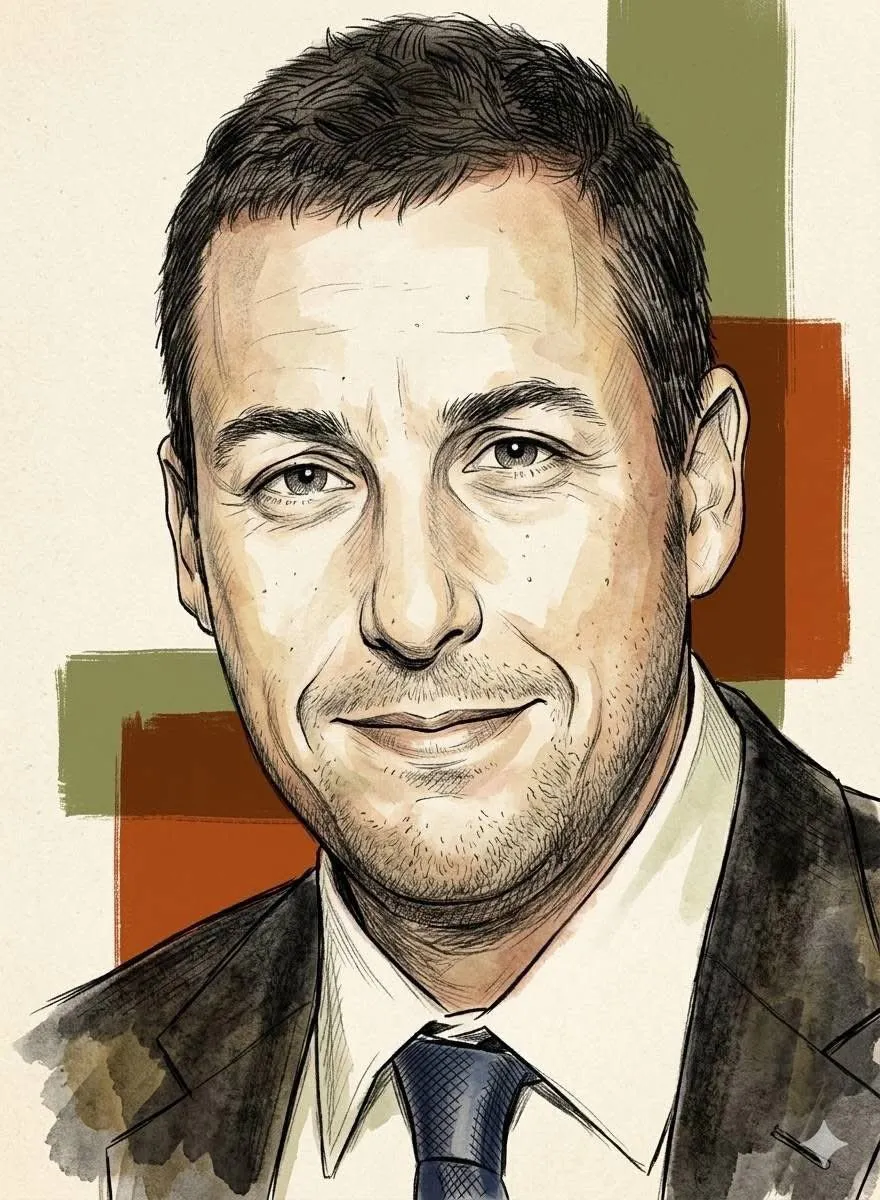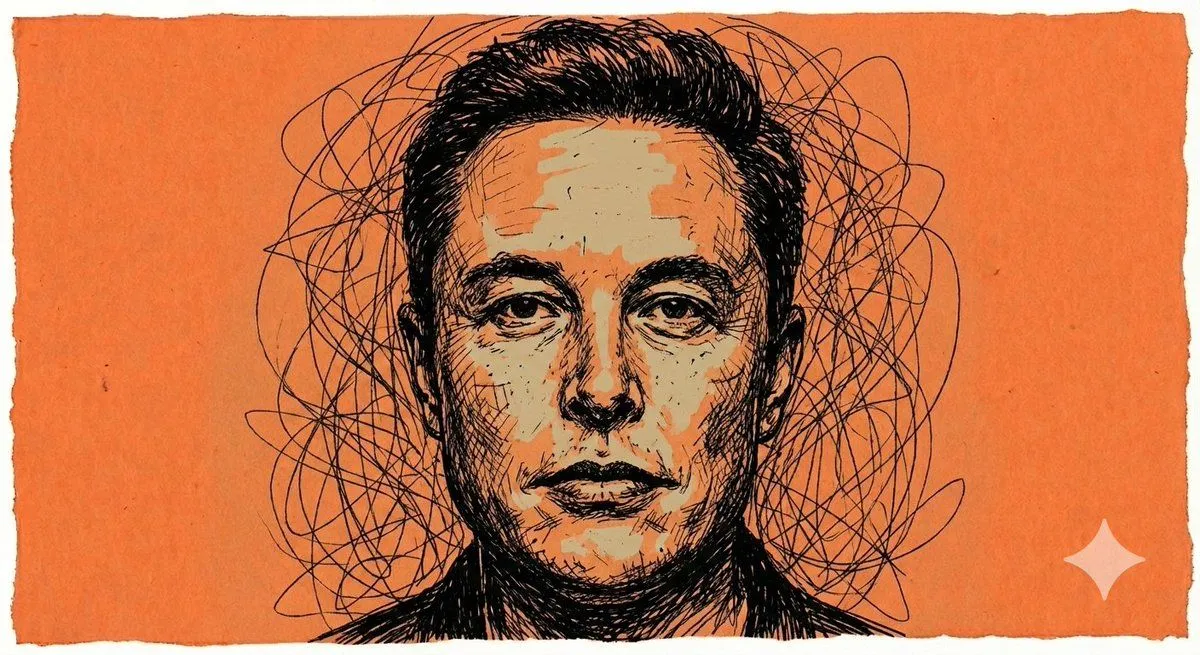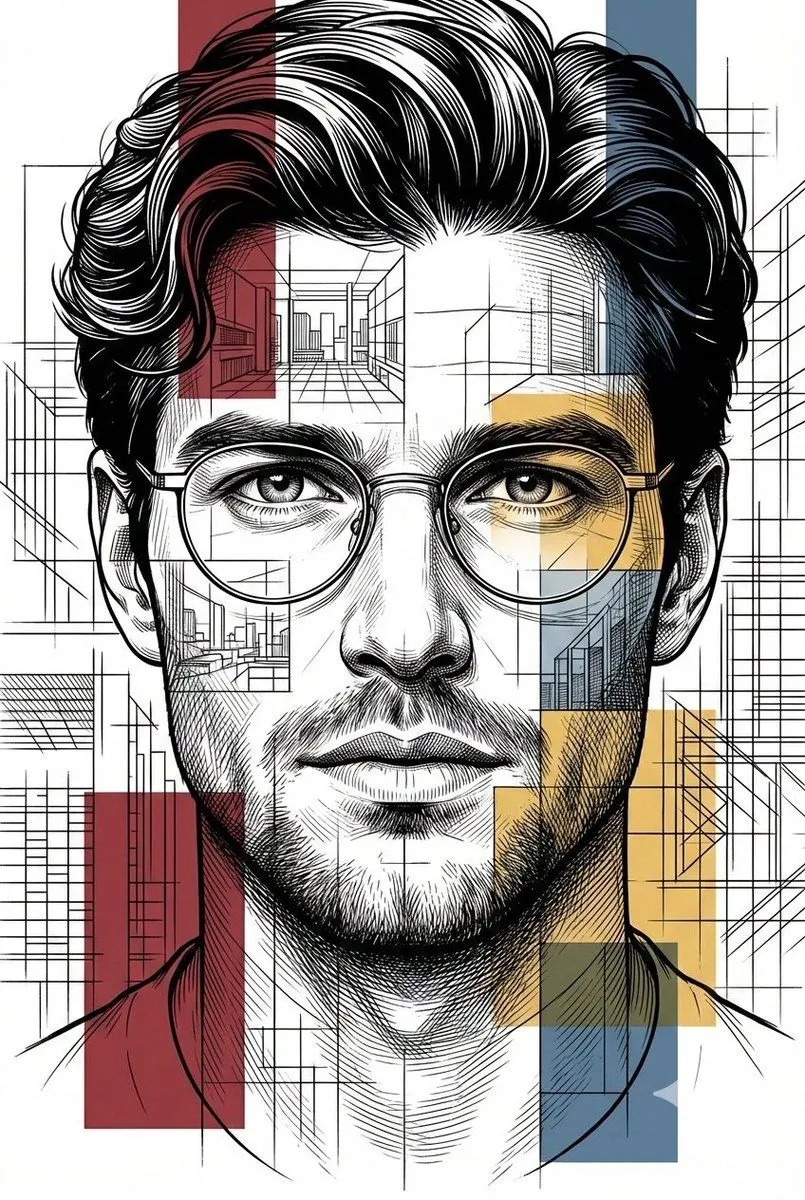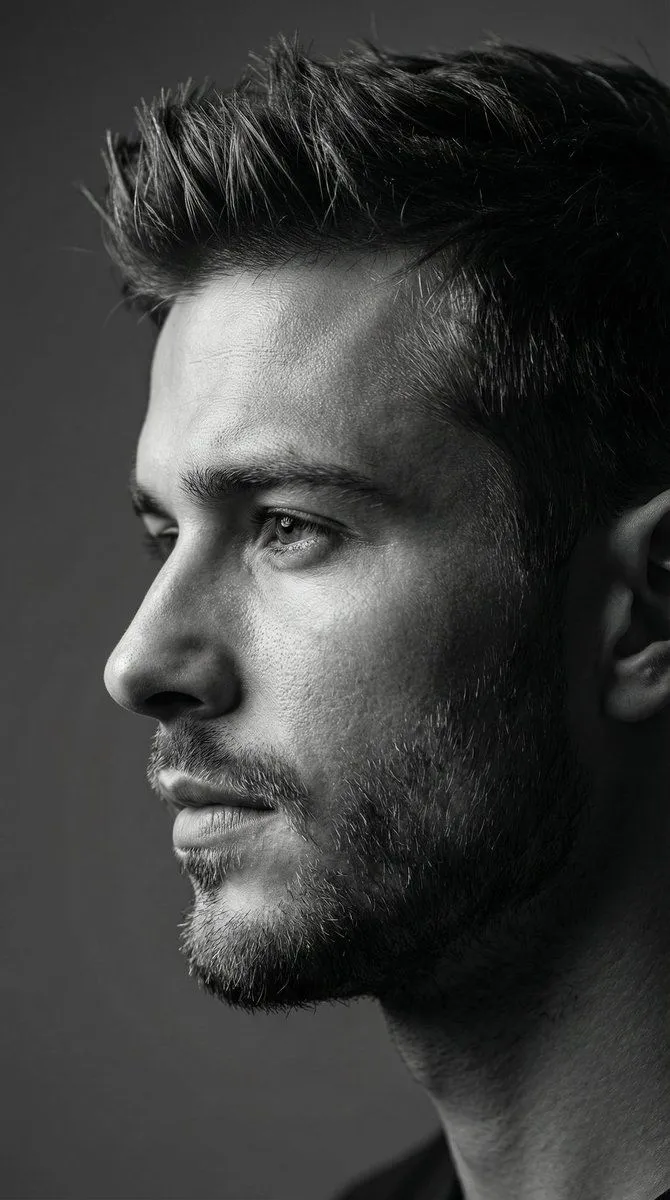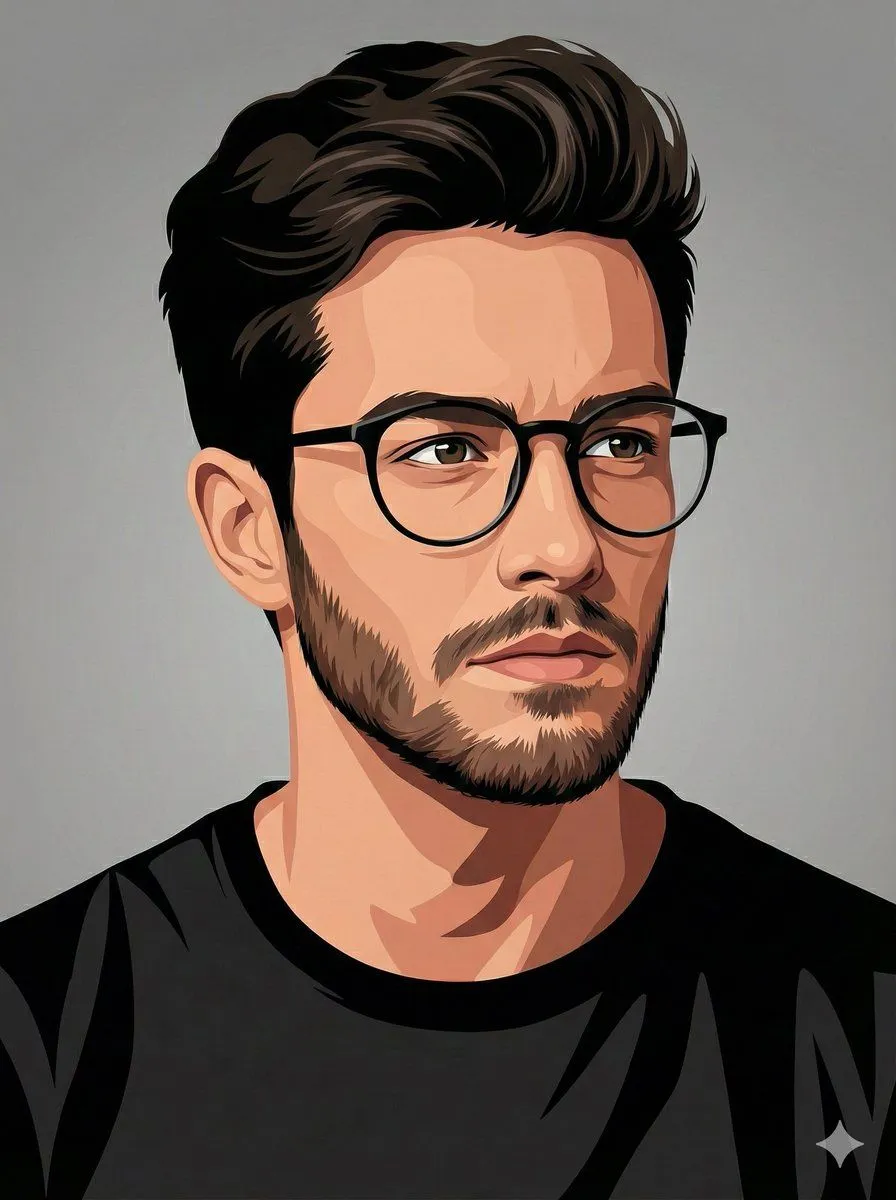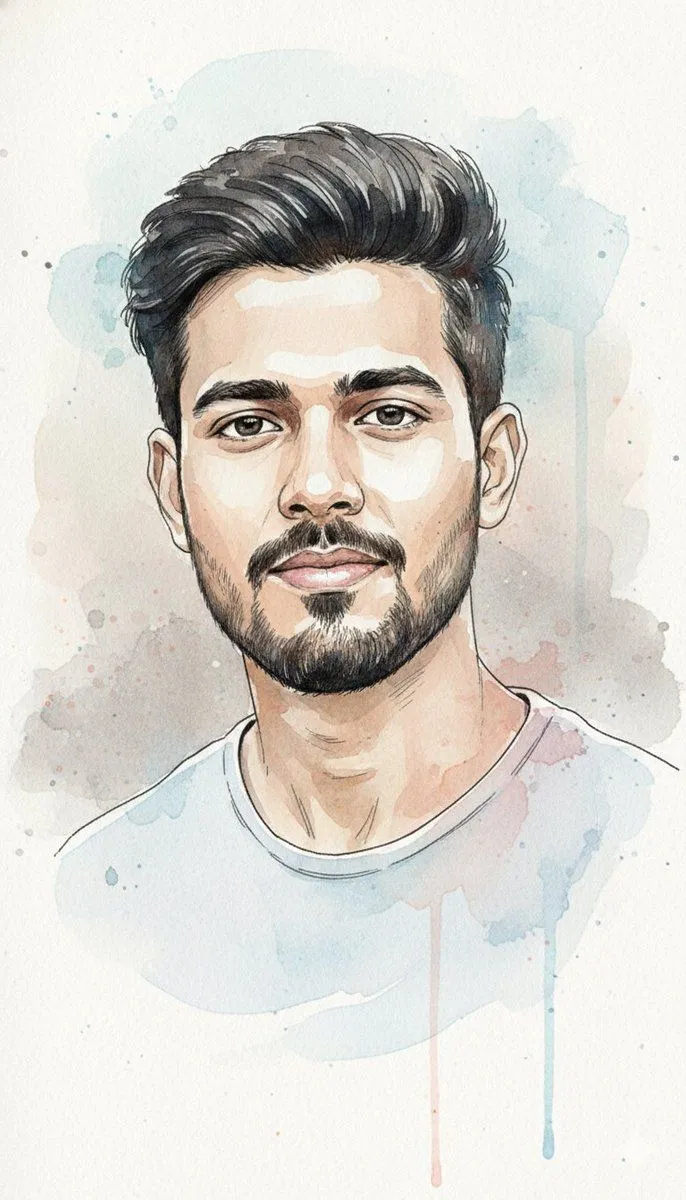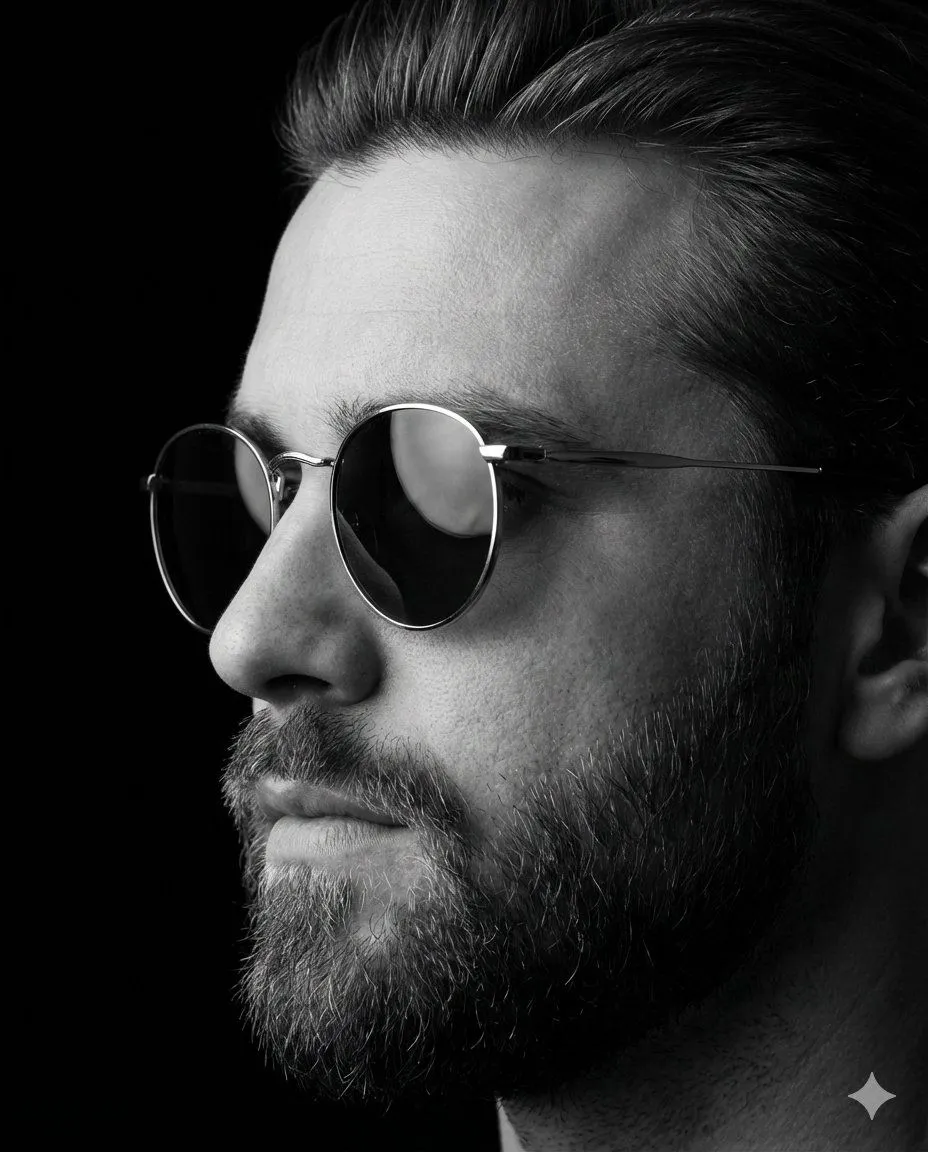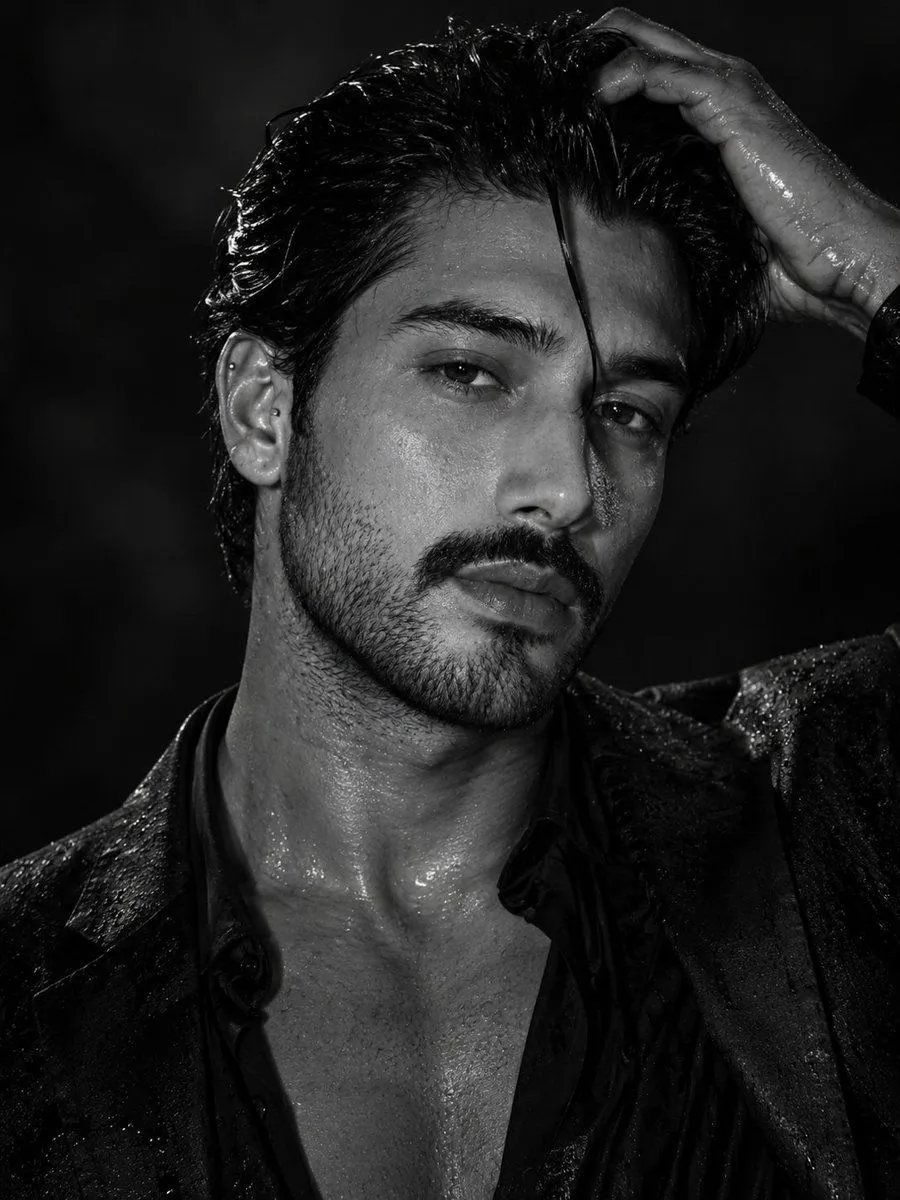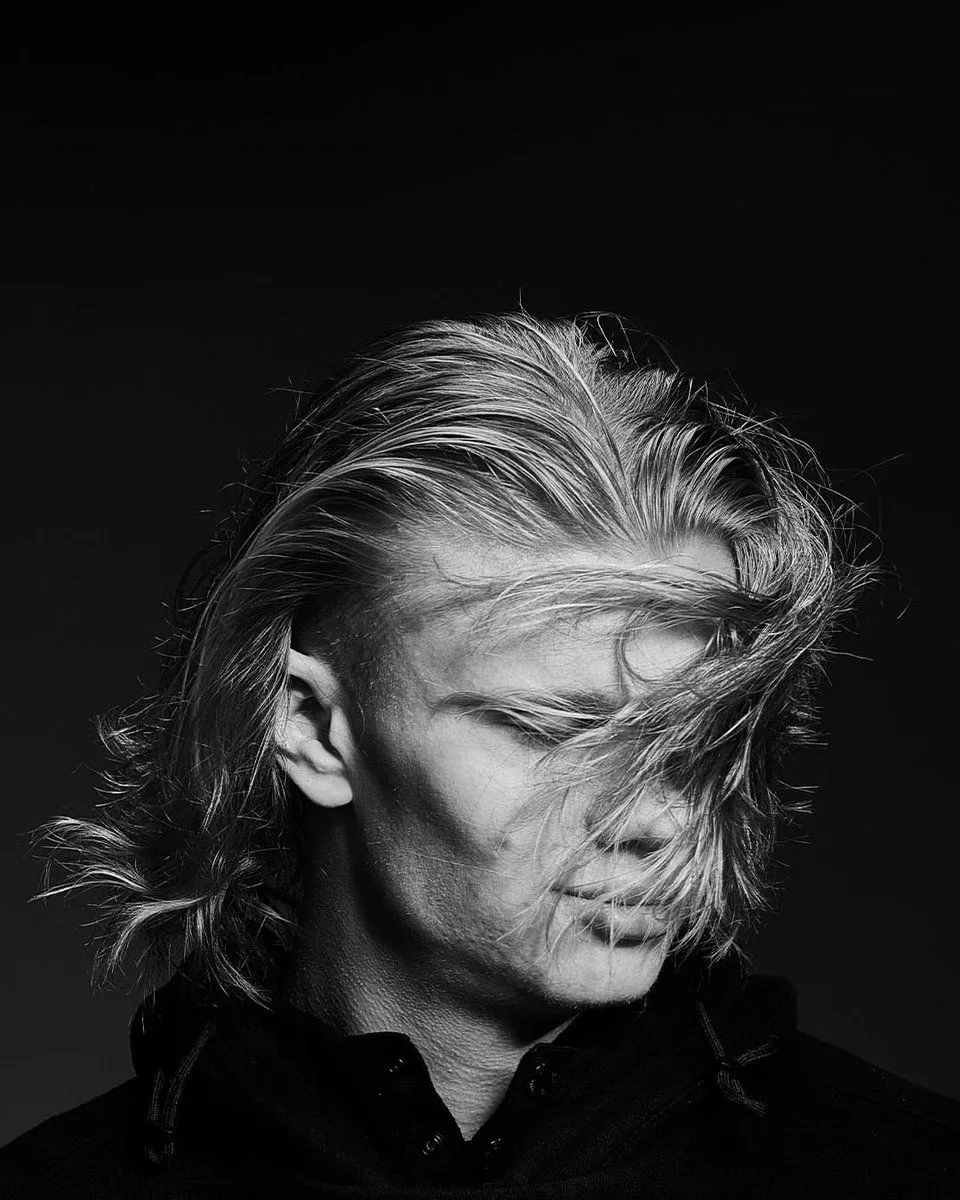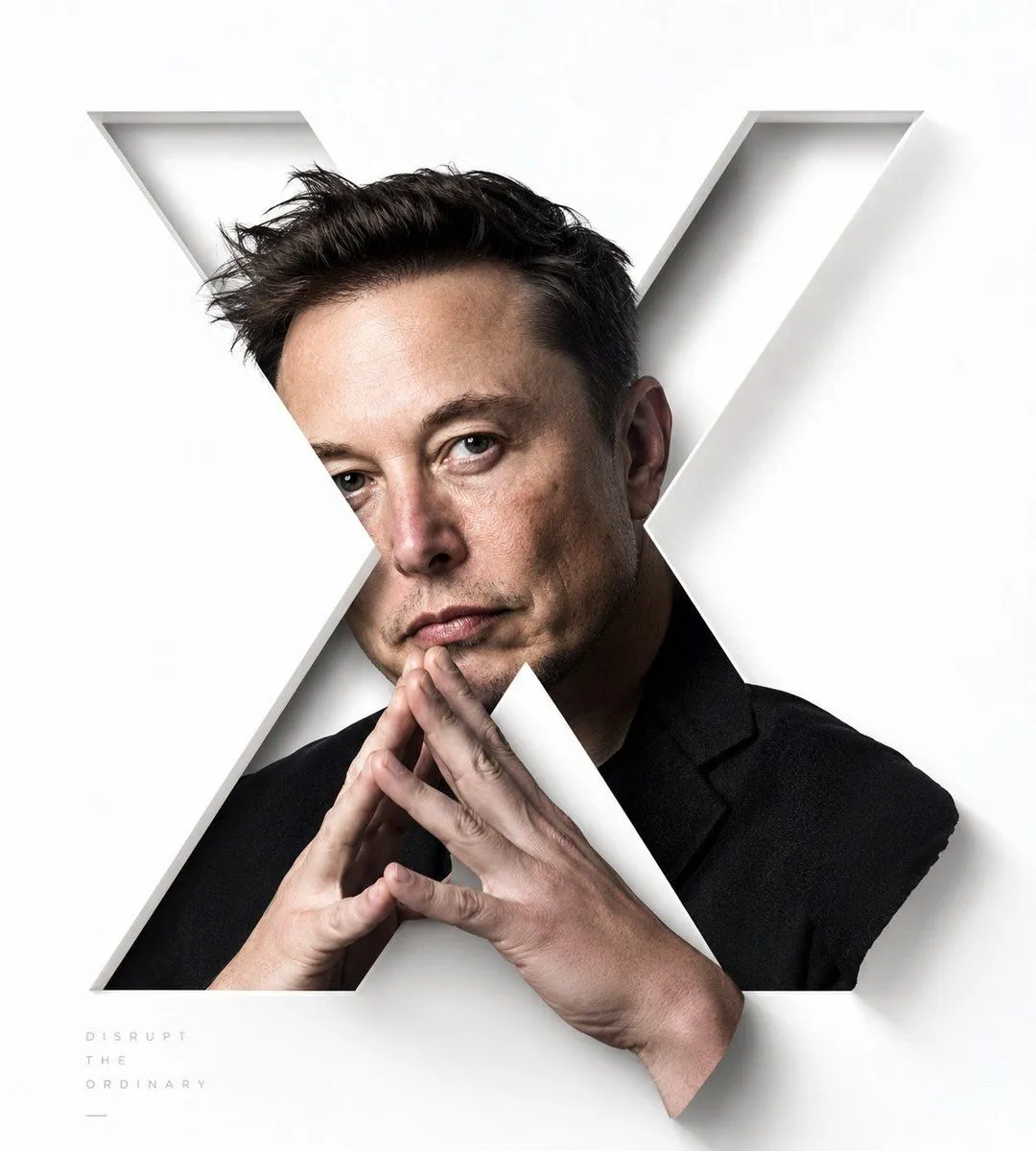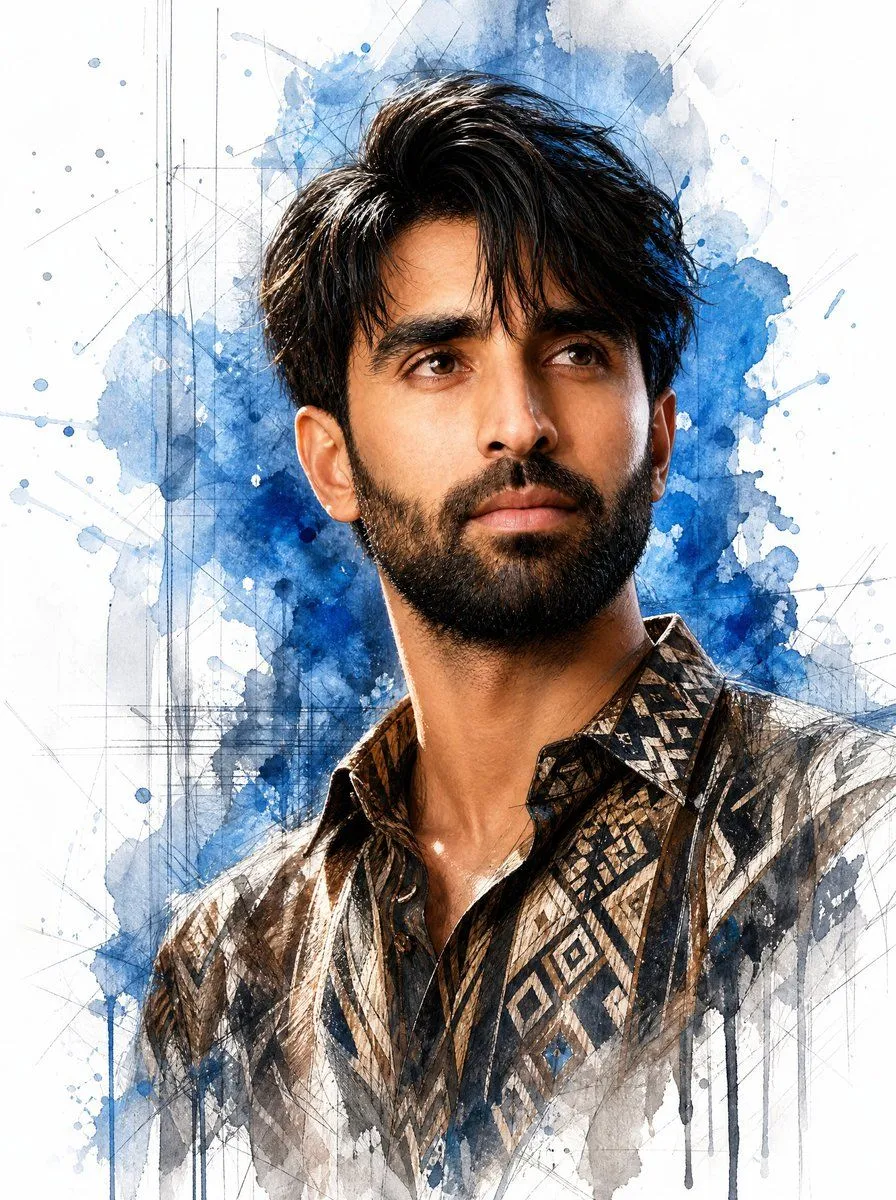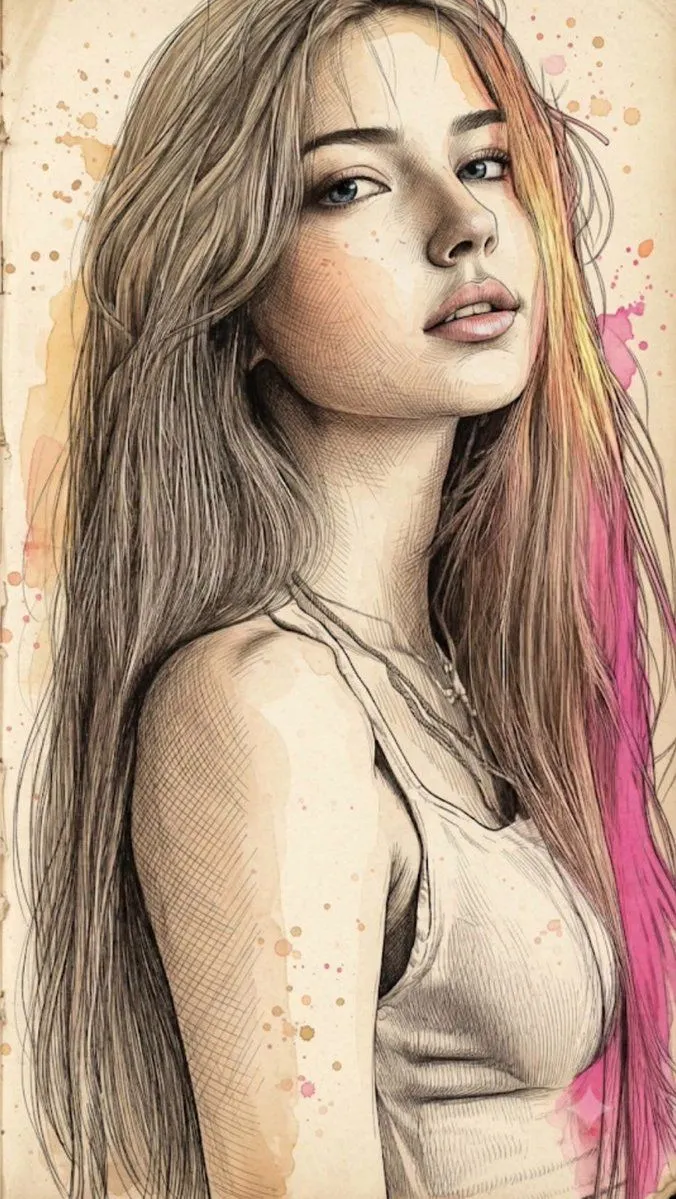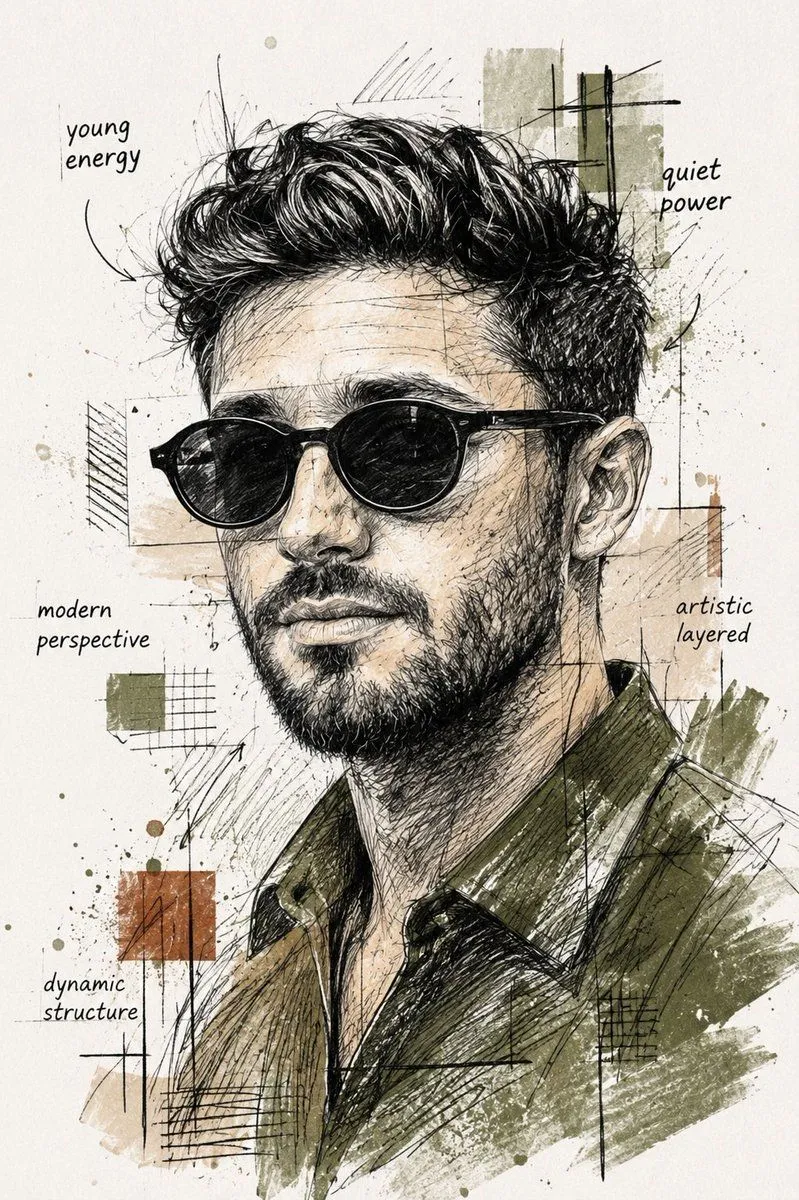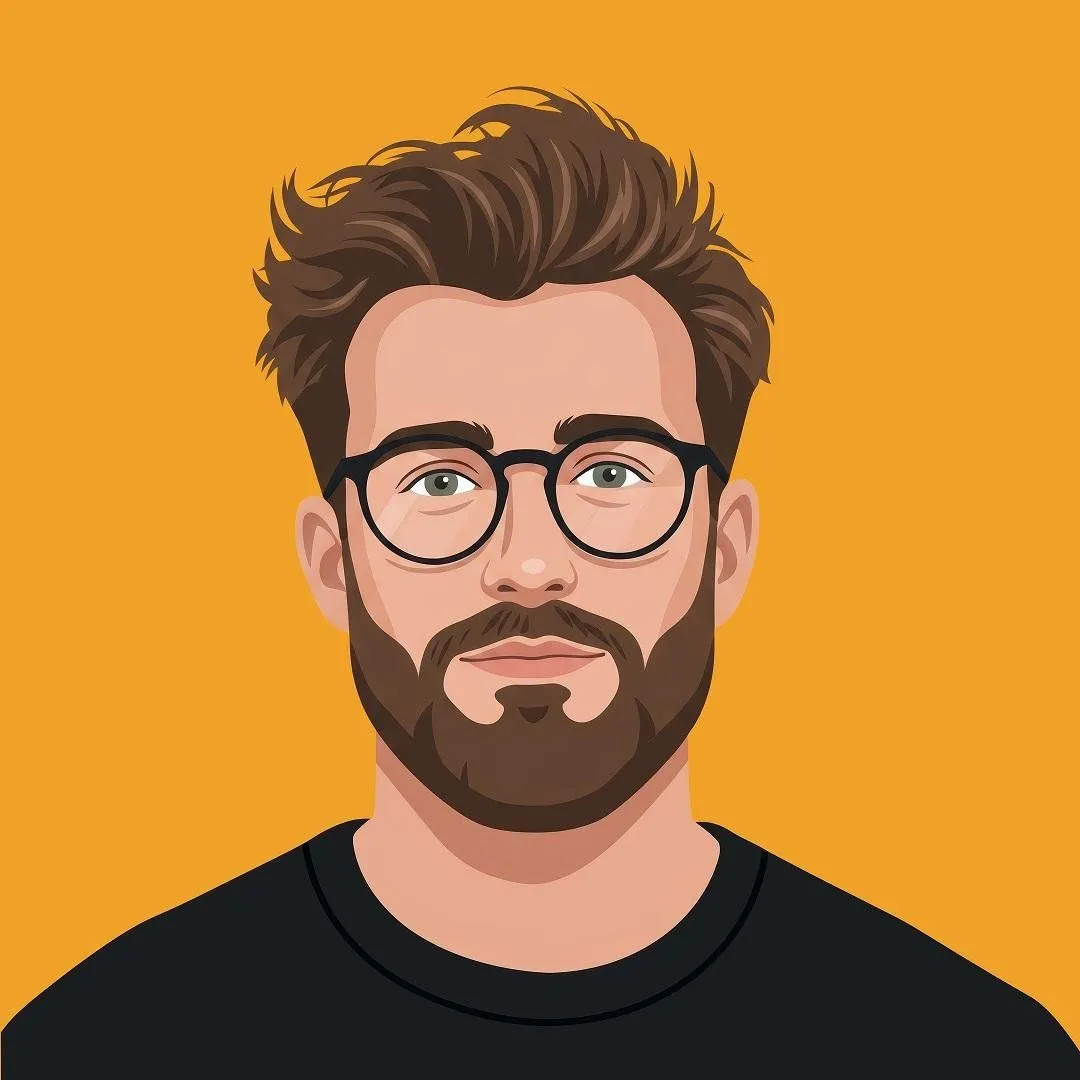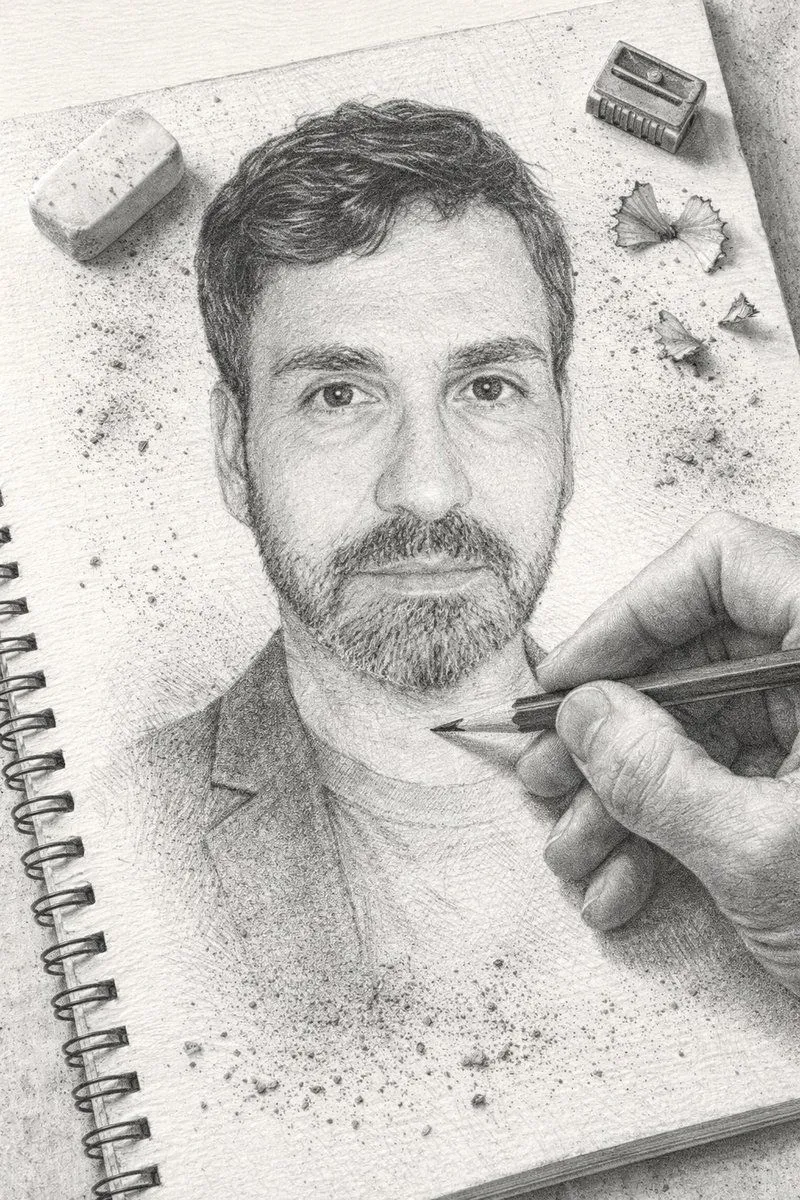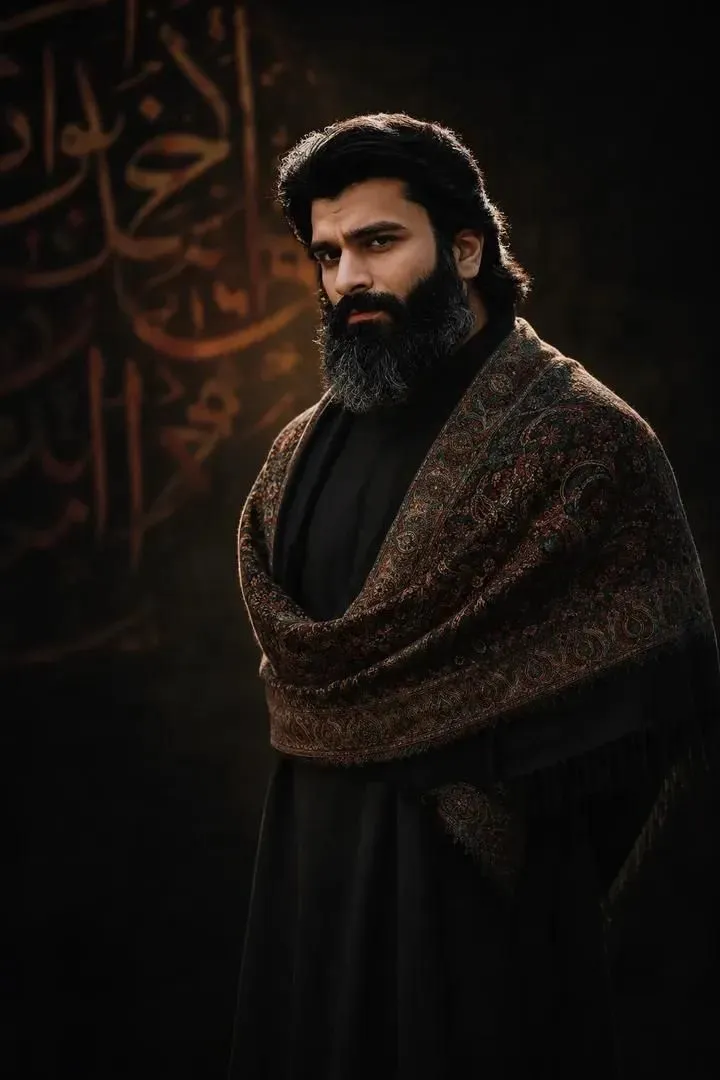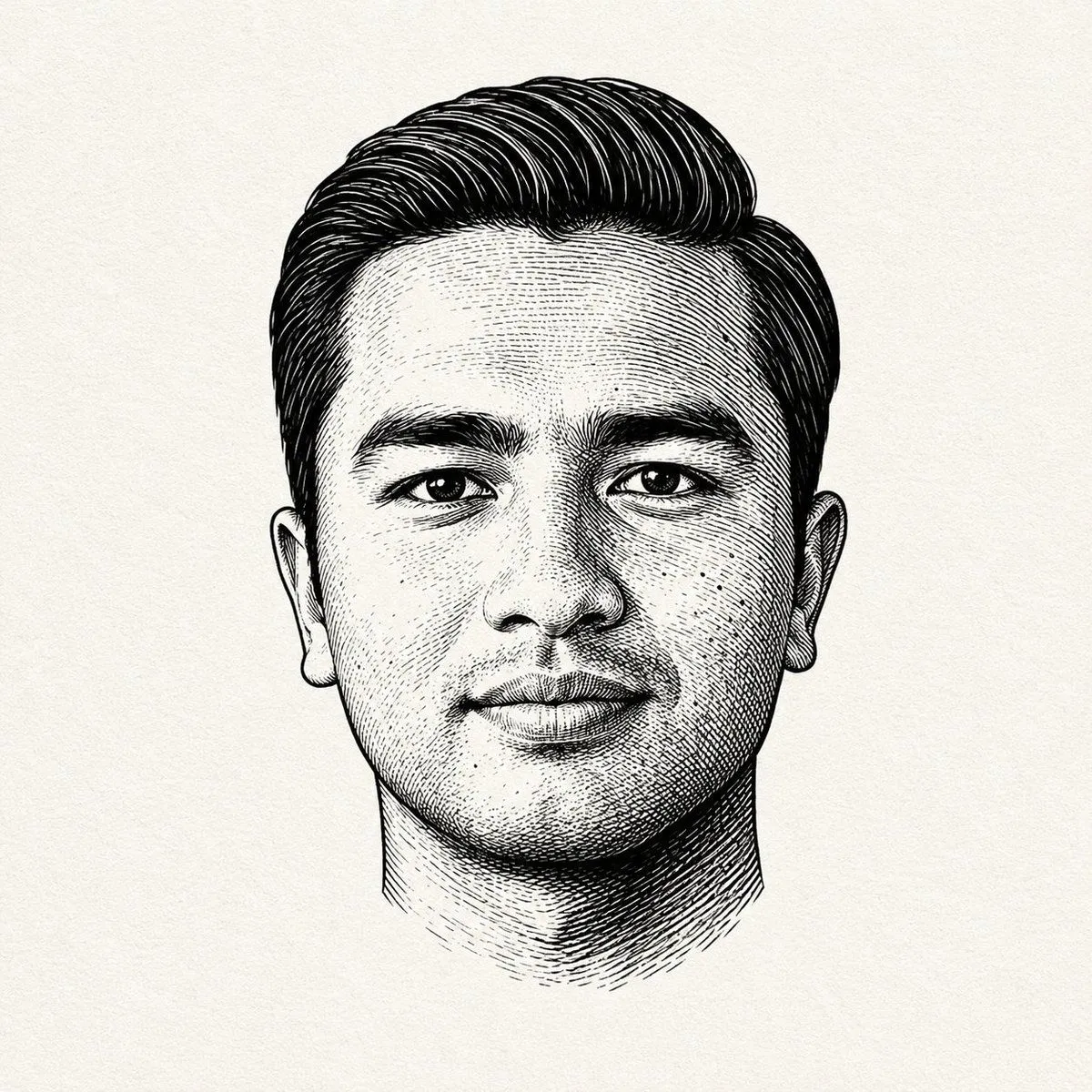
Made with GPT Image 2 in ChatGPT by Library Avatars. Promptclay never generates images.
Did it work?
No reports yet. Tell others if it worked for you.
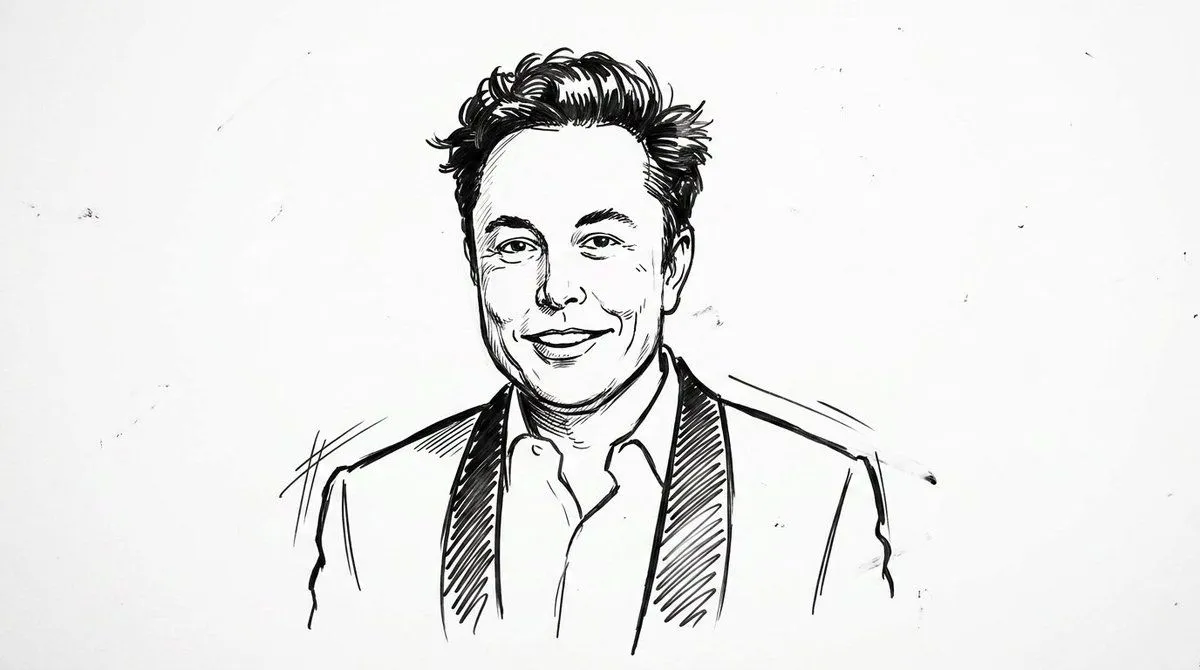
Monochrome Engraved Portrait
Prompt
3 blanks to fillBlack and white engraved portrait illustration of a {subject}. Drawn in classic {art_style}, high contrast black ink on {paper_texture}. Fine cross-hatching and line shading to create depth and shadow, bold black ink shadows under chin and around hair, strong contour lines, traditional printmaking aesthetic. Minimal composition, centered portrait, no body visible, clean negative space, vintage editorial illustration style, ultra detailed linework, sharp crisp ink strokes, professional vector-ready engraving look, monochrome palette, dramatic contrast. Negative Prompt: color, watercolor, soft shading, blurred lines, low contrast, realistic photography, 3D render, anime style, cartoon style, messy sketch, thick uneven strokes, background objects, noisy texture, pixelated, distorted face, extra eyes, extra ears, bad anatomy, modern digital painting, glossy skin, overexposed highlights
Preview of your prompt
Black and white engraved portrait illustration of a person. Drawn in classic woodcut / linocut engraving style, high contrast black ink on textured off-white paper background. Fine cross-hatching and line shading to create depth and shadow, bold black ink shadows under chin and around hair, strong contour lines, traditional printmaking aesthetic. Minimal composition, centered portrait, no body visible, clean negative space, vintage editorial illustration style, ultra detailed linework, sharp crisp ink strokes, professional vector-ready engraving look, monochrome palette, dramatic contrast. Negative Prompt: color, watercolor, soft shading, blurred lines, low contrast, realistic photography, 3D render, anime style, cartoon style, messy sketch, thick uneven strokes, background objects, noisy texture, pixelated, distorted face, extra eyes, extra ears, bad anatomy, modern digital painting, glossy skin, overexposed highlights
DetailsVersions, settings and questions
Written for
What's in the prompt
- Subject
- Model
- GPT Image 2
If your face changes
keep my face exactly the sameQuestions
- Does this work in the ChatGPT app?
- Yes. Paste the prompt and attach your photo if it uses one.
- It changed my face. What do I do?
- Add "keep my face exactly the same" to the end and run it again.
- Can I use the images I make?
- Check the terms of the app you use. Promptclay never generates images and claims nothing you make.