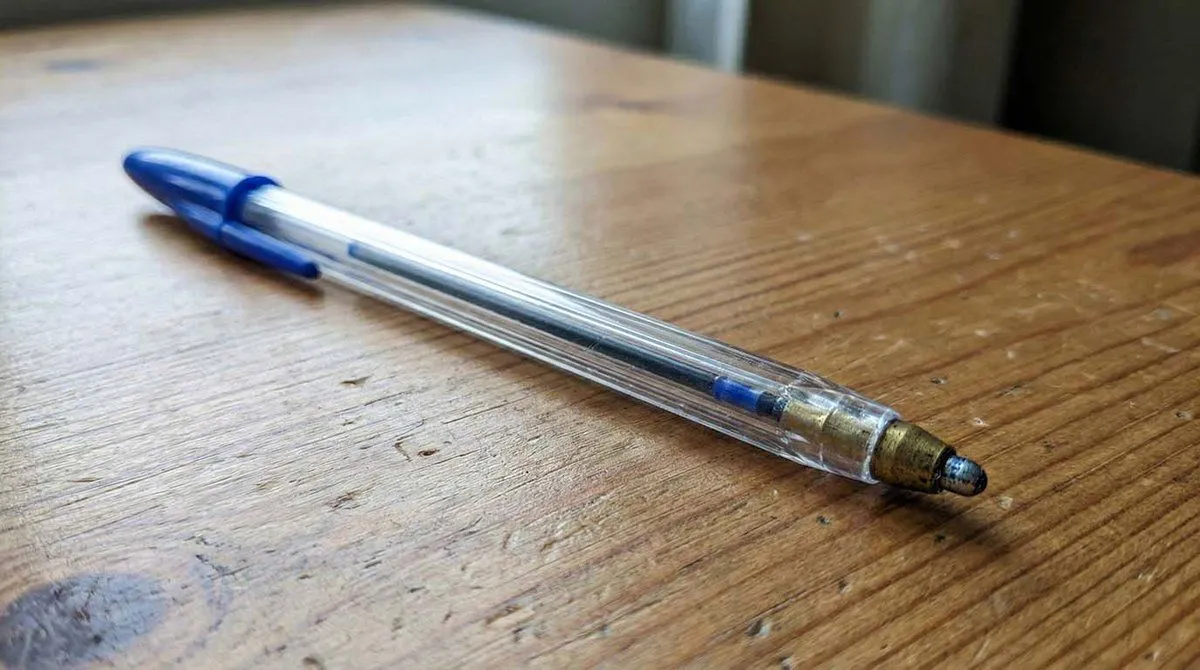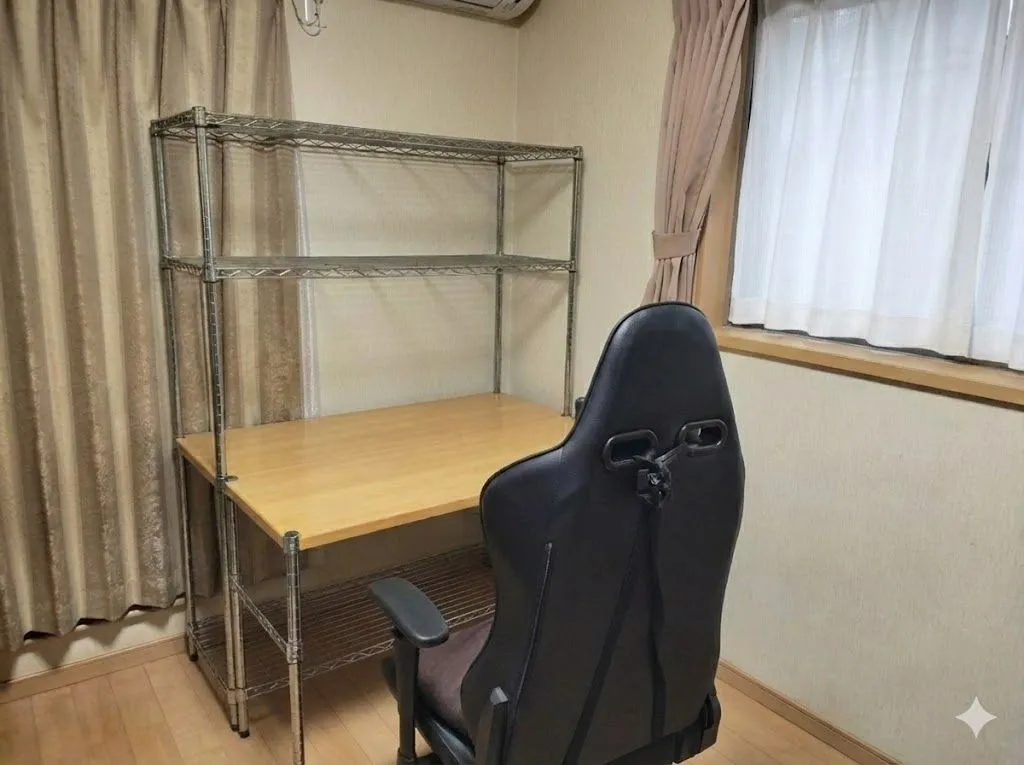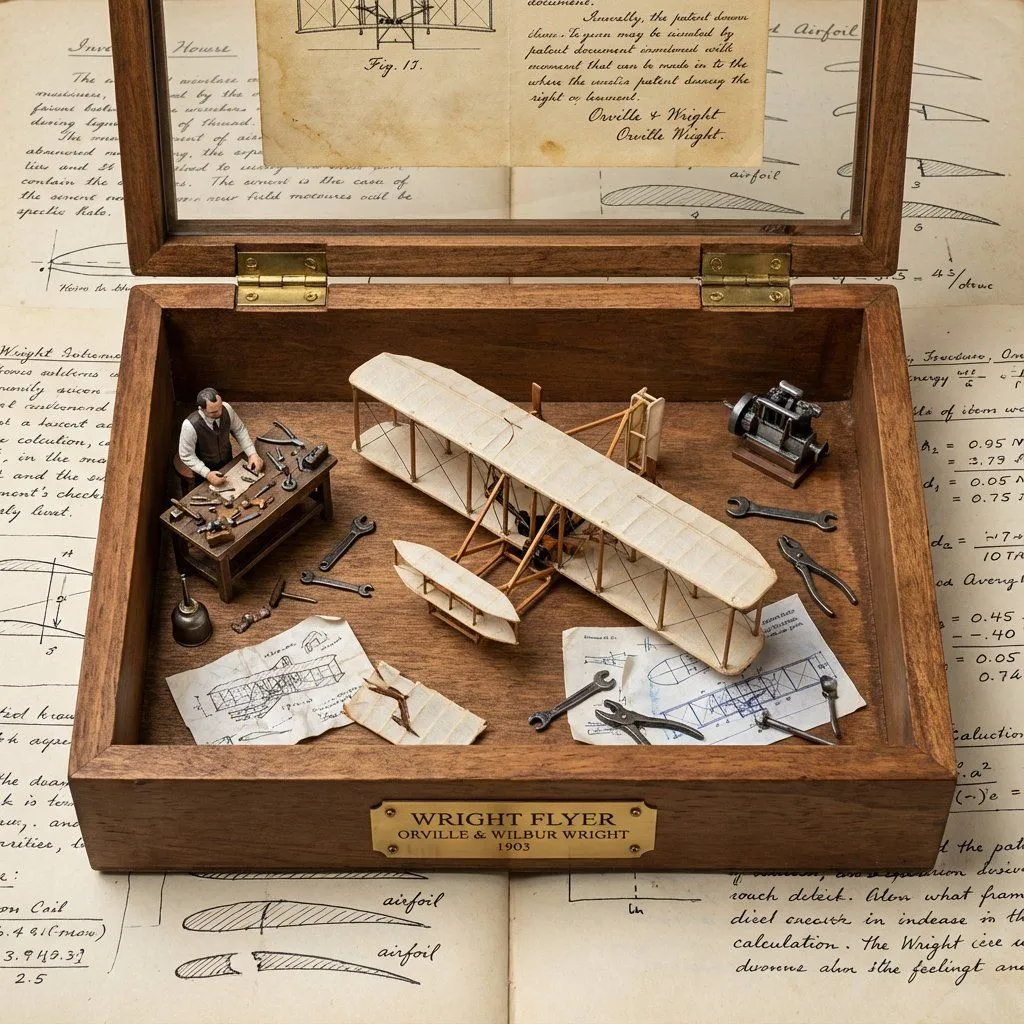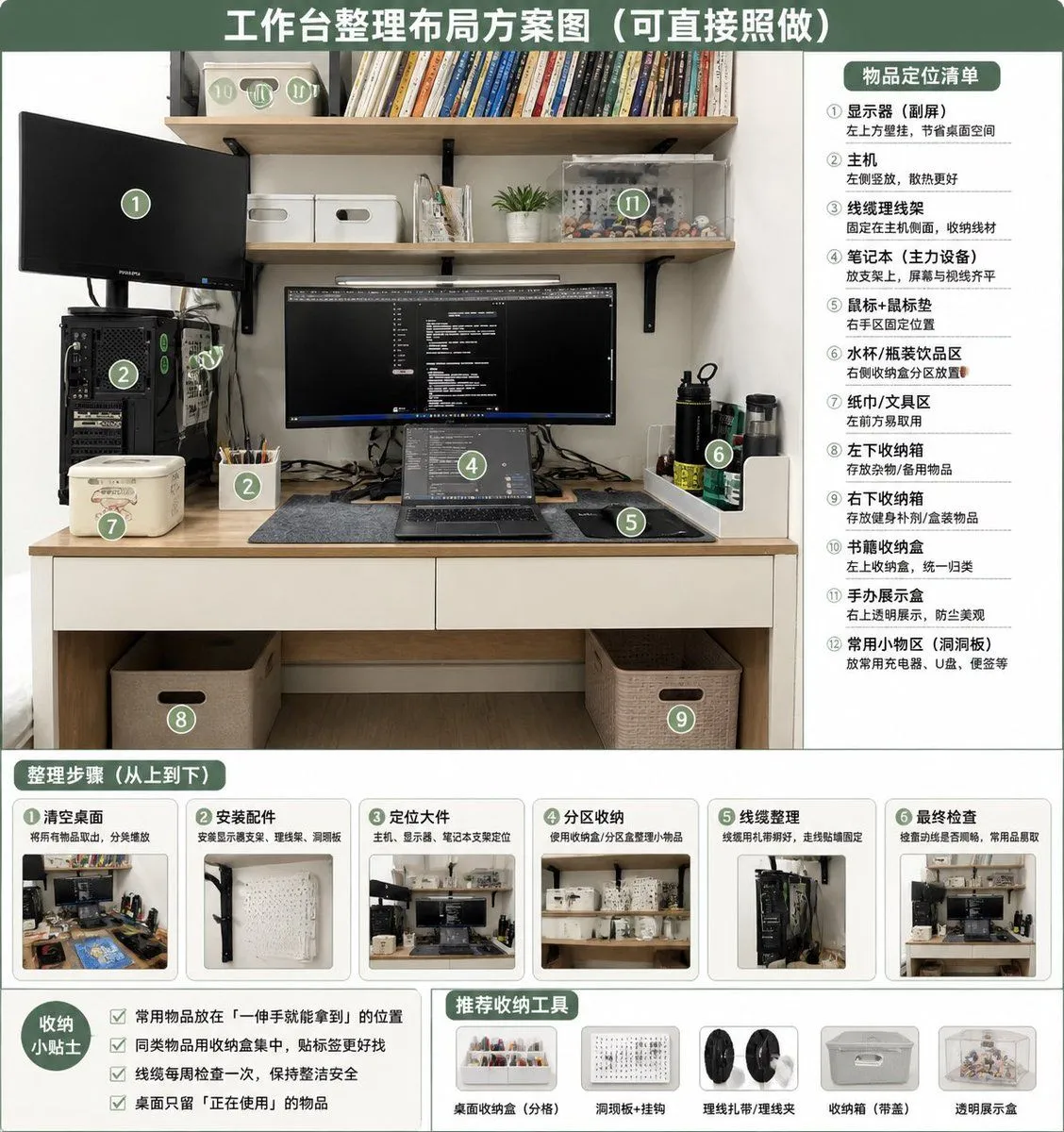
Made with GPT Image 2 in ChatGPT, collected by Library Brand. Promptclay never generates images.
Did it work?
No reports yet. Tell others if it worked for you.
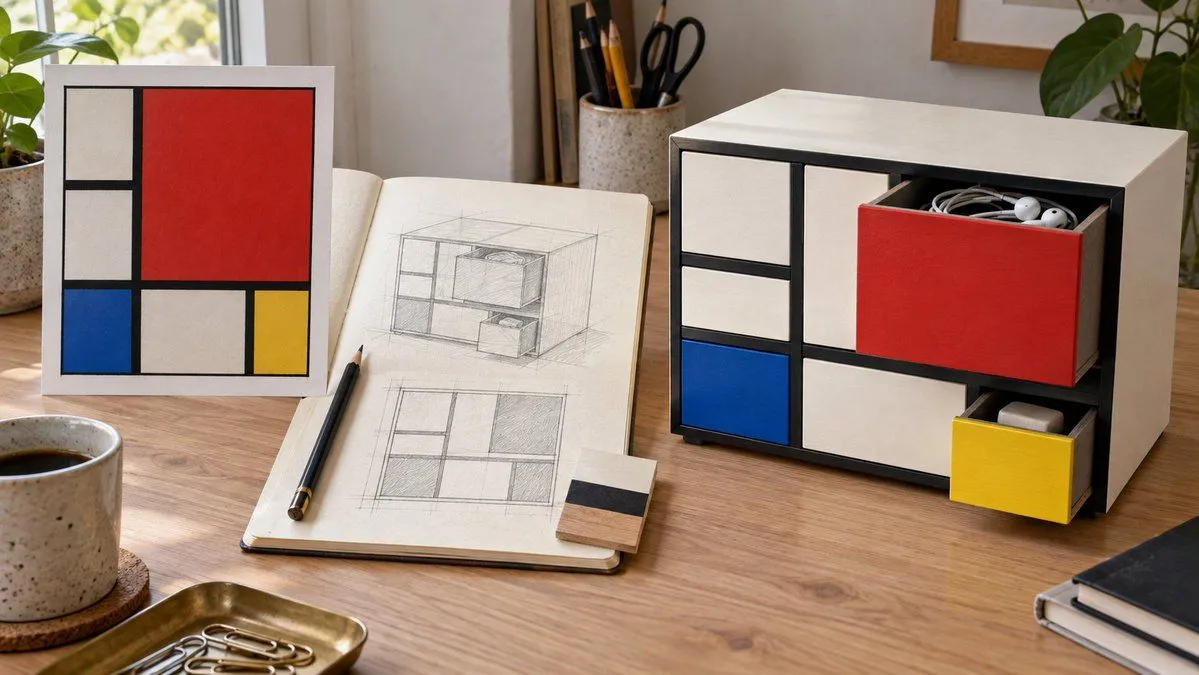
Mondrian Style Storage Cabinet Design
Prompt
2 blanks to fillGenerate a 16:9 horizontal desktop design presentation. On the left, place a painting reference of {art_reference}. In the middle, show the front grid and perspective pencil sketch of a desktop storage cabinet, and on the right, show the final effect in use. The cabinet is made of ivory-white painted wood, with thick black divider strips forming an asymmetrical rectangular grid. Large red drawers, small blue drawers, small yellow drawers, and white compartments form the front. The red drawer is pulled open, containing {storage_items}; the yellow drawer is slightly pulled out, revealing an eraser. Drawers must have realistic side walls, thickness, and internal space, aligning with their respective openings. Show fine wood grain, contact shadows, and desktop wear, with natural side lighting. The sketch must match the cabinet layout, with no text, logos, or URLs.
Preview of your prompt
Generate a 16:9 horizontal desktop design presentation. On the left, place a painting reference of Mondrian's 'Composition with Red, Blue and Yellow'. In the middle, show the front grid and perspective pencil sketch of a desktop storage cabinet, and on the right, show the final effect in use. The cabinet is made of ivory-white painted wood, with thick black divider strips forming an asymmetrical rectangular grid. Large red drawers, small blue drawers, small yellow drawers, and white compartments form the front. The red drawer is pulled open, containing headphones and coiled cables; the yellow drawer is slightly pulled out, revealing an eraser. Drawers must have realistic side walls, thickness, and internal space, aligning with their respective openings. Show fine wood grain, contact shadows, and desktop wear, with natural side lighting. The sketch must match the cabinet layout, with no text, logos, or URLs.
DetailsVersions, settings and questions
Written for
What's in the prompt
- Subject
- Model
- GPT Image 2
If your face changes
keep my face exactly the sameQuestions
- Does this work in the ChatGPT app?
- Yes. Paste the prompt and attach your photo if it uses one.
- It changed my face. What do I do?
- Add "keep my face exactly the same" to the end and run it again.
- Can I use the images I make?
- Check the terms of the app you use. Promptclay never generates images and claims nothing you make.