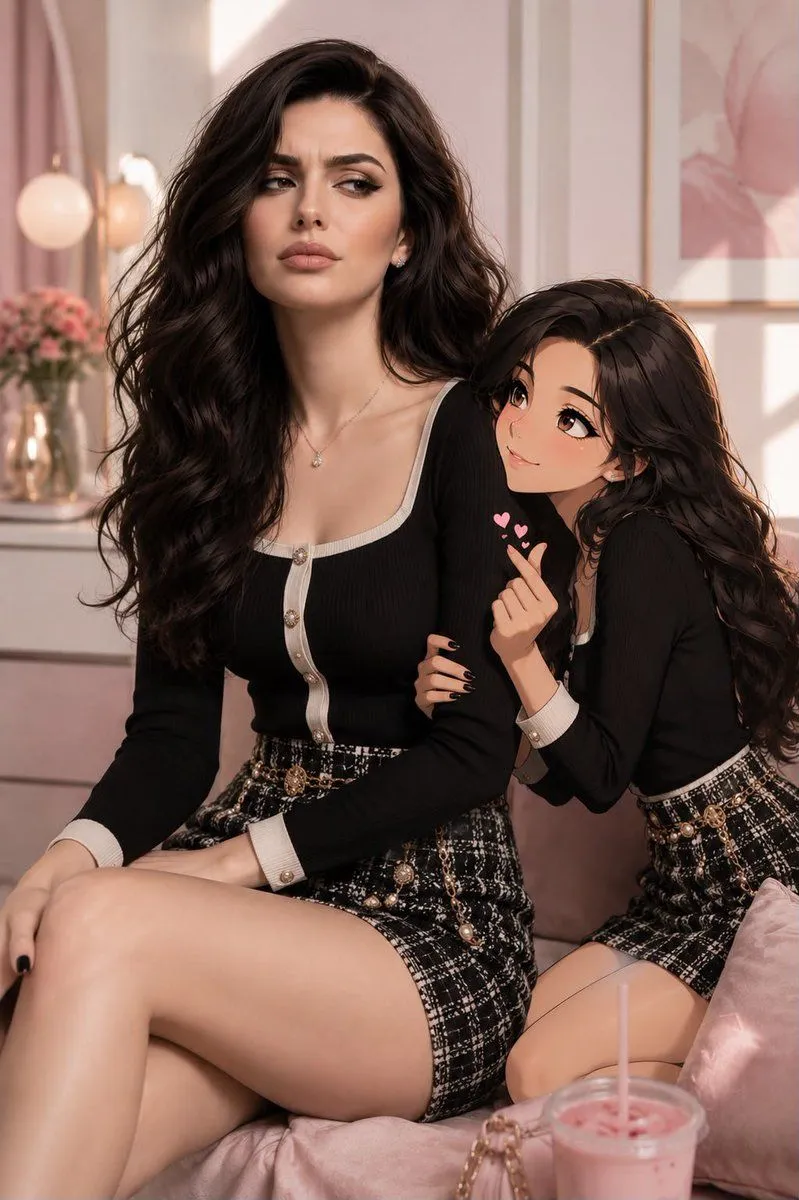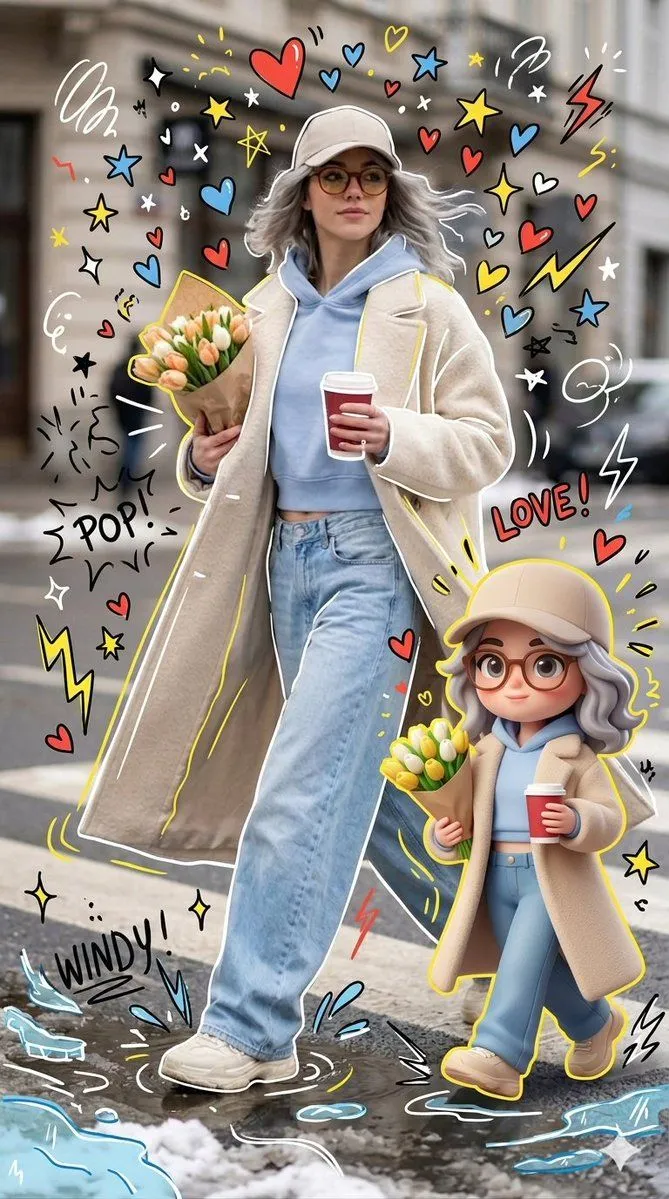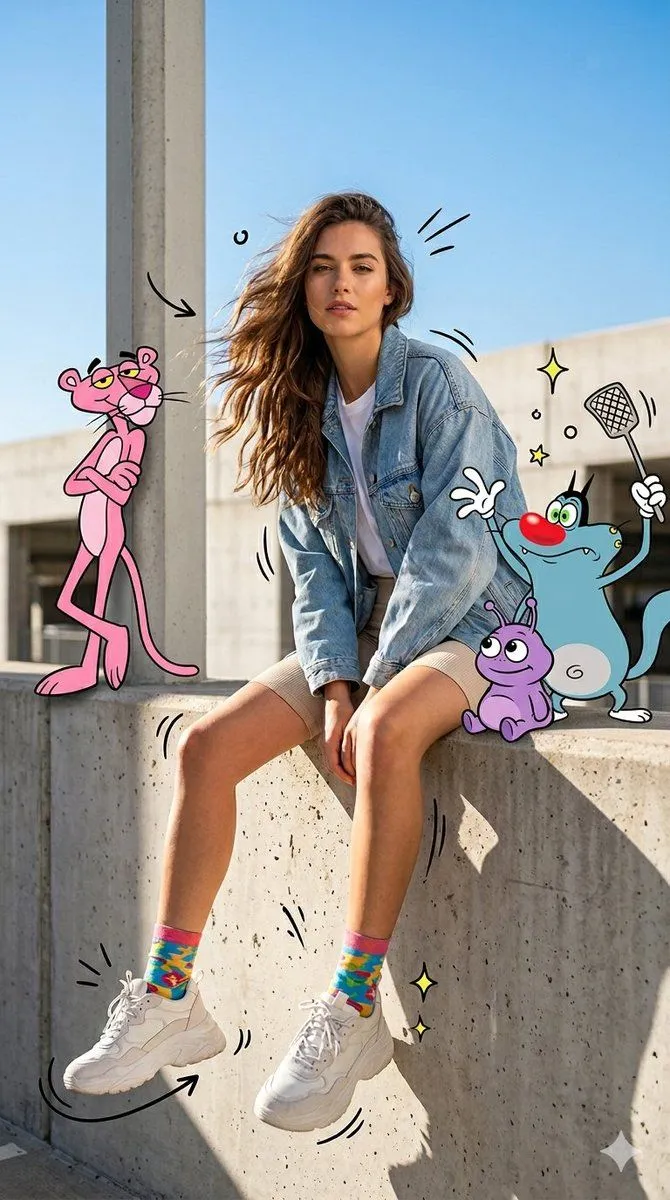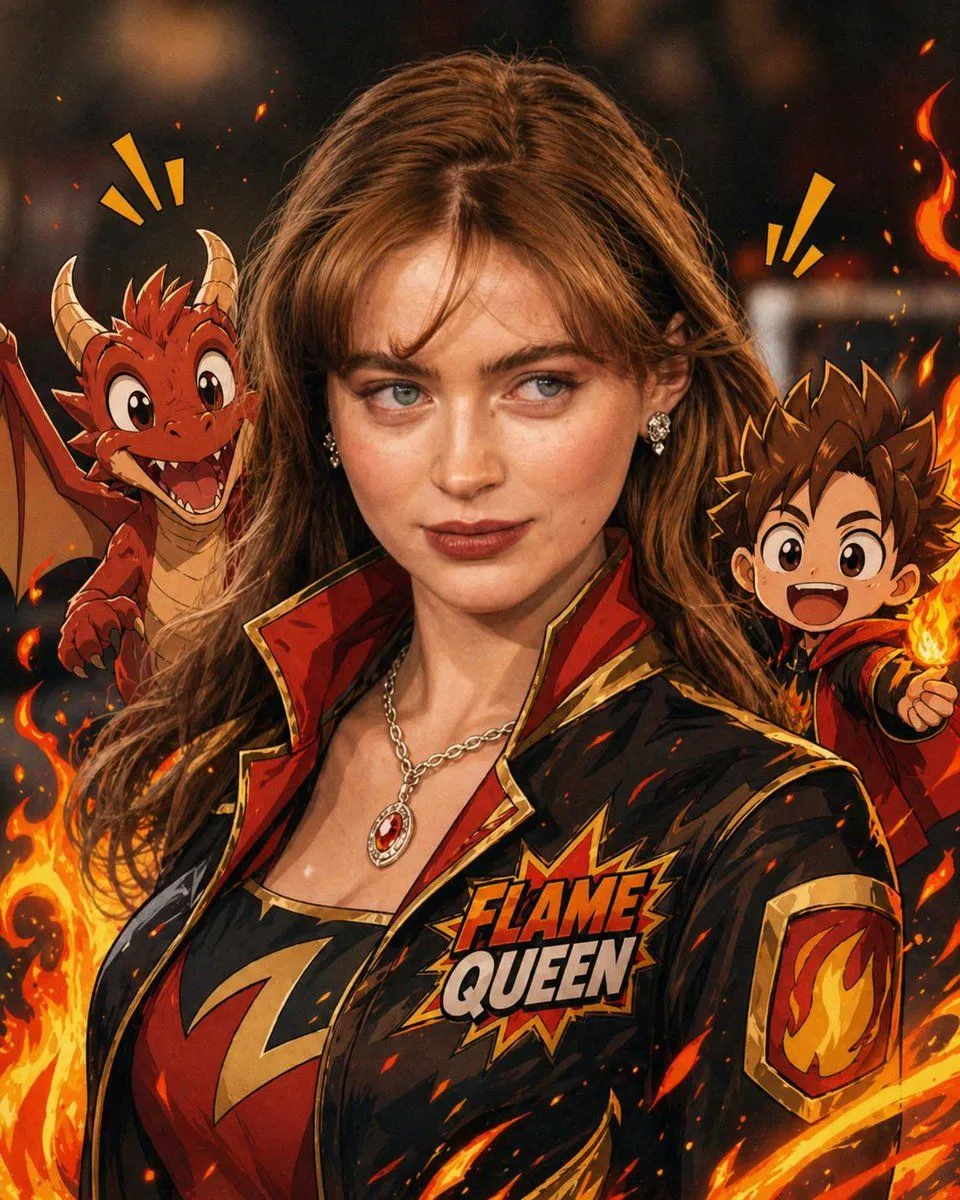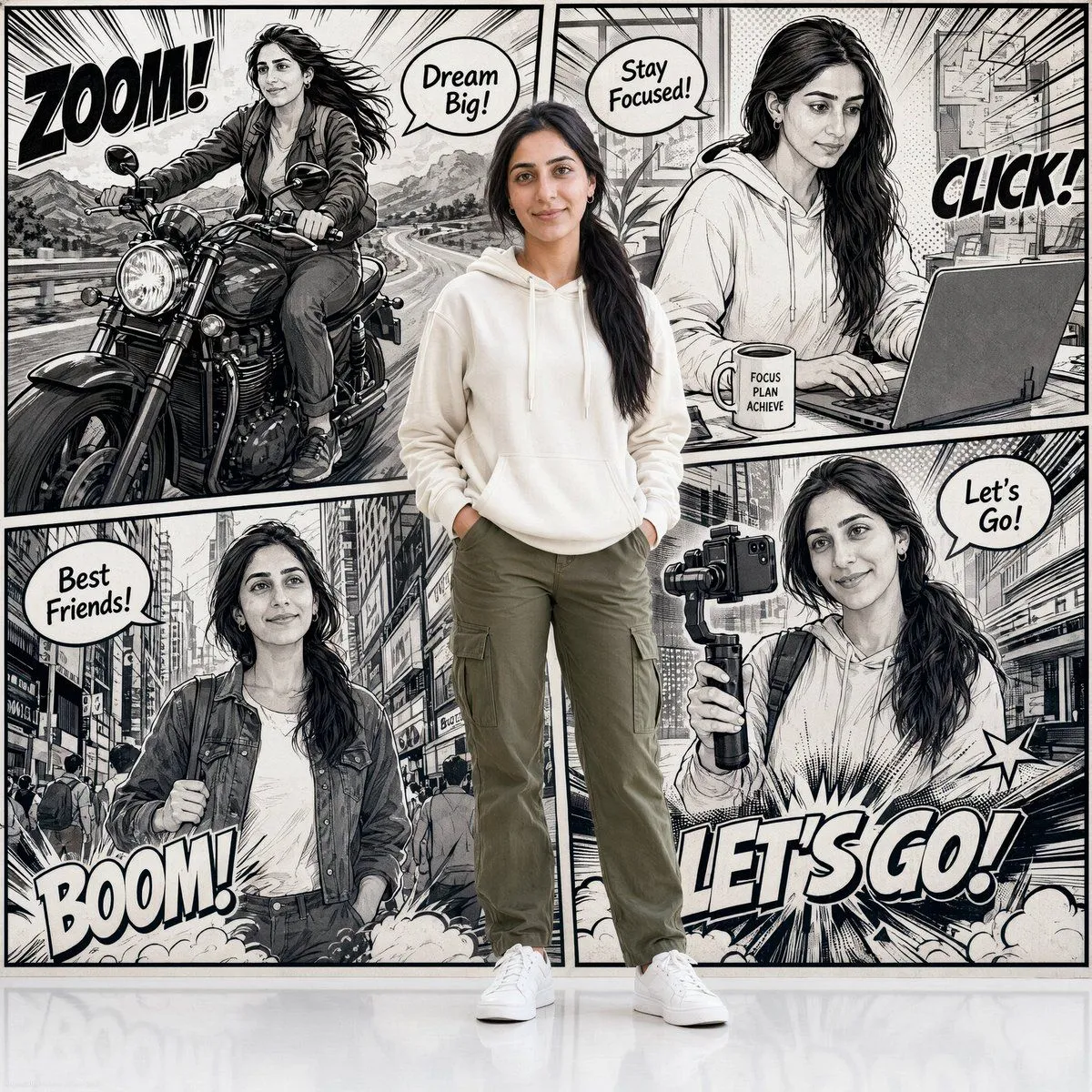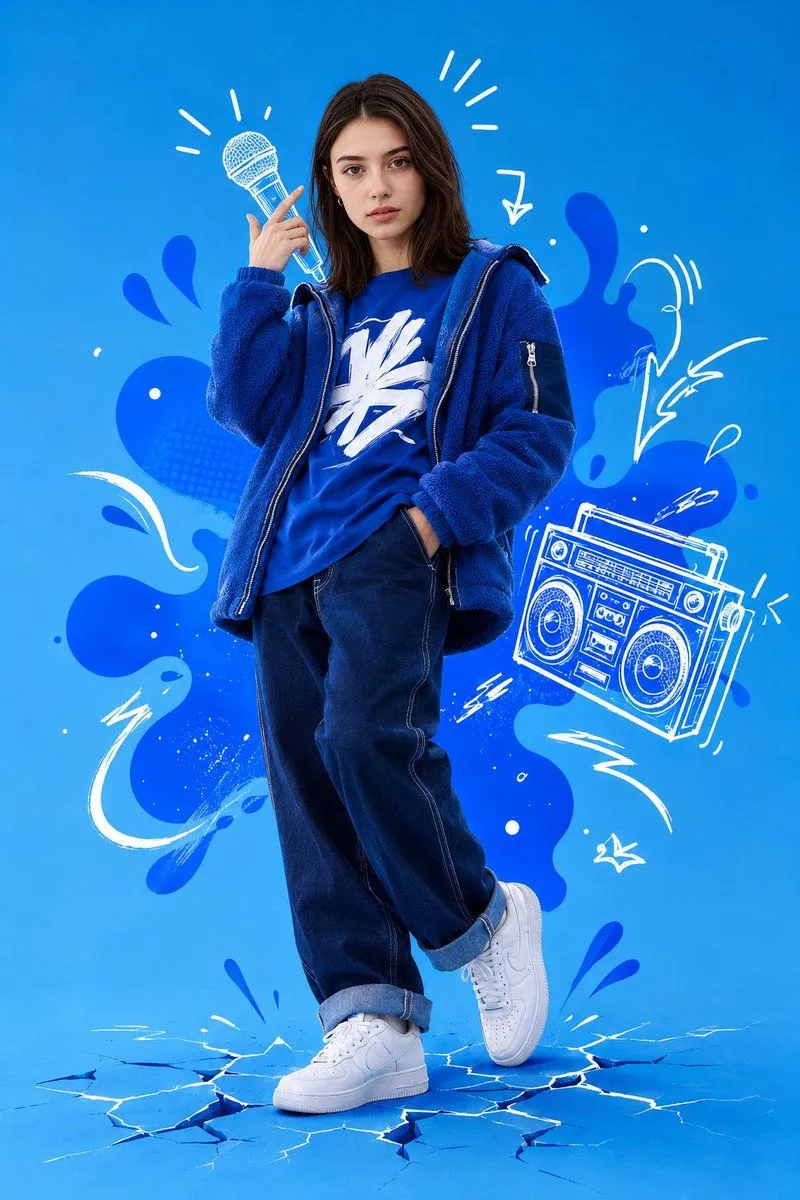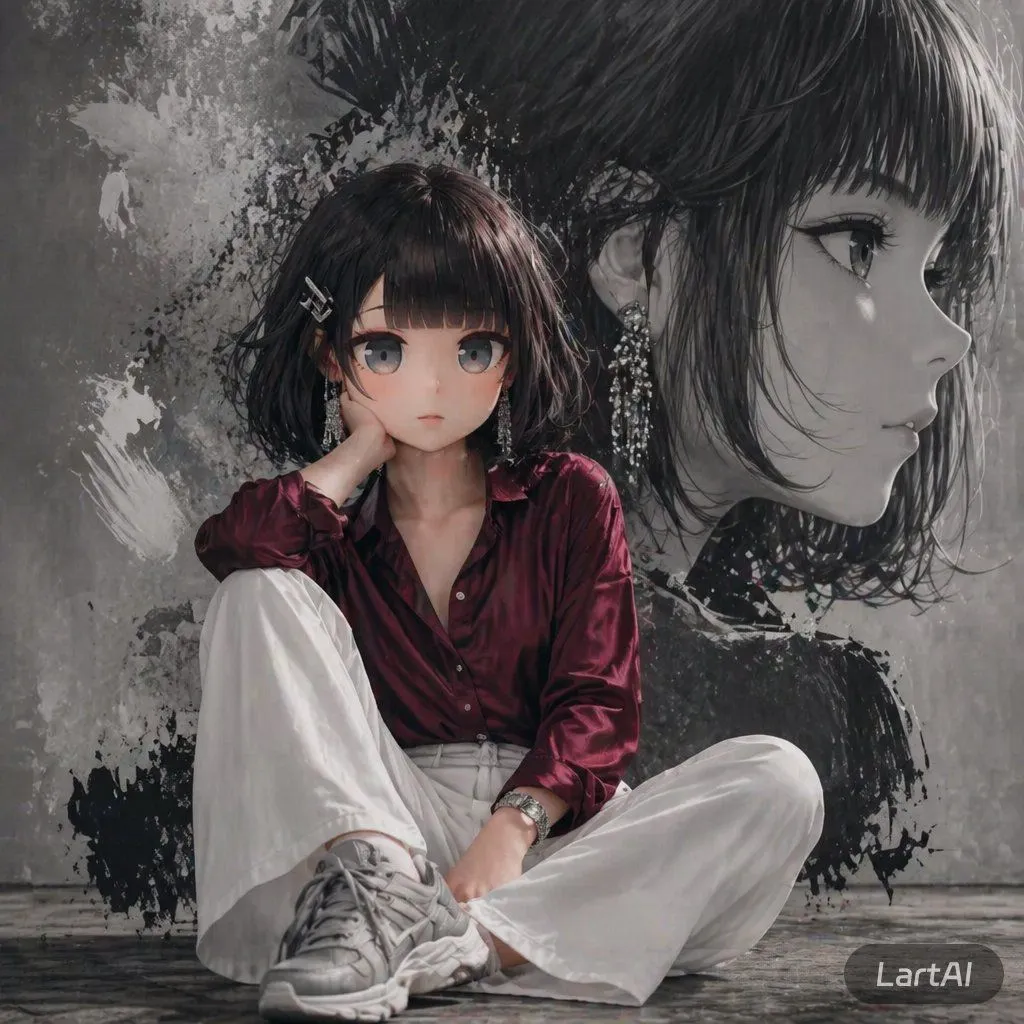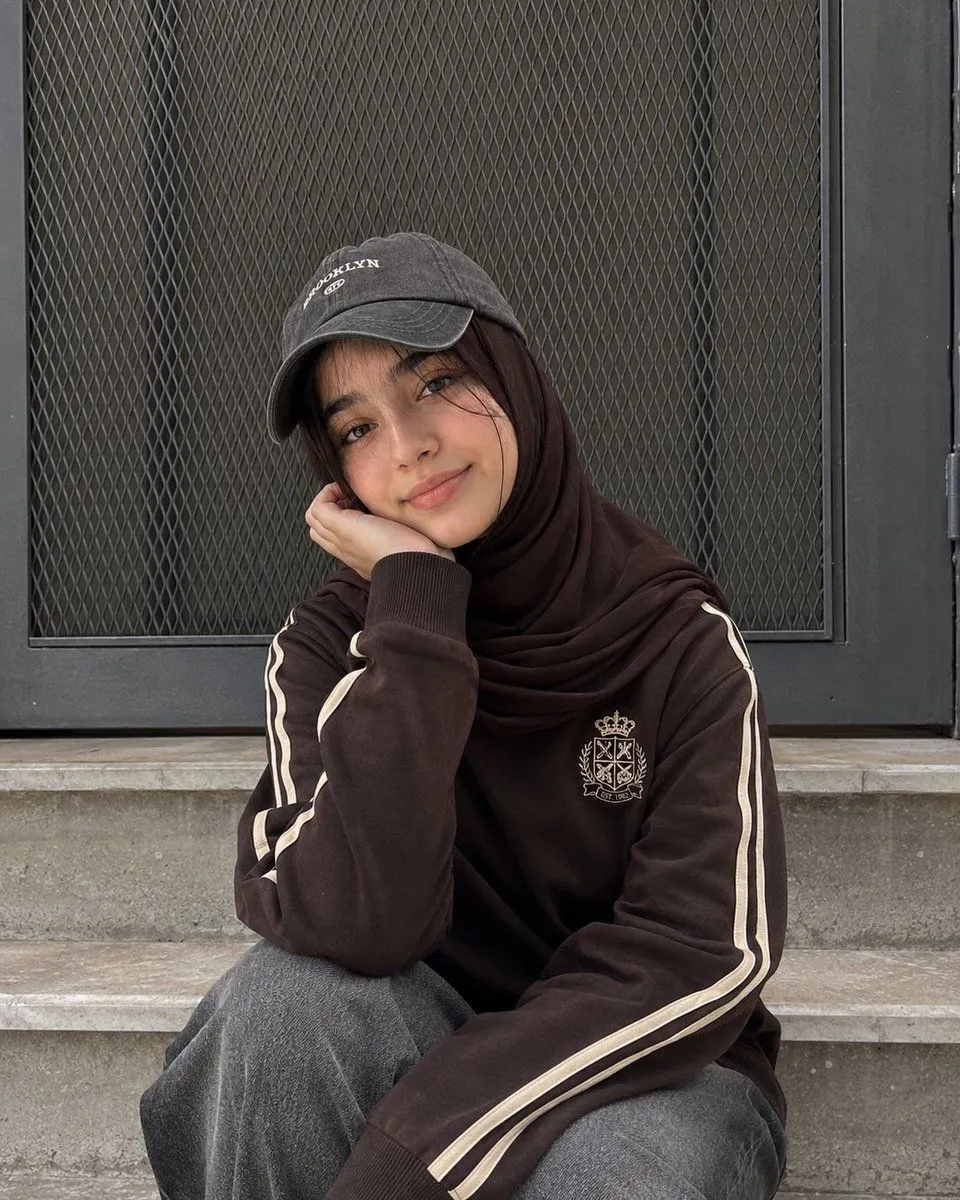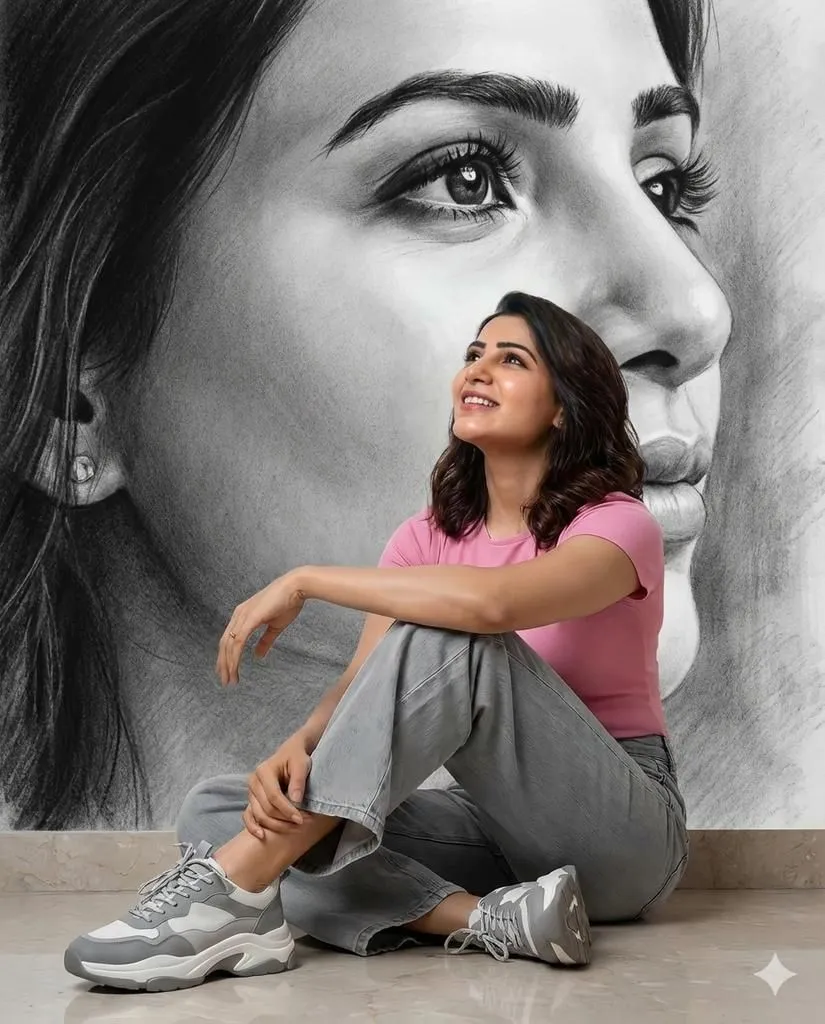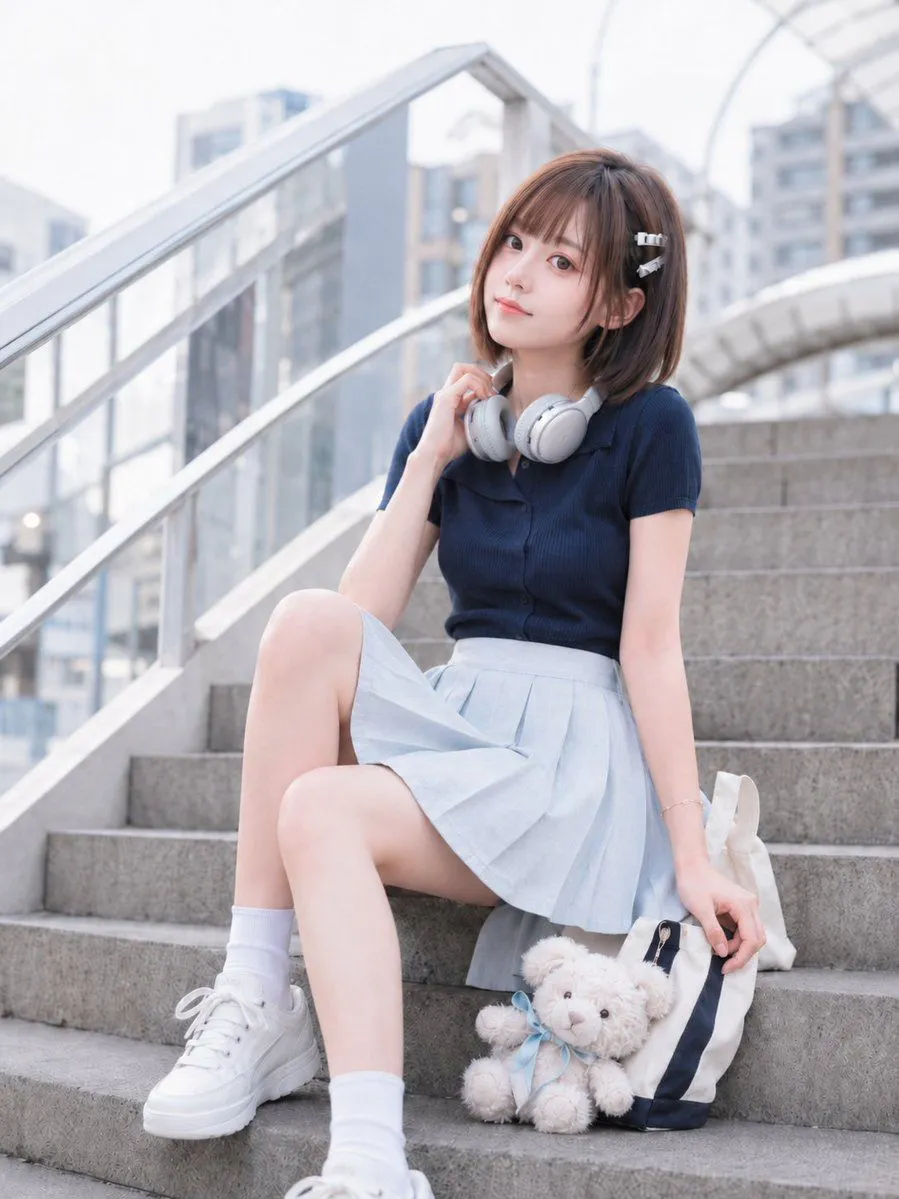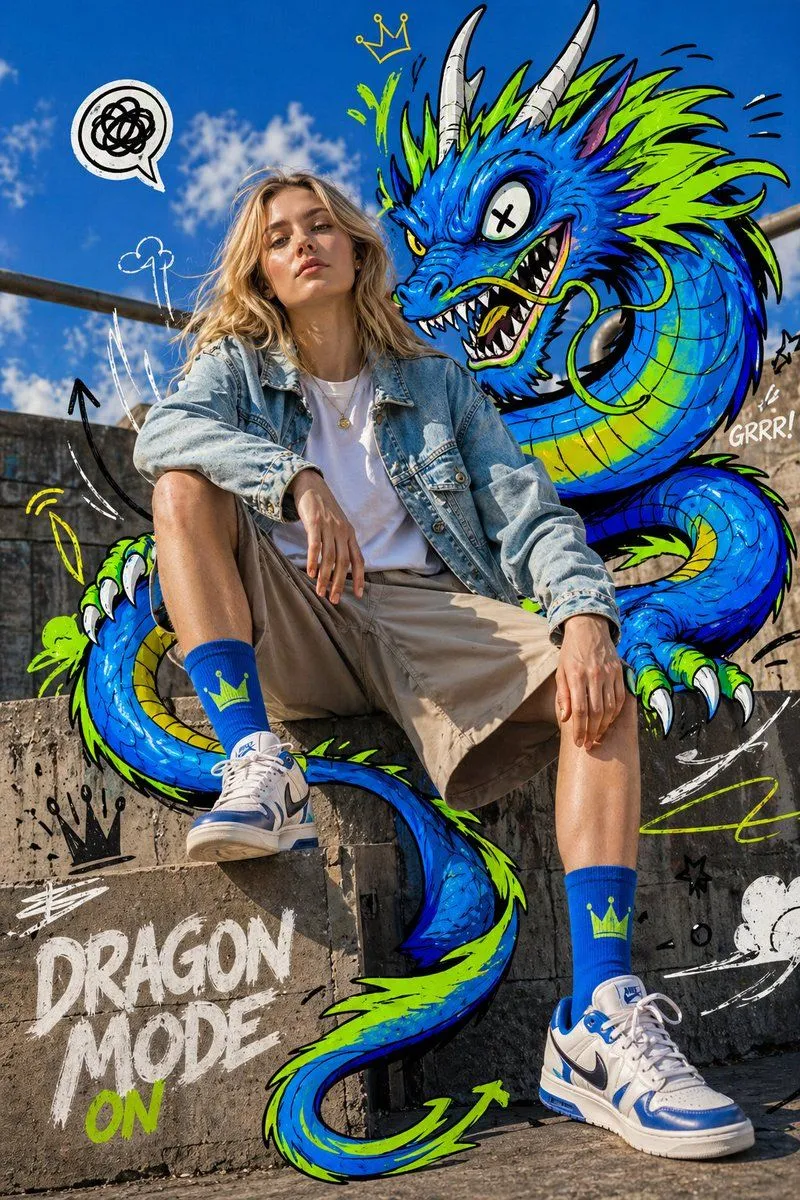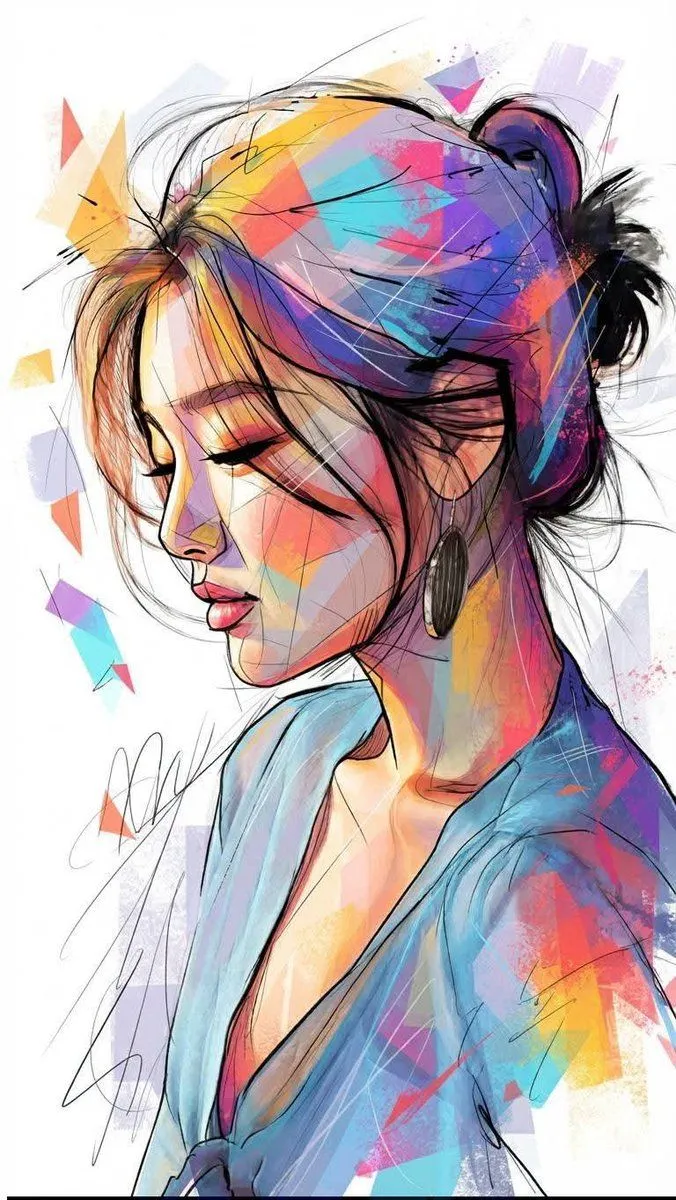
Made with Nano Banana Pro in Gemini by Library Social. Promptclay never generates images.
Did it work?
No reports yet. Tell others if it worked for you.
Mixed Reality Street Portrait
Prompt
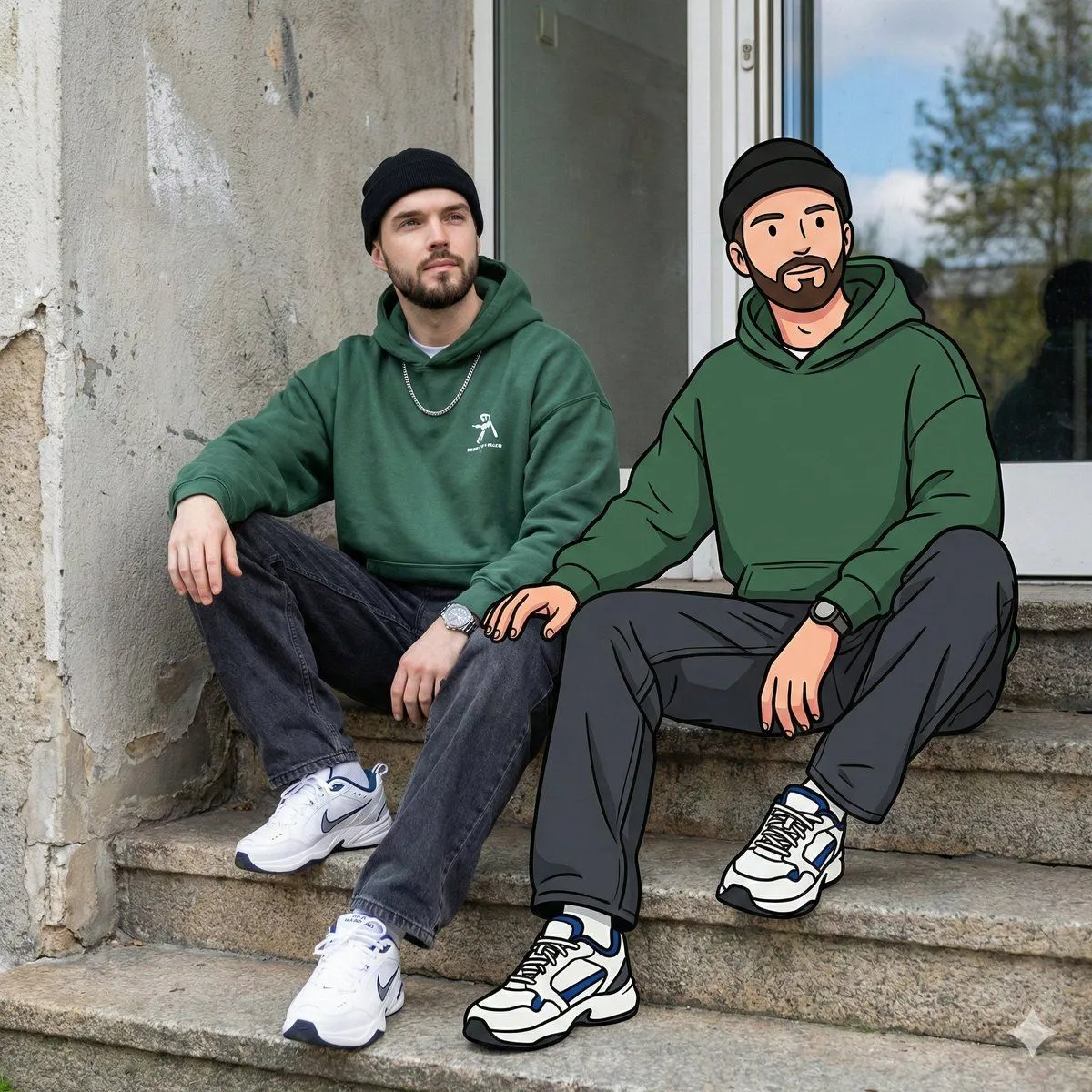
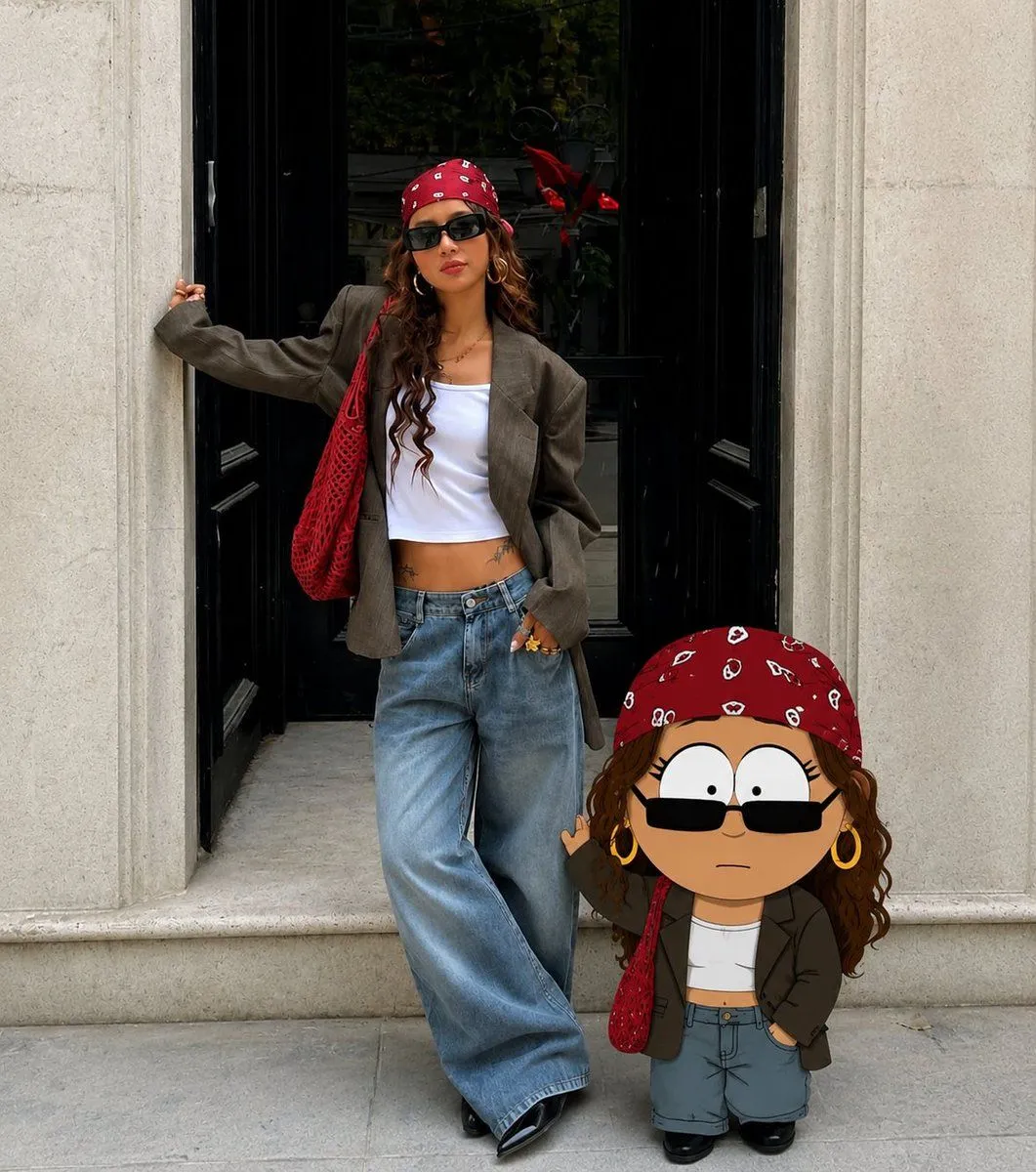
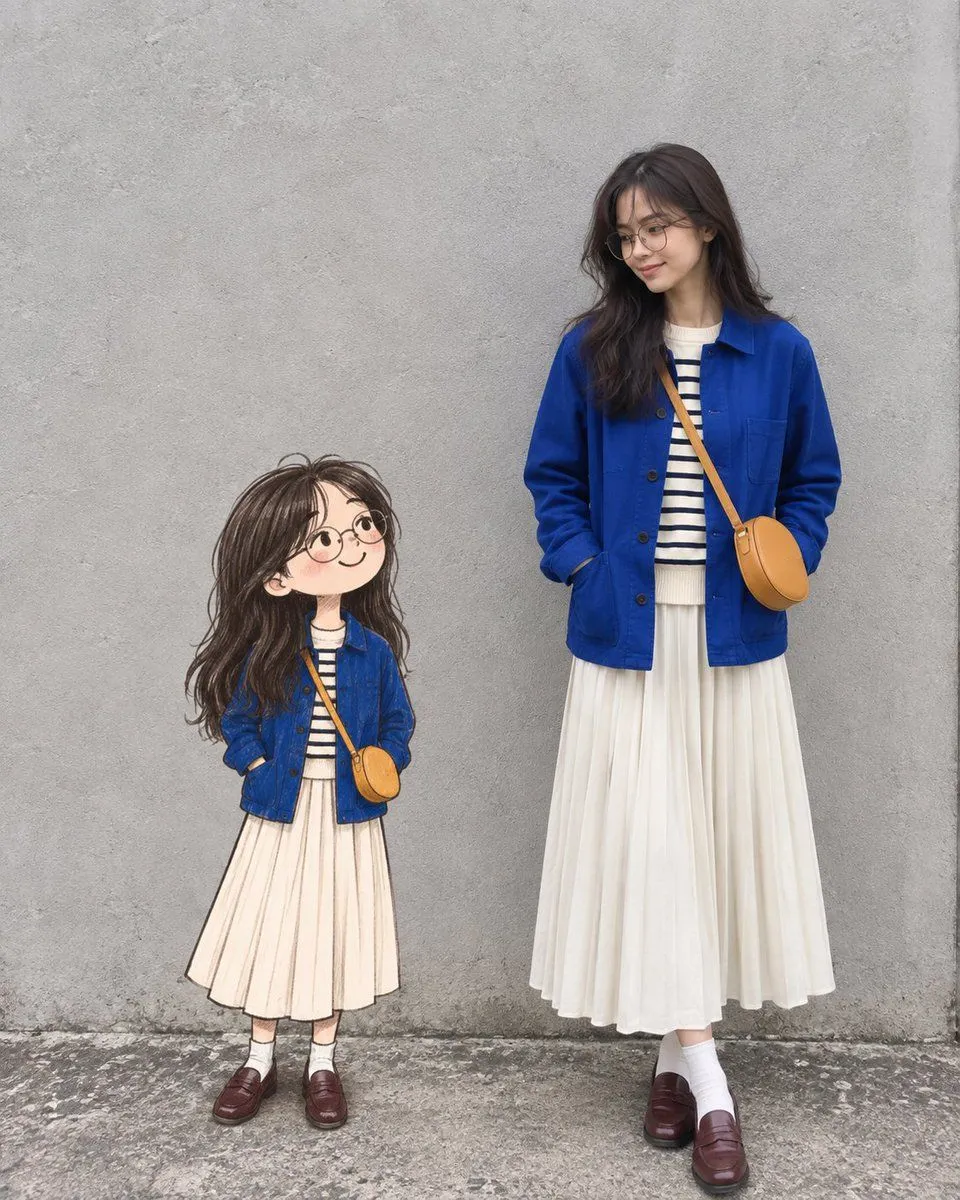
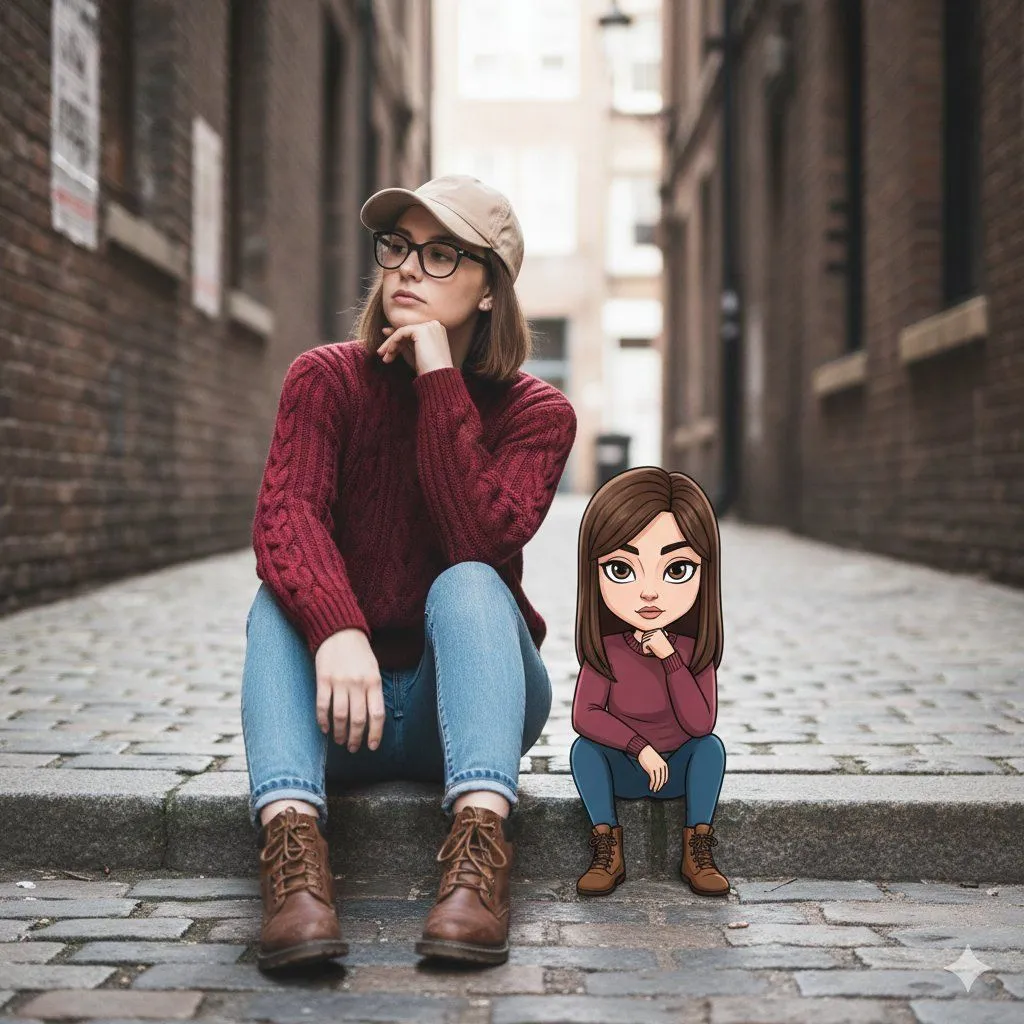
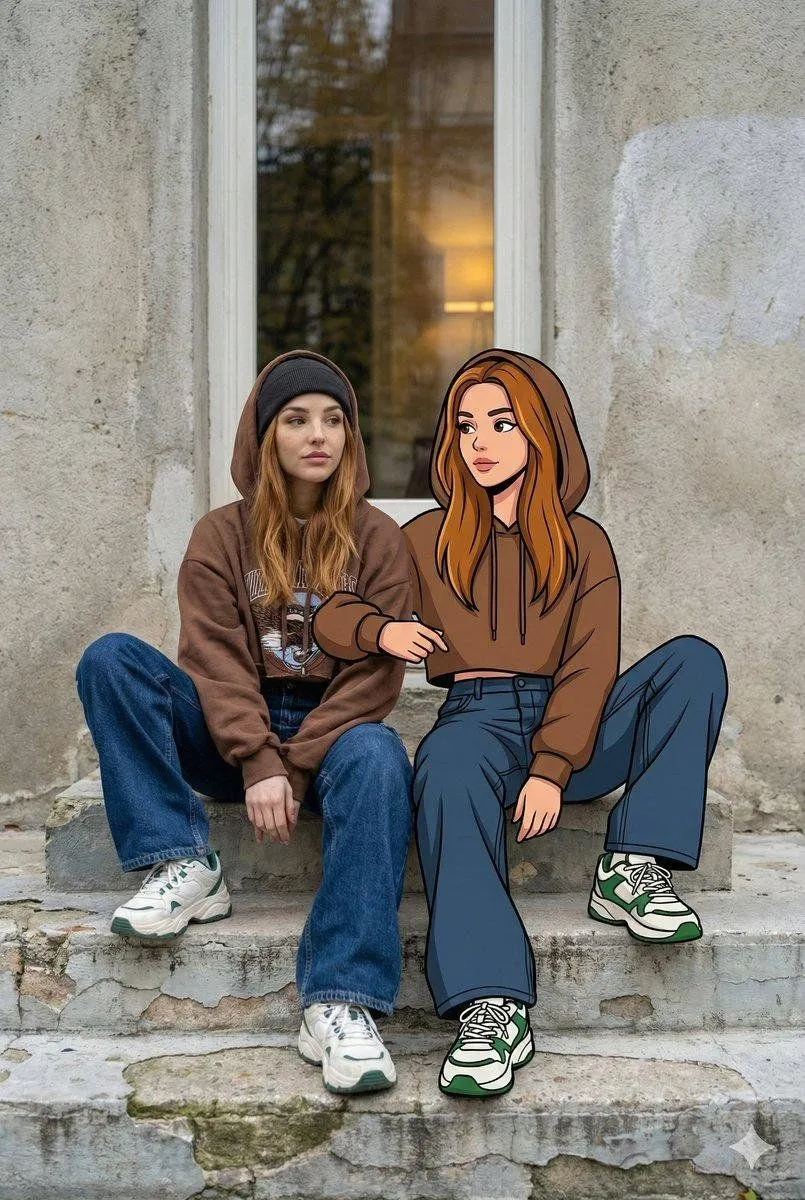
3 blanks to fillTransform the uploaded image into an ultra-high-resolution mixed-reality street portrait. A {subject} (same face as the uploaded image) sits on {setting} beside her cartoon illustrated twin. The setting is outdoors against a textured concrete wall with a tall window reflecting trees and soft indoor light. Worn steps with chipped paint add realism. The real woman wears relaxed {style}:an oversized cropped hoodie, baggy dark jeans, chunky sneakers, and a beanie. She sits casually with one knee raised, looking slightly away with a calm, confident expression. Her illustrated counterpart mirrors her pose, outfit, and proportions exactly, drawn in a bold flat graphic style with thick black outlines and vibrant colors.The cartoon arm aligns with the real arm, creating a playful interaction. Natural daylight lights both figures evenly, blending realistic textures with clean cartoon shading for a cool, nostalgic, creative mixed-media look.
Preview of your prompt
Transform the uploaded image into an ultra-high-resolution mixed-reality street portrait. A young woman (same face as the uploaded image) sits on urban steps beside her cartoon illustrated twin. The setting is outdoors against a textured concrete wall with a tall window reflecting trees and soft indoor light. Worn steps with chipped paint add realism. The real woman wears relaxed Y2K-inspired streetwear:an oversized cropped hoodie, baggy dark jeans, chunky sneakers, and a beanie. She sits casually with one knee raised, looking slightly away with a calm, confident expression. Her illustrated counterpart mirrors her pose, outfit, and proportions exactly, drawn in a bold flat graphic style with thick black outlines and vibrant colors.The cartoon arm aligns with the real arm, creating a playful interaction. Natural daylight lights both figures evenly, blending realistic textures with clean cartoon shading for a cool, nostalgic, creative mixed-media look.
DetailsVersions, settings and questions
Written for
What's in the prompt
- Subject
- Model
- Nano Banana Pro
If your face changes
keep my face exactly the sameQuestions
- Does this work in the Gemini app?
- Yes. Gemini runs Nano Banana, so paste the prompt and attach your photo if it uses one.
- It changed my face. What do I do?
- Add "keep my face exactly the same" to the end and run it again.
- Can I use the images I make?
- Check the terms of the app you use. Promptclay never generates images and claims nothing you make.