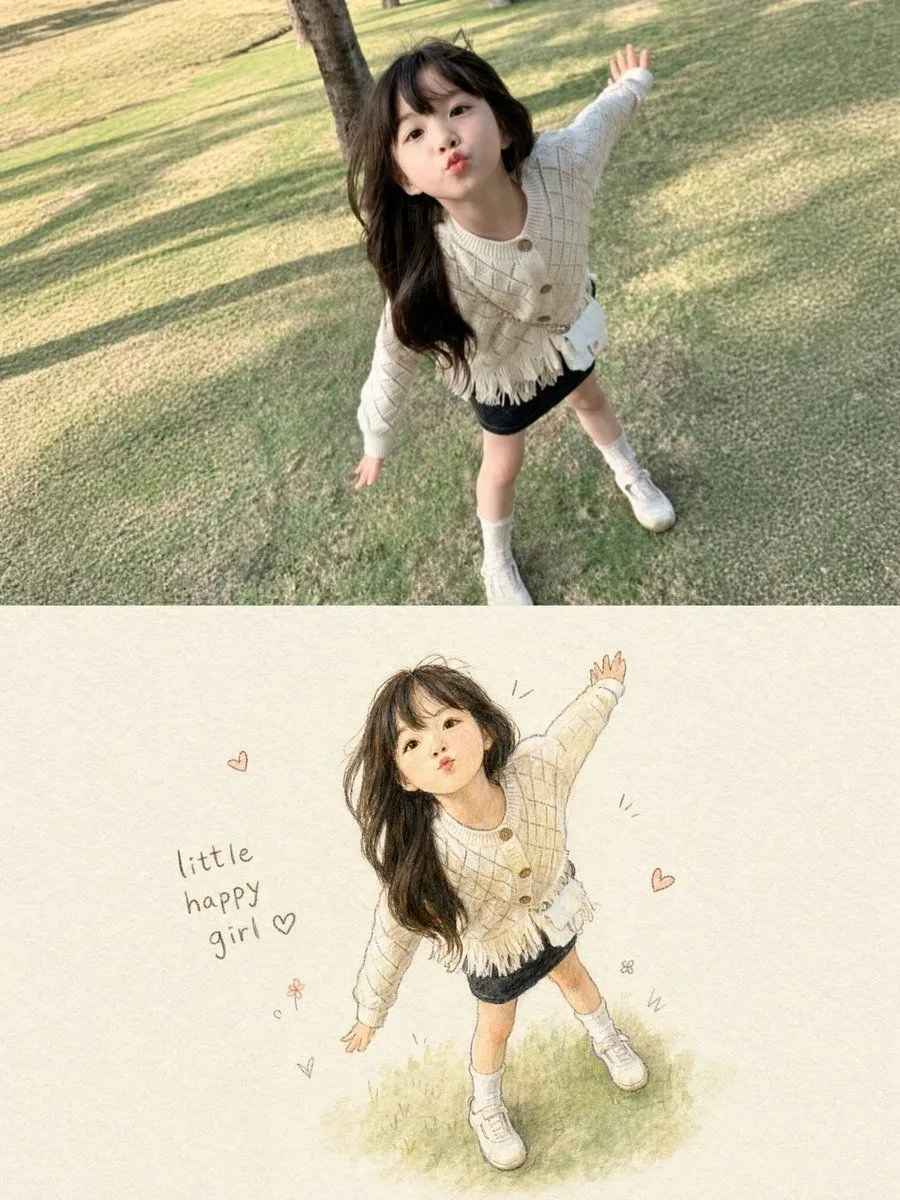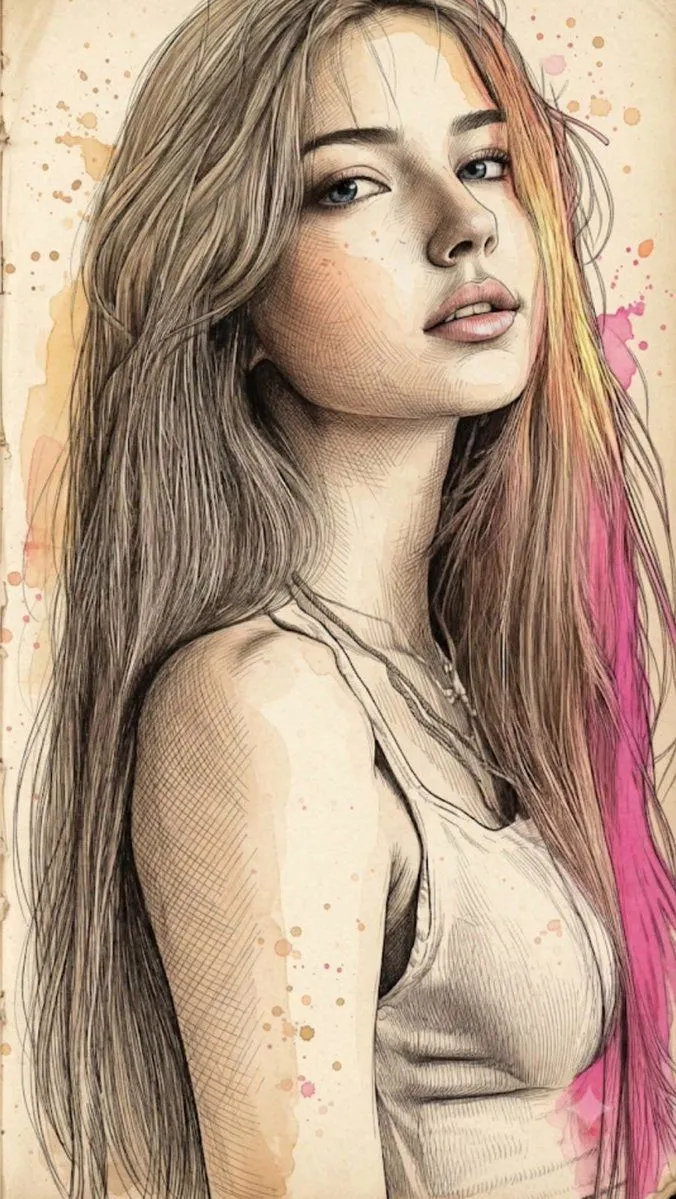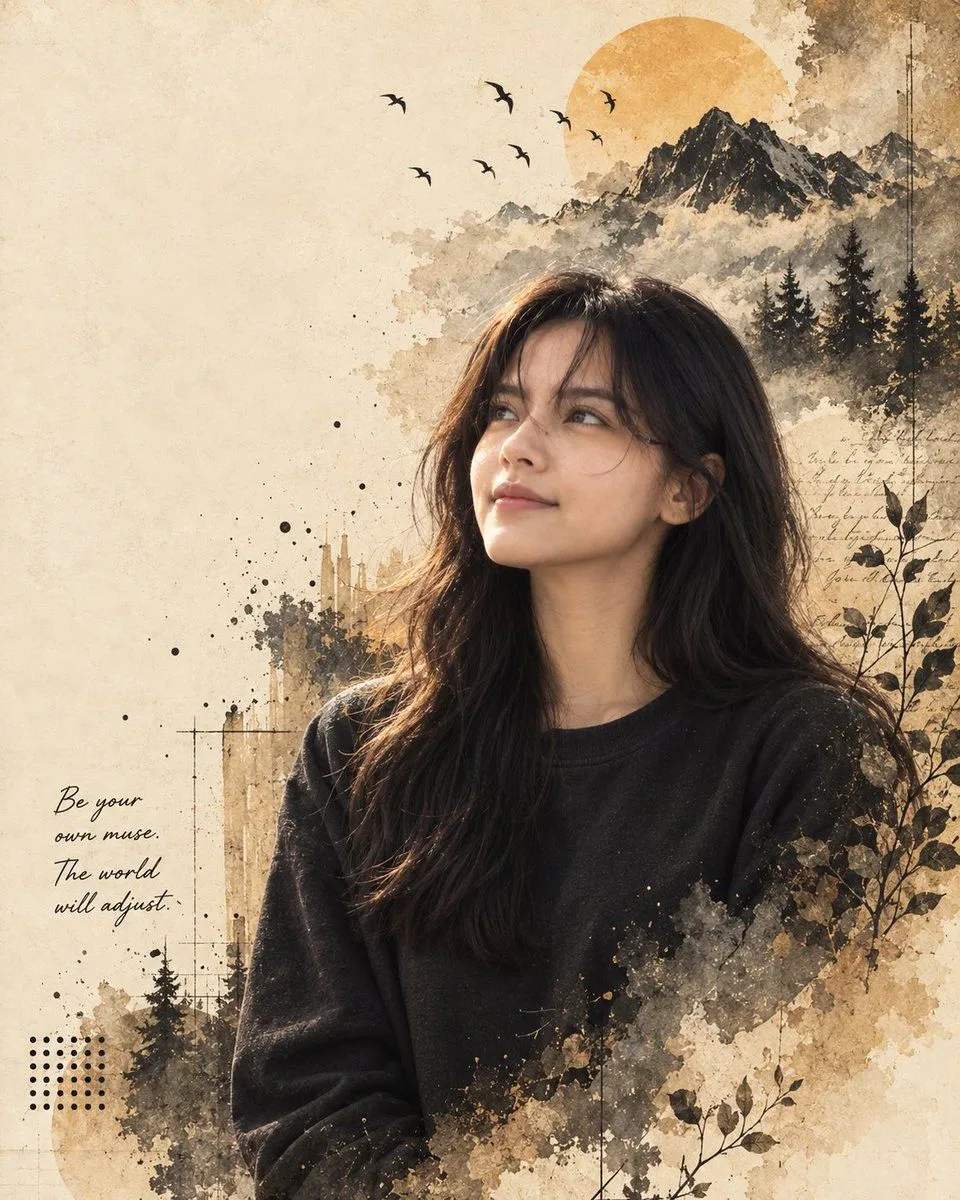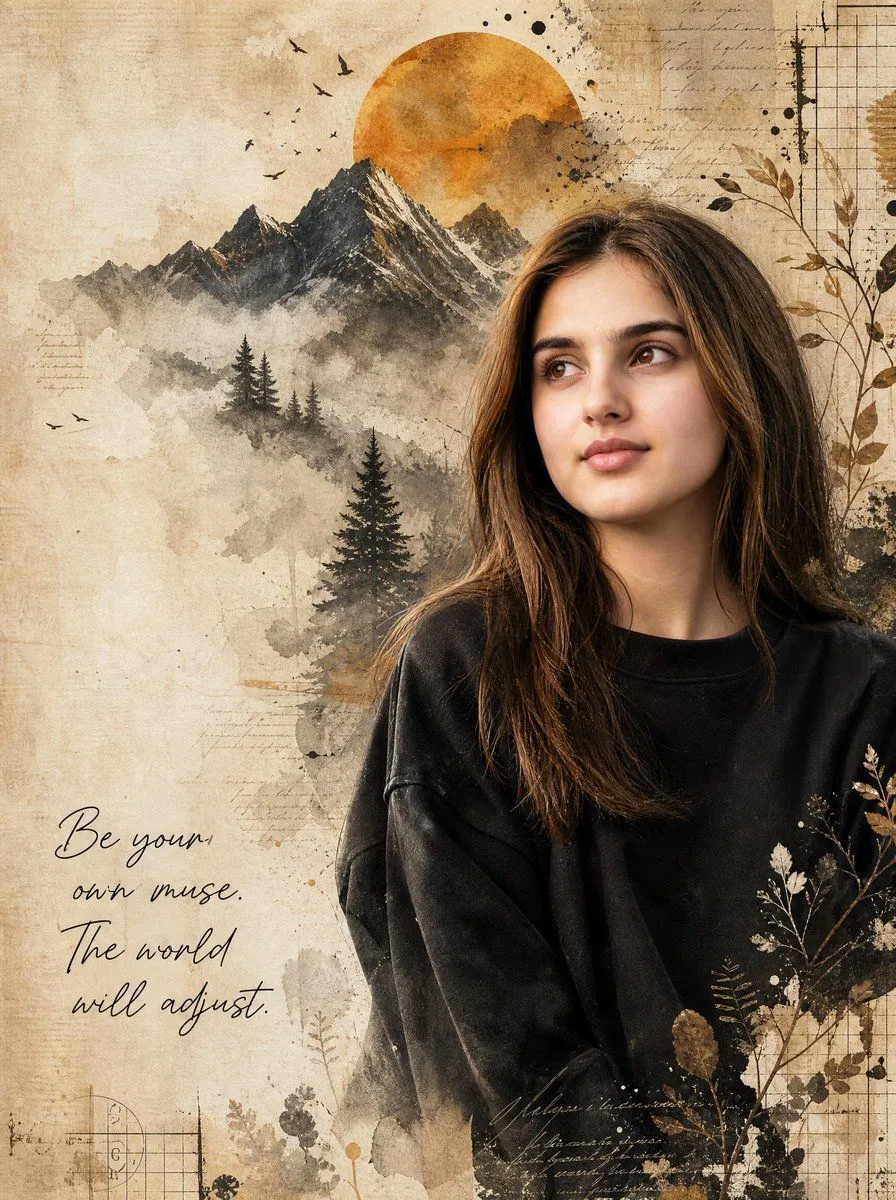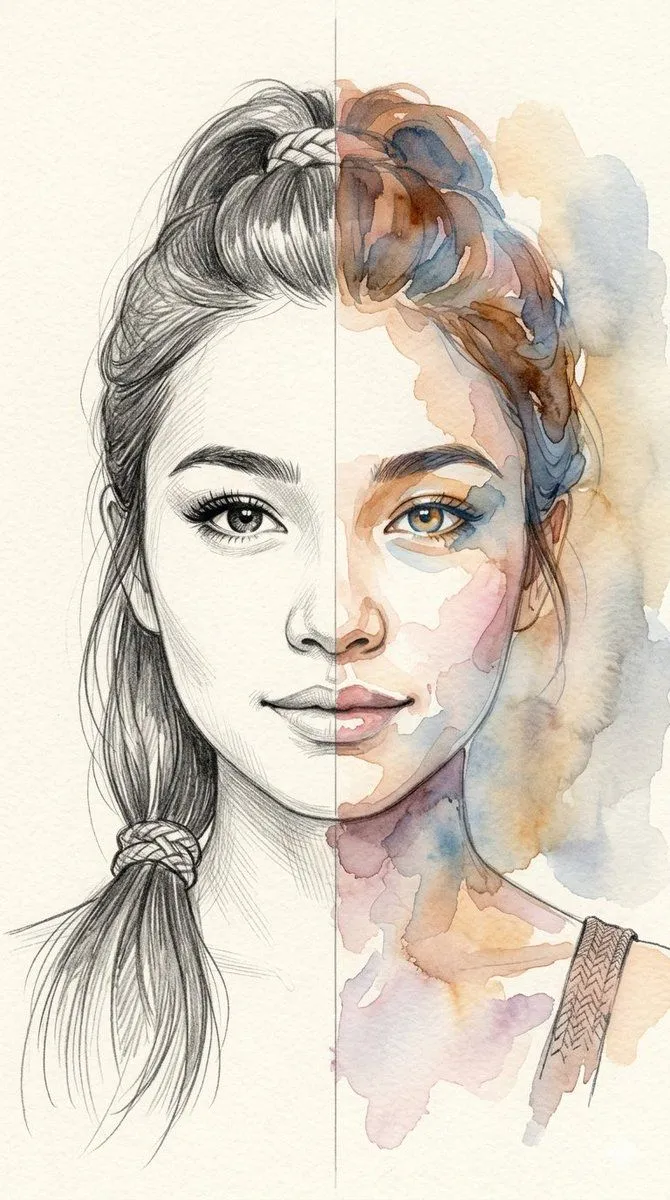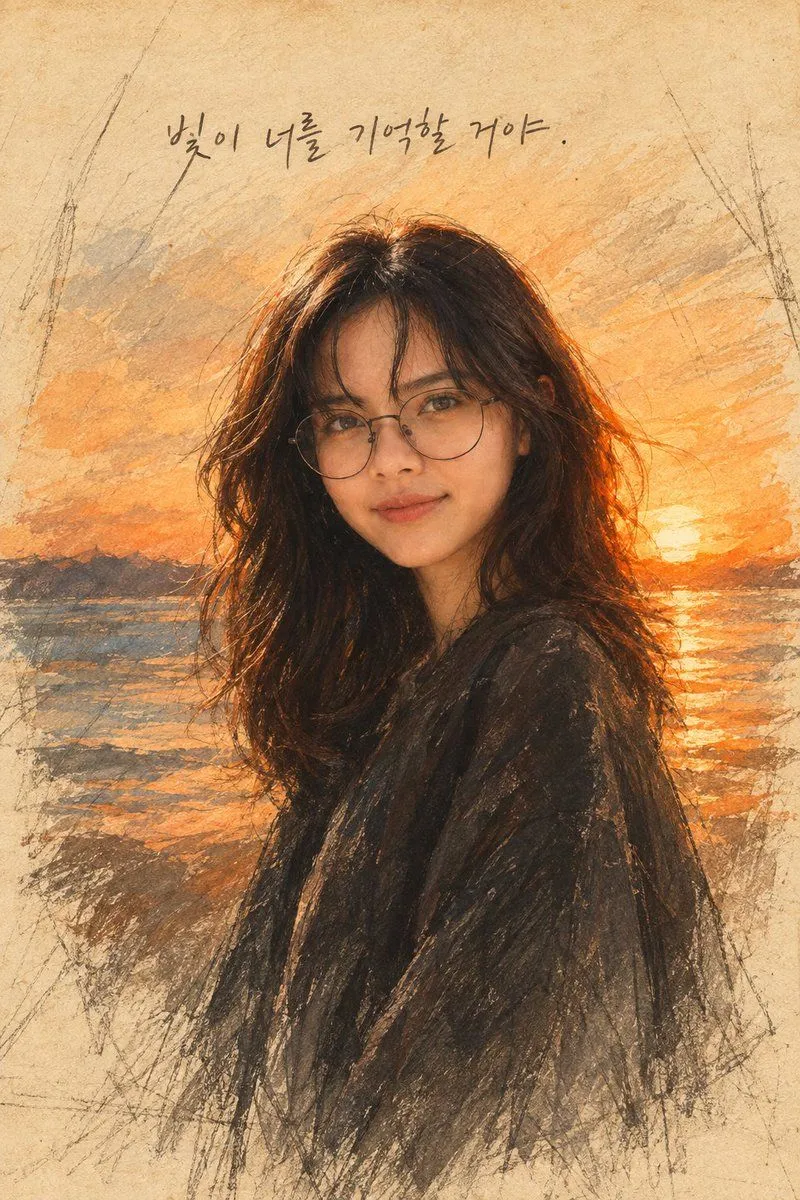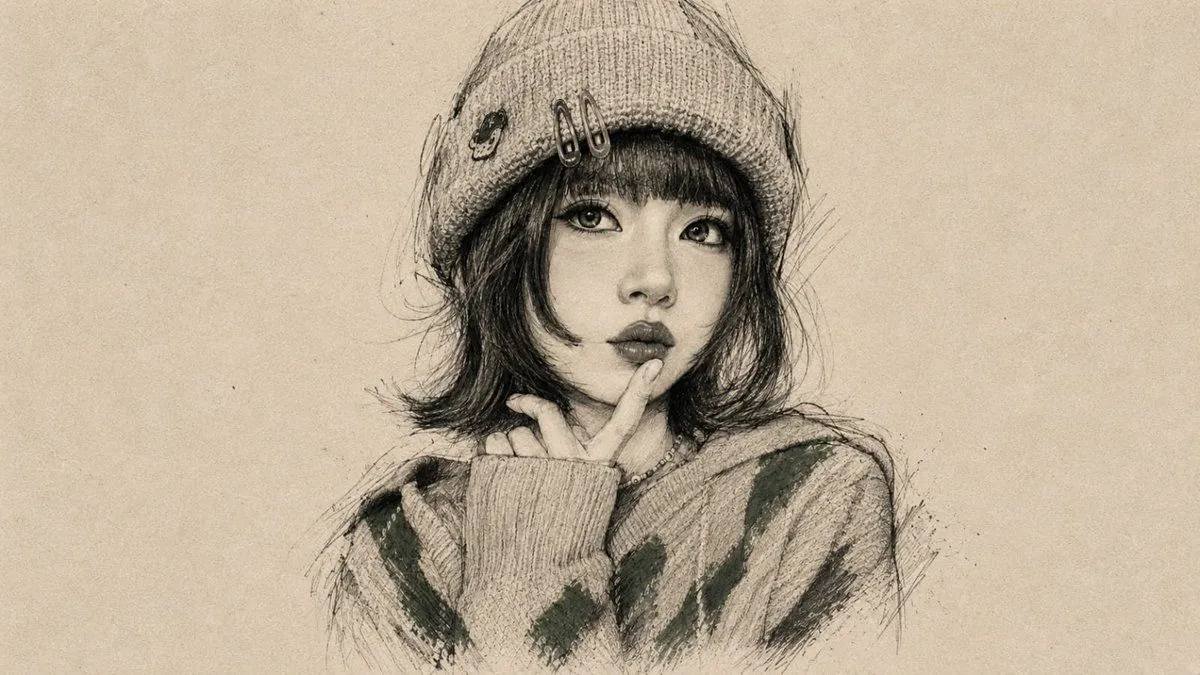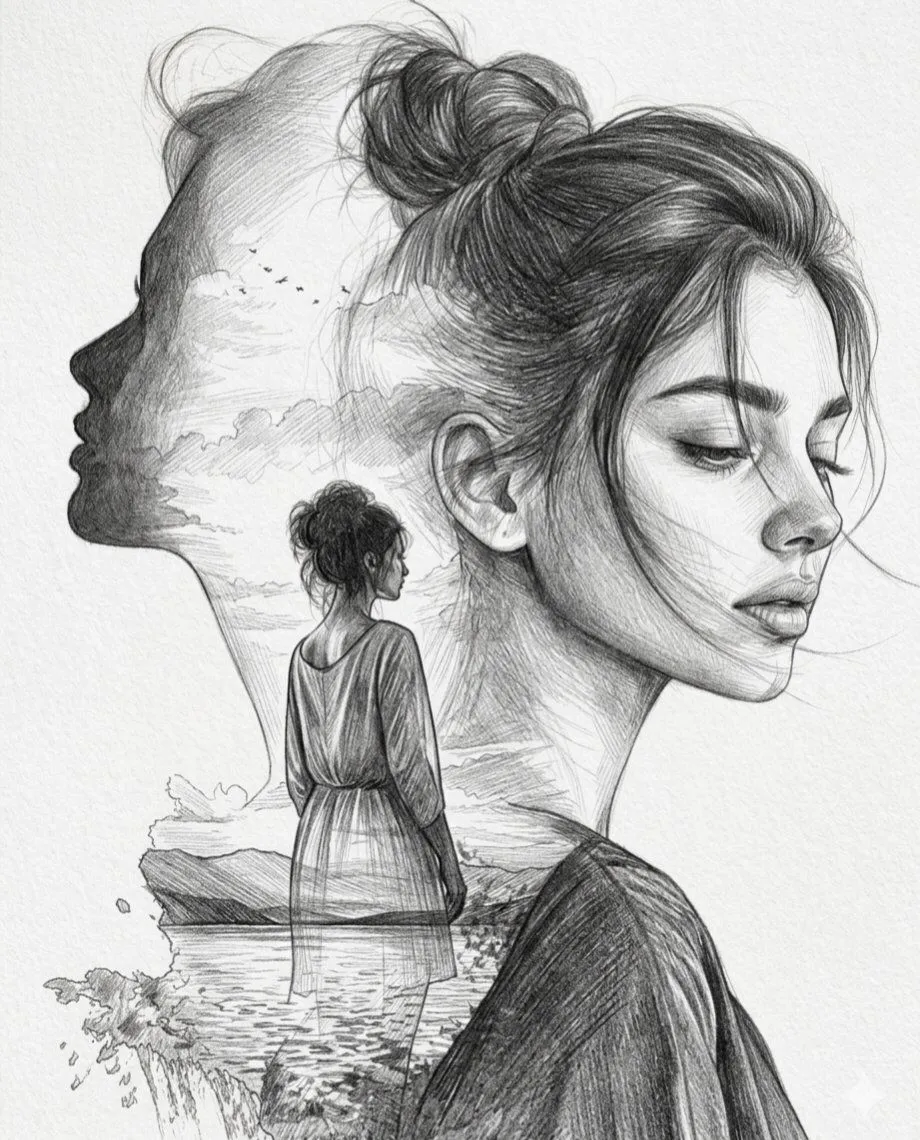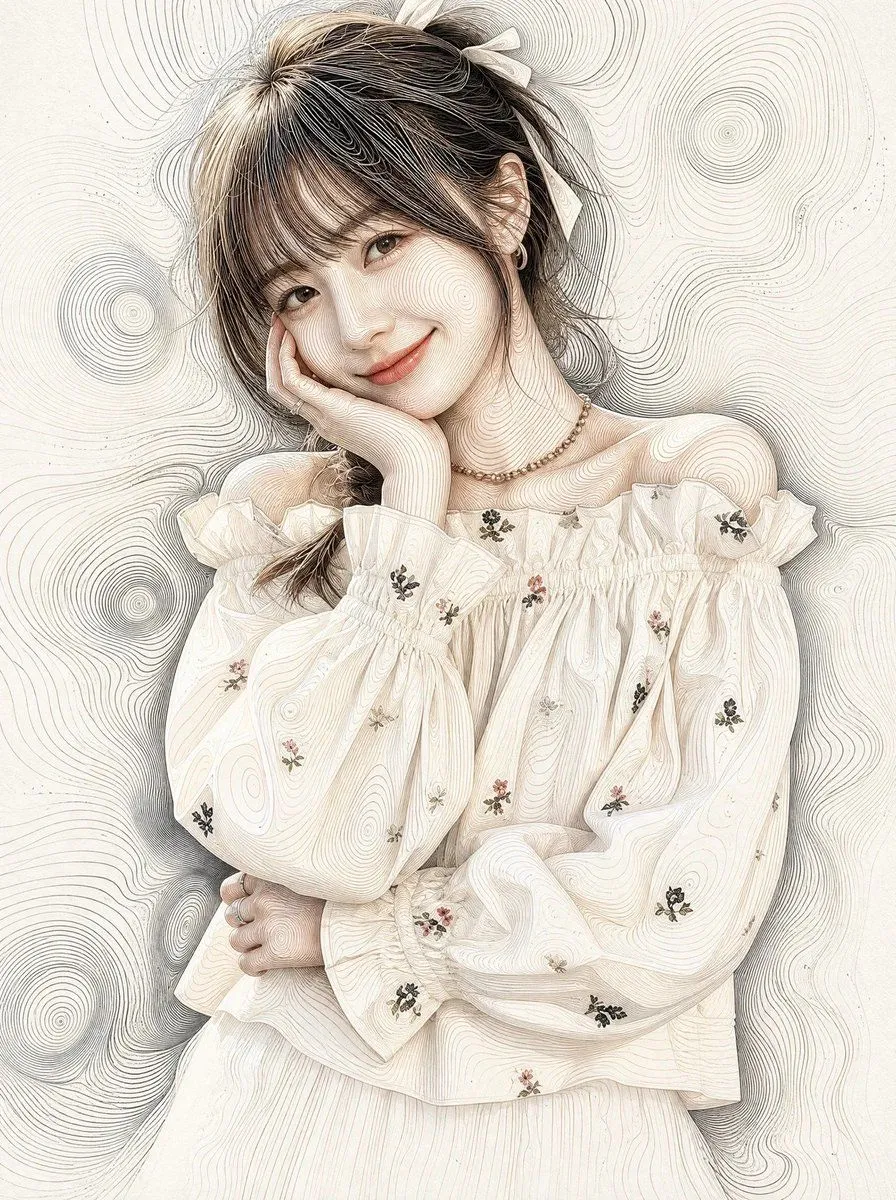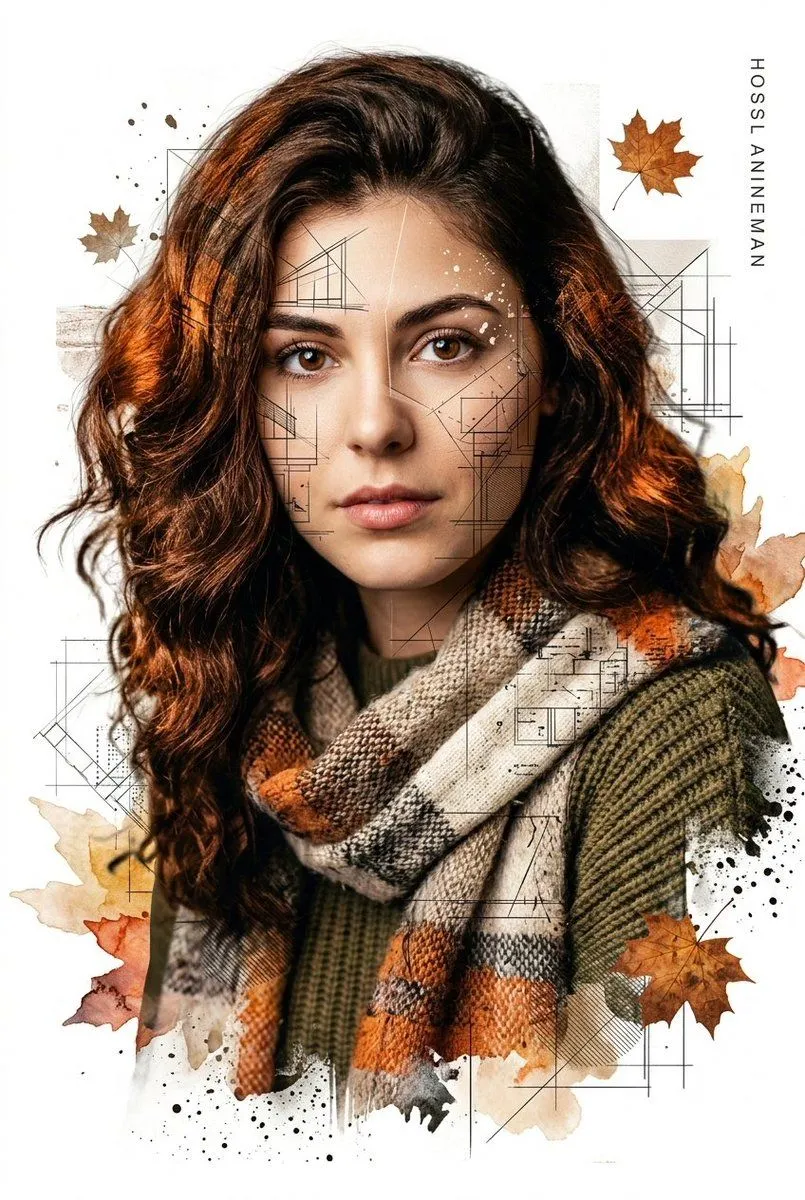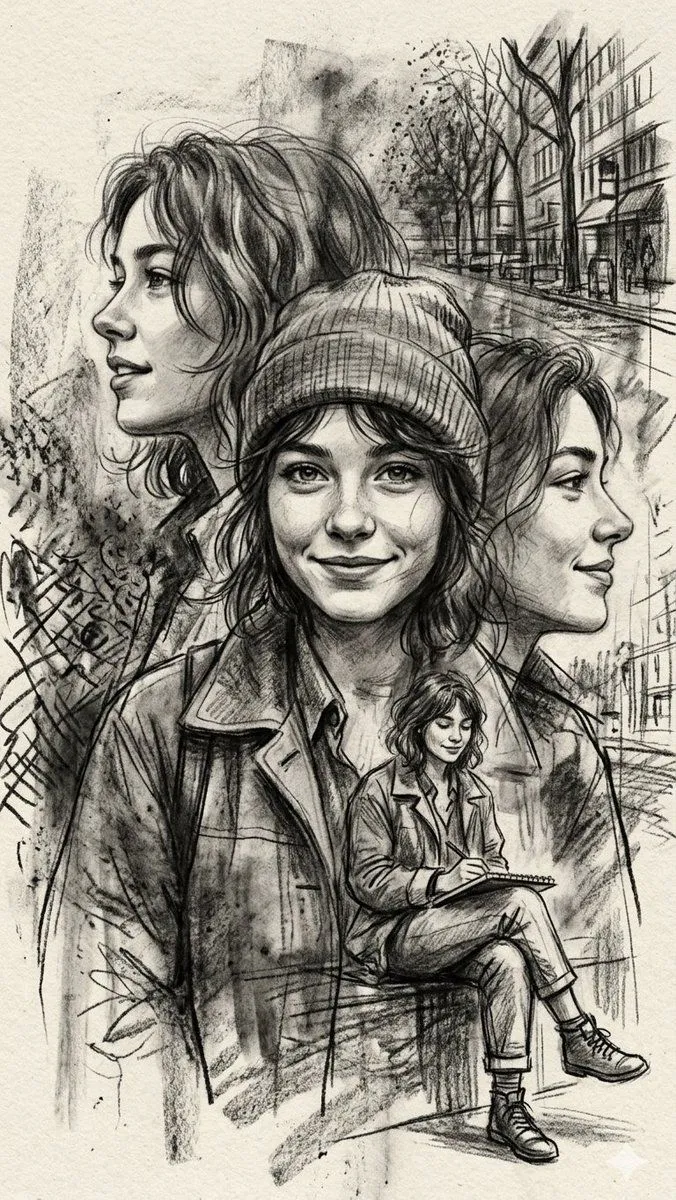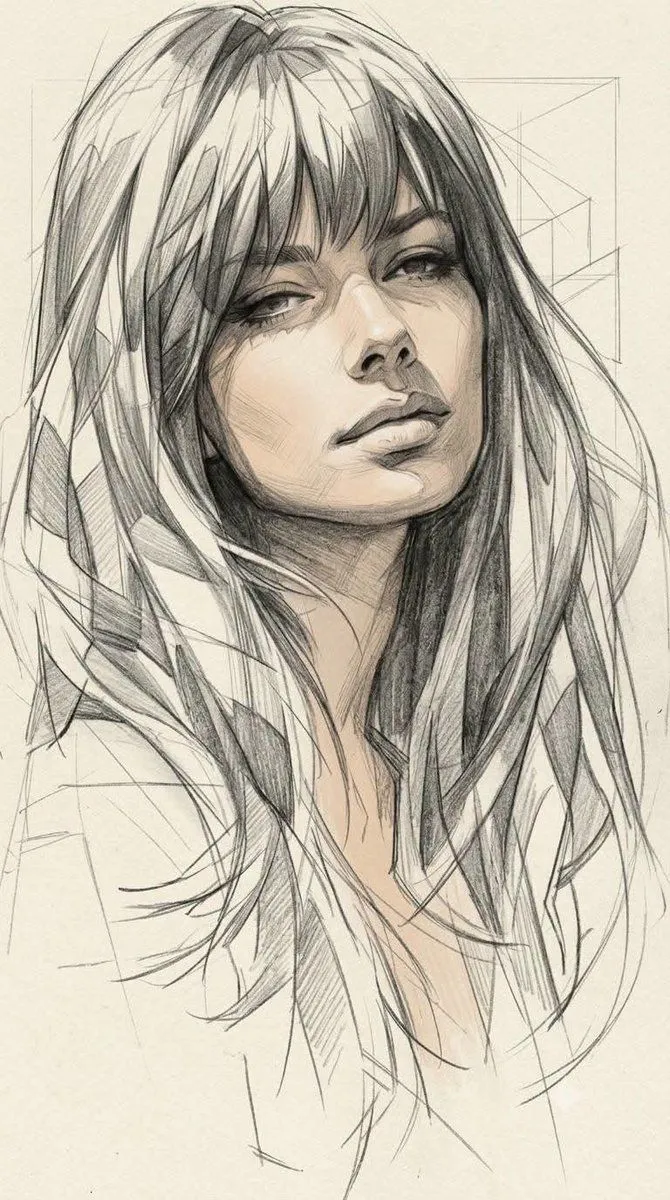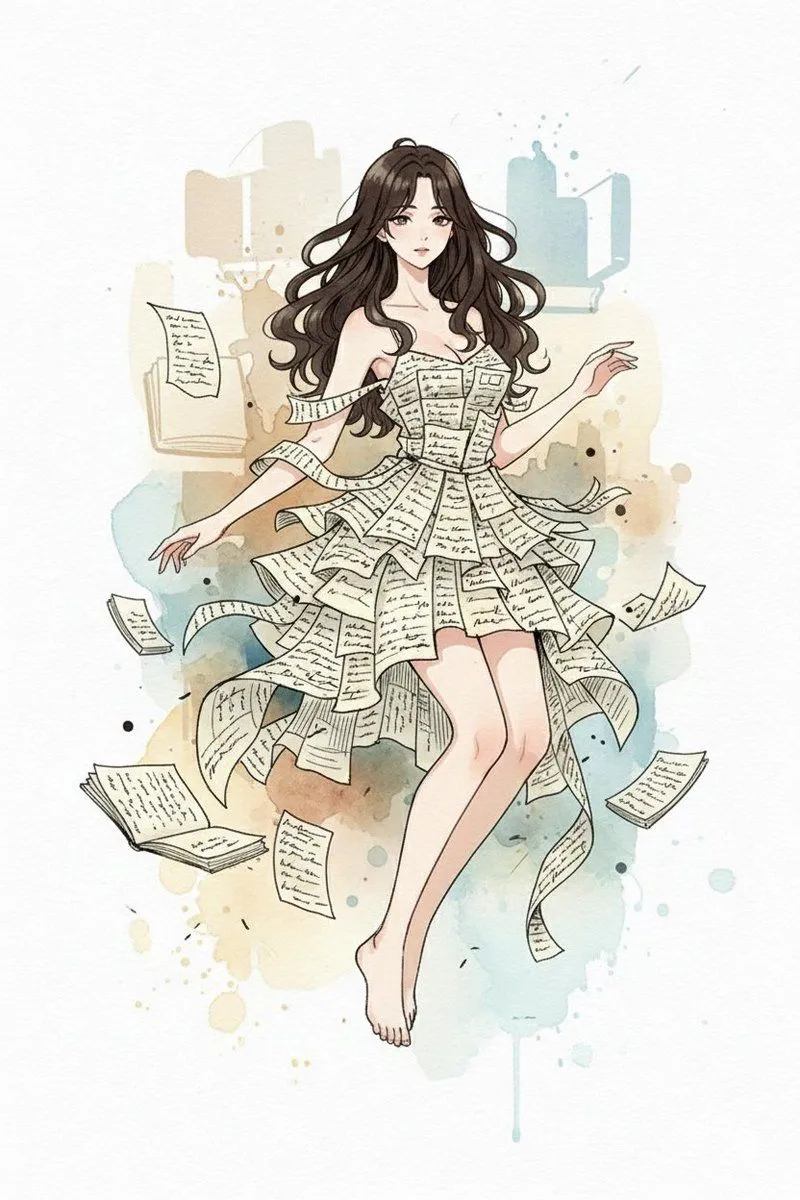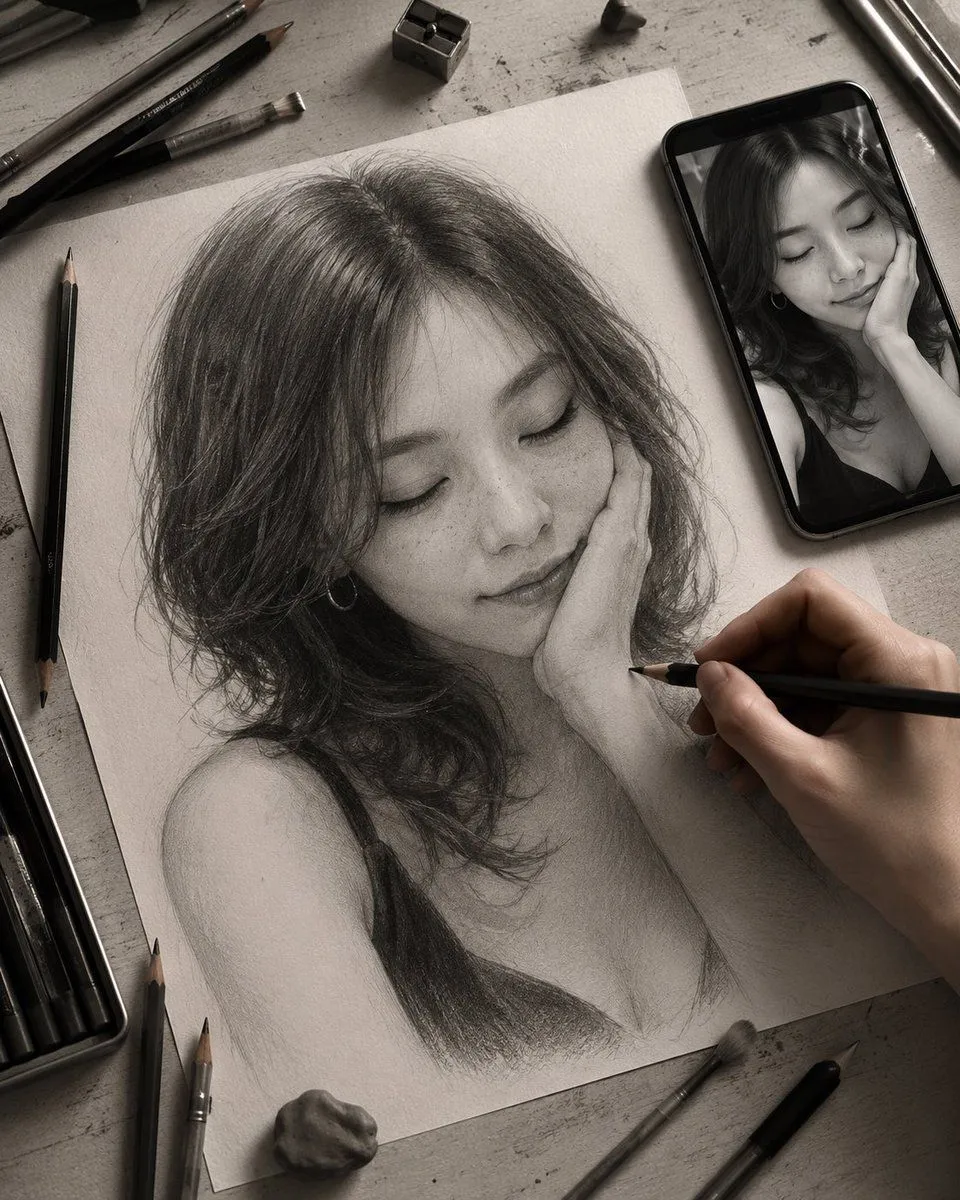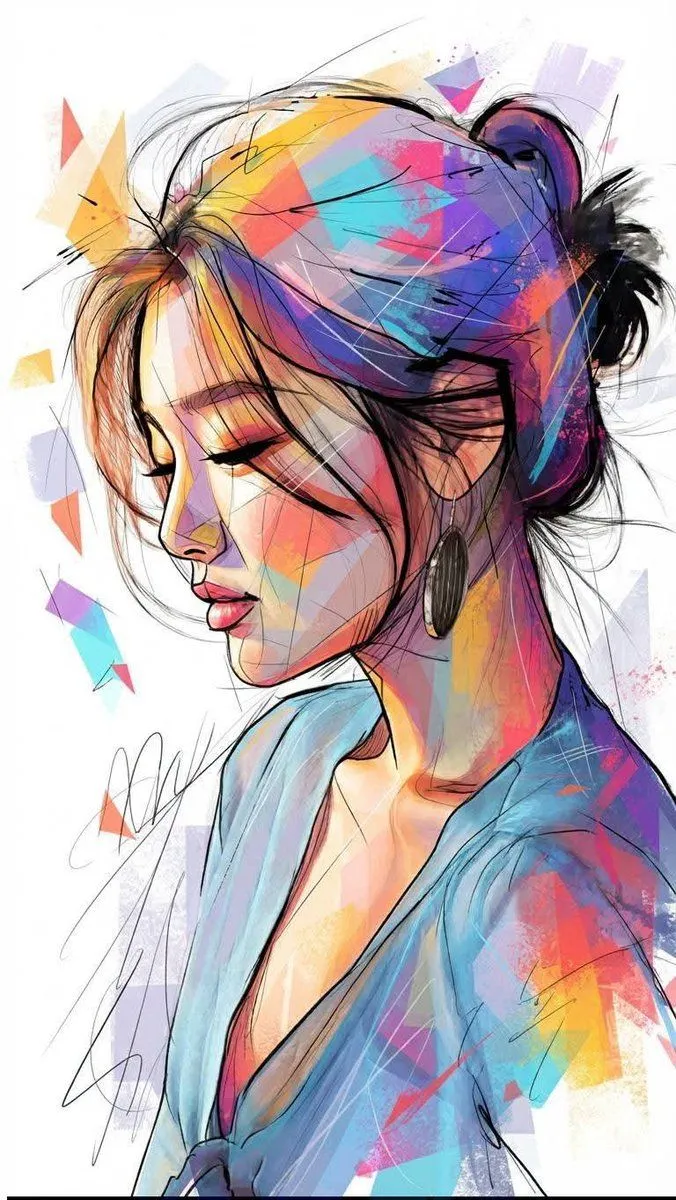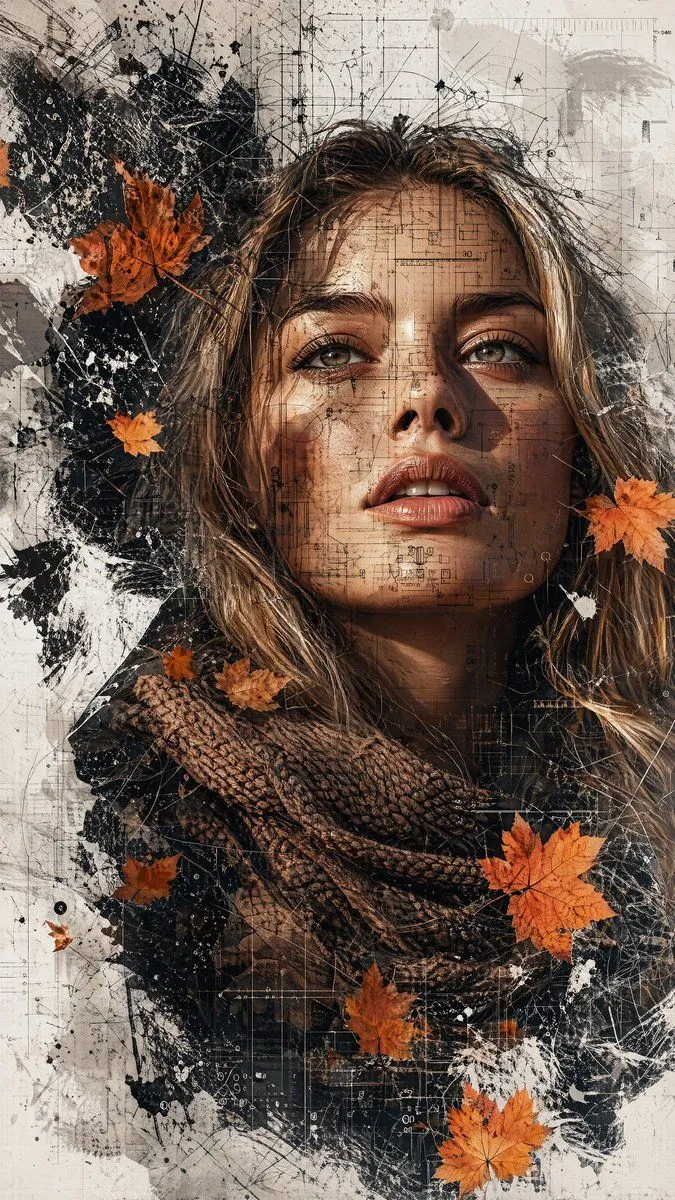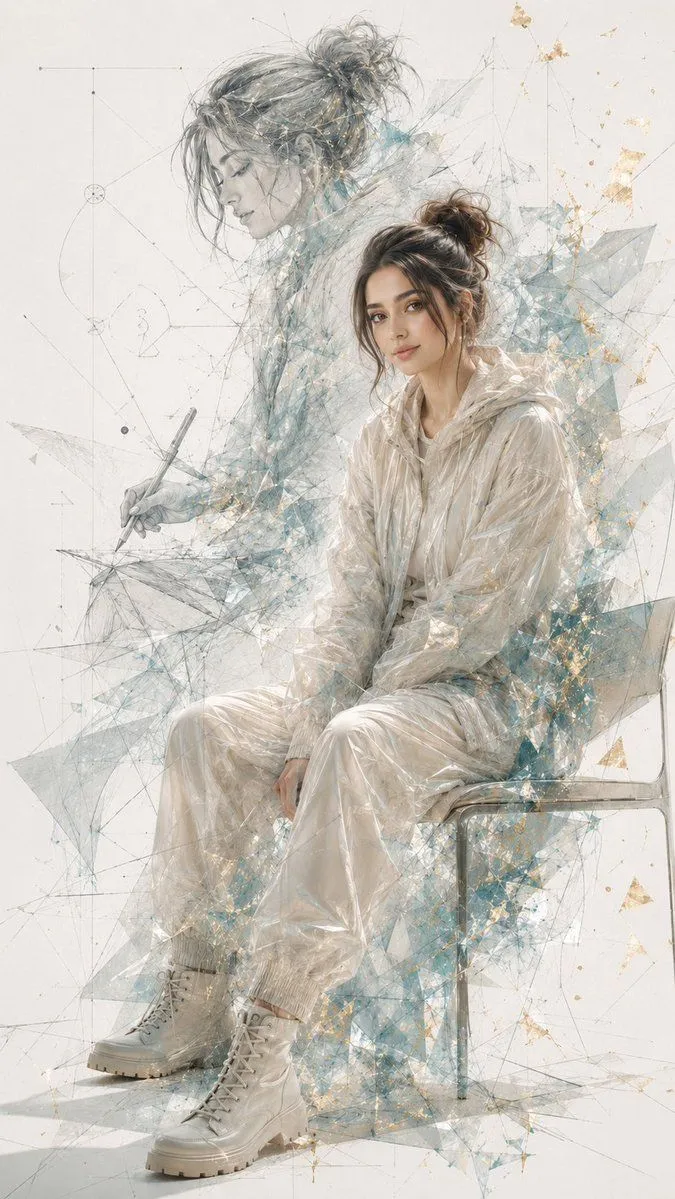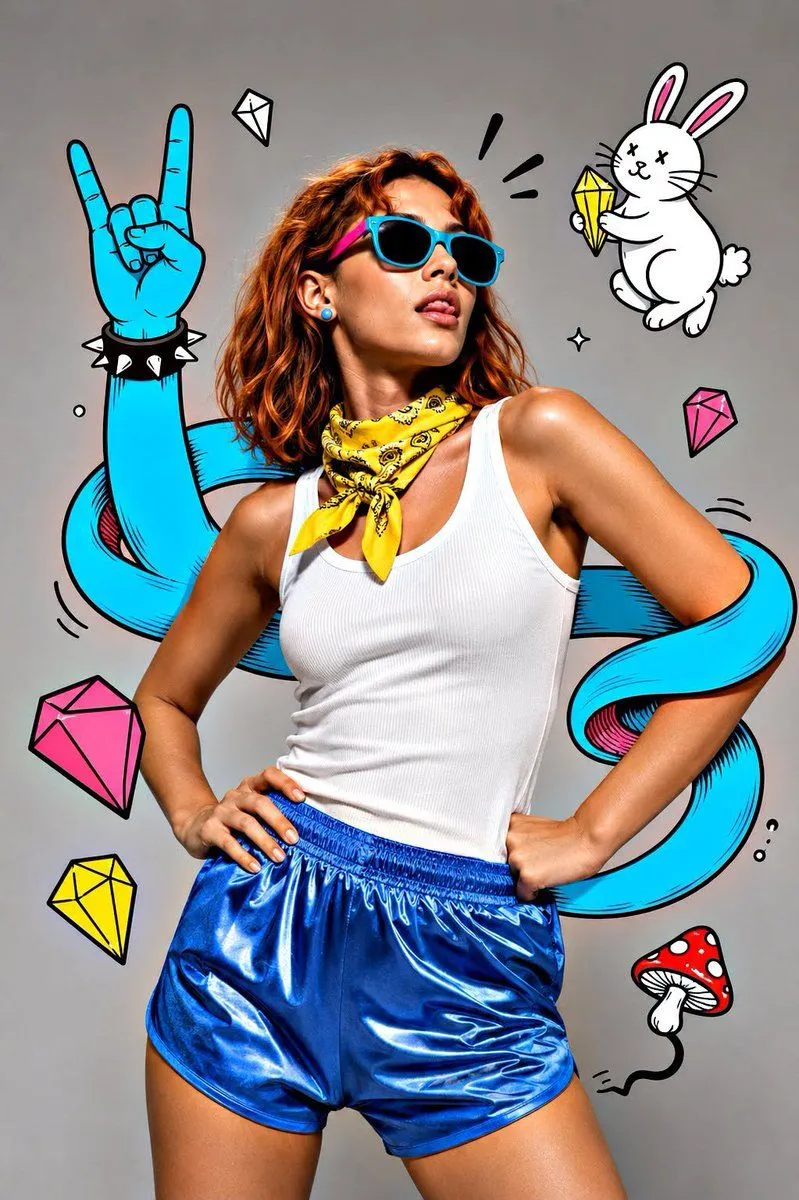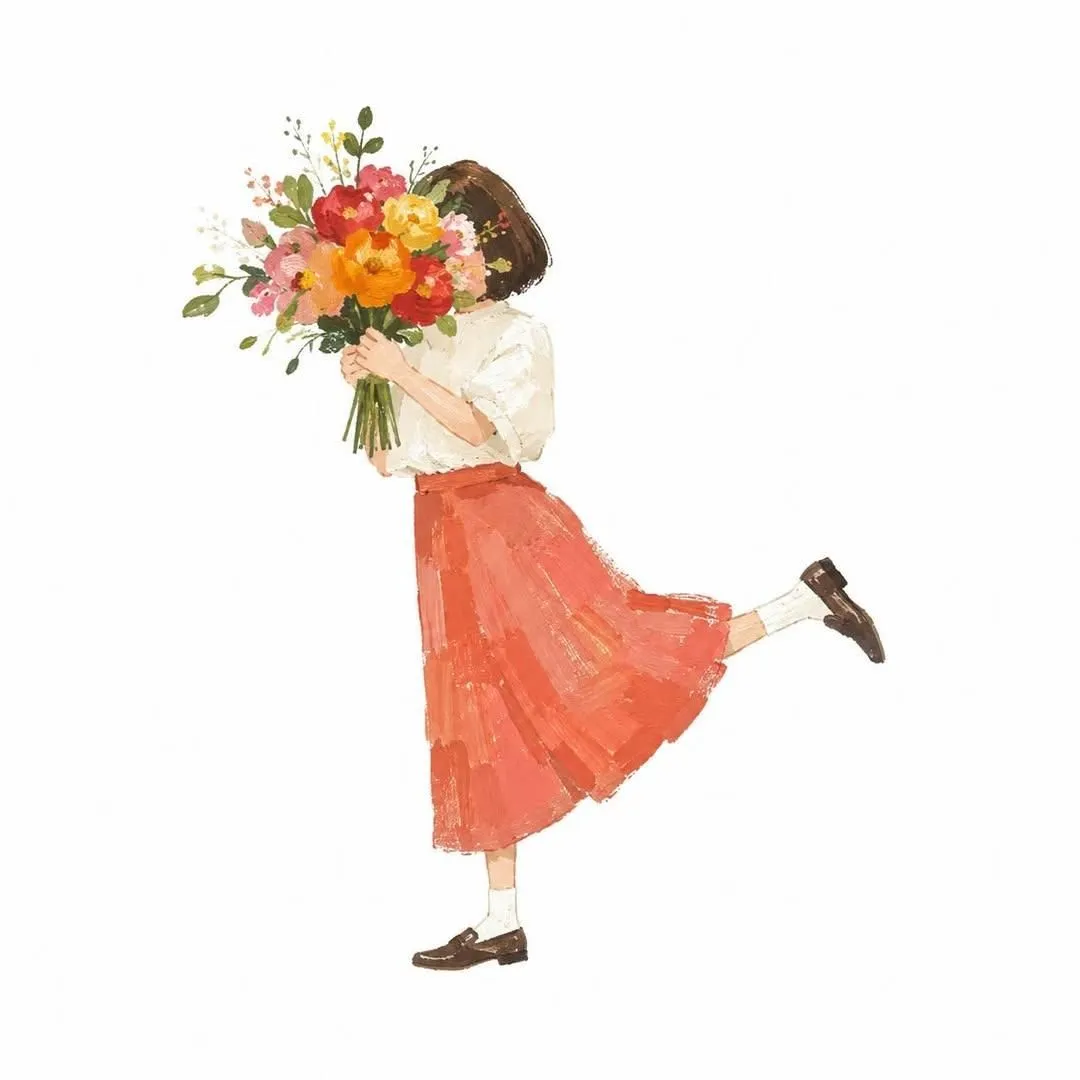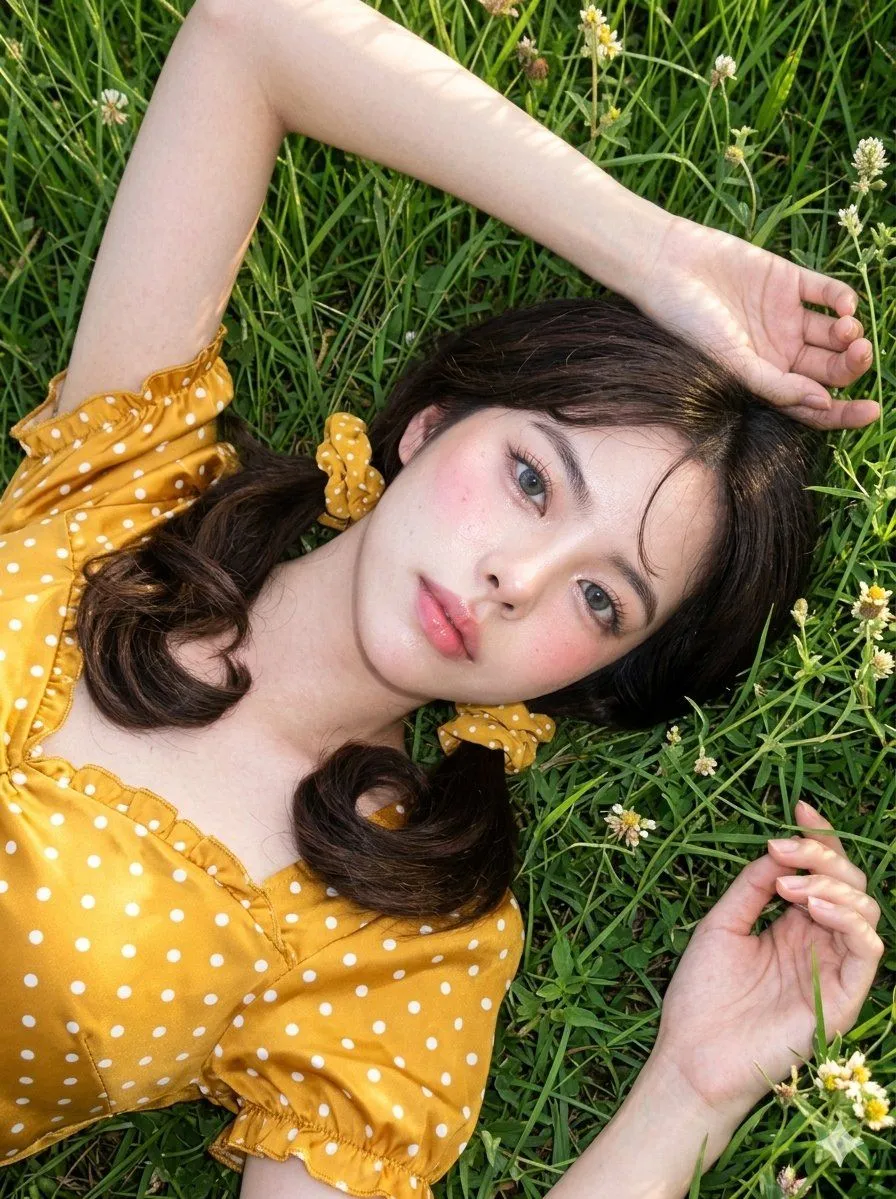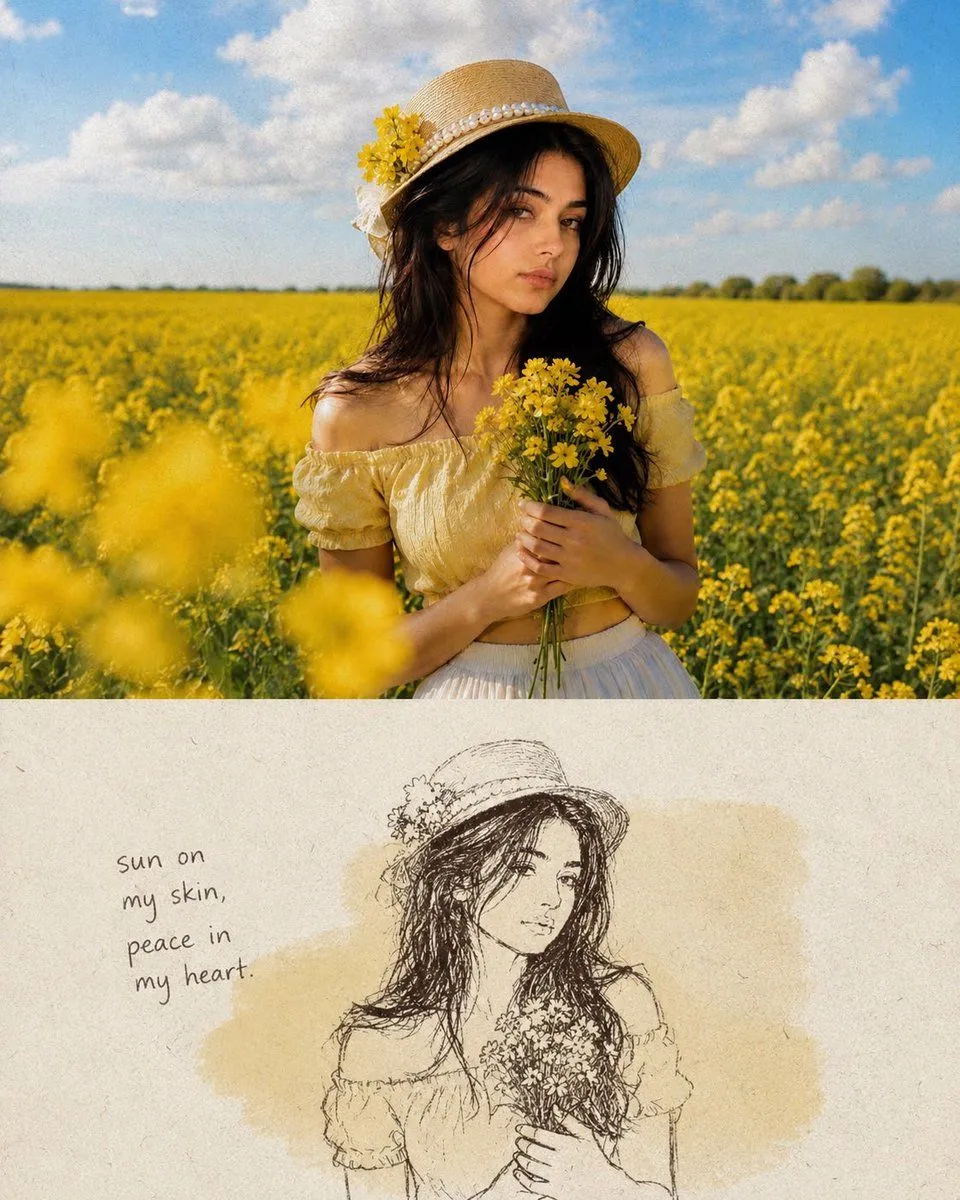
Made with GPT Image 2 in ChatGPT by Library Lifestyle. Promptclay never generates images.
Did it work?
No reports yet. Tell others if it worked for you.
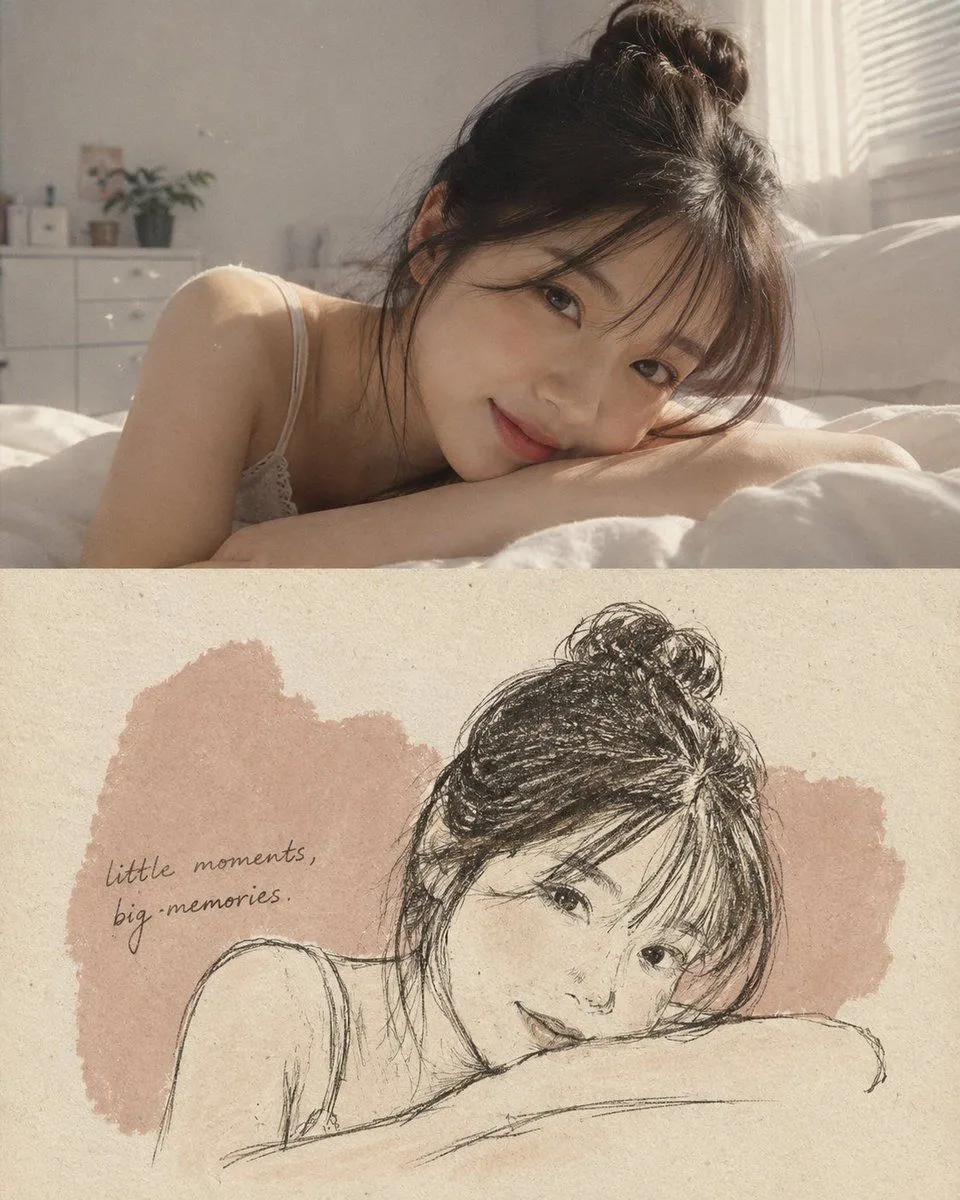
Mixed-Media Memory Card Design
Prompt
3 blanks to fillTransform the uploaded photo into a vertical {layout} with a strict 50/50 split. Top: Keep the original photo completely unchanged,same subject, composition, lighting, colors, and details. Only subtle film grain. Bottom: {paper_style} with visible fibers and a muted irregular color patch inspired by the photo. Redraw only the main subject as a {drawing_style}, using loose imperfect lines and subtle Risograph grain. Add one short handwritten English phrase matching the mood. Style: quiet, nostalgic, Morandi-inspired, tactile, elegant, generous negative space. Avoid: extra elements, clutter, borders, stickers, logos, glossy effects, cartoon/vector style, or altering the original photo.
Use only photos you have the right to usePhoto tips
- Your photo stays with your app. You upload it to Gemini, ChatGPT or the app you use. Promptclay never sees or stores it.
- Crop to what the prompt needs. Your face for a portrait. Leave out other people, house numbers, cards and screens.
- Check the result before you post. Apps sometimes add things that were not in your photo, like a mole, a tattoo or bare shoulders. Run it again or ask the app to remove them.
Preview of your prompt
Transform the uploaded photo into a vertical 4:5 mixed-media memory card with a strict 50/50 split. Top: Keep the original photo completely unchanged,same subject, composition, lighting, colors, and details. Only subtle film grain. Bottom: Warm off-white handmade paper with visible fibers and a muted irregular color patch inspired by the photo. Redraw only the main subject as a minimal dark wax-crayon sketch, using loose imperfect lines and subtle Risograph grain. Add one short handwritten English phrase matching the mood. Style: quiet, nostalgic, Morandi-inspired, tactile, elegant, generous negative space. Avoid: extra elements, clutter, borders, stickers, logos, glossy effects, cartoon/vector style, or altering the original photo.
DetailsVersions, settings and questions
Written for
What's in the prompt
- Subject
- Model
- GPT Image 2
If your face changes
keep my face exactly the sameQuestions
- Does this work in the ChatGPT app?
- Yes. Paste the prompt and attach your photo if it uses one.
- It changed my face. What do I do?
- Add "keep my face exactly the same" to the end and run it again.
- Can I use the images I make?
- Check the terms of the app you use. Promptclay never generates images and claims nothing you make.