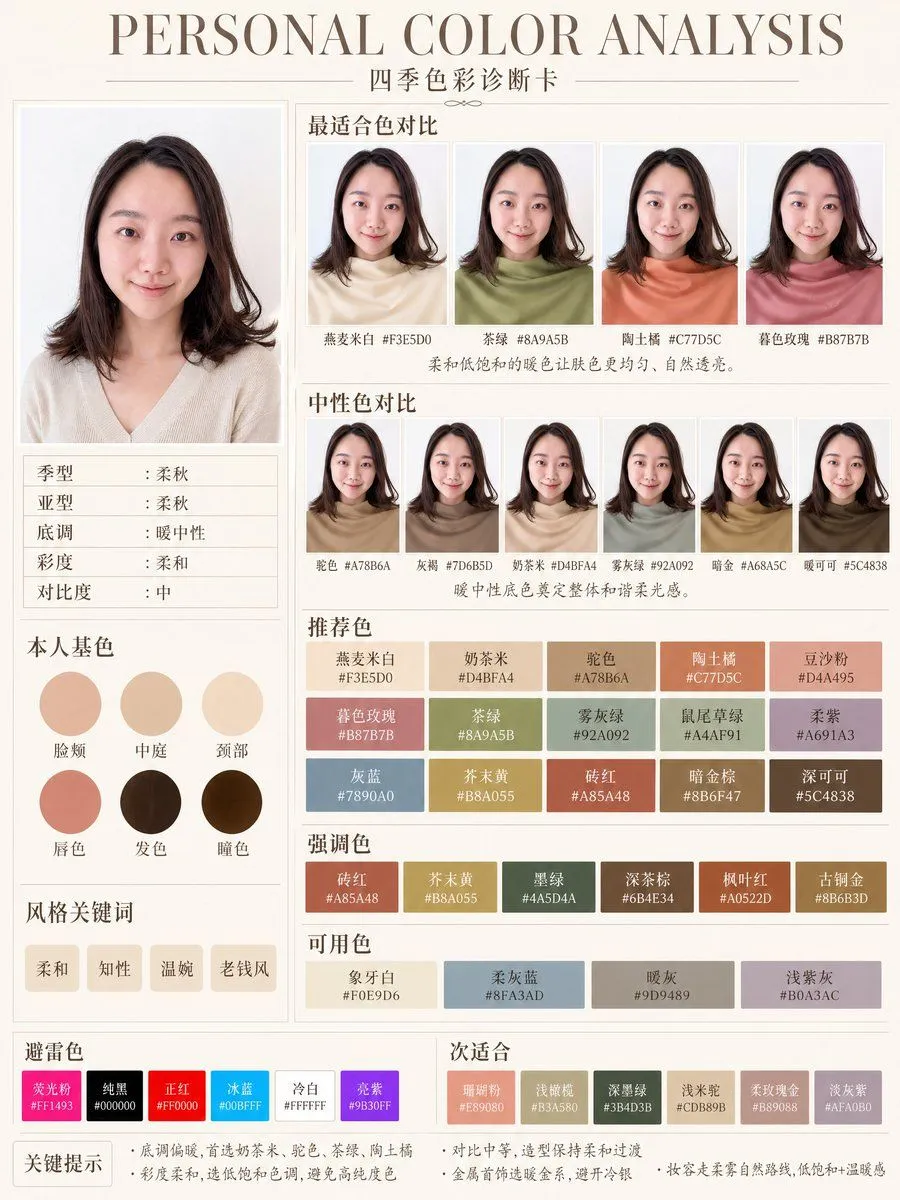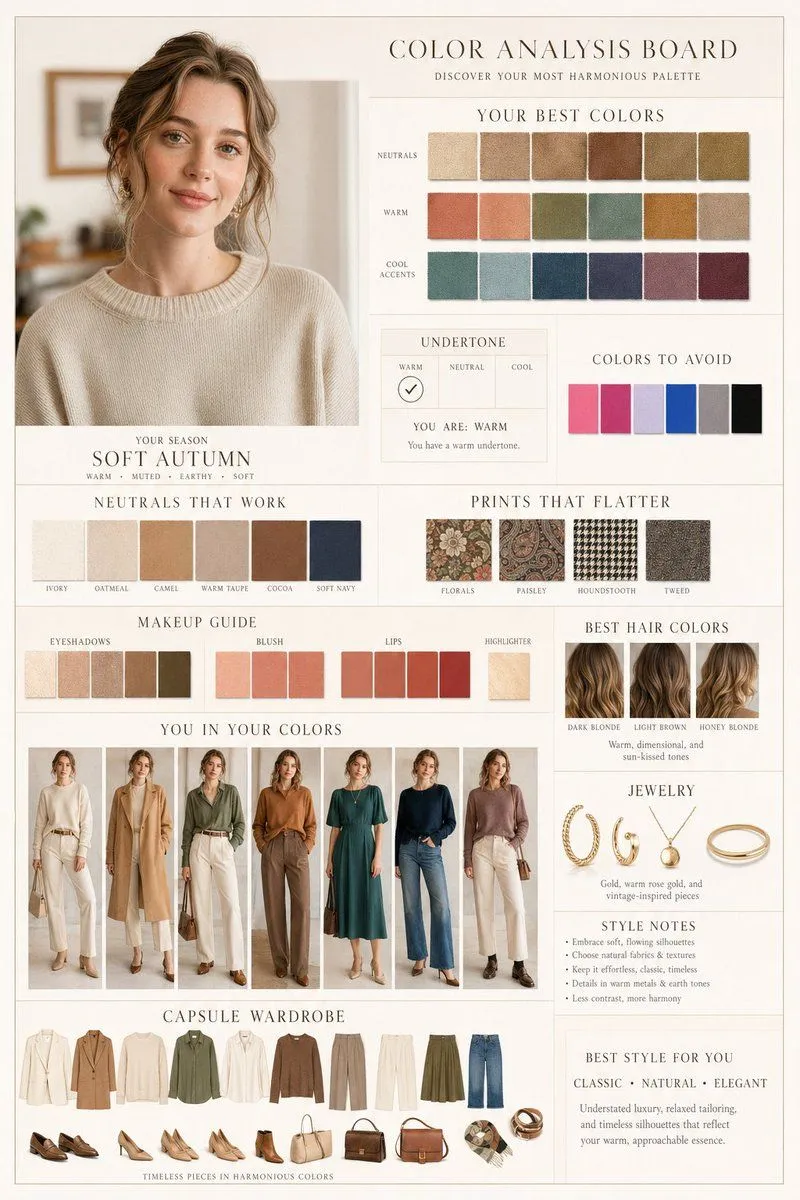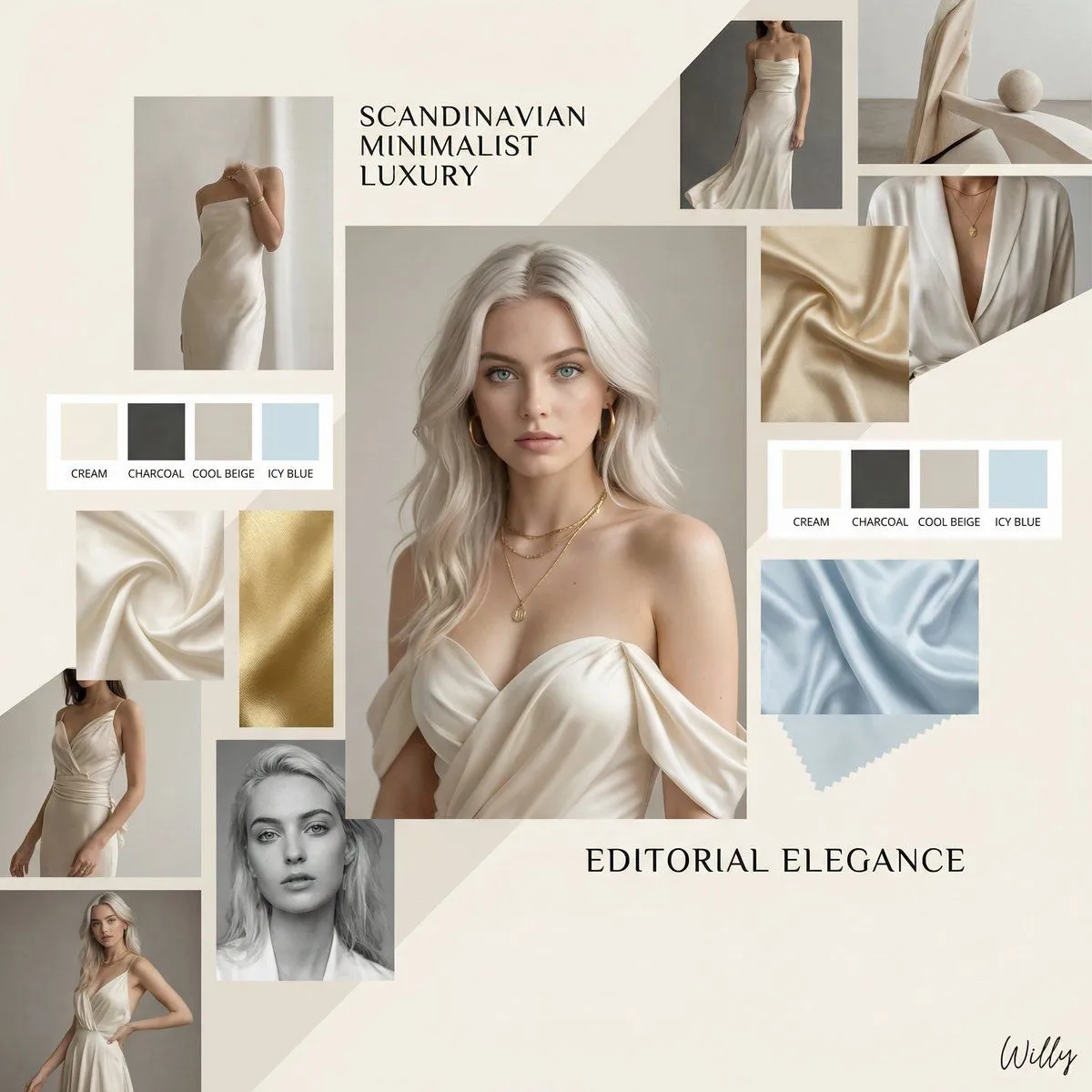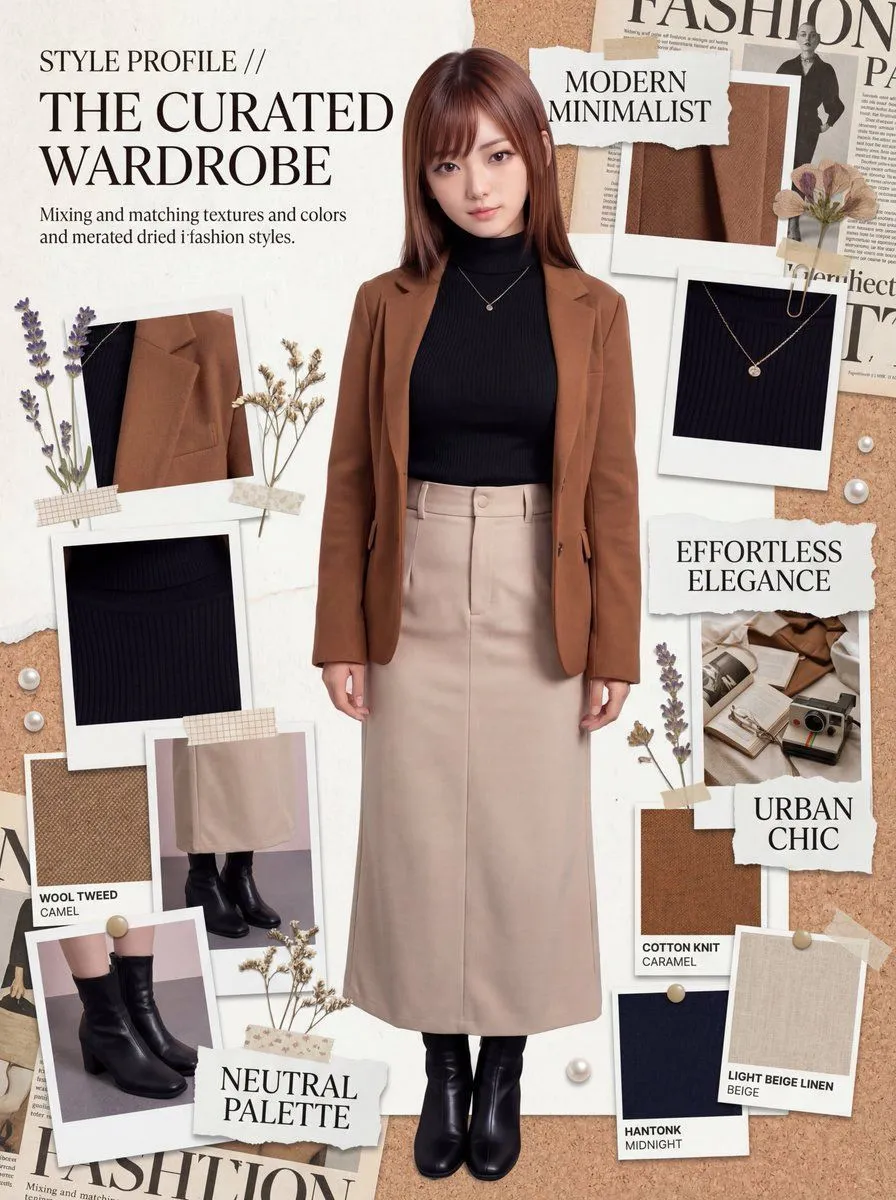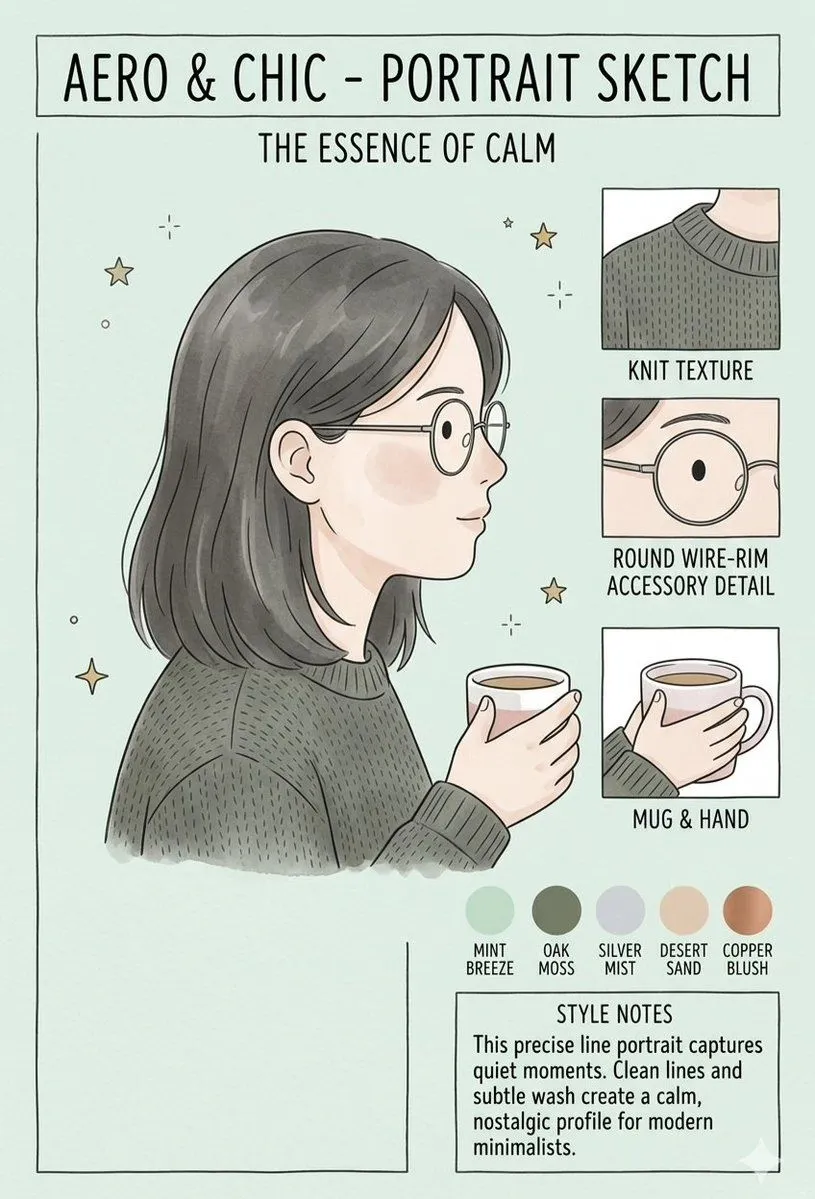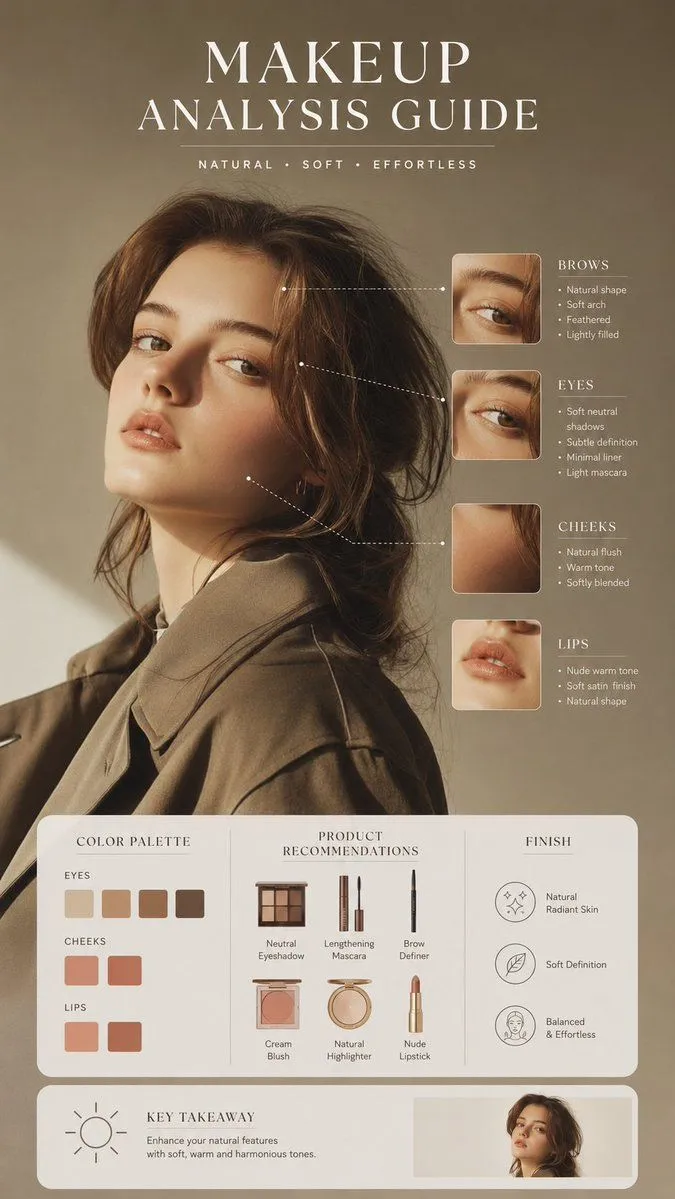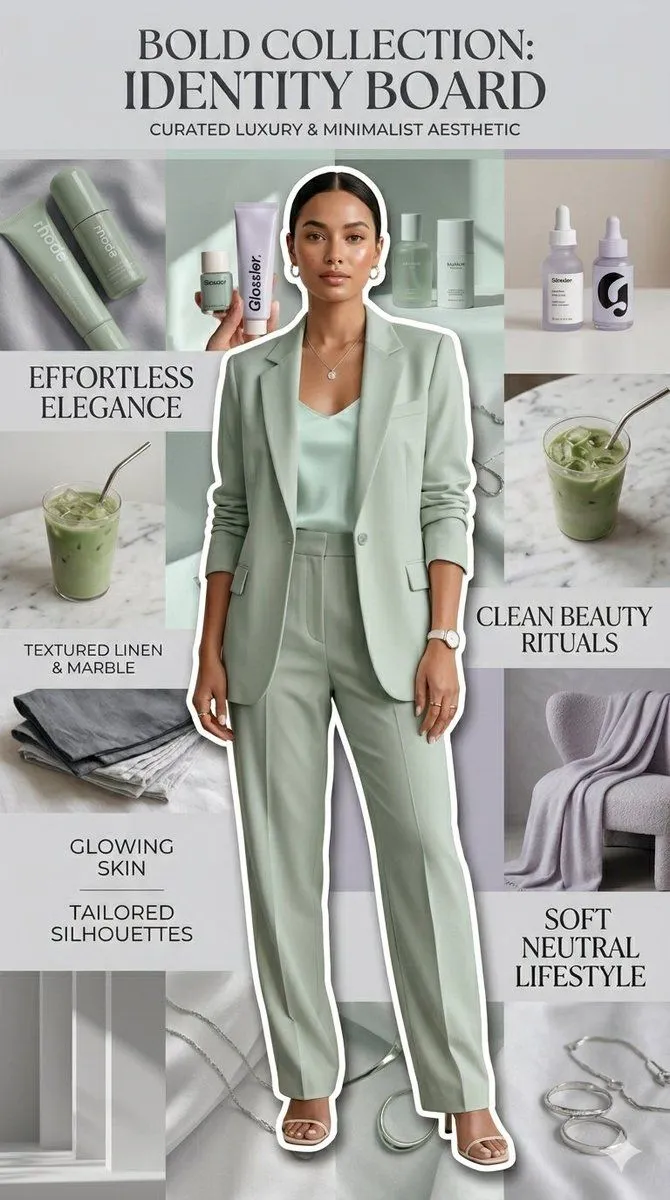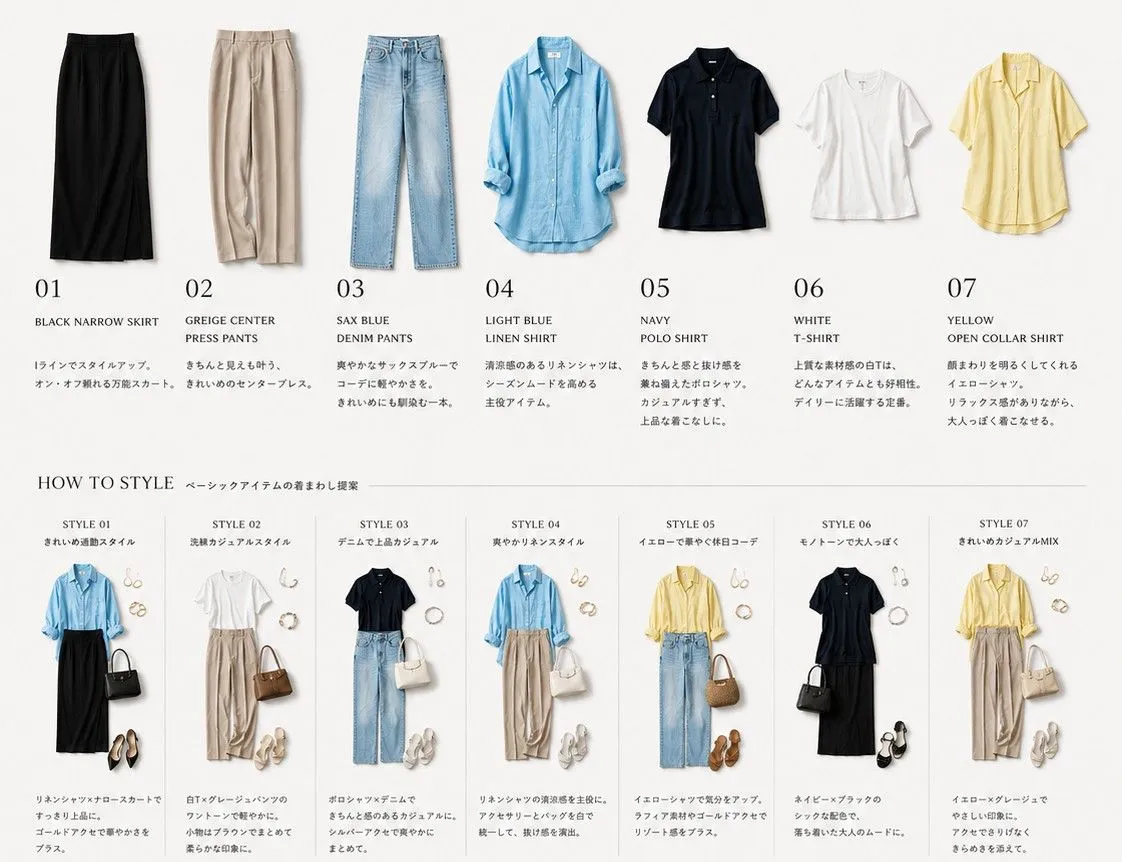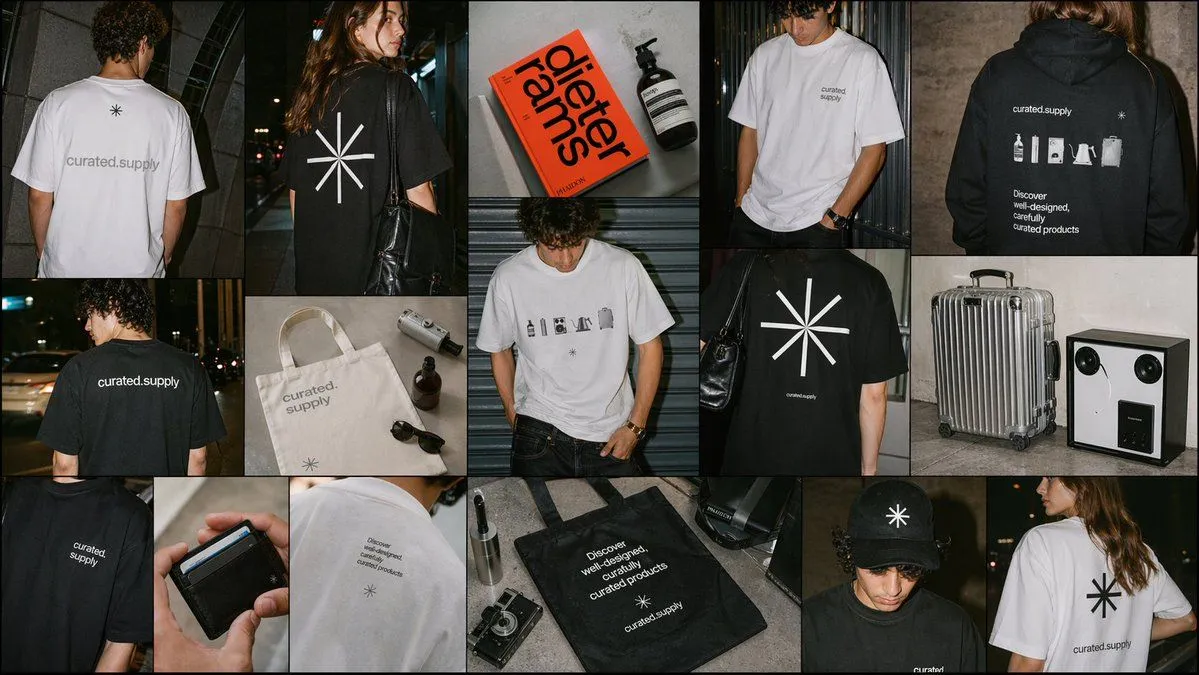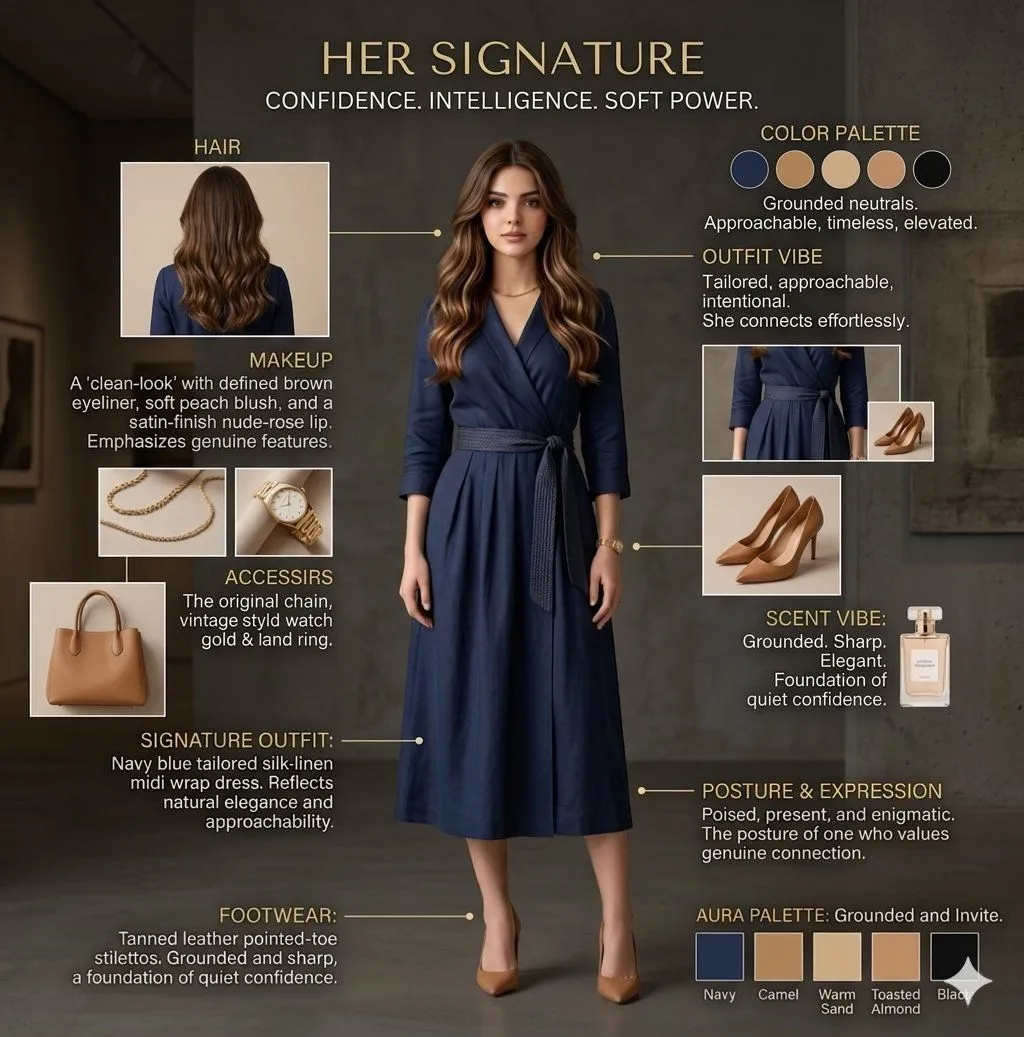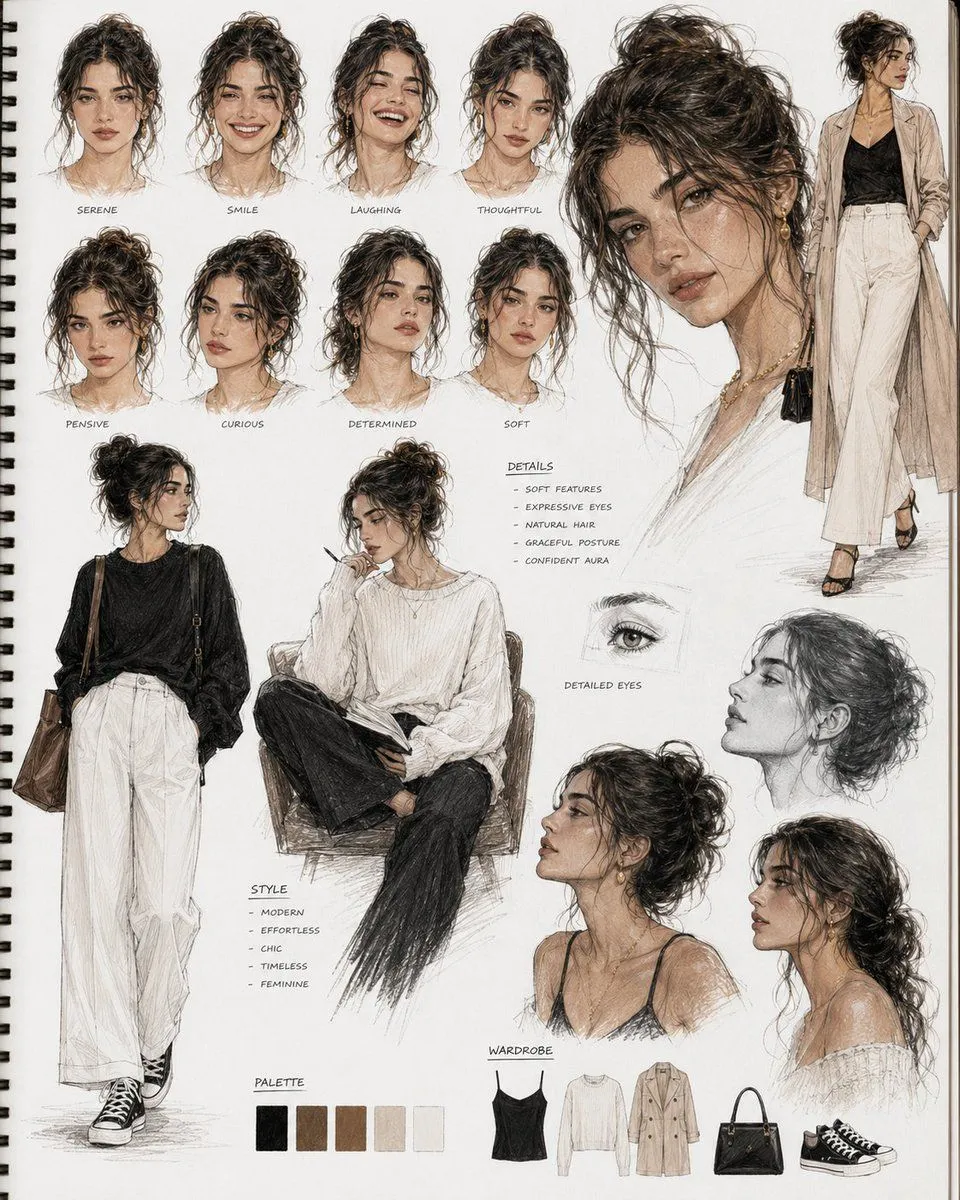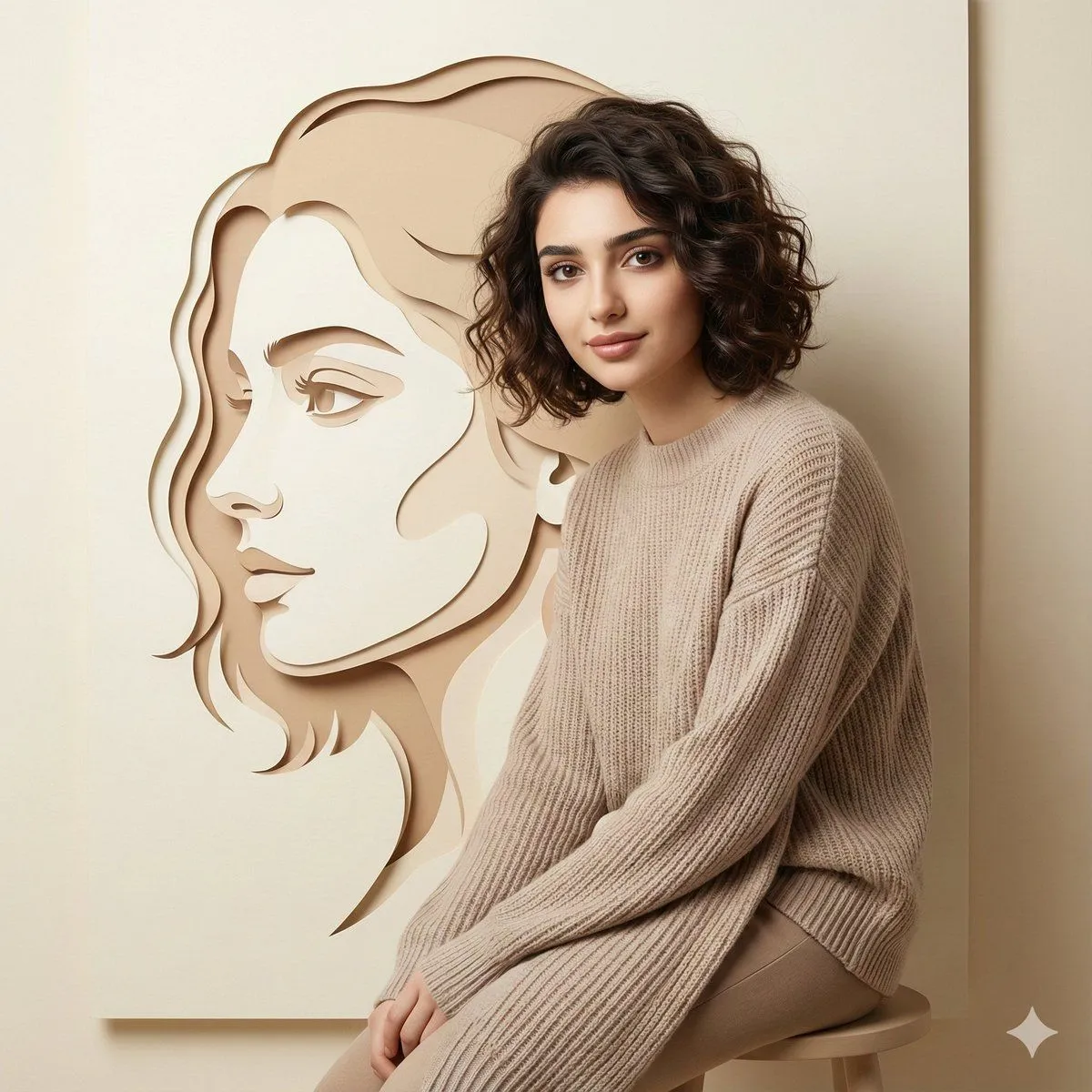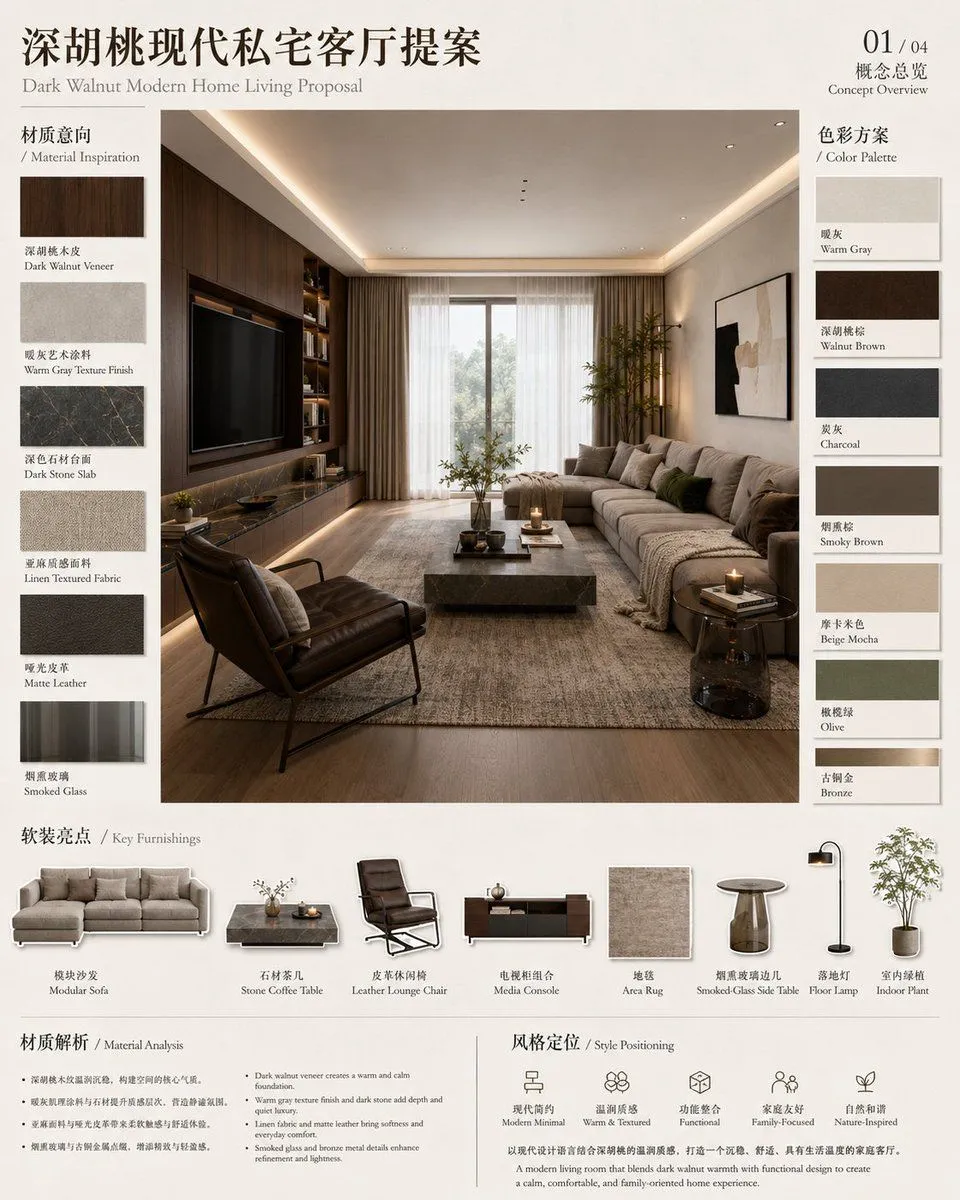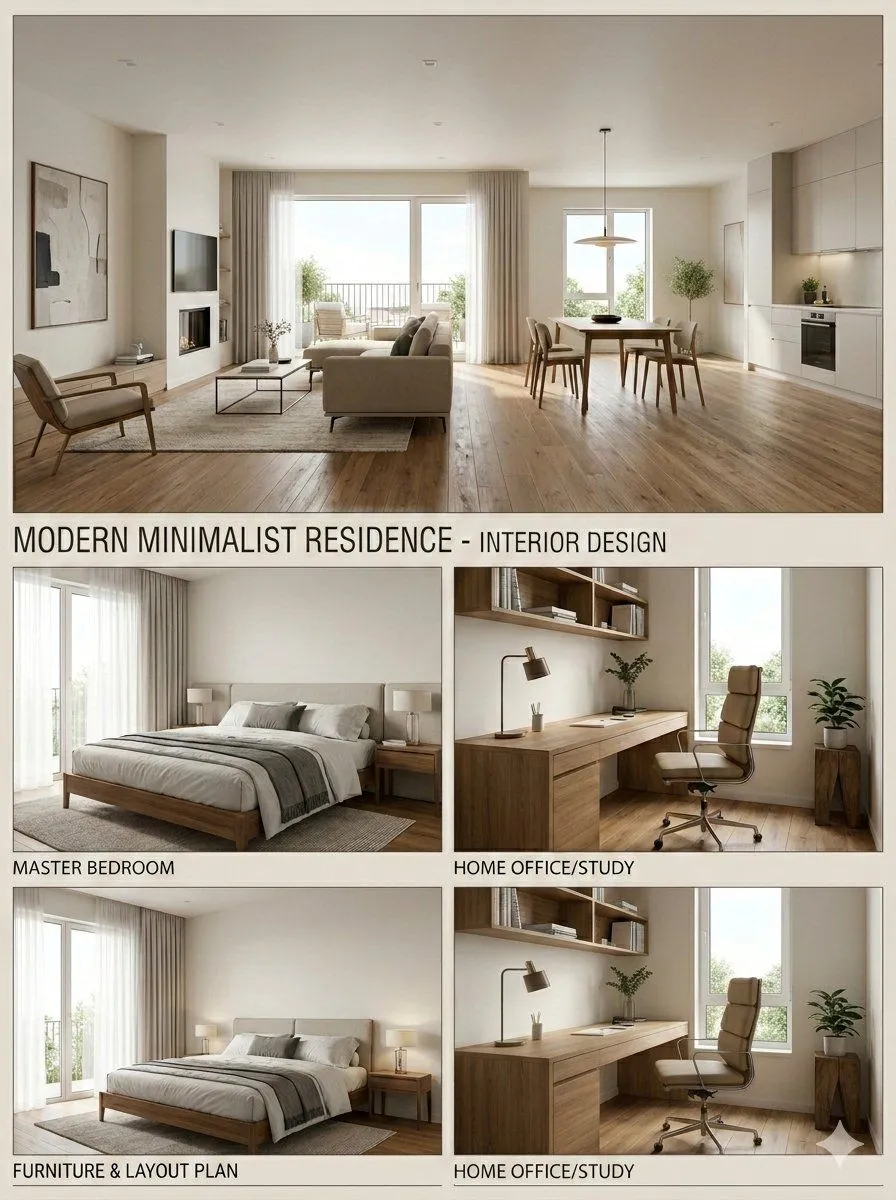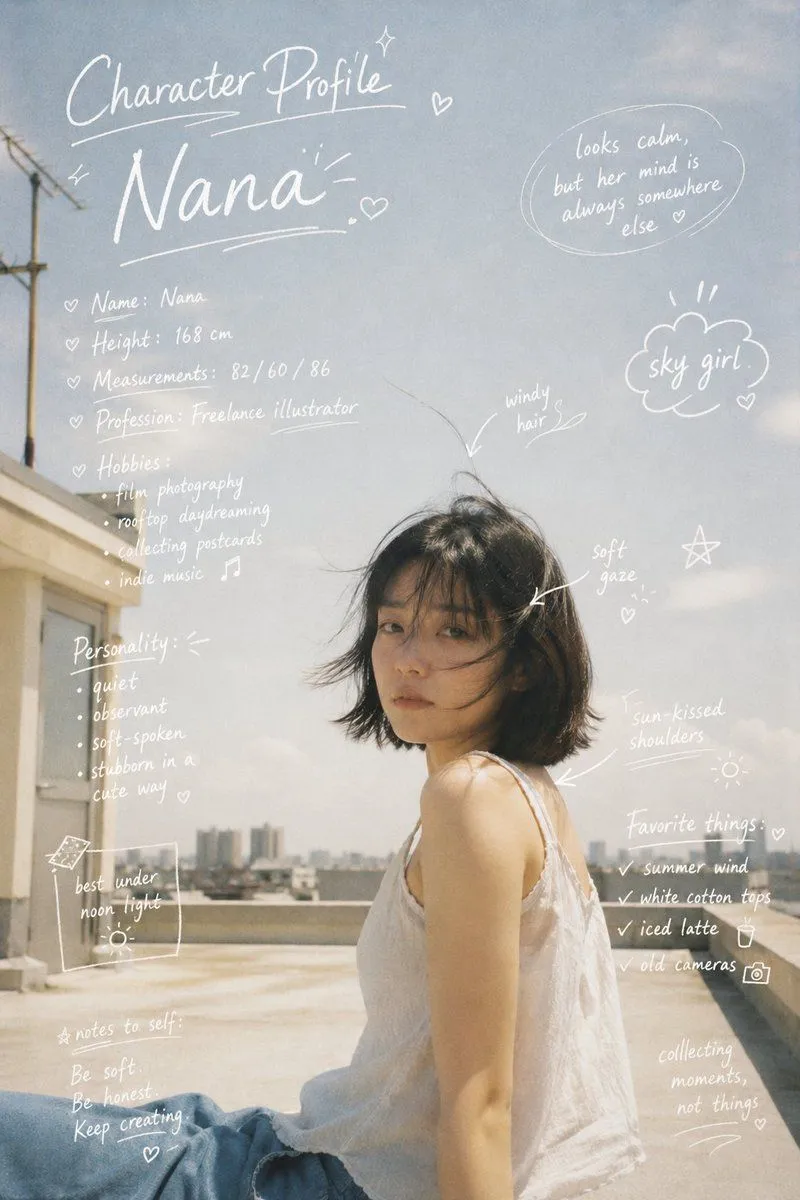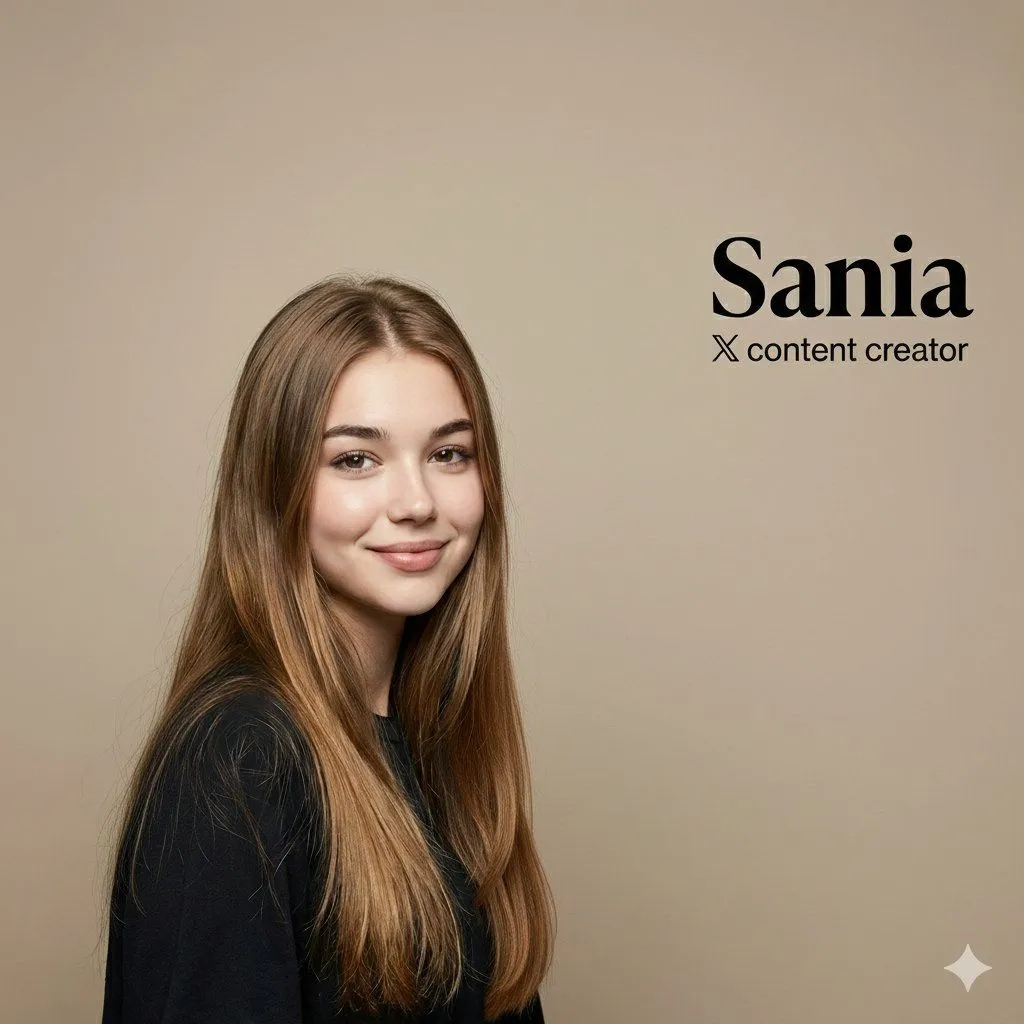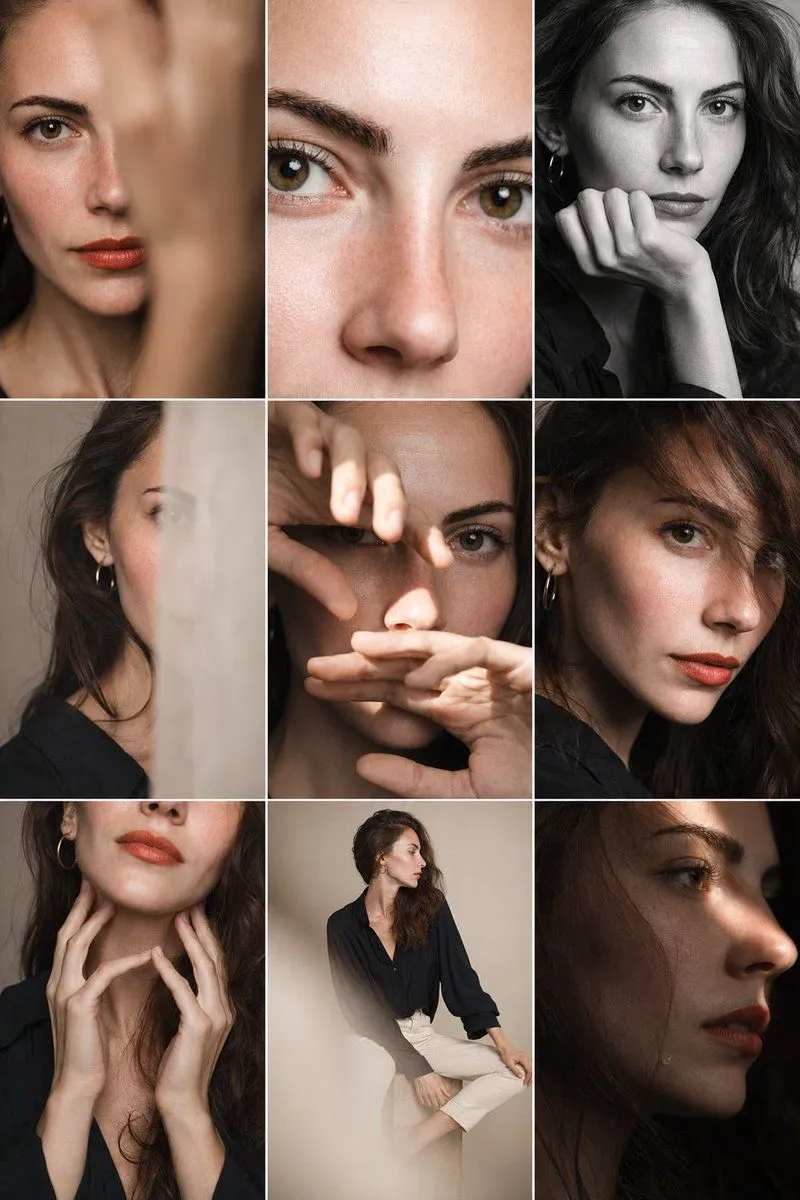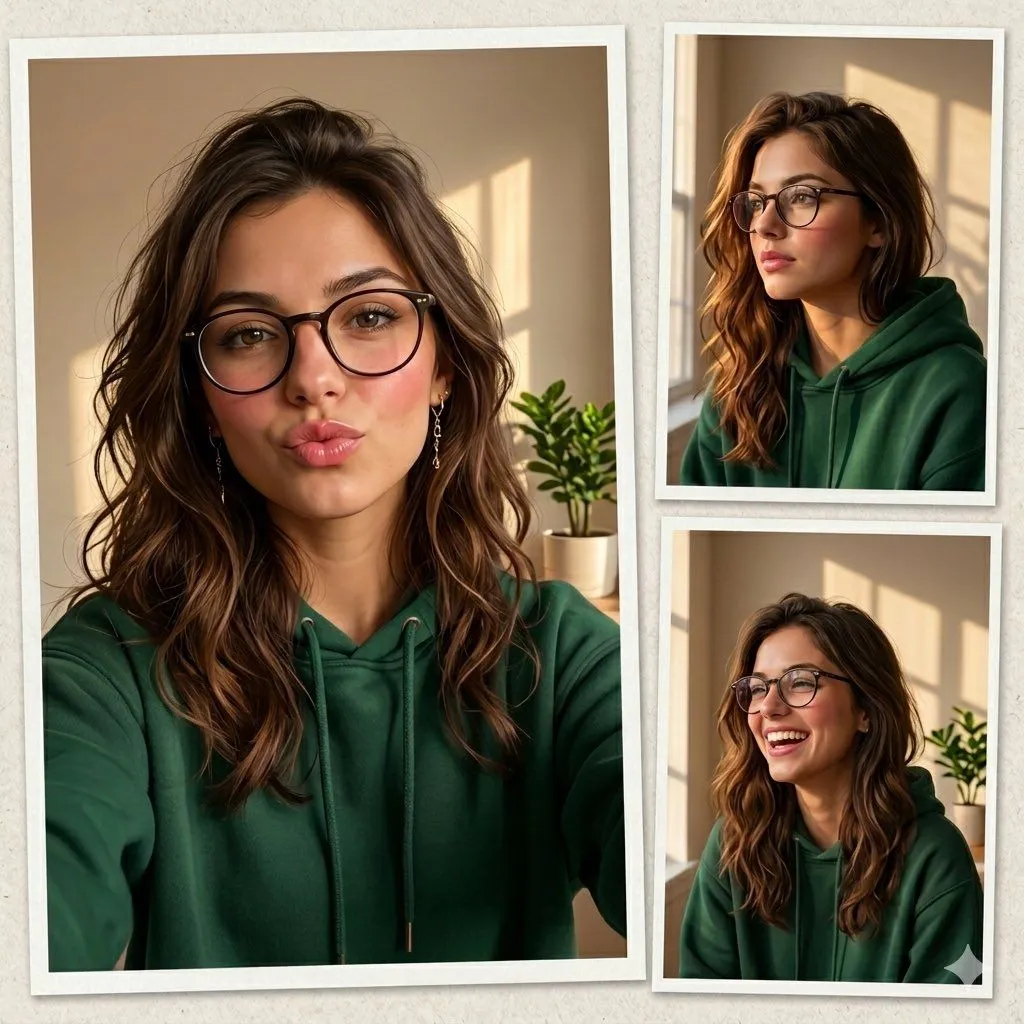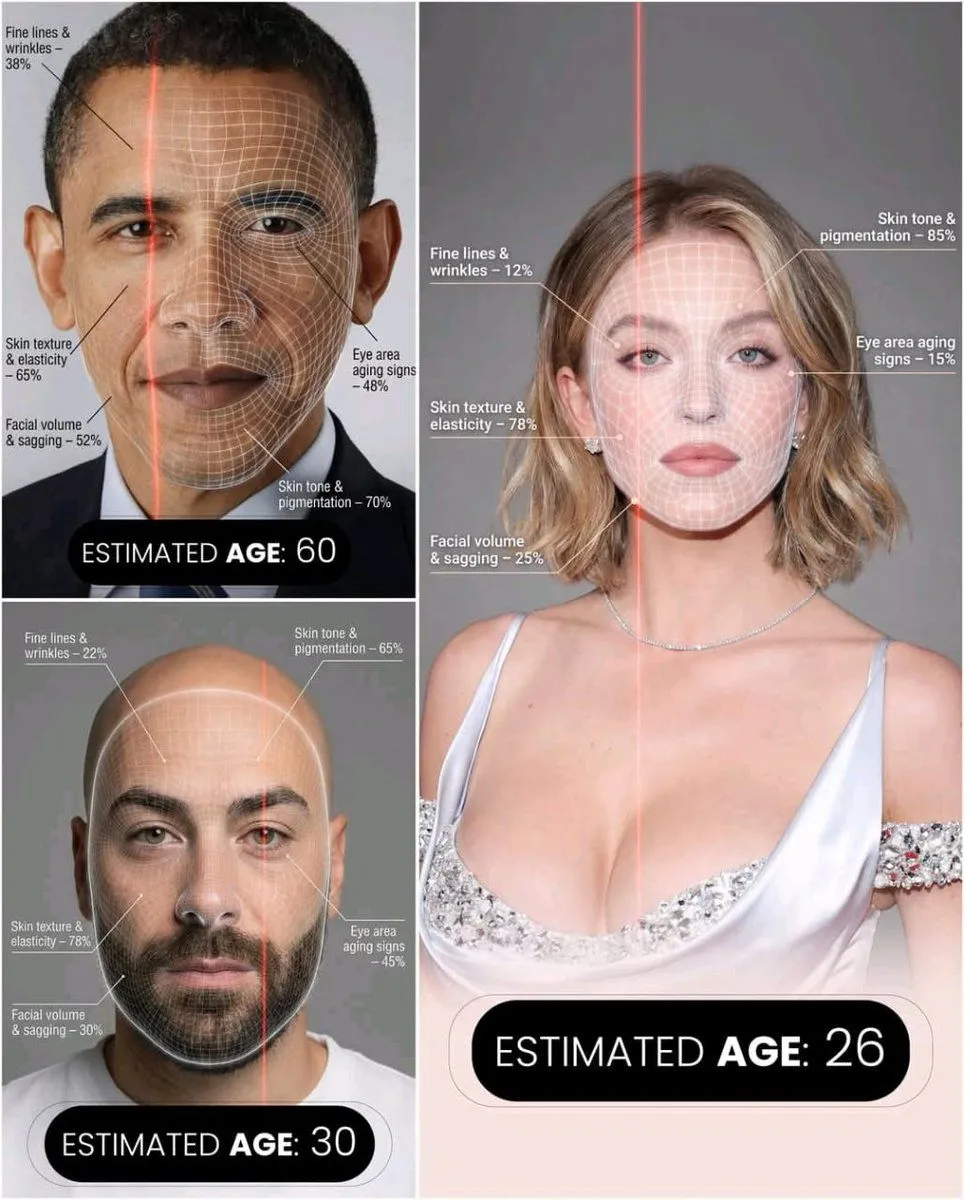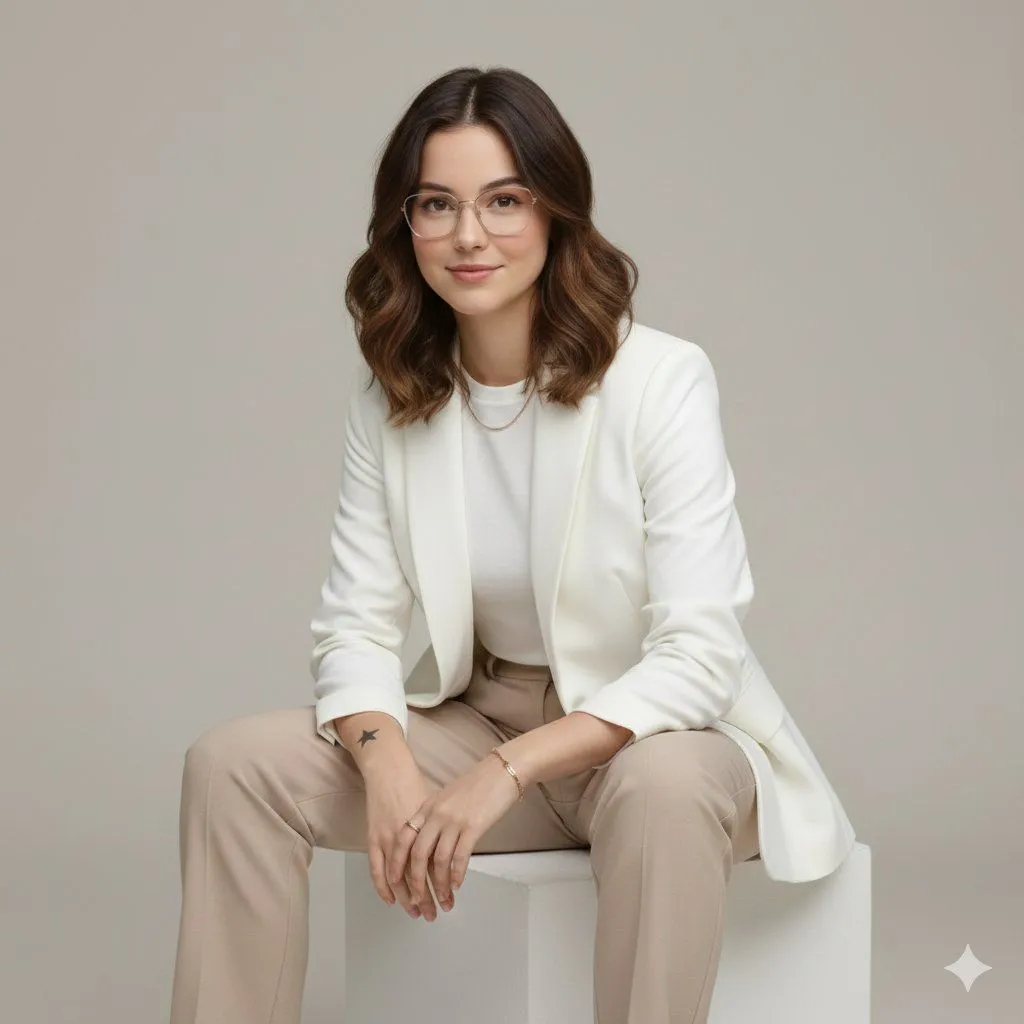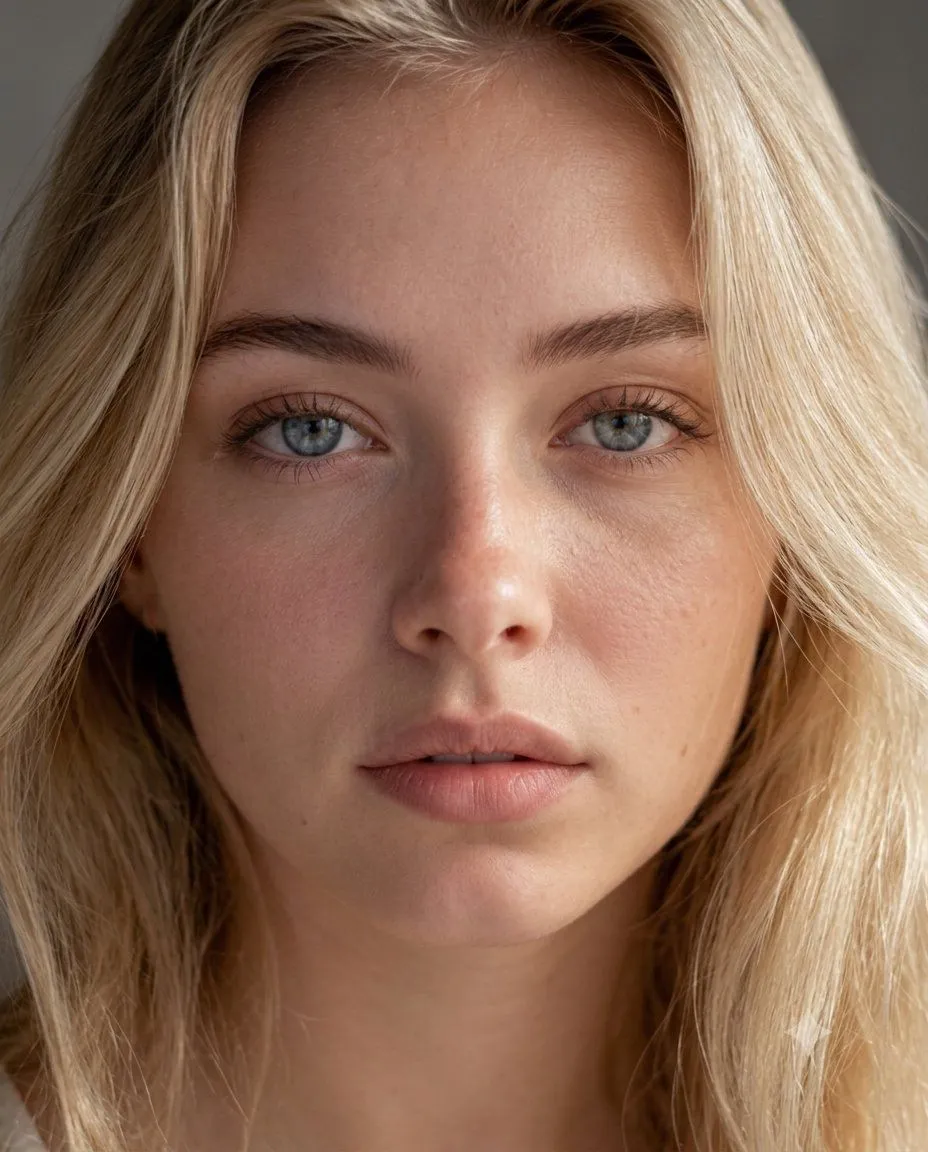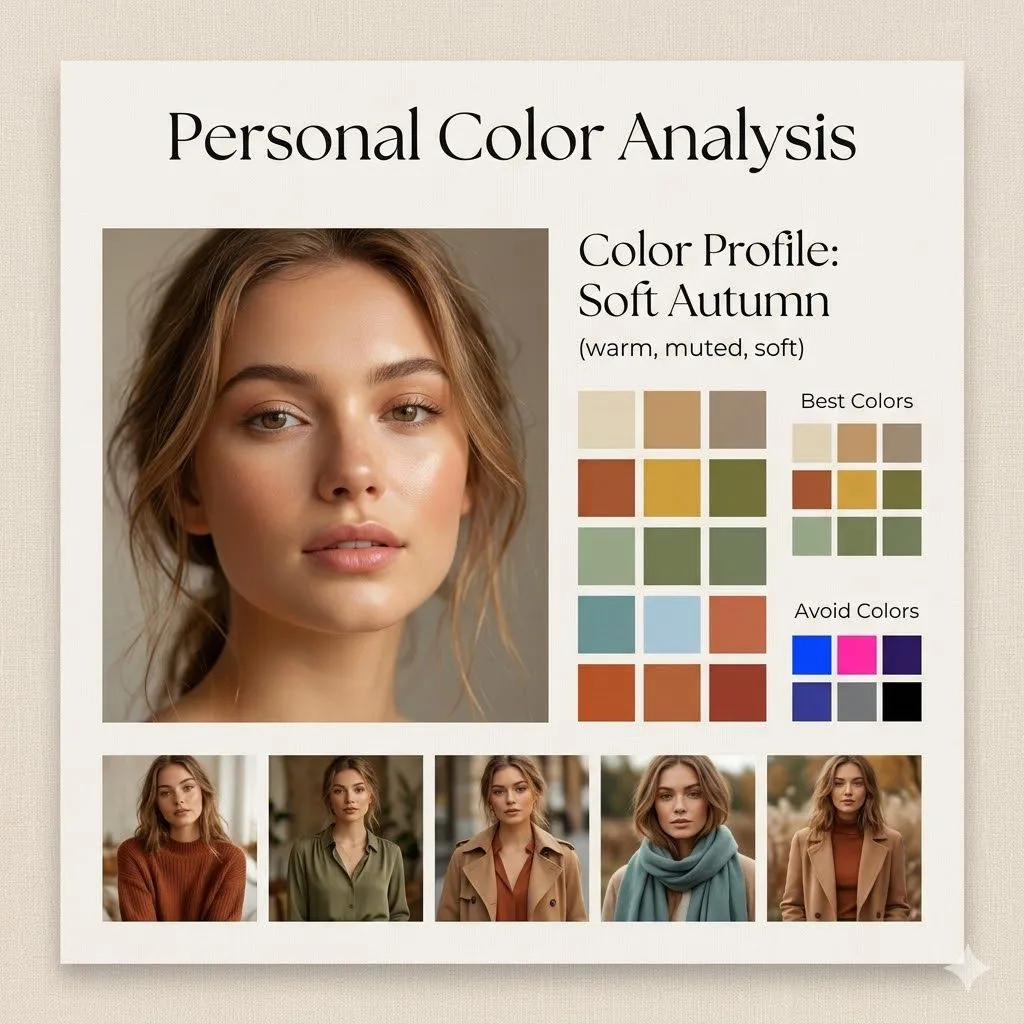
Made with Nano Banana Pro in Gemini, collected by Library Social. Promptclay never generates images.
Did it work?
No reports yet. Tell others if it worked for you.
Minimalist Personal Color Analysis Board
Prompt
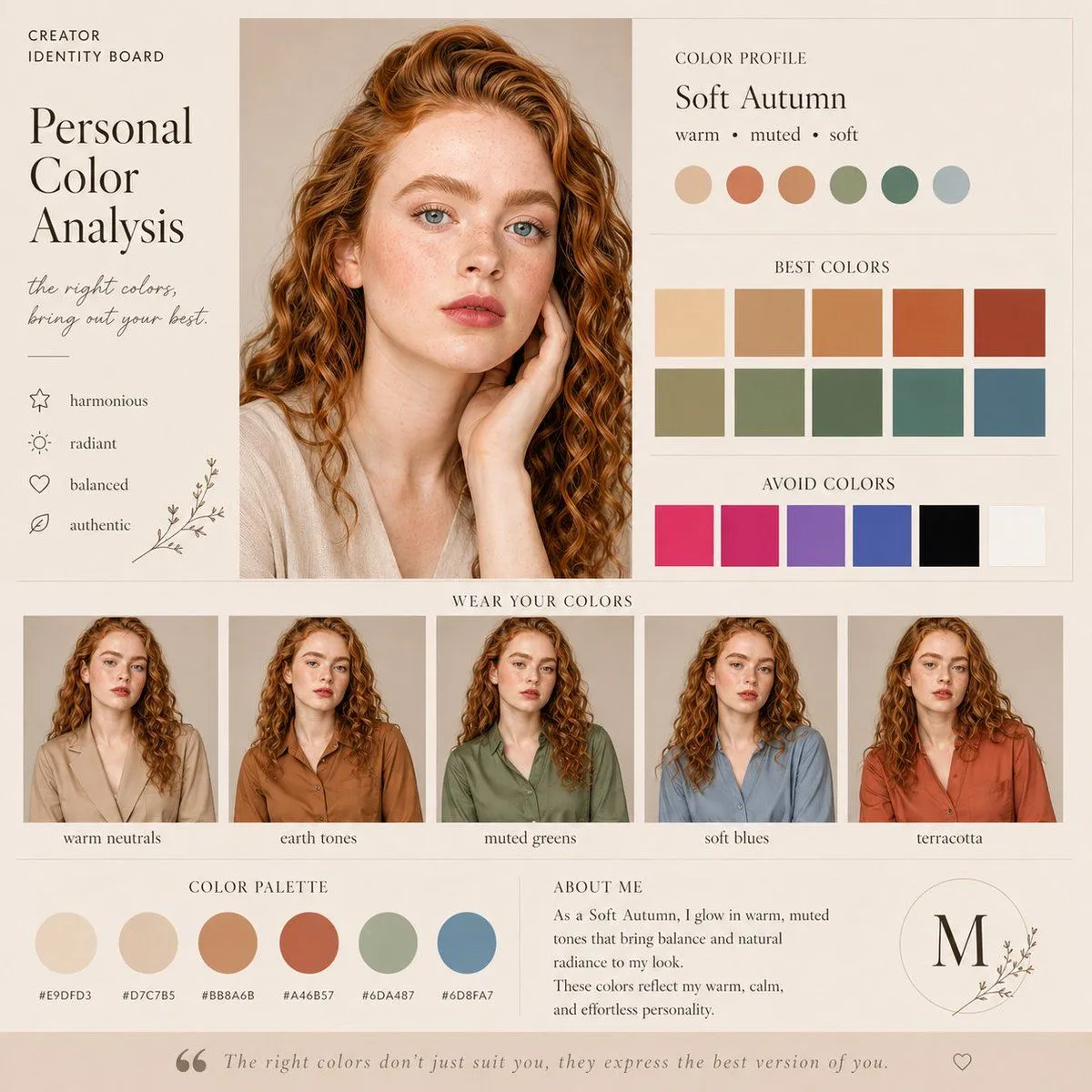
3 blanks to fillDesign a square (1:1) aesthetic personal color analysis board in a {board_style}. Place a close-up portrait of a {subject} at the center, featuring natural makeup and soft daylight lighting. Add the title “Personal Color Analysis” above or beside the portrait. Include a section labeled “Color Profile: {color_profile}”. Display clean color swatches featuring warm neutrals, earthy tones, muted greens, soft blues, and terracotta shades. Add a “Best Colors” grid along with an “Avoid Colors” grid highlighting overly bright or cool tones. At the bottom, include 4–5 small images of the same woman styled in outfits that match the recommended palette. Use a refined combination of elegant serif and minimal sans-serif fonts, soft shadows, and a clean editorial layout. The background should be warm beige with a subtle texture. Ensure the design feels spacious, polished, and Instagram-ready.
Preview of your prompt
Design a square (1:1) aesthetic personal color analysis board in a soft beige, minimalist style. Place a close-up portrait of a young woman at the center, featuring natural makeup and soft daylight lighting. Add the title “Personal Color Analysis” above or beside the portrait. Include a section labeled “Color Profile: Soft Autumn (warm, muted, soft)”. Display clean color swatches featuring warm neutrals, earthy tones, muted greens, soft blues, and terracotta shades. Add a “Best Colors” grid along with an “Avoid Colors” grid highlighting overly bright or cool tones. At the bottom, include 4–5 small images of the same woman styled in outfits that match the recommended palette. Use a refined combination of elegant serif and minimal sans-serif fonts, soft shadows, and a clean editorial layout. The background should be warm beige with a subtle texture. Ensure the design feels spacious, polished, and Instagram-ready.
DetailsVersions, settings and questions
Written for
What's in the prompt
- Subject
- Model
- Nano Banana Pro
If your face changes
keep my face exactly the sameQuestions
- Does this work in the Gemini app?
- Yes. Gemini runs Nano Banana, so paste the prompt and attach your photo if it uses one.
- It changed my face. What do I do?
- Add "keep my face exactly the same" to the end and run it again.
- Can I use the images I make?
- Check the terms of the app you use. Promptclay never generates images and claims nothing you make.