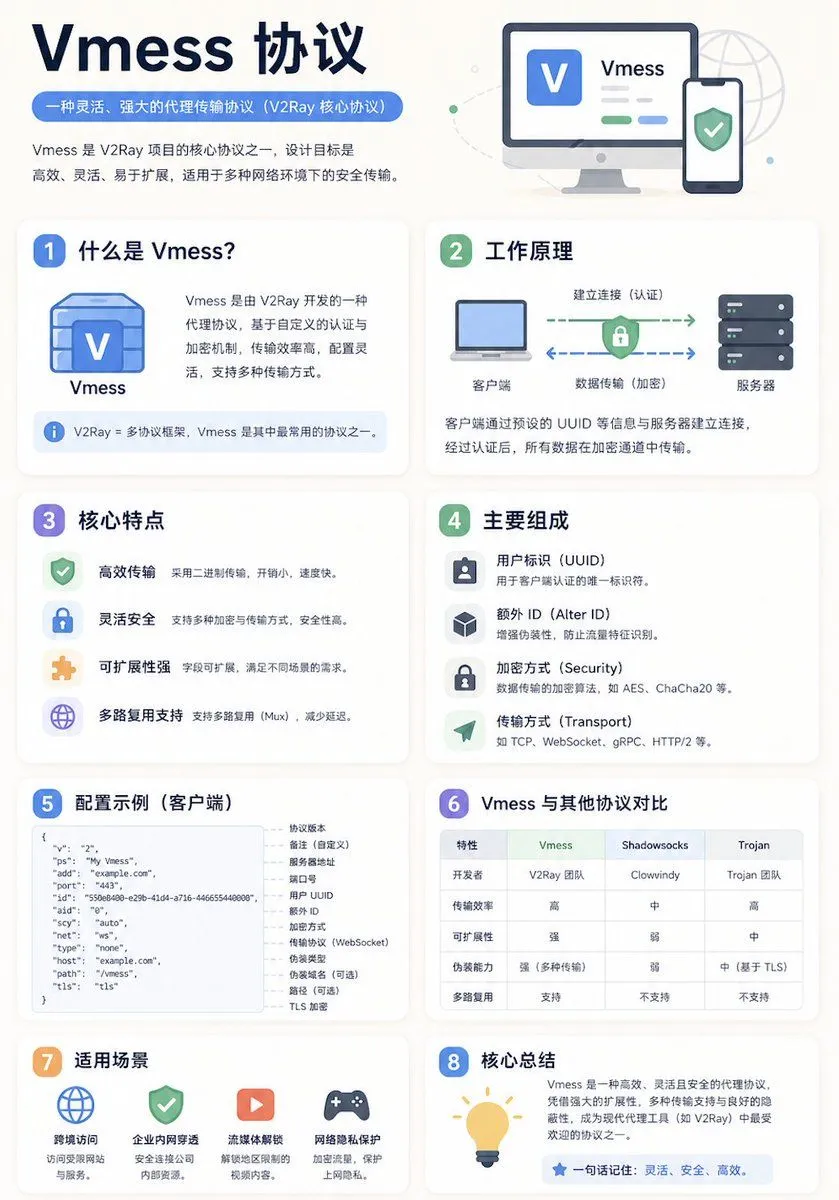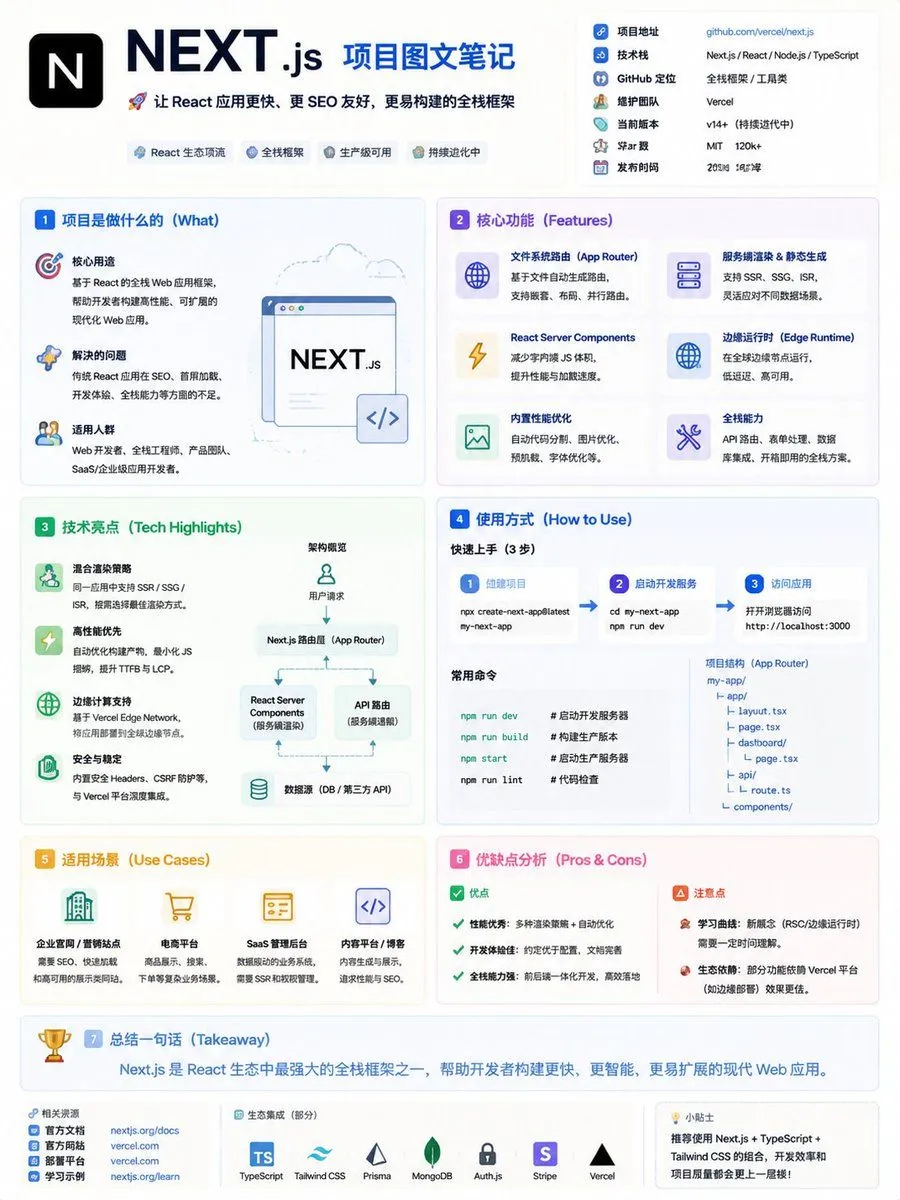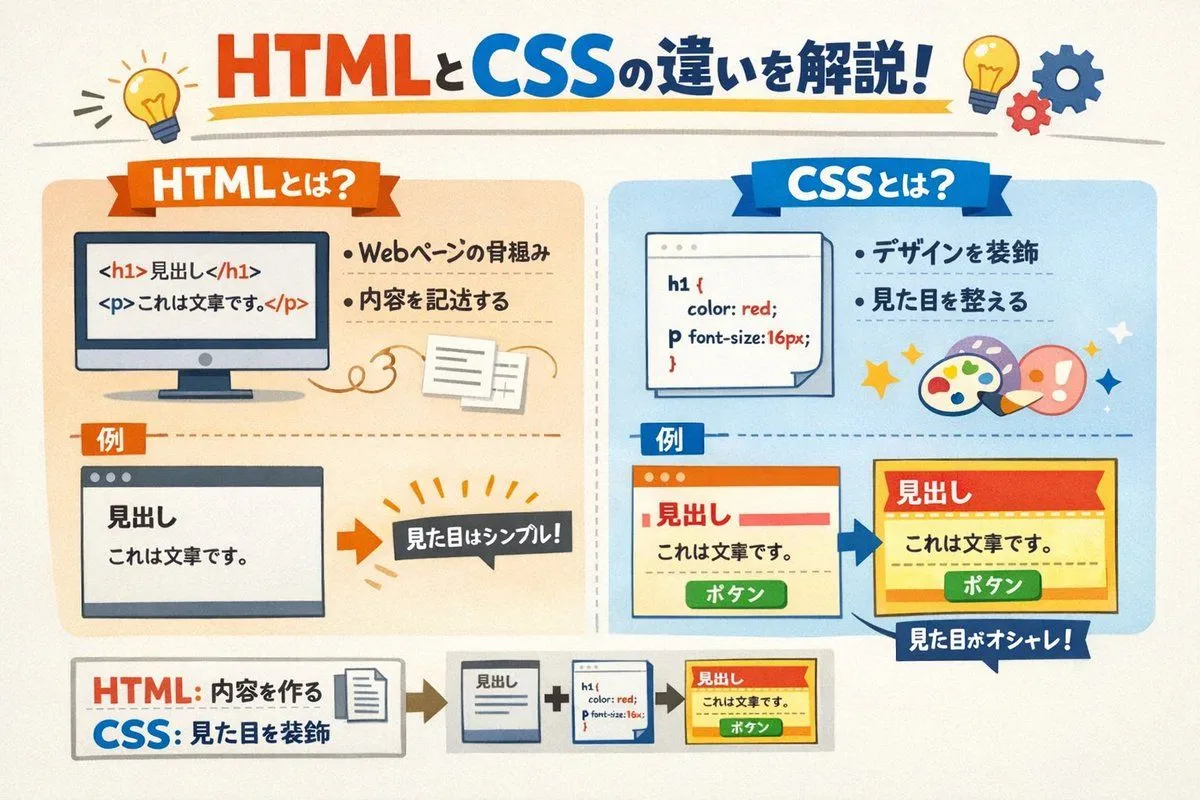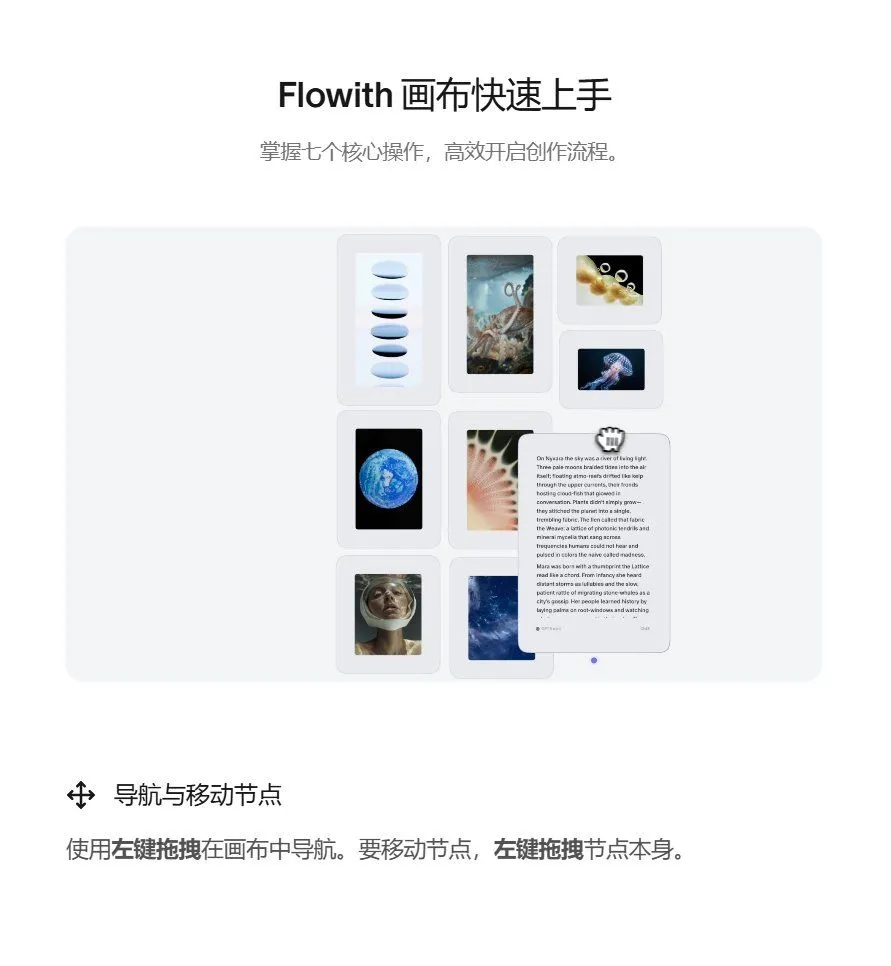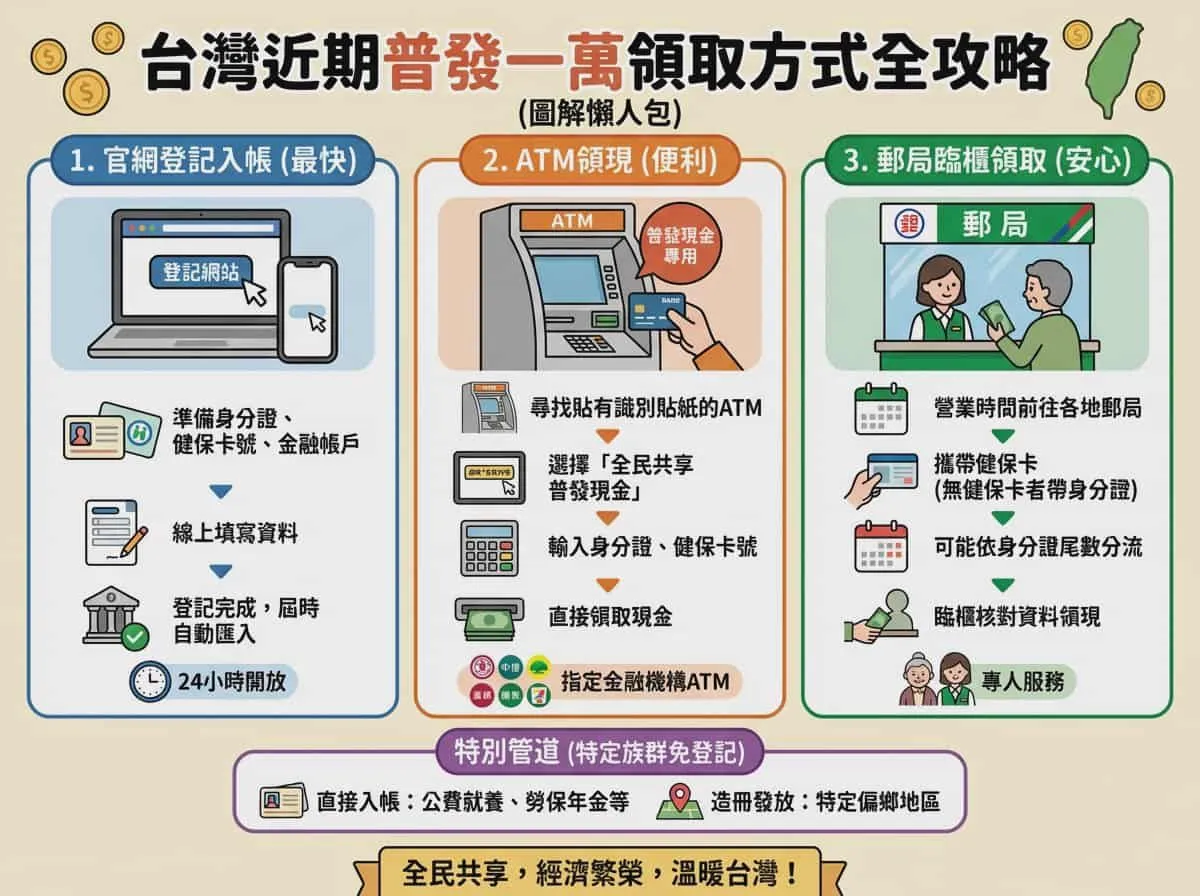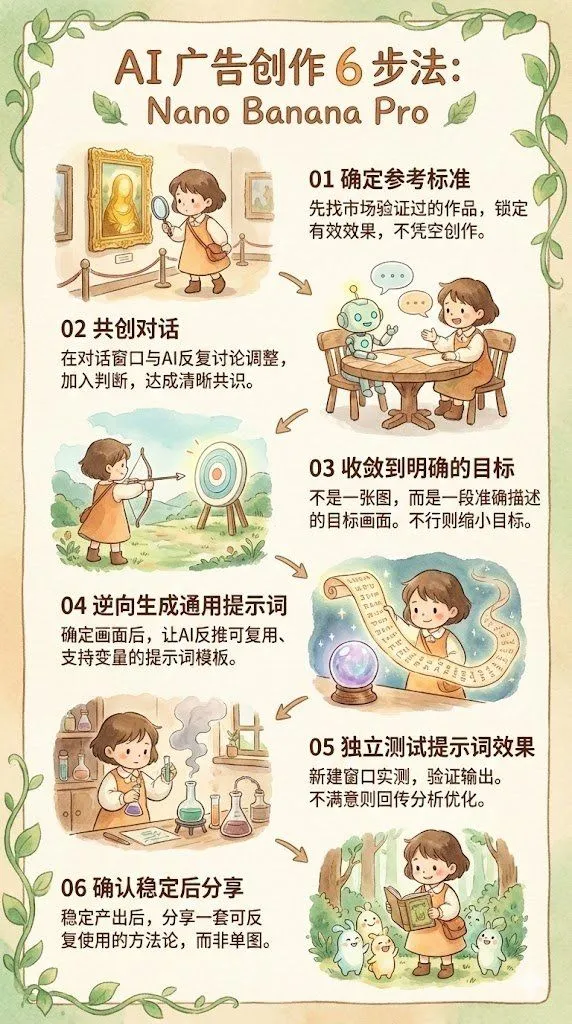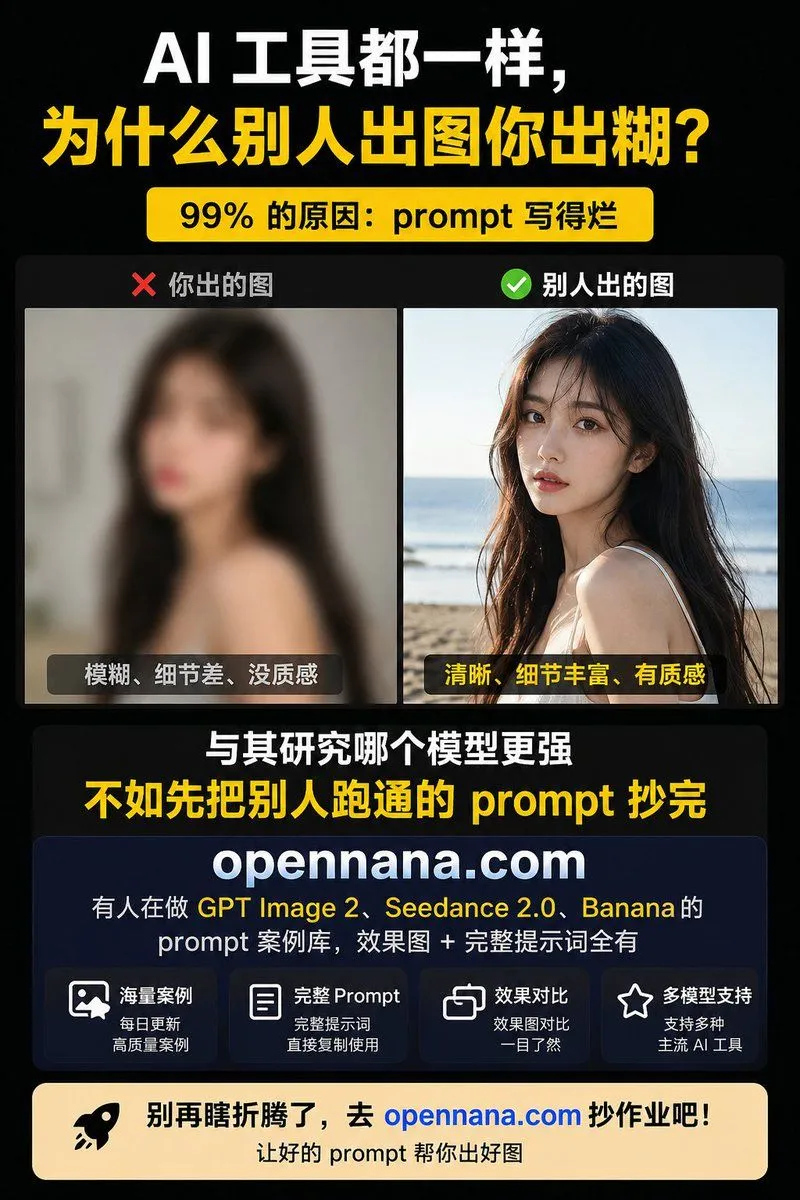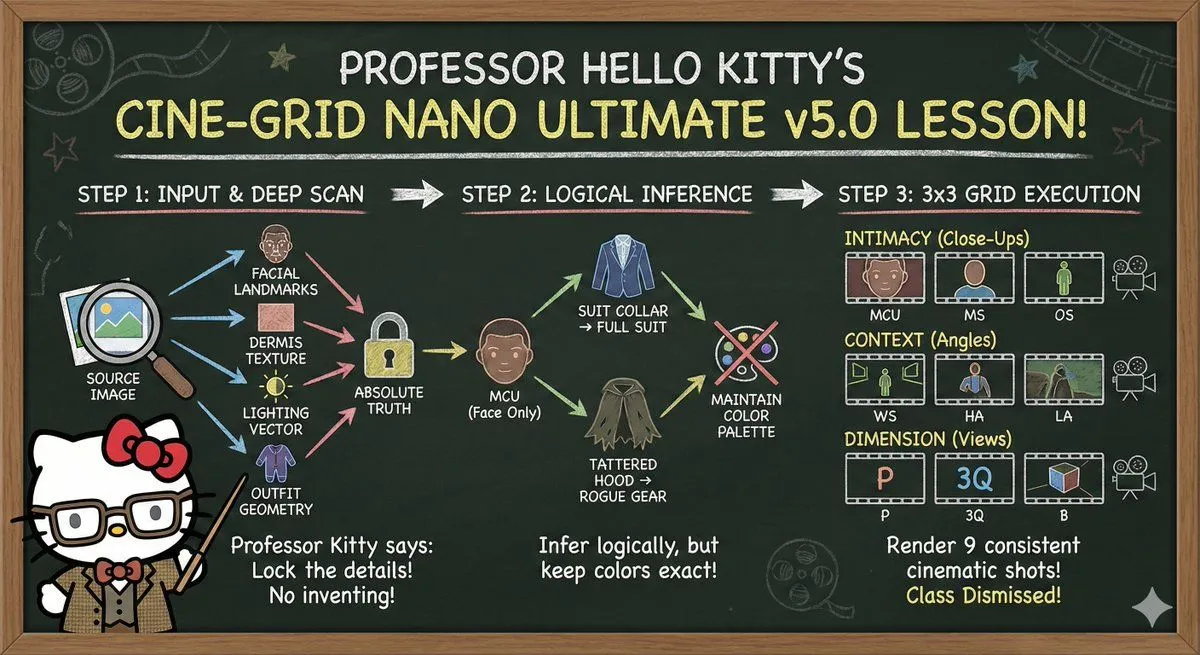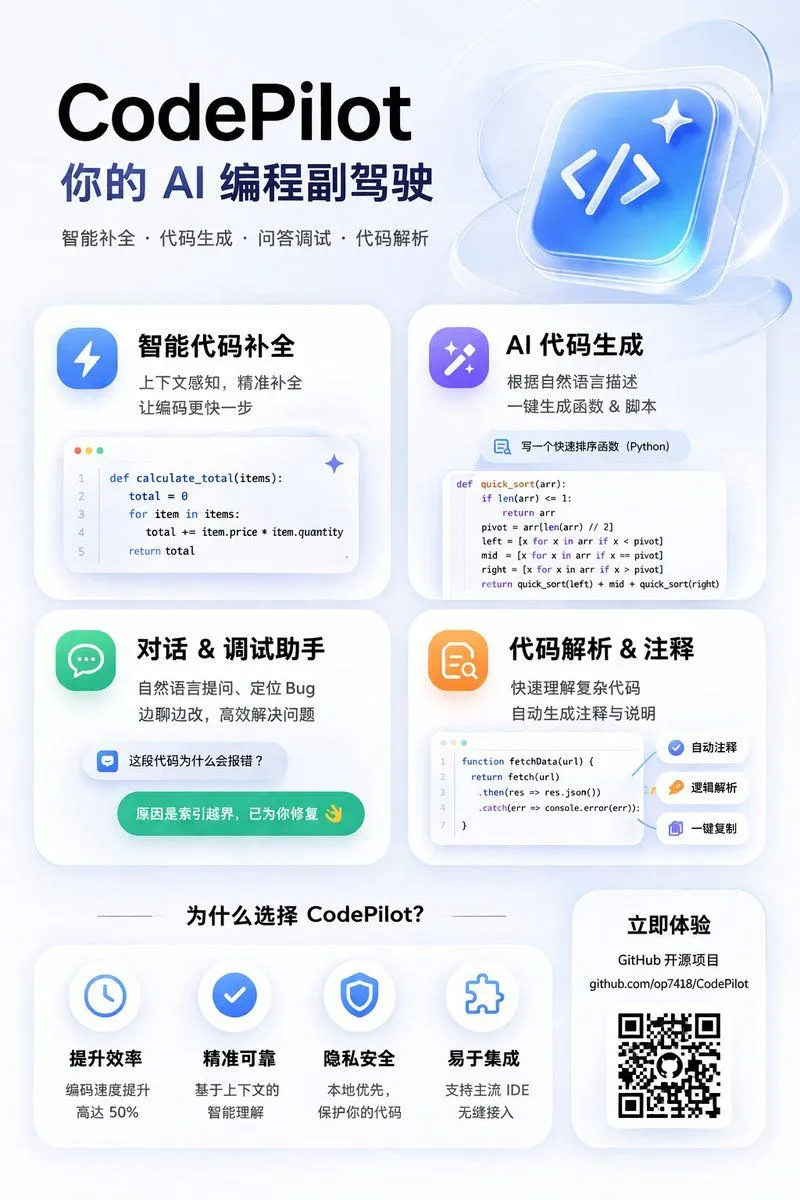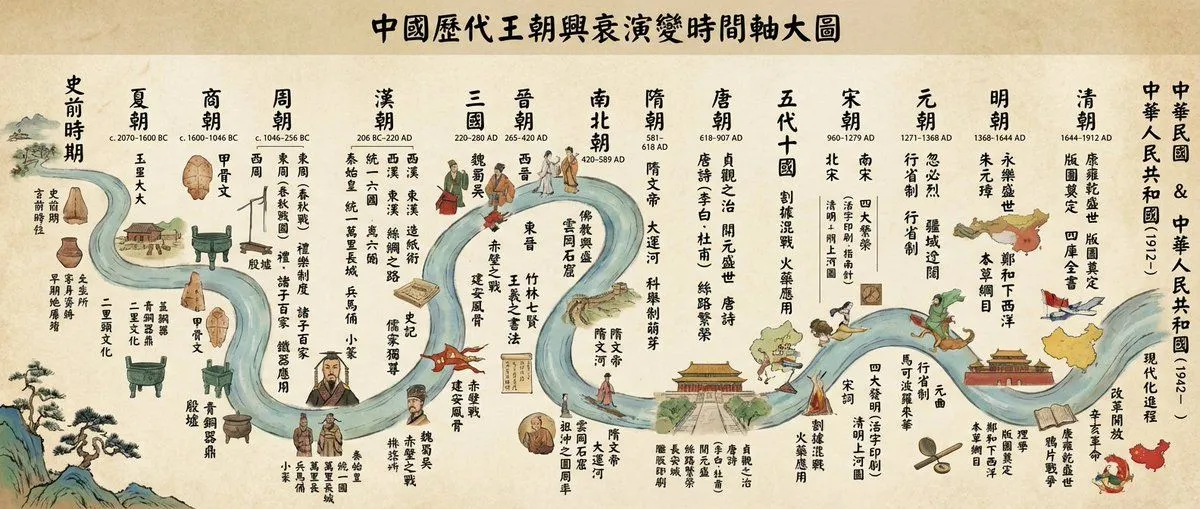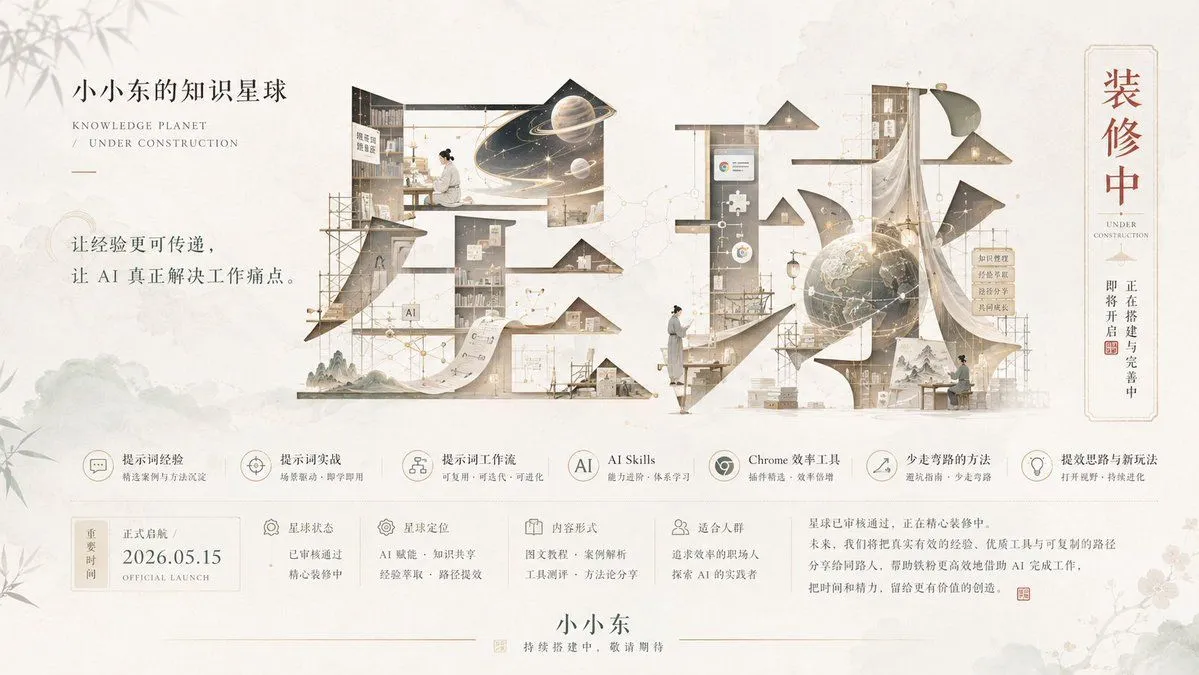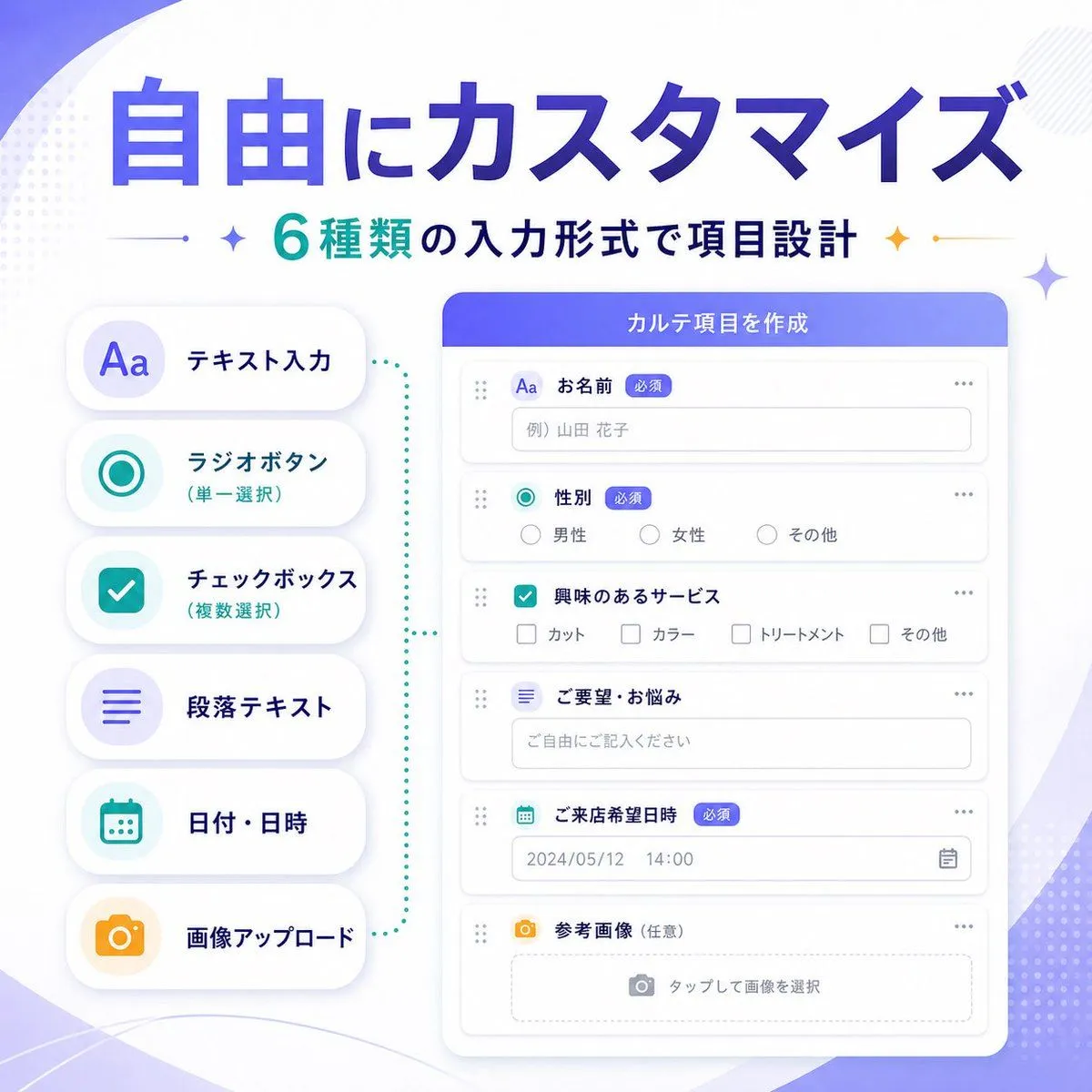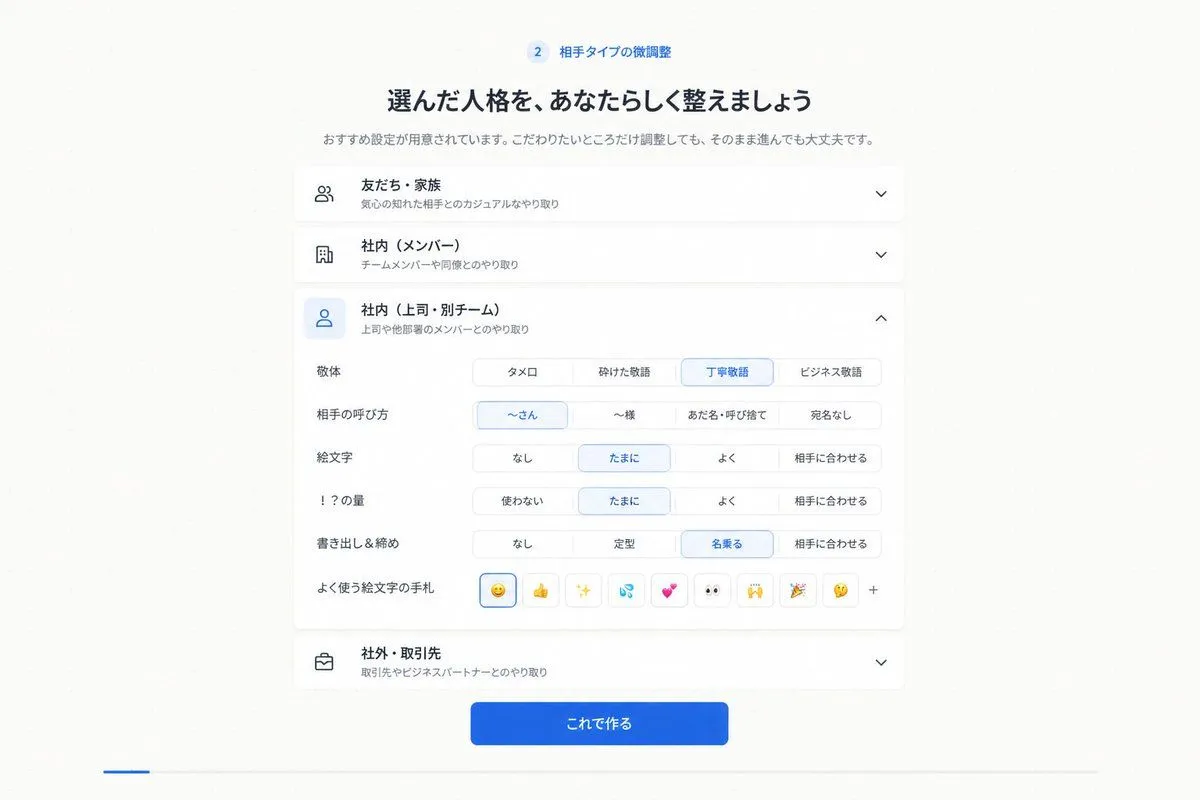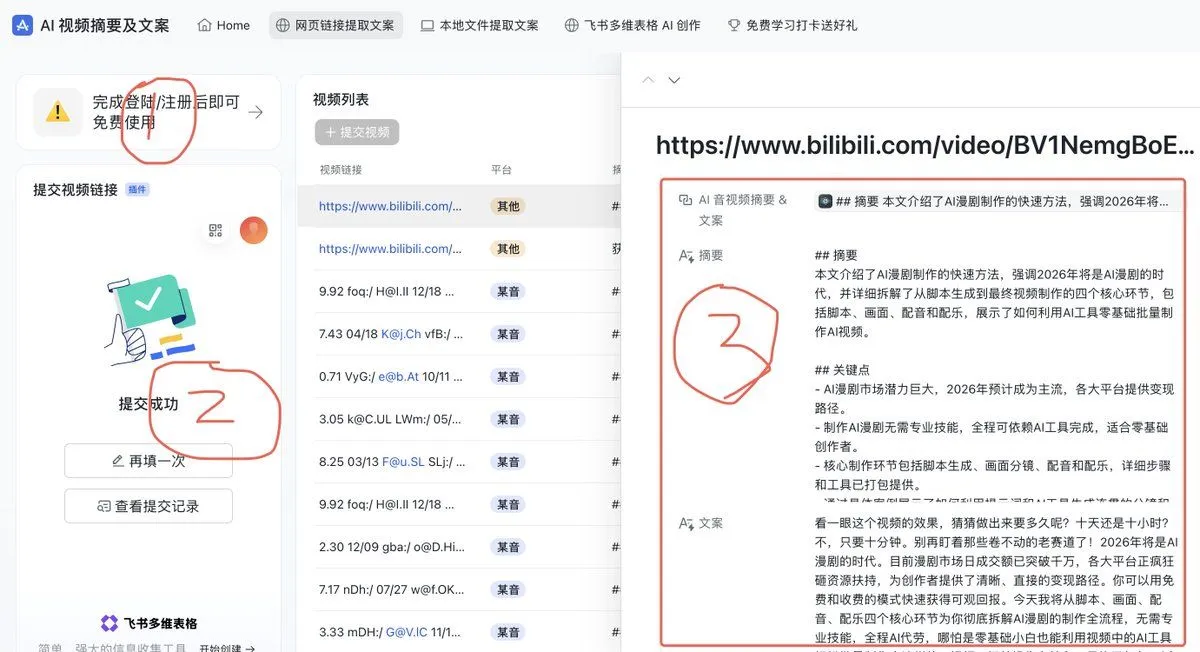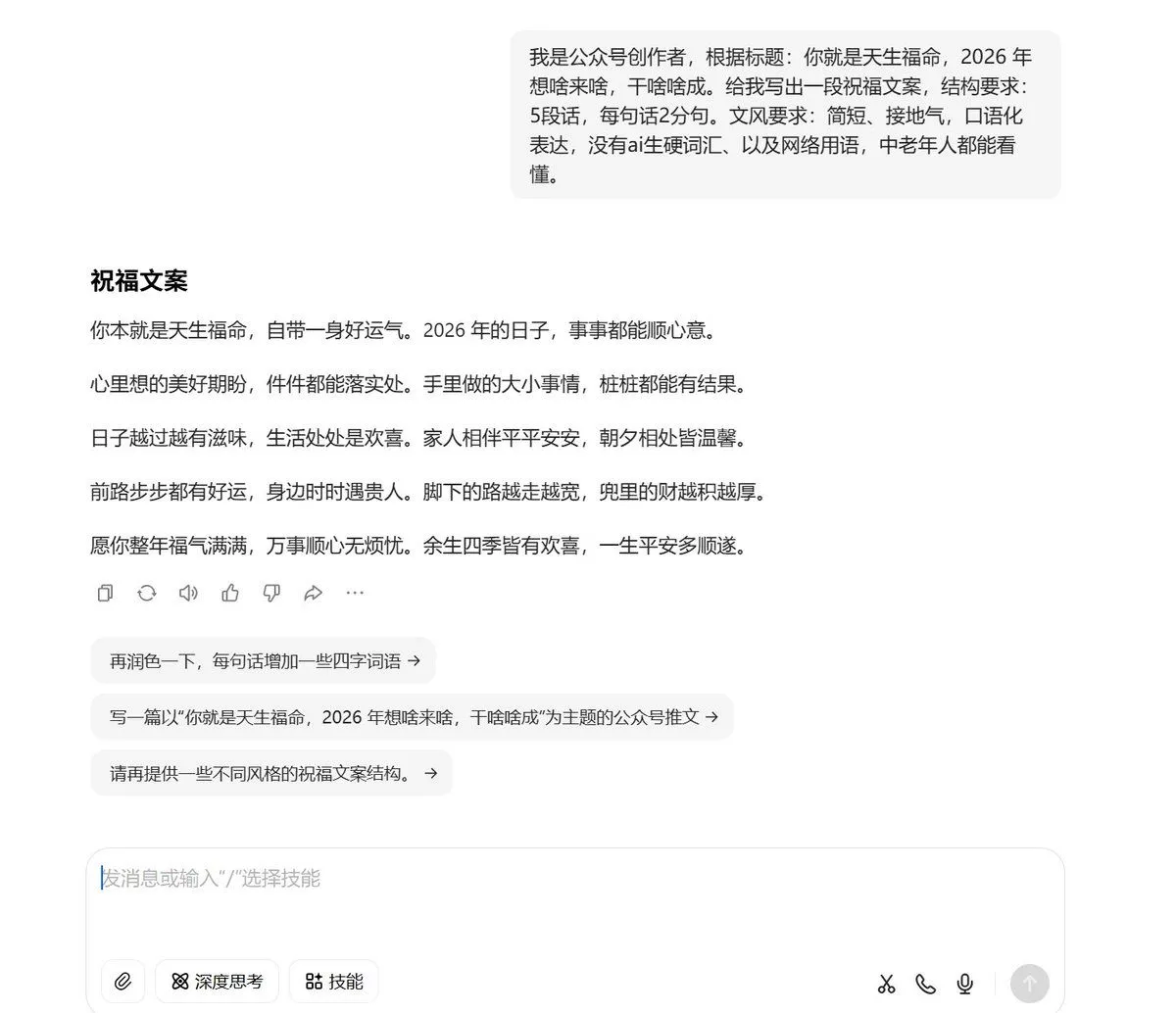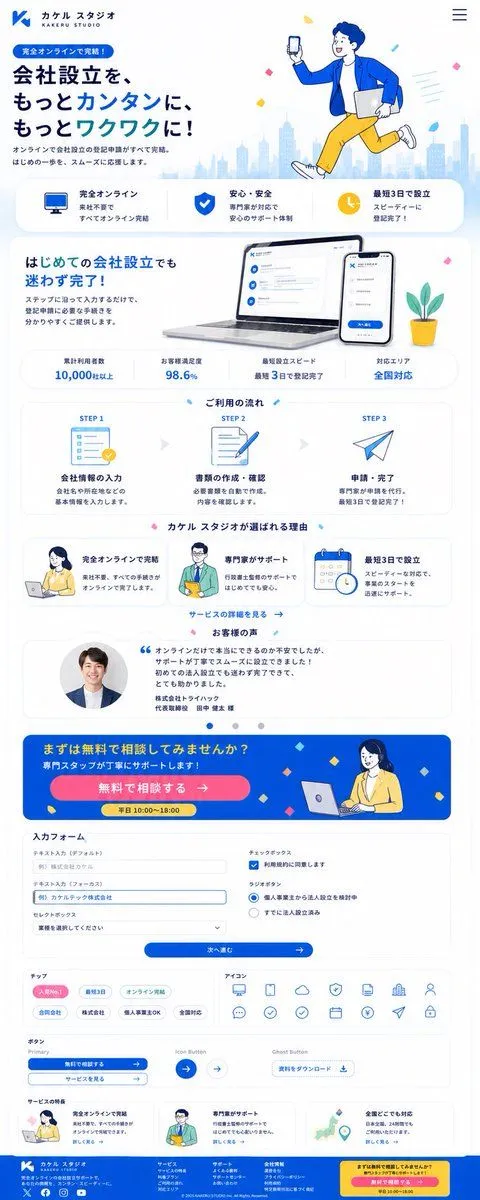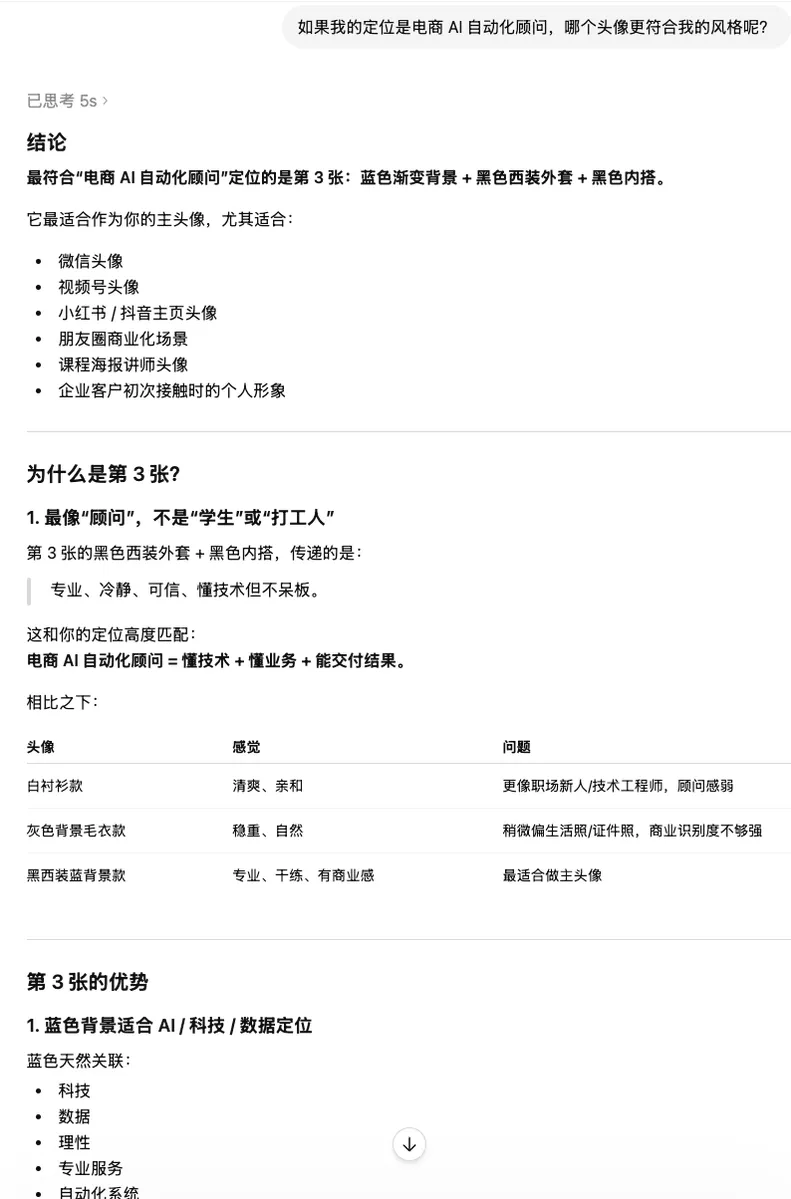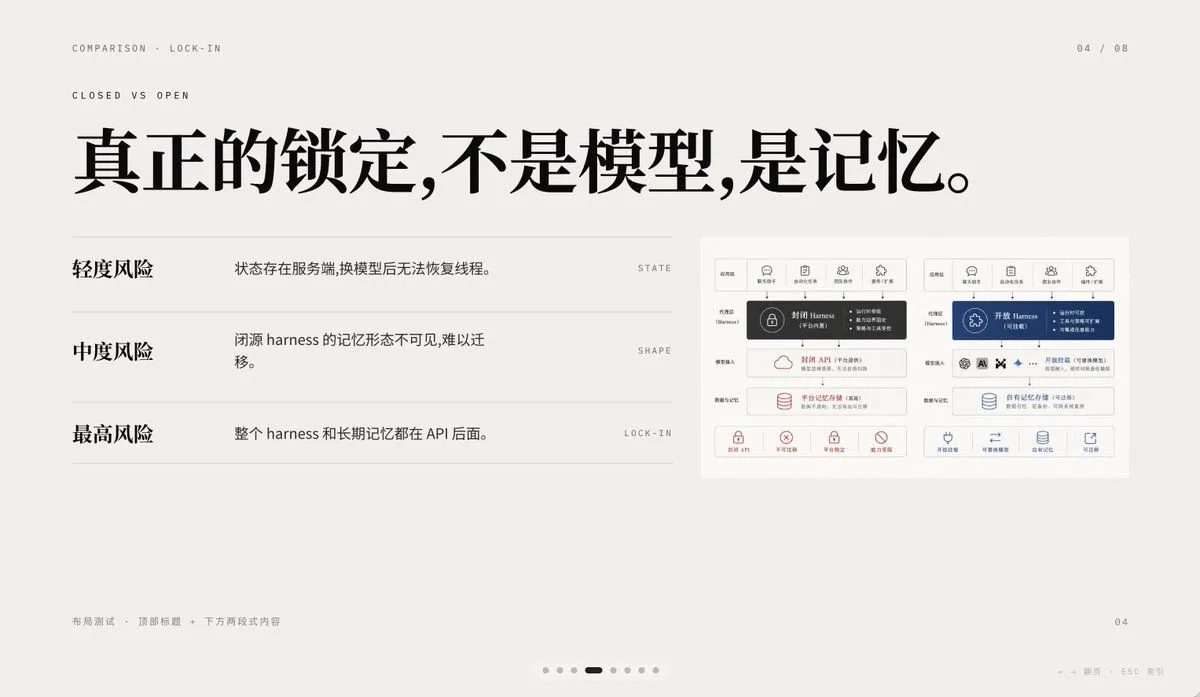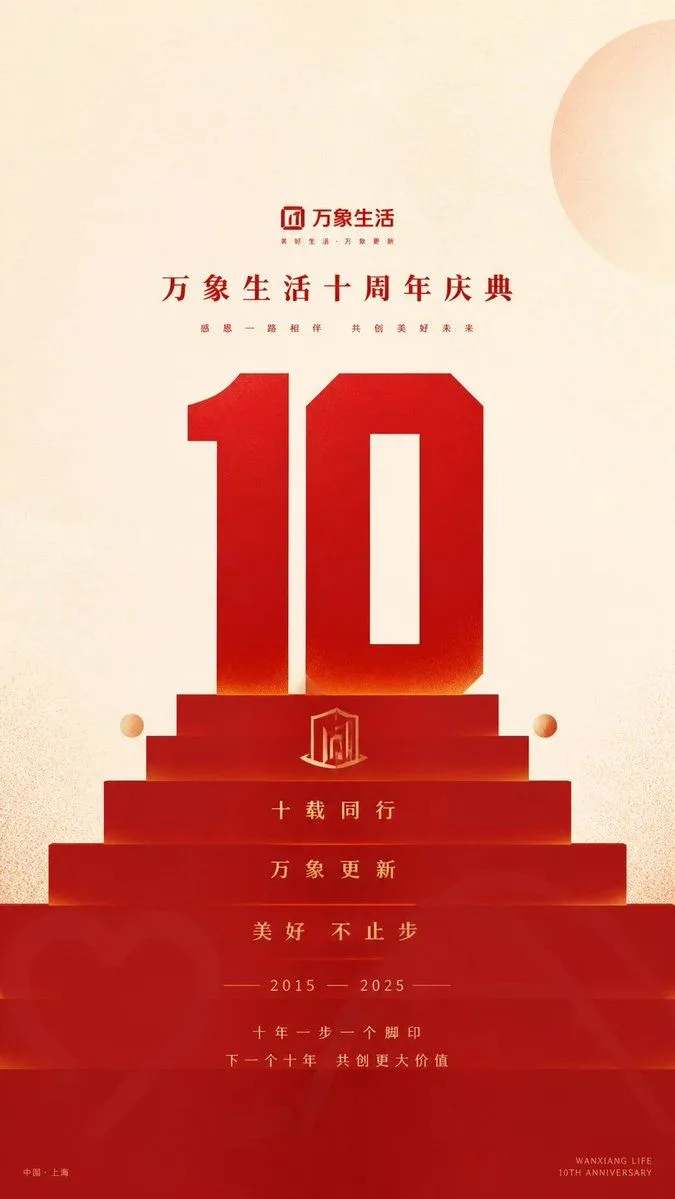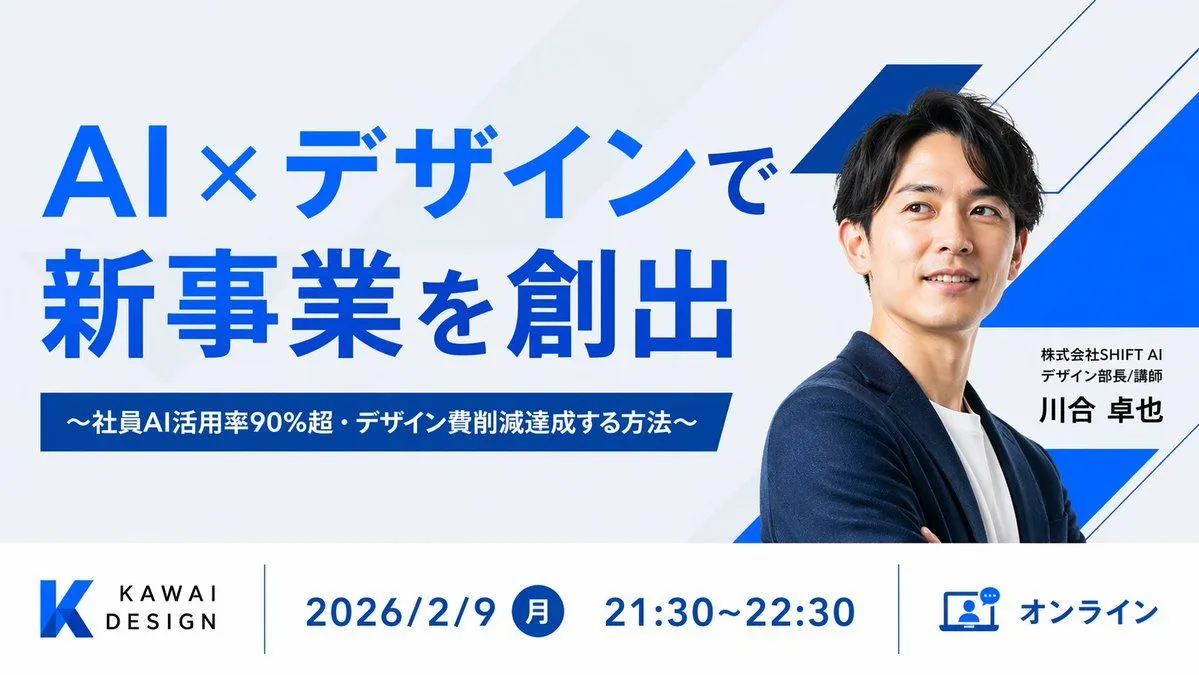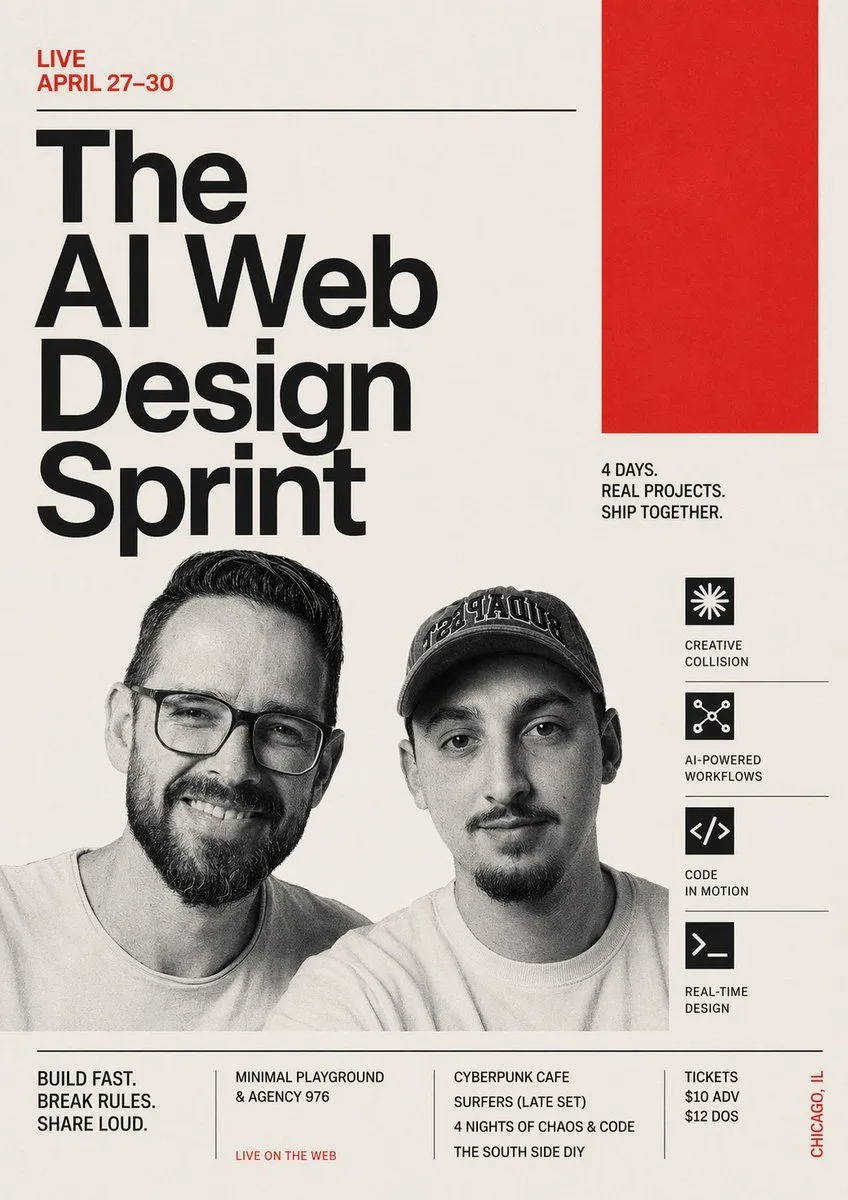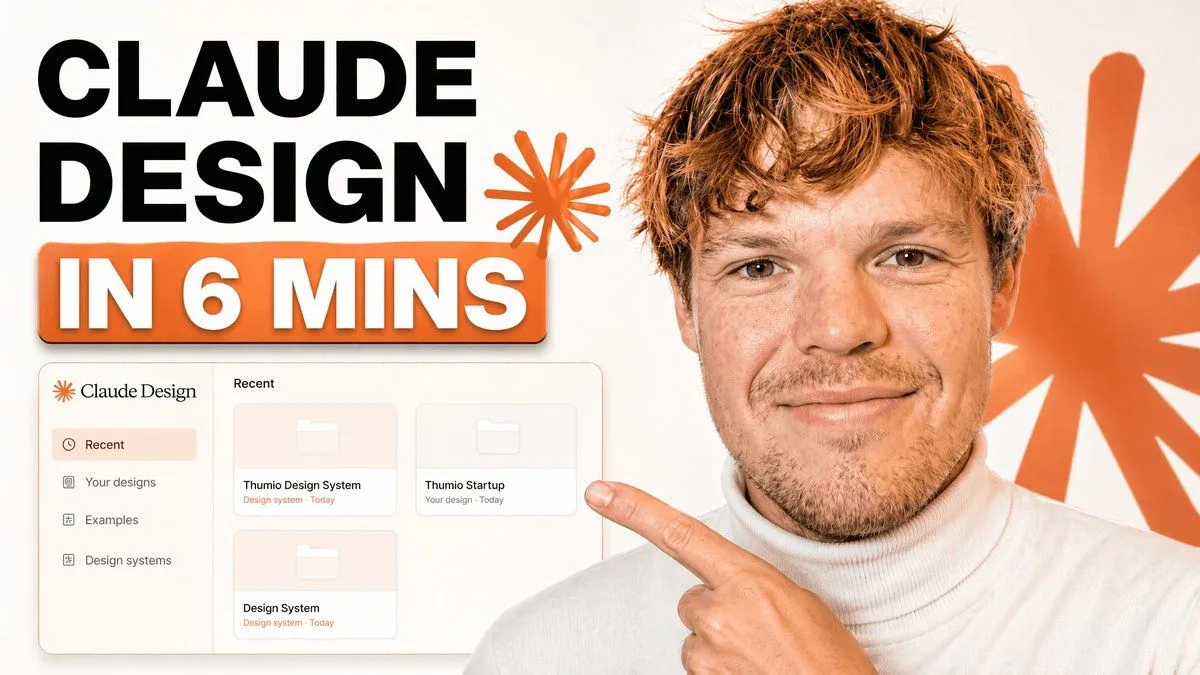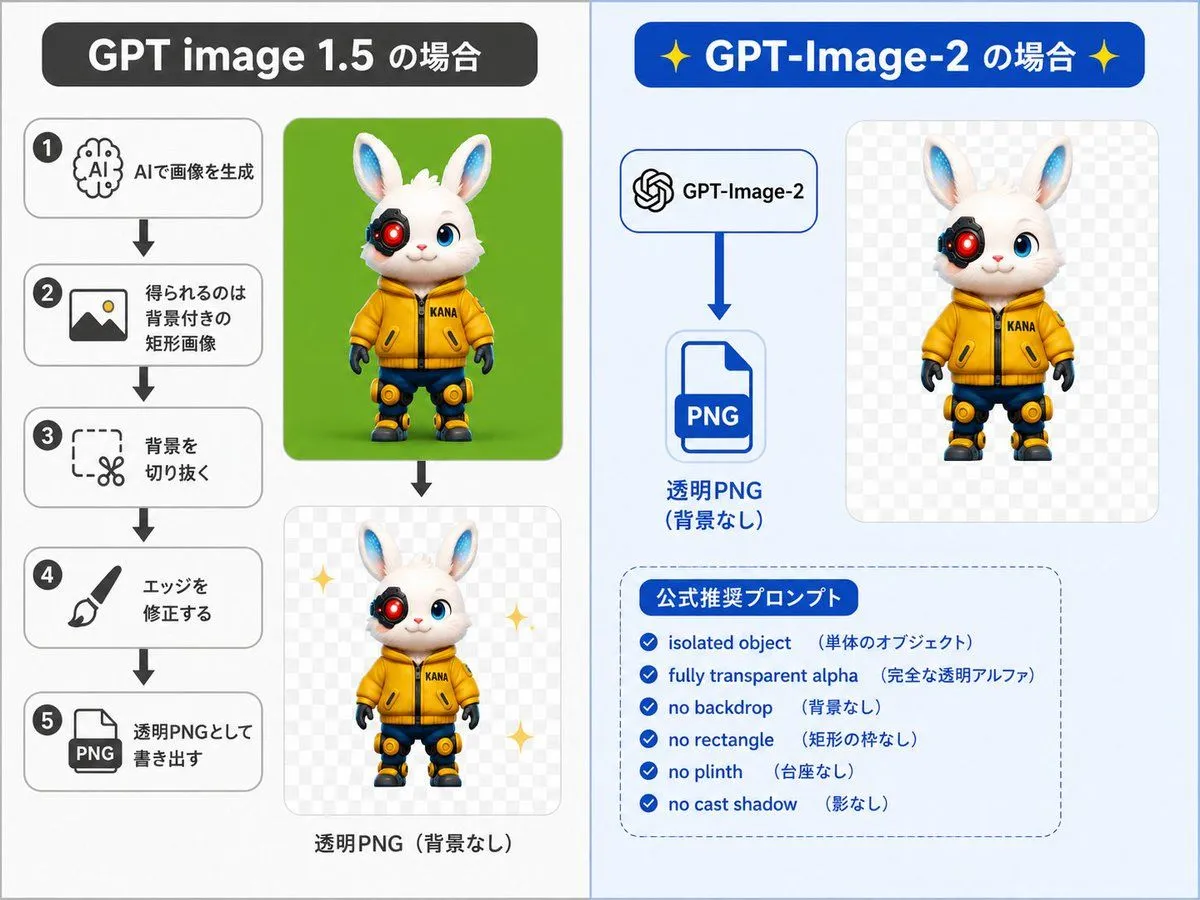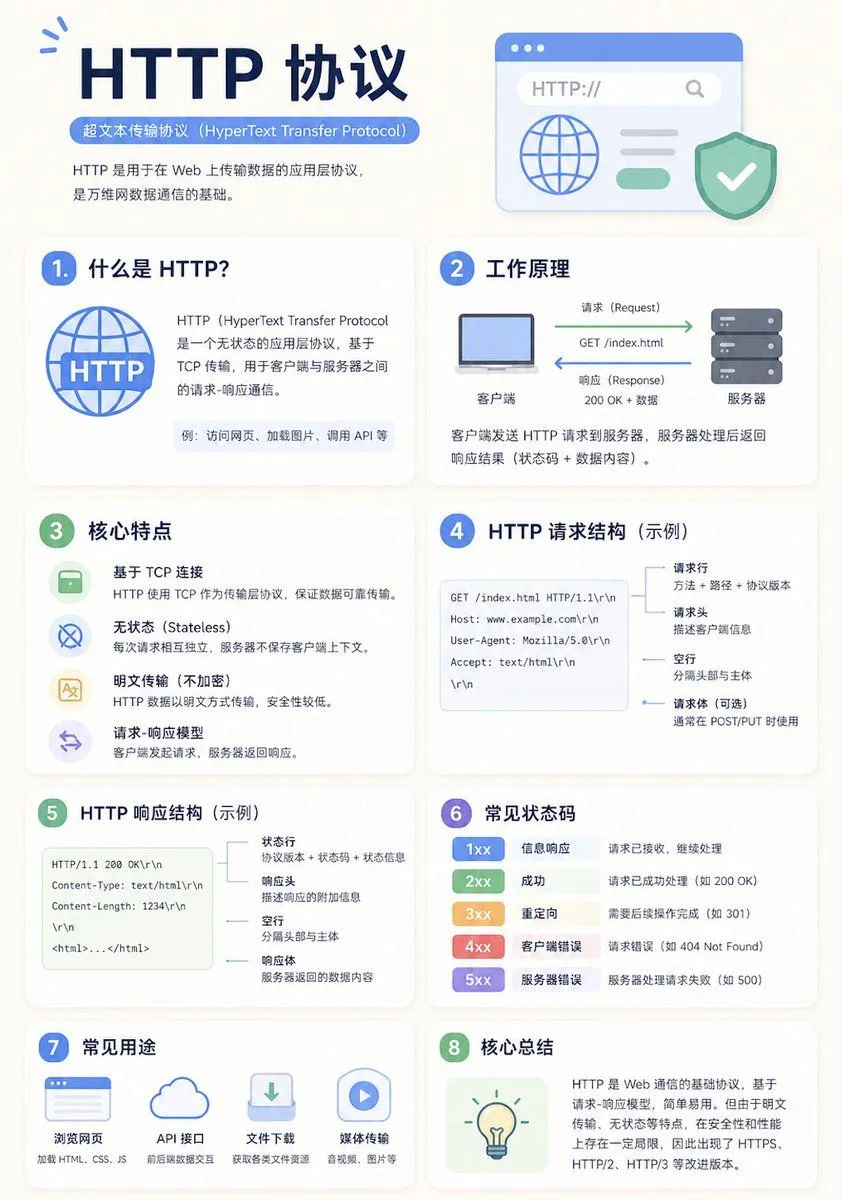
Made with GPT Image 2 in ChatGPT by Library Explainers. Promptclay never generates images.
Did it work?
No reports yet. Tell others if it worked for you.
Minimalist Educational Infographic Template
Prompt
1 blank to fillA clean educational infographic poster explaining "{topic}". [Overall Style] Modern minimalist UI style, background in soft light colors (e.g., cream #FAF7F2 / light gray-blue), restrained and comfortable color palette suitable for long reading sessions. [Core Requirements (Key)] Naturally organize content modules based on the information structure of the "topic". Do not force a fixed number or order of modules; prioritize clear logical information over formal symmetry. [Layout (Adaptive)] - Use grid layout (auto-select 2 columns / 3 columns / irregular distribution) - Card count adjusts based on content (usually 5–9) - High information density modules can be enlarged (higher visual weight) - Simple modules can be shrunk or merged [Card Design] - White cards (#FFFFFF) - Rounded corners + subtle shadows (soft layering) - Maintain uniform spacing and alignment [Each Information Module Includes] - Simple illustrations (unified style) - Clear headings (strong hierarchy) - 1–3 core explanatory sentences (avoid wordiness) - Examples / comparisons / summaries provided where necessary [Content Organization Principles (Emphasis)] Auto-select appropriate structure based on theme, e.g.: - Concept type → definition + principle + characteristics + example - Contrast type → A vs B (comparative structure) - Process type → steps / flowcharts - System type → components + relationships - Skill type → methods + tips + common mistakes [Visual Hierarchy] - Title > Module Title > Main Text > Supporting Information - Important info can be highlighted with color or icons [Color Suggestions] - Primary color: Choose based on theme (Tech=Blue, Learning=Green, Warning=Orange) - Secondary colors: 1–2 types suffice - Avoid high saturation and flashiness [Style Requirements] - Generous negative space, strong sense of "breathability" - Unified icons (linear or flat) - High readability as priority - Clear educational orientation [Extra Optimization (Optional)] - Can include: comparison blocks / process arrows / structure diagrams - Can have a "Core Summary" module as a visual finale.
Preview of your prompt
A clean educational infographic poster explaining "Topic". [Overall Style] Modern minimalist UI style, background in soft light colors (e.g., cream #FAF7F2 / light gray-blue), restrained and comfortable color palette suitable for long reading sessions. [Core Requirements (Key)] Naturally organize content modules based on the information structure of the "topic". Do not force a fixed number or order of modules; prioritize clear logical information over formal symmetry. [Layout (Adaptive)] - Use grid layout (auto-select 2 columns / 3 columns / irregular distribution) - Card count adjusts based on content (usually 5–9) - High information density modules can be enlarged (higher visual weight) - Simple modules can be shrunk or merged [Card Design] - White cards (#FFFFFF) - Rounded corners + subtle shadows (soft layering) - Maintain uniform spacing and alignment [Each Information Module Includes] - Simple illustrations (unified style) - Clear headings (strong hierarchy) - 1–3 core explanatory sentences (avoid wordiness) - Examples / comparisons / summaries provided where necessary [Content Organization Principles (Emphasis)] Auto-select appropriate structure based on theme, e.g.: - Concept type → definition + principle + characteristics + example - Contrast type → A vs B (comparative structure) - Process type → steps / flowcharts - System type → components + relationships - Skill type → methods + tips + common mistakes [Visual Hierarchy] - Title > Module Title > Main Text > Supporting Information - Important info can be highlighted with color or icons [Color Suggestions] - Primary color: Choose based on theme (Tech=Blue, Learning=Green, Warning=Orange) - Secondary colors: 1–2 types suffice - Avoid high saturation and flashiness [Style Requirements] - Generous negative space, strong sense of "breathability" - Unified icons (linear or flat) - High readability as priority - Clear educational orientation [Extra Optimization (Optional)] - Can include: comparison blocks / process arrows / structure diagrams - Can have a "Core Summary" module as a visual finale.
DetailsVersions, settings and questions
Written for
What's in the prompt
- Subject
- Model
- GPT Image 2
If your face changes
keep my face exactly the sameQuestions
- Does this work in the ChatGPT app?
- Yes. Paste the prompt and attach your photo if it uses one.
- It changed my face. What do I do?
- Add "keep my face exactly the same" to the end and run it again.
- Can I use the images I make?
- Check the terms of the app you use. Promptclay never generates images and claims nothing you make.