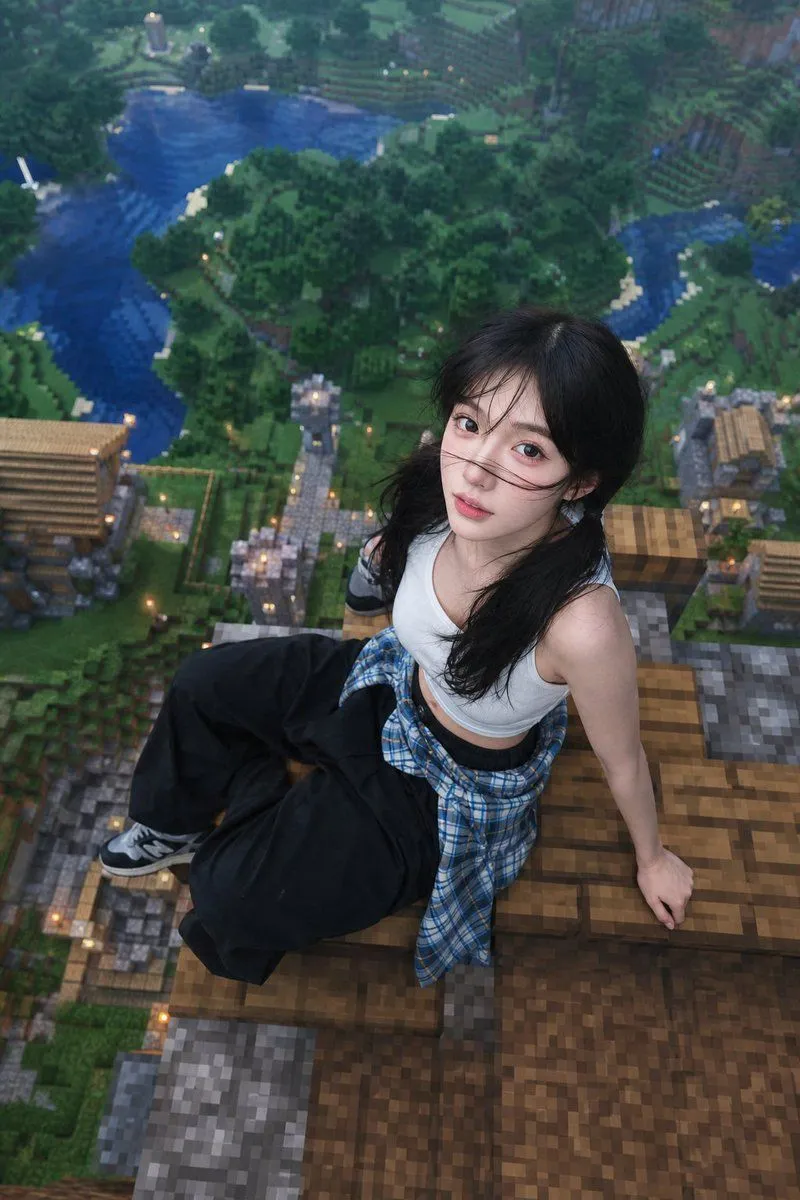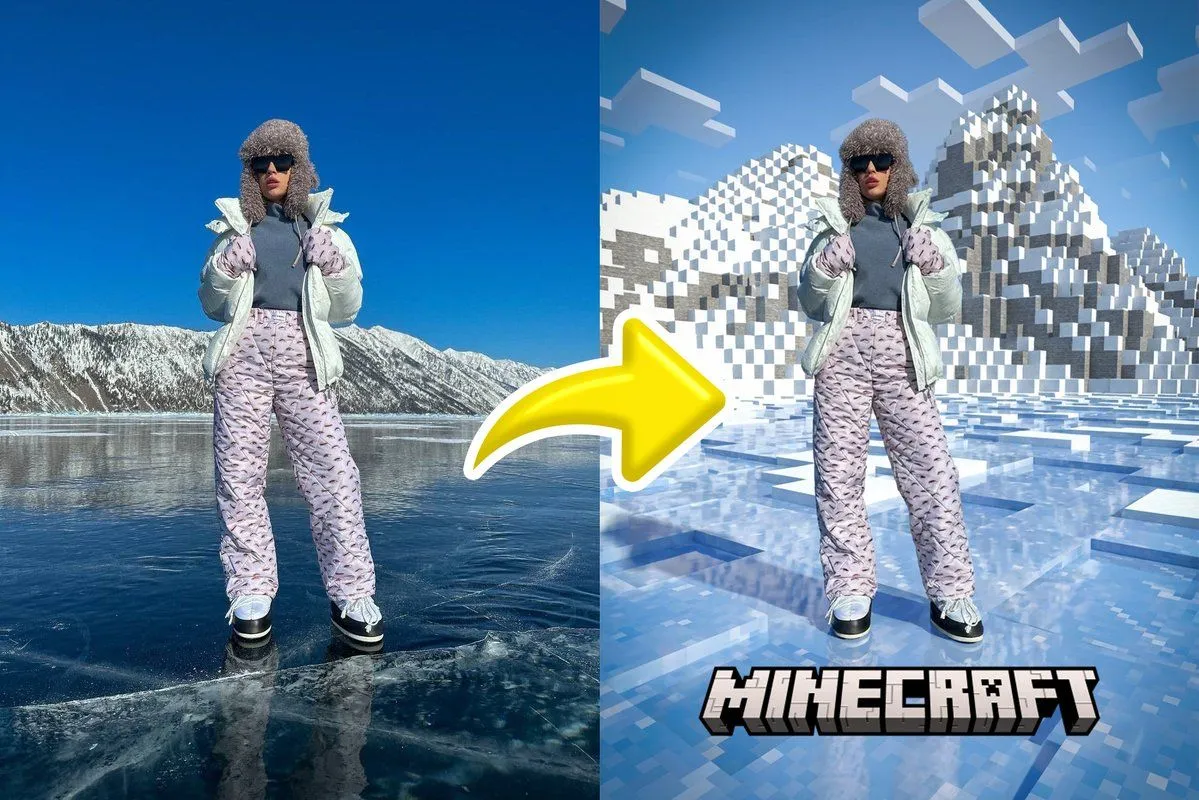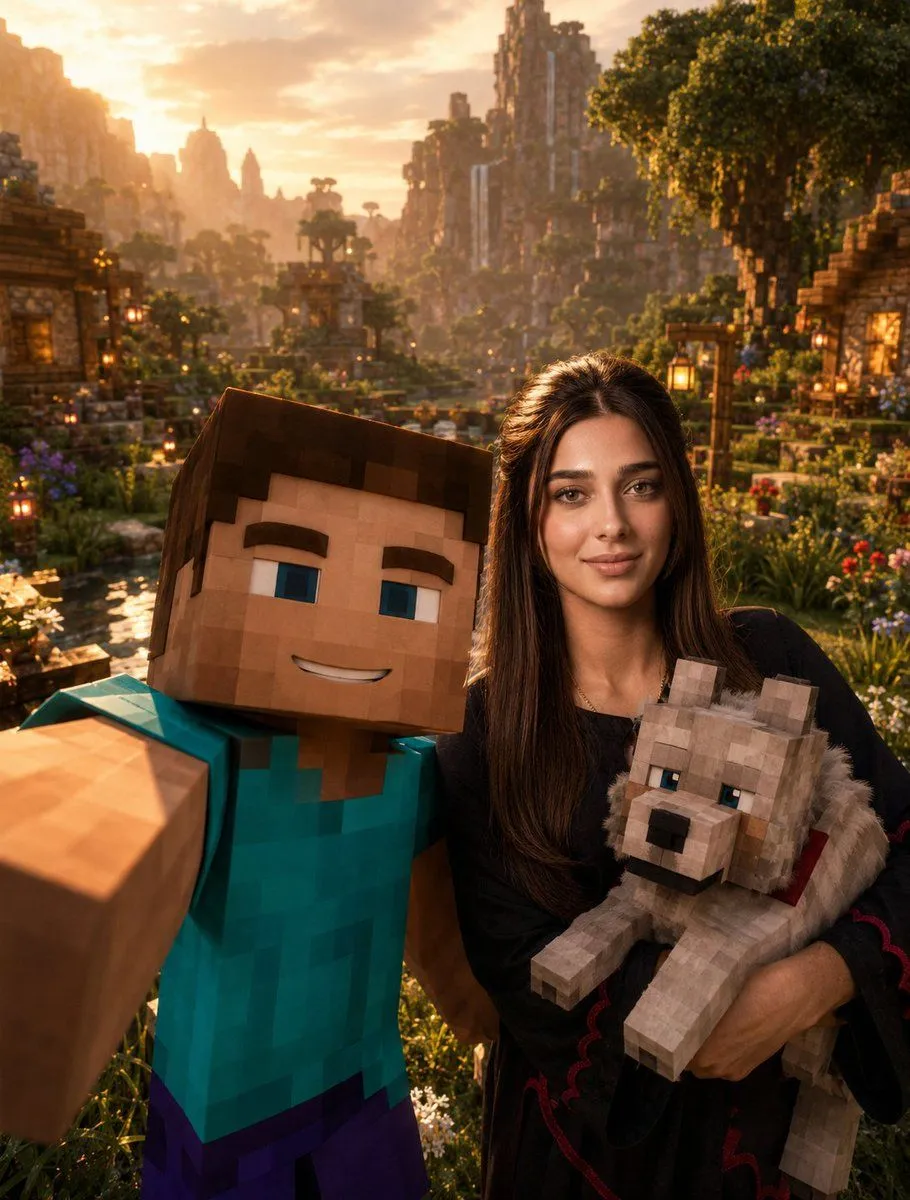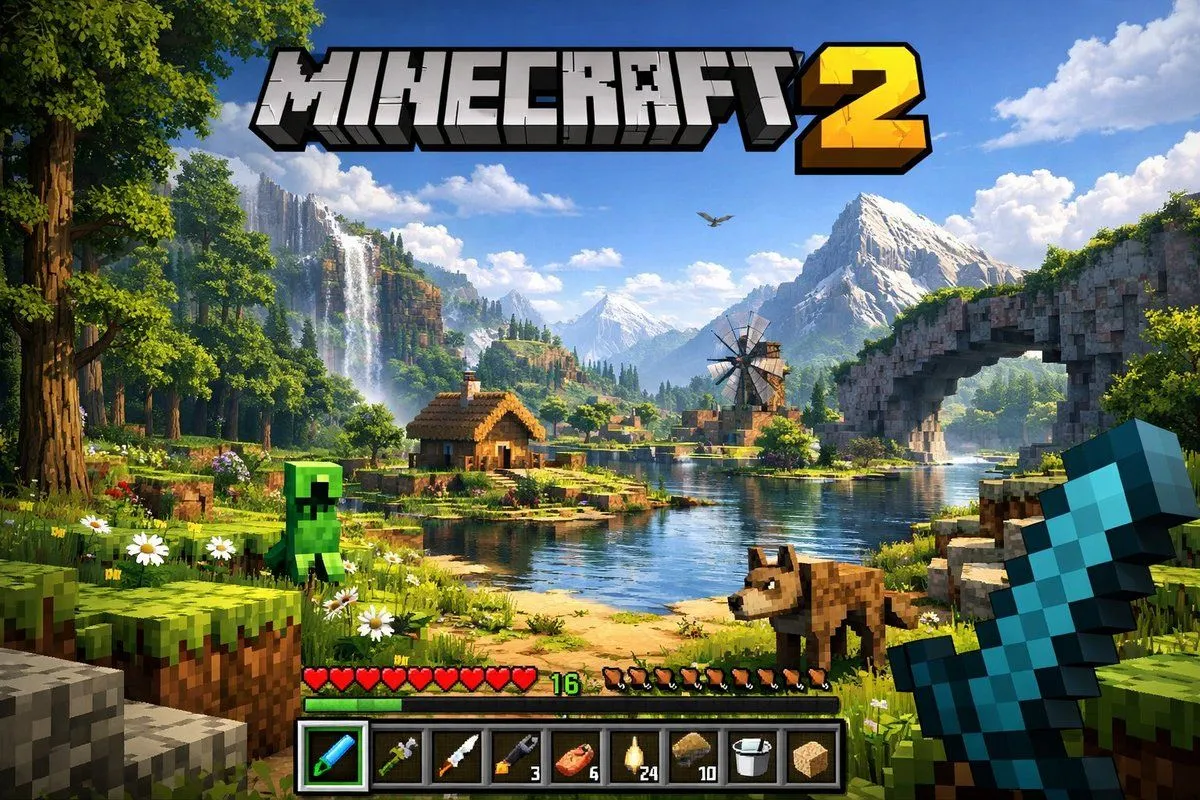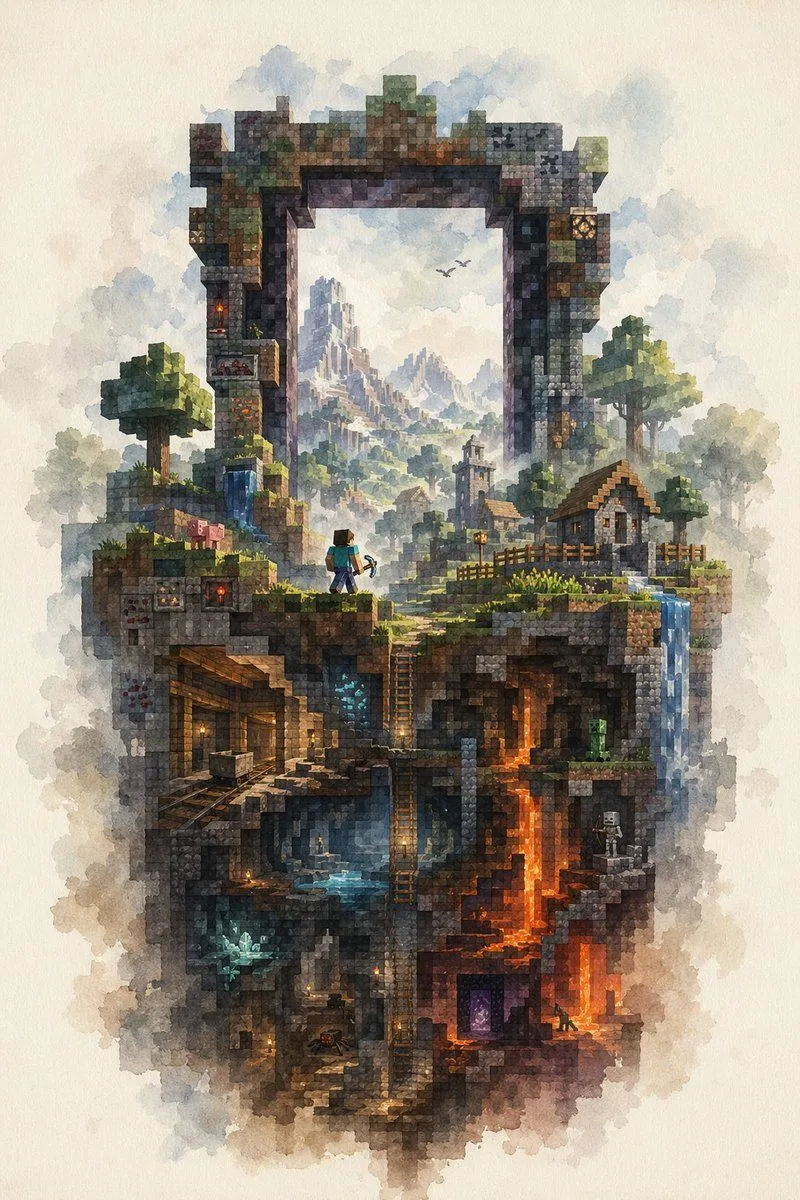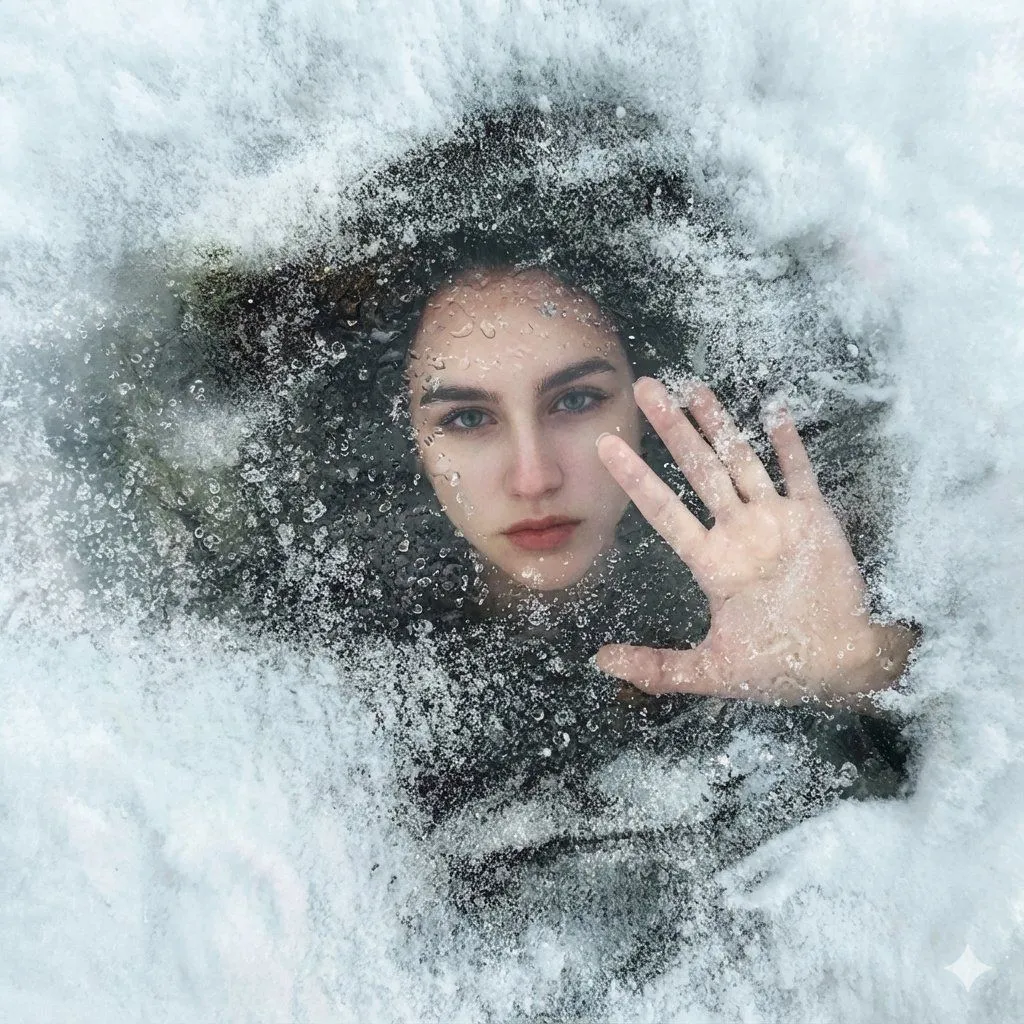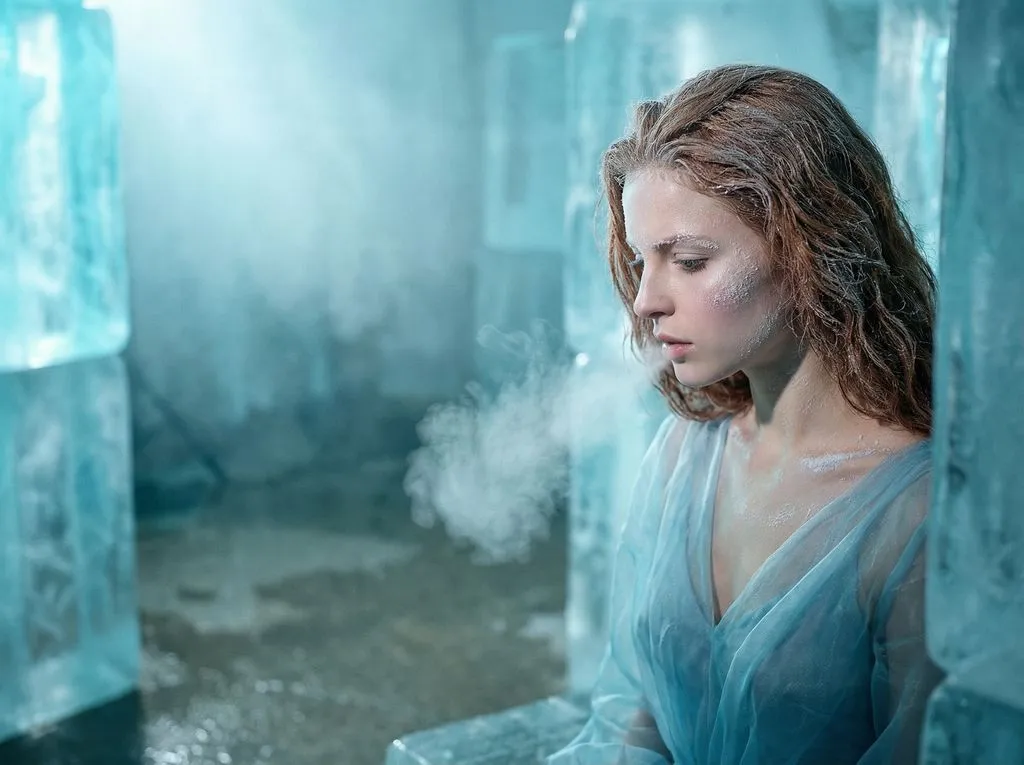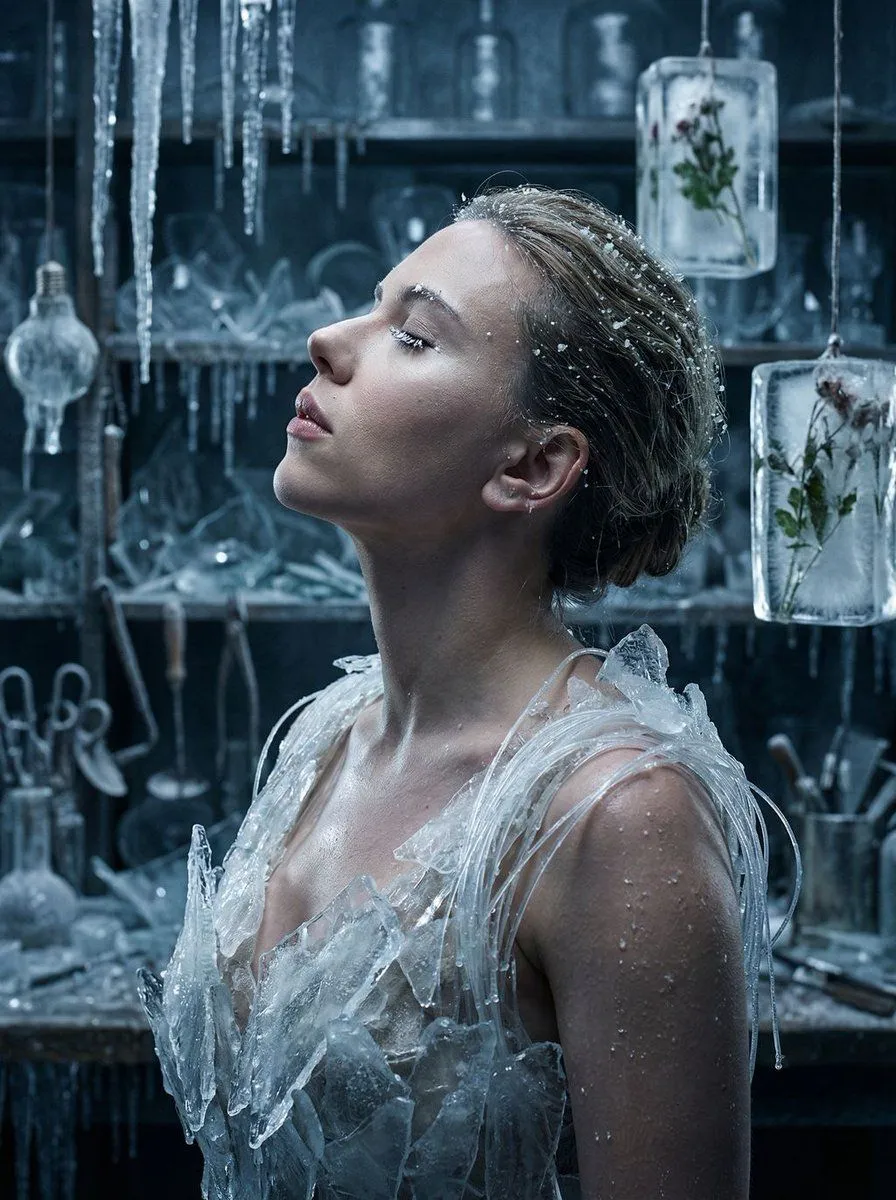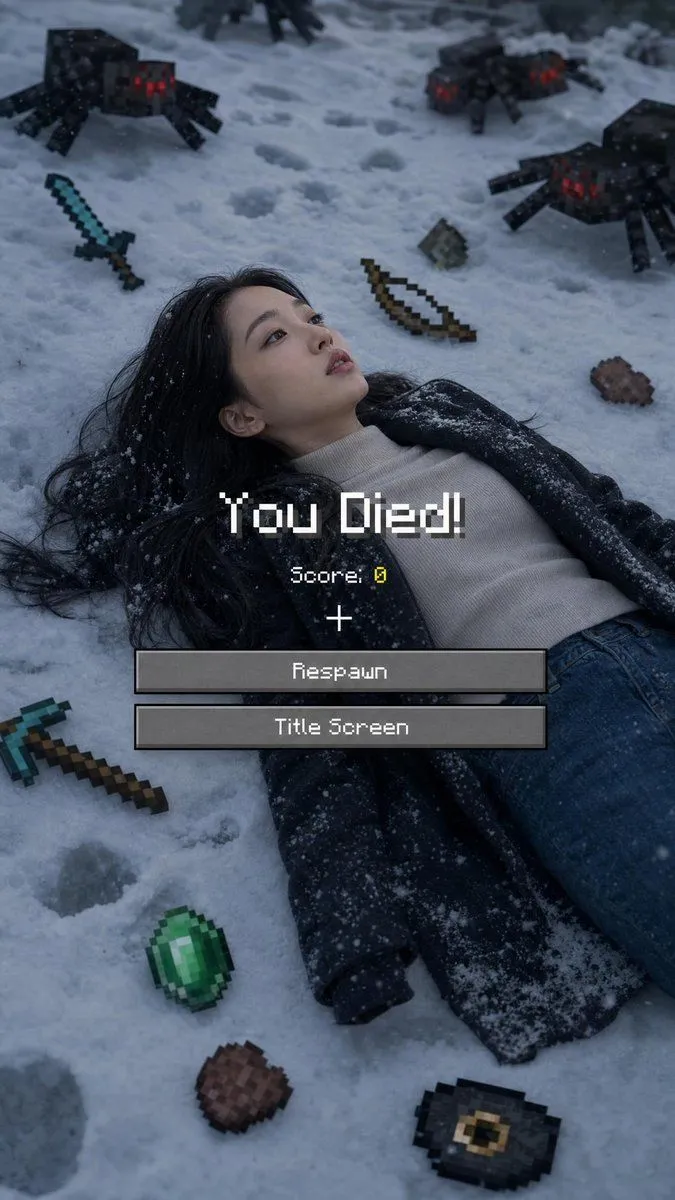
Made with GPT Image 2 in ChatGPT, collected by Library Lifestyle. Promptclay never generates images.
Minecraft Death Screen Portrait
Prompt
2 blanks to fillUse 100% of the face and body from my reference image. Create a cinematic winter scene with a side face close-up view, inspired by a Minecraft death screen. The person is lying face up in the snow, wearing {clothing}, in a realistic pose, with cool atmospheric lighting, slightly desaturated tones, and visible footprints in the snow. Surround the person with floating or placed pixelated objects in the Minecraft style, including a {weapon}, bow, pickaxe, emerald, steak, Eye of Ender, music disc, and a mob of spiders. Add a realistic Minecraft "You Died!" overlay on top with pixel font, including "Score: 0," the reticle symbol, and two retro UI buttons labeled "Respawn" and "Title Screen." Naturally blend the realistic photography with pixel-art game elements. Soft shadows, melancholic winter aesthetic, ultra-detailed, vertical composition, DSLR realism, subtle depth of field, high contrast, 9:16 aspect ratio. Negative Prompt: "Low quality, blurry face, distorted body, extra limbs, incorrect facial features, cartoonish body, unrealistic"
Preview of your prompt
Use 100% of the face and body from my reference image. Create a cinematic winter scene with a side face close-up view, inspired by a Minecraft death screen. The person is lying face up in the snow, wearing casual winter clothing, in a realistic pose, with cool atmospheric lighting, slightly desaturated tones, and visible footprints in the snow. Surround the person with floating or placed pixelated objects in the Minecraft style, including a diamond sword, bow, pickaxe, emerald, steak, Eye of Ender, music disc, and a mob of spiders. Add a realistic Minecraft "You Died!" overlay on top with pixel font, including "Score: 0," the reticle symbol, and two retro UI buttons labeled "Respawn" and "Title Screen." Naturally blend the realistic photography with pixel-art game elements. Soft shadows, melancholic winter aesthetic, ultra-detailed, vertical composition, DSLR realism, subtle depth of field, high contrast, 9:16 aspect ratio. Negative Prompt: "Low quality, blurry face, distorted body, extra limbs, incorrect facial features, cartoonish body, unrealistic"
DetailsVersions, settings and questions
Written for
What's in the prompt
- Subject
- Model
- GPT Image 2
If your face changes
keep my face exactly the sameQuestions
- Does this work in the ChatGPT app?
- Yes. Paste the prompt and attach your photo if it uses one.
- It changed my face. What do I do?
- Add "keep my face exactly the same" to the end and run it again.
- Can I use the images I make?
- Check the terms of the app you use. Promptclay never generates images and claims nothing you make.