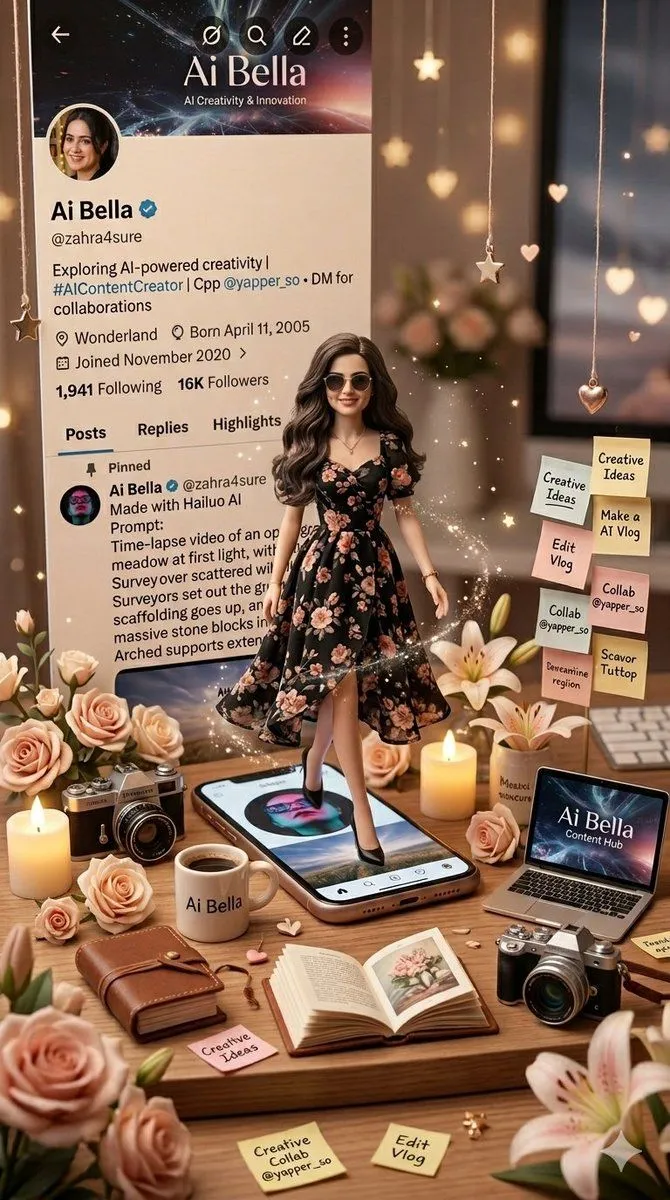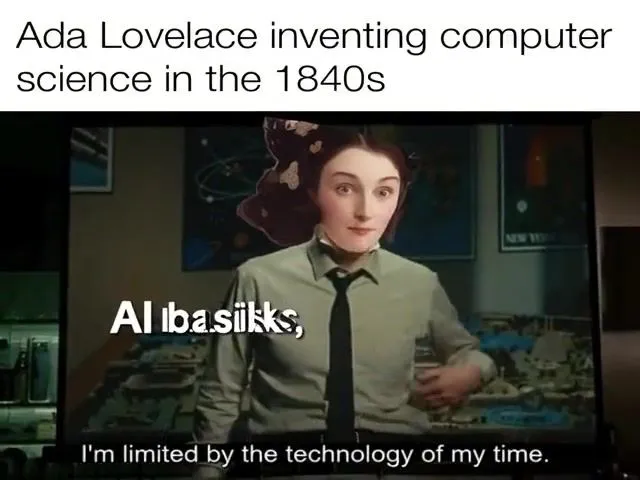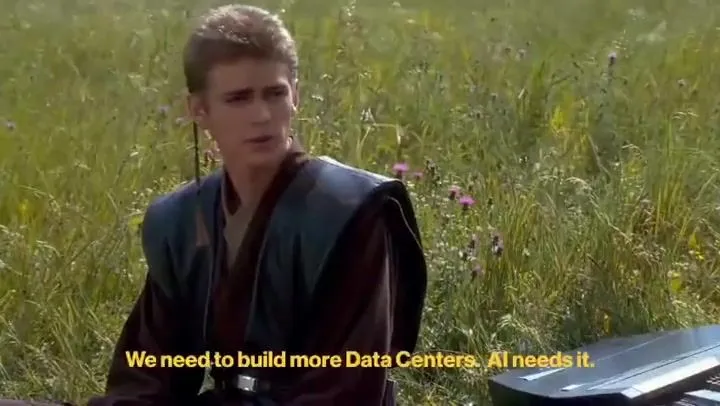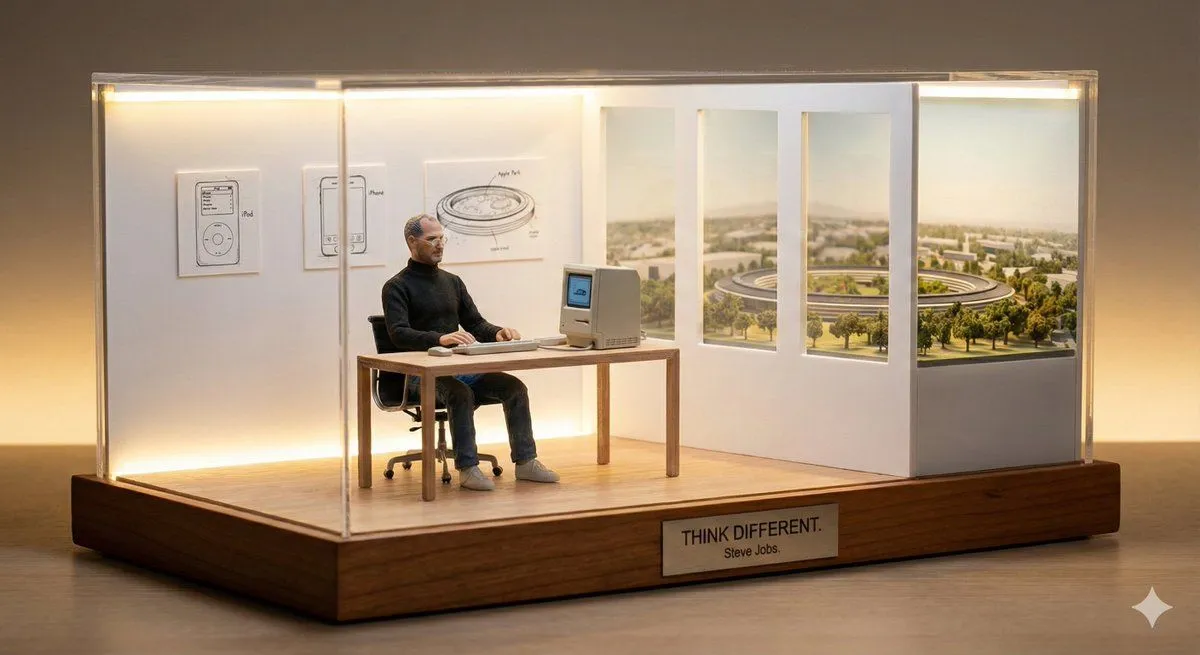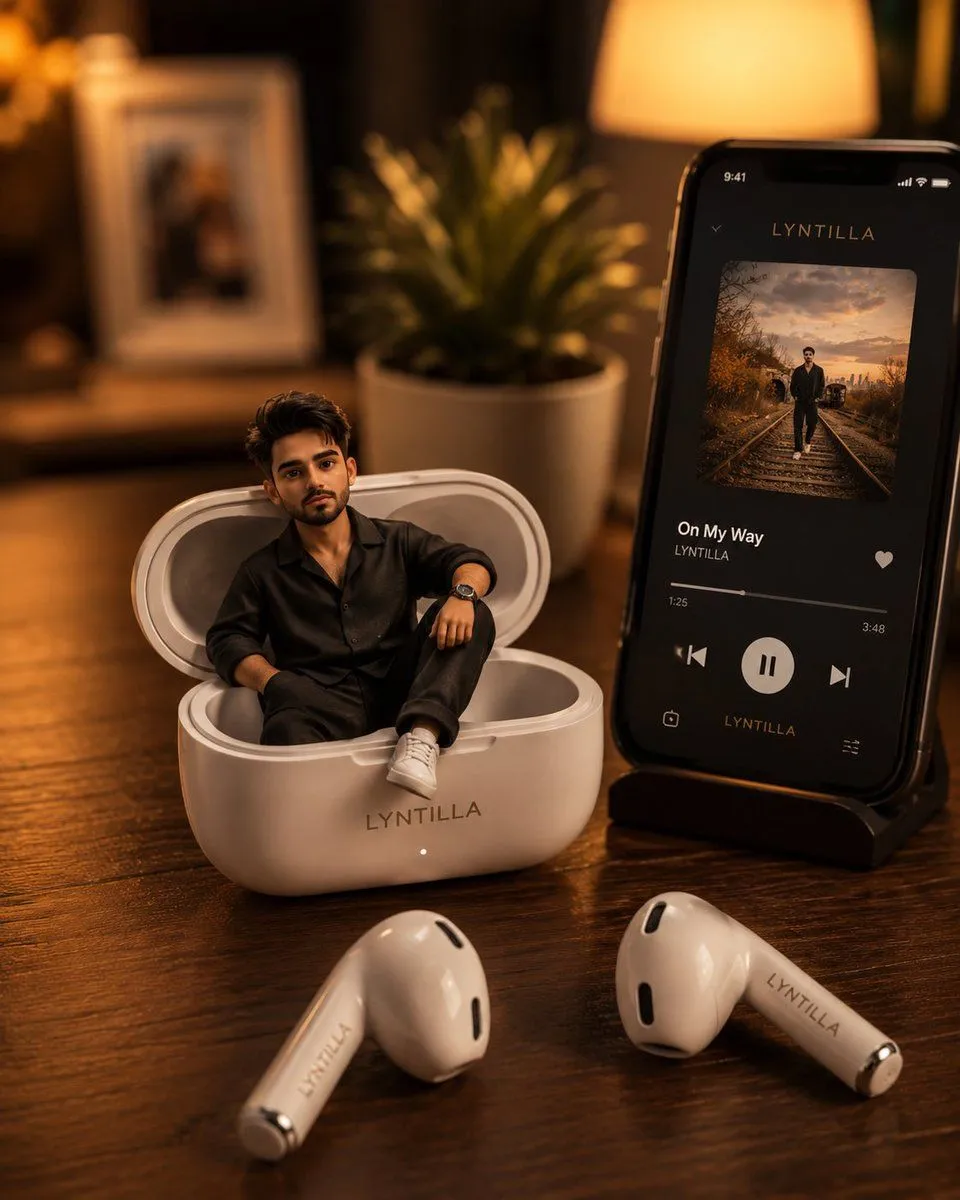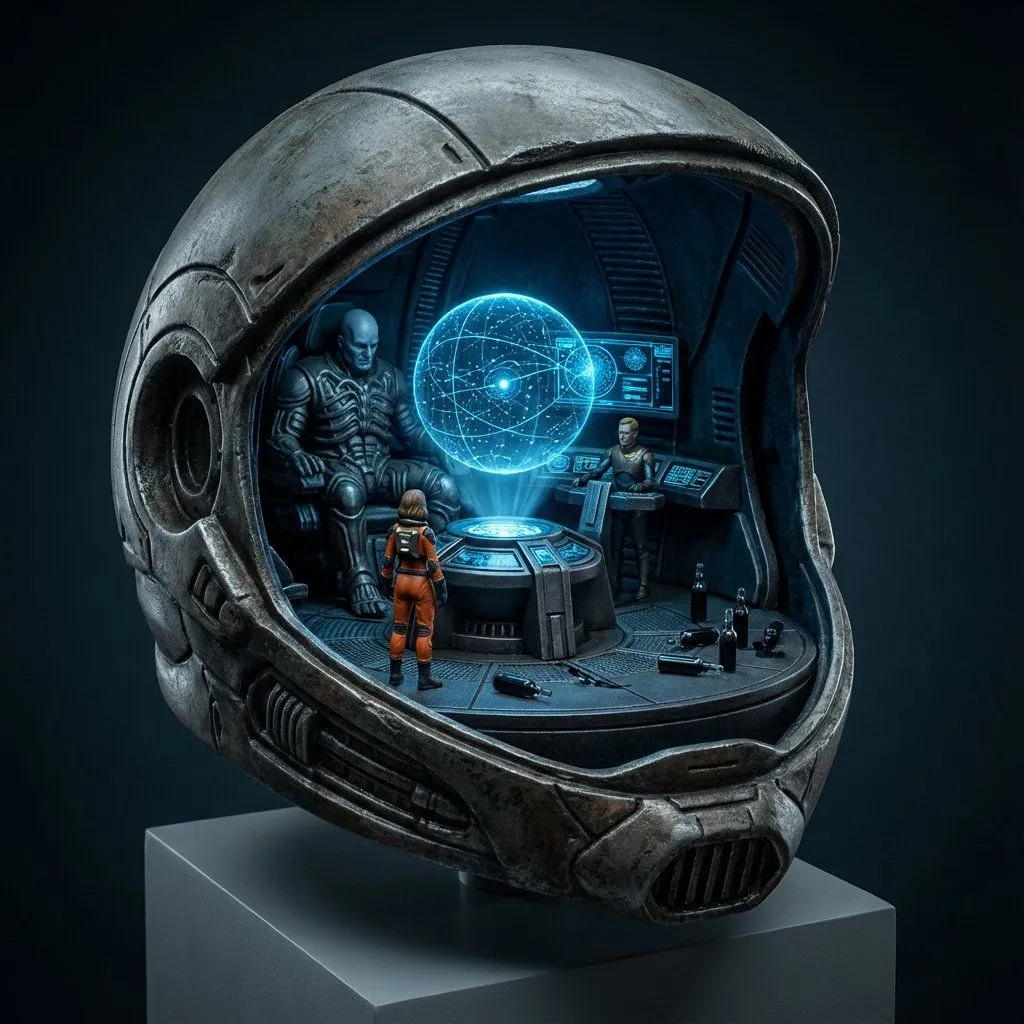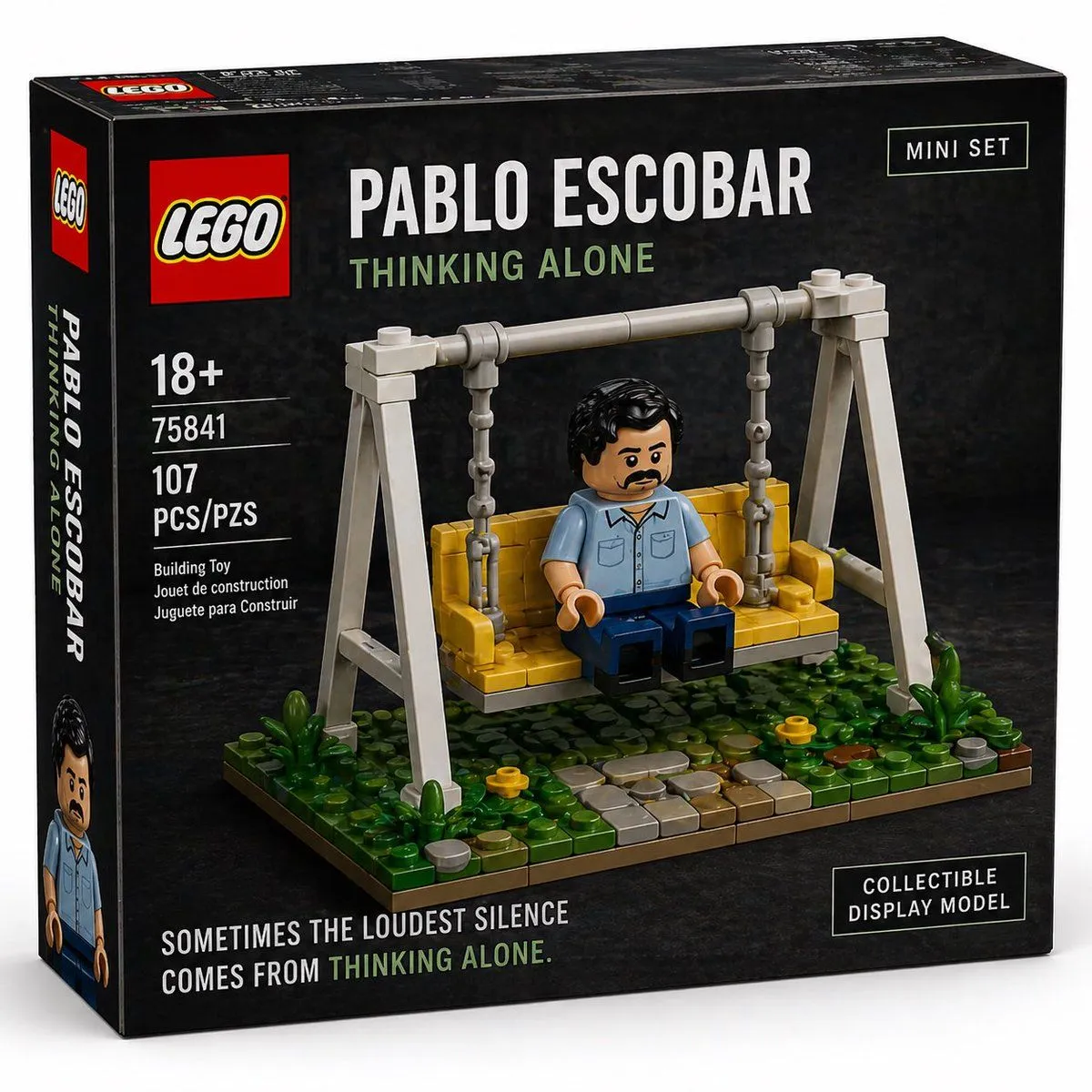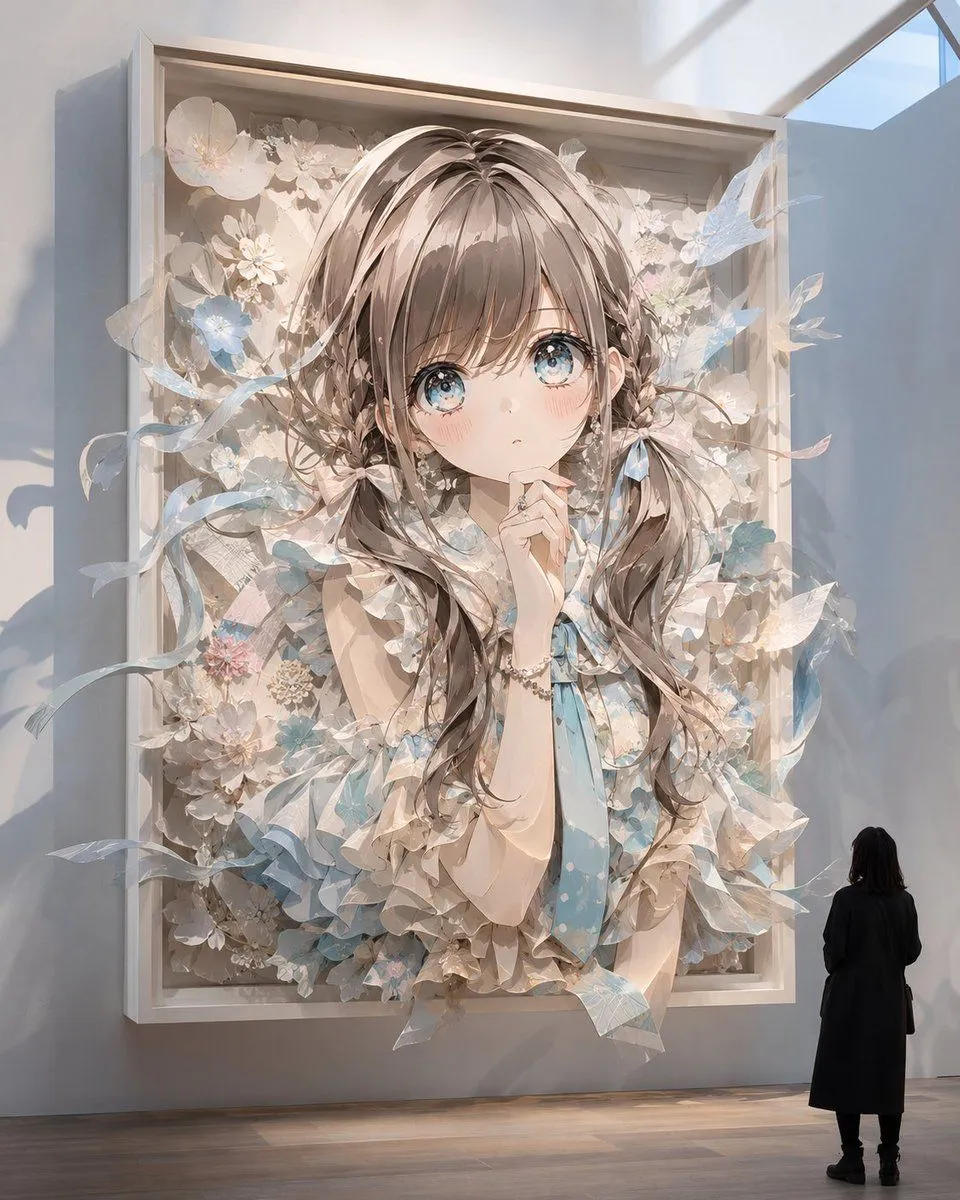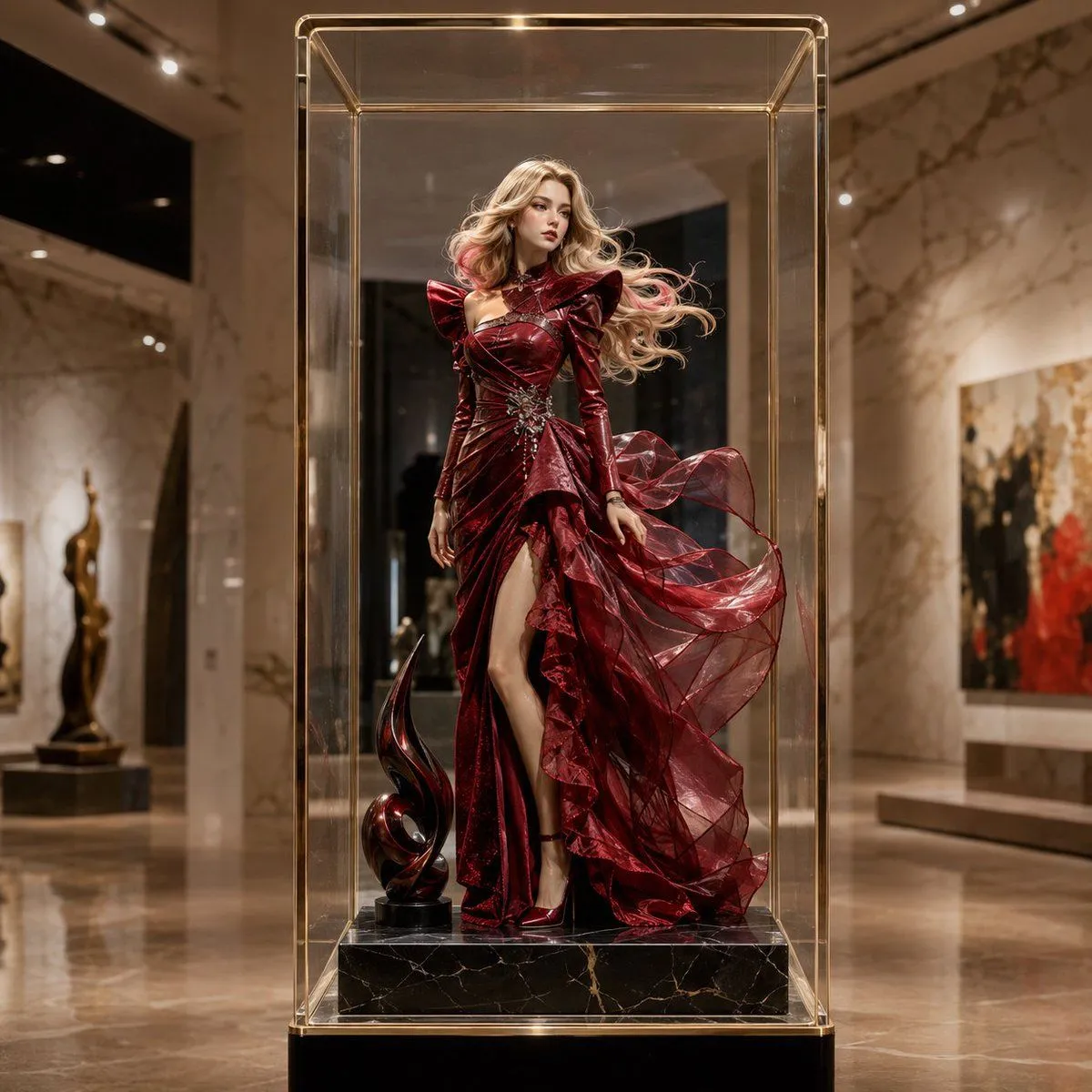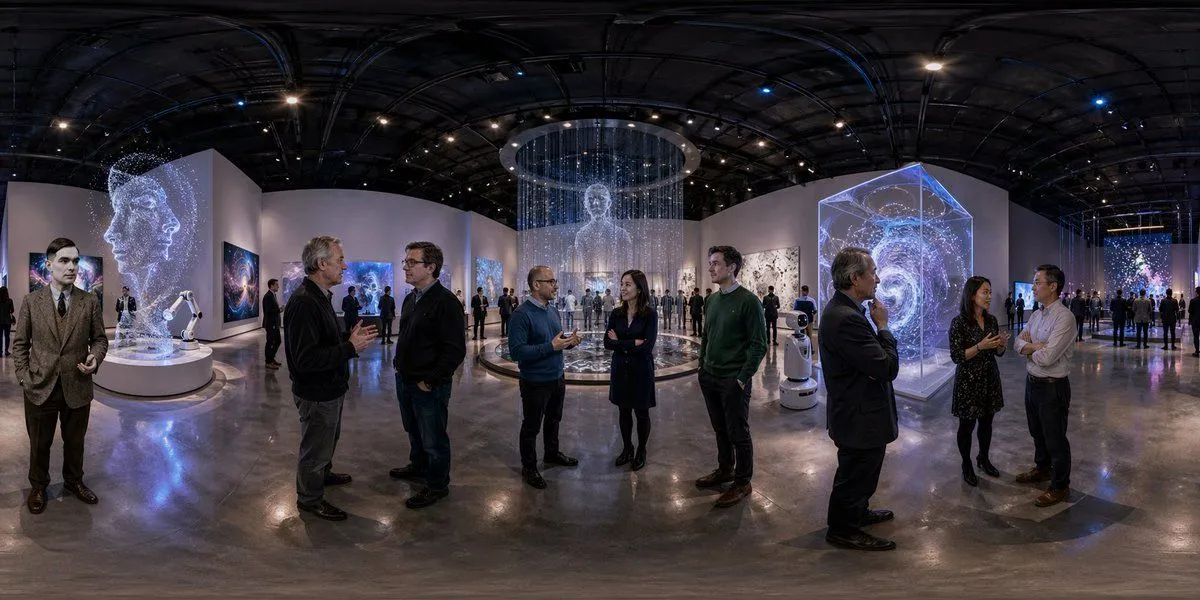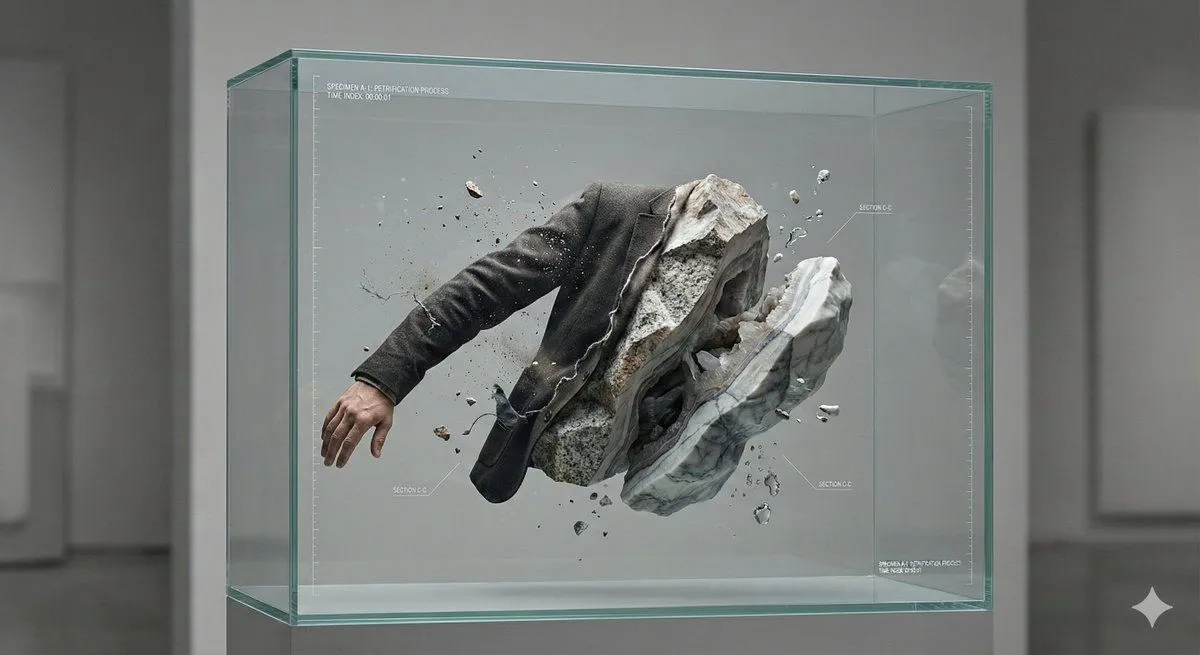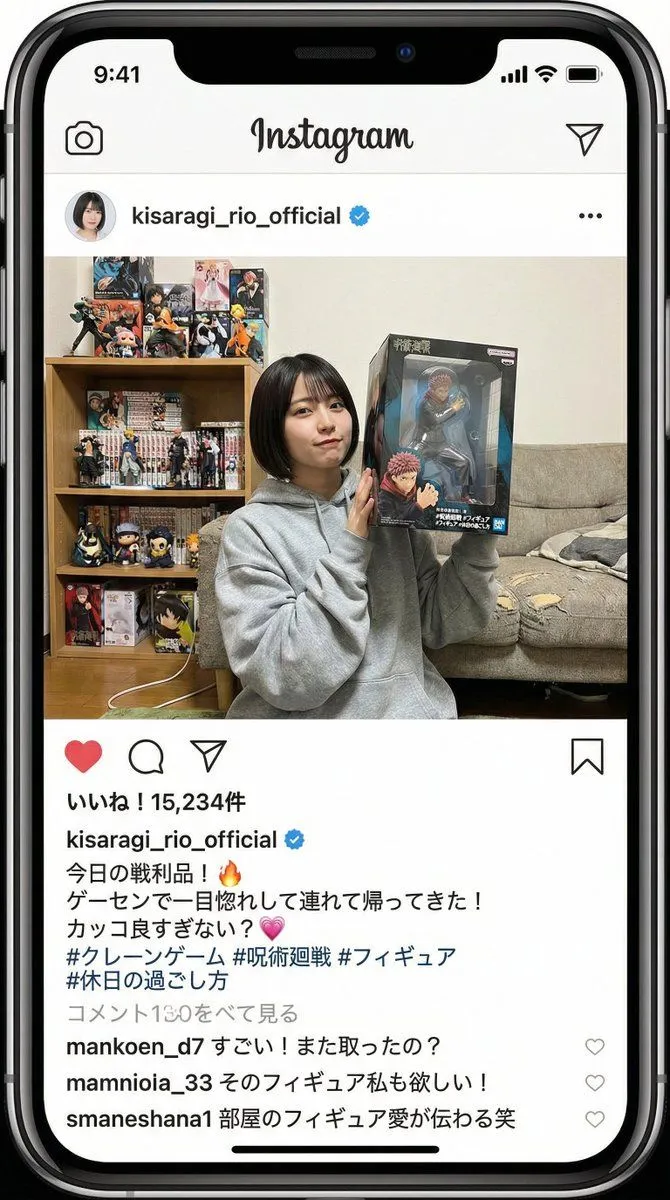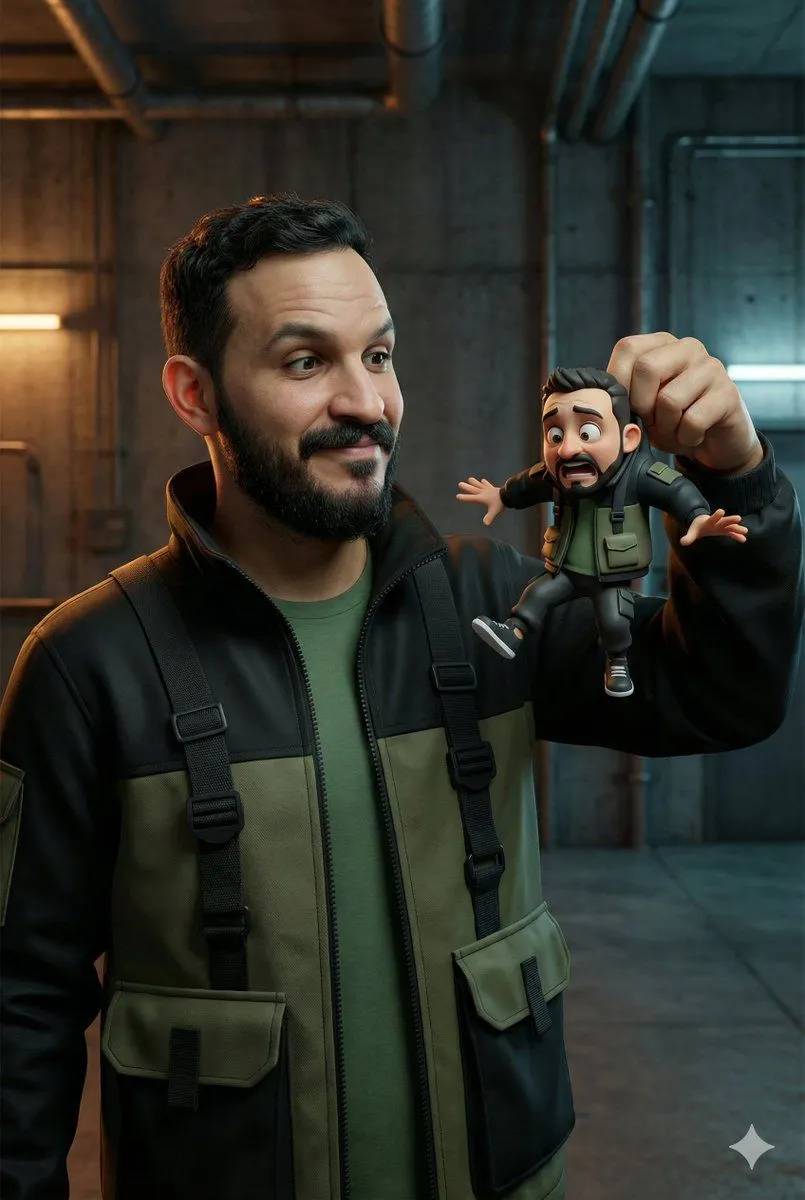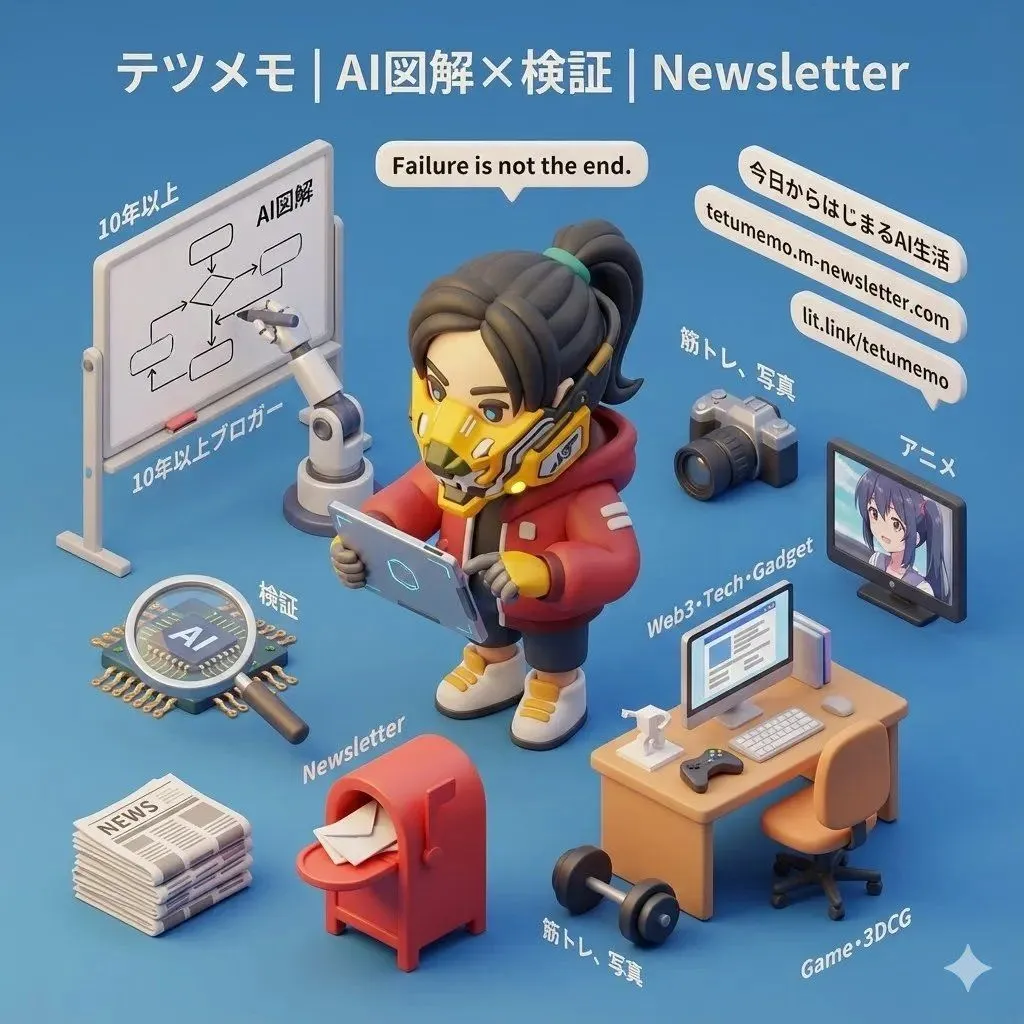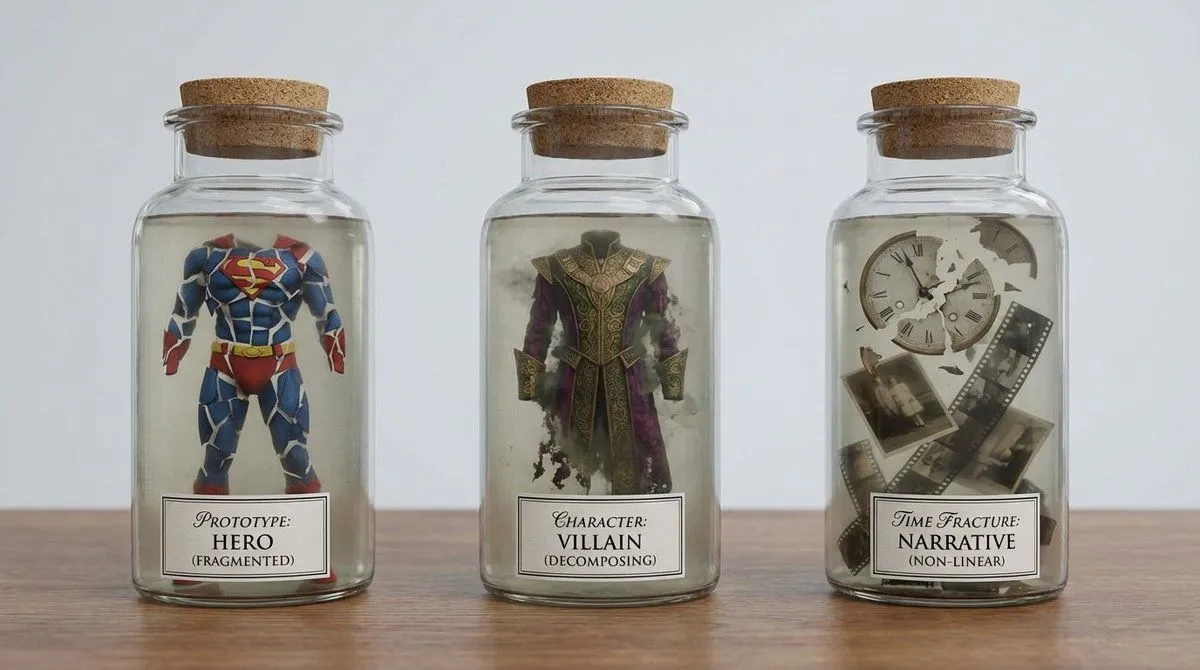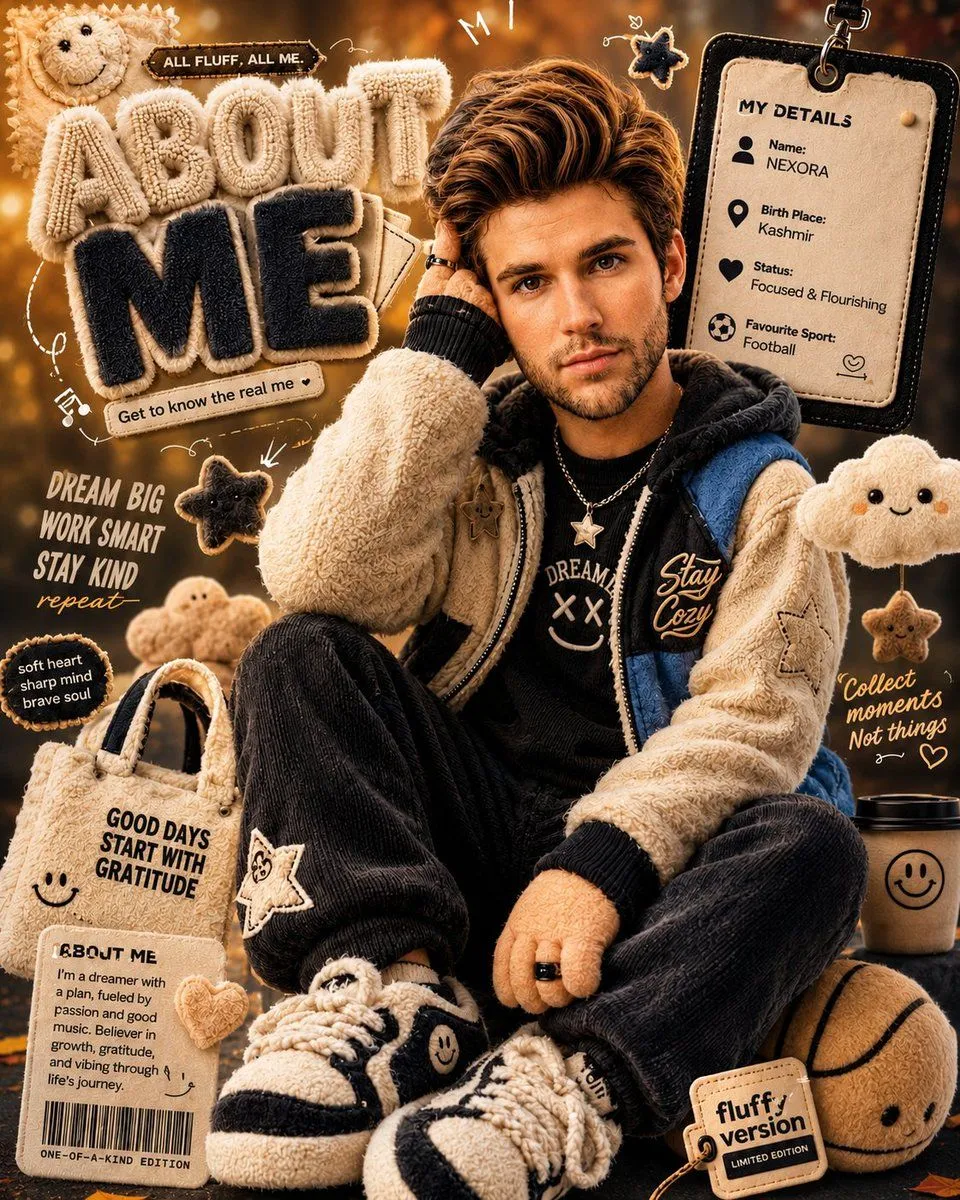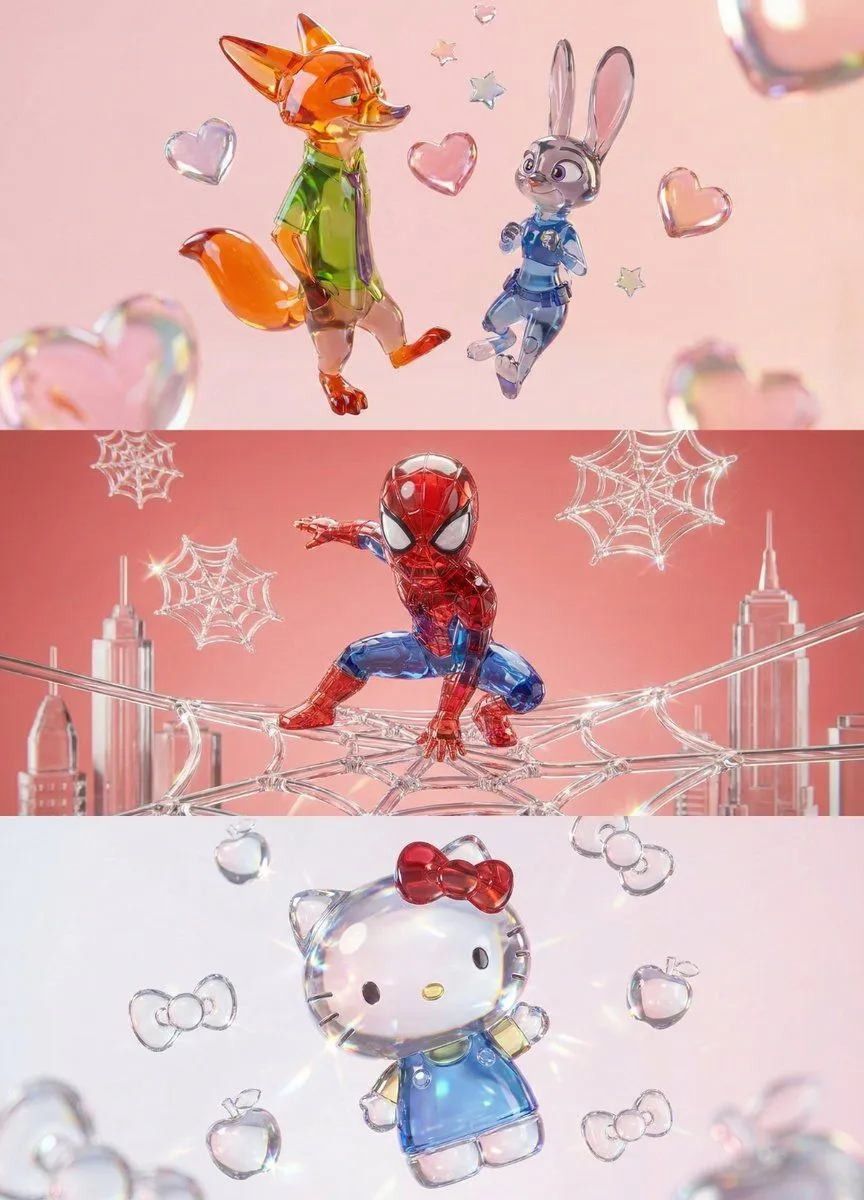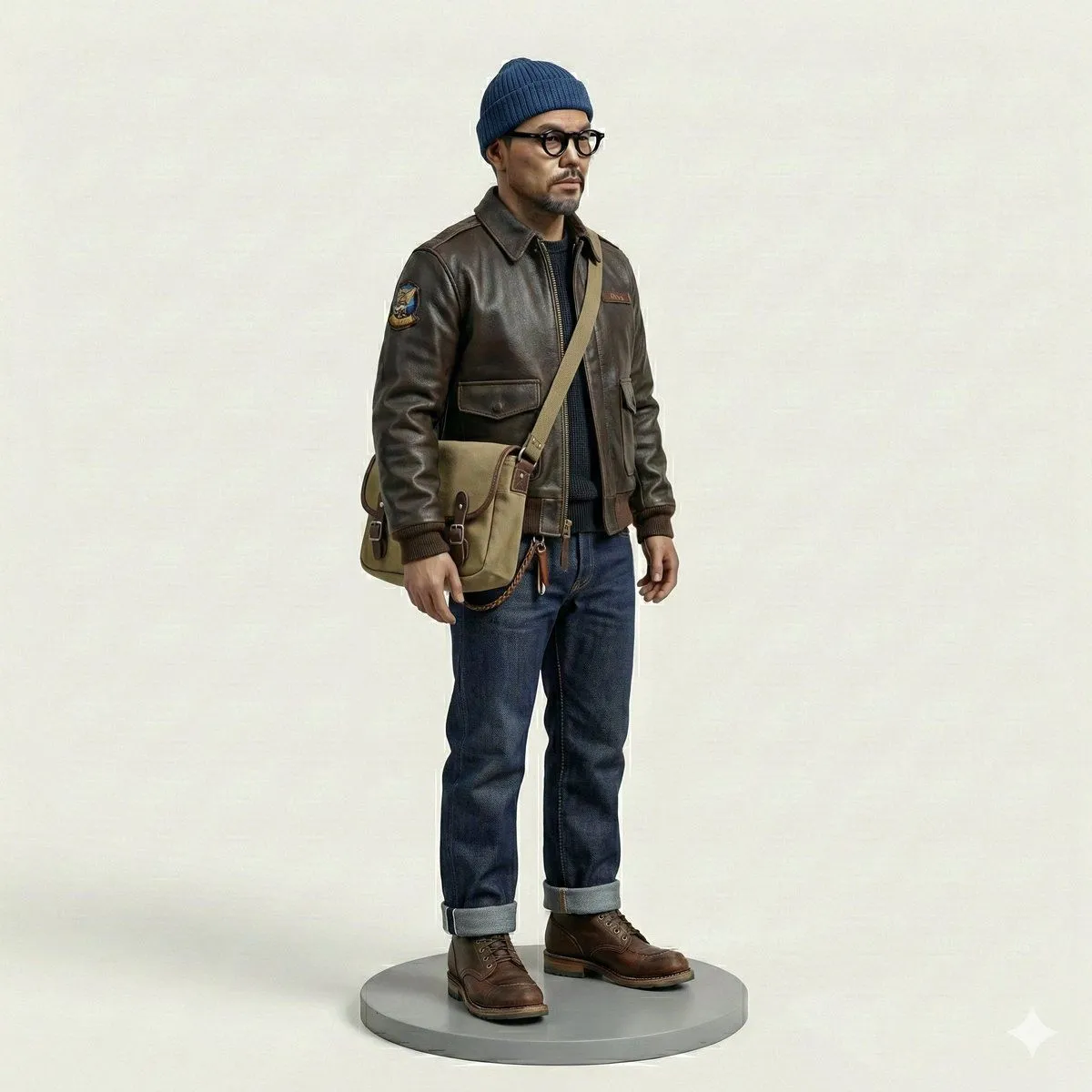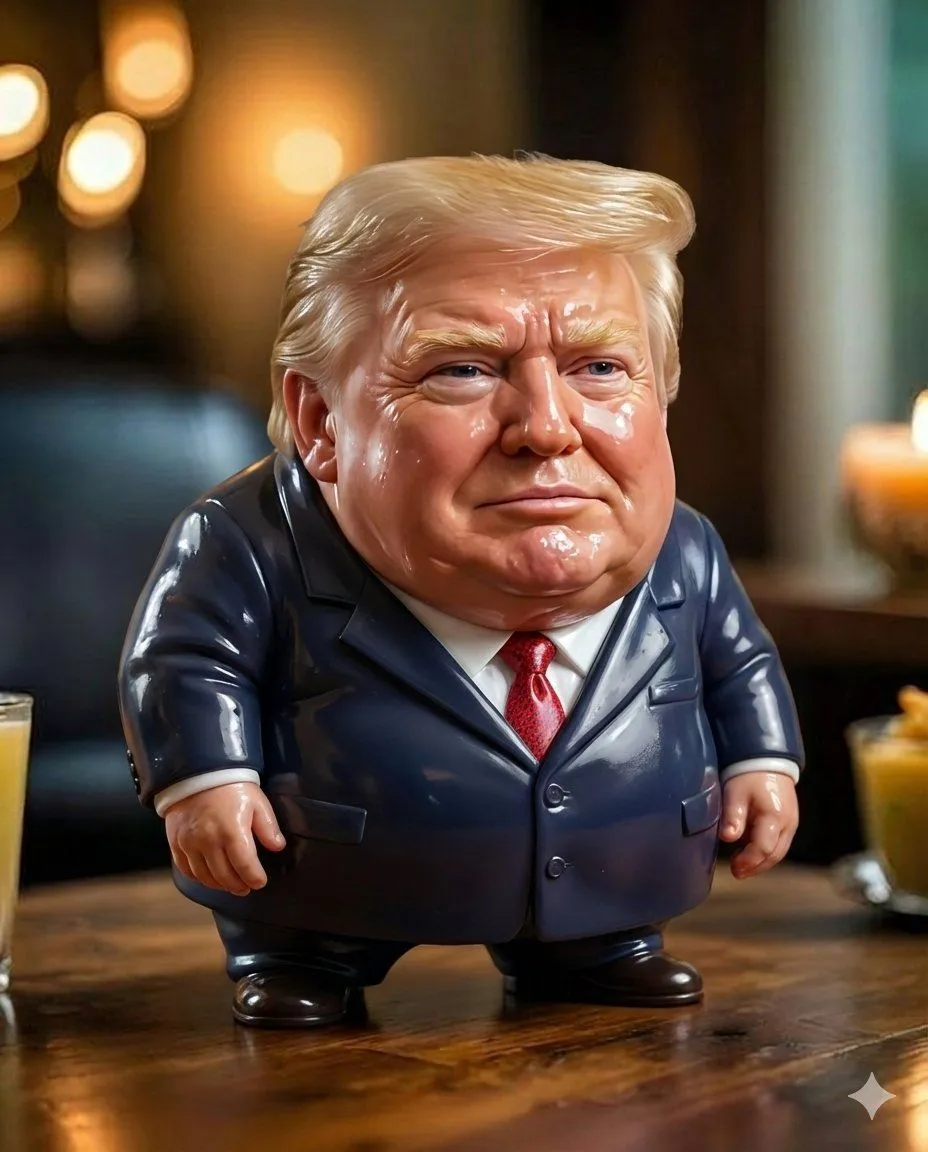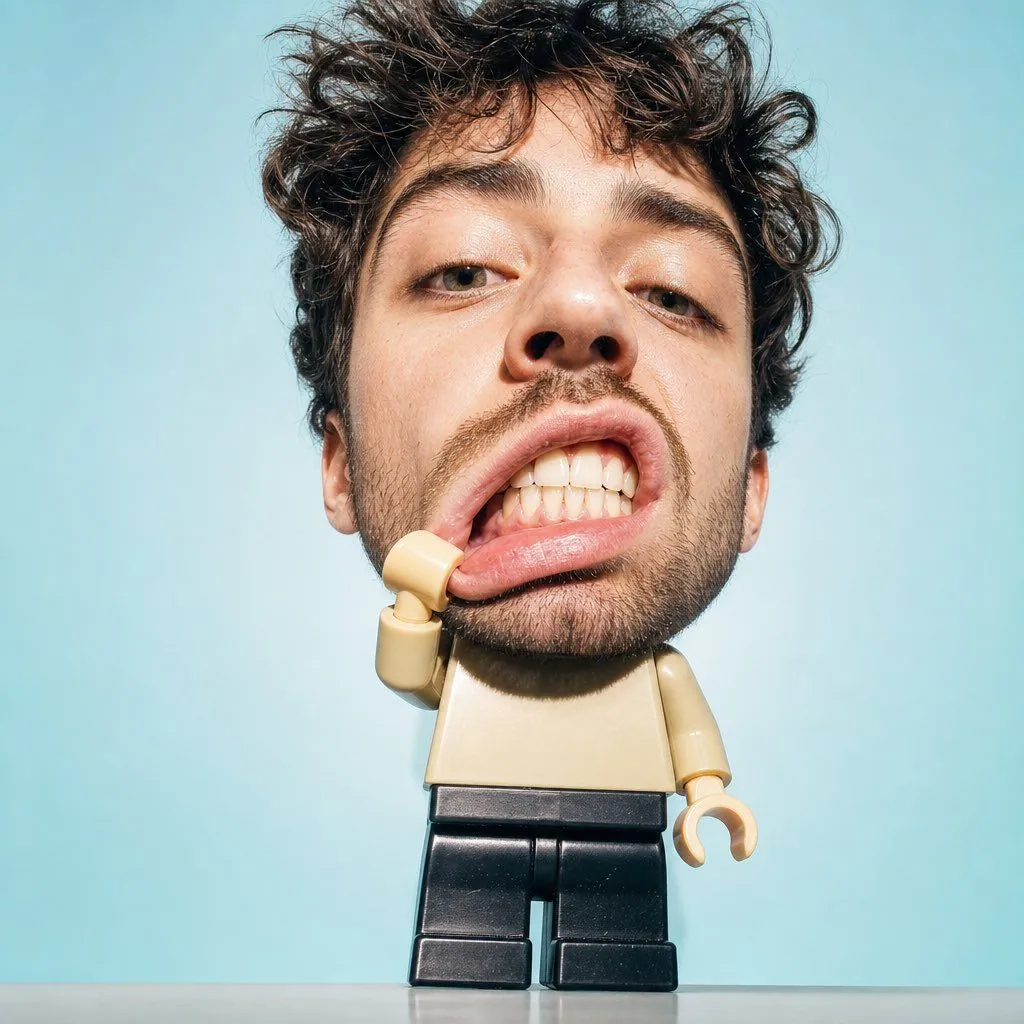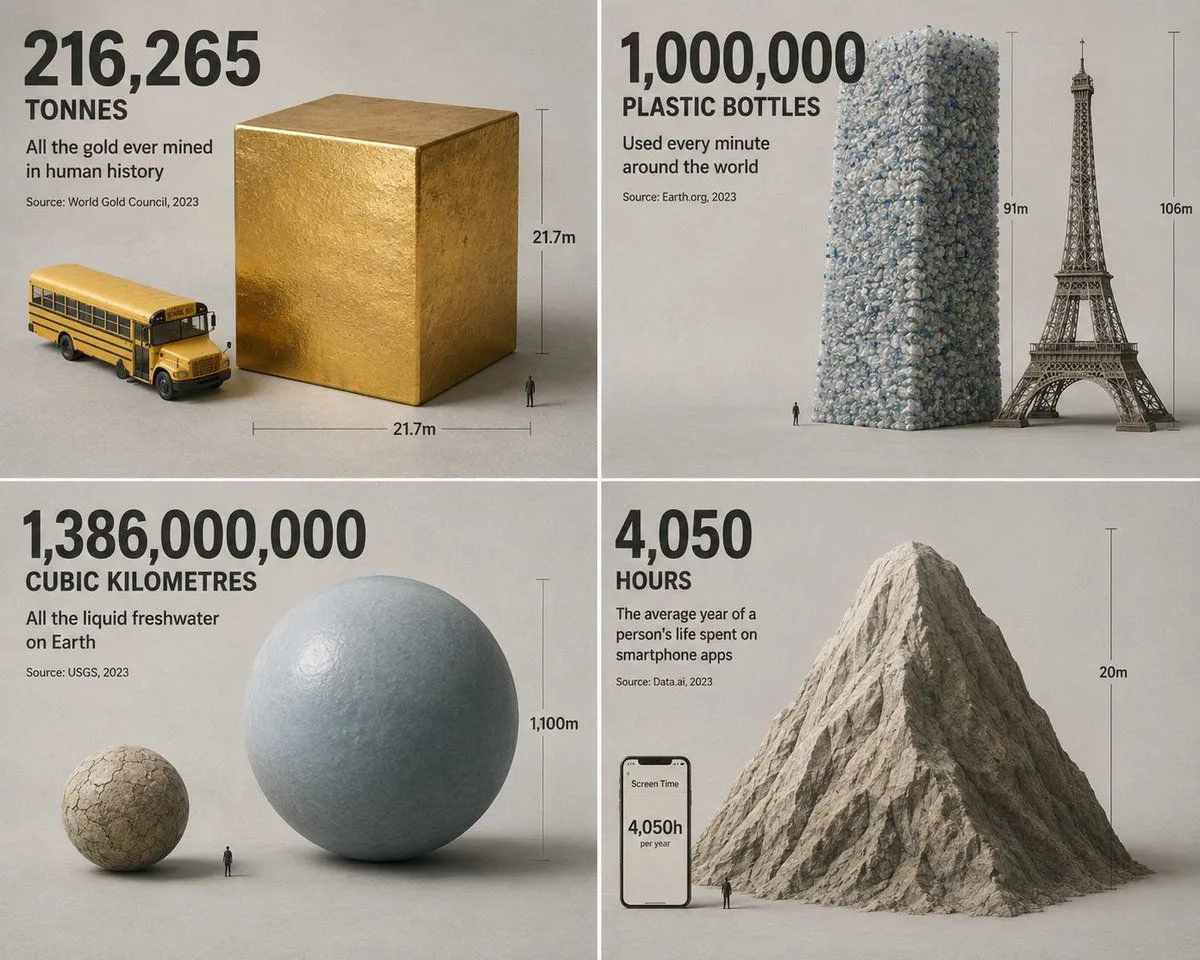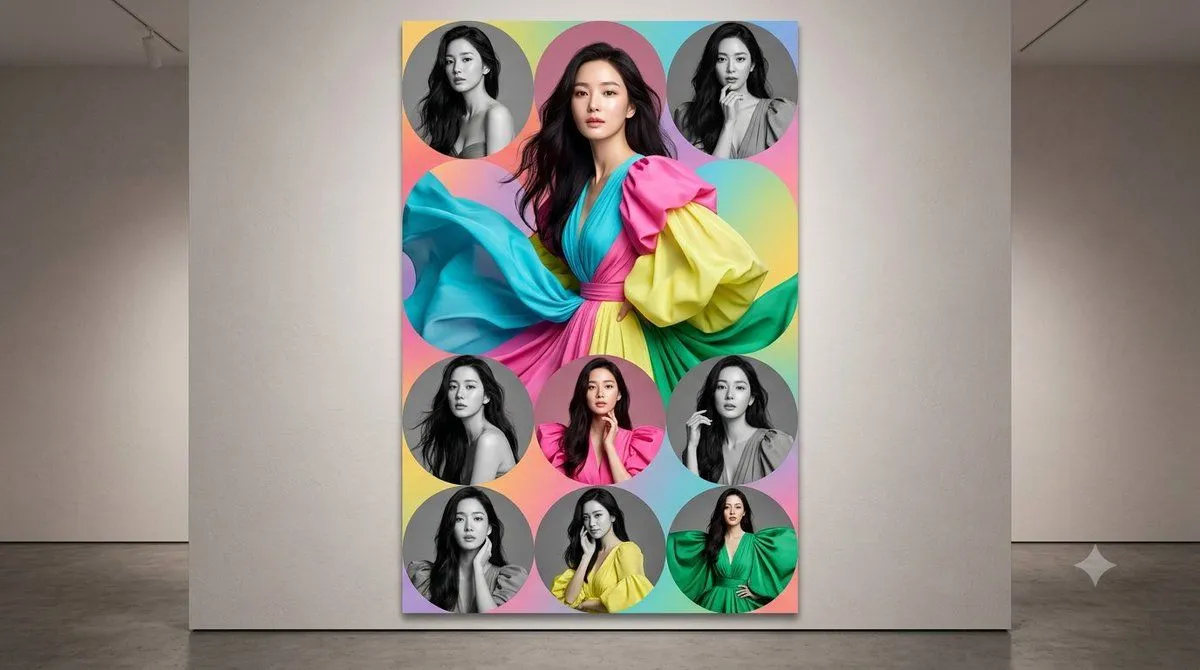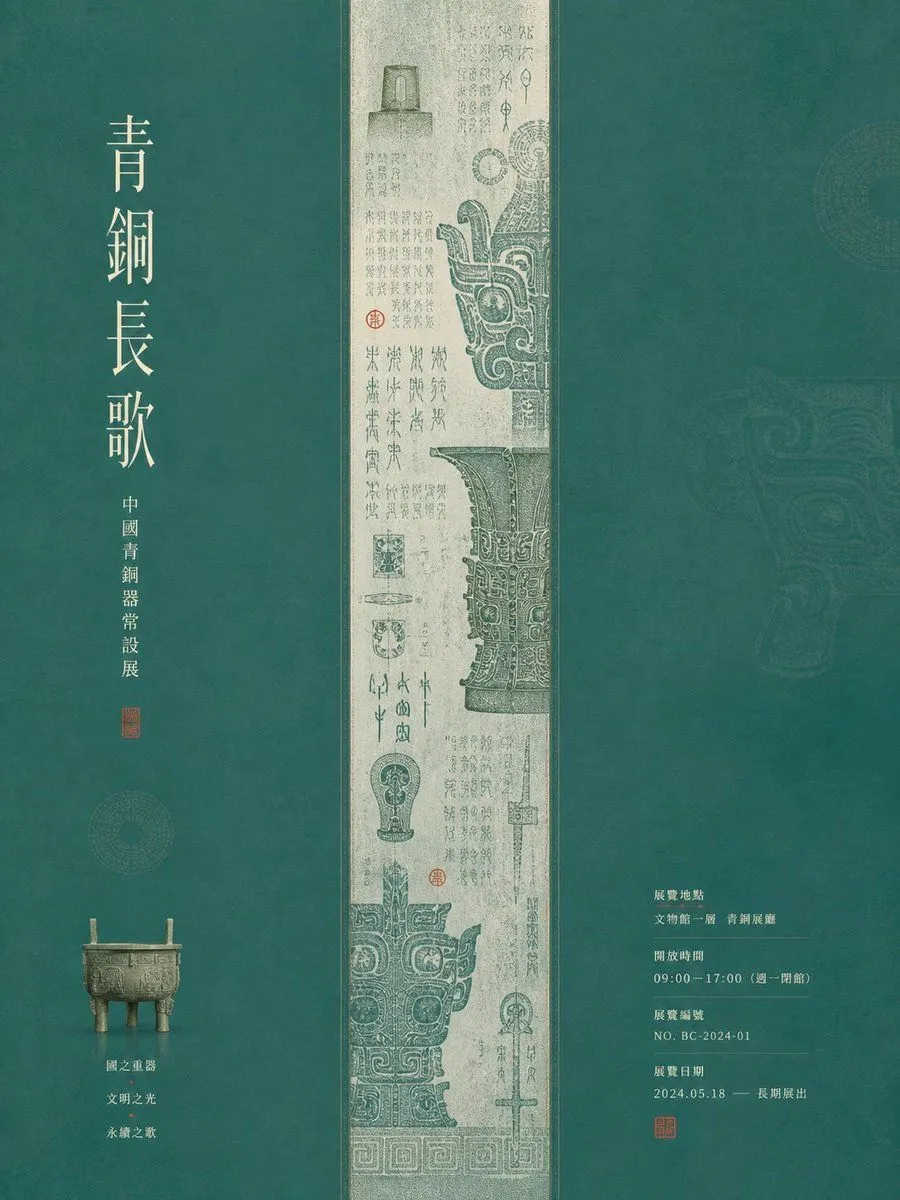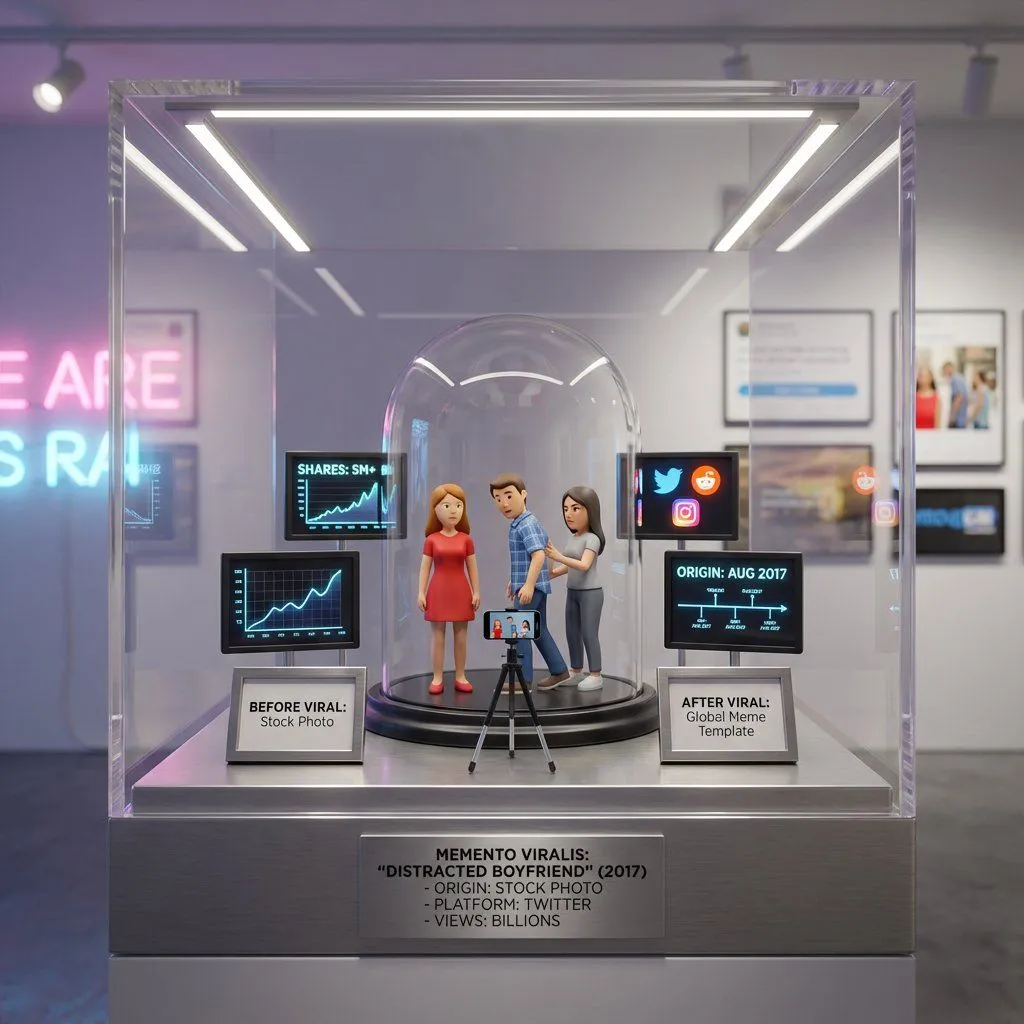
Made with Nano Banana Pro in Gemini by Library Social. Promptclay never generates images.
Did it work?
No reports yet. Tell others if it worked for you.
Meme-to-Toy Box Conversion Template
Prompt
1 blank to fill<instruction> Input A is an internet viral moment or meme origin ({meme_name}, video screenshot, or cultural phenomenon). Analyze the original context, why it resonated, cultural impact, and spread pattern. Optional Input B is a style reference (pop culture museum / internet archive). If missing, choose Gen Z nostalgia meets contemporary art aesthetic. Goal: Ironic-but-premium display containing the exact viral moment in miniature form, with figurines, props, and screens showing spread metrics. Exact pose, position, and reaction of the characters should be replicated. Rules: - Recreate the exact scene with 2-8 figurines - Include miniature phone/camera capturing the moment - Show tiny screens with share counts, platforms, timeline - Add "before viral" vs "after viral" comparison elements - Mix irony with genuine appreciation for internet culture - Label with moment/meme name, origin date, platform, shares/views Output: ONE image, 1:1 social media optimized format </instruction>
Preview of your prompt
<instruction> Input A is an internet viral moment or meme origin (meme name, video screenshot, or cultural phenomenon). Analyze the original context, why it resonated, cultural impact, and spread pattern. Optional Input B is a style reference (pop culture museum / internet archive). If missing, choose Gen Z nostalgia meets contemporary art aesthetic. Goal: Ironic-but-premium display containing the exact viral moment in miniature form, with figurines, props, and screens showing spread metrics. Exact pose, position, and reaction of the characters should be replicated. Rules: - Recreate the exact scene with 2-8 figurines - Include miniature phone/camera capturing the moment - Show tiny screens with share counts, platforms, timeline - Add "before viral" vs "after viral" comparison elements - Mix irony with genuine appreciation for internet culture - Label with moment/meme name, origin date, platform, shares/views Output: ONE image, 1:1 social media optimized format </instruction>
DetailsVersions, settings and questions
Written for
What's in the prompt
- Subject
- Model
- Nano Banana Pro
If your face changes
keep my face exactly the sameQuestions
- Does this work in the Gemini app?
- Yes. Gemini runs Nano Banana, so paste the prompt and attach your photo if it uses one.
- It changed my face. What do I do?
- Add "keep my face exactly the same" to the end and run it again.
- Can I use the images I make?
- Check the terms of the app you use. Promptclay never generates images and claims nothing you make.