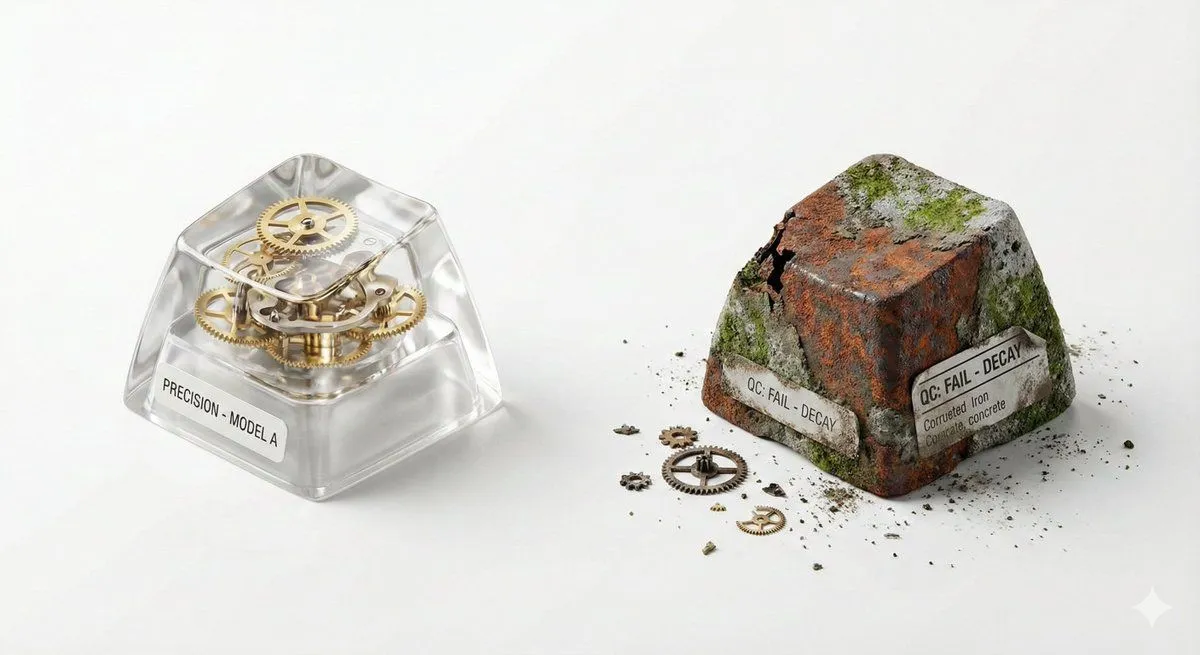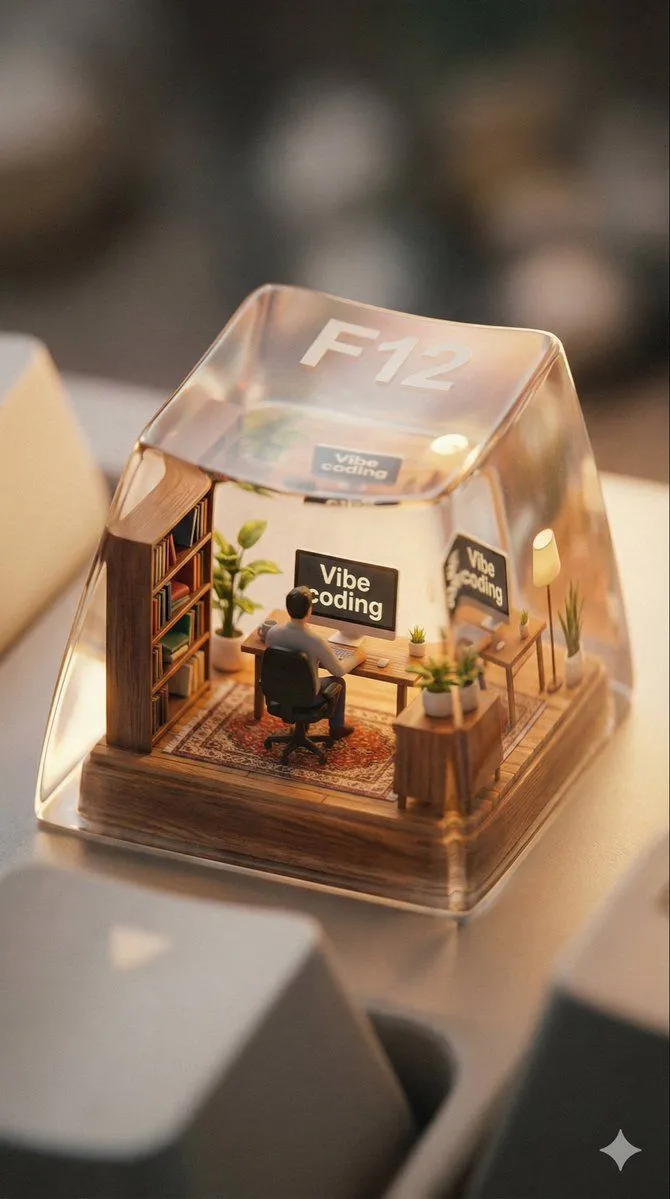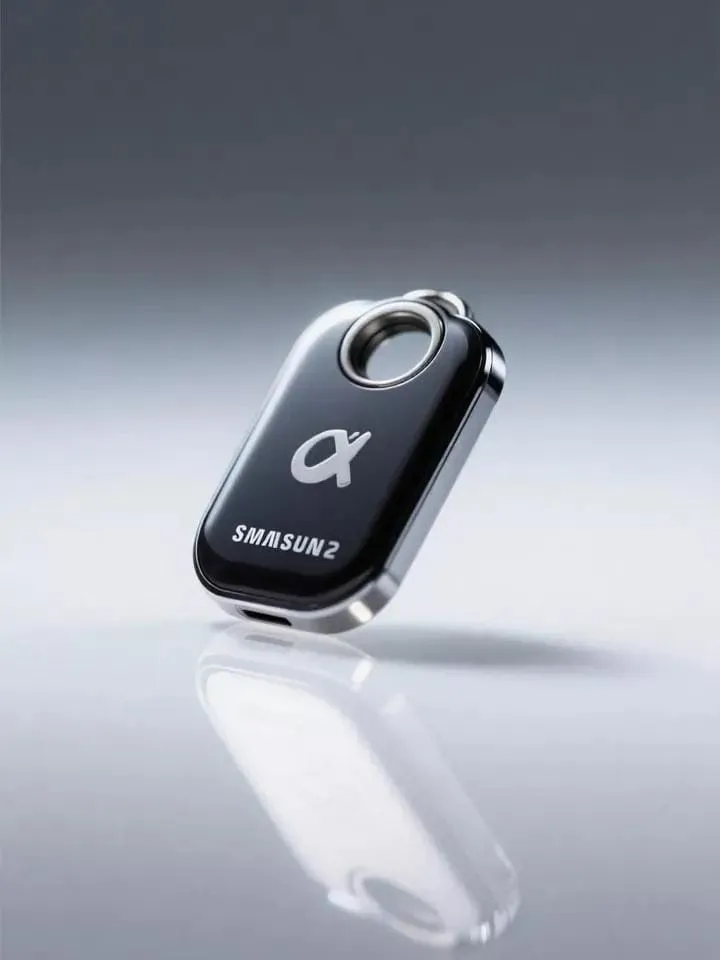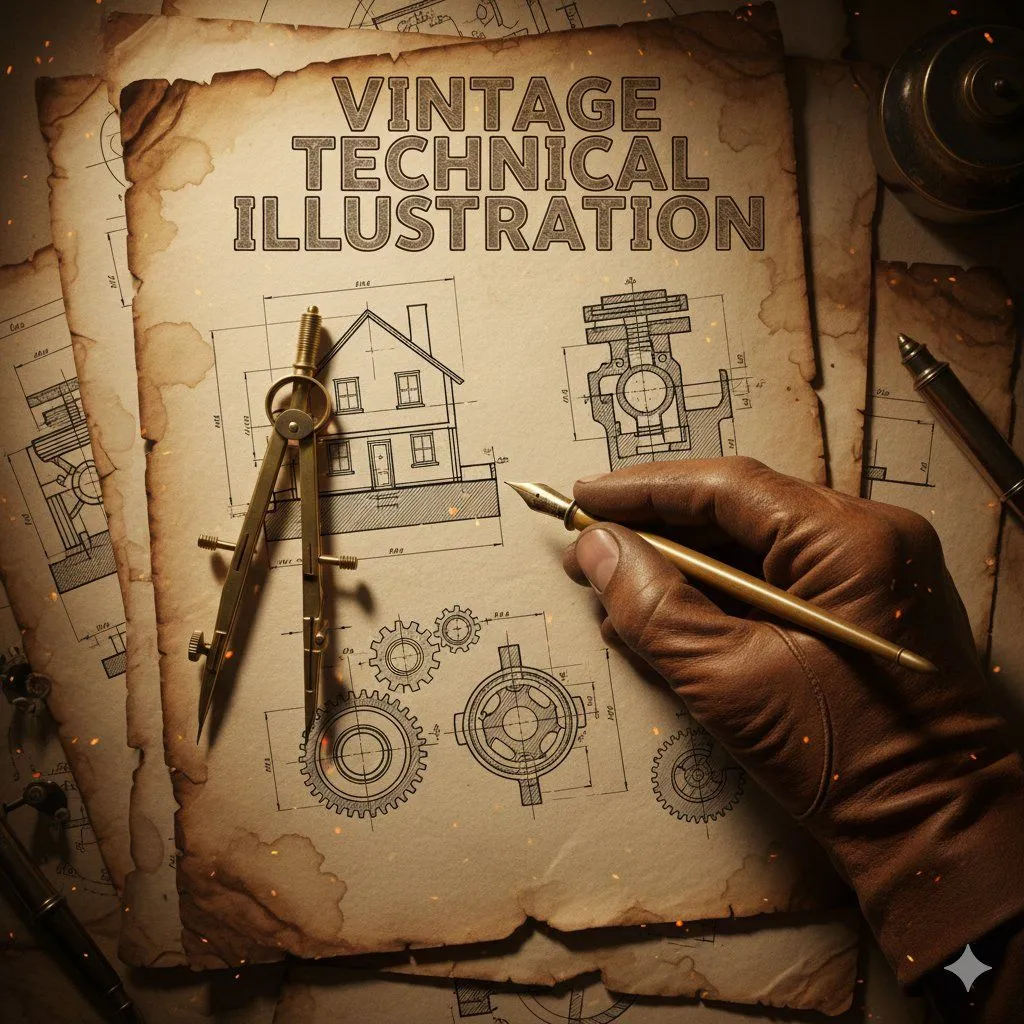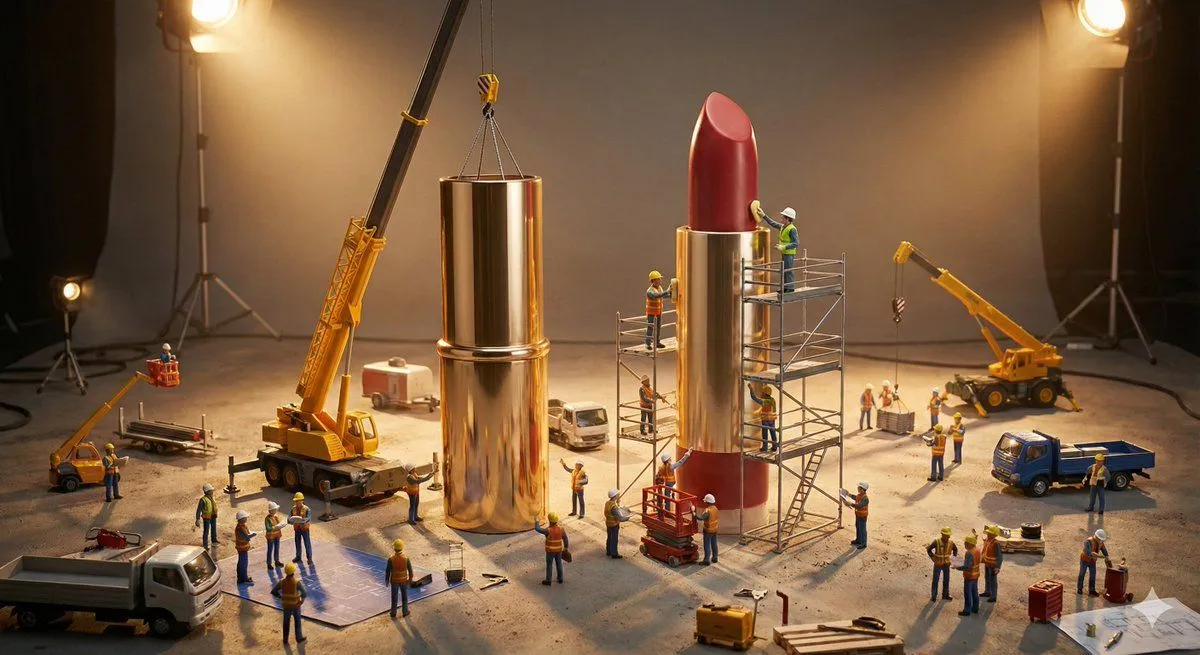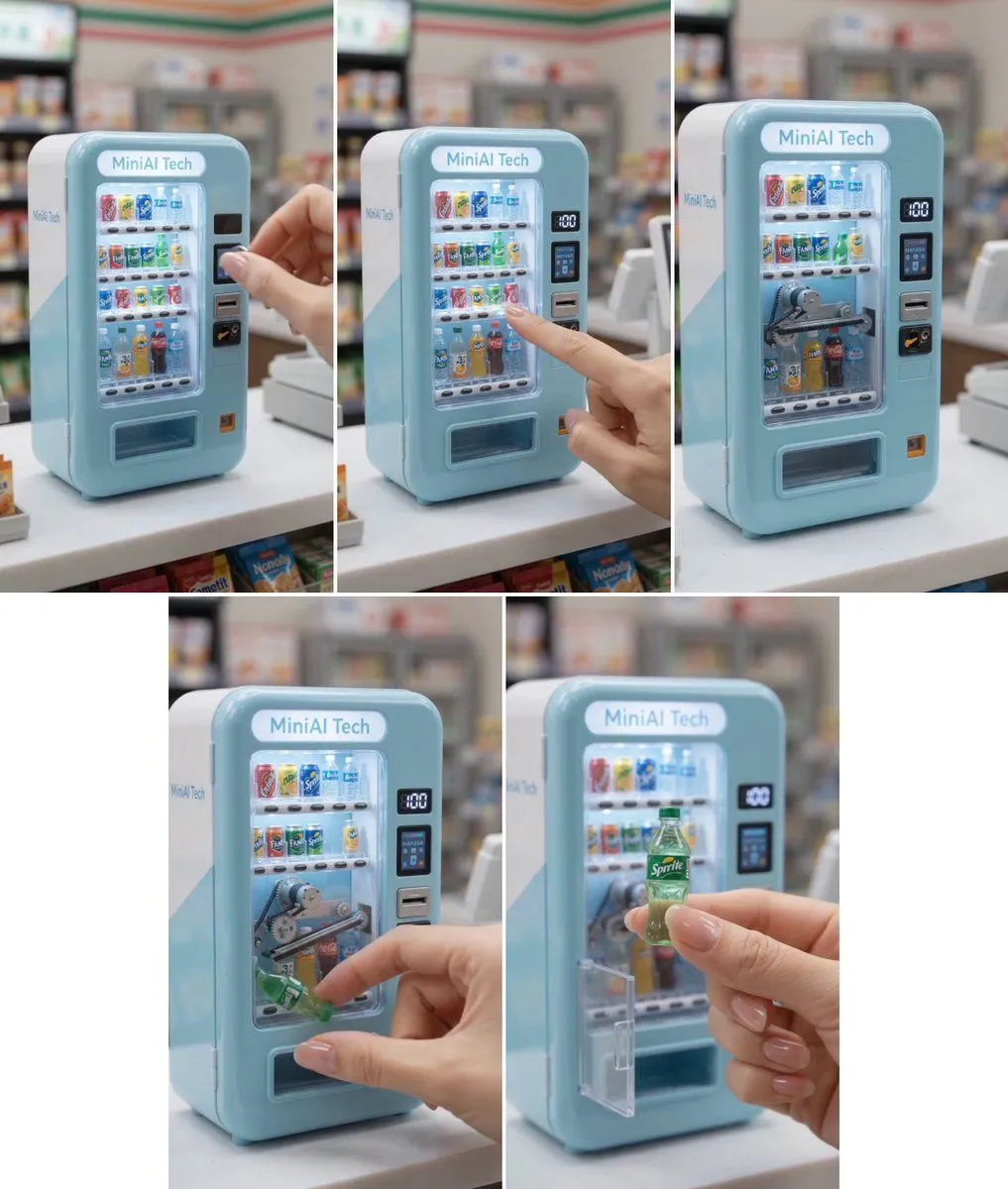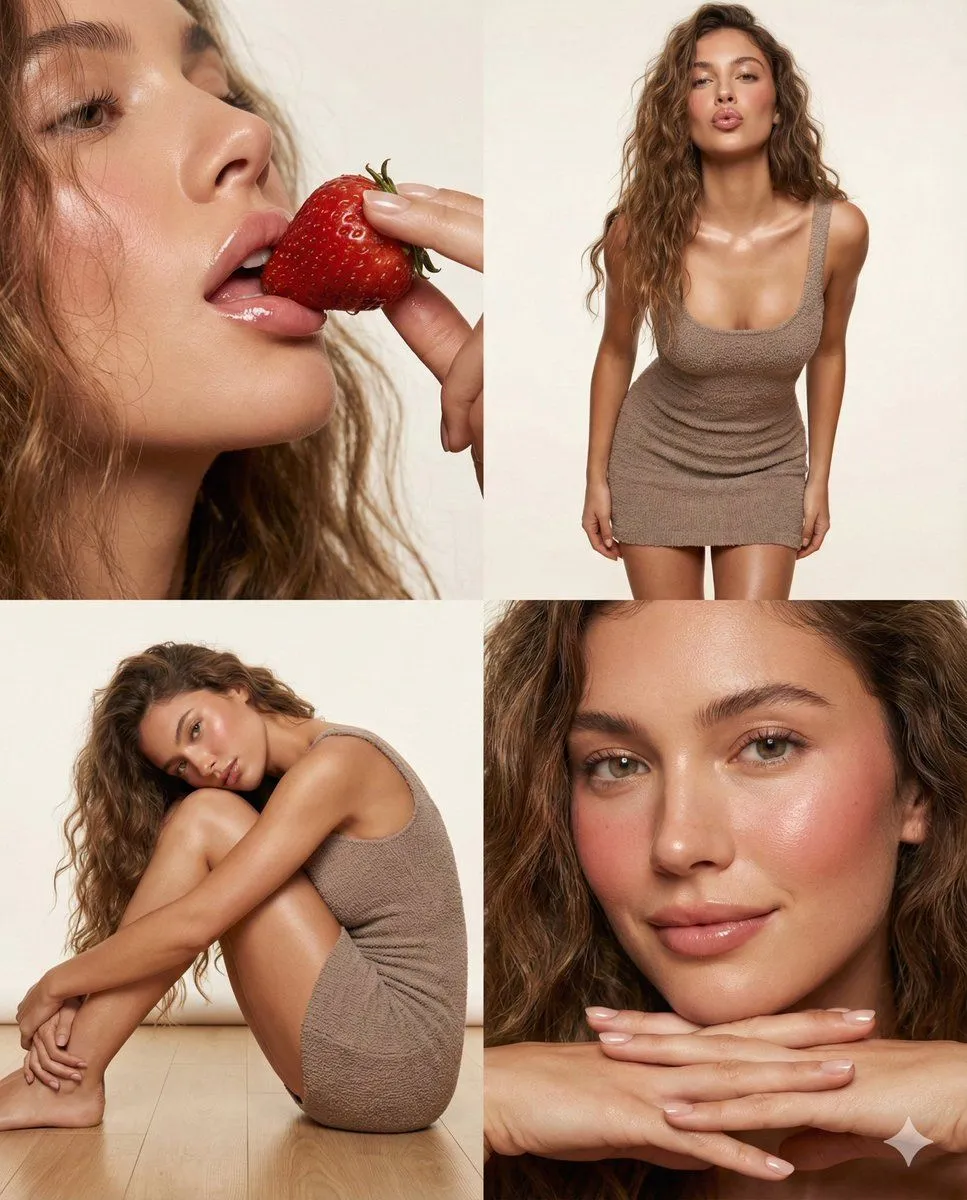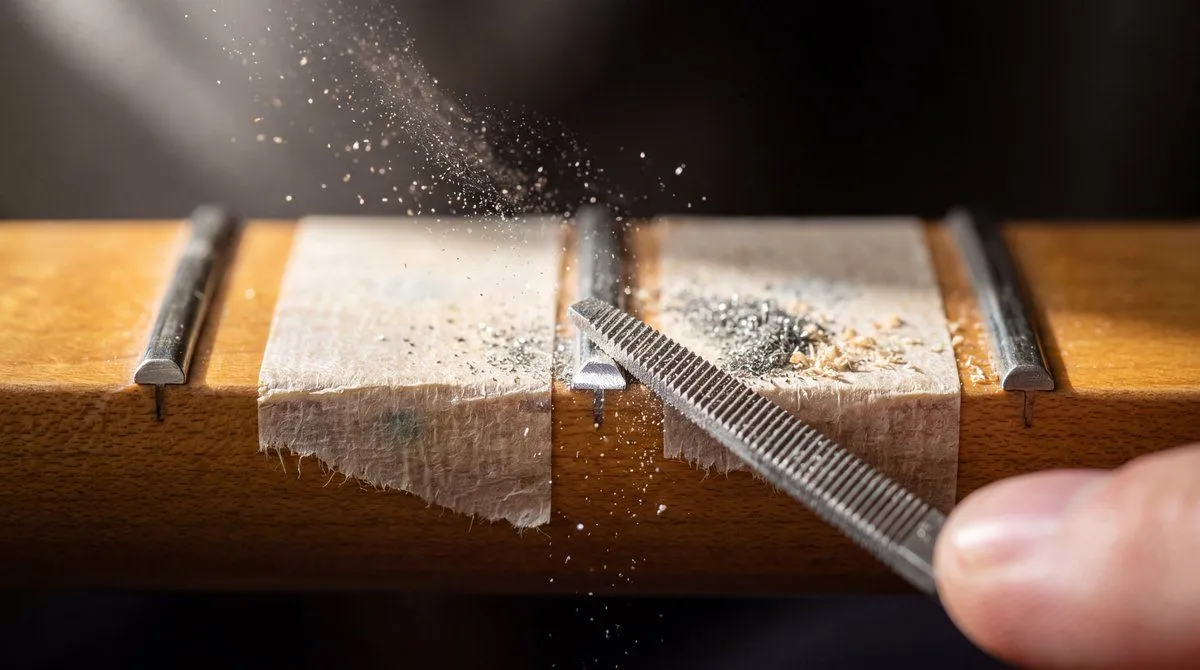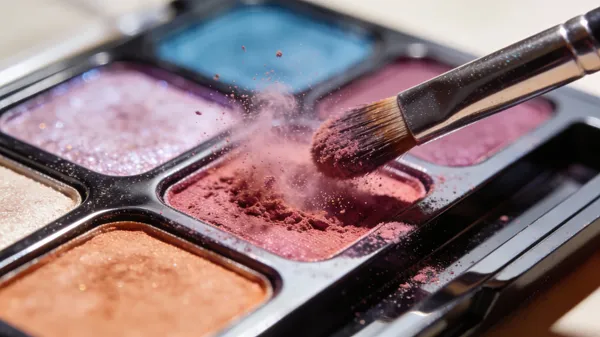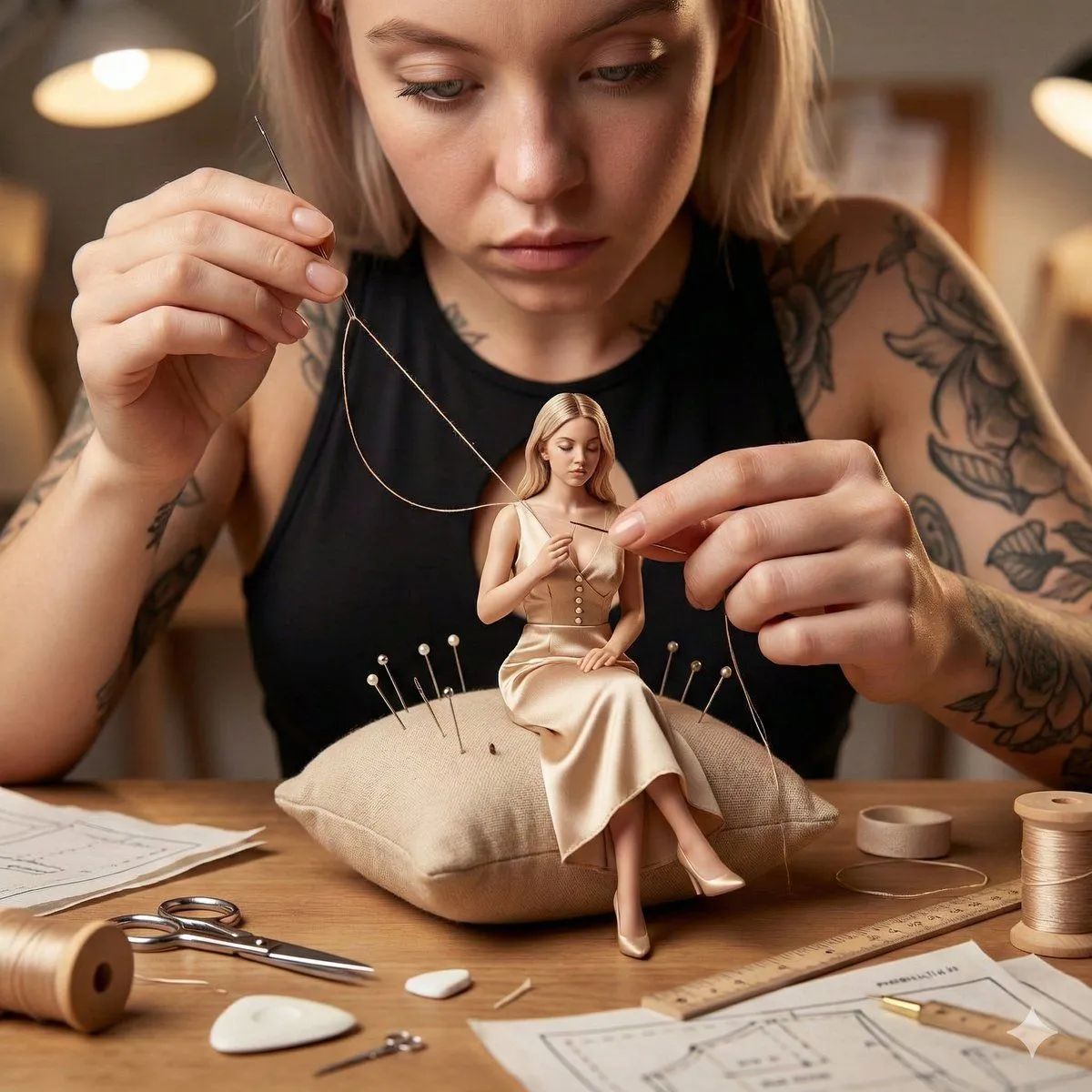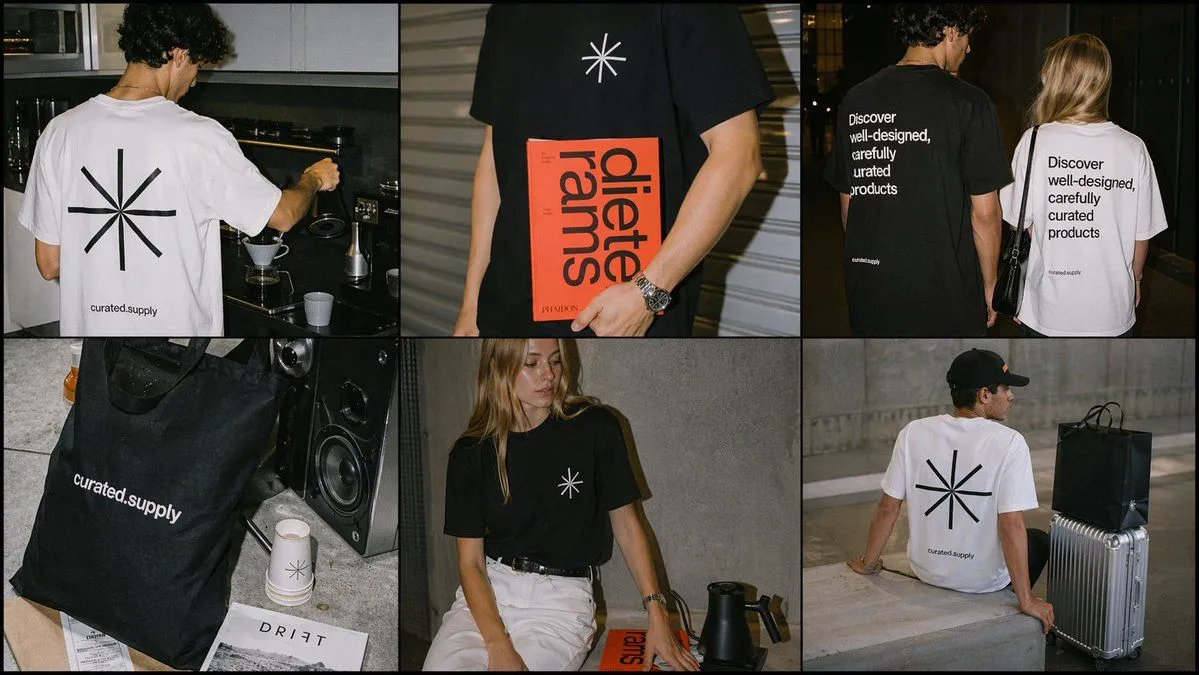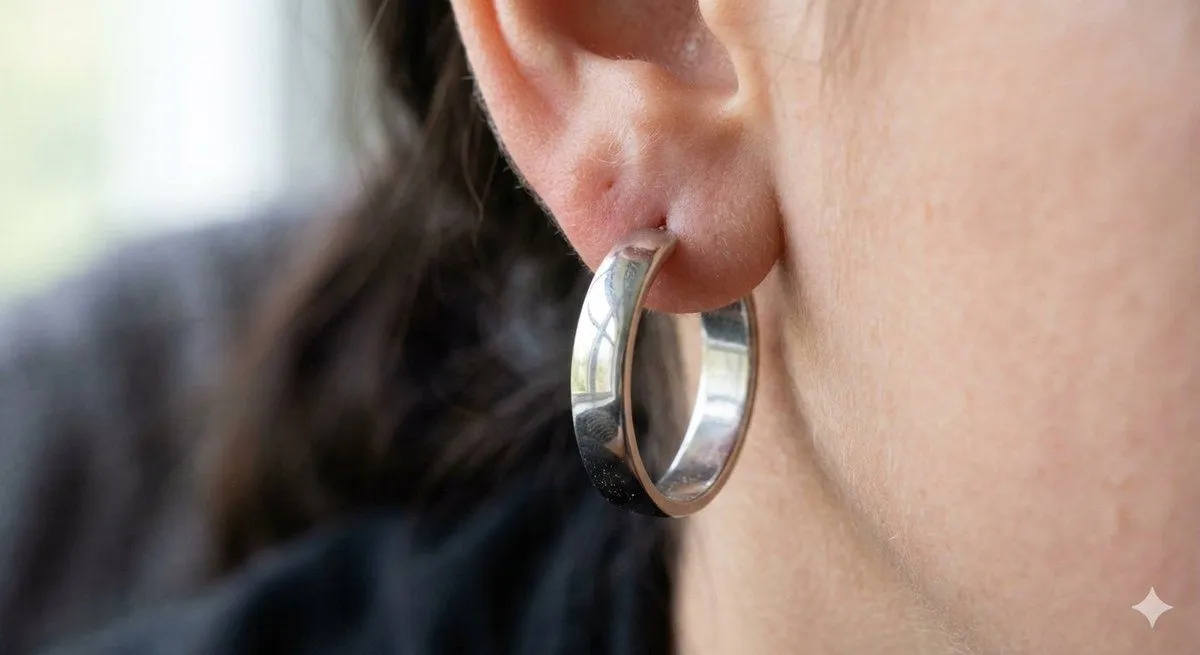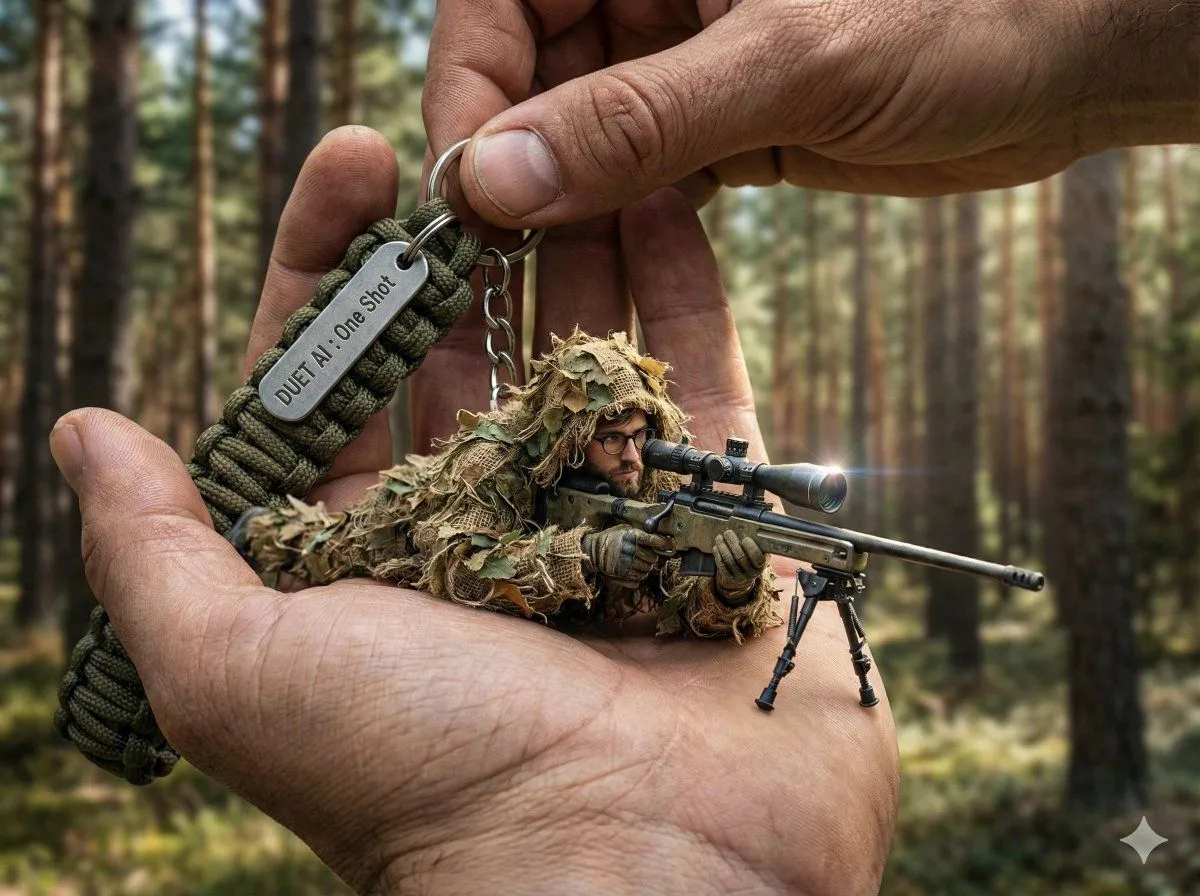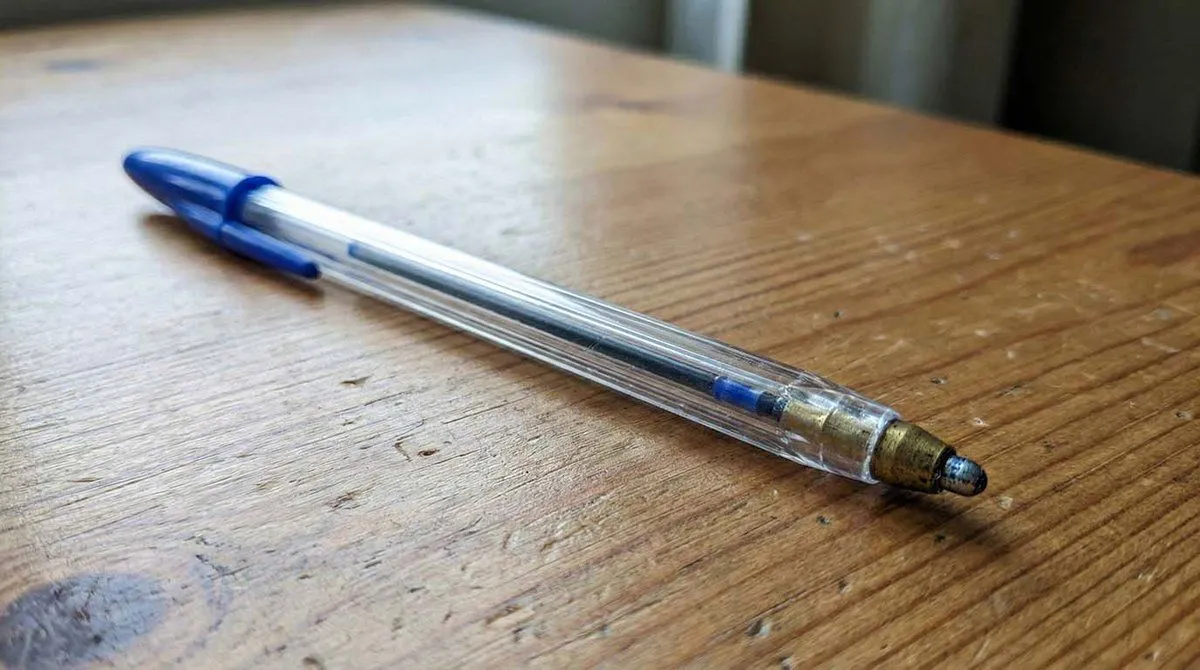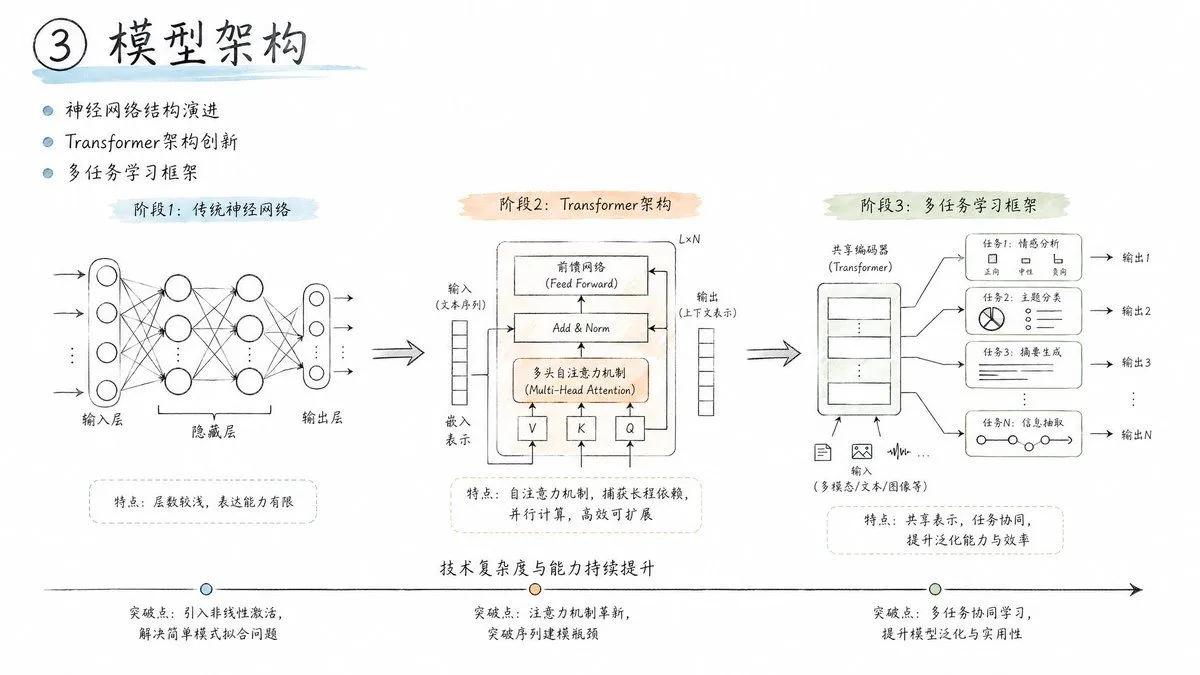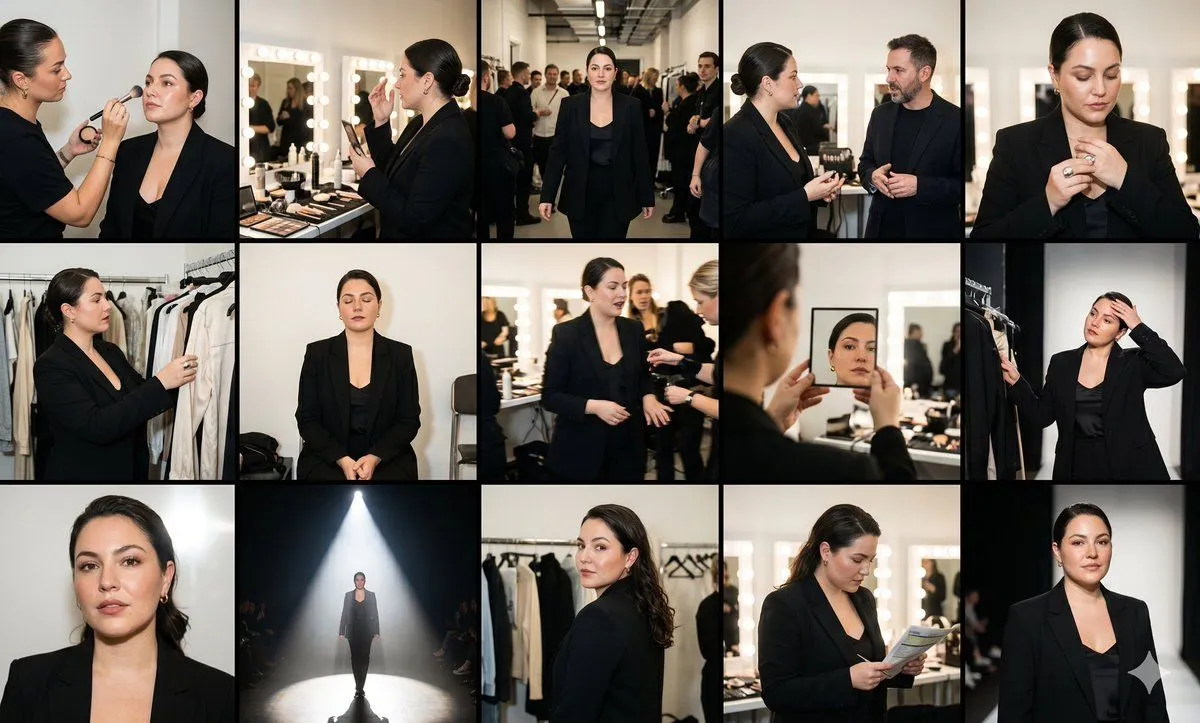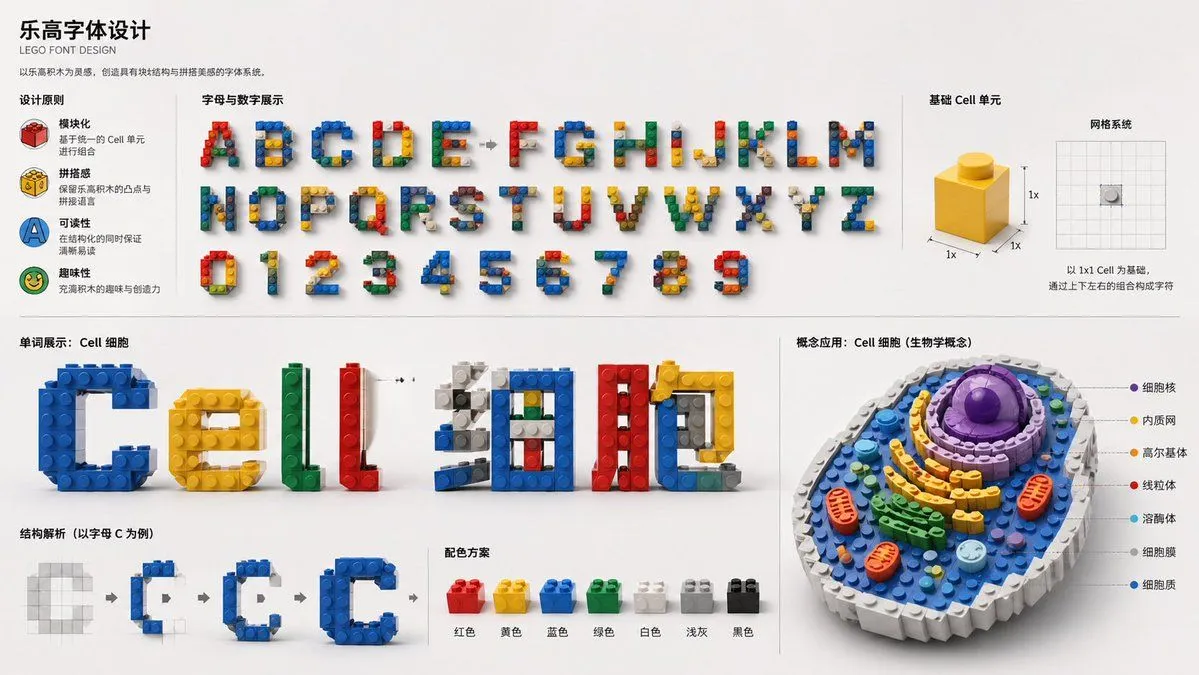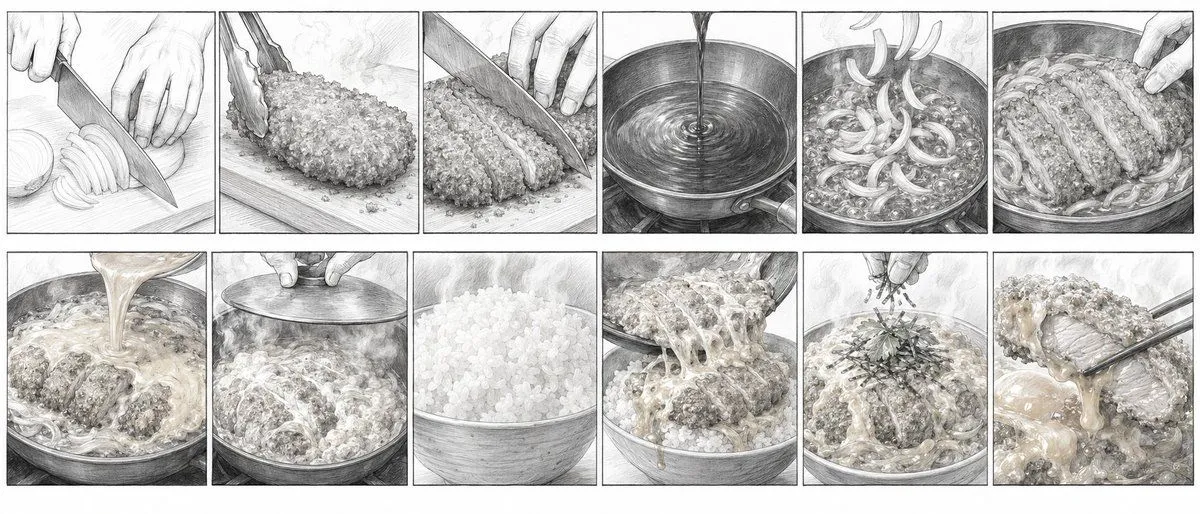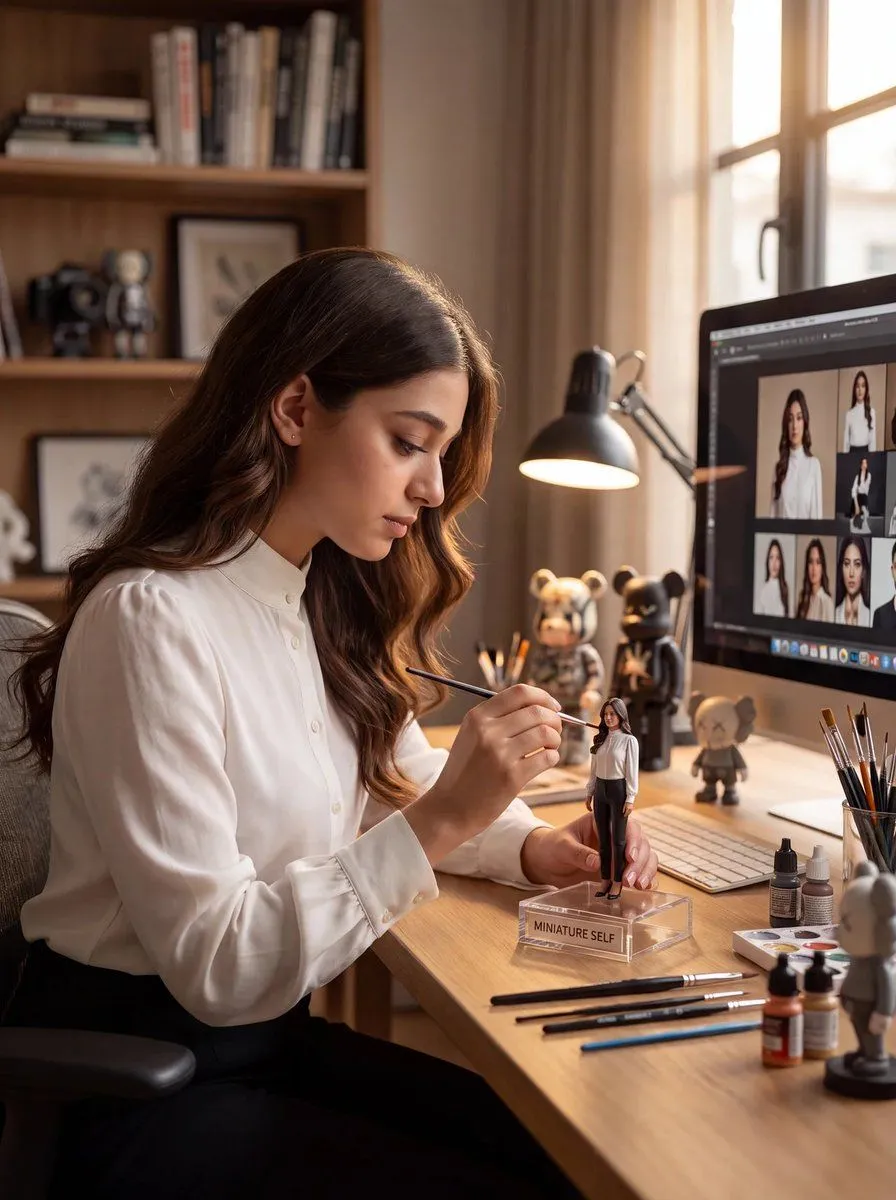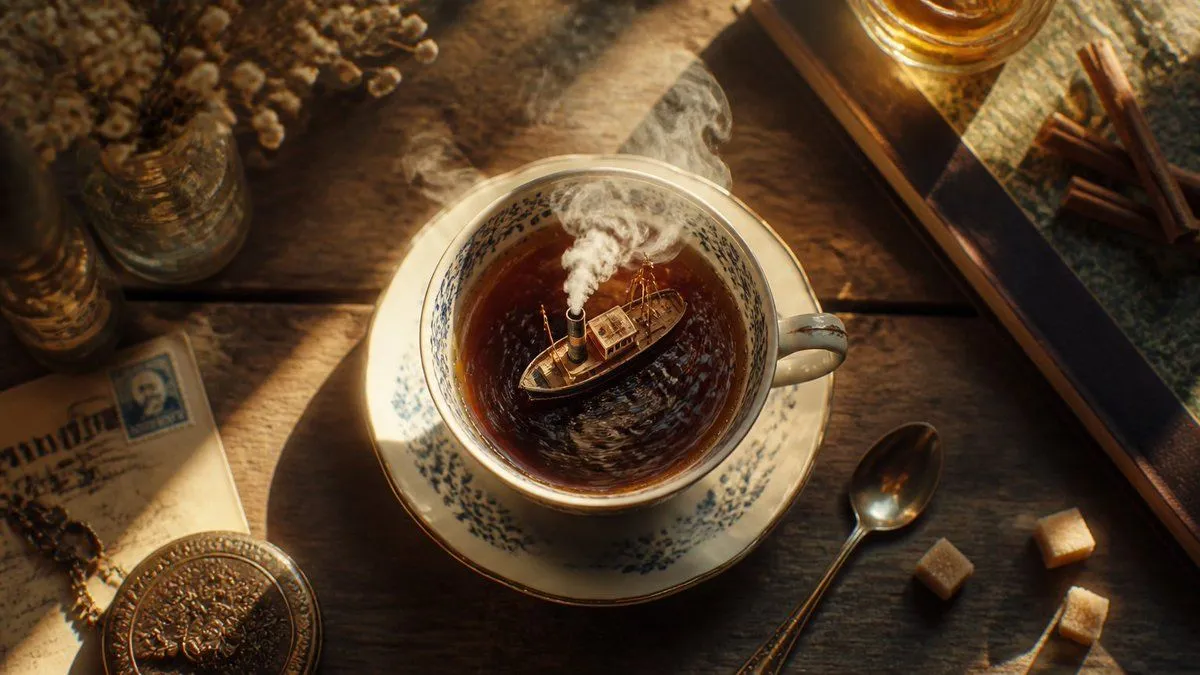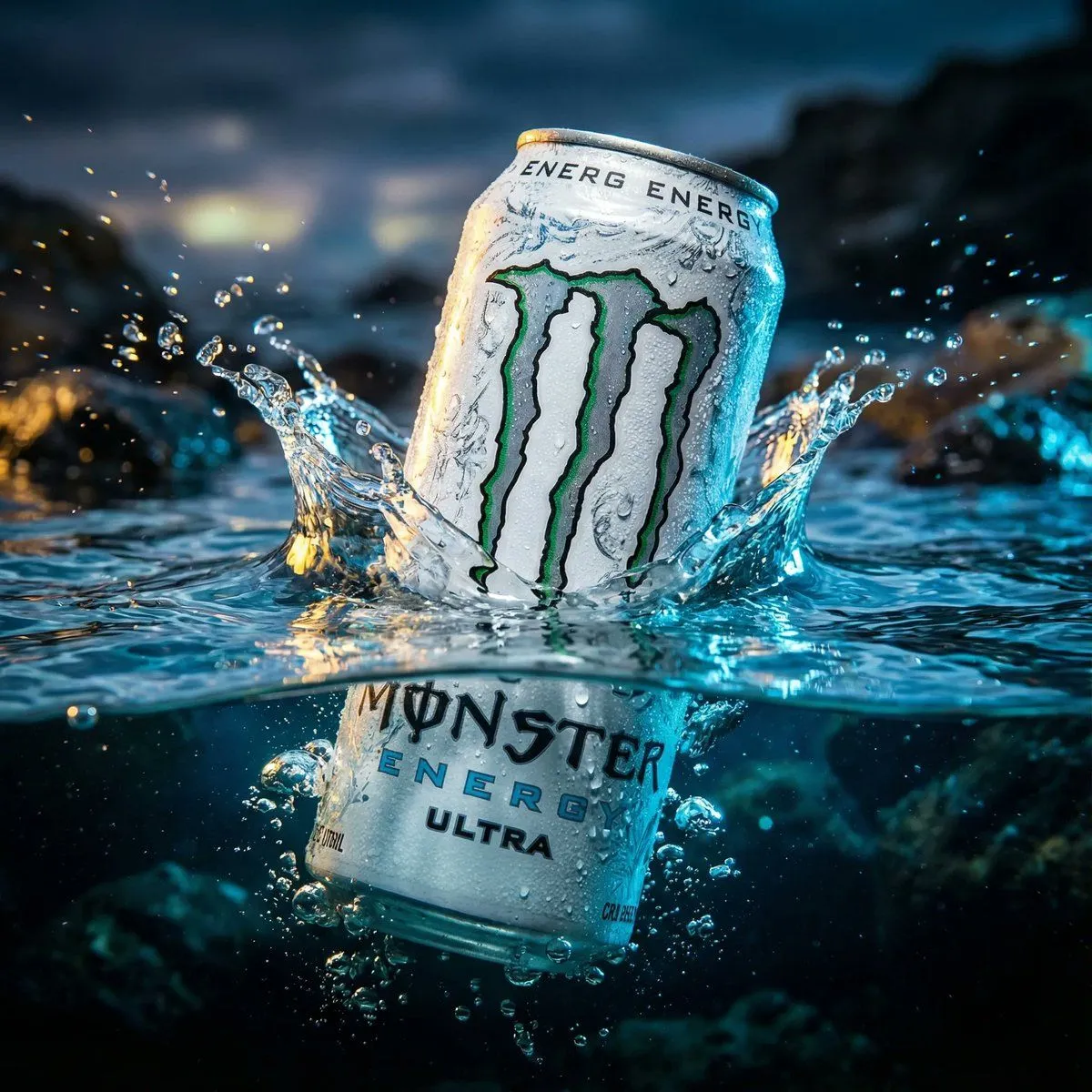
Made with Nano Banana Pro in Gemini by Library Product. Promptclay never generates images.
Did it work?
No reports yet. Tell others if it worked for you.
Mechanical Keyboard Keycap Product Photography Prompt
Prompt
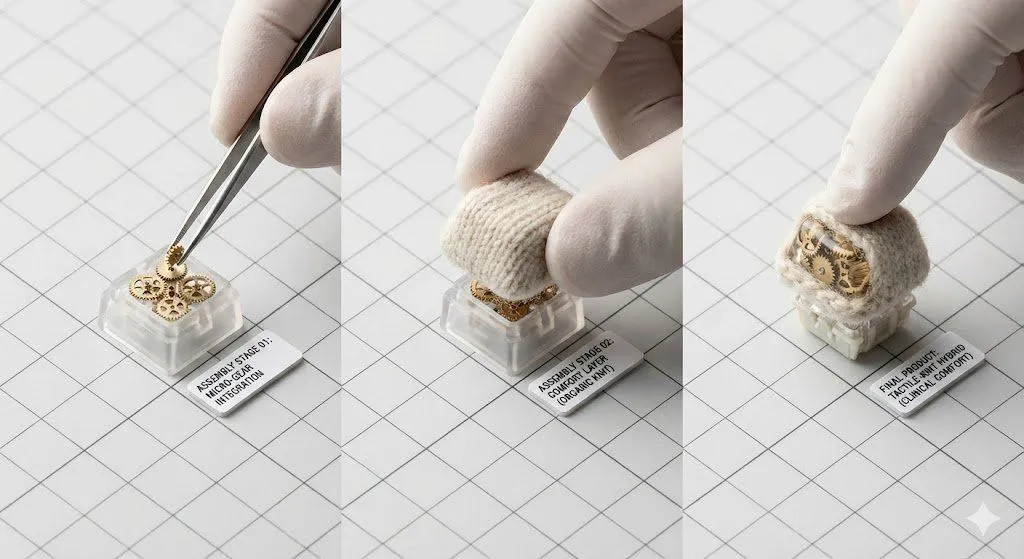
1 blank to fill{ "_world": "product_photography", "creation_intent": "Form or Material Exploration", "generation_logic": "Person or character-centric", "subject_kit": { "primary_subject": "{primary_subject}", "secondary_elements": [ "Micro Gears", "Specification Label" ] }, "core_tension": "Comfort vs. Clinical Feel", "twist_mechanisms": [ "Scale Mismatch", "Functional Mismatch" ], "stage_context": "Minimalist Grid Surface", "composition_rule": "Sequential Assembly Steps", "lighting_rule": null, "imaging_assumption": "Minimalist Object Study", "deliverable_type": "Product Photo", "creative_directive": null, "oblique_strategy": "Forcibly include contradictory elements", "_evaluation": { "verdict": "PASS", "violations": [], "warnings": [] } }
Preview of your prompt
{ "_world": "product_photography", "creation_intent": "Form or Material Exploration", "generation_logic": "Person or character-centric", "subject_kit": { "primary_subject": "Mechanical Keyboard Keycap", "secondary_elements": [ "Micro Gears", "Specification Label" ] }, "core_tension": "Comfort vs. Clinical Feel", "twist_mechanisms": [ "Scale Mismatch", "Functional Mismatch" ], "stage_context": "Minimalist Grid Surface", "composition_rule": "Sequential Assembly Steps", "lighting_rule": null, "imaging_assumption": "Minimalist Object Study", "deliverable_type": "Product Photo", "creative_directive": null, "oblique_strategy": "Forcibly include contradictory elements", "_evaluation": { "verdict": "PASS", "violations": [], "warnings": [] } }
DetailsVersions, settings and questions
Written for
What's in the prompt
- Subject
- Model
- Nano Banana Pro
If your face changes
keep my face exactly the sameQuestions
- Does this work in the Gemini app?
- Yes. Gemini runs Nano Banana, so paste the prompt and attach your photo if it uses one.
- It changed my face. What do I do?
- Add "keep my face exactly the same" to the end and run it again.
- Can I use the images I make?
- Check the terms of the app you use. Promptclay never generates images and claims nothing you make.