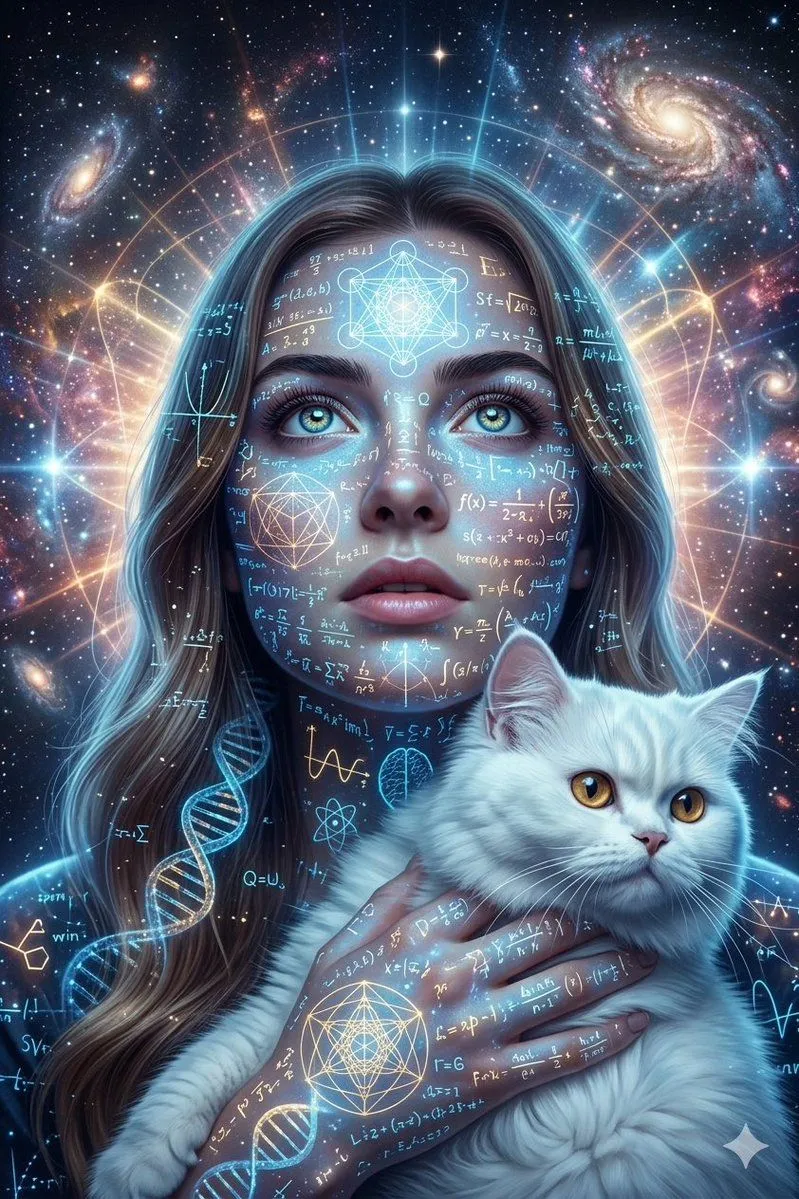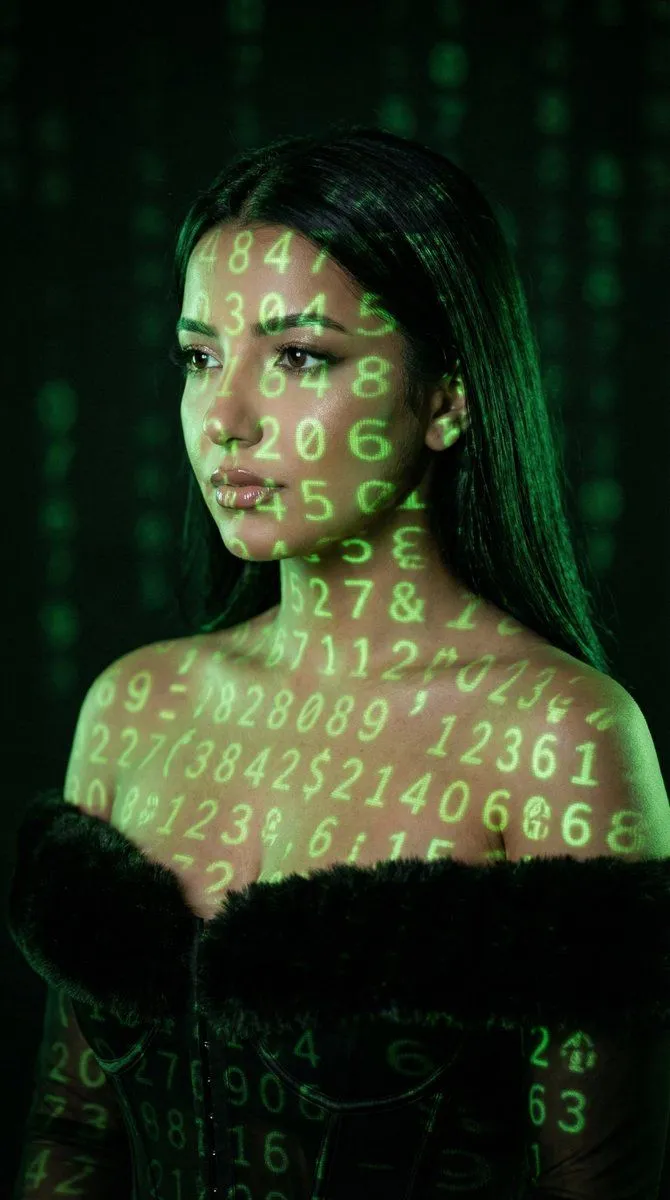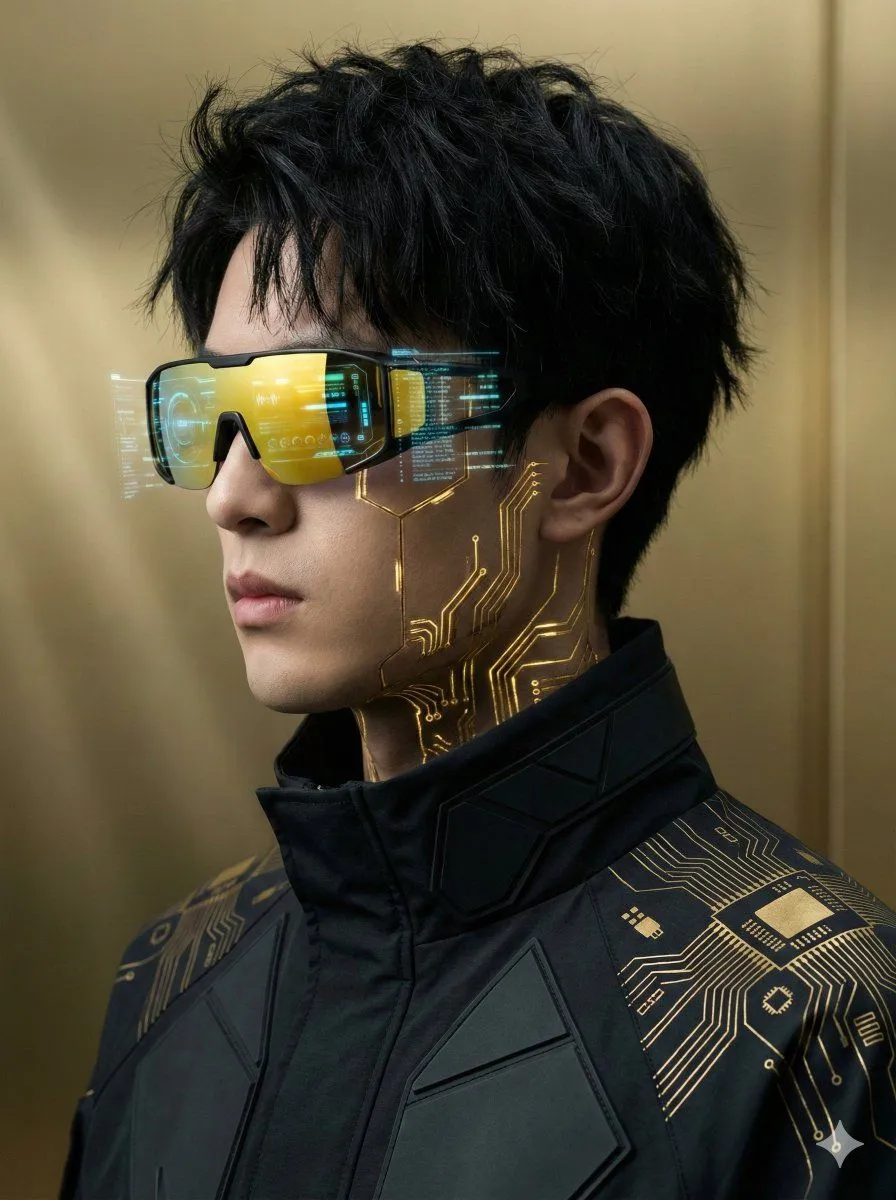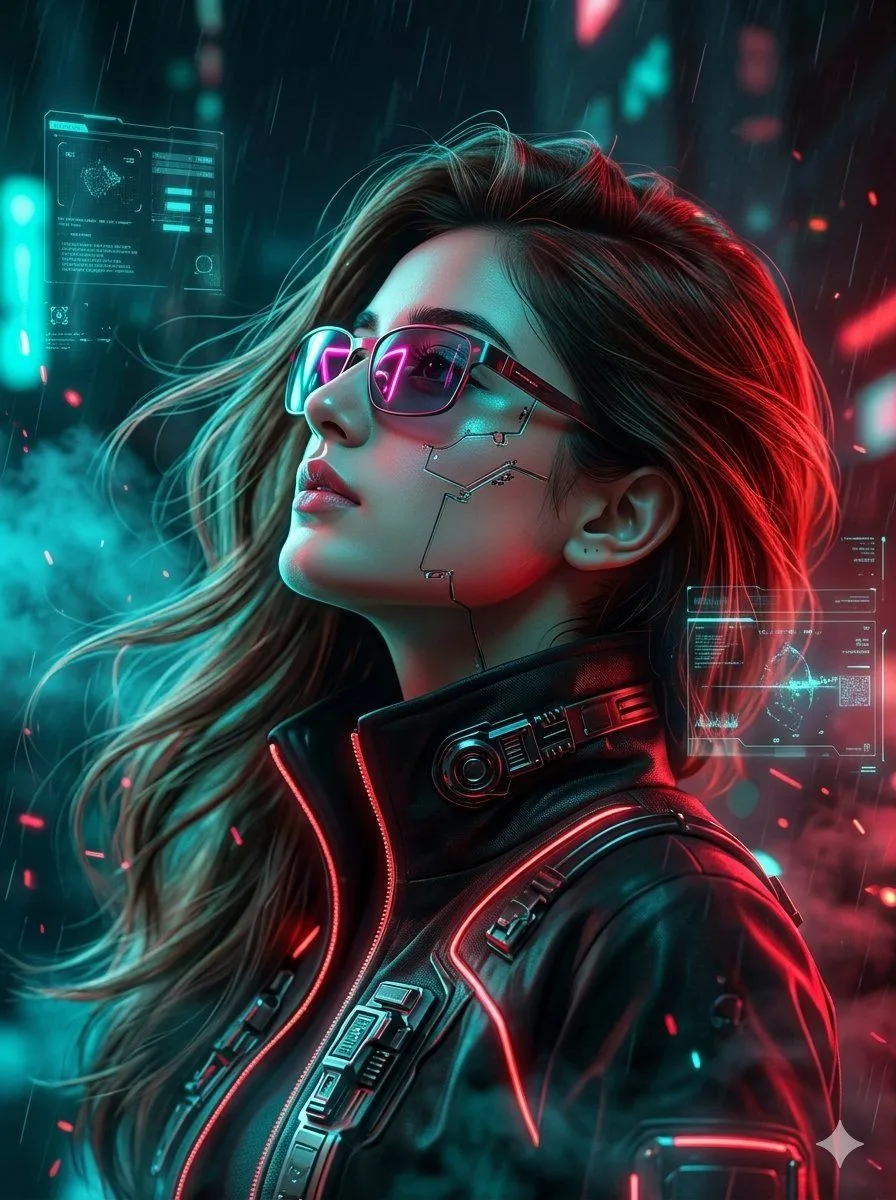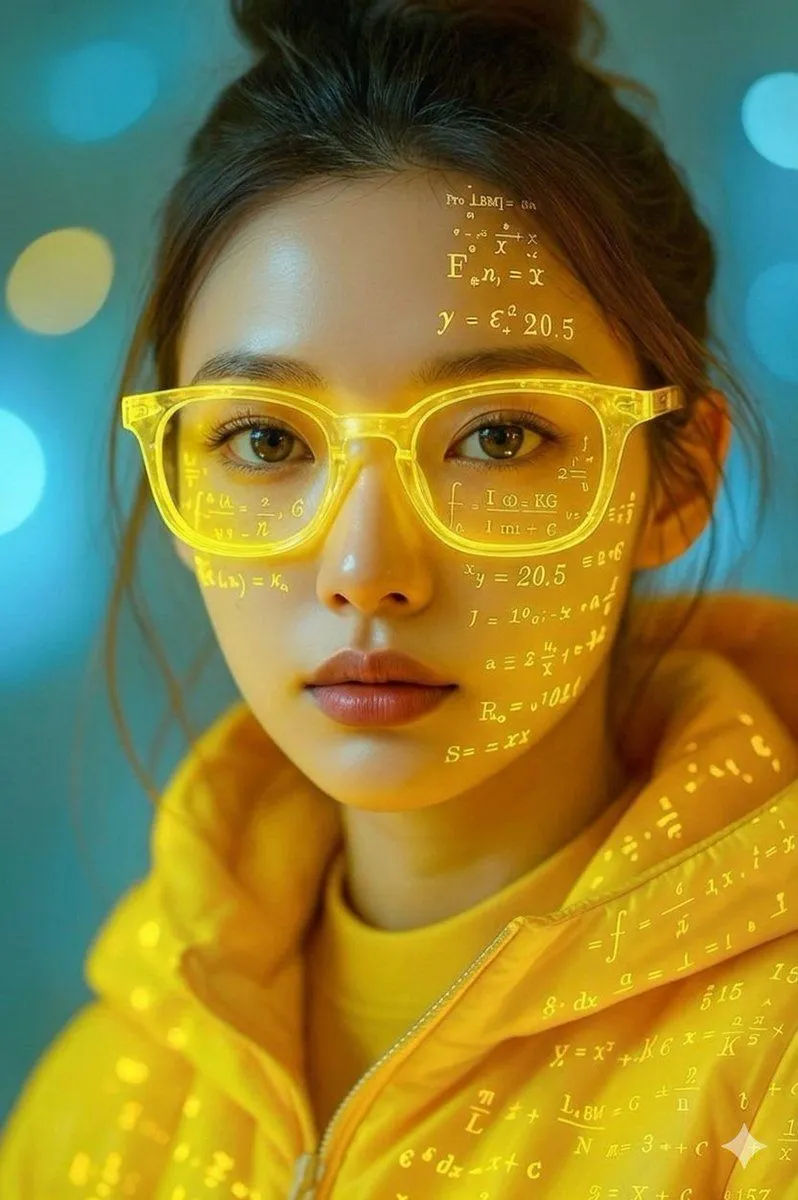
Made with Nano Banana Pro in Gemini by Library Product. Promptclay never generates images.
Math Projection Portrait in Neon Yellow
Prompt
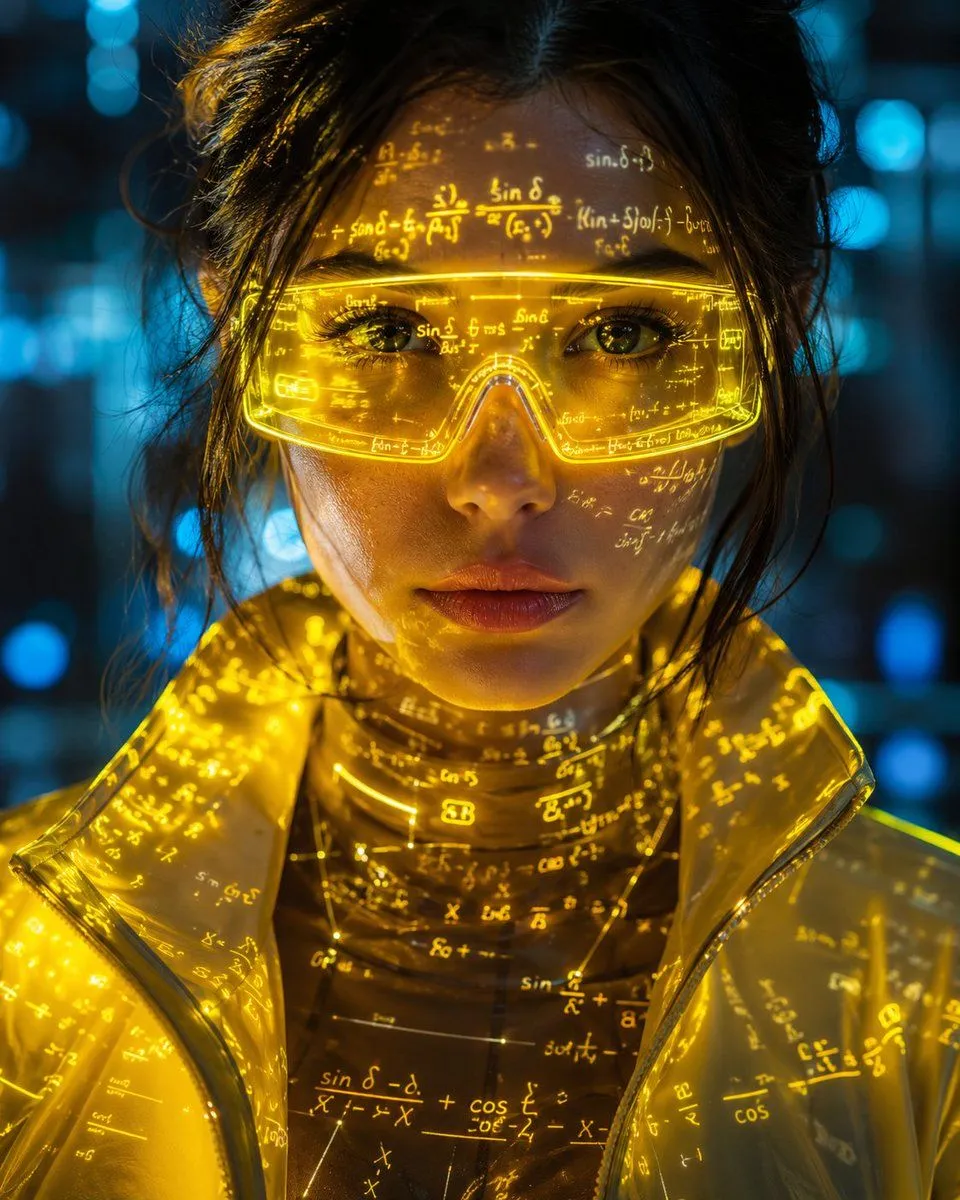
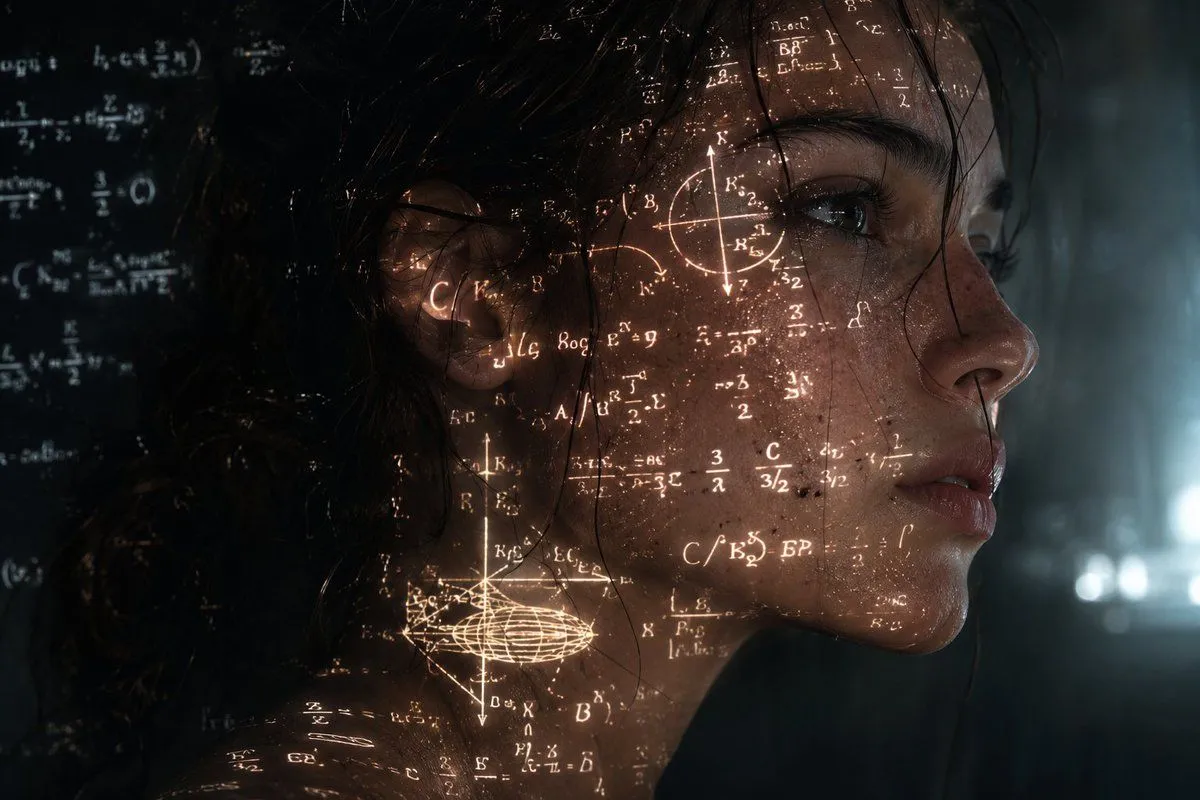
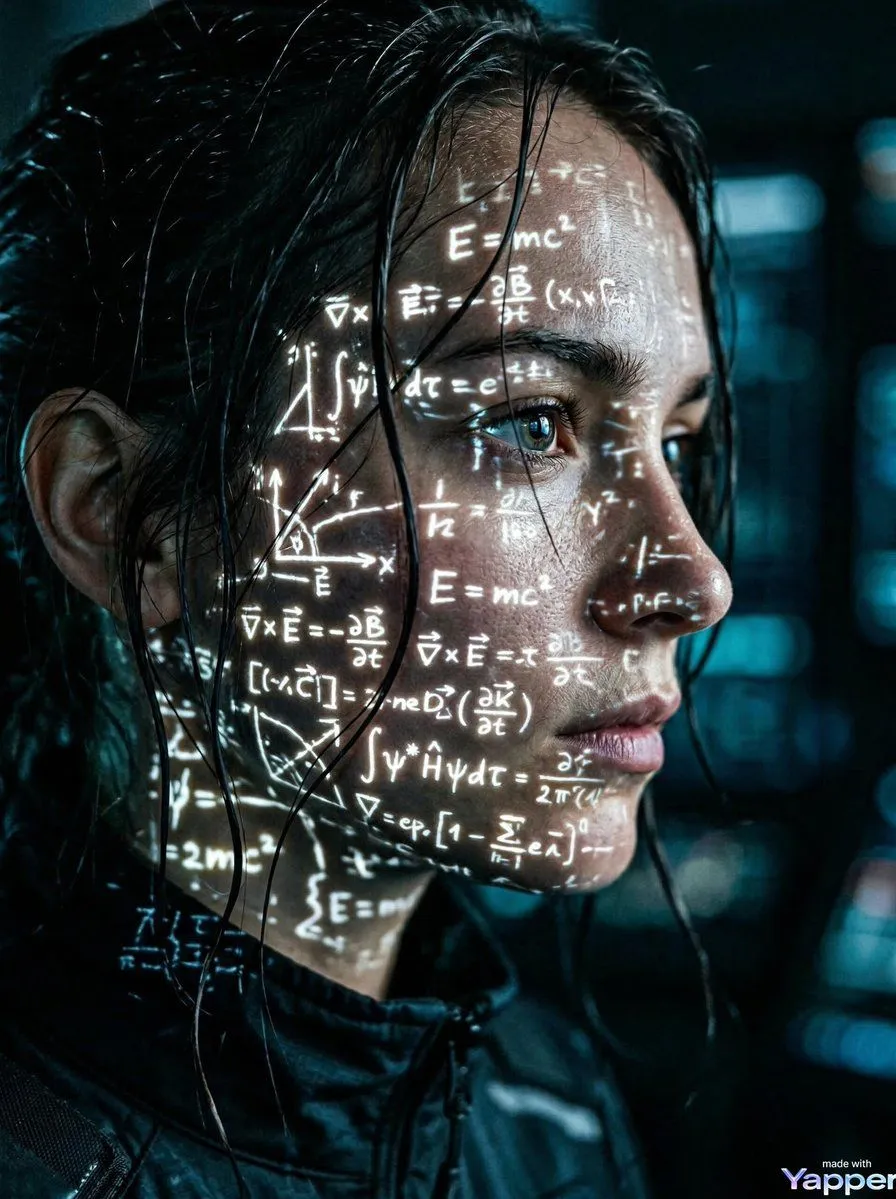
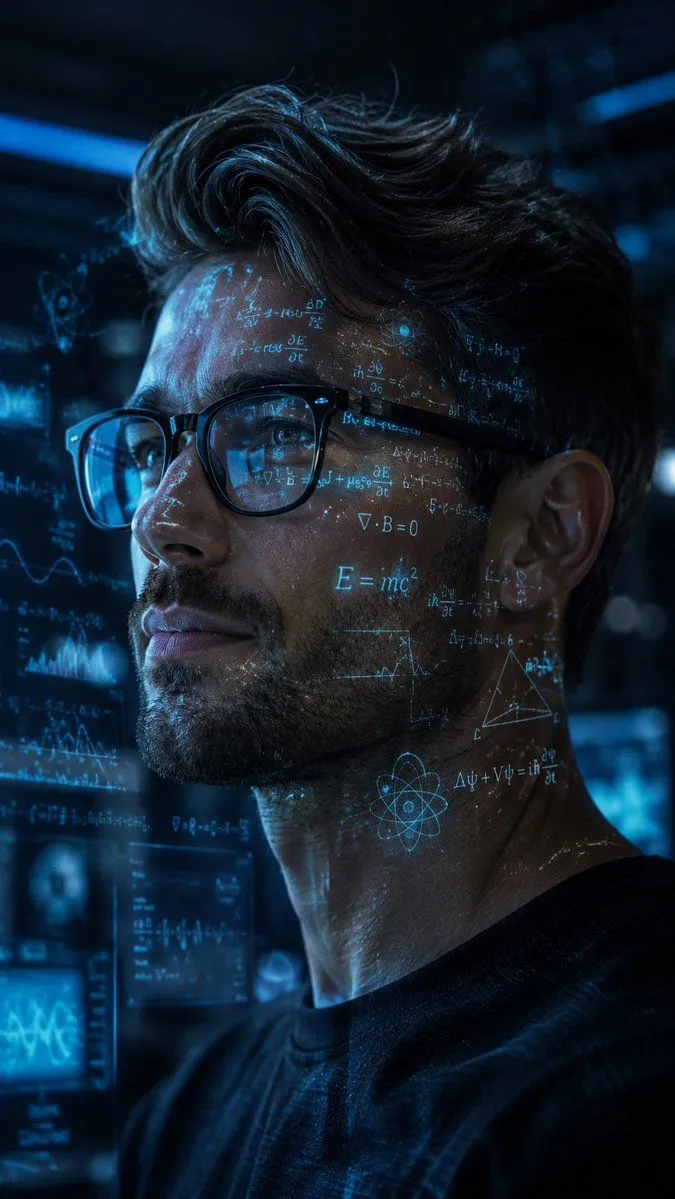
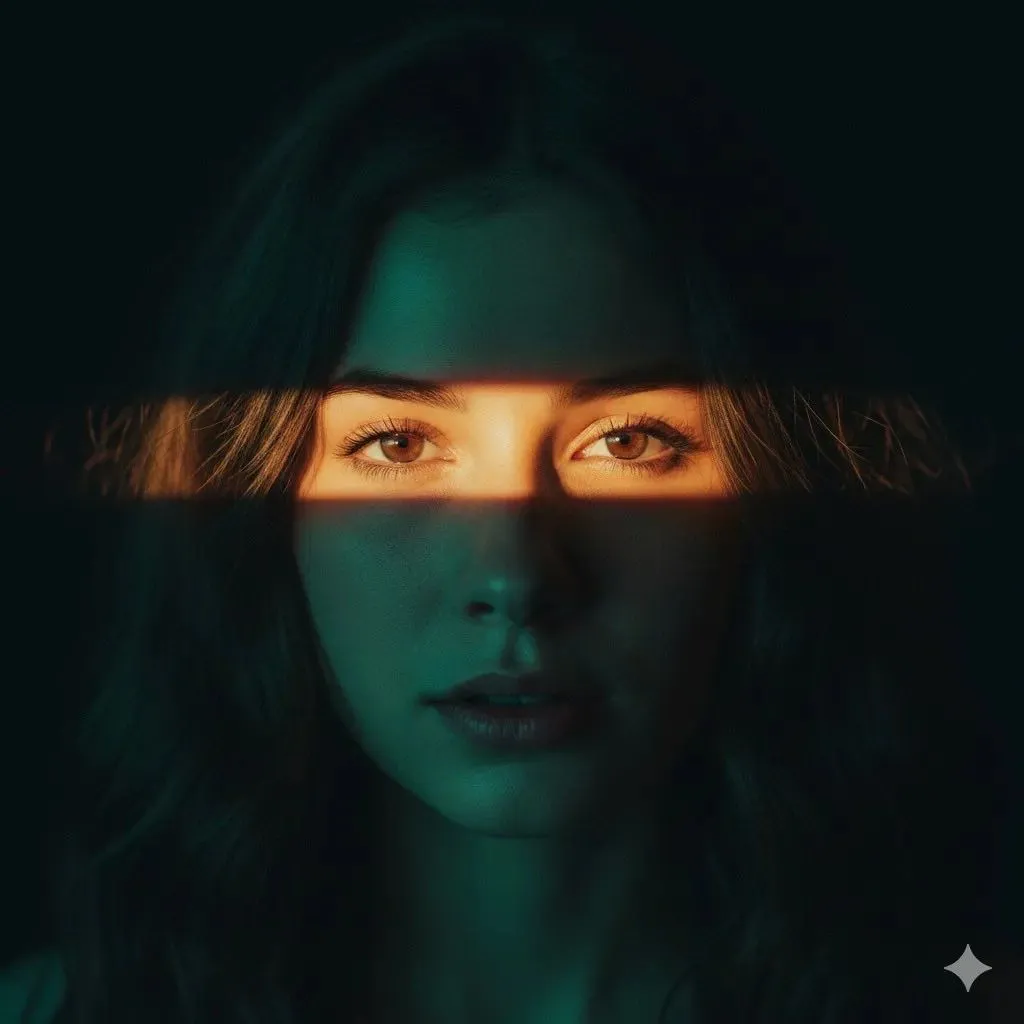
3 blanks to fillA cinematic, hyper-realistic close-up portrait of a {subject} with dark hair tied up in a loose, casual bun, with a few stray strands framing her face. She has clear skin, warm brown eyes, and a neutral, calm expression. She is wearing {eyewear}. Glowing, golden-yellow mathematical and physics equations, symbols, and formulas are projected directly onto her face, forehead, cheek, and the lenses of her glasses, casting a subtle warm light on her skin. She is dressed in a {outfit}, which also has faint, glowing math formulas patterned across the fabric. The background is a soft, dreamlike, out-of-focus bokeh of cool teal and blue lights, creating a striking color contrast with her warm yellow attire. Shot with a professional DSLR, 85mm lens, f/1.4 aperture, shallow depth of field, 3D Pixar-style digital art realism, clean studio lighting, high-end commercial aesthetic, 16k resolution.
Preview of your prompt
A cinematic, hyper-realistic close-up portrait of a young East Asian woman with dark hair tied up in a loose, casual bun, with a few stray strands framing her face. She has clear skin, warm brown eyes, and a neutral, calm expression. She is wearing thick, transparent neon-yellow clear-frame glasses. Glowing, golden-yellow mathematical and physics equations, symbols, and formulas are projected directly onto her face, forehead, cheek, and the lenses of her glasses, casting a subtle warm light on her skin. She is dressed in a bright, vibrant yellow puffer jacket with a hood, which also has faint, glowing math formulas patterned across the fabric. The background is a soft, dreamlike, out-of-focus bokeh of cool teal and blue lights, creating a striking color contrast with her warm yellow attire. Shot with a professional DSLR, 85mm lens, f/1.4 aperture, shallow depth of field, 3D Pixar-style digital art realism, clean studio lighting, high-end commercial aesthetic, 16k resolution.
DetailsVersions, settings and questions
Written for
What's in the prompt
- Subject
- Model
- Nano Banana Pro
If your face changes
keep my face exactly the sameQuestions
- Does this work in the Gemini app?
- Yes. Gemini runs Nano Banana, so paste the prompt and attach your photo if it uses one.
- It changed my face. What do I do?
- Add "keep my face exactly the same" to the end and run it again.
- Can I use the images I make?
- Check the terms of the app you use. Promptclay never generates images and claims nothing you make.