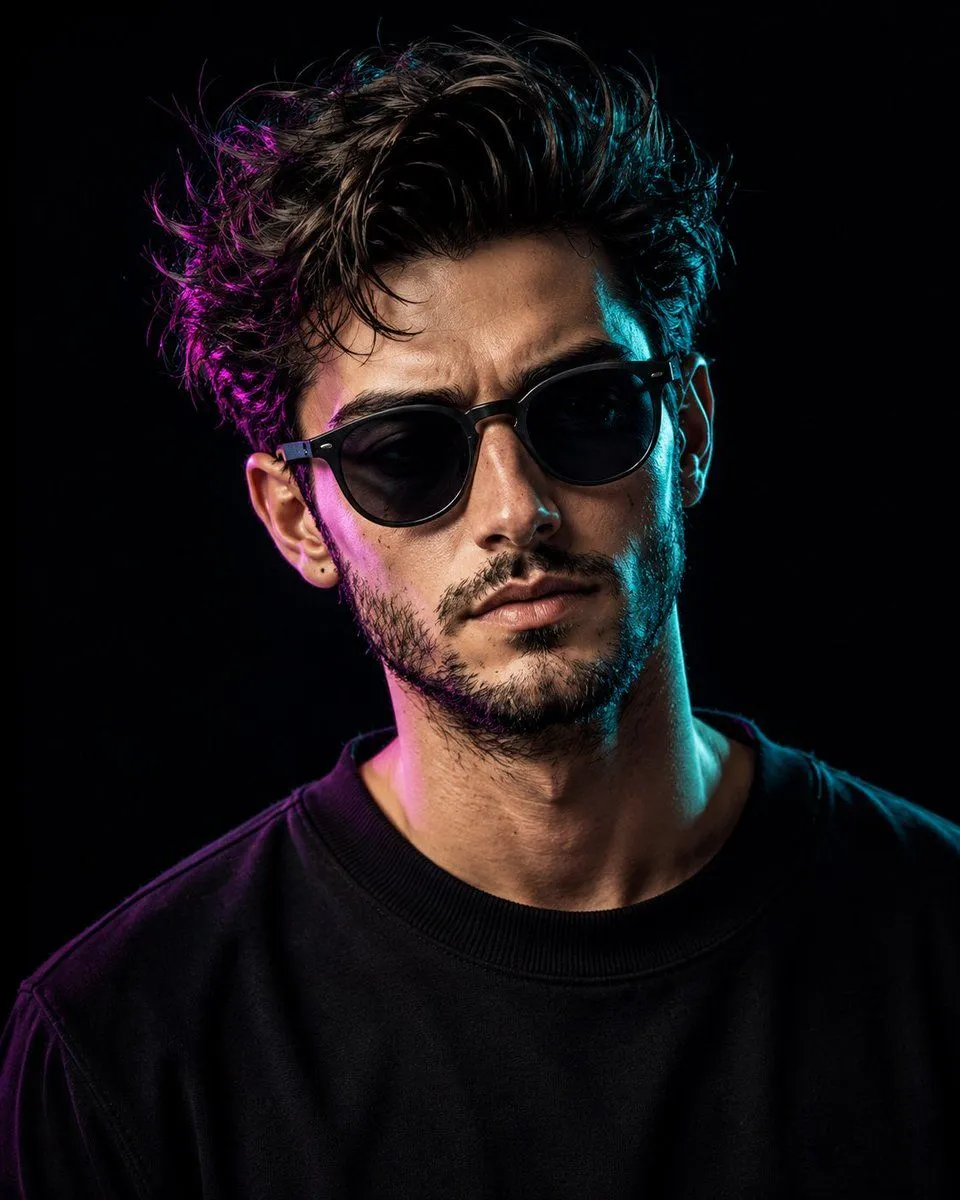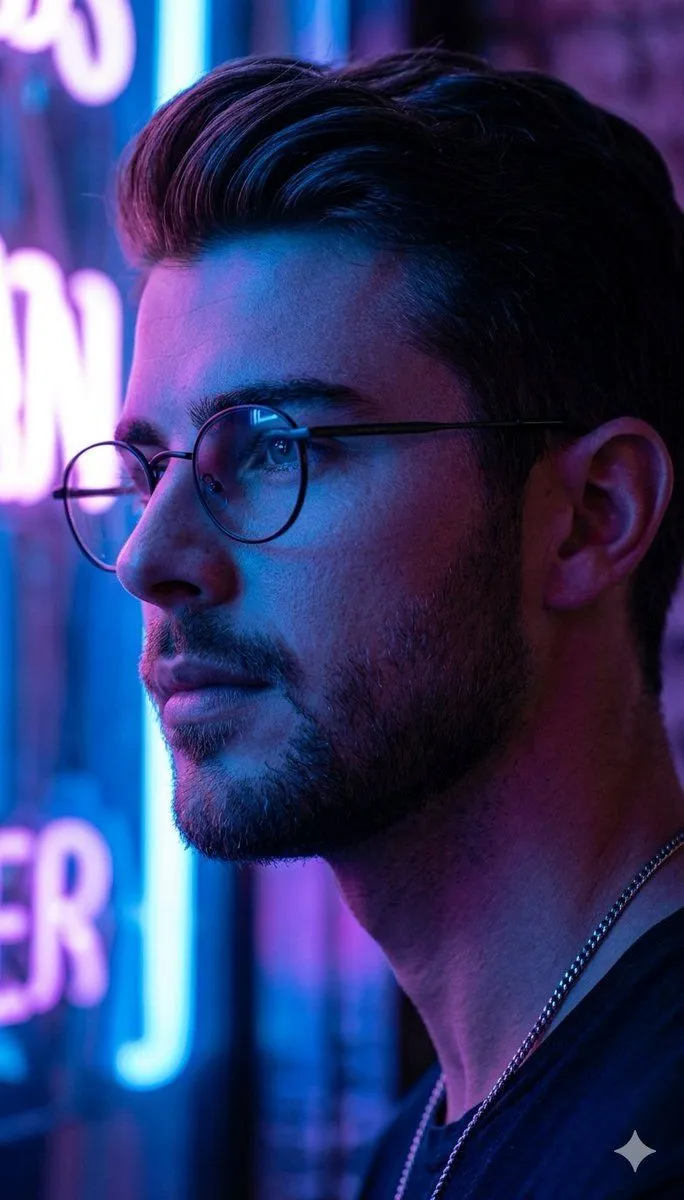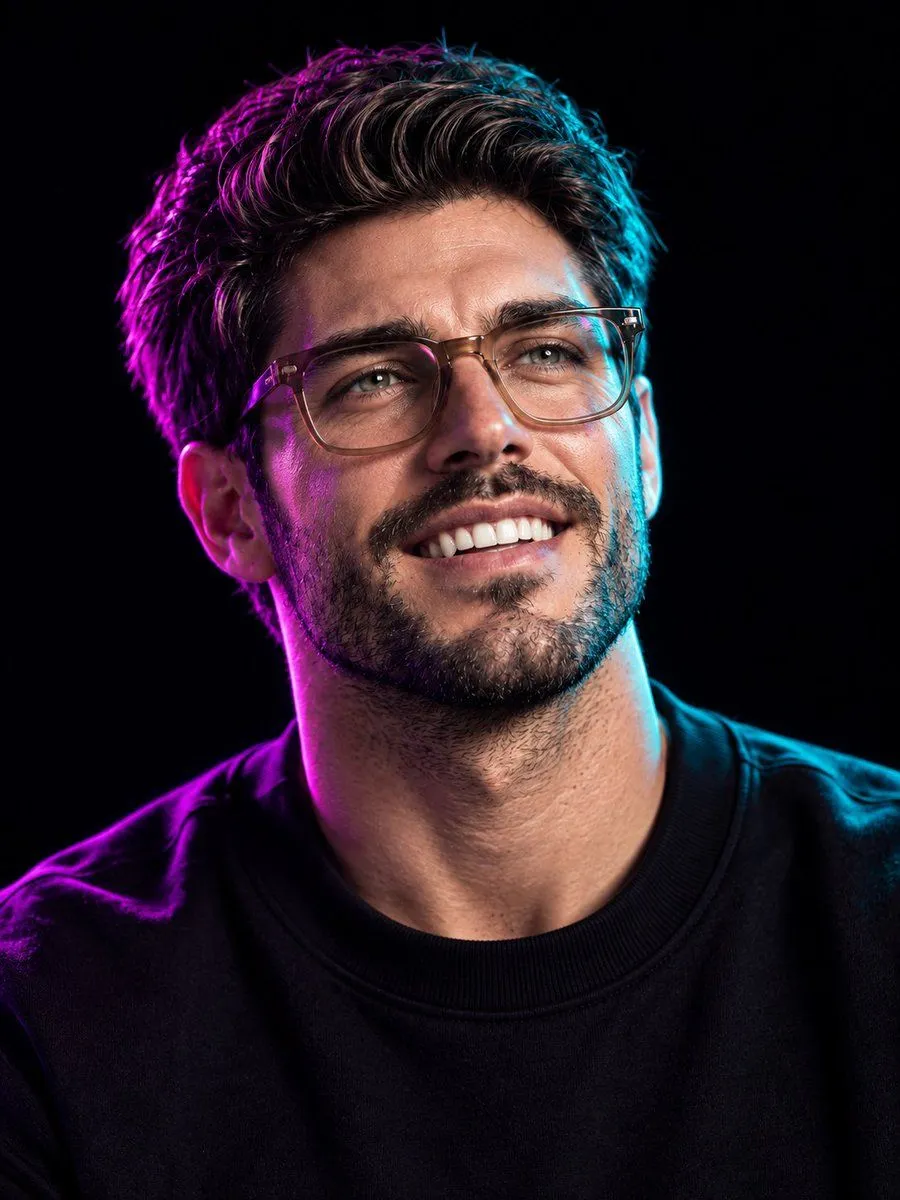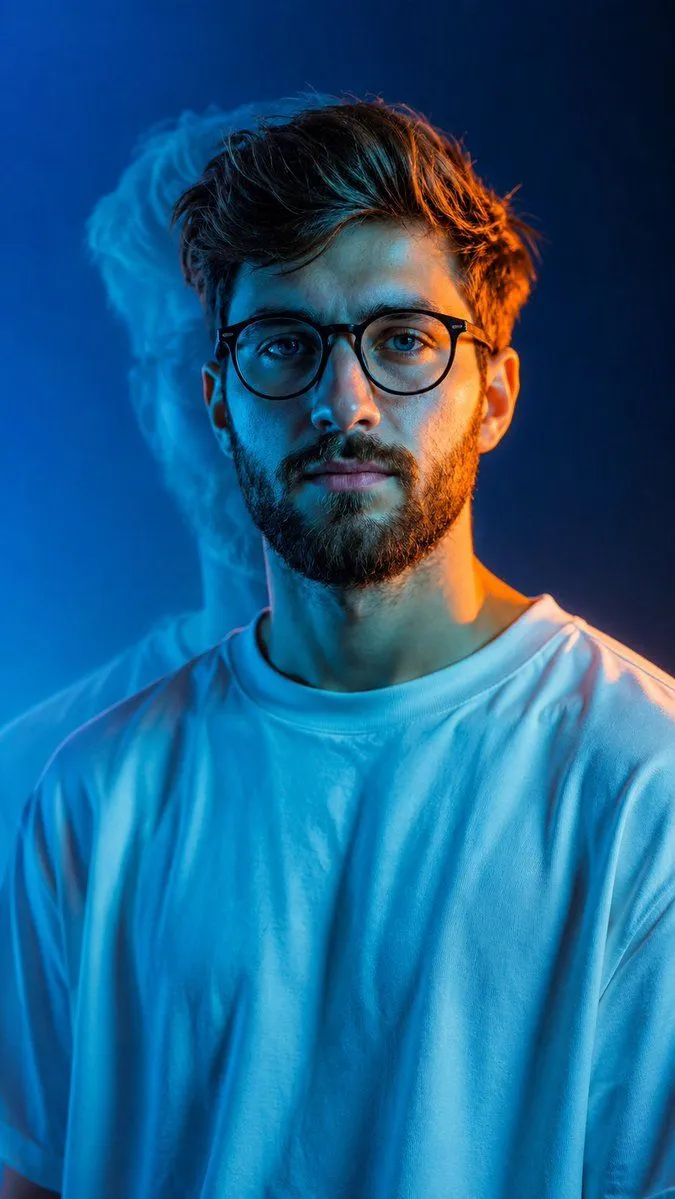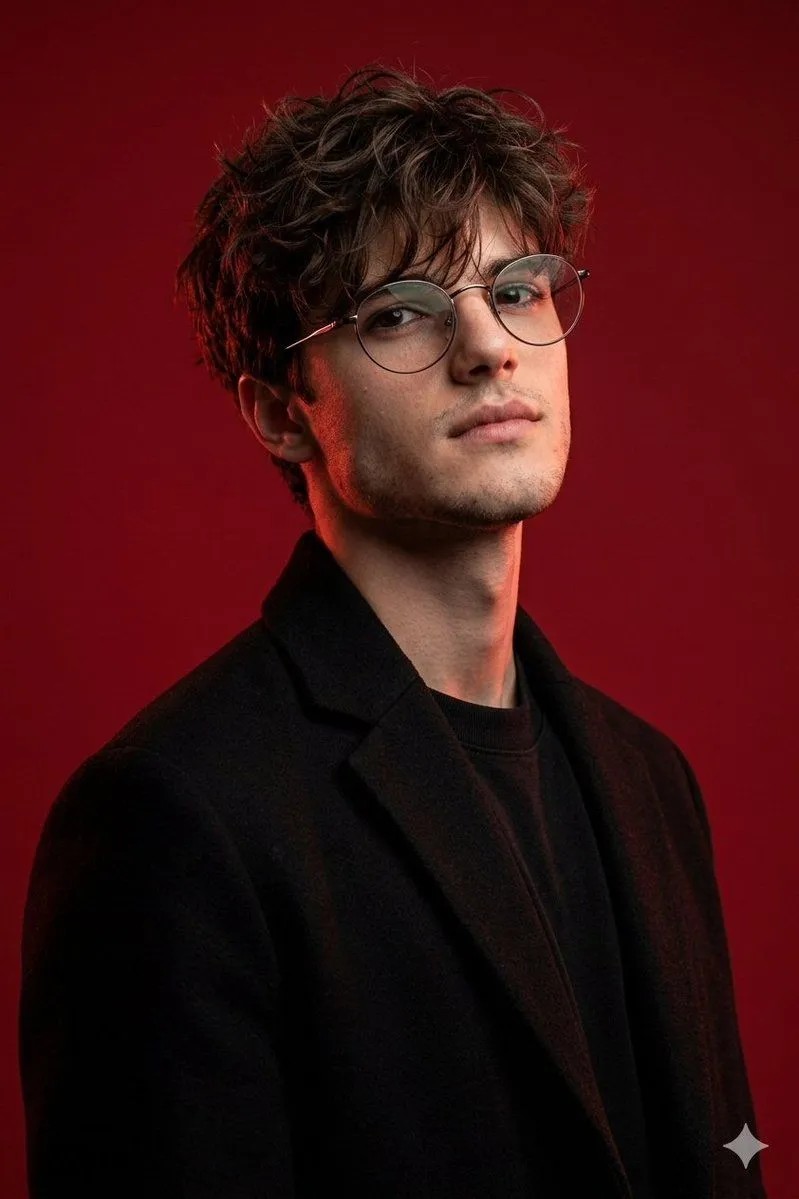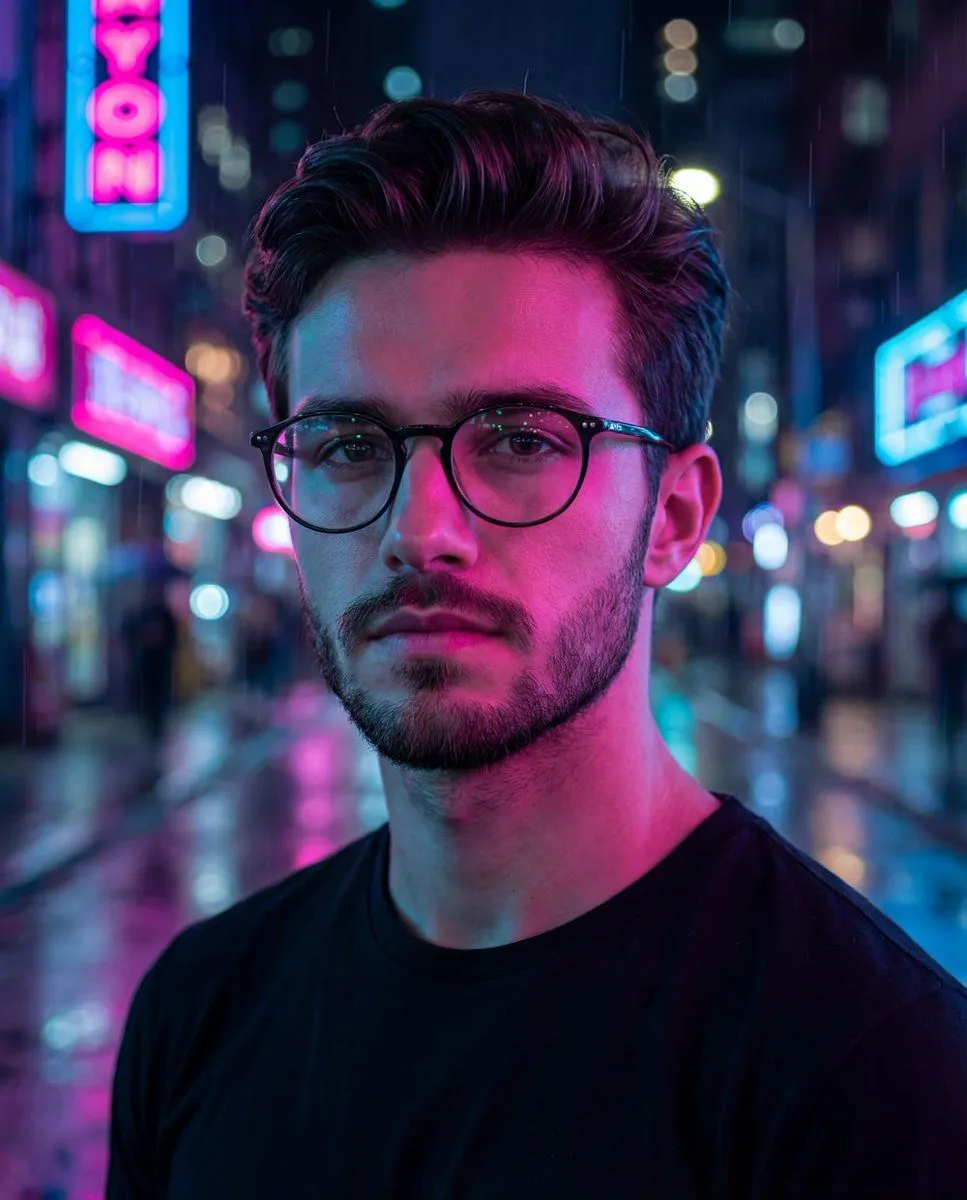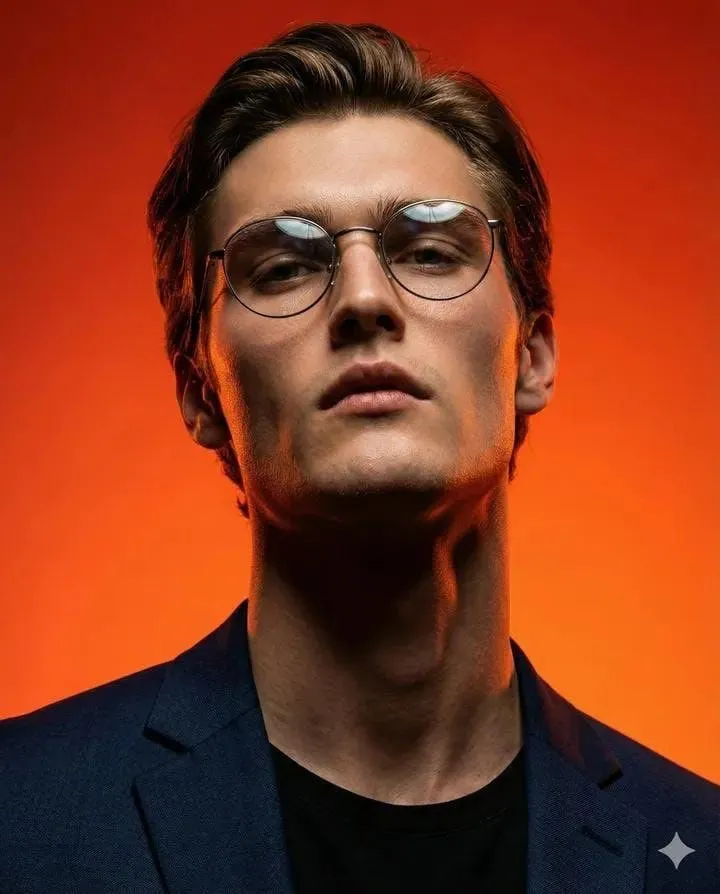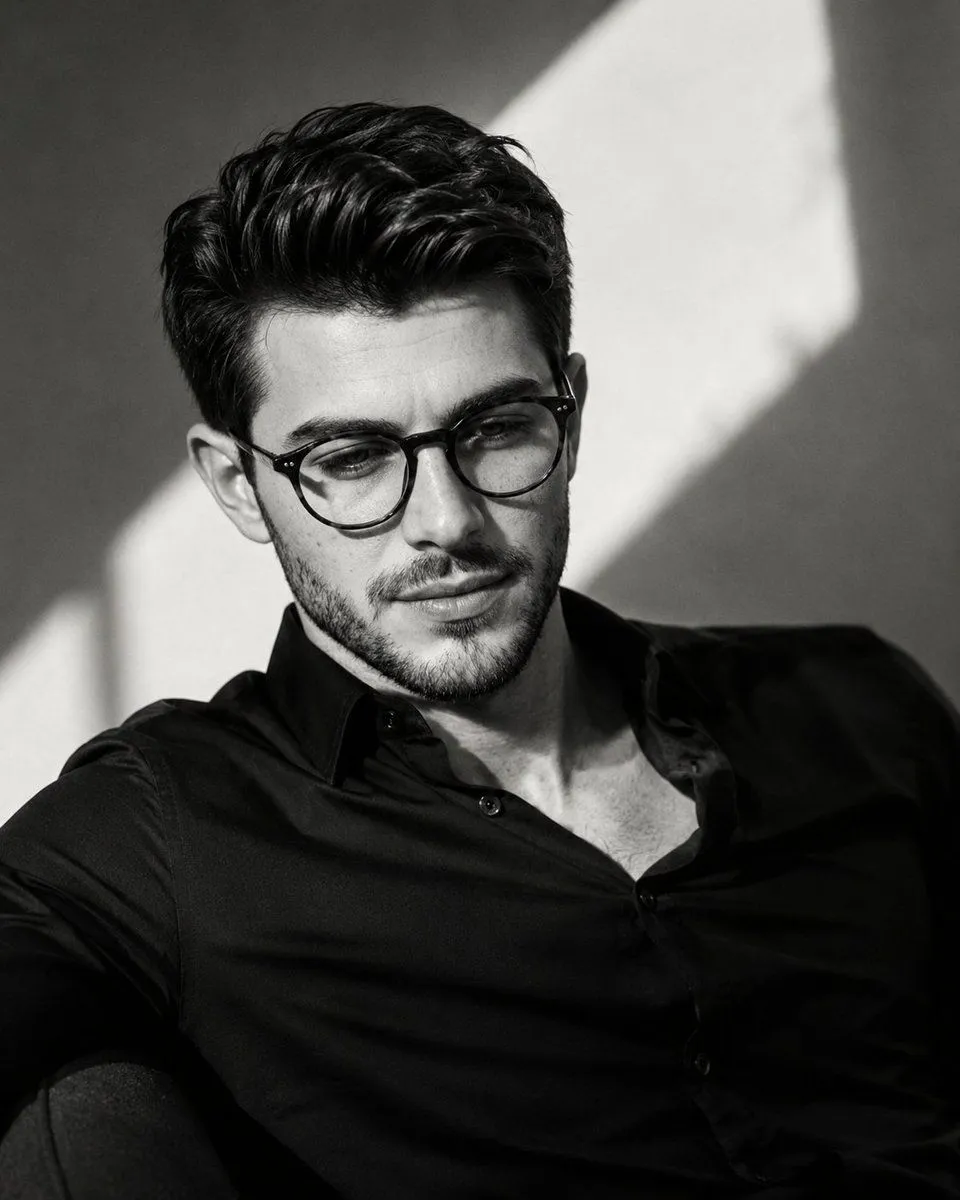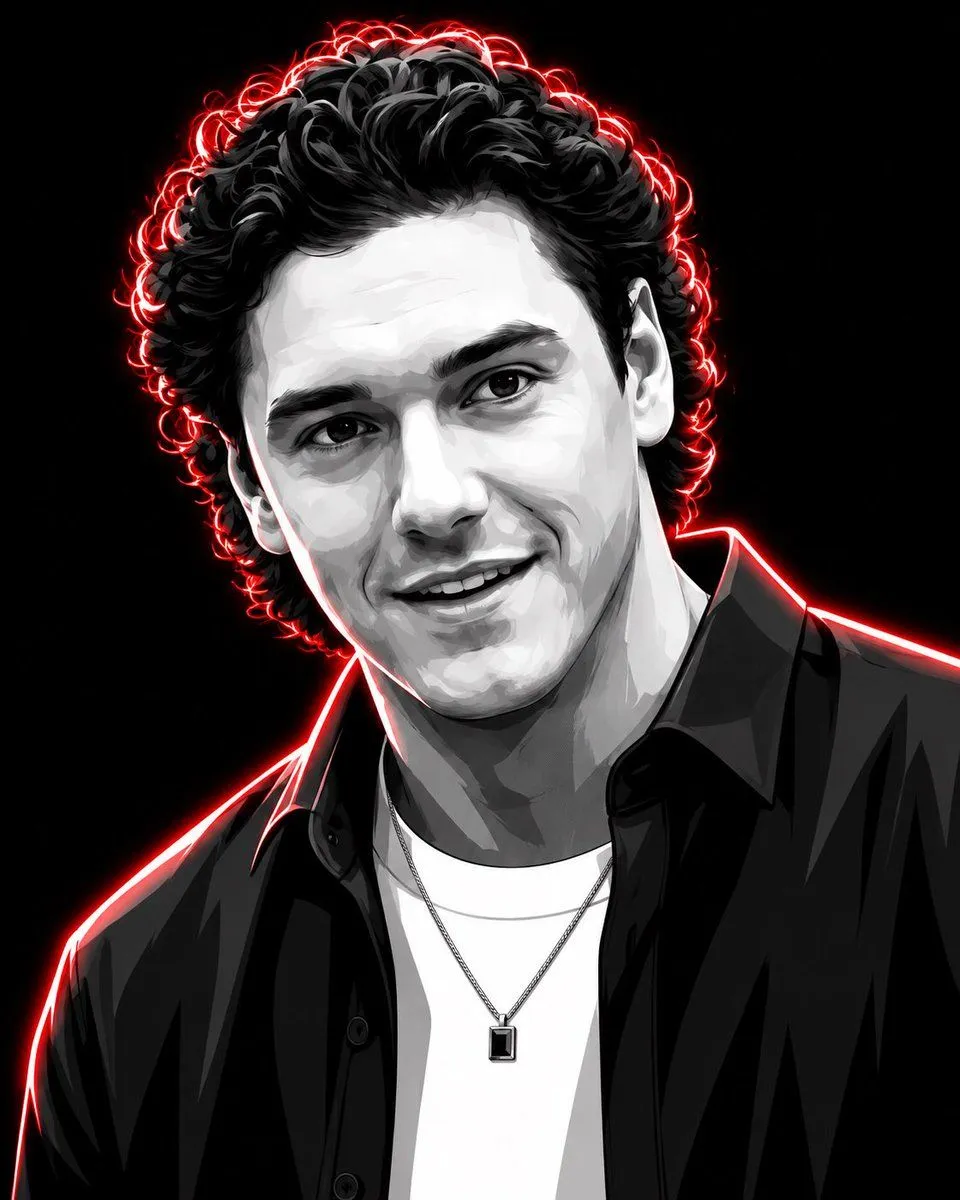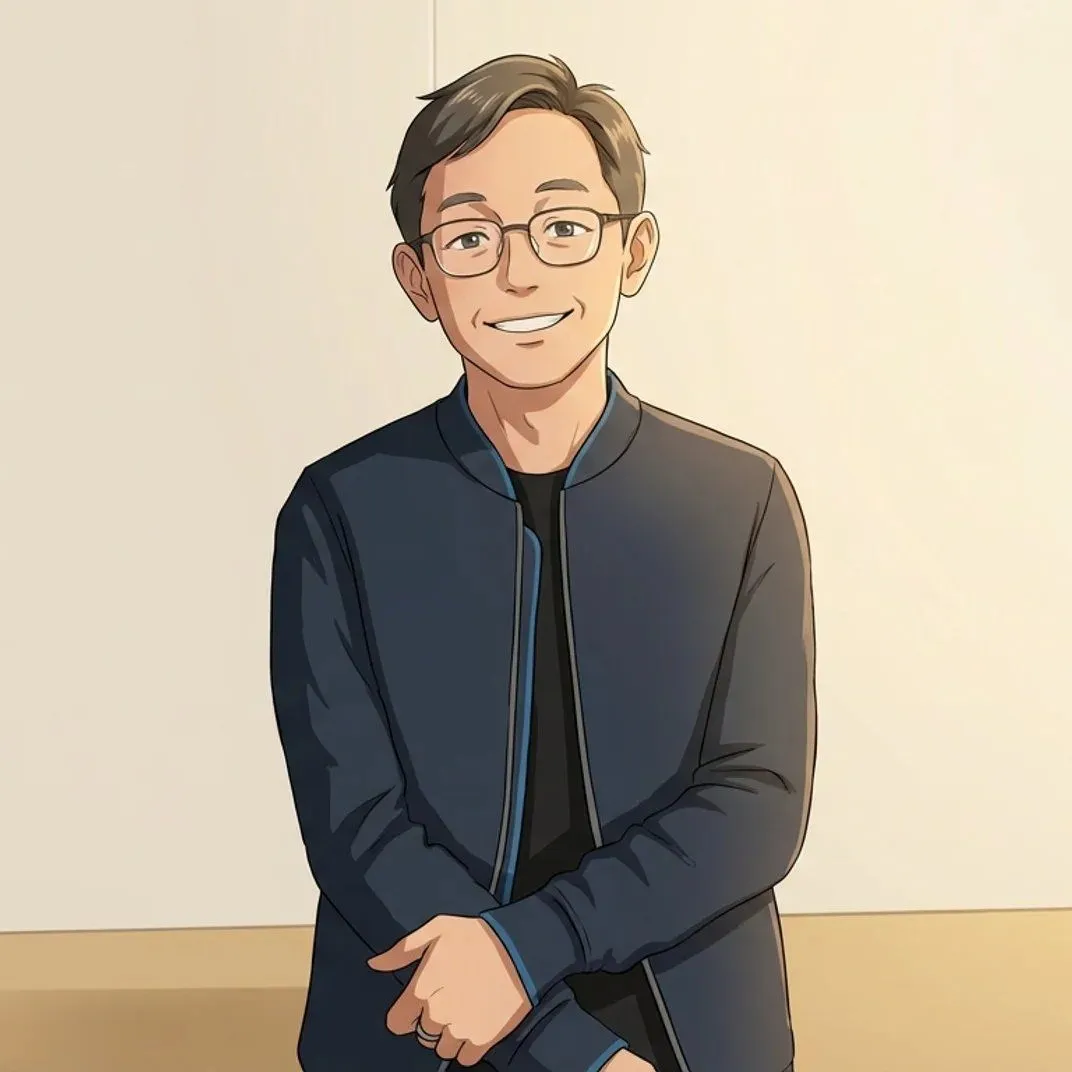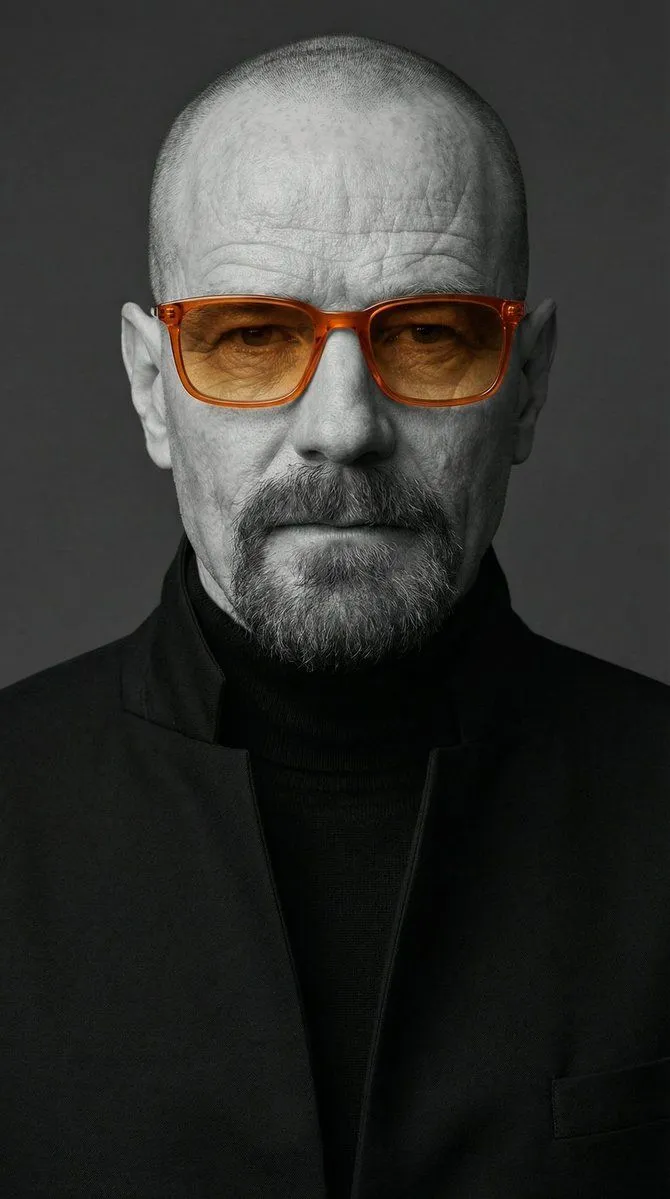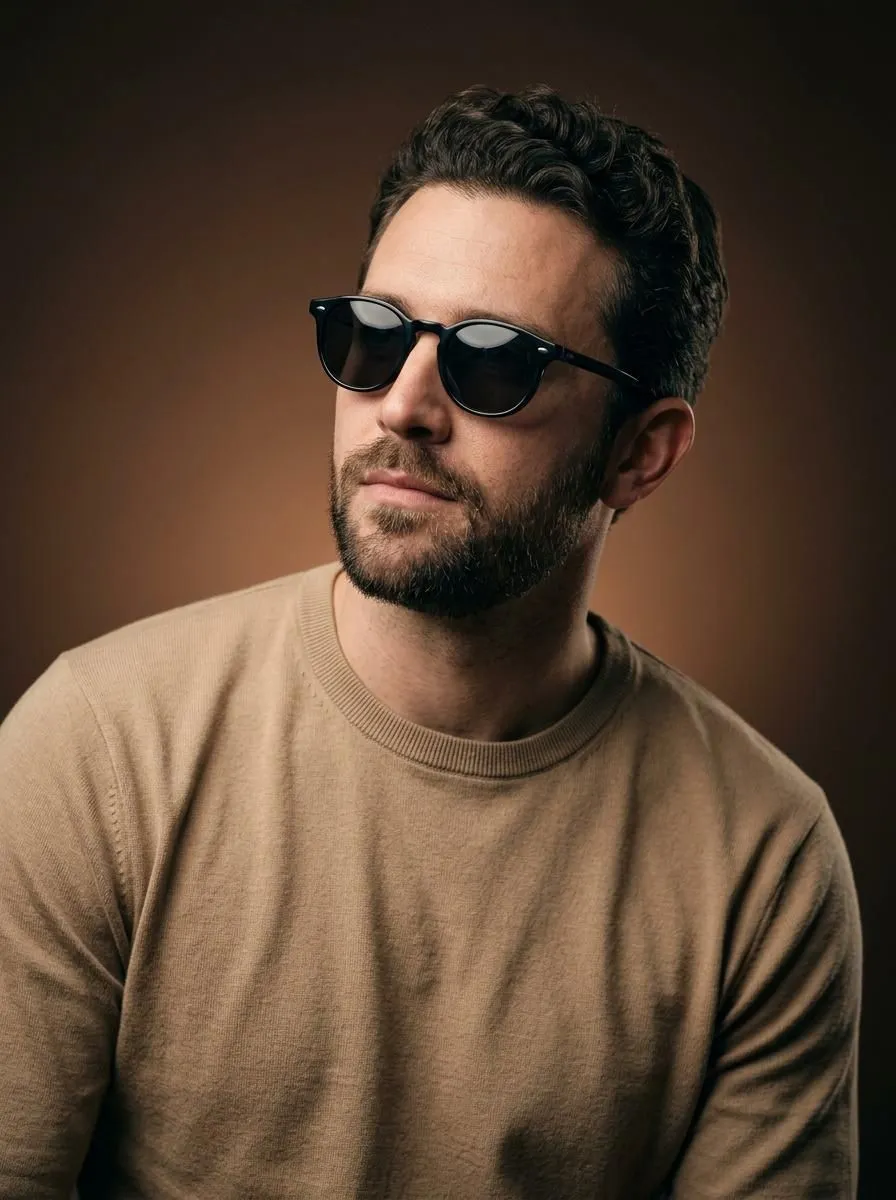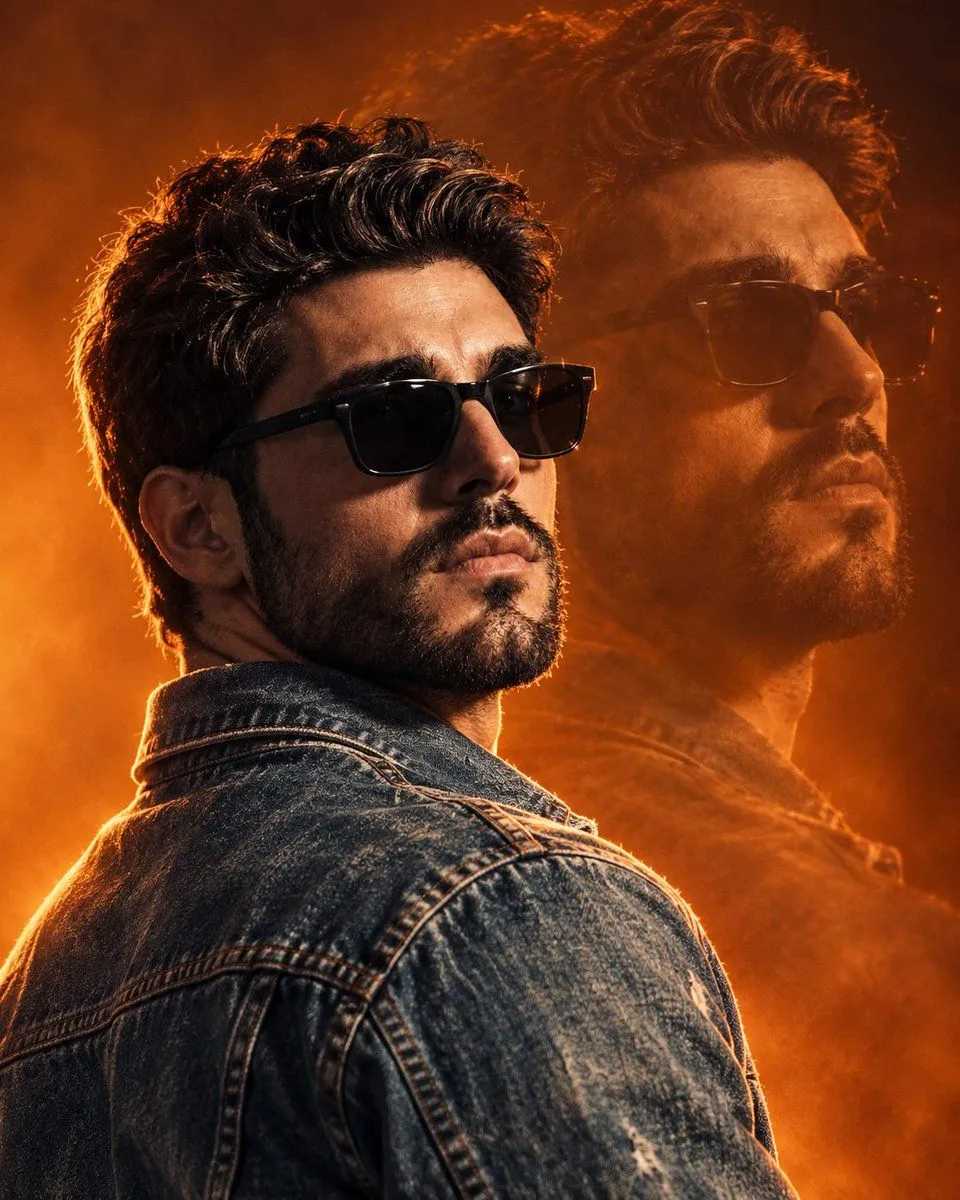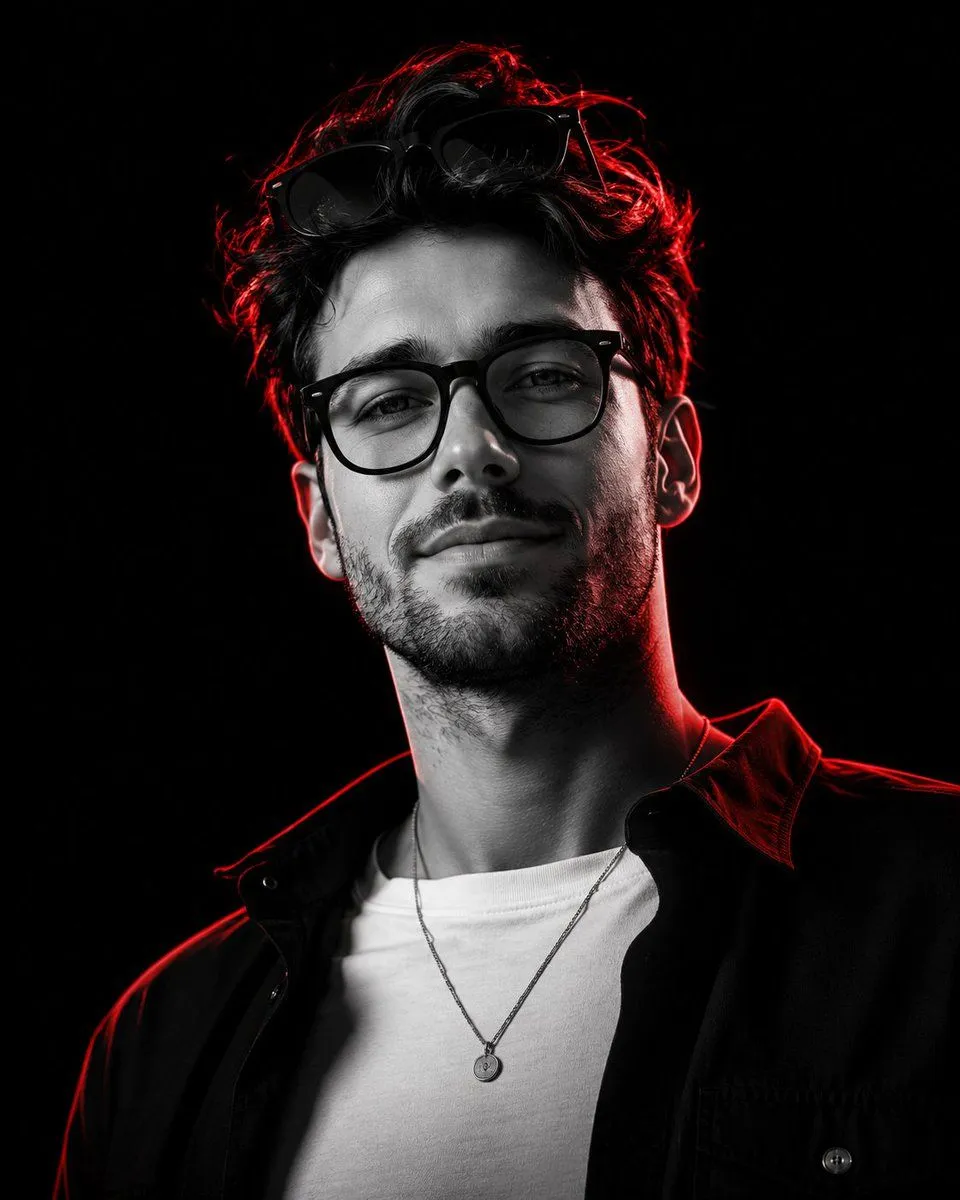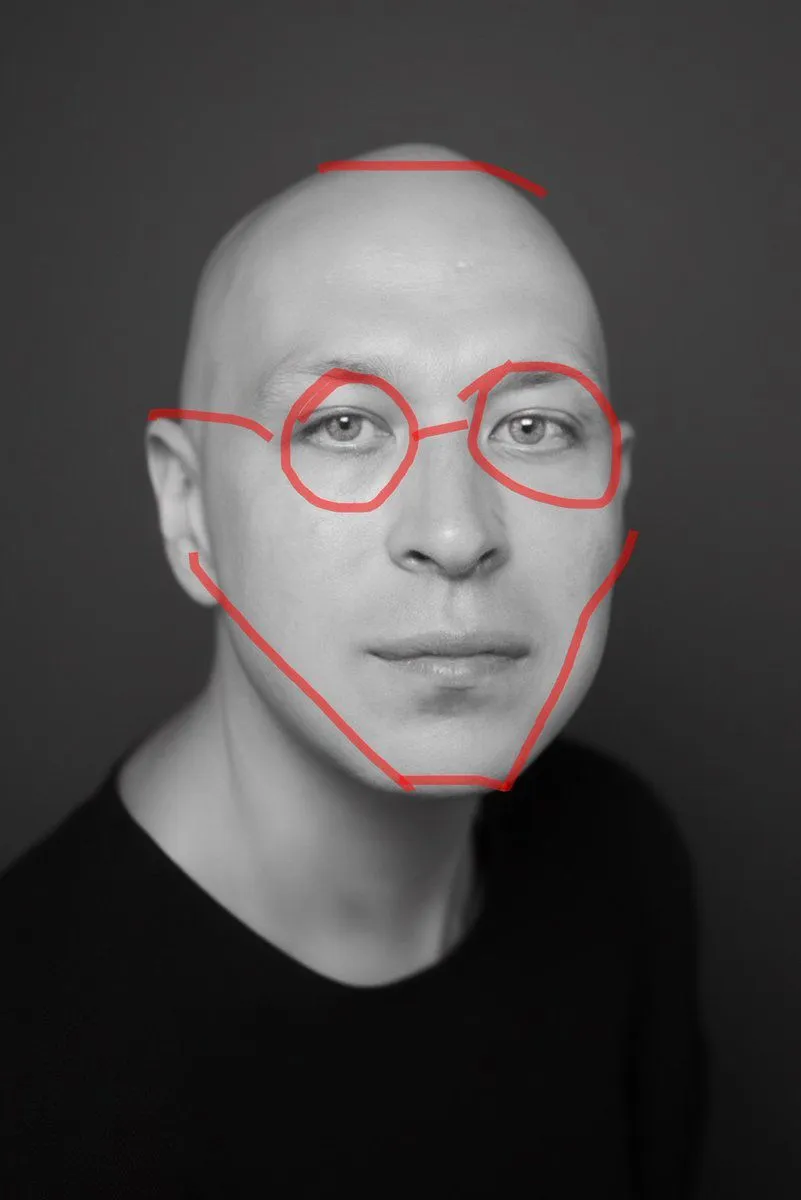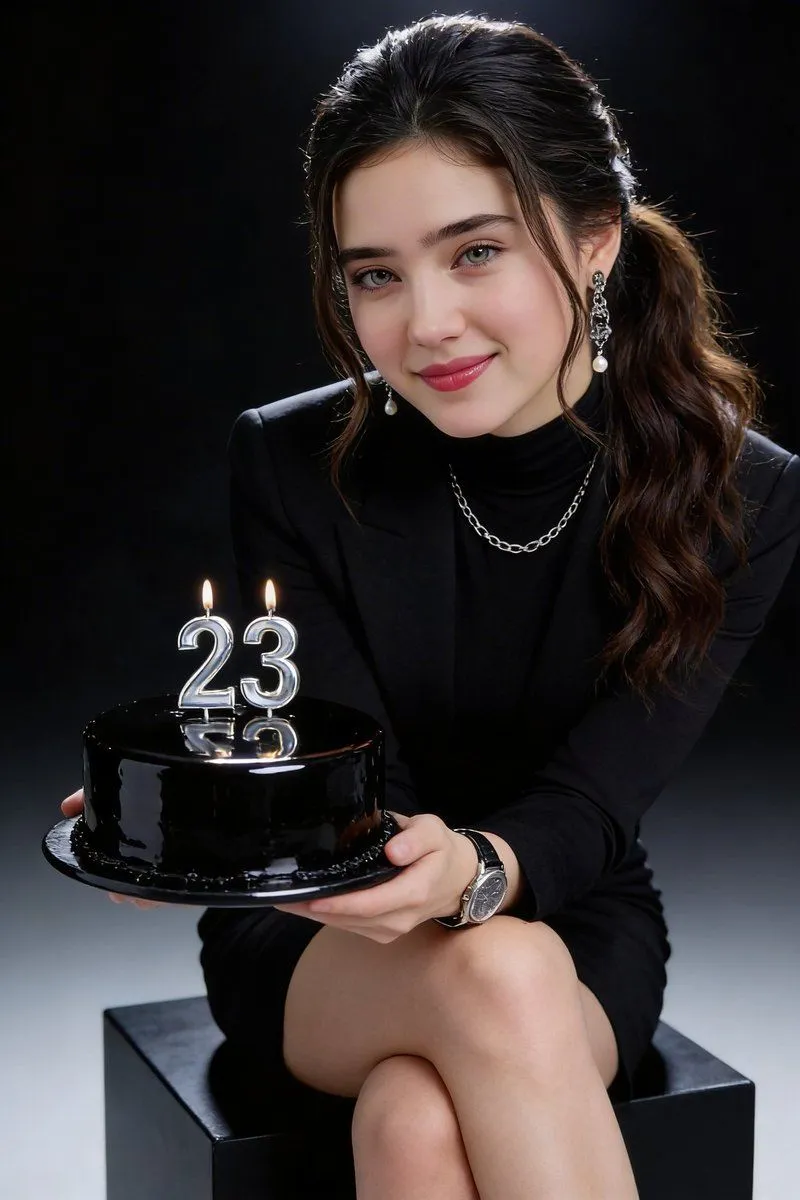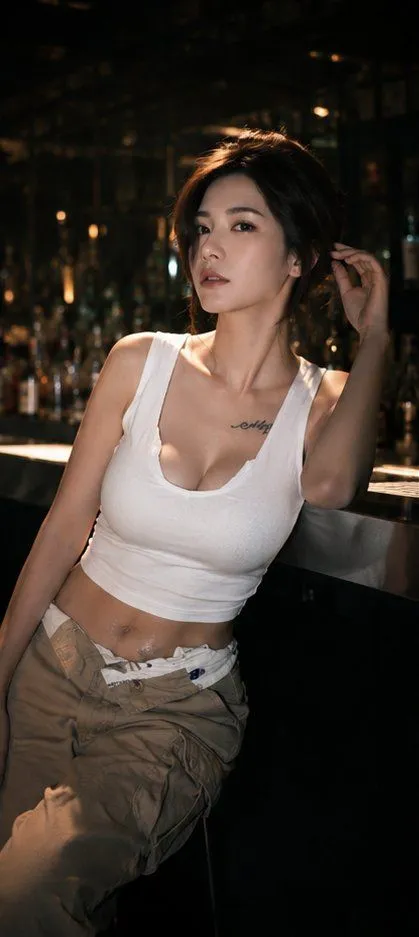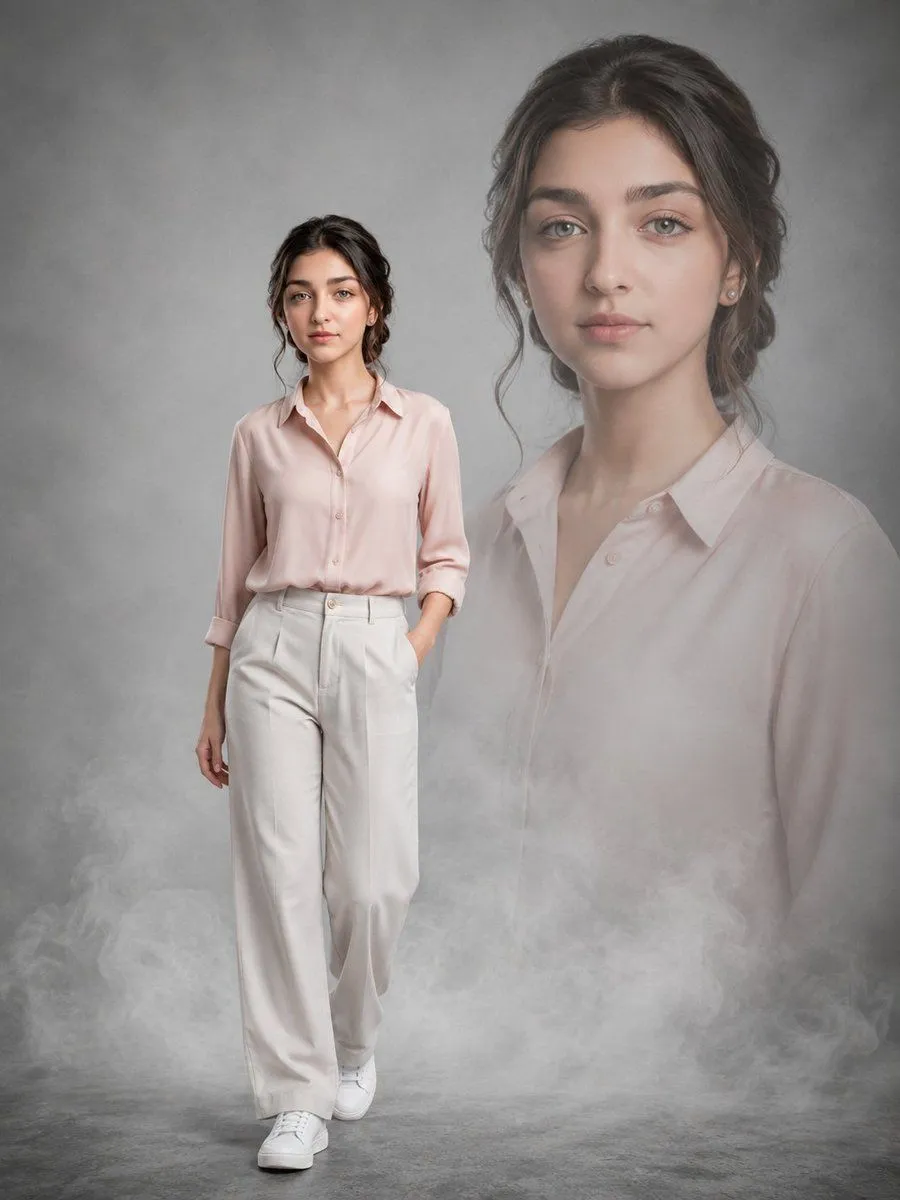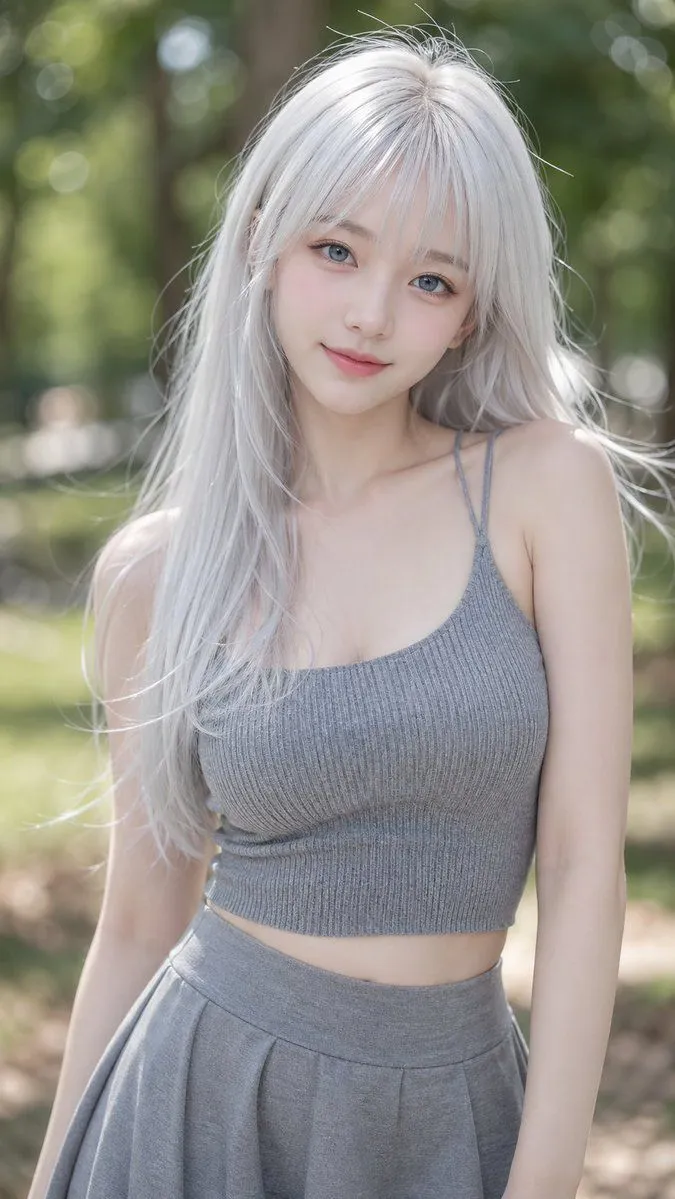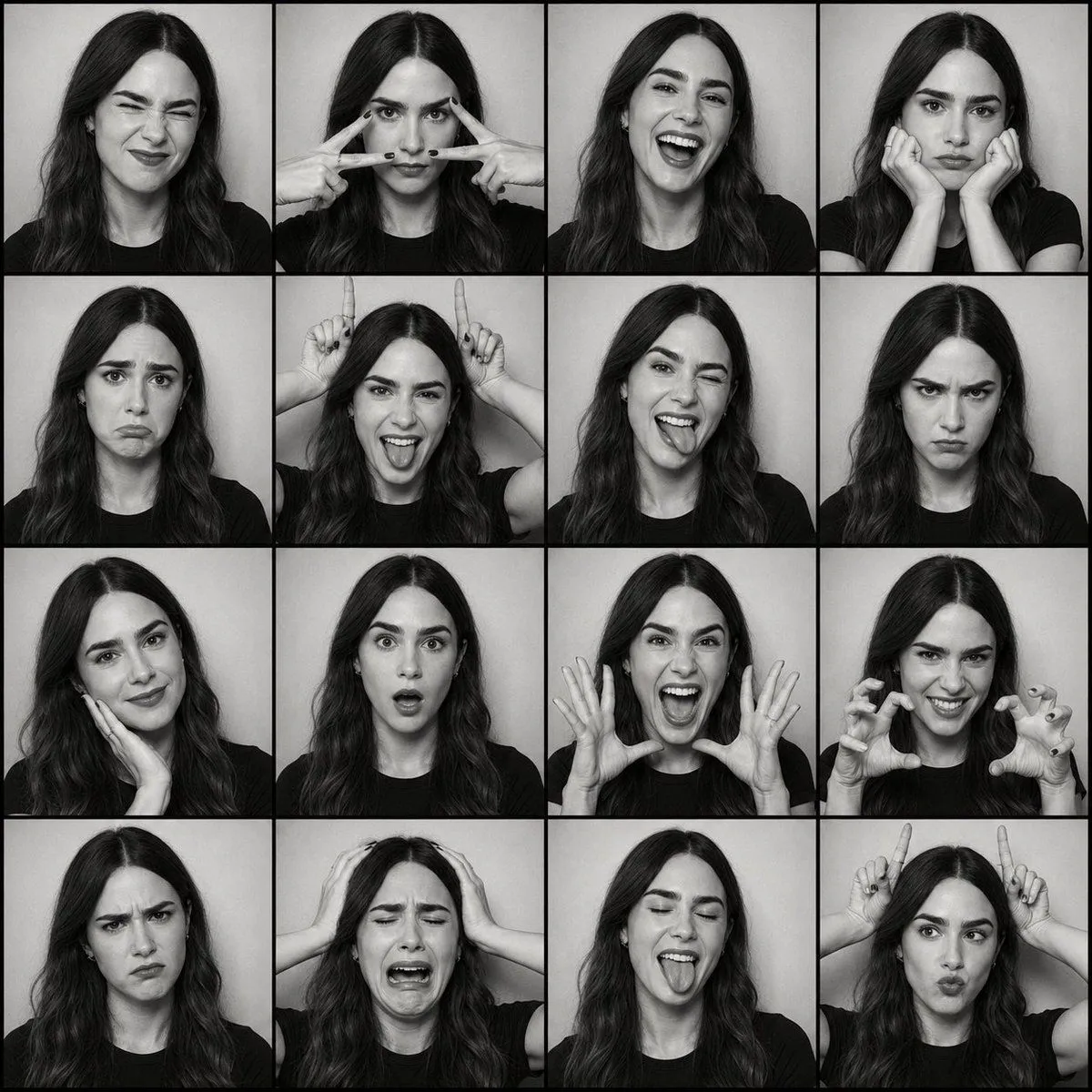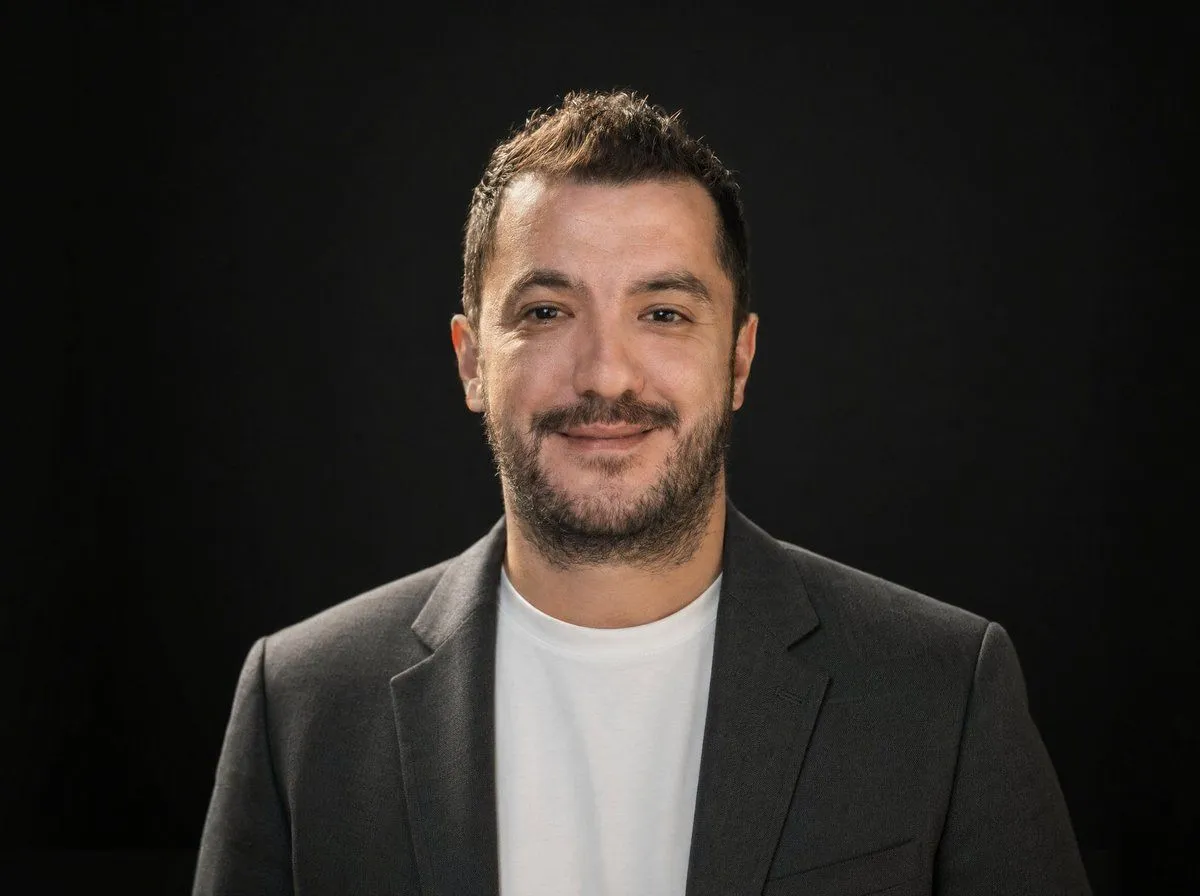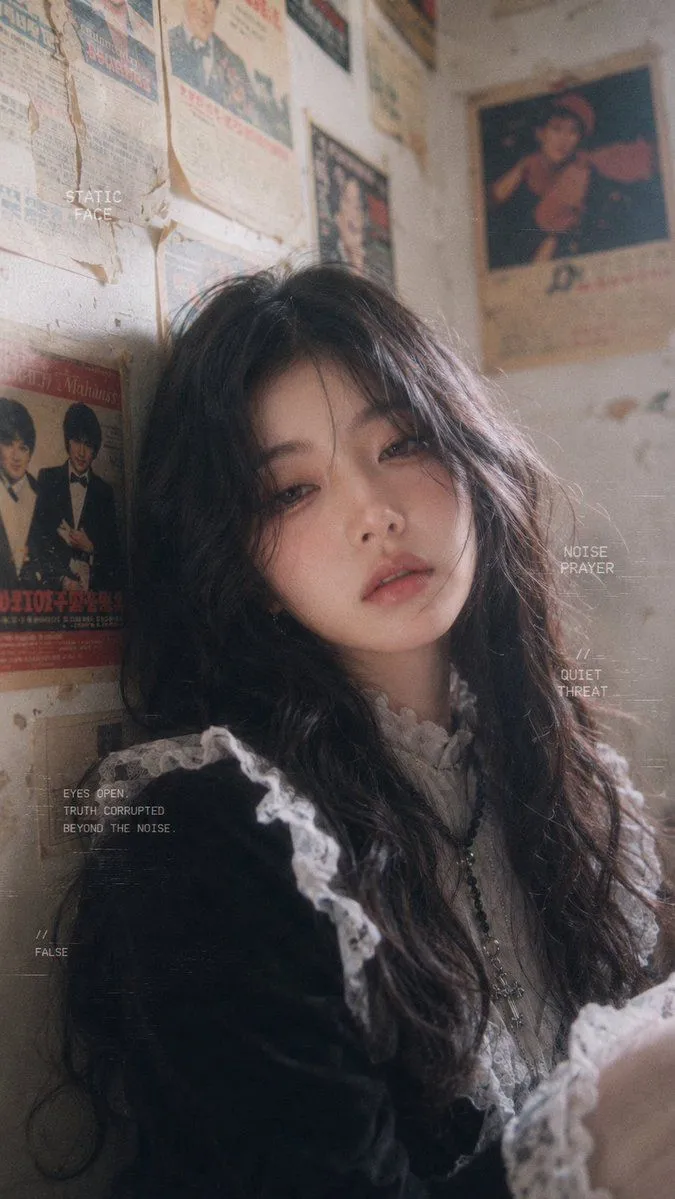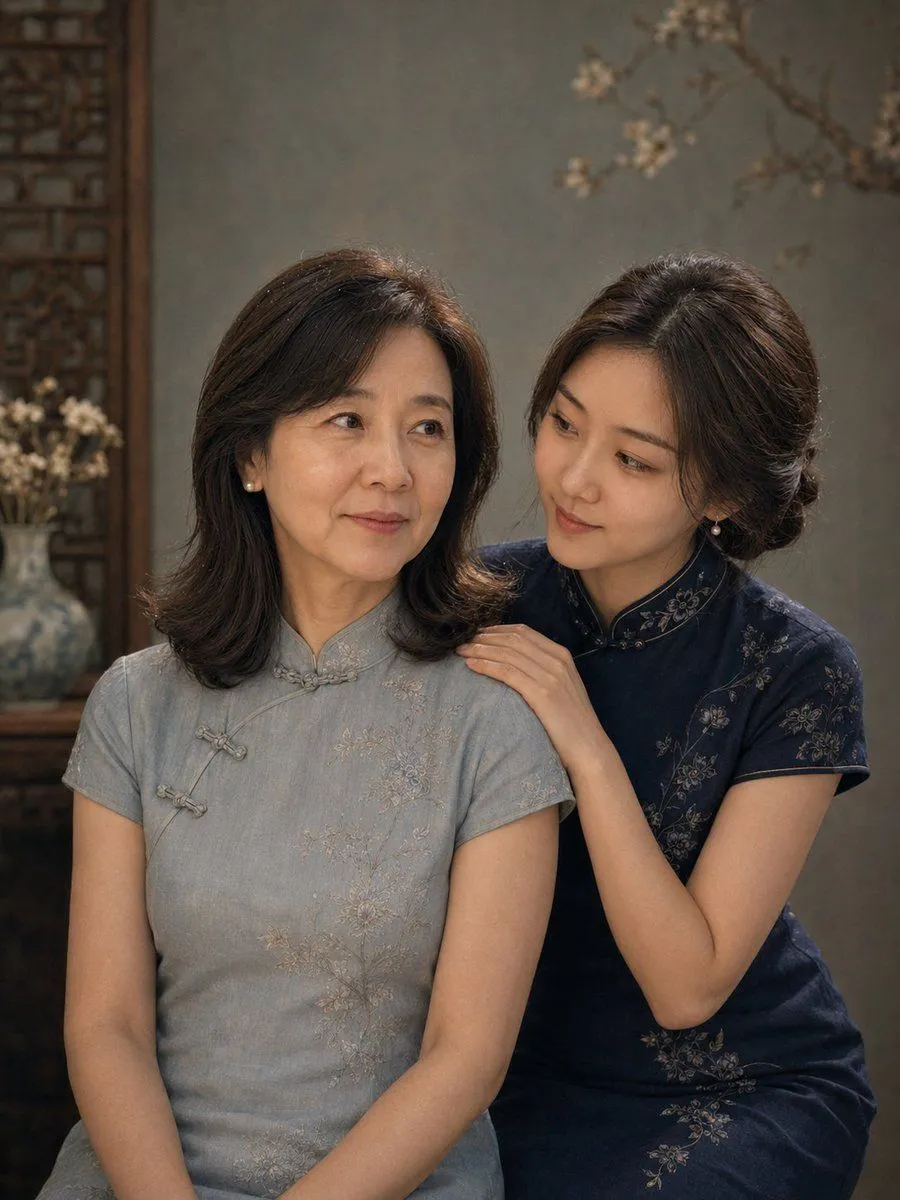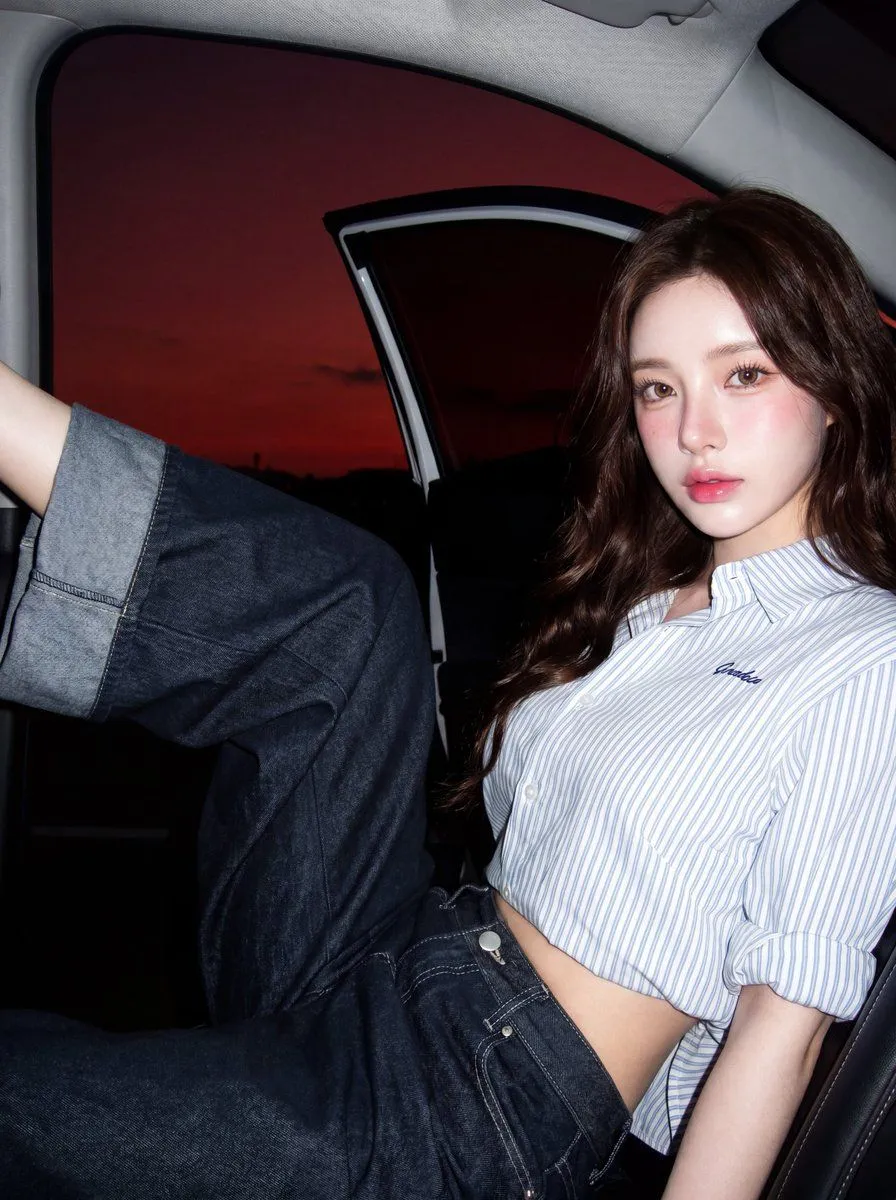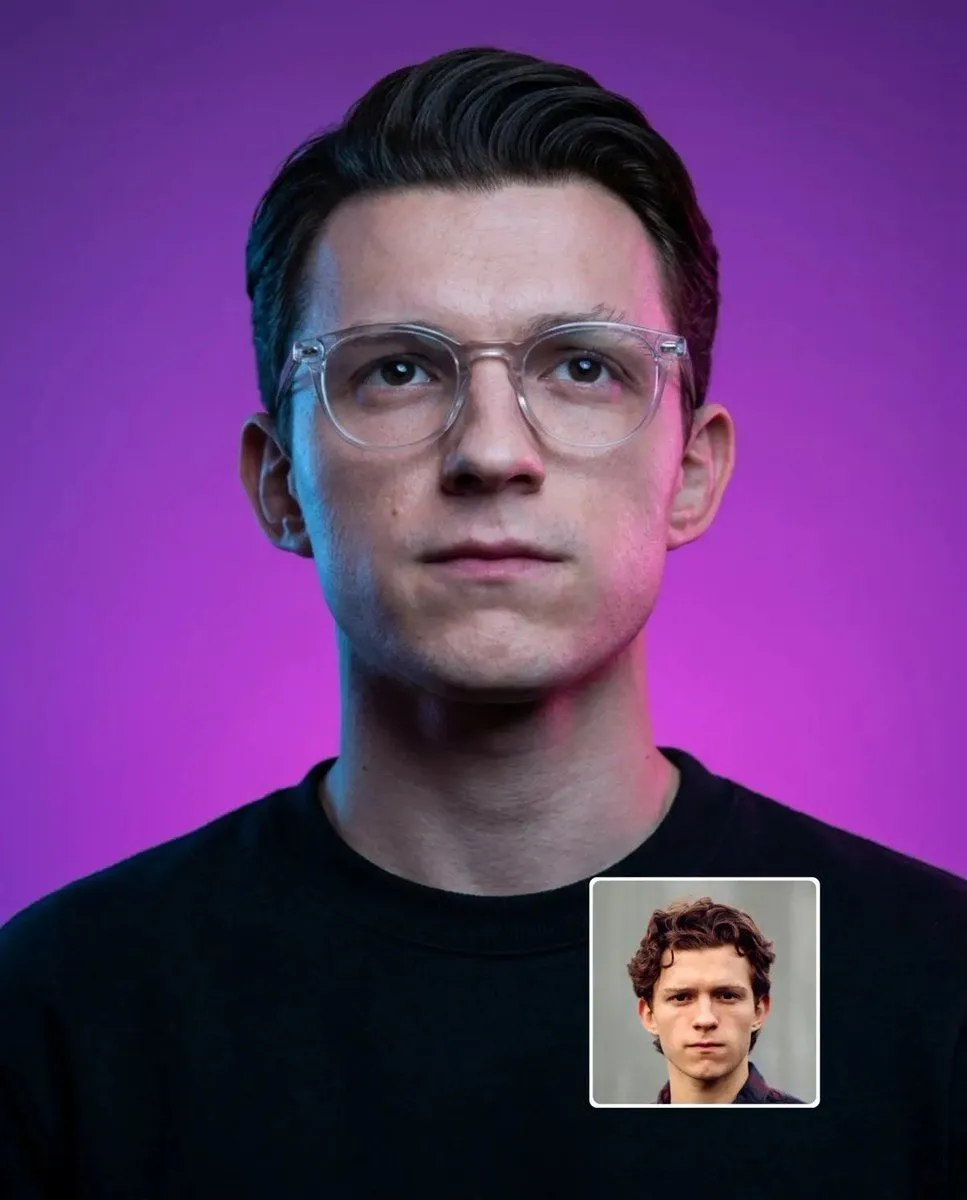
Made with GPT Image 2 in ChatGPT by Library Avatars. Promptclay never generates images.
Magenta and Cyan Rim-Lit Studio Portrait
Prompt
2 blanks to fillUltra-realistic studio portrait of a person transformed to resemble the reference face, centered composition, head-and-shoulders framing, neutral facial expression, looking directly at the camera, wearing a {clothing} and {accessories}, clean modern haircut matching the reference, detailed skin texture, subtle facial hair if applicable, cinematic magenta and cyan rim lighting, smooth purple gradient background, soft beauty lighting, high contrast, sharp focus, 85mm lens, shallow depth of field, photorealistic, ultra-detailed, editorial photography, symmetrical composition, 8K. Place a small inset reference image in the bottom-right corner with a thin white rounded border. Negative prompt: low quality, blurry, cartoon, painting, overprocessed skin, extra facial features, asymmetrical eyes, distorted glasses, bad anatomy, noise, watermark, text, logo, oversaturated colors, cropped head, duplicate features.
Preview of your prompt
Ultra-realistic studio portrait of a person transformed to resemble the reference face, centered composition, head-and-shoulders framing, neutral facial expression, looking directly at the camera, wearing a plain black crewneck sweatshirt and transparent acetate eyeglasses, clean modern haircut matching the reference, detailed skin texture, subtle facial hair if applicable, cinematic magenta and cyan rim lighting, smooth purple gradient background, soft beauty lighting, high contrast, sharp focus, 85mm lens, shallow depth of field, photorealistic, ultra-detailed, editorial photography, symmetrical composition, 8K. Place a small inset reference image in the bottom-right corner with a thin white rounded border. Negative prompt: low quality, blurry, cartoon, painting, overprocessed skin, extra facial features, asymmetrical eyes, distorted glasses, bad anatomy, noise, watermark, text, logo, oversaturated colors, cropped head, duplicate features.
DetailsVersions, settings and questions
Written for
What's in the prompt
- Subject
- Model
- GPT Image 2
If your face changes
keep my face exactly the sameQuestions
- Does this work in the ChatGPT app?
- Yes. Paste the prompt and attach your photo if it uses one.
- It changed my face. What do I do?
- Add "keep my face exactly the same" to the end and run it again.
- Can I use the images I make?
- Check the terms of the app you use. Promptclay never generates images and claims nothing you make.