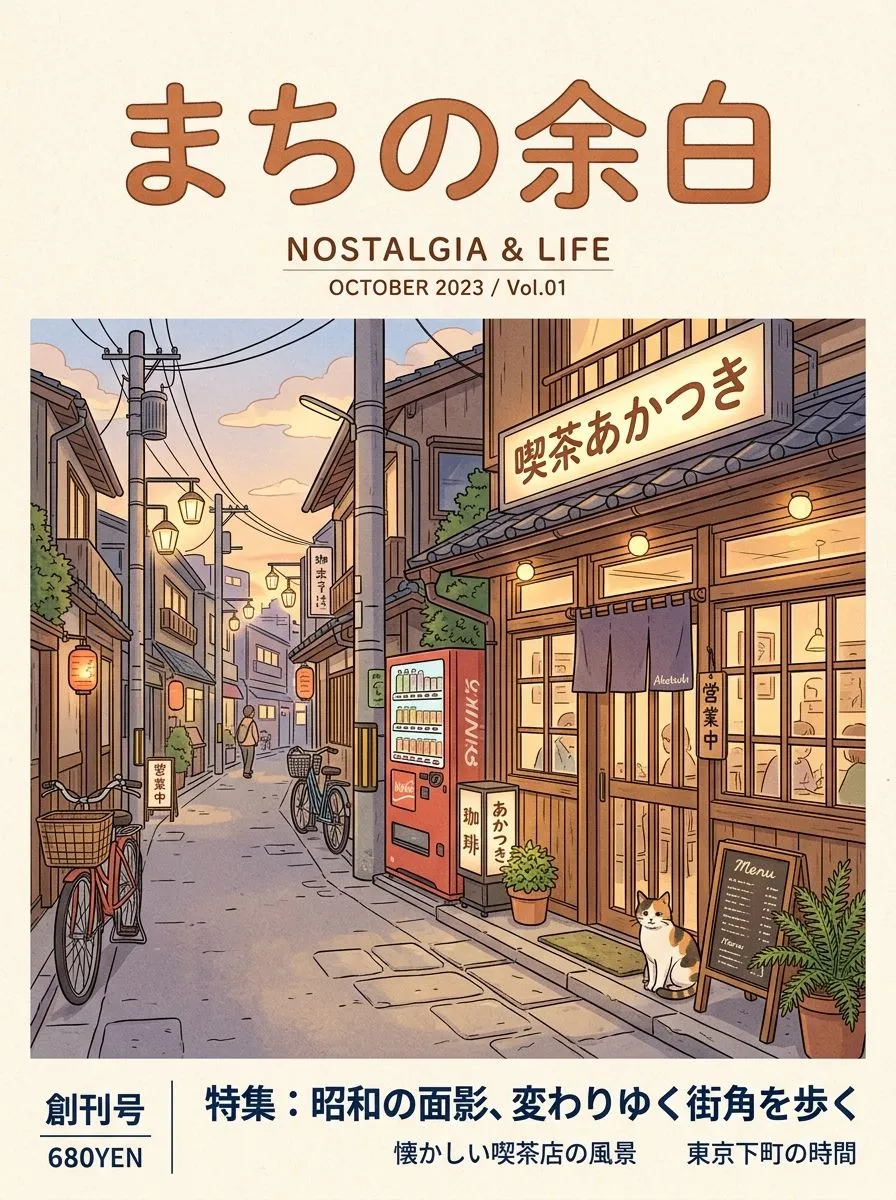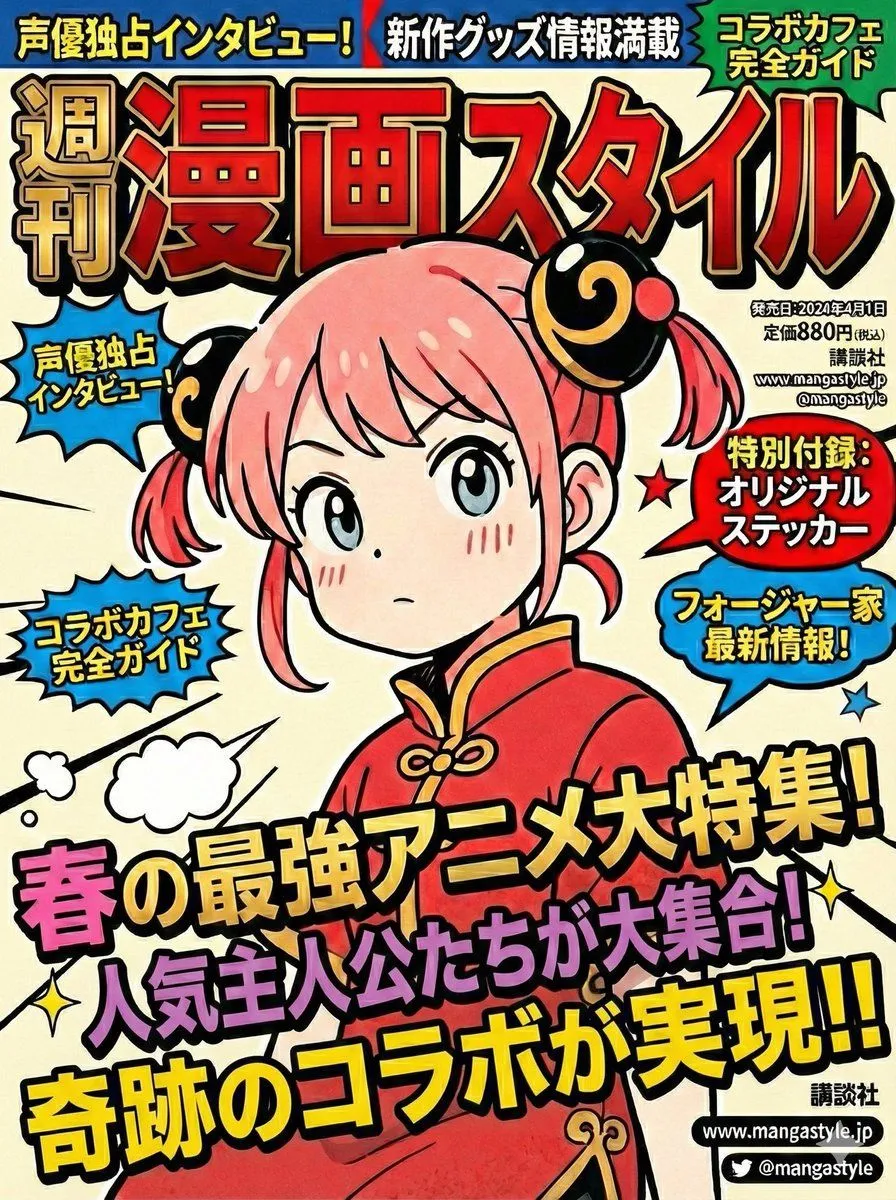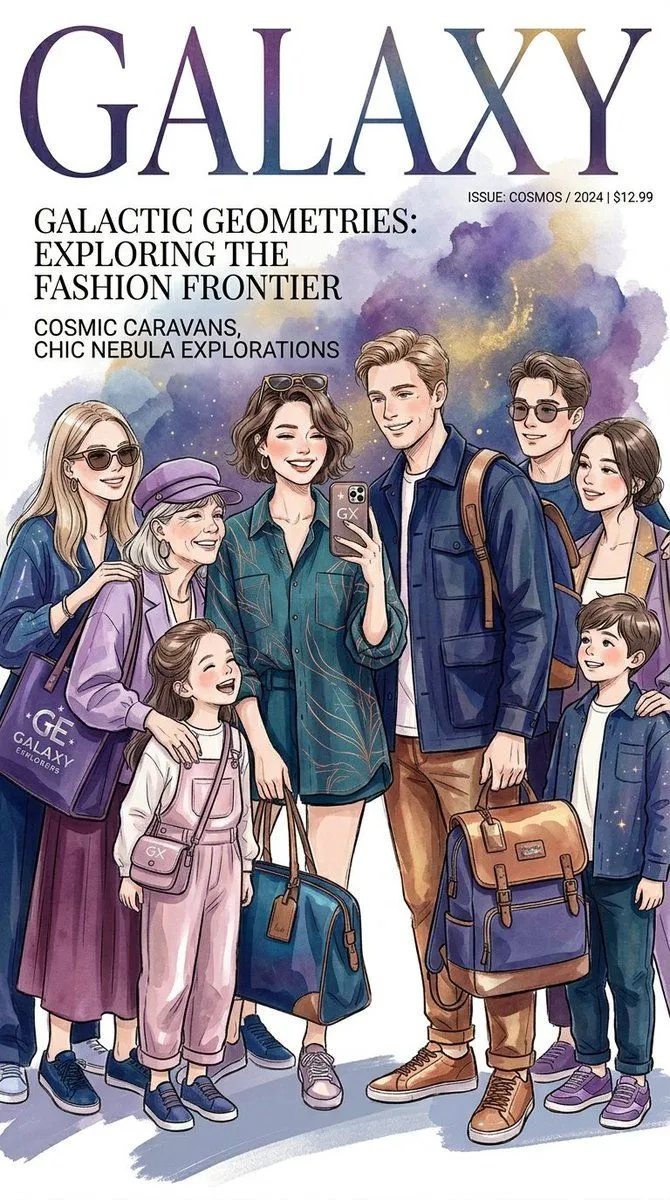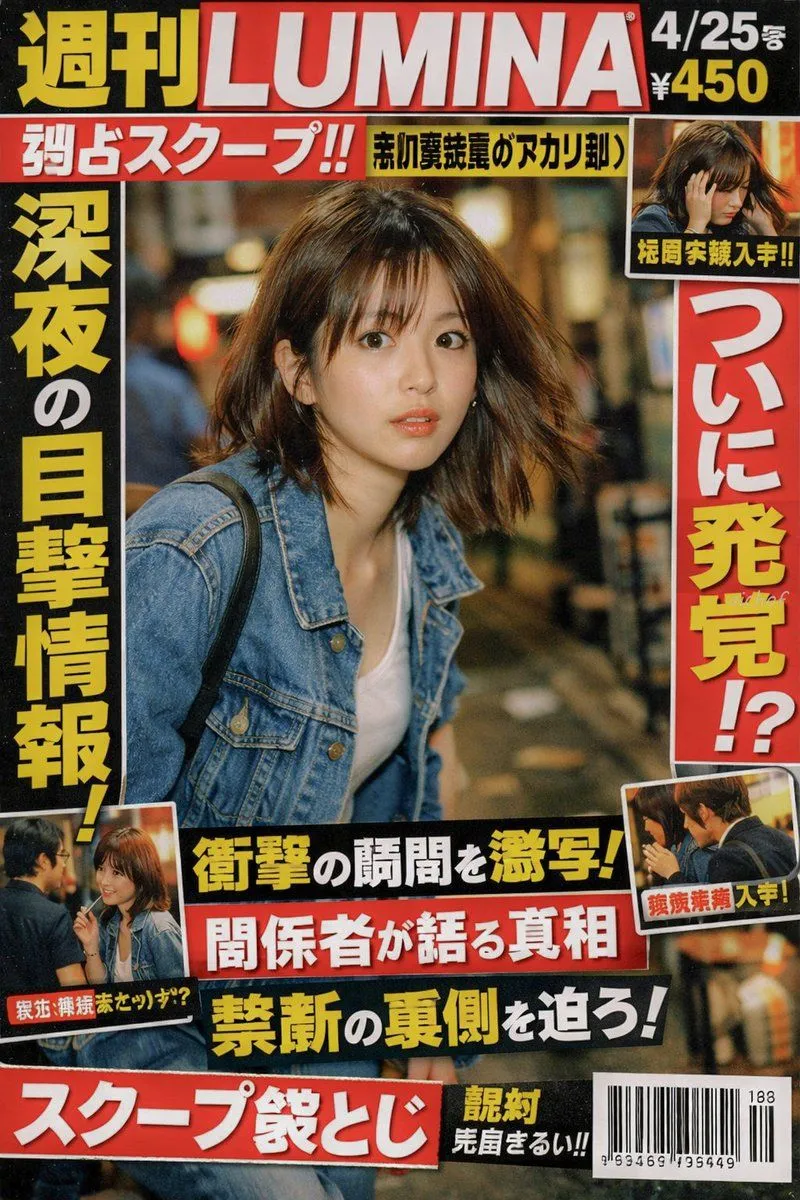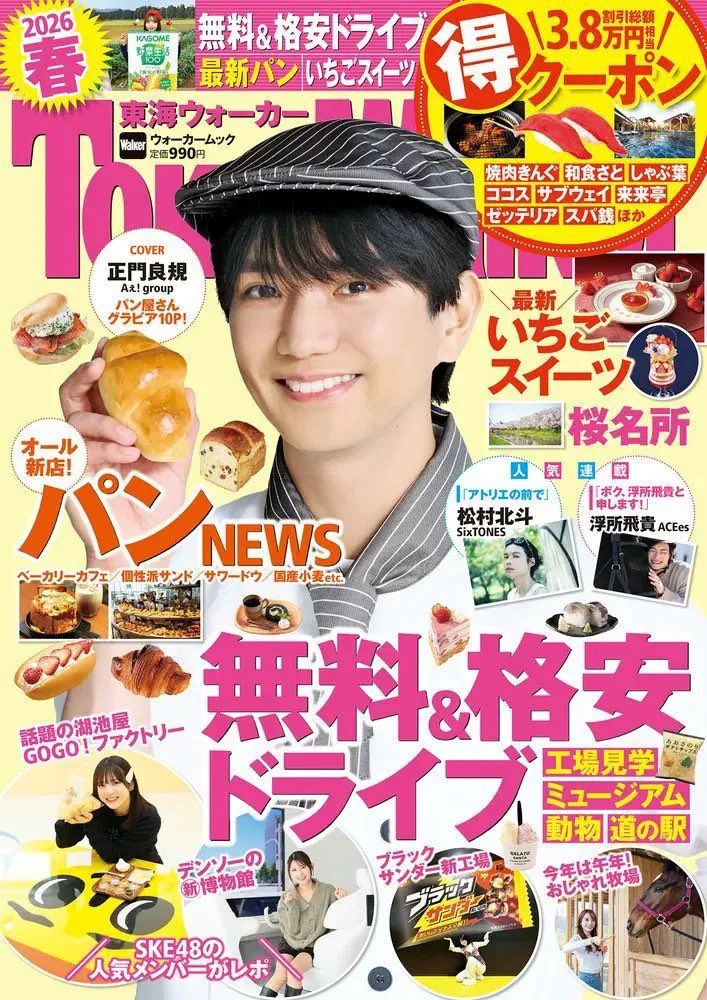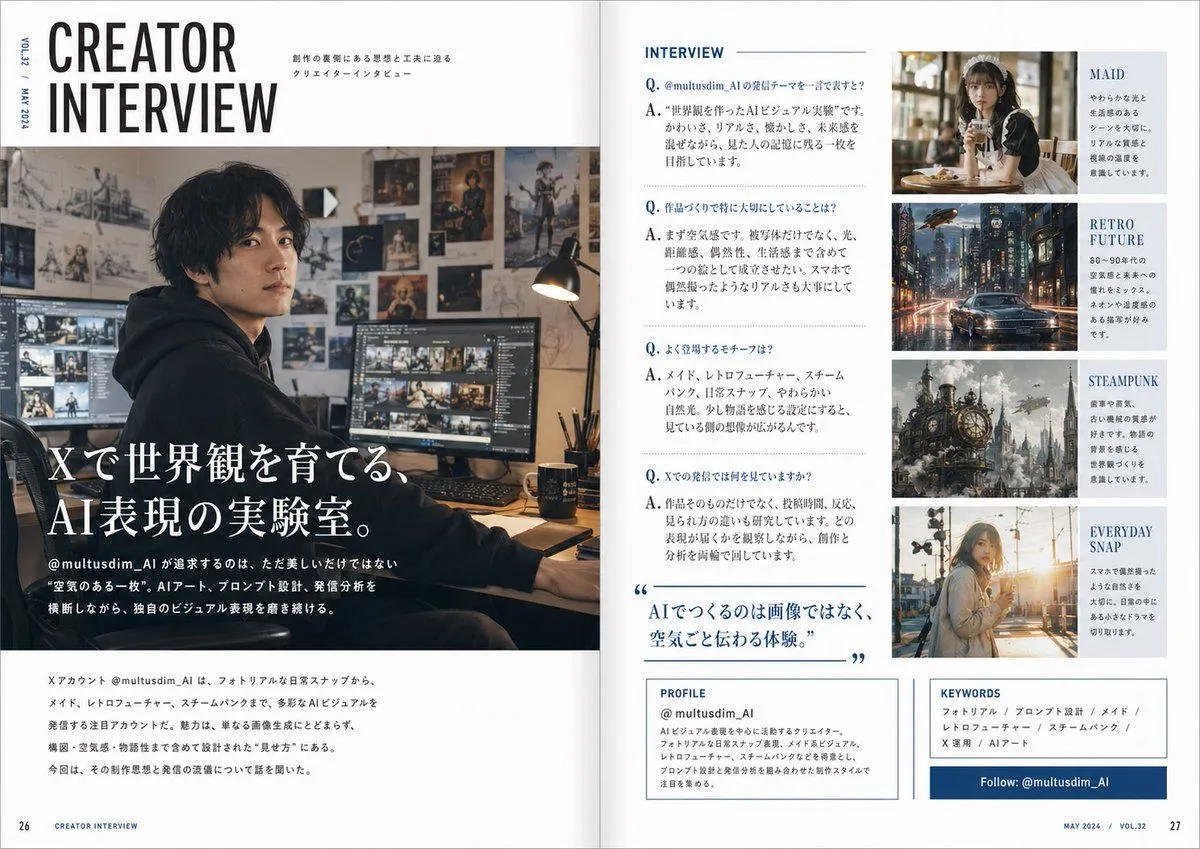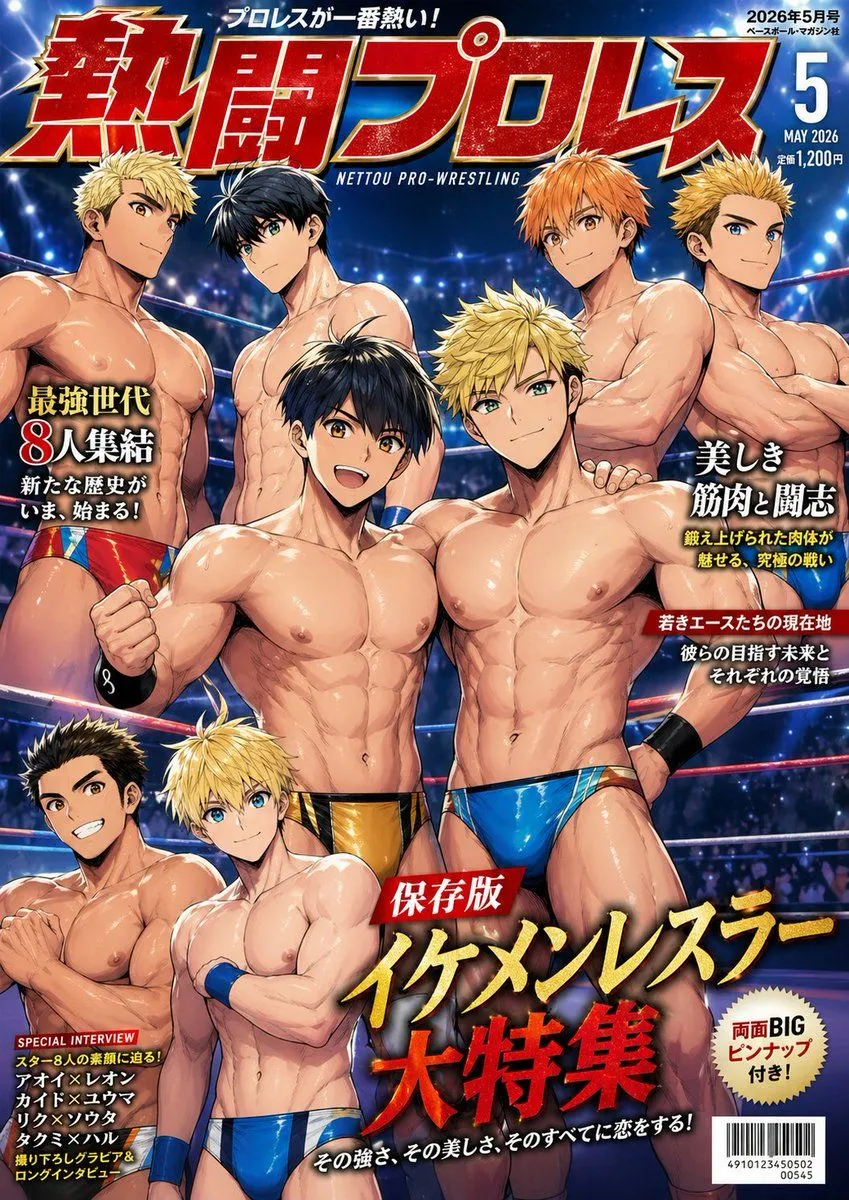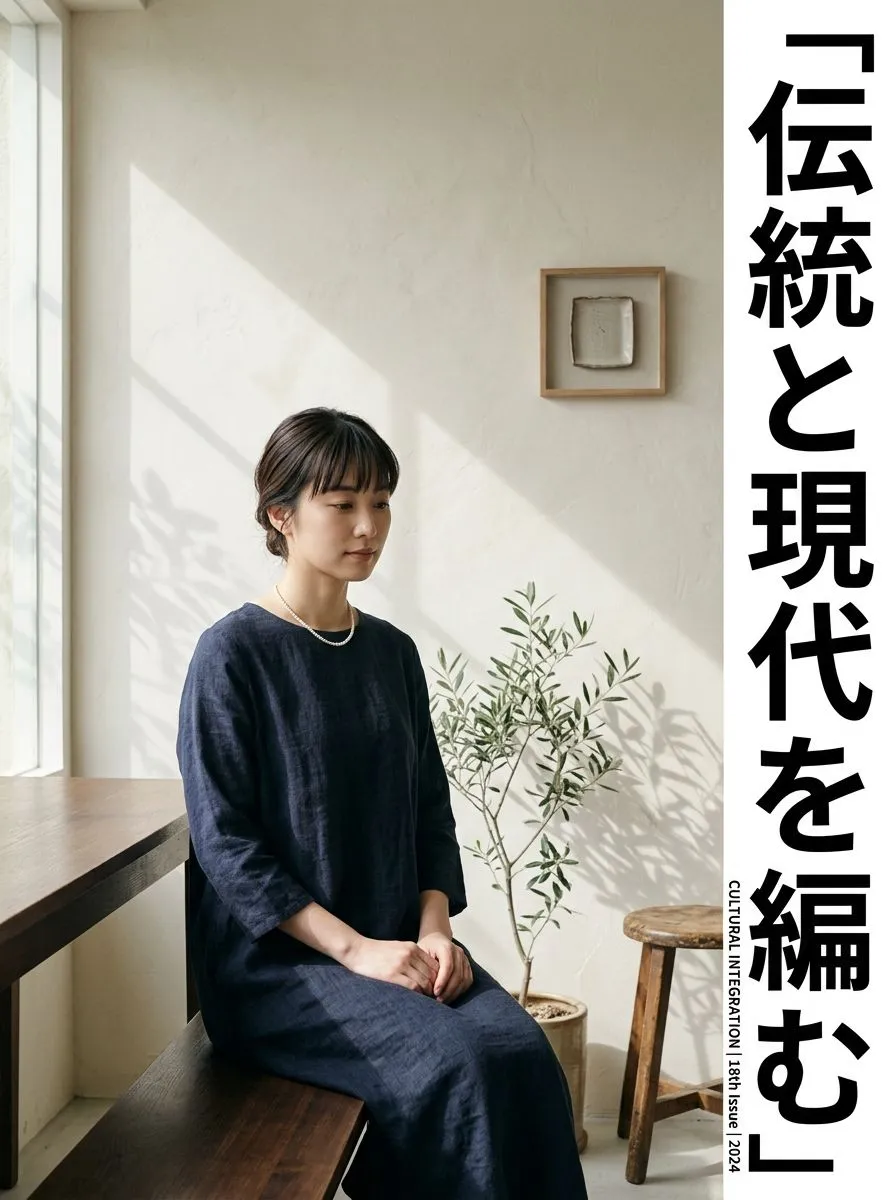
Made with Nano Banana Pro in Gemini by Library Social. Promptclay never generates images.
Did it work?
No reports yet. Tell others if it worked for you.
Magazine Cover Generation Based on Birth Date Prompt
Prompt
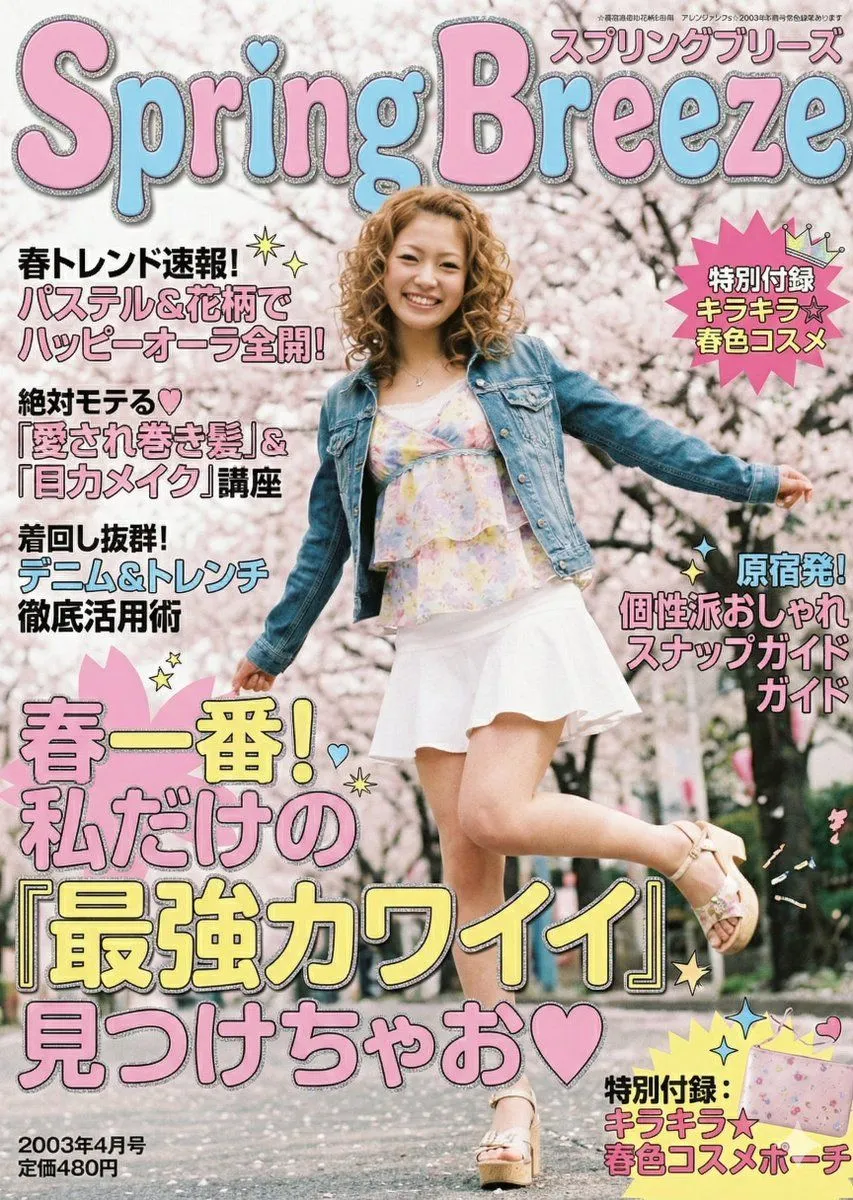
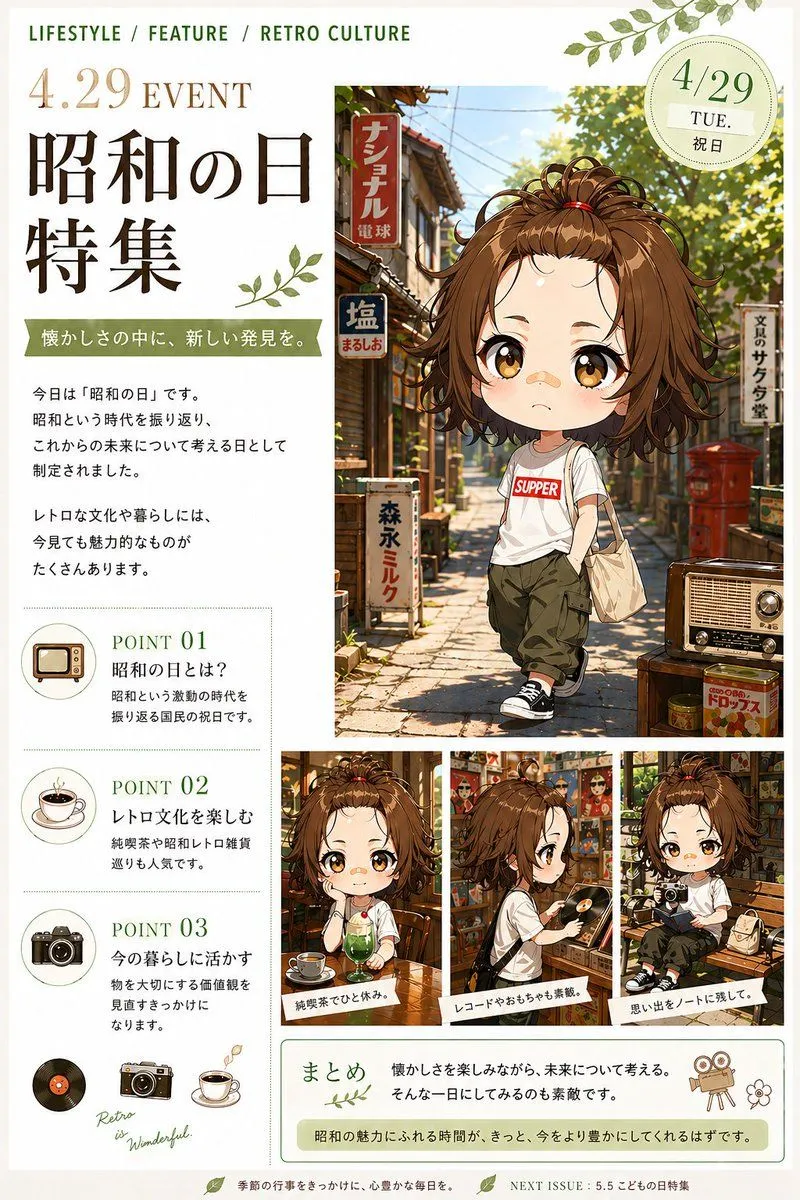
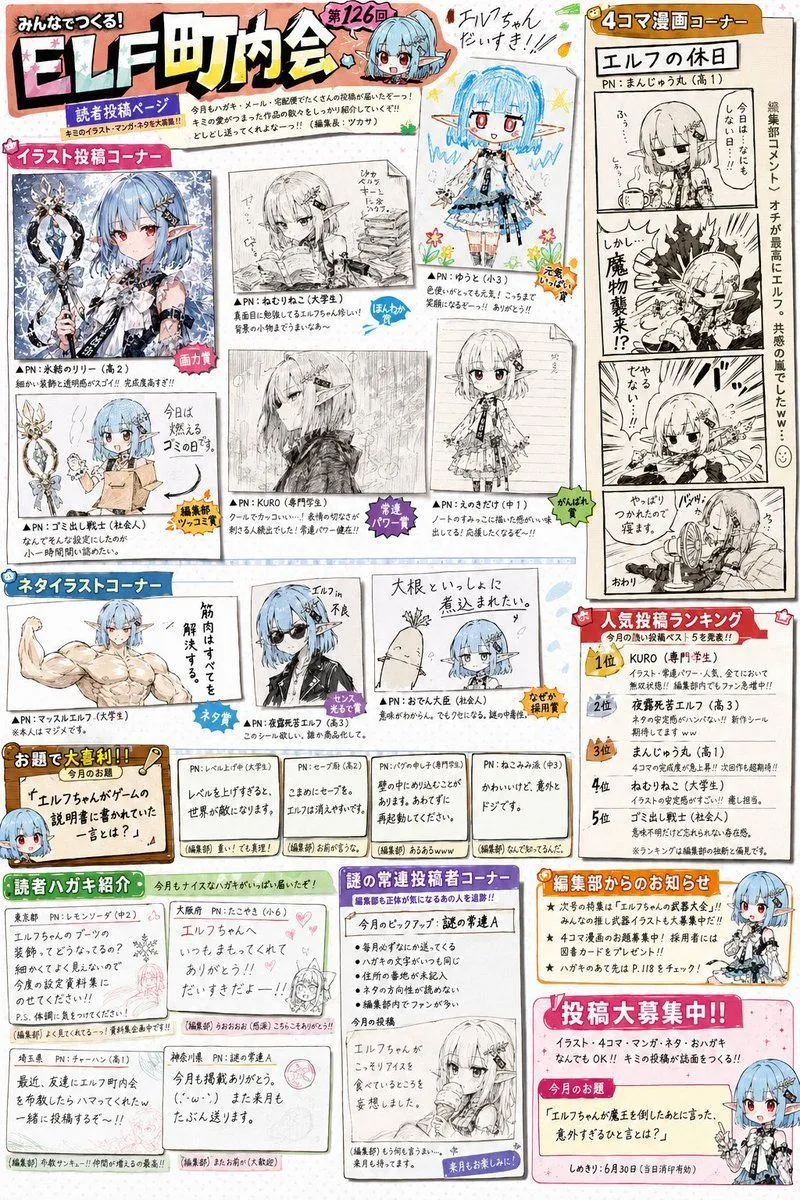
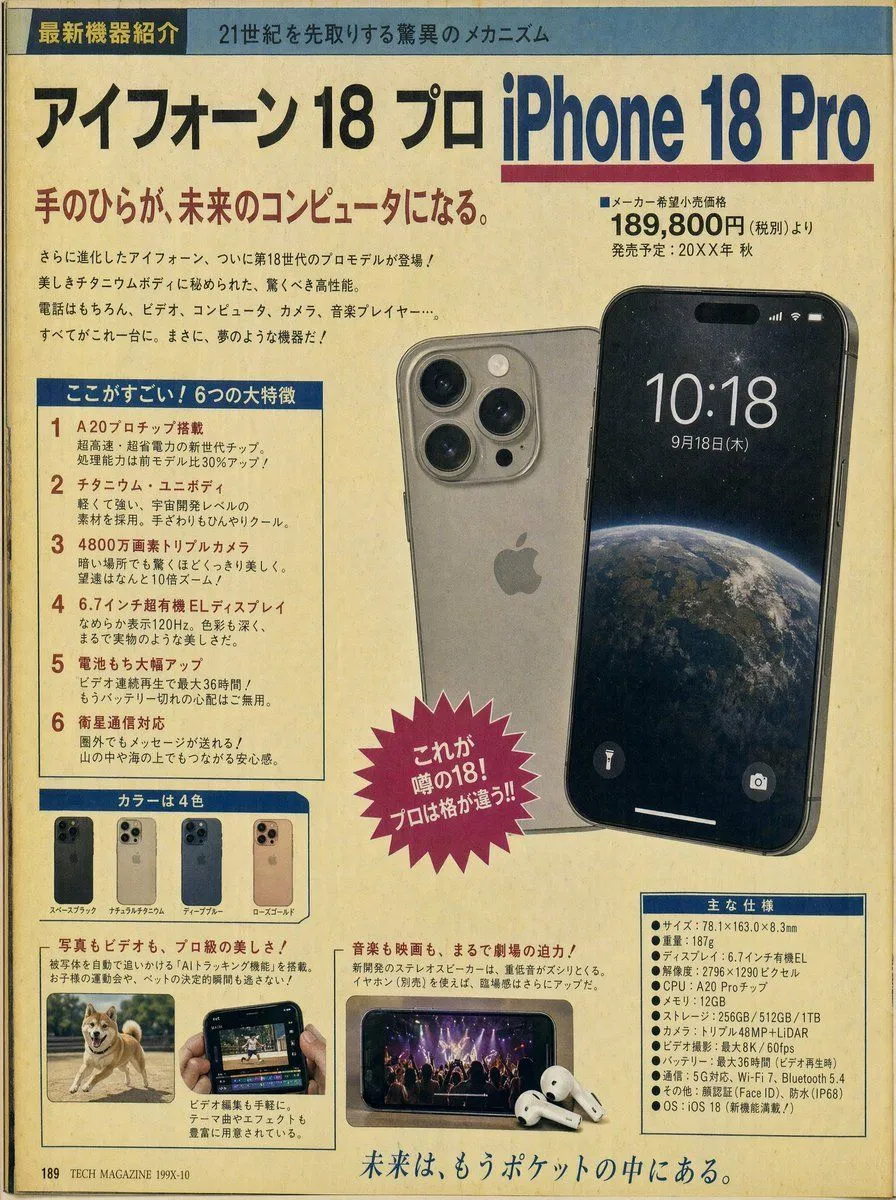
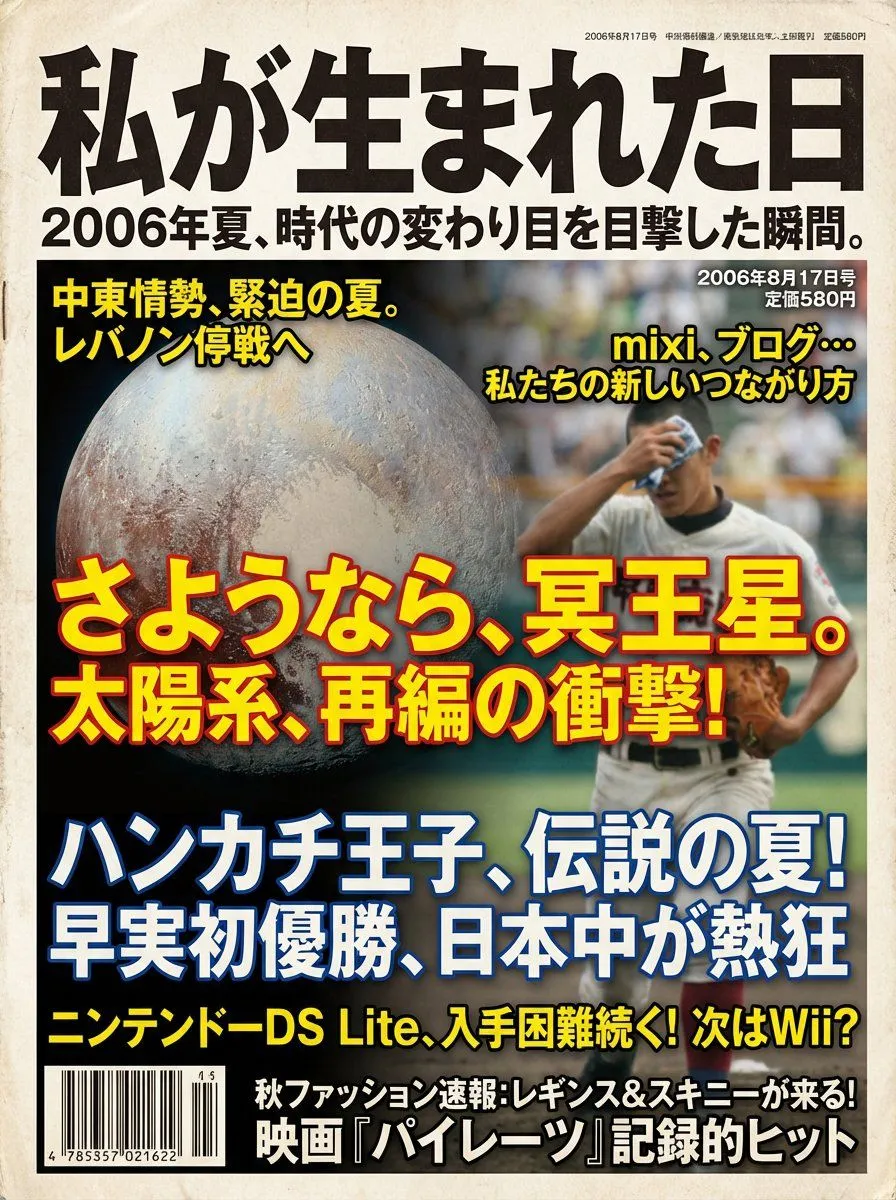
1 blank to fill【Instruction Content】 Based on the user-inputted date, "The Day I Was Born ({birth_date})," select 3 to 5 major news stories that were trending on or around that date, summarize the information including the culture and trends of that era, and generate a “general magazine cover image” laid out with that content as magazine headlines. 【Procedure (Your internal processing)】 1. Read the user's birth date and pick up multiple major news stories reported during that period. 2. Extract the design trends of that era (fonts, colors, paper quality, photo tone, layout). 3. Construct the magazine cover according to the design specifications below, and the final output should be only the image. 【Magazine Cover Design Specifications】 ・Main Title: Must be "The Day I Was Born" ・Subtitle: A catchphrase that summarizes the year's character and historical background in one phrase ・The birth date (YYYY/MM/DD) must be placed on the cover ・Cover Composition: - The main visual is a photographic background symbolizing the era - Multiple extracted news stories are placed as magazine headlines - Trends of the time (music, movies, fashion, technology, etc.) are also made into auxiliary headlines ・Design Style: - Fonts, colors, photo graininess, and paper texture typical of a magazine from the birth year - Highly visible headline structure ・Text should be proofread into correct Japanese, and repeating the same sentence is prohibited ・Aspect Ratio: Vertical (Recommended 3:4) ・Quality: A realistic magazine cover with the texture of a printed material
Preview of your prompt
【Instruction Content】 Based on the user-inputted date, "The Day I Was Born (1994/6/15)," select 3 to 5 major news stories that were trending on or around that date, summarize the information including the culture and trends of that era, and generate a “general magazine cover image” laid out with that content as magazine headlines. 【Procedure (Your internal processing)】 1. Read the user's birth date and pick up multiple major news stories reported during that period. 2. Extract the design trends of that era (fonts, colors, paper quality, photo tone, layout). 3. Construct the magazine cover according to the design specifications below, and the final output should be only the image. 【Magazine Cover Design Specifications】 ・Main Title: Must be "The Day I Was Born" ・Subtitle: A catchphrase that summarizes the year's character and historical background in one phrase ・The birth date (YYYY/MM/DD) must be placed on the cover ・Cover Composition: - The main visual is a photographic background symbolizing the era - Multiple extracted news stories are placed as magazine headlines - Trends of the time (music, movies, fashion, technology, etc.) are also made into auxiliary headlines ・Design Style: - Fonts, colors, photo graininess, and paper texture typical of a magazine from the birth year - Highly visible headline structure ・Text should be proofread into correct Japanese, and repeating the same sentence is prohibited ・Aspect Ratio: Vertical (Recommended 3:4) ・Quality: A realistic magazine cover with the texture of a printed material
DetailsVersions, settings and questions
Written for
What's in the prompt
- Subject
- Model
- Nano Banana Pro
If your face changes
keep my face exactly the sameQuestions
- Does this work in the Gemini app?
- Yes. Gemini runs Nano Banana, so paste the prompt and attach your photo if it uses one.
- It changed my face. What do I do?
- Add "keep my face exactly the same" to the end and run it again.
- Can I use the images I make?
- Check the terms of the app you use. Promptclay never generates images and claims nothing you make.