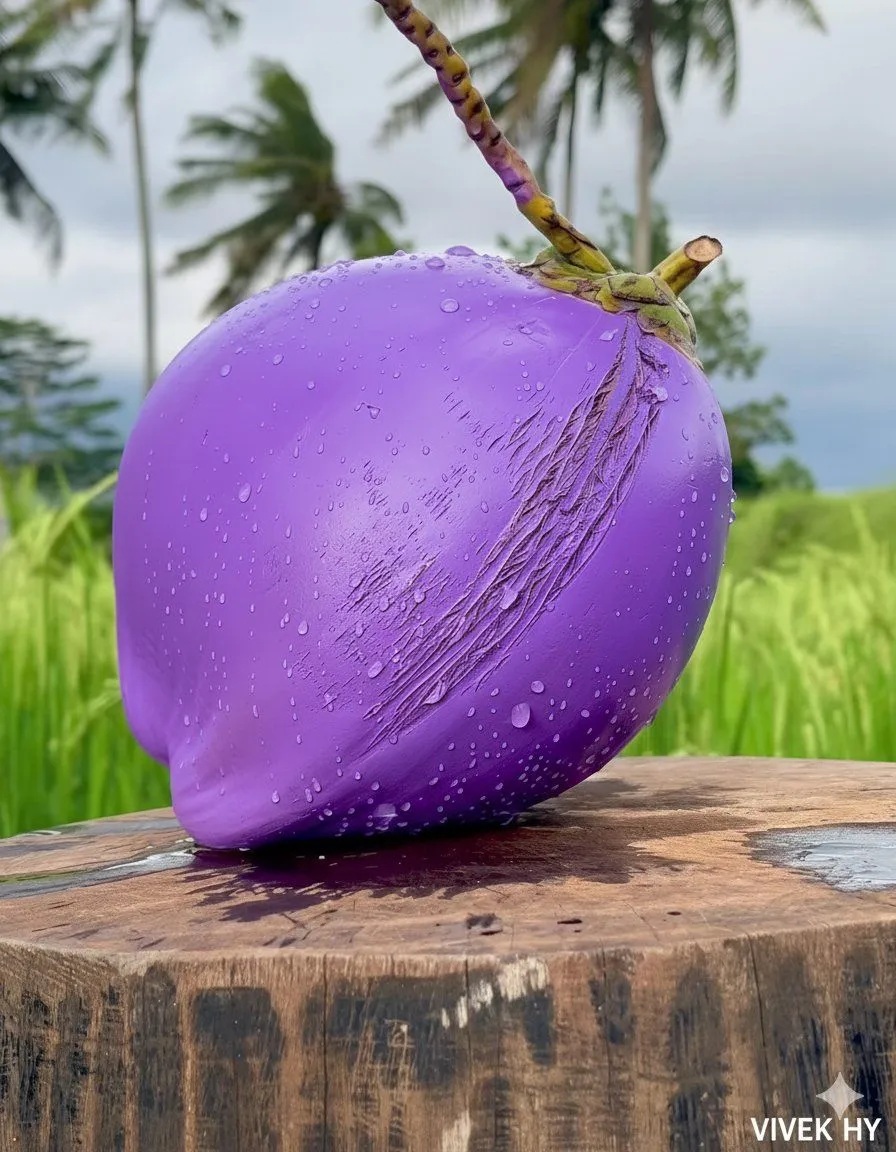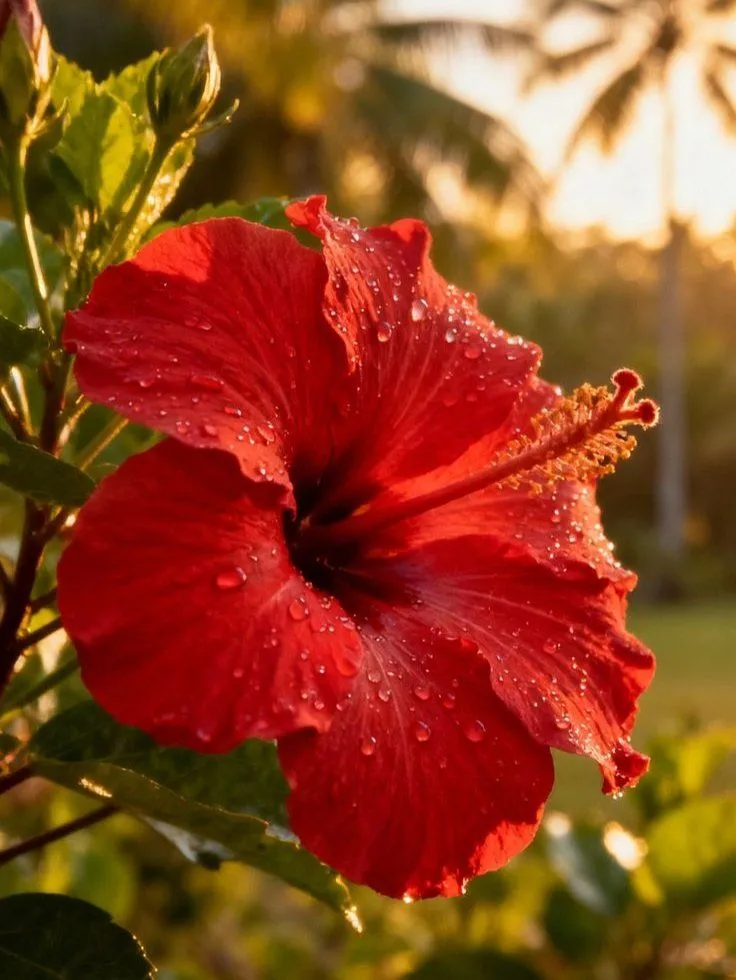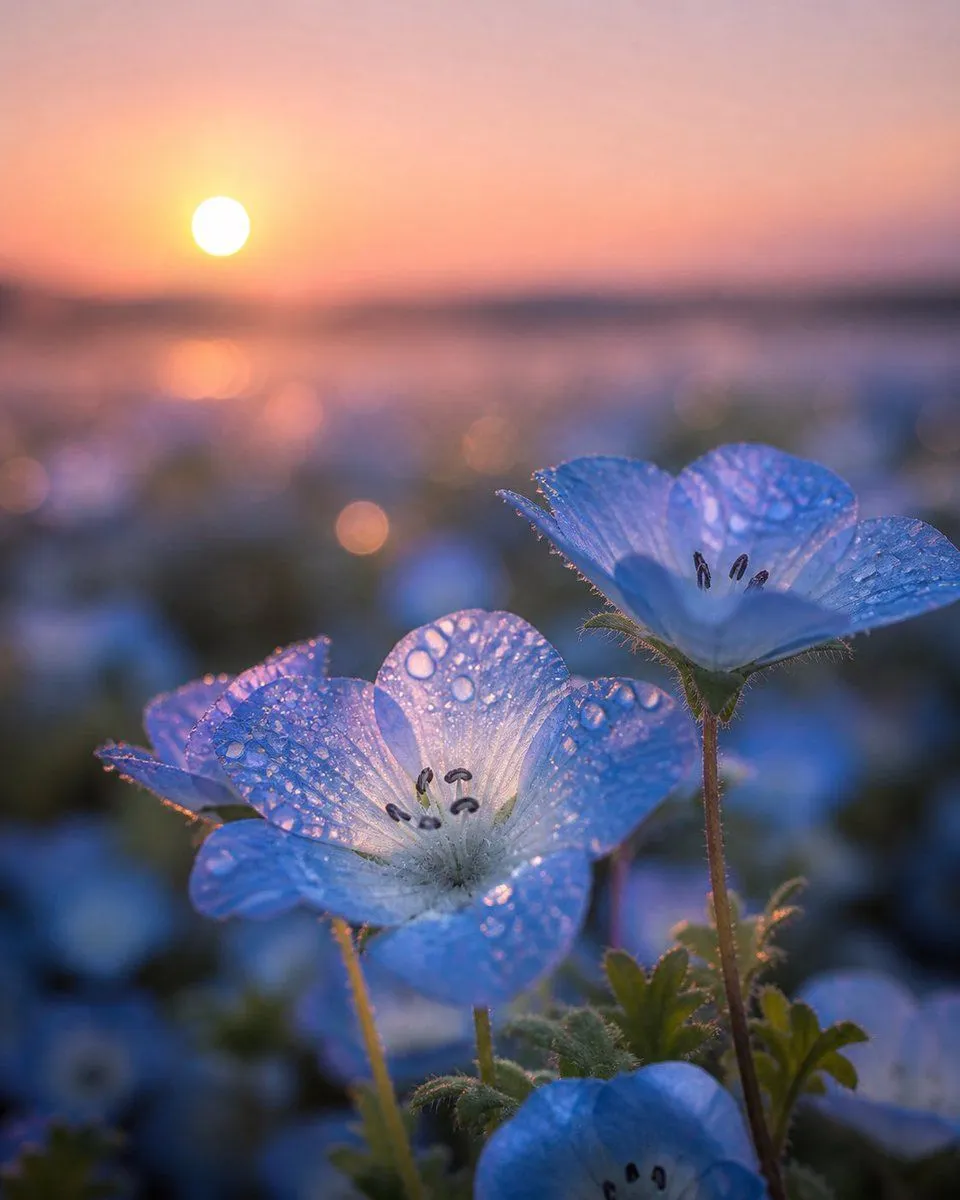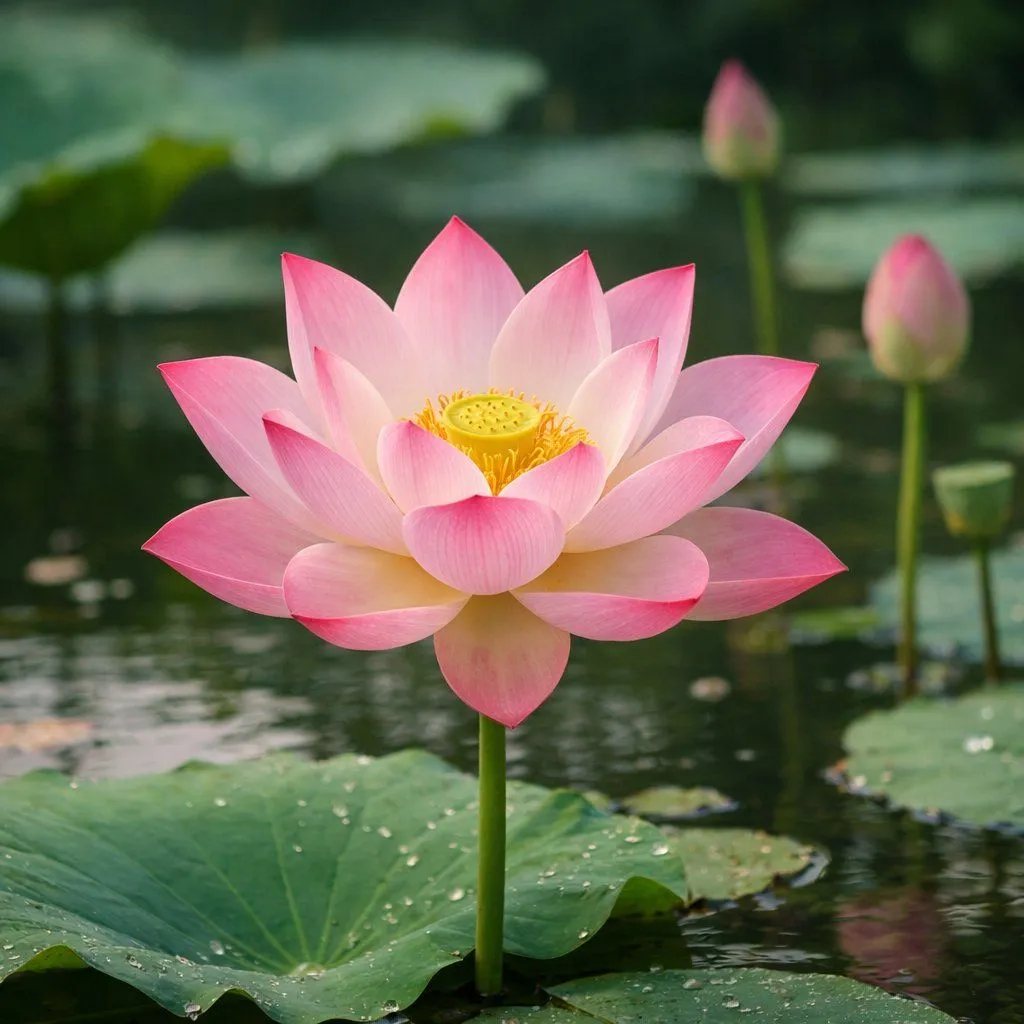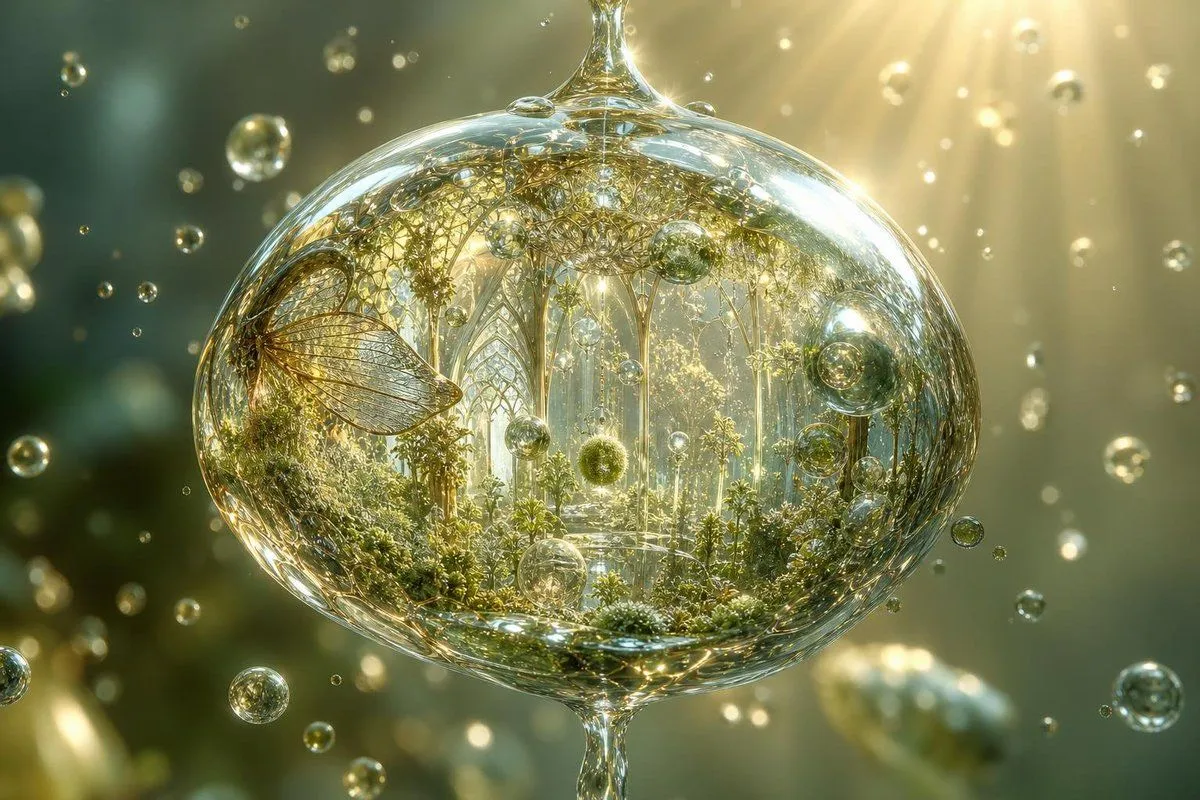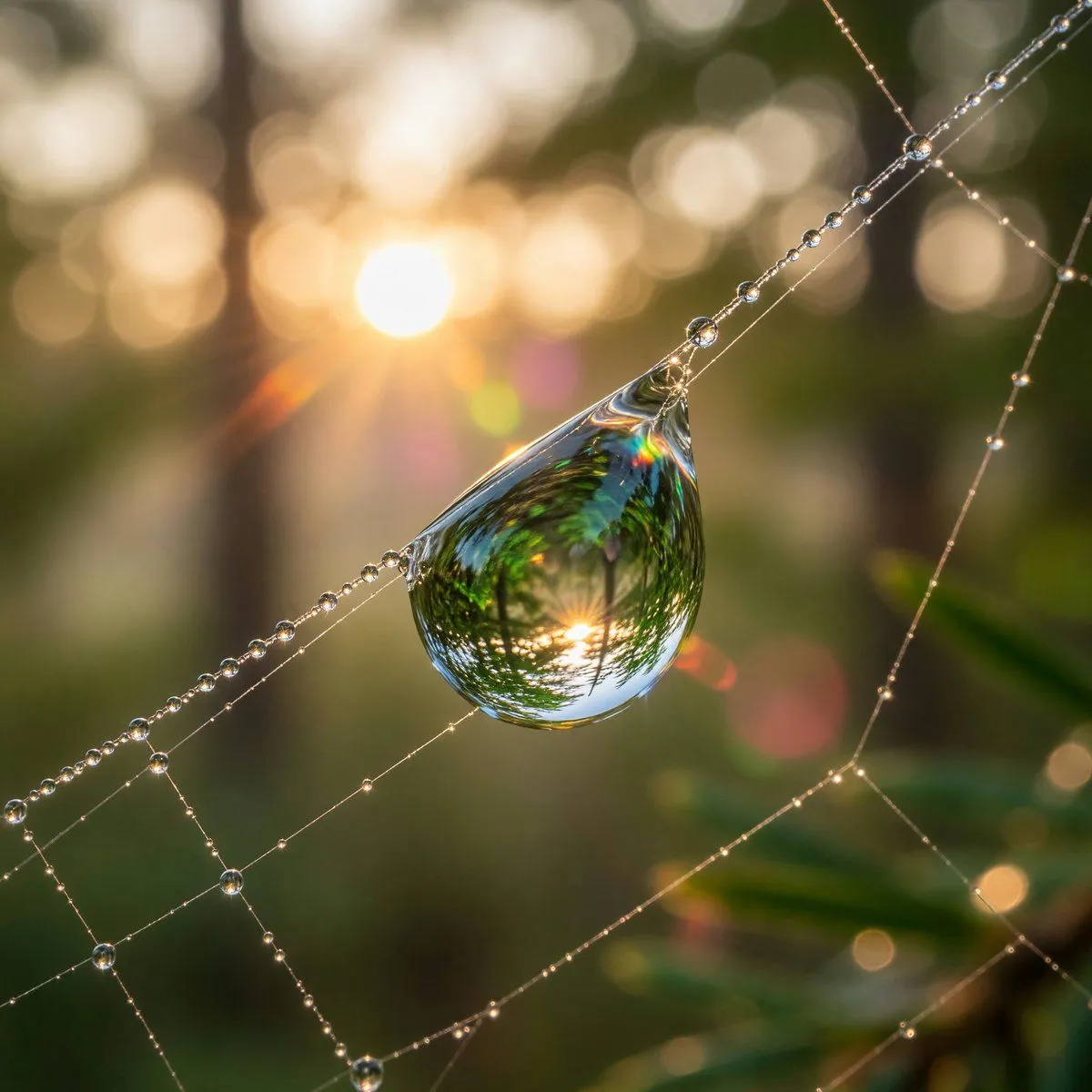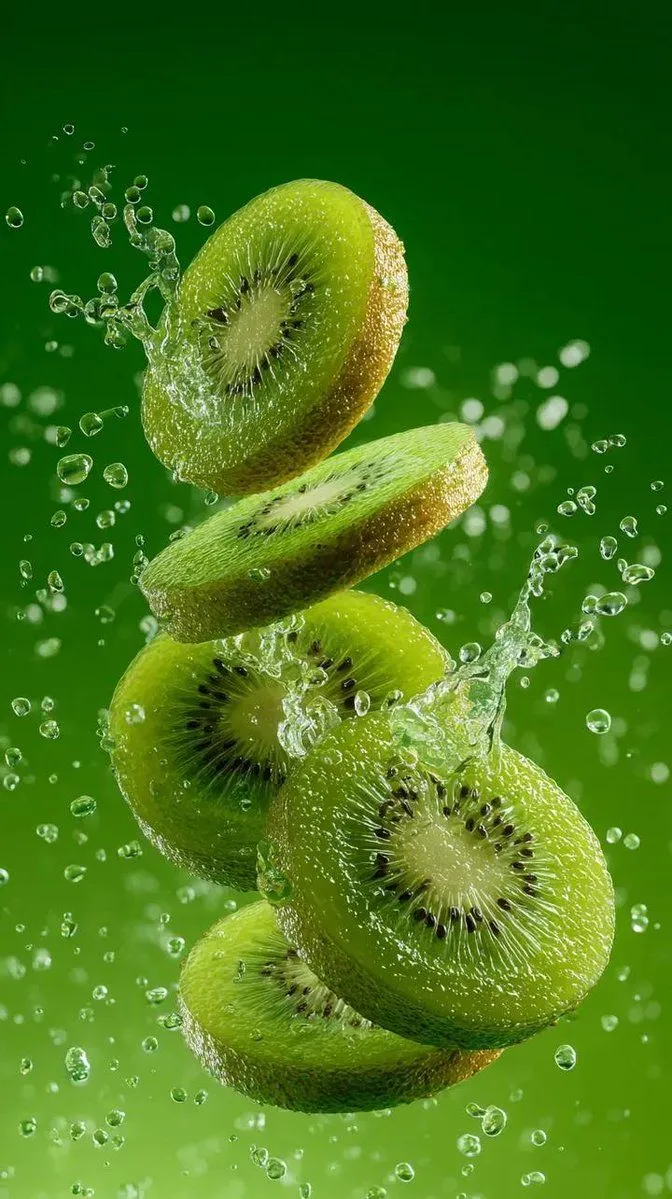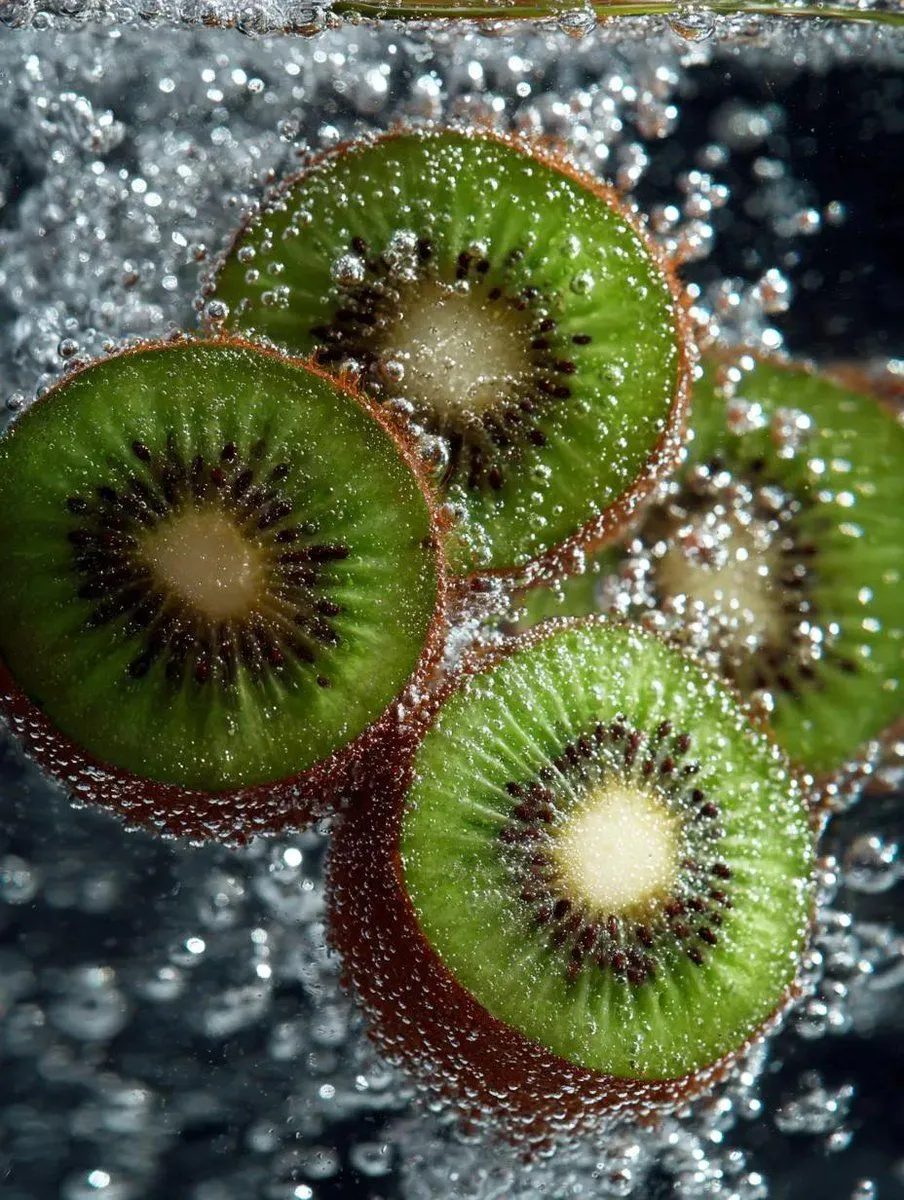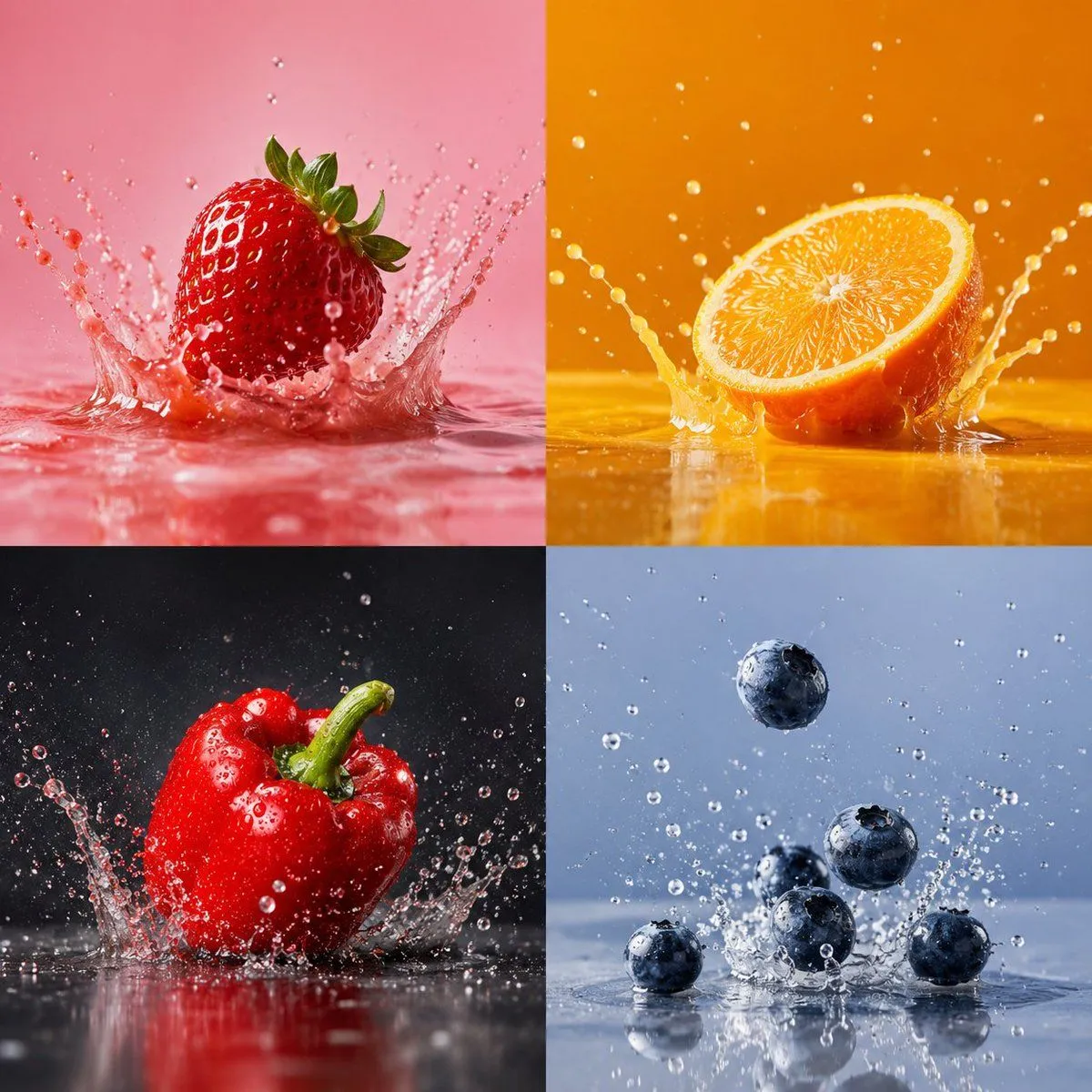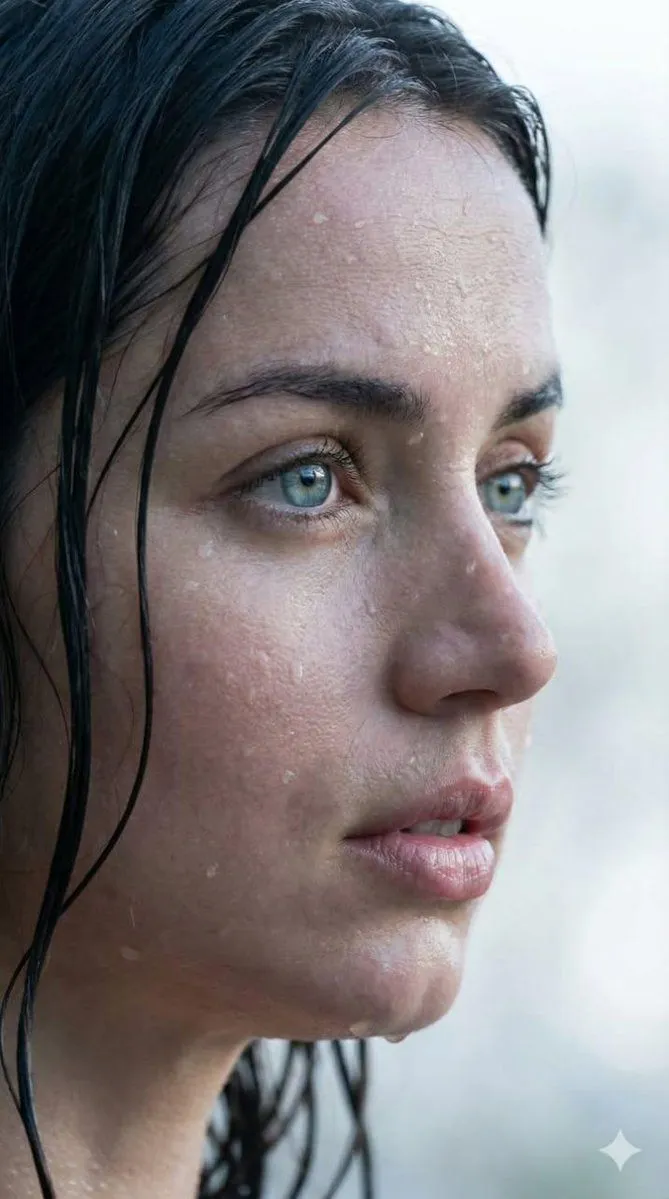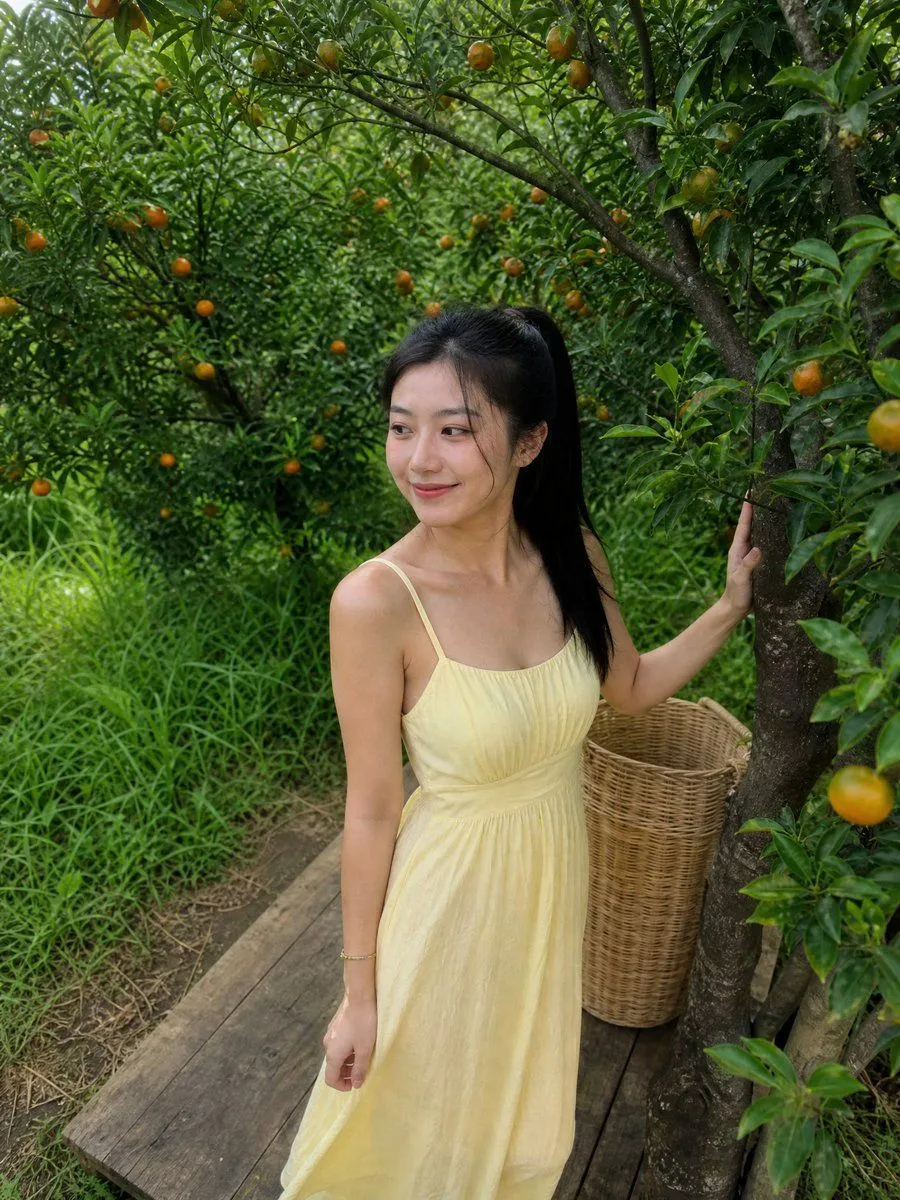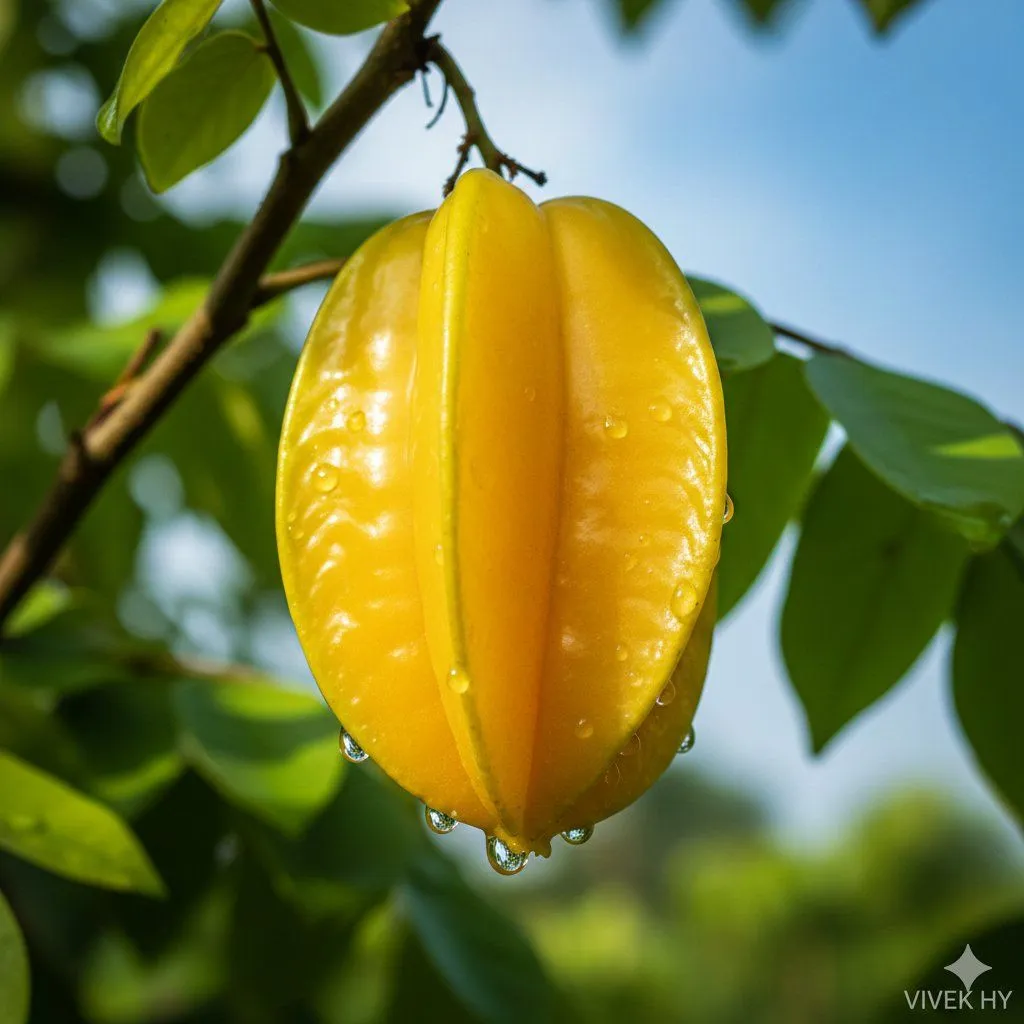
Made with Nano Banana Pro in Gemini by Library Product. Promptclay never generates images.
Did it work?
No reports yet. Tell others if it worked for you.
Macro Starfruit on Branch
Prompt
2 blanks to fill{ "subject_focus": { "object": "{fruit_color} starfruit hanging from a slender branch", "surface_details": "smooth glossy skin with visible ridges, fresh water droplets forming at the edges", "condition": "ripe and vibrant, natural sheen under soft sunlight" }, "environment_profile": { "surroundings": "green leaves with soft blur in background", "lighting": "morning natural light creating gentle highlights on fruit surface", "color_tone": "yellow fruit contrasting with cool blue sky and green foliage" }, "composition_notes": { "framing": "tight macro-style focus on single starfruit", "depth": "foreground crisp, background subtly out of focus", "mood": "fresh, natural, clean botanical aesthetic" }, "quality_spec": "{resolution} hyper-realistic clarity, crisp textures, vivid natural colors", "signature": "VIVEK HY" }
Preview of your prompt
{ "subject_focus": { "object": "bright yellow starfruit hanging from a slender branch", "surface_details": "smooth glossy skin with visible ridges, fresh water droplets forming at the edges", "condition": "ripe and vibrant, natural sheen under soft sunlight" }, "environment_profile": { "surroundings": "green leaves with soft blur in background", "lighting": "morning natural light creating gentle highlights on fruit surface", "color_tone": "yellow fruit contrasting with cool blue sky and green foliage" }, "composition_notes": { "framing": "tight macro-style focus on single starfruit", "depth": "foreground crisp, background subtly out of focus", "mood": "fresh, natural, clean botanical aesthetic" }, "quality_spec": "8K hyper-realistic clarity, crisp textures, vivid natural colors", "signature": "VIVEK HY" }
DetailsVersions, settings and questions
Written for
What's in the prompt
- Subject
- Model
- Nano Banana Pro
If your face changes
keep my face exactly the sameQuestions
- Does this work in the Gemini app?
- Yes. Gemini runs Nano Banana, so paste the prompt and attach your photo if it uses one.
- It changed my face. What do I do?
- Add "keep my face exactly the same" to the end and run it again.
- Can I use the images I make?
- Check the terms of the app you use. Promptclay never generates images and claims nothing you make.