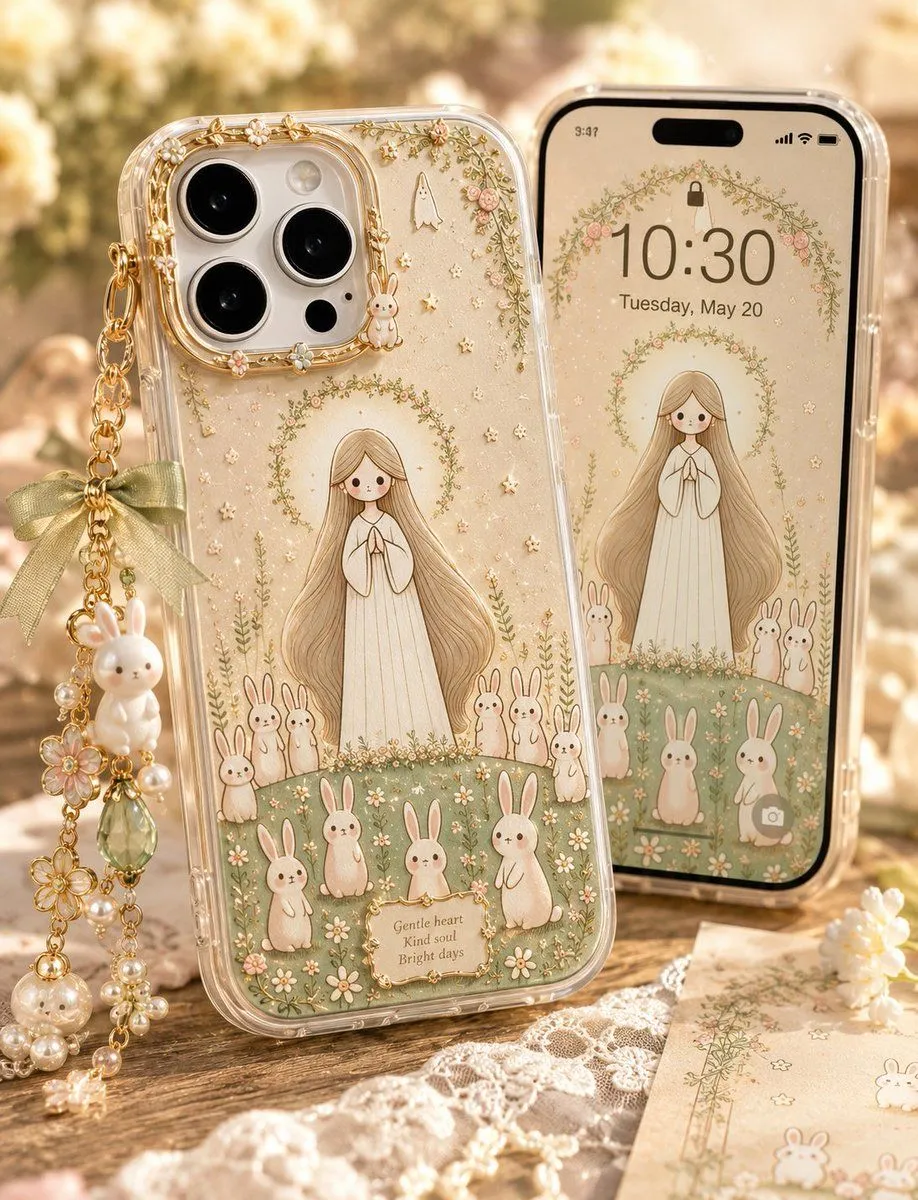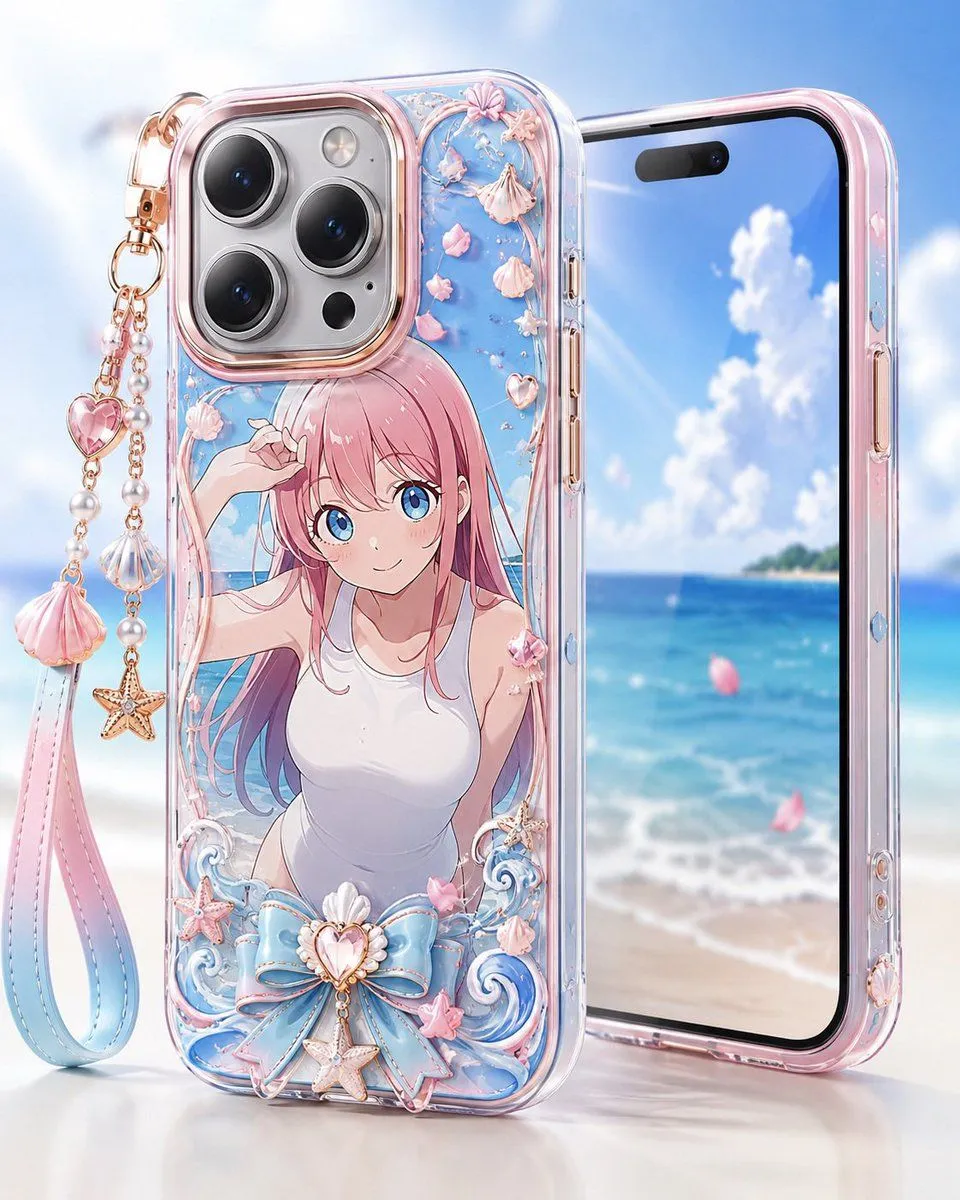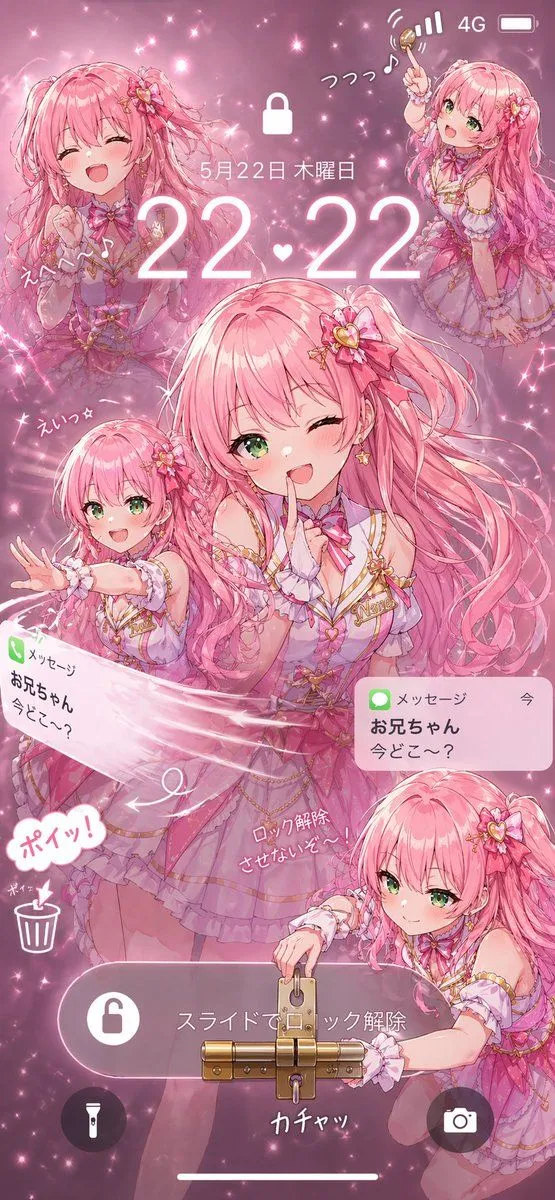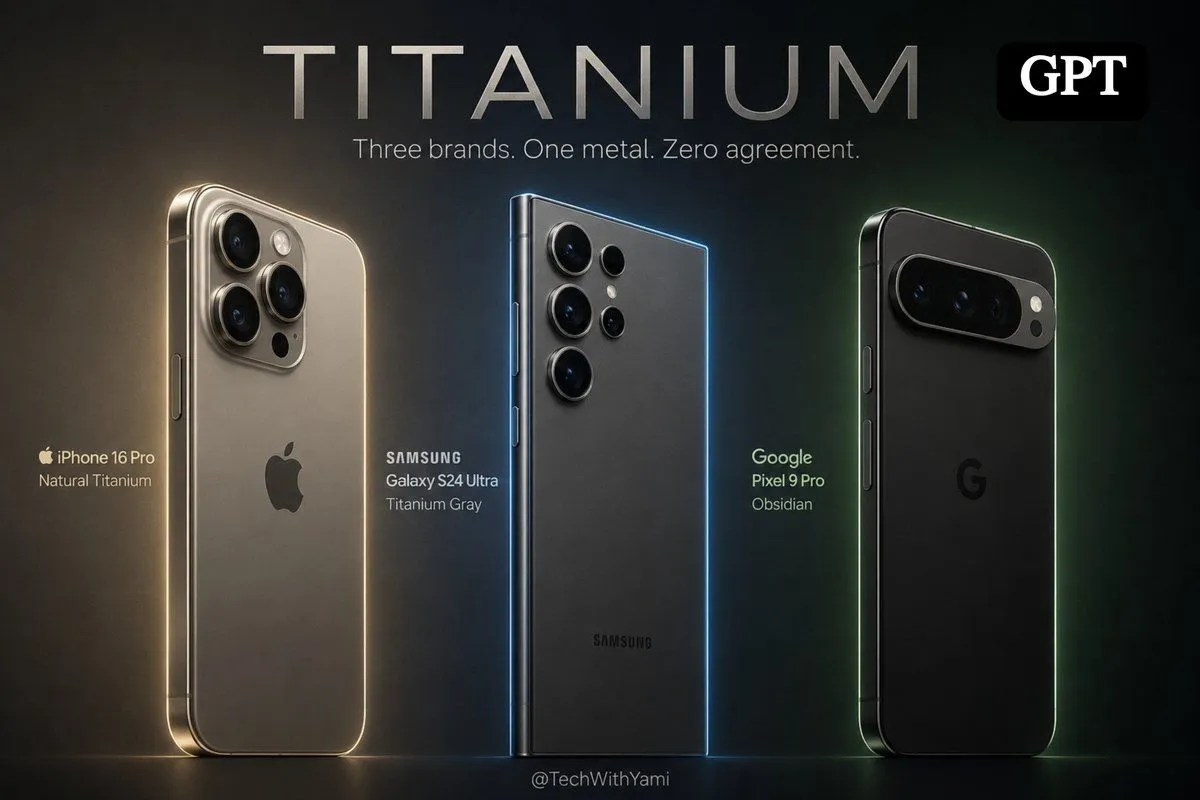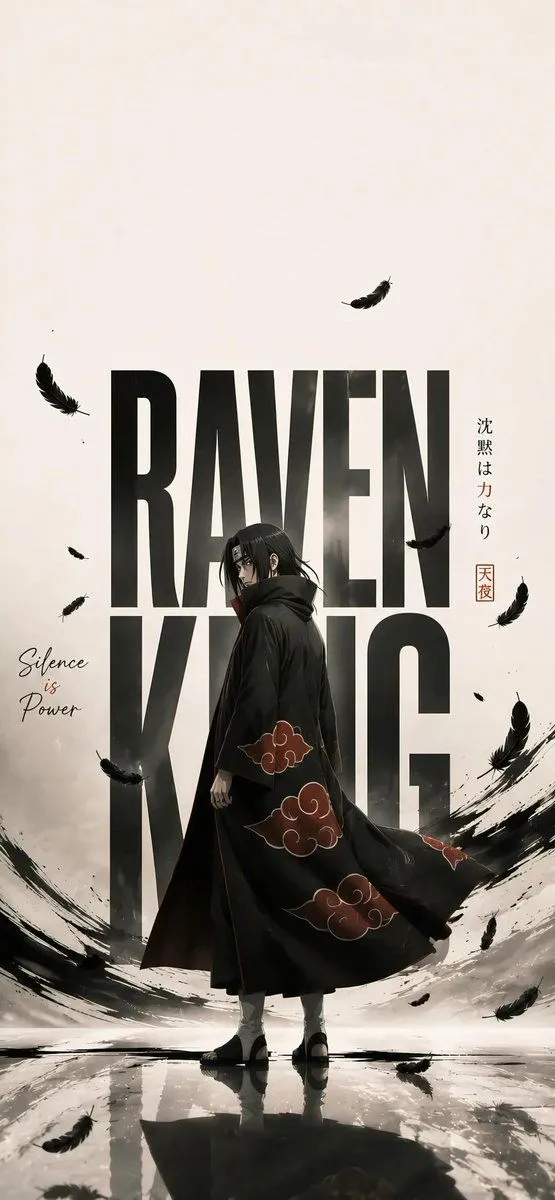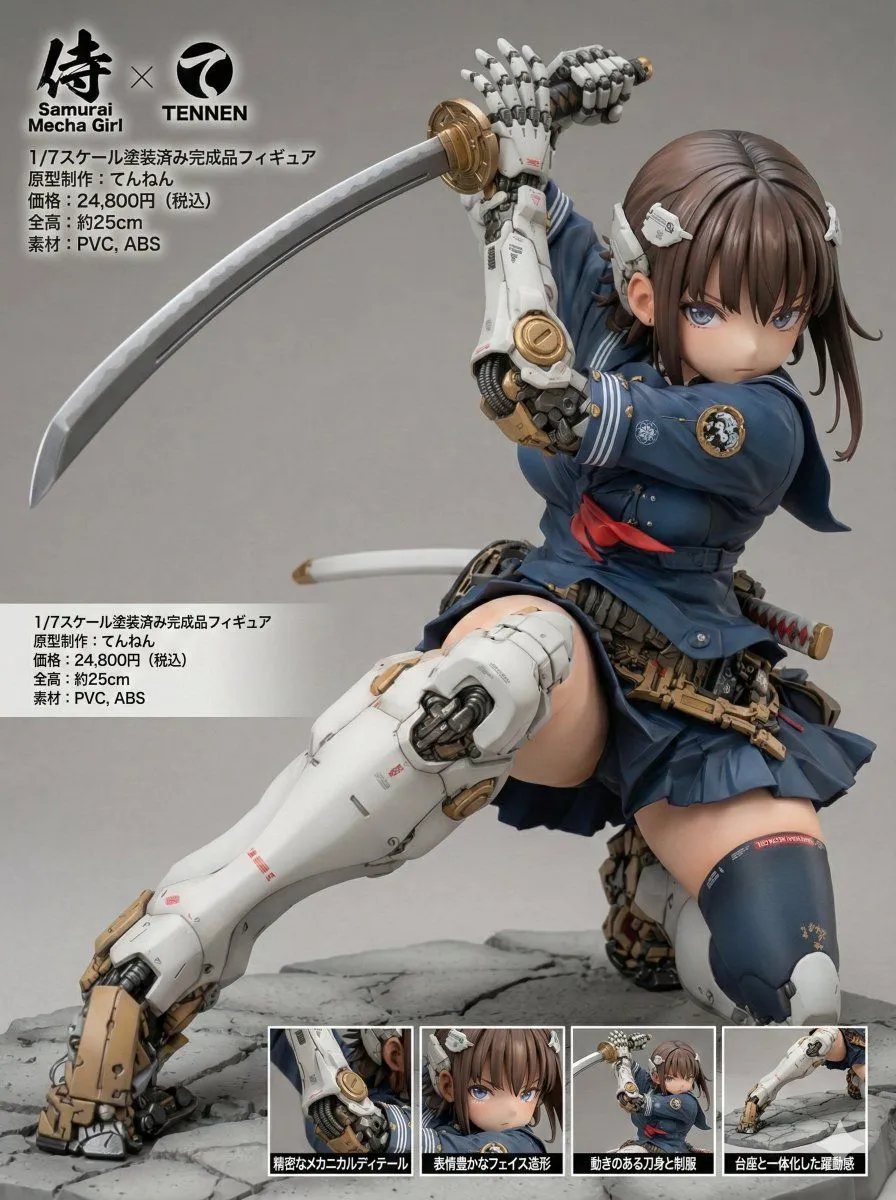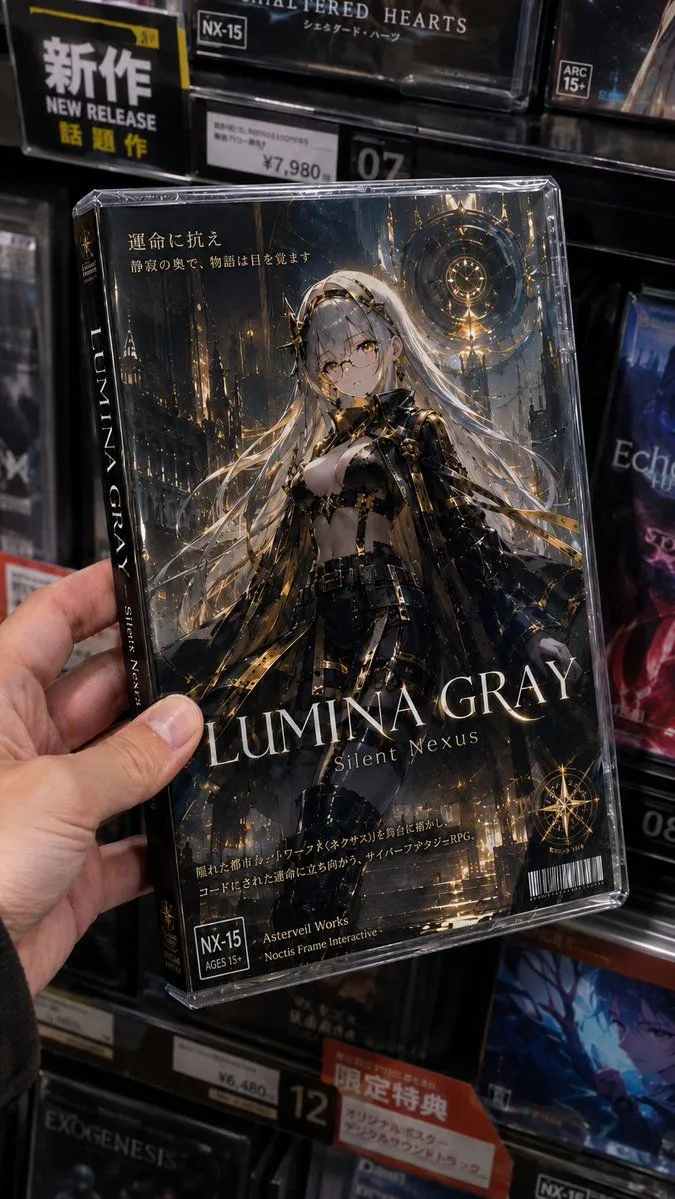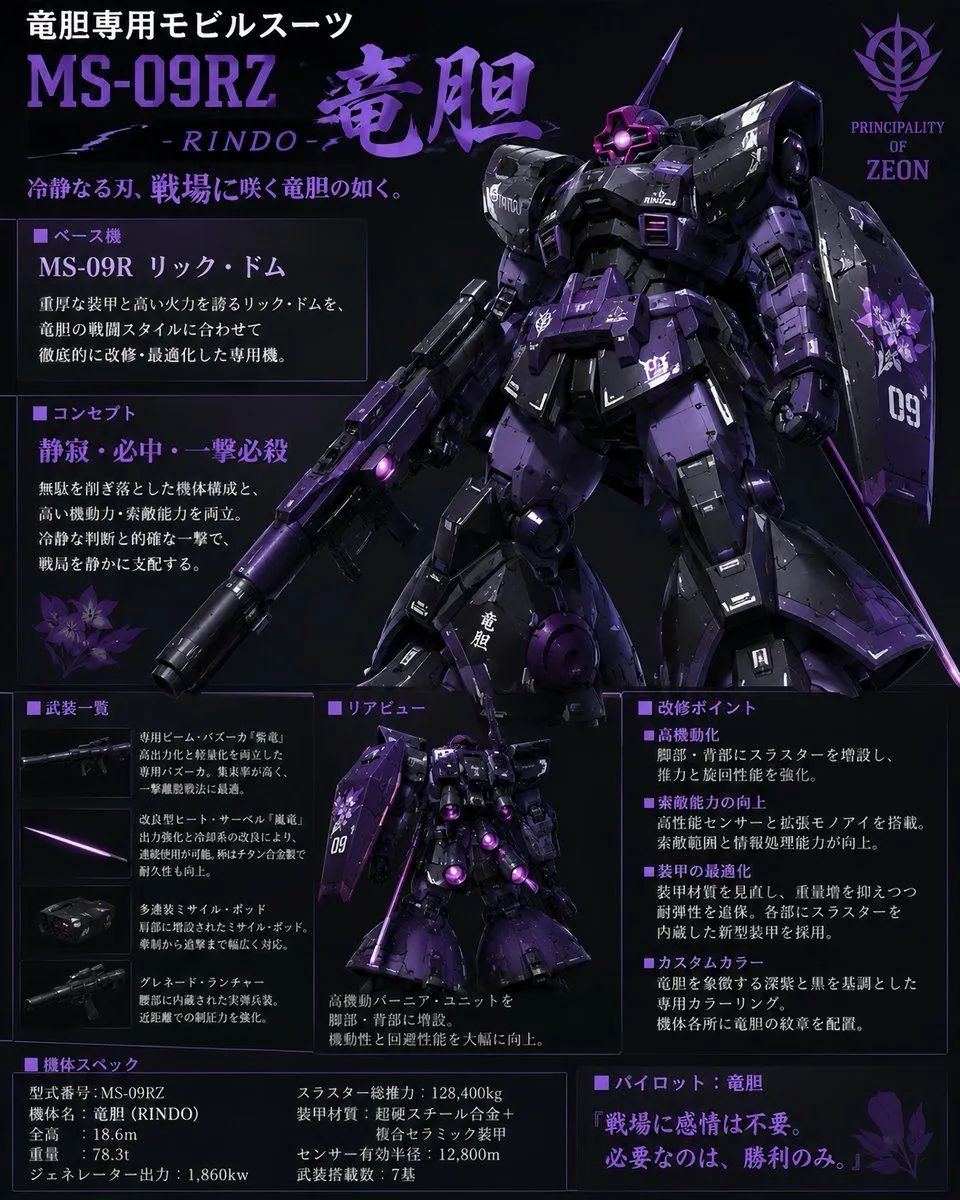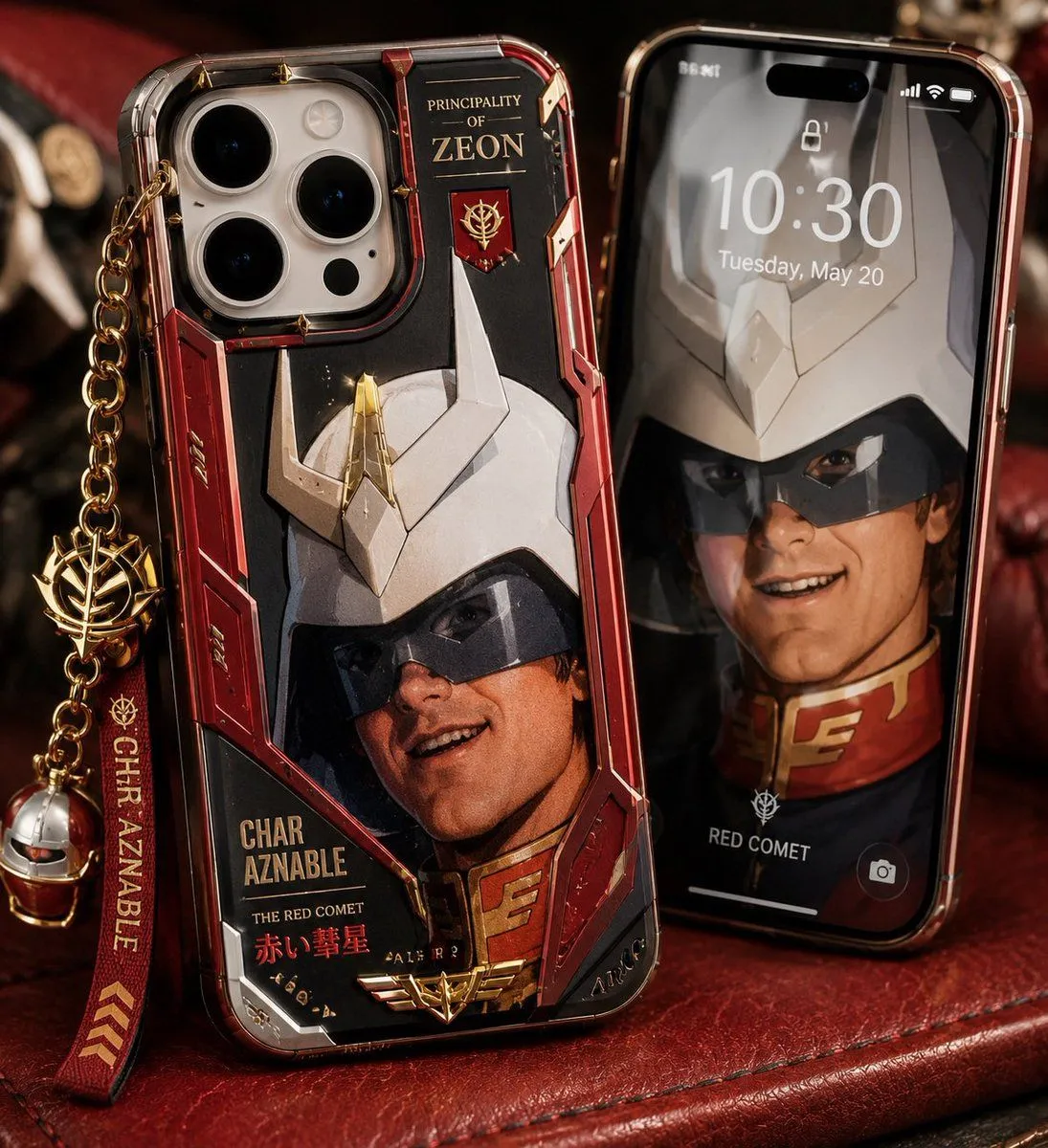
Made with GPT Image 2 in ChatGPT by Library Brand. Promptclay never generates images.
Did it work?
No reports yet. Tell others if it worked for you.
Luxury Mecha Smartphone Case Mockup
Prompt
5 blanks to fillCreate a high-end photorealistic product mockup of a custom anime mecha-themed smartphone case displayed beside a matching phone lock screen. The main subject is an iPhone Pro-style device standing upright at a slight angle on a dark red leather surface, wearing a glossy transparent hard case with metallic red, black, white, and gold armor-panel artwork inspired by a masked red ace pilot and a white horned robot helmet. Include a triple-lens camera cutout at the upper left, beveled clear edges, reflective plastic, tiny gold rivets, red mechanical side panels, and printed gold text reading “PRINCIPALITY OF ZEON” near the top, “CHAR AZNABLE,” “THE RED COMET,” and Japanese red text “赤い彗星” near the bottom, plus a small gold emblem. Attach a luxury dangling accessory from the left side: a gold chain, a gold faction-style emblem charm, a red fabric strap with gold text “CHAR AZNABLE” and chevron marks, and a small metallic helmet charm. To the right, place a second iPhone standing behind it with a black glass front and red metallic frame, showing a lock screen at 10:30, Tuesday, May 20, with a blurred matching character wallpaper, small lock icon, status icons, bottom camera icon, and the label “RED COMET.” Use dramatic warm studio lighting, shallow depth of field, premium macro product photography, realistic reflections, leather texture, cinematic shadows, and a dark collector’s desk background. The visible composition contains exactly 2 phones and exactly 4 dangling accessory elements: gold chain, gold emblem charm, red name strap, and small helmet charm. Customize the case theme as {case_theme}, the main printed name as {character_name}, the faction title as {faction_title}, the lock screen time as {lock_screen_time}, and the phone case color palette as {color_palette}. Avoid extra phones, extra charms, watermarks, distorted unreadable typography, or cartoon rendering.
Preview of your prompt
Create a high-end photorealistic product mockup of a custom anime mecha-themed smartphone case displayed beside a matching phone lock screen. The main subject is an iPhone Pro-style device standing upright at a slight angle on a dark red leather surface, wearing a glossy transparent hard case with metallic red, black, white, and gold armor-panel artwork inspired by a masked red ace pilot and a white horned robot helmet. Include a triple-lens camera cutout at the upper left, beveled clear edges, reflective plastic, tiny gold rivets, red mechanical side panels, and printed gold text reading “PRINCIPALITY OF ZEON” near the top, “CHAR AZNABLE,” “THE RED COMET,” and Japanese red text “赤い彗星” near the bottom, plus a small gold emblem. Attach a luxury dangling accessory from the left side: a gold chain, a gold faction-style emblem charm, a red fabric strap with gold text “CHAR AZNABLE” and chevron marks, and a small metallic helmet charm. To the right, place a second iPhone standing behind it with a black glass front and red metallic frame, showing a lock screen at 10:30, Tuesday, May 20, with a blurred matching character wallpaper, small lock icon, status icons, bottom camera icon, and the label “RED COMET.” Use dramatic warm studio lighting, shallow depth of field, premium macro product photography, realistic reflections, leather texture, cinematic shadows, and a dark collector’s desk background. The visible composition contains exactly 2 phones and exactly 4 dangling accessory elements: gold chain, gold emblem charm, red name strap, and small helmet charm. Customize the case theme as red ace pilot mecha armor, the main printed name as CHAR AZNABLE, the faction title as PRINCIPALITY OF ZEON, the lock screen time as 10:30, and the phone case color palette as metallic red, black, white, and gold. Avoid extra phones, extra charms, watermarks, distorted unreadable typography, or cartoon rendering.
DetailsVersions, settings and questions
Written for
What's in the prompt
- Subject
- Model
- GPT Image 2
If your face changes
keep my face exactly the sameQuestions
- Does this work in the ChatGPT app?
- Yes. Paste the prompt and attach your photo if it uses one.
- It changed my face. What do I do?
- Add "keep my face exactly the same" to the end and run it again.
- Can I use the images I make?
- Check the terms of the app you use. Promptclay never generates images and claims nothing you make.