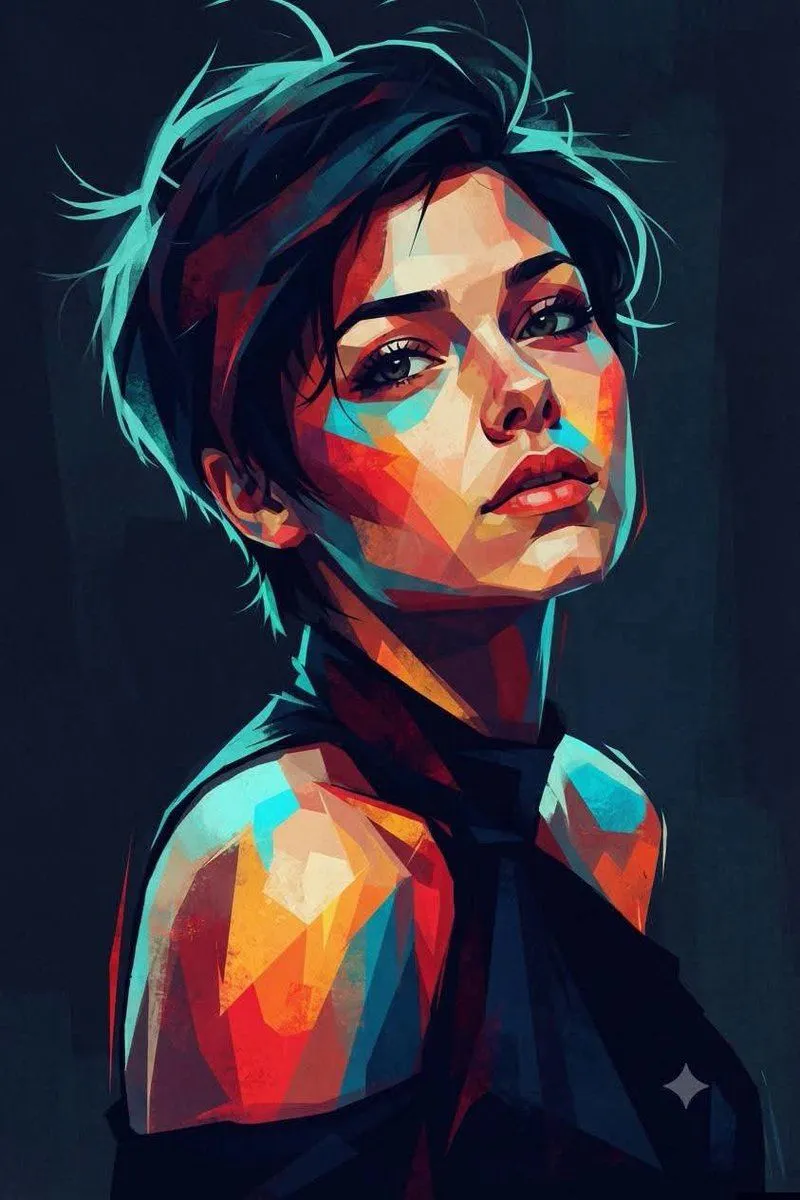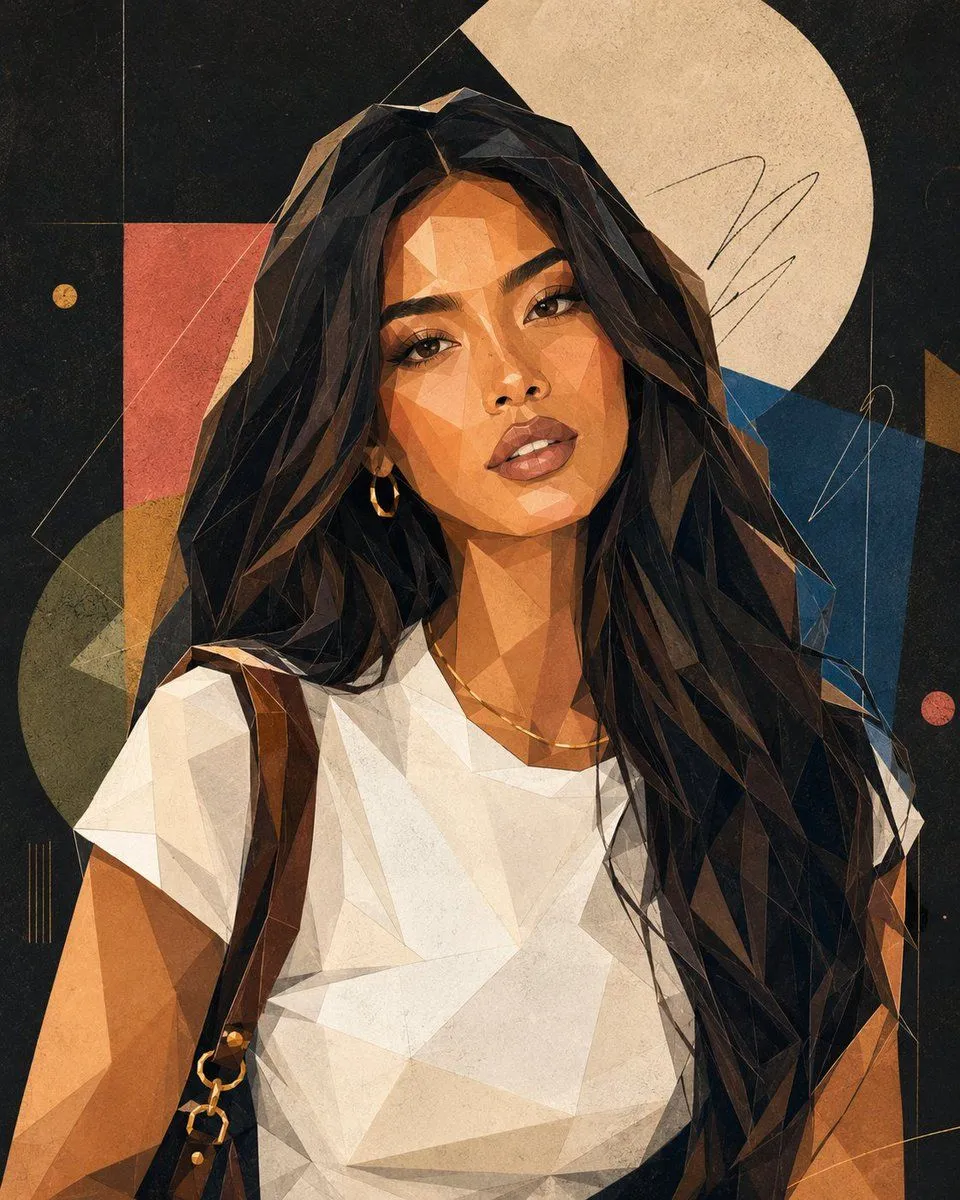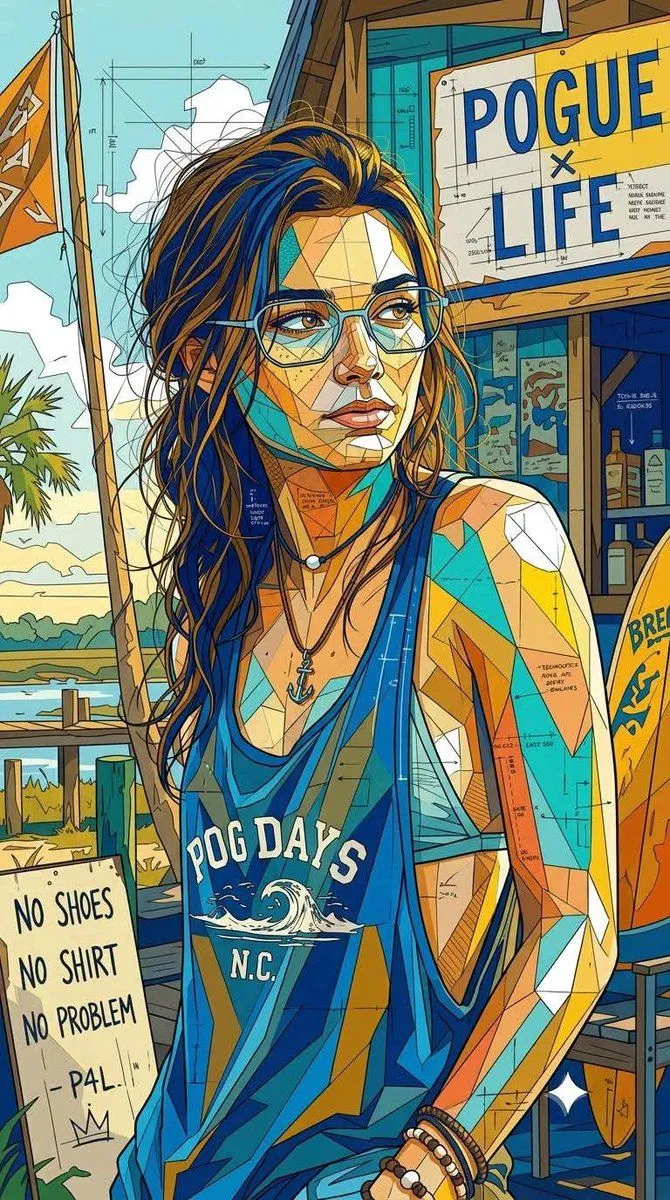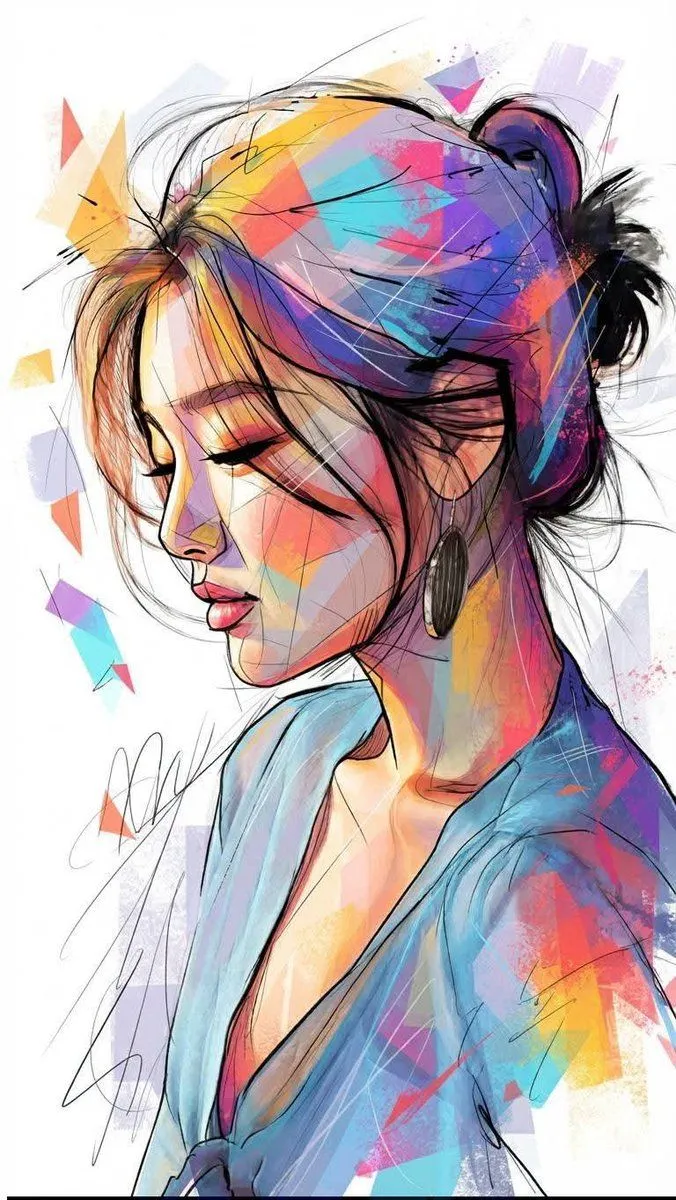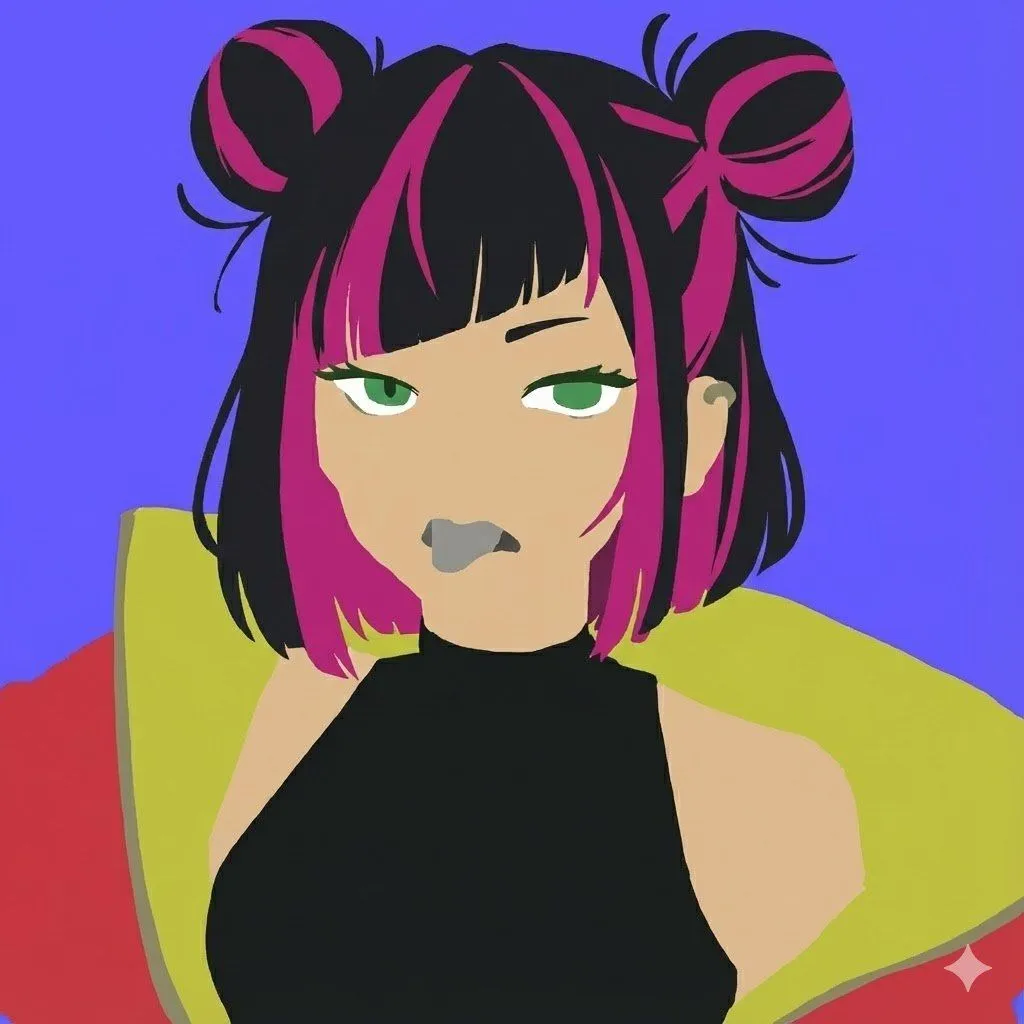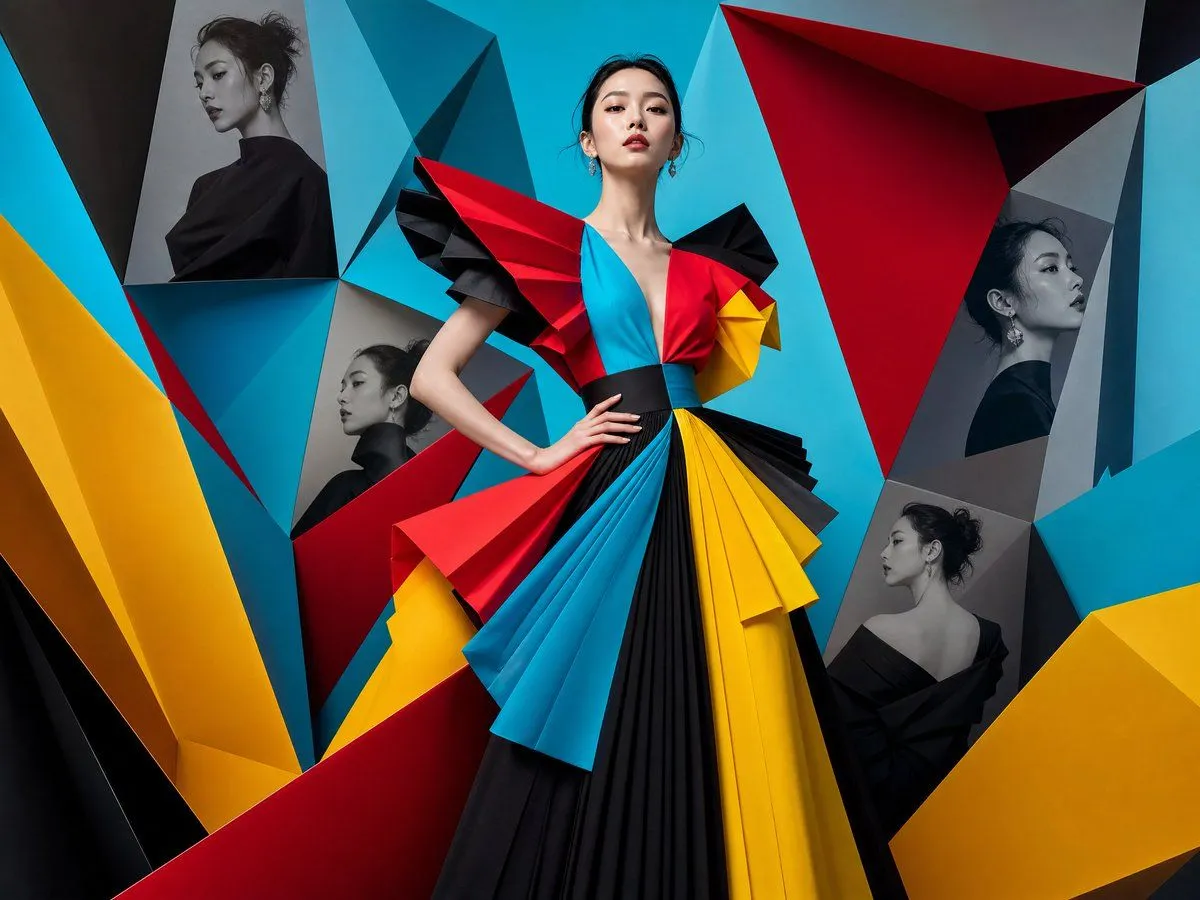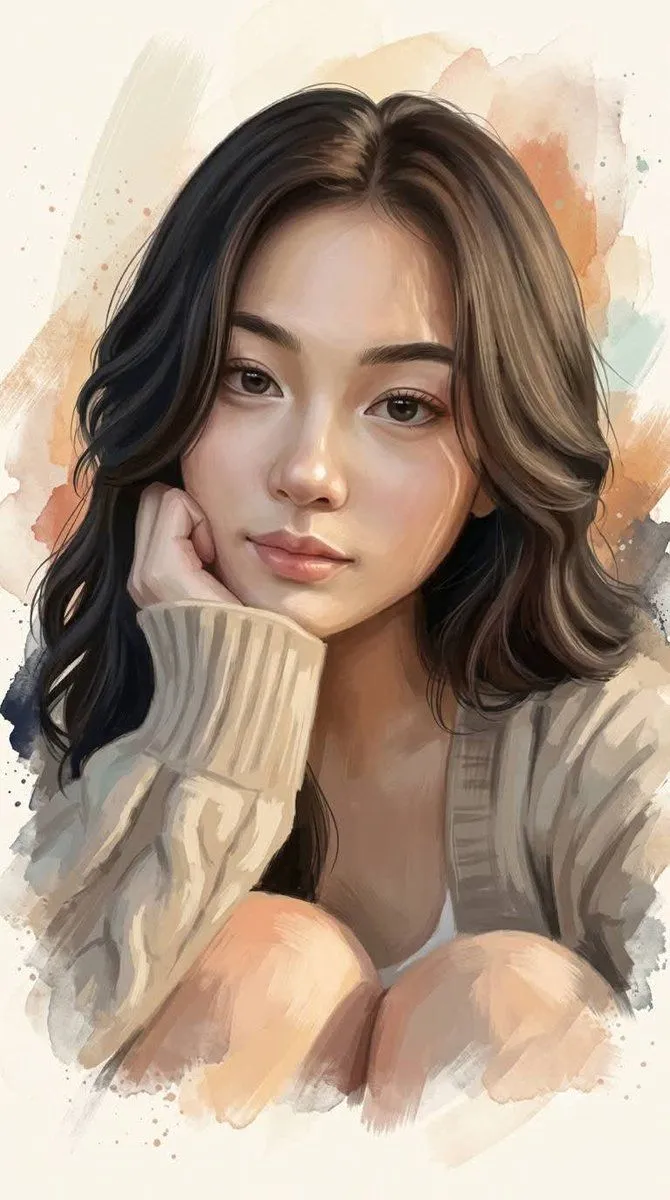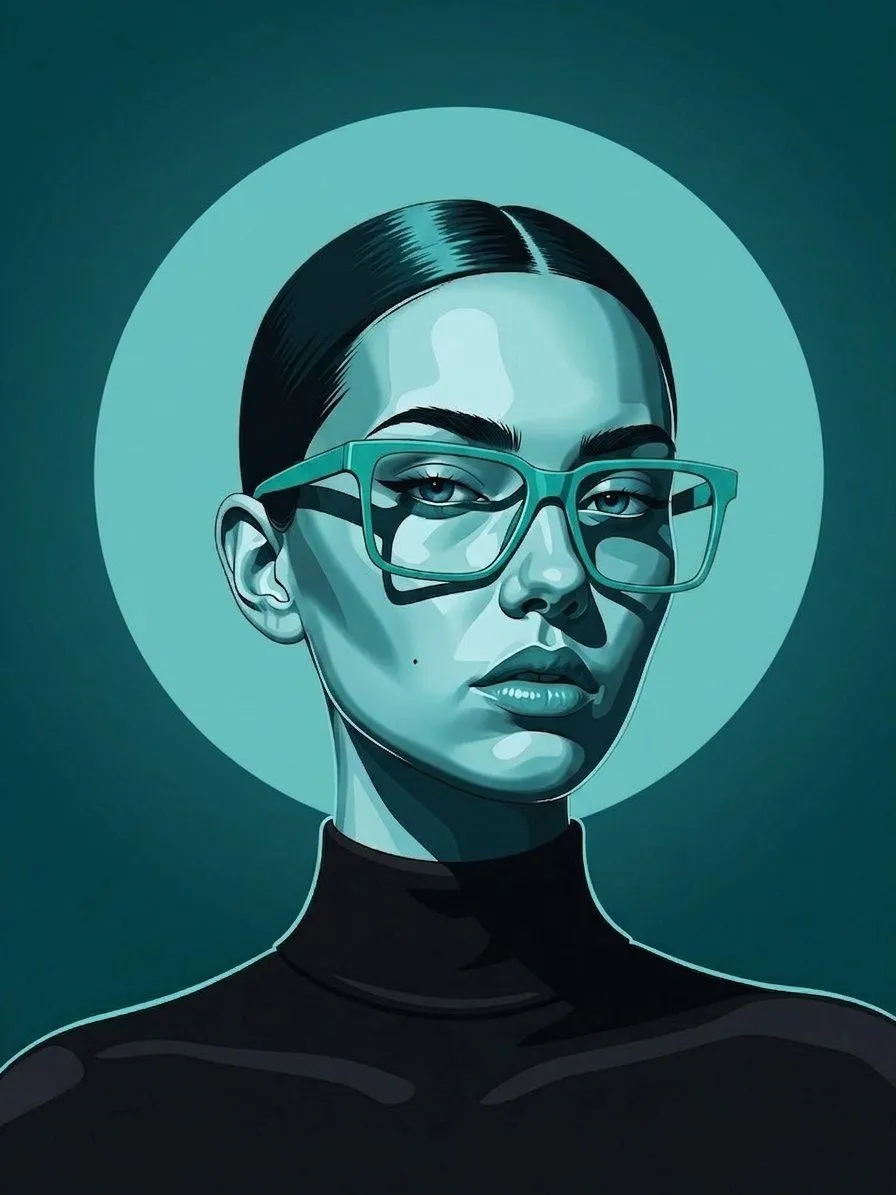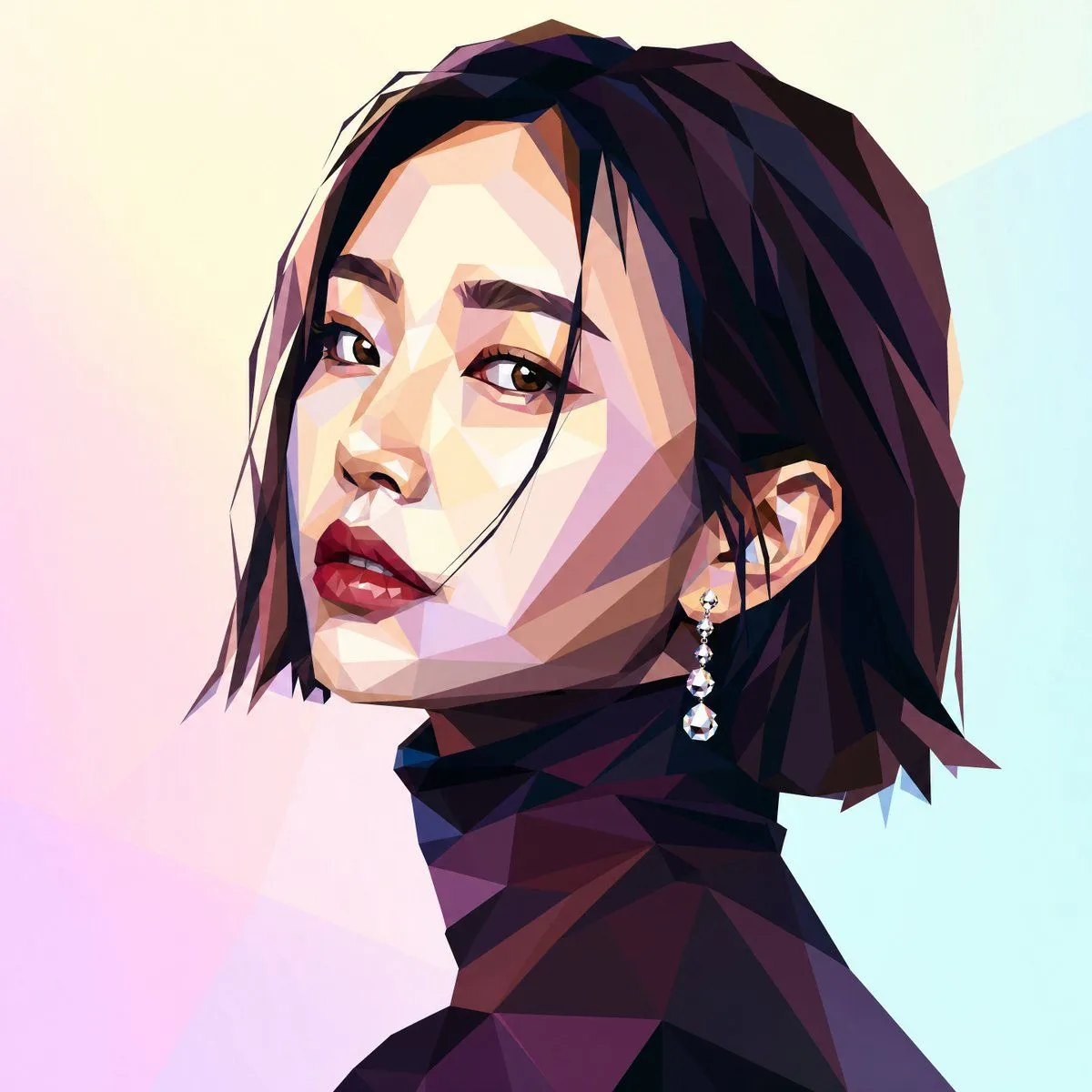
Made with GPT Image 2 in ChatGPT by Library Avatars. Promptclay never generates images.
Did it work?
No reports yet. Tell others if it worked for you.
Low-Poly Profile Portrait With Face Block
Prompt
3 blanks to fillCreate a square 1:1 digital illustration in a low-poly faceted geometric style: a close-up side-profile portrait of a fashionable woman facing left, cropped from the shoulders up. She has {hair_color} short layered bob hair with sharp angular strands, a visible ear, and a dangling crystal earring with small beads and a teardrop gem. Her neck and shoulders are rendered as dark faceted polygon planes in plum, navy, maroon, and black, suggesting an elegant high-neck garment. Place a large opaque matte rectangle over the central face area, colored {face_block_color}, hiding the facial features like an intentional privacy mask or placeholder. Use dramatic angular lighting, crisp polygon edges, high contrast shadows, and gemstone-like facets. The background is a soft pastel gradient with abstract translucent polygon shapes in {background_colors}. Keep the composition minimal, modern, editorial, and centered, with no text or logos.
Preview of your prompt
Create a square 1:1 digital illustration in a low-poly faceted geometric style: a close-up side-profile portrait of a fashionable woman facing left, cropped from the shoulders up. She has deep black with burgundy and violet highlights short layered bob hair with sharp angular strands, a visible ear, and a dangling crystal earring with small beads and a teardrop gem. Her neck and shoulders are rendered as dark faceted polygon planes in plum, navy, maroon, and black, suggesting an elegant high-neck garment. Place a large opaque matte rectangle over the central face area, colored muted taupe beige, hiding the facial features like an intentional privacy mask or placeholder. Use dramatic angular lighting, crisp polygon edges, high contrast shadows, and gemstone-like facets. The background is a soft pastel gradient with abstract translucent polygon shapes in pale cream, pink, lavender, and light cyan. Keep the composition minimal, modern, editorial, and centered, with no text or logos.
DetailsVersions, settings and questions
Written for
What's in the prompt
- Subject
- Model
- GPT Image 2
If your face changes
keep my face exactly the sameQuestions
- Does this work in the ChatGPT app?
- Yes. Paste the prompt and attach your photo if it uses one.
- It changed my face. What do I do?
- Add "keep my face exactly the same" to the end and run it again.
- Can I use the images I make?
- Check the terms of the app you use. Promptclay never generates images and claims nothing you make.