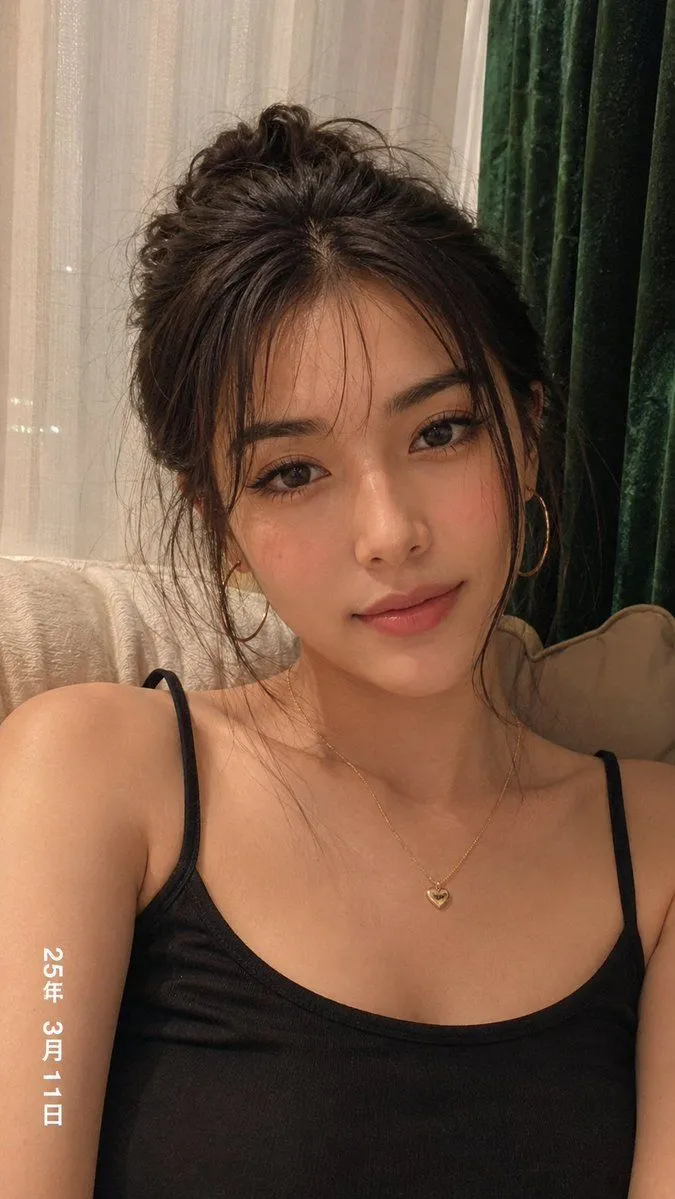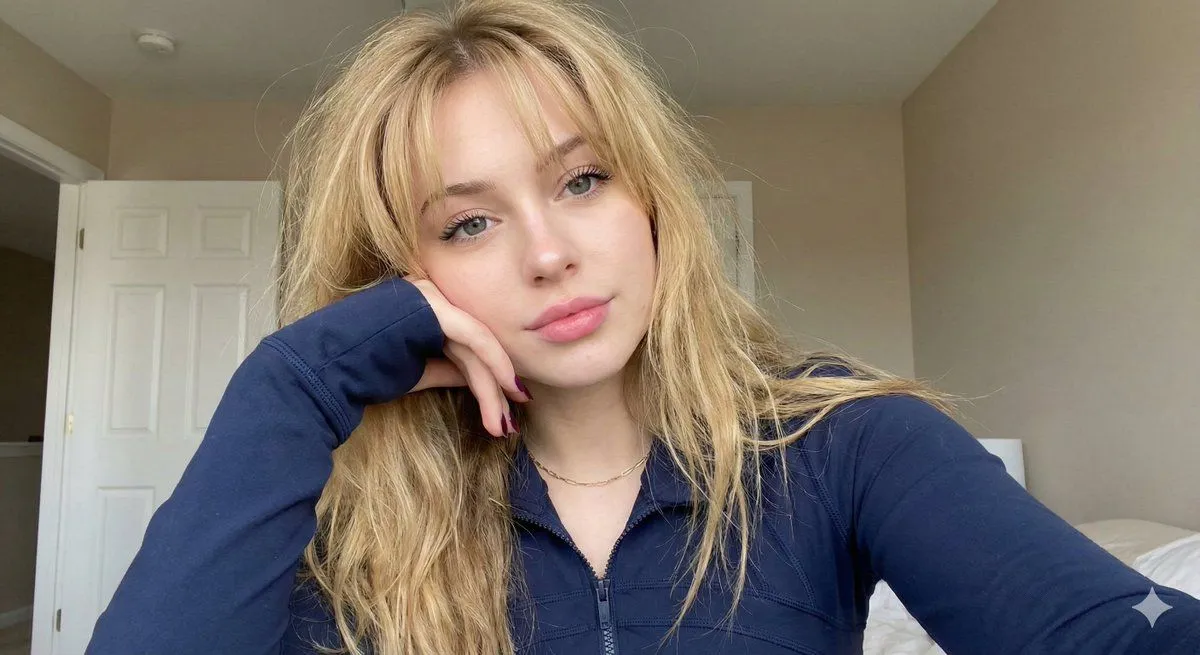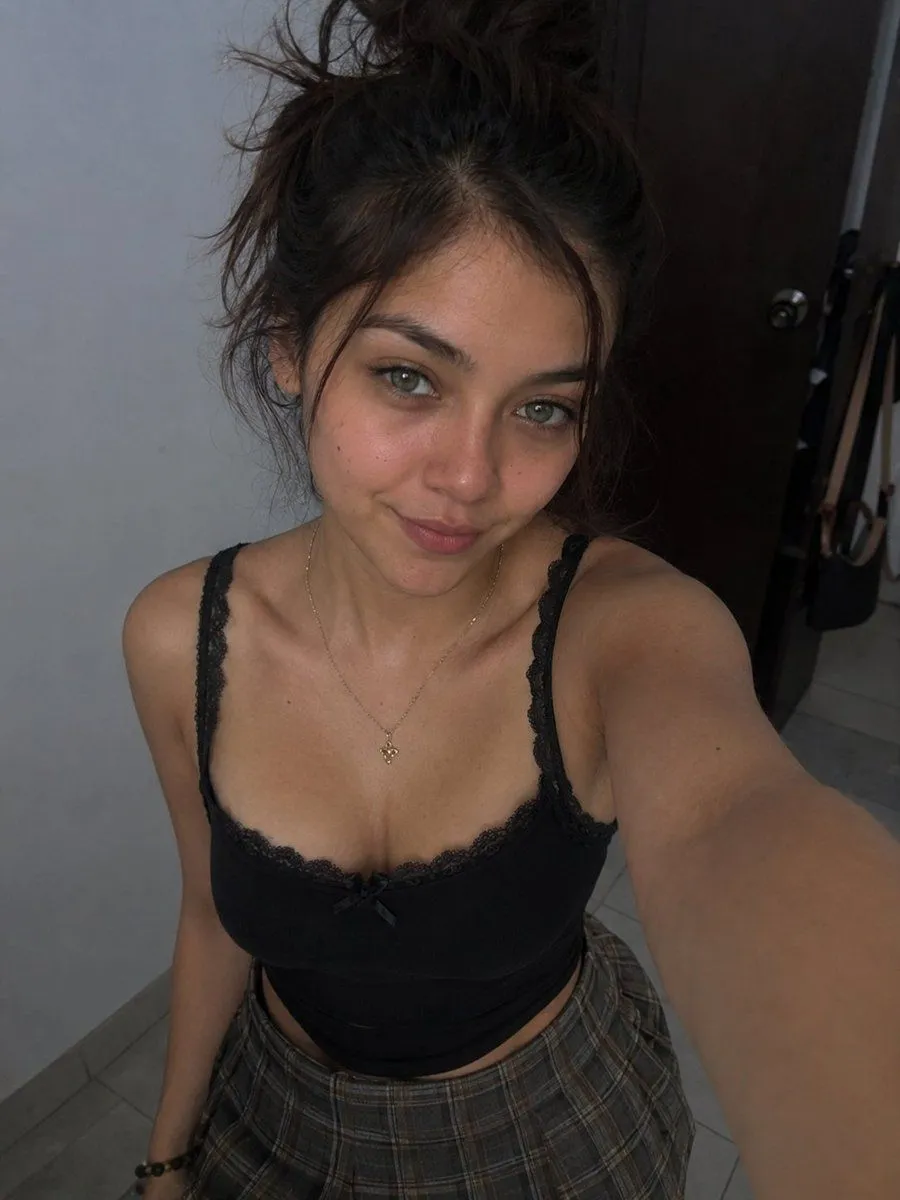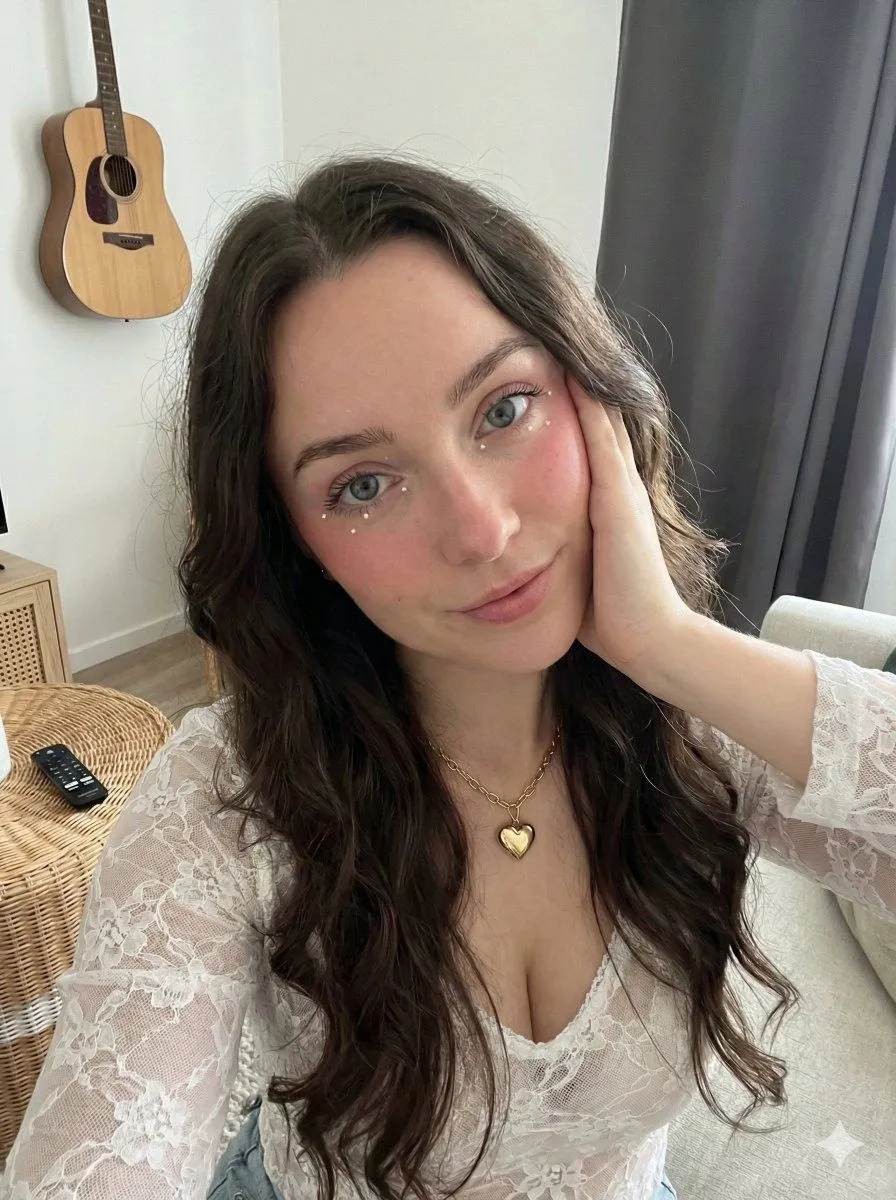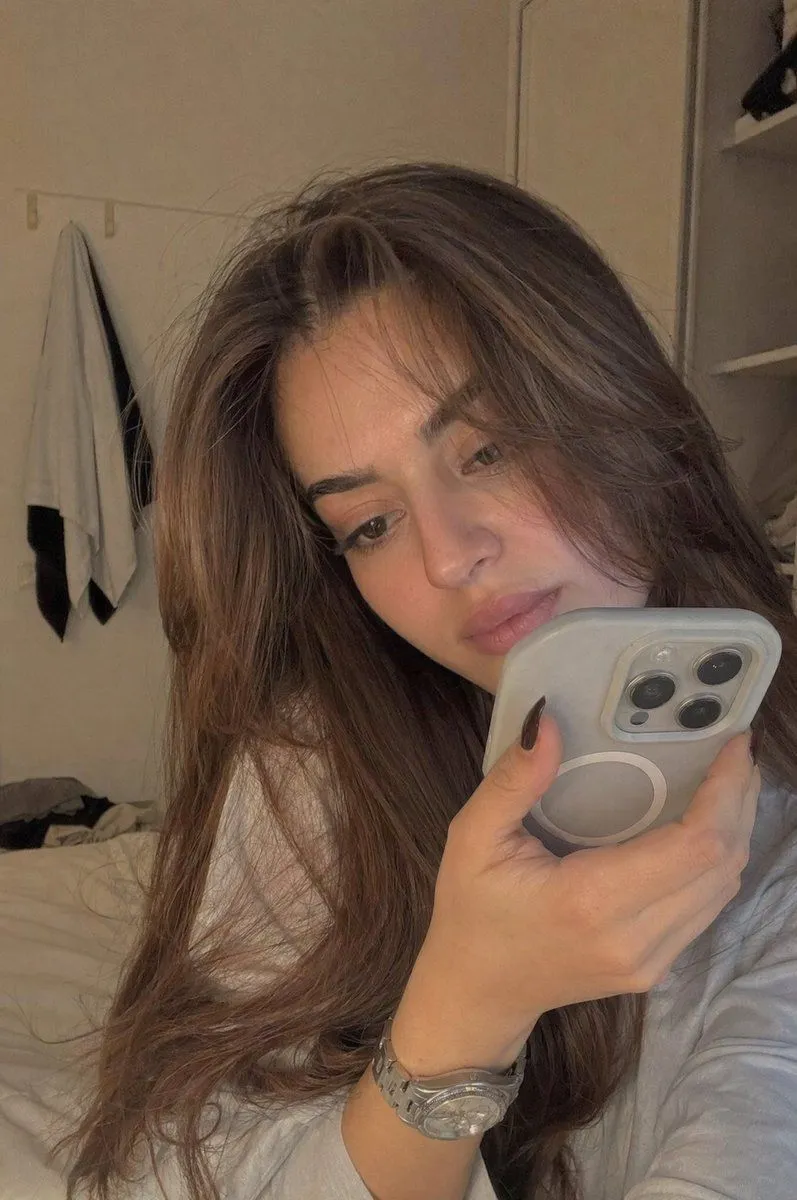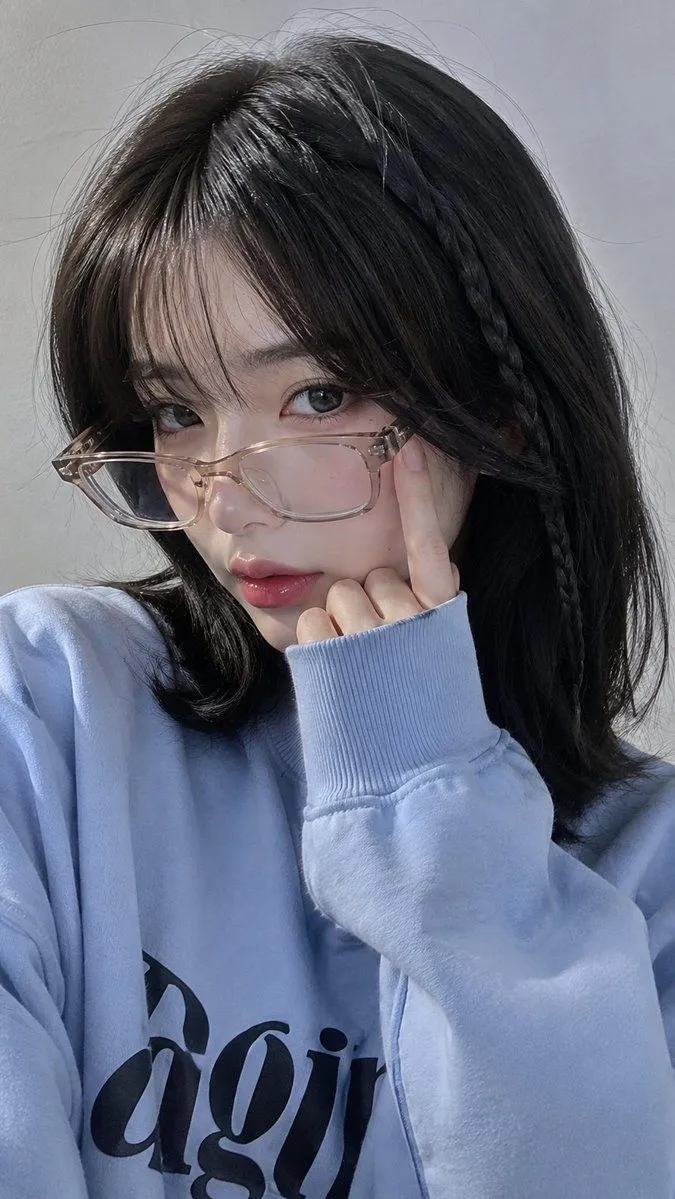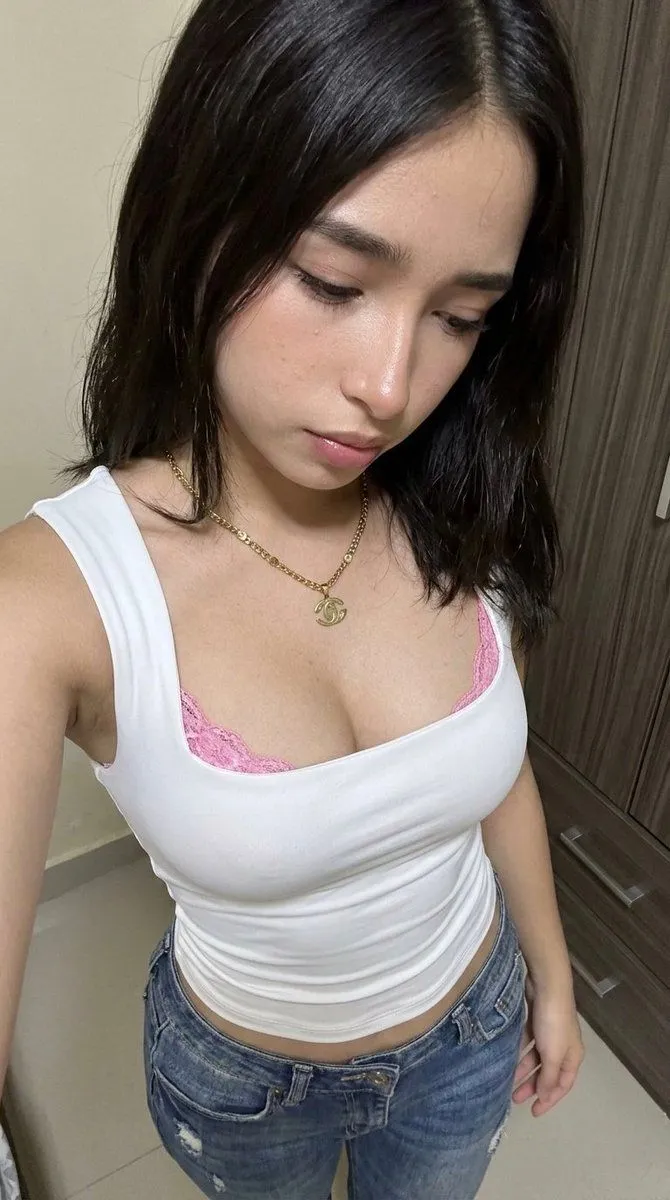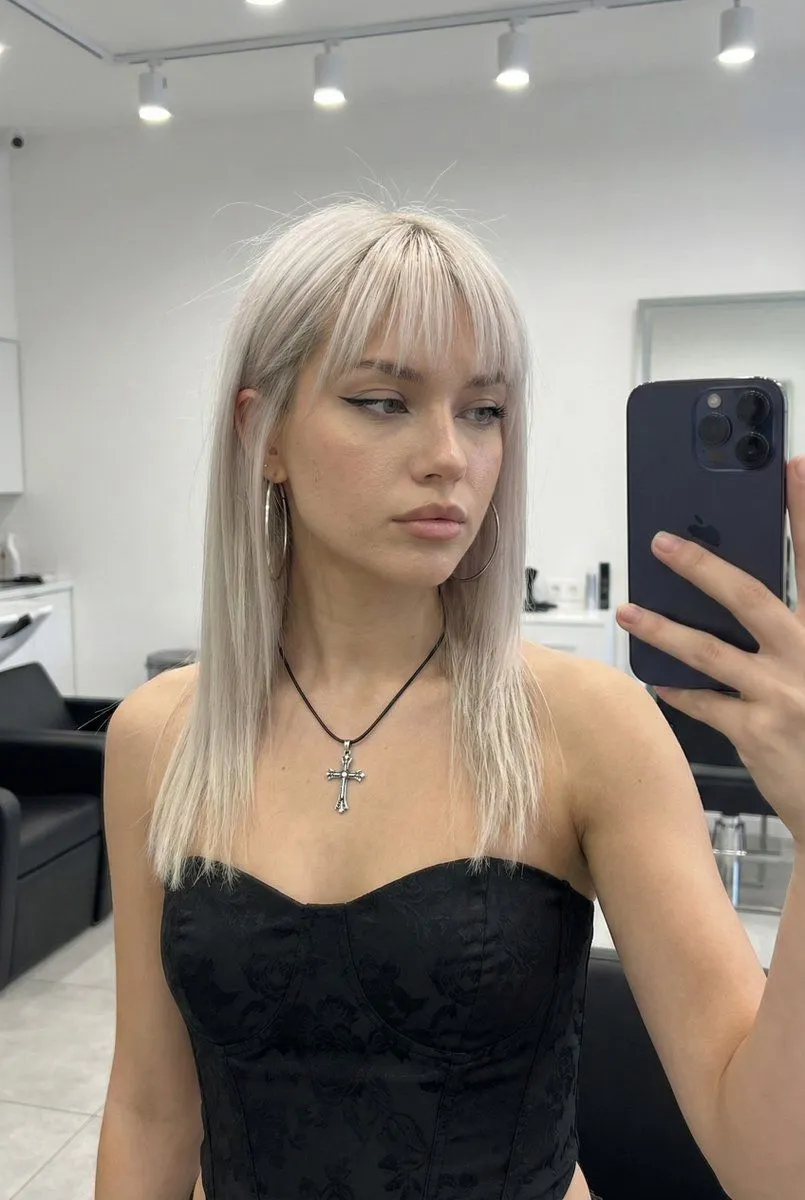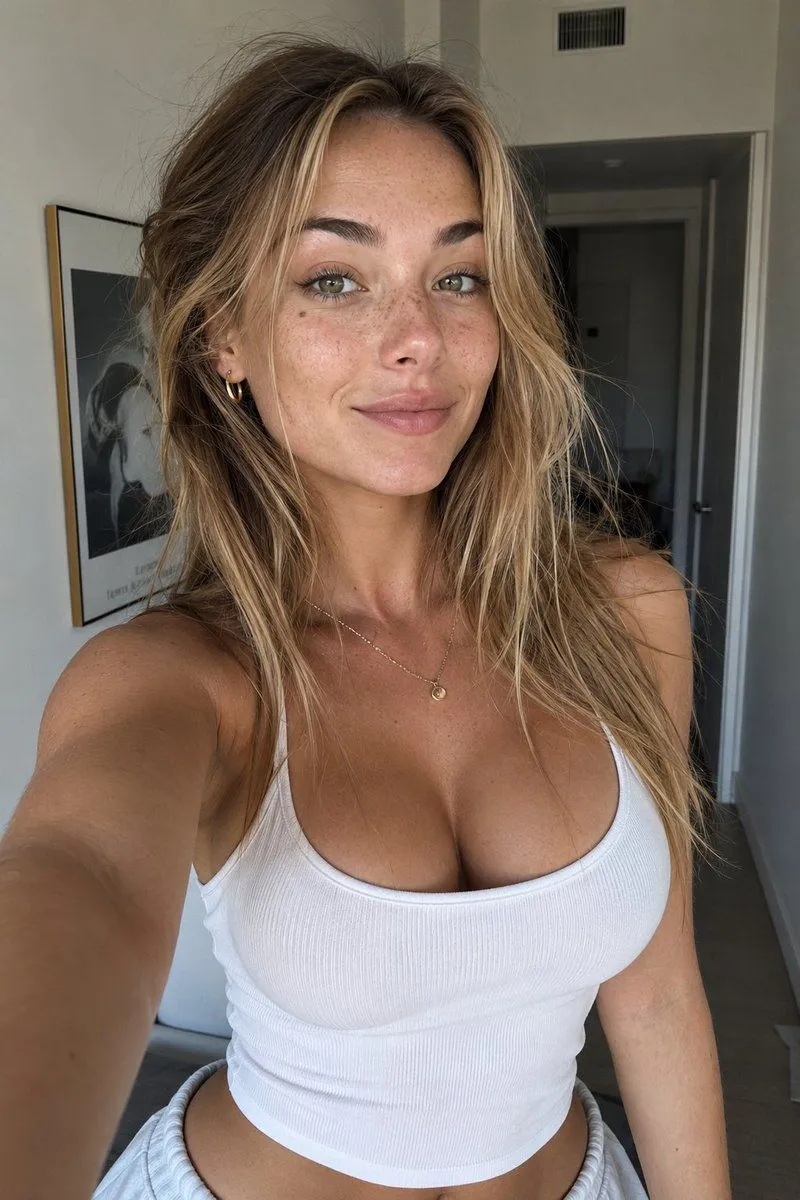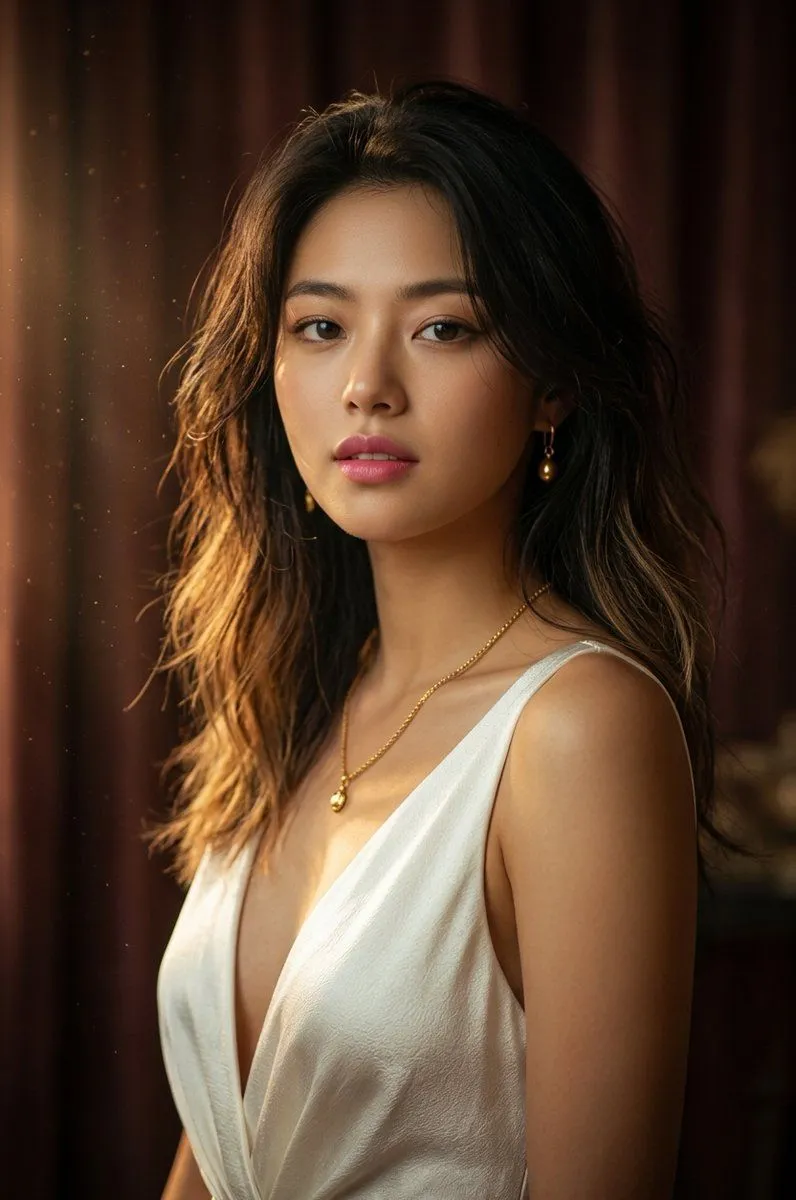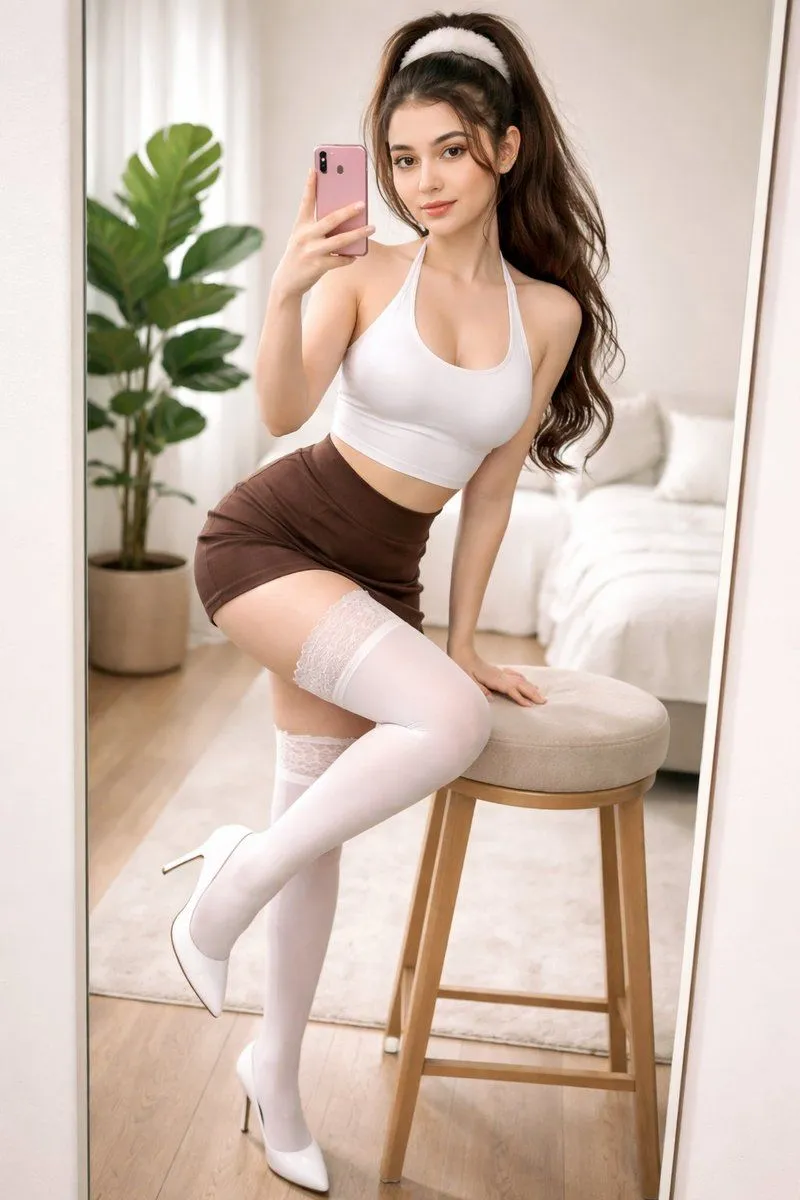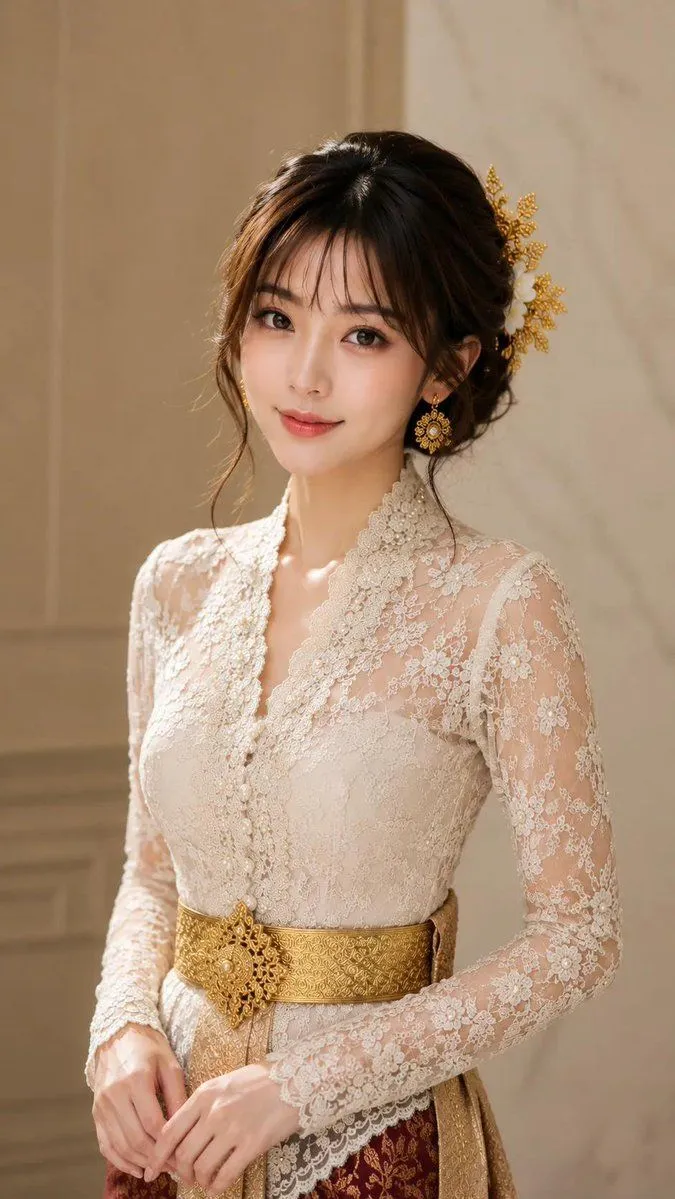
Made with Nano Banana Pro in Gemini by Library Portraits. Promptclay never generates images.
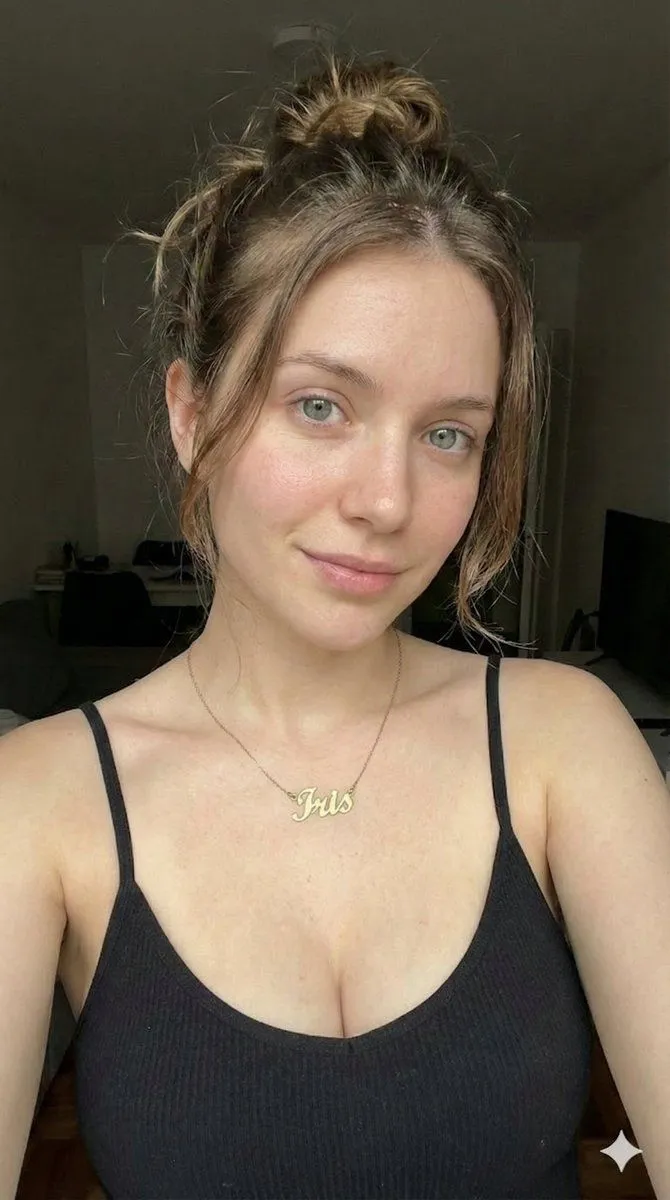
Low-Key Close-up Portrait with Nameplate Necklace
Prompt
1 blank to fill{ "image_generation_prompt": { "subject": { "description": "Young woman, approximately early 20s, fair skin tone with natural texture", "hair": { "color": "Light brown to dirty blonde", "style": "Messy casual bun/updo", "details": "Several loose, wispy strands of hair falling freely to frame the face and eyes" }, "face": { "eyes": "Light green/grey eyes, soft direct gaze at the camera", "lips": "Natural pink shade, closed mouth with a subtle, gentle smile", "makeup": "Minimal/natural look, slight rosy flush on cheeks" } }, "apparel": { "top": "Black fitted tank top (camisole)", "details": "Thin spaghetti straps, visible ribbed fabric texture, scoop neckline" }, "accessories": { "jewelry": "Delicate gold chain necklace featuring a cursive nameplate pendant that reads "{nameplate_text}"" }, "setting_and_lighting": { "background": "Dark, dimly lit indoor room, indistinct furniture shapes in deep shadow (low key)", "lighting_style": "Soft frontal lighting highlighting the face and chest, creating a contrast with the dark background", "shadows": "Soft shadows under the jawline and clavicle" }, "composition": { "angle": "Selfie angle, front-facing", "framing": "Close-up portrait, chest-up shot", "aesthetic": "Candid, realistic, casual social media style, soft focus" } } }
Preview of your prompt
{ "image_generation_prompt": { "subject": { "description": "Young woman, approximately early 20s, fair skin tone with natural texture", "hair": { "color": "Light brown to dirty blonde", "style": "Messy casual bun/updo", "details": "Several loose, wispy strands of hair falling freely to frame the face and eyes" }, "face": { "eyes": "Light green/grey eyes, soft direct gaze at the camera", "lips": "Natural pink shade, closed mouth with a subtle, gentle smile", "makeup": "Minimal/natural look, slight rosy flush on cheeks" } }, "apparel": { "top": "Black fitted tank top (camisole)", "details": "Thin spaghetti straps, visible ribbed fabric texture, scoop neckline" }, "accessories": { "jewelry": "Delicate gold chain necklace featuring a cursive nameplate pendant that reads "Iris"" }, "setting_and_lighting": { "background": "Dark, dimly lit indoor room, indistinct furniture shapes in deep shadow (low key)", "lighting_style": "Soft frontal lighting highlighting the face and chest, creating a contrast with the dark background", "shadows": "Soft shadows under the jawline and clavicle" }, "composition": { "angle": "Selfie angle, front-facing", "framing": "Close-up portrait, chest-up shot", "aesthetic": "Candid, realistic, casual social media style, soft focus" } } }
DetailsVersions, settings and questions
Written for
What's in the prompt
- Subject
- Model
- Nano Banana Pro
If your face changes
keep my face exactly the sameQuestions
- Does this work in the Gemini app?
- Yes. Gemini runs Nano Banana, so paste the prompt and attach your photo if it uses one.
- It changed my face. What do I do?
- Add "keep my face exactly the same" to the end and run it again.
- Can I use the images I make?
- Check the terms of the app you use. Promptclay never generates images and claims nothing you make.