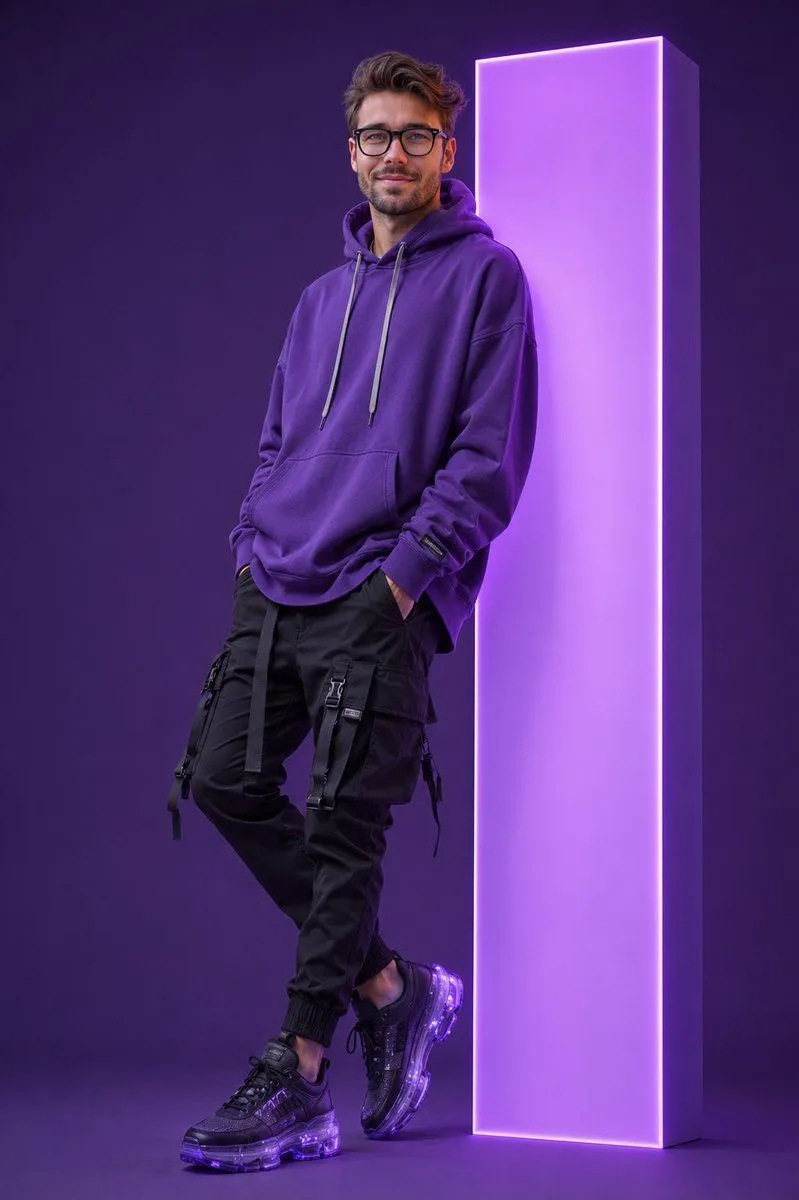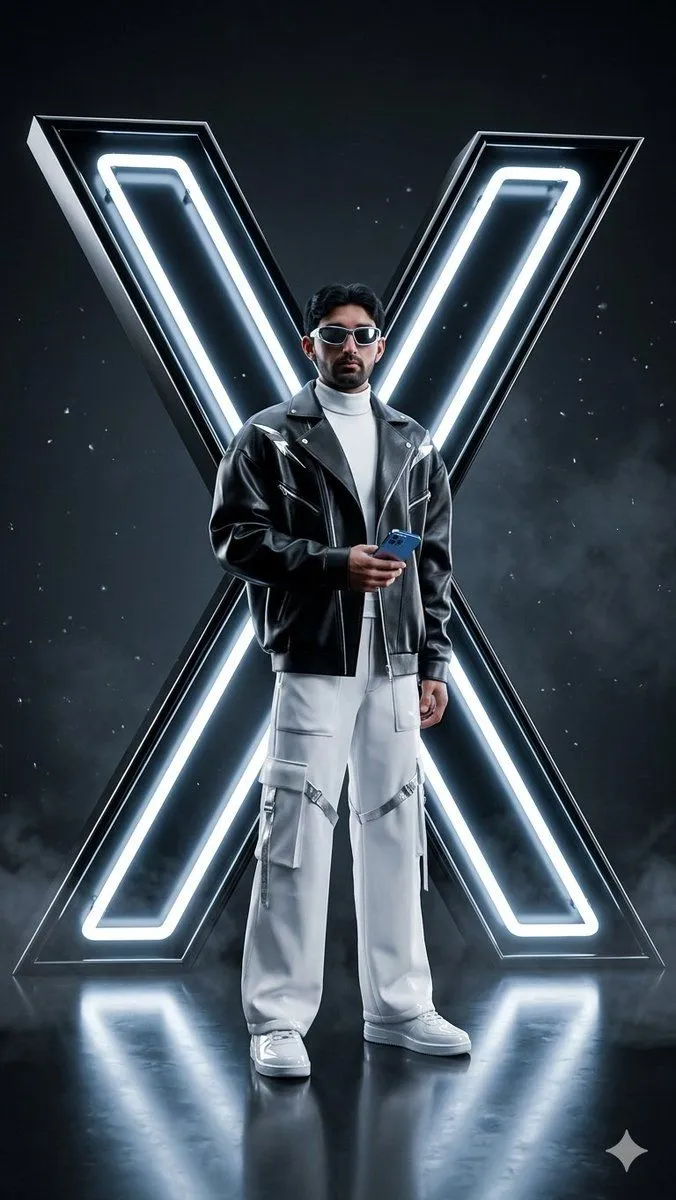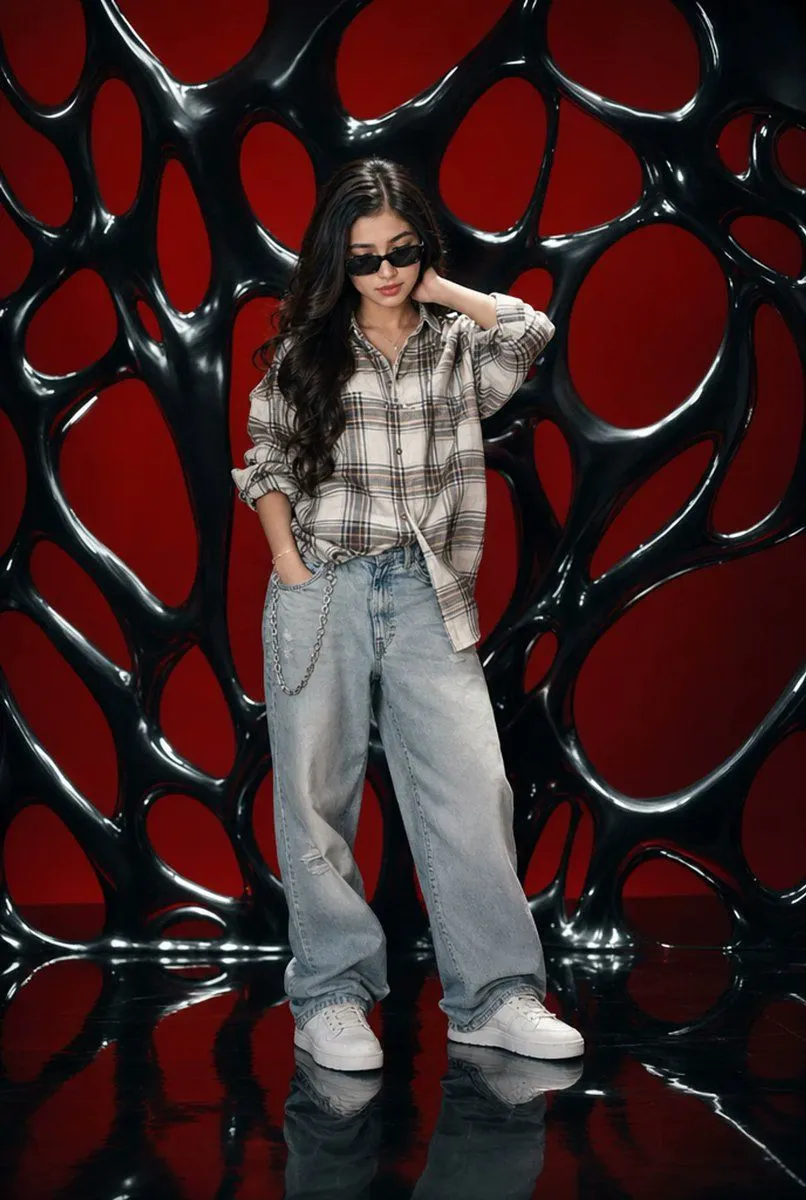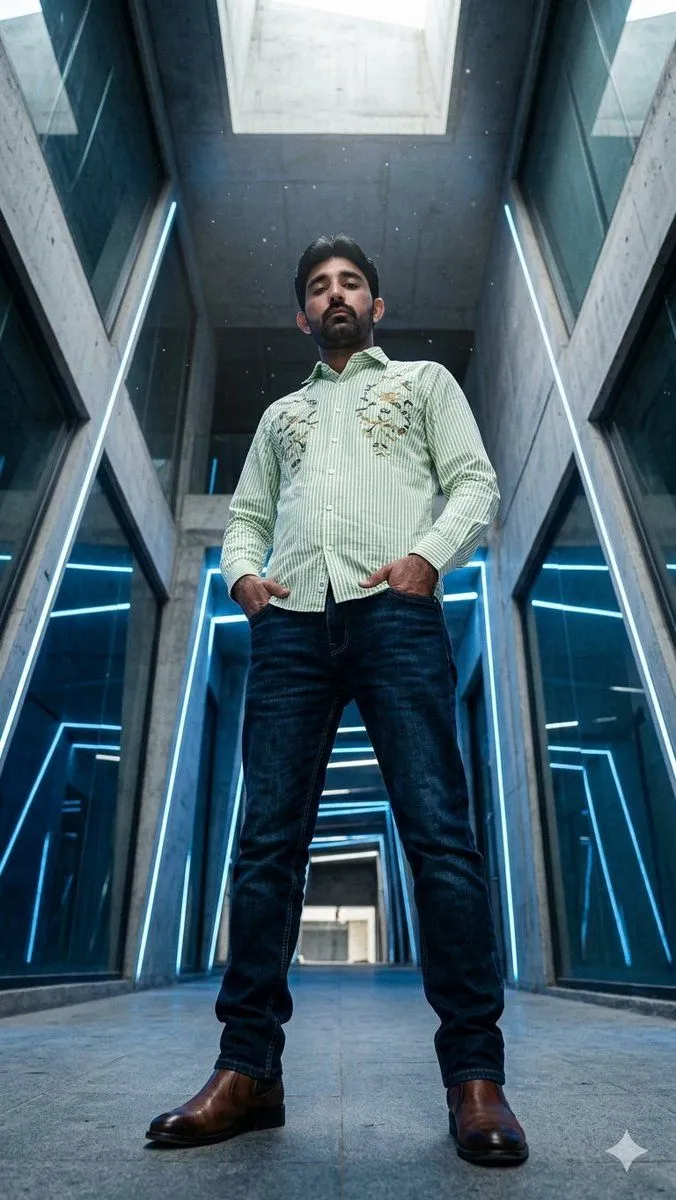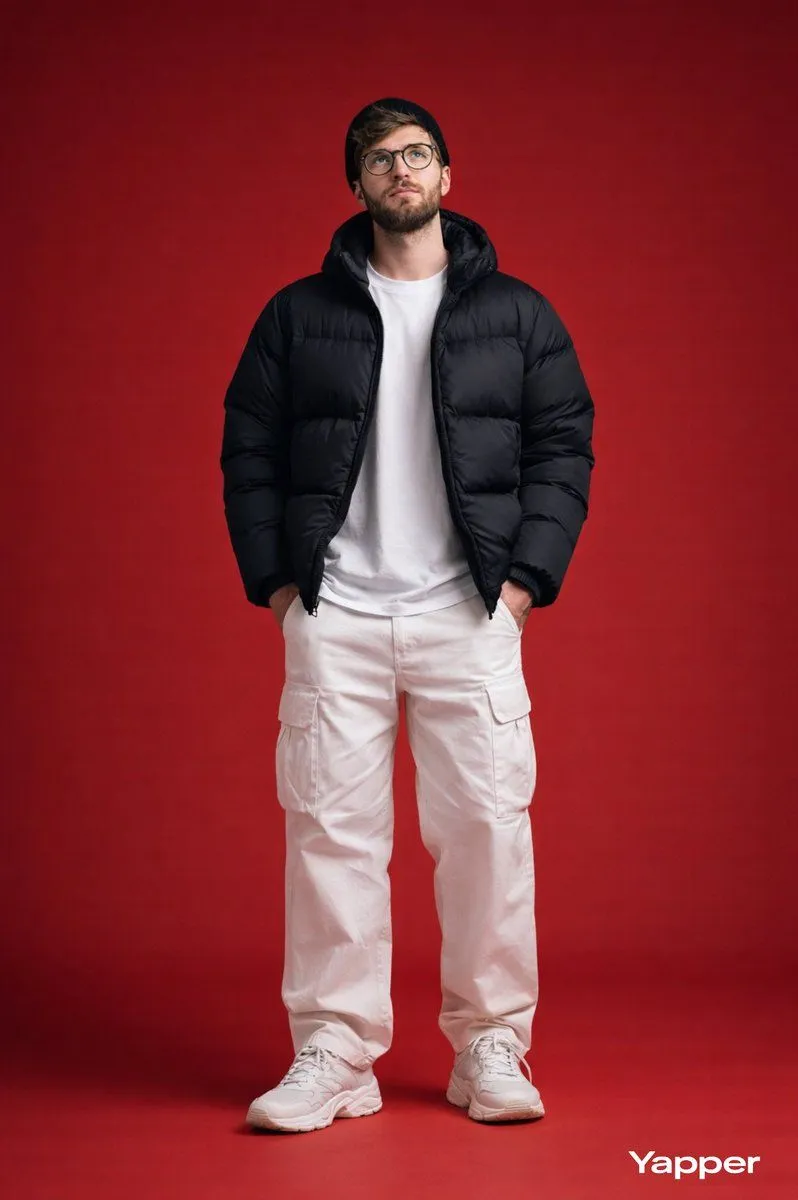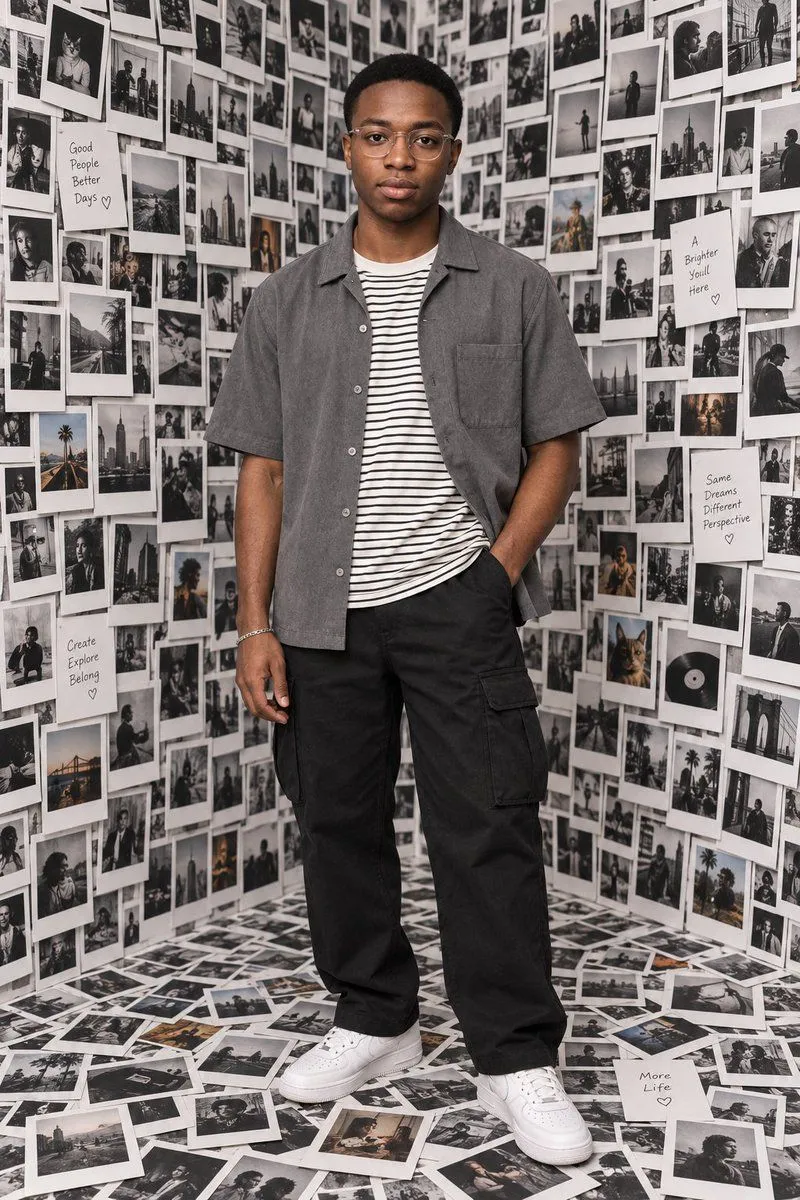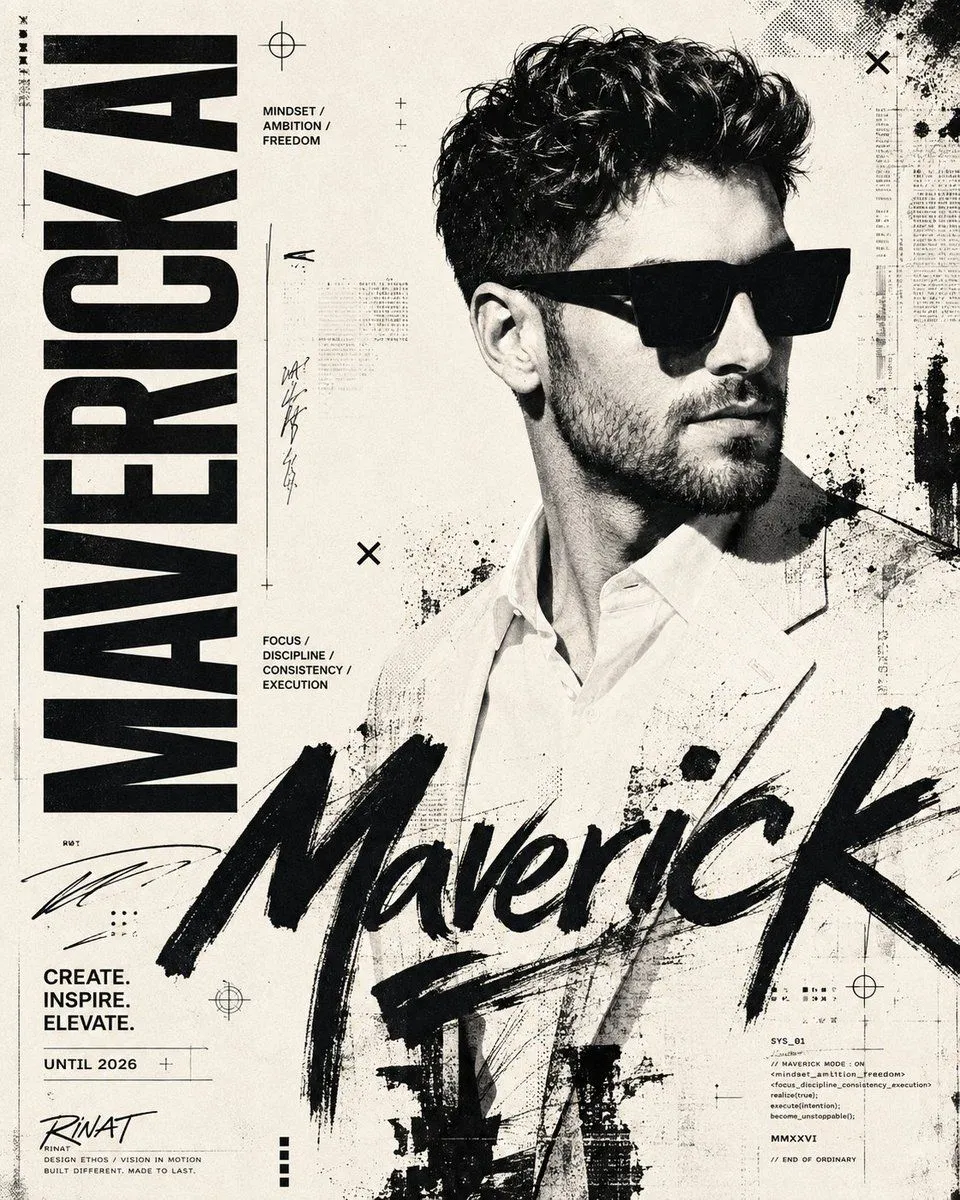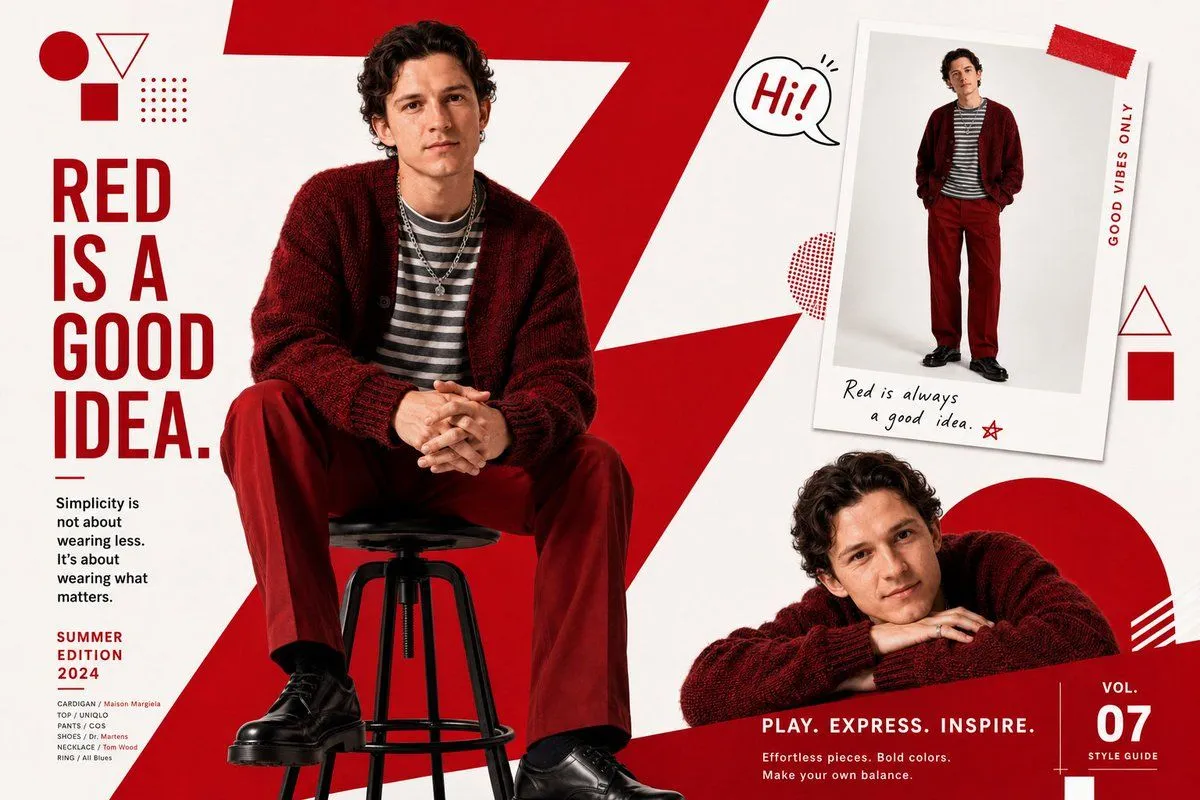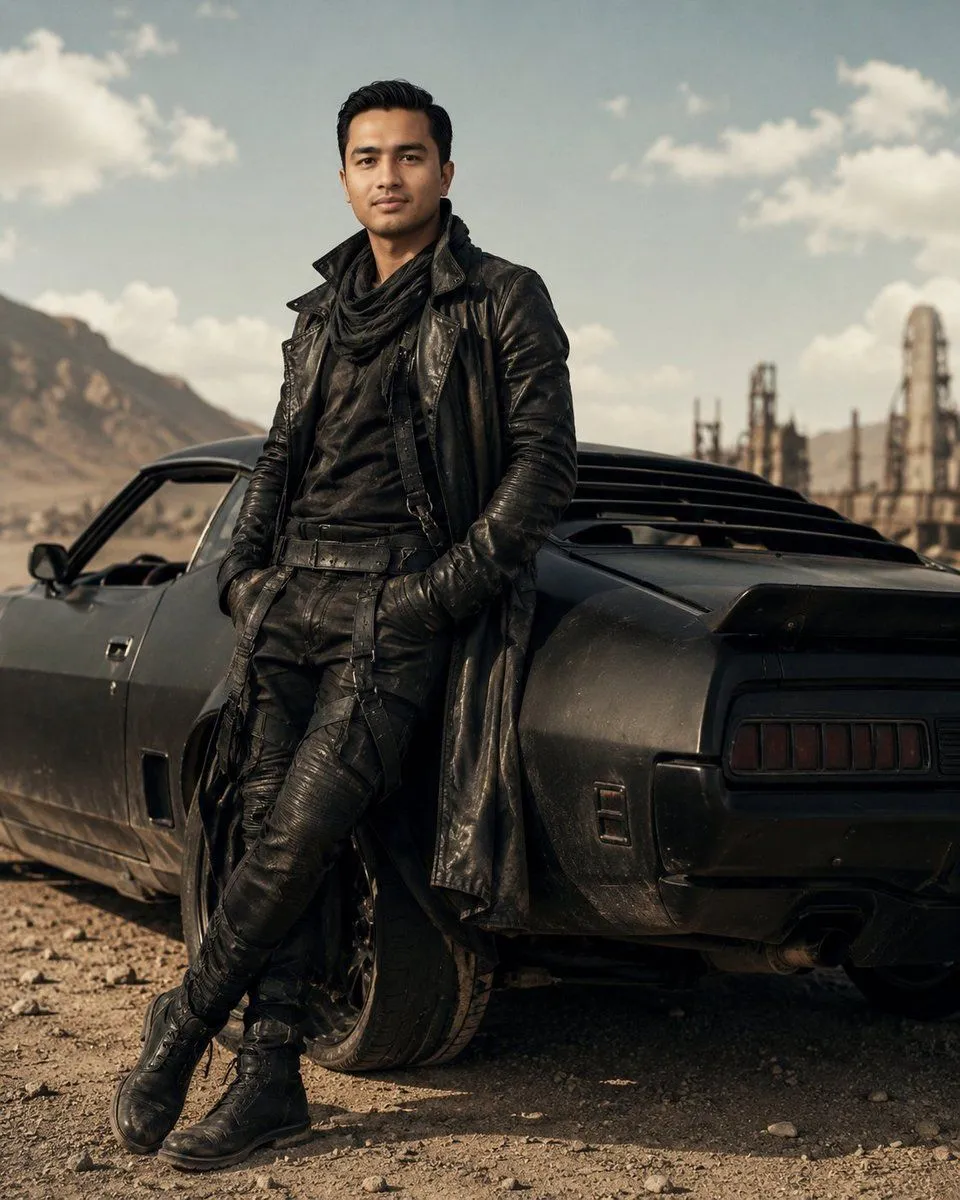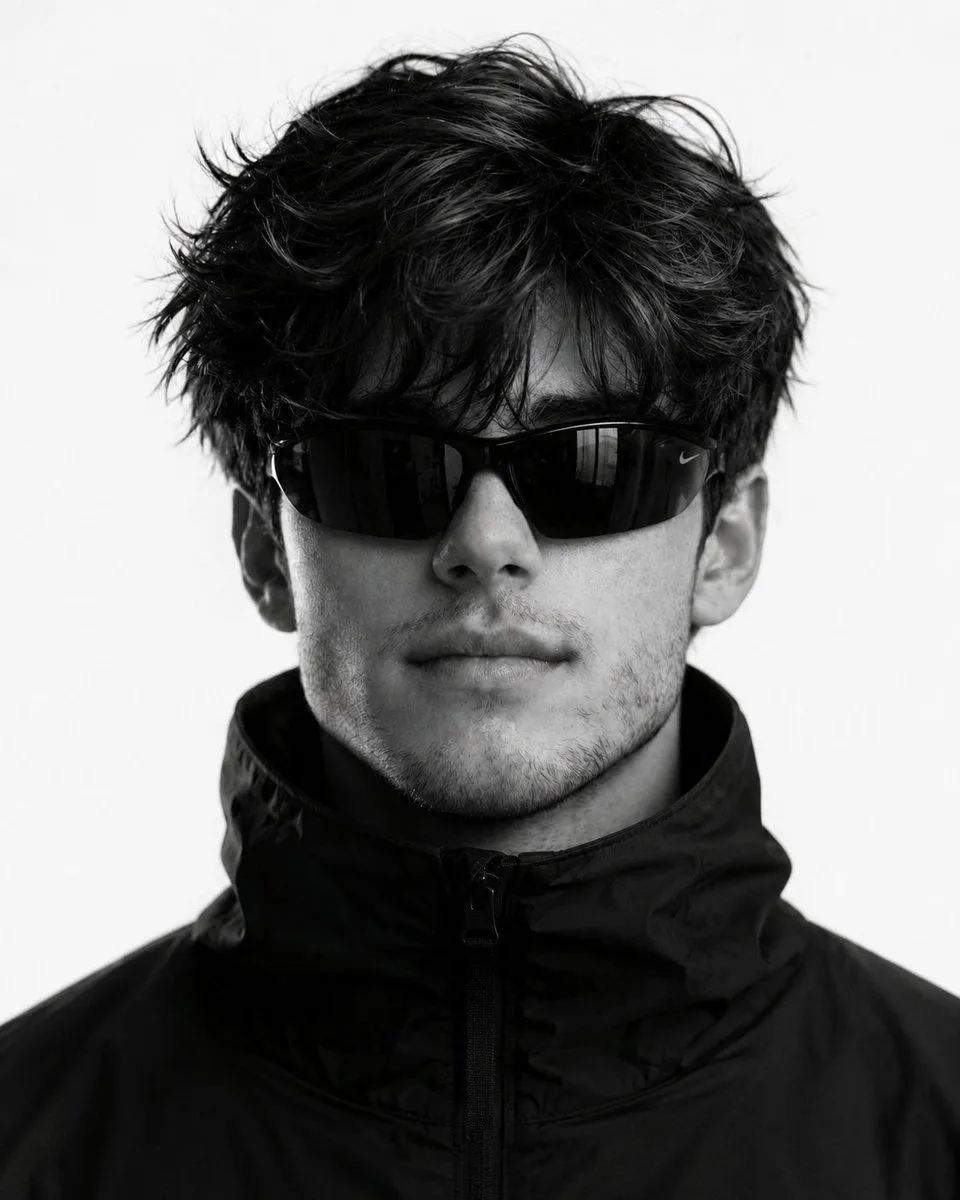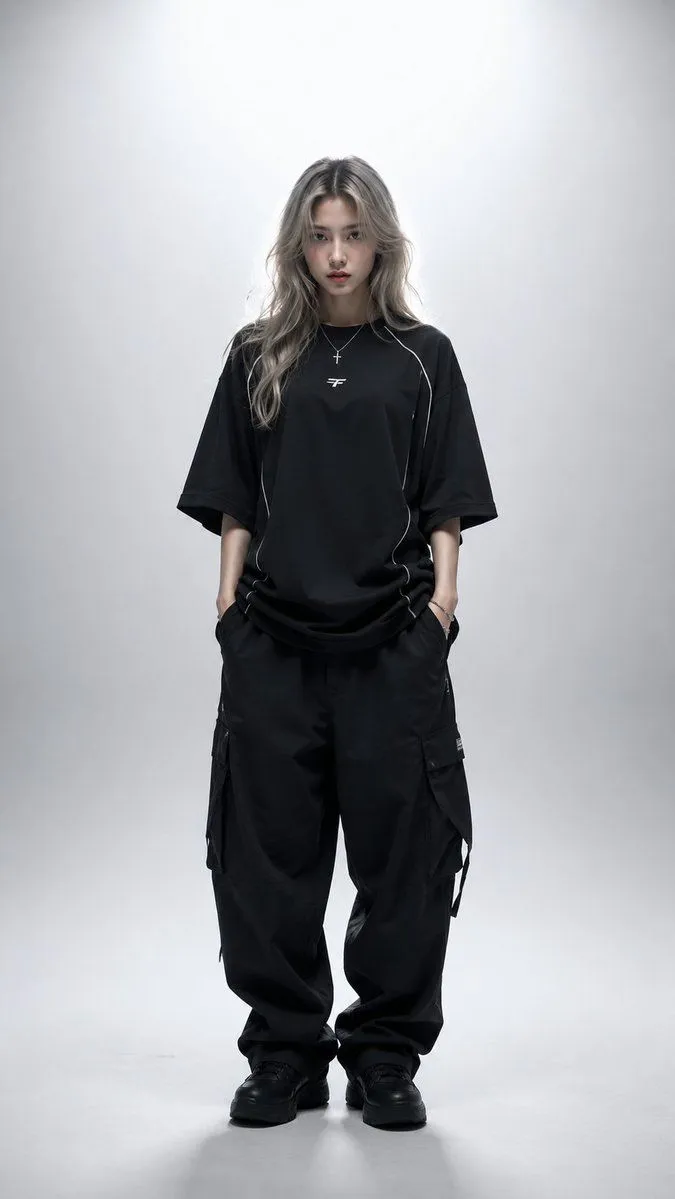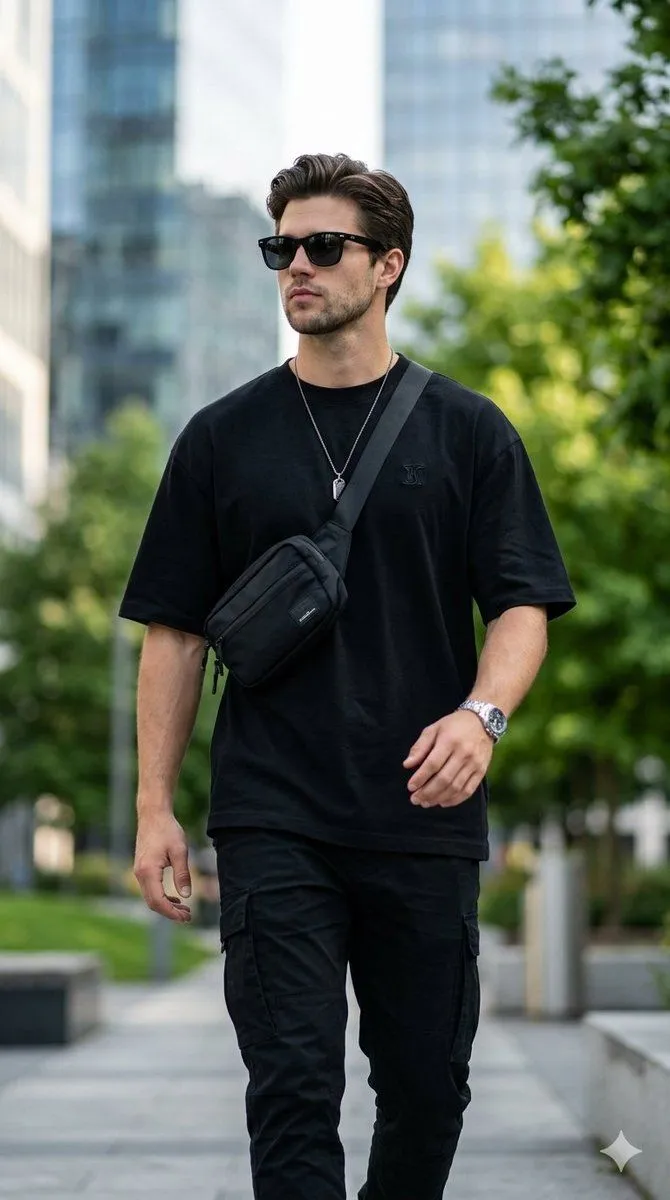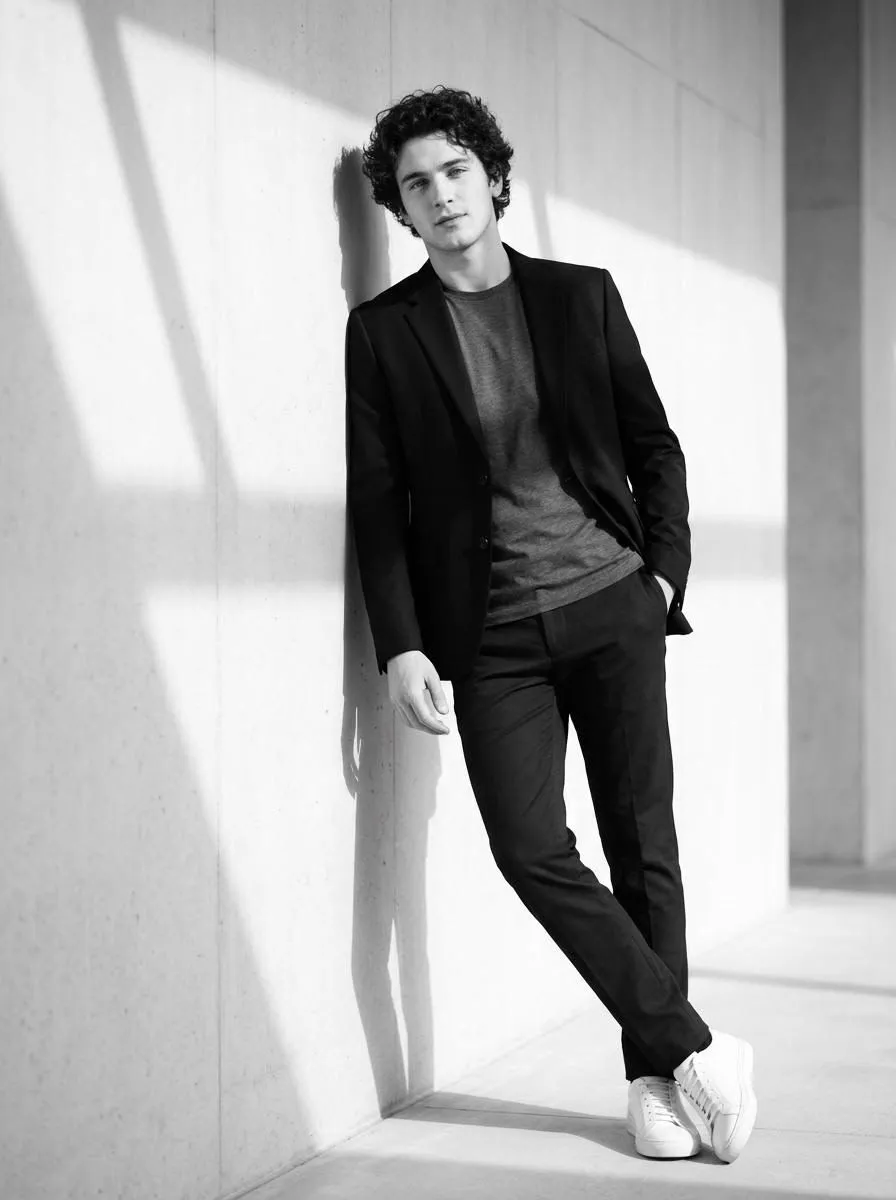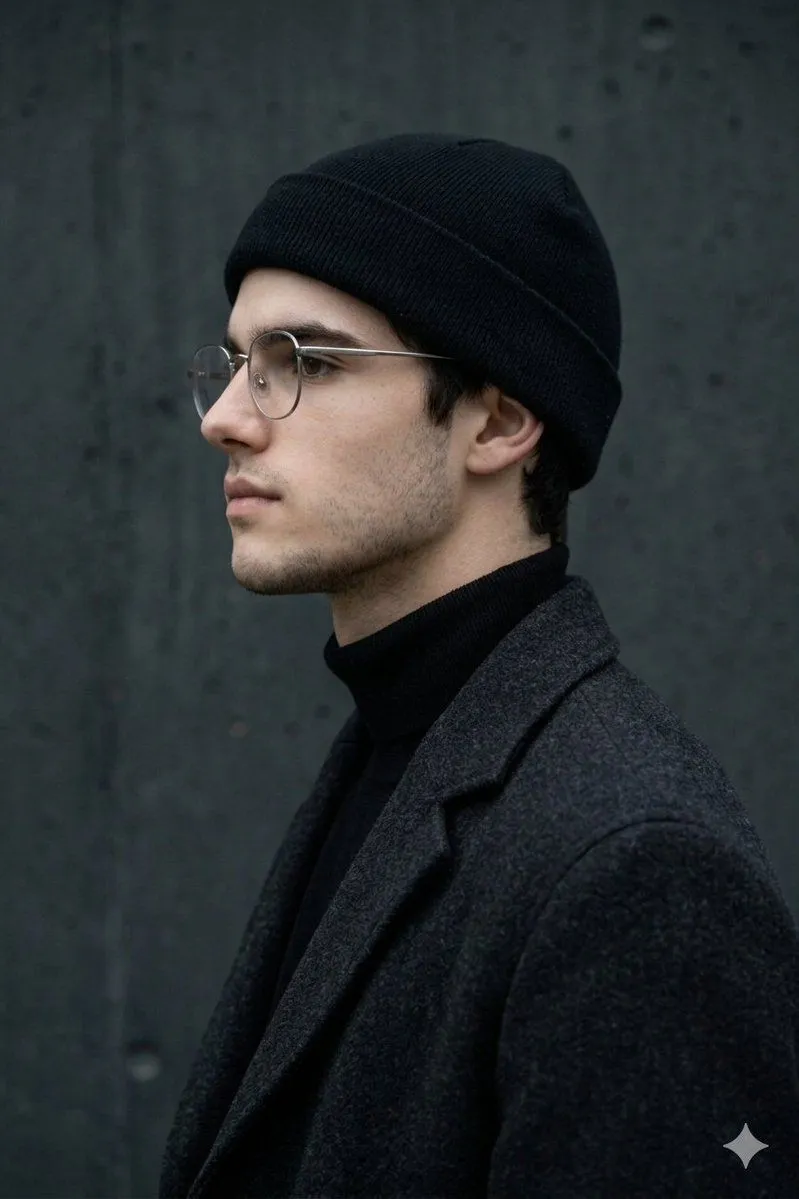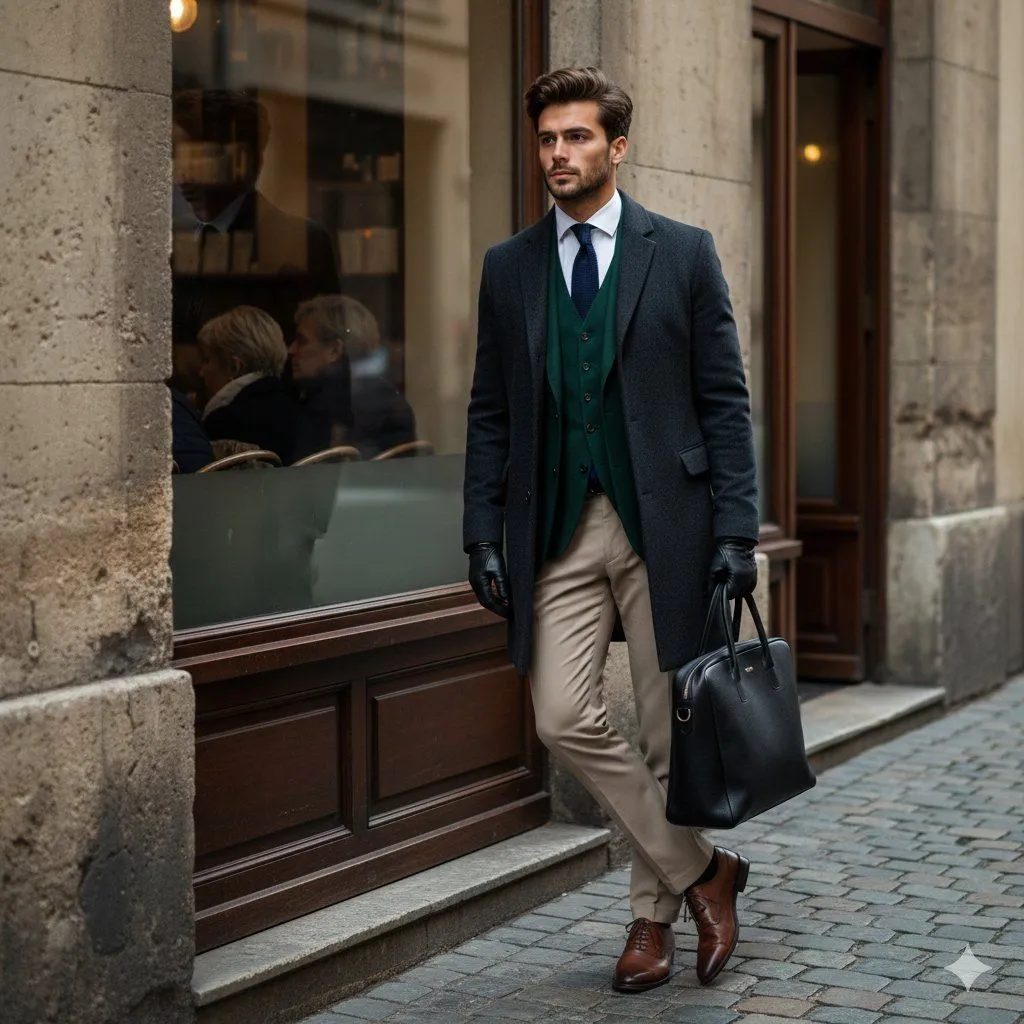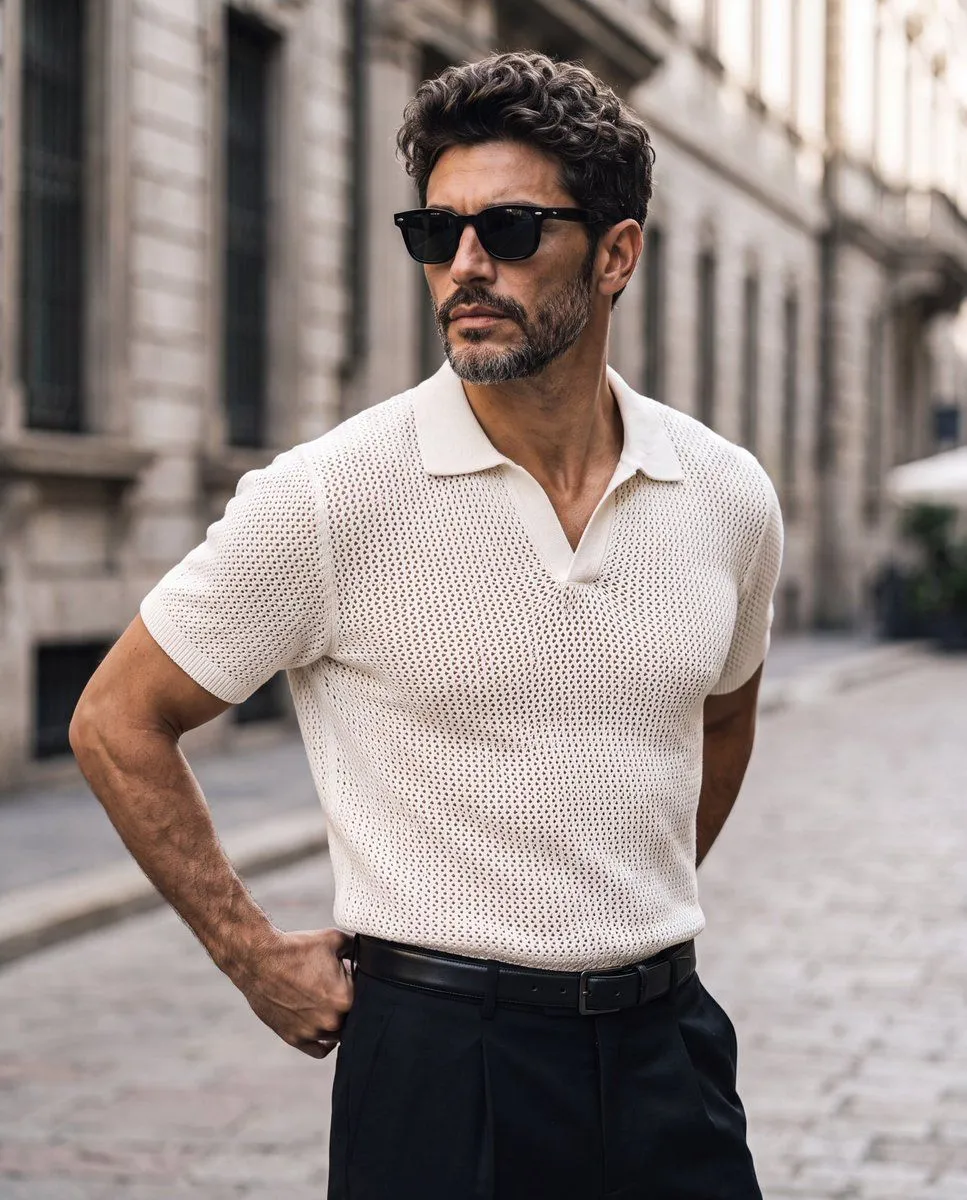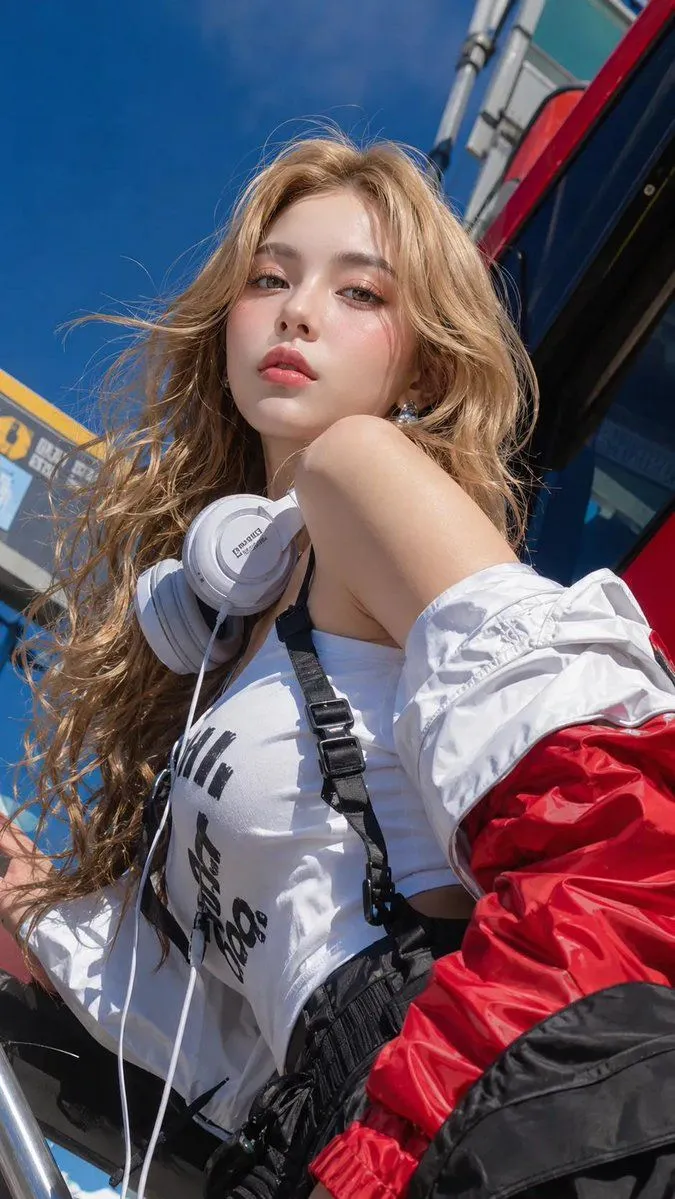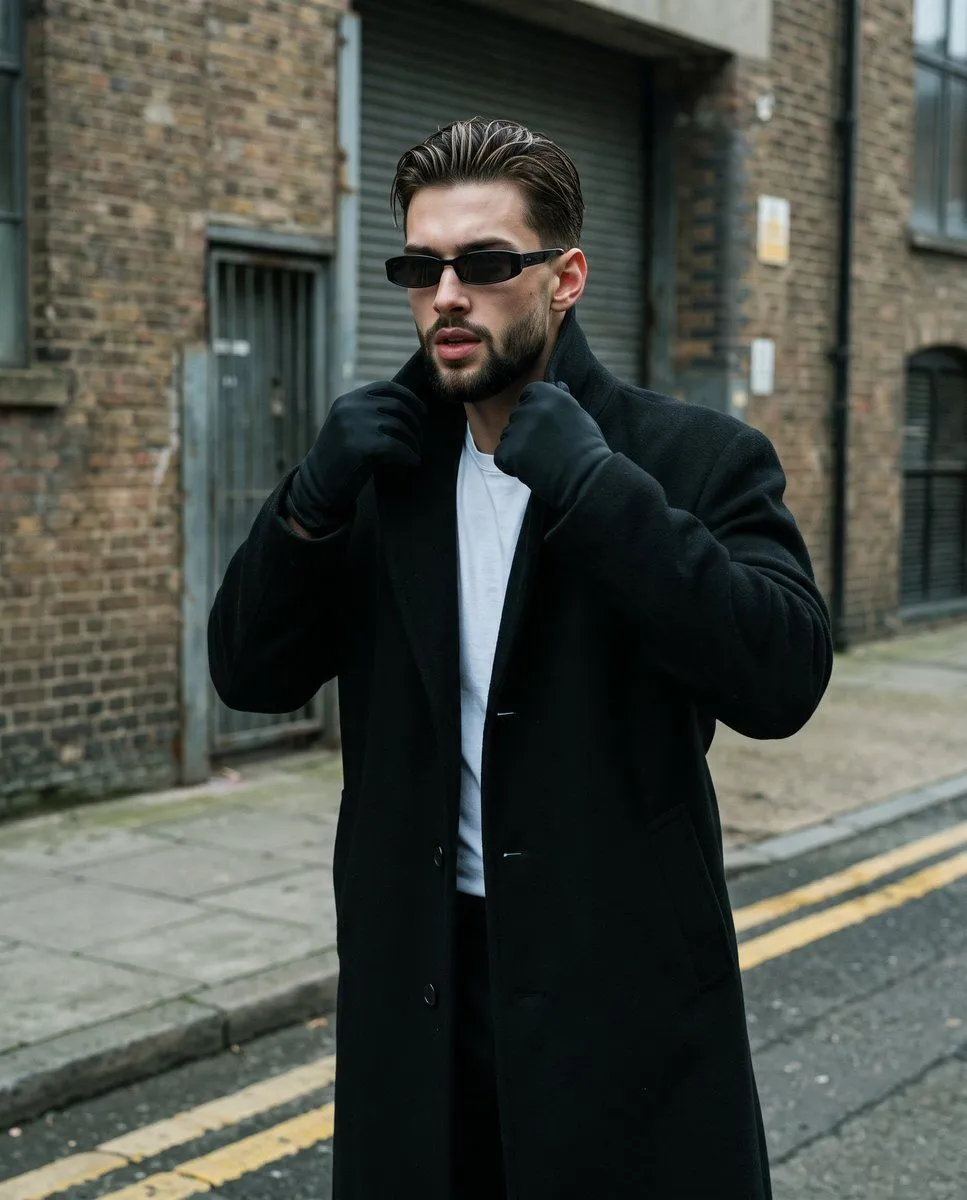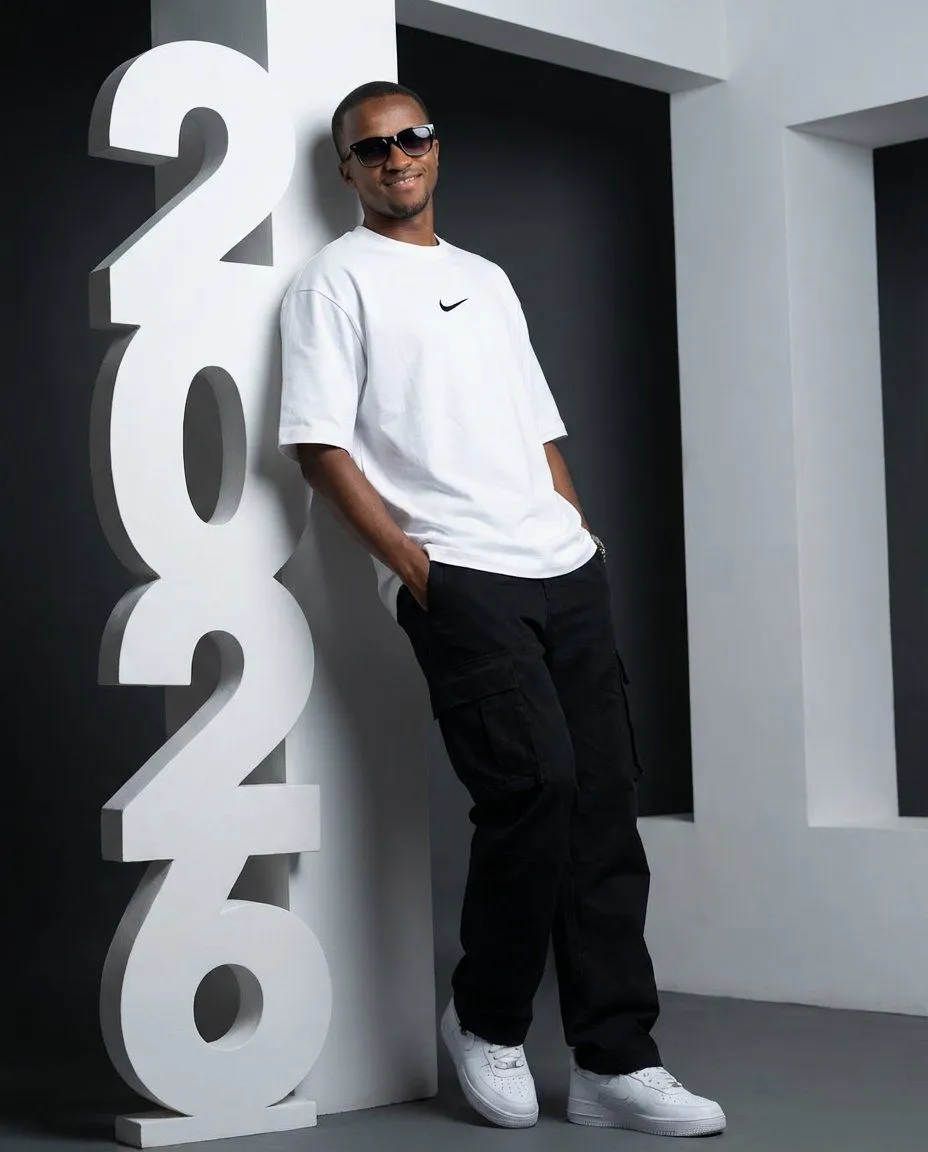
Made with Nano Banana Pro in Gemini by Library Product. Promptclay never generates images.
Did it work?
No reports yet. Tell others if it worked for you.
Low-Angle Streetwear Portrait with Architectural Text
Prompt
1 blank to fillCreate an ultra-realistic portrait using the uploaded photos, keeping my face perfectly accurate with no changes to structure or expression. I’m standing in a modern studio, leaning casually against a large white sculptural installation of the text “{year_text}” arranged vertically, with each letter stacked upward like a tall architectural totem. The sculpture is the same height as me so the composition feels balanced and powerful. I’m leaning one shoulder lightly against the vertical “{year_text}” structure. My body faces slightly to the side with most of my weight resting on one leg in a relaxed, confident stance. Both hands rest comfortably inside my cargo pockets. My head tilts a little as I look calmly toward the camera I’m wearing an oversized NIKE WHITE t-shirt. I’ve paired it with black OVERSIZED cargo pants and clean white NIKE AIR FORCE sneakers with visible laces and defined soles. I’m also wearing black gradient sunglasses. The shot is taken from a low angle to boost presence and make the vertical {year_text} sculpture feel bold and architectural beside me. Lighting is controlled and directional, creating soft shadows across the sculpture and subtle highlights on my face and outfit. The backdrop is a clean dark grey studio background with crisp white details. The camera look matches an 85mm portrait lens for cinematic depth, gentle compression, and natural proportions. The final mood is modern, editorial, and confident, blending streetwear presence with architectural design in a striking low-angle portrait.
Use only photos you have the right to usePhoto tips
- Your photo stays with your app. You upload it to Gemini, ChatGPT or the app you use. Promptclay never sees or stores it.
- Crop to what the prompt needs. Your face for a portrait. Leave out other people, house numbers, cards and screens.
- Check the result before you post. Apps sometimes add things that were not in your photo, like a mole, a tattoo or bare shoulders. Run it again or ask the app to remove them.
Preview of your prompt
Create an ultra-realistic portrait using the uploaded photos, keeping my face perfectly accurate with no changes to structure or expression. I’m standing in a modern studio, leaning casually against a large white sculptural installation of the text “2026” arranged vertically, with each letter stacked upward like a tall architectural totem. The sculpture is the same height as me so the composition feels balanced and powerful. I’m leaning one shoulder lightly against the vertical “2026” structure. My body faces slightly to the side with most of my weight resting on one leg in a relaxed, confident stance. Both hands rest comfortably inside my cargo pockets. My head tilts a little as I look calmly toward the camera I’m wearing an oversized NIKE WHITE t-shirt. I’ve paired it with black OVERSIZED cargo pants and clean white NIKE AIR FORCE sneakers with visible laces and defined soles. I’m also wearing black gradient sunglasses. The shot is taken from a low angle to boost presence and make the vertical 2026 sculpture feel bold and architectural beside me. Lighting is controlled and directional, creating soft shadows across the sculpture and subtle highlights on my face and outfit. The backdrop is a clean dark grey studio background with crisp white details. The camera look matches an 85mm portrait lens for cinematic depth, gentle compression, and natural proportions. The final mood is modern, editorial, and confident, blending streetwear presence with architectural design in a striking low-angle portrait.
DetailsVersions, settings and questions
Written for
What's in the prompt
- Subject
- Model
- Nano Banana Pro
If your face changes
keep my face exactly the sameQuestions
- Does this work in the Gemini app?
- Yes. Gemini runs Nano Banana, so paste the prompt and attach your photo if it uses one.
- It changed my face. What do I do?
- Add "keep my face exactly the same" to the end and run it again.
- Can I use the images I make?
- Check the terms of the app you use. Promptclay never generates images and claims nothing you make.