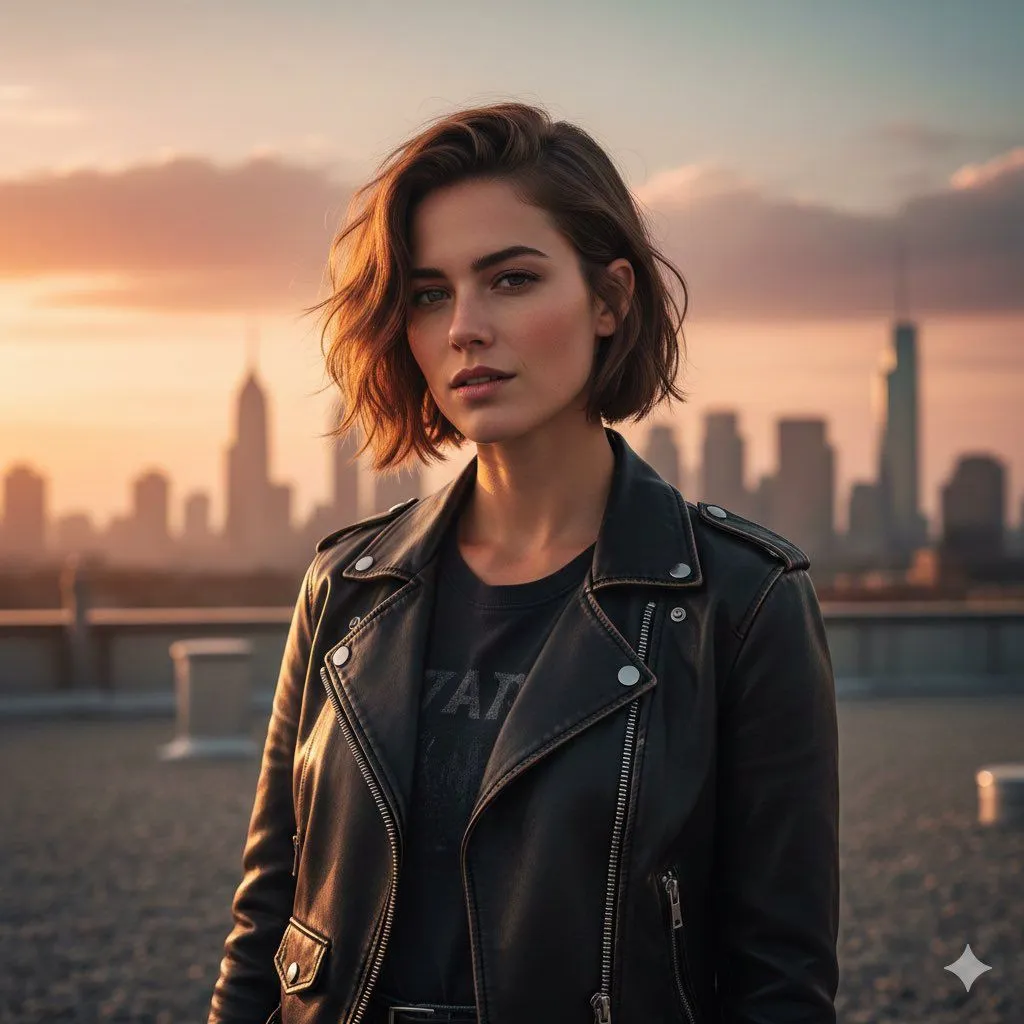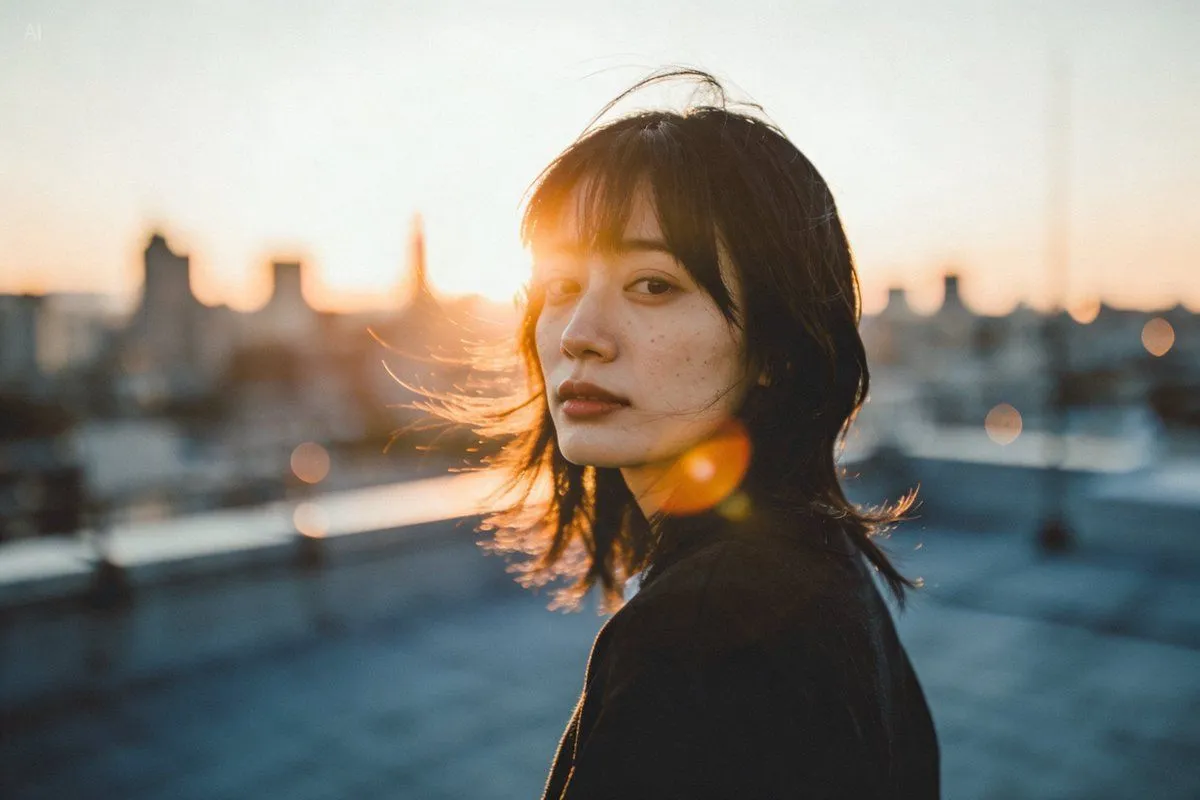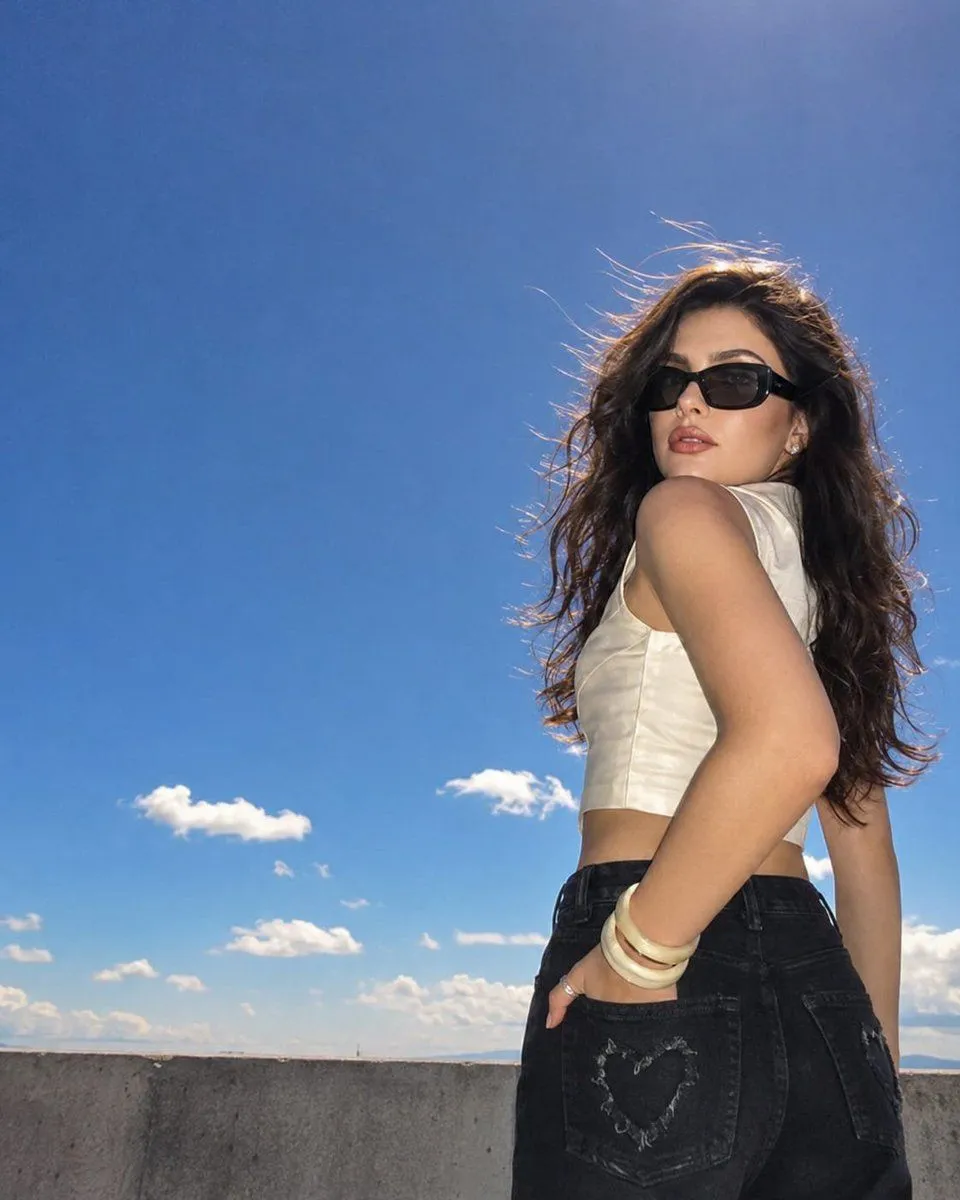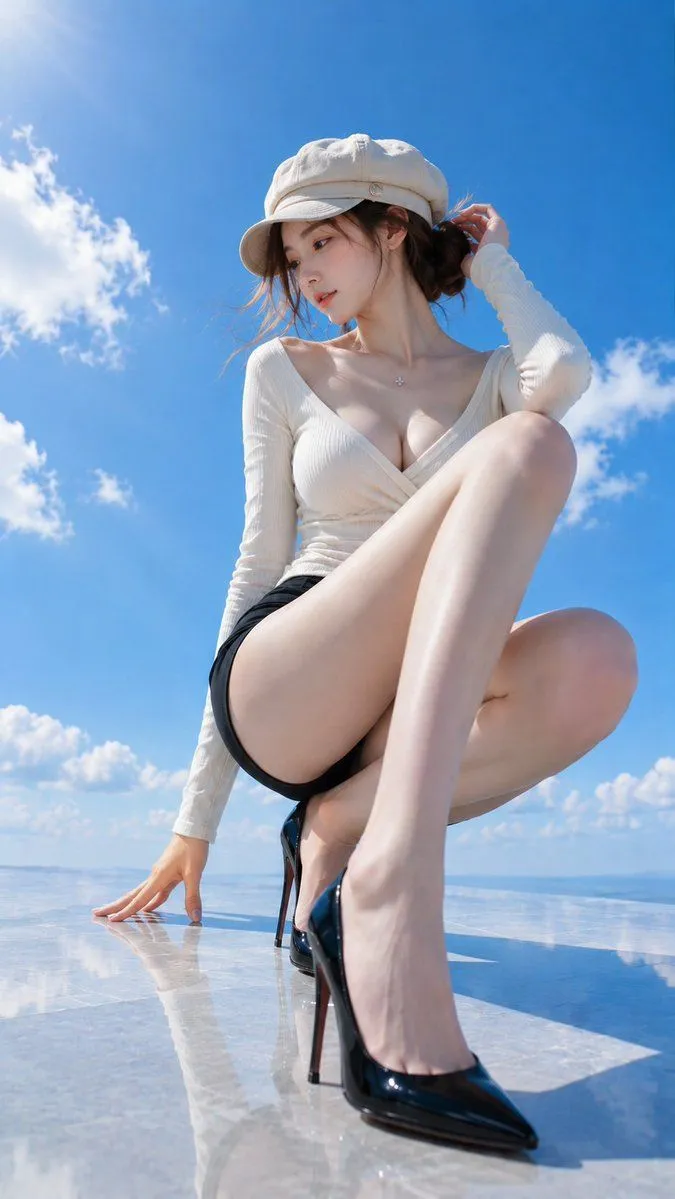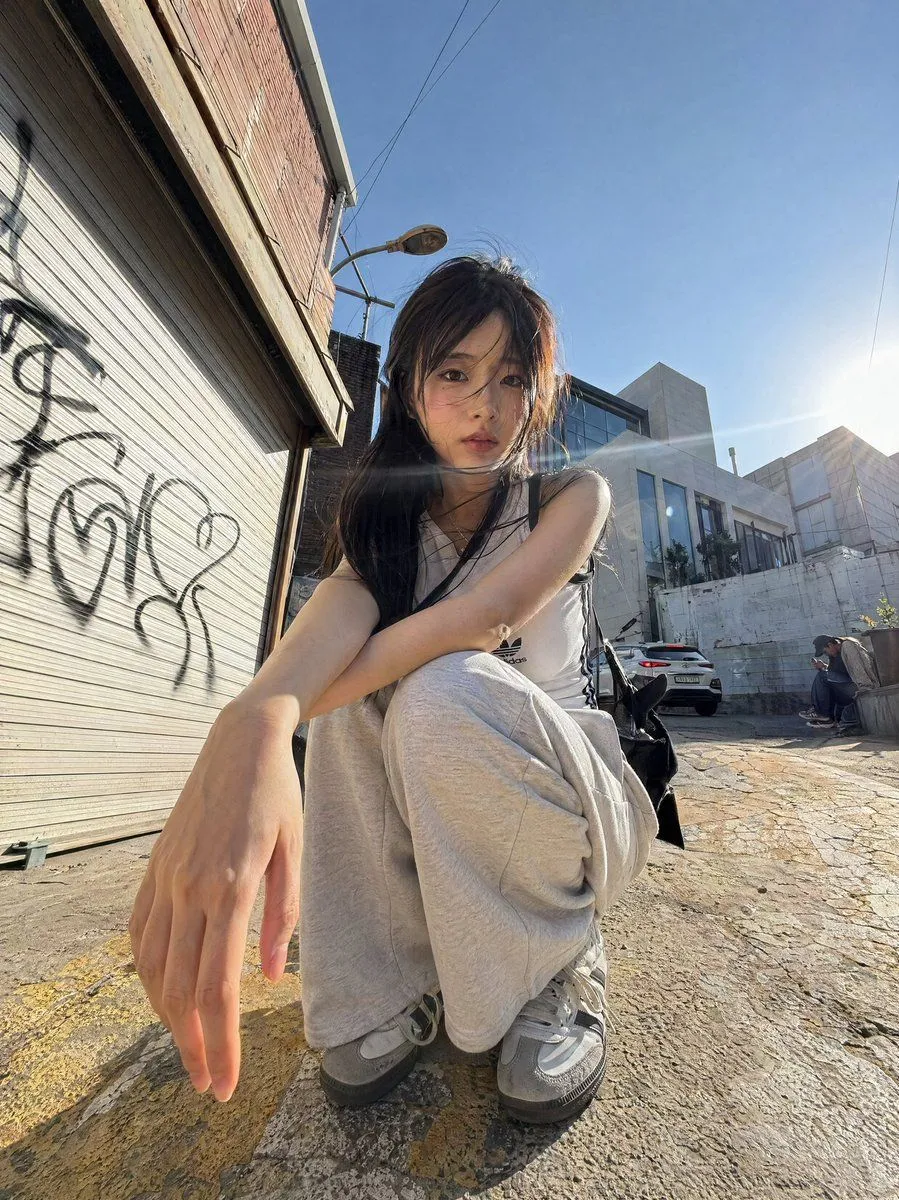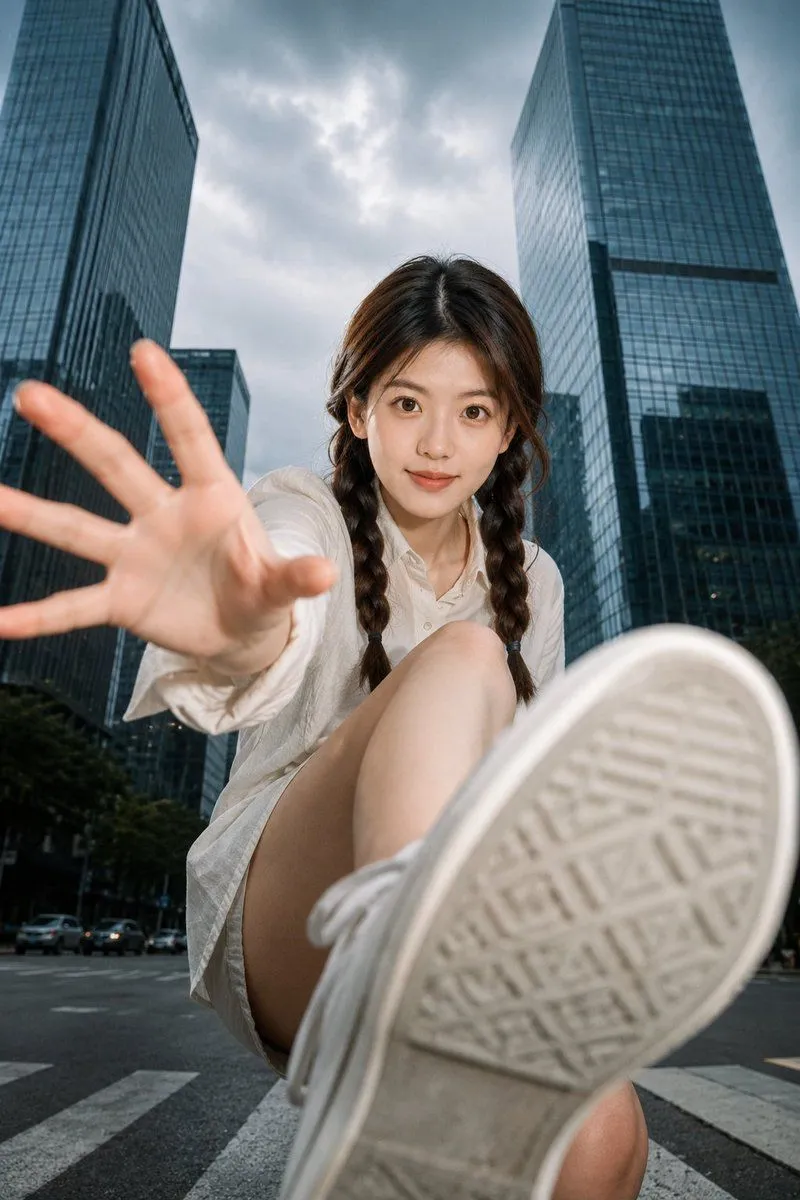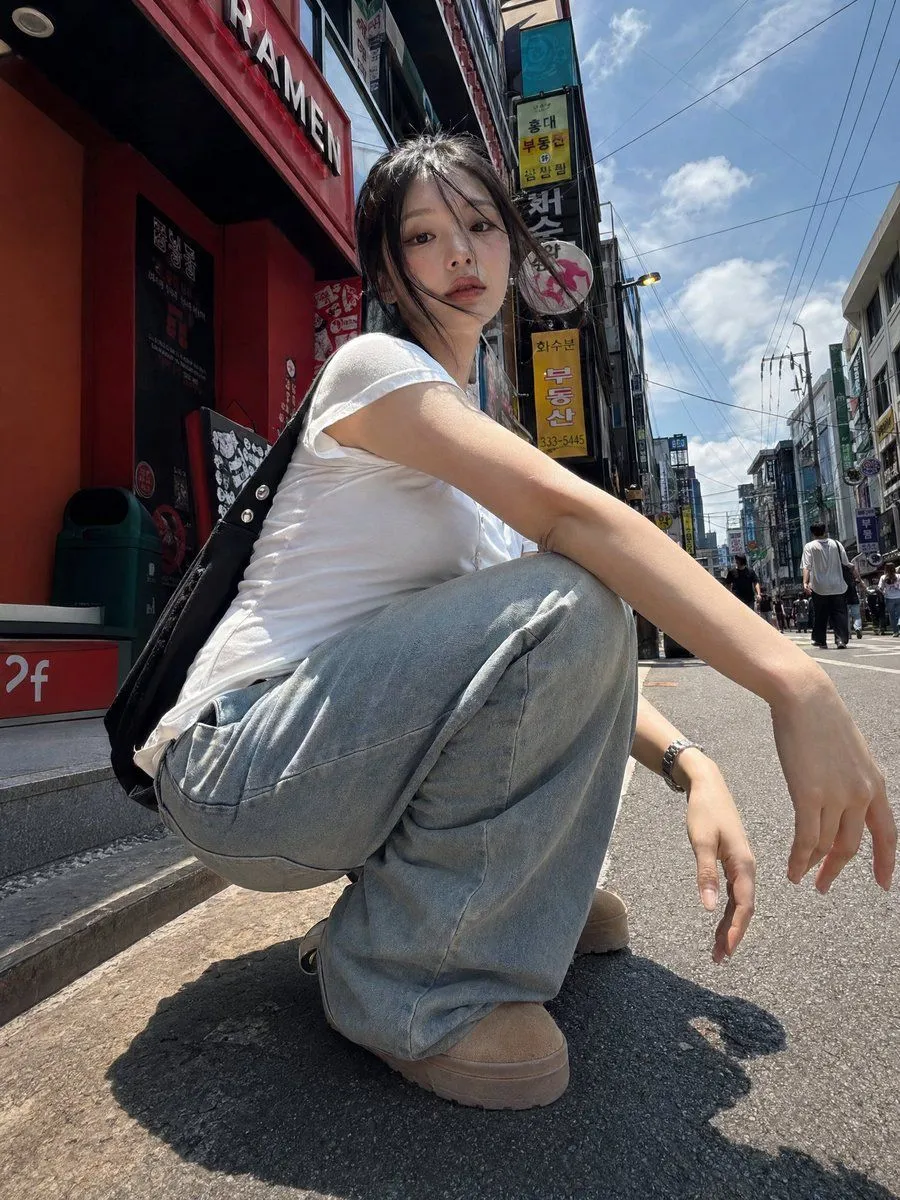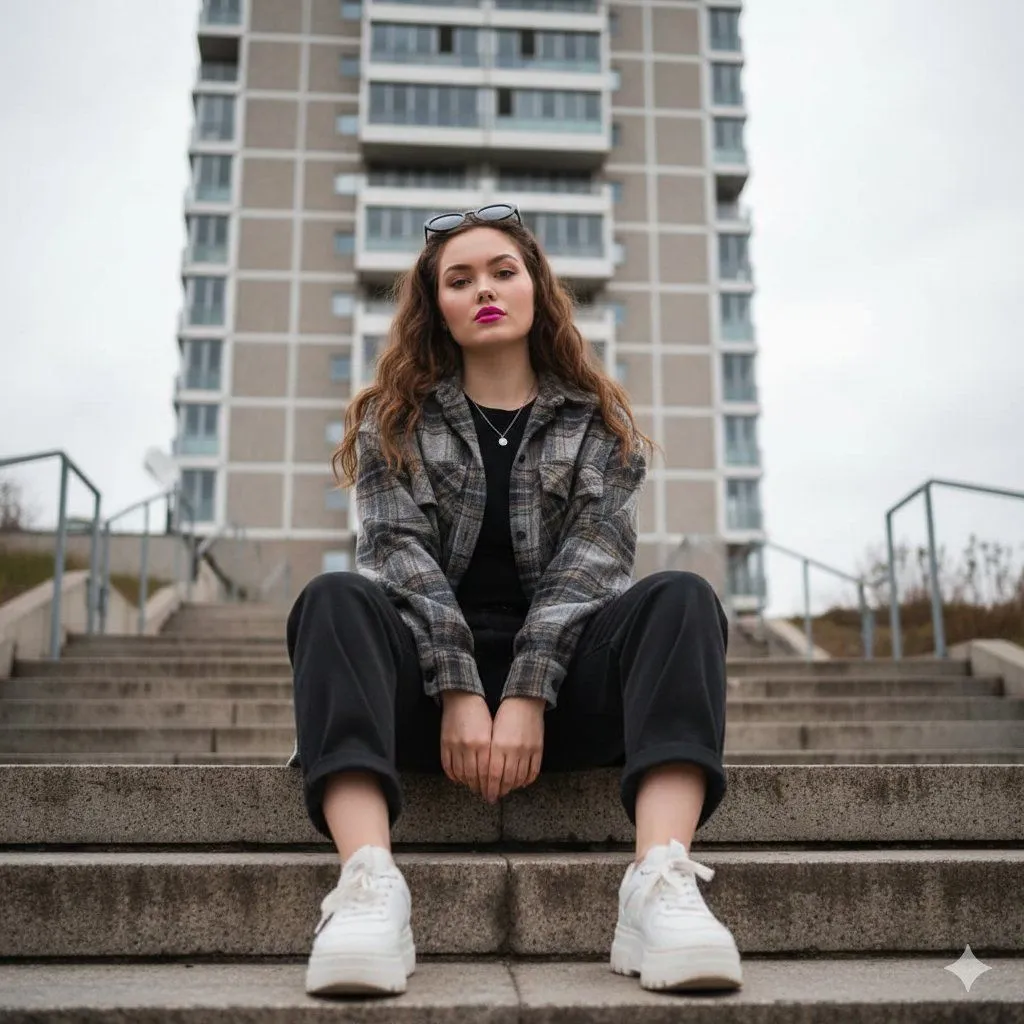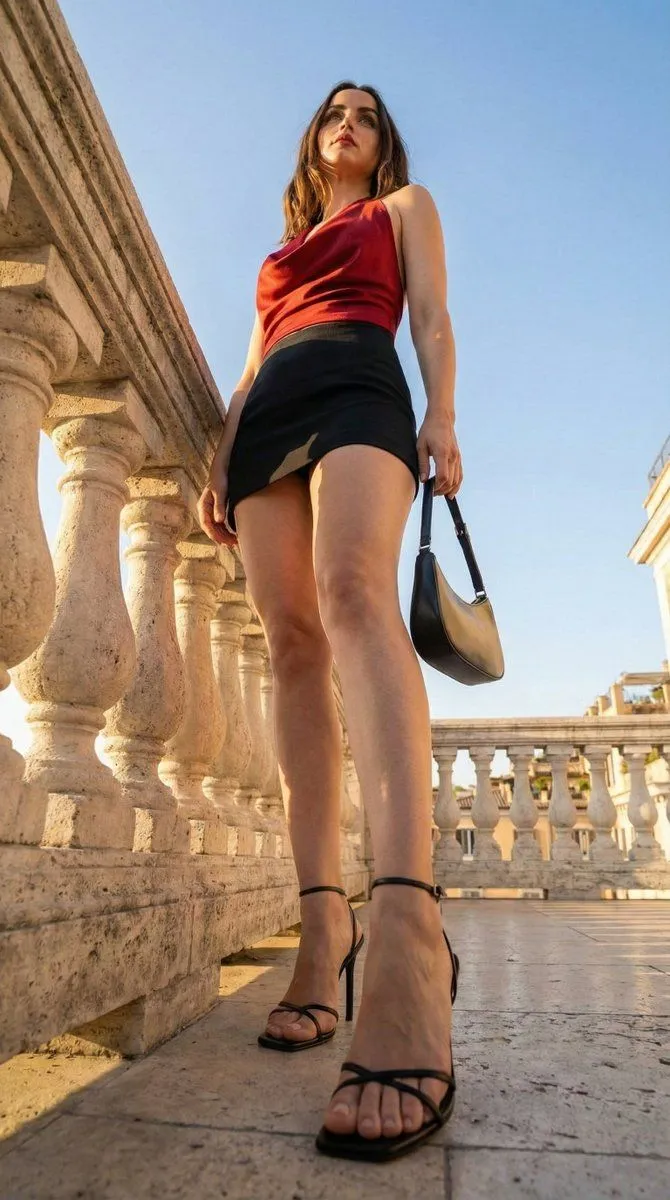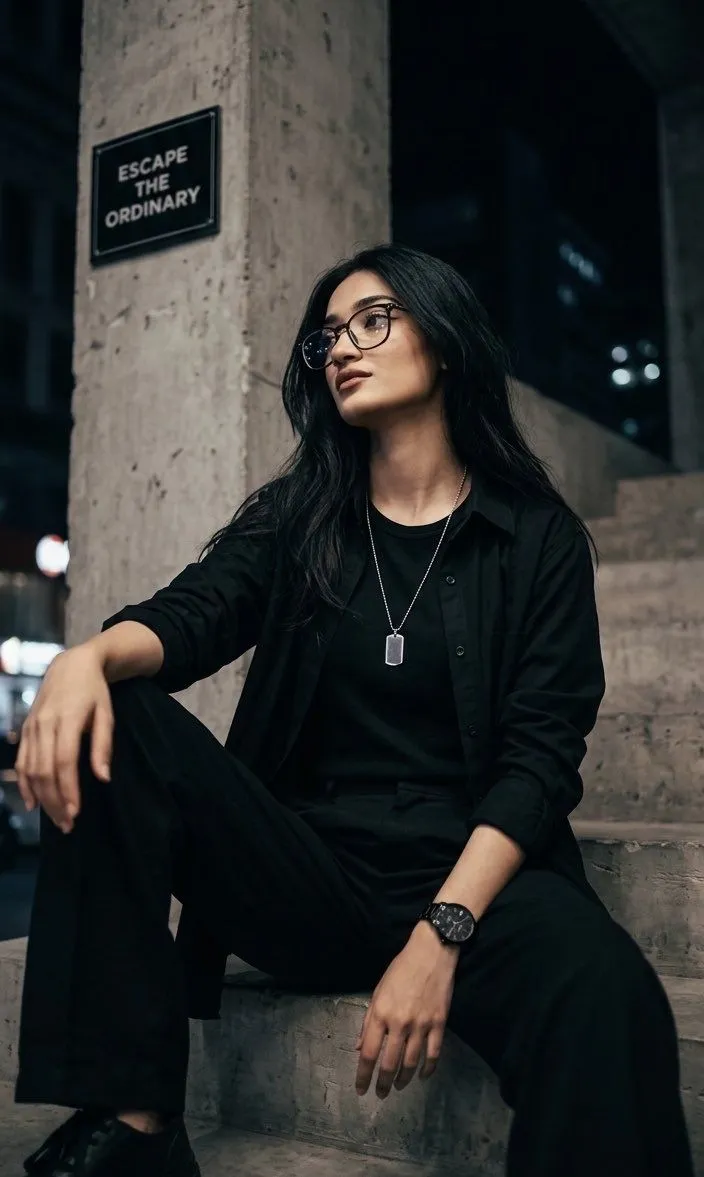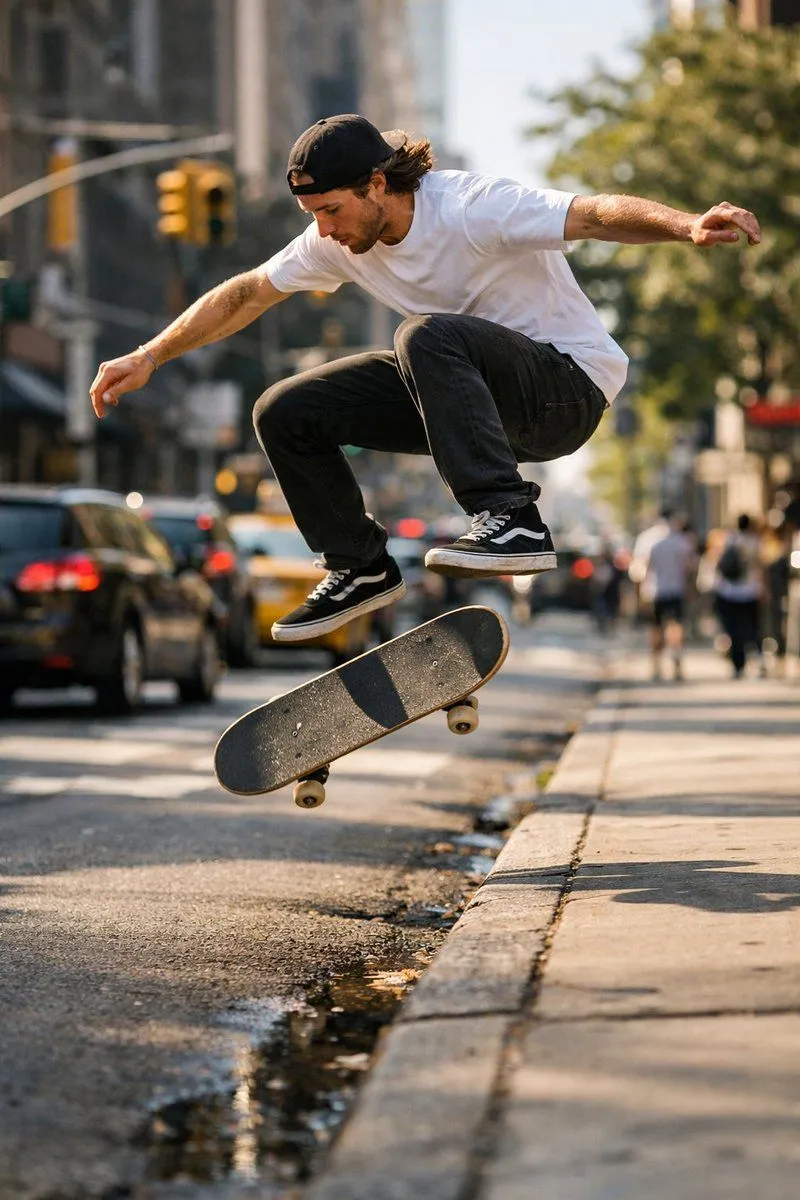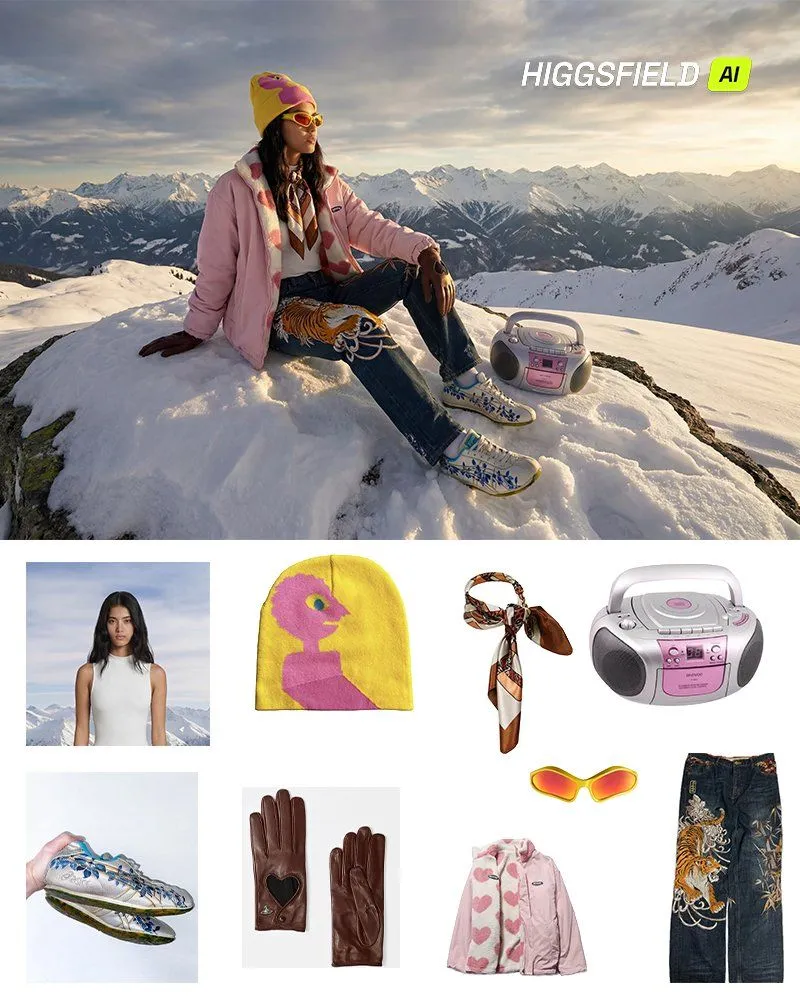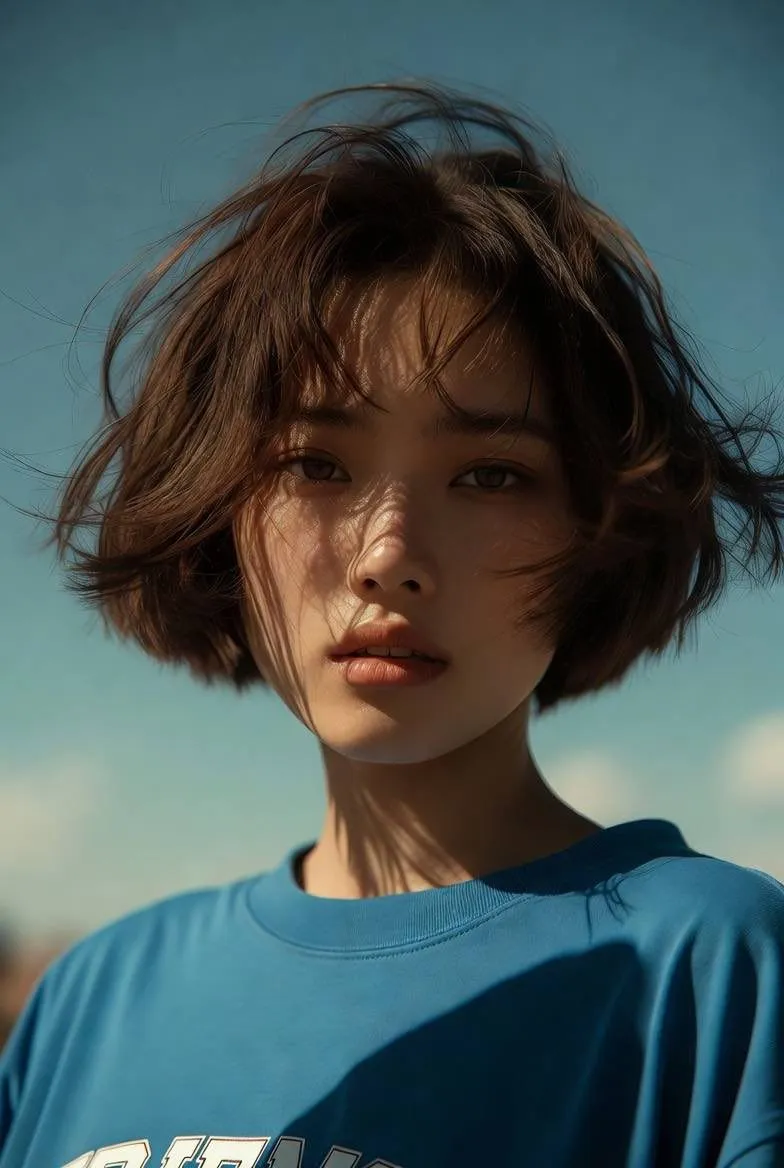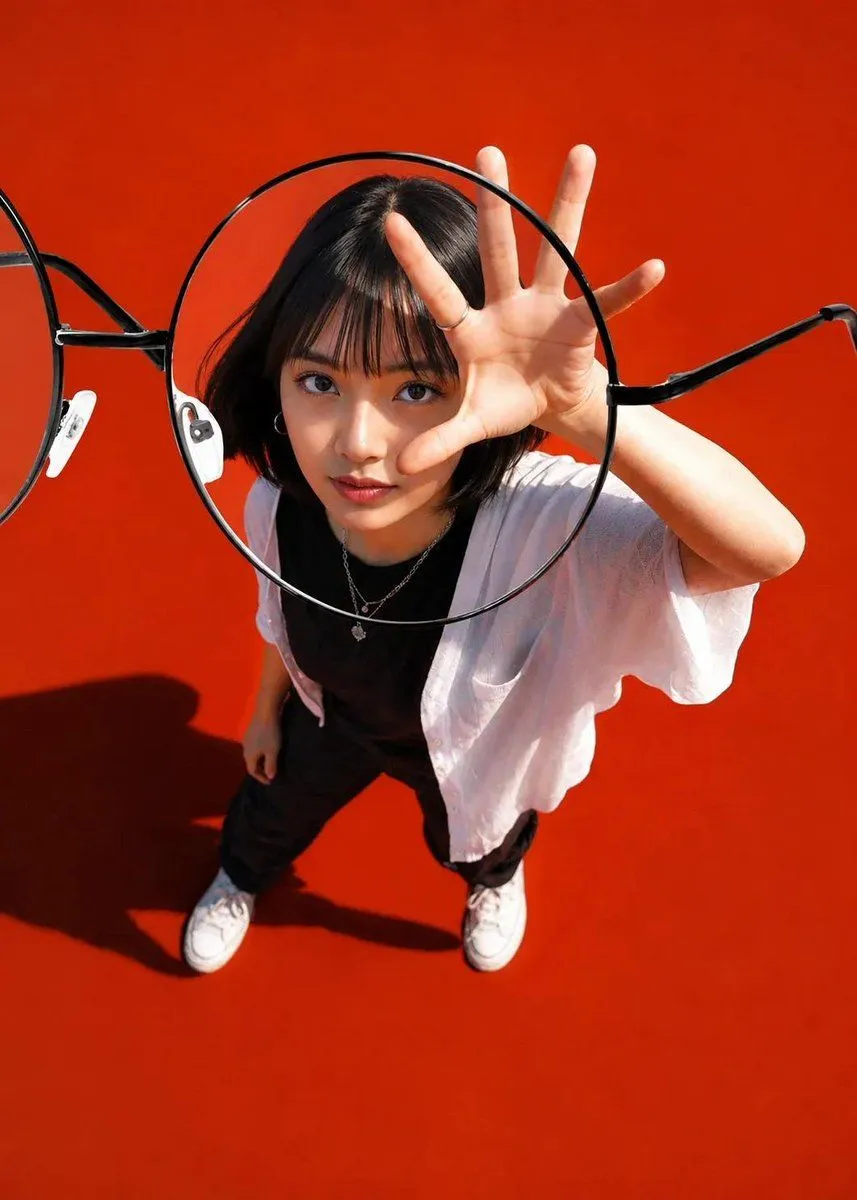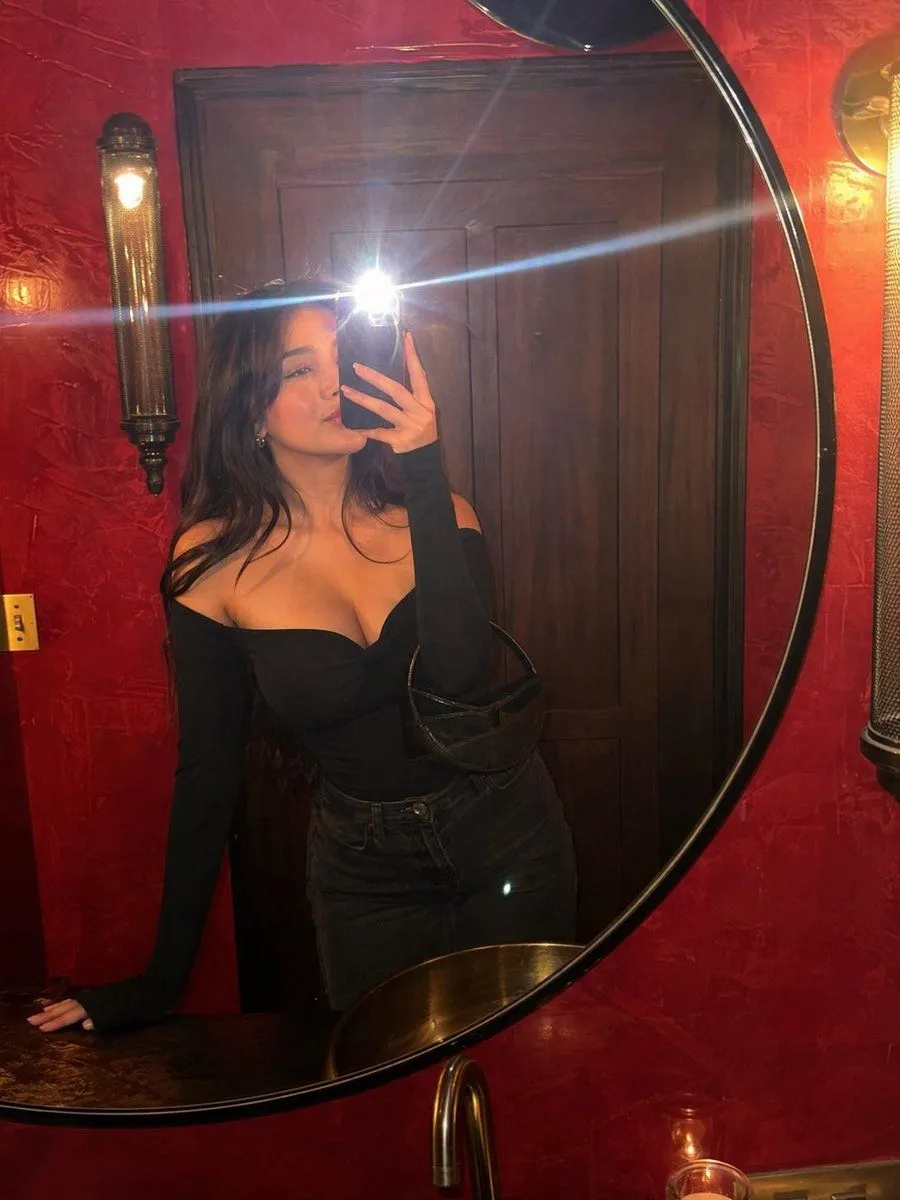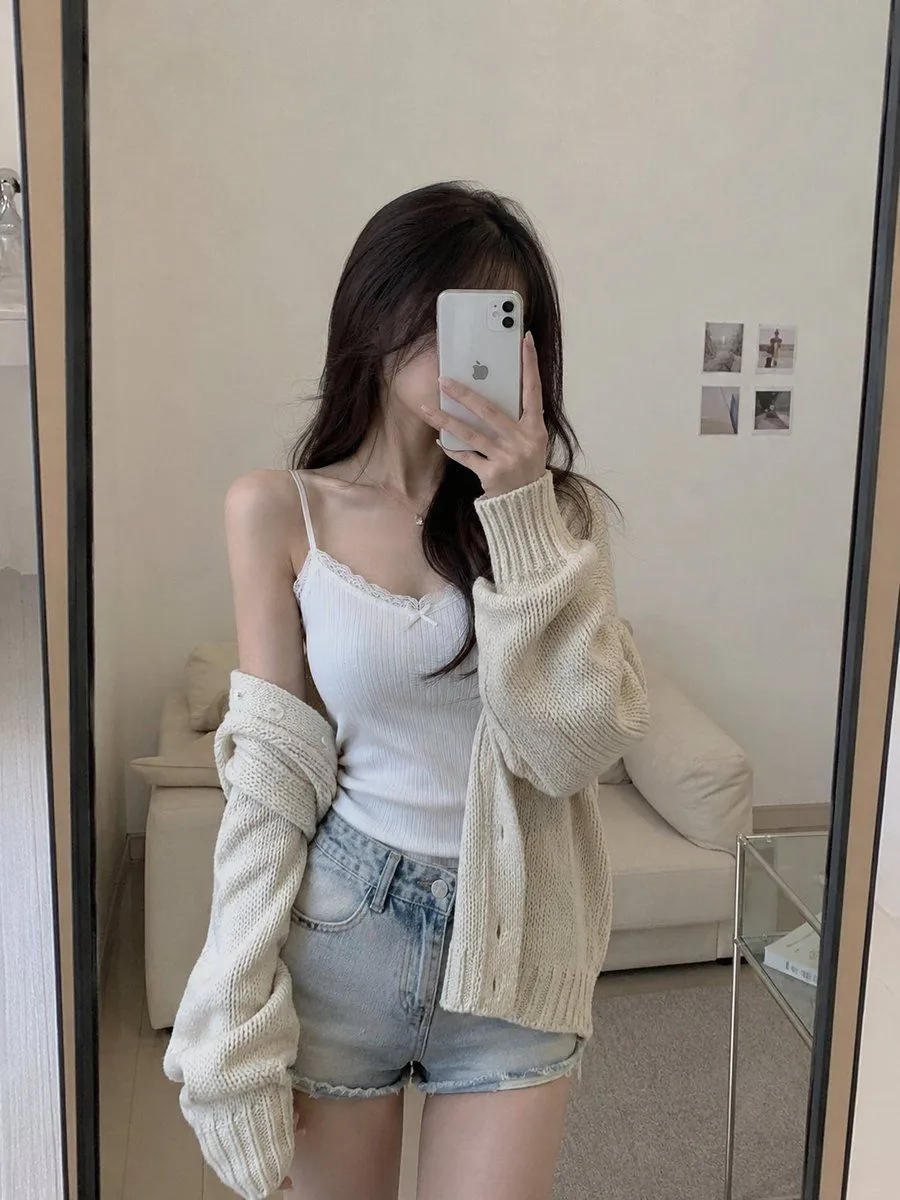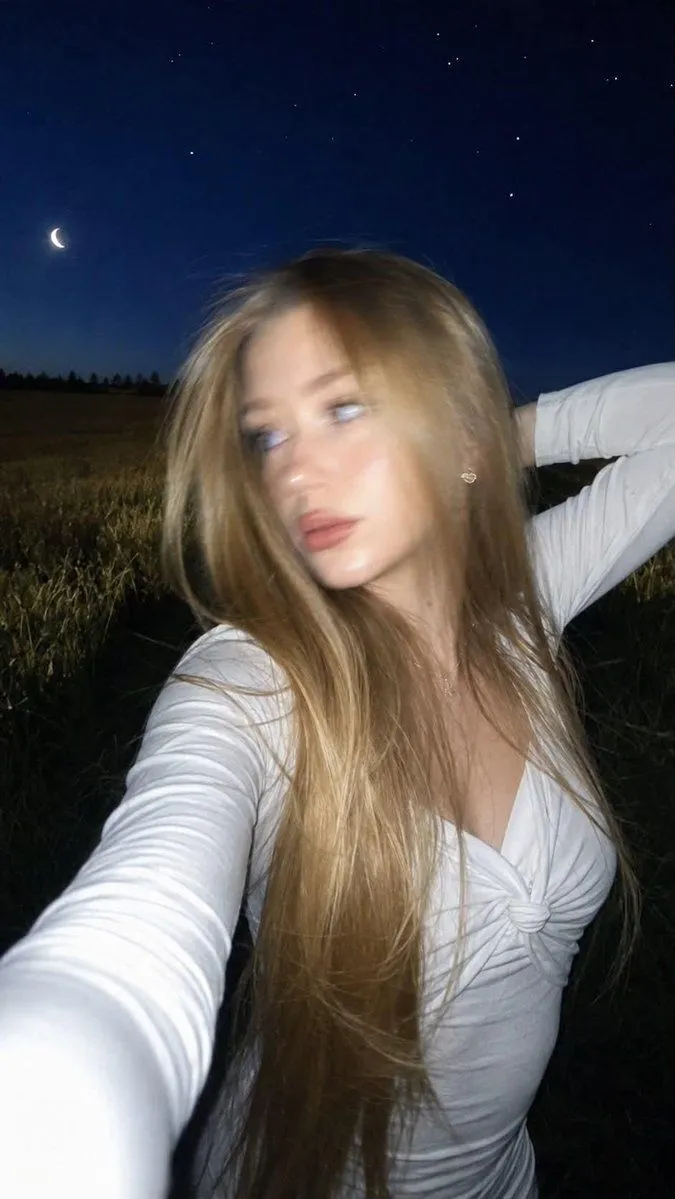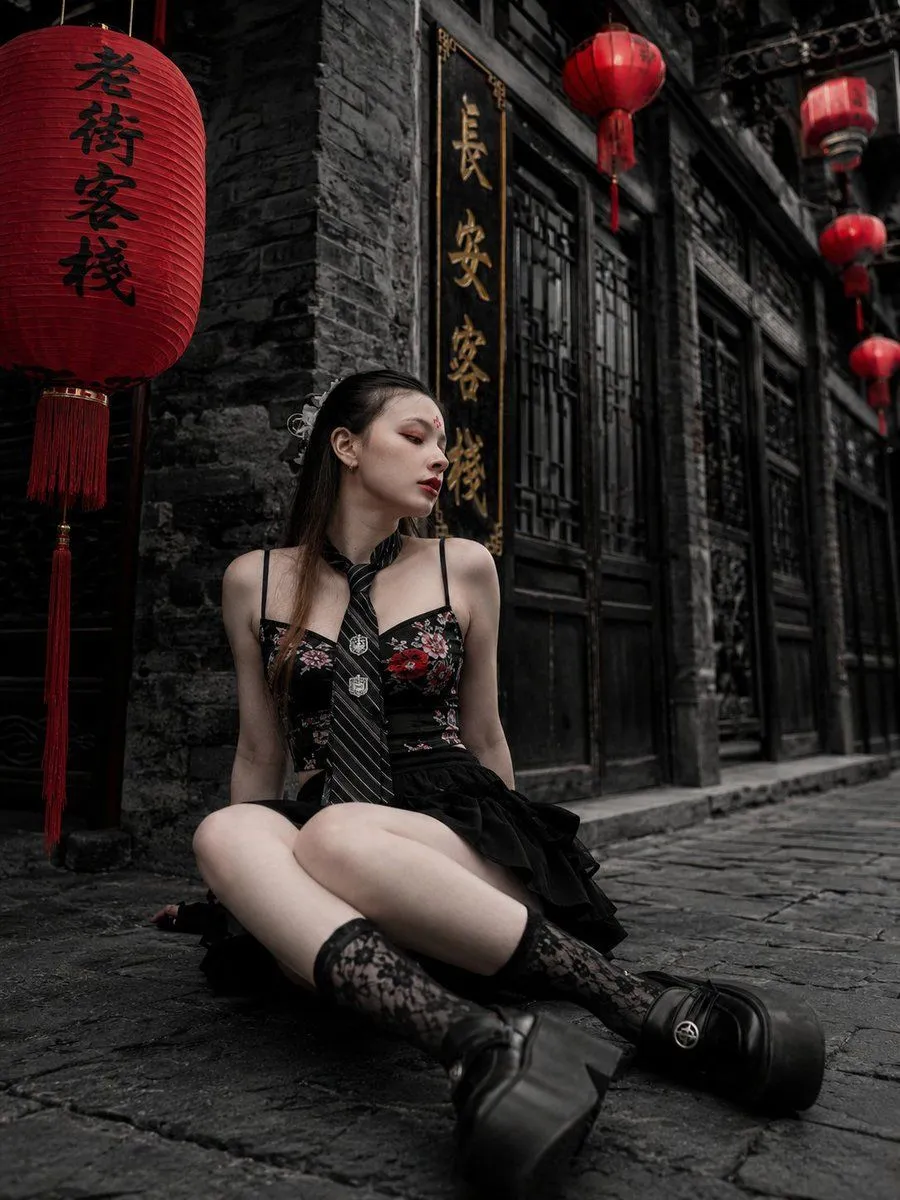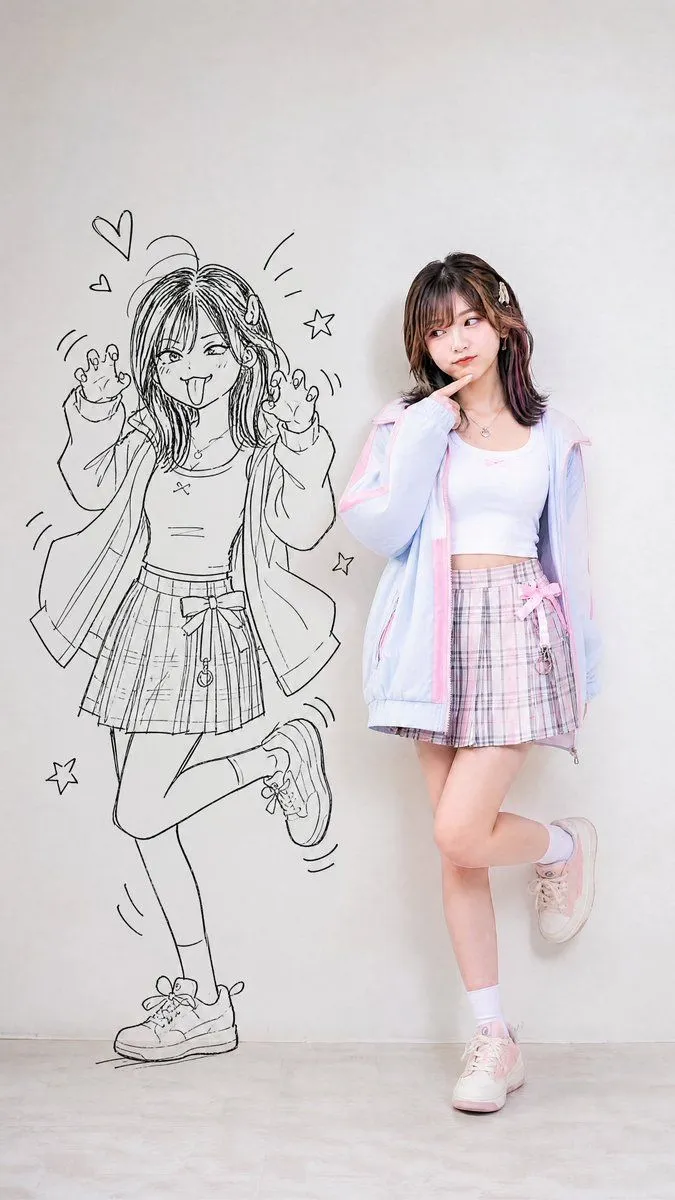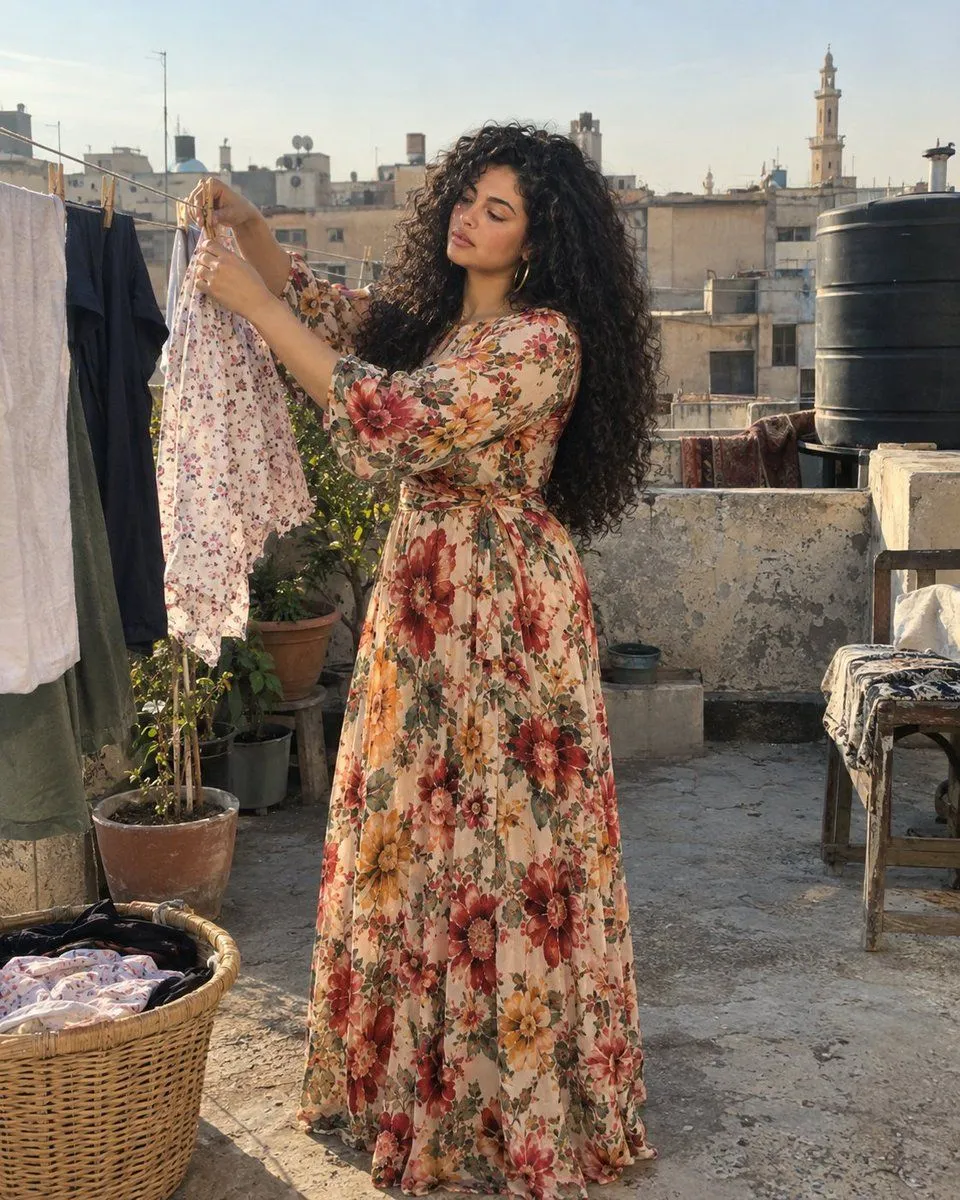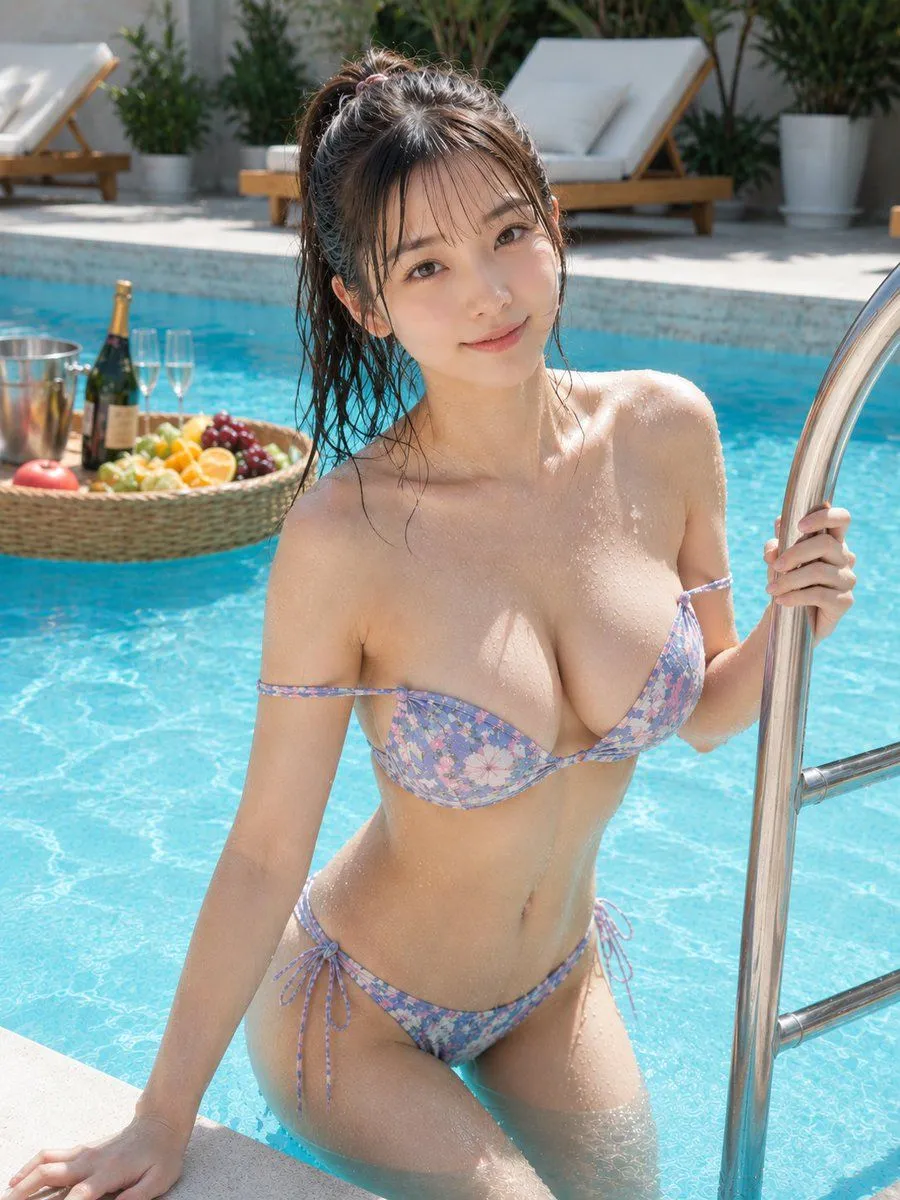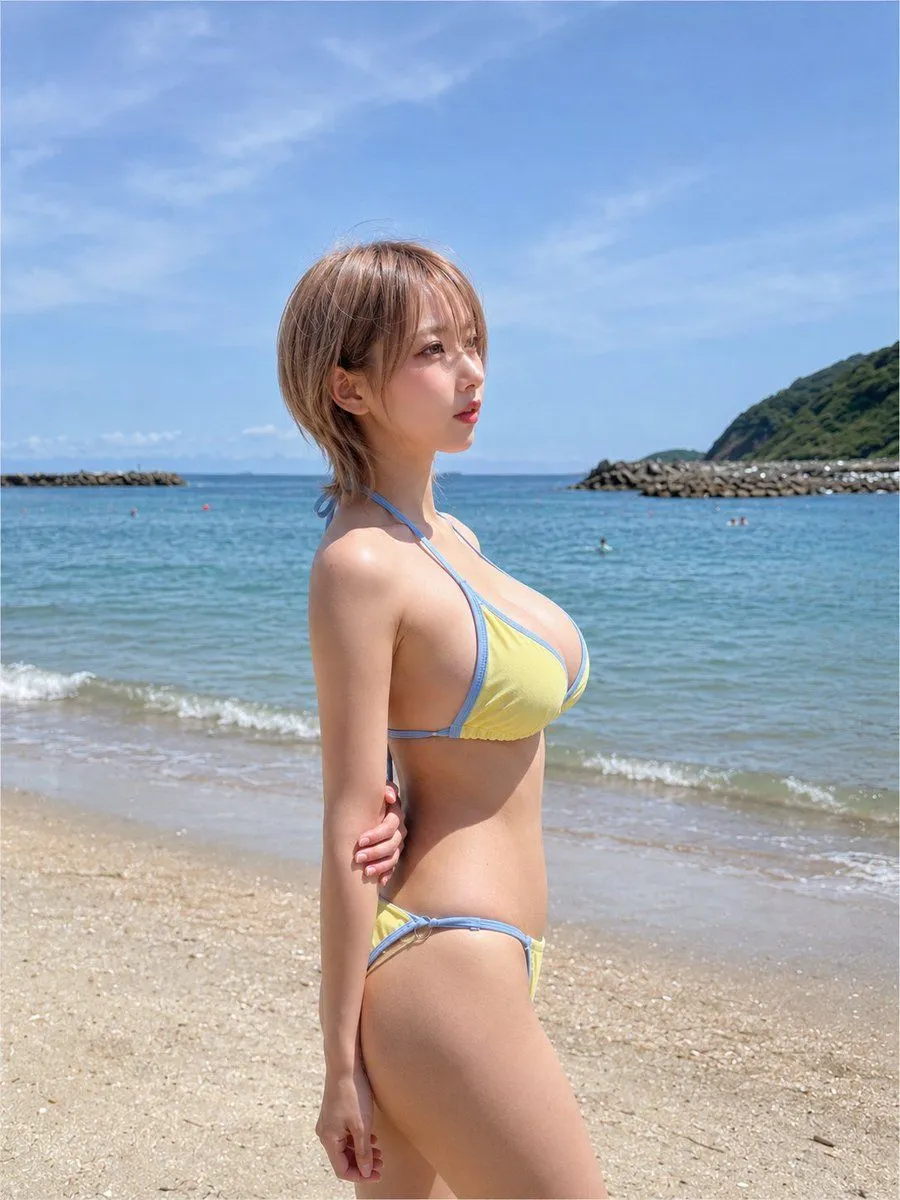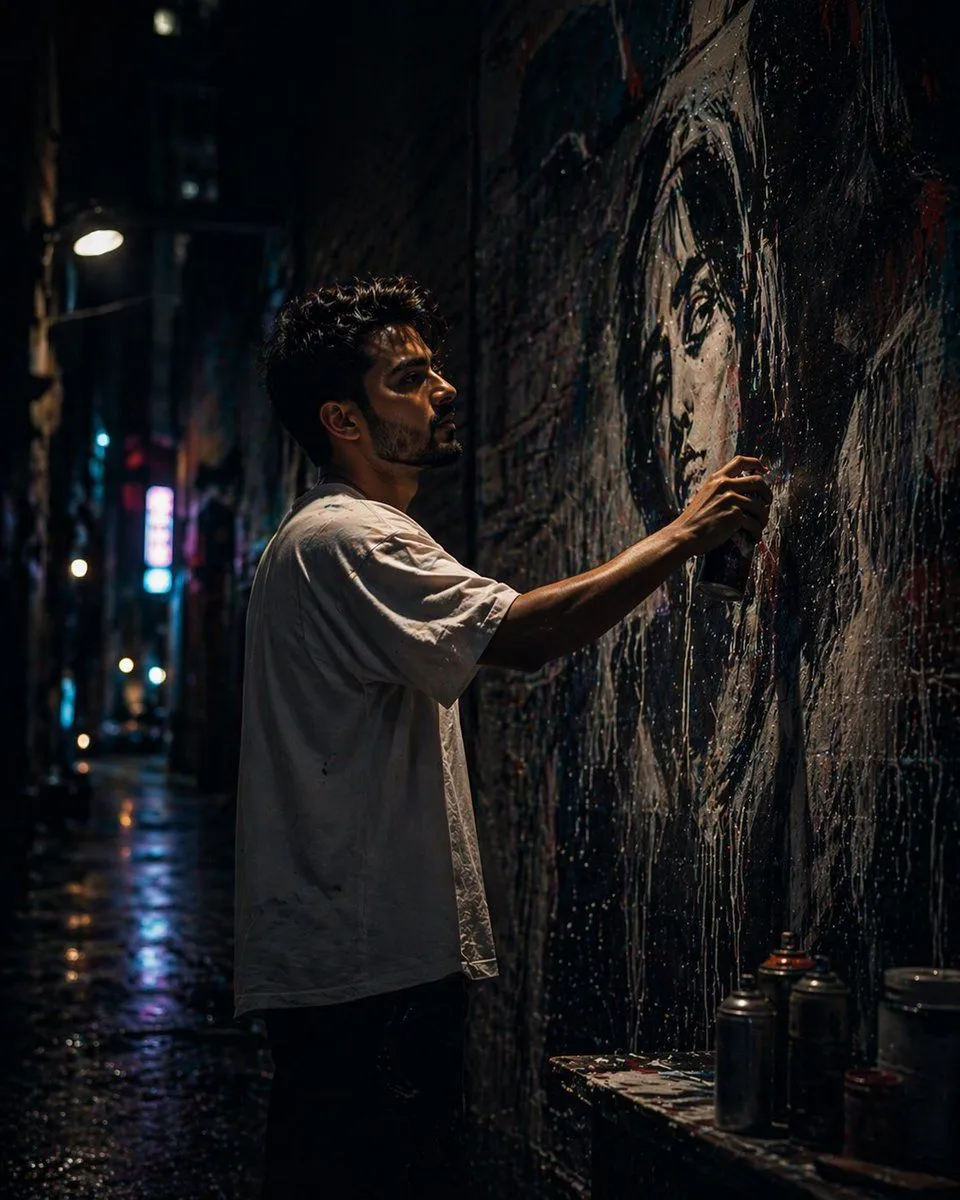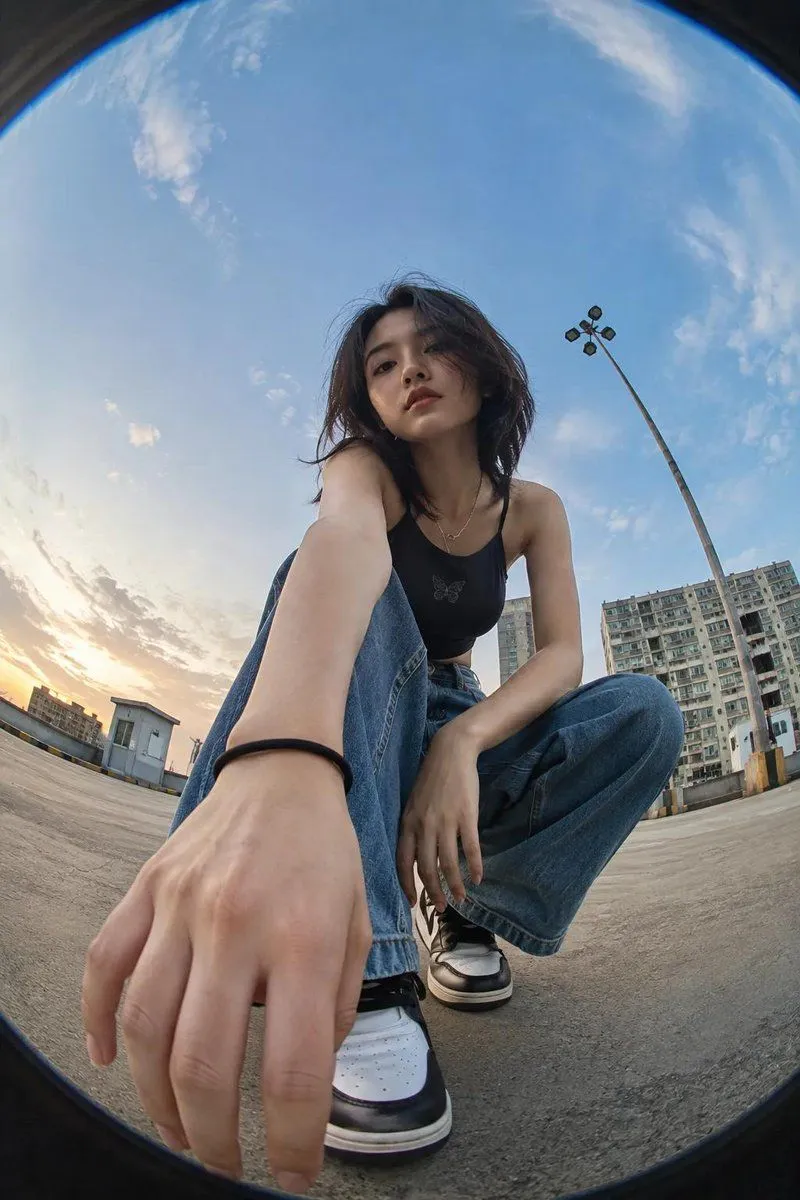
Made with GPT Image 2 in ChatGPT by Library Avatars. Promptclay never generates images.
Did it work?
No reports yet. Tell others if it worked for you.
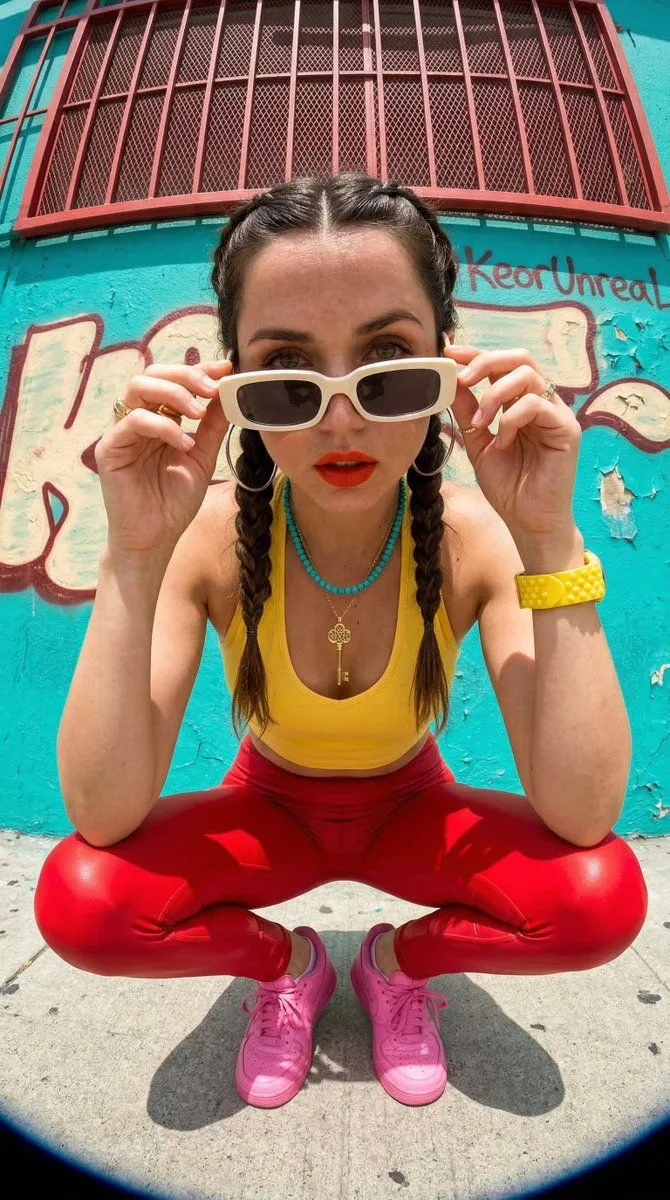
Low Angle Fisheye Portrait
Prompt
3 blanks to fillCreate an ultra-realistic 8K cinematic photograph of the {reference_person}, preserving her exact facial identity, natural skin tone, facial structure, hairstyle, body proportions, and all recognizable features with maximum accuracy. Capture her from an {perspective} using a dramatic {lens}, creating a bold and immersive sense of depth while keeping her face and overall appearance natural and realistic. The composition should feel like an authentic high-end photograph captured with a professional camera, with realistic perspective distortion around the edges and subtle fisheye curvature. Use natural, cinematic lighting with soft highlights and realistic shadows that complement her face and skin texture. Preserve fine details such as individual strands of hair, natural pores, subtle facial texture, realistic eyes, lips, and delicate imperfections. Avoid excessive beauty retouching, artificial smoothness, plastic-looking skin, or exaggerated facia…
Preview of your prompt
Create an ultra-realistic 8K cinematic photograph of the girl from the uploaded reference image, preserving her exact facial identity, natural skin tone, facial structure, hairstyle, body proportions, and all recognizable features with maximum accuracy. Capture her from an extremely low, ground-level perspective using a dramatic ultra-wide fisheye lens, creating a bold and immersive sense of depth while keeping her face and overall appearance natural and realistic. The composition should feel like an authentic high-end photograph captured with a professional camera, with realistic perspective distortion around the edges and subtle fisheye curvature. Use natural, cinematic lighting with soft highlights and realistic shadows that complement her face and skin texture. Preserve fine details such as individual strands of hair, natural pores, subtle facial texture, realistic eyes, lips, and delicate imperfections. Avoid excessive beauty retouching, artificial smoothness, plastic-looking skin, or exaggerated facia…
DetailsVersions, settings and questions
Written for
What's in the prompt
- Subject
- Model
- GPT Image 2
If your face changes
keep my face exactly the sameQuestions
- Does this work in the ChatGPT app?
- Yes. Paste the prompt and attach your photo if it uses one.
- It changed my face. What do I do?
- Add "keep my face exactly the same" to the end and run it again.
- Can I use the images I make?
- Check the terms of the app you use. Promptclay never generates images and claims nothing you make.